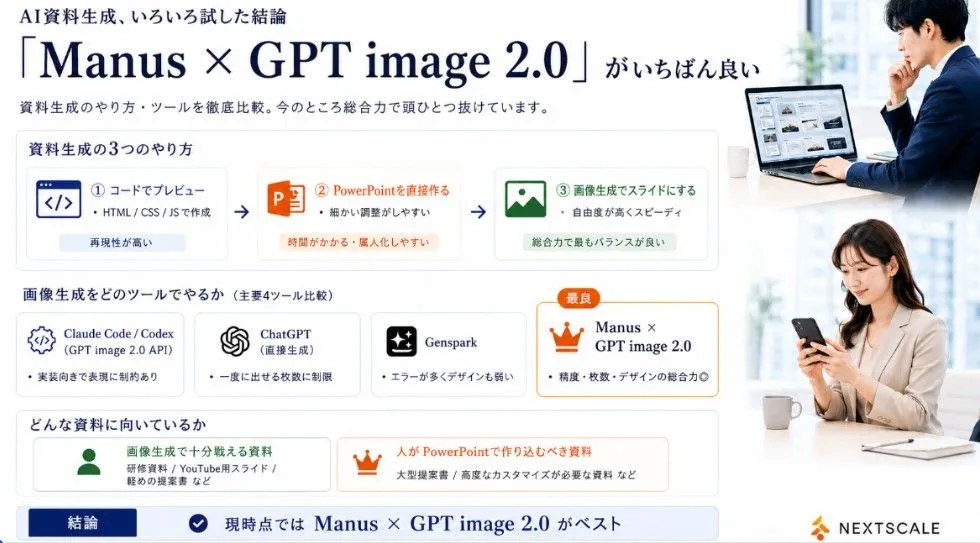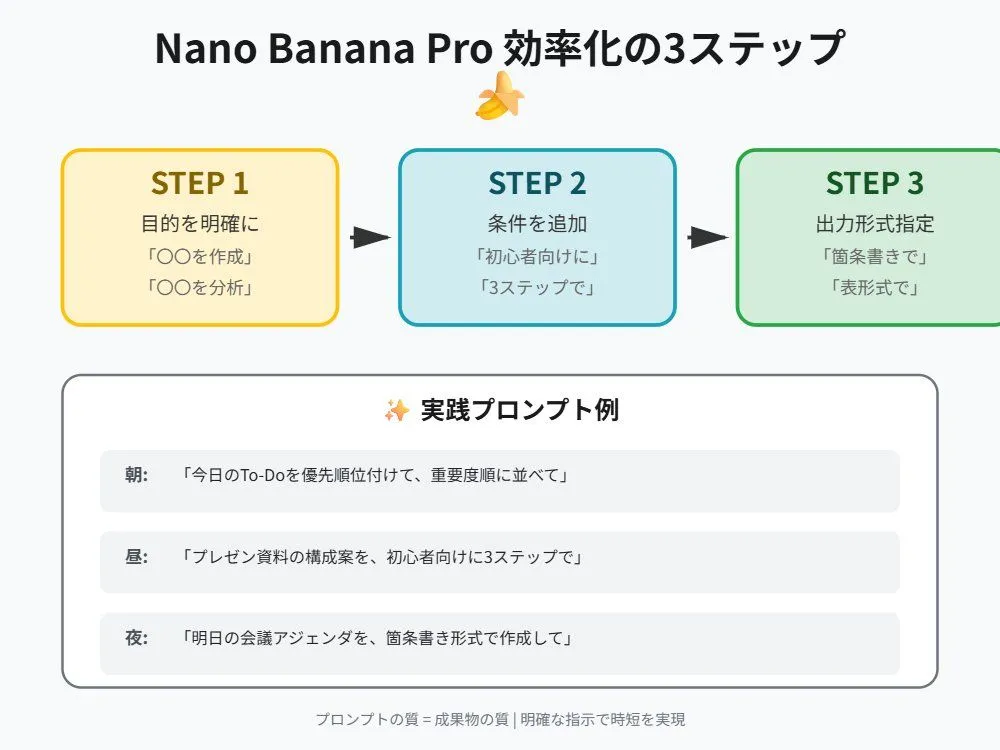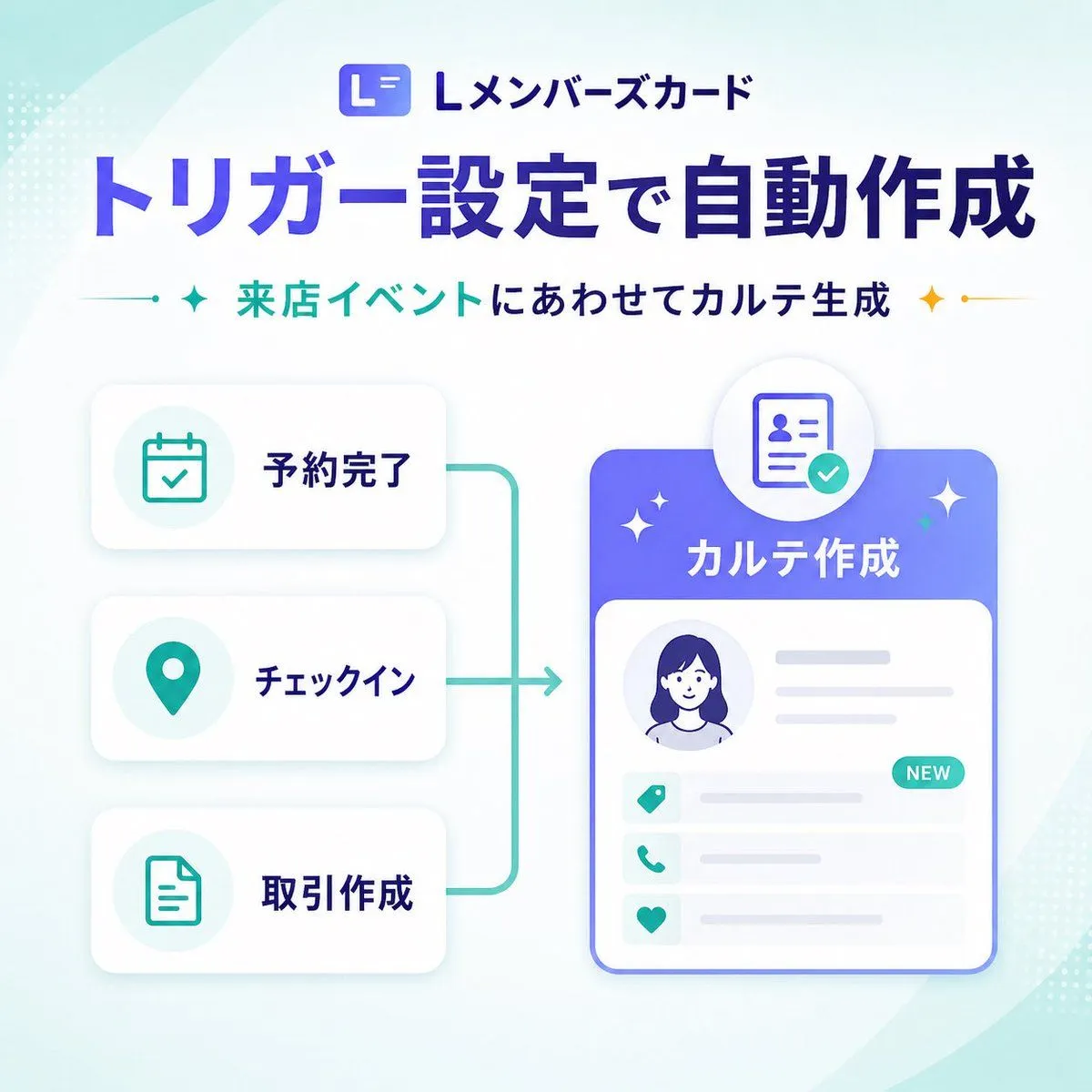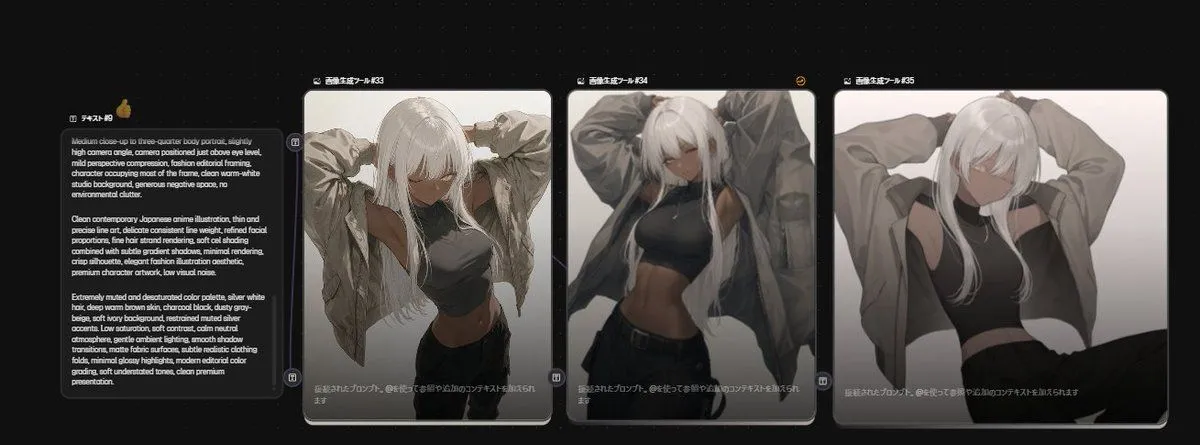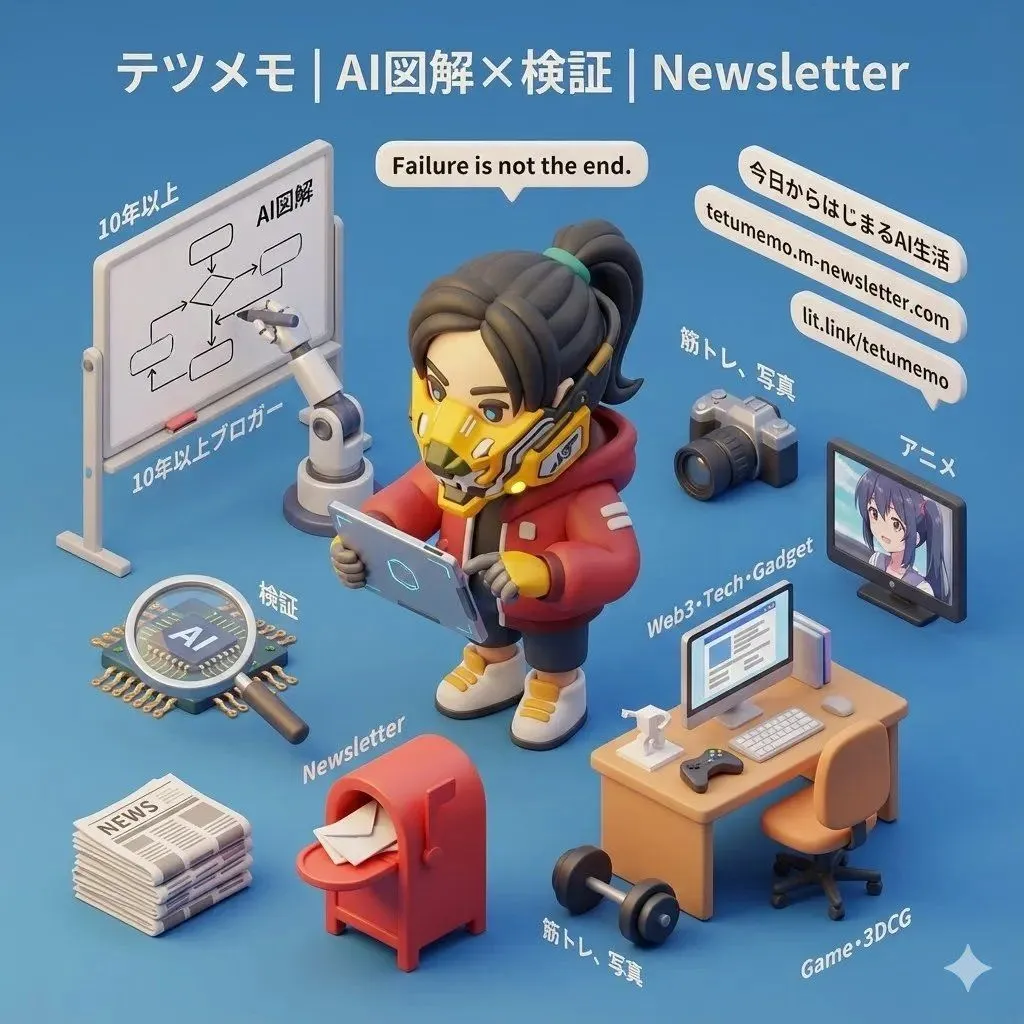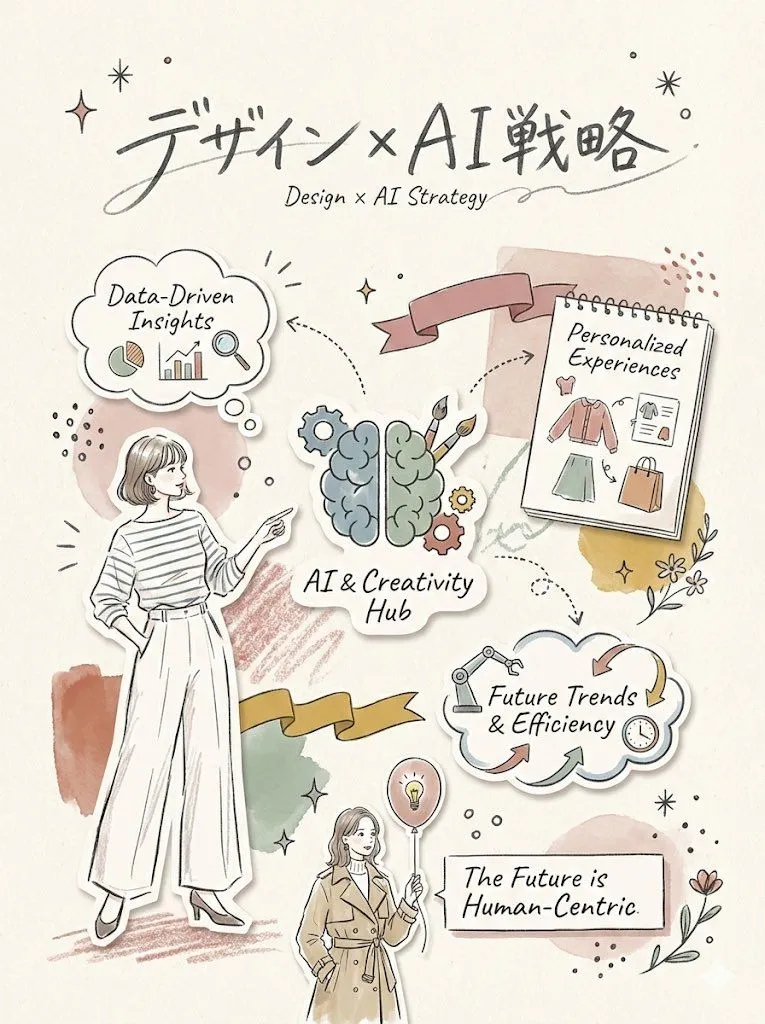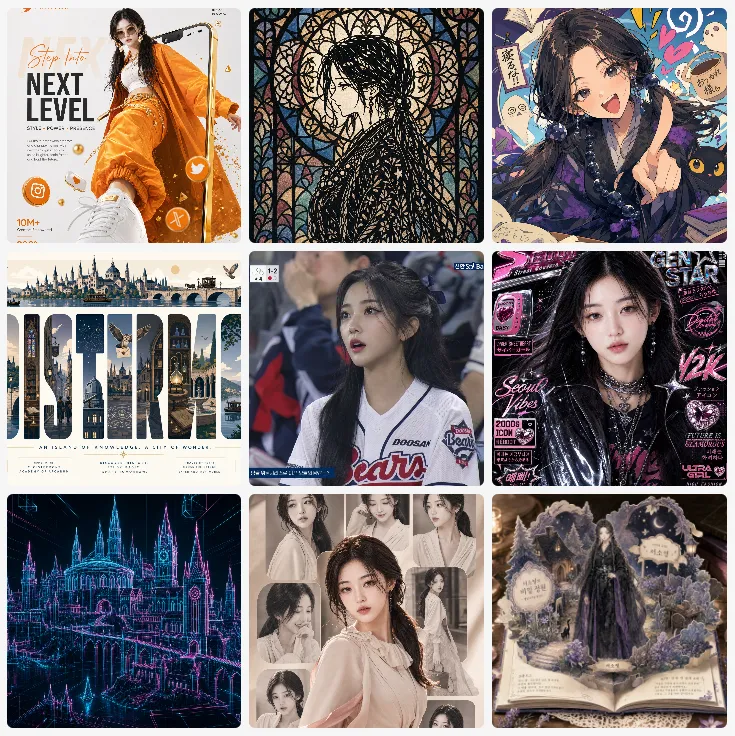
Made with GPT Image 2 in ChatGPT by Library Explainers. Promptclay never generates images.
Did it work?
No reports yet. Tell others if it worked for you.
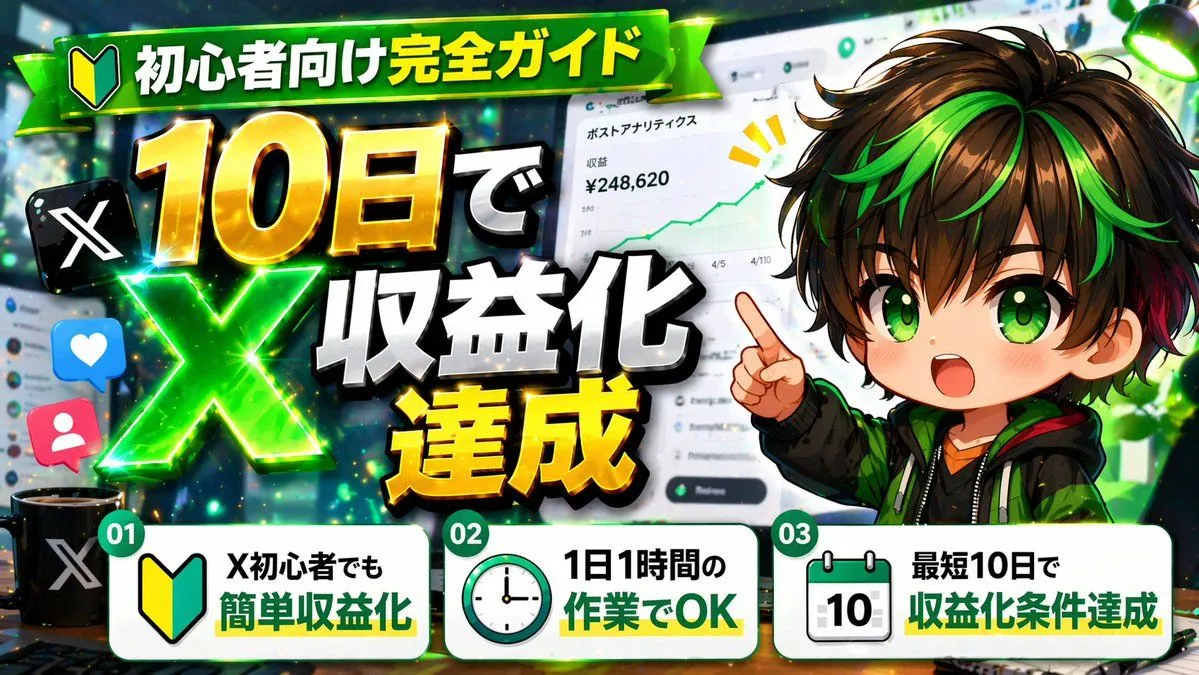
Japanese AI Tool Comparison Thumbnail
Prompt
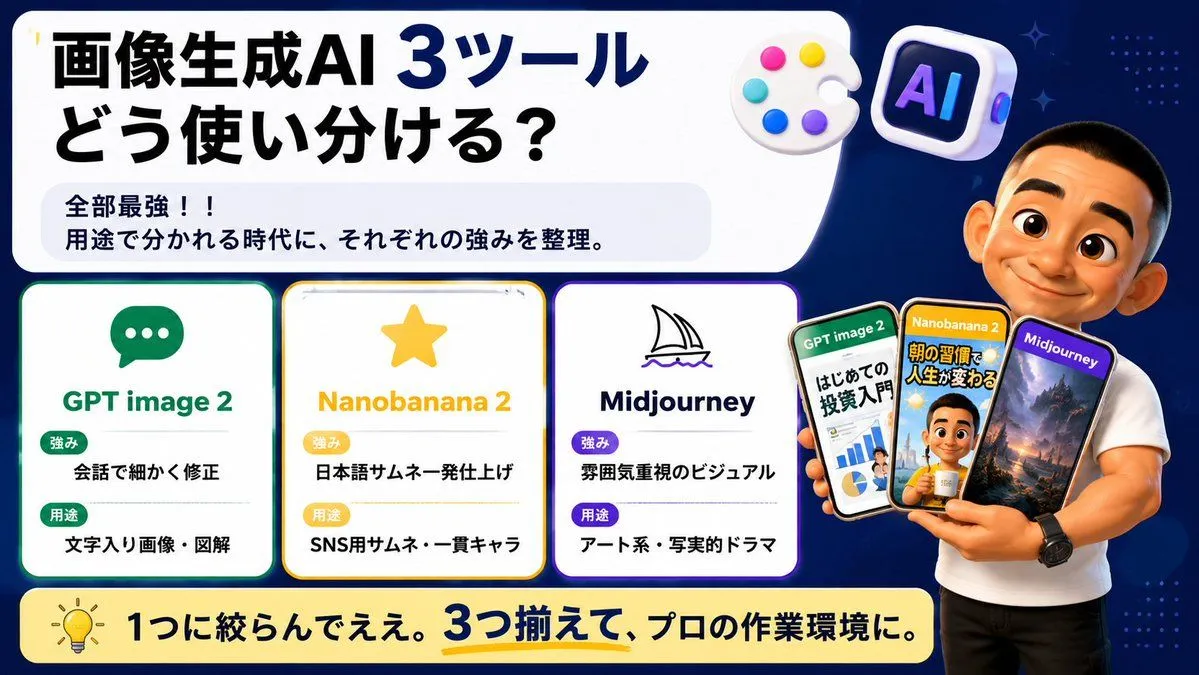
2 blanks to fillGoal: Create a wide Japanese social-media comparison thumbnail about how to use three image-generation AI tools, with a clean tech infographic look and a presenter holding example phone screens. Canvas: 16:9 horizontal banner, dark navy blue background with subtle dotted patterns and small sparkle accents. Use a large rounded white headline panel across the upper left and center, leaving the right side for the presenter. Bright, high-contrast, polished YouTube/X thumbnail style with crisp vector text, soft shadows, rounded cards, and glossy 3D icons. Main headline area: In the large white rounded rectangle, place bold Japanese headline text: {headline_text}. Make “3ツール” extra large and dark blue, with the rest in heavy black. Under it, add a pale gray rounded sub-box containing two lines: “全部最強!!” and “用途で分かれる時代に、それぞれの強みを整理。” Top decorative icons: Include exactly 2 floating 3D icons near the top right of the headline panel: 1 white artist palette with 5 colored paint dots, and 1 rounded square AI app icon with the letters “AI” in purple-blue neon. Comparison section: Place exactly 3 rounded white tool cards aligned horizontally across the lower left/middle, each with a colored border, an icon, a title, and two labeled rows. Card 1 has a green border and chat bubble icon, title “GPT image 2”, label “強み” with text “会話で細かく修正”, label “用途” with text “文字入り画像・図解”. Card 2 has a yellow border and star icon, title “Nanobanana 2”, label “強み” with text “日本語サムネ一発仕上げ”, label “用途” with text “SNS用サムネ・一貫キャラ”. Card 3 has a purple border and simple sailboat line icon, title “Midjourney”, label “強み” with text “雰囲気重視のビジュアル”, label “用途” with text “アート系・写実的ドラマ”. Use green/yellow/purple pill badges for the labels and keep all Japanese text bold and readable. Presenter and phones: On the right side, show a muscular casually dressed male presenter in a fitted white T-shirt and black pants, cropped from head to thighs, standing in front of the navy background. His face should be intentionally covered by a plain skin-tone rectangular blur/censor block. He holds exactly 3 smartphones fanned in his hand. Phone 1 is labeled “GPT image 2” and shows an investment beginner infographic with charts and Japanese text; phone 2 is labeled “Nanobanana 2” and shows a Japanese morning-routine thumbnail with a person and bold yellow text; phone 3 is labeled “Midjourney” and shows a cinematic fantasy landscape with mountains and dramatic lighting. The phones should overlap slightly and have glossy black bezels. Bottom banner: Add a long rounded pale yellow banner across the bottom with a lightbulb icon on the left and bold Japanese text: {bottom_message}. Emphasize “3つ揃えて” in dark blue with a yellow underline. Visual style: Japanese creator thumbnail, modern infographic, clean rounded rectangles, thick bold typography, high readability, dark blue/white/yellow/green/purple palette, subtle glow around cards, professional but friendly. Avoid extra cards, extra phones, watermarks, or unreadable small text.
Preview of your prompt
Goal: Create a wide Japanese social-media comparison thumbnail about how to use three image-generation AI tools, with a clean tech infographic look and a presenter holding example phone screens. Canvas: 16:9 horizontal banner, dark navy blue background with subtle dotted patterns and small sparkle accents. Use a large rounded white headline panel across the upper left and center, leaving the right side for the presenter. Bright, high-contrast, polished YouTube/X thumbnail style with crisp vector text, soft shadows, rounded cards, and glossy 3D icons. Main headline area: In the large white rounded rectangle, place bold Japanese headline text: 画像生成AI 3ツール\nどう使い分ける?. Make “3ツール” extra large and dark blue, with the rest in heavy black. Under it, add a pale gray rounded sub-box containing two lines: “全部最強!!” and “用途で分かれる時代に、それぞれの強みを整理。” Top decorative icons: Include exactly 2 floating 3D icons near the top right of the headline panel: 1 white artist palette with 5 colored paint dots, and 1 rounded square AI app icon with the letters “AI” in purple-blue neon. Comparison section: Place exactly 3 rounded white tool cards aligned horizontally across the lower left/middle, each with a colored border, an icon, a title, and two labeled rows. Card 1 has a green border and chat bubble icon, title “GPT image 2”, label “強み” with text “会話で細かく修正”, label “用途” with text “文字入り画像・図解”. Card 2 has a yellow border and star icon, title “Nanobanana 2”, label “強み” with text “日本語サムネ一発仕上げ”, label “用途” with text “SNS用サムネ・一貫キャラ”. Card 3 has a purple border and simple sailboat line icon, title “Midjourney”, label “強み” with text “雰囲気重視のビジュアル”, label “用途” with text “アート系・写実的ドラマ”. Use green/yellow/purple pill badges for the labels and keep all Japanese text bold and readable. Presenter and phones: On the right side, show a muscular casually dressed male presenter in a fitted white T-shirt and black pants, cropped from head to thighs, standing in front of the navy background. His face should be intentionally covered by a plain skin-tone rectangular blur/censor block. He holds exactly 3 smartphones fanned in his hand. Phone 1 is labeled “GPT image 2” and shows an investment beginner infographic with charts and Japanese text; phone 2 is labeled “Nanobanana 2” and shows a Japanese morning-routine thumbnail with a person and bold yellow text; phone 3 is labeled “Midjourney” and shows a cinematic fantasy landscape with mountains and dramatic lighting. The phones should overlap slightly and have glossy black bezels. Bottom banner: Add a long rounded pale yellow banner across the bottom with a lightbulb icon on the left and bold Japanese text: 1つに絞らんでええ。3つ揃えて、プロの作業環境に。. Emphasize “3つ揃えて” in dark blue with a yellow underline. Visual style: Japanese creator thumbnail, modern infographic, clean rounded rectangles, thick bold typography, high readability, dark blue/white/yellow/green/purple palette, subtle glow around cards, professional but friendly. Avoid extra cards, extra phones, watermarks, or unreadable small text.
DetailsVersions, settings and questions
Written for
What's in the prompt
- Subject
- Model
- GPT Image 2
If your face changes
keep my face exactly the sameQuestions
- Does this work in the ChatGPT app?
- Yes. Paste the prompt and attach your photo if it uses one.
- It changed my face. What do I do?
- Add "keep my face exactly the same" to the end and run it again.
- Can I use the images I make?
- Check the terms of the app you use. Promptclay never generates images and claims nothing you make.