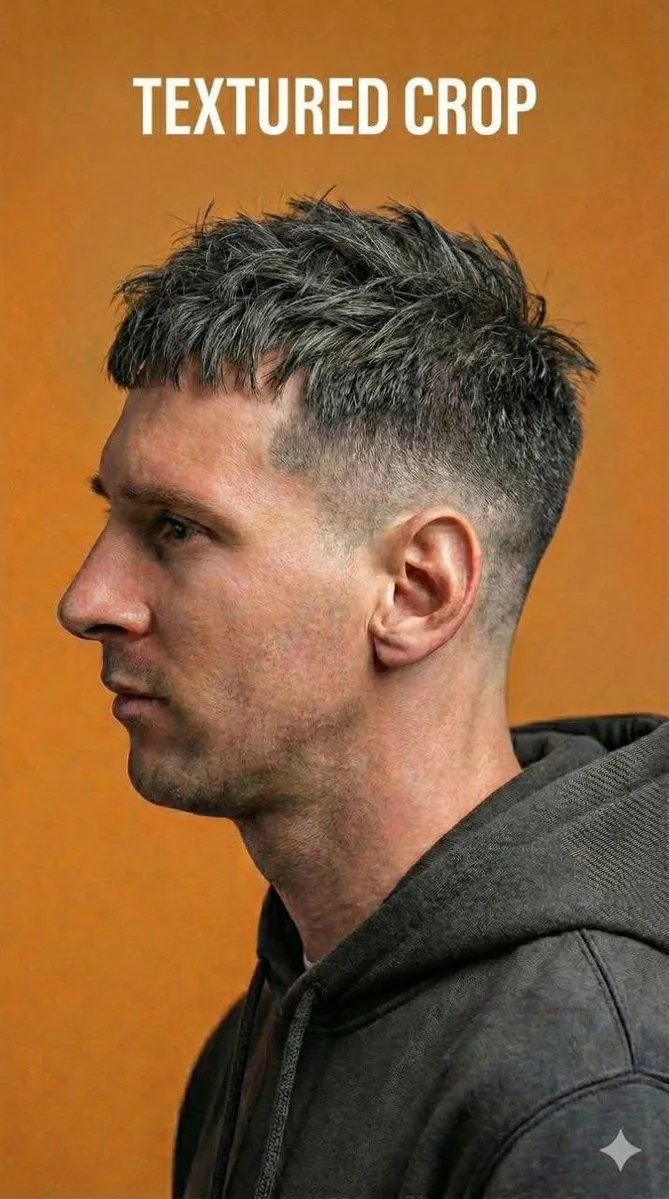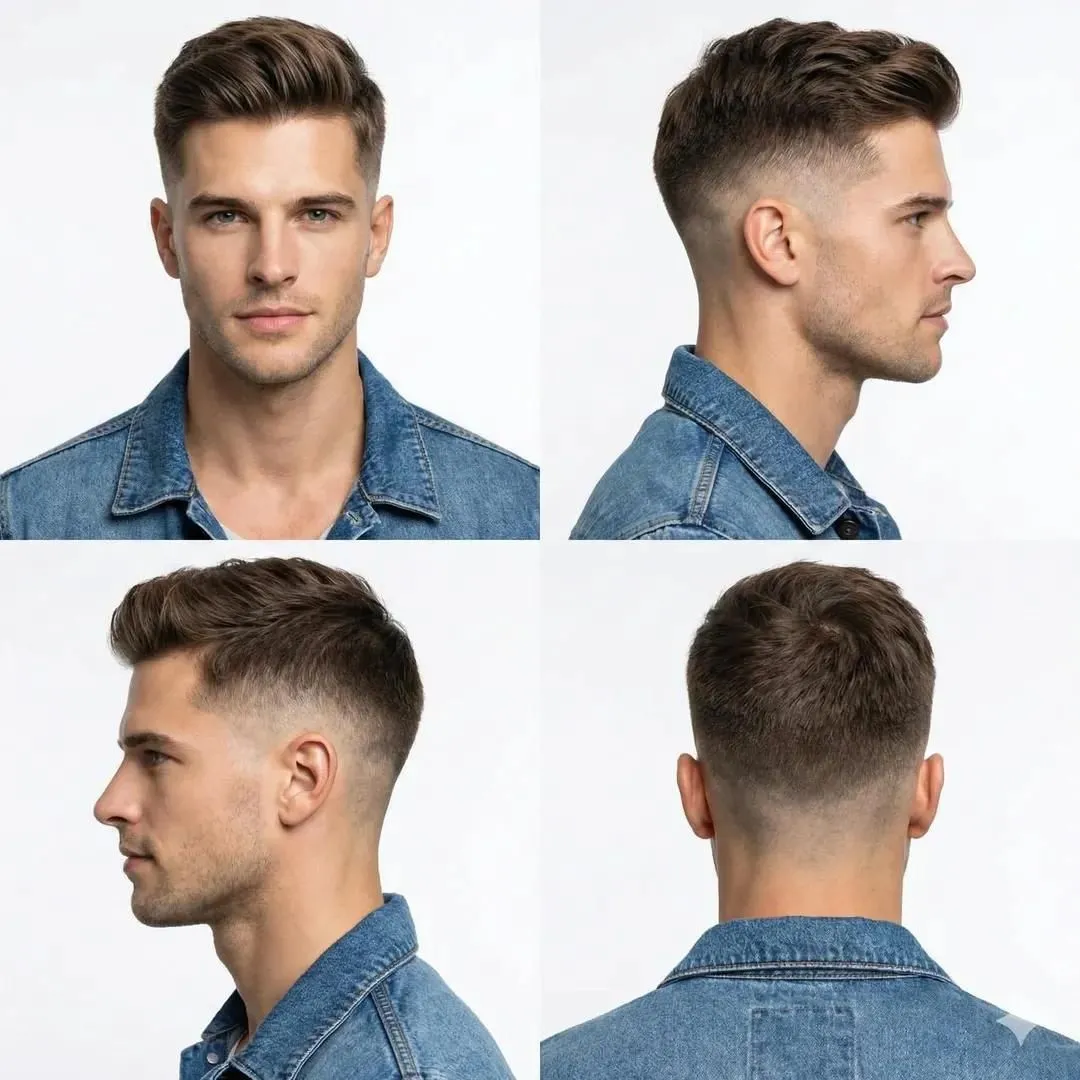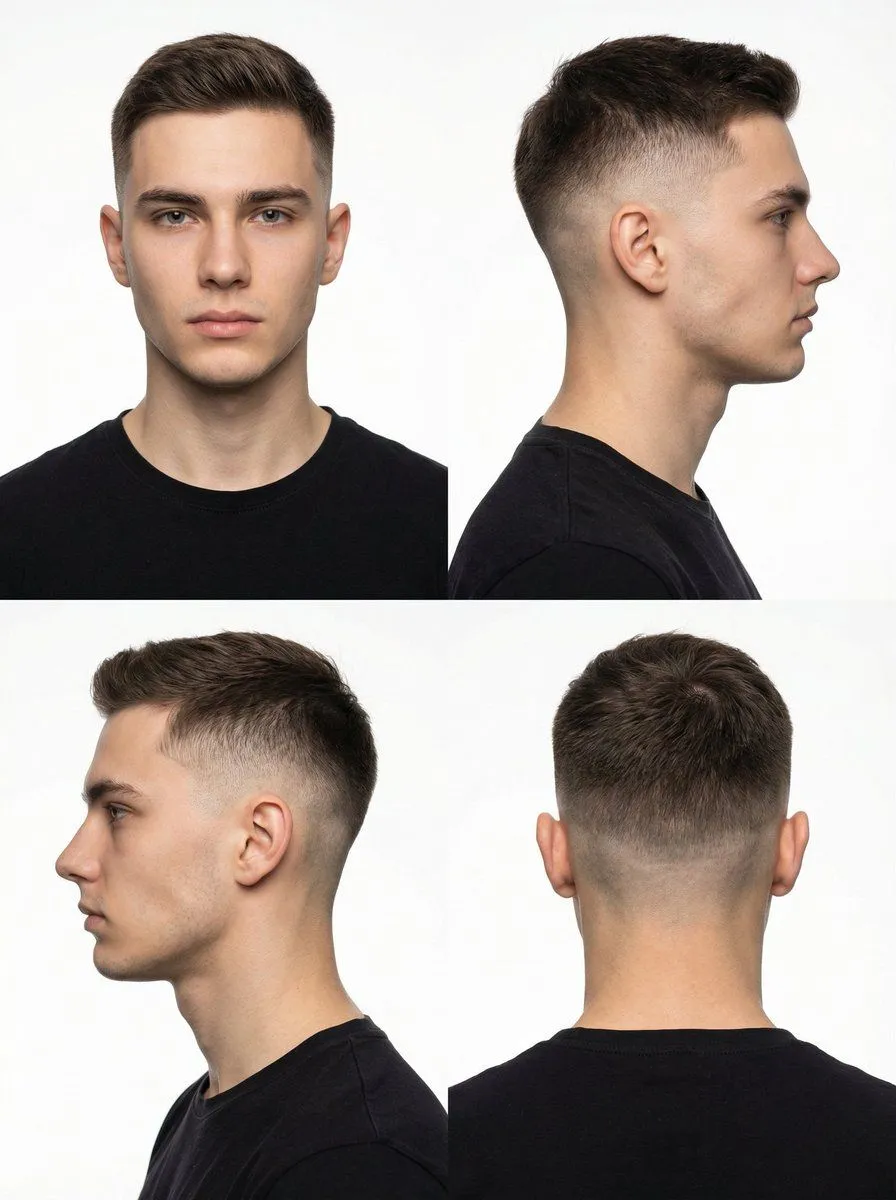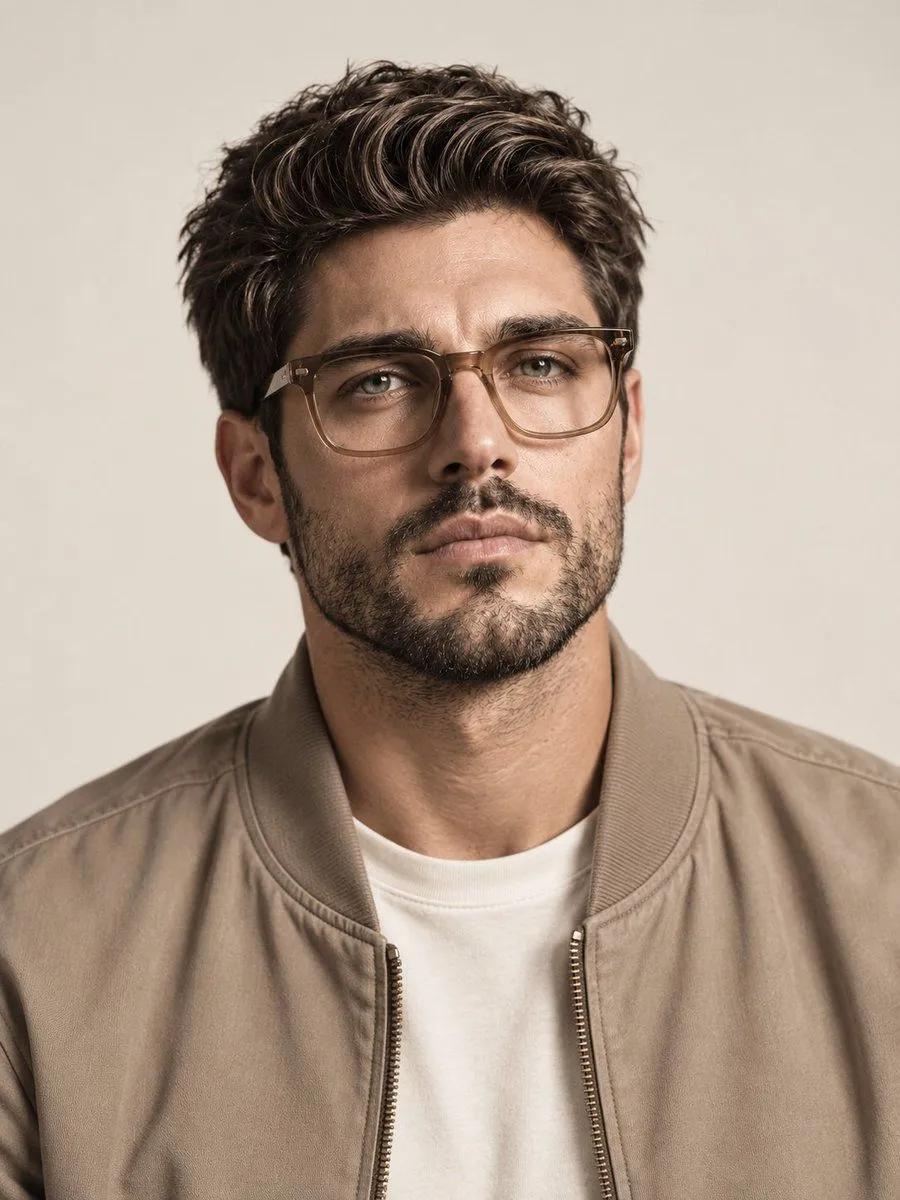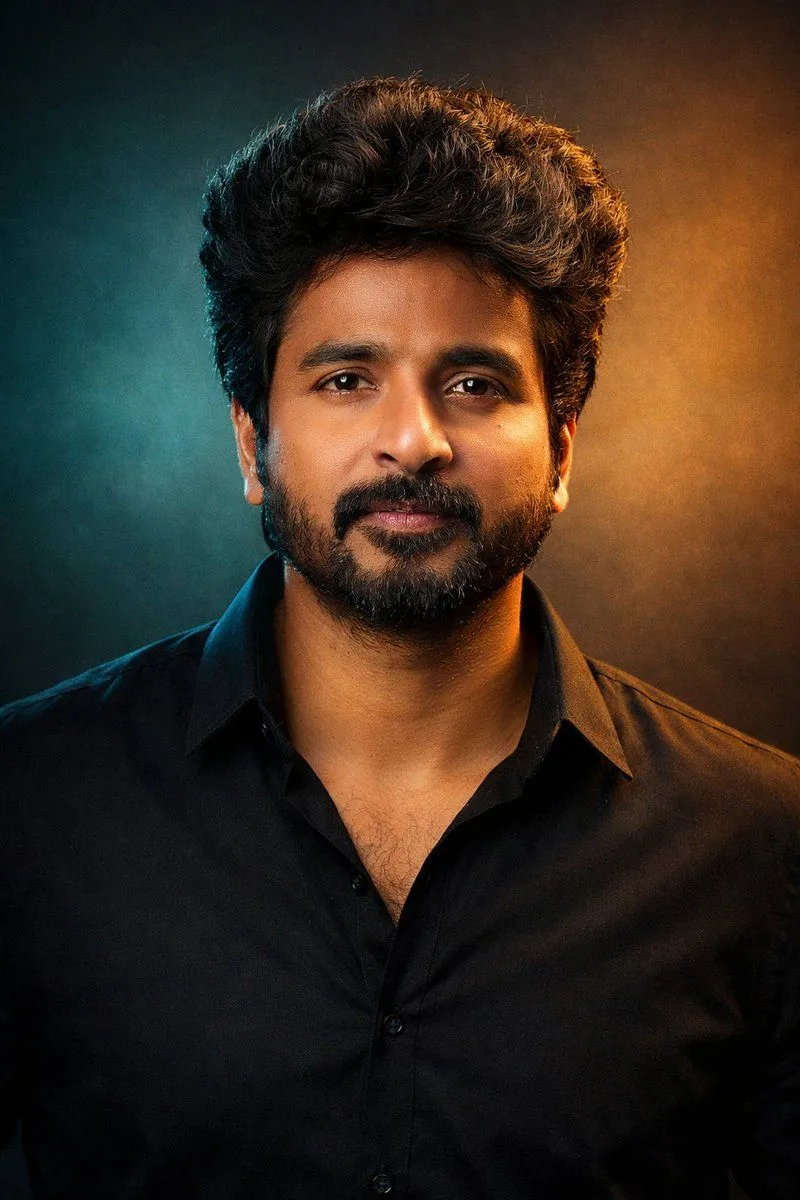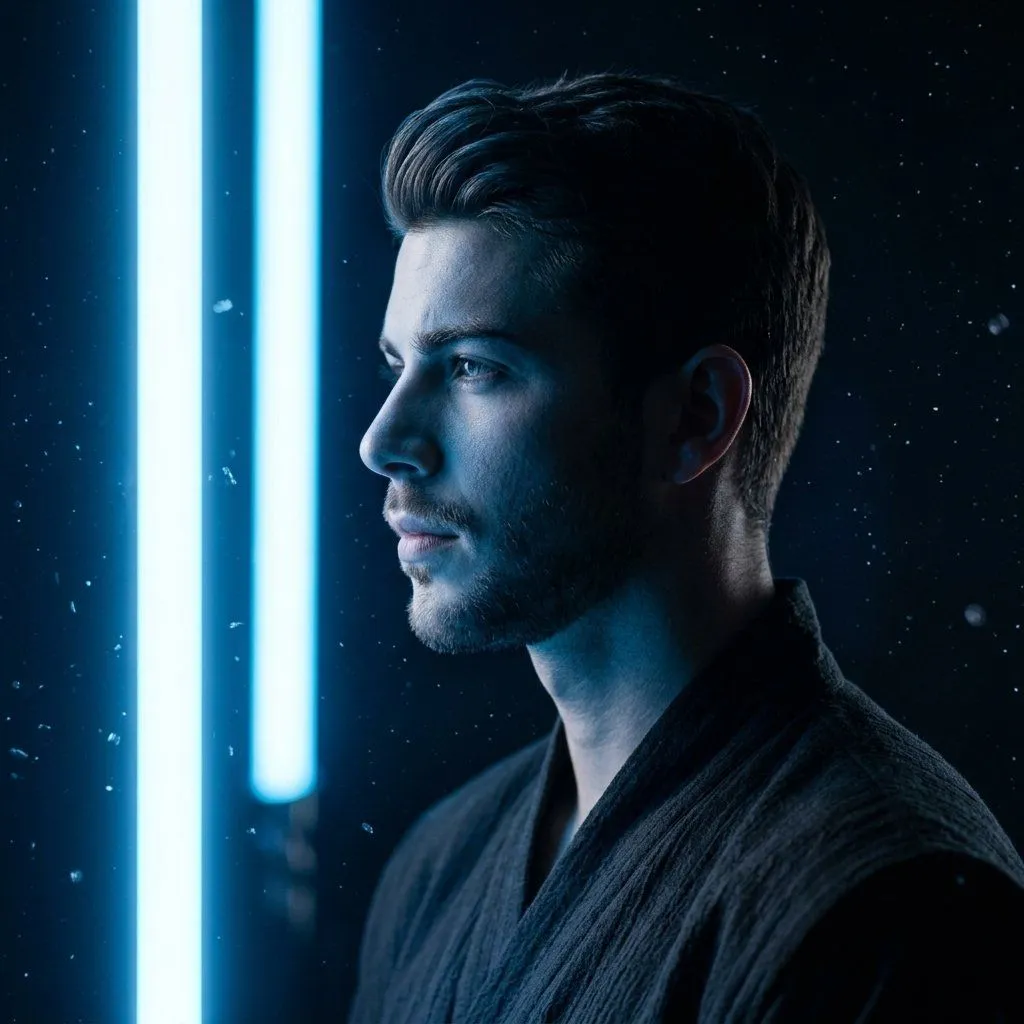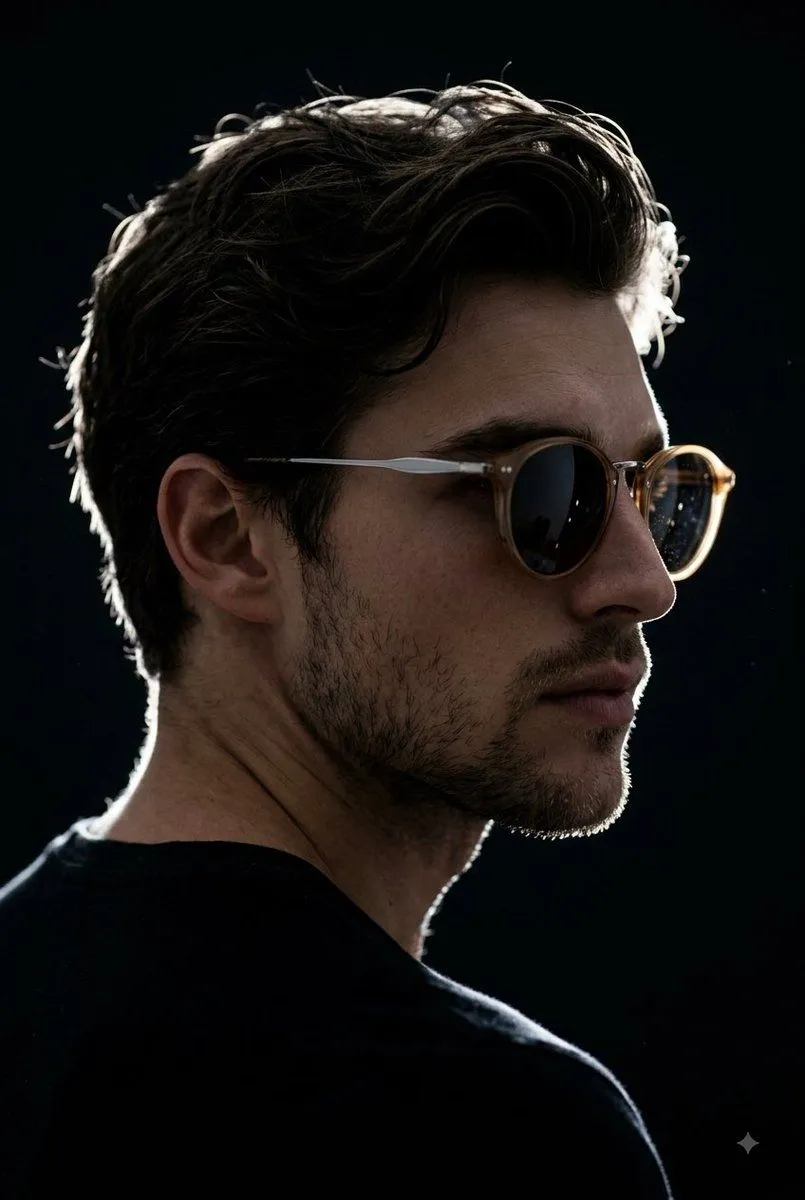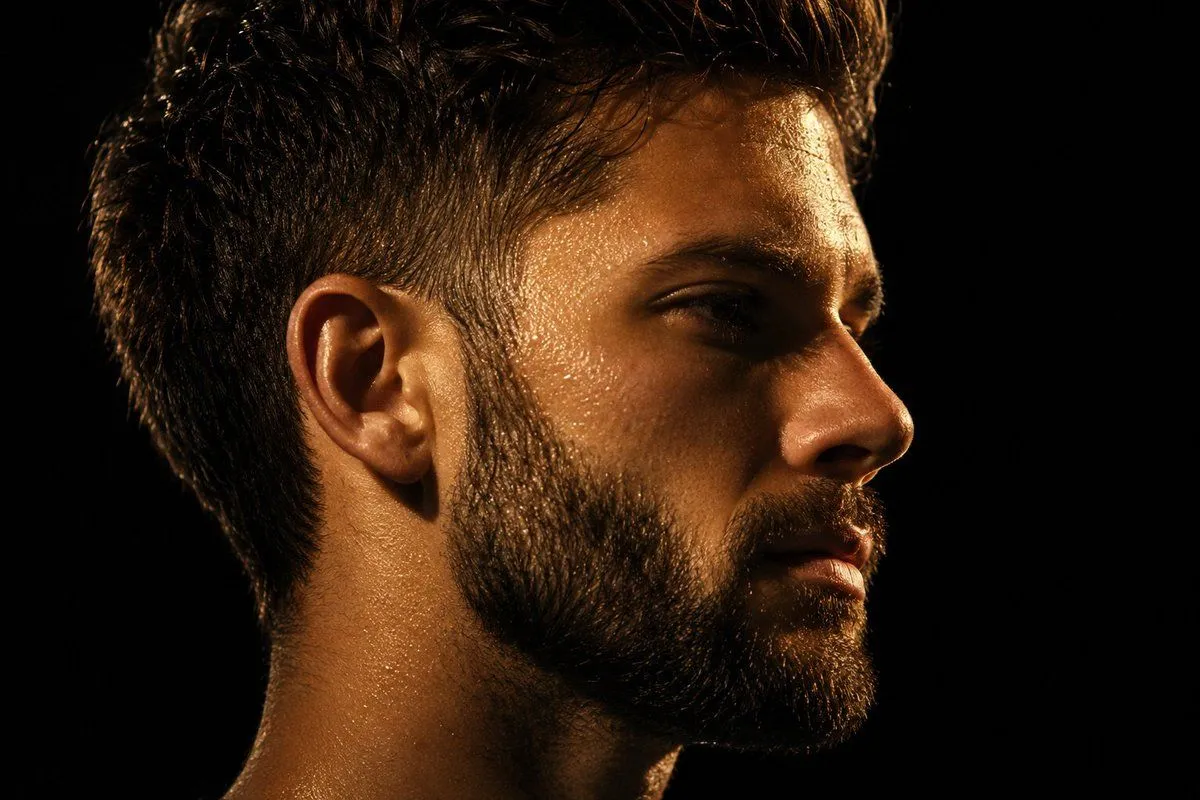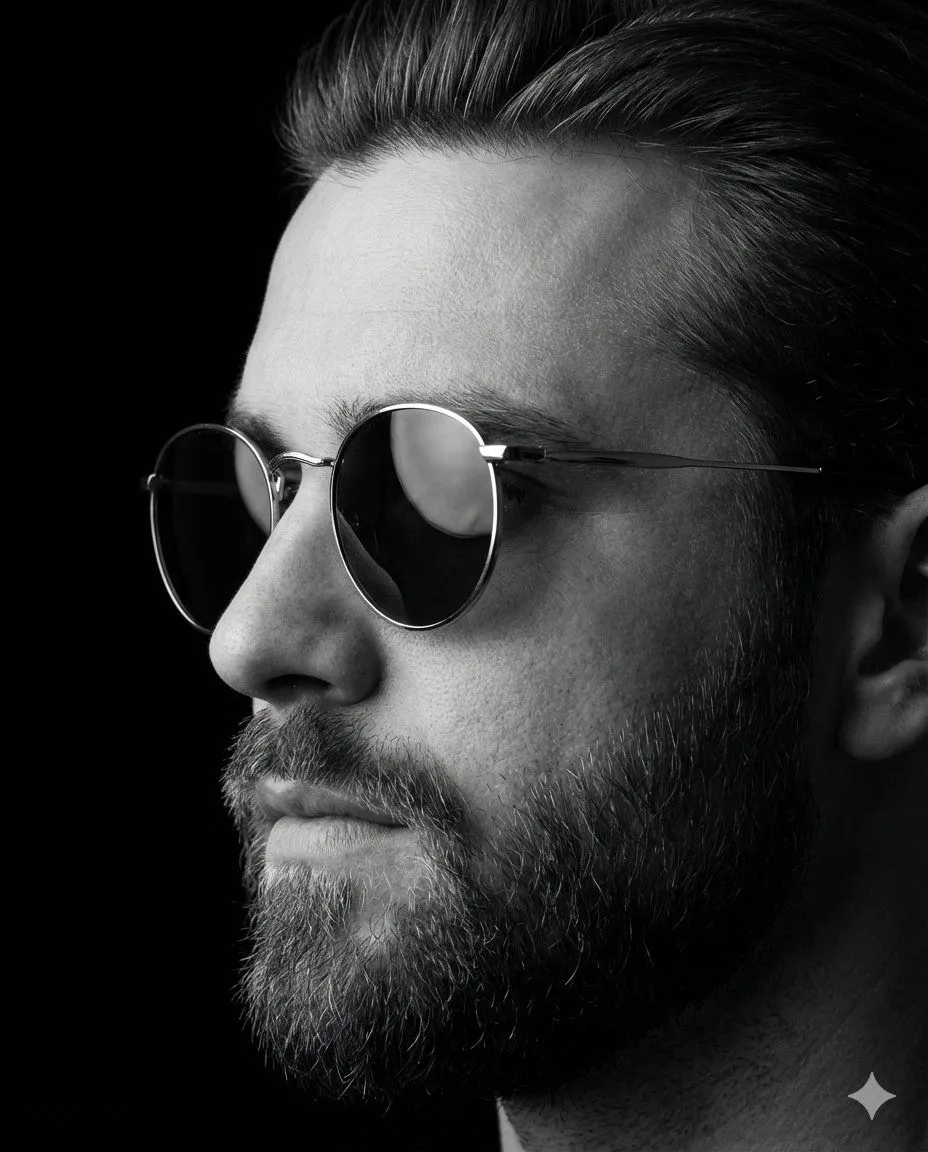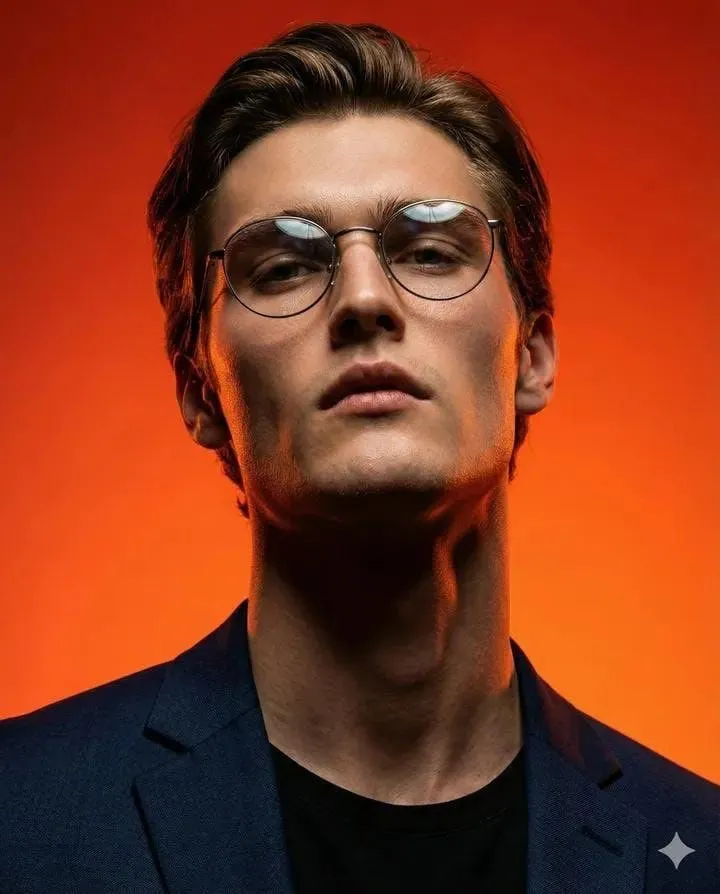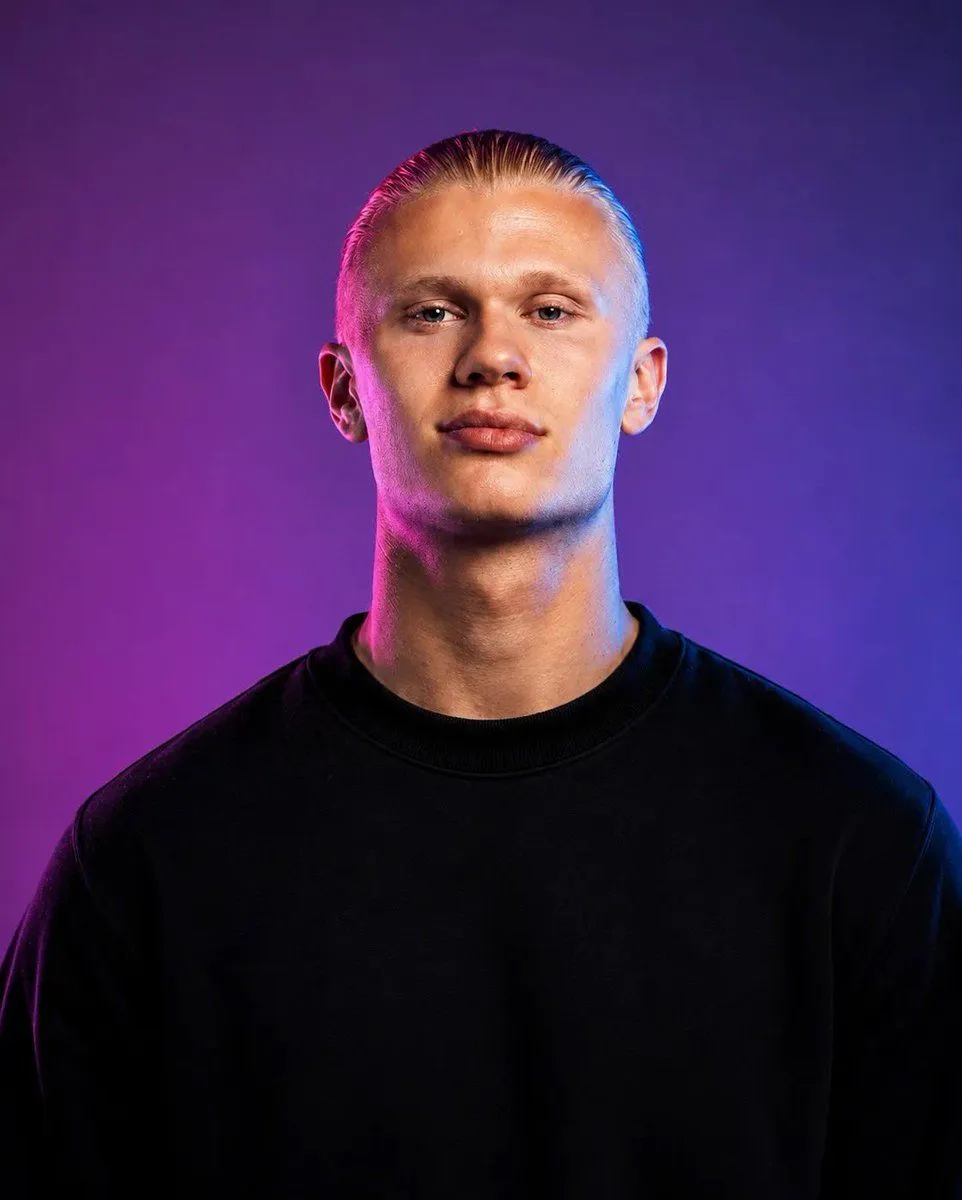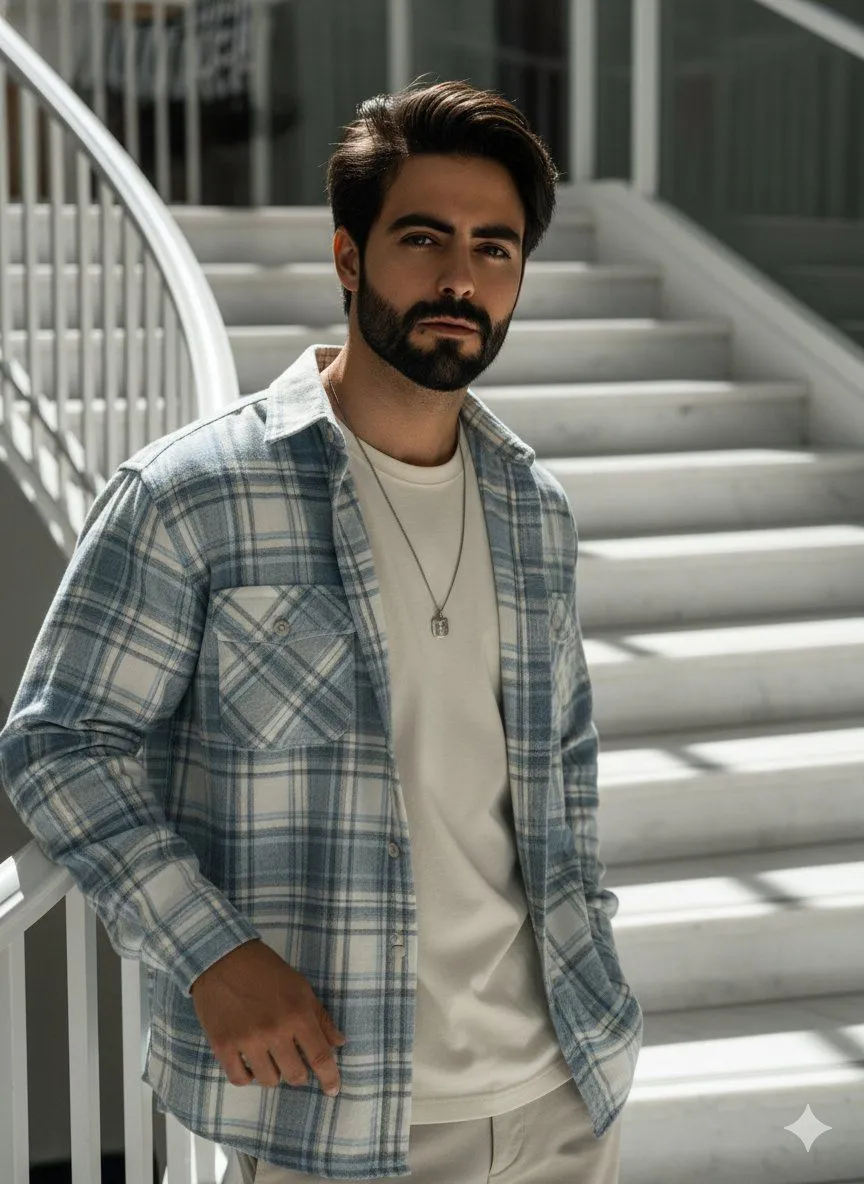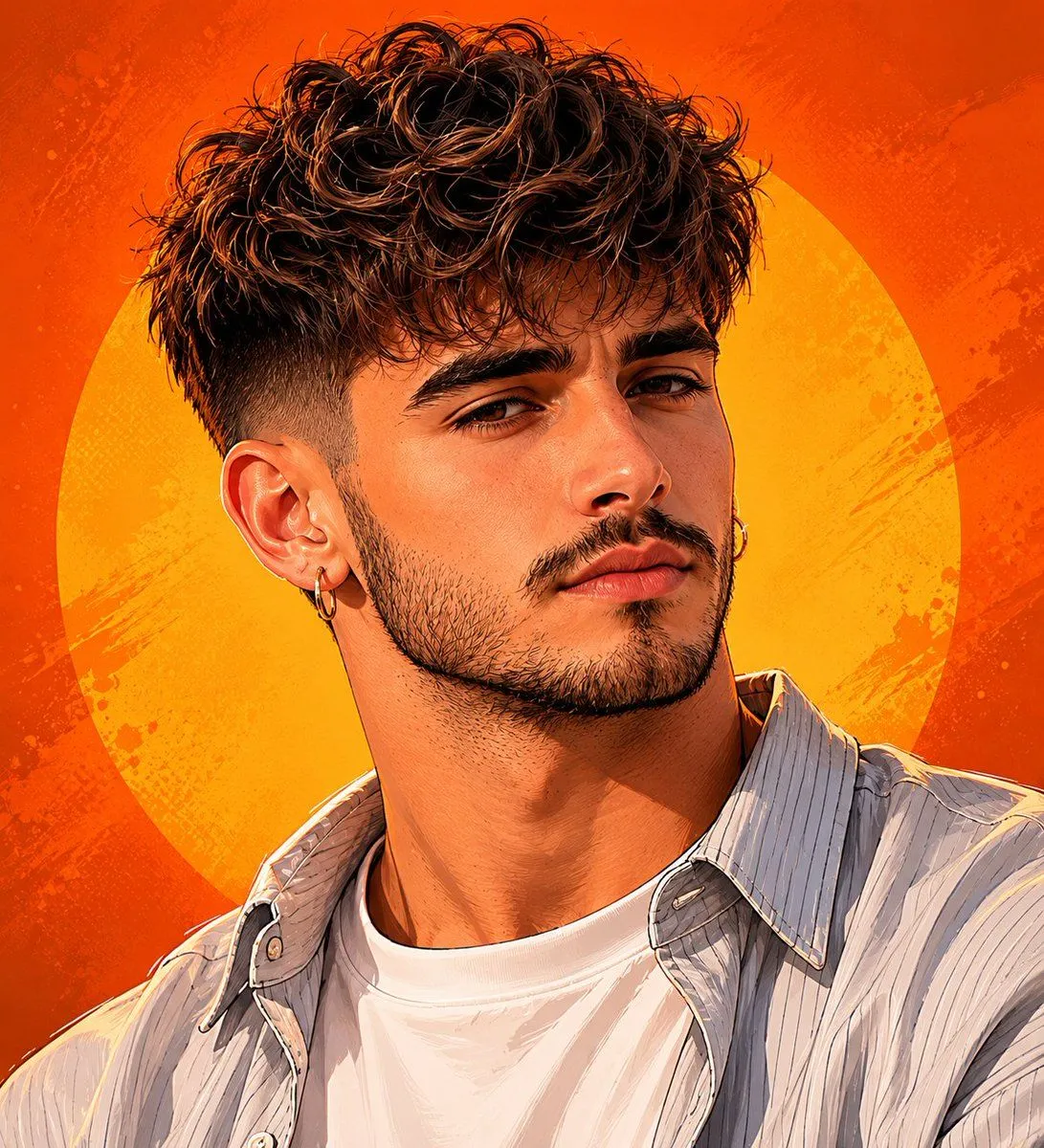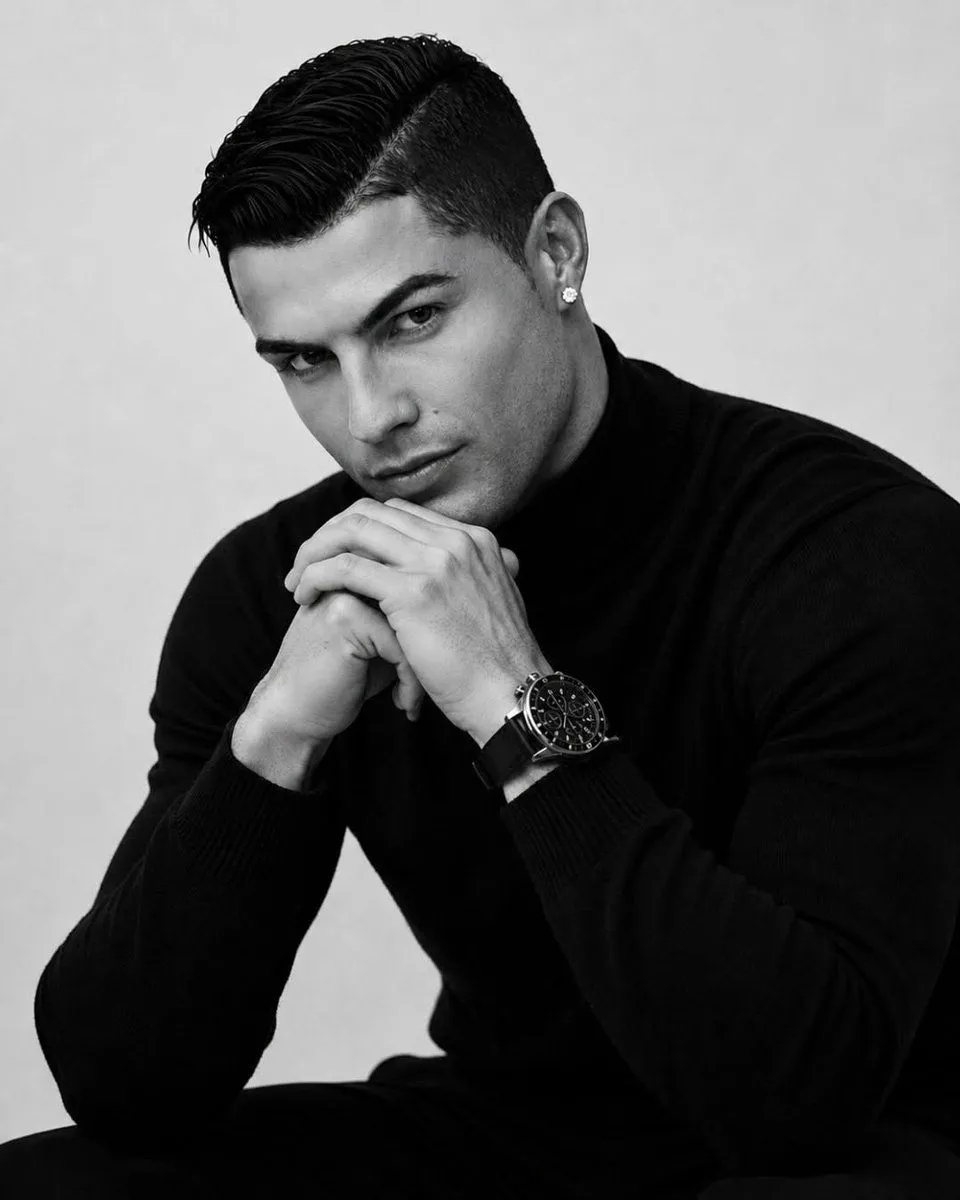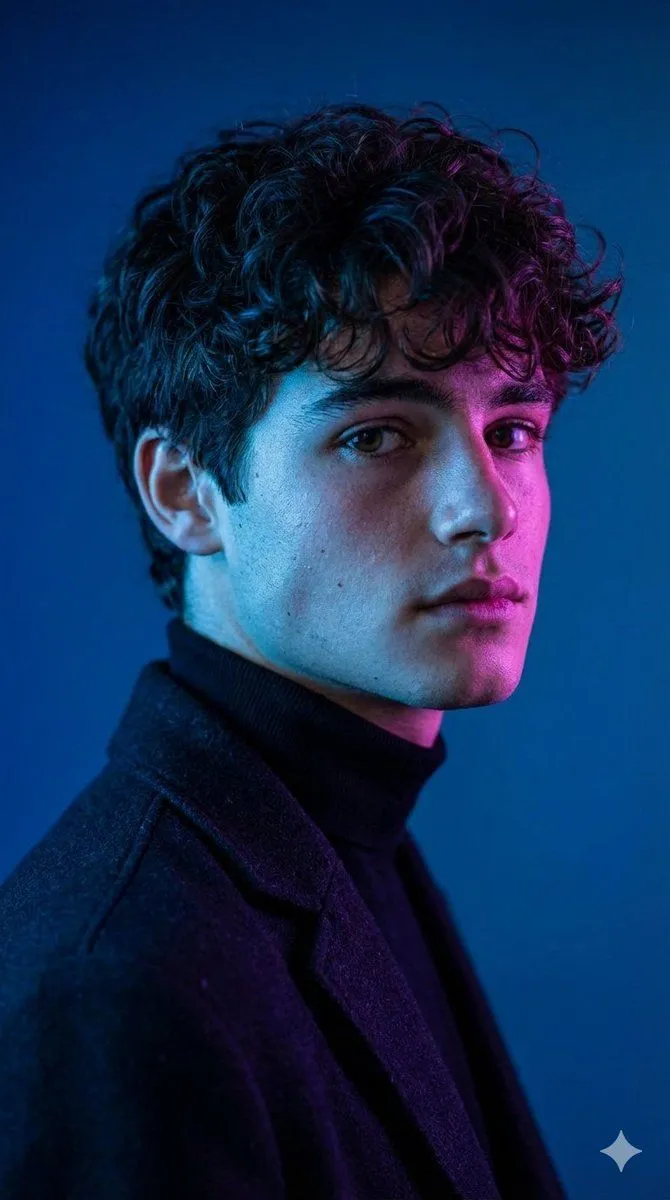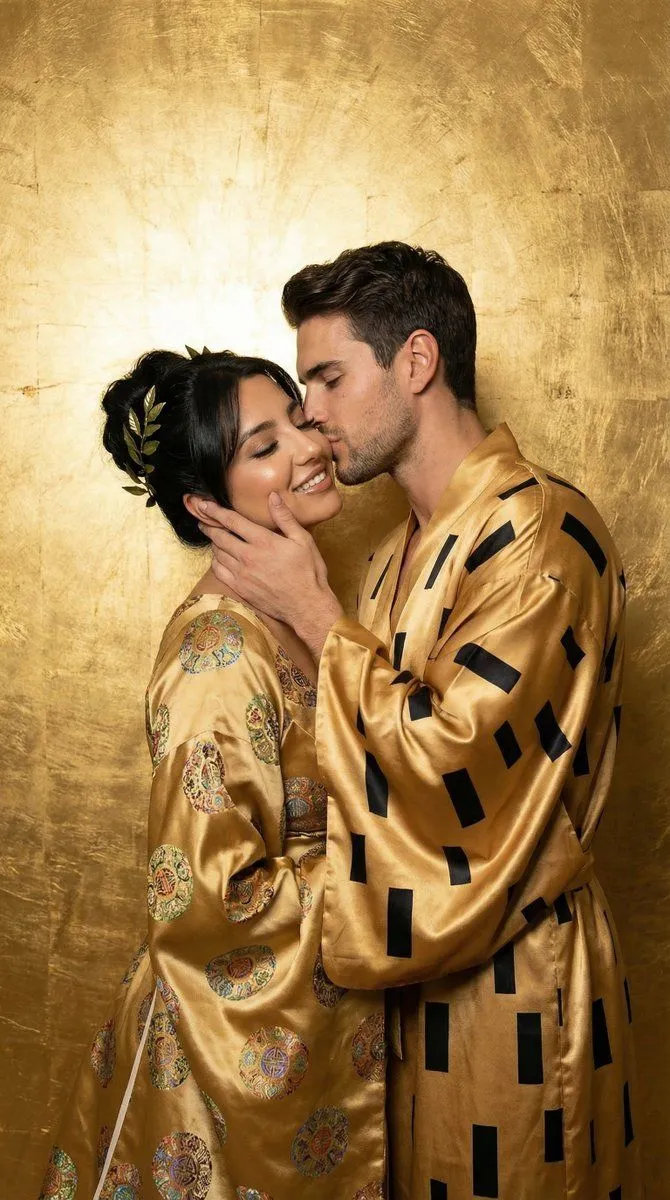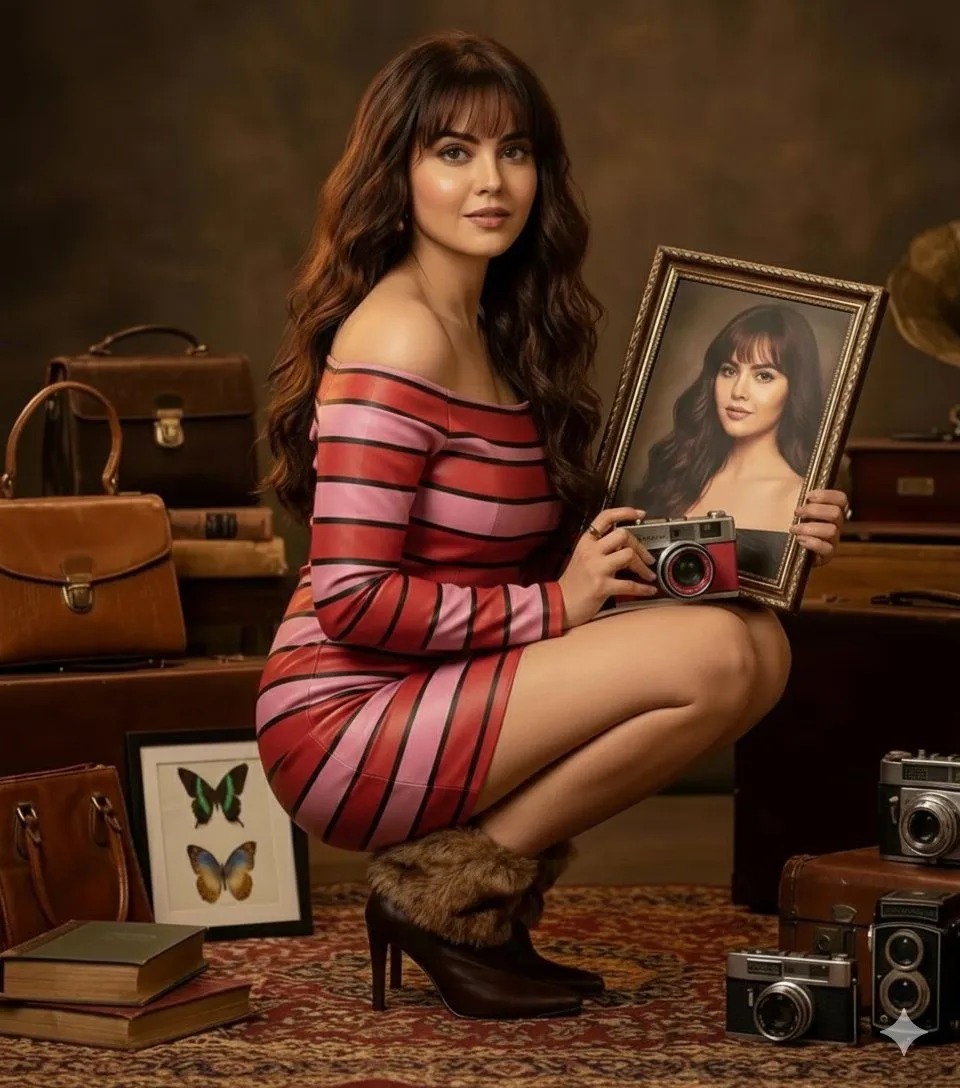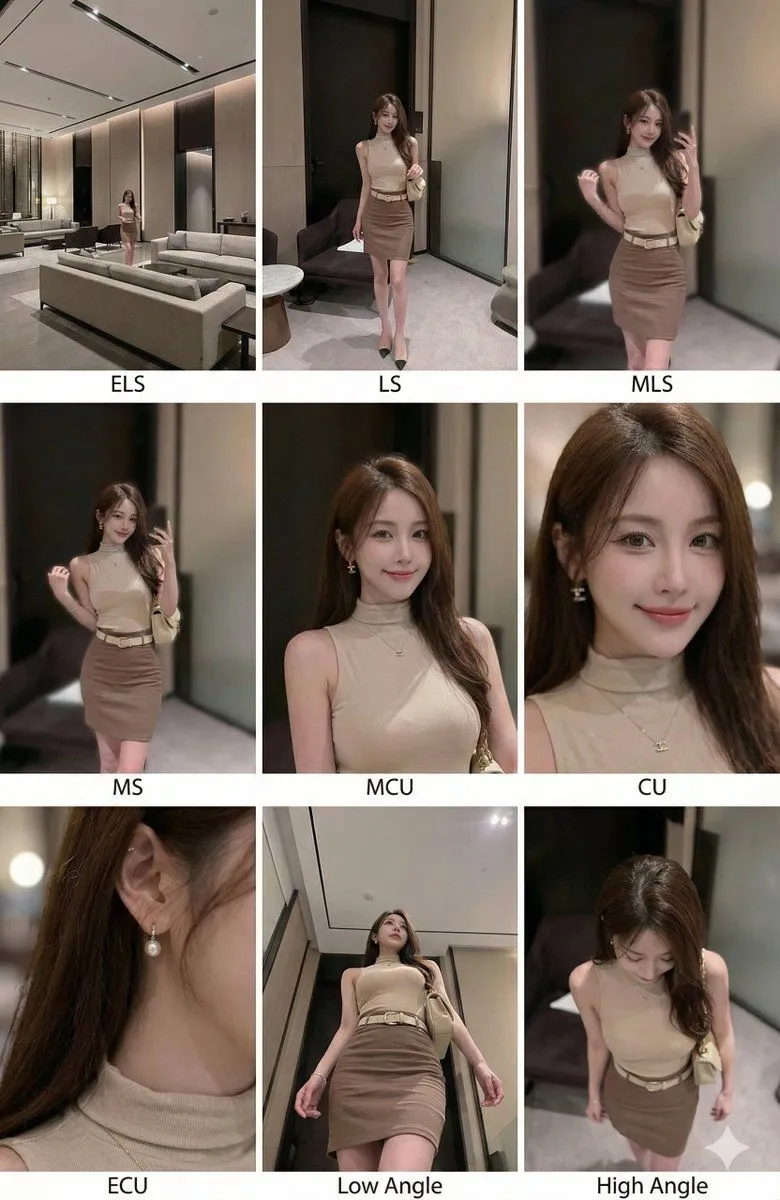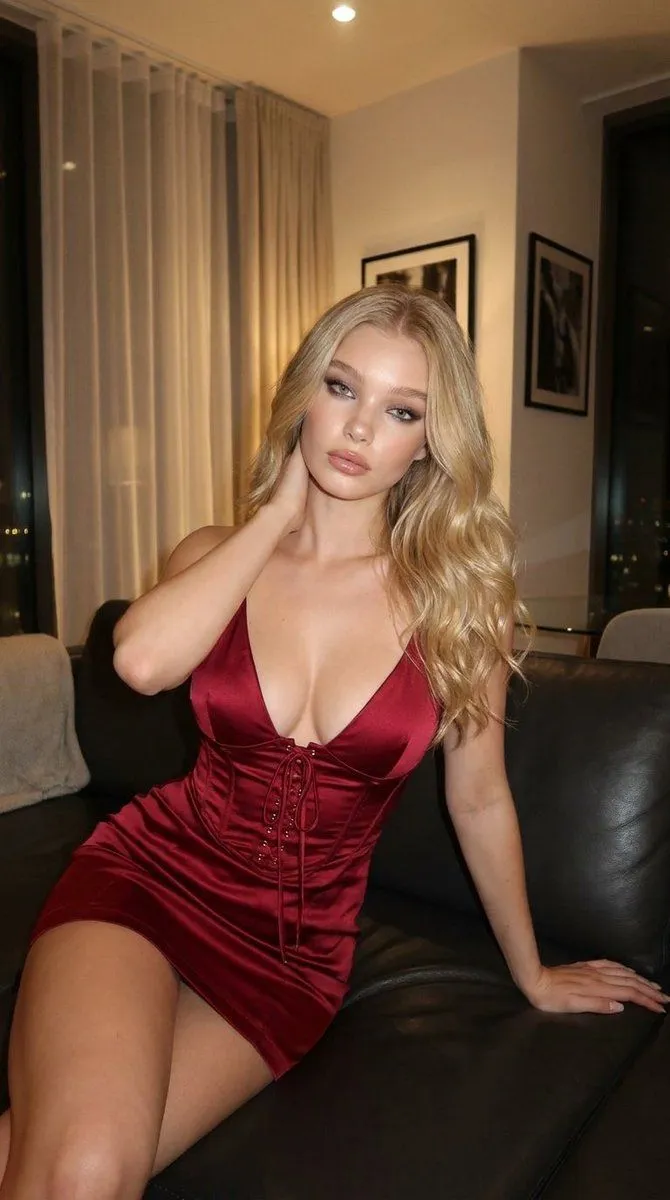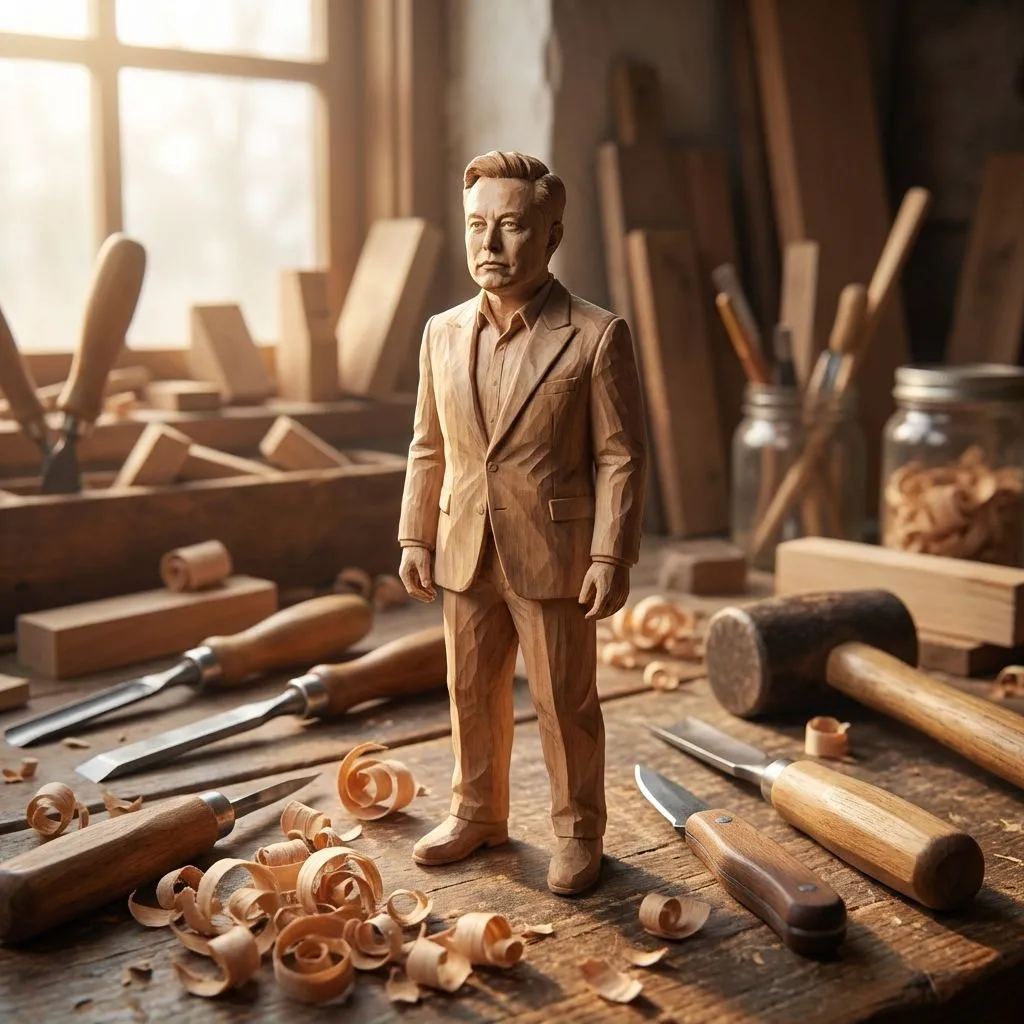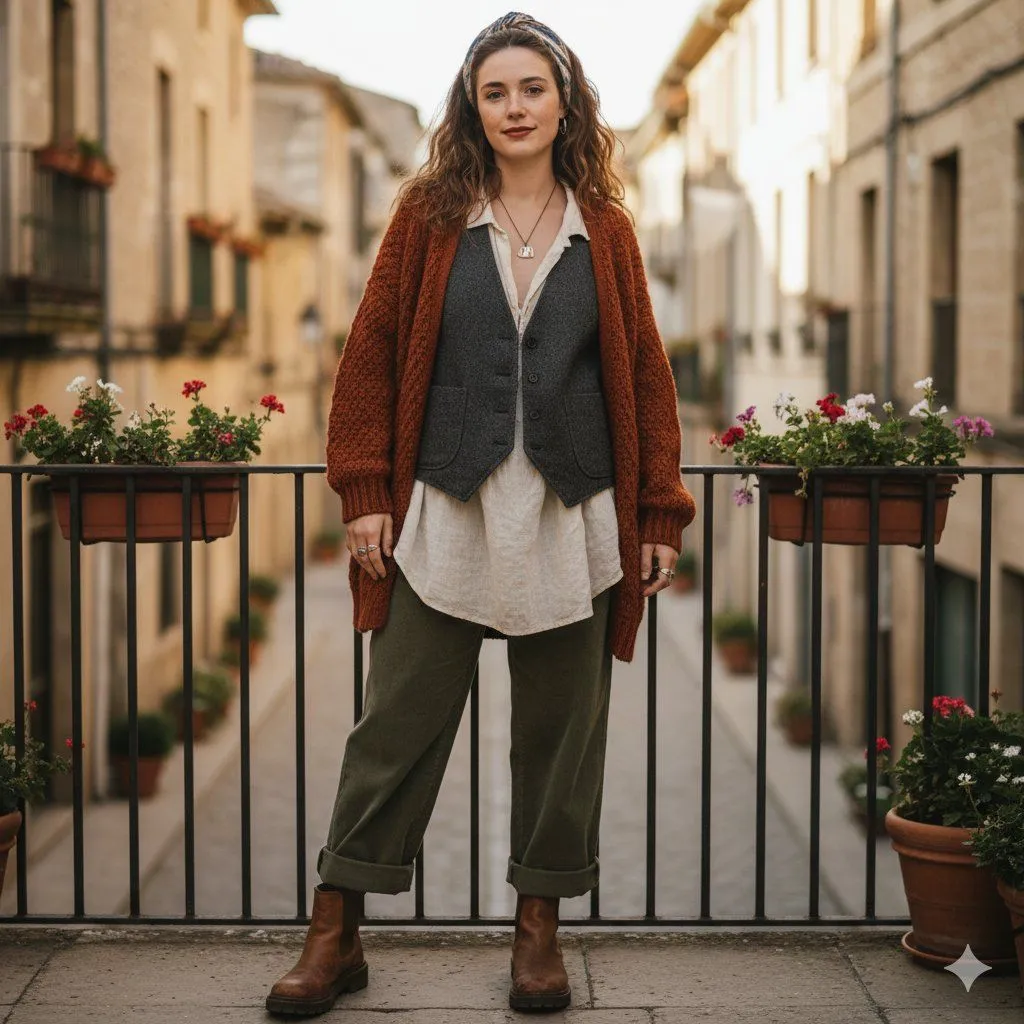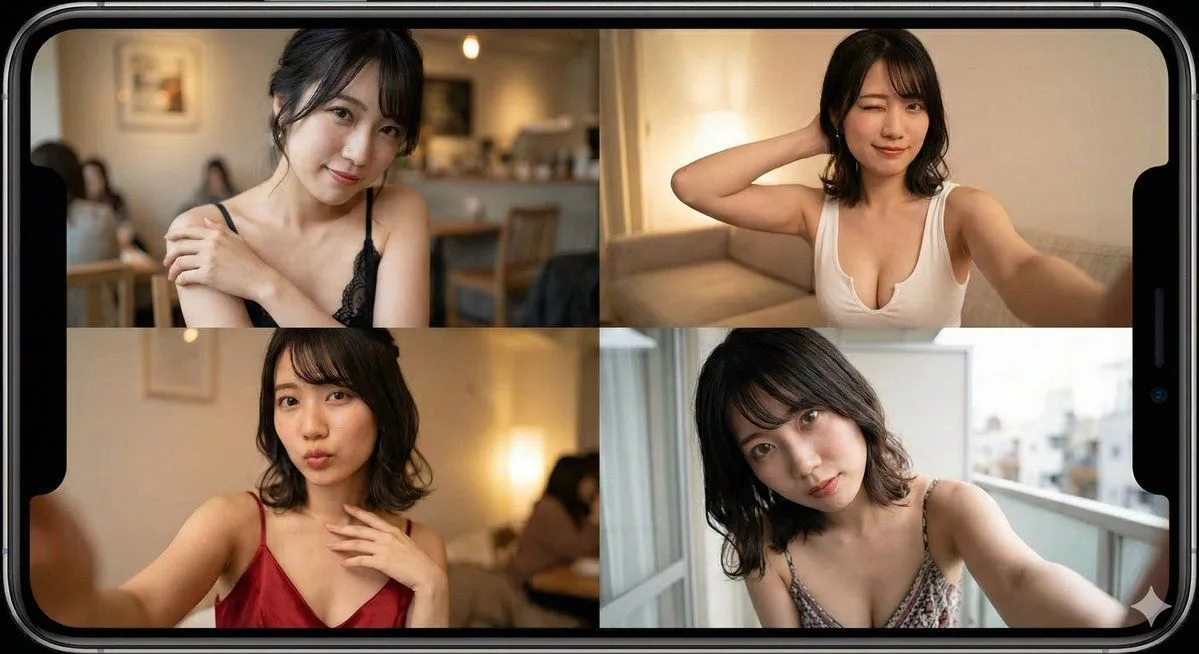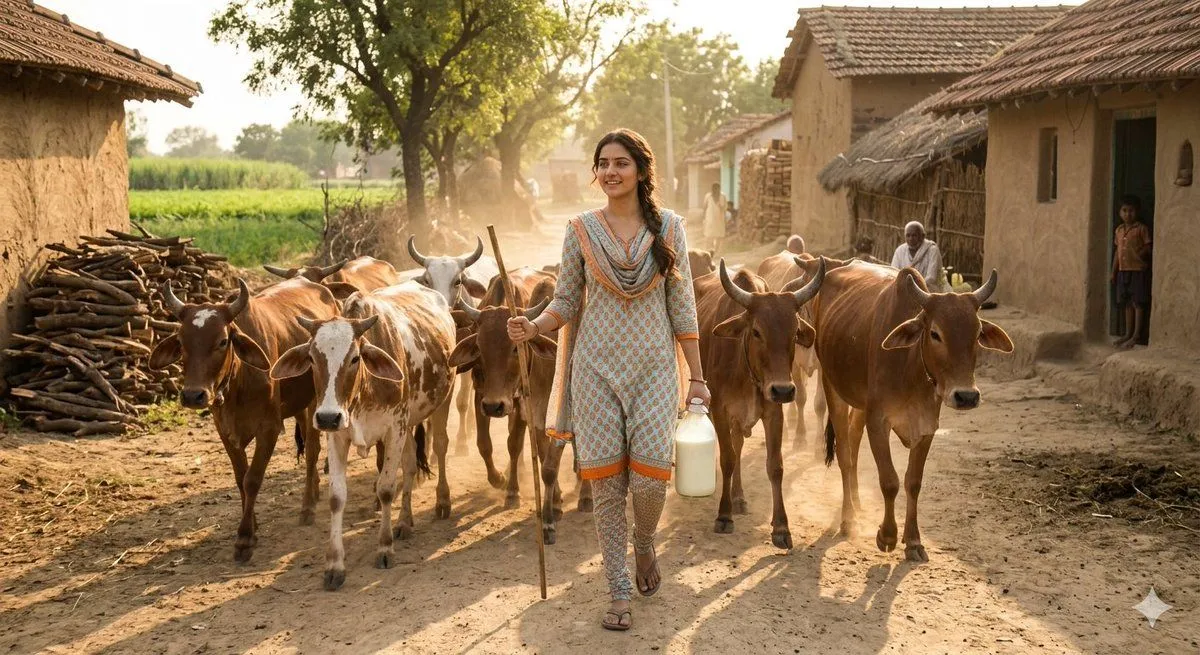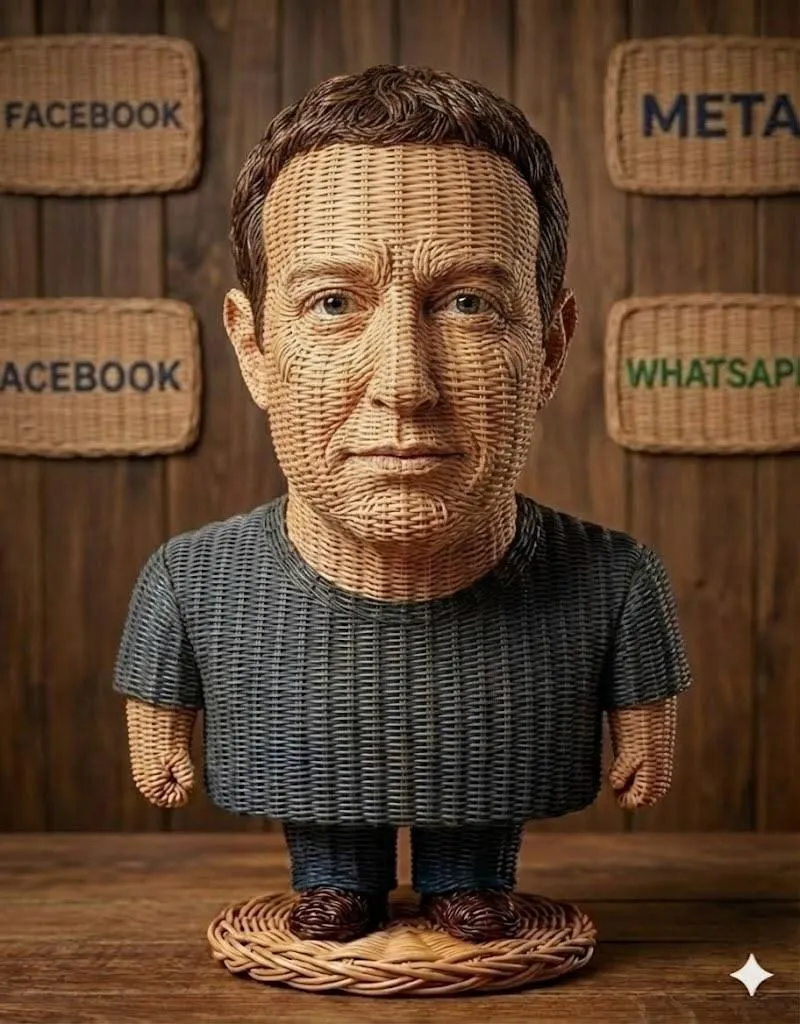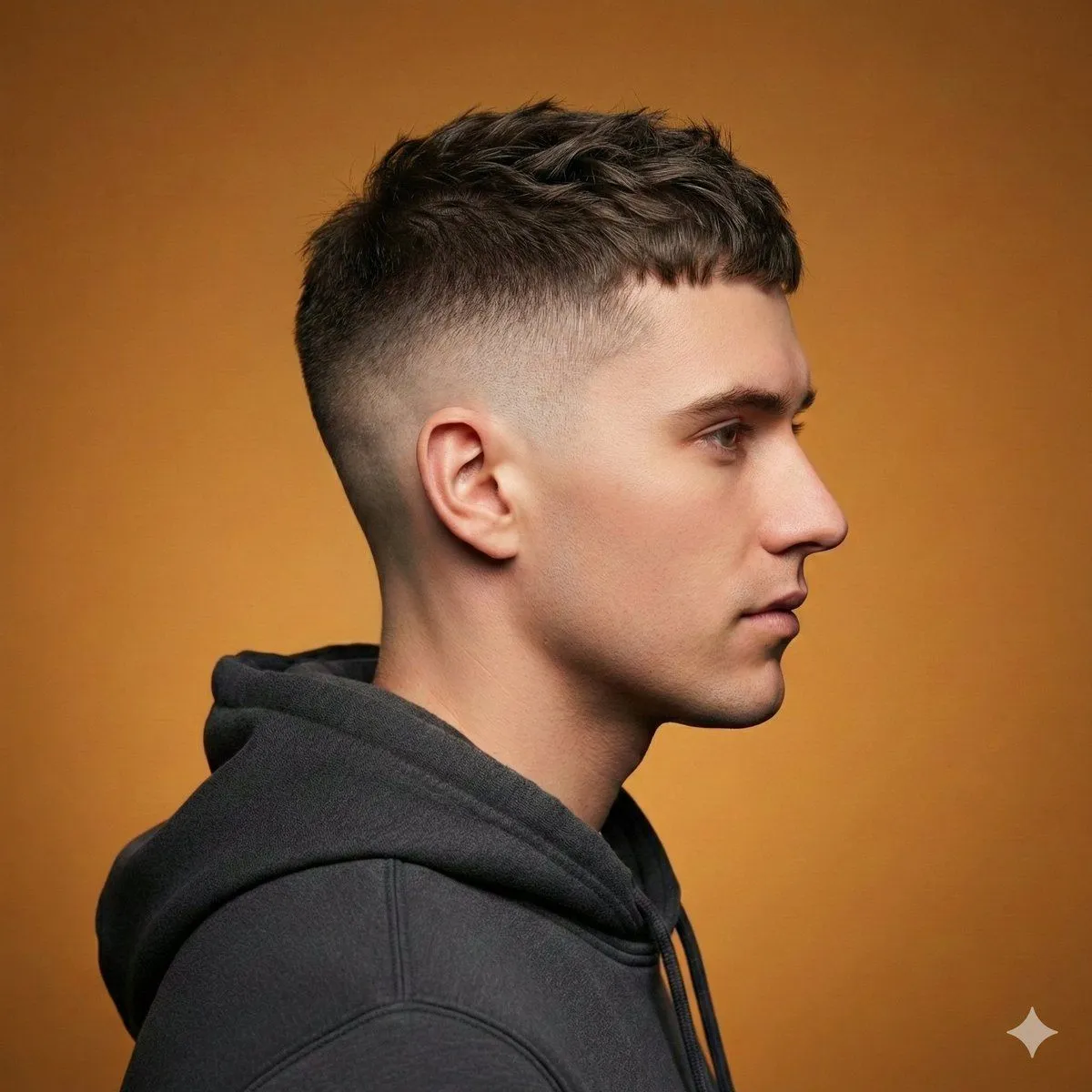
Made with Nano Banana Pro in Gemini by Library Product. Promptclay never generates images.
Ultra-Realistic Studio Haircut Portrait
Prompt
1 blank to fill{ "meta": { "title": "Ultra-Realistic Studio Side-Profile Haircut Portrait", "version": "1.0", "type": "text-to-image", "style": "Editorial Barbershop Photography" }, "subject": { "description": "Modern male model in side-profile view", "expression": "Neutral", "wardrobe": "Dark hoodie", "pose": "Profile view with clear visibility of haircut structure" }, "environment": { "background": "{background_color} seamless backdrop", "setting": "Professional studio", "mood": "Clean, contemporary, grooming-focused" }, "lighting": { "type": "Soft diffused studio lighting", "direction": "Side-balanced to enhance fade transitions", "shadows": "Gentle shadows to emphasize texture and depth", "skin_tone": "Natural and realistic" }, "camera": { "quality": "High-resolution DSLR look", "focus": "Sharp focus on haircut details and hair texture", "depth_of_field": "Shallow depth of field", "details": "Visible hair strands, crisp edges, professional grooming aesthetic" }, "hair_style_options": [ "High fade with textured top", "Short textured crop with low fade", "Messy textured quiff with fade", "Modern mullet with layered texture" ], "output": { "resolution": "High resolution", "finish": "Ultra-realistic, sharp, editorial haircut reference photography" } }
Preview of your prompt
{ "meta": { "title": "Ultra-Realistic Studio Side-Profile Haircut Portrait", "version": "1.0", "type": "text-to-image", "style": "Editorial Barbershop Photography" }, "subject": { "description": "Modern male model in side-profile view", "expression": "Neutral", "wardrobe": "Dark hoodie", "pose": "Profile view with clear visibility of haircut structure" }, "environment": { "background": "Warm mustard-orange seamless backdrop", "setting": "Professional studio", "mood": "Clean, contemporary, grooming-focused" }, "lighting": { "type": "Soft diffused studio lighting", "direction": "Side-balanced to enhance fade transitions", "shadows": "Gentle shadows to emphasize texture and depth", "skin_tone": "Natural and realistic" }, "camera": { "quality": "High-resolution DSLR look", "focus": "Sharp focus on haircut details and hair texture", "depth_of_field": "Shallow depth of field", "details": "Visible hair strands, crisp edges, professional grooming aesthetic" }, "hair_style_options": [ "High fade with textured top", "Short textured crop with low fade", "Messy textured quiff with fade", "Modern mullet with layered texture" ], "output": { "resolution": "High resolution", "finish": "Ultra-realistic, sharp, editorial haircut reference photography" } }
DetailsVersions, settings and questions
Written for
What's in the prompt
- Subject
- Model
- Nano Banana Pro
If your face changes
keep my face exactly the sameQuestions
- Does this work in the Gemini app?
- Yes. Gemini runs Nano Banana, so paste the prompt and attach your photo if it uses one.
- It changed my face. What do I do?
- Add "keep my face exactly the same" to the end and run it again.
- Can I use the images I make?
- Check the terms of the app you use. Promptclay never generates images and claims nothing you make.
Did it work?
No reports yet. Tell others if it worked for you.