Tell us anything

An idea, a bug, something you love. We read every note.

⌘↵ to send. The page you're on comes along.

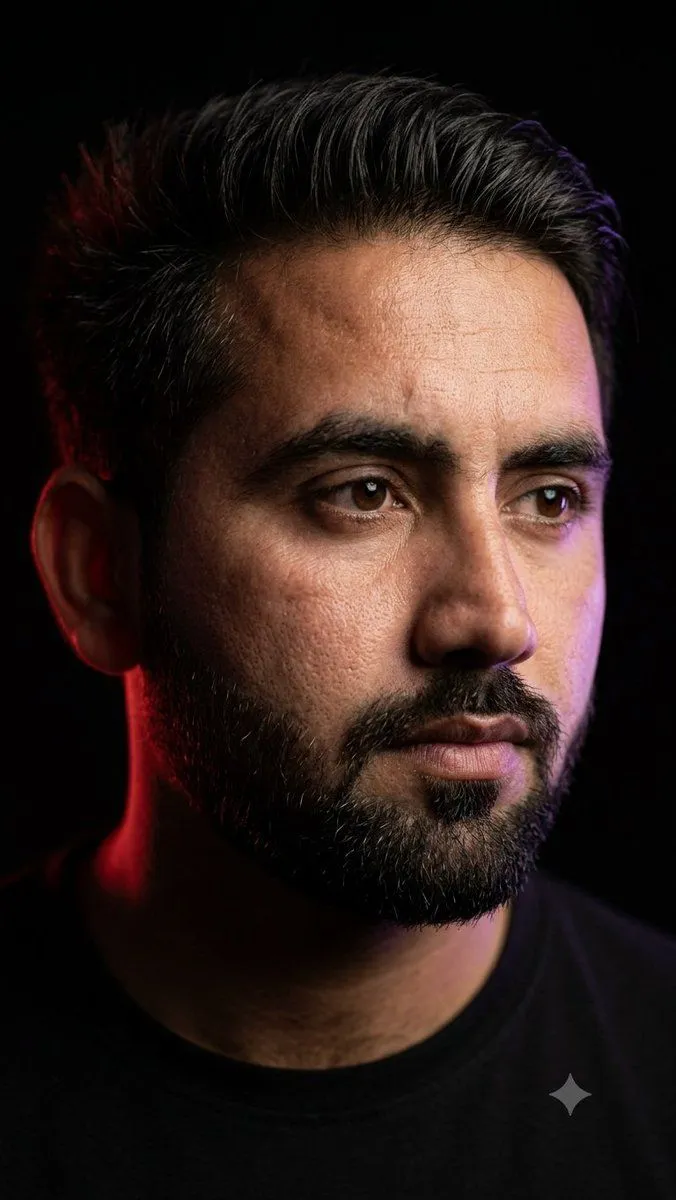
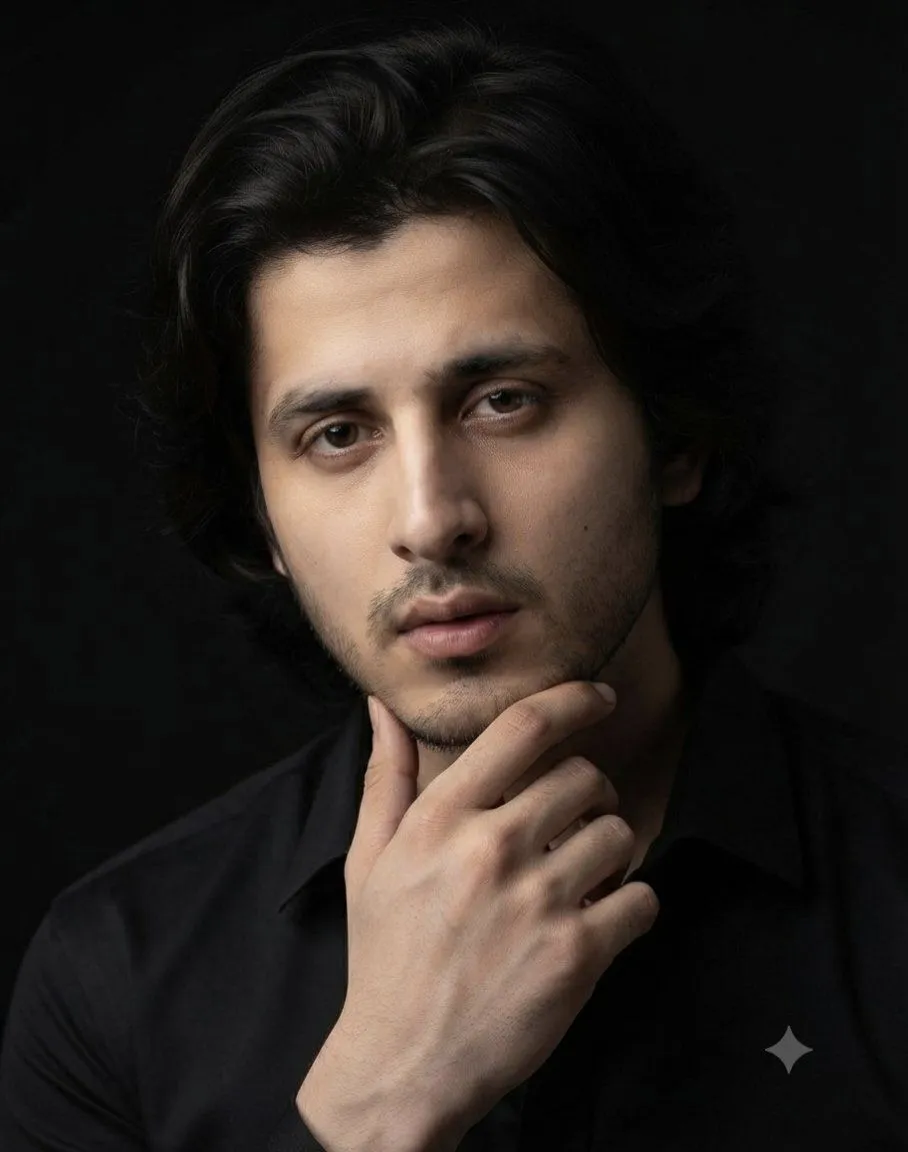
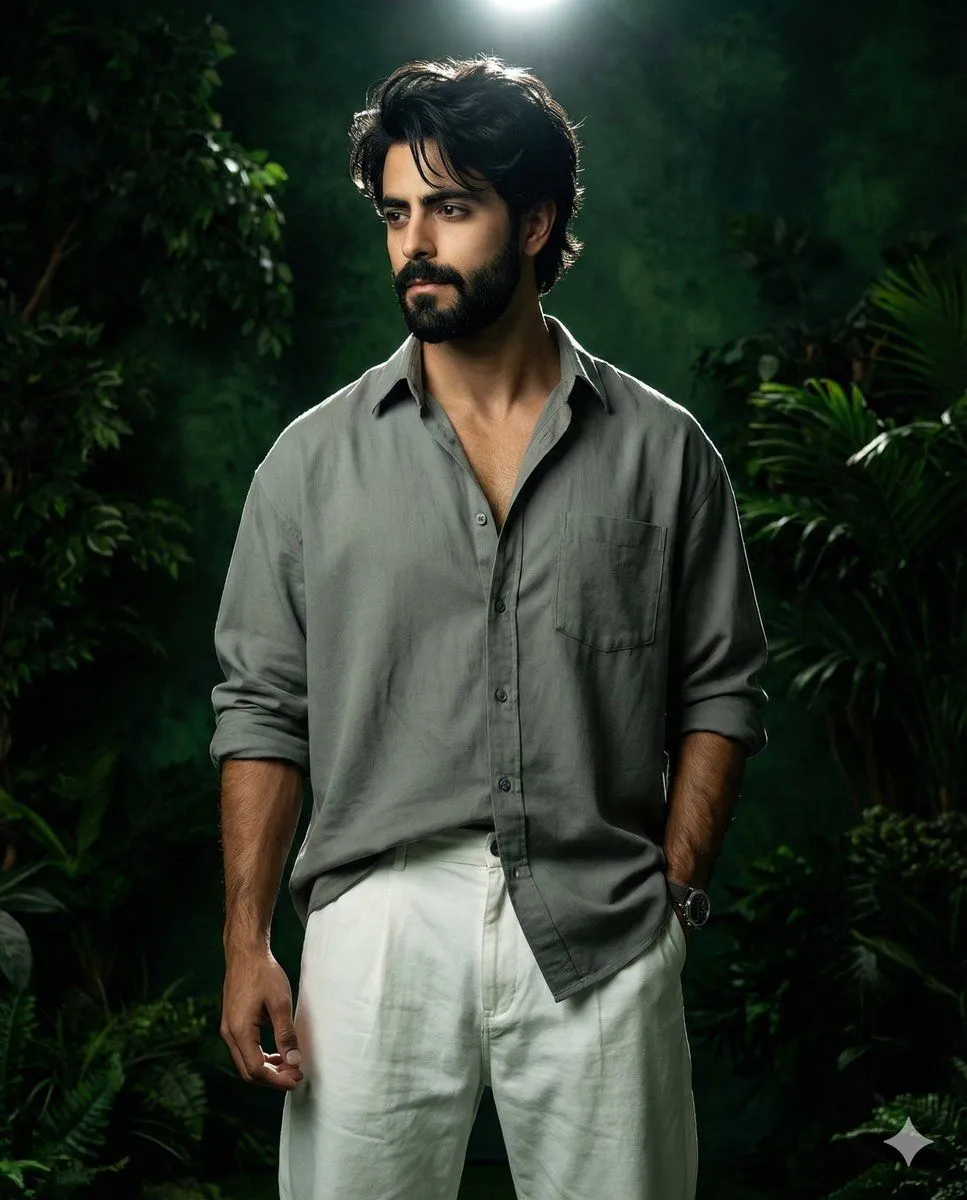
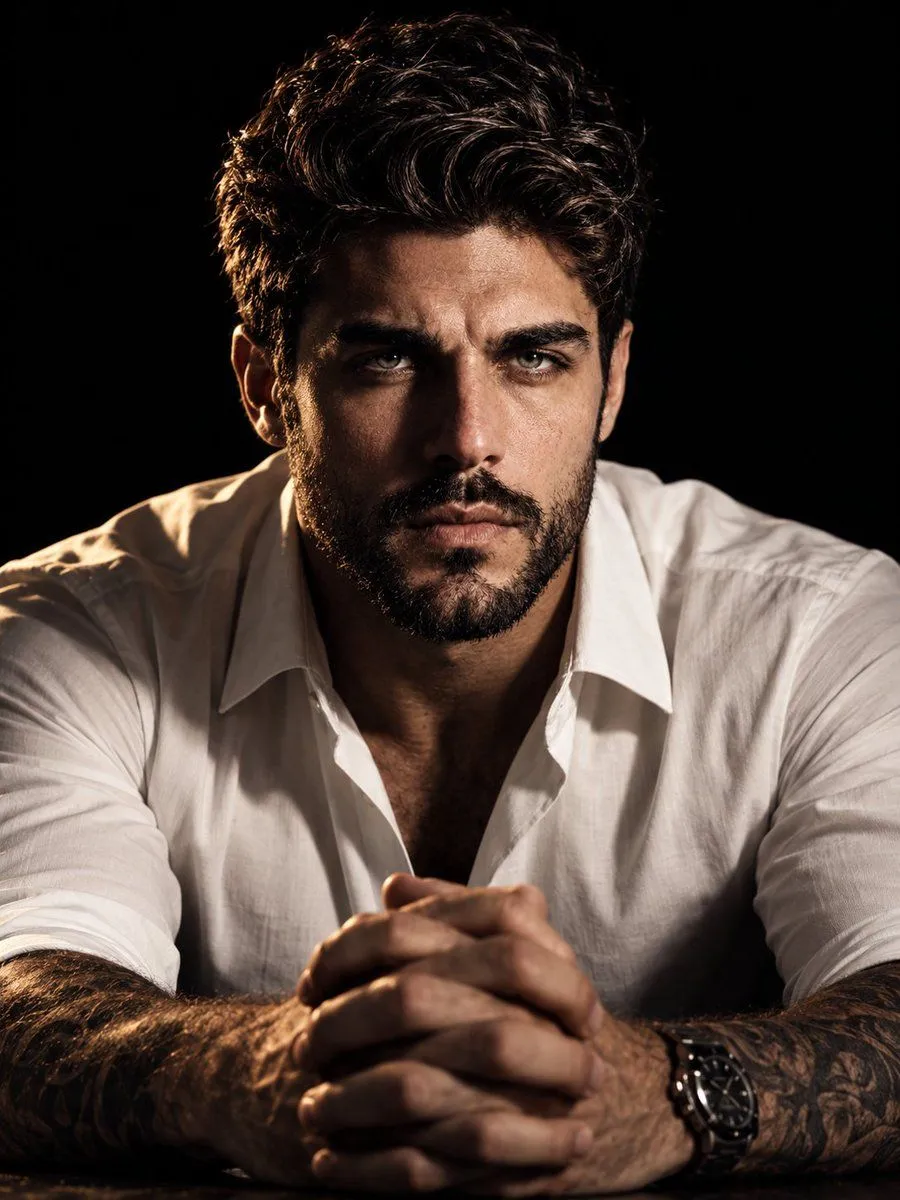
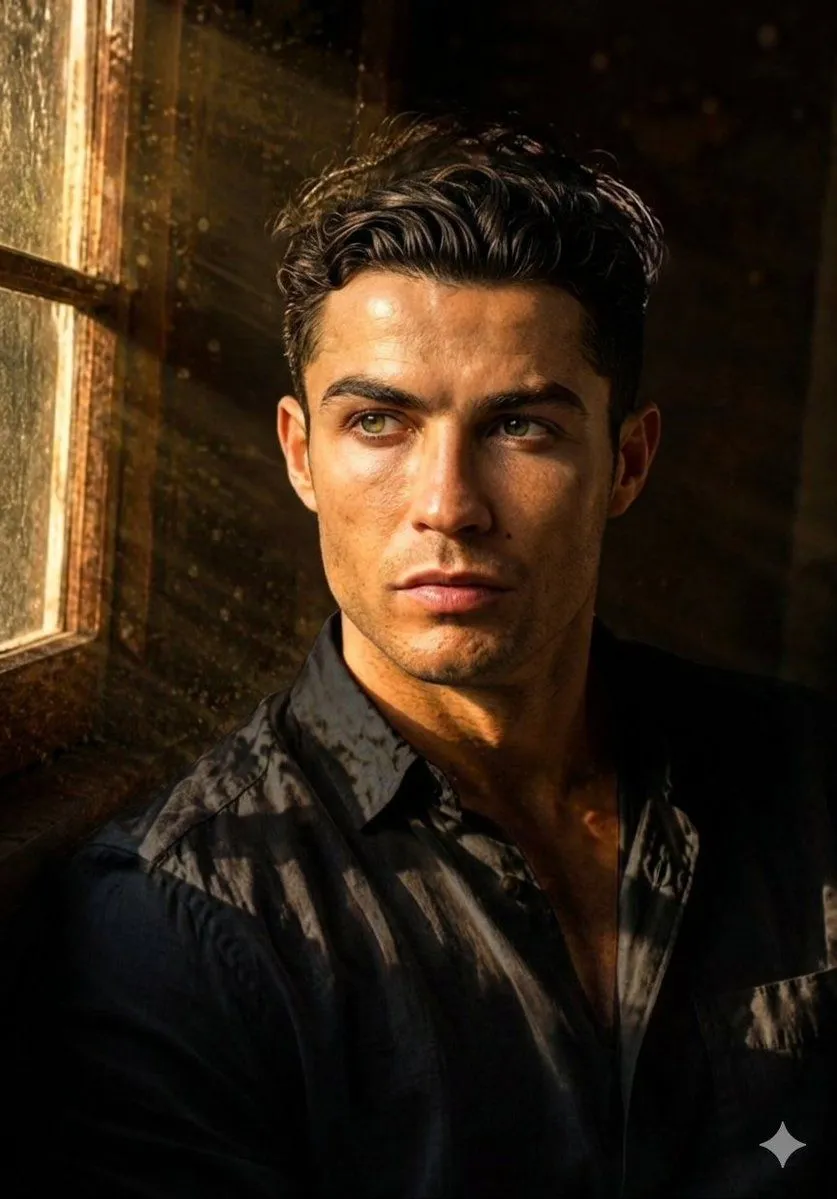
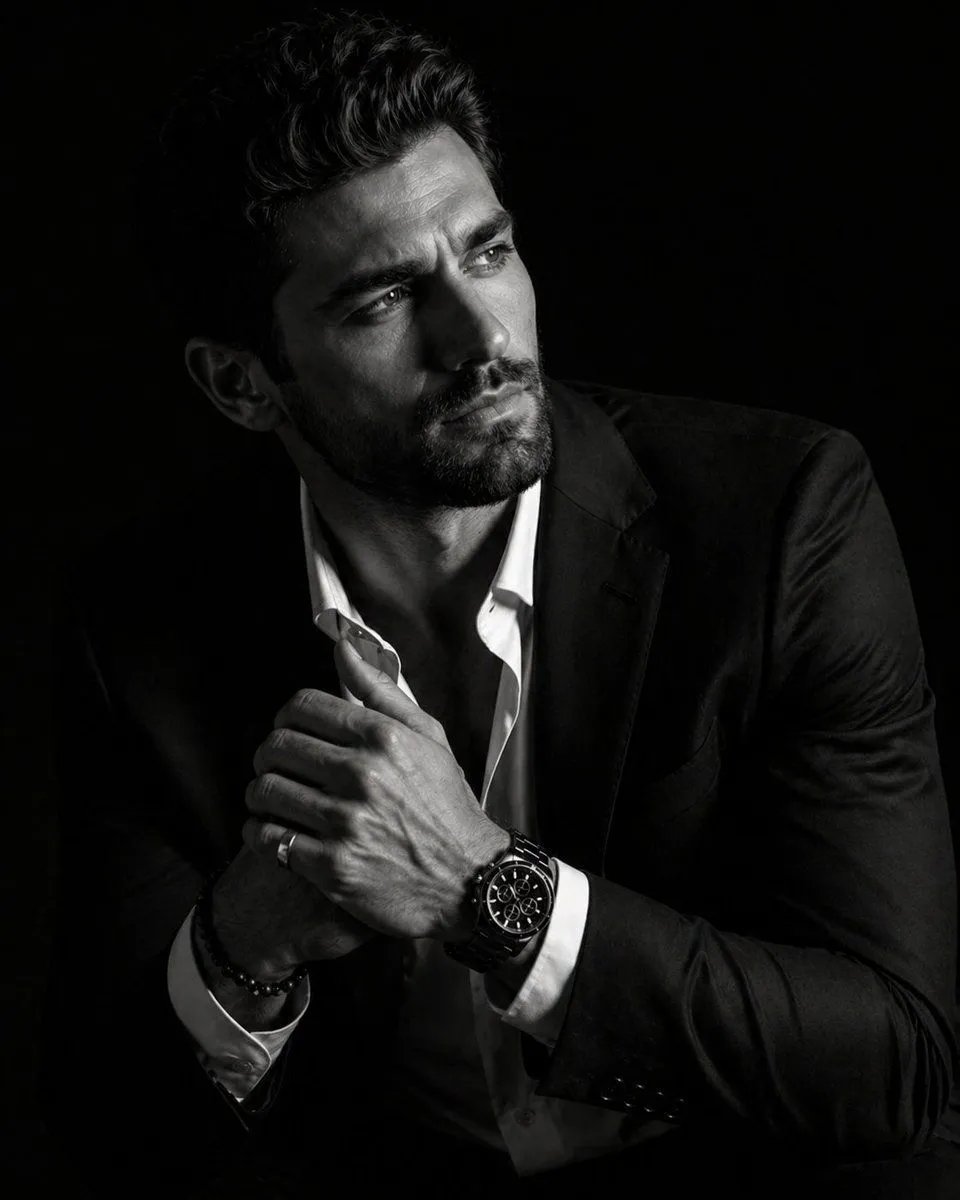
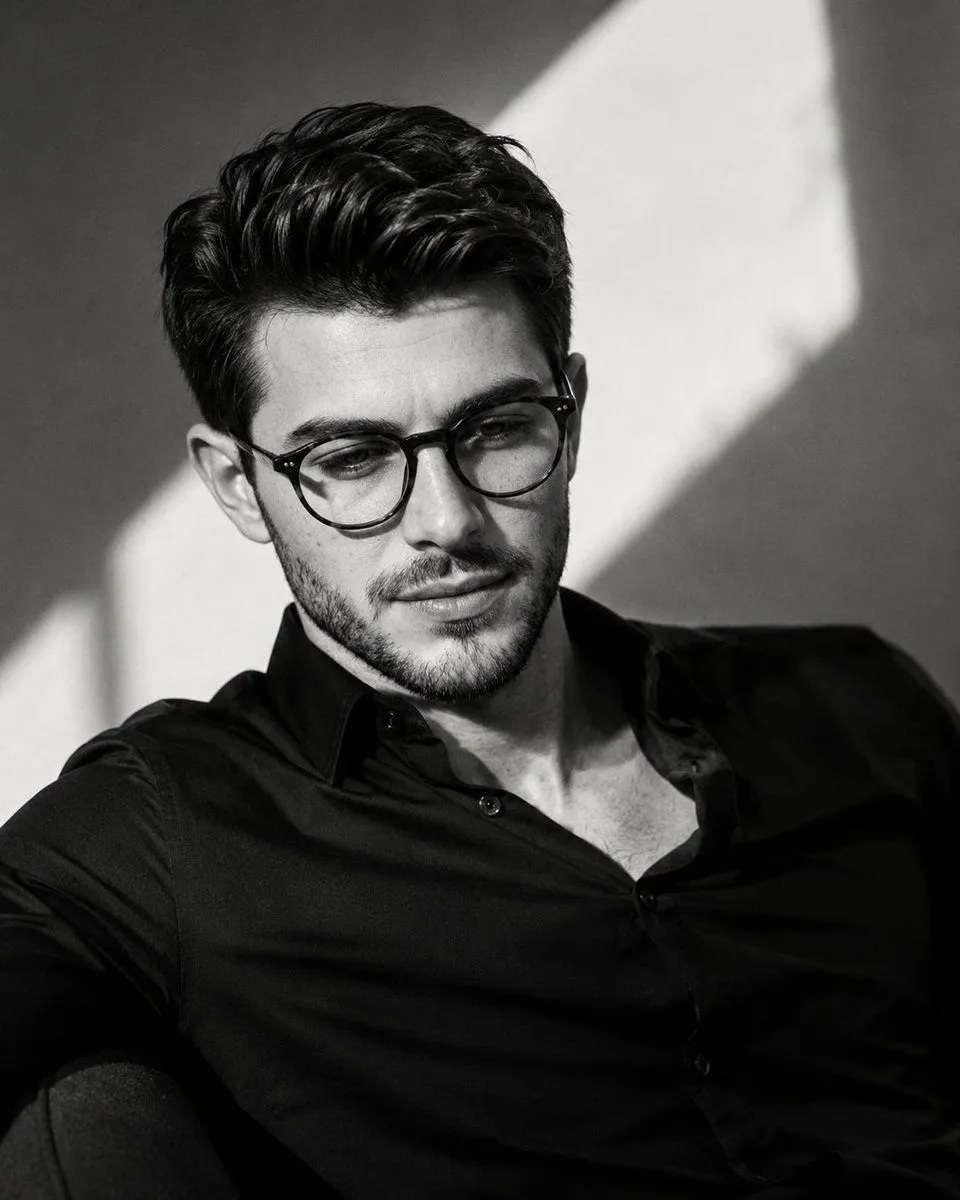
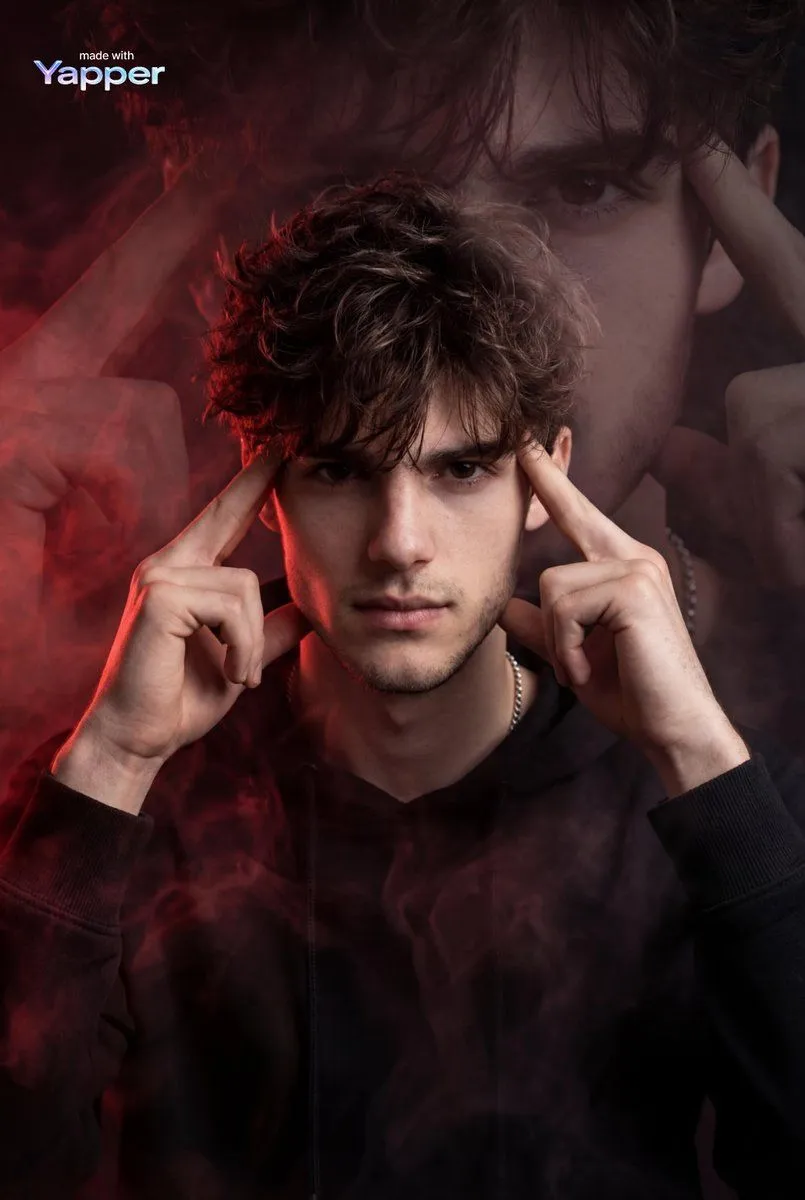
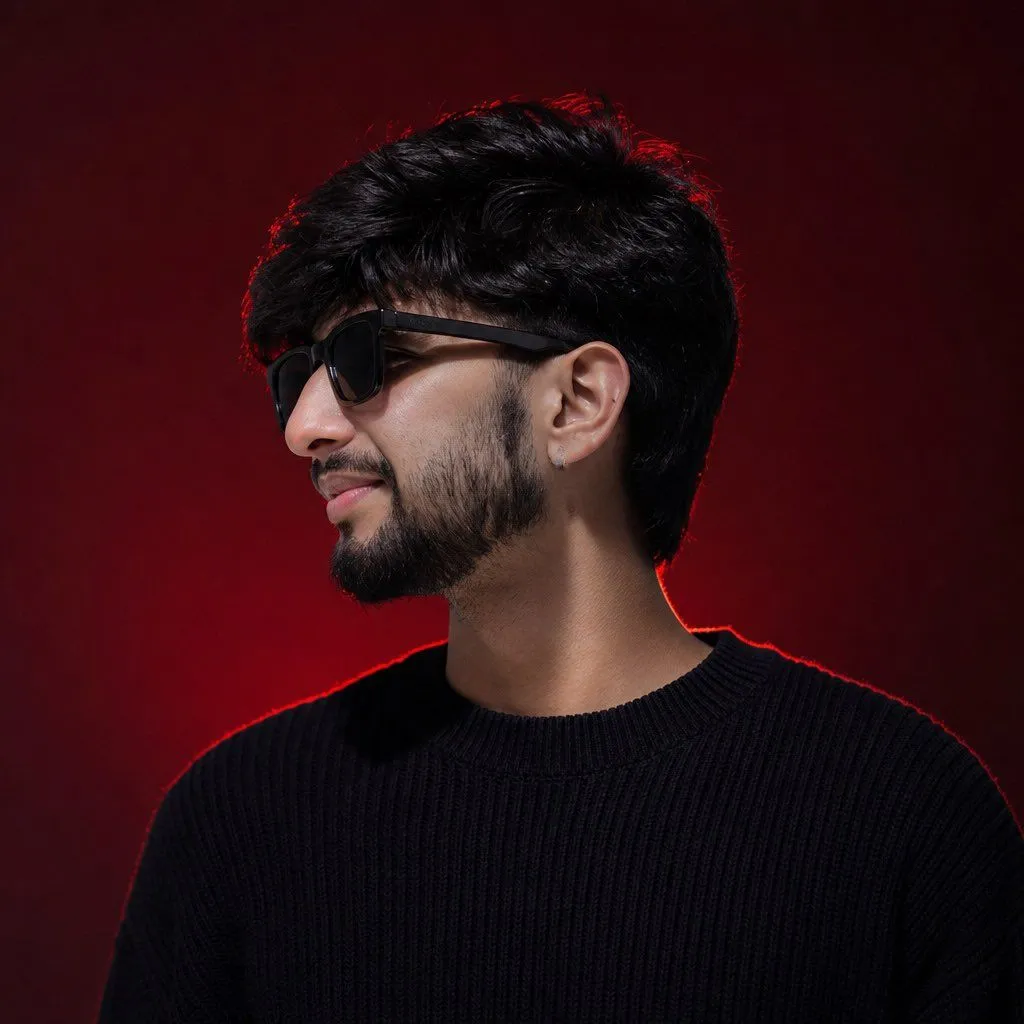
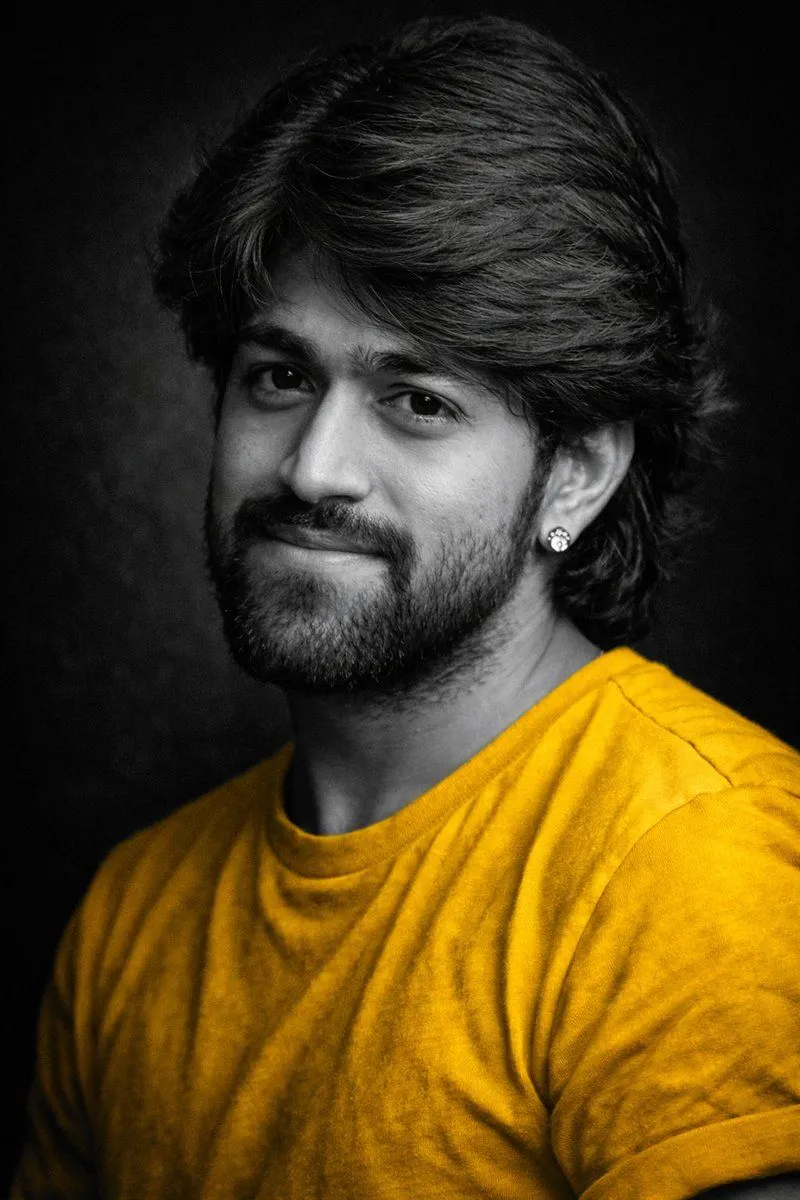
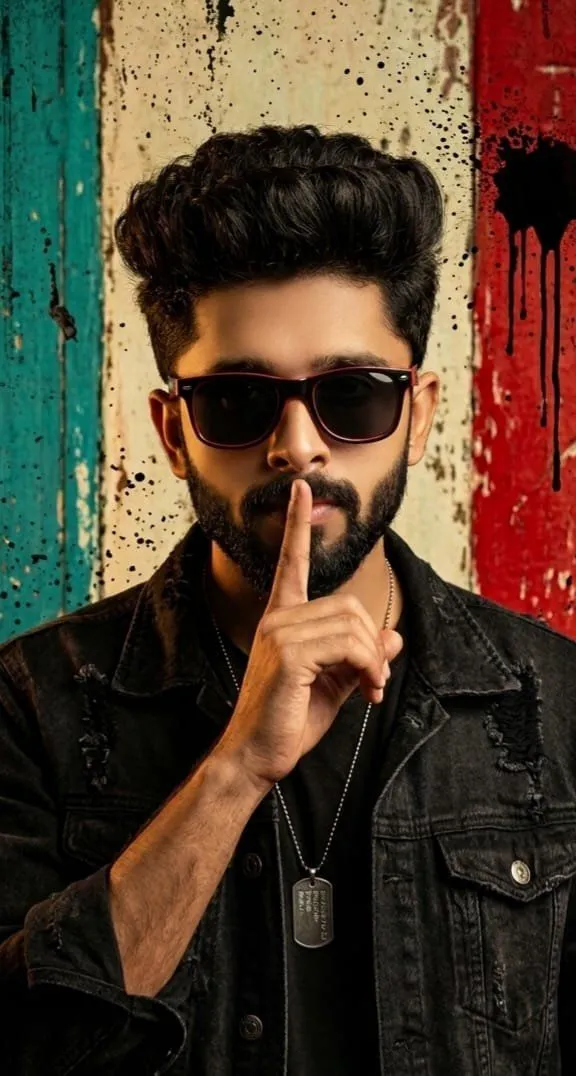
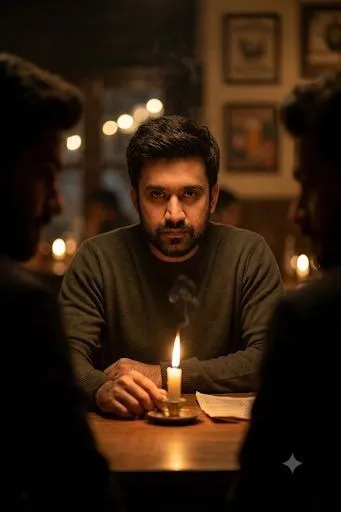
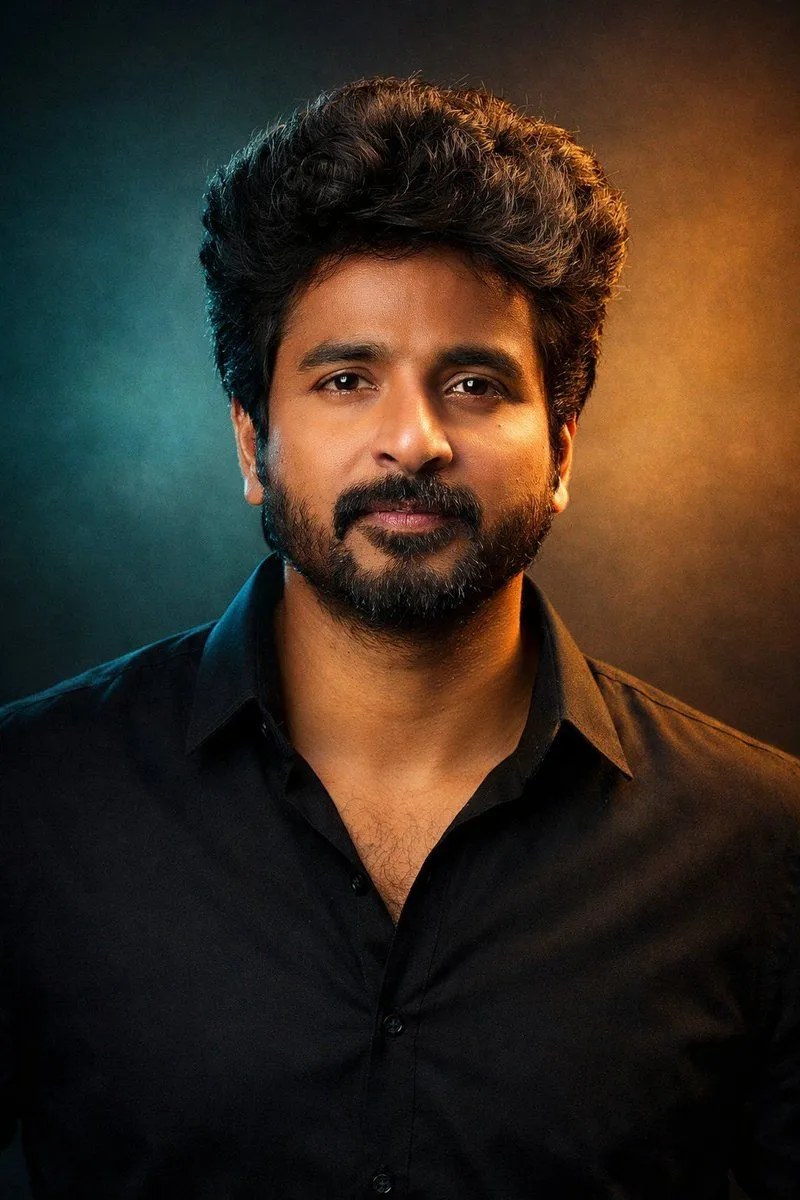
Cinematic Dual-Tone Portrait from Uploaded Photo

Made with GPT Image 1.5 in ChatGPT, collected by Library Concept. Promptclay never generates images.

Did it work?

No reports yet. Tell others if it worked for you.

No comments yet. Be the first.

    Cinematic Dual-Tone Portrait from Uploaded Photo

    GPT Image 1.52:3Needs your photoAI-generated

    Prompt

    "A cinematic studio portrait of the person in the uploaded photo, framed from the chest up, facing the camera with a calm, confident presence. Dramatic dual-tone lighting with cool teal and warm golden tones creating a modern, cinematic mood. Natural skin texture, sharp focus on the eyes, soft shadows, and smooth color transitions. Hair styled naturally, wearing a minimal dark outfit with a contemporary aesthetic. Clean studio background with subtle gradients. Professional photography, shallow depth of field, cinematic color grading, ultra-realistic, high detail, 4K quality. Aspect ratio: 3:4 "

    Use only photos you have the right to usePhoto tips
    • Your photo stays with your app. You upload it to Gemini, ChatGPT or the app you use. Promptclay never sees or stores it.
    • Crop to what the prompt needs. Your face for a portrait. Leave out other people, house numbers, cards and screens.
    • Check the result before you post. Apps sometimes add things that were not in your photo, like a mole, a tattoo or bare shoulders. Run it again or ask the app to remove them.
    Works in
    ChatGPT, Gemini
    Status
    Free to copy
    0
    DetailsVersions, settings and questions

    Written for

    What's in the prompt

    Subject
    Model
    GPT Image 1.5

    If your face changes

    keep my face exactly the same

    Questions

    Does this work in the ChatGPT app?
    Yes. Paste the prompt and attach your photo if it uses one.
    It changed my face. What do I do?
    Add "keep my face exactly the same" to the end and run it again.
    Can I use the images I make?
    Check the terms of the app you use. Promptclay never generates images and claims nothing you make.
    Similar prompts

    See more
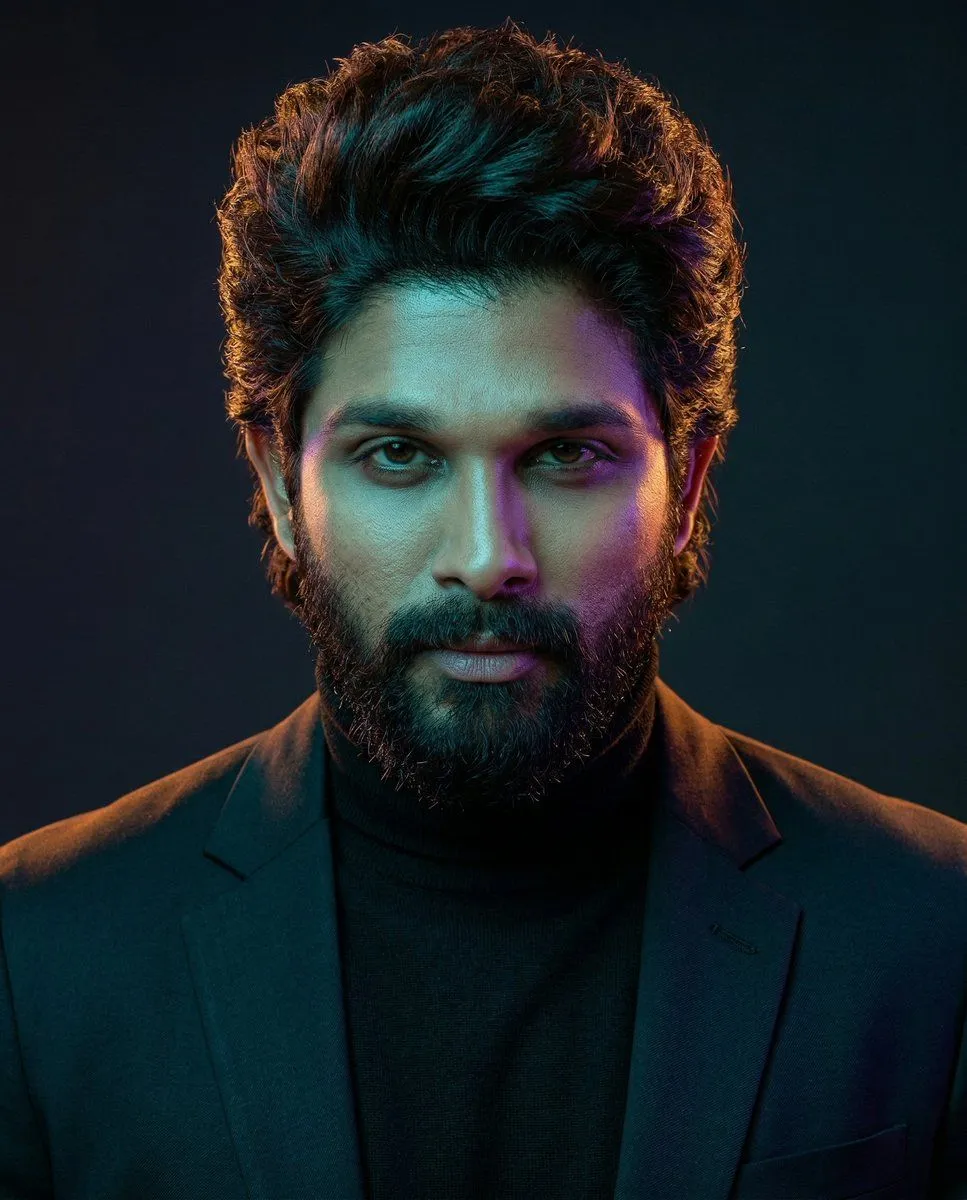
    • Cinematic Dual-Color Studio Portrait
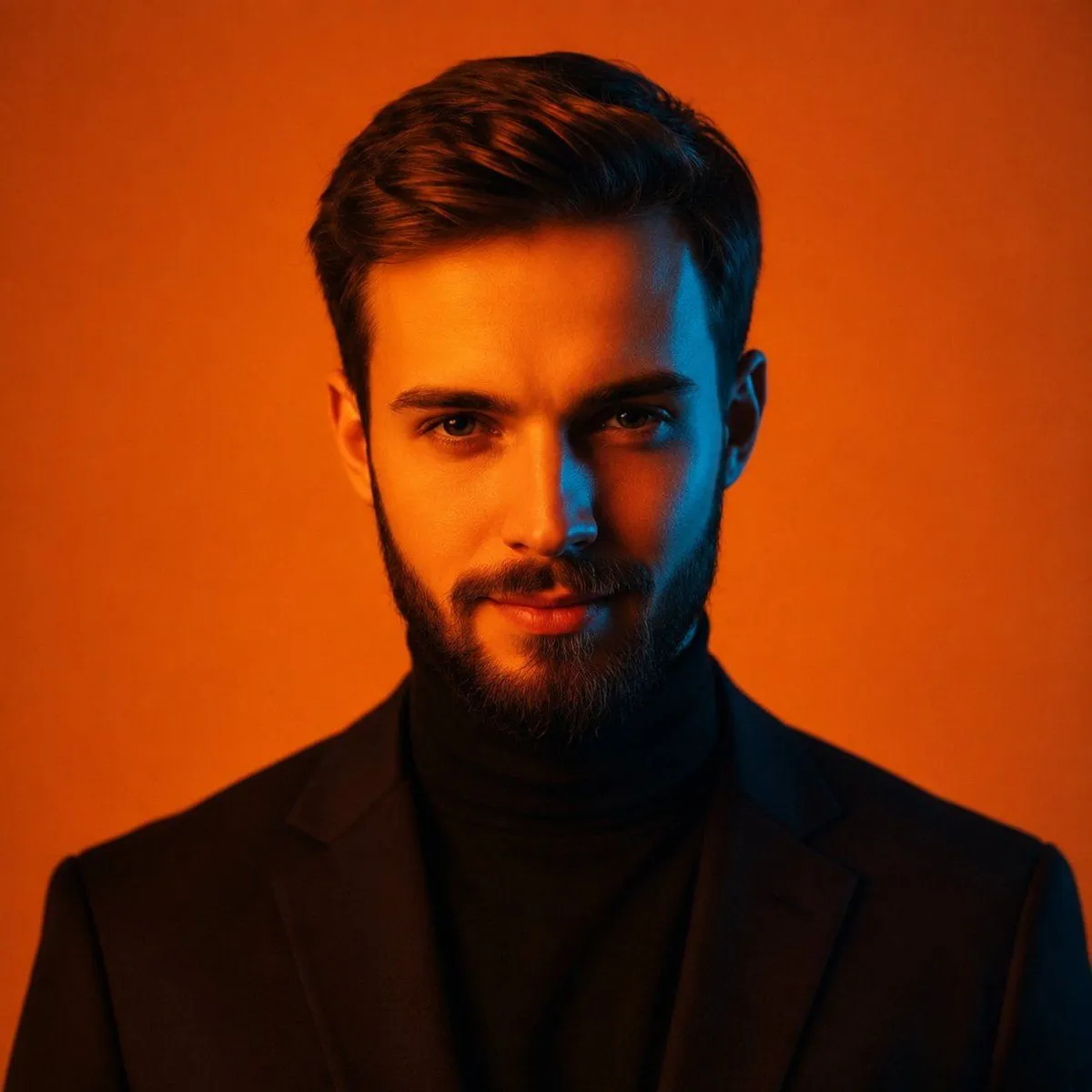
    • Cinematic Orange Studio Portrait
    • Cinematic Rembrandt Studio Headshot
    • Sophisticated Dark Editorial Portrait
    • Dark Green Cinematic Male Portrait with Identity Lock
    • Cinematic Studio Portrait Prompt
    • Moody Dual Portrait at Golden Hour
    • Hyper-Realistic Chiaroscuro Portrait
    • Cinematic Black-and-White Male Portraits
    • Cinematic Hyper-realistic Portrait with Ethereal Smoke
    • Identity-Locked Luxury Fashion Portrait
    • Black and White Fine Art Portrait with Selective Color
    • Cinematic Fashion Portrait with Shh Gesture
    • Cinematic Candlelit Noir Scene
    • Stunning Photo Prompt for Gemini Nano Banana (Generic)
    • High-end cinematic product showcase reel still
    • Wet-Look Realistic Male Portrait
    • Aria Monroe Urban Action Scene
    • Blonde Knight and Black Panther Battle Charge
    • Cinematography Composition Analysis Frame
    • Convenience Store Fight Scene
    • Industrial Humanoid Robot Blueprint
    • NYC Romance Grade Comparison
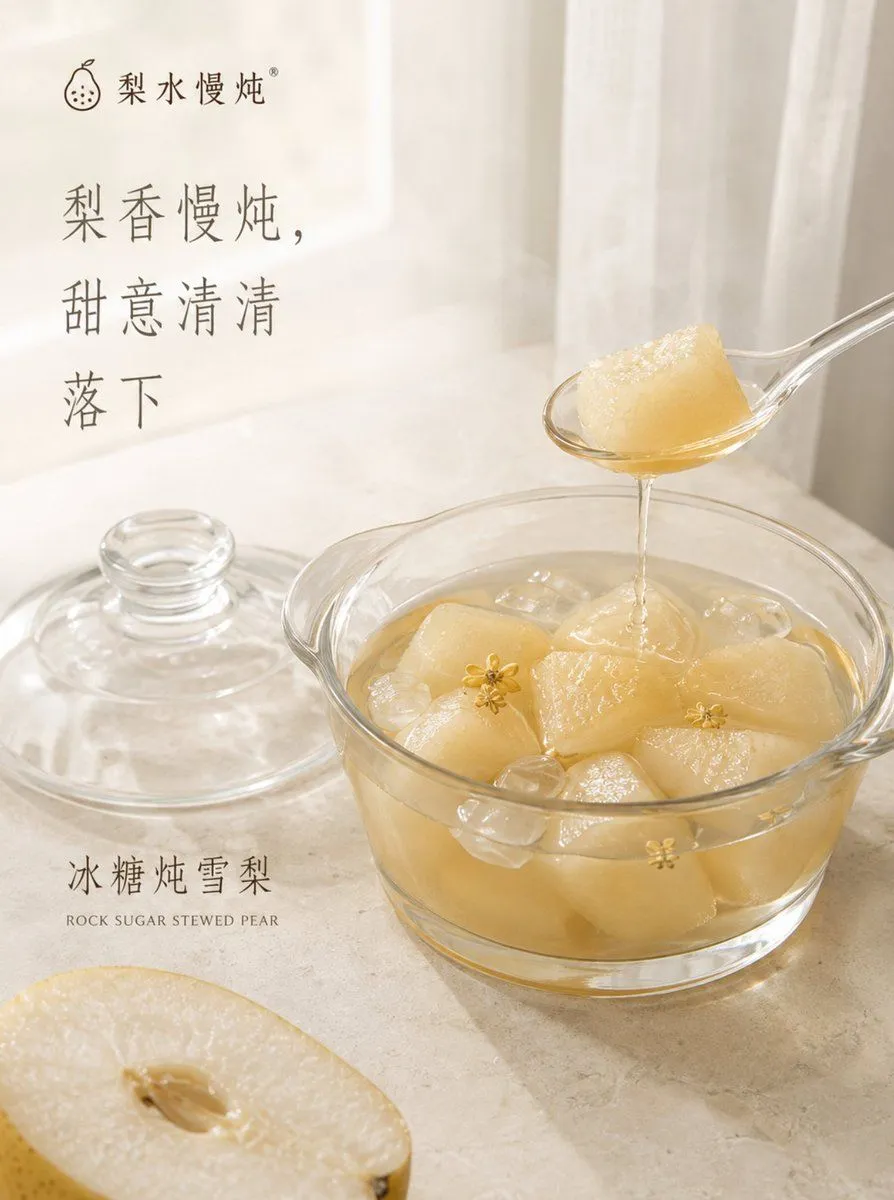
    • Traditional Stewed Pear Dessert Poster

    Show more

    Run it on your phone

    1. Prompt copiedRead it

      "A cinematic studio portrait of the person in the uploaded photo, framed from the chest up, facing the camera with a calm, confident presence. Dramatic dual-tone lighting with cool teal and warm golden tones creating a modern, cinematic mood. Natural skin texture, sharp focus on the eyes, soft shadows, and smooth color transitions. Hair styled naturally, wearing a minimal dark outfit with a contemporary aesthetic. Clean studio background with subtle gradients. Professional photography, shallow depth of field, cinematic color grading, ultra-realistic, high detail, 4K quality. Aspect ratio: 3:4 "

    2. Open your app

    3. Paste and run

      Press and hold the message box, then tap Paste. Add your photo first if the prompt uses one. You may need to sign in.

    Cinematic Dual-Tone Portrait from Uploaded Photo