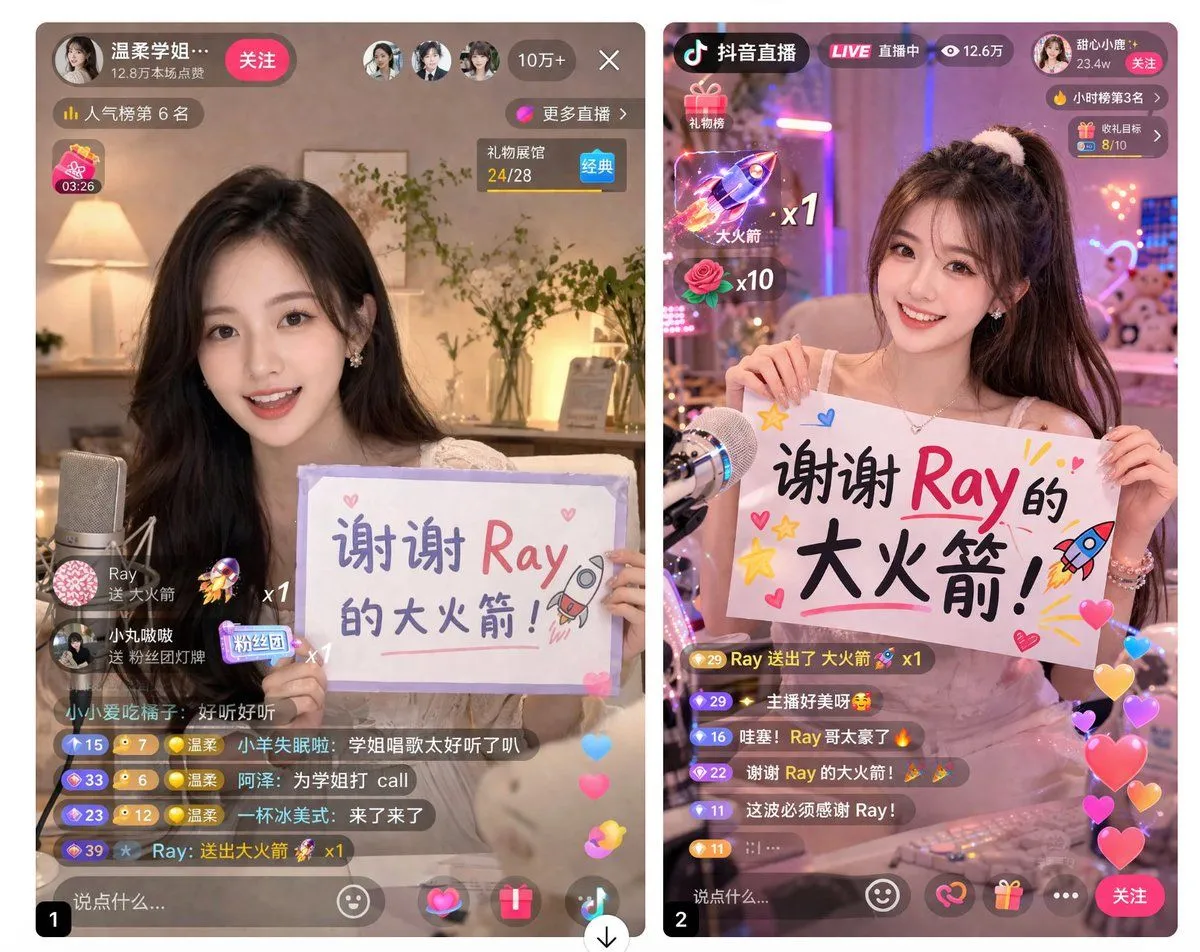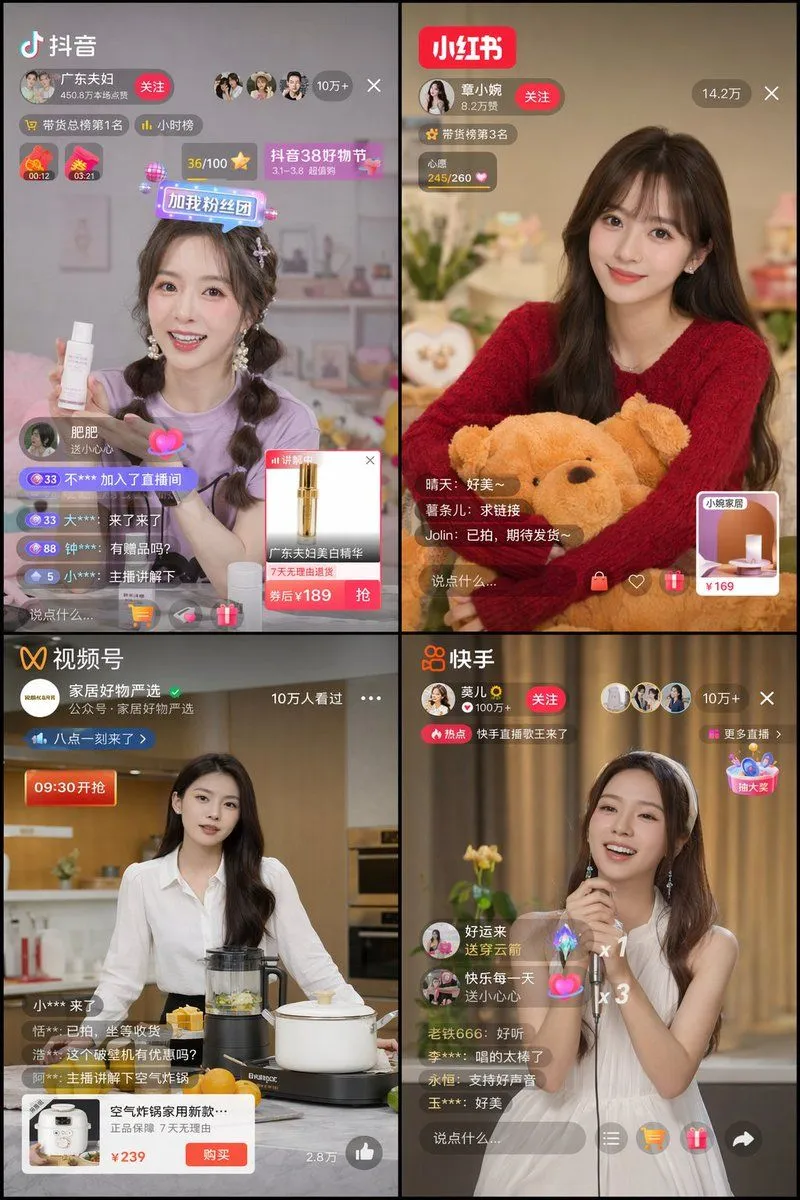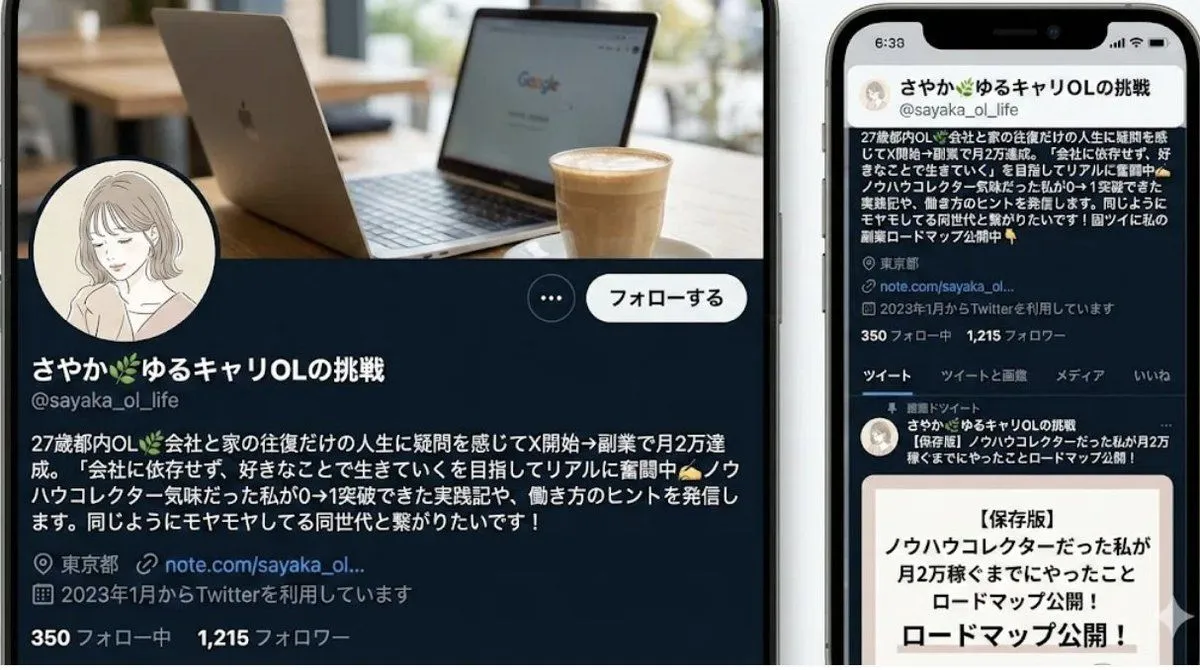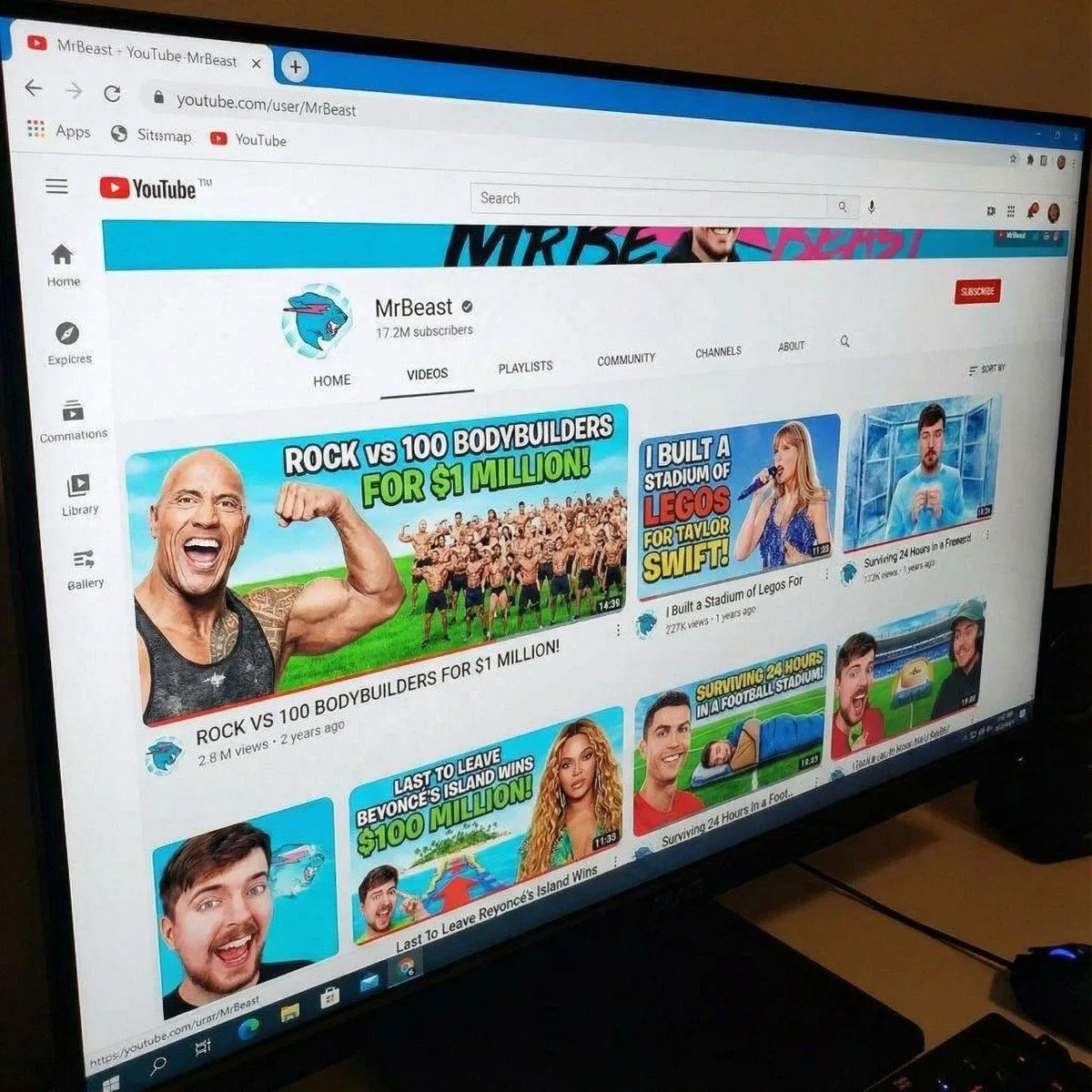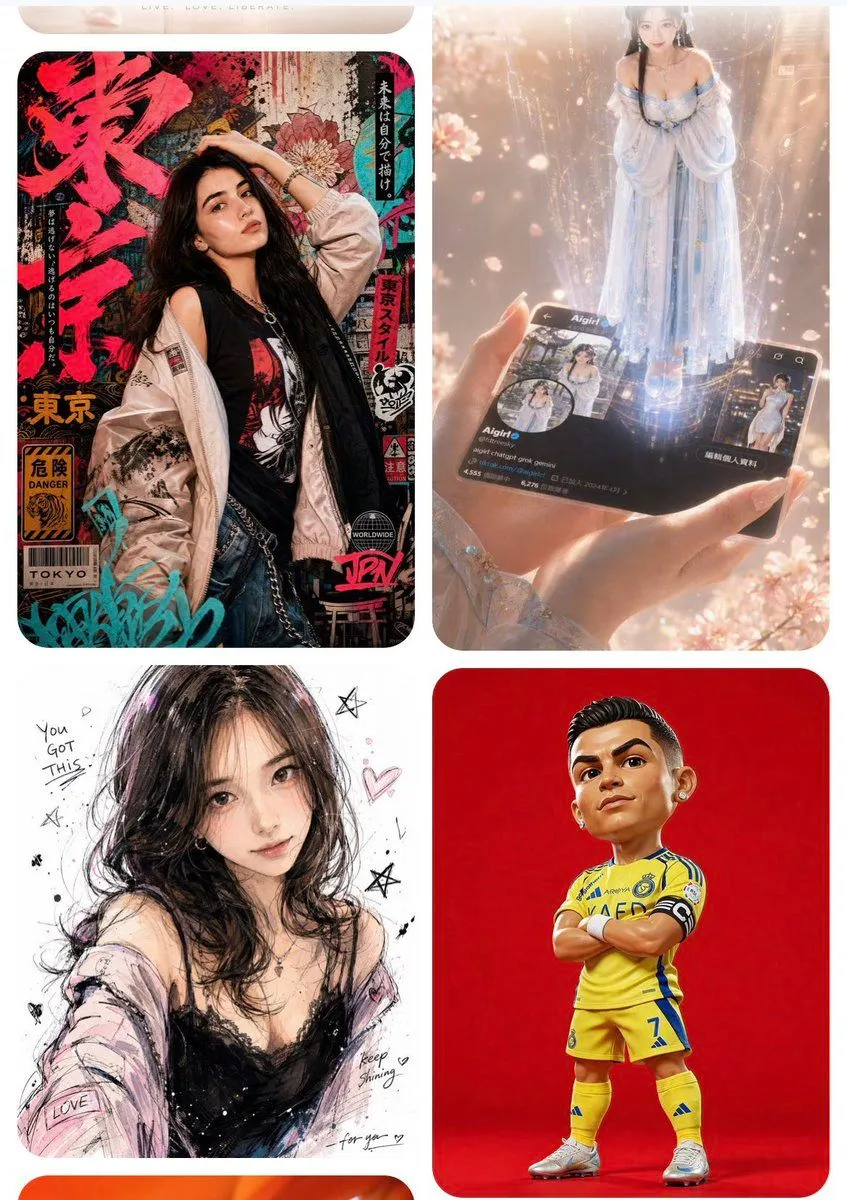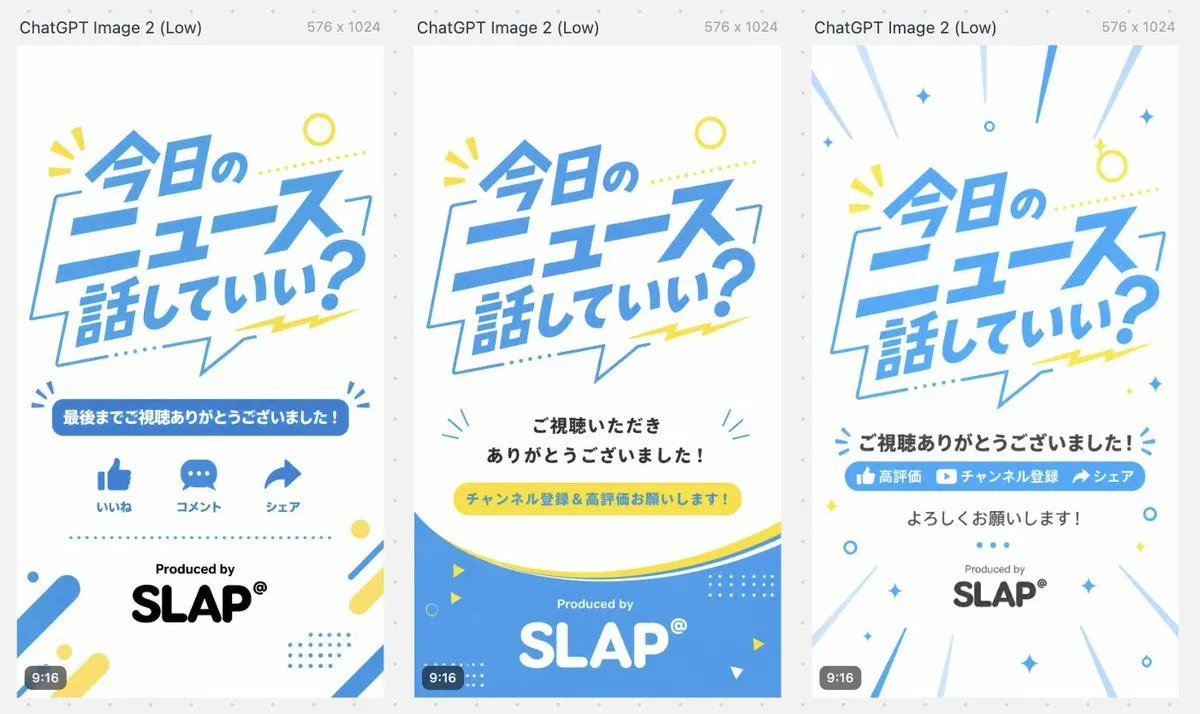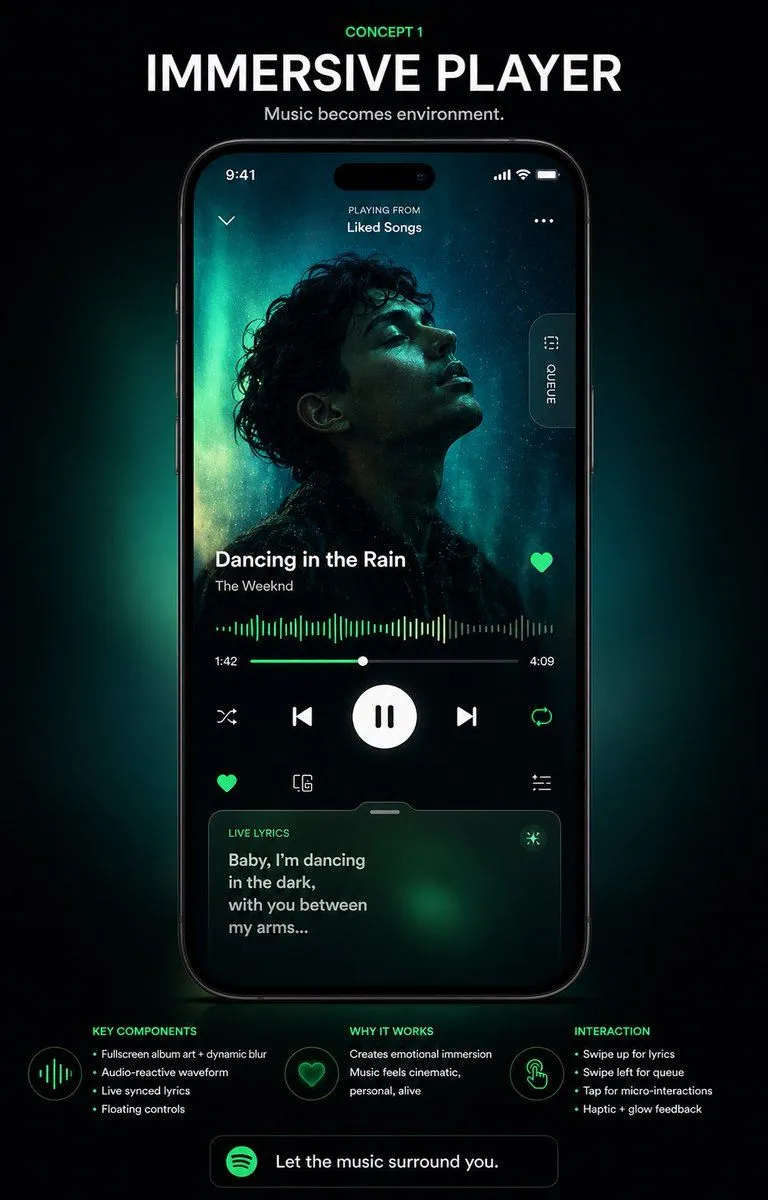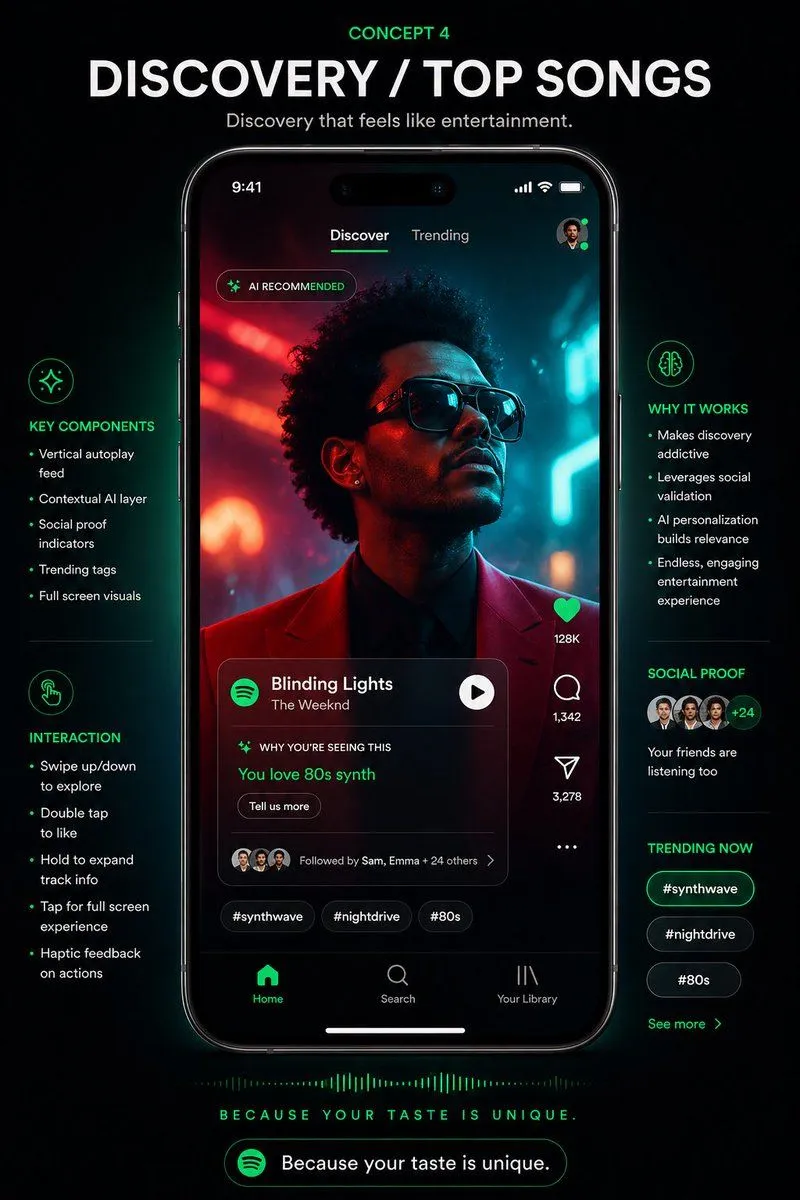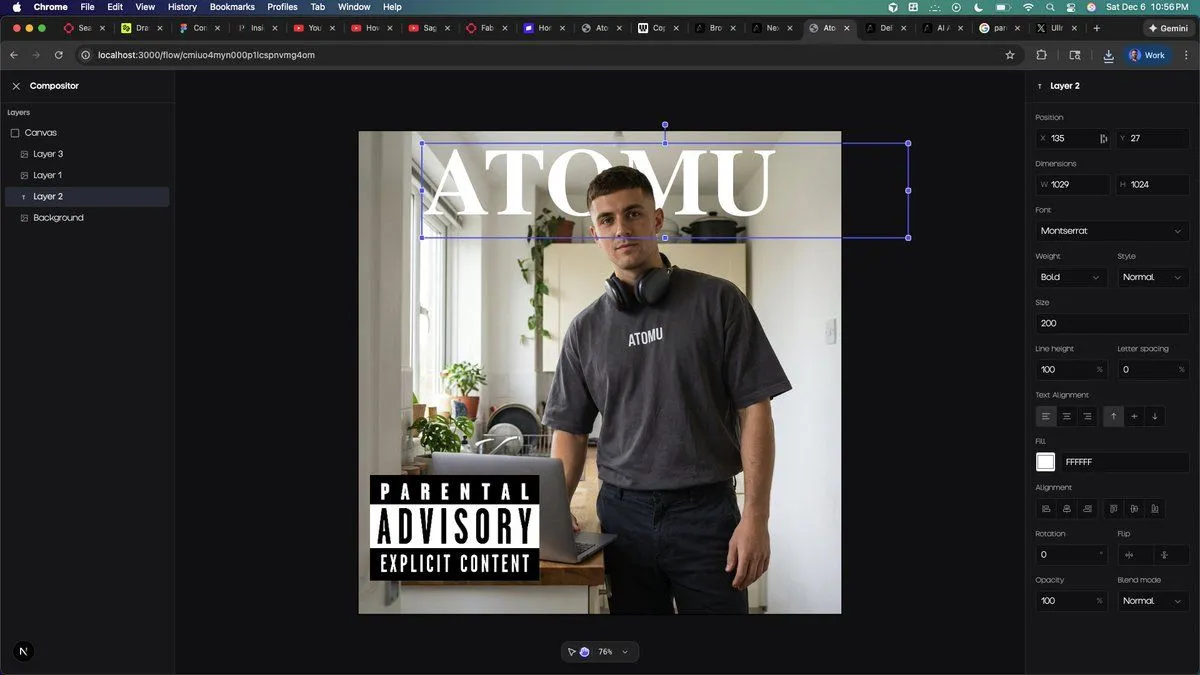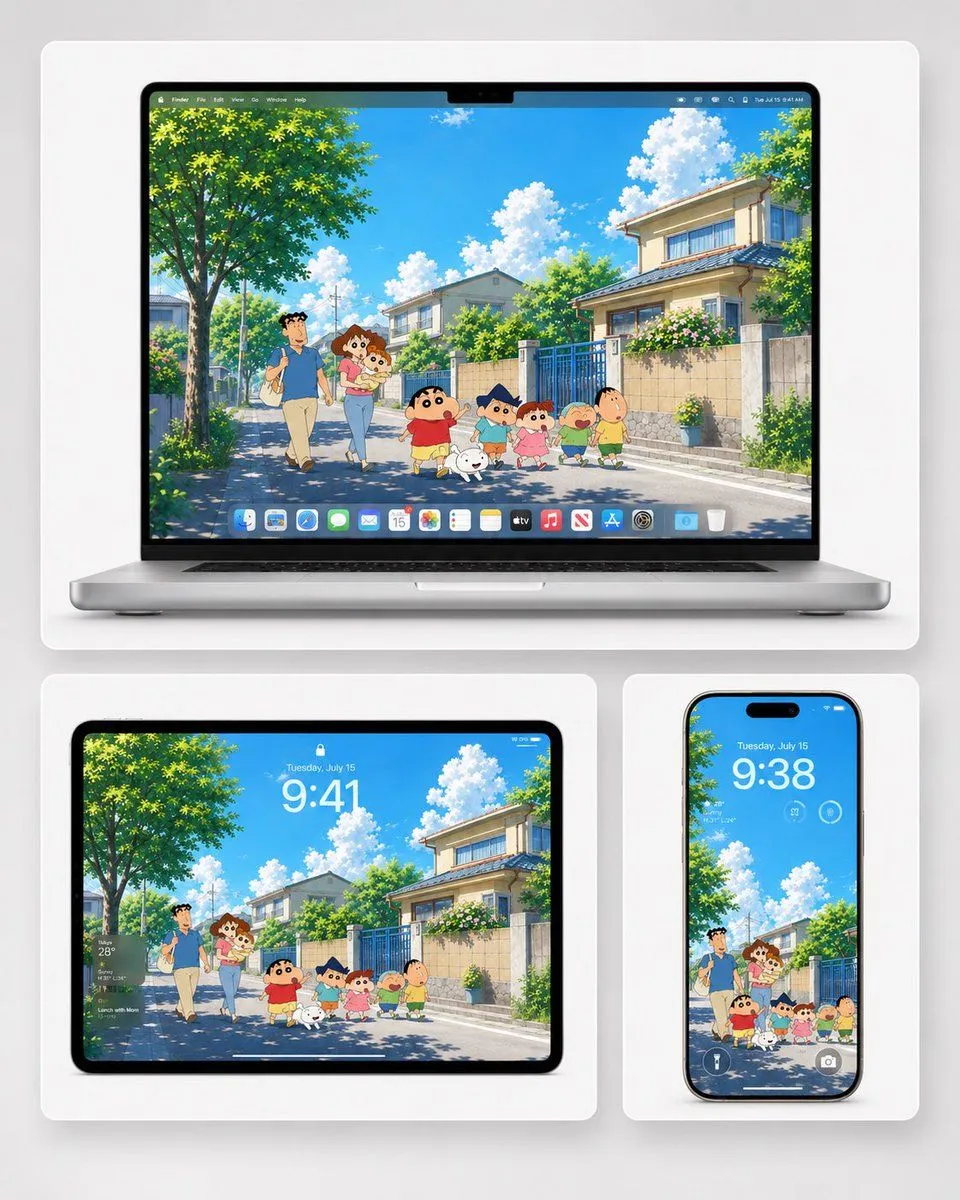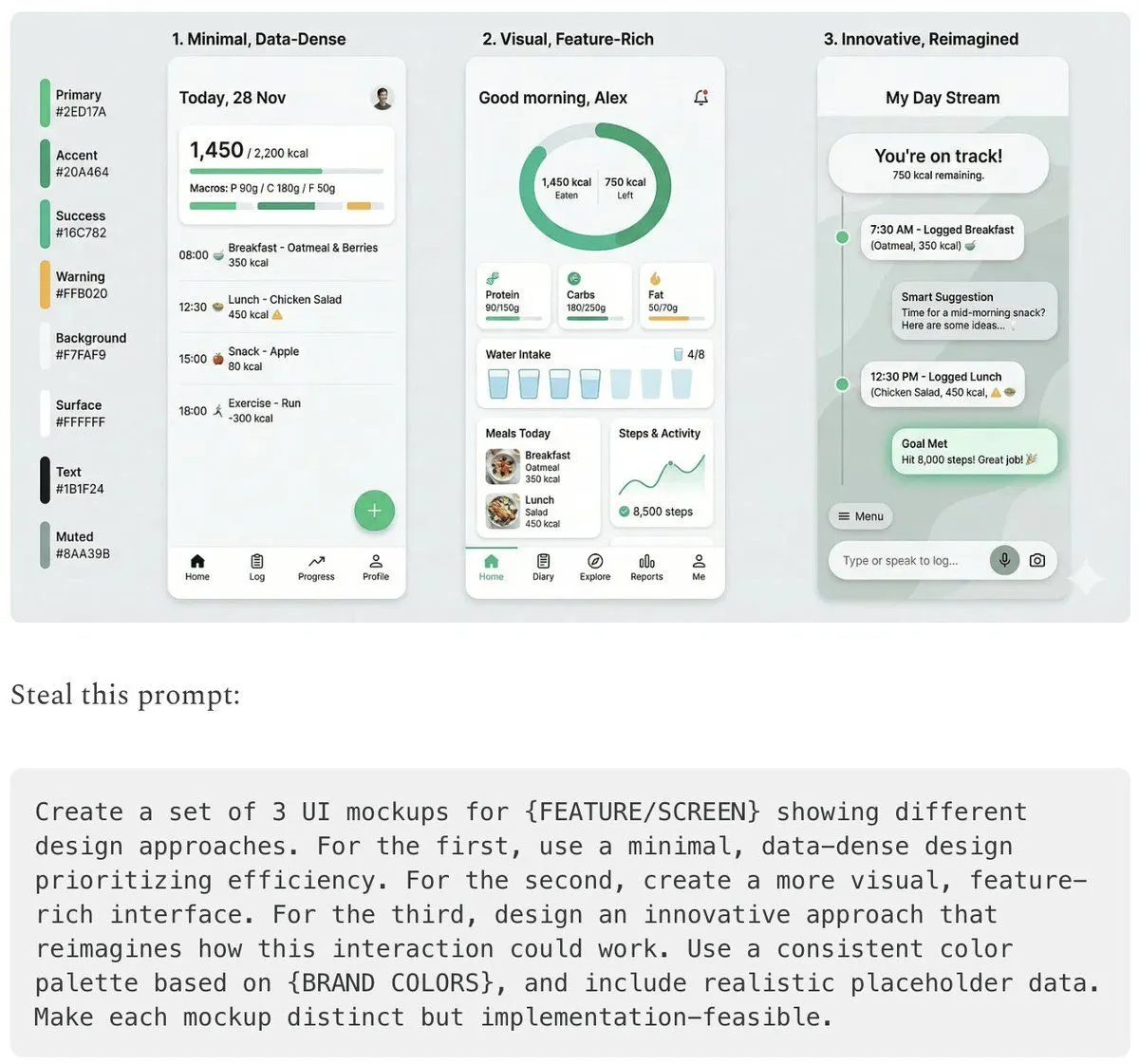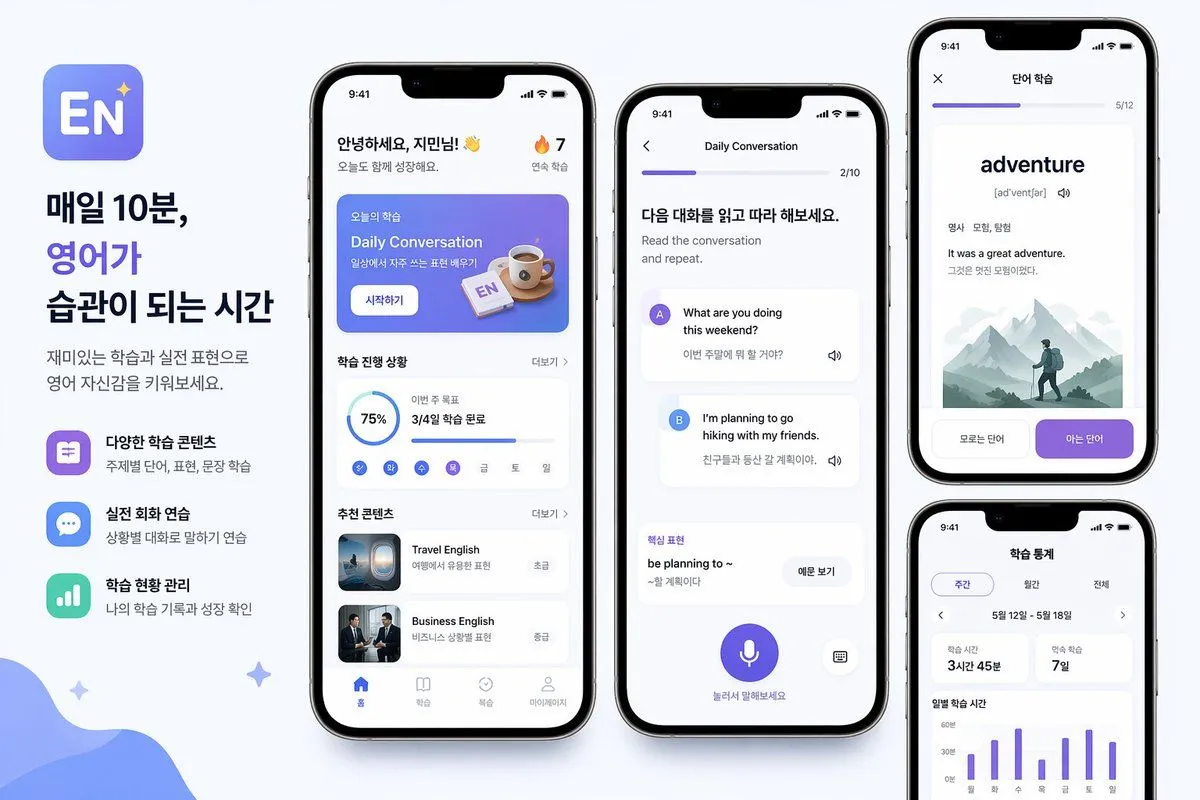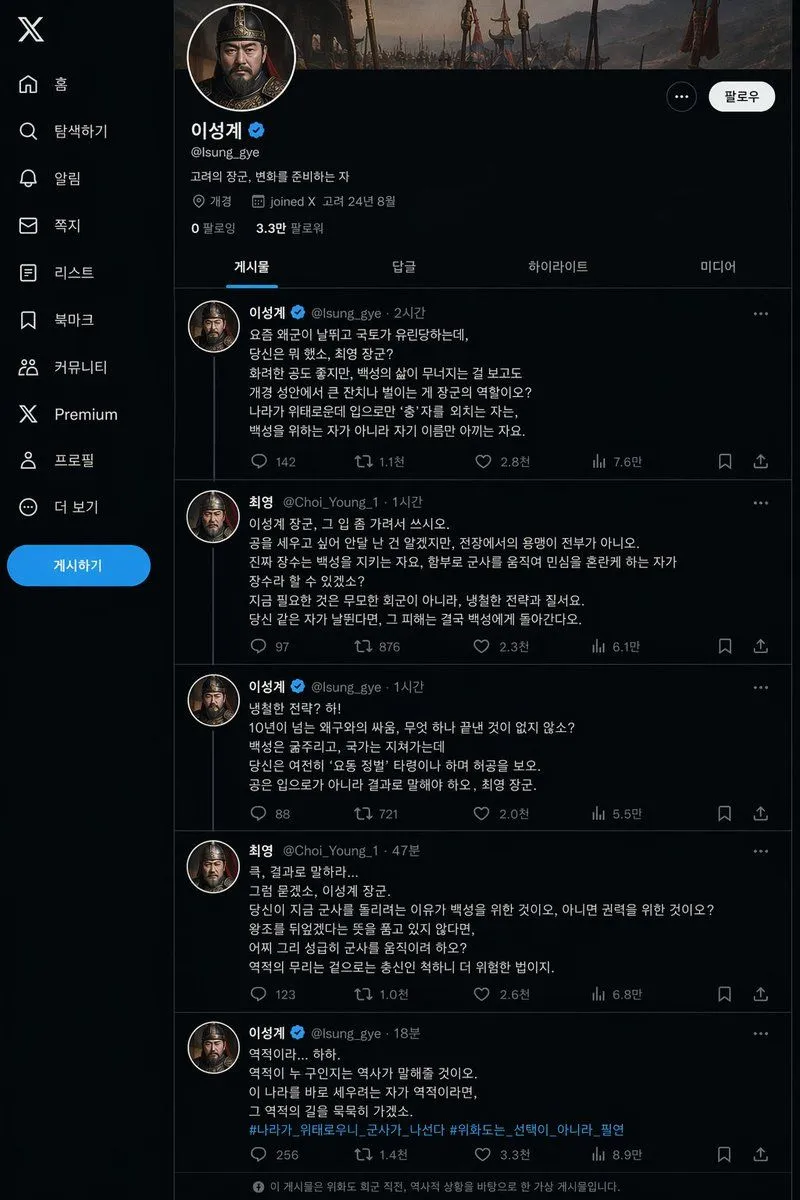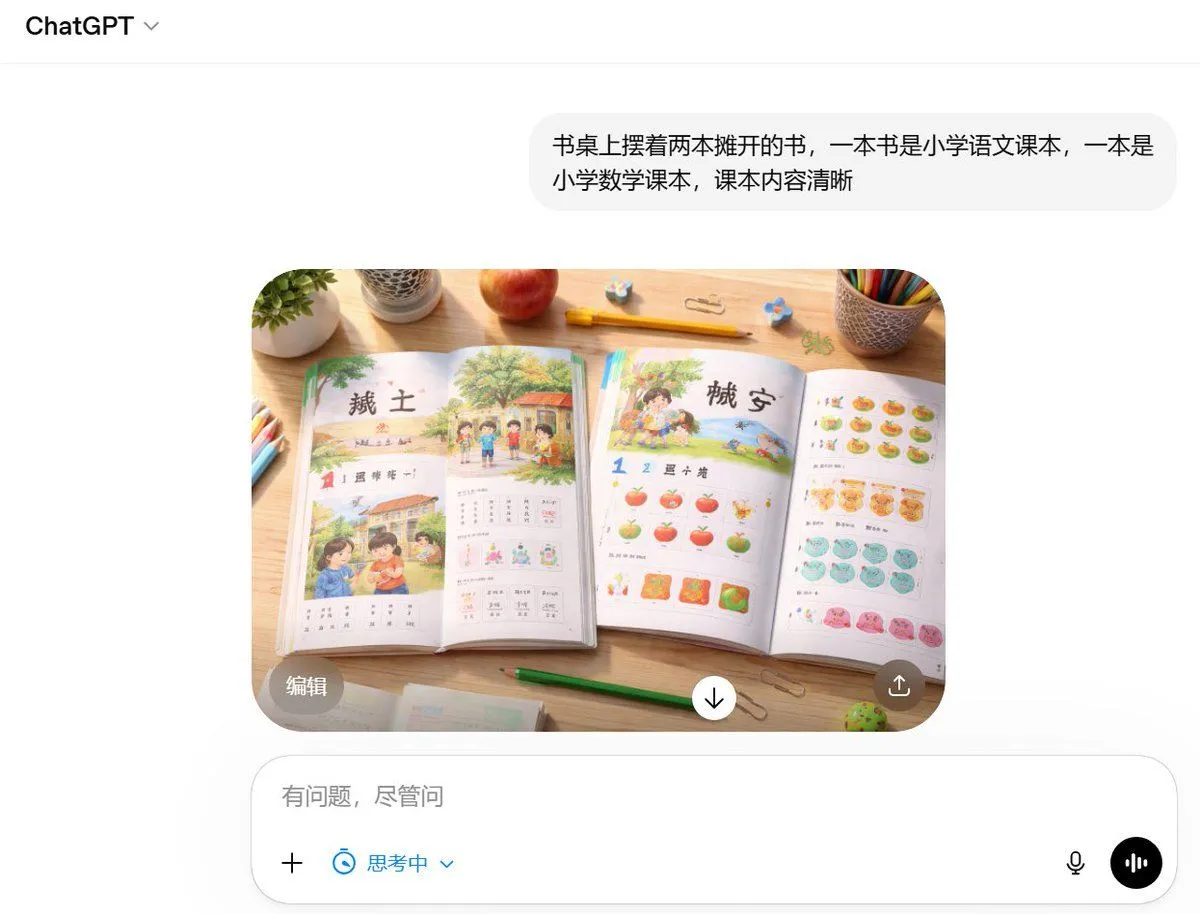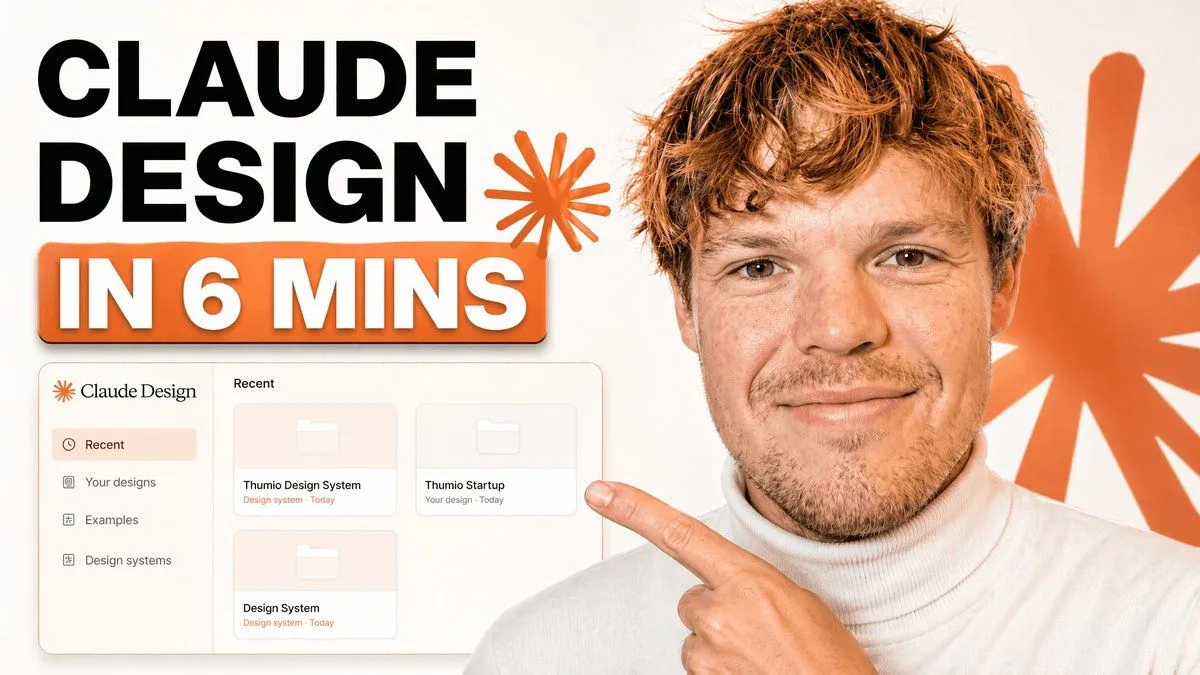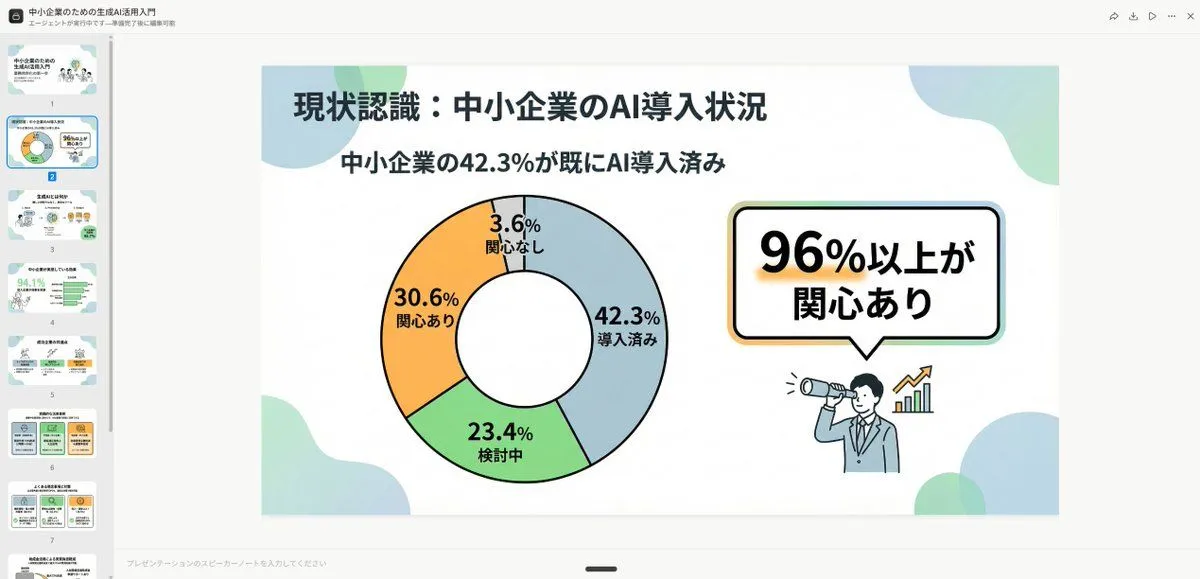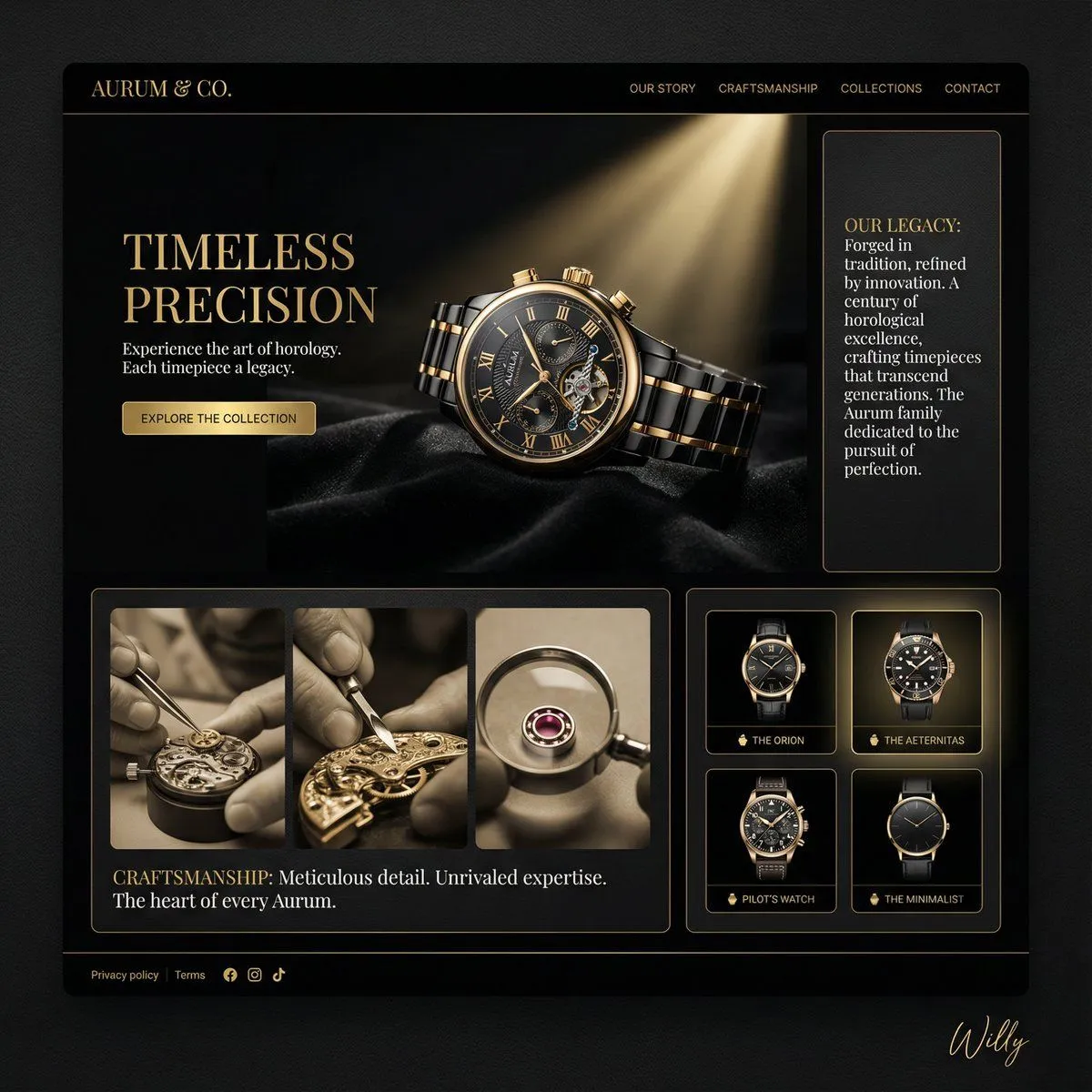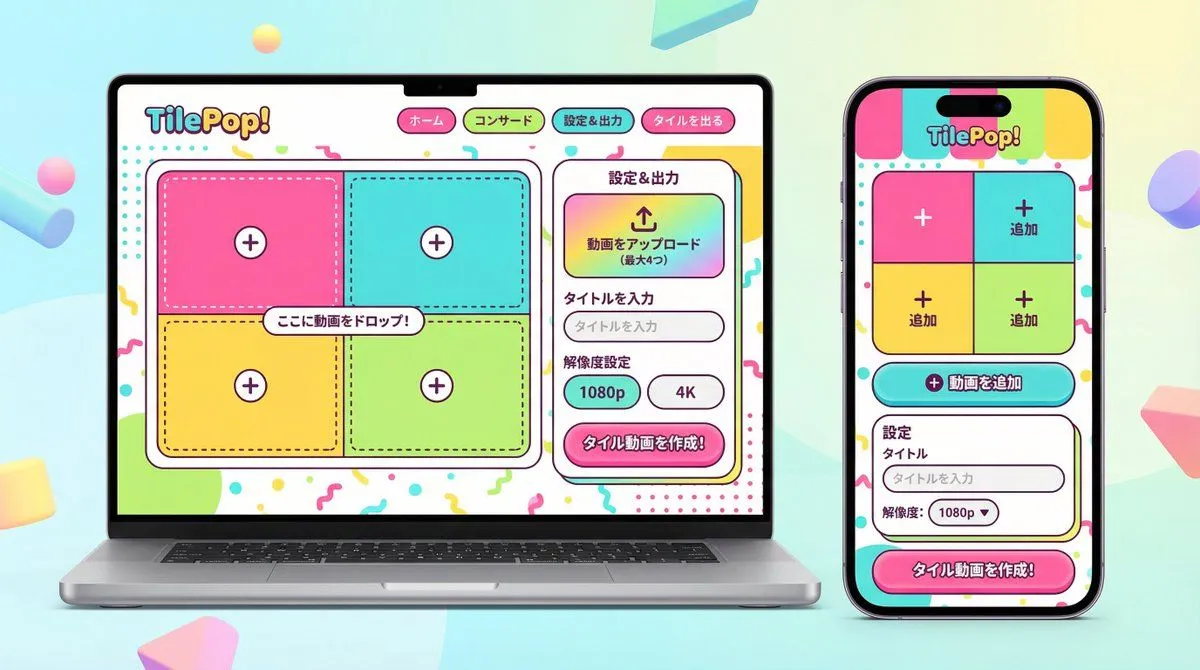
Made with Nano Banana Pro in Gemini by Library Product. Promptclay never generates images.
UI/UX Redesign Prompt (Pop Design Style)
Prompt
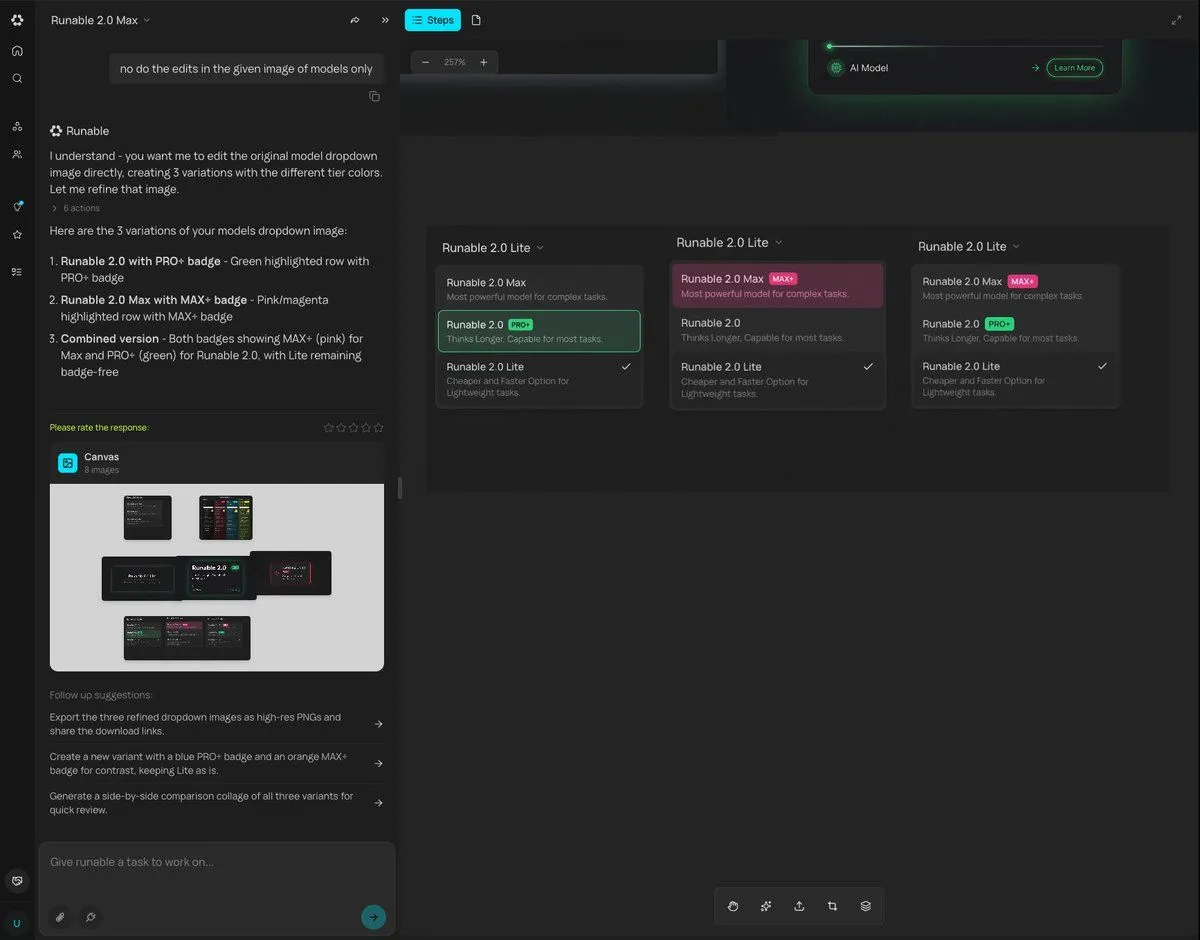
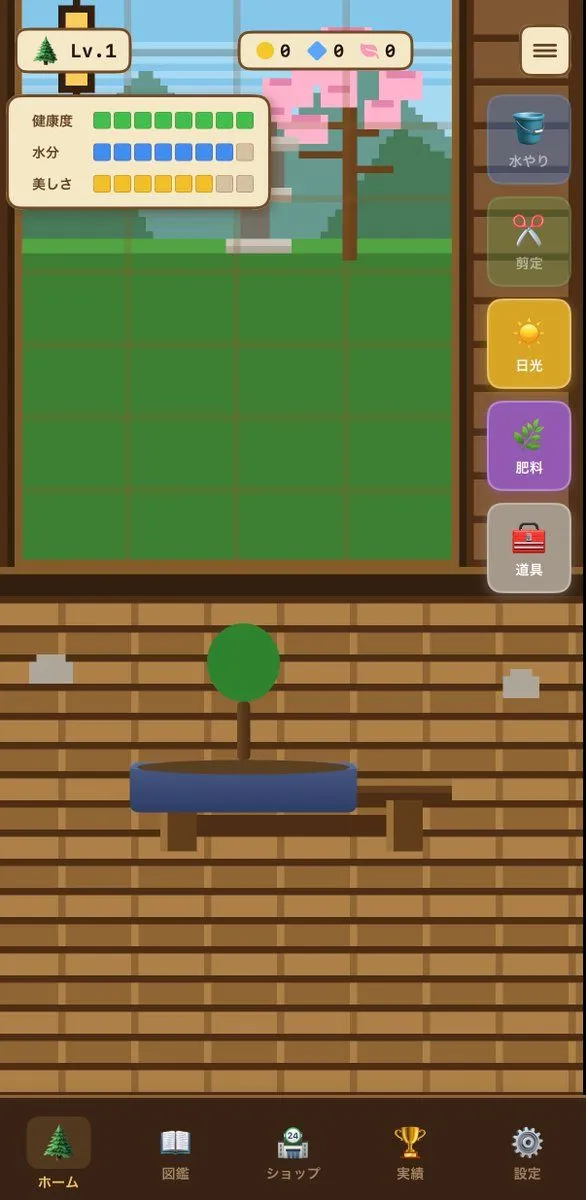
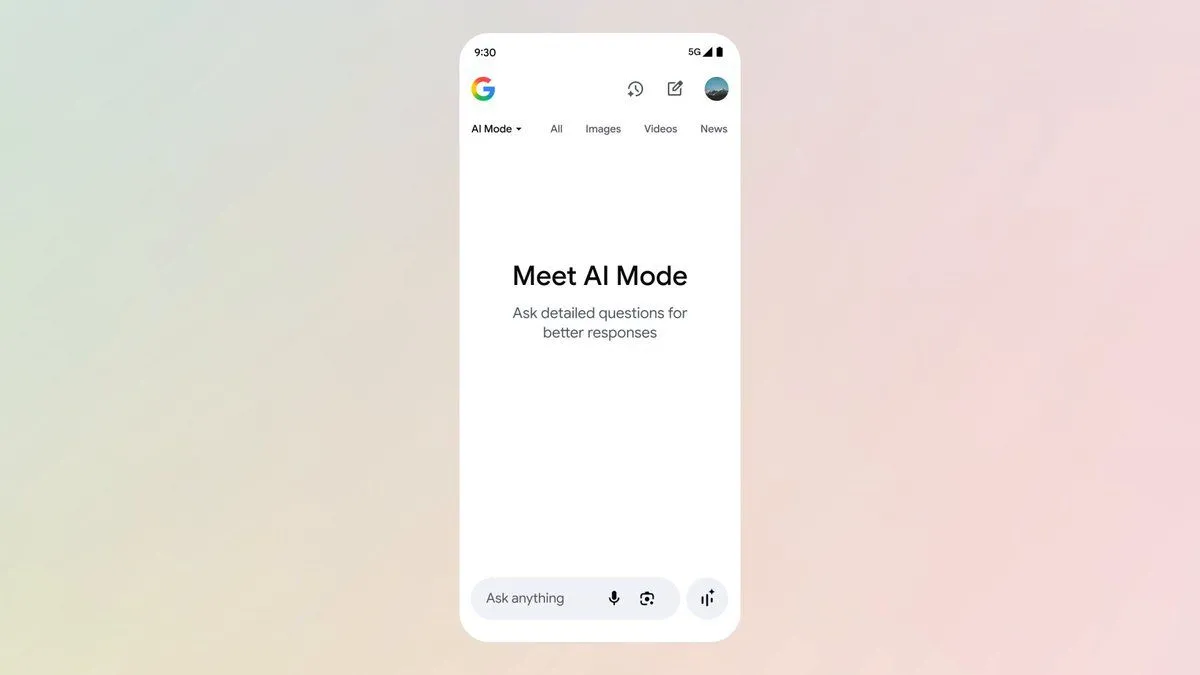
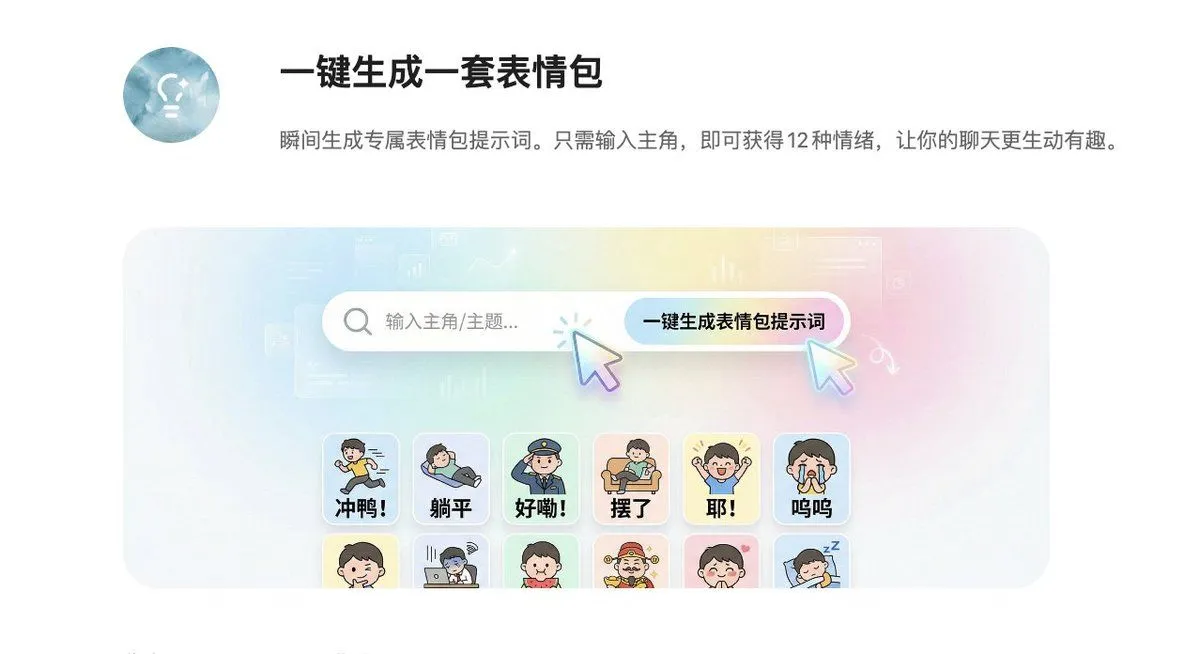
1 blank to fillYou are an experienced senior UI/UX designer specializing in new service launches and redesigns. Analyze the attached image (or input text if no image is attached) and extract **only the 'functional requirements' and 'information structure'** shown there. Based on the extracted functions, generate a high-resolution device mockup image of the app/service with a **completely refreshed design**, showing both the 'Smartphone version (mobile app)' and the 'PC version (Web dashboard or LP)' side-by-side. **Important Requests:** 1. **Design Refresh:** **Do not imitate** the visual style of the attached image at all. Propose a completely new design according to the 'Pop Design' instructions below. 2. **Functionality Maintenance:** Core app functions, such as 'Upload,' 'Video Tiling Display,' and 'Export Settings,' must be included in the UI. 3. **No Characters:** Do not place any characters or human illustrations in the image. Focus only on the UI and devices. ▼ Instructions for the Generation Process (Thinking Process) Construct the design by executing the following thought process before drawing: * [Step 1: Extraction of Functional Requirements]: Identify what the service does from the attached image (e.g., video upload, tiling edit, output) and list the necessary UI elements. * [Step 2: Formulation of Pop Design Concept]: Define a vibrant color palette, playful shapes, and approachable typography based on the '▼ New Design and Style Specification' below. * [Step 3: Responsive UI Design]: * Smartphone Version: Optimize the UI using the defined pop design so that it is fun to operate even on a small screen. Buttons should be large and easy to press. * PC Version: Design a visually enjoyable grid layout utilizing the wide screen, using the defined pop design. * [Step 4: Spatial Composition]: Set an angle where the PC and smartphone are beautifully aligned, and the new design of both screens is clearly conveyed. ▼ New Design and Style Specification * **Design Direction:** Adopt **'Fun, Approachable, and Energetic Pop Design.'** * **Color:** Use a highly saturated, vibrant multi-color palette (e.g., candy colors, bright yellow, hot pink, sky blue) to give an energetic impression. * **Shape:** Frequently use large rounded corners for buttons, cards, and windows to create a soft, tactile texture. Icons should be in a playful style drawn with thick lines. * **Font:** Use an approachable and highly legible rounded Gothic Japanese font. * **Overall Atmosphere:** Finish with a bright, positive UI that makes the user excited to interact with it. * **Composition:** Cross-platform mockup with the PC and smartphone beautifully aligned, in an isometric (oblique overhead) or front view. The background should be a bright studio environment that enhances the pop UI. * **Text:** Place accurate Japanese text indicating the functions. ▼ Input Text (App Function Definition) {app_function_definition}
Preview of your prompt
You are an experienced senior UI/UX designer specializing in new service launches and redesigns. Analyze the attached image (or input text if no image is attached) and extract **only the 'functional requirements' and 'information structure'** shown there. Based on the extracted functions, generate a high-resolution device mockup image of the app/service with a **completely refreshed design**, showing both the 'Smartphone version (mobile app)' and the 'PC version (Web dashboard or LP)' side-by-side. **Important Requests:** 1. **Design Refresh:** **Do not imitate** the visual style of the attached image at all. Propose a completely new design according to the 'Pop Design' instructions below. 2. **Functionality Maintenance:** Core app functions, such as 'Upload,' 'Video Tiling Display,' and 'Export Settings,' must be included in the UI. 3. **No Characters:** Do not place any characters or human illustrations in the image. Focus only on the UI and devices. ▼ Instructions for the Generation Process (Thinking Process) Construct the design by executing the following thought process before drawing: * [Step 1: Extraction of Functional Requirements]: Identify what the service does from the attached image (e.g., video upload, tiling edit, output) and list the necessary UI elements. * [Step 2: Formulation of Pop Design Concept]: Define a vibrant color palette, playful shapes, and approachable typography based on the '▼ New Design and Style Specification' below. * [Step 3: Responsive UI Design]: * Smartphone Version: Optimize the UI using the defined pop design so that it is fun to operate even on a small screen. Buttons should be large and easy to press. * PC Version: Design a visually enjoyable grid layout utilizing the wide screen, using the defined pop design. * [Step 4: Spatial Composition]: Set an angle where the PC and smartphone are beautifully aligned, and the new design of both screens is clearly conveyed. ▼ New Design and Style Specification * **Design Direction:** Adopt **'Fun, Approachable, and Energetic Pop Design.'** * **Color:** Use a highly saturated, vibrant multi-color palette (e.g., candy colors, bright yellow, hot pink, sky blue) to give an energetic impression. * **Shape:** Frequently use large rounded corners for buttons, cards, and windows to create a soft, tactile texture. Icons should be in a playful style drawn with thick lines. * **Font:** Use an approachable and highly legible rounded Gothic Japanese font. * **Overall Atmosphere:** Finish with a bright, positive UI that makes the user excited to interact with it. * **Composition:** Cross-platform mockup with the PC and smartphone beautifully aligned, in an isometric (oblique overhead) or front view. The background should be a bright studio environment that enhances the pop UI. * **Text:** Place accurate Japanese text indicating the functions. ▼ Input Text (App Function Definition) App to tile and export uploaded videos\nNo AI analysis function needed\nI want to be able to set the resolution!
DetailsVersions, settings and questions
Written for
What's in the prompt
- Subject
- Model
- Nano Banana Pro
If your face changes
keep my face exactly the sameQuestions
- Does this work in the Gemini app?
- Yes. Gemini runs Nano Banana, so paste the prompt and attach your photo if it uses one.
- It changed my face. What do I do?
- Add "keep my face exactly the same" to the end and run it again.
- Can I use the images I make?
- Check the terms of the app you use. Promptclay never generates images and claims nothing you make.
Did it work?
No reports yet. Tell others if it worked for you.