Tell us anything

An idea, a bug, something you love. We read every note.

⌘↵ to send. The page you're on comes along.

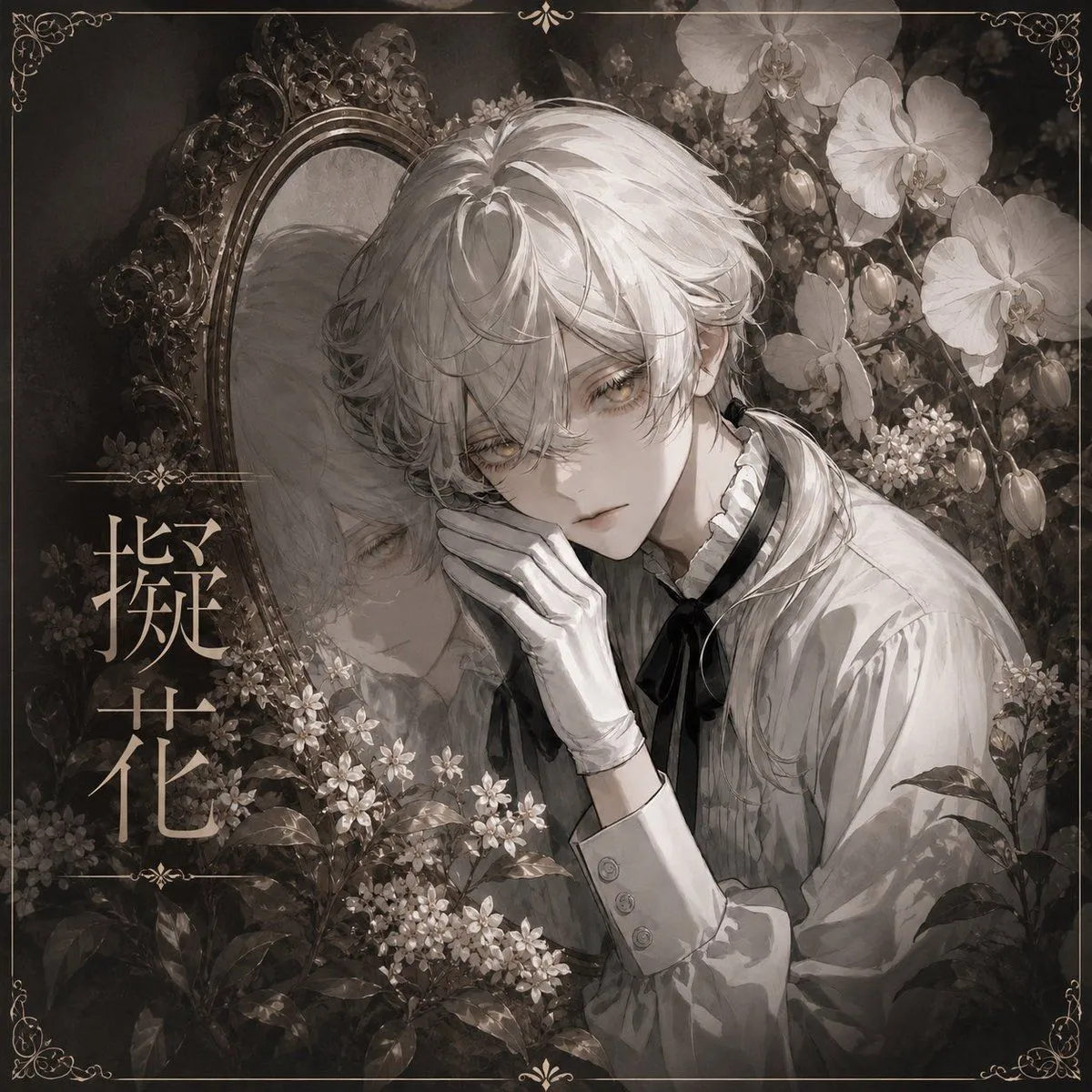
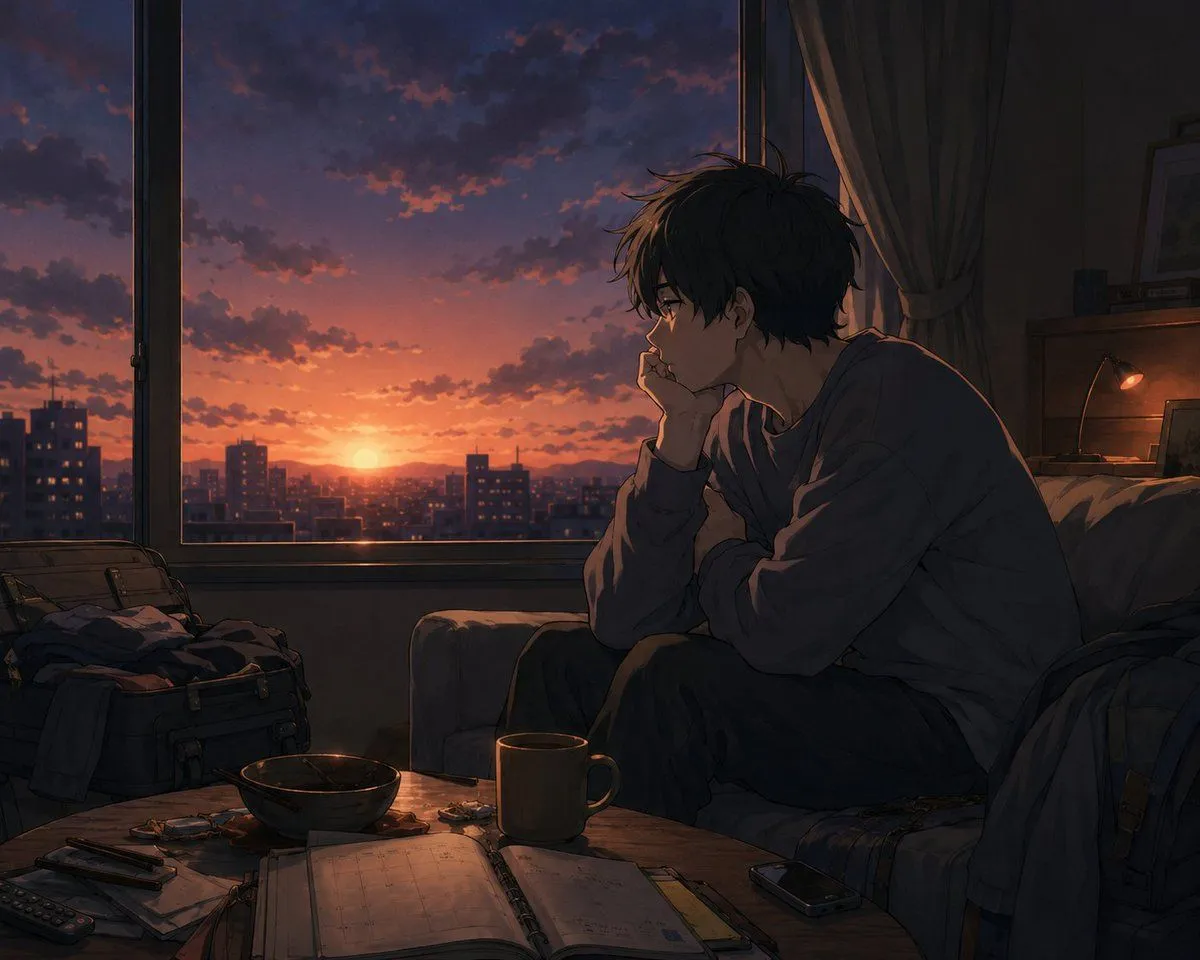
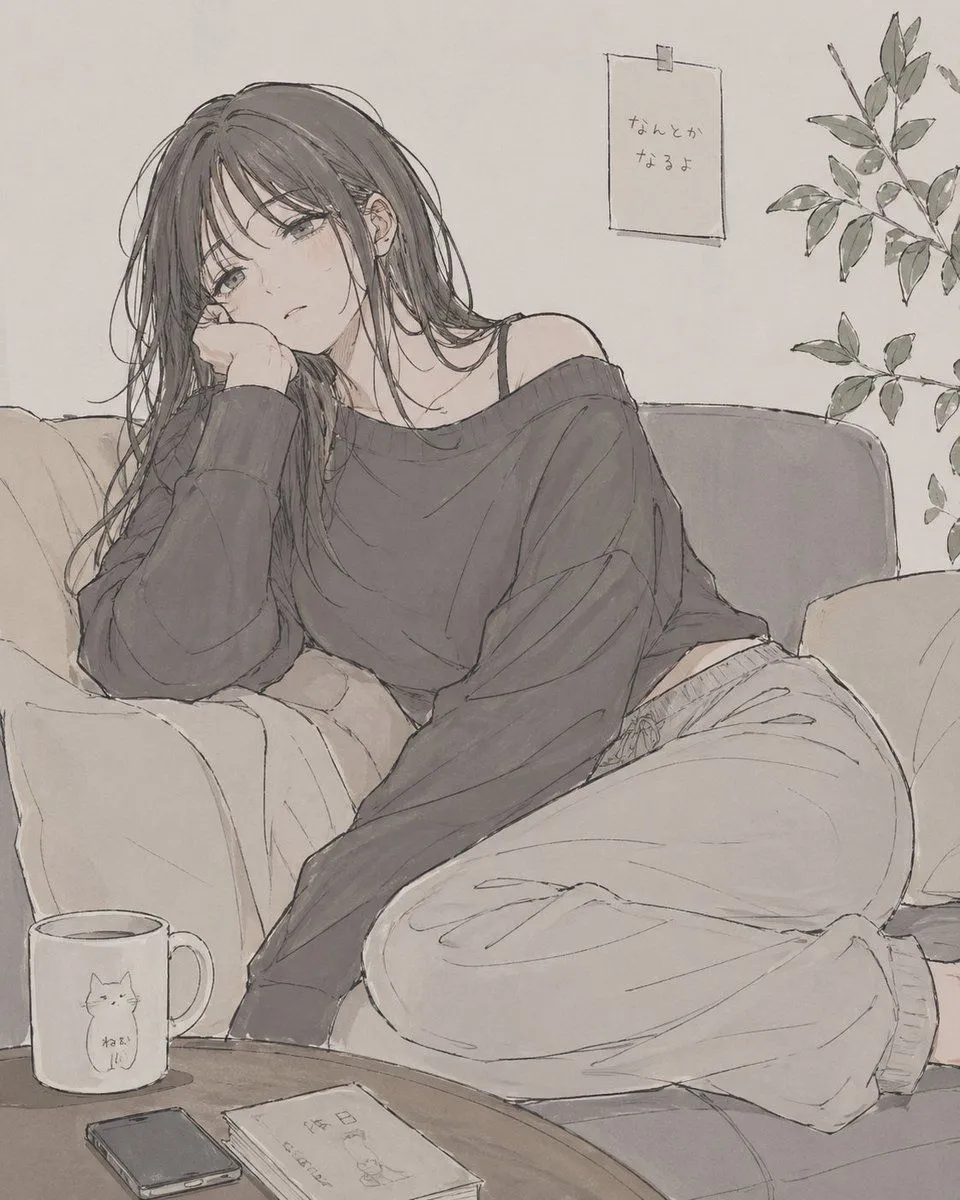
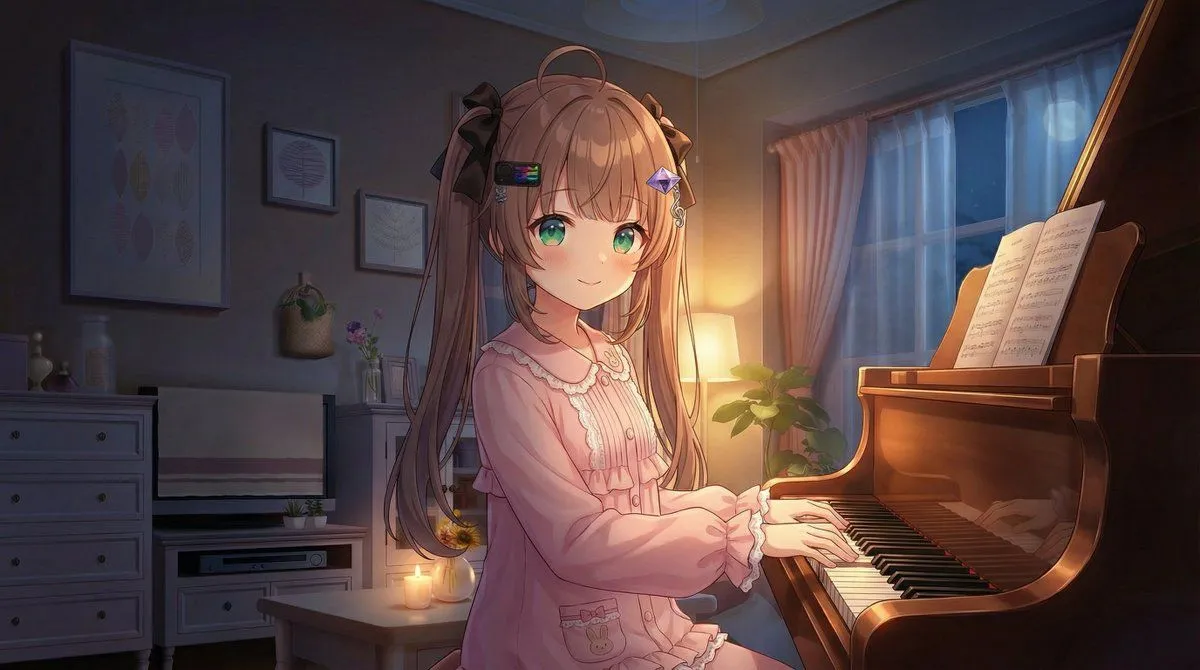
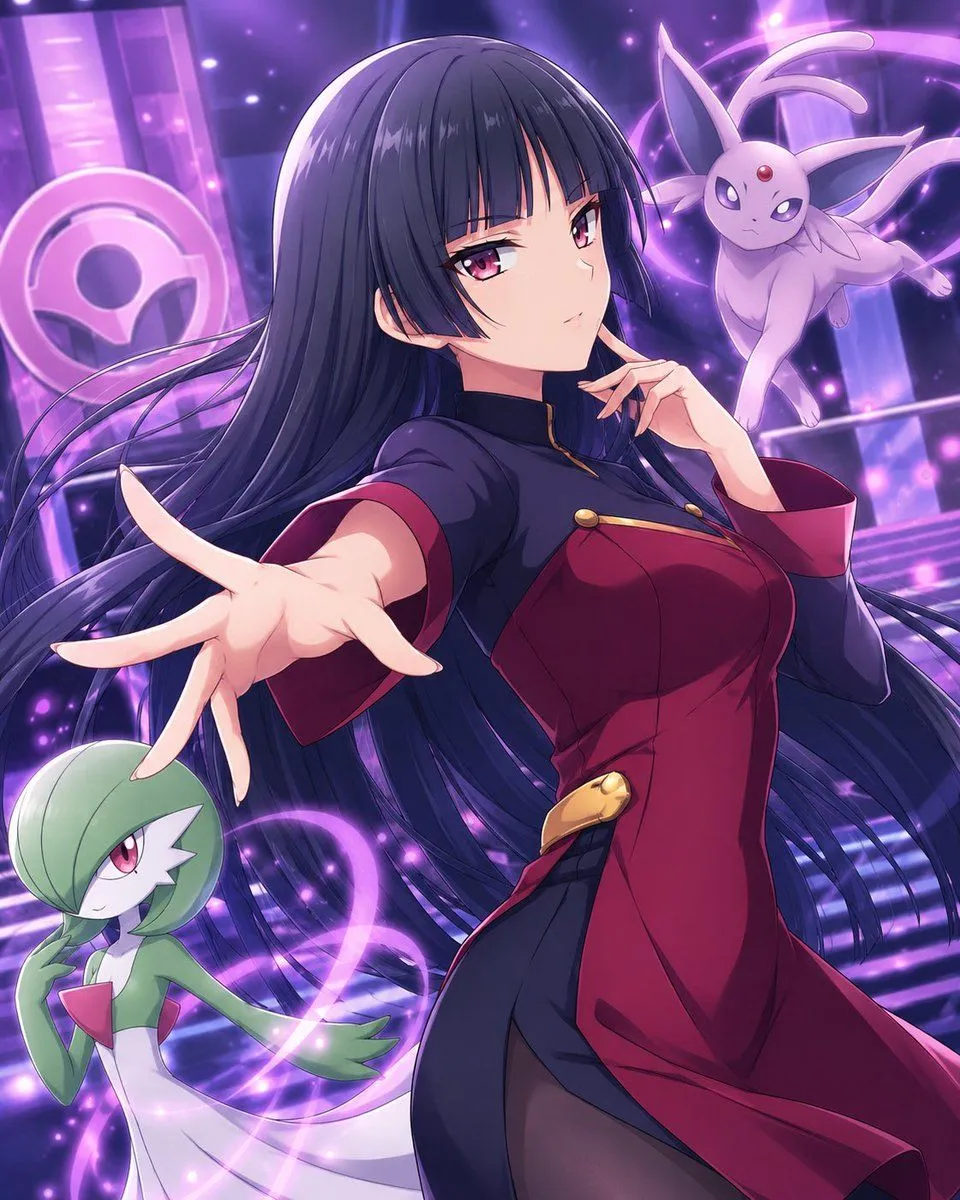
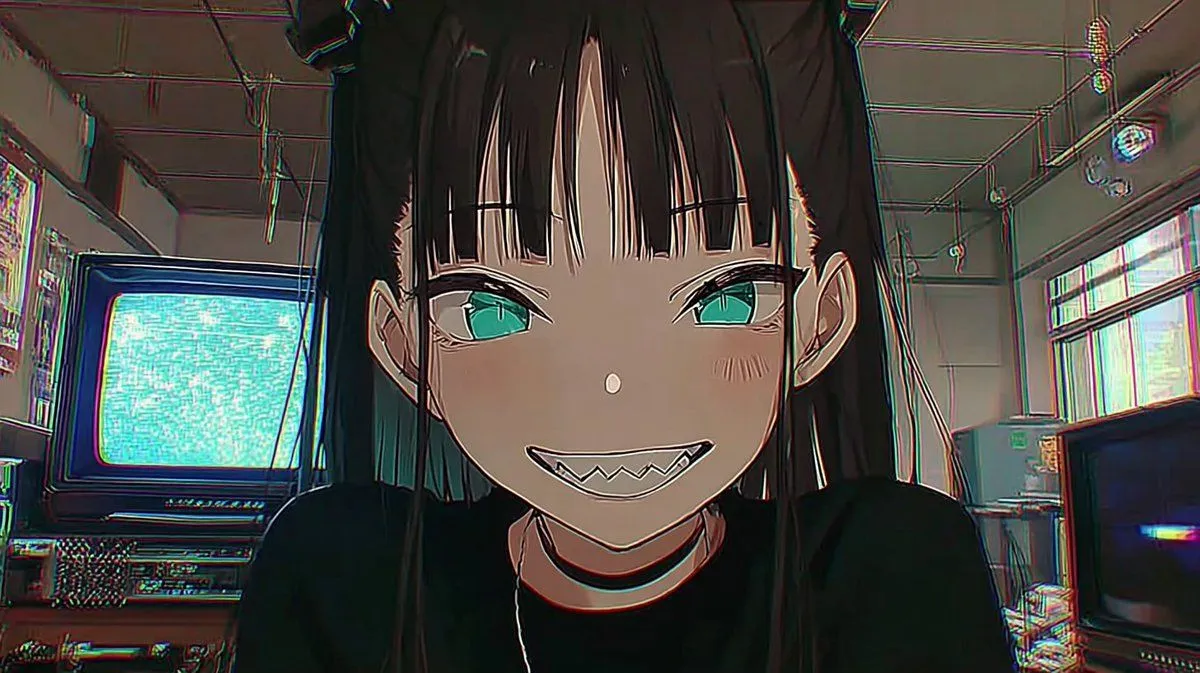
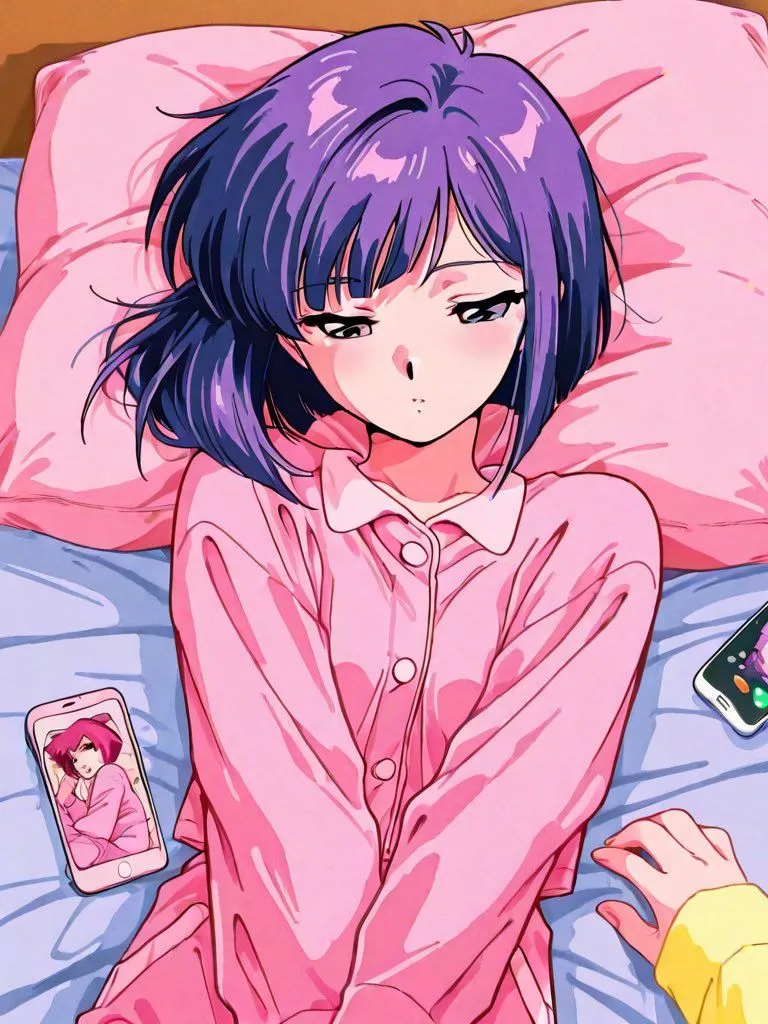
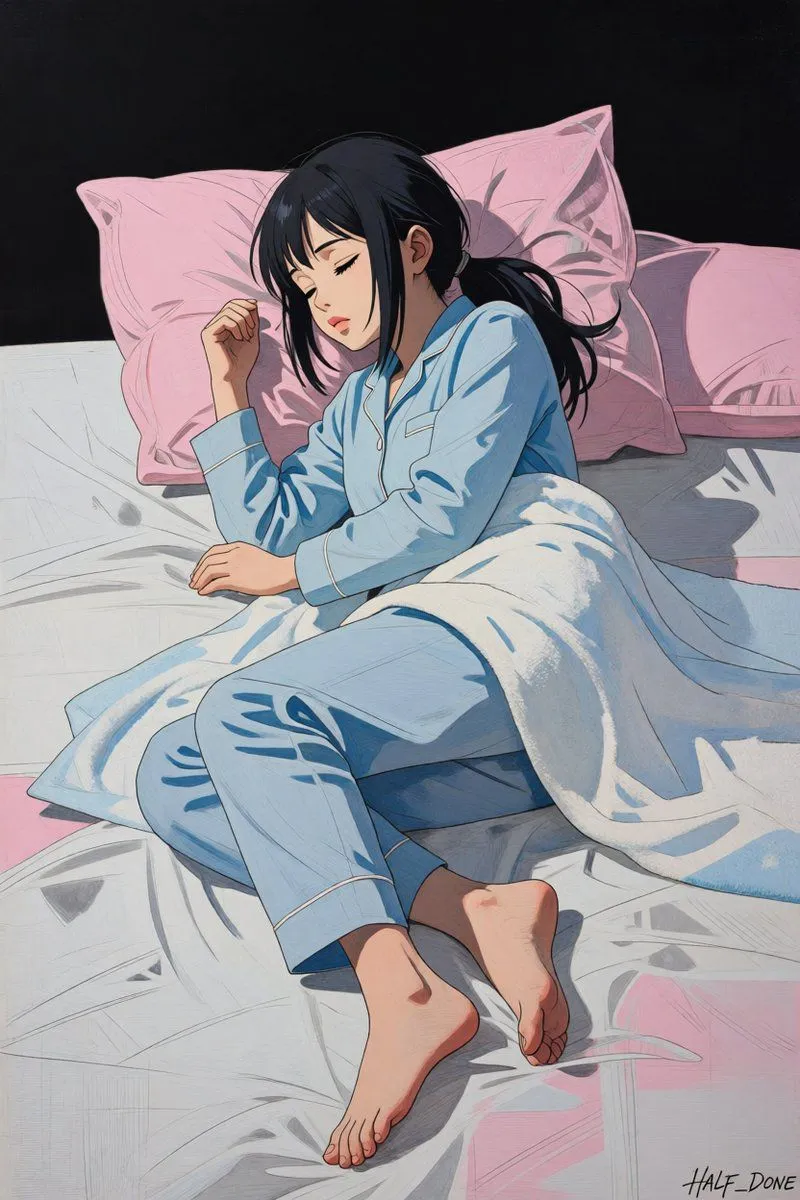
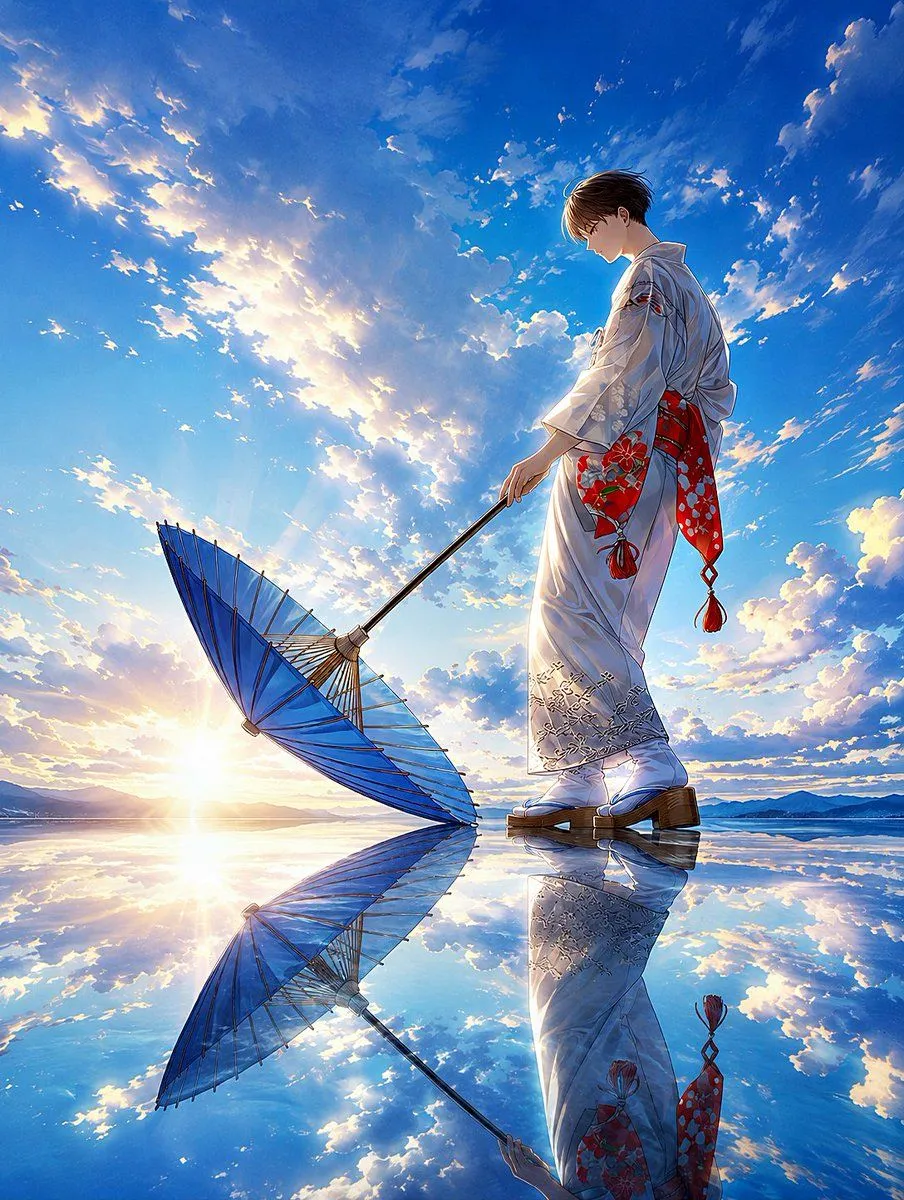
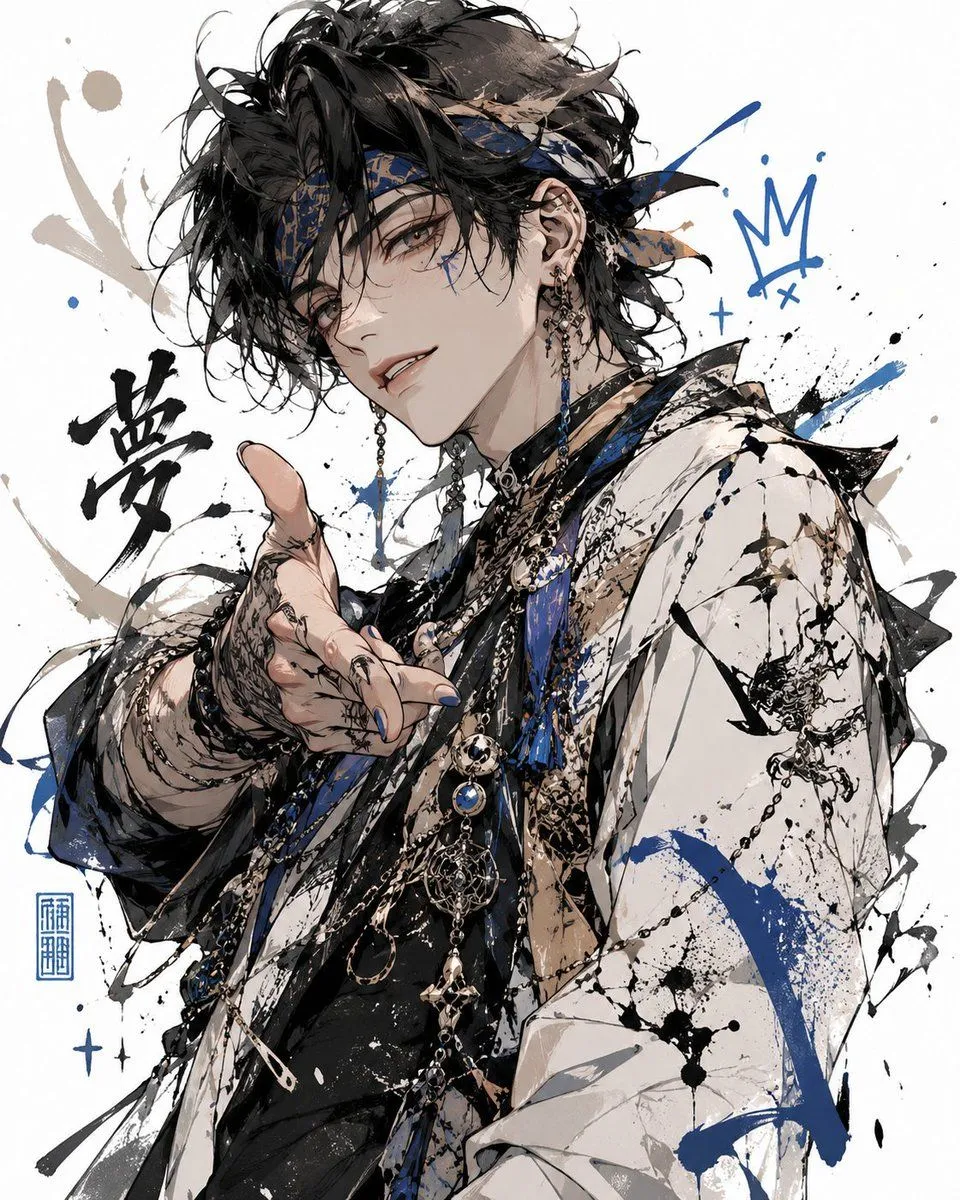
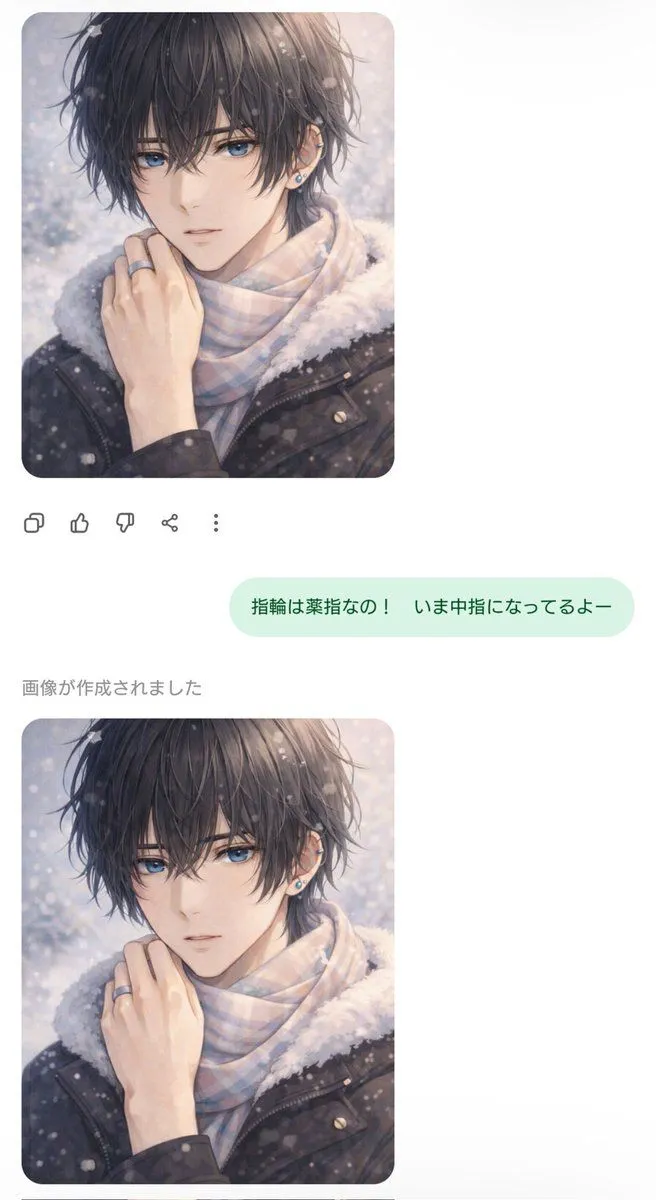
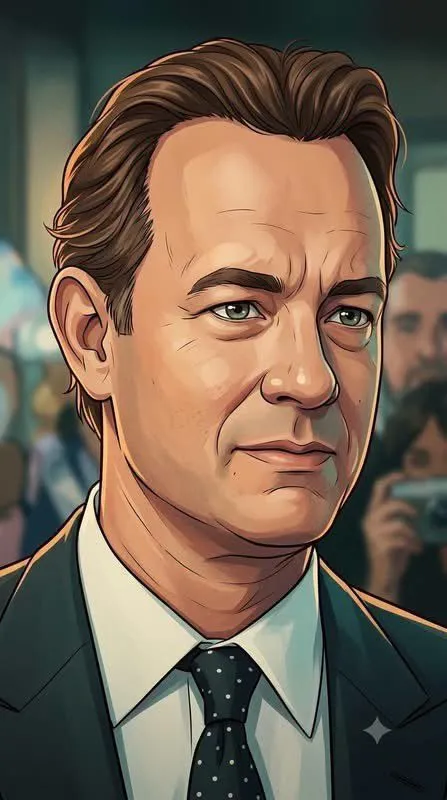
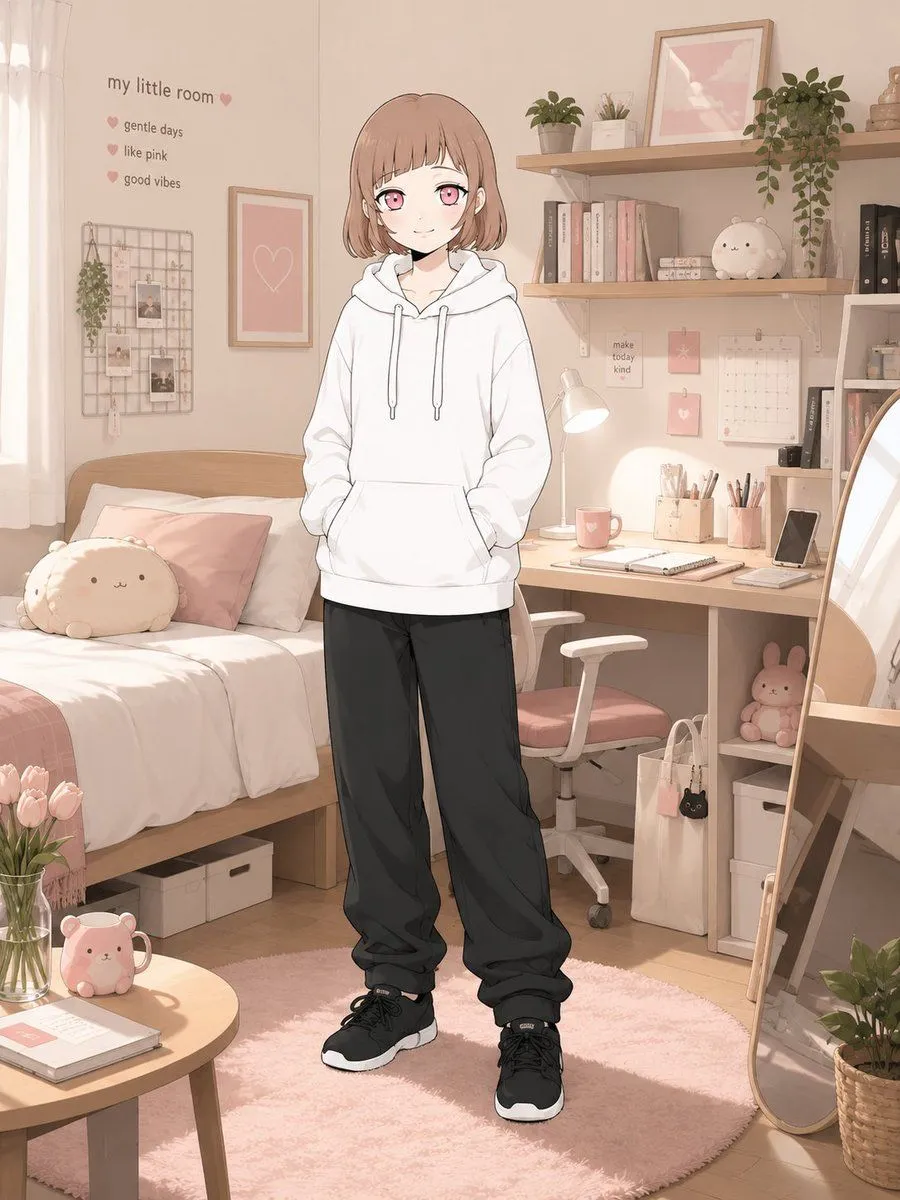
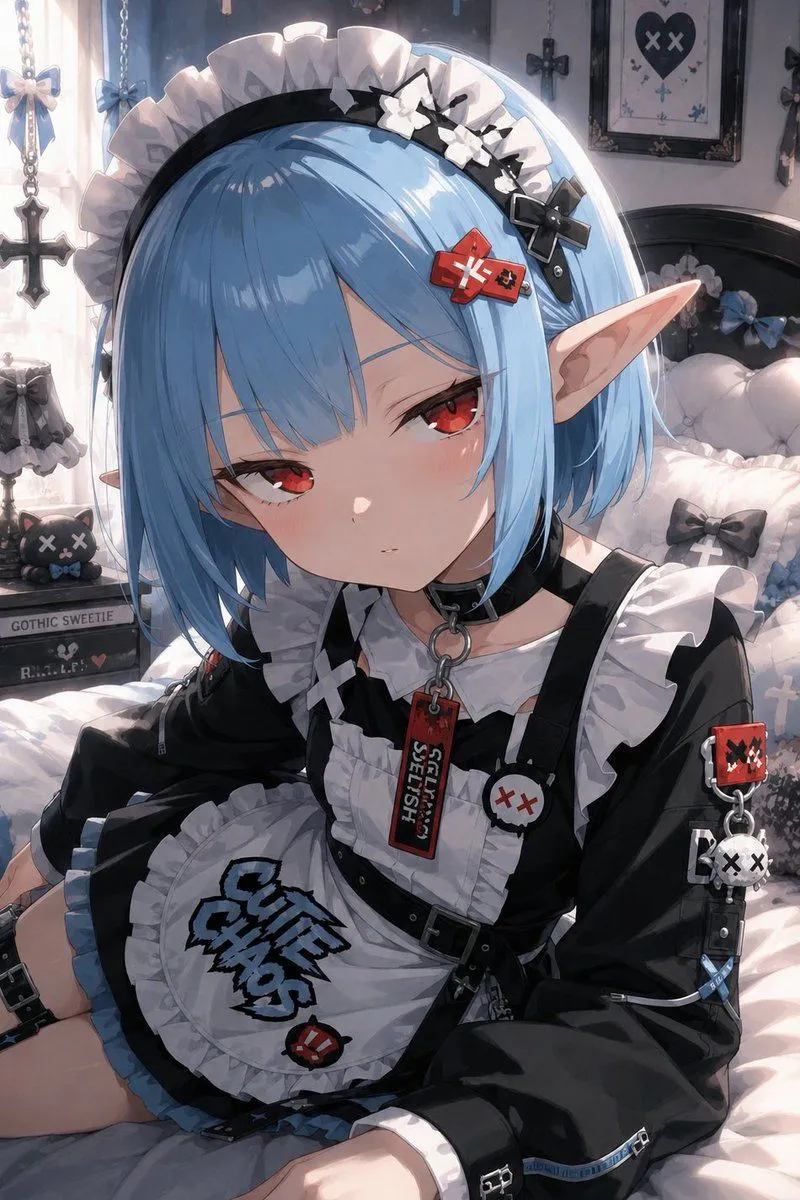
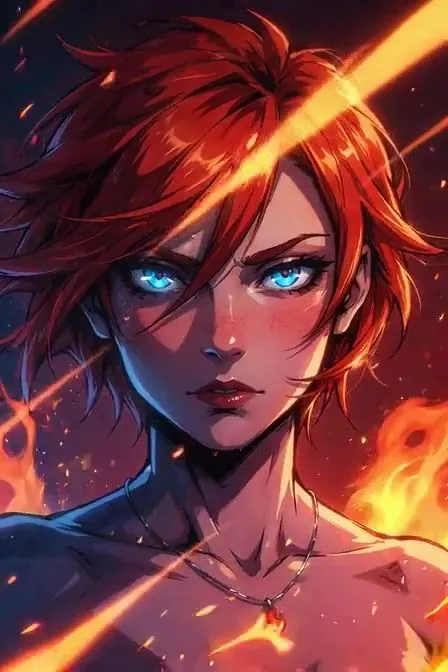
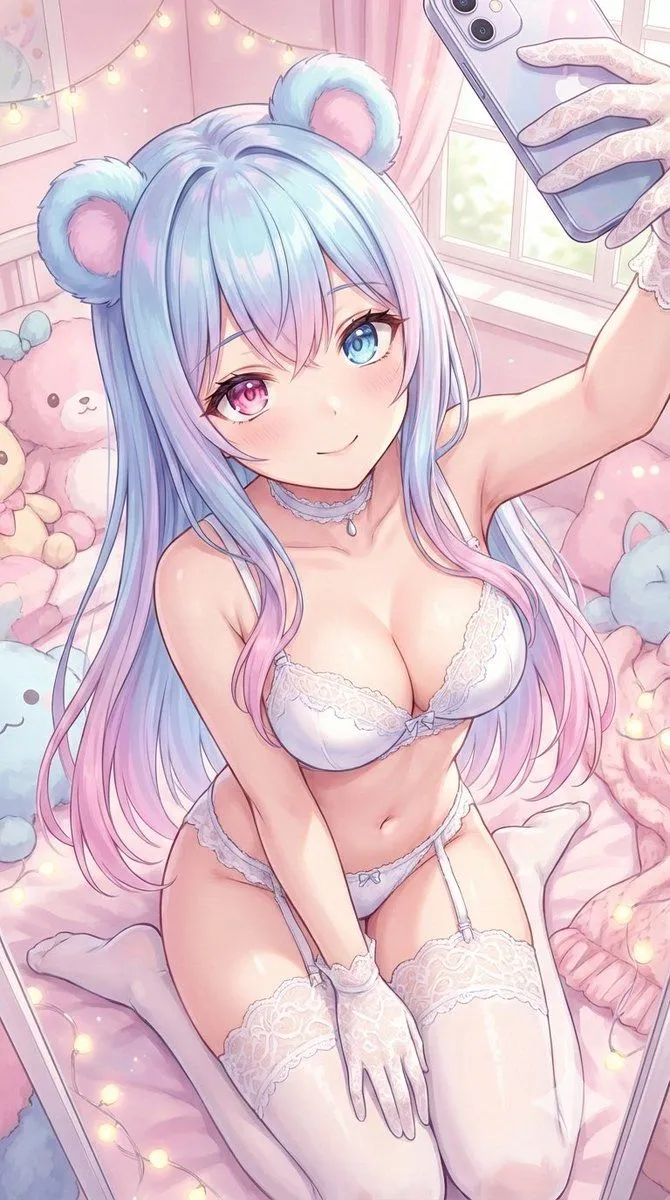
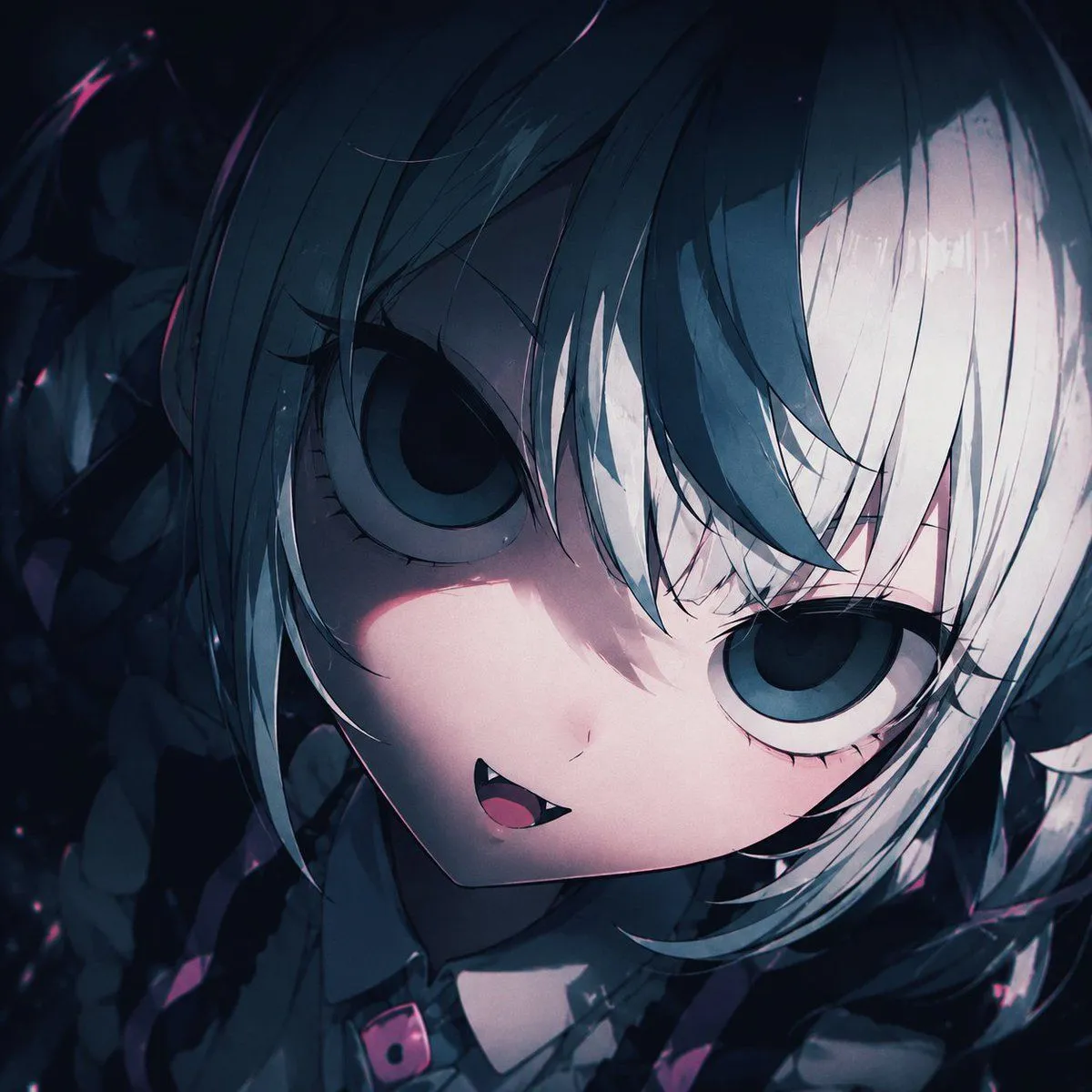
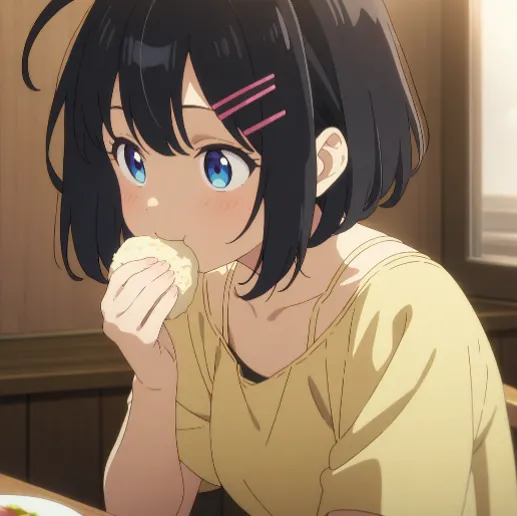
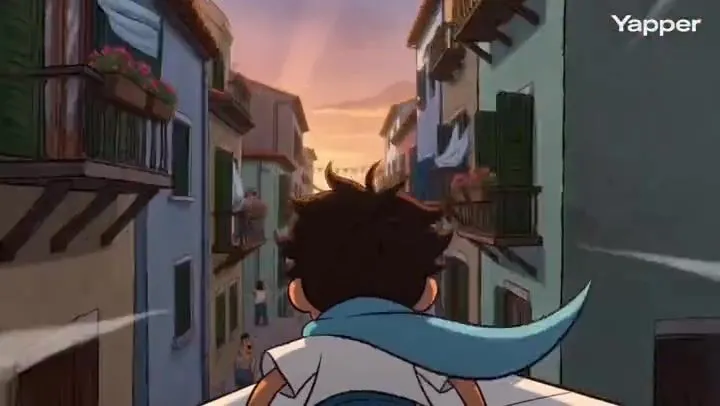
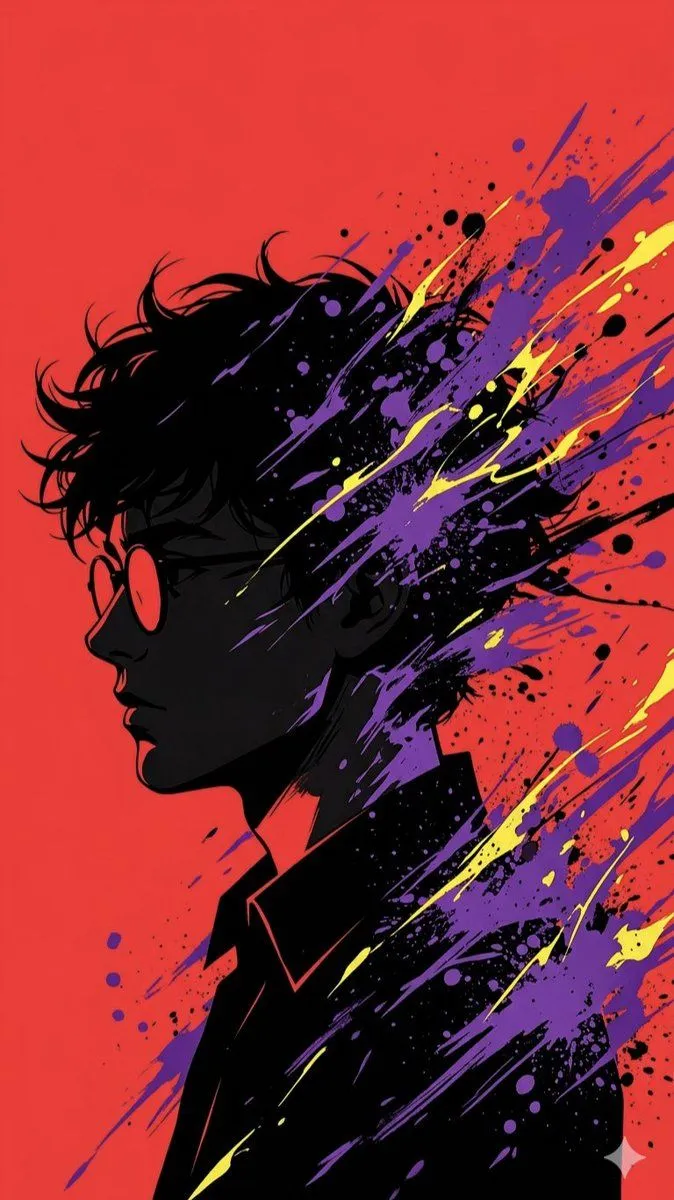
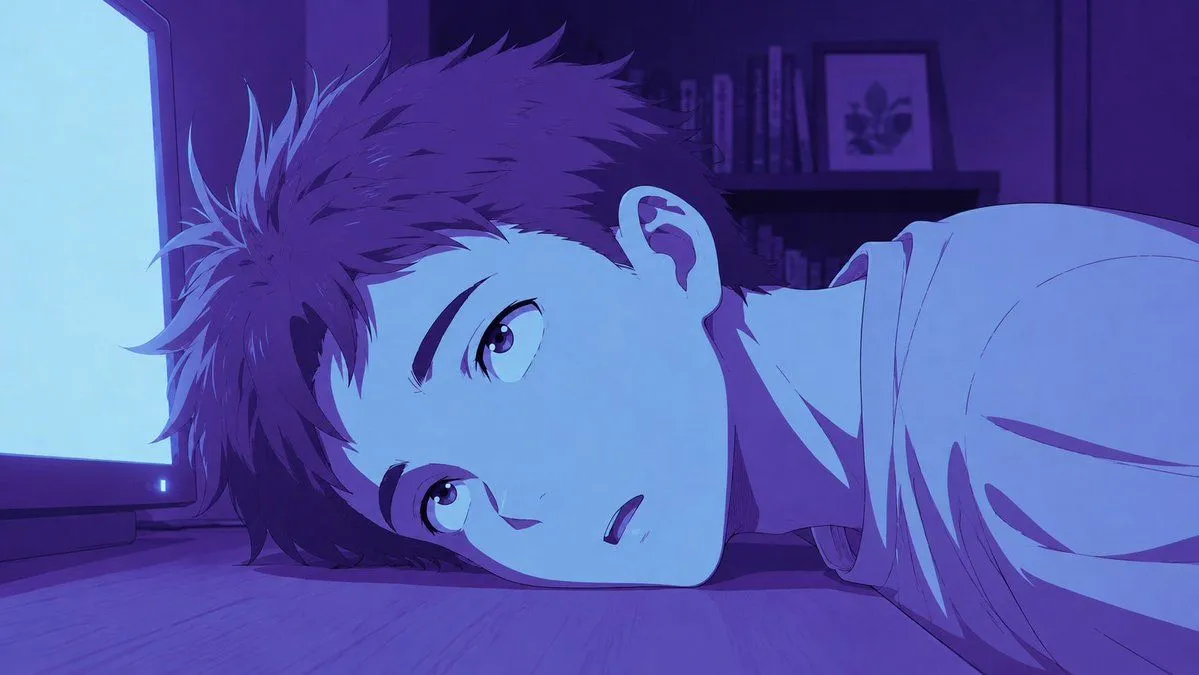
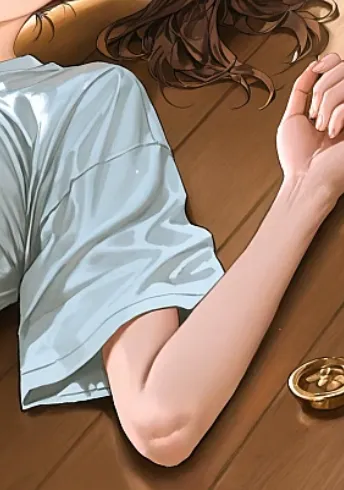
Stylized Anime Color Grading

Made with GPT Image 2 in ChatGPT by Library Anime. Promptclay never generates images.

Did it work?

No reports yet. Tell others if it worked for you.

No comments yet. Be the first.

    Stylized Anime Color Grading

    GPT Image 216:9AI-generated

    Prompt

    3 blanks to fill

    Without changing the shape of the original image, apply {effect}. {style}. Do not keep the original skin, black, hair, clothing, or background colors; unify the entire image into {color_tone} tones. Do not turn it into line art, white outlines, or simple two-color printing; preserve the light and dark, shadows, and three-dimensionality of the original image.

    Works in
    ChatGPT, Gemini
    Status
    Free to copy
    0
    DetailsVersions, settings and questions

    Written for

    What's in the prompt

    Subject
    Model
    GPT Image 2

    If your face changes

    keep my face exactly the same

    Questions

    Does this work in the ChatGPT app?
    Yes. Paste the prompt and attach your photo if it uses one.
    It changed my face. What do I do?
    Add "keep my face exactly the same" to the end and run it again.
    Can I use the images I make?
    Check the terms of the app you use. Promptclay never generates images and claims nothing you make.
    Similar prompts

    See more
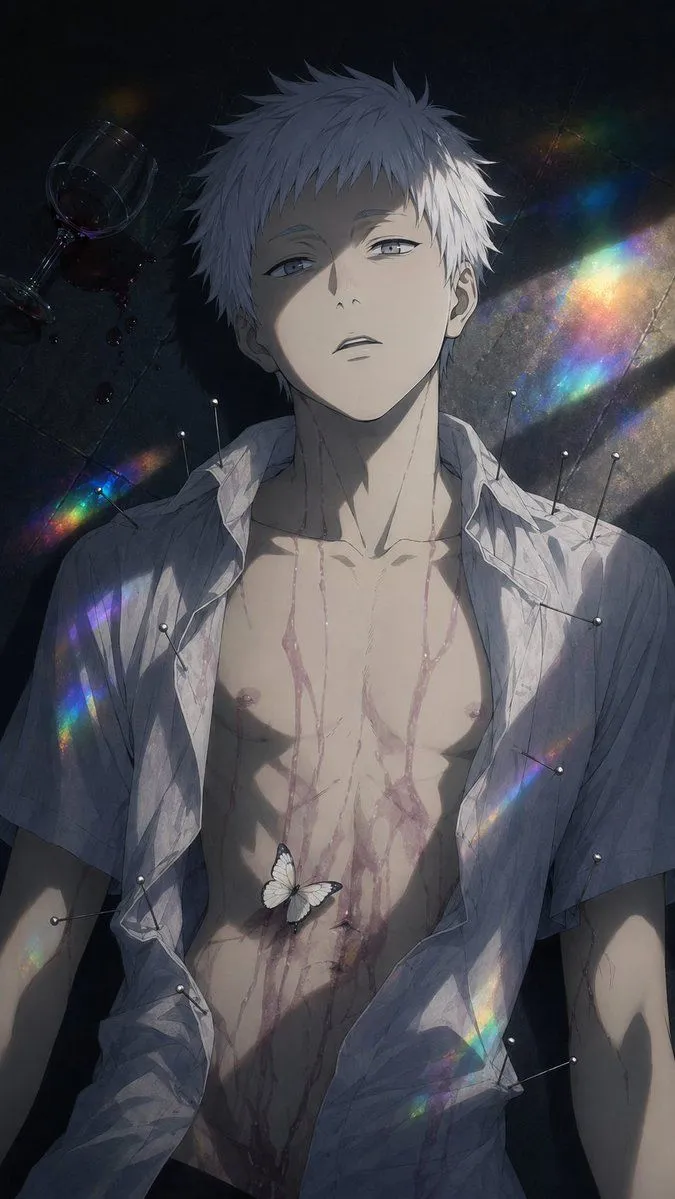
    • Dark Anime Boy with Pins and Prism Light
    • Clean Anime Redraw From References
    • Gothic Floral Mirror Portrait
    • Portrait of a Middle-Aged Man Lying Down
    • Cinematic Portrait Reflection with Ghibli Effect
    • Golden Week Ending Melancholy
    • Relaxed Woman on Sofa Sketch
    • Vlogger Thumbnail Image Generation Prompt
    • Psychic Trainer Anime Battle Art
    • Retro 2.5D Anime CRT Girl
    • AI Illustration Comparison Prompt
    • Sleeping Girl in Pitch-Black Room
    • Kimono Figure with Blue Umbrella
    • Censored Anime Ink Fashion Portrait
    • Image Editing Instructions for Jewelry and Clothing
    • Cinematic 2D Anime Illustration
    • Character-Specific Room Synthesis Prompt
    • Character Background and Lighting Adjustment
    • Camera Pullback Character RevealVideo, 0:10
    • Sweet dreams image prompt for Nano Banana Pro
    • Gothic Chibi Vampire Album Cover
    • Adding Food to Character Prompts
    • Pure Hand-Drawn 2D Cartoon AnimationVideo, 0:08
    • Pop Art Silhouette Splatter

    Show more

    Run it on your phone

    1. Prompt copiedRead it

      Without changing the shape of the original image, apply {effect}. {style}. Do not keep the original skin, black, hair, clothing, or background colors; unify the entire image into {color_tone} tones. Do not turn it into line art, white outlines, or simple two-color printing; preserve the light and dark, shadows, and three-dimensionality of the original image.

    2. Open your app

    3. Paste and run

      Press and hold the message box, then tap Paste. Add your photo first if the prompt uses one. You may need to sign in.

    Stylized Anime Color Grading