Tell us anything

An idea, a bug, something you love. We read every note.

⌘↵ to send. The page you're on comes along.

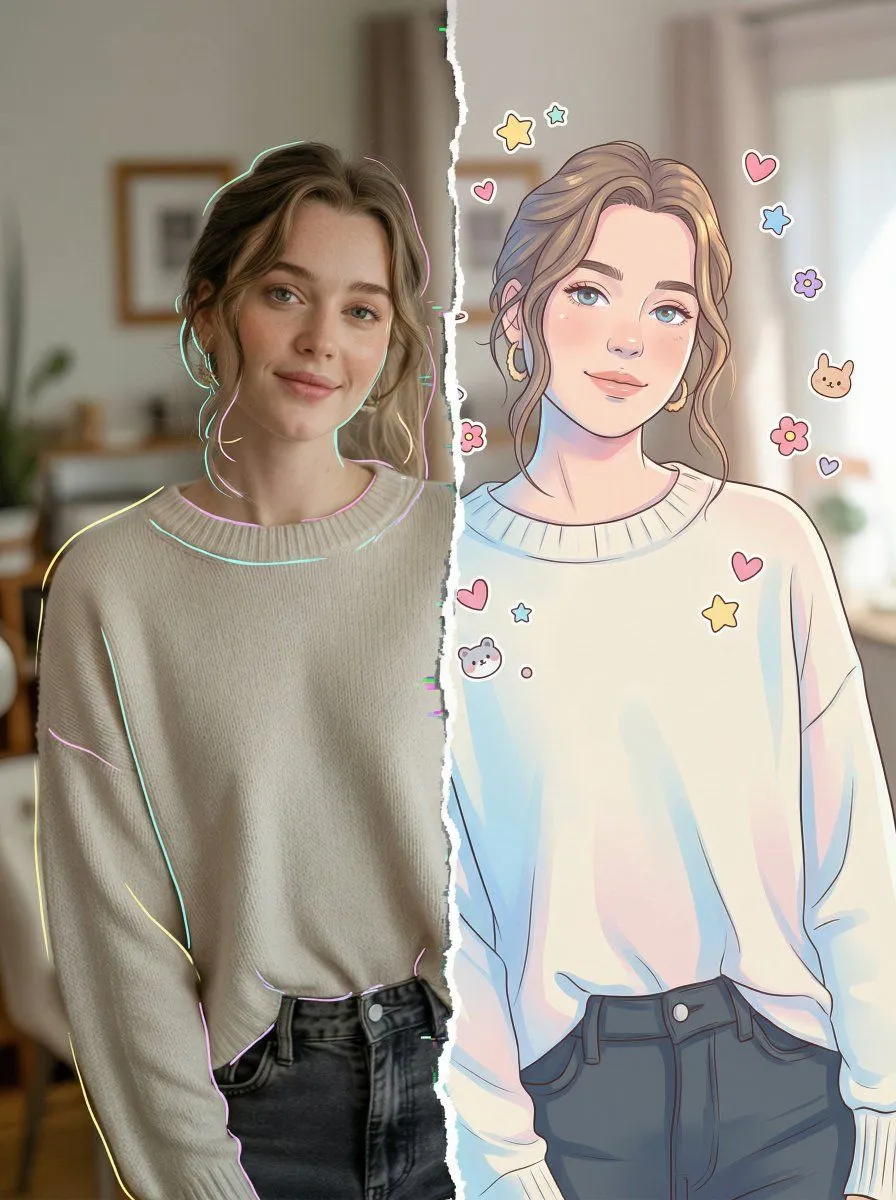
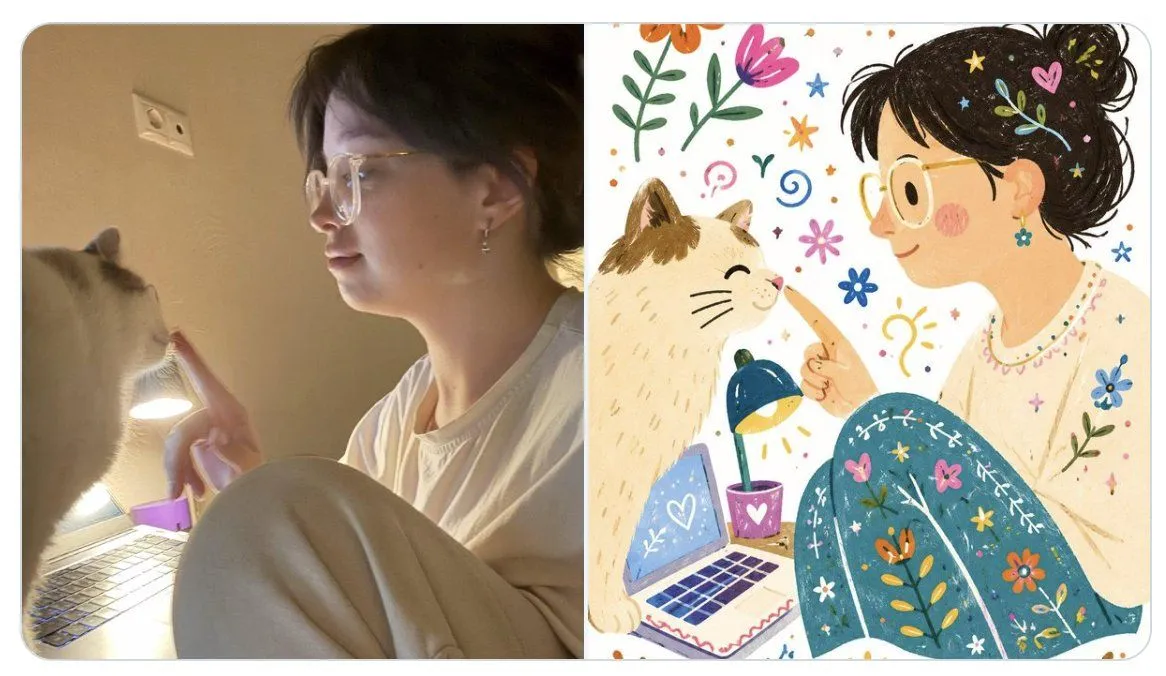
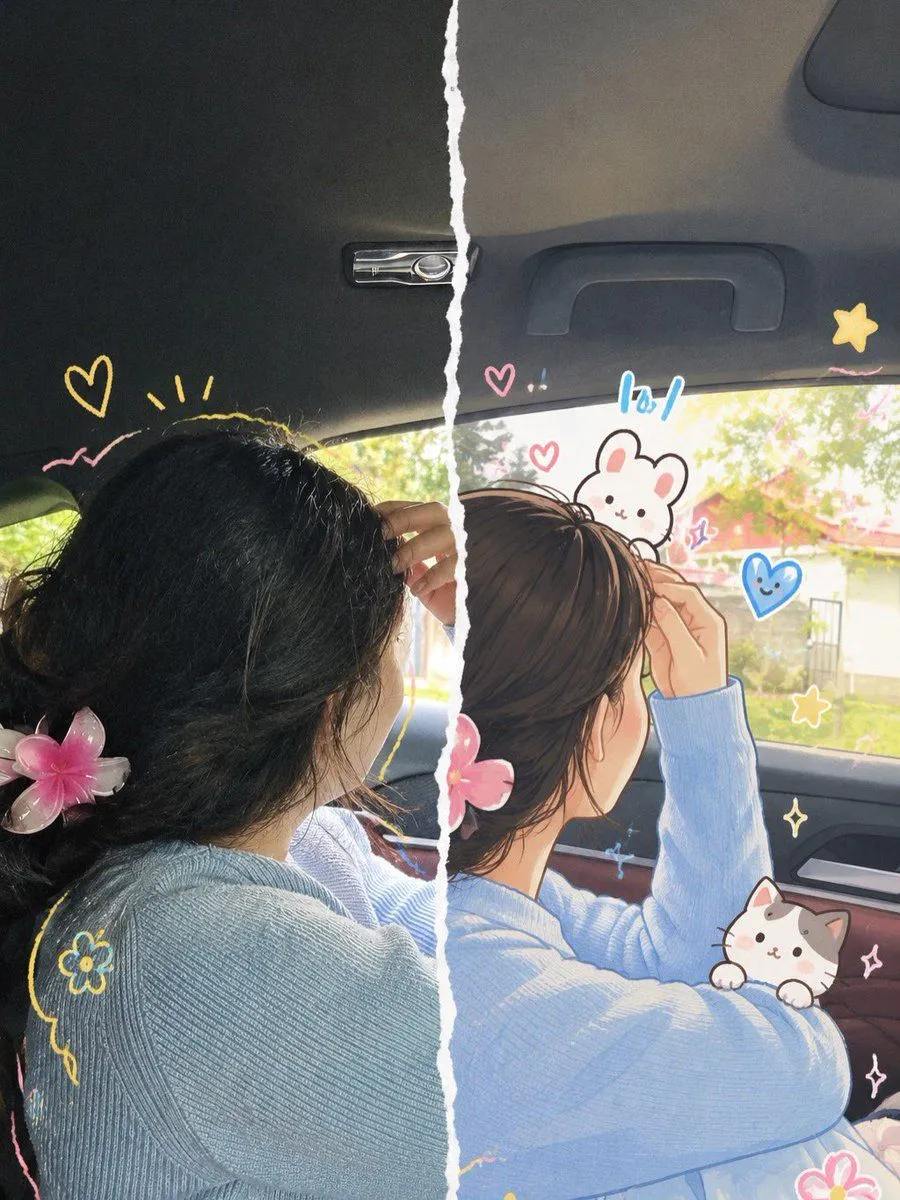
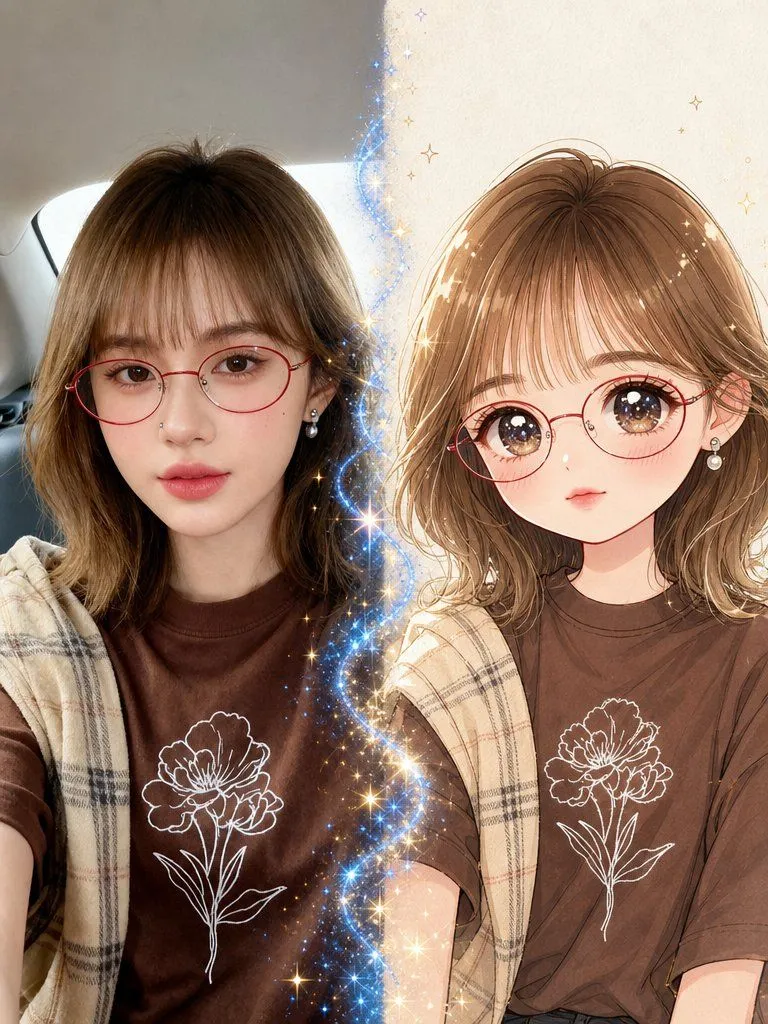
Split-Screen Realistic and Anime Illustration

Made with GPT Image 2 in ChatGPT by Library Lifestyle. Promptclay never generates images.

Split-Screen Realistic and Anime Illustration

GPT Image 23:4Needs your photoAI-generated

Prompt

Transform the uploaded photograph into a beautiful split-screen, half-realistic and half-anime illustration with a cute, playful, hand-drawn aesthetic. COMPOSITION & FORMAT Vertical 3:4 aspect ratio. Create one seamless-looking image divided vertically down the center by an irregular, torn white paper edge. The left half shows the original photograph in realistic photographic detail, while the right half reimagines the exact same photograph as a polished, high-quality anime-inspired digital illustration. Both halves must align perfectly, with the same subject, pose, facial direction, hairstyle, clothing, accessories, camera angle, and background placement. The torn-paper edge should look naturally ripped, with rough white fibers and an organic, imperfect shape. LEFT HALF — ORIGINAL PHOTOGRAPH Preserve the uploaded photo as faithfully as possible. Maintain the subject's original identity, facial features, skin tone, hairstyle, expression, clothing, accessories, pose, lighting, and surroundings. Keep realistic photographic textures, natural shadows, and authentic colors. Add a few delicate, hand-drawn doodles around the subject without covering important facial features. RIGHT HALF — ANIME ILLUSTRATION Recreate the same scene in a sophisticated Japanese anime-inspired illustration style blended with soft Korean webtoon aesthetics. Preserve the subject's recognizable identity and original appearance. Use clean, expressive linework, delicate facial details, softly rendered skin, subtle blush, beautifully illustrated hair strands, gentle highlights, smooth shading, and refined color gradients. Keep the original outfit and accessories recognizable. Translate the background into a softly illustrated version of the original environment, preserving its composition and atmosphere. CUTE HAND-DRAWN DOODLES Decorate the illustrated half with charming, colorful doodles drawn directly over the image: - Small pink and red hearts. - Yellow and golden stars, sparkles, and flower outlines. - Tiny white or pastel-colored cartoon cats and bunnies. - Blue paper airplanes, dotted flight paths, and playful symbols. - Hand-drawn curved lines, tiny crowns, cheerful accents, and whimsical decorative marks. Use a loose, sketchbook-inspired drawing style with slightly imperfect outlines, subtle sticker-like borders, and a harmonious pastel color palette of baby blue, blush pink, butter yellow, cream, and white. Arrange the doodles naturally around the subject, following the composition and leaving the face unobstructed. ART DIRECTION Cute, dreamy, youthful, romantic, playful, and aesthetically pleasing. Combine authentic photography with premium anime fan-art illustration and scrapbook-inspired doodle art. Use delicate details, soft natural lighting, balanced colors, and a clean, professionally finished appearance. IMPORTANT RULES 1. Preserve the original person's identity and recognizable appearance. 2. Keep the left half photographic

Use only photos you have the right to usePhoto tips
  • Your photo stays with your app. You upload it to Gemini, ChatGPT or the app you use. Promptclay never sees or stores it.
  • Crop to what the prompt needs. Your face for a portrait. Leave out other people, house numbers, cards and screens.
  • Check the result before you post. Apps sometimes add things that were not in your photo, like a mole, a tattoo or bare shoulders. Run it again or ask the app to remove them.
Open in PicX Studio

Opens in a new tab with the prompt filled in or copied, ready to paste.

Works in
ChatGPT, Gemini
Status
Free to copy
DetailsVersions, settings and questions

Written for

What's in the prompt

Subject
Model
GPT Image 2

If your face changes

keep my face exactly the same

Questions

Does this work in the ChatGPT app?
Yes. Paste the prompt and attach your photo if it uses one.
It changed my face. What do I do?
Add "keep my face exactly the same" to the end and run it again.
Can I use the images I make?
Check the terms of the app you use. Promptclay never generates images and claims nothing you make.
0

Did it work?

No reports yet. Tell others if it worked for you.
No comments yet. Be the first.

    More like this

    See more
    • Real Photo to Anime Soul Split Portrait
    • Split-Style Portrait: Photo vs. Digital Illustration
    • Twilight Pause Cinematic Editorial Poster
    • Naive doodle-style subject illustration
    • Split Face Photo and Ink Illustration
    • Photo to Folk Flat Illustration Comparison
    • Photo to Anime Transformation
    • Character Visual Update while Preserving Original Atmosphere
    • Modern anime-film style, only modify left girl
    • Kawaii Girl With Manga Wall Doodle
    • Anime Twin Chibi Portrait
    • Superhero Era Transformation Split Portrait
    • Nano Banana Pro prompt for Cross Dimensions style
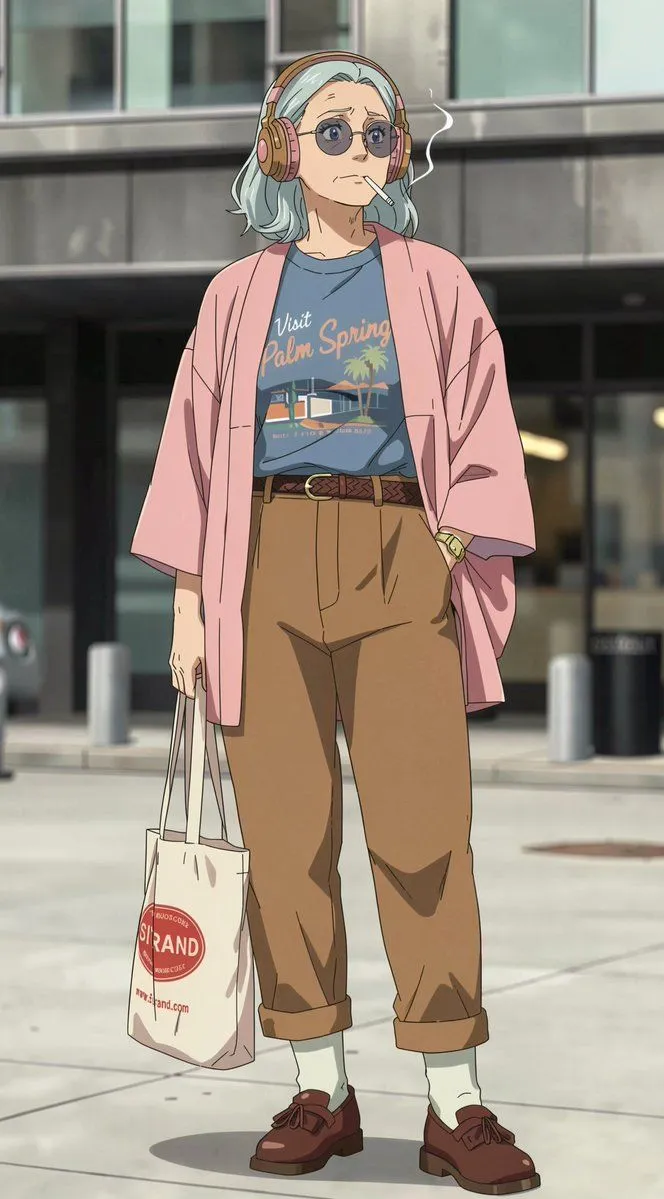
    • Anime Street Fashion Woman
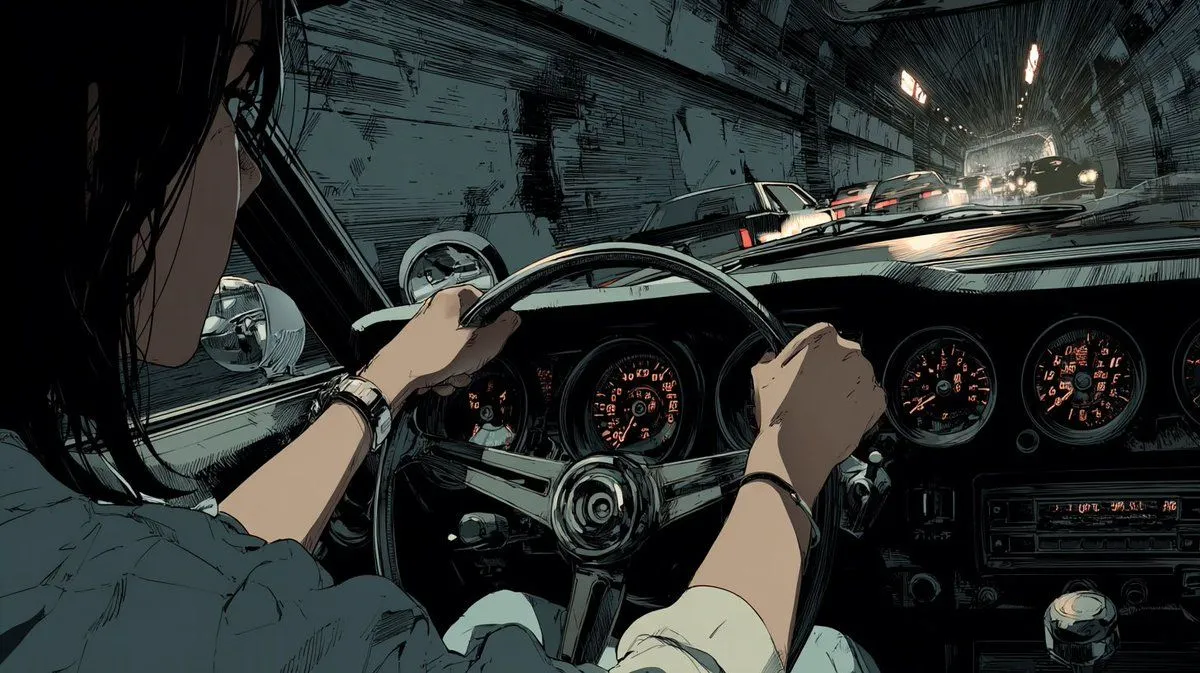
    • Anime Tunnel Driving Cockpit Scene
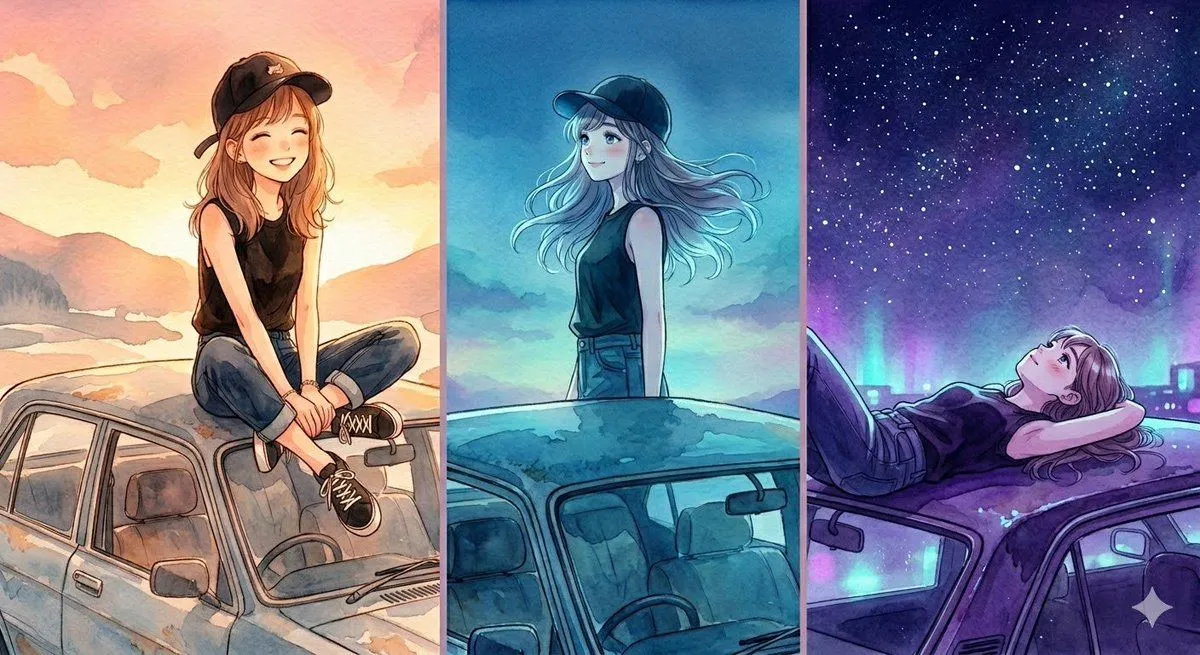
    • Three-Panel Anime Watercolor Split Composition Prompt for Nano Banana Pro
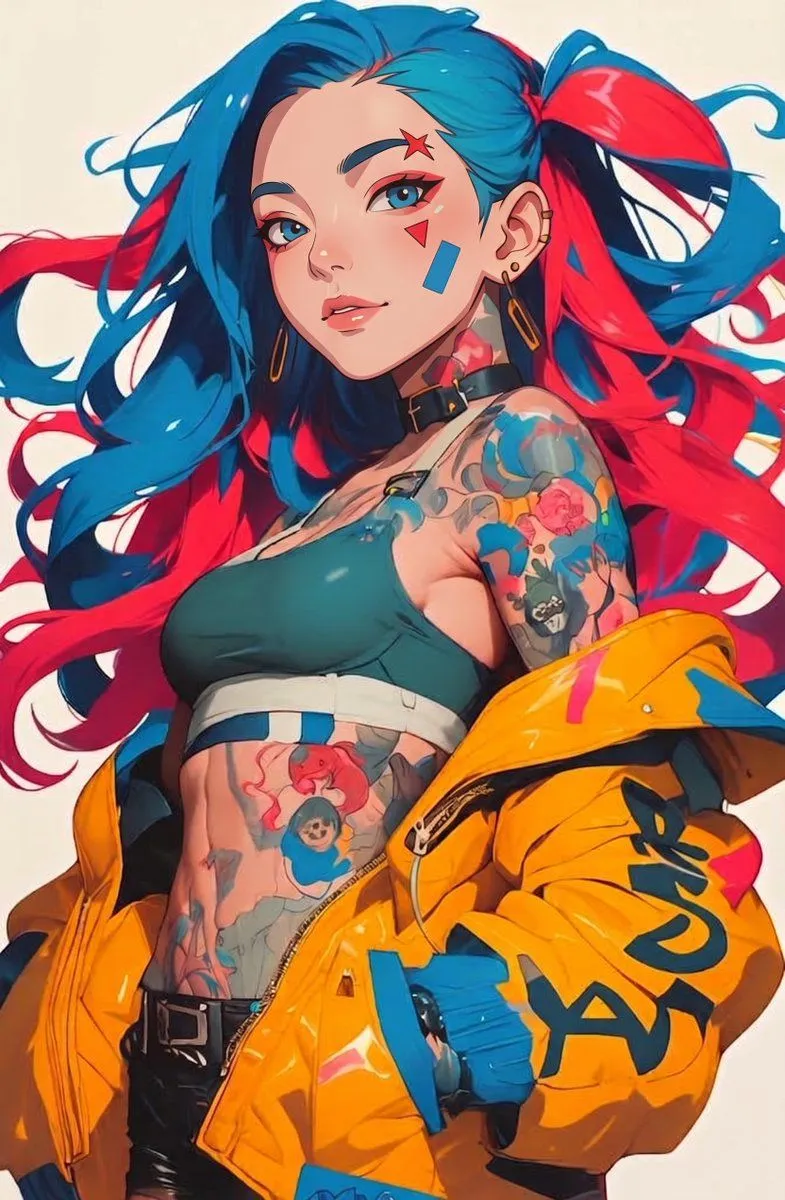
    • Punk Style Split-Dye Anime Woman
    • Logo Integration and Marker Overlay
    • Pachinko Auntie LINE Sticker Sheet
    • Split-screen time-lapse of same location by coordinates
    • Cinematic anime character portrait
    • Photo to Gouache Travel Illustration
    • Japanese Manus Chat Pixel Art Screenshot
    • Tokyo Time-Blend Split-Screen

    Show more

    Run it on your phone

    1. Prompt copiedRead it

      Transform the uploaded photograph into a beautiful split-screen, half-realistic and half-anime illustration with a cute, playful, hand-drawn aesthetic. COMPOSITION & FORMAT Vertical 3:4 aspect ratio. Create one seamless-looking image divided vertically down the center by an irregular, torn white paper edge. The left half shows the original photograph in realistic photographic detail, while the right half reimagines the exact same photograph as a polished, high-quality anime-inspired digital illustration. Both halves must align perfectly, with the same subject, pose, facial direction, hairstyle, clothing, accessories, camera angle, and background placement. The torn-paper edge should look naturally ripped, with rough white fibers and an organic, imperfect shape. LEFT HALF — ORIGINAL PHOTOGRAPH Preserve the uploaded photo as faithfully as possible. Maintain the subject's original identity, facial features, skin tone, hairstyle, expression, clothing, accessories, pose, lighting, and surroundings. Keep realistic photographic textures, natural shadows, and authentic colors. Add a few delicate, hand-drawn doodles around the subject without covering important facial features. RIGHT HALF — ANIME ILLUSTRATION Recreate the same scene in a sophisticated Japanese anime-inspired illustration style blended with soft Korean webtoon aesthetics. Preserve the subject's recognizable identity and original appearance. Use clean, expressive linework, delicate facial details, softly rendered skin, subtle blush, beautifully illustrated hair strands, gentle highlights, smooth shading, and refined color gradients. Keep the original outfit and accessories recognizable. Translate the background into a softly illustrated version of the original environment, preserving its composition and atmosphere. CUTE HAND-DRAWN DOODLES Decorate the illustrated half with charming, colorful doodles drawn directly over the image: - Small pink and red hearts. - Yellow and golden stars, sparkles, and flower outlines. - Tiny white or pastel-colored cartoon cats and bunnies. - Blue paper airplanes, dotted flight paths, and playful symbols. - Hand-drawn curved lines, tiny crowns, cheerful accents, and whimsical decorative marks. Use a loose, sketchbook-inspired drawing style with slightly imperfect outlines, subtle sticker-like borders, and a harmonious pastel color palette of baby blue, blush pink, butter yellow, cream, and white. Arrange the doodles naturally around the subject, following the composition and leaving the face unobstructed. ART DIRECTION Cute, dreamy, youthful, romantic, playful, and aesthetically pleasing. Combine authentic photography with premium anime fan-art illustration and scrapbook-inspired doodle art. Use delicate details, soft natural lighting, balanced colors, and a clean, professionally finished appearance. IMPORTANT RULES 1. Preserve the original person's identity and recognizable appearance. 2. Keep the left half photographic

    2. Open your app

      This prompt is long, so it is copied instead of sent in the link. Paste it in the app.

    3. Paste and run

      Press and hold the message box, then tap Paste. Add your photo first if the prompt uses one. You may need to sign in.

    Split-Screen Realistic and Anime Illustration