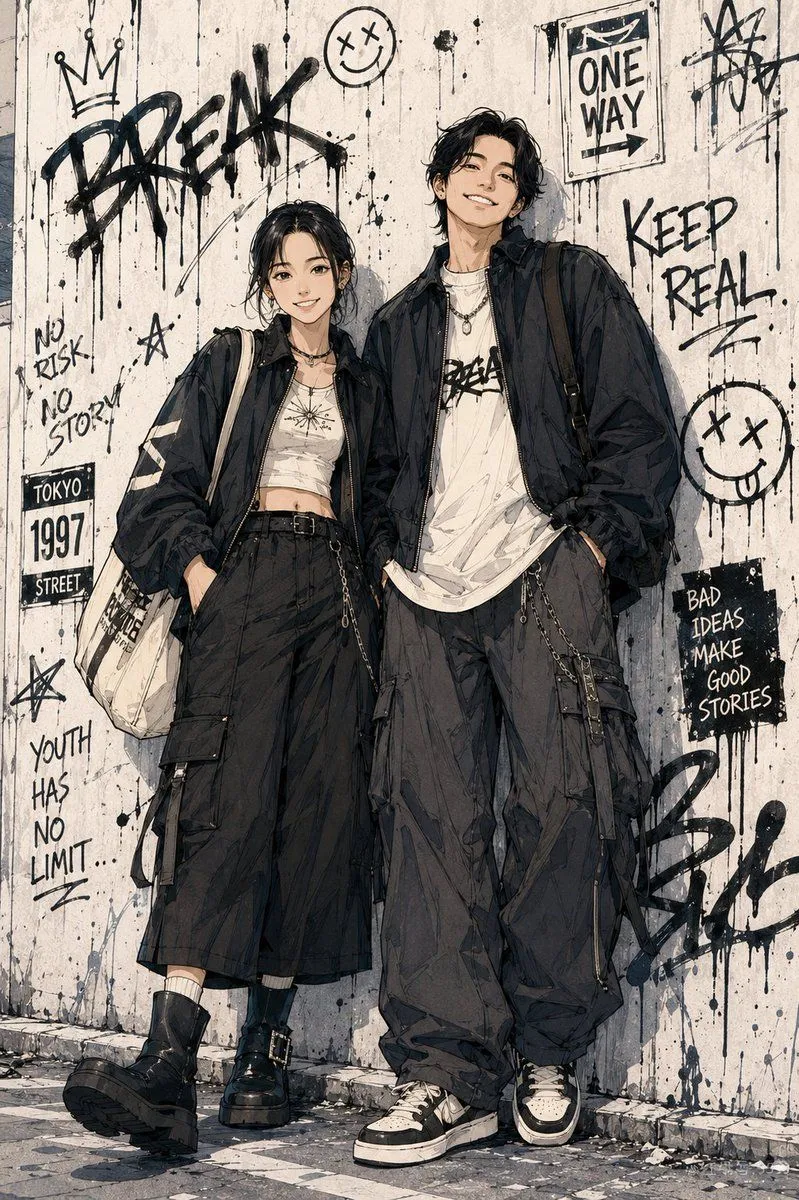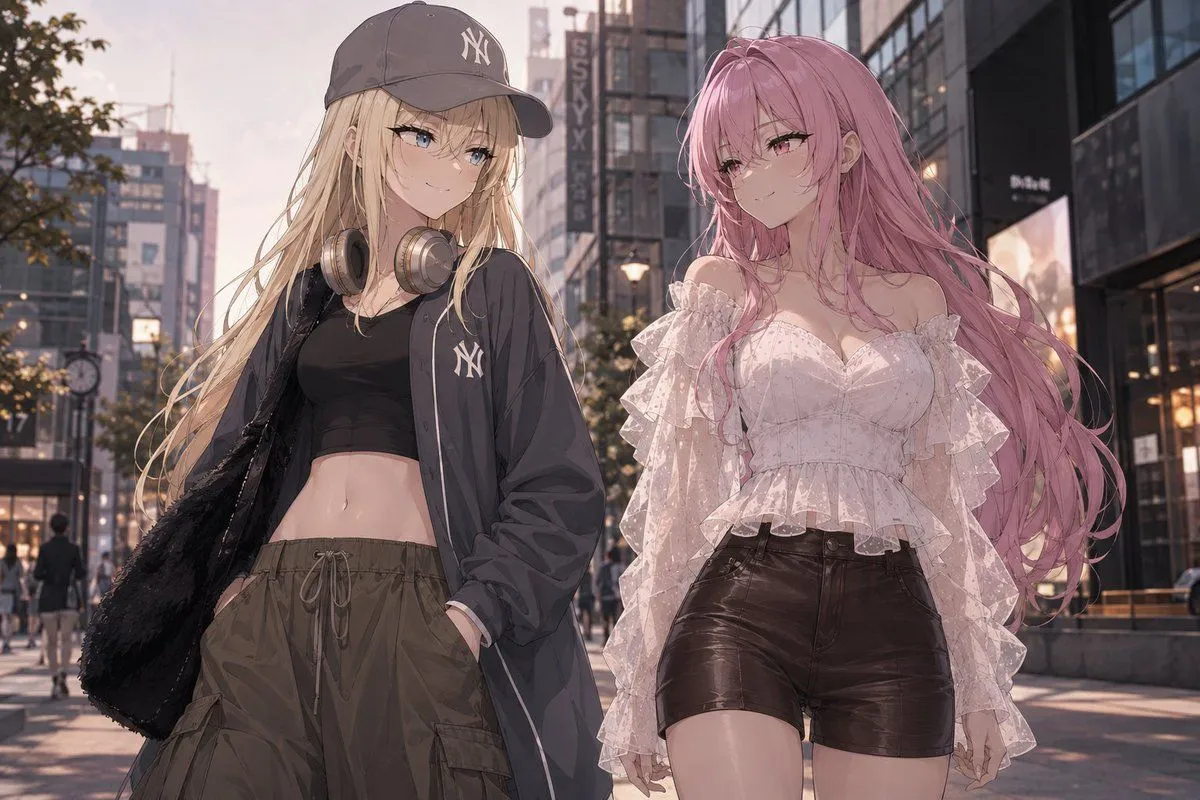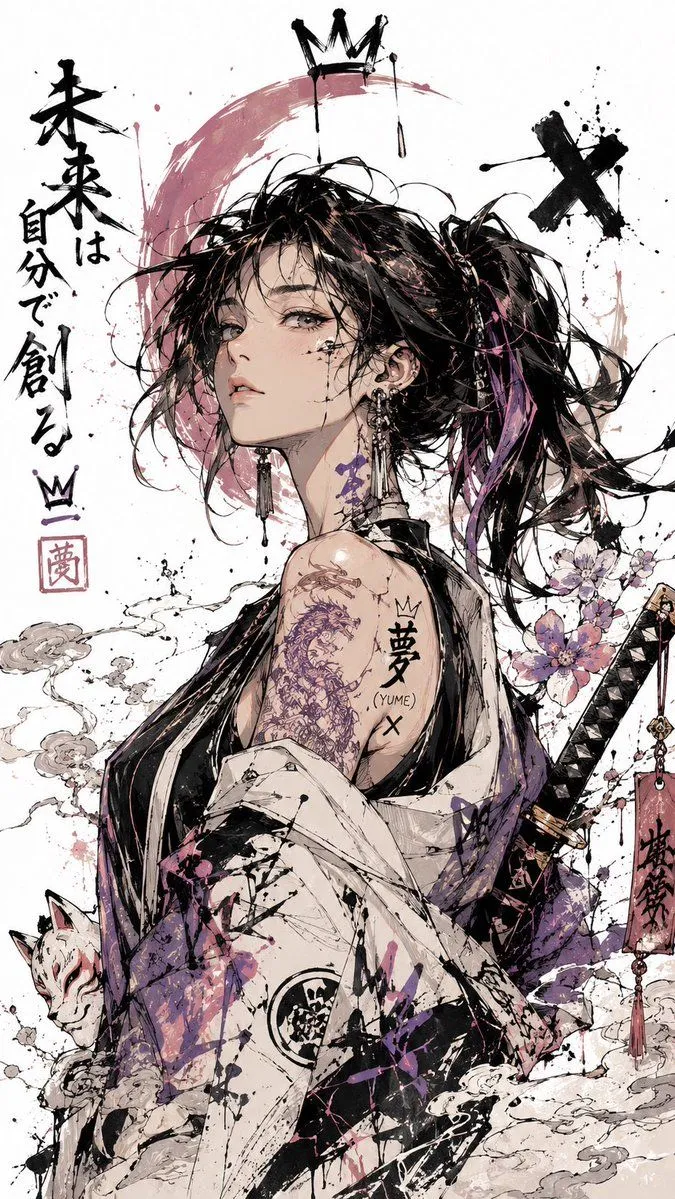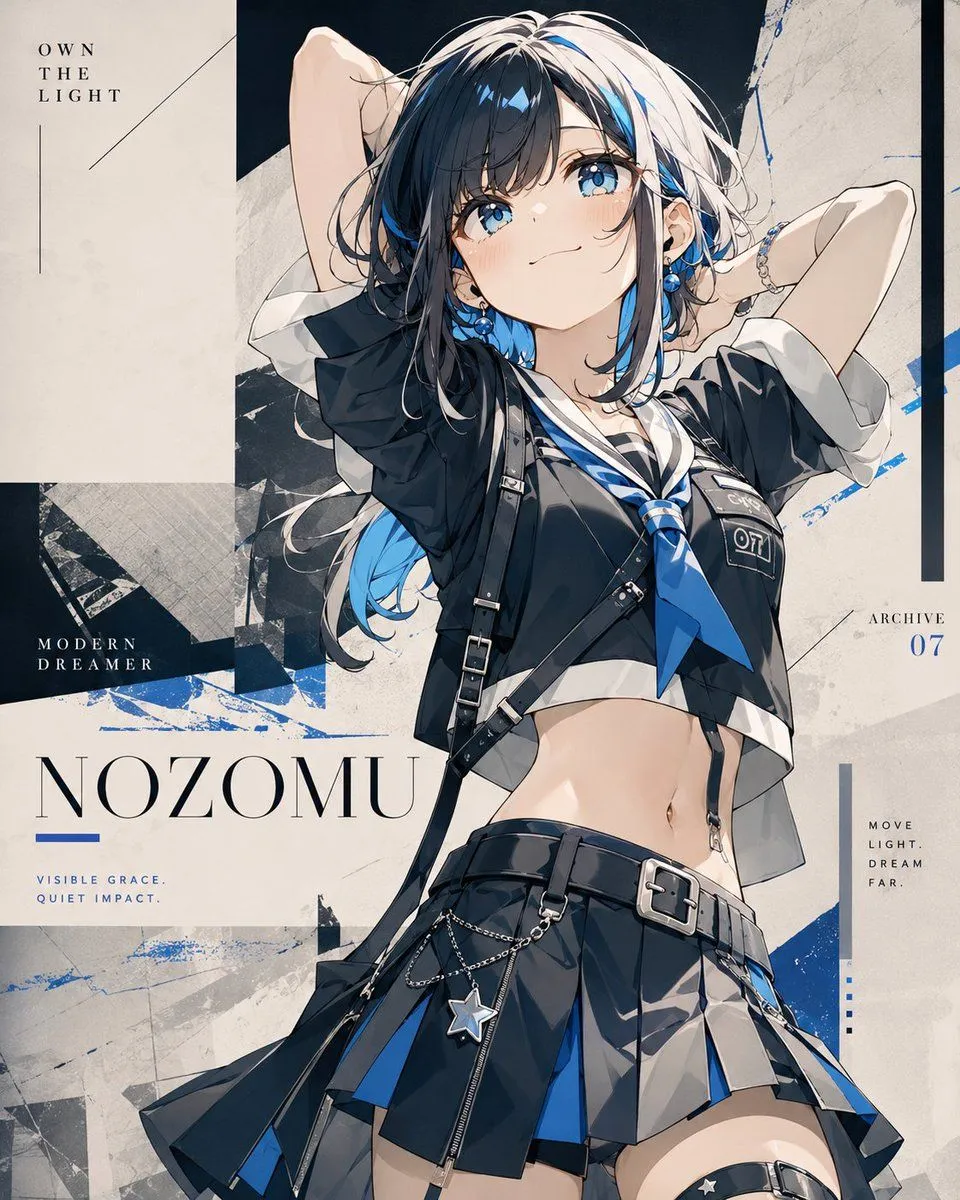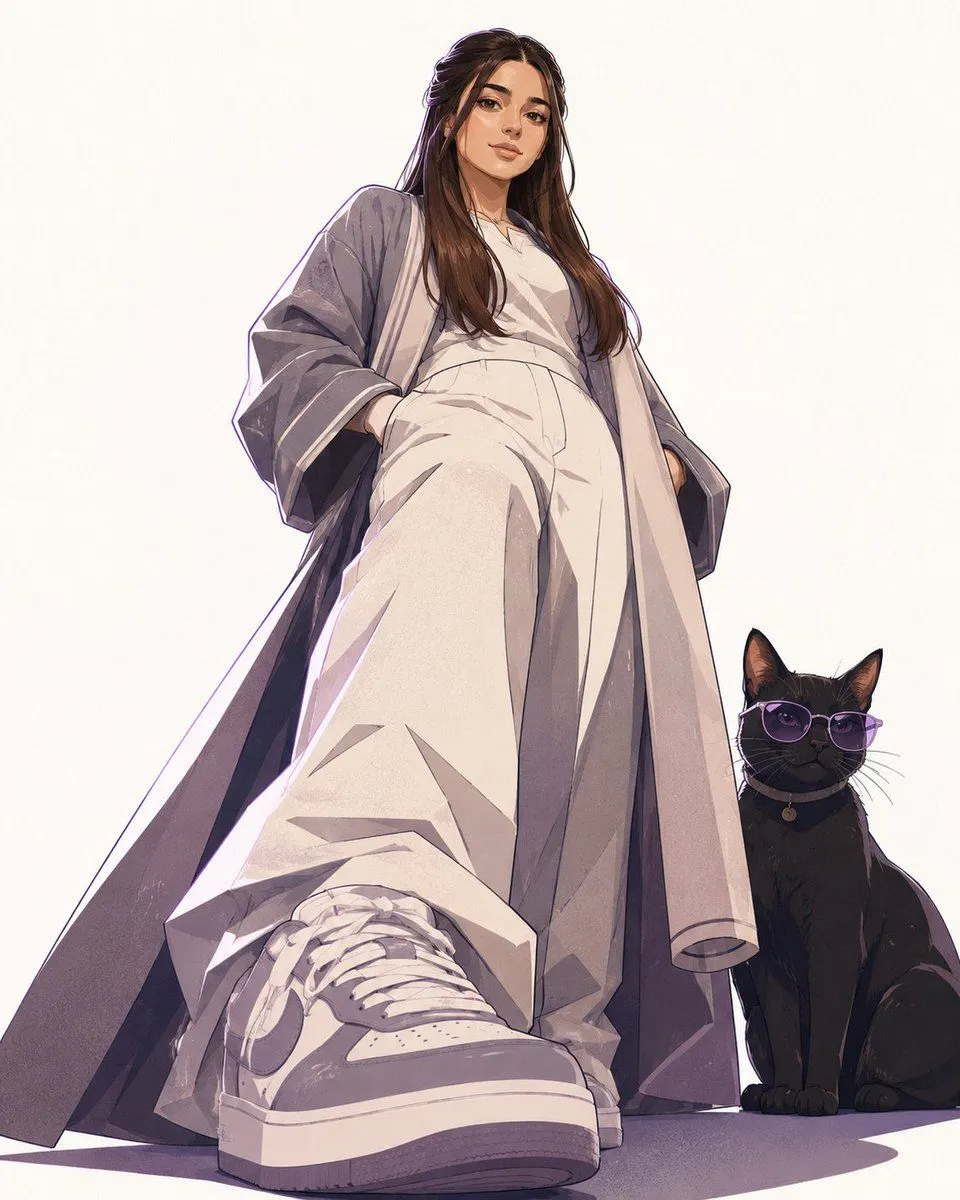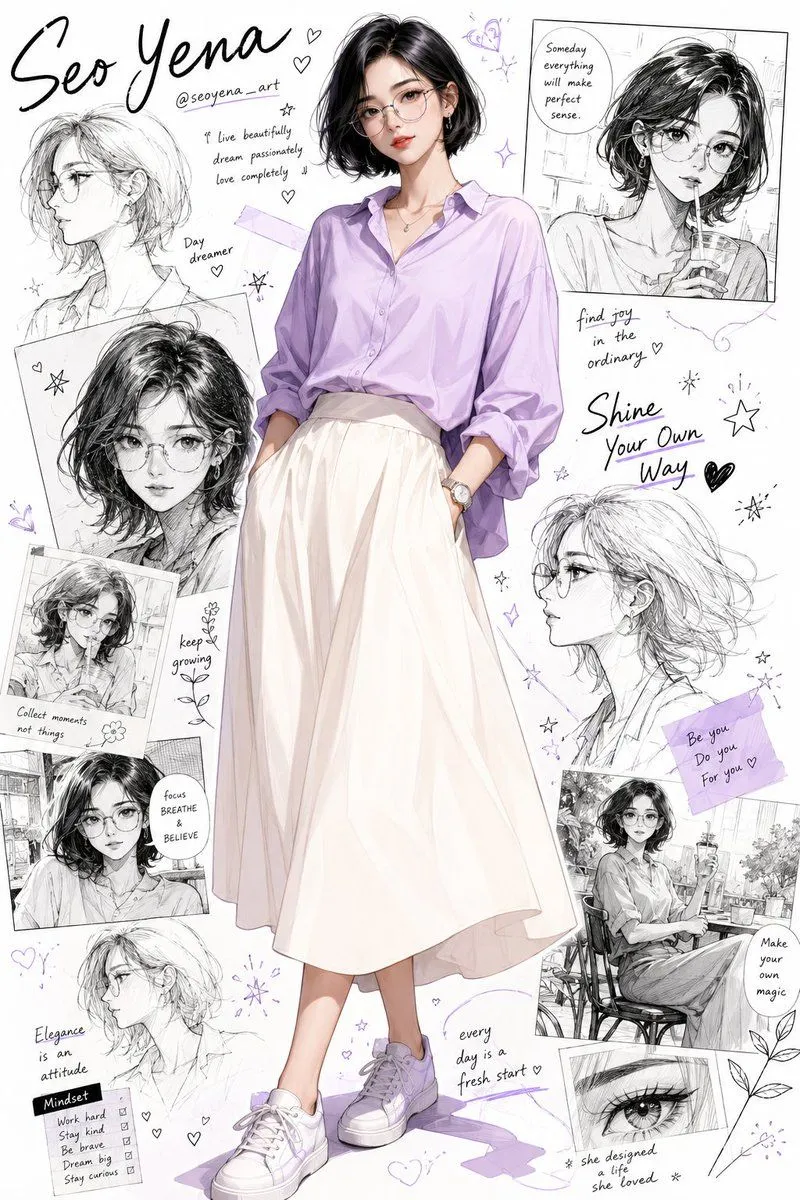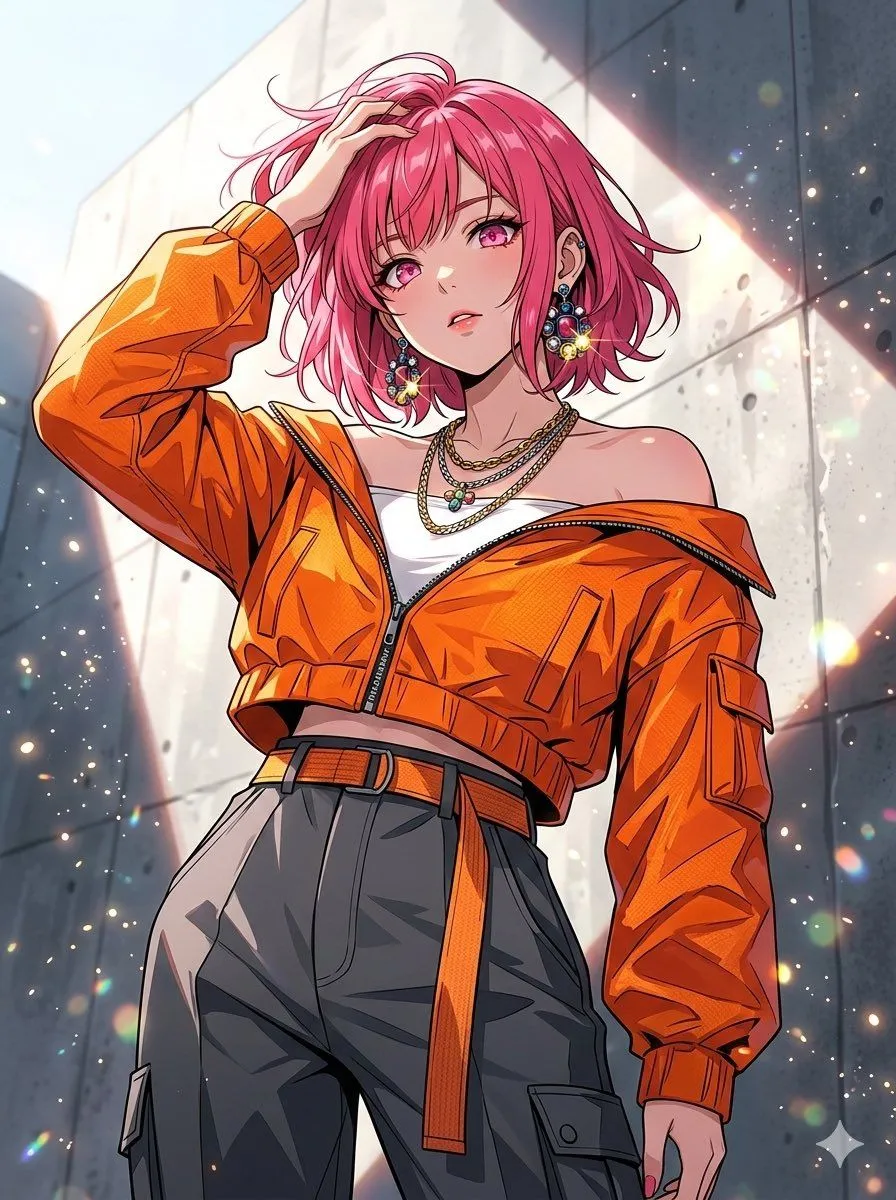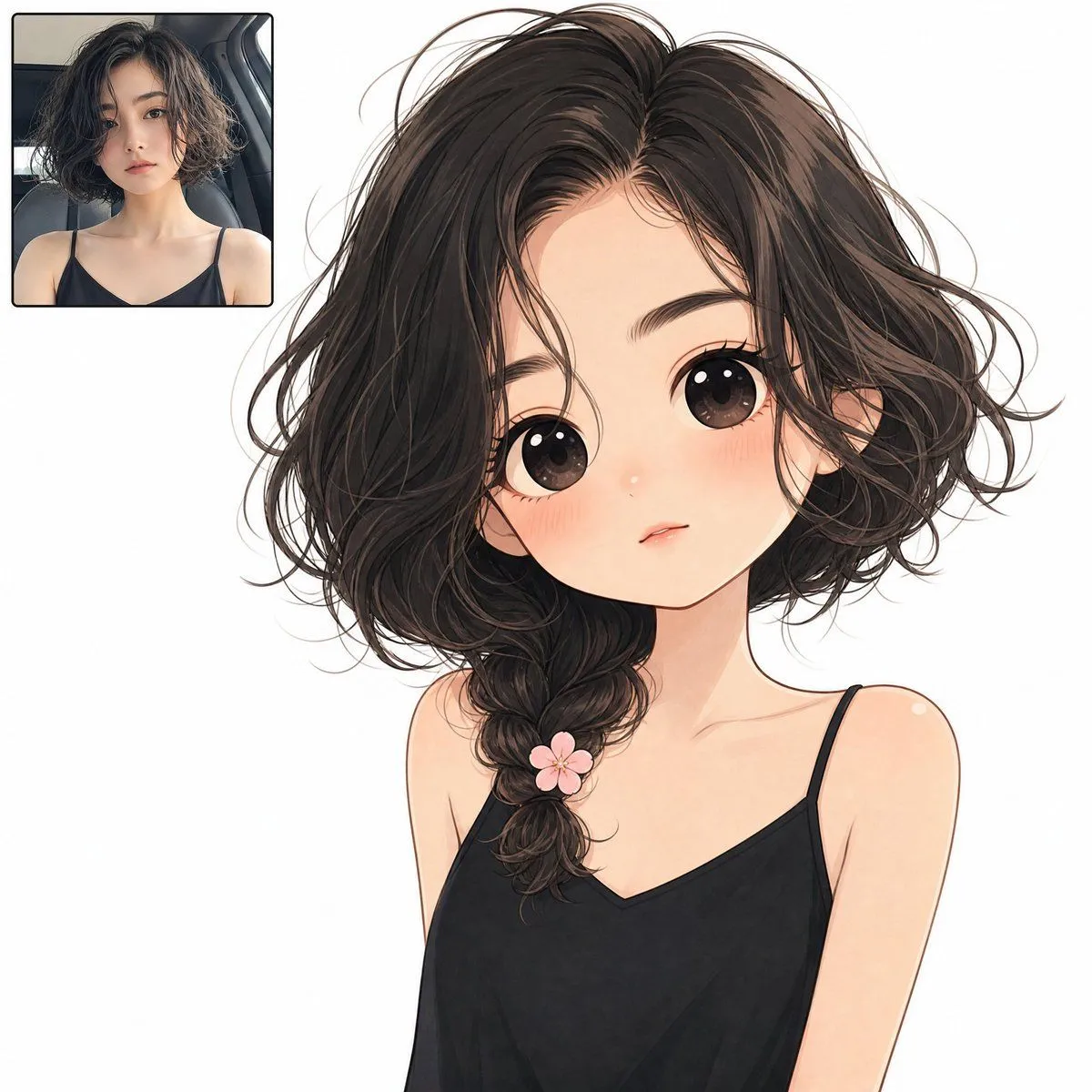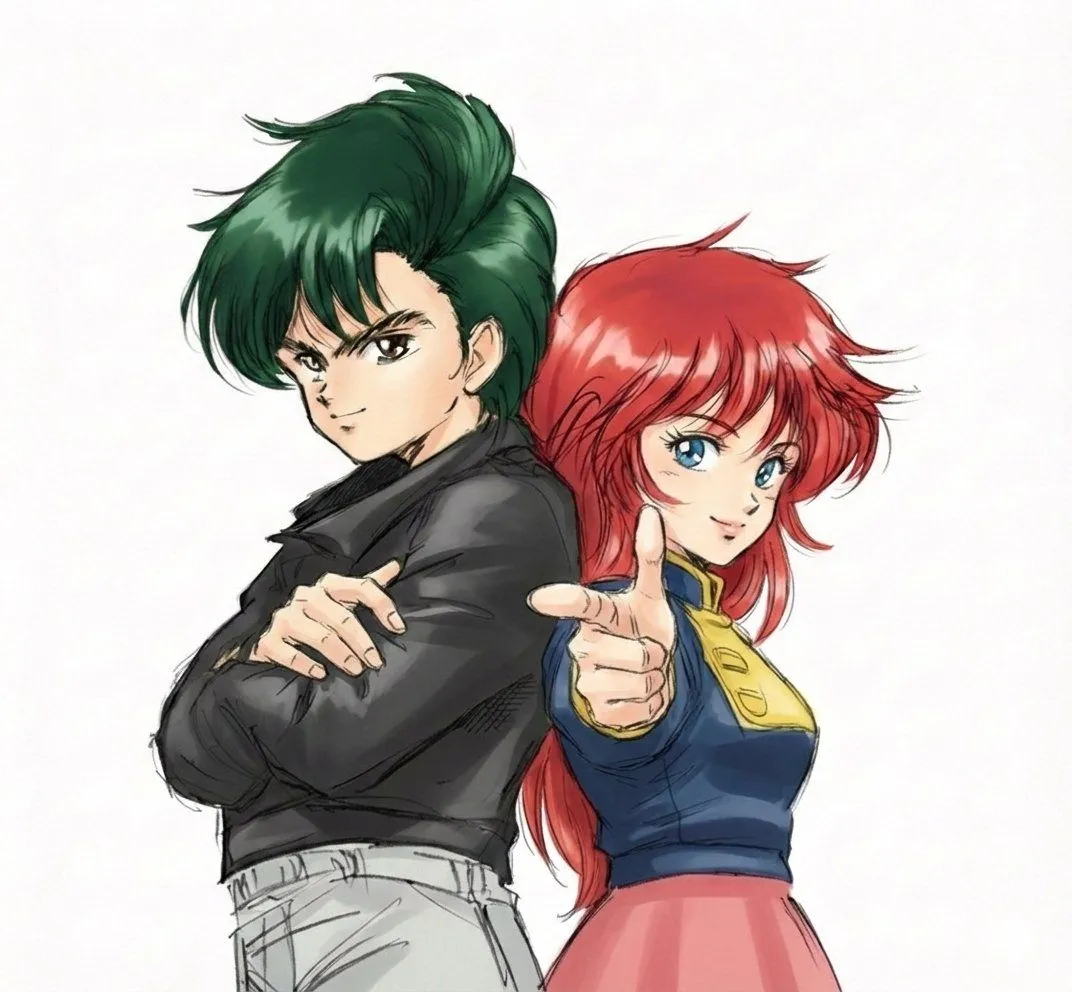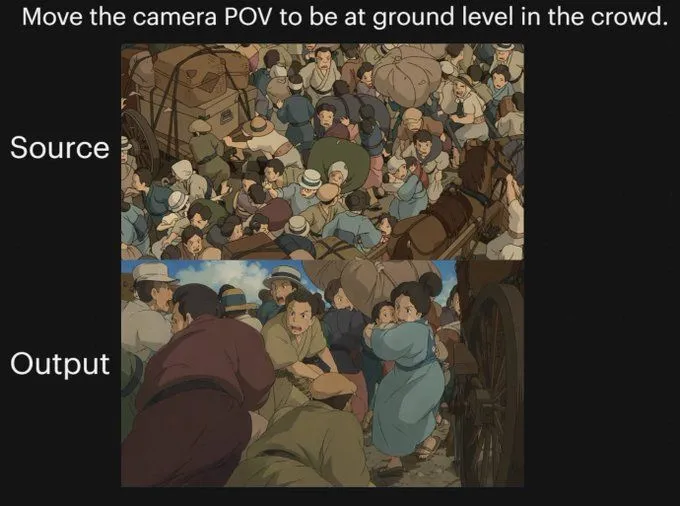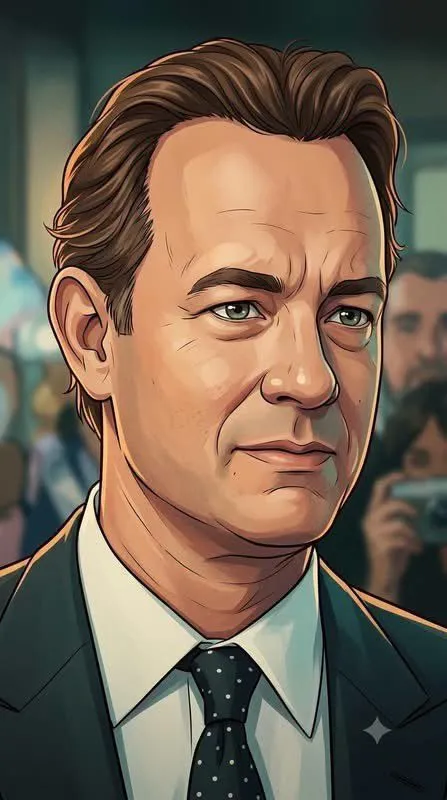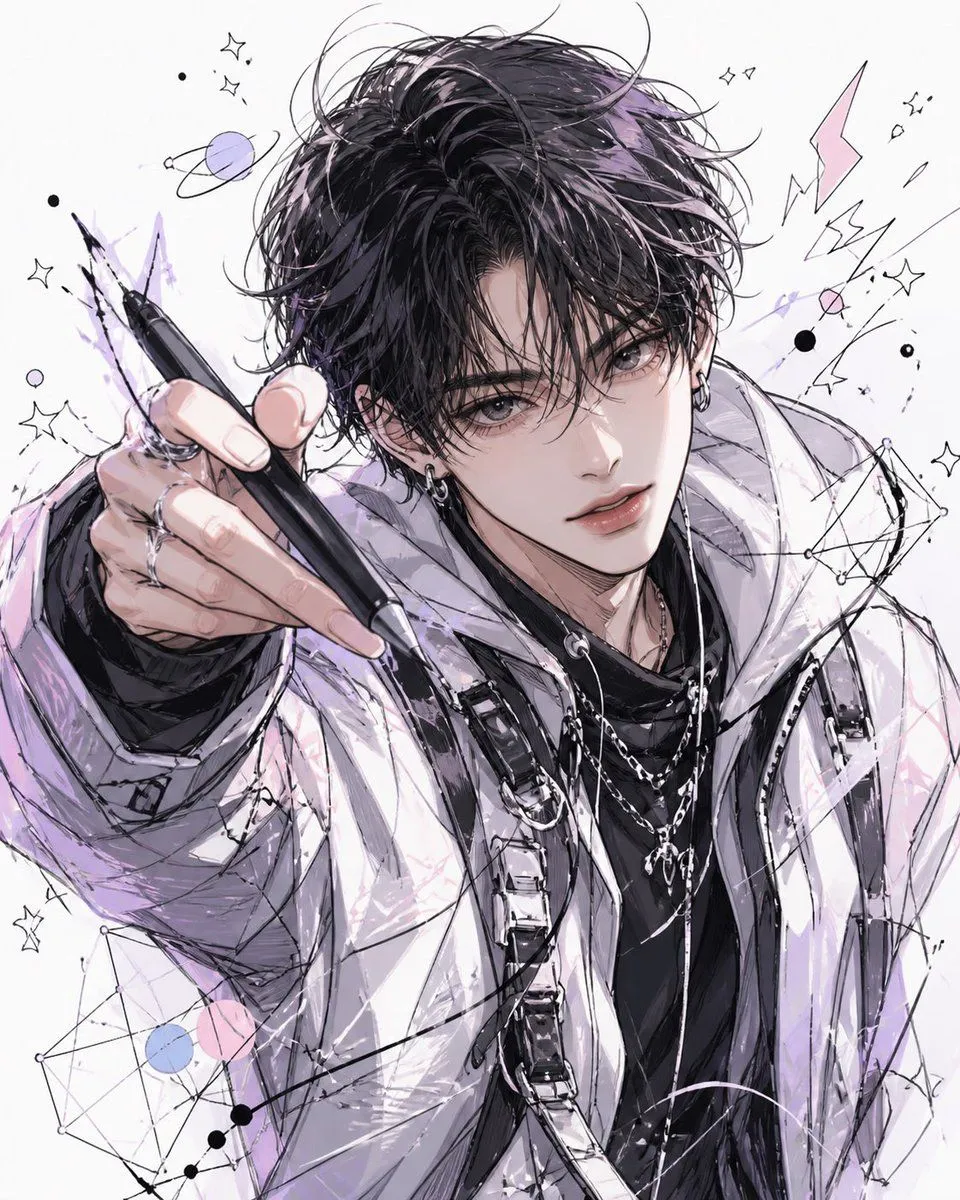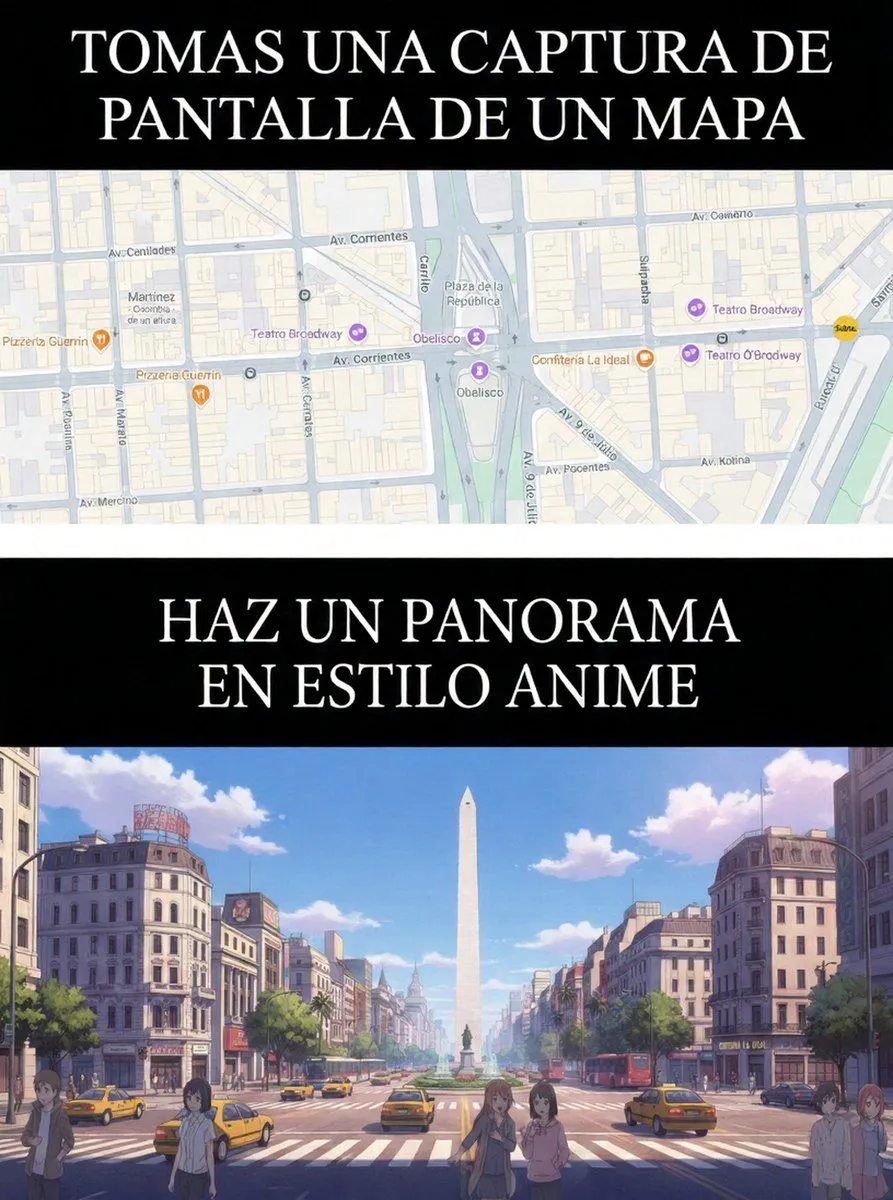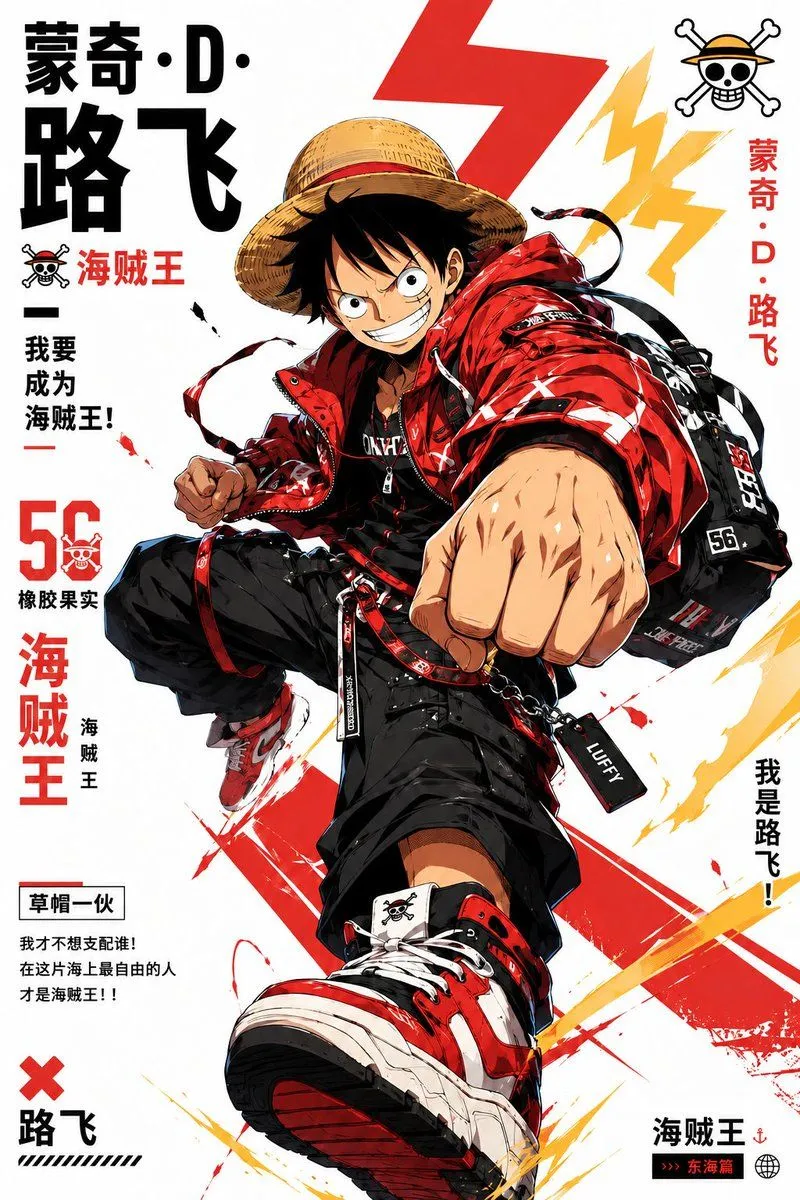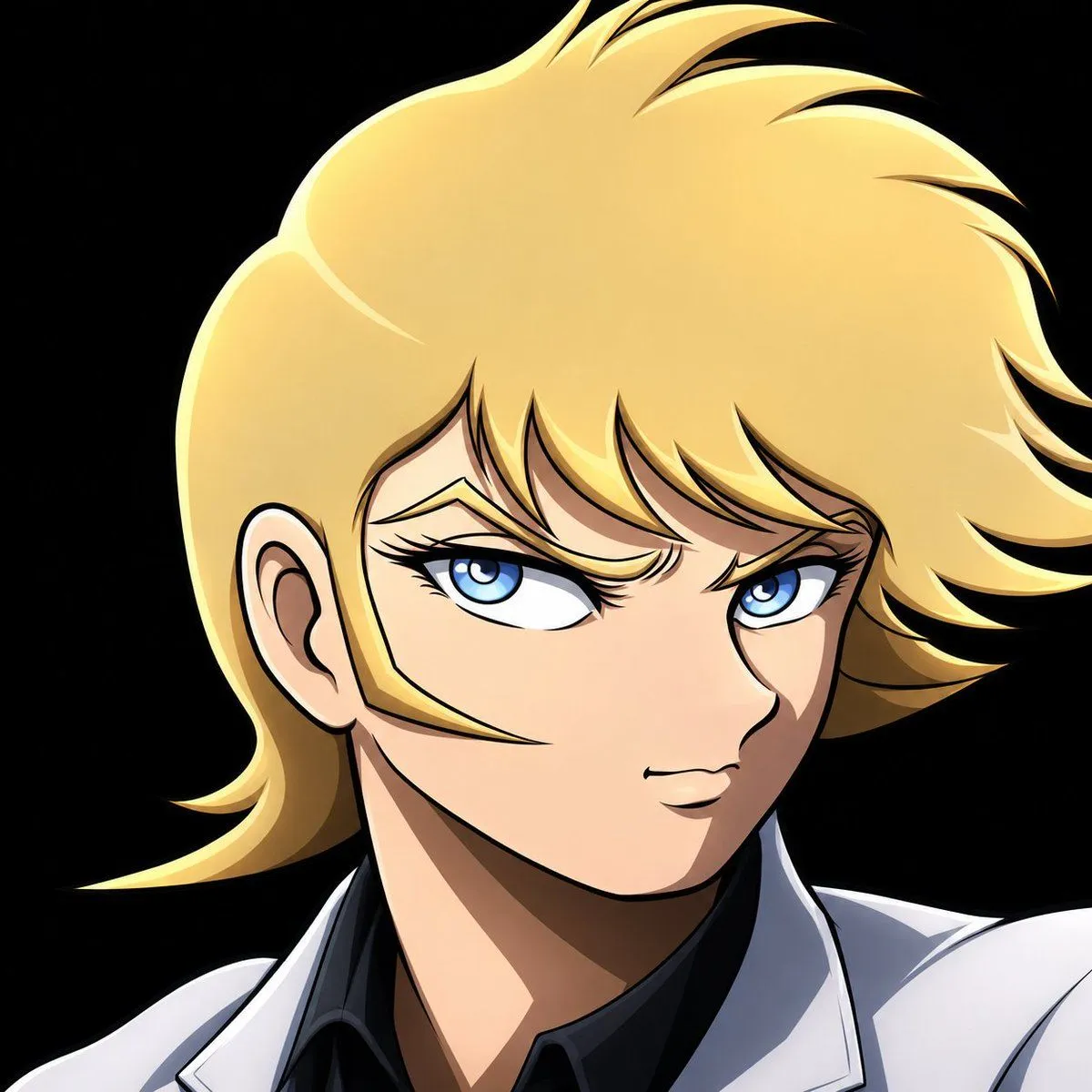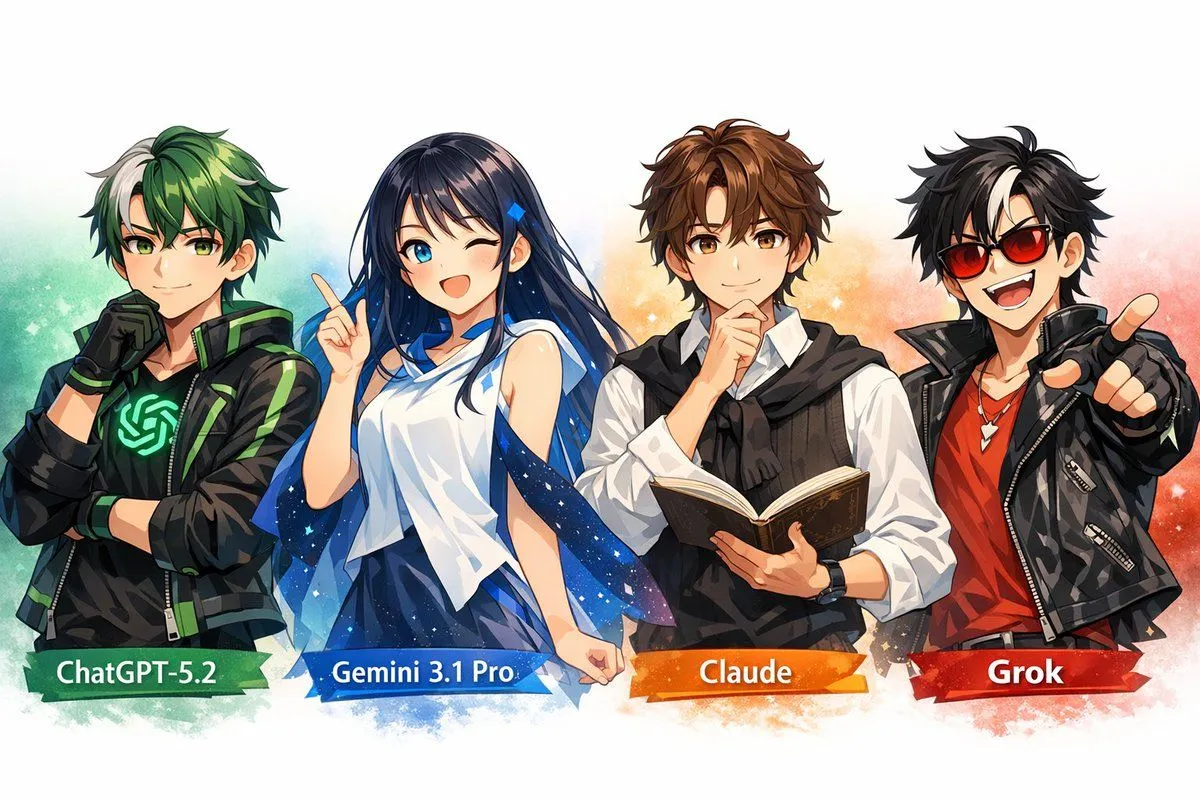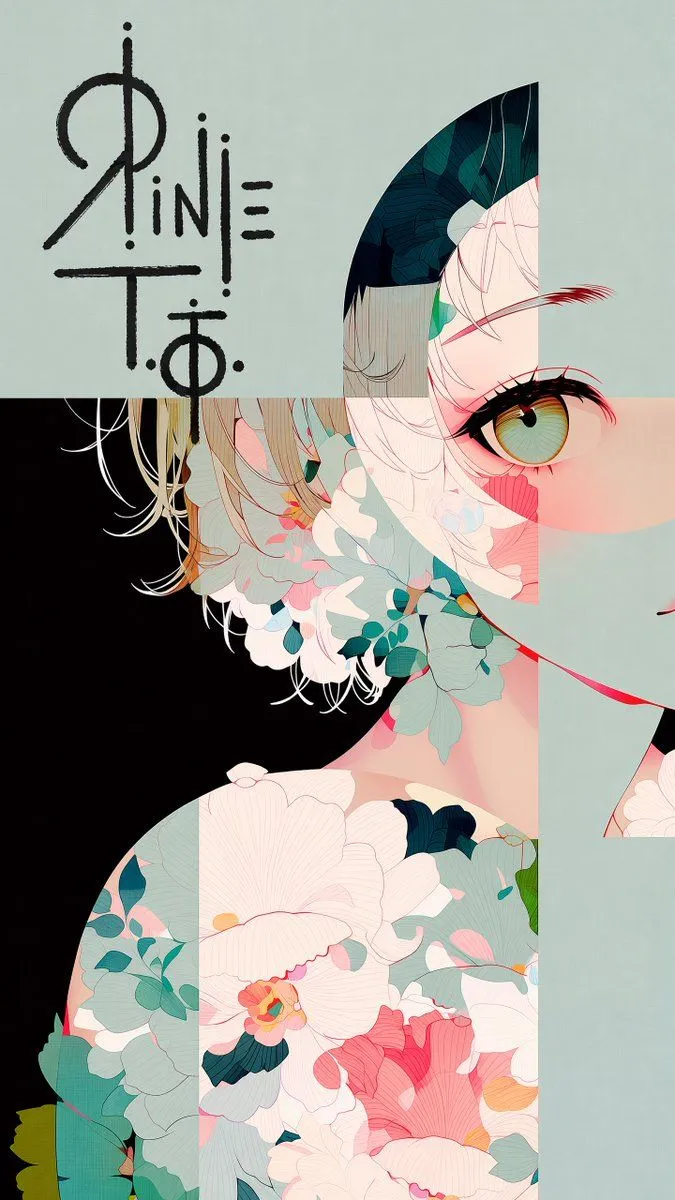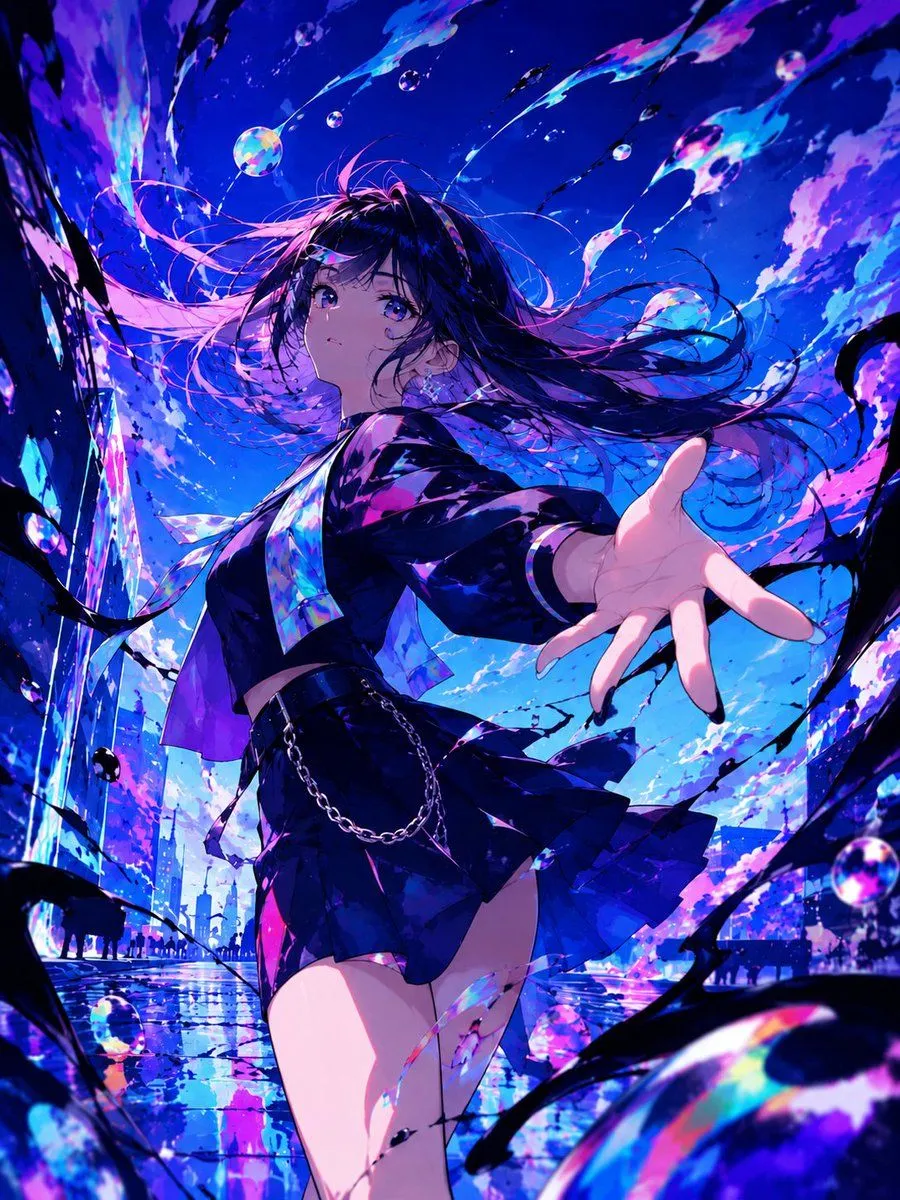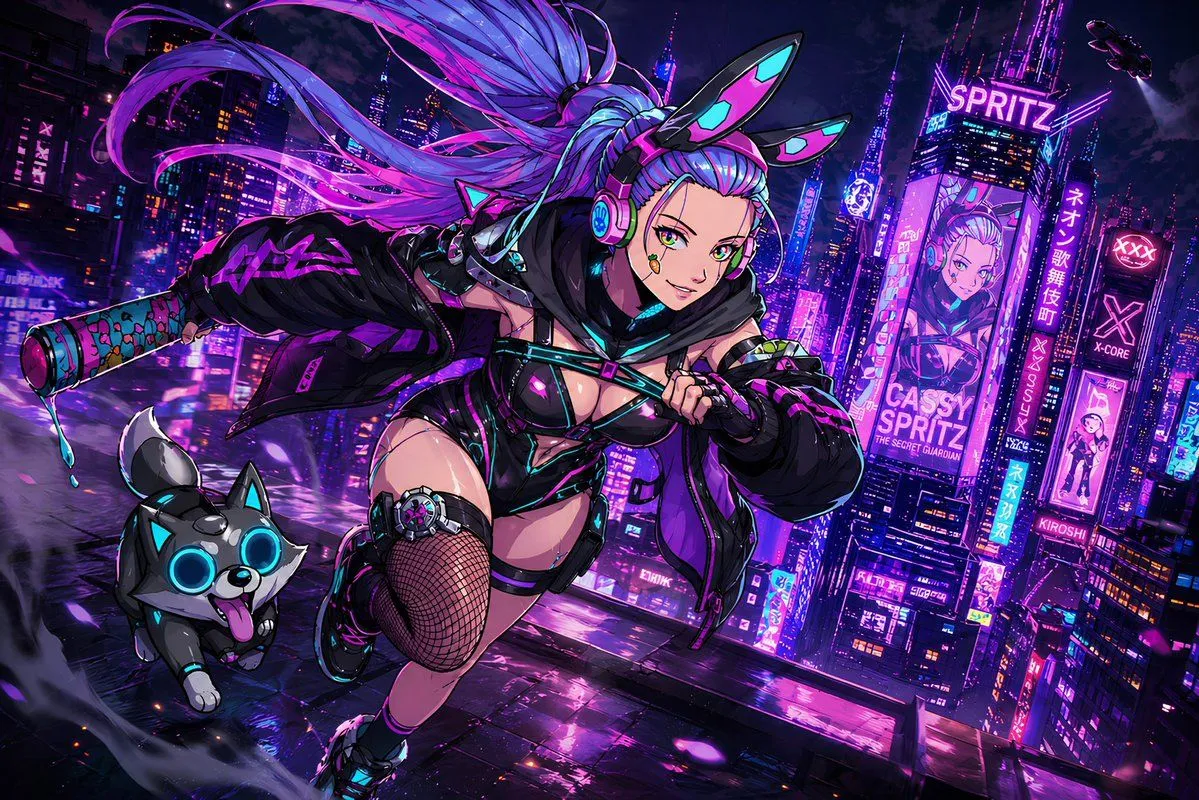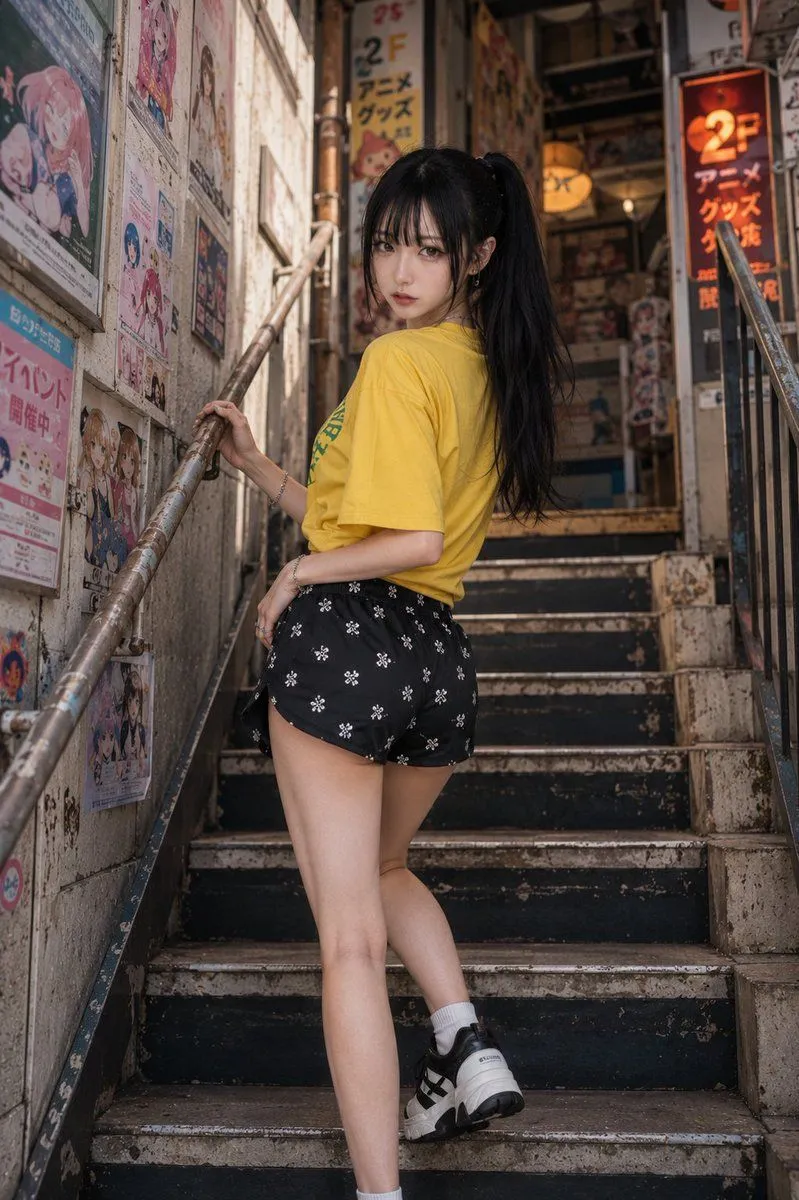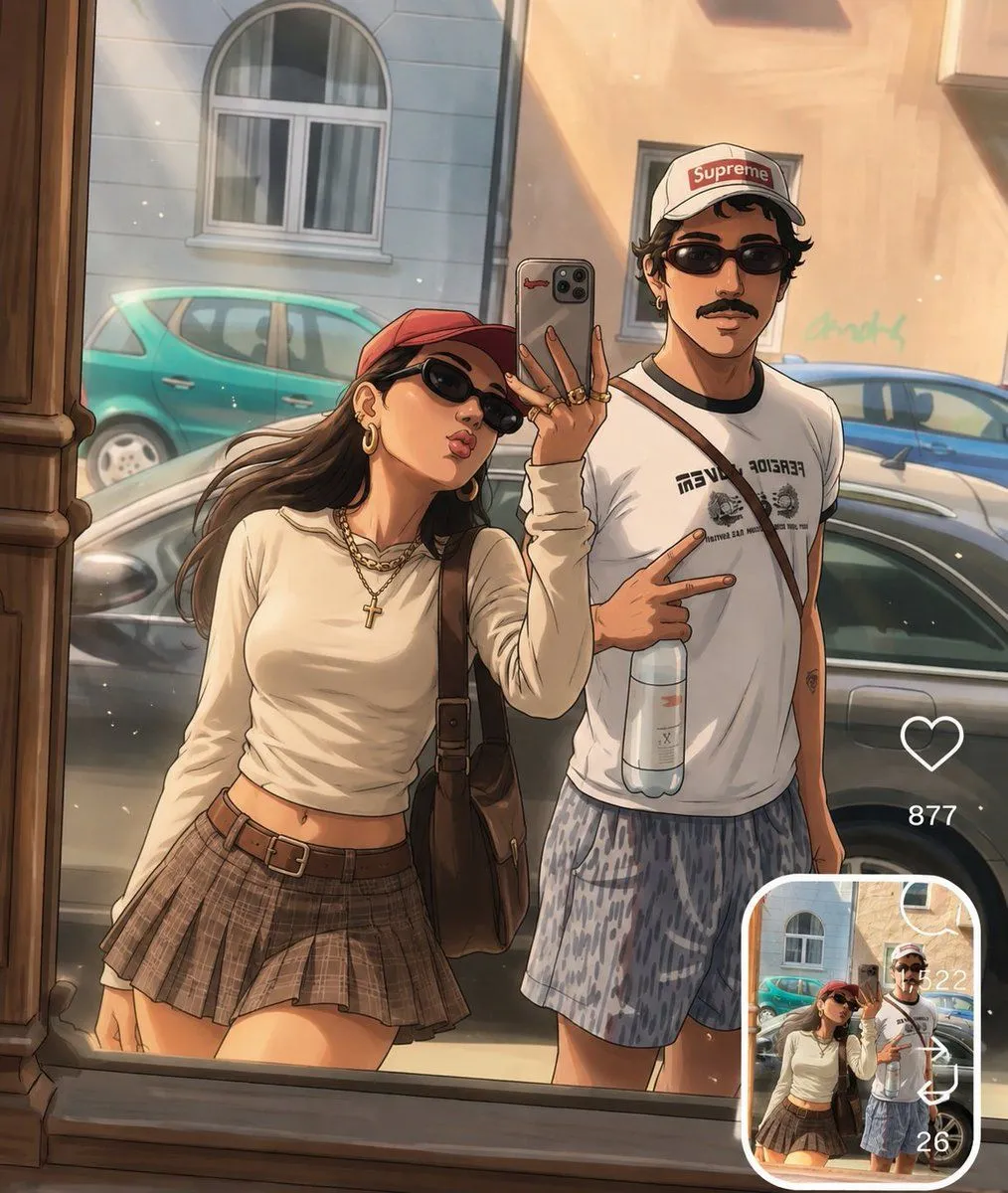
Made with GPT Image 2 in ChatGPT, collected by Library Lifestyle. Promptclay never generates images.
Did it work?
No reports yet. Tell others if it worked for you.
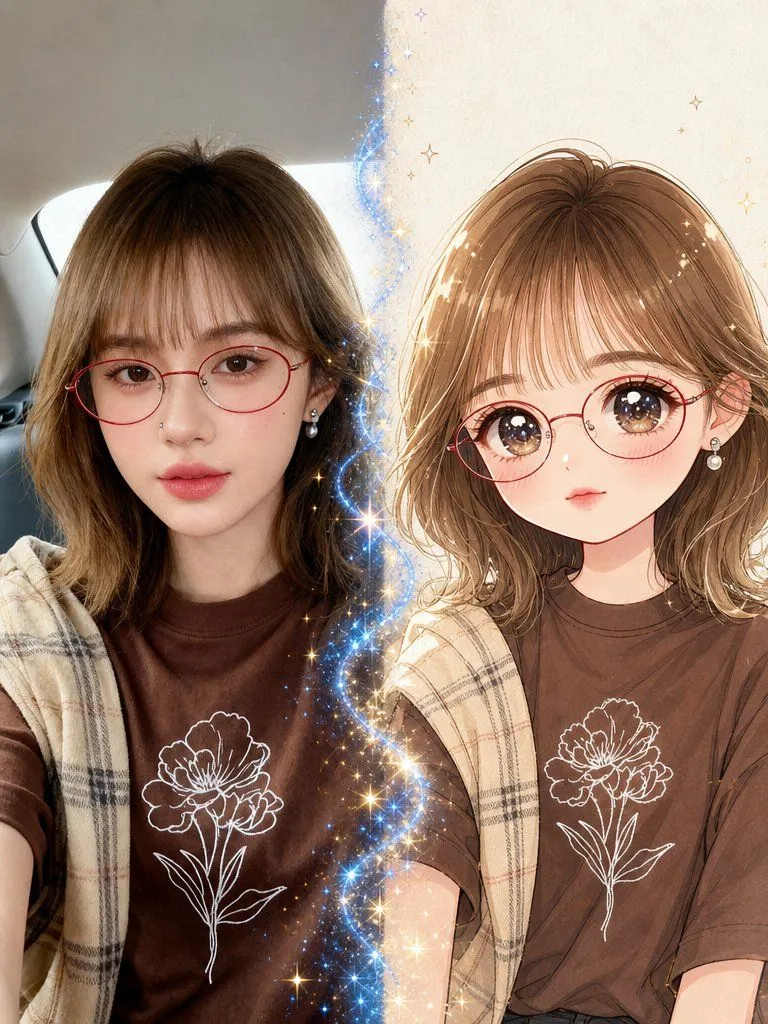
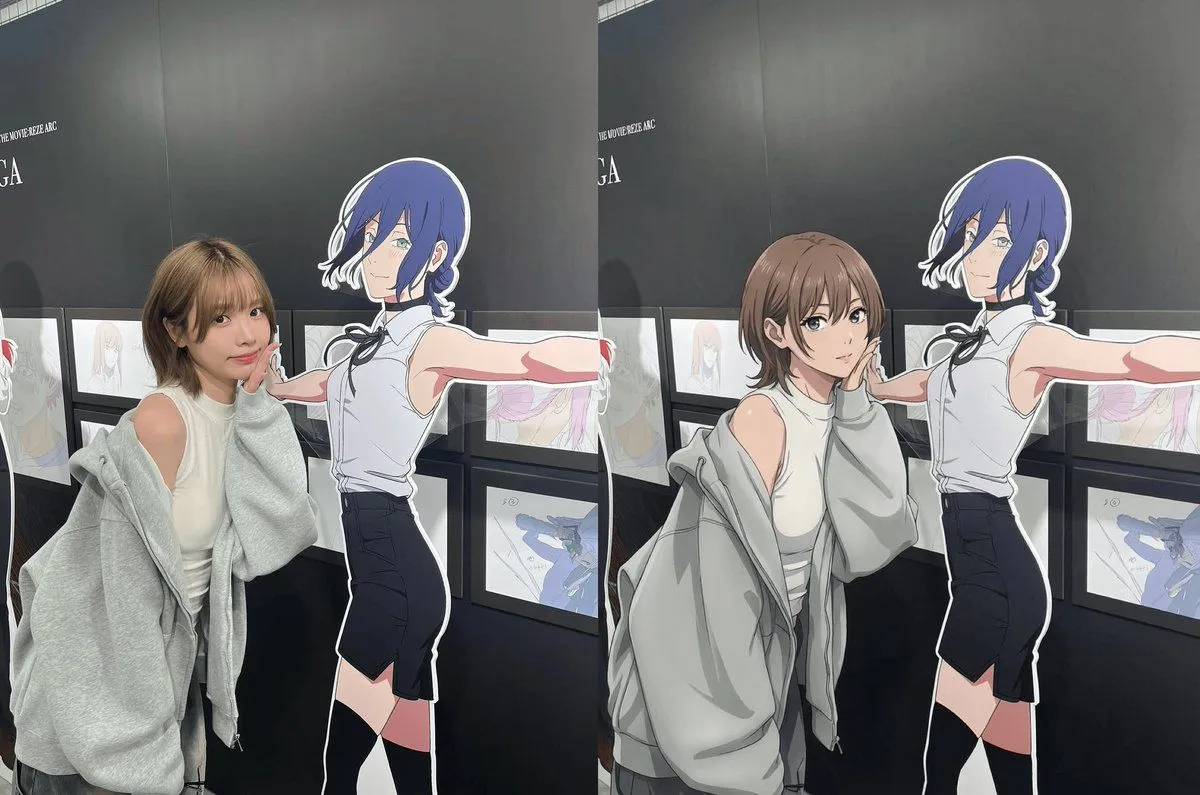
Photo to Anime Transformation
Prompt
2 blanks to fillTransform the uploaded photo into a high-quality anime illustration while preserving the exact {elements_to_preserve} from the original image. Keep the characters recognizable and maintain the natural proportions and expressions of the subjects. Use {art_style}. Display the anime artwork as the main image and include the original uploaded photo in a small rounded-corner reference box in the bottom-right corner, creating a seamless photo-to-anime comparison. Preserve the same camera angle, framing, and environment as the source image. Add minimal social-media-style interface elements for authenticity. Warm natural lighting, detailed textures, premium illustration quality, realistic depth, fashionable styling, highly detailed faces, sharp focus, masterpiece anime artwork, professional digital illustration, trending contemporary aesthetic.
Use only photos you have the right to usePhoto tips
- Your photo stays with your app. You upload it to Gemini, ChatGPT or the app you use. Promptclay never sees or stores it.
- Crop to what the prompt needs. Your face for a portrait. Leave out other people, house numbers, cards and screens.
- Check the result before you post. Apps sometimes add things that were not in your photo, like a mole, a tattoo or bare shoulders. Run it again or ask the app to remove them.
Preview of your prompt
Transform the uploaded photo into a high-quality anime illustration while preserving the exact people, pose, composition, facial features, clothing, and background from the original image. Keep the characters recognizable and maintain the natural proportions and expressions of the subjects. Use clean anime linework, detailed shading, soft cinematic lighting, realistic reflections, rich colors, and a polished mode. Display the anime artwork as the main image and include the original uploaded photo in a small rounded-corner reference box in the bottom-right corner, creating a seamless photo-to-anime comparison. Preserve the same camera angle, framing, and environment as the source image. Add minimal social-media-style interface elements for authenticity. Warm natural lighting, detailed textures, premium illustration quality, realistic depth, fashionable styling, highly detailed faces, sharp focus, masterpiece anime artwork, professional digital illustration, trending contemporary aesthetic.
DetailsVersions, settings and questions
Written for
What's in the prompt
- Subject
- Model
- GPT Image 2
If your face changes
keep my face exactly the sameQuestions
- Does this work in the ChatGPT app?
- Yes. Paste the prompt and attach your photo if it uses one.
- It changed my face. What do I do?
- Add "keep my face exactly the same" to the end and run it again.
- Can I use the images I make?
- Check the terms of the app you use. Promptclay never generates images and claims nothing you make.