Tell us anything

An idea, a bug, something you love. We read every note.

⌘↵ to send. The page you're on comes along.

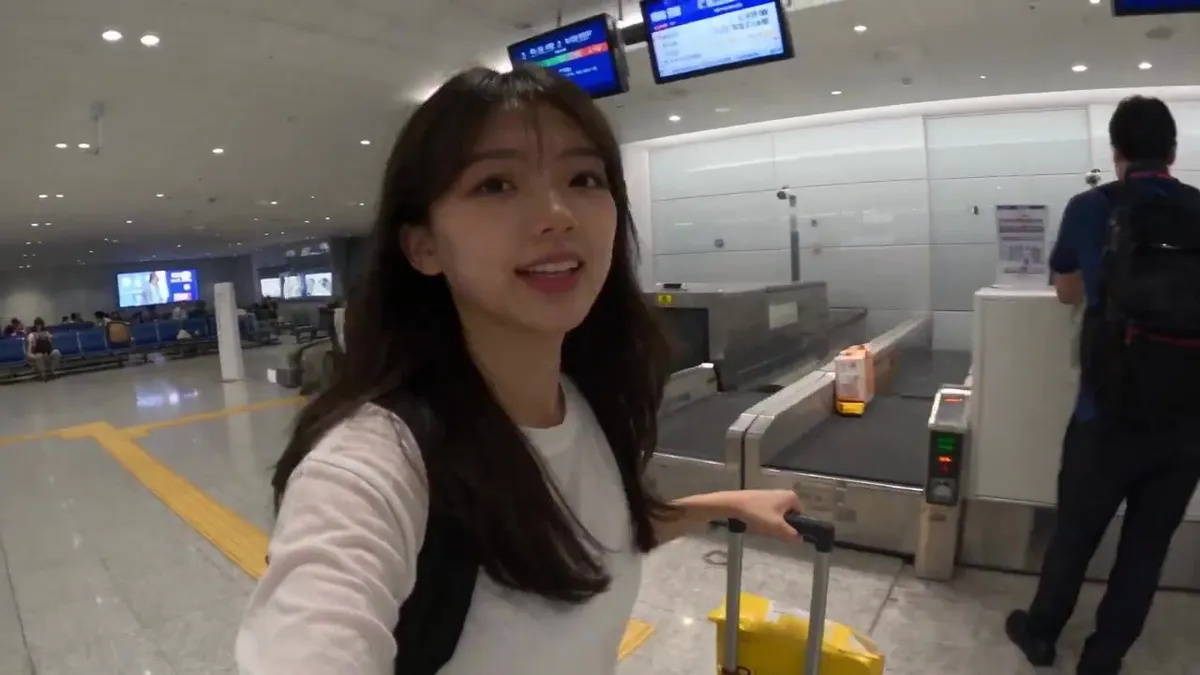
Smartphone Style Tokyo Travel Vlog

Made with Seedance 2.5 in Kling by Library Cinema. Promptclay never generates images.

Did it work?

No reports yet. Tell others if it worked for you.

No comments yet. Be the first.

    Smartphone Style Tokyo Travel Vlog

    Seedance 2.516:9AI-generated

    Prompt

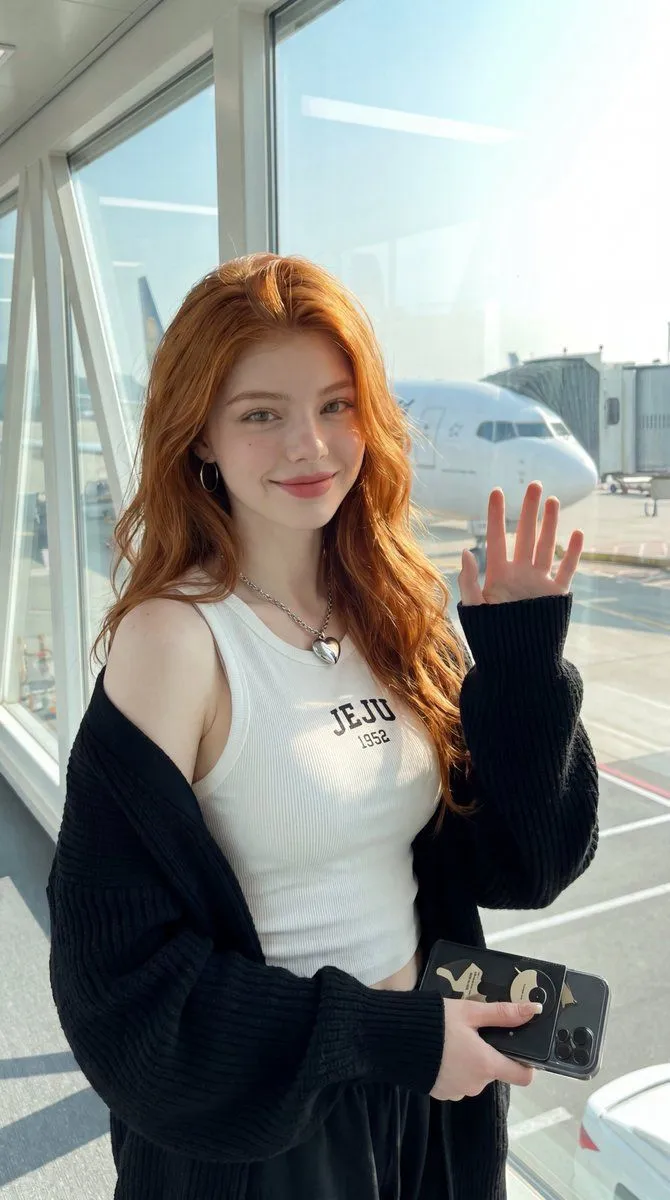
    Preserve the exact face, hairstyle, identity, skin tone, and body proportions from @ image1 throughout. A 30-second photorealistic smartphone travel vlog filmed entirely like a real mobile phone recording with natural handheld movement, subtle hand shake, realistic autofocus, slight exposure shifts, authentic smartphone stabilization, and true-to-life colors. No cinematic camera moves, no beauty filters, no CGI look. Scene 1 (0:00–0:04) – Airport entrance. She pulls a small suitcase toward the check-in counter, smiles at the selfie camera, and says, "Today's a travel day!" Scene 2 (0:04–0:07) – Airport terminal. She holds up her boarding pass while walking toward the departure gate, excitedly showing the busy terminal. Scene 3 (0:07–0:11) – Airplane window seat. She records the plane taking off, then turns the camera toward herself with the clouds visible through the window, smiling with excitement. Scene 4 (0:11–0:15) – Landing. The aircraft touches down smoothly, and she captures her first glimpse of Tokyo through the airplane window. Scene 5 (0:15–0:19) – Arrival hall. She walks through the airport with her suitcase, following the exit signs, looking excited for the adventure. Scene 6 (0:19–0:24) – First moments in Tokyo. She steps outside into the lively streets, filming colorful signs, passing trains, cafés, and busy crosswalks while saying, "I finally made it!" Scene 7 (0:24–0:28) – Exploring the city. She strolls through the streets, records the atmosphere, smiles at the camera, and points toward the city ahead. Scene 8 (0:28–0:30) – Final selfie. She stops, gives a cheerful wave, smiles brightly, and says, "Let's explore!" before reaching toward the phone to end the recording. Audio: Natural ambience only—airport announcements, rolling suitcase wheels, airplane cabin sounds, engine noise during takeoff and landing, footsteps, city traffic, train sounds, people talking, and light wind. No background music, no subtitles, no logos, and no watermarks. The entire video should feel exactly like a genuine smartphone travel vlog with natural human movement and consistent appearance throughout.

    Works in
    Kling
    Status
    Free to copy
    0
    DetailsVersions, settings and questions

    Written for

    What's in the prompt

    Subject
    Model
    Seedance 2.5

    If your face changes

    keep my face exactly the same

    Questions

    Does this work in the Kling app?
    Yes. Paste the prompt and attach your photo if it uses one.
    It changed my face. What do I do?
    Add "keep my face exactly the same" to the end and run it again.
    Can I use the images I make?
    Check the terms of the app you use. Promptclay never generates images and claims nothing you make.

    Similar prompts

    See more
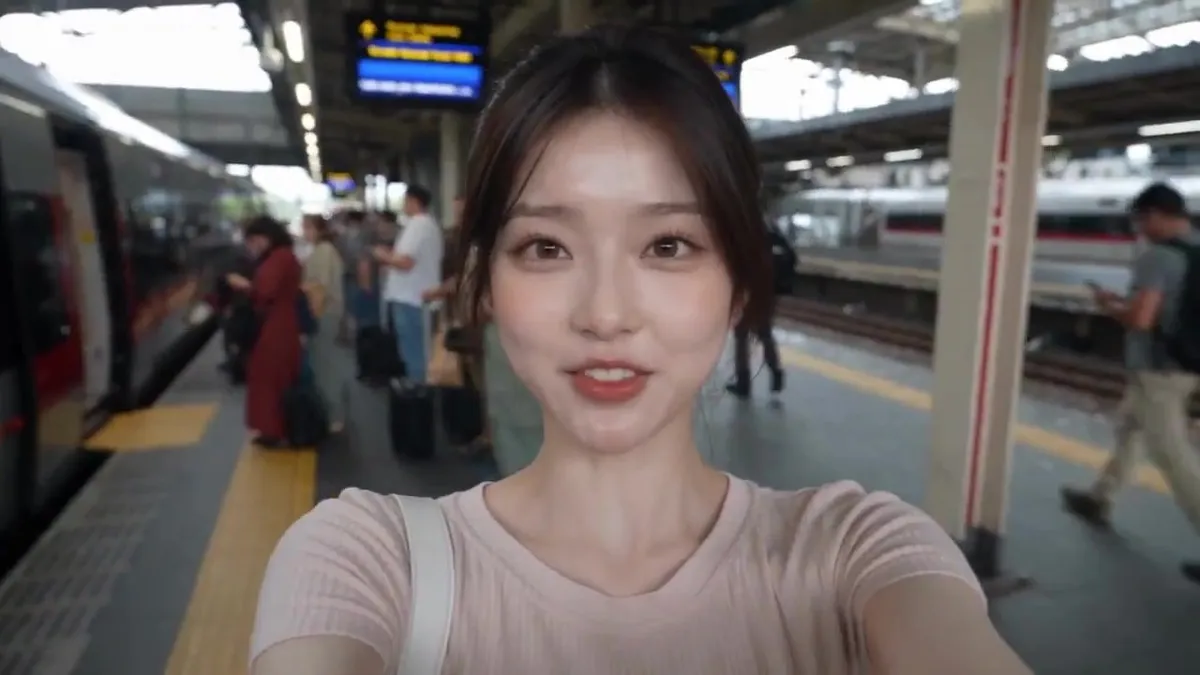
    • Realistic Train Travel VlogVideo, 0:30
    • Realistic City Selfie Portrait
    • Realistic Airport Terminal Portrait
    • Airport Golden Hour Triptych
    • Realistic Car Selfie with Reference
    • Cinematic Korean Mountain Hiking Vlog PromptVideo, 0:30
    • Smartphone Travel Selfie Prompt
    • Realistic Travel Smartphone Selfie
    • Realistic DSLR Selfie Portrait
    • Photorealistic Female Pilot Selfie Prompt
    • Rush Hour Subway vs Traffic
    • Shocked Doctor Hospital Still
    • Chinese New Year Selfie in New YorkVideo, 0:14
    • Viral Sketch Comedy Video Prompt: The Car Wash TwistVideo, 0:15
    • Cinematic Talk Show Portrait (Emilia Clarke Inspired)
    • Clean Minimal Studio Portrait with Playful Wink
    • Modern anime-film style, only modify left girl
    • Pink Aesthetic Coquette Birthday Cake Editorial Portrait
    • Ultra Realistic Portrait with Specific Likeness and Composition
    • Detailed Character Description for Image Generation
    • GPT Image 2 Pop Art Editorial Prompts
    • Mediterranean Vacation Fashion Editorial (Hindi/Urdu)
    • Studio Editorial Fashion Portrait
    • Ultra-Realistic Neon Portrait

    Show more

    Run it on your phone

    1. Prompt copiedRead it

      Preserve the exact face, hairstyle, identity, skin tone, and body proportions from @ image1 throughout. A 30-second photorealistic smartphone travel vlog filmed entirely like a real mobile phone recording with natural handheld movement, subtle hand shake, realistic autofocus, slight exposure shifts, authentic smartphone stabilization, and true-to-life colors. No cinematic camera moves, no beauty filters, no CGI look. Scene 1 (0:00–0:04) – Airport entrance. She pulls a small suitcase toward the check-in counter, smiles at the selfie camera, and says, "Today's a travel day!" Scene 2 (0:04–0:07) – Airport terminal. She holds up her boarding pass while walking toward the departure gate, excitedly showing the busy terminal. Scene 3 (0:07–0:11) – Airplane window seat. She records the plane taking off, then turns the camera toward herself with the clouds visible through the window, smiling with excitement. Scene 4 (0:11–0:15) – Landing. The aircraft touches down smoothly, and she captures her first glimpse of Tokyo through the airplane window. Scene 5 (0:15–0:19) – Arrival hall. She walks through the airport with her suitcase, following the exit signs, looking excited for the adventure. Scene 6 (0:19–0:24) – First moments in Tokyo. She steps outside into the lively streets, filming colorful signs, passing trains, cafés, and busy crosswalks while saying, "I finally made it!" Scene 7 (0:24–0:28) – Exploring the city. She strolls through the streets, records the atmosphere, smiles at the camera, and points toward the city ahead. Scene 8 (0:28–0:30) – Final selfie. She stops, gives a cheerful wave, smiles brightly, and says, "Let's explore!" before reaching toward the phone to end the recording. Audio: Natural ambience only—airport announcements, rolling suitcase wheels, airplane cabin sounds, engine noise during takeoff and landing, footsteps, city traffic, train sounds, people talking, and light wind. No background music, no subtitles, no logos, and no watermarks. The entire video should feel exactly like a genuine smartphone travel vlog with natural human movement and consistent appearance throughout.

    2. Open your app

    3. Paste and run

      Press and hold the message box, then tap Paste. Add your photo first if the prompt uses one. You may need to sign in.