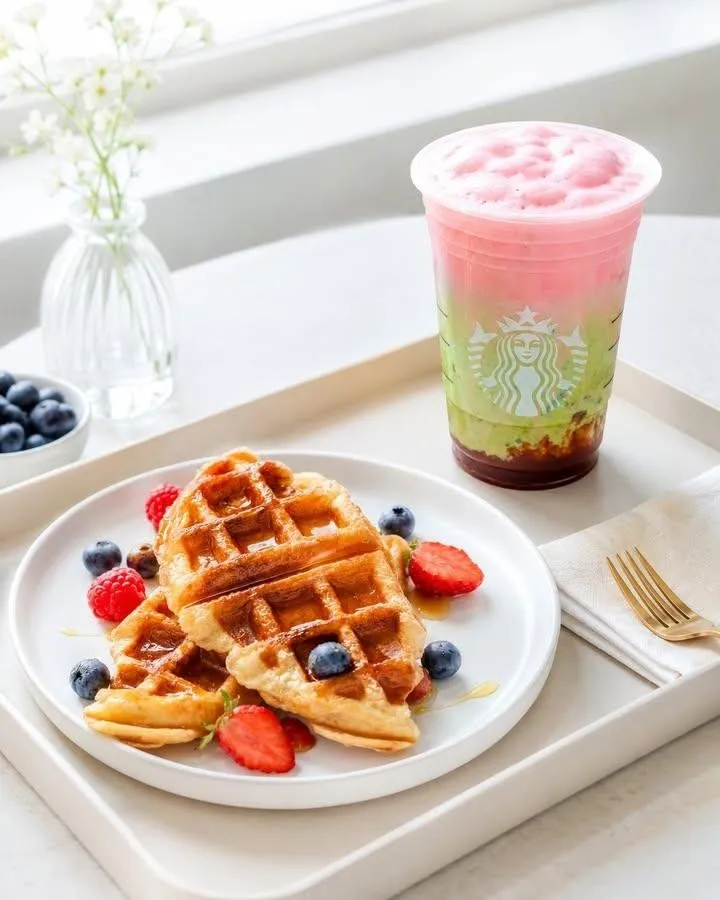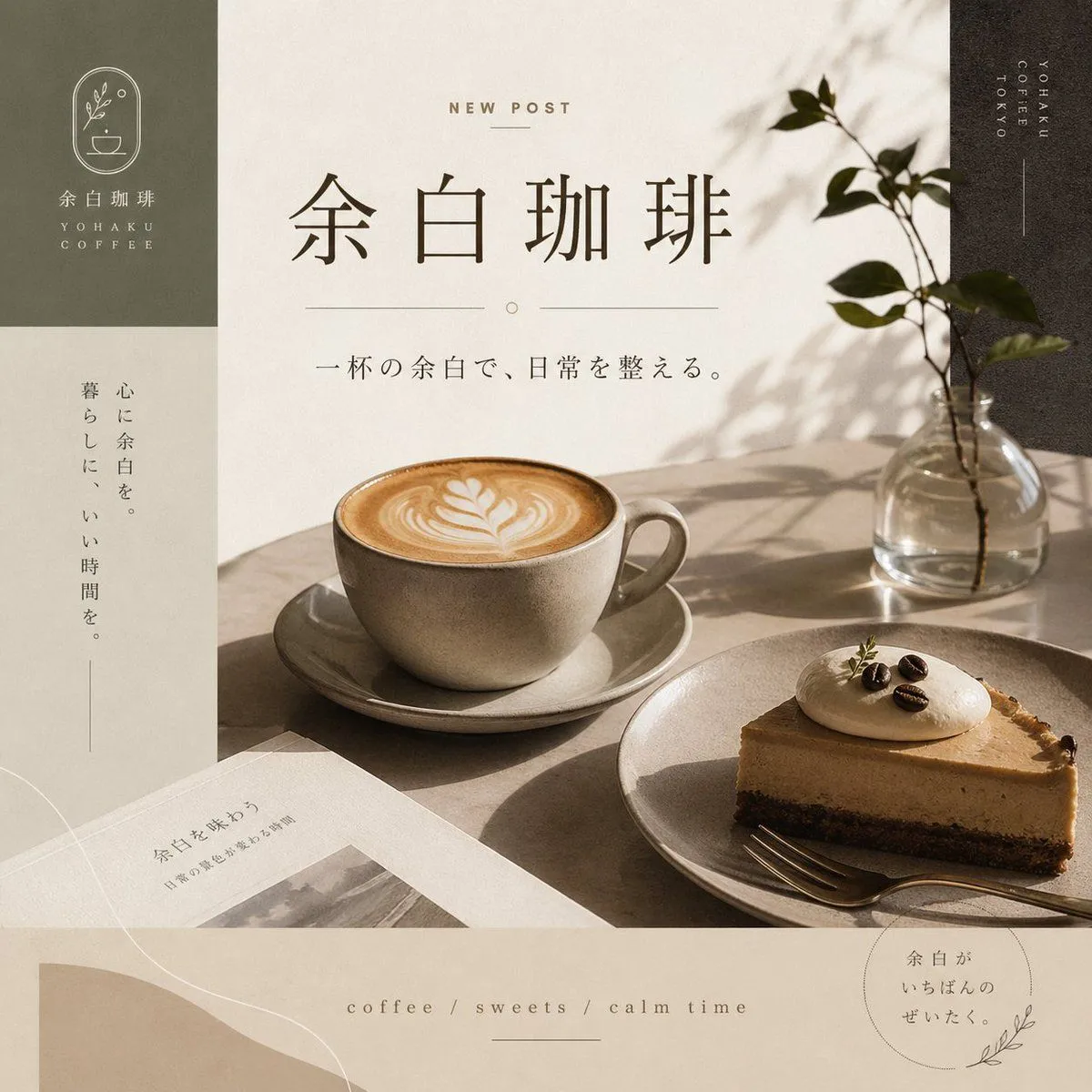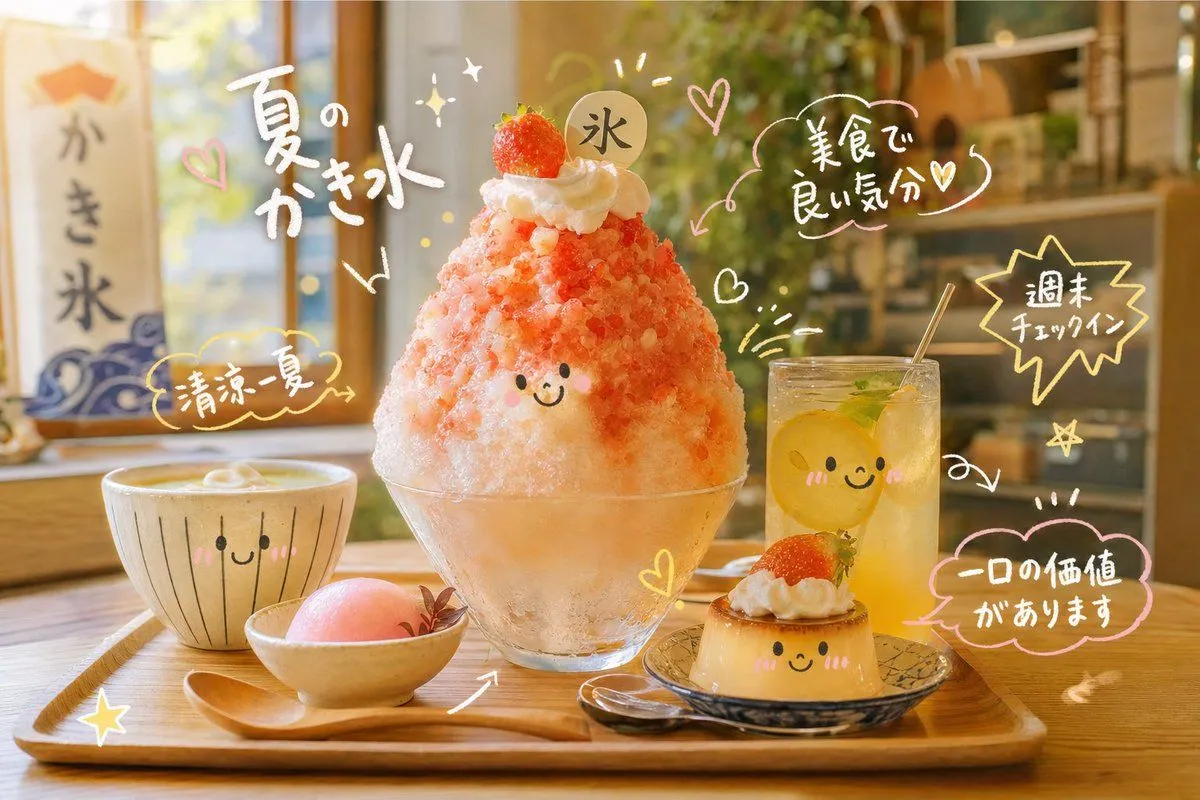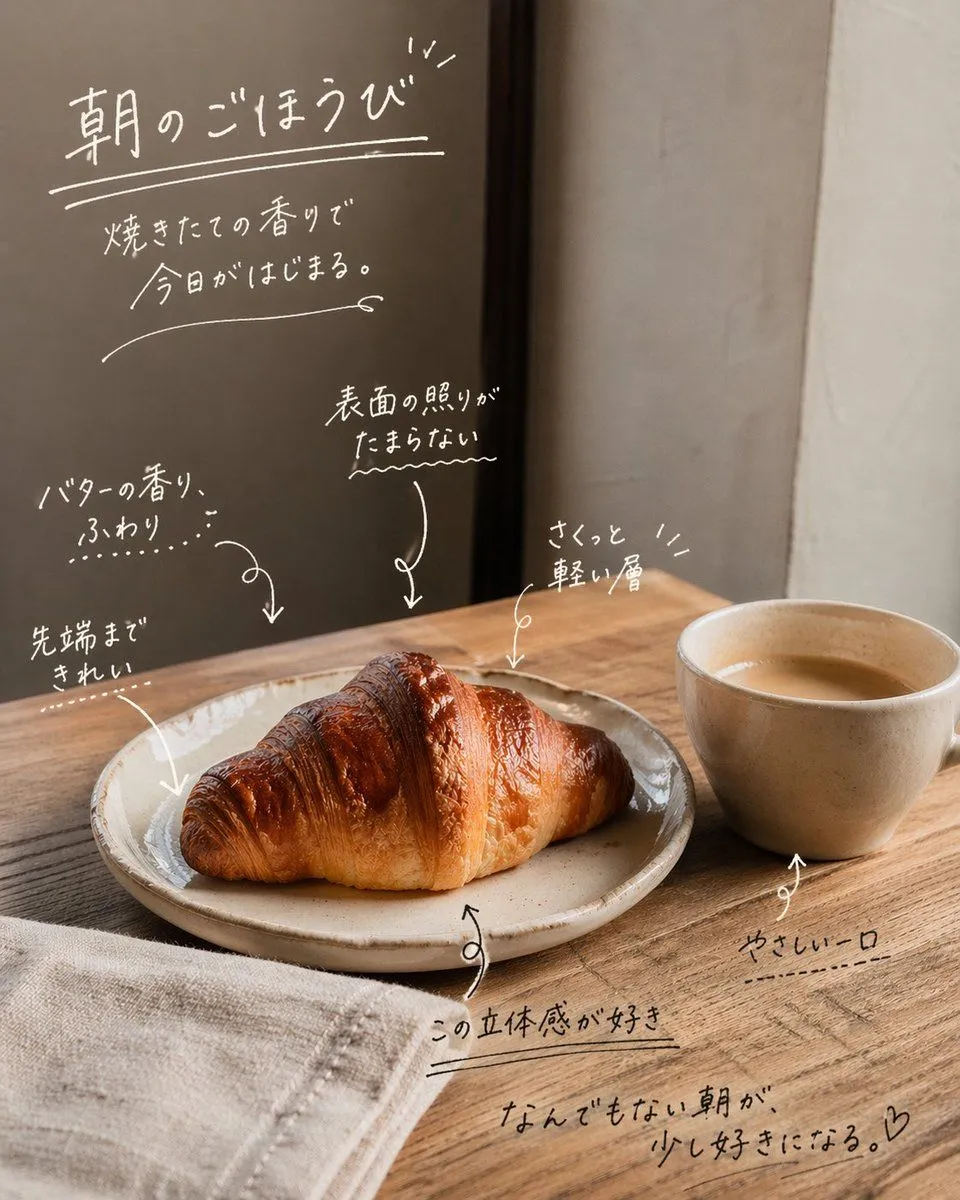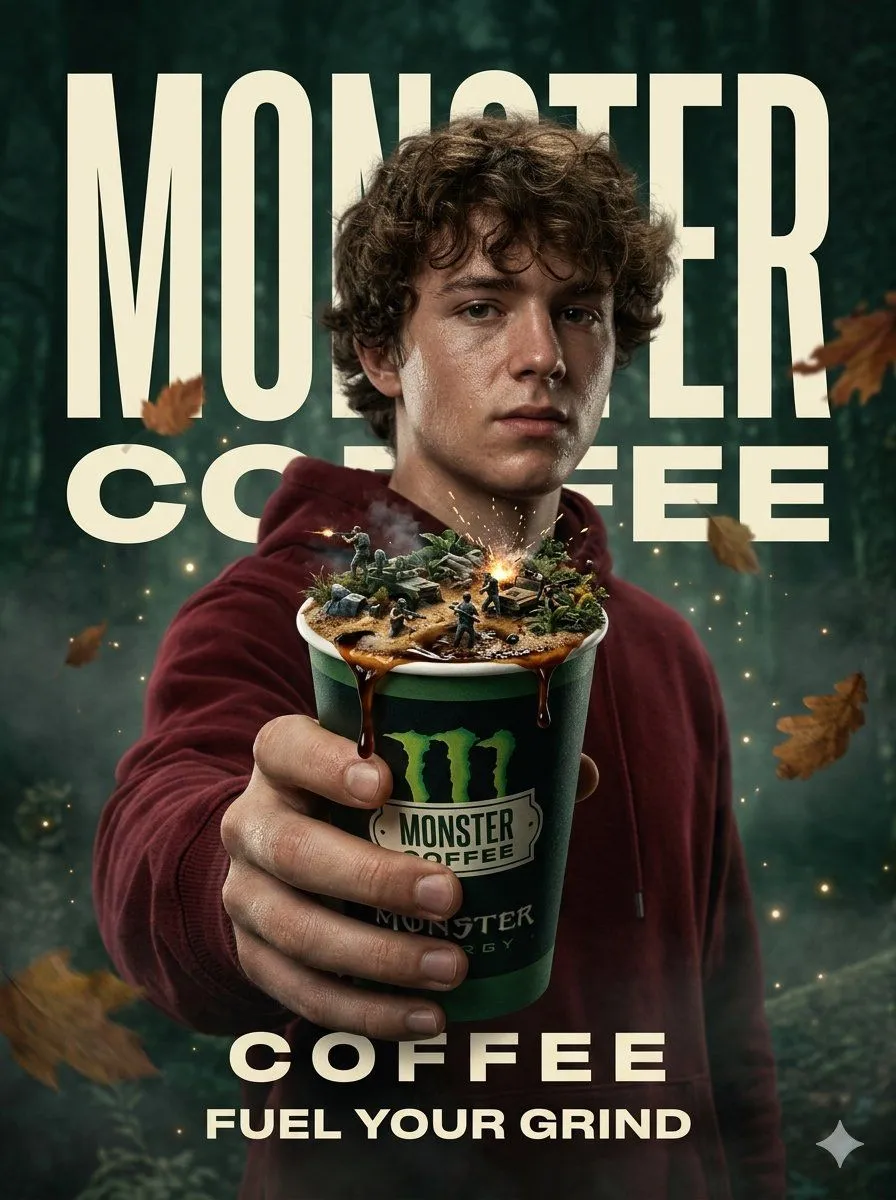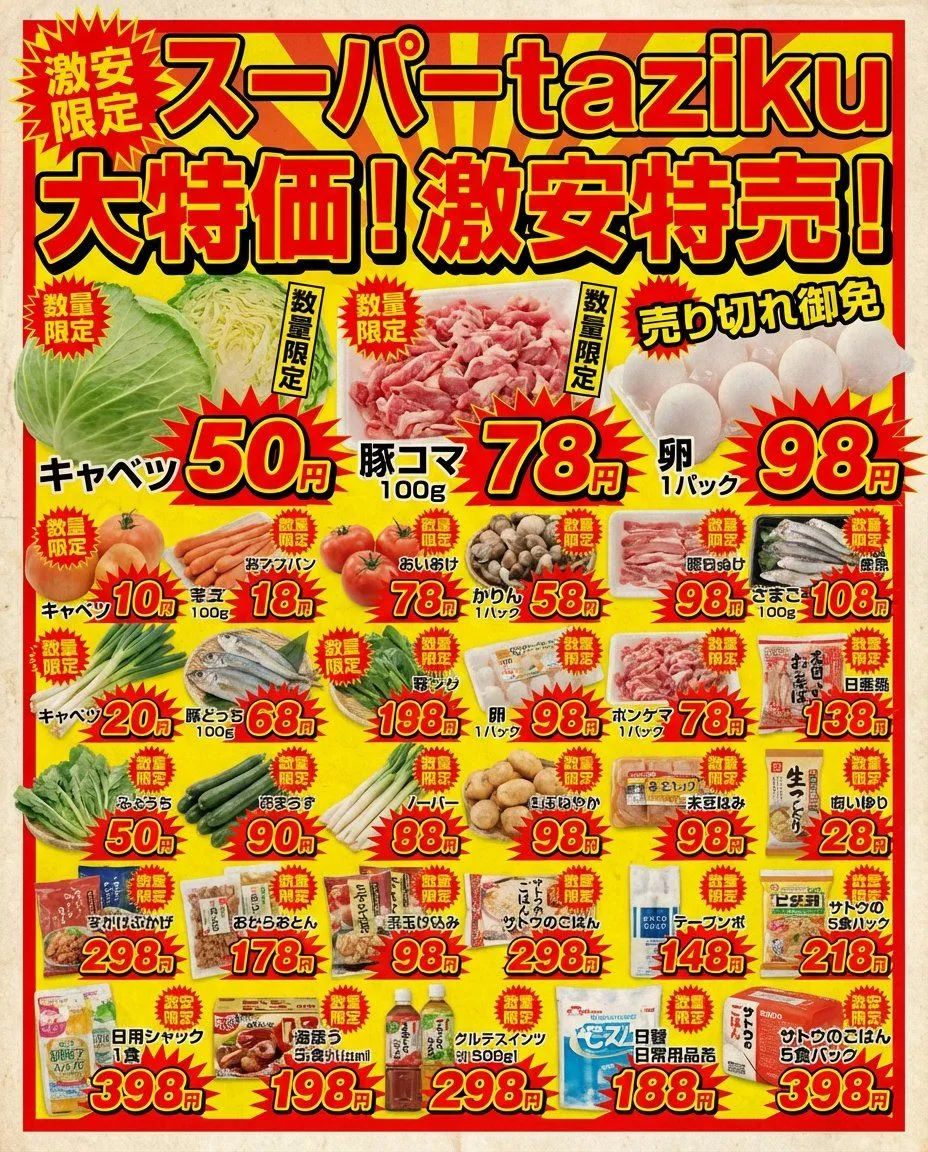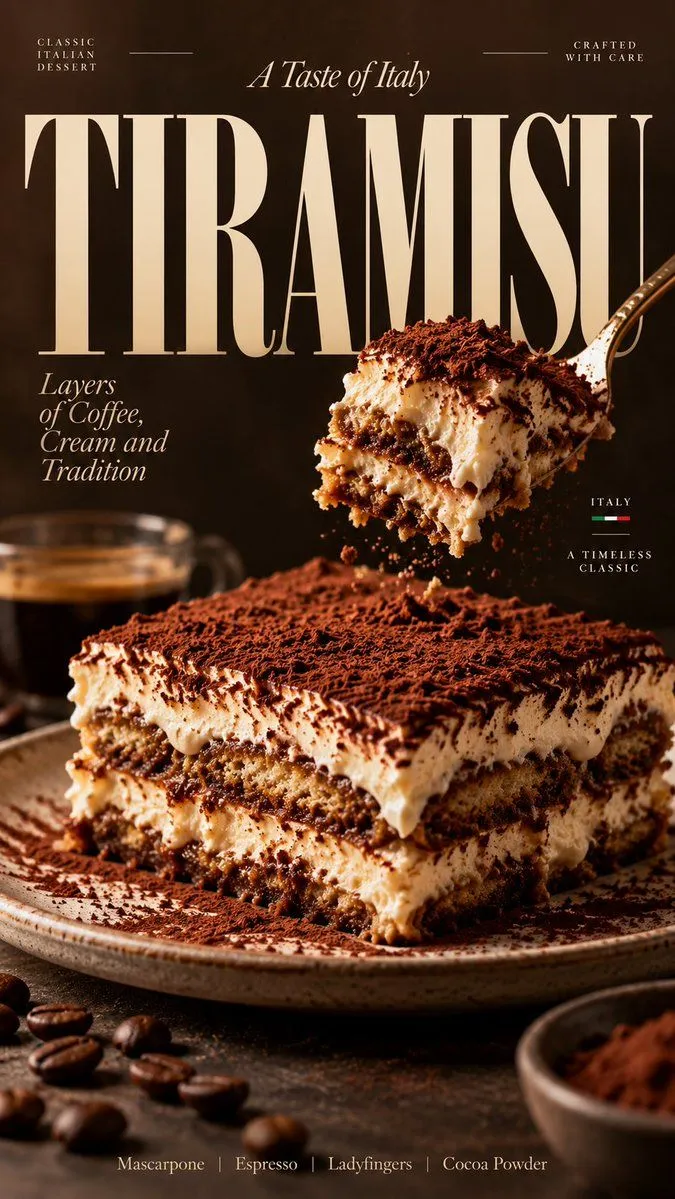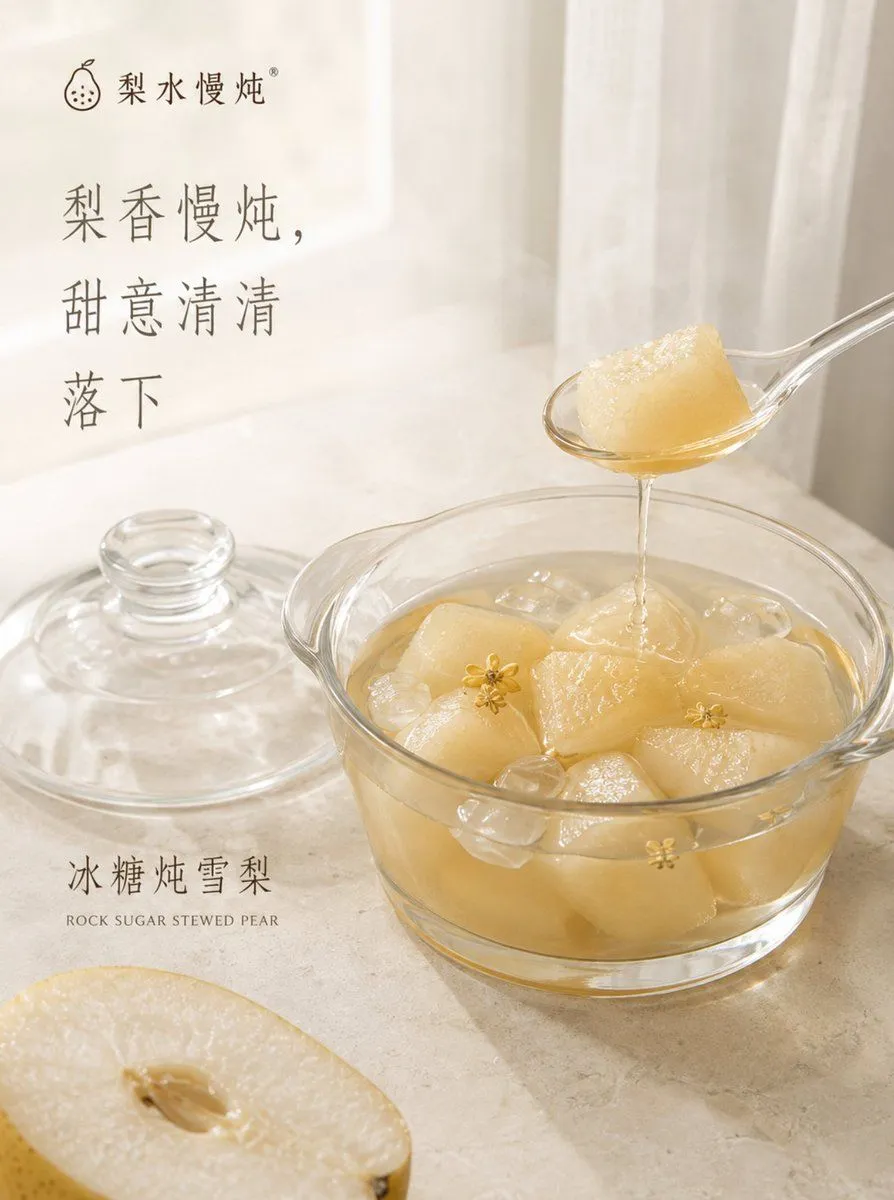
Made with GPT Image 2.5 in ChatGPT by Library Brand. Promptclay never generates images.
Did it work?
No reports yet. Tell others if it worked for you.
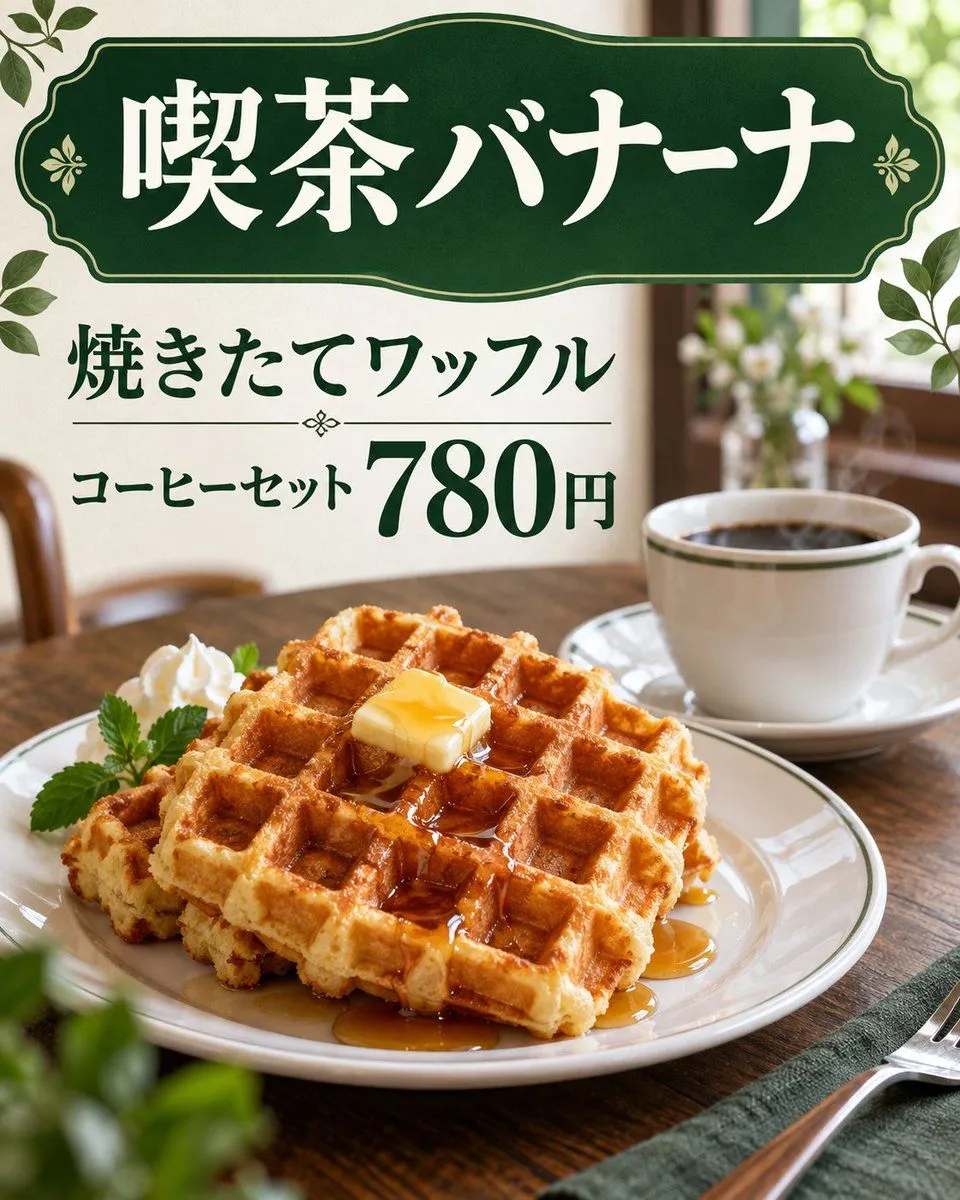
Sketch to Japanese Cafe Waffle Poster
Prompt
5 blanks to fillUsing REFERENCE_0 as a rough layout sketch, transform it into a polished photorealistic Japanese cafe advertisement while preserving the same overall composition and the same visible Japanese copy. Replace the hand-drawn black-and-white doodle look with a warm, realistic cafe tabletop scene. Goal: Create a finished menu-poster style image for a cafe waffle set. Layout to preserve from the reference: Keep exactly 3 main text areas: 1) a large top sign reading 「喫茶バナーナ」, 2) a middle headline reading 「焼きたてワッフル」, 3) a price line reading 「コーヒーセット 780円」 with the price emphasized much larger than the surrounding text. Visual transformation: Turn the sketched sign into an elegant dark green vintage cafe sign with cream/white Japanese lettering, thin gold trim, and small floral ornaments. Turn the waffle drawing into a realistic plated golden waffle stack with square grid texture, syrup, and a pat of butter. Add whipped cream and a small green herb garnish on the plate. Turn the coffee sketch into a realistic white coffee cup and saucer filled with black coffee. Scene additions: Place the food on a wooden cafe table in a softly lit interior with a shallow depth-of-field background, window light, blurred plants, and warm natural tones. Add decorative green leaves around the poster edges, especially near the top corners and side edges. Include a fork on a napkin at the lower right, matching the sketched placement but rendered realistically. Style: Photorealistic food photography combined with clean Japanese cafe-menu graphic design; warm morning light, appetizing texture, elegant dark green typography and accents. Keep the Japanese text legible and accurate. Do not add extra menu items, extra prices, logos, watermarks, or unrelated text. Customizable text slots: top sign text {shop_name}, waffle headline {menu_item}, set label {set_label}, price {price}, main color theme {main_color_theme}.
Preview of your prompt
Using REFERENCE_0 as a rough layout sketch, transform it into a polished photorealistic Japanese cafe advertisement while preserving the same overall composition and the same visible Japanese copy. Replace the hand-drawn black-and-white doodle look with a warm, realistic cafe tabletop scene. Goal: Create a finished menu-poster style image for a cafe waffle set. Layout to preserve from the reference: Keep exactly 3 main text areas: 1) a large top sign reading 「喫茶バナーナ」, 2) a middle headline reading 「焼きたてワッフル」, 3) a price line reading 「コーヒーセット 780円」 with the price emphasized much larger than the surrounding text. Visual transformation: Turn the sketched sign into an elegant dark green vintage cafe sign with cream/white Japanese lettering, thin gold trim, and small floral ornaments. Turn the waffle drawing into a realistic plated golden waffle stack with square grid texture, syrup, and a pat of butter. Add whipped cream and a small green herb garnish on the plate. Turn the coffee sketch into a realistic white coffee cup and saucer filled with black coffee. Scene additions: Place the food on a wooden cafe table in a softly lit interior with a shallow depth-of-field background, window light, blurred plants, and warm natural tones. Add decorative green leaves around the poster edges, especially near the top corners and side edges. Include a fork on a napkin at the lower right, matching the sketched placement but rendered realistically. Style: Photorealistic food photography combined with clean Japanese cafe-menu graphic design; warm morning light, appetizing texture, elegant dark green typography and accents. Keep the Japanese text legible and accurate. Do not add extra menu items, extra prices, logos, watermarks, or unrelated text. Customizable text slots: top sign text 喫茶バナーナ, waffle headline 焼きたてワッフル, set label コーヒーセット, price 780円, main color theme dark green and cream.
DetailsVersions, settings and questions
Written for
What's in the prompt
- Subject
- Model
- GPT Image 2.5
If your face changes
keep my face exactly the sameQuestions
- Does this work in the ChatGPT app?
- Yes. Paste the prompt and attach your photo if it uses one.
- It changed my face. What do I do?
- Add "keep my face exactly the same" to the end and run it again.
- Can I use the images I make?
- Check the terms of the app you use. Promptclay never generates images and claims nothing you make.