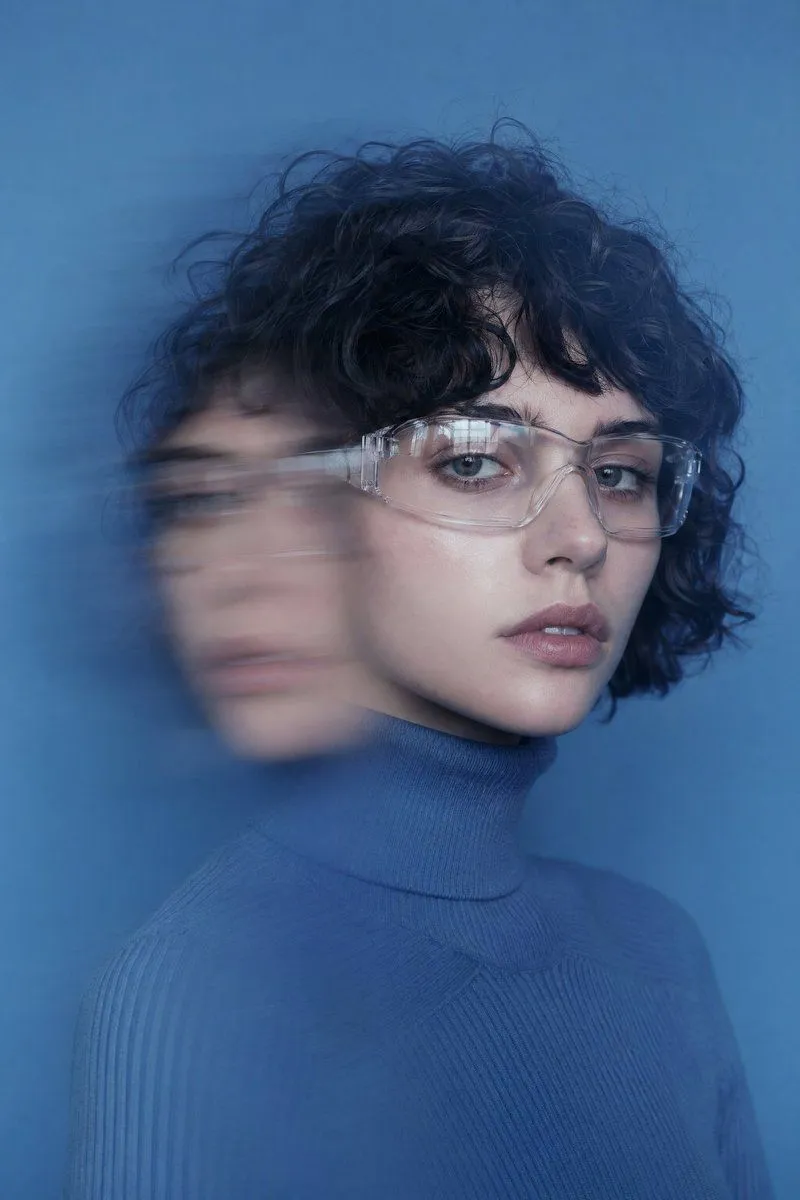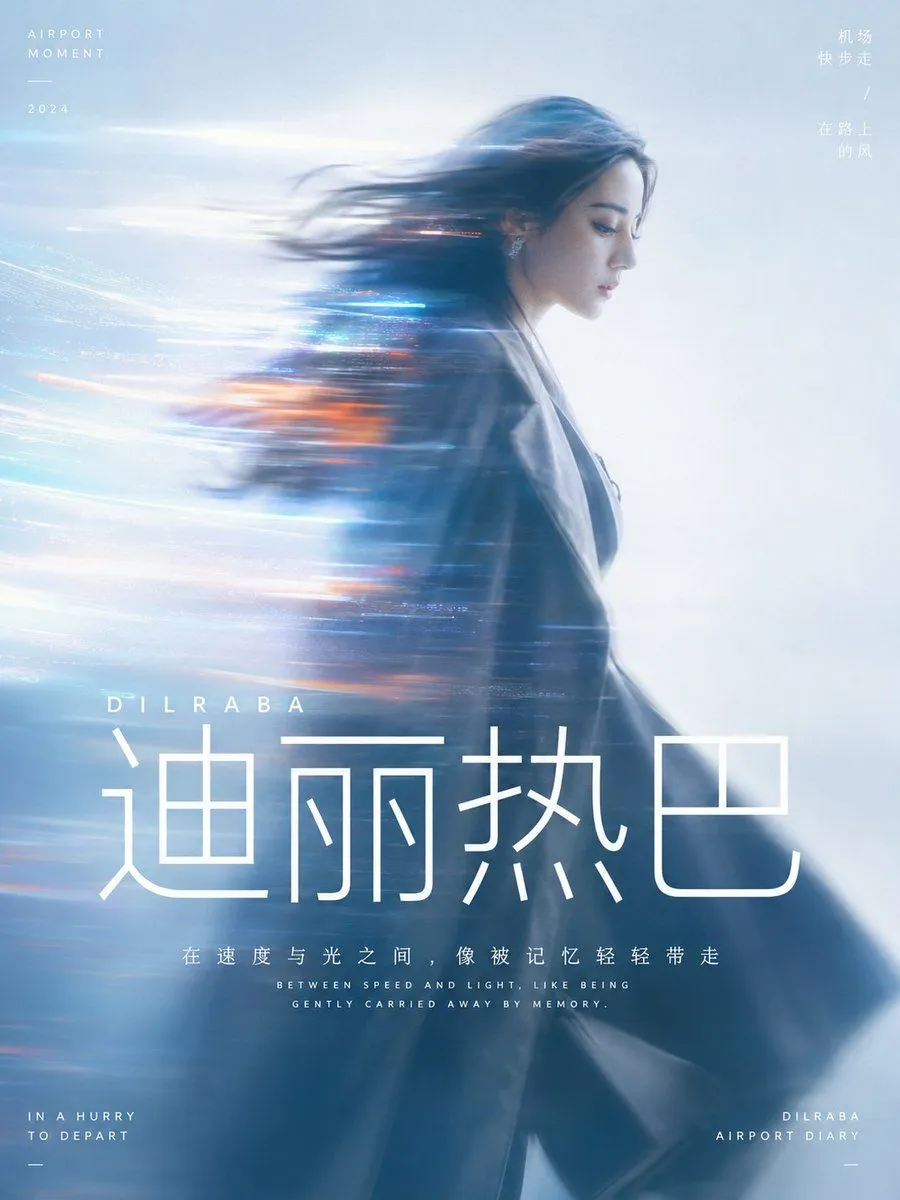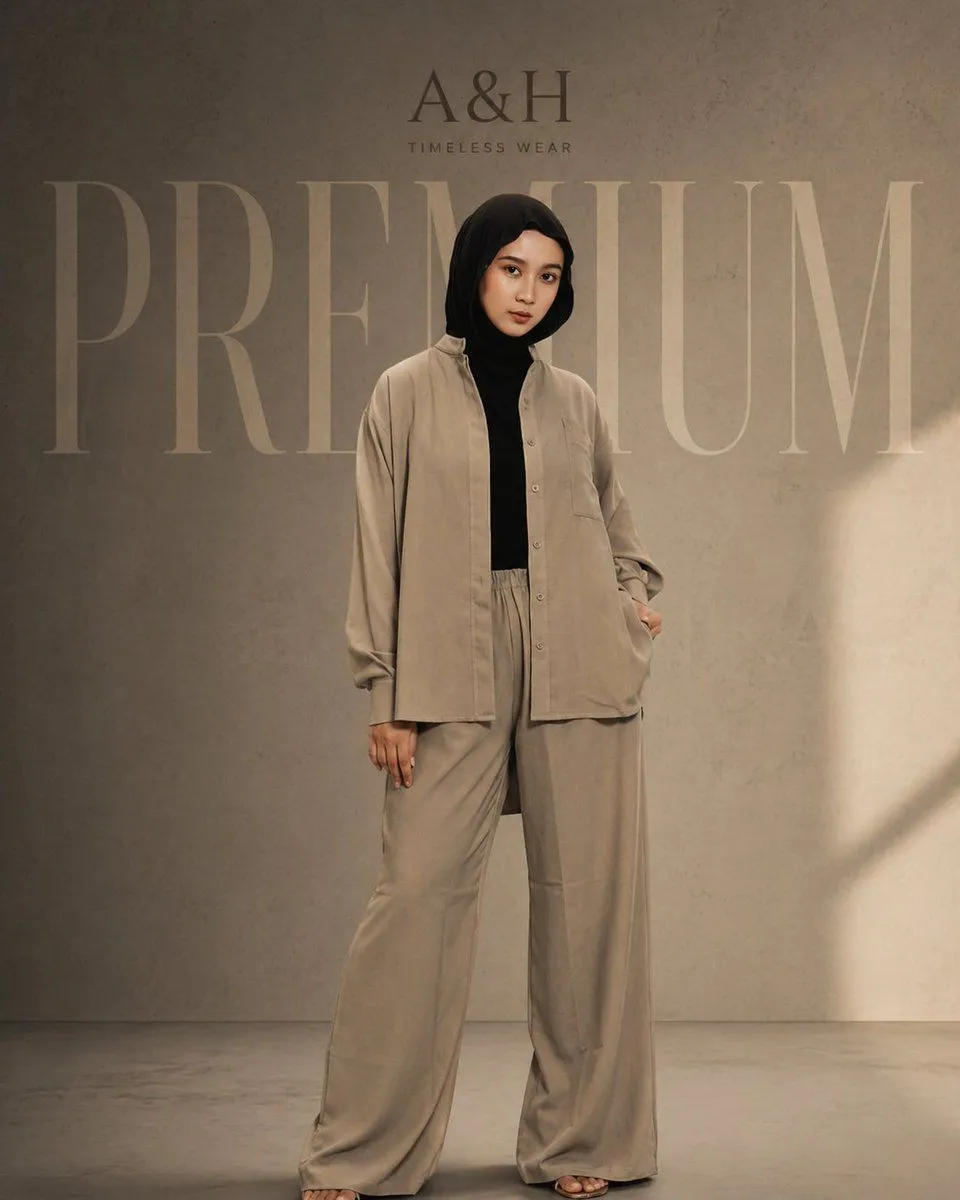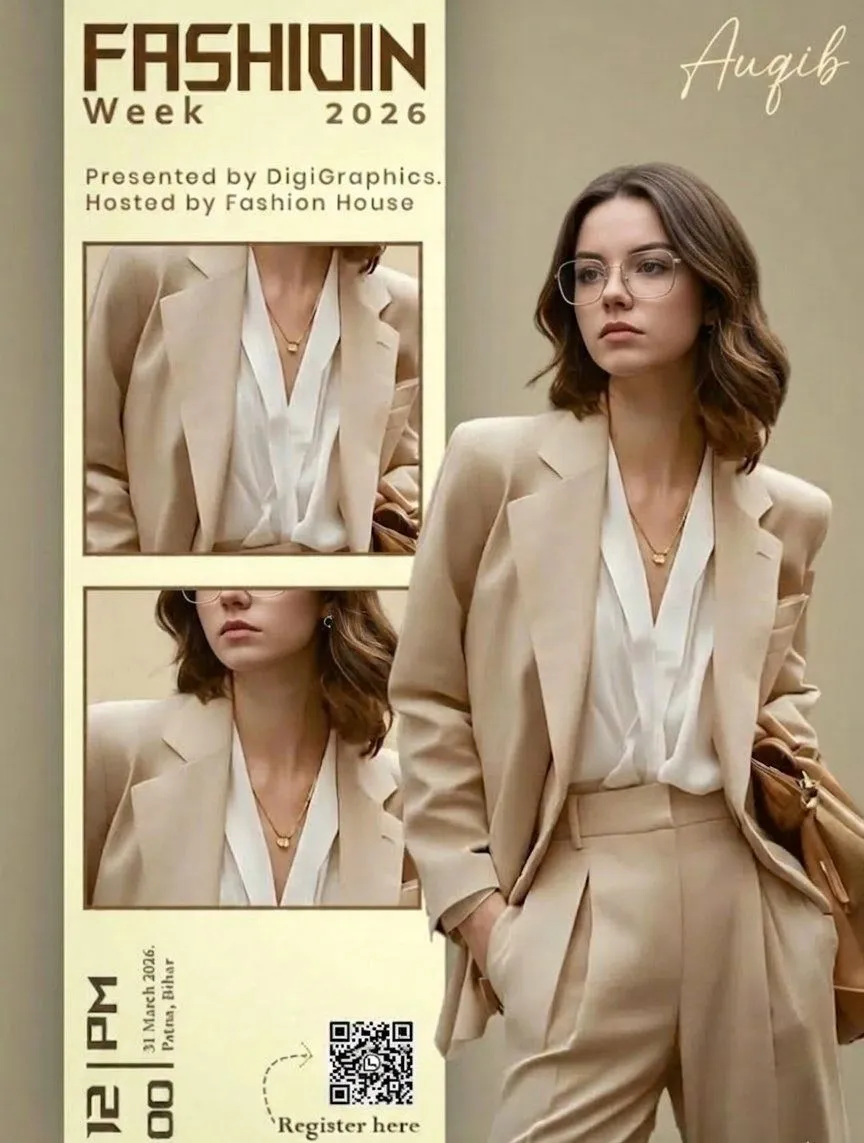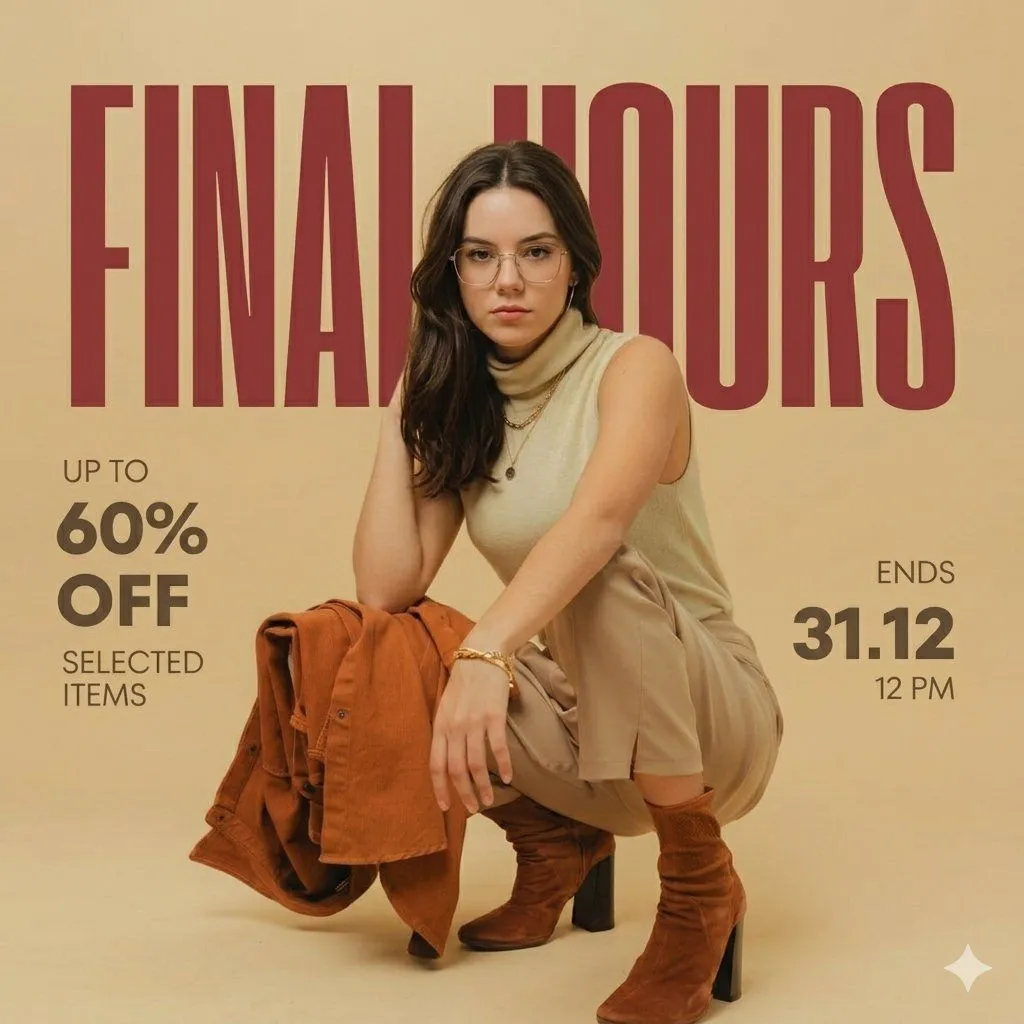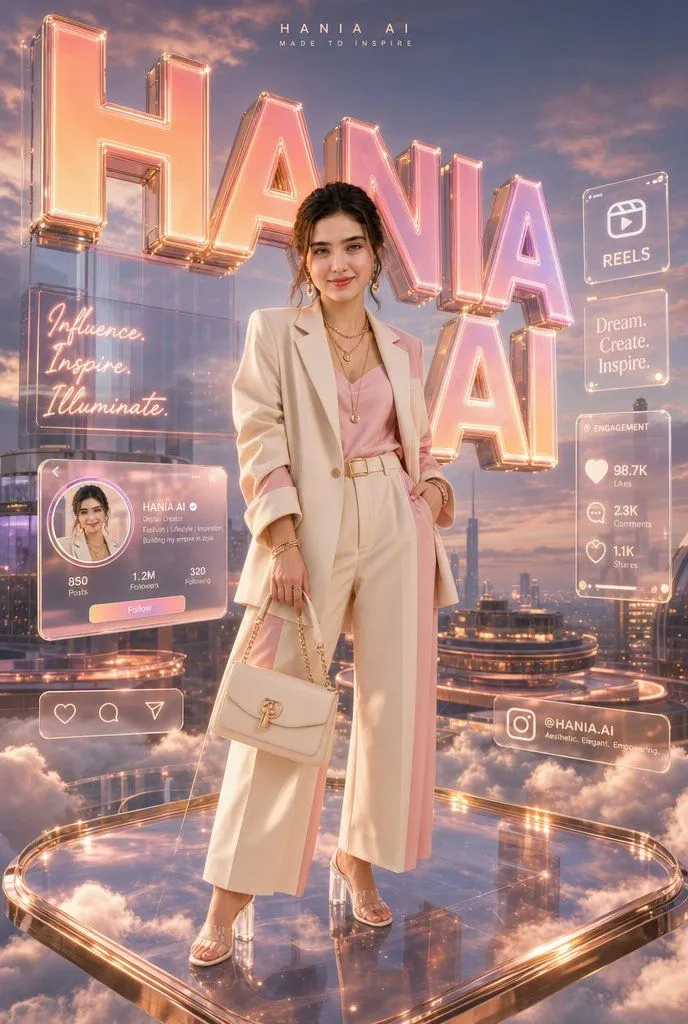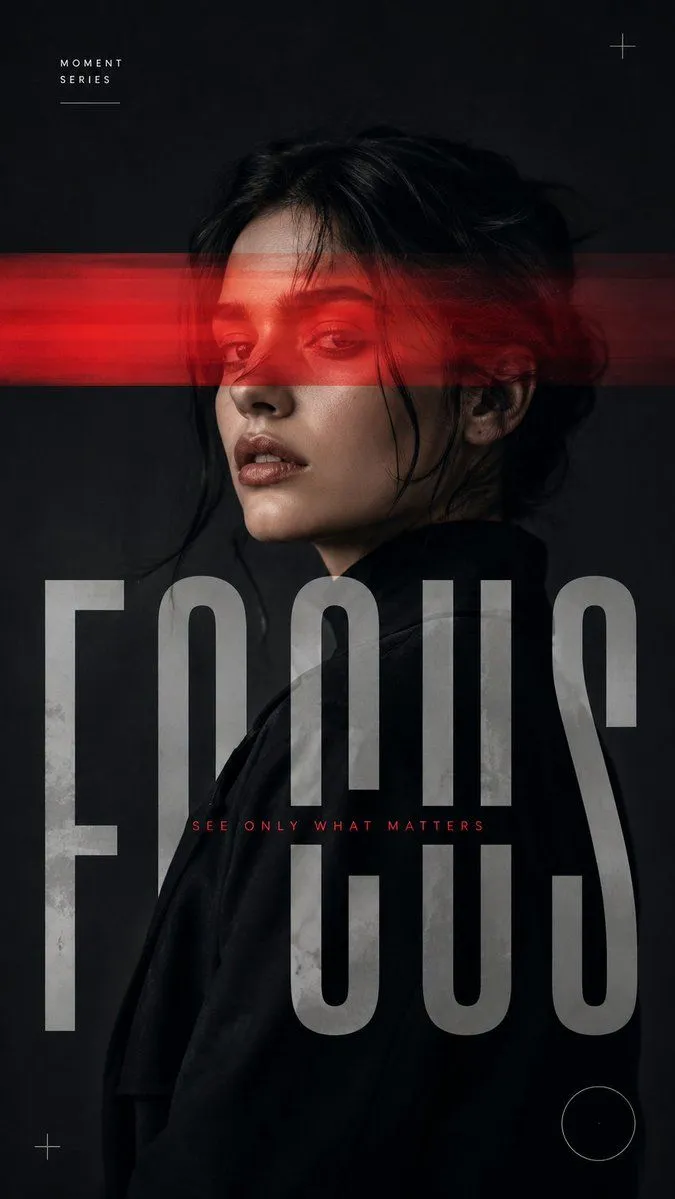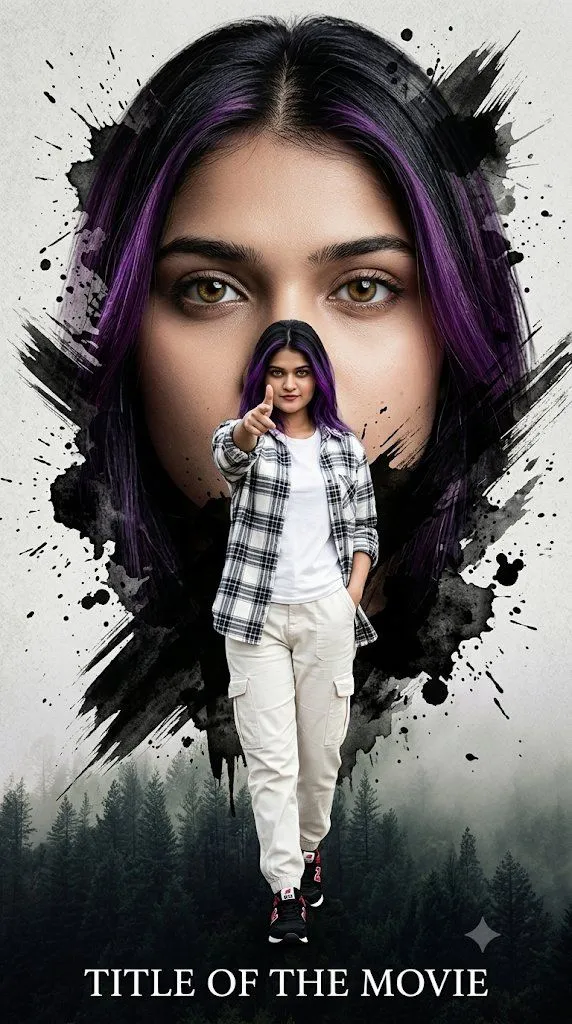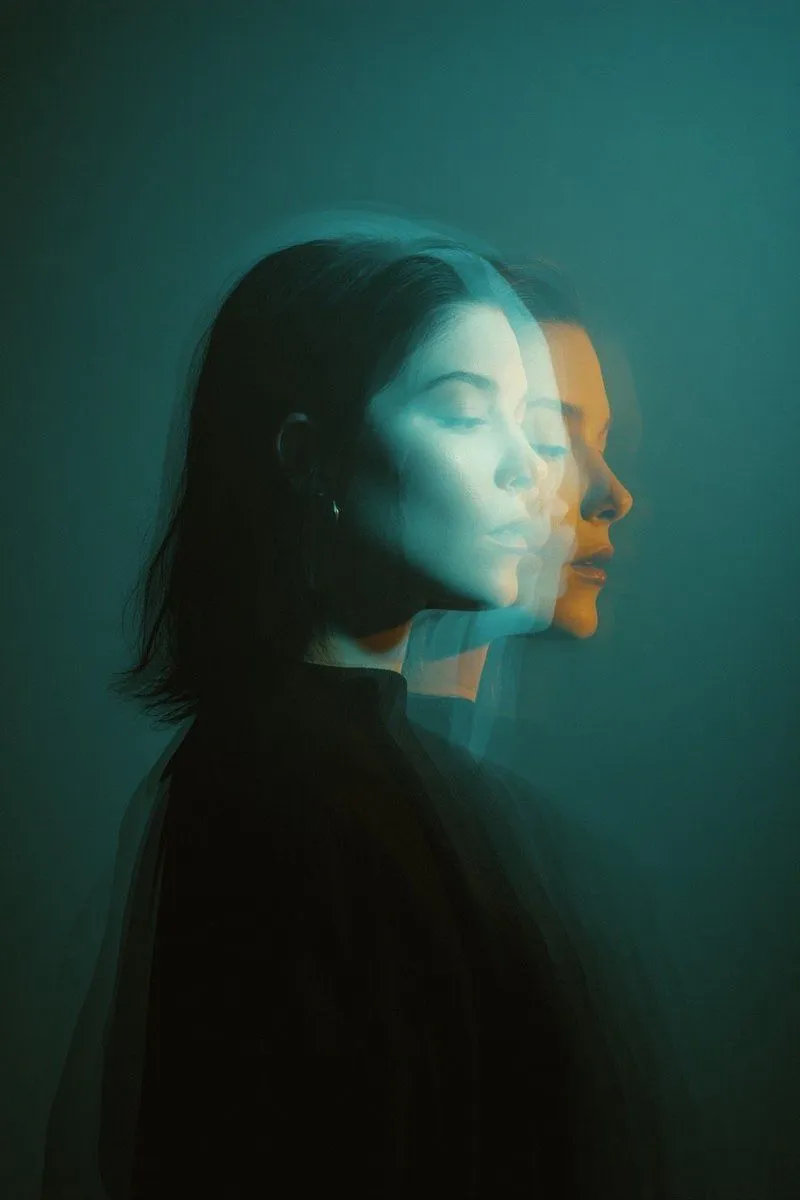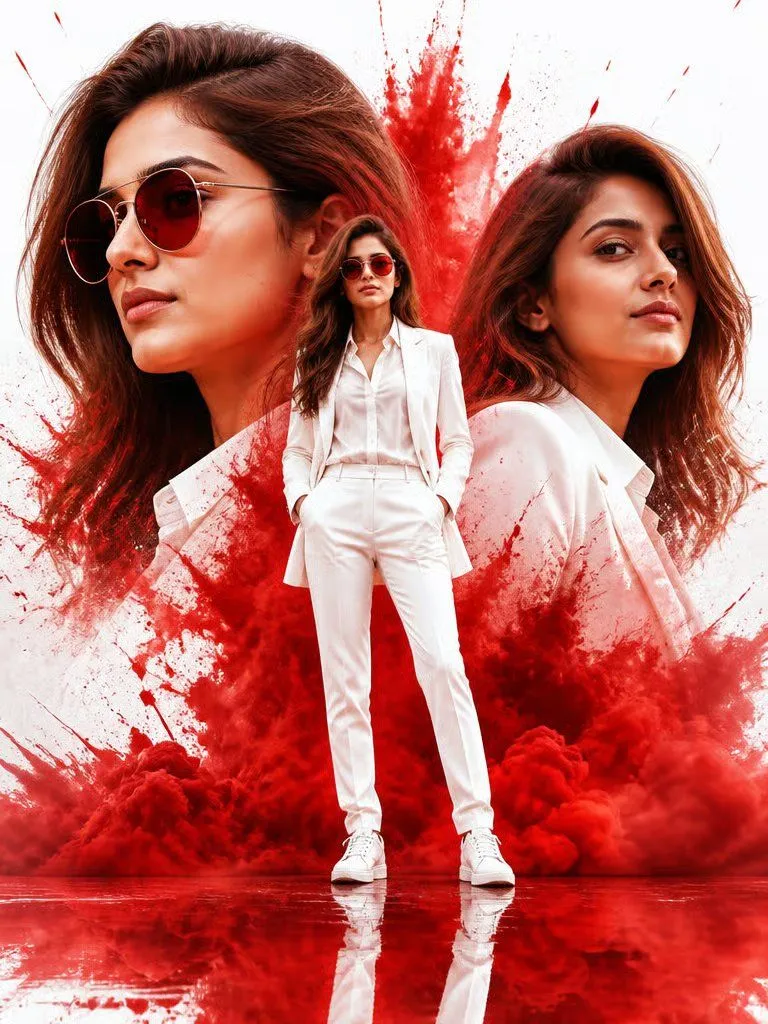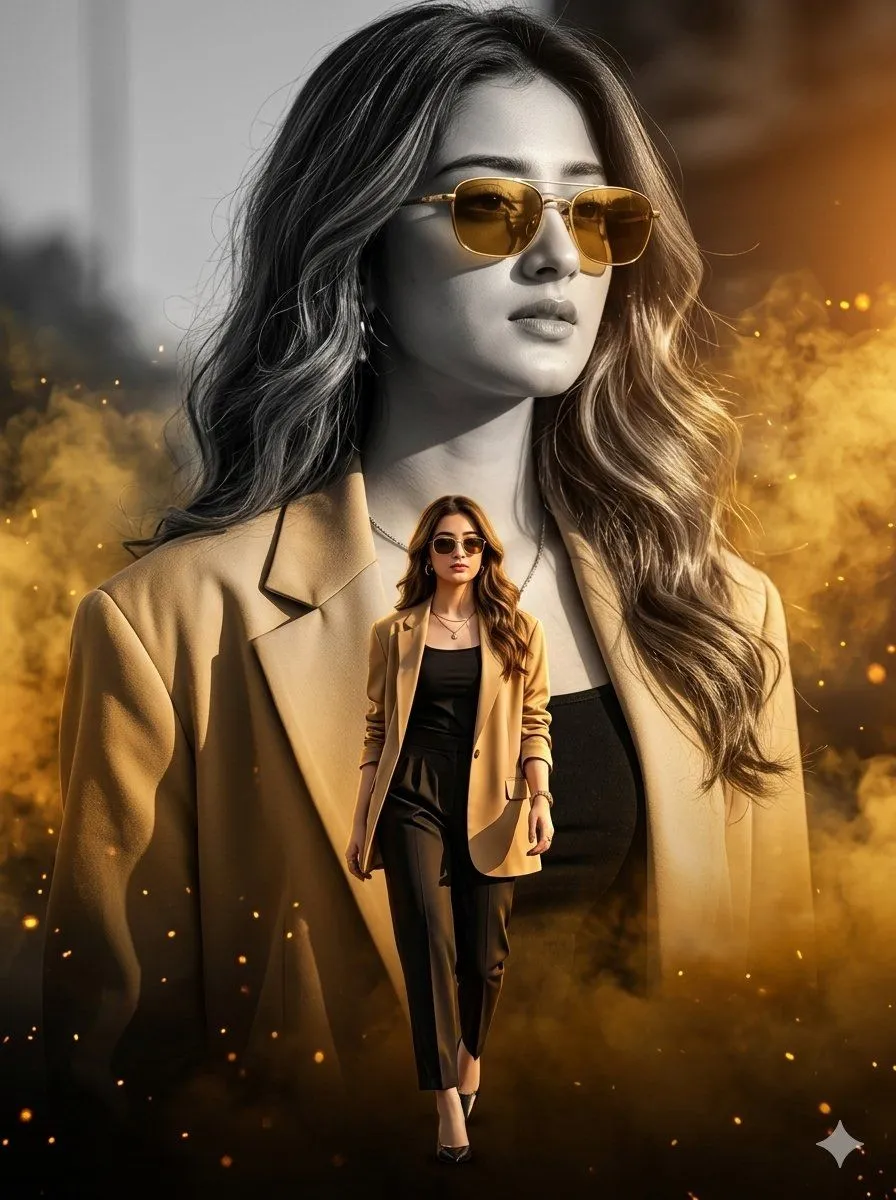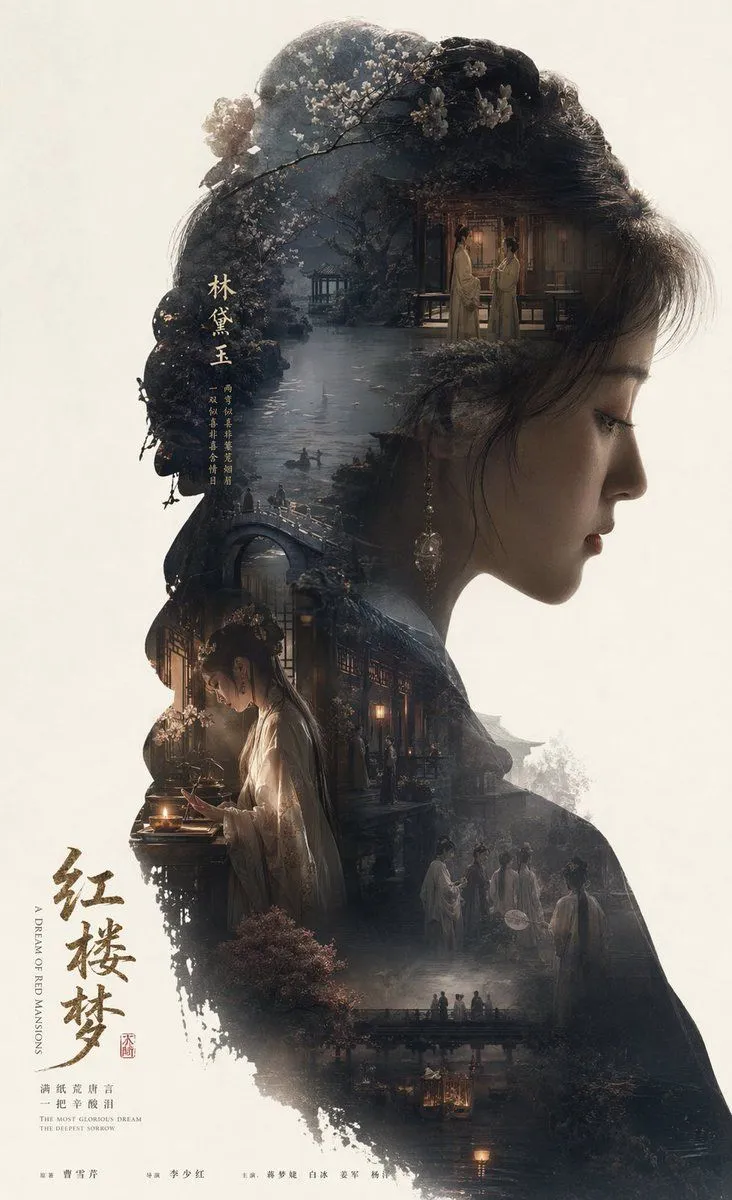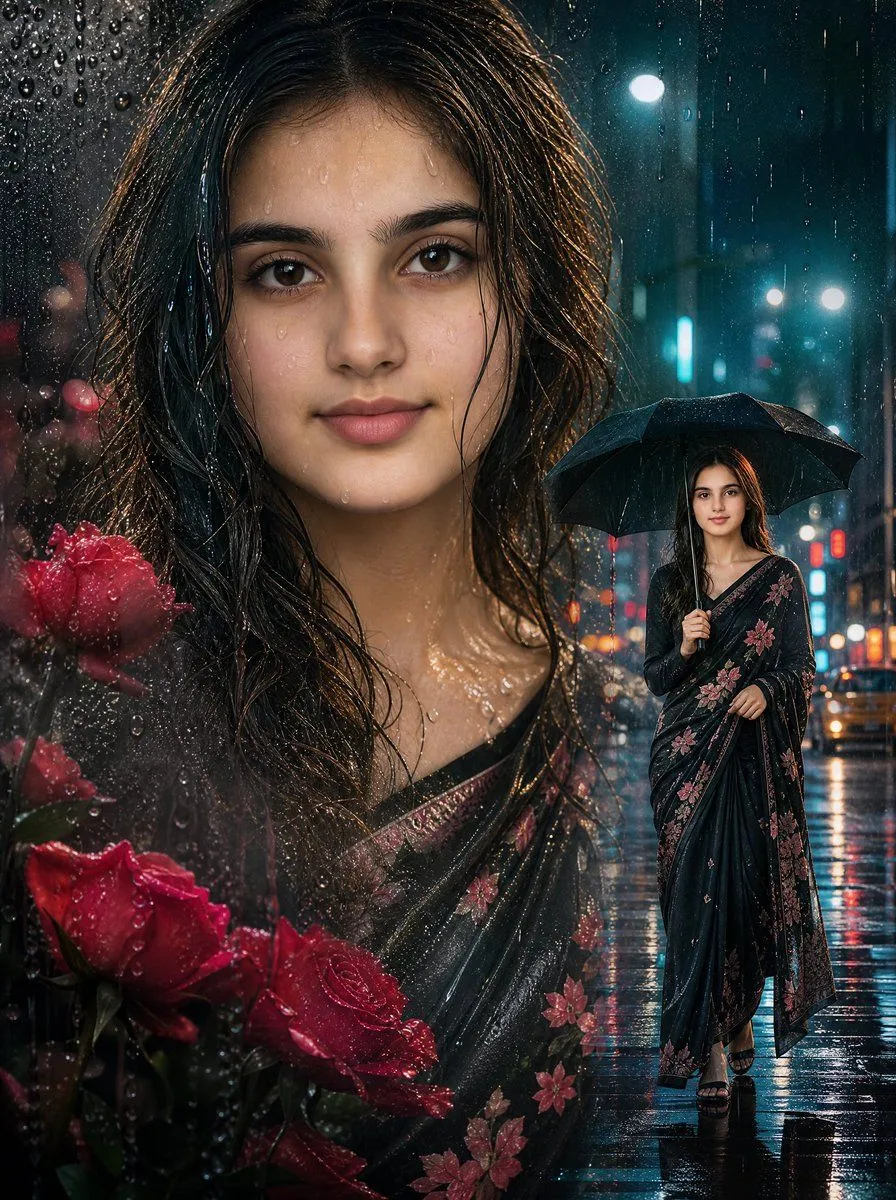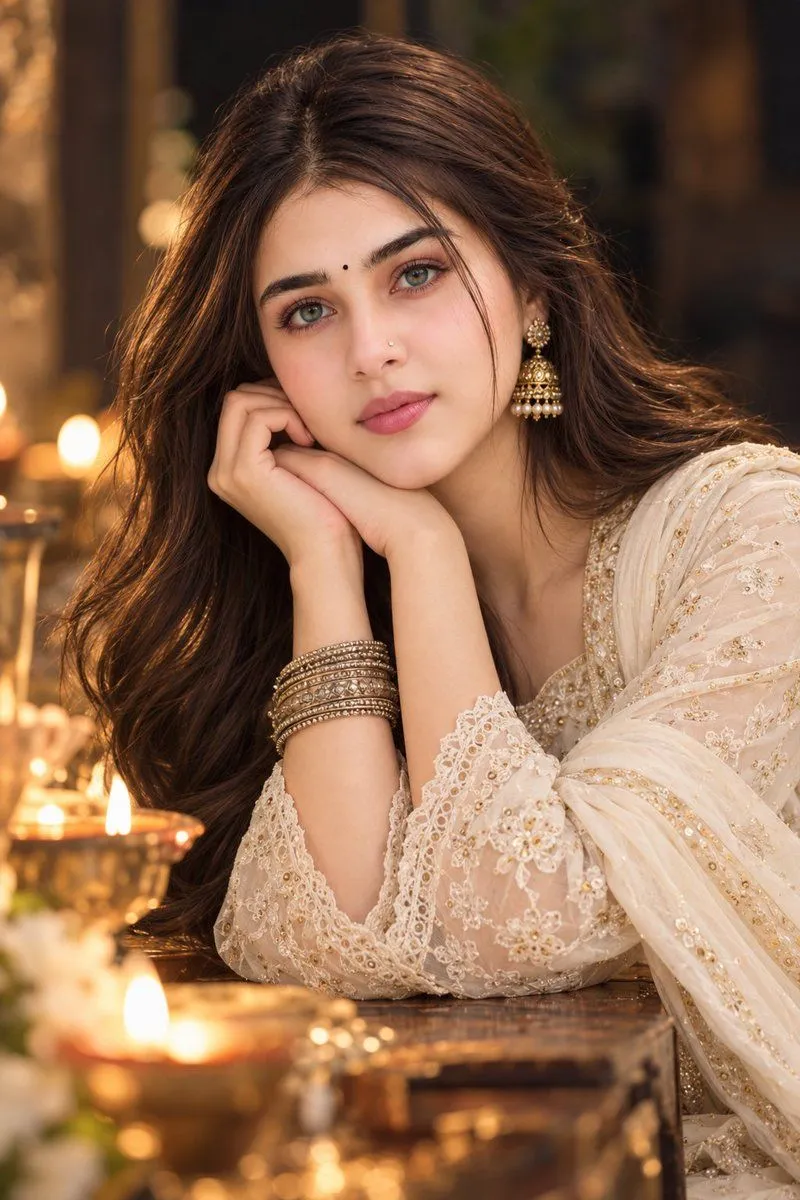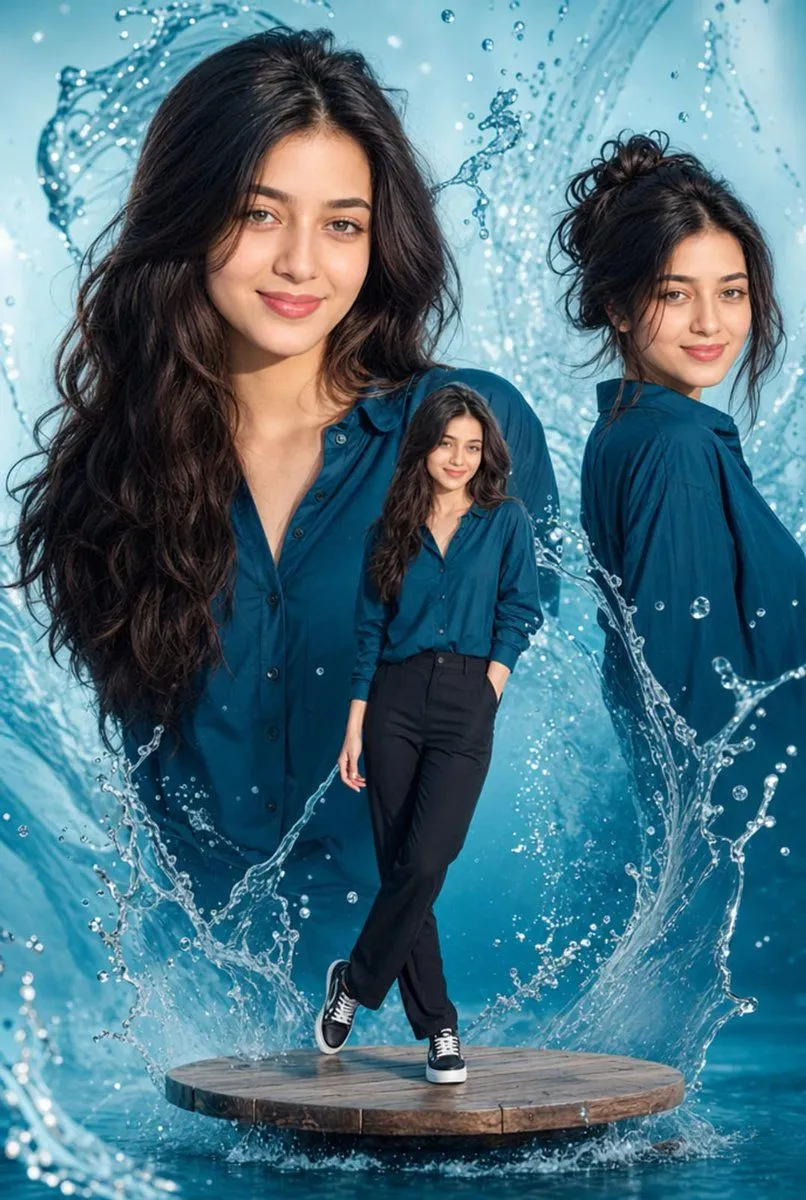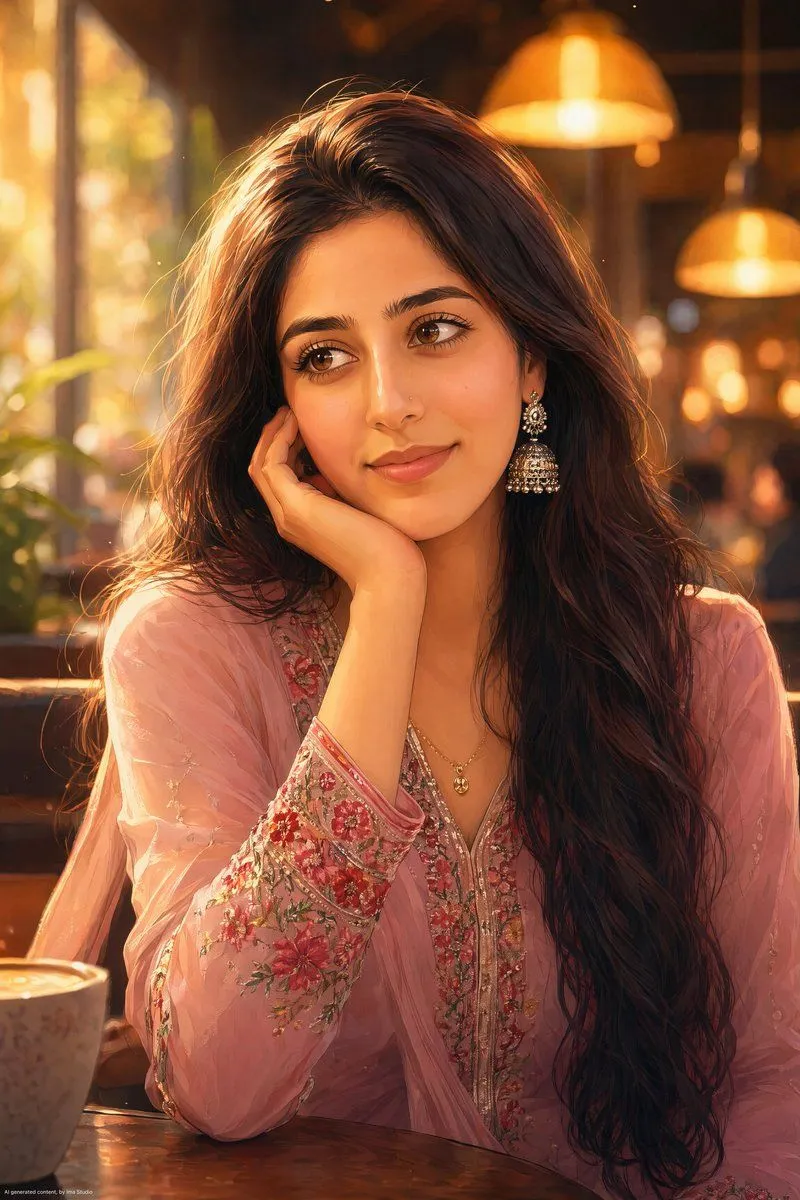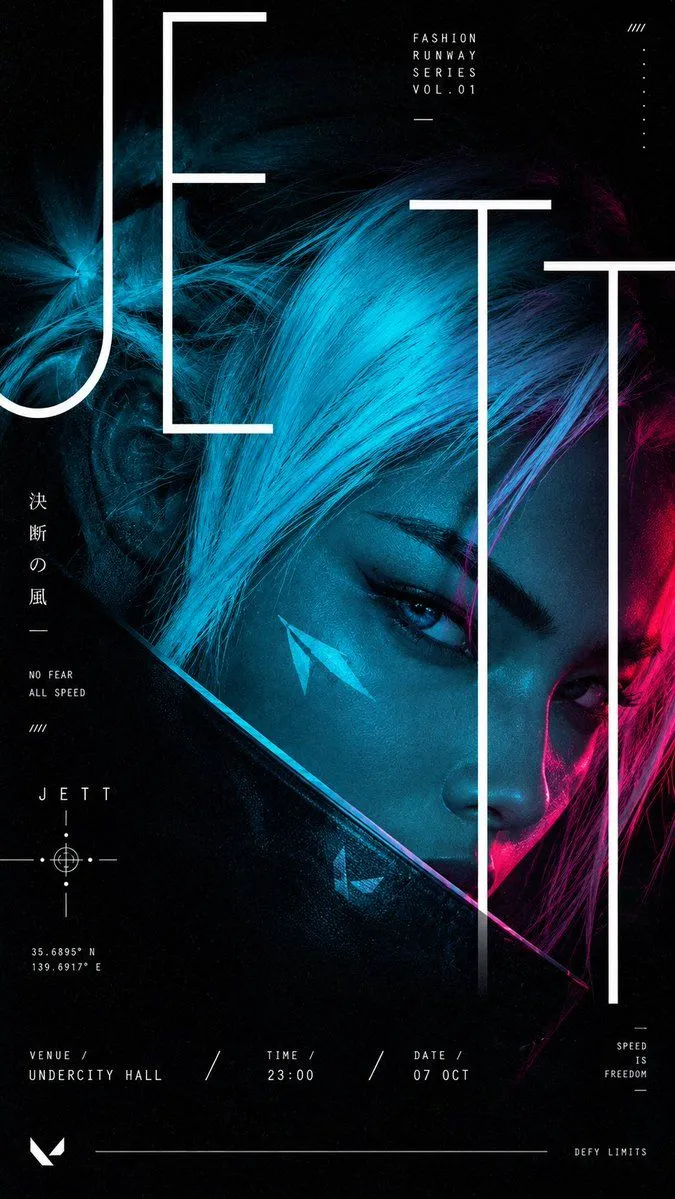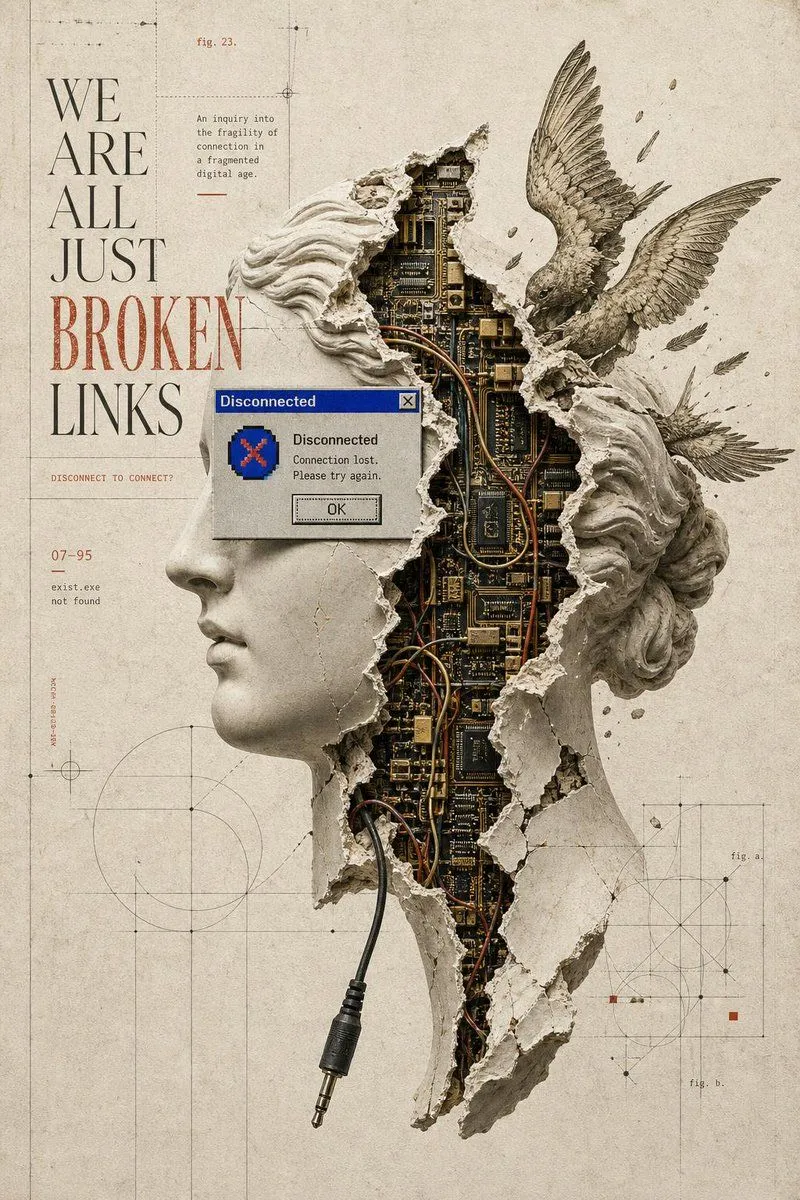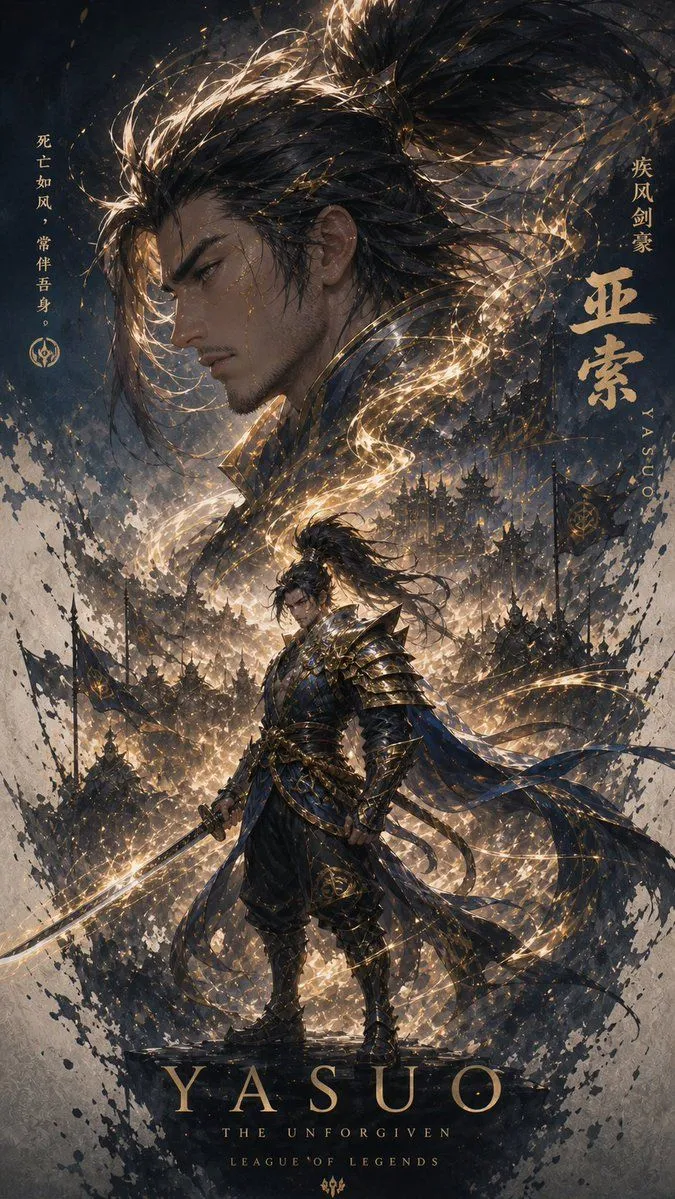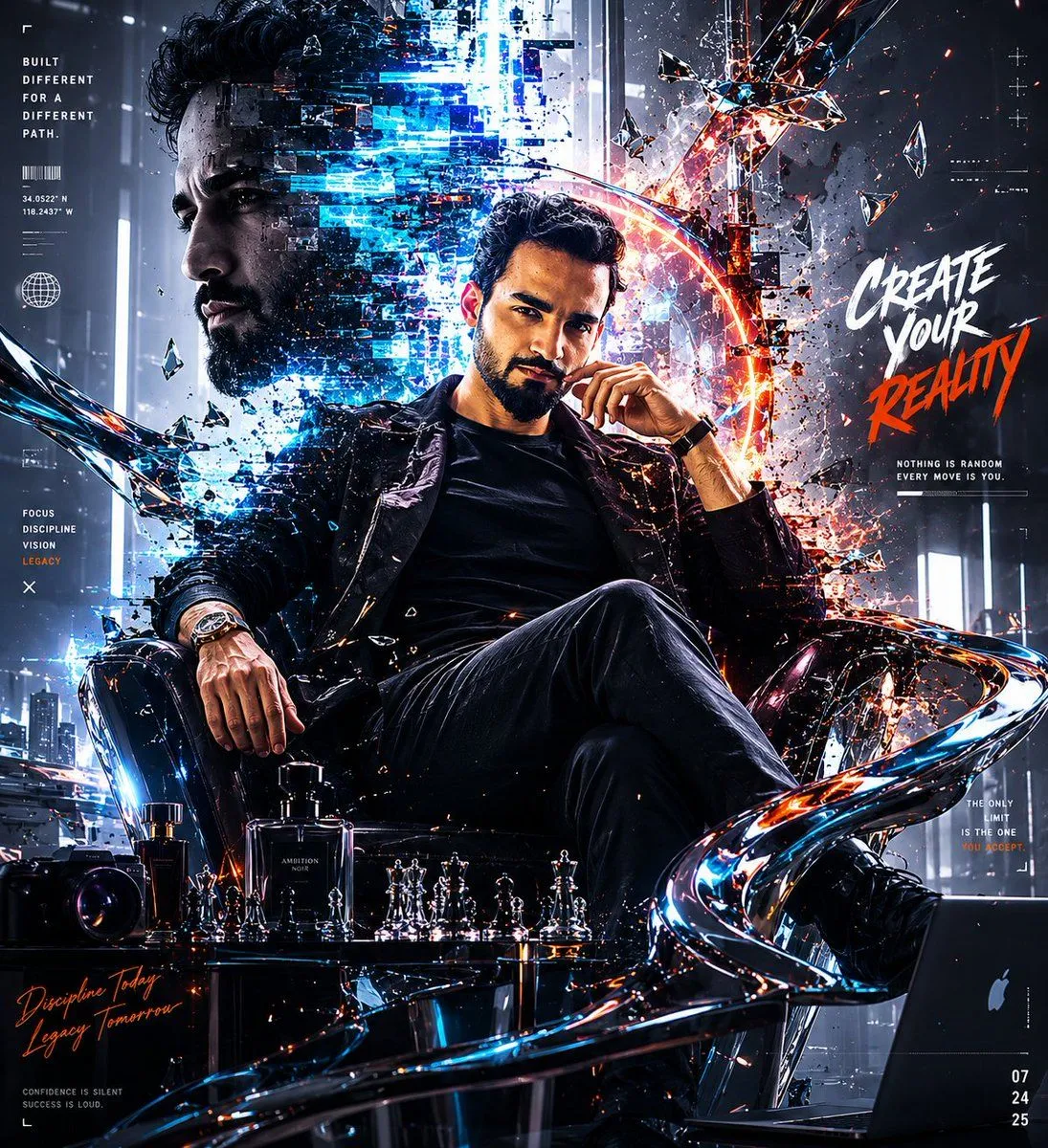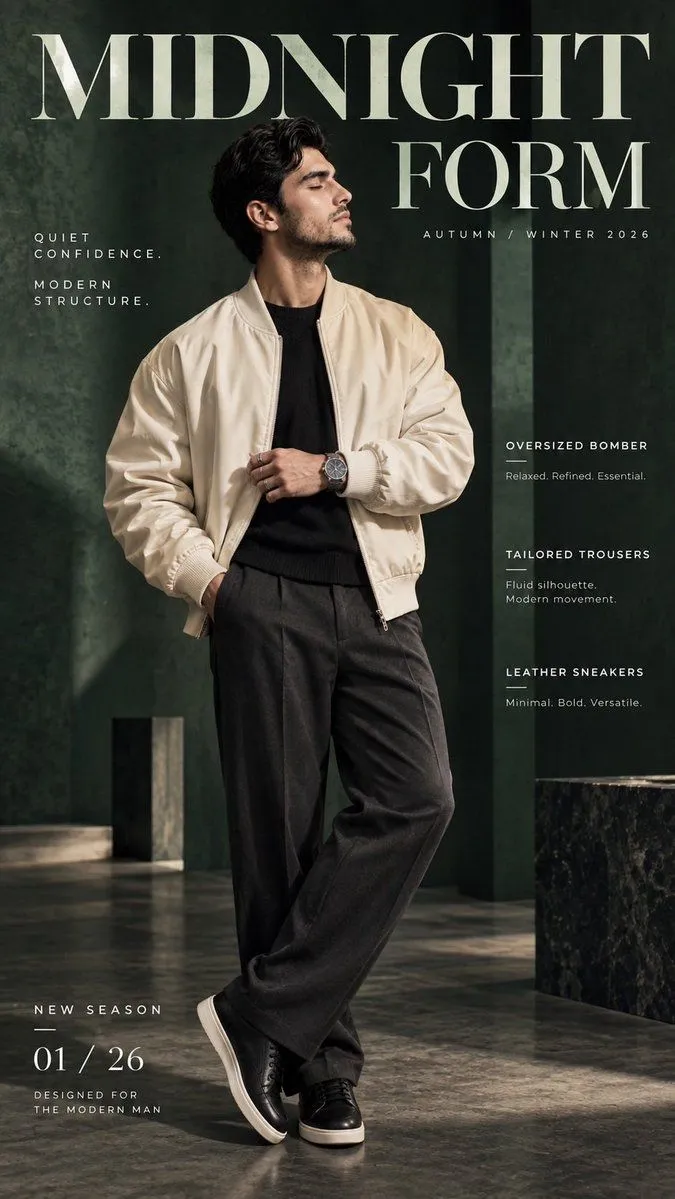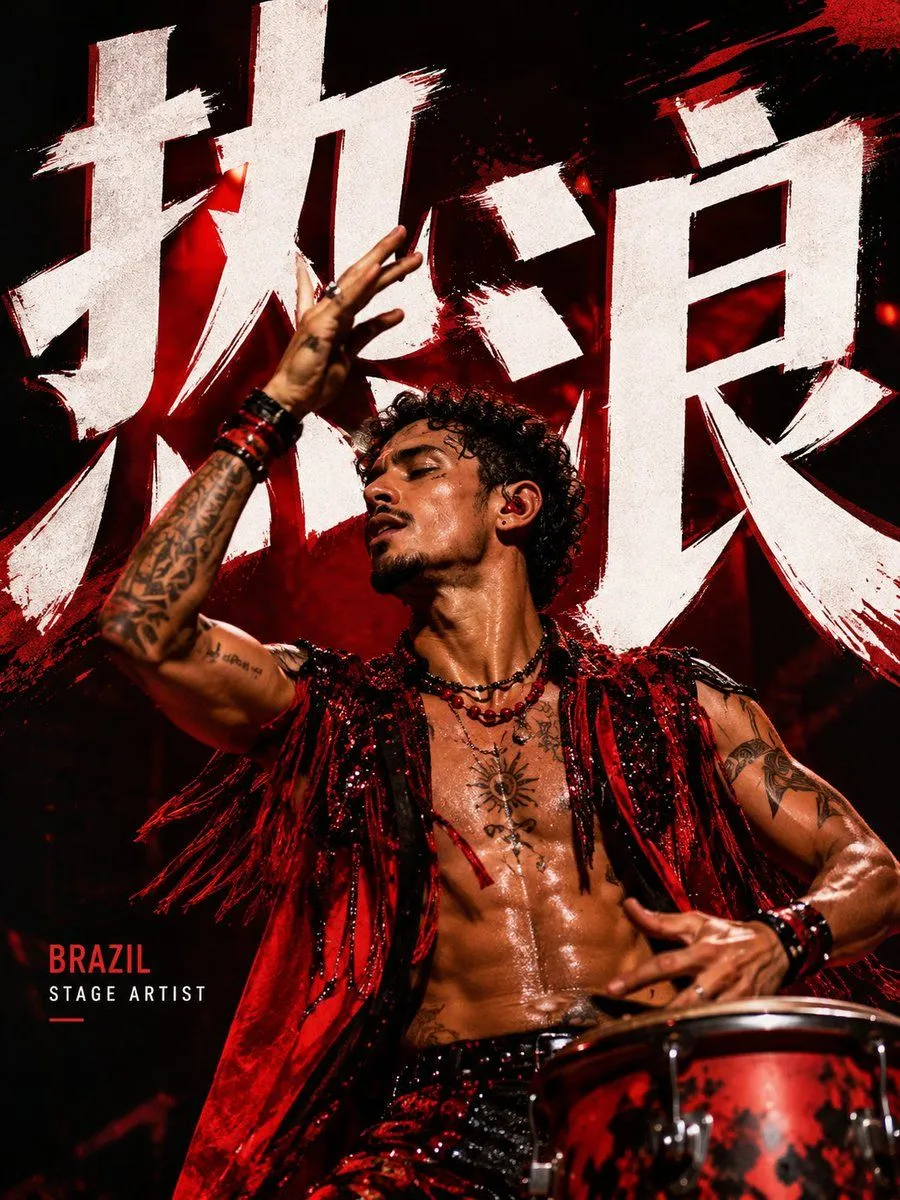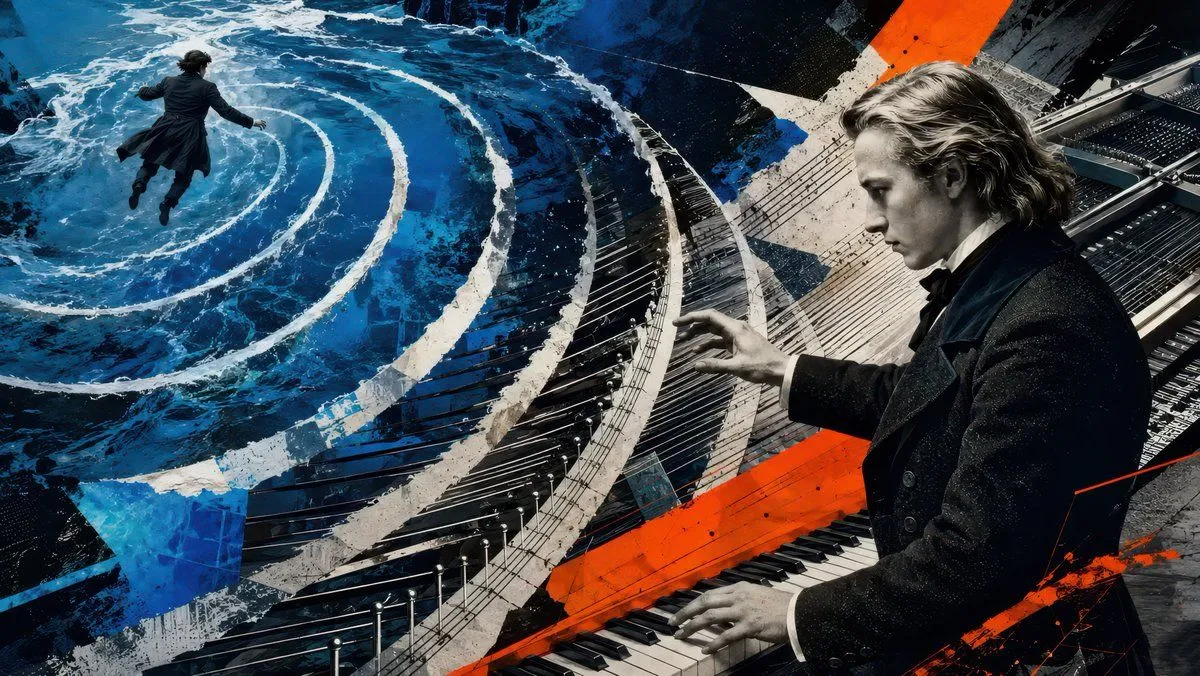
Made with GPT Image 2 in ChatGPT by Library Brand. Promptclay never generates images.
Did it work?
No reports yet. Tell others if it worked for you.
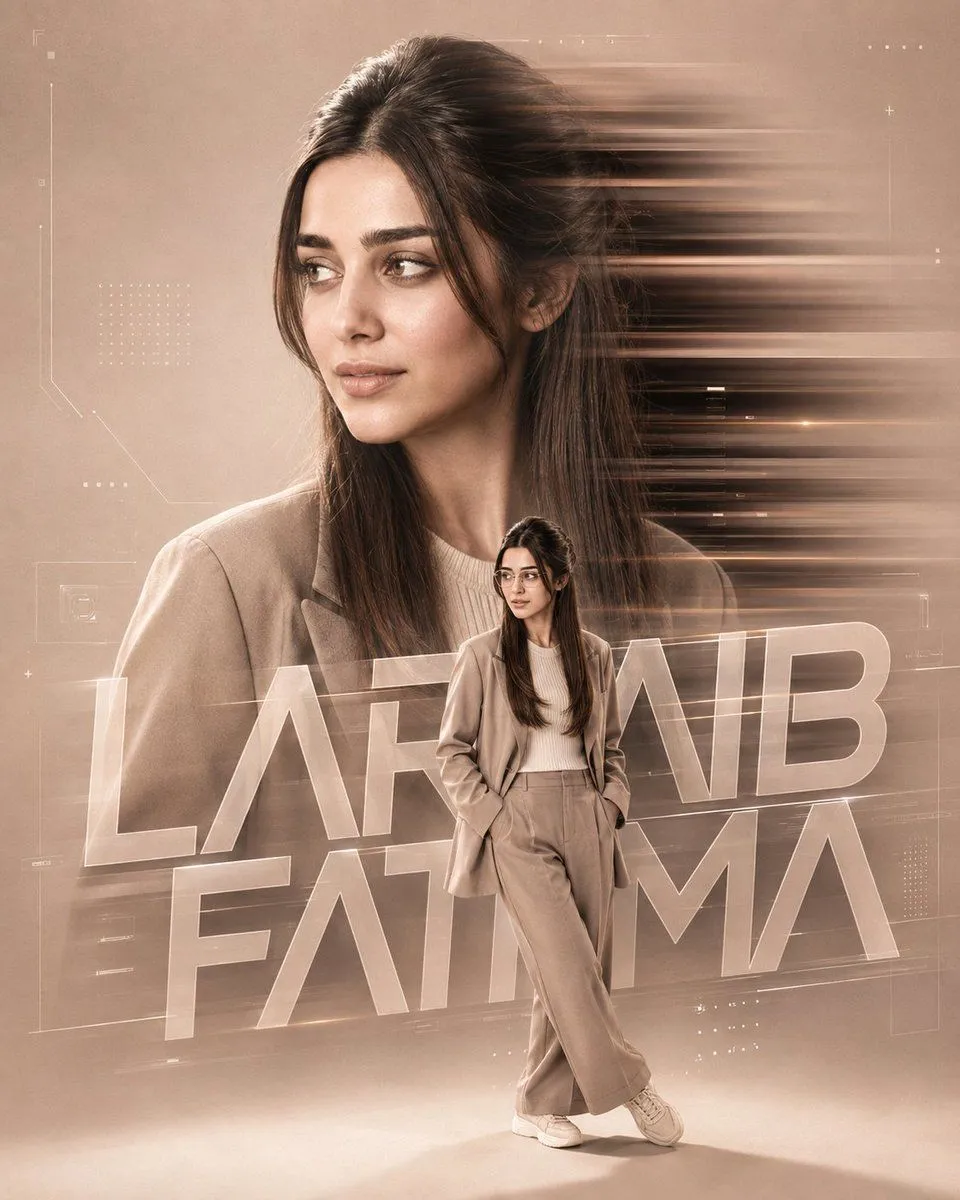
Sarah Nabila Cinematic Double Exposure
Prompt
2 blanks to fillCreate a premium cinematic double-exposure portrait poster of the subject in a {background_style}, 4:5 aspect ratio. Use a sophisticated visual style combining Luxury Fashion Campaign, Apple Commercial, Premium Editorial Photography, and Hollywood Cinematic Poster aesthetics. Feature a large, highly realistic side-profile portrait of the subject facing left, occupying approximately 70–75% of the frame height. The expression should be calm, confident, and elegant, with extremely sharp and detailed facial features, realistic skin texture, natural proportions, and refined editorial lighting. Behind the portrait, add strong horizontal motion-blur streaks moving toward the right, creating speed and dynamic energy while remaining clean, controlled, and premium. In the foreground, include a full-body version of the exact same subject, approximately 30–35% of the overall frame height. Both versions must clearly be the same person with identical facial identity, facial features, skin tone, hairstyle, body shape, and overall visual characteristics. The double-exposure effect should feel like one seamless identity rather than two separate images. The full-body subject wears a premium casual beige-toned outfit consisting of a relaxed-fit beige overshirt or jacket, neutral inner shirt, light-wash loose-fit jeans, modern casual sneakers, and transparent-frame modern glasses. Pose the subject naturally and confidently with both hands inside the trouser pockets, one leg naturally crossed in front of the other, and the body slightly leaning in a relaxed fashion-editorial posture. The head and eyes should be subtly directed toward the typography rather than looking directly at the camera. Behind the full-body subject, integrate large futuristic typography reading exactly “{name}”. The typography should be bold, futuristic, modern, premium, slightly transparent, layered, and dimensional, with parts naturally hidden behind the subject to create convincing foreground-background integration. It must feel embedded into the composition rather than appearing as flat ordinary text. Add minimal futuristic graphic direction around the composition: subtle geometric shapes, thin technical lines, translucent panels, fine grid details, minimal interface elements, futuristic markers, layered graphics, and subtle depth effects. Keep these elements elegant, restrained, and secondary to the subject. Use premium soft studio lighting with gentle facial highlights, soft shadows, controlled contrast, natural skin texture, subtle cinematic glow, and a realistic soft shadow beneath the full-body subject. Lighting, color, and depth must remain consistent across both subject versions. Maintain ultra-realistic facial details, realistic fabric and denim textures, sharp subject focus, cinematic depth, premium neutral color grading, sophisticated visual hierarchy, realistic anatomy, natural proportions, and professional high-end ad
Preview of your prompt
Create a premium cinematic double-exposure portrait poster of the subject in a clean, soft beige studio environment, 4:5 aspect ratio. Use a sophisticated visual style combining Luxury Fashion Campaign, Apple Commercial, Premium Editorial Photography, and Hollywood Cinematic Poster aesthetics. Feature a large, highly realistic side-profile portrait of the subject facing left, occupying approximately 70–75% of the frame height. The expression should be calm, confident, and elegant, with extremely sharp and detailed facial features, realistic skin texture, natural proportions, and refined editorial lighting. Behind the portrait, add strong horizontal motion-blur streaks moving toward the right, creating speed and dynamic energy while remaining clean, controlled, and premium. In the foreground, include a full-body version of the exact same subject, approximately 30–35% of the overall frame height. Both versions must clearly be the same person with identical facial identity, facial features, skin tone, hairstyle, body shape, and overall visual characteristics. The double-exposure effect should feel like one seamless identity rather than two separate images. The full-body subject wears a premium casual beige-toned outfit consisting of a relaxed-fit beige overshirt or jacket, neutral inner shirt, light-wash loose-fit jeans, modern casual sneakers, and transparent-frame modern glasses. Pose the subject naturally and confidently with both hands inside the trouser pockets, one leg naturally crossed in front of the other, and the body slightly leaning in a relaxed fashion-editorial posture. The head and eyes should be subtly directed toward the typography rather than looking directly at the camera. Behind the full-body subject, integrate large futuristic typography reading exactly “SARAH NABILA”. The typography should be bold, futuristic, modern, premium, slightly transparent, layered, and dimensional, with parts naturally hidden behind the subject to create convincing foreground-background integration. It must feel embedded into the composition rather than appearing as flat ordinary text. Add minimal futuristic graphic direction around the composition: subtle geometric shapes, thin technical lines, translucent panels, fine grid details, minimal interface elements, futuristic markers, layered graphics, and subtle depth effects. Keep these elements elegant, restrained, and secondary to the subject. Use premium soft studio lighting with gentle facial highlights, soft shadows, controlled contrast, natural skin texture, subtle cinematic glow, and a realistic soft shadow beneath the full-body subject. Lighting, color, and depth must remain consistent across both subject versions. Maintain ultra-realistic facial details, realistic fabric and denim textures, sharp subject focus, cinematic depth, premium neutral color grading, sophisticated visual hierarchy, realistic anatomy, natural proportions, and professional high-end ad
DetailsVersions, settings and questions
Written for
What's in the prompt
- Subject
- Model
- GPT Image 2
If your face changes
keep my face exactly the sameQuestions
- Does this work in the ChatGPT app?
- Yes. Paste the prompt and attach your photo if it uses one.
- It changed my face. What do I do?
- Add "keep my face exactly the same" to the end and run it again.
- Can I use the images I make?
- Check the terms of the app you use. Promptclay never generates images and claims nothing you make.