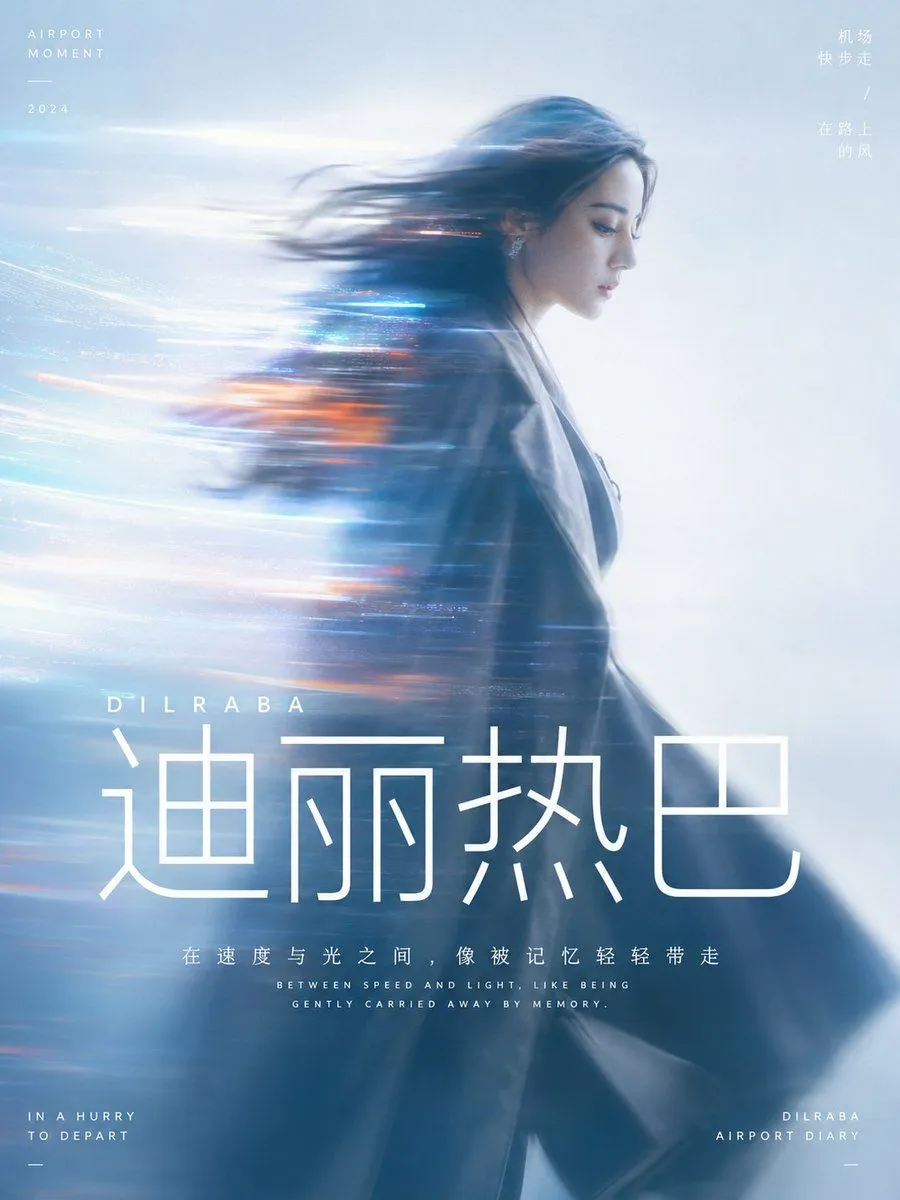
Cinematic Motion Blur Portrait with Typography
Generate a cinematic portrait with dynamic motion blur based on the theme: theme. The subject occupies the main visual weight with a quiet side profile or half-body silhouette, with subtle recognizable details at the edges of the face. The body and hair are stretched into a long-distance horizontal motion blur to one side, like a band of light passing through the subject and gradually blending into the background, making the character look like they are being carried away by speed, memory, or information flow. The background is a high-brightness, clear, and soft airy field without complex scenes. Colors are extracted from the material, emotion, and narrative temperature of the theme, preserving large areas of bright, calm base colors, deep shadows on the subject, a few highly saturated glowing accent colors, and a clean relationship between color gradations, creating a dreamlike and clean tension between warm and cold, avoiding muddiness, staleness, or ashy tones. The light is softly diffused, the focus is slightly loose, and the edges have slight film grain and lens flare, but the overall feel remains airy, transparent, and modern. The visual information density is low, leaving plenty of empty space for the sense of speed to breathe; text is used as part of the visual structure in a pure white modern sans-serif font, with the core word in a very large size placed below the subject or near the visual center, and short explanatory sentences using smaller font sizes, compact line spacing, and a centered rhythm. All text acts like a clear interface layer superimposed on the light mist, holding down the visual hierarchy without breaking the flow of the soft-focus image. Aspect ratio aspect_ratio