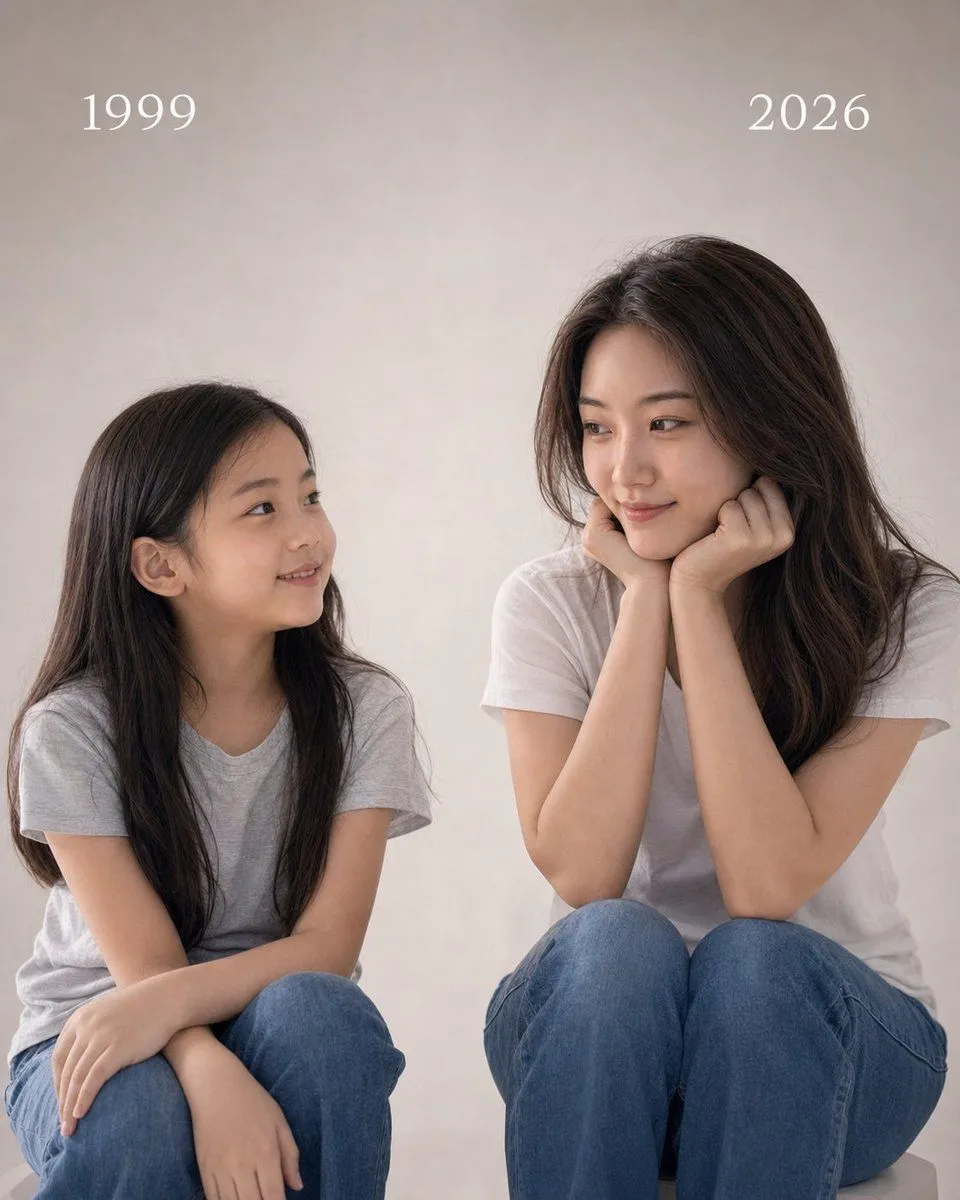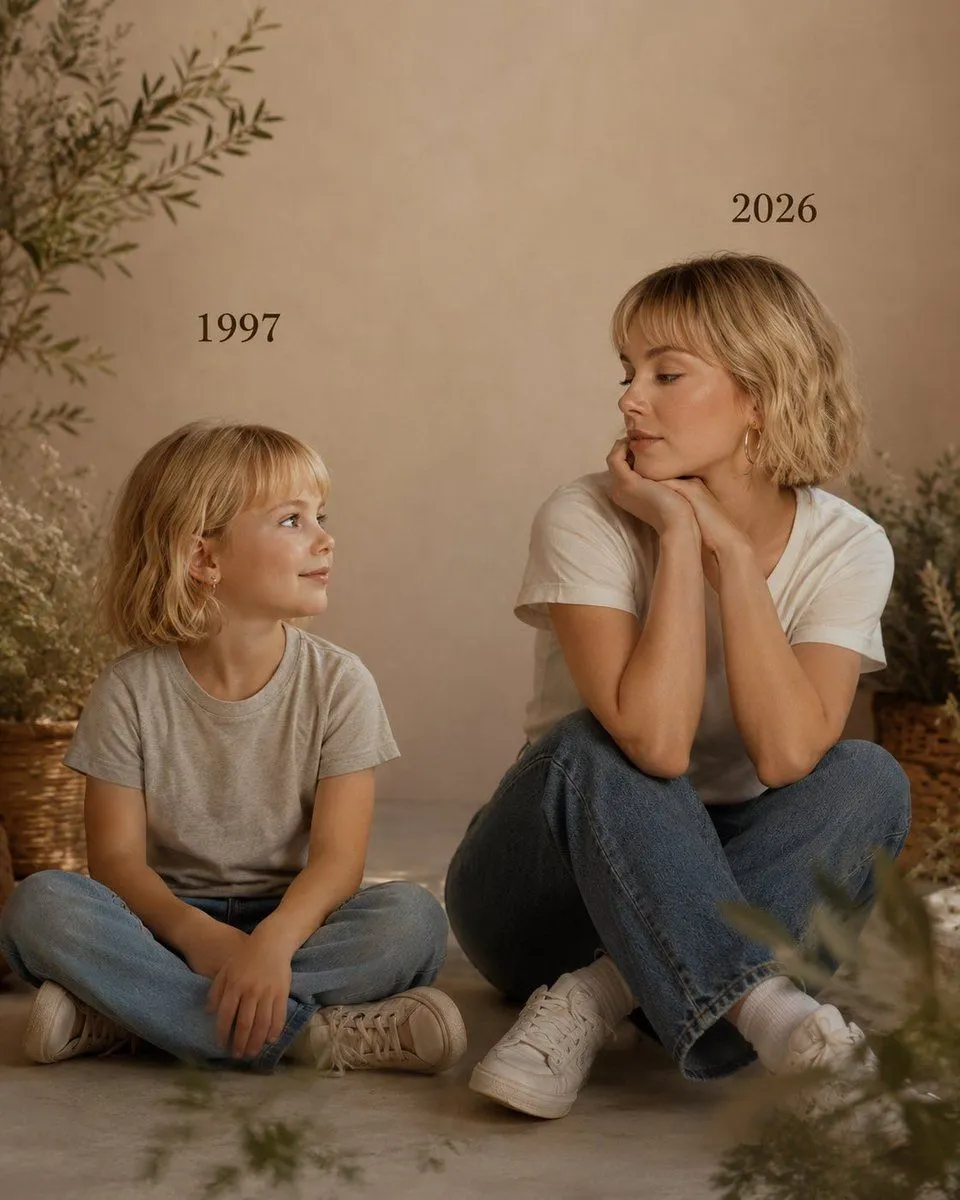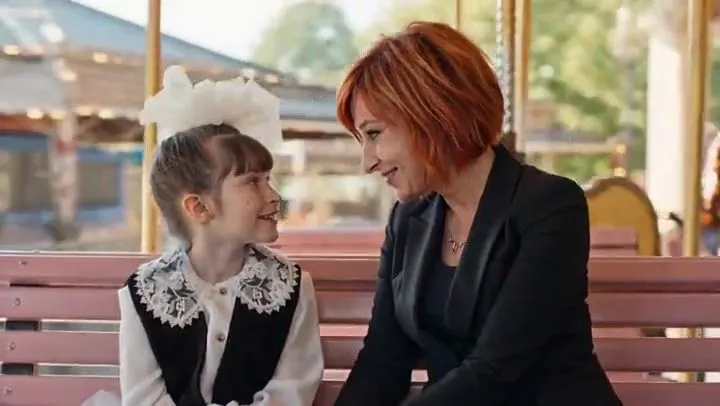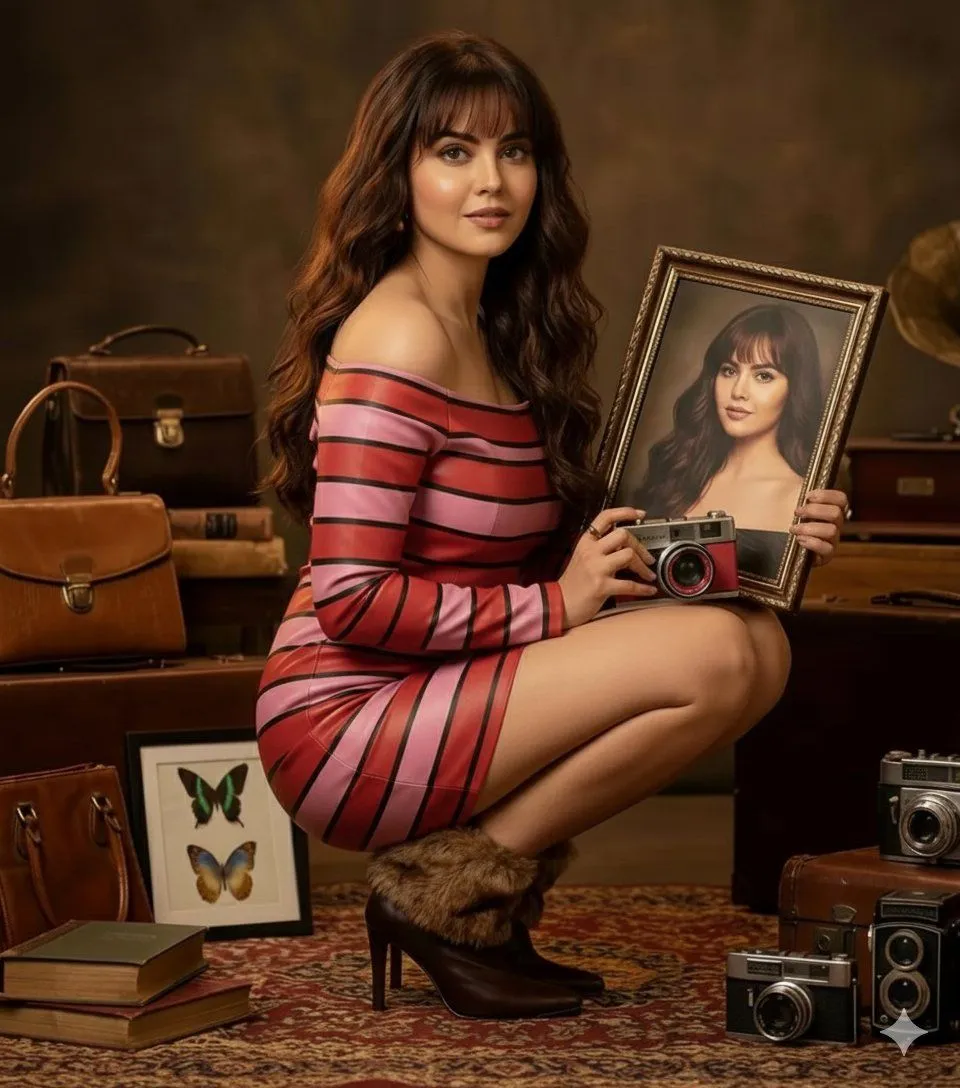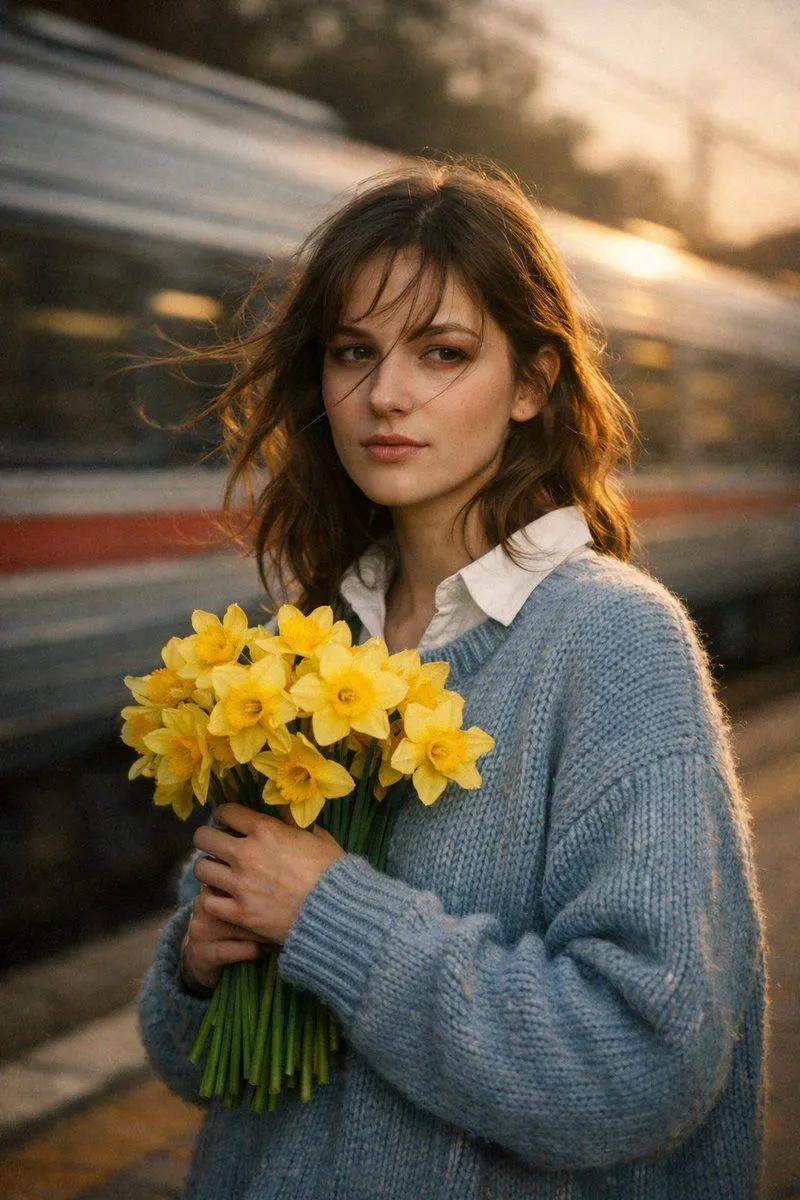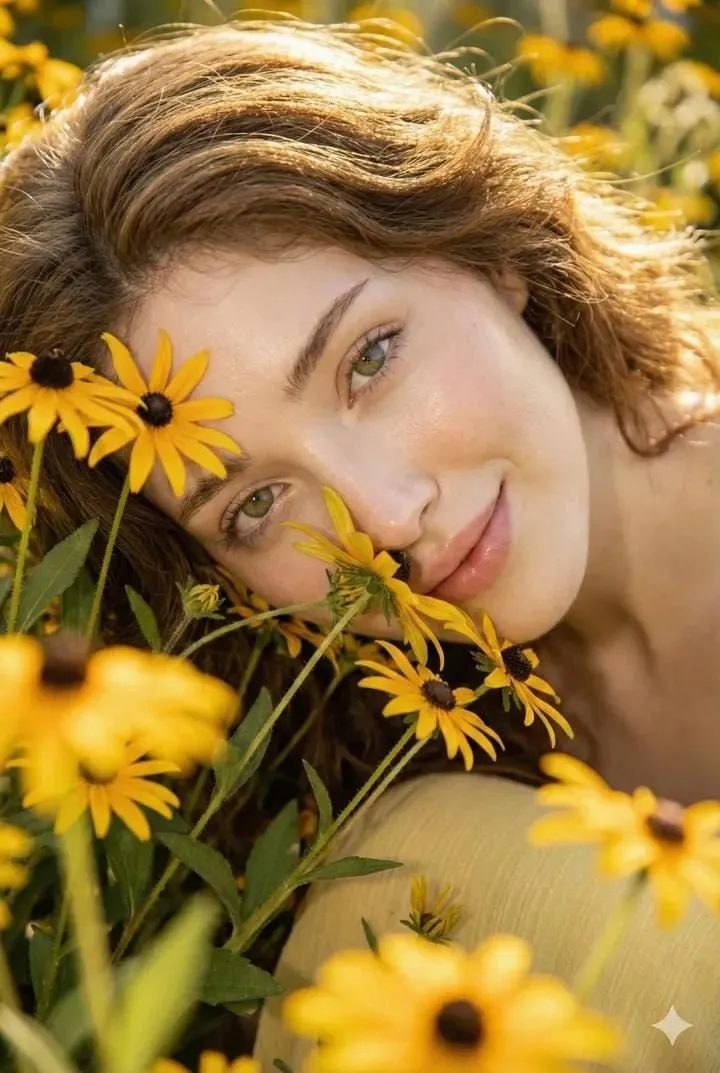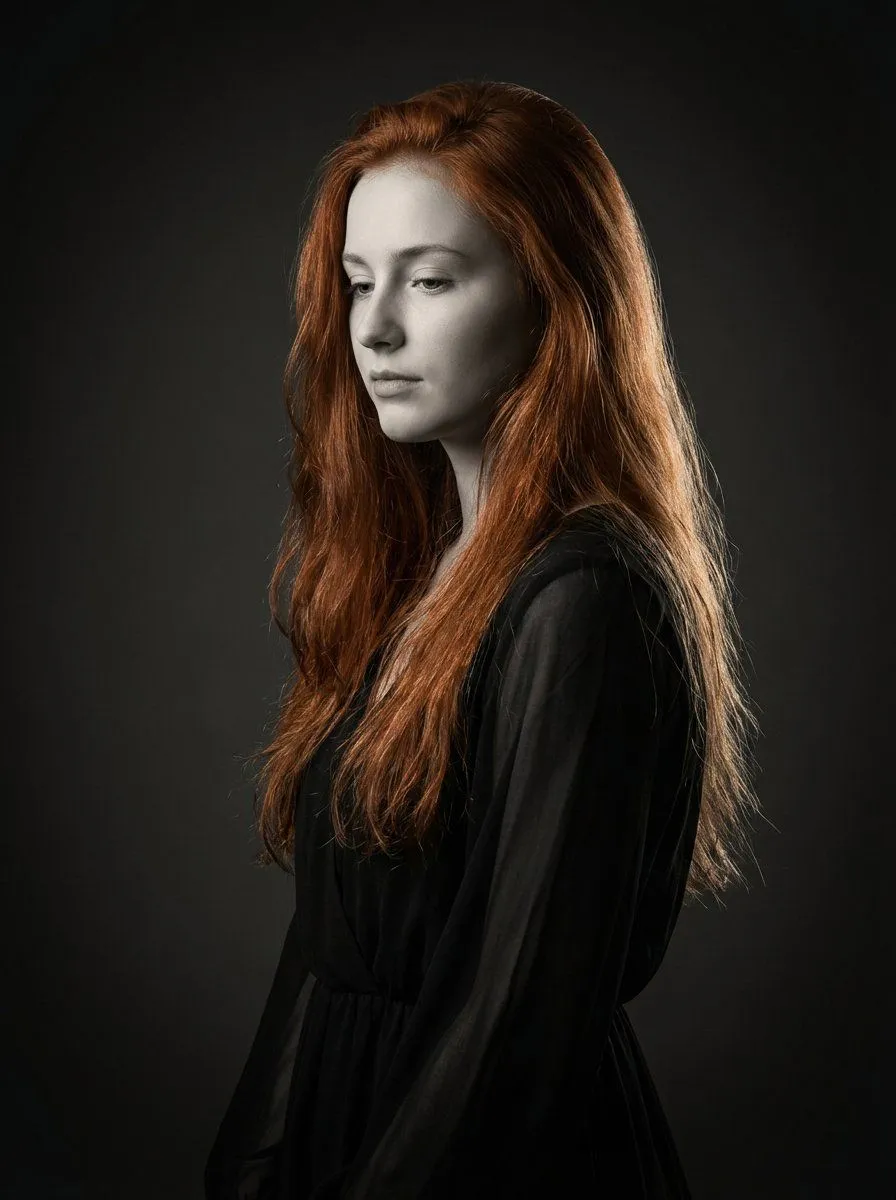
Made with Grok Imagine in Gemini by Library Cinema. Promptclay never generates images.
Did it work?
No reports yet. Tell others if it worked for you.
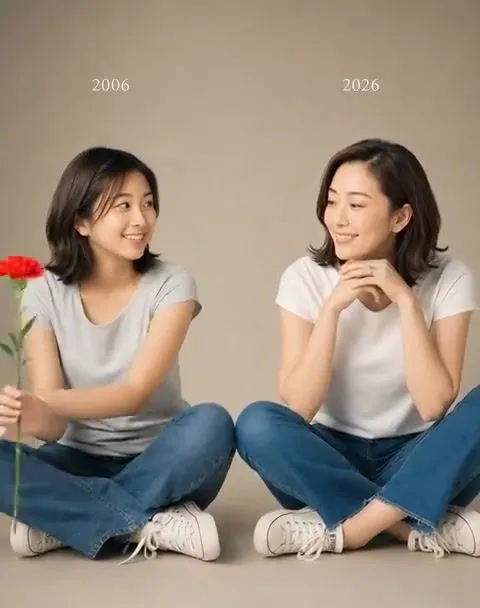
Red Carnation Flower Exchange
Prompt
Use the attached image as the first frame of a realistic cinematic video. Keep the same two women, same faces, same identities, same clothing, same warm studio background, same lighting, and same composition. The younger woman on the left, representing herself 10 years ago, gently reaches toward the outside left edge of the frame and brings in a single red carnation flower. She looks at the present version on the right with a soft emotional smile and slowly gestures as if giving the carnation to her. The present woman on the right smiles warmly, lowers her hands slightly from under her chin, and reaches toward the flower. Then both women slowly turn toward the camera and extend their hands forward together, offering the single red carnation to the viewer. The motion should be slow, natural, delicate, and emotional. Use soft cinematic studio lighting, a subtle slow camera push-in, and a warm muted color tone. Make it look like a real professional photoshoot video. Preserve the exact face, hairstyle, body shape, age difference, clothing, background, and overall style from the starting image. Do not change their identity. Do not add extra people or objects.
DetailsVersions, settings and questions
Written for
What's in the prompt
- Subject
- Model
- Grok Imagine
If your face changes
keep my face exactly the sameQuestions
- Does this work in the Gemini app?
- Yes. Gemini runs Nano Banana, so paste the prompt and attach your photo if it uses one.
- It changed my face. What do I do?
- Add "keep my face exactly the same" to the end and run it again.
- Can I use the images I make?
- Check the terms of the app you use. Promptclay never generates images and claims nothing you make.