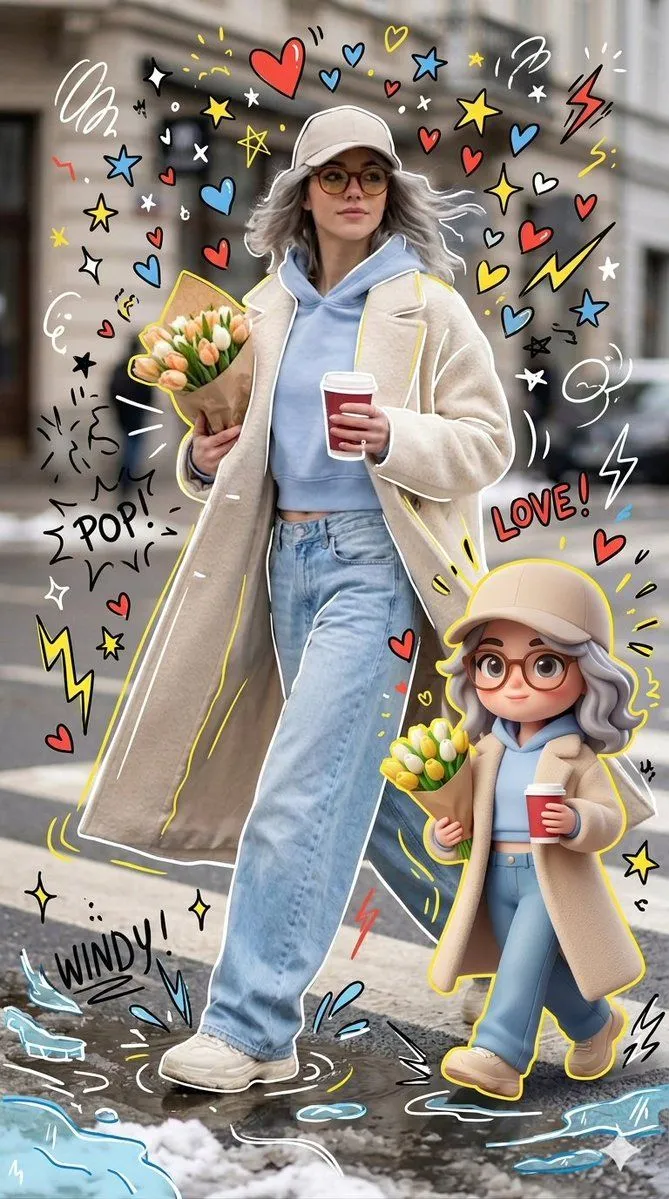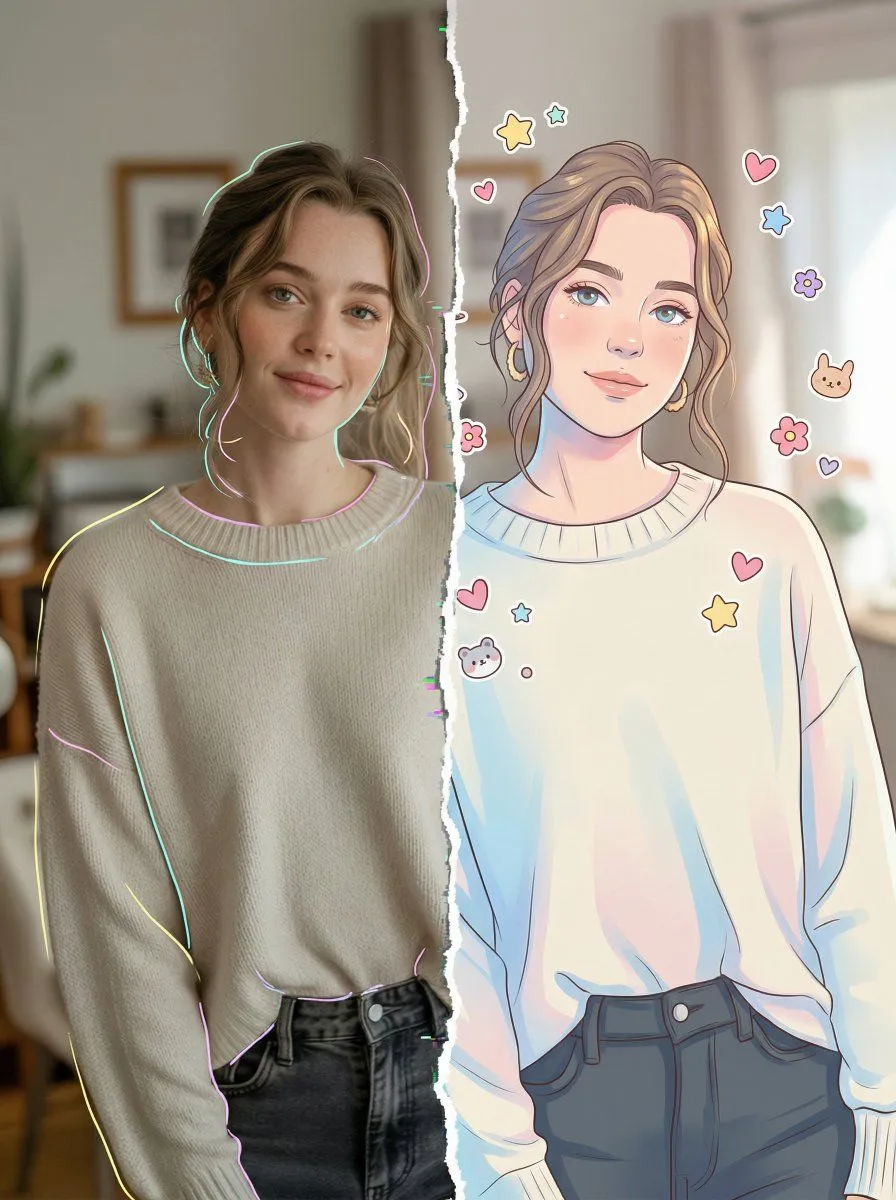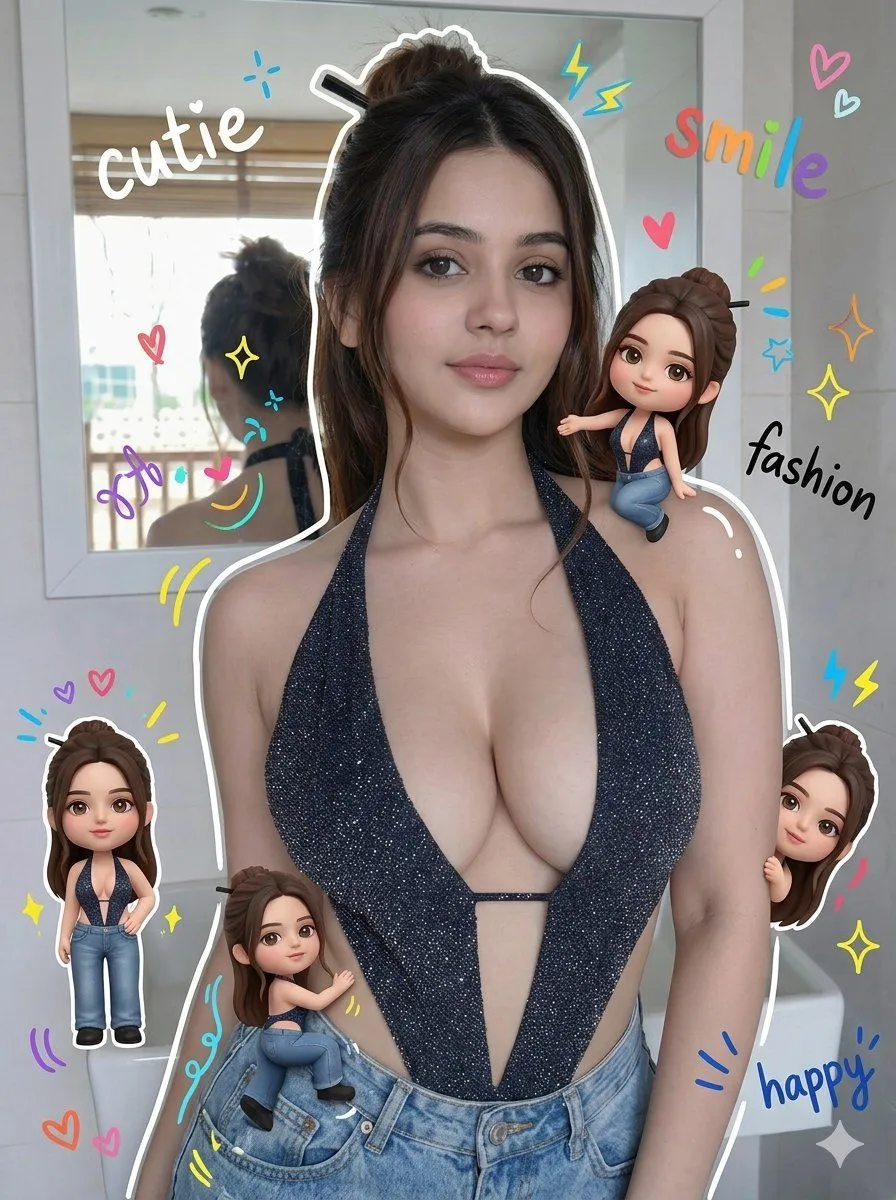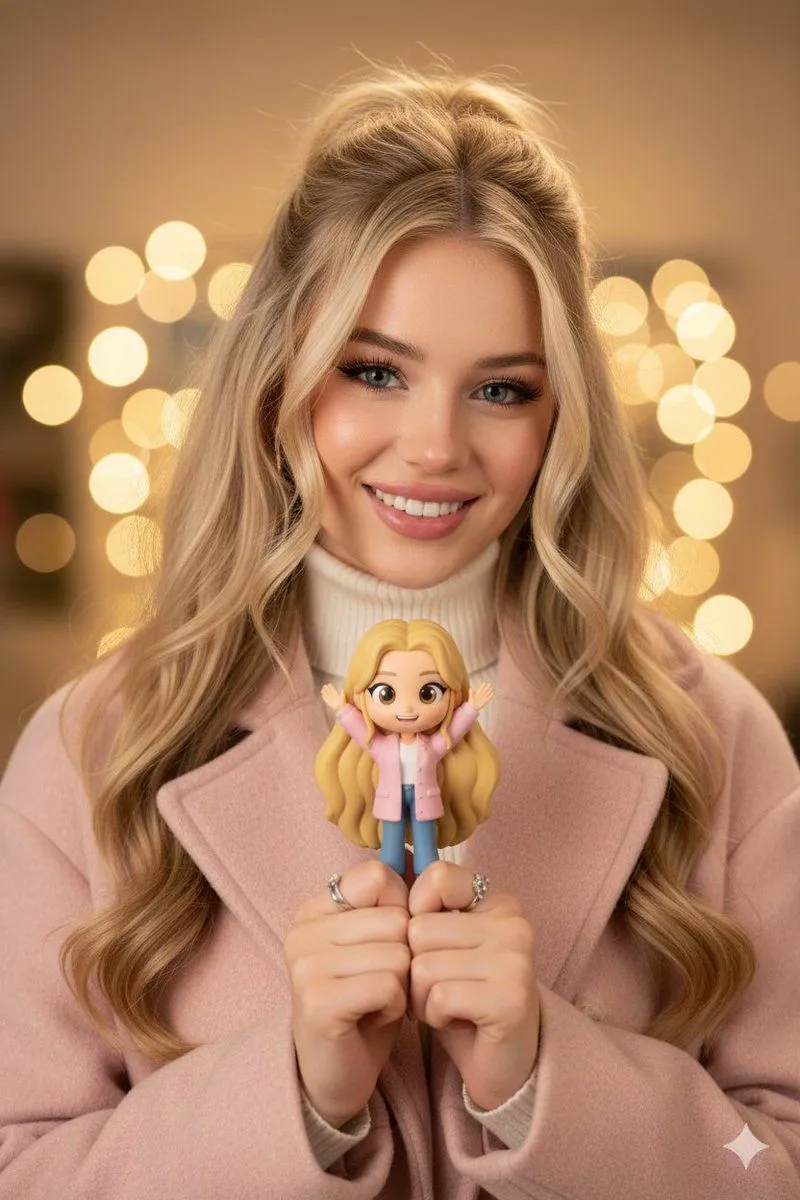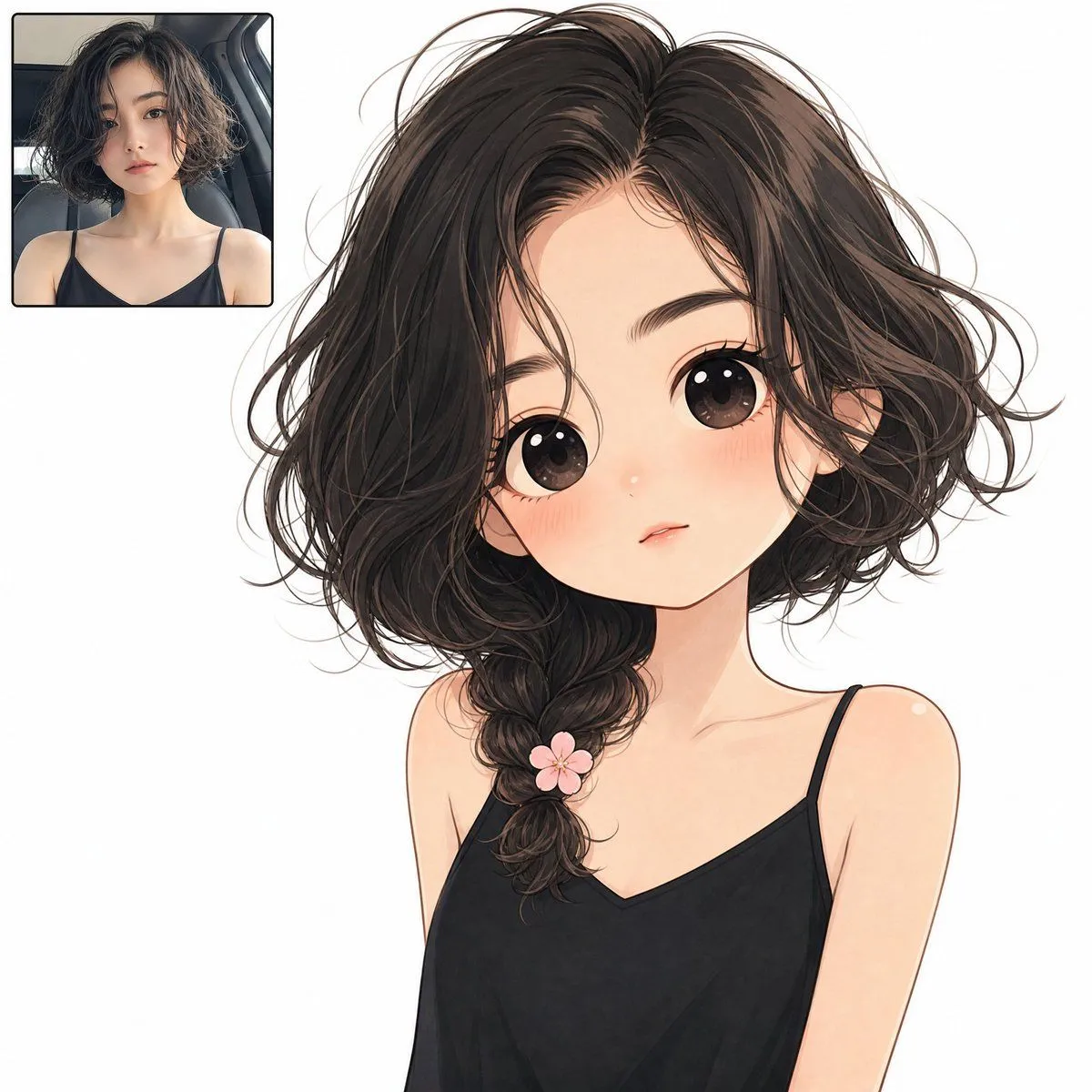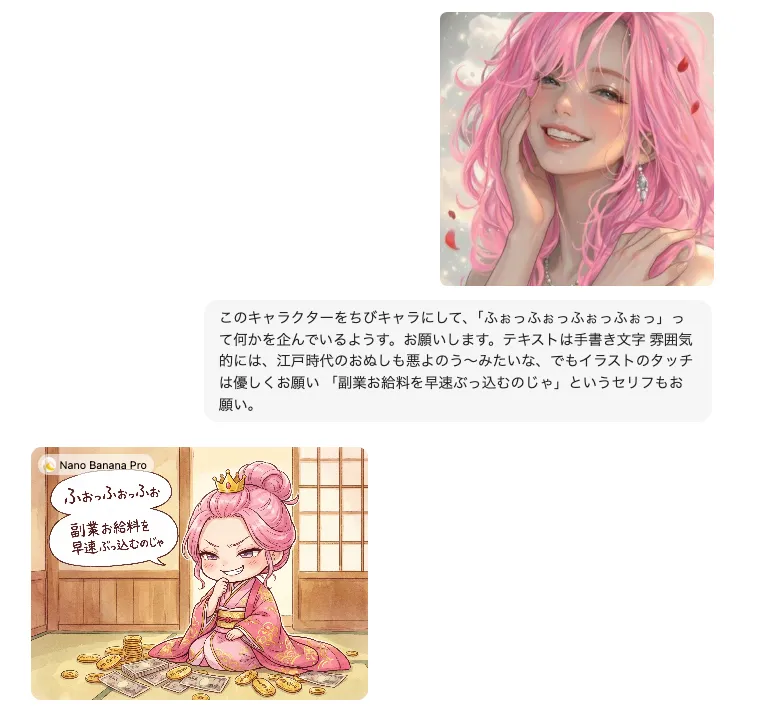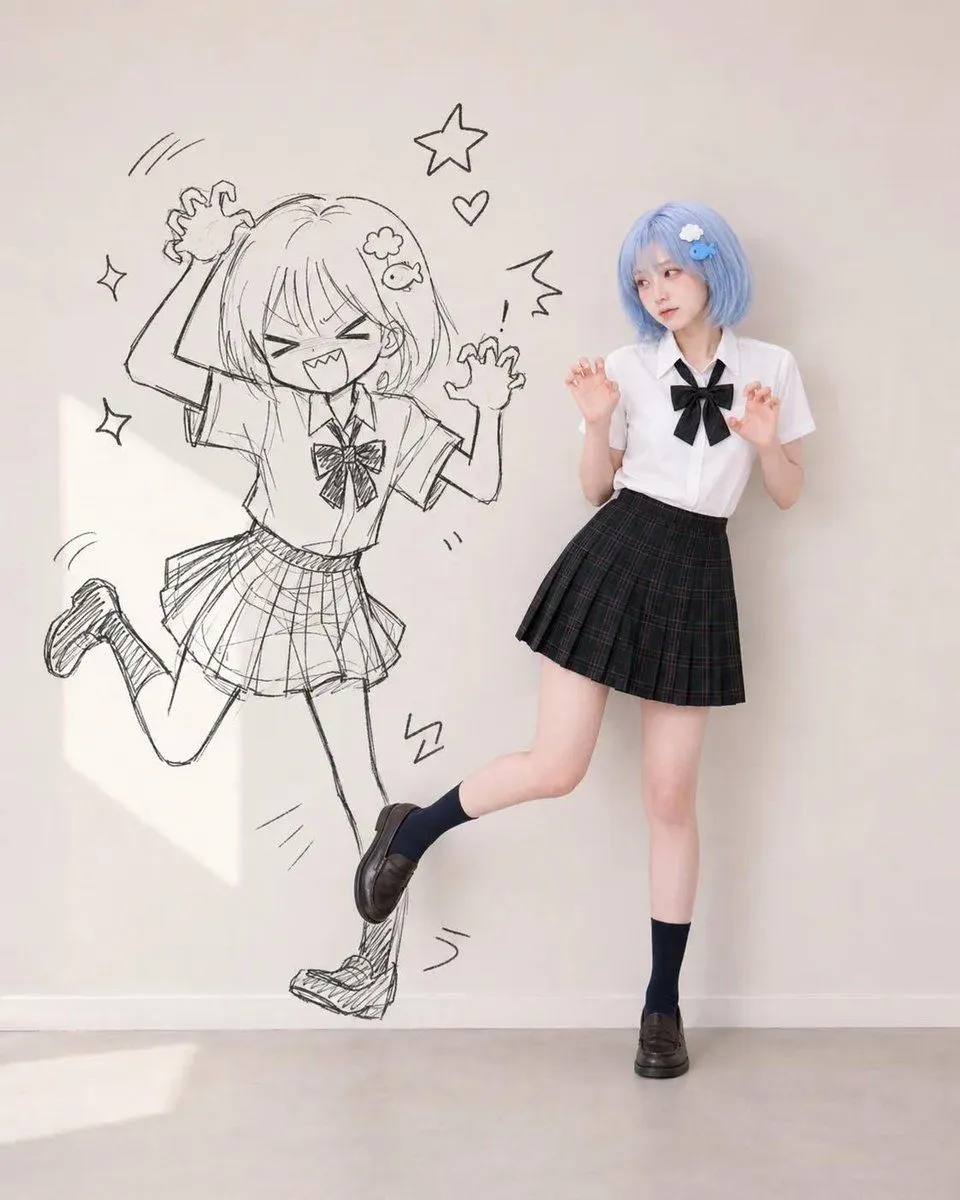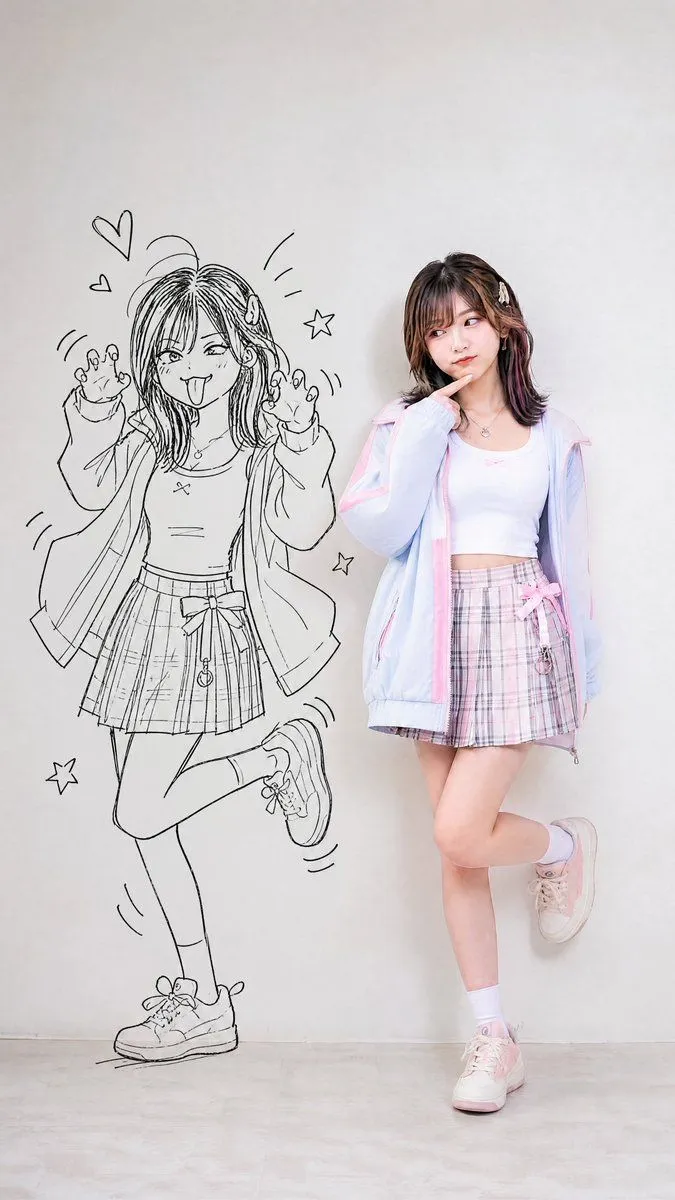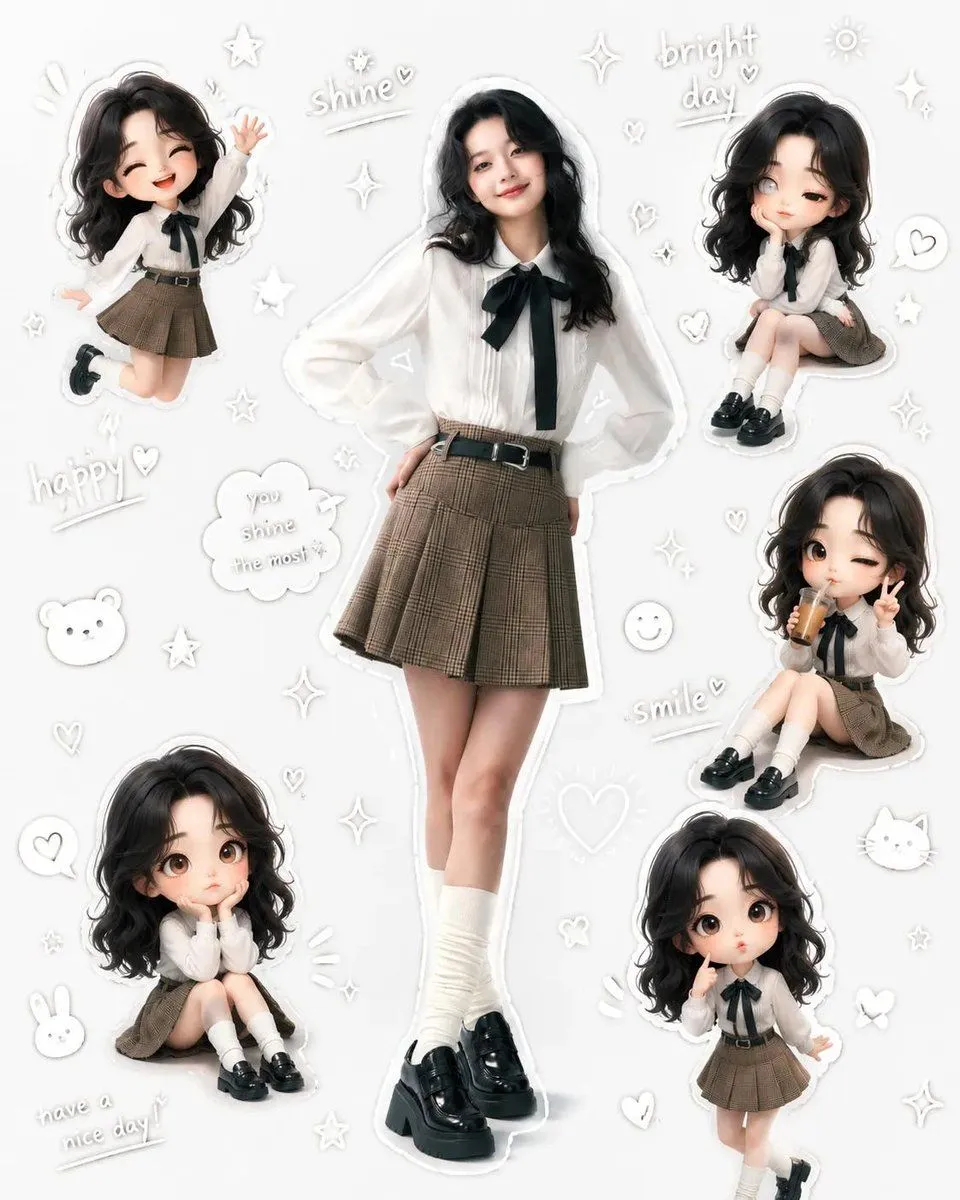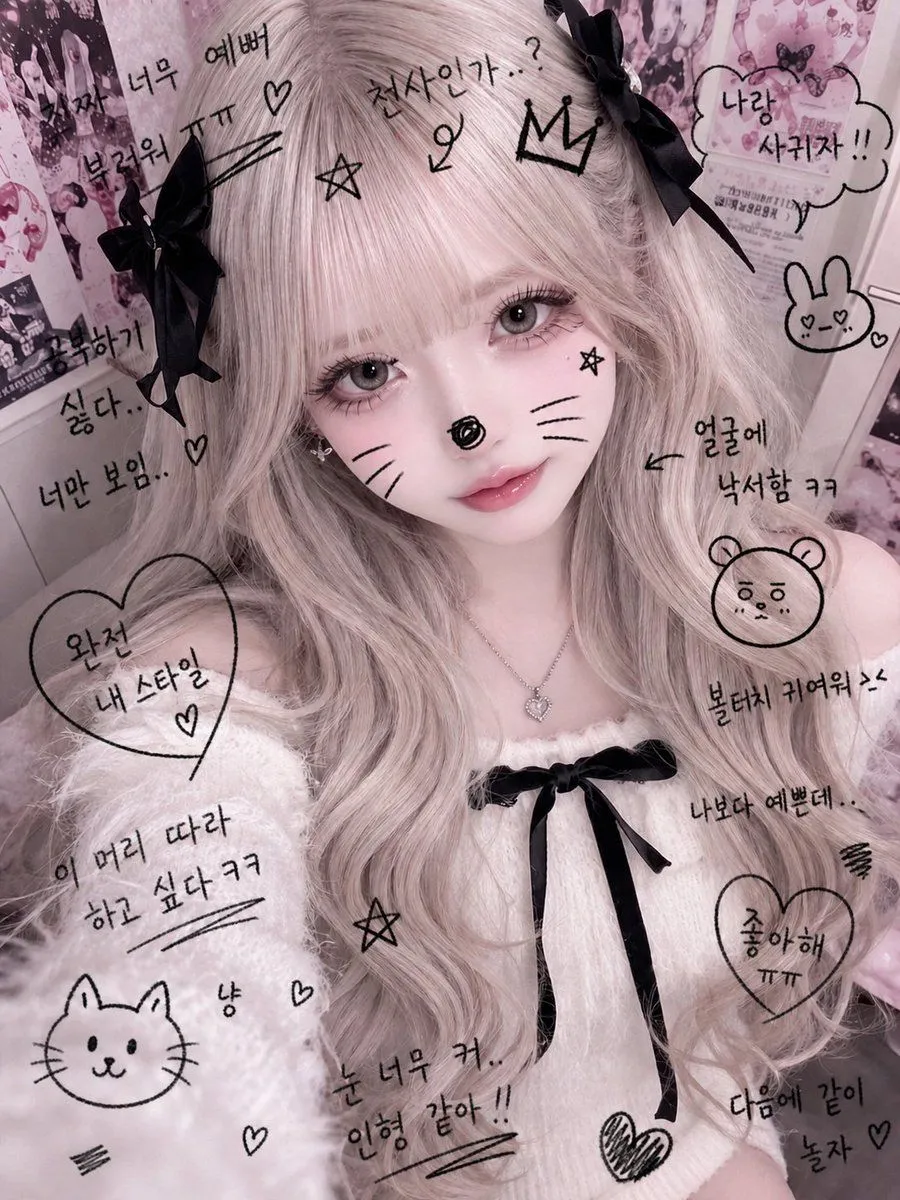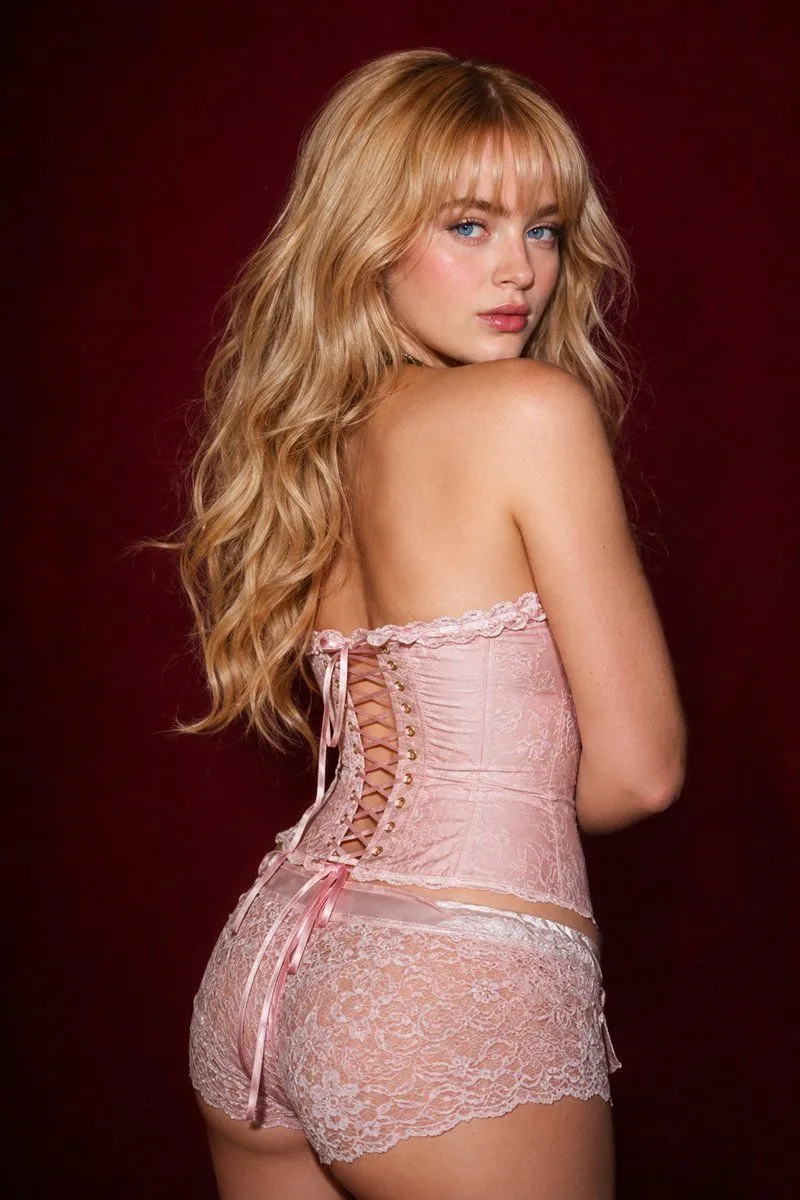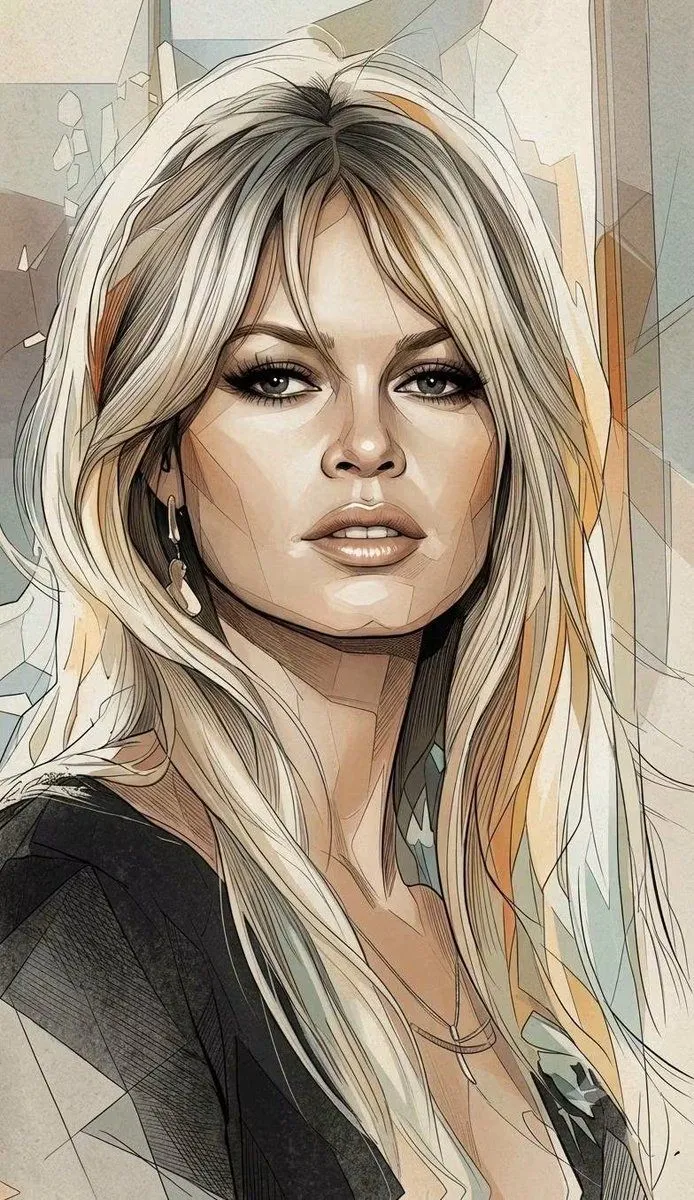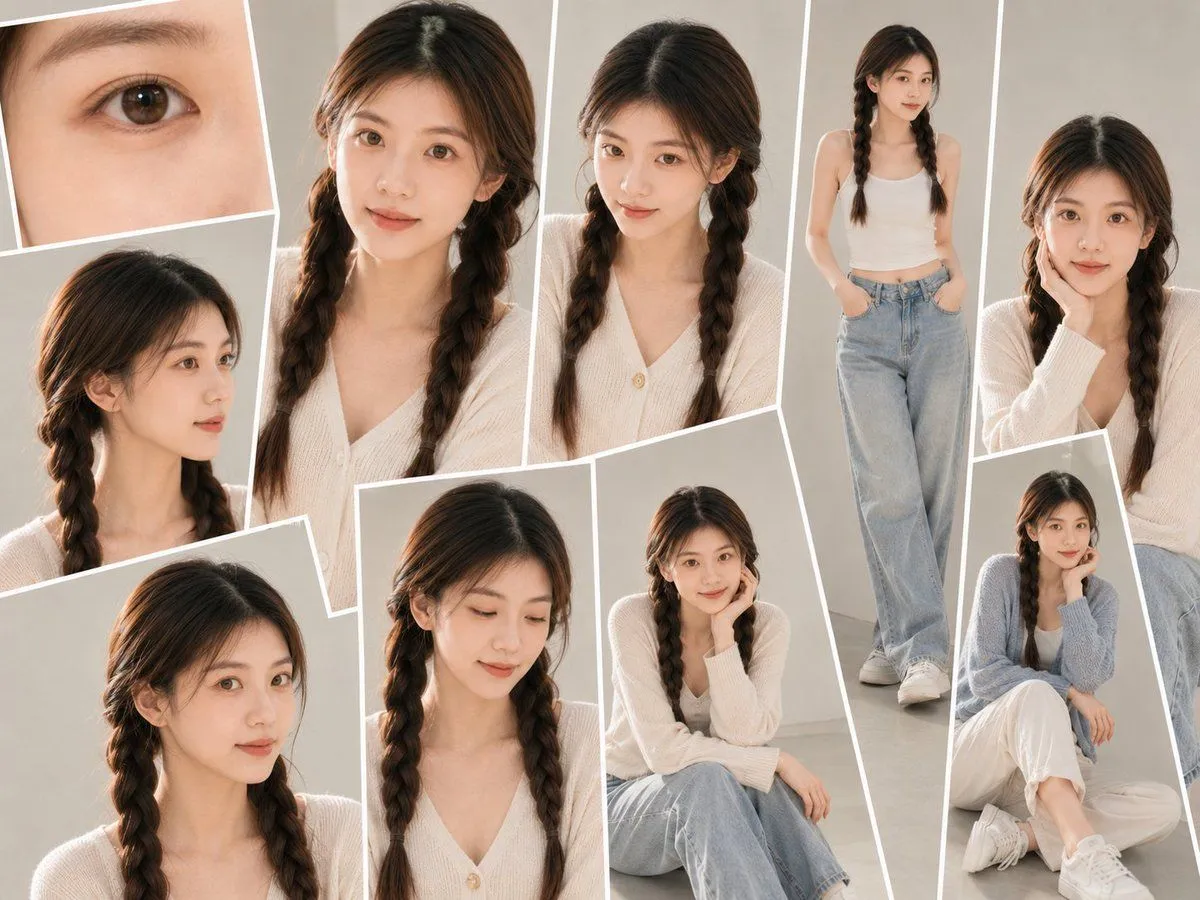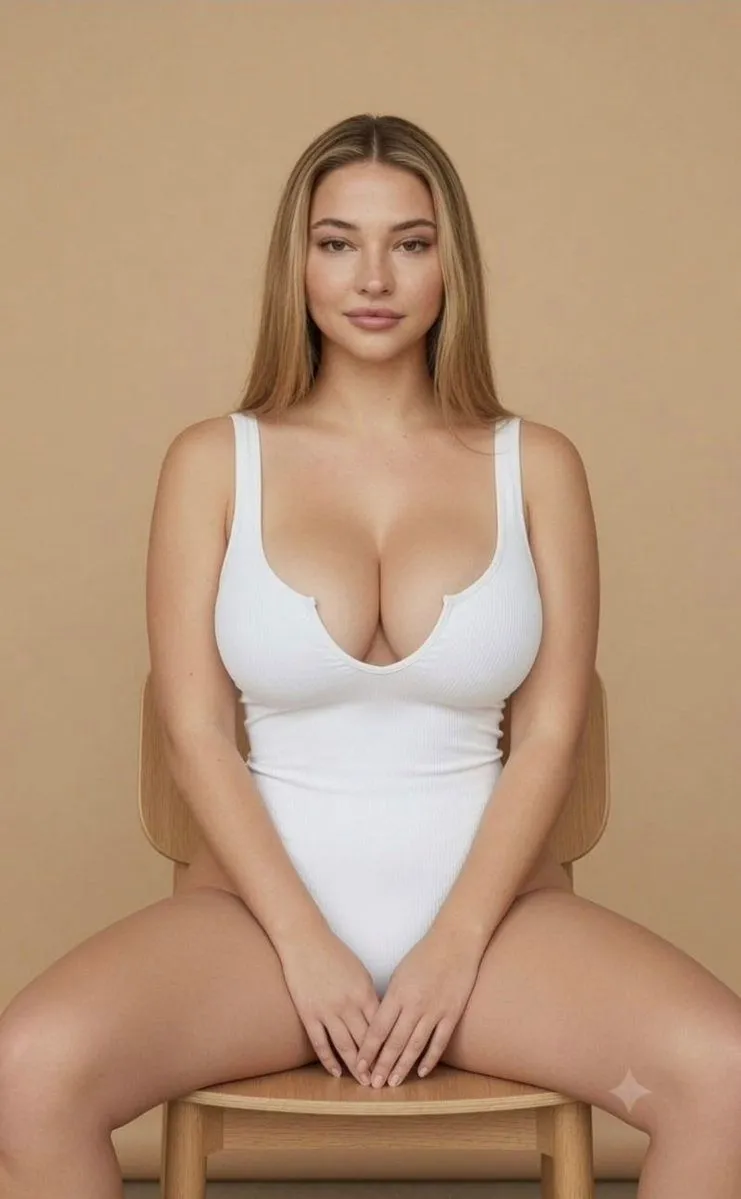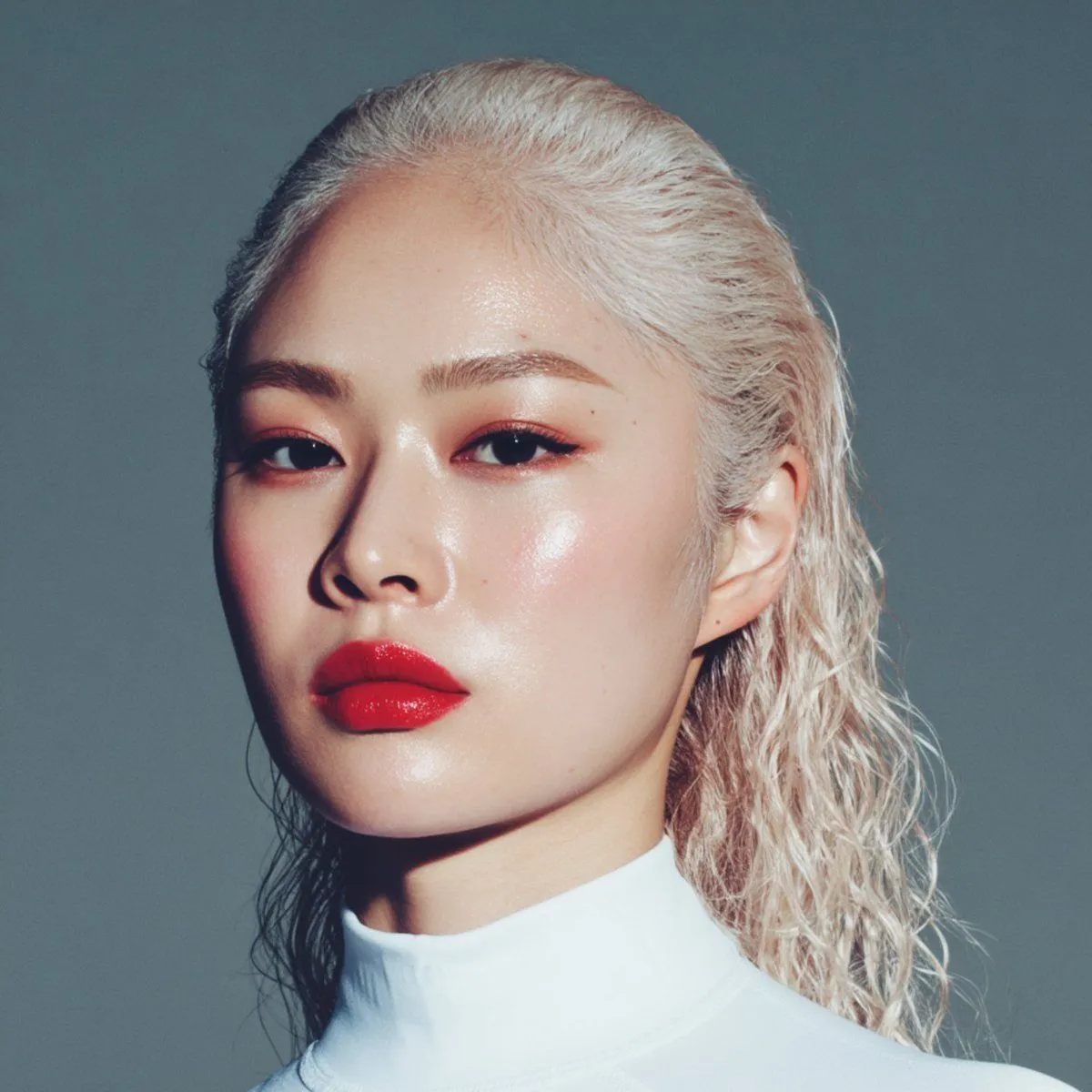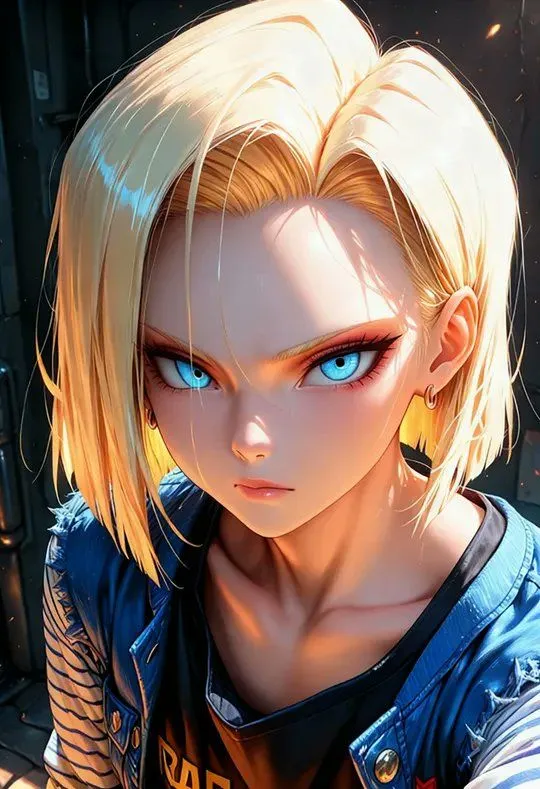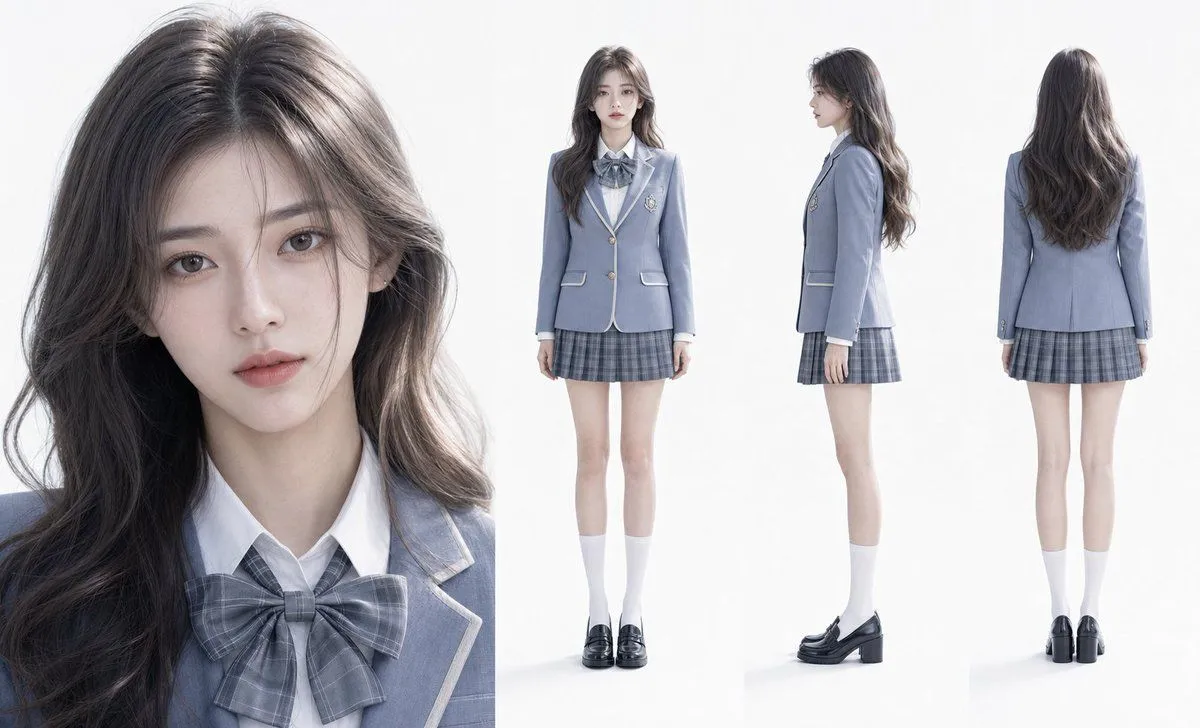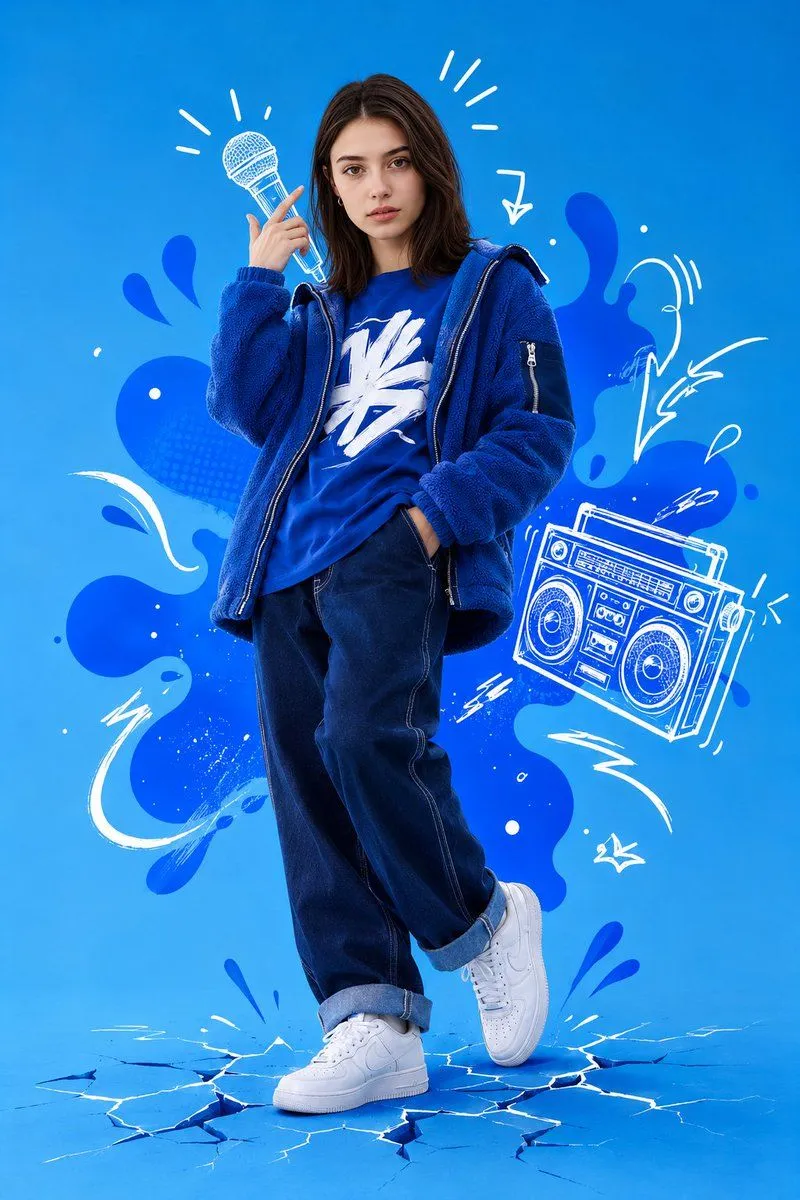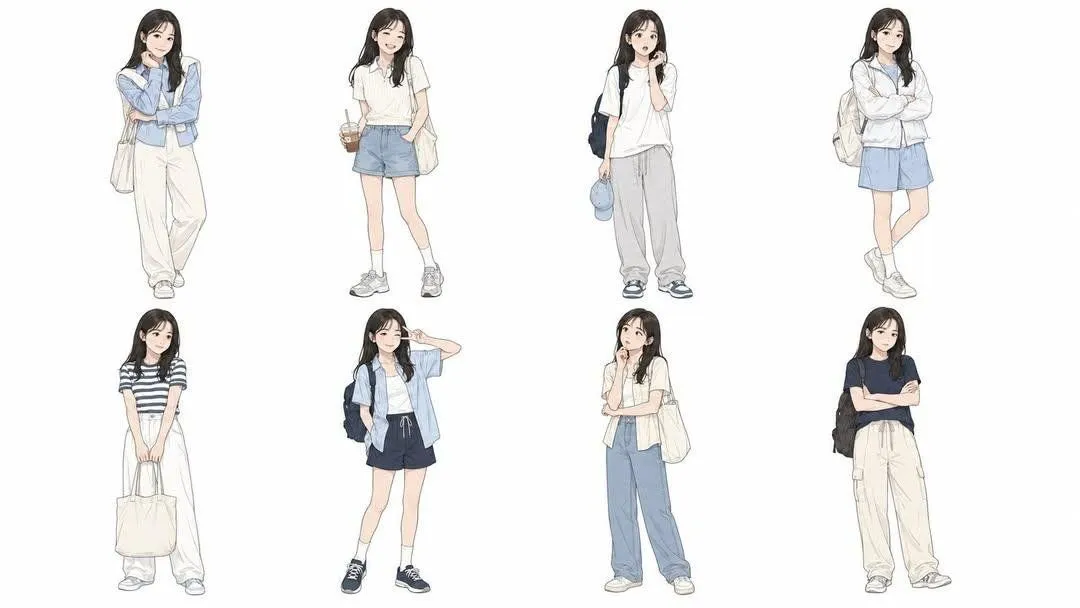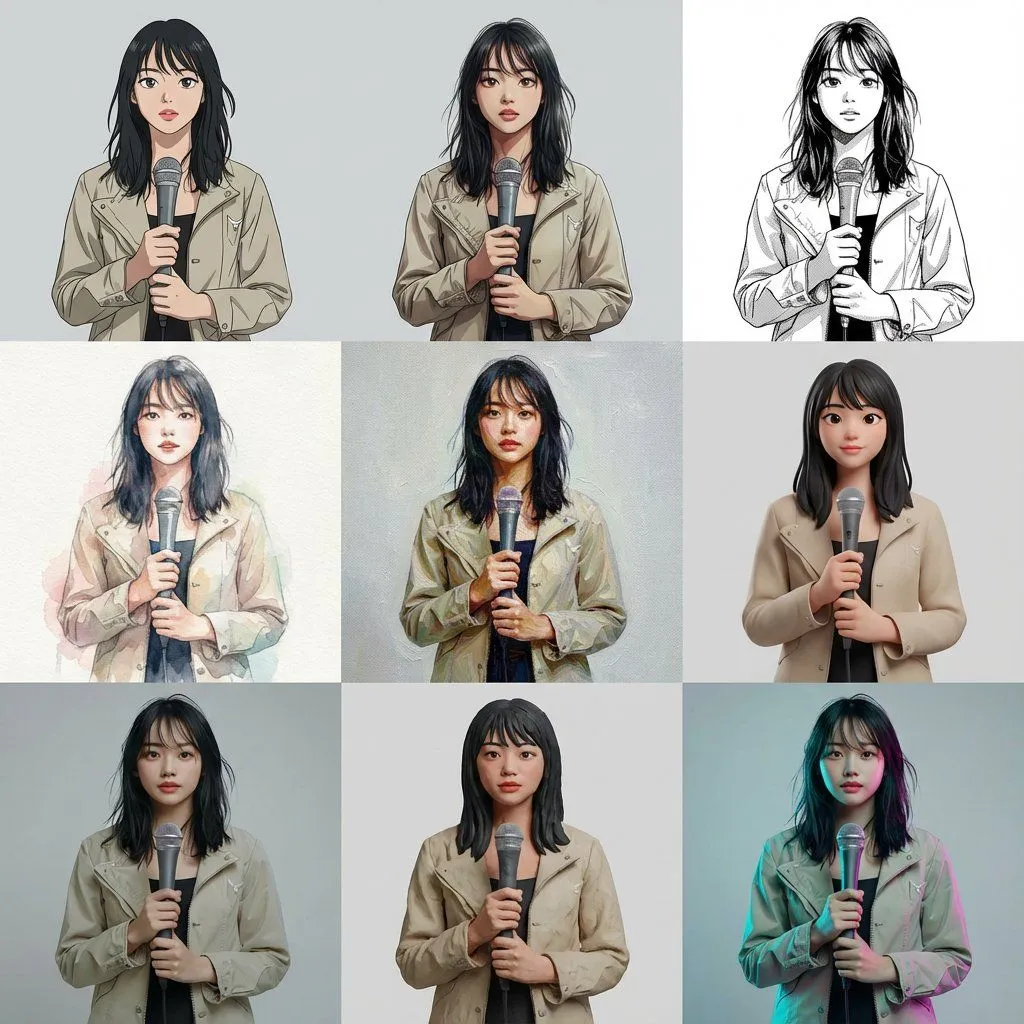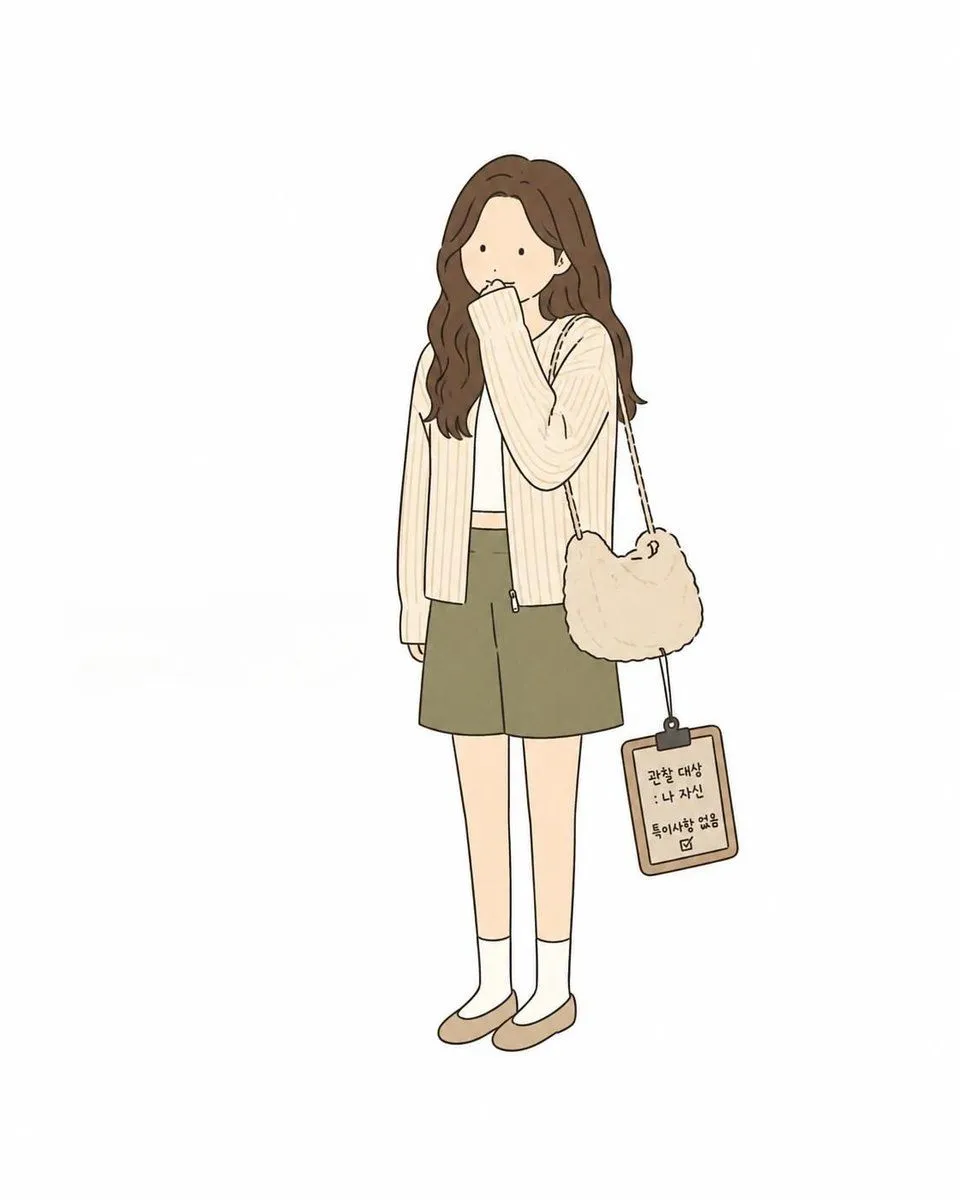
Made with GPT Image 2 in ChatGPT, collected by Library Avatars. Promptclay never generates images.
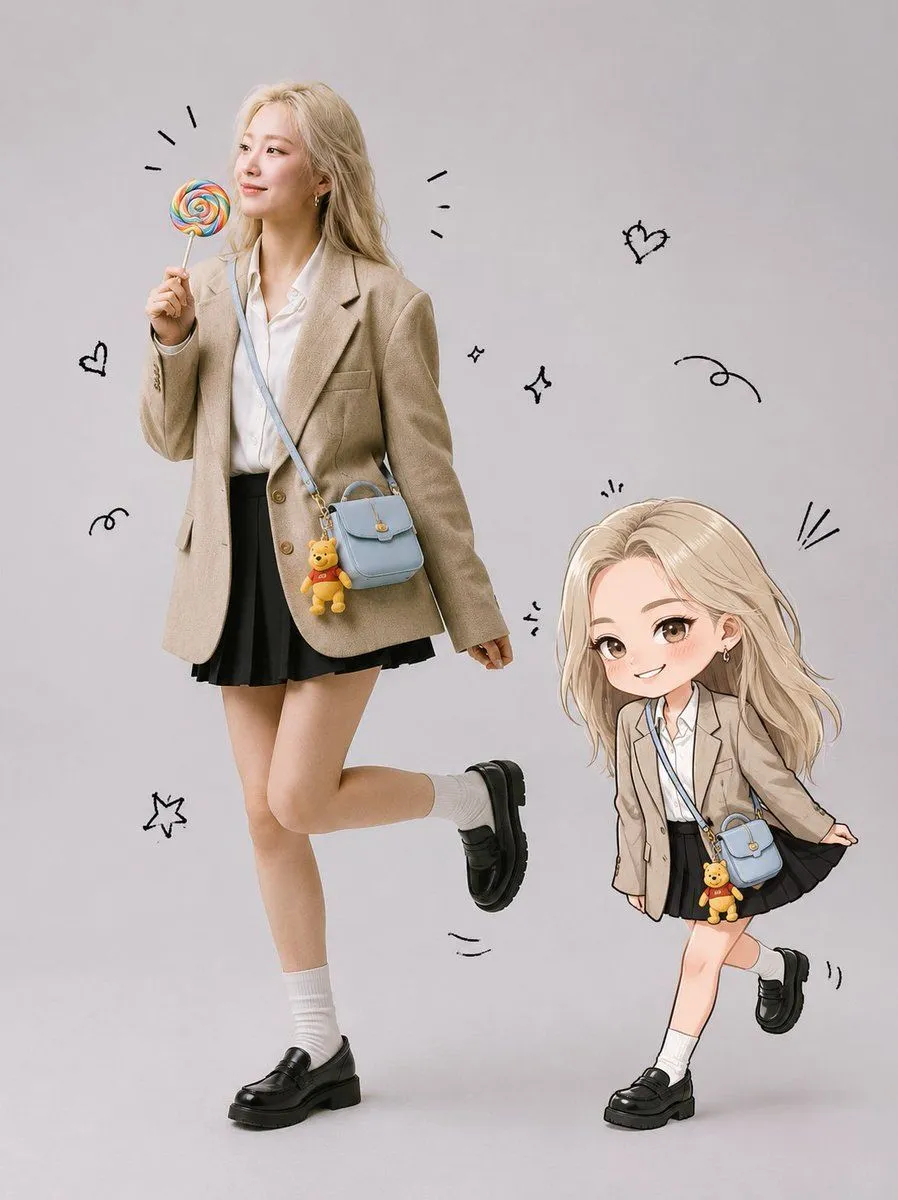
Realistic Portrait and Chibi Combo
Prompt
4 blanks to fillCreate a full-body ultra-realistic studio portrait using the uploaded photo as the exact face reference. Preserve the person’s face Identity with no modifications to facial structure, eyes, nose, lips, cheeks, jawline, skin tone, hairstyle, or bangs. Keep the expression natural and cute. Place the person in a {studio_background}. She is standing in a playful pose with one leg lifted slightly behind her, smiling naturally while holding a {prop} in . Add a {accessory} hanging from it. Keep her hair exactly as in the original photo. Beside her, create a cute chibi illustration version of the same person with identical hairstyle and bangs, wearing the same outfit and blue bag. The chibi is playfully pulling the hem of her skirt while smiling mischievously. Add hand-drawn black doodles around both characters, including motion lines, excitement marks, tiny sparkles, and playful accents. The overall style should combine a realistic fashion studio photograph with a kawaii hand-drawn illustration. Bright, soft lighting, clean composition, adorable, cheerful, {aesthetic} aesthetic, ultra detailed, high resolution, premium quality.
Use only photos you have the right to usePhoto tips
- Your photo stays with your app. You upload it to Gemini, ChatGPT or the app you use. Promptclay never sees or stores it.
- Crop to what the prompt needs. Your face for a portrait. Leave out other people, house numbers, cards and screens.
- Check the result before you post. Apps sometimes add things that were not in your photo, like a mole, a tattoo or bare shoulders. Run it again or ask the app to remove them.
Preview of your prompt
Create a full-body ultra-realistic studio portrait using the uploaded photo as the exact face reference. Preserve the person’s face Identity with no modifications to facial structure, eyes, nose, lips, cheeks, jawline, skin tone, hairstyle, or bangs. Keep the expression natural and cute. Place the person in a clean light gray seamless studio background. She is standing in a playful pose with one leg lifted slightly behind her, smiling naturally while holding a colorful rainbow lollipop in . Add a pastel blue crossbody bag with a small Winnie the Pooh keychain hanging from it. Keep her hair exactly as in the original photo. Beside her, create a cute chibi illustration version of the same person with identical hairstyle and bangs, wearing the same outfit and blue bag. The chibi is playfully pulling the hem of her skirt while smiling mischievously. Add hand-drawn black doodles around both characters, including motion lines, excitement marks, tiny sparkles, and playful accents. The overall style should combine a realistic fashion studio photograph with a kawaii hand-drawn illustration. Bright, soft lighting, clean composition, adorable, cheerful, modern Korean-inspired aesthetic, ultra detailed, high resolution, premium quality.
DetailsVersions, settings and questions
Written for
What's in the prompt
- Subject
- Model
- GPT Image 2
If your face changes
keep my face exactly the sameQuestions
- Does this work in the ChatGPT app?
- Yes. Paste the prompt and attach your photo if it uses one.
- It changed my face. What do I do?
- Add "keep my face exactly the same" to the end and run it again.
- Can I use the images I make?
- Check the terms of the app you use. Promptclay never generates images and claims nothing you make.