Tell us anything

An idea, a bug, something you love. We read every note.

⌘↵ to send. The page you're on comes along.

Premium Editorial Poster Instructions

Made with GPT Image 2.5 in ChatGPT by Library Typography. Promptclay never generates images.

Did it work?

No reports yet. Tell others if it worked for you.

No comments yet. Be the first.

    Premium Editorial Poster Instructions

    GPT Image 2.53:4Needs your photoAI-generated

    Prompt

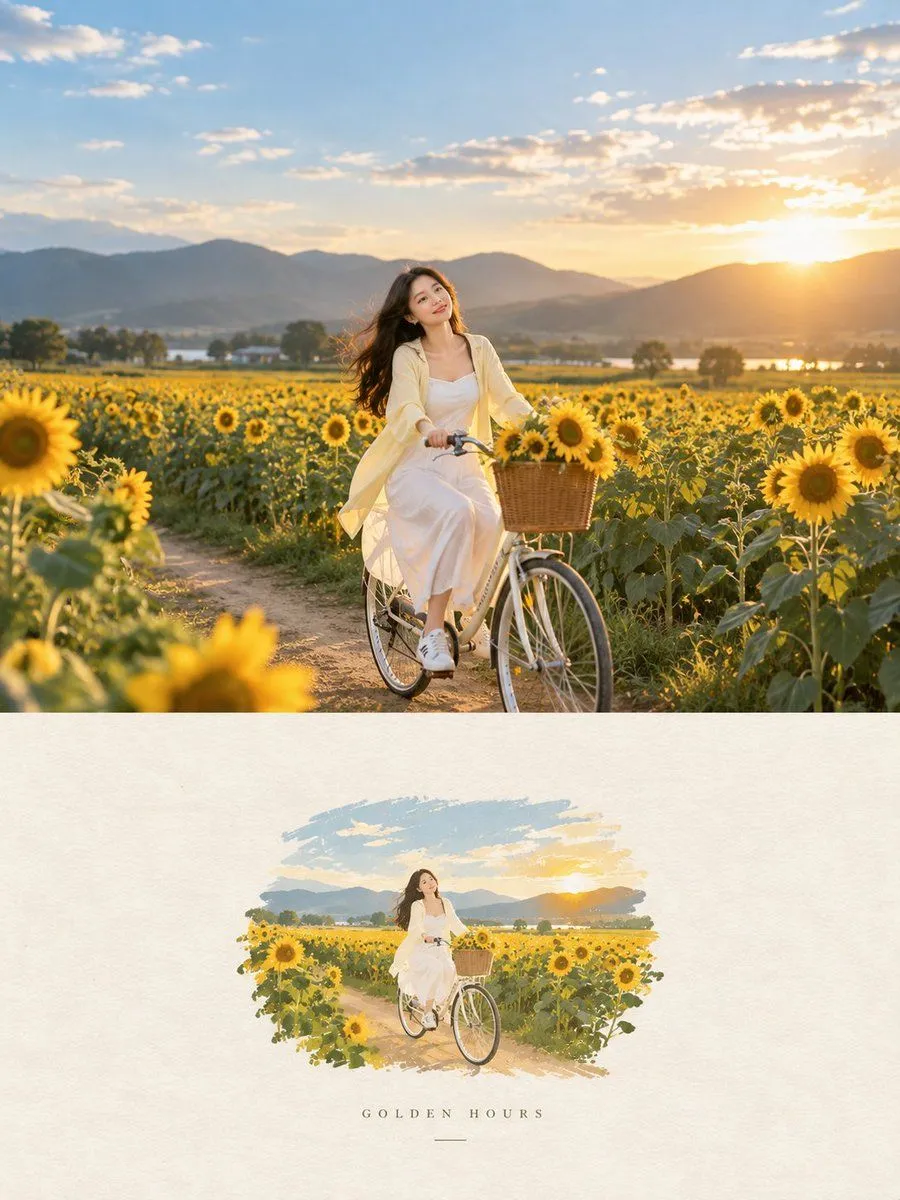
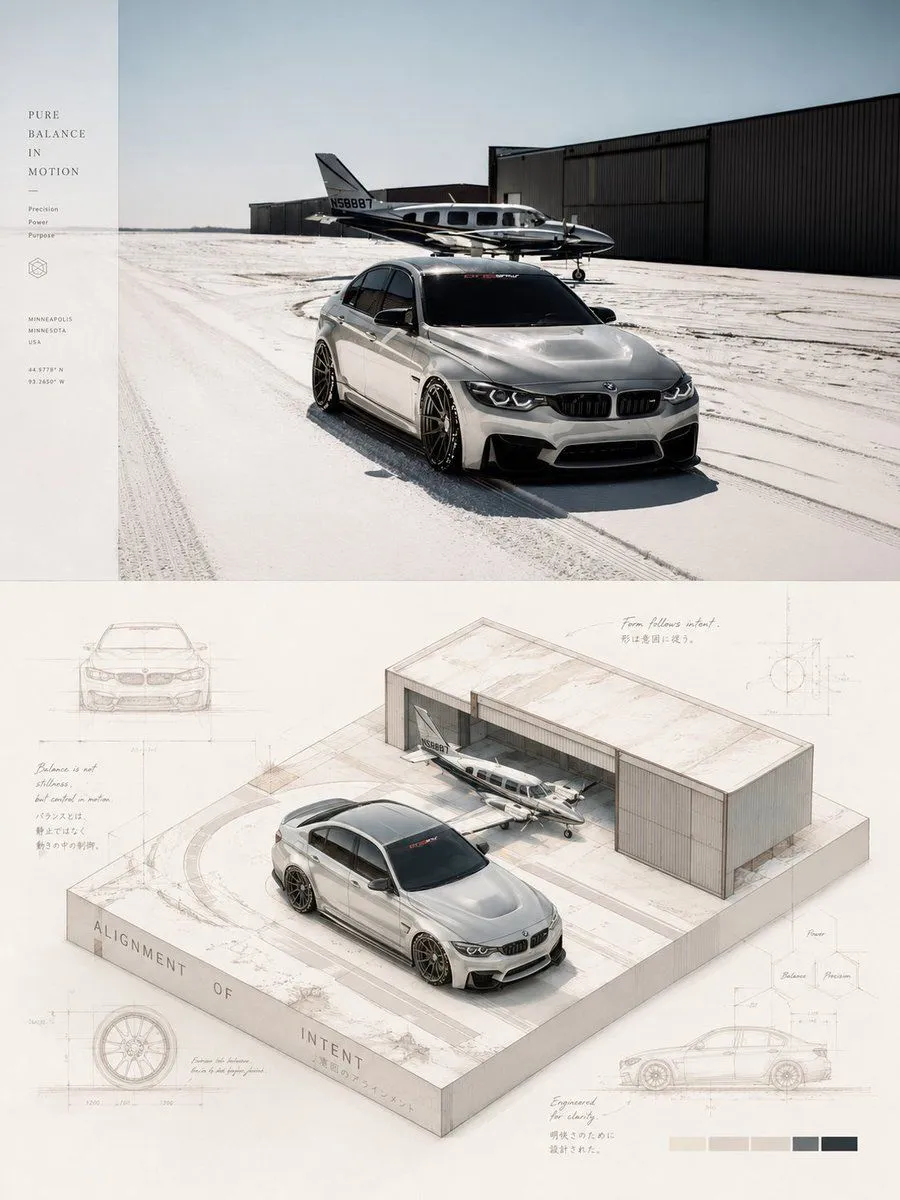
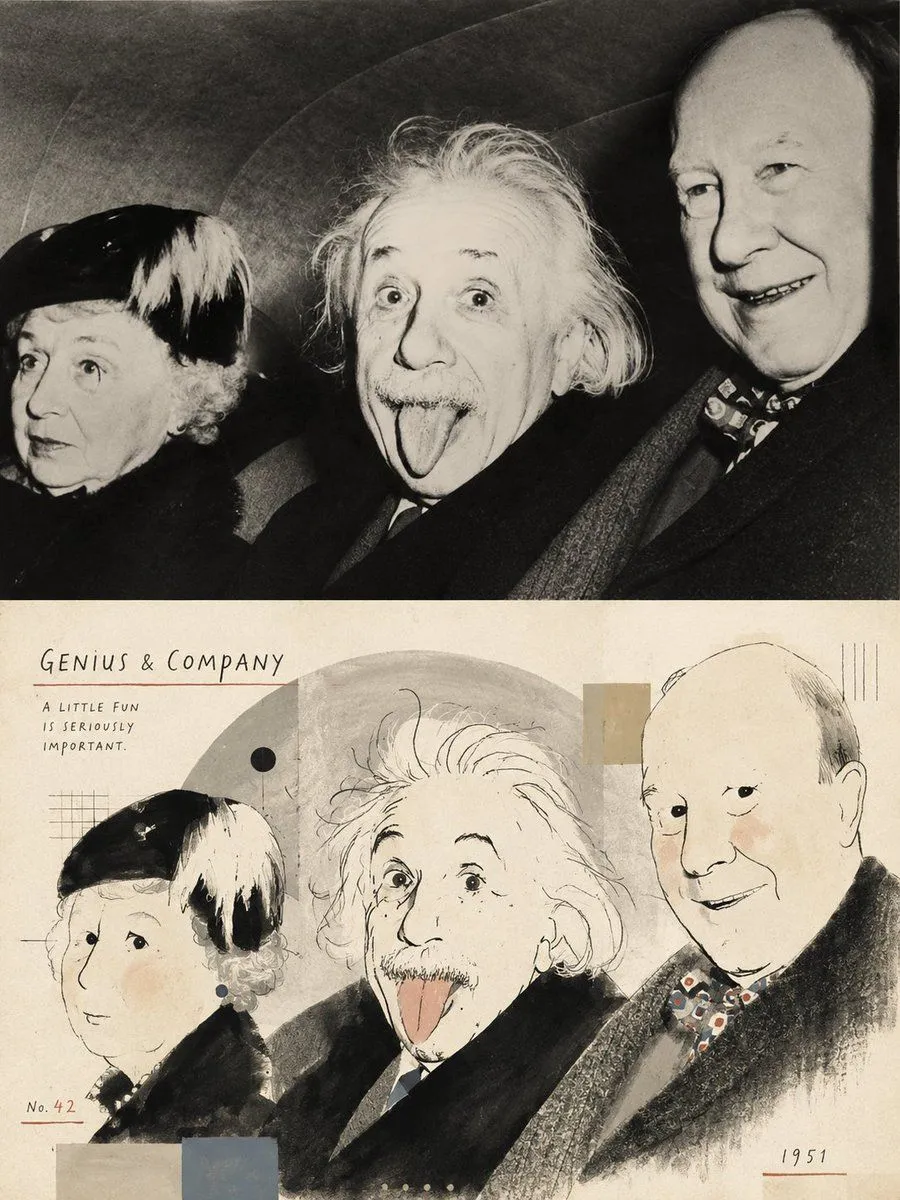
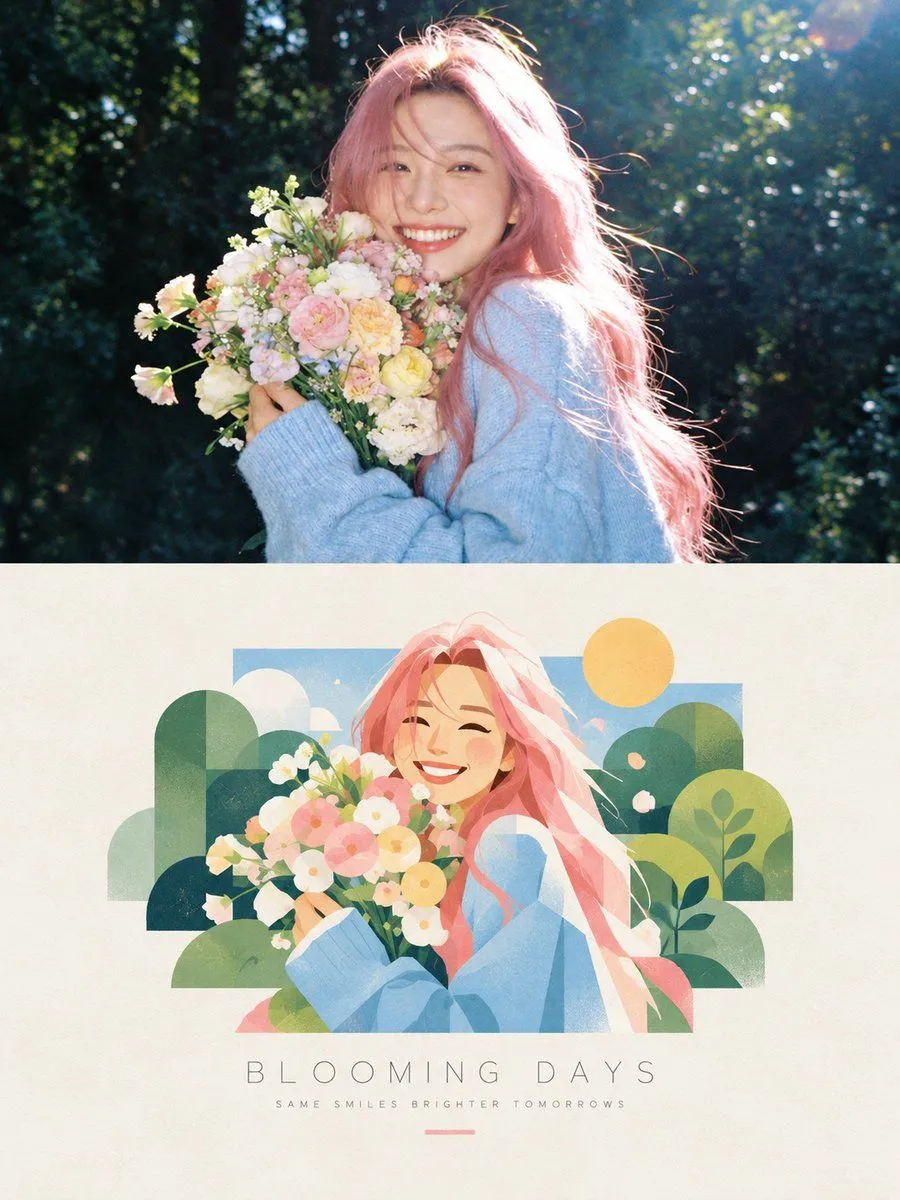
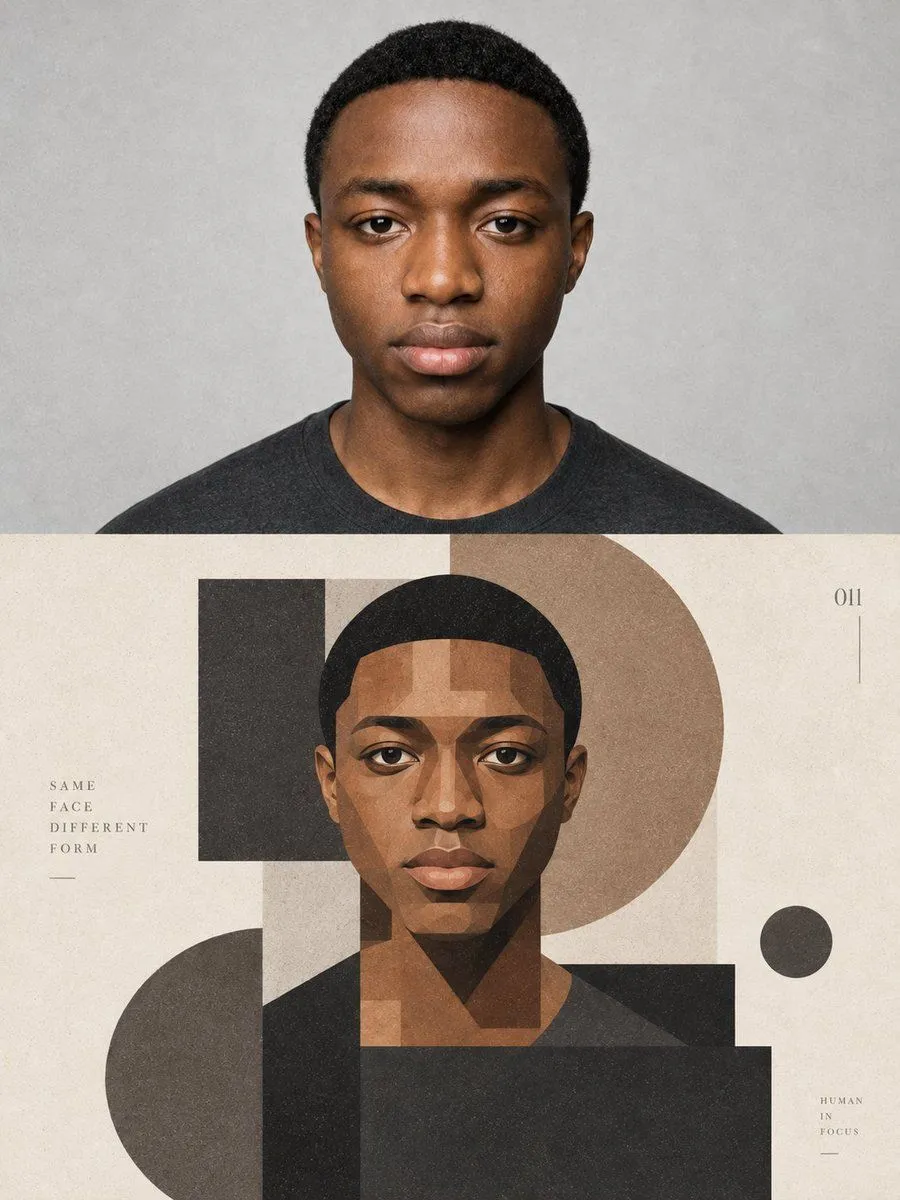
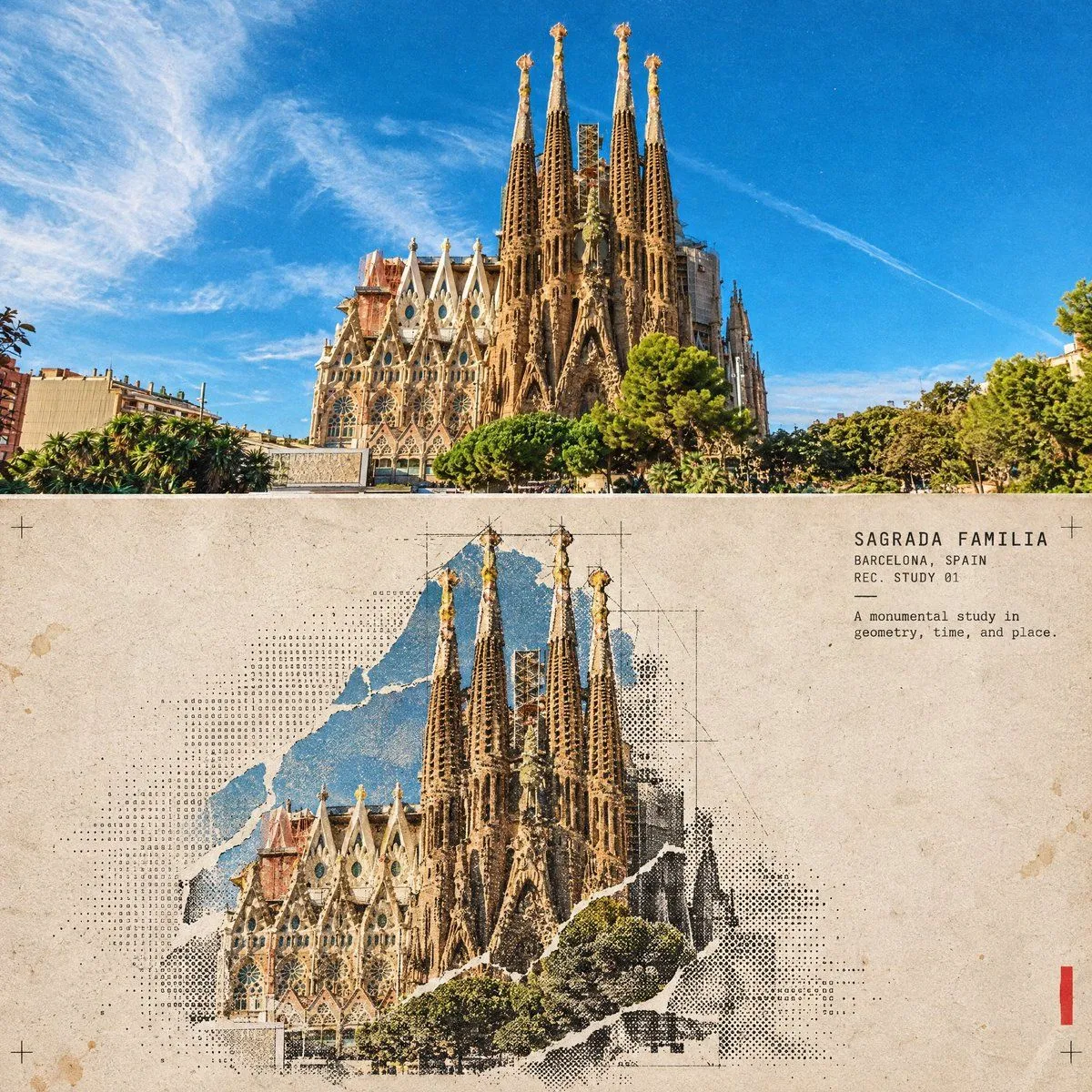
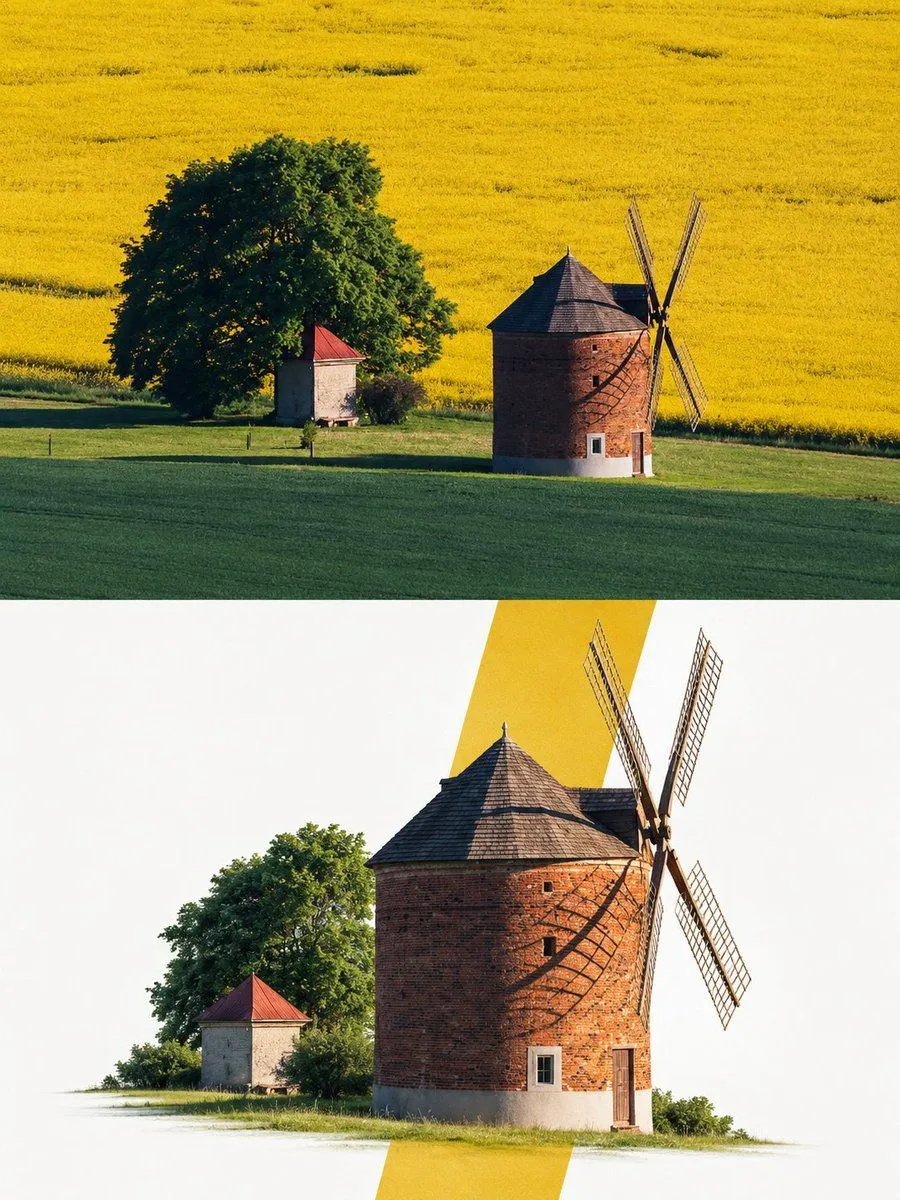
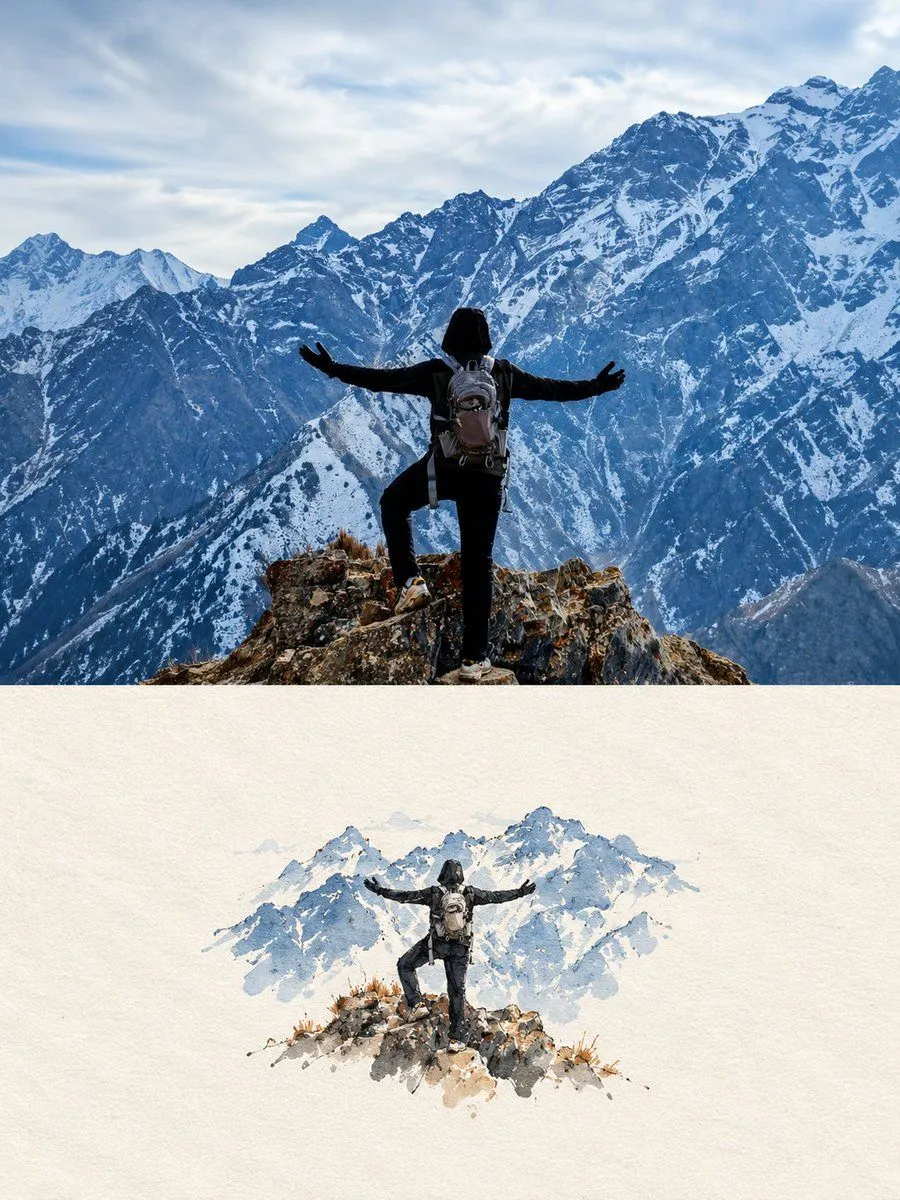
    Premium Editorial Poster Instructions Each uploaded photo must be transformed into a separate, independent premium editorial poster. Never combine multiple photos into one design. Use a strict 3:4 vertical canvas divided horizontally at the exact center into two equal halves, each occupying 50% of the total height and full width, without altering proportions. The upper half must use the original photo directly without regeneration. Preserve the main subject's identity, human anatomy or architectural structure, proportions, perspective, spatial relationships, textures, natural lighting, shadows, colors, and environment exactly as shown. Only slight cropping and restrained premium color grading are permitted. Do not redraw the main subject, introduce artificial lighting, apply excessive HDR or saturation, create plastic textures, or add fictional elements. If necessary, extend only environmental areas such as the sky, water, ground, walls, plants, or background. The lower half must reconstruct the photo's central narrative, whether it is a single primary subject or a connected group of elements representing the image's identity, scale, action, or story. Preserve realistic appearance, recognizable identity, proportions, internal structure, texture, and relative positioning. Do not remove important related elements or use a rectangular photo cutout. The reconstructed subject should occupy approximately 55%–80% of the lower half's width. Extend the subject naturally according to the scene's direction, maintaining believable ground contact, waterlines, realistic shadows, or softly fading edges. Integrate it seamlessly into the background without a sticker-like or floating appearance. Place one narrow, low-saturation geometric color field behind or partially through the subject, creating a subtle transition between photographic realism and editorial abstraction. Extract the color from the original photo and choose a horizontal, vertical, or diagonal orientation according to the scene's narrative direction. The subject must visibly cross the color field's boundary, with part overlapping the colored area and another part extending into the open negative space. Create natural occlusion, overlap, and spatial depth. The color field must not act as a frame or card and must never completely enclose the subject. Use only one primary geometric window. Do not add multiple color blocks, thick borders, rounded corners, strong gradients, or drop shadows. Use a white, cool-white, very light gray, or near-white background in the lower half, coordinated with the original photograph. Maintain a restrained asymmetrical composition with generous negative space and a clear visual hierarchy: the reconstructed subject as the primary focus, the low-saturation geometric window as the secondary element, and the clean background as supporting space. The final poster must look premium, refined, realistic, and editorial while preserving the

    Use only photos you have the right to usePhoto tips
    • Your photo stays with your app. You upload it to Gemini, ChatGPT or the app you use. Promptclay never sees or stores it.
    • Crop to what the prompt needs. Your face for a portrait. Leave out other people, house numbers, cards and screens.
    • Check the result before you post. Apps sometimes add things that were not in your photo, like a mole, a tattoo or bare shoulders. Run it again or ask the app to remove them.
    Works in
    ChatGPT, Gemini
    Status
    Free to copy
    0
    DetailsVersions, settings and questions

    Written for

    What's in the prompt

    Subject
    Model
    GPT Image 2.5

    If your face changes

    keep my face exactly the same

    Questions

    Does this work in the ChatGPT app?
    Yes. Paste the prompt and attach your photo if it uses one.
    It changed my face. What do I do?
    Add "keep my face exactly the same" to the end and run it again.
    Can I use the images I make?
    Check the terms of the app you use. Promptclay never generates images and claims nothing you make.
    Similar prompts

    See more
    • Editorial Poster from Photo and Minimalist Illustration
    • Premium Cinematic Art-Book Editorial Poster Prompt
    • GPT Image 2 Editorial Art Book Poster
    • Isometric Da Vinci Design Poster
    • Retro Editorial Illustration Split Poster
    • Photo to Hand-drawn Illustration Poster Prompt
    • Geometric Editorial Portrait Collage
    • Split-Style Editorial Art Poster
    • Modern Fashion Editorial Poster
    • Avant-Garde Modular Graphic Design Poster
    • Halftone Architectural Collage Poster
    • Anime Silhouette Narrative Poster
    • Artistic Identity Portrait
    • Four-Model Earbud Product Comparison
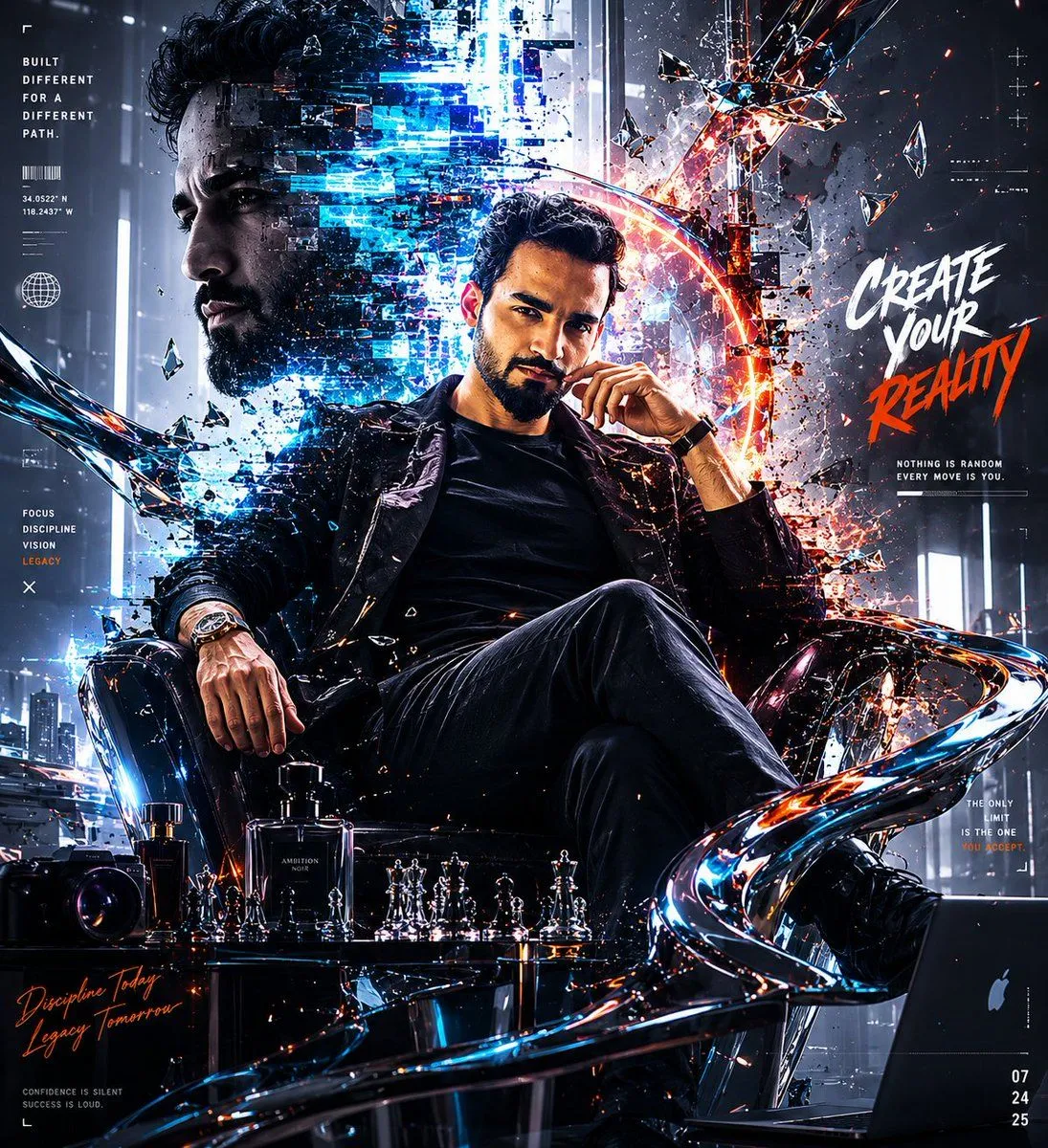
    • Futuristic Cyberpunk Creative Leader Poster
    • Golden Week Manga Travel Poster
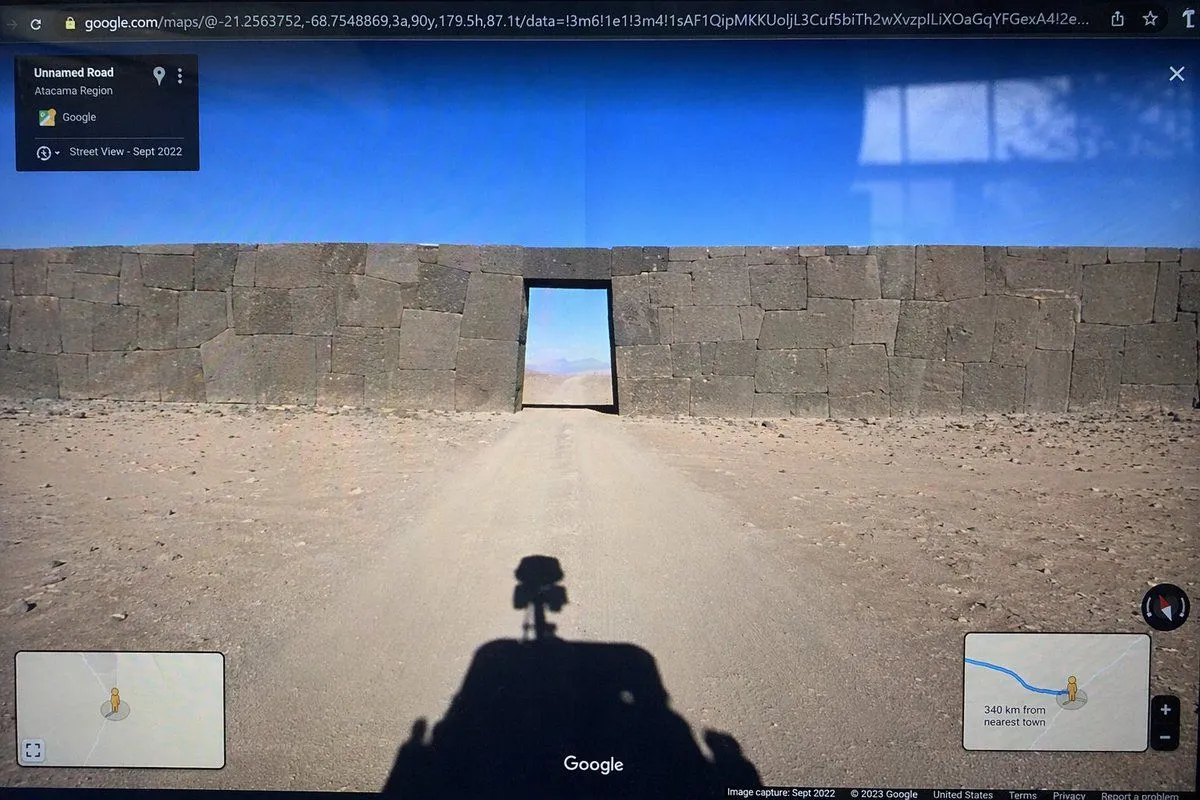
    • Google Street View Anomaly Screen Photo
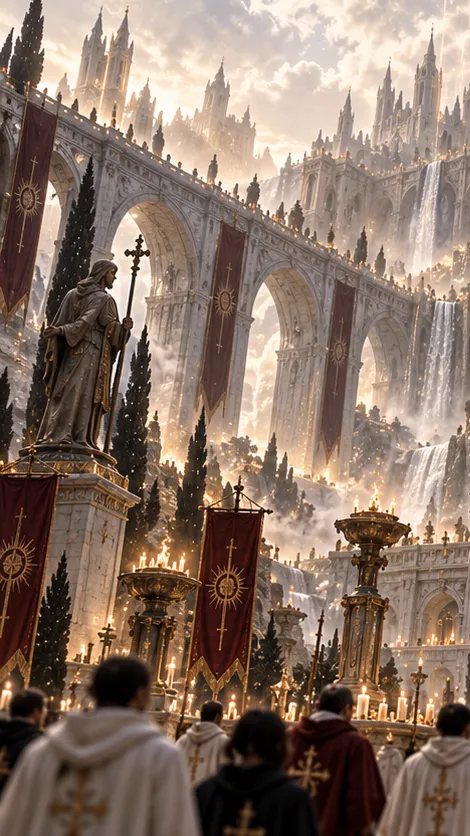
    • Gothic Saint Pilgrimage Cathedral
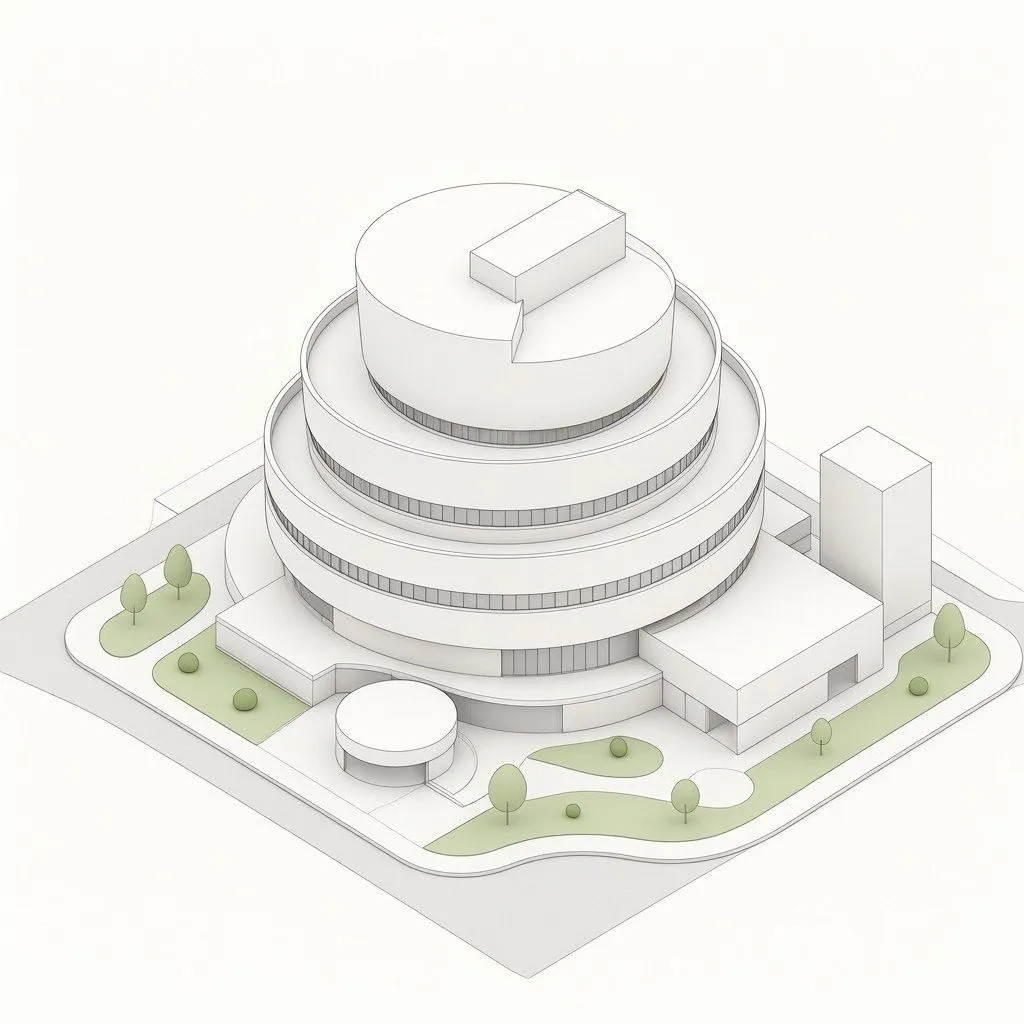
    • Isometric Circular Museum Architecture
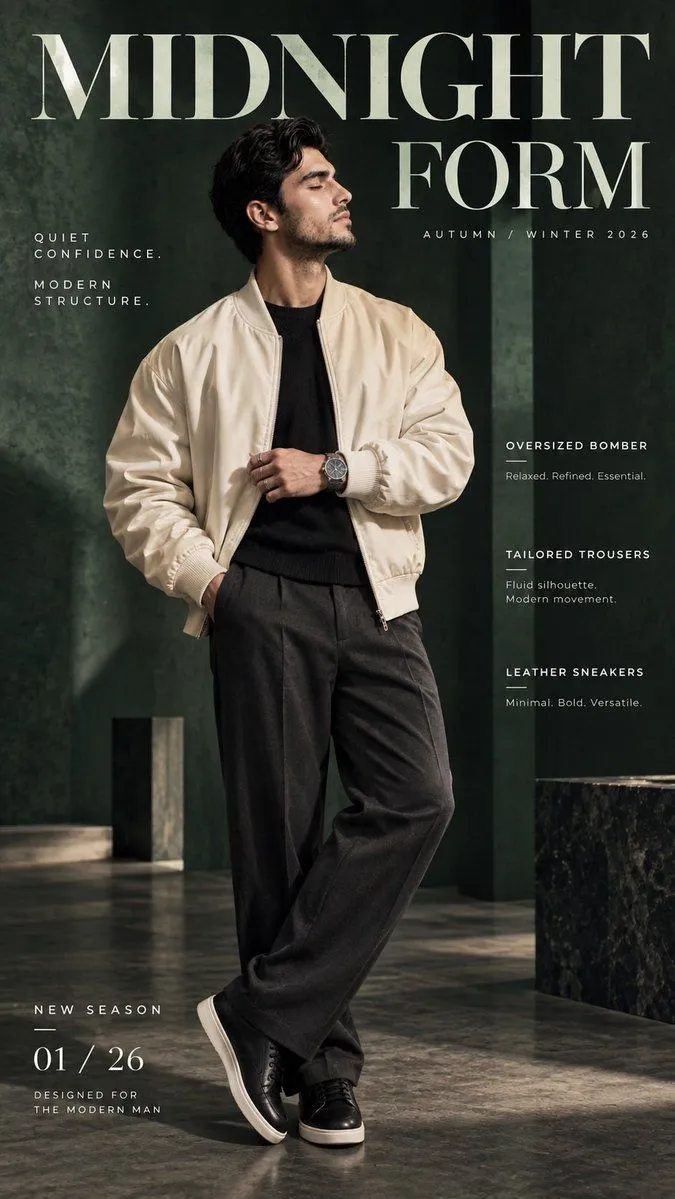
    • Midnight Form Luxury Fashion Poster
    • Pop Idol Typography Cover Art
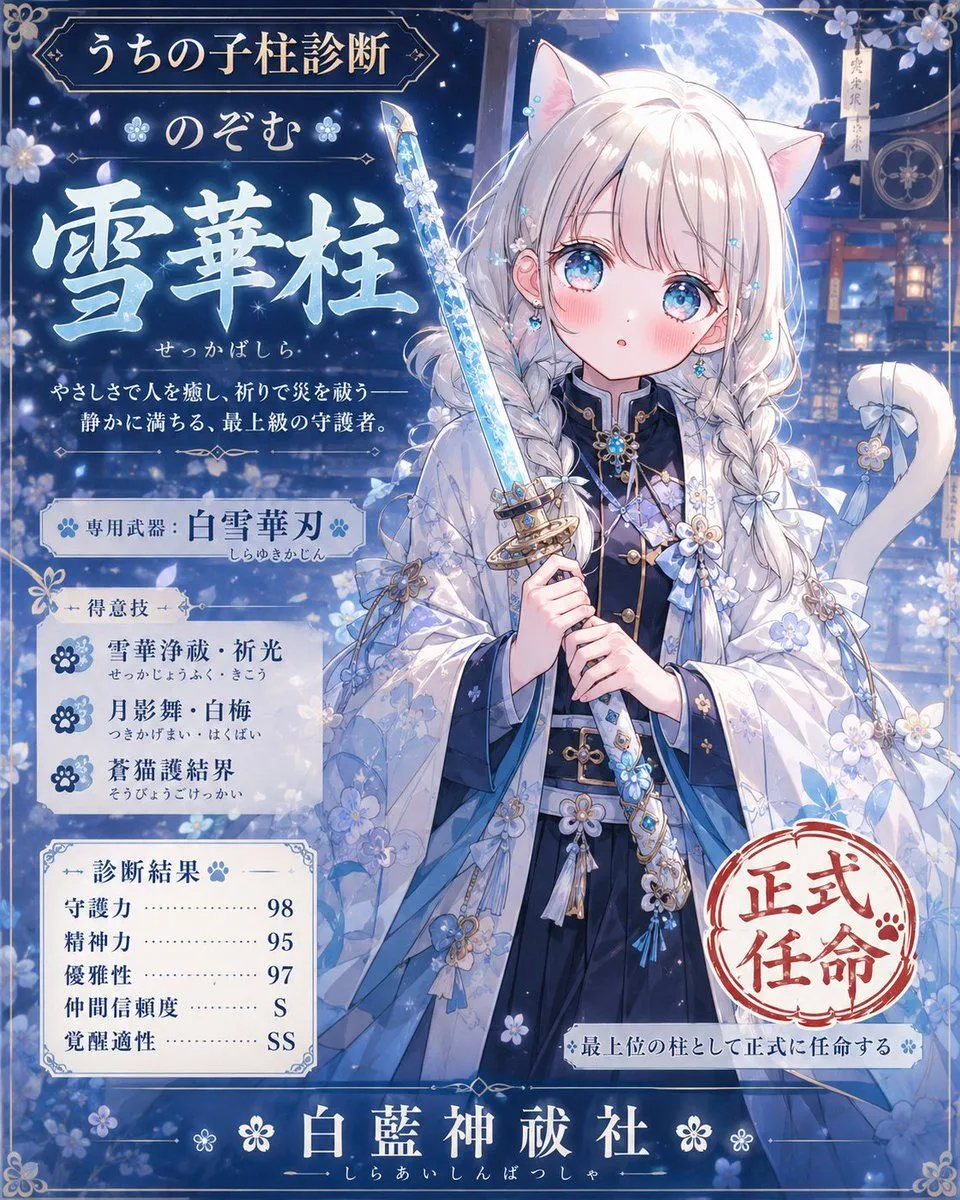
    • Snow Flower Hashira Diagnosis Poster
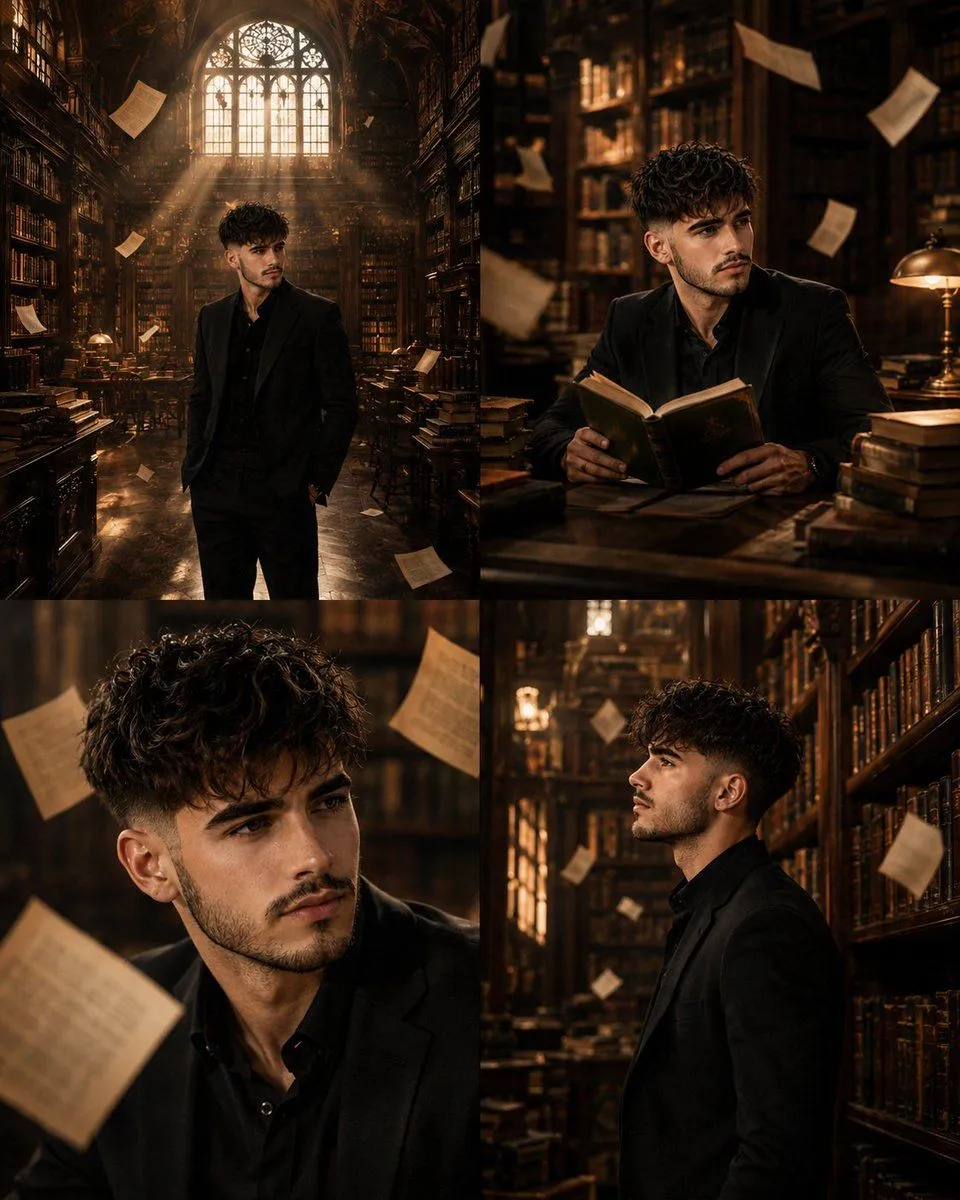
    • Surreal Library Multi-Angle Portrait
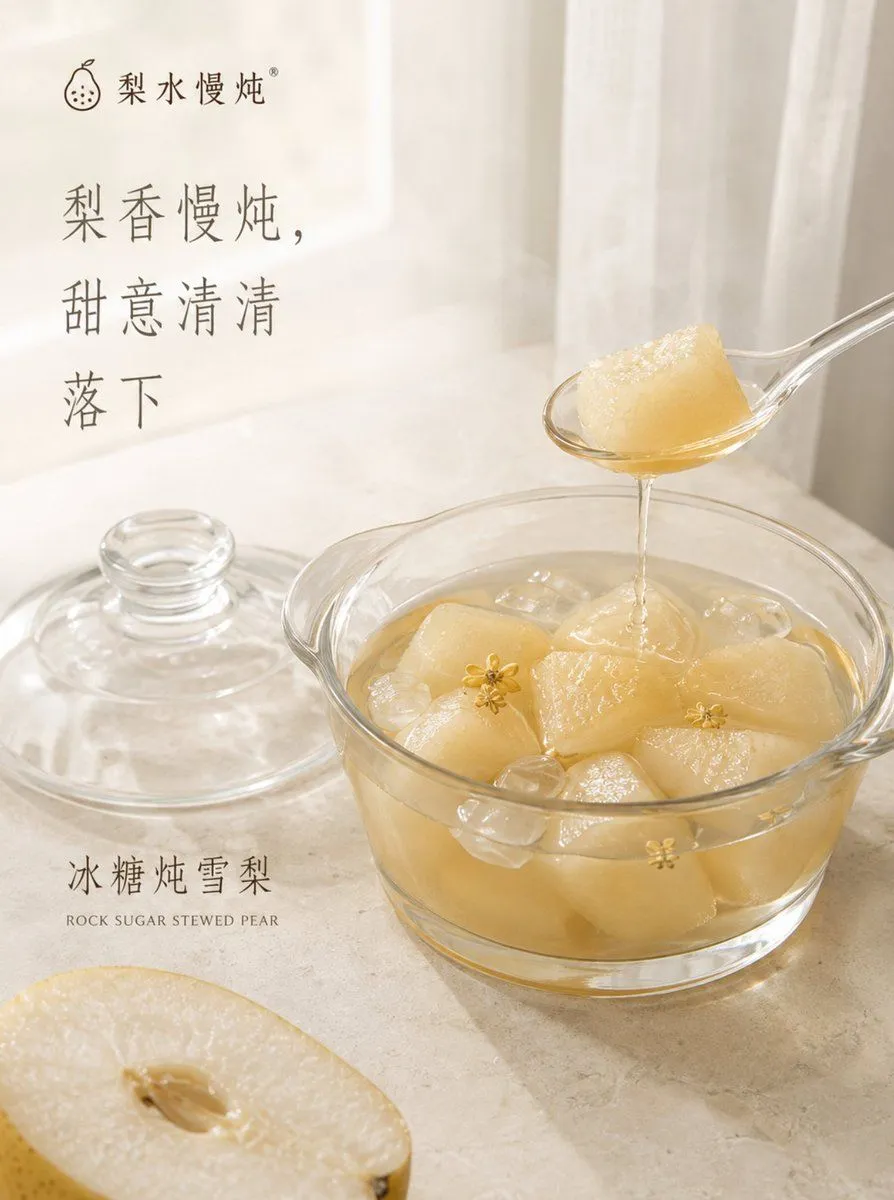
    • Traditional Stewed Pear Dessert Poster

    Show more

    Run it on your phone

    1. Prompt copiedRead it

      Premium Editorial Poster Instructions Each uploaded photo must be transformed into a separate, independent premium editorial poster. Never combine multiple photos into one design. Use a strict 3:4 vertical canvas divided horizontally at the exact center into two equal halves, each occupying 50% of the total height and full width, without altering proportions. The upper half must use the original photo directly without regeneration. Preserve the main subject's identity, human anatomy or architectural structure, proportions, perspective, spatial relationships, textures, natural lighting, shadows, colors, and environment exactly as shown. Only slight cropping and restrained premium color grading are permitted. Do not redraw the main subject, introduce artificial lighting, apply excessive HDR or saturation, create plastic textures, or add fictional elements. If necessary, extend only environmental areas such as the sky, water, ground, walls, plants, or background. The lower half must reconstruct the photo's central narrative, whether it is a single primary subject or a connected group of elements representing the image's identity, scale, action, or story. Preserve realistic appearance, recognizable identity, proportions, internal structure, texture, and relative positioning. Do not remove important related elements or use a rectangular photo cutout. The reconstructed subject should occupy approximately 55%–80% of the lower half's width. Extend the subject naturally according to the scene's direction, maintaining believable ground contact, waterlines, realistic shadows, or softly fading edges. Integrate it seamlessly into the background without a sticker-like or floating appearance. Place one narrow, low-saturation geometric color field behind or partially through the subject, creating a subtle transition between photographic realism and editorial abstraction. Extract the color from the original photo and choose a horizontal, vertical, or diagonal orientation according to the scene's narrative direction. The subject must visibly cross the color field's boundary, with part overlapping the colored area and another part extending into the open negative space. Create natural occlusion, overlap, and spatial depth. The color field must not act as a frame or card and must never completely enclose the subject. Use only one primary geometric window. Do not add multiple color blocks, thick borders, rounded corners, strong gradients, or drop shadows. Use a white, cool-white, very light gray, or near-white background in the lower half, coordinated with the original photograph. Maintain a restrained asymmetrical composition with generous negative space and a clear visual hierarchy: the reconstructed subject as the primary focus, the low-saturation geometric window as the secondary element, and the clean background as supporting space. The final poster must look premium, refined, realistic, and editorial while preserving the

    2. Open your app

      This prompt is long, so it is copied instead of sent in the link. Paste it in the app.

    3. Paste and run

      Press and hold the message box, then tap Paste. Add your photo first if the prompt uses one. You may need to sign in.

    Premium Editorial Poster Instructions