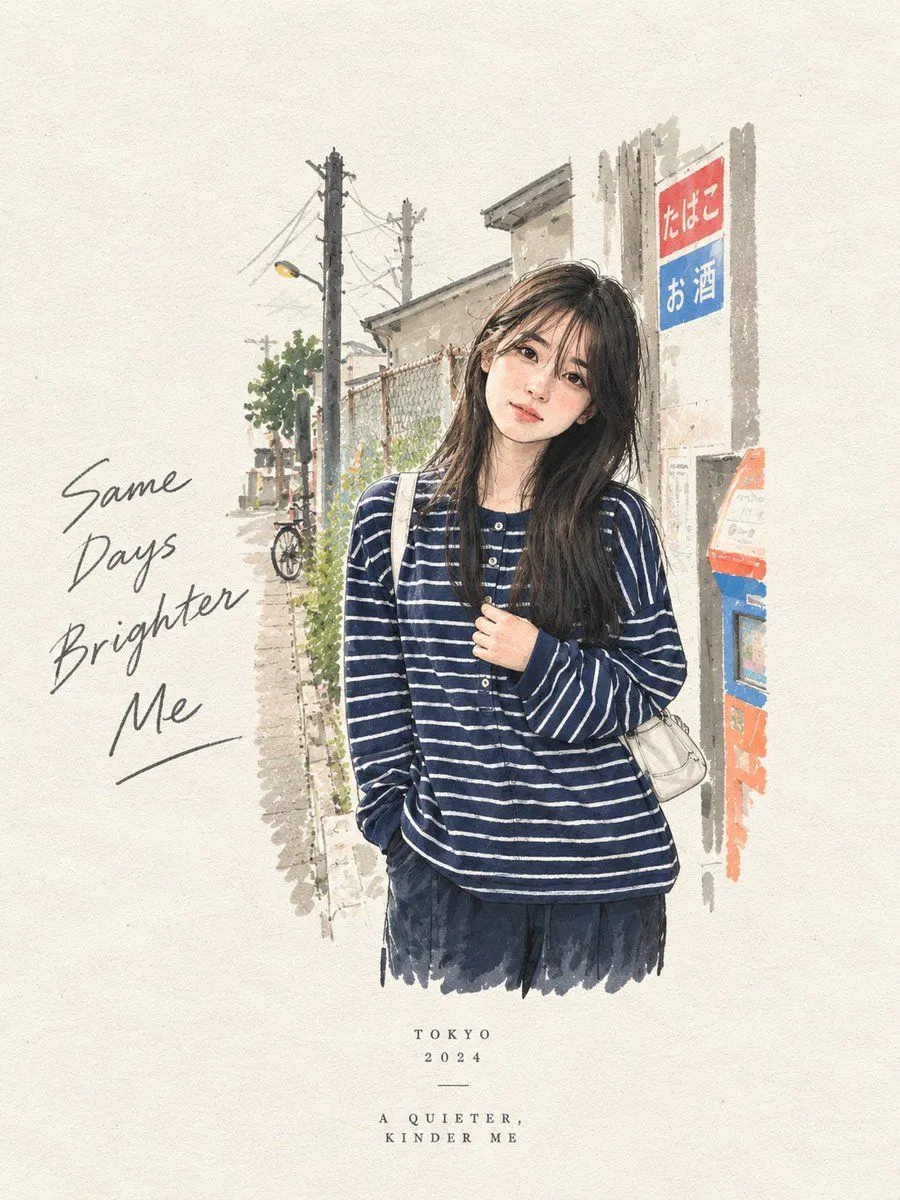
Split-Style Editorial Art Poster
Create a premium editorial art poster for every uploaded photograph, treating each image as its own independent composition and never merging multiple photos together. Use a strict aspect_ratio vertical format with the canvas split into two perfectly equal horizontal halves: the upper half should remain a faithful, photorealistic presentation of the original image, preserving the subject’s exact identity, facial features, proportions, pose, clothing, objects, composition, lighting, shadows, mood, and natural colors, enhanced only with sophisticated editorial color grading and seamless environmental extension where necessary; the lower half should transform the visual story into an entirely different artistic interpretation—a tiny, carefully composed style artwork centered within expansive background negative space, occupying no more than 10–20% of the lower section, using expressive ink sketching, layered gouache-like color fields, subtle collage textures, torn-paper edges, imperfect brushwork, visible fibers, soft pigment variations, and charming human imperfections while retaining the most recognizable silhouette, gesture, objects, and emotional narrative from the original photo. Extract up to four dominant harmonious colors from each photograph and reinterpret them in a muted, sophisticated palette. Add only occasional understated editorial typography when it genuinely enhances the composition, such as a poetic title, place, date, or single word. The overall result should feel like a collectible contemporary art publication cover—minimal, poetic, tactile, elegant, emotionally quiet, visually distinctive, and unmistakably connected to its original photograph.