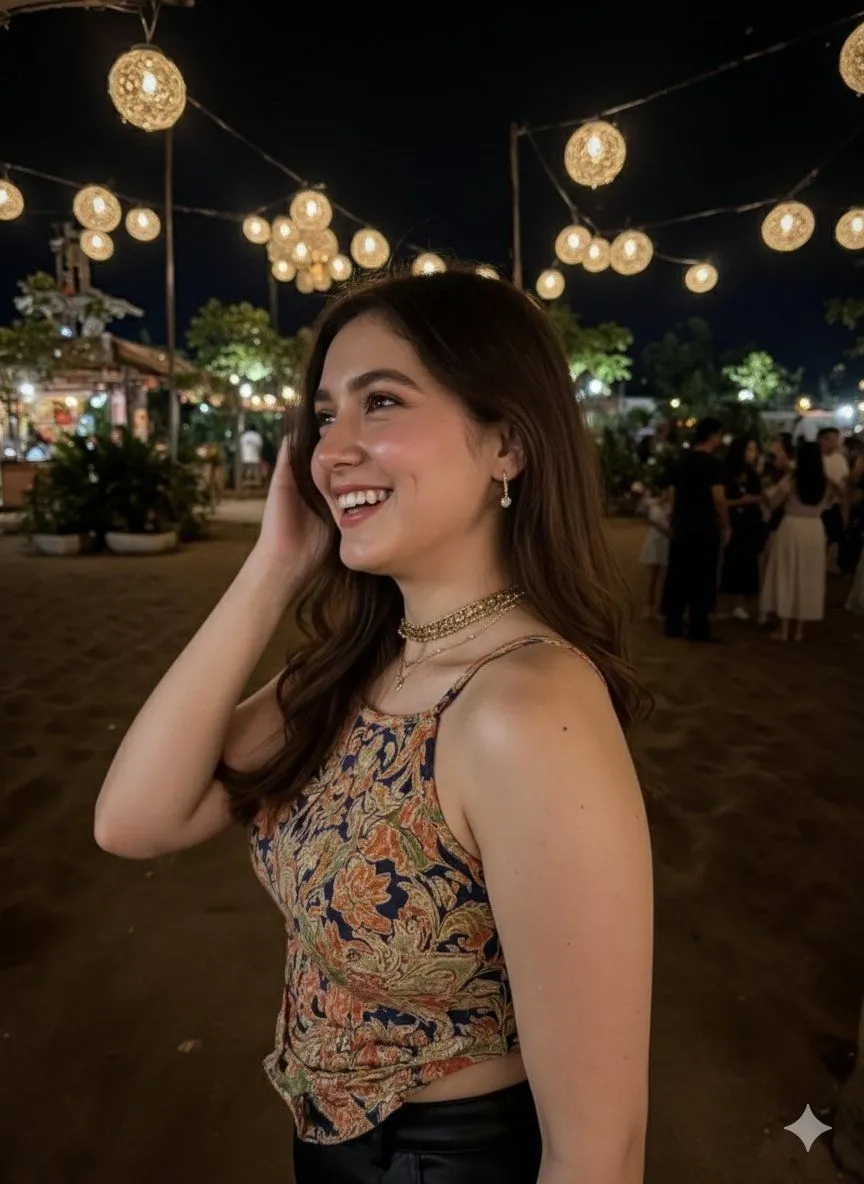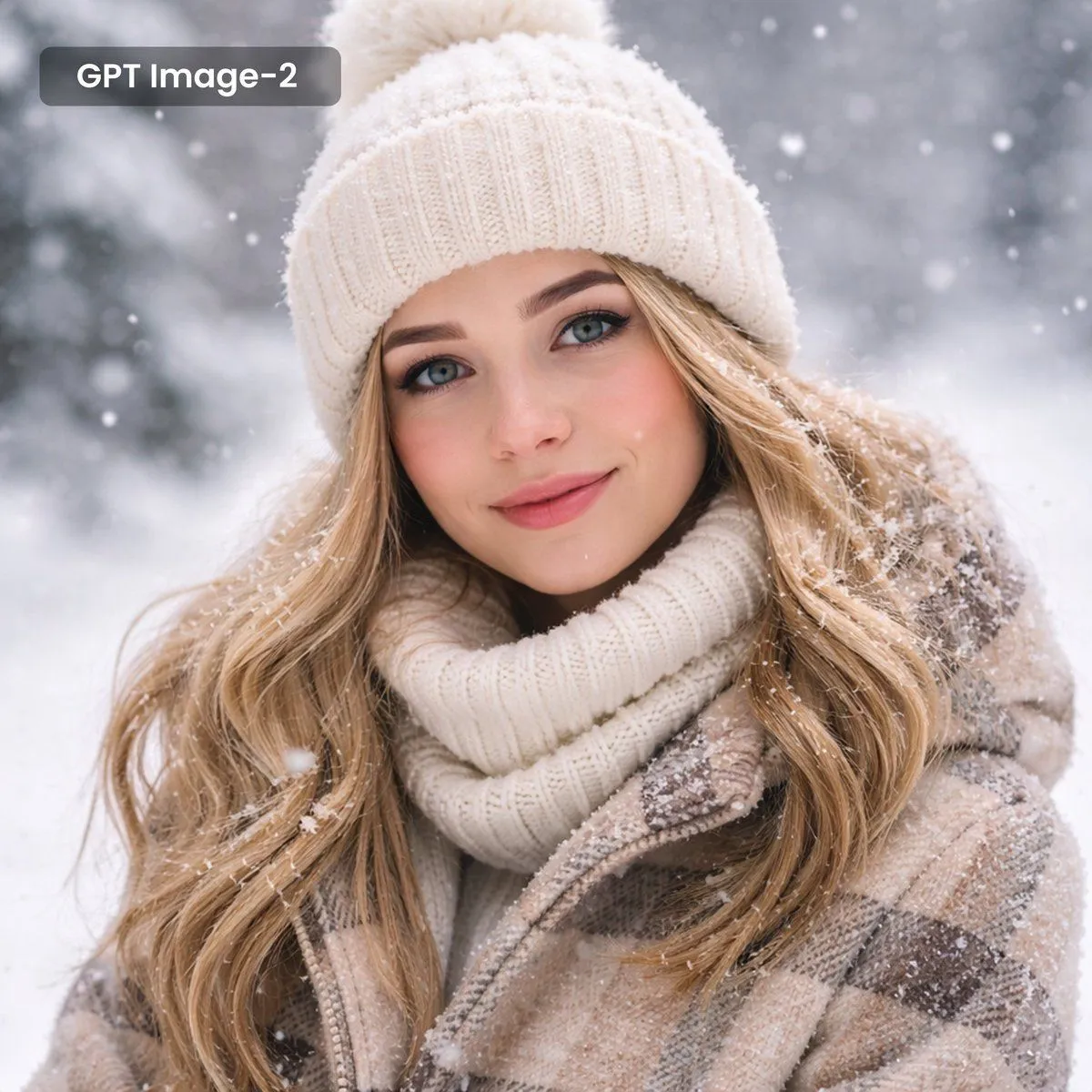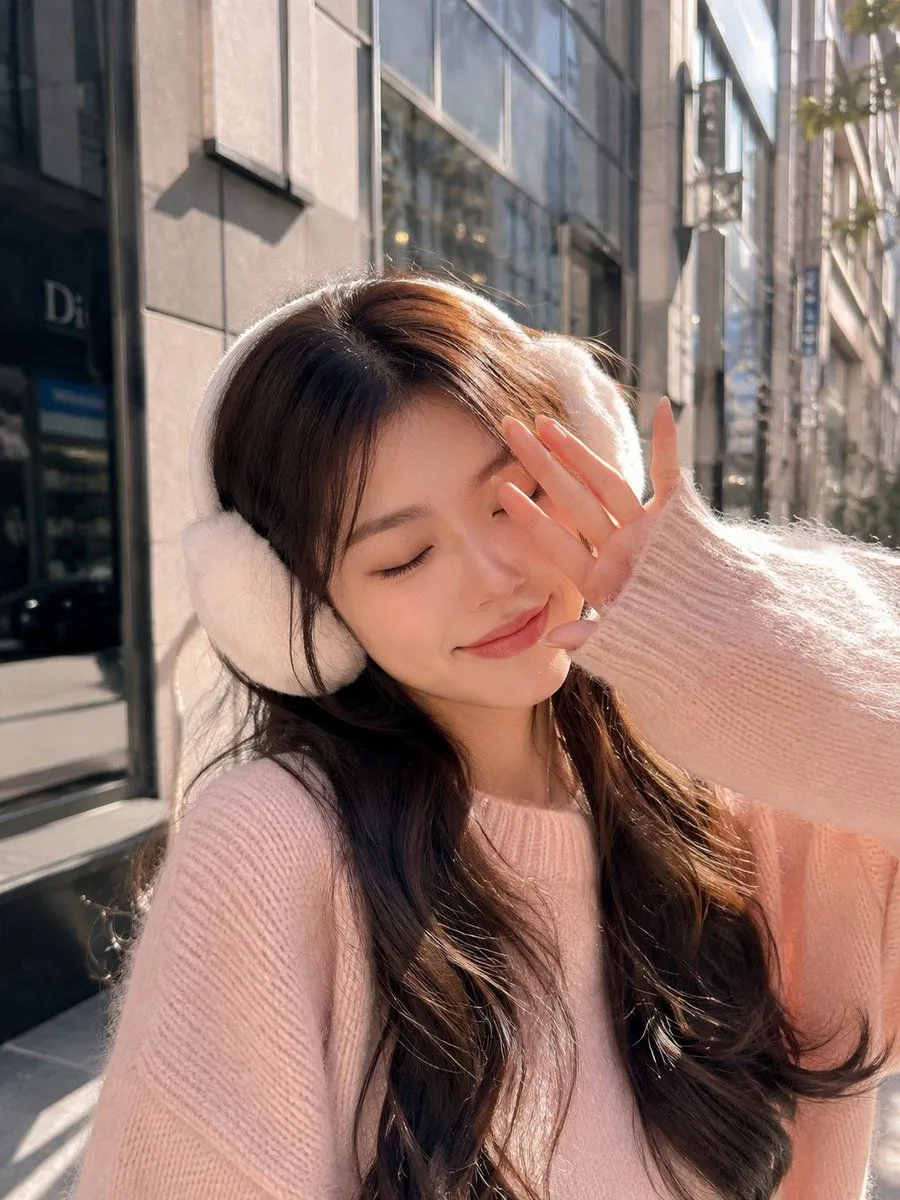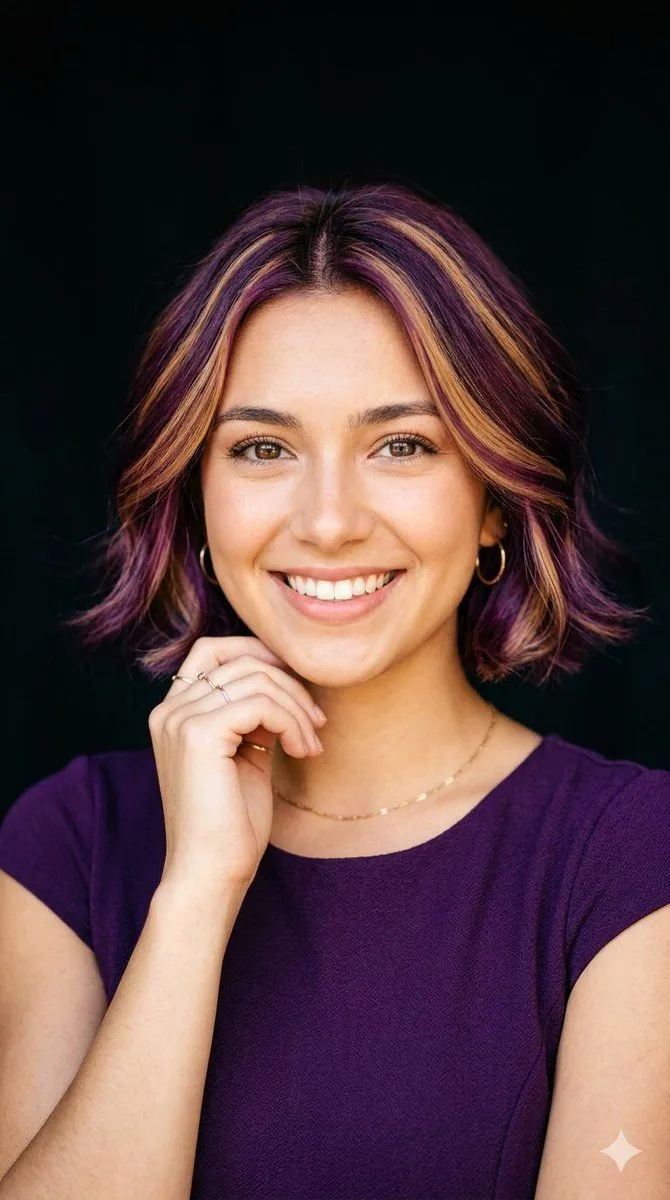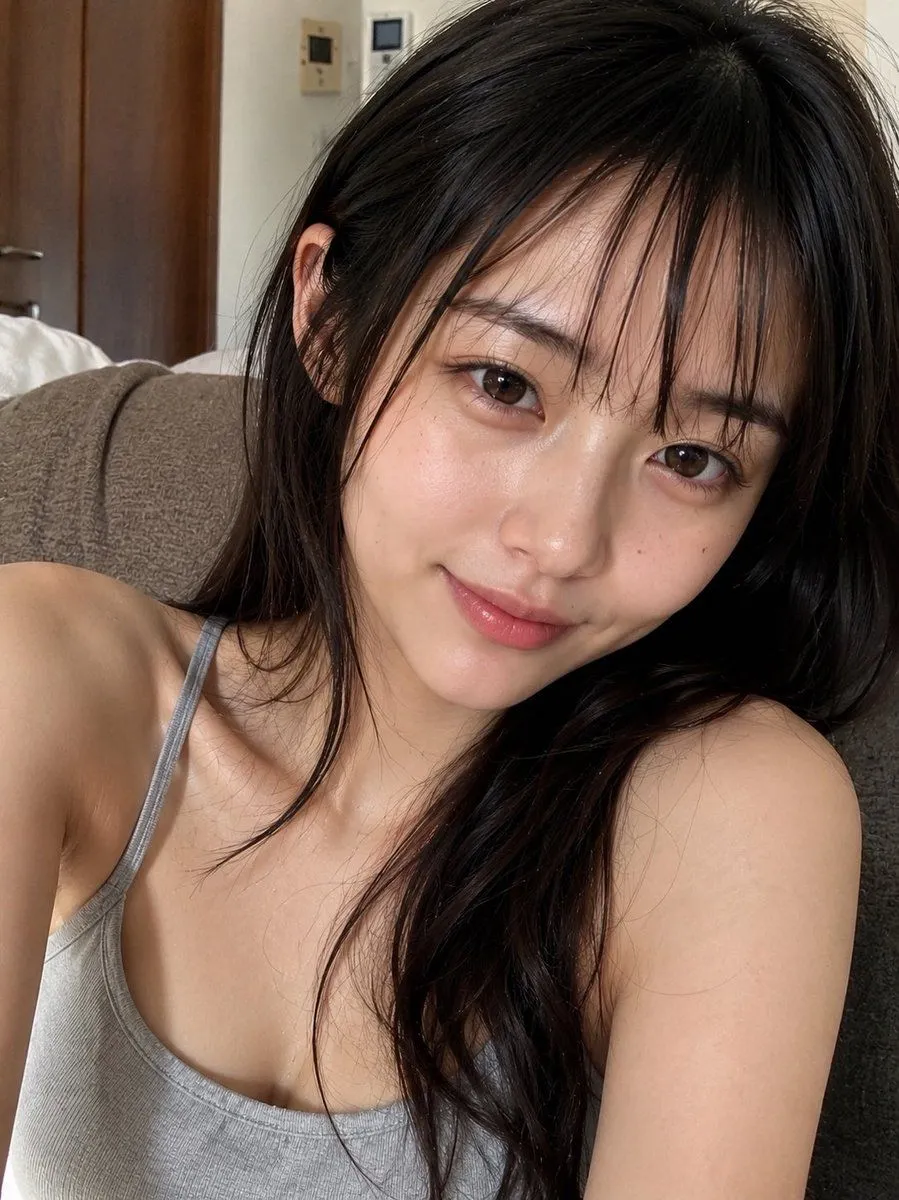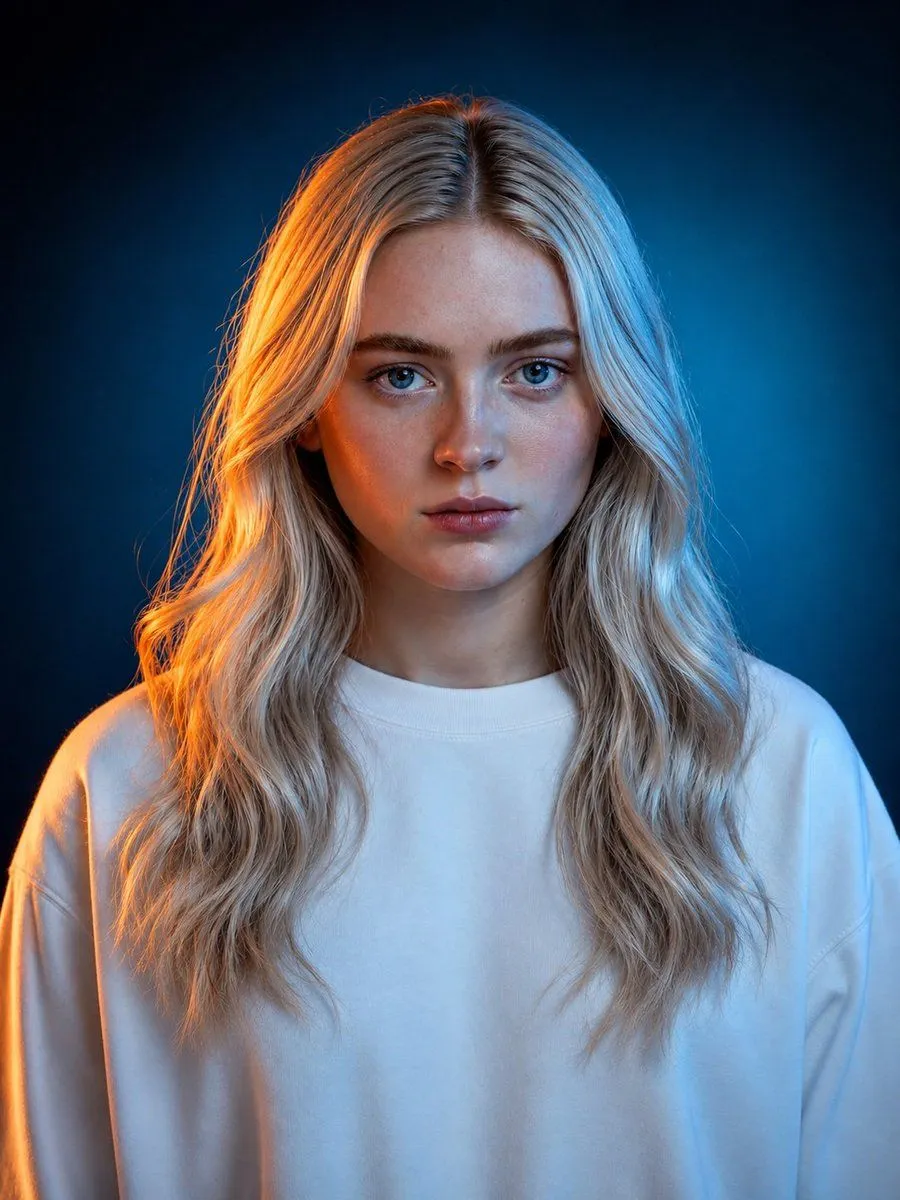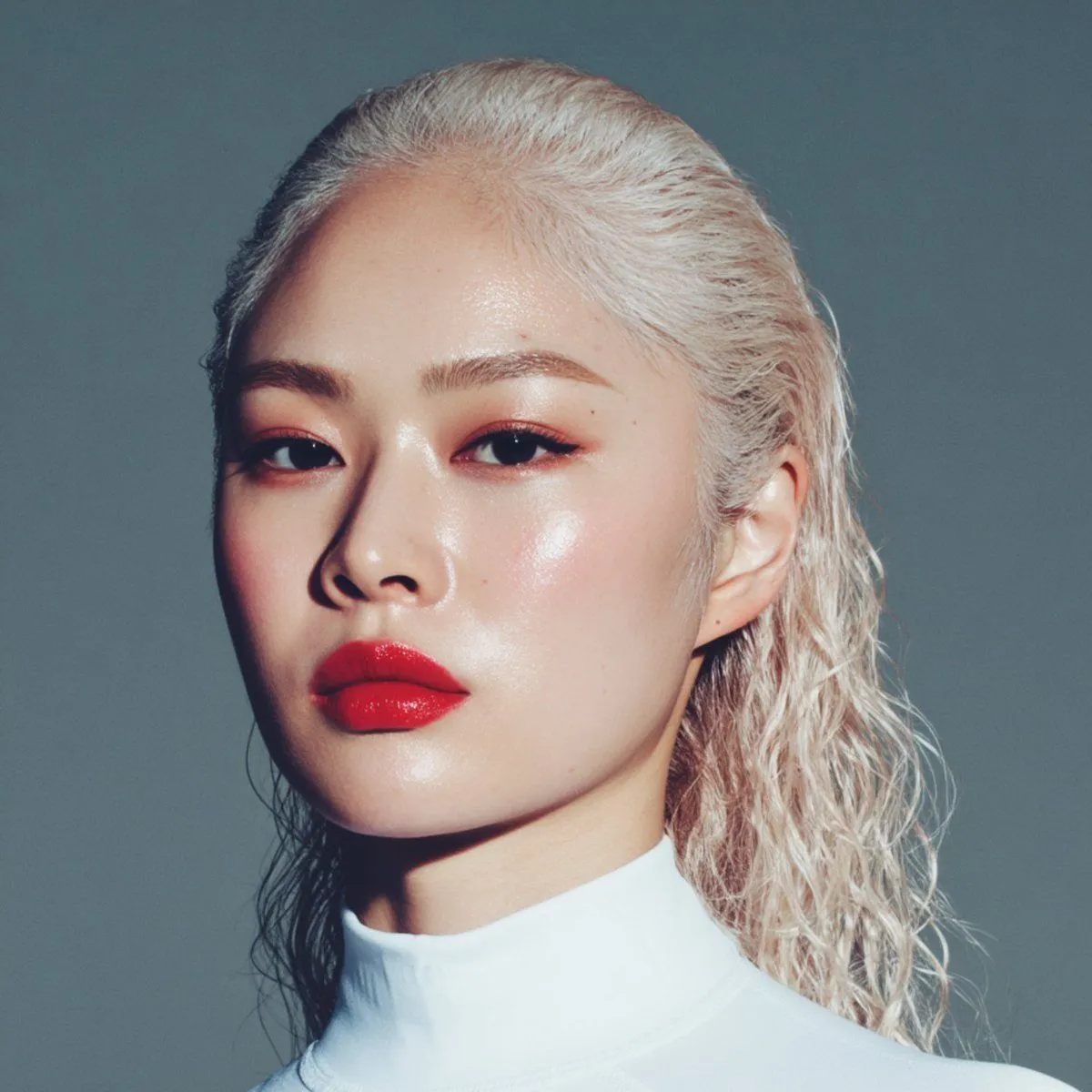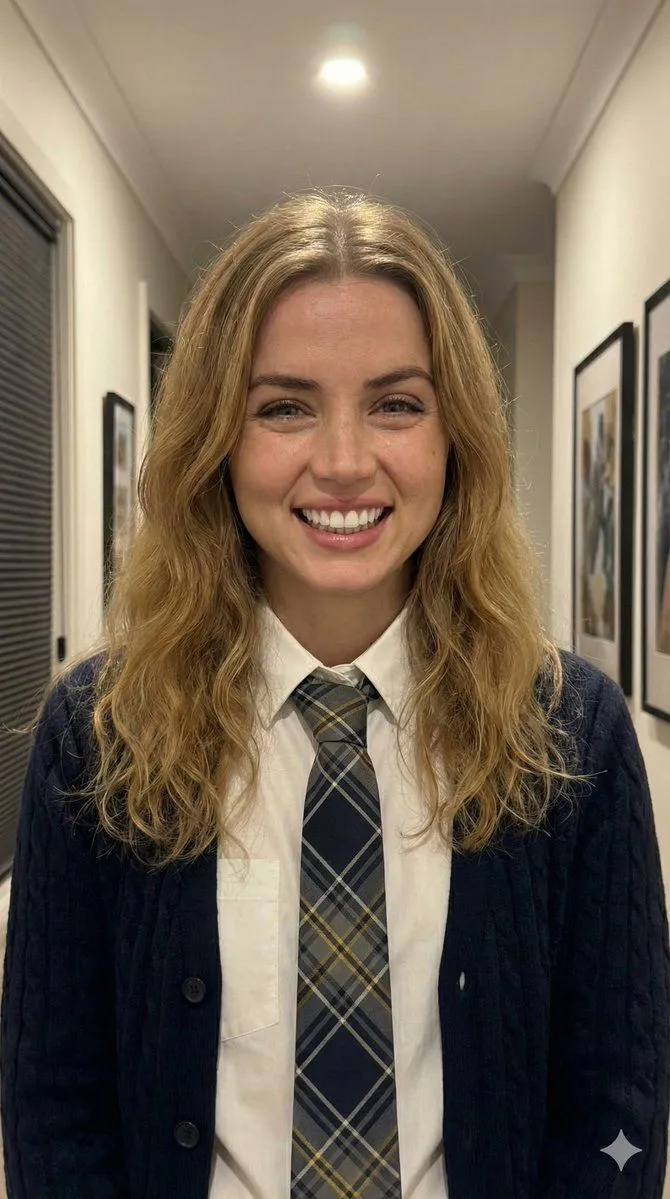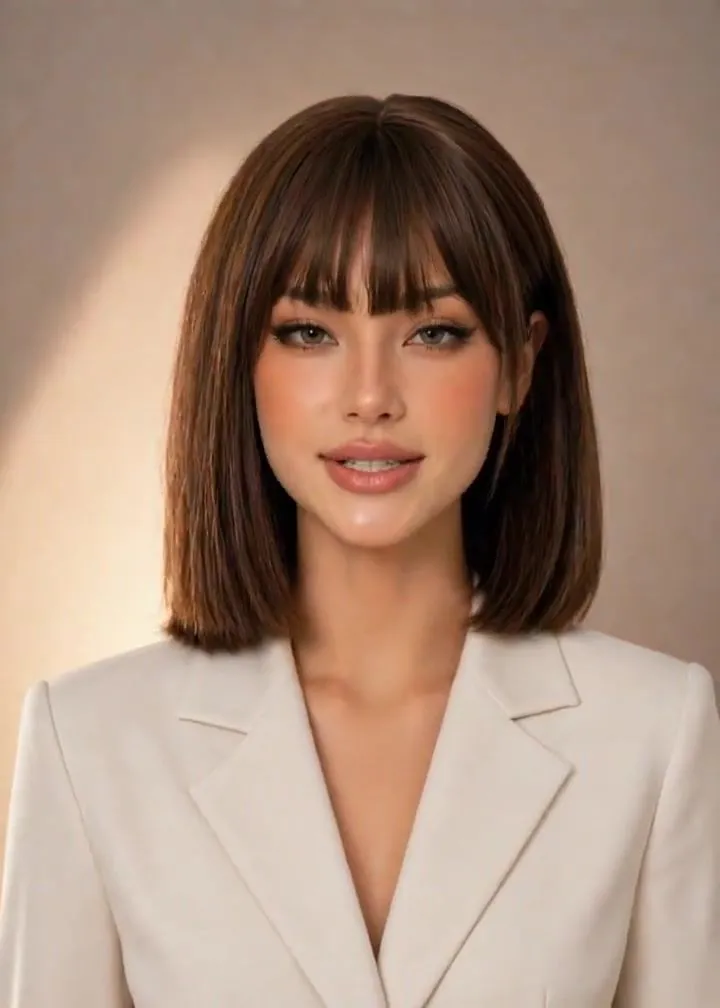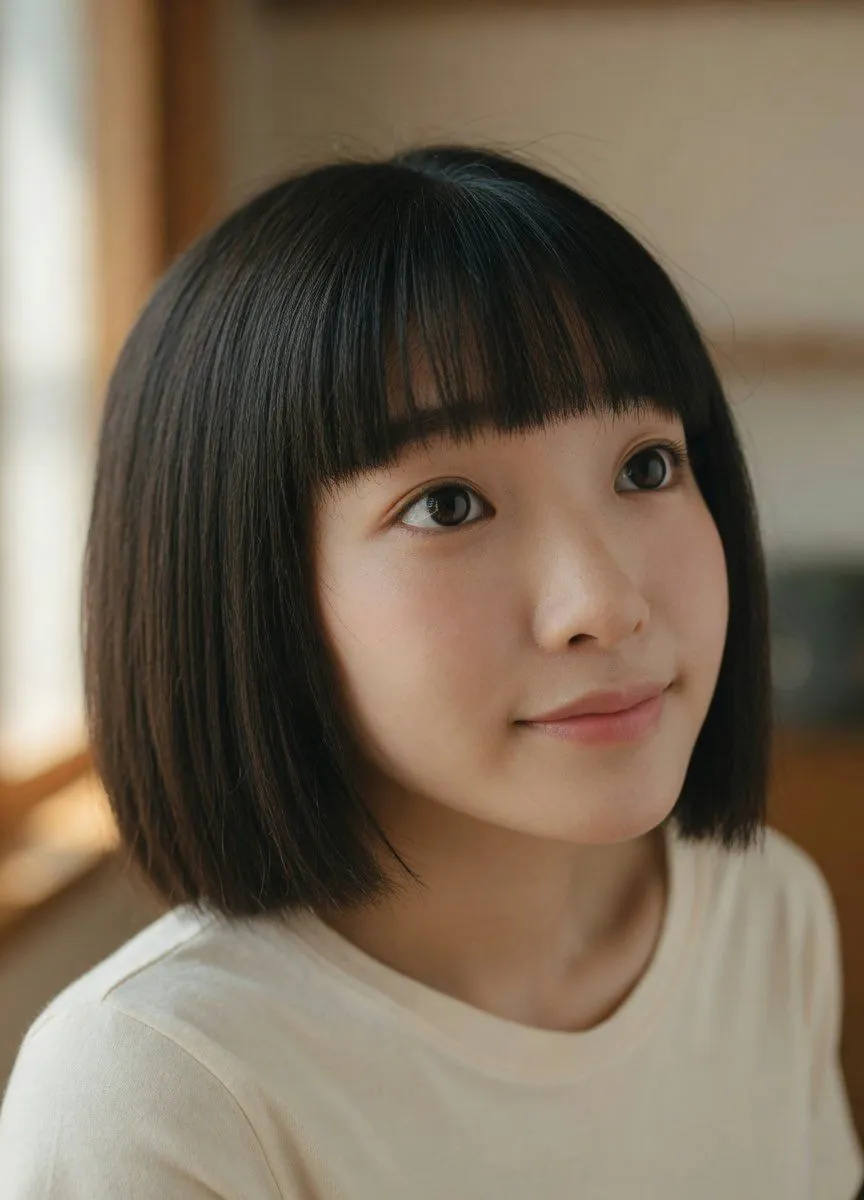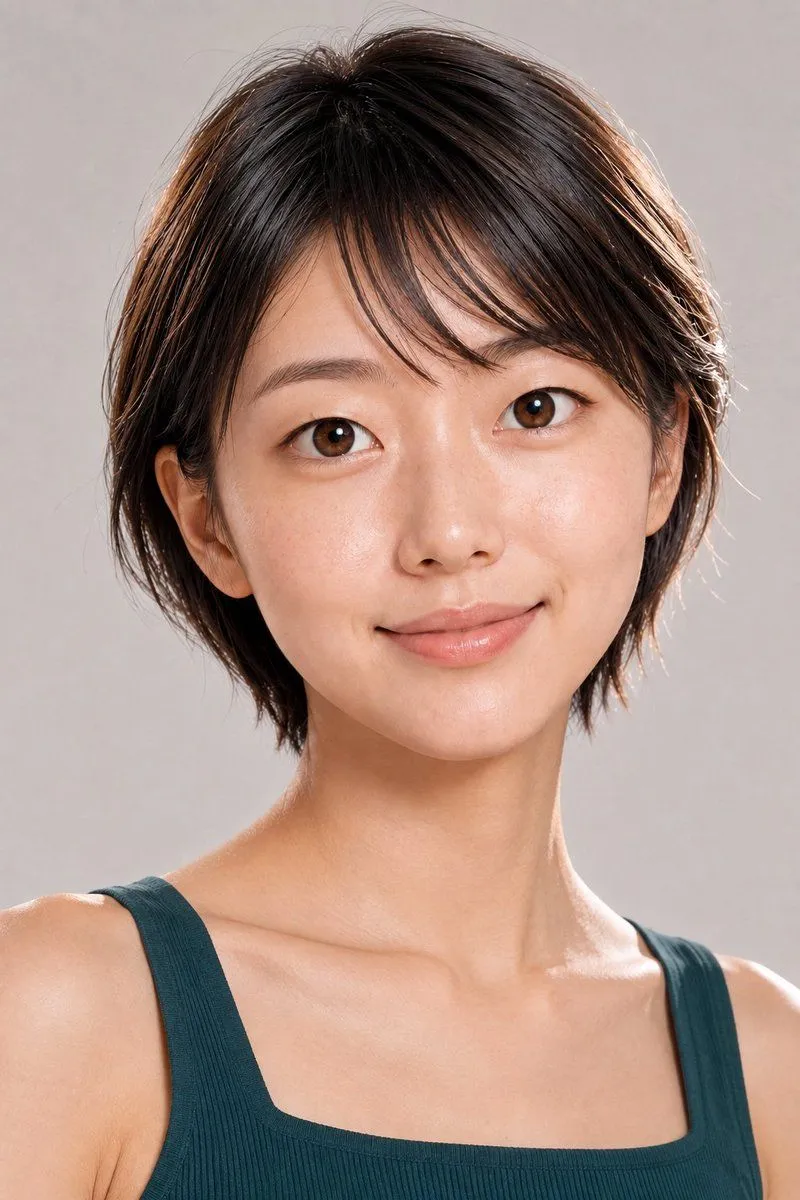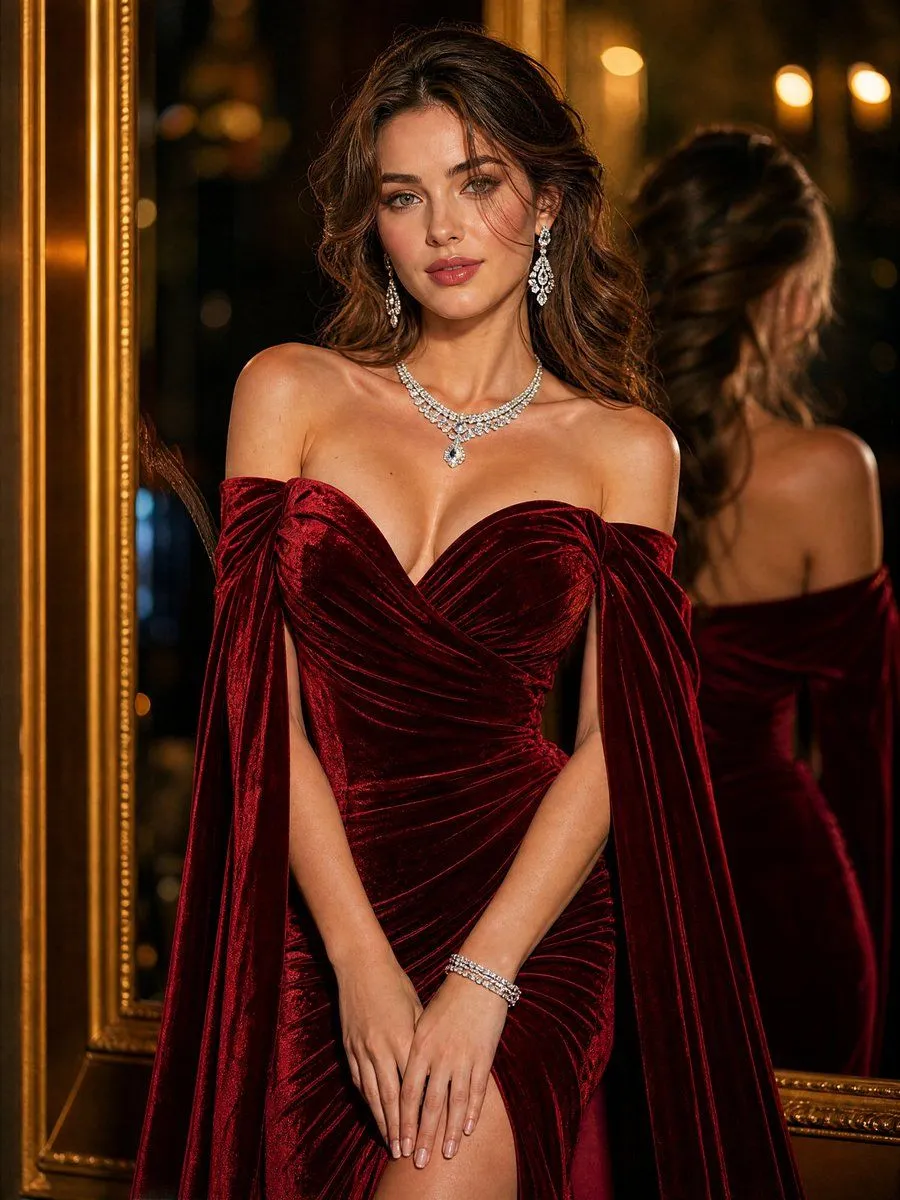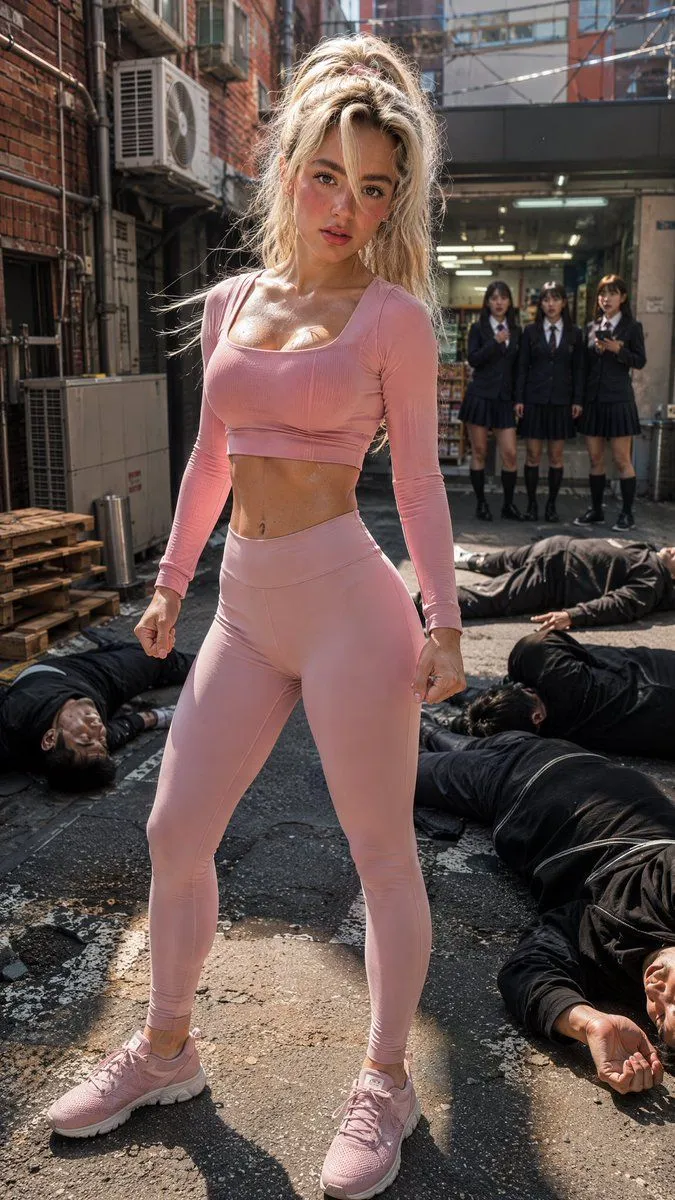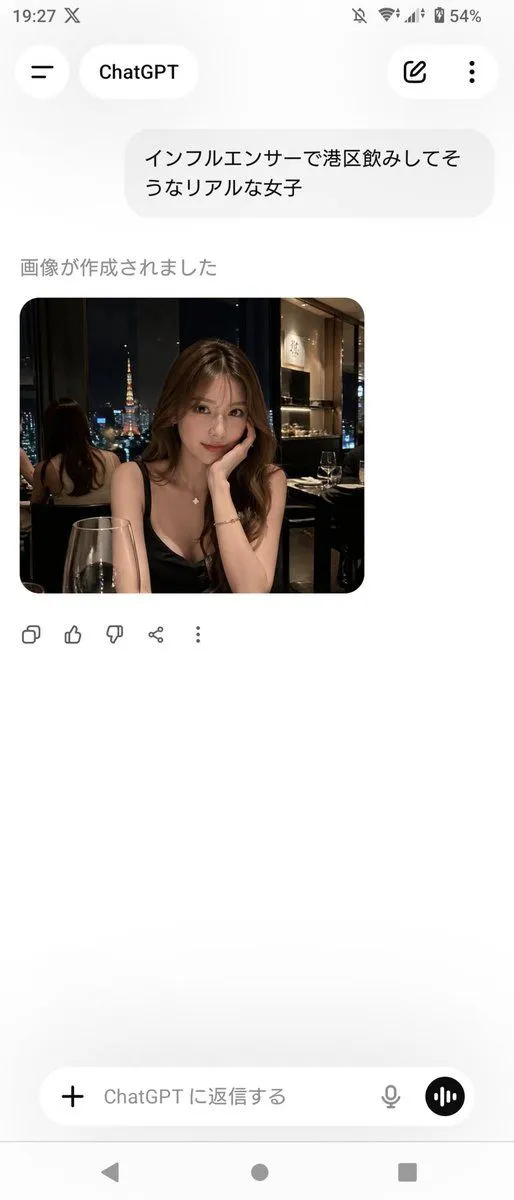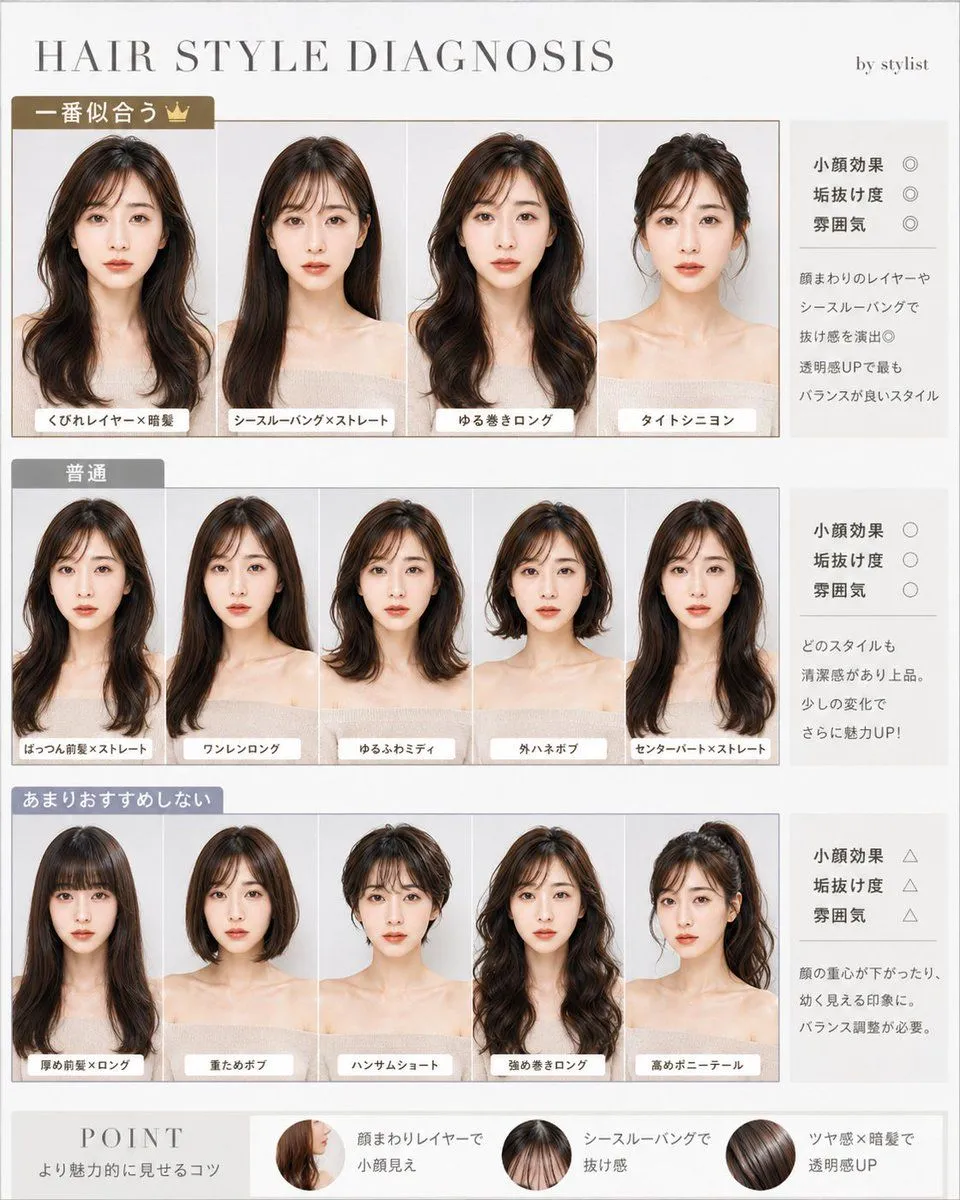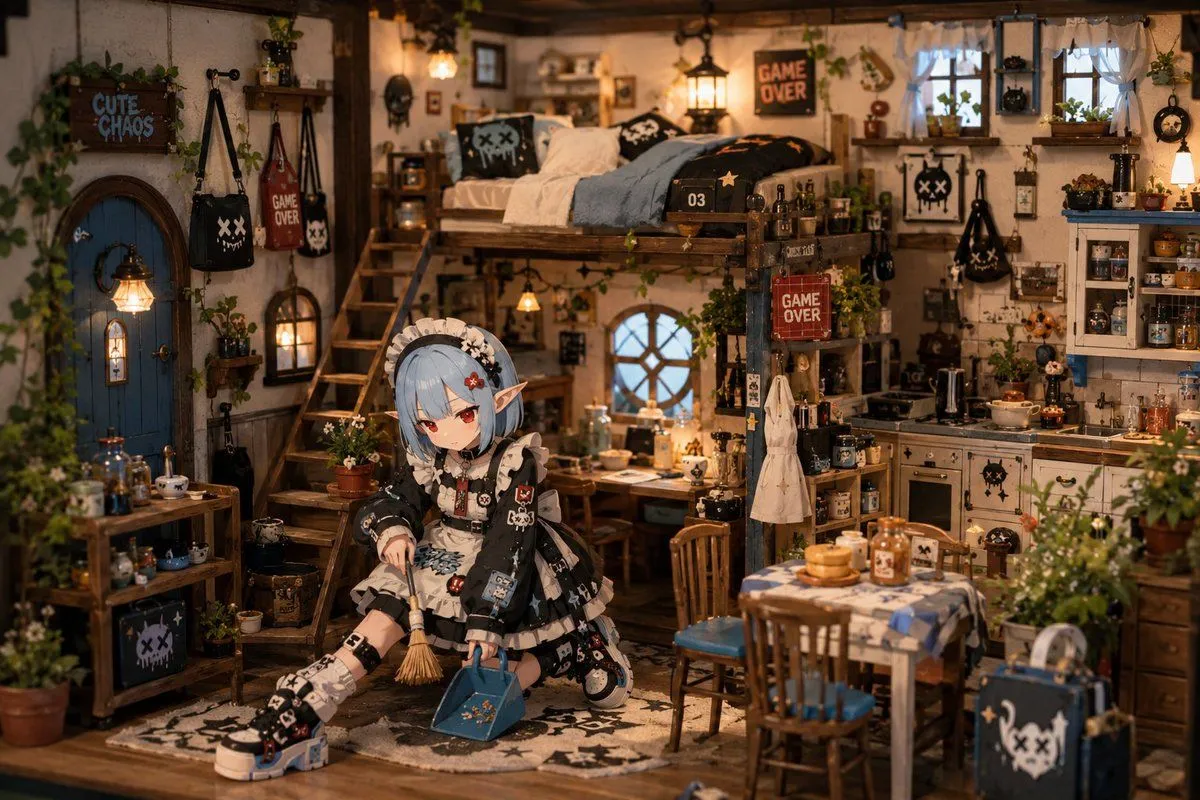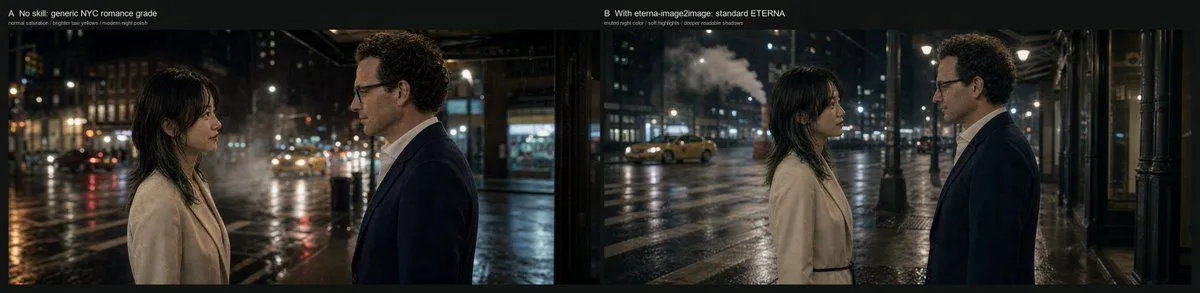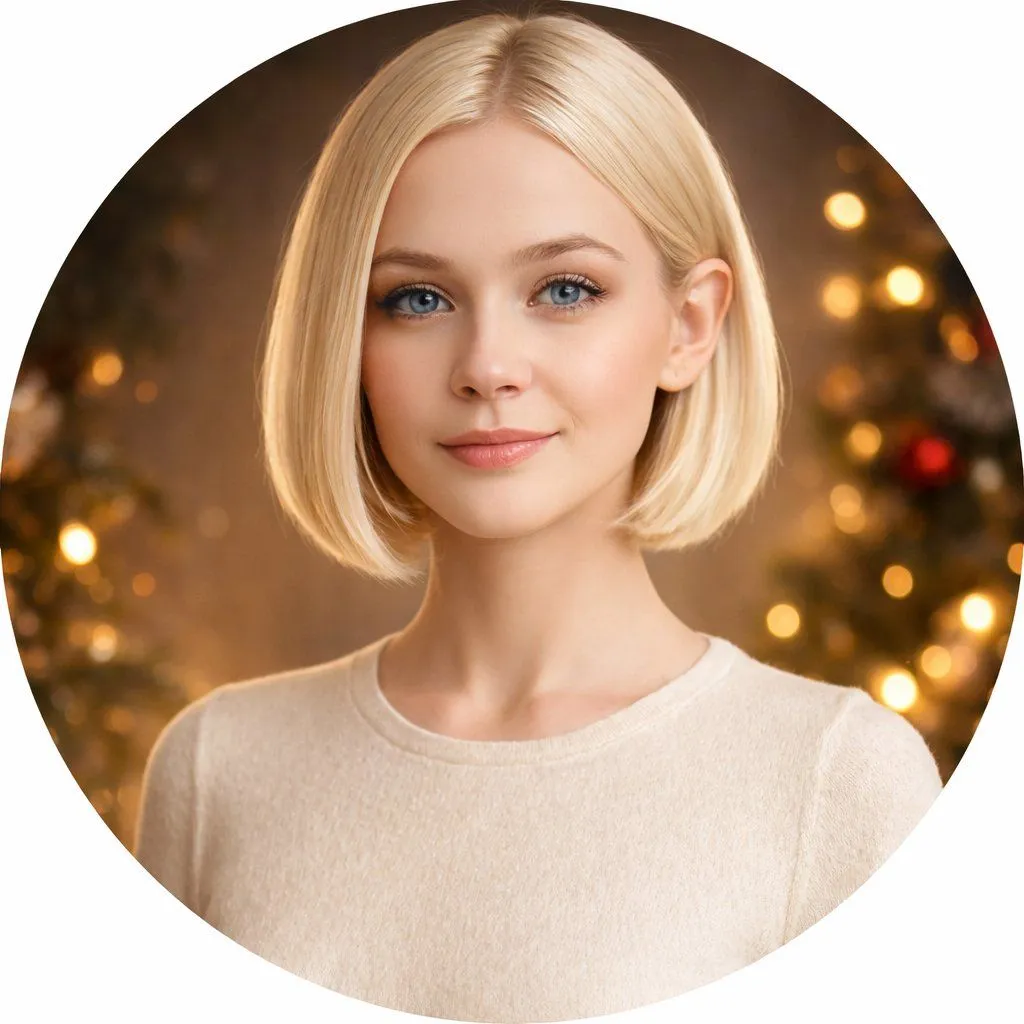
Made with GPT Image 1.5 in ChatGPT by Library Concept. Promptclay never generates images.
Portrait grid with varied facial expressions
Prompt
Starting with the uploaded photo as a base reference, create a clean and modern portrait grid featuring the same person with several different facial expressions and moods. Arrange the images in a neat 3×3 layout with rounded corners and soft pastel backgrounds. Each portrait should retain the same facial features, hairstyle, and realism, changing only the expression and subtle style. Include expressions such as: natural smile, joyful laugh, calm with eyes closed, neutral and serious gaze, pensive pose with hand on chin, confident and composed expression, sad or disappointed mood, mischievous pout, and surprised reaction with wide eyes. Use soft studio lighting, highly detailed skin texture, shallow depth of field, minimal variations in wardrobe, consistent color palette, ultra-realistic editorial portrait style, high resolution, and clean aesthetics.
Use only photos you have the right to usePhoto tips
- Your photo stays with your app. You upload it to Gemini, ChatGPT or the app you use. Promptclay never sees or stores it.
- Crop to what the prompt needs. Your face for a portrait. Leave out other people, house numbers, cards and screens.
- Check the result before you post. Apps sometimes add things that were not in your photo, like a mole, a tattoo or bare shoulders. Run it again or ask the app to remove them.
DetailsVersions, settings and questions
Written for
What's in the prompt
- Subject
- Model
- GPT Image 1.5
If your face changes
keep my face exactly the sameQuestions
- Does this work in the ChatGPT app?
- Yes. Paste the prompt and attach your photo if it uses one.
- It changed my face. What do I do?
- Add "keep my face exactly the same" to the end and run it again.
- Can I use the images I make?
- Check the terms of the app you use. Promptclay never generates images and claims nothing you make.