Tell us anything

An idea, a bug, something you love. We read every note.

⌘↵ to send. The page you're on comes along.

Pixar-Style Character Comparison Prompt

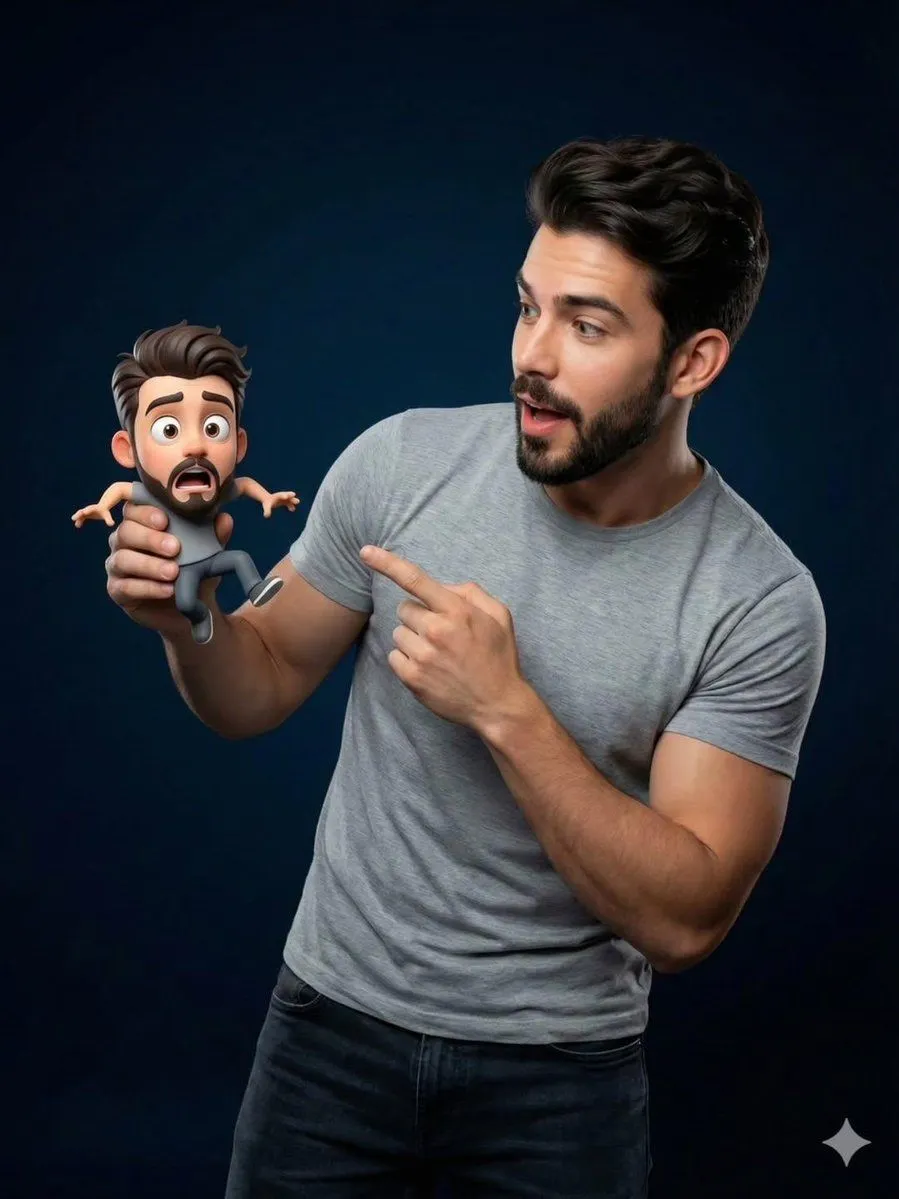
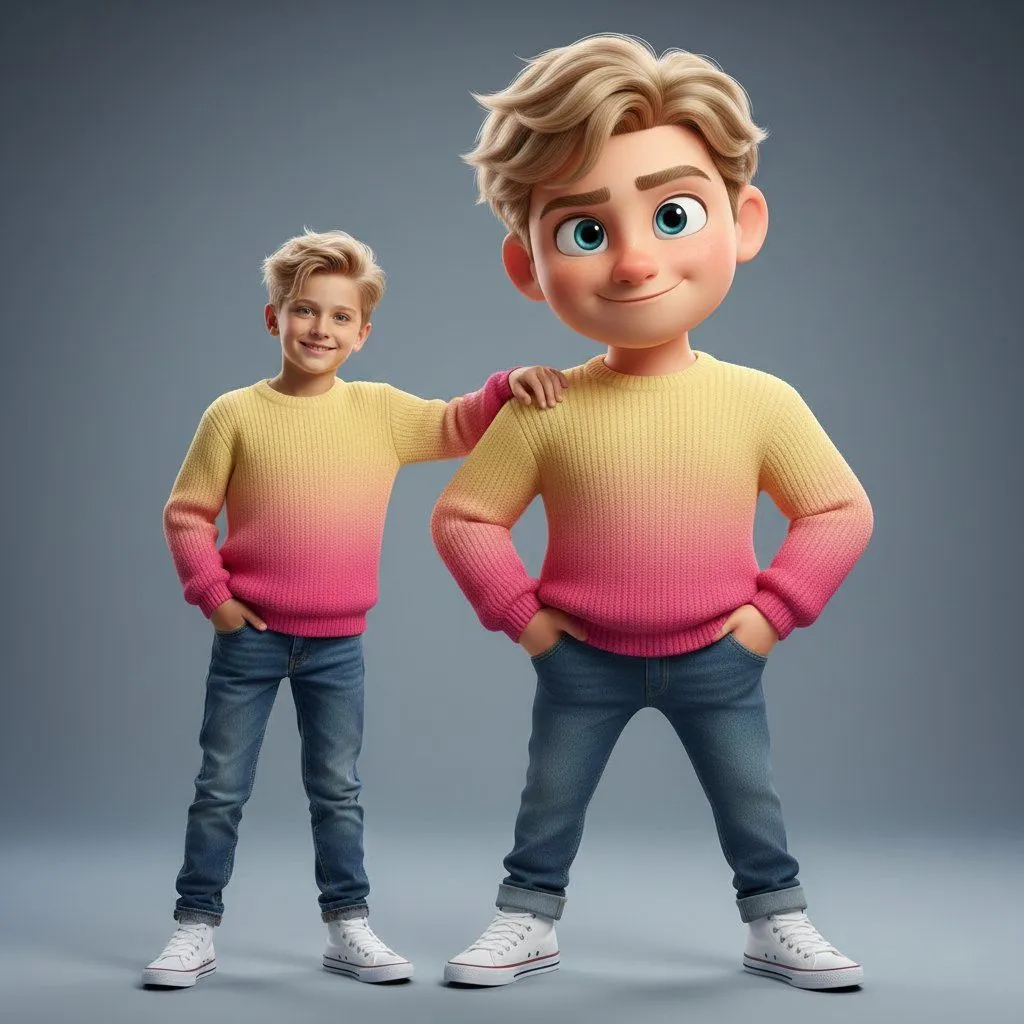
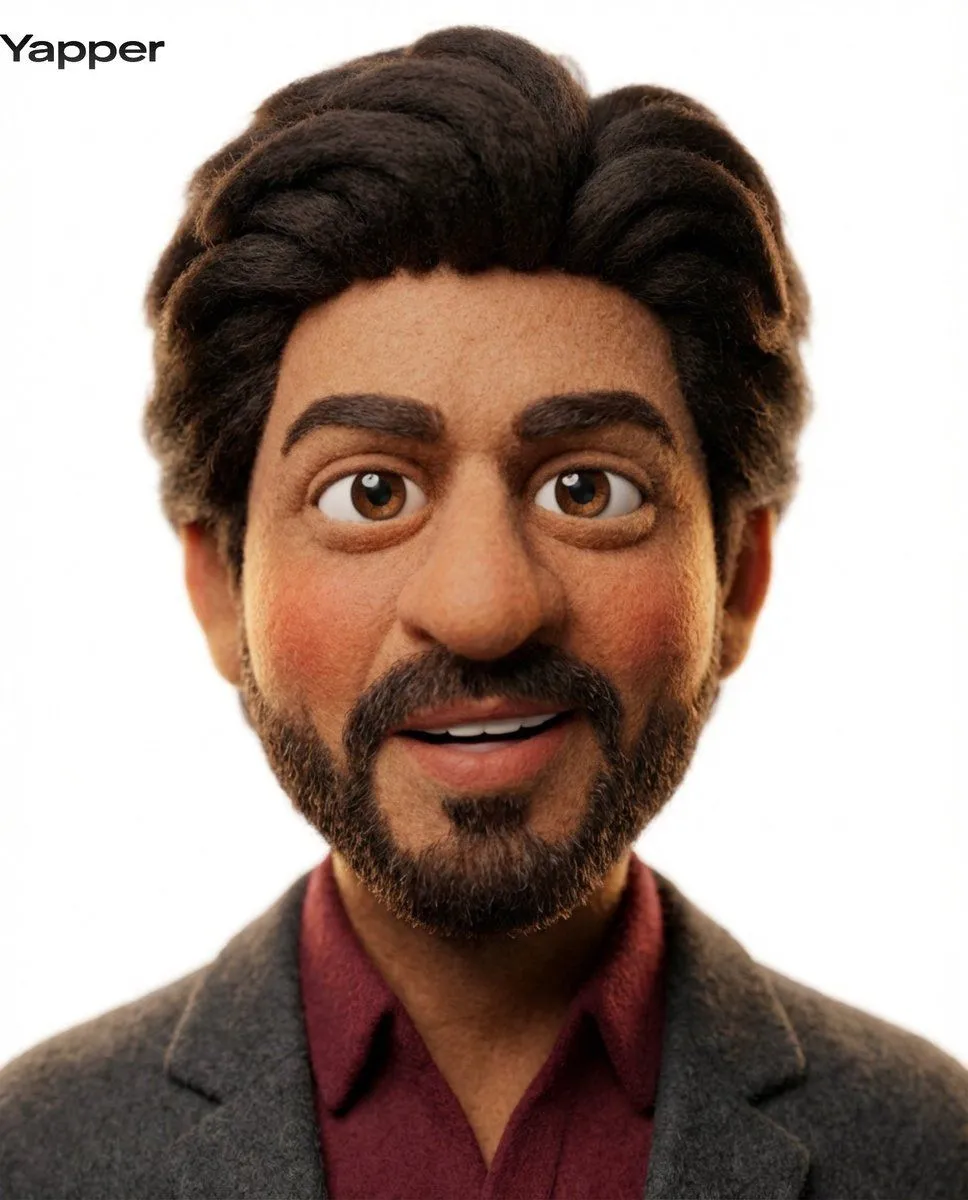
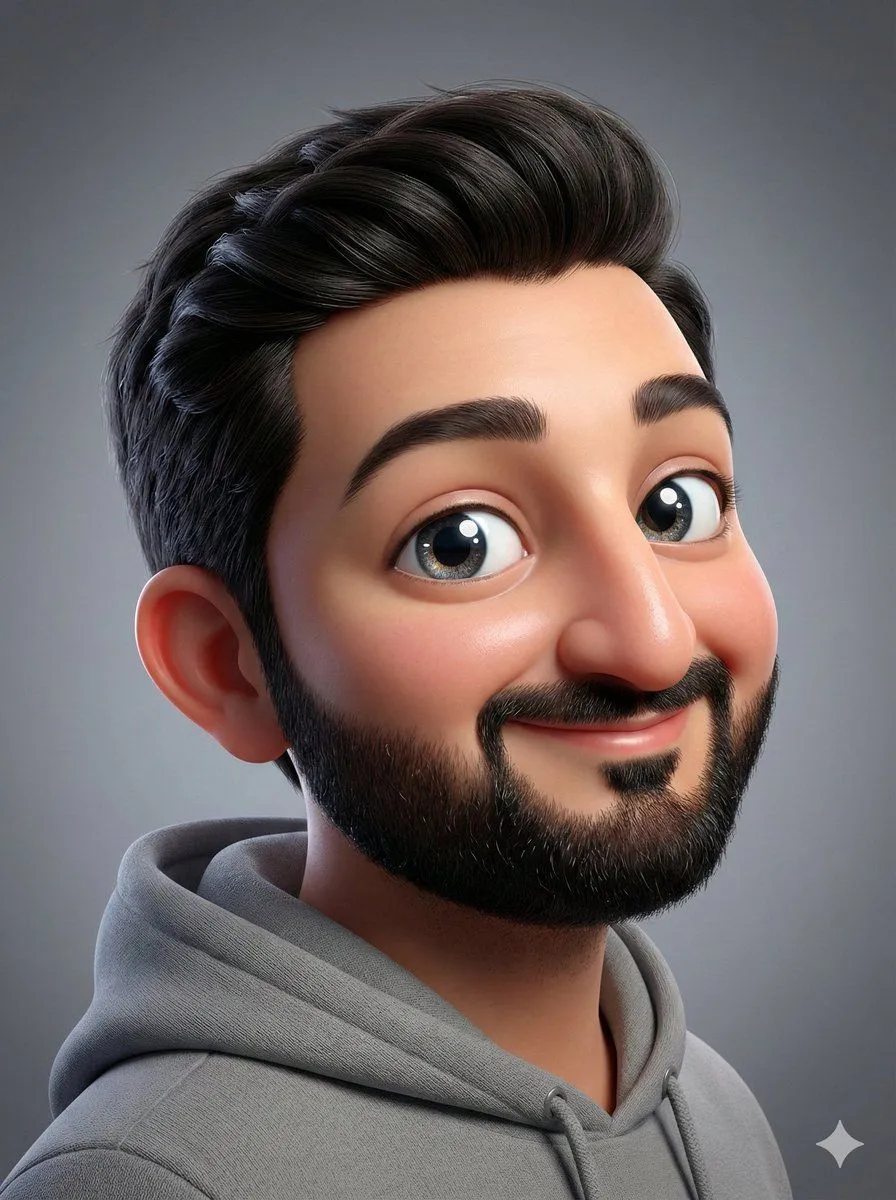
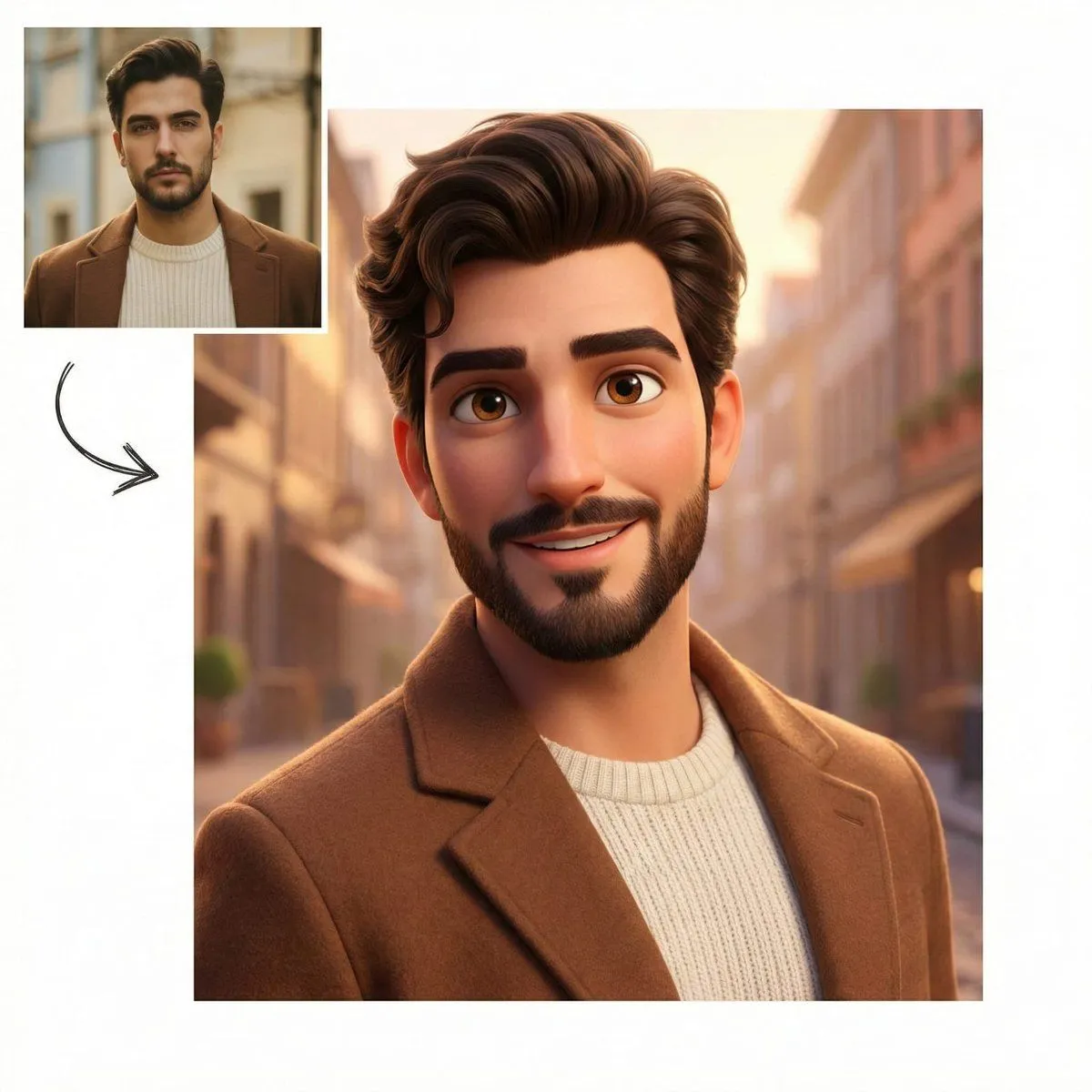
Made with Nano Banana Pro in Gemini by Library Portraits. Promptclay never generates images.

Did it work?

No reports yet. Tell others if it worked for you.

No comments yet. Be the first.

    Pixar-Style Character Comparison Prompt

    Nano Banana Pro1:1AI-generated

    Prompt

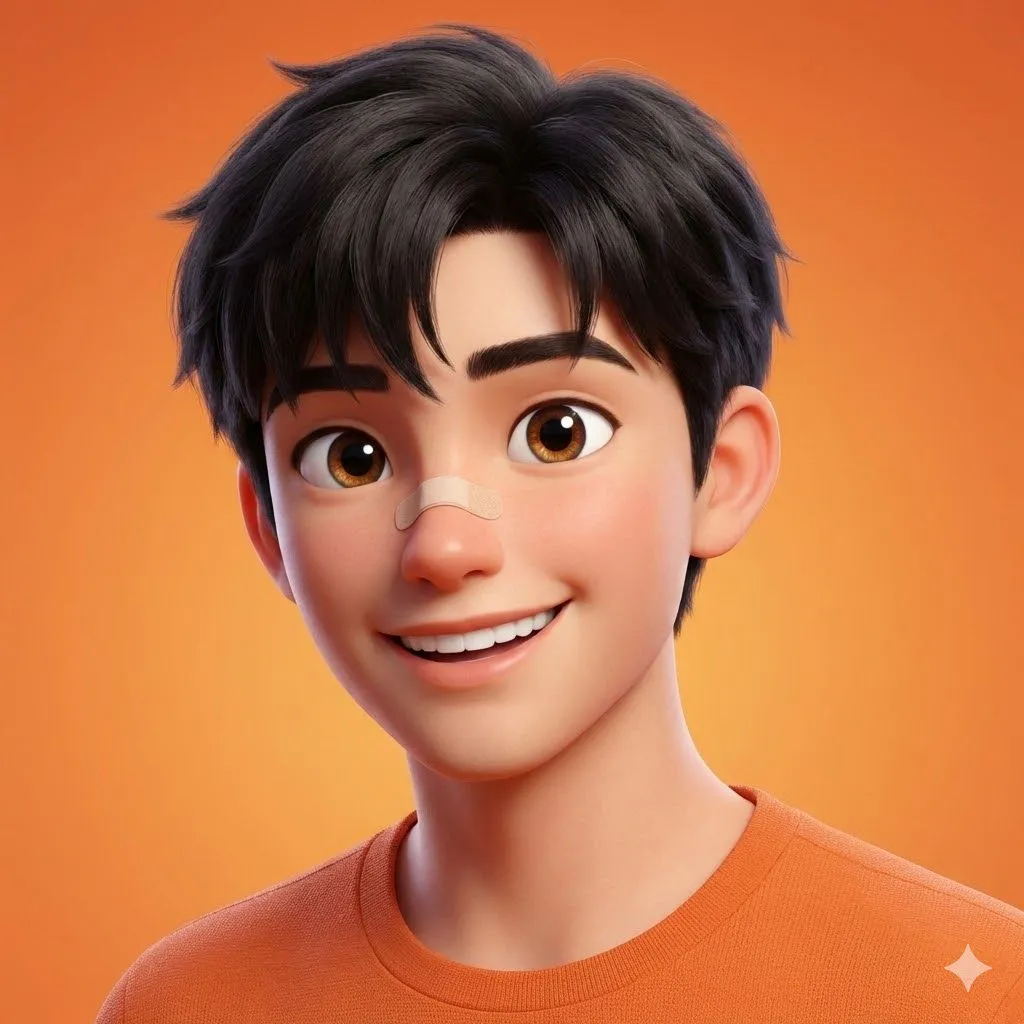
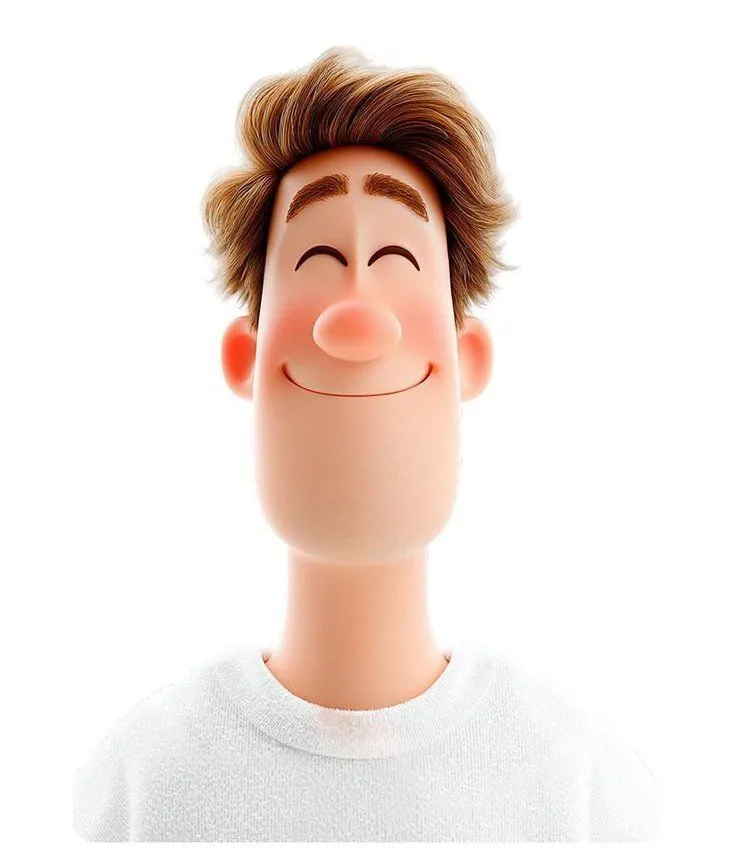
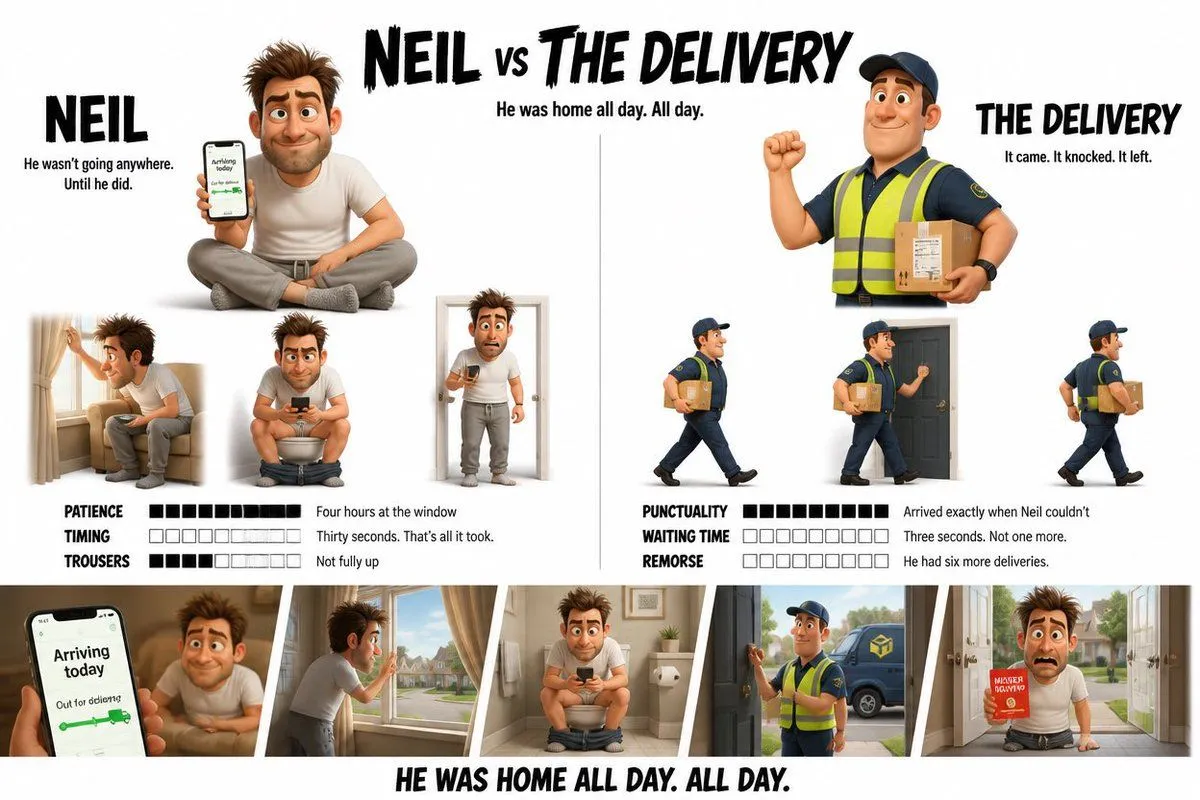
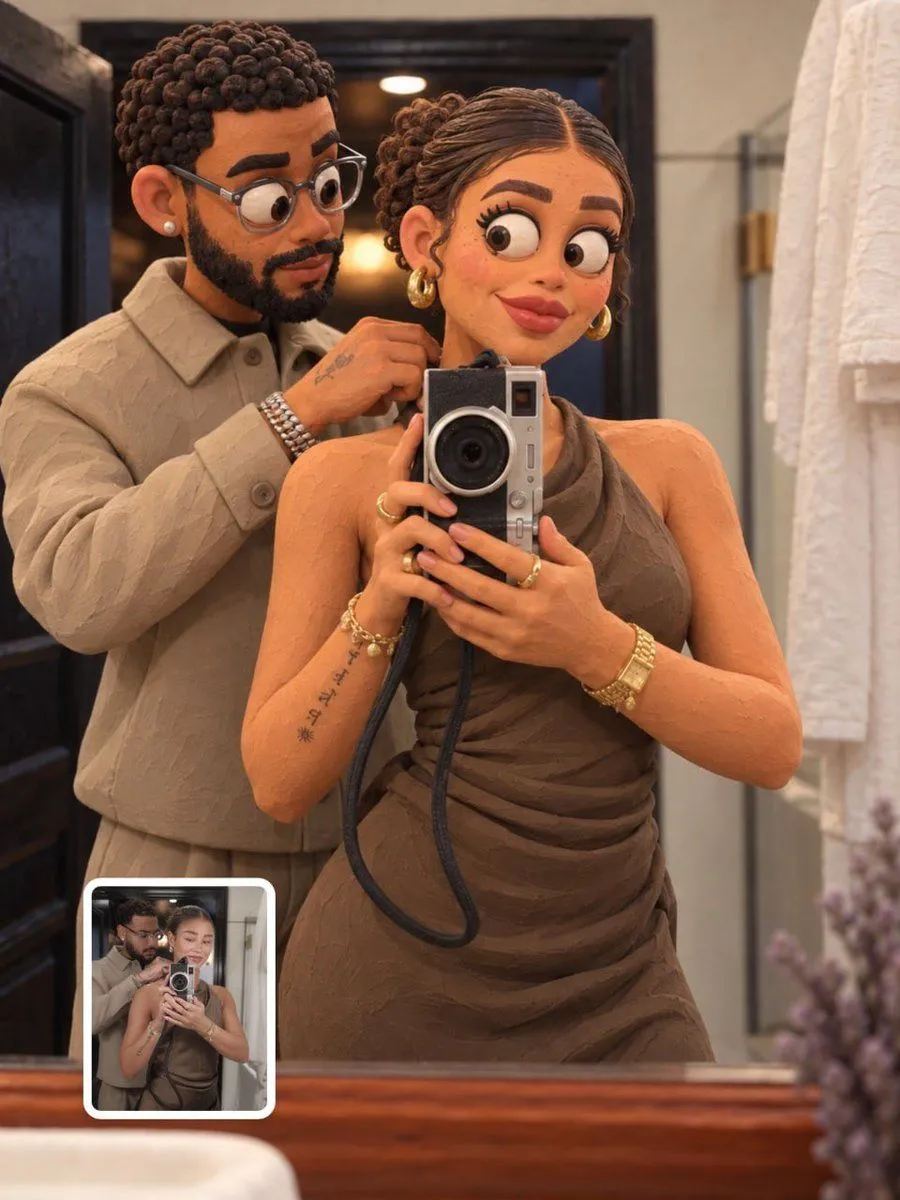
    Create a clean comparison-style composition on a white background. Include a small square inset of the original reference photo in the top-left corner, unchanged and realistic. Add a hand-drawn curved arrow pointing toward a larger main image. The main image is a high-quality 3D Pixar-style character version of the same person, preserving facial structure, beard, glasses, hairstyle, and clothing. Friendly smile, expressive eyes, smooth stylized skin. Red gradient studio background, soft cinematic lighting, ultra-detailed, premium 3D render, 4K quality.

    Works in
    Gemini, ChatGPT
    Status
    Free to copy
    0
    DetailsVersions, settings and questions

    Written for

    What's in the prompt

    Subject
    Model
    Nano Banana Pro

    If your face changes

    keep my face exactly the same

    Questions

    Does this work in the Gemini app?
    Yes. Gemini runs Nano Banana, so paste the prompt and attach your photo if it uses one.
    It changed my face. What do I do?
    Add "keep my face exactly the same" to the end and run it again.
    Can I use the images I make?
    Check the terms of the app you use. Promptclay never generates images and claims nothing you make.
    Similar prompts

    See more
    • Ultra-Clean Realistic Human and Stylized 3D Caricature Composition Prompt
    • Real Life to Pixar Avatar Transformation
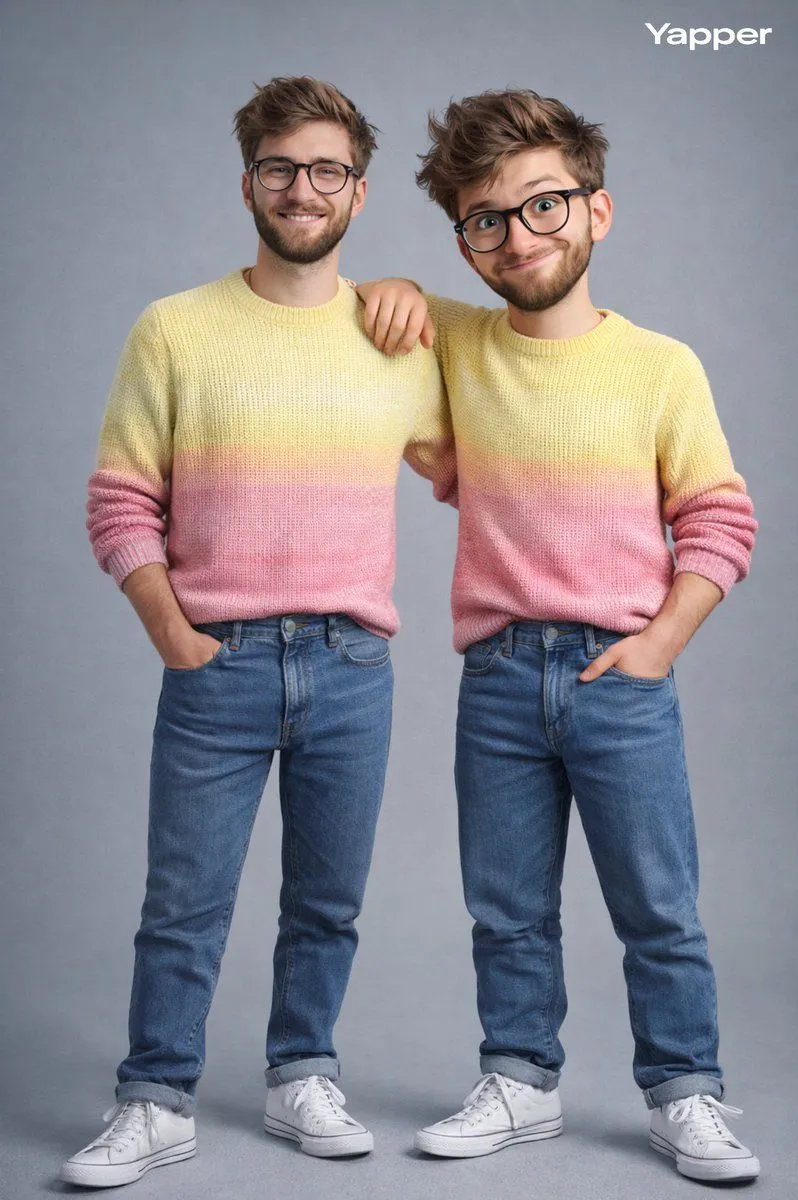
    • Hyper-Realistic Photo of Person and Pixar Double
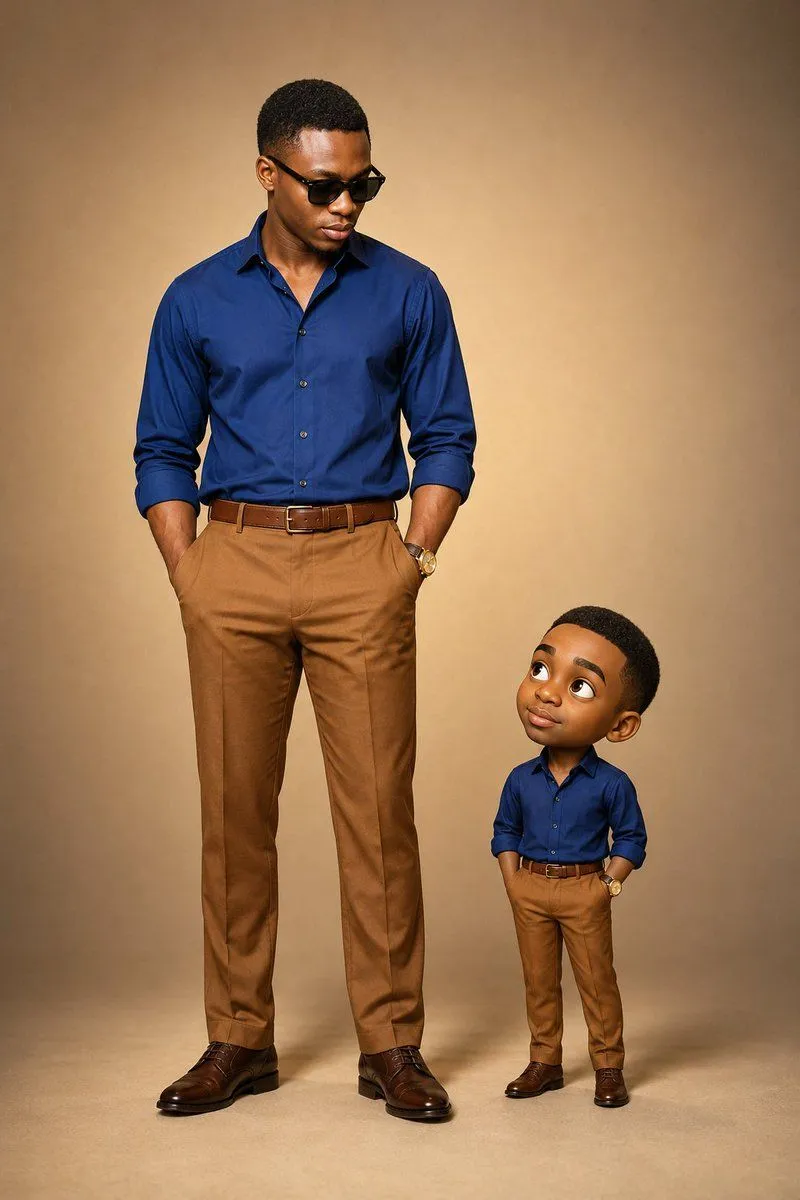
    • 3D Caricature Companion Effect
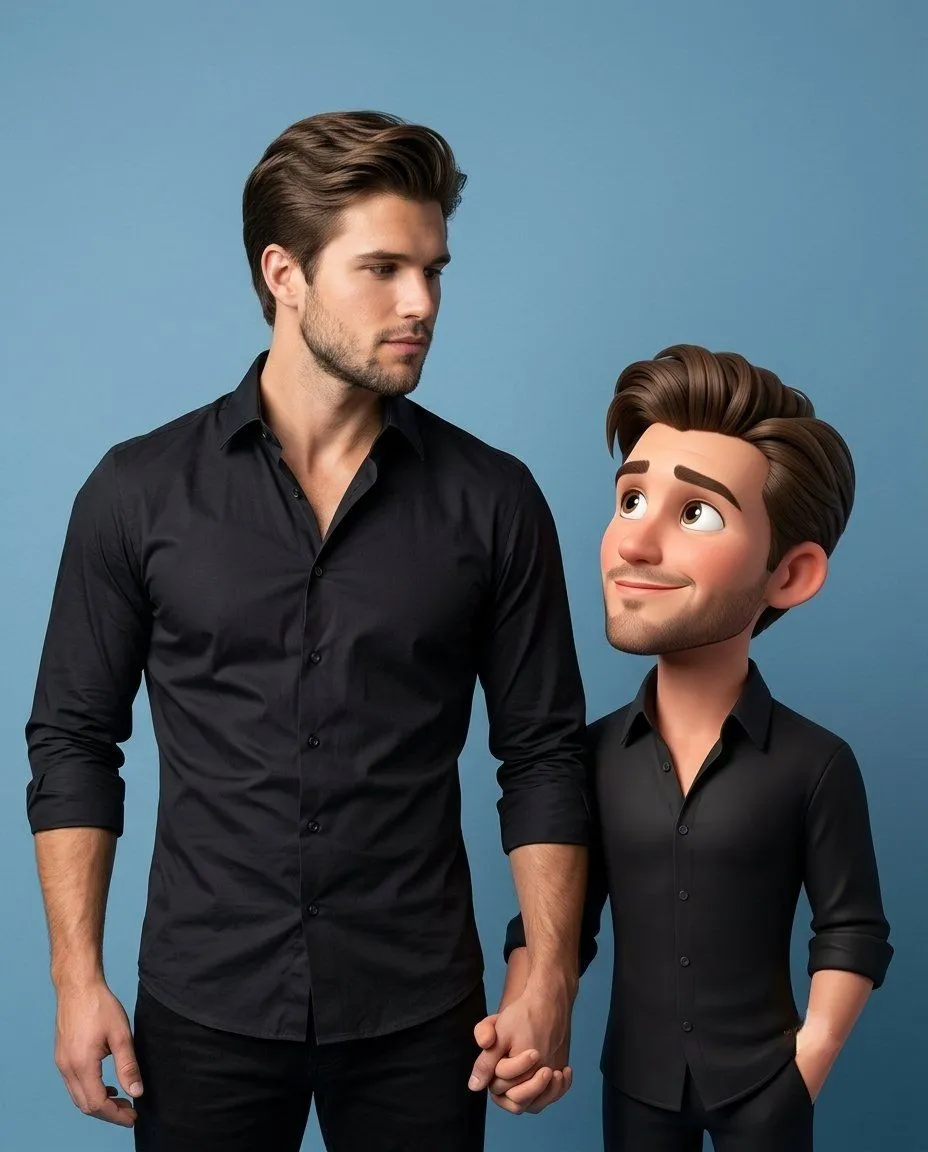
    • Man and Animated Mini-Me Portrait
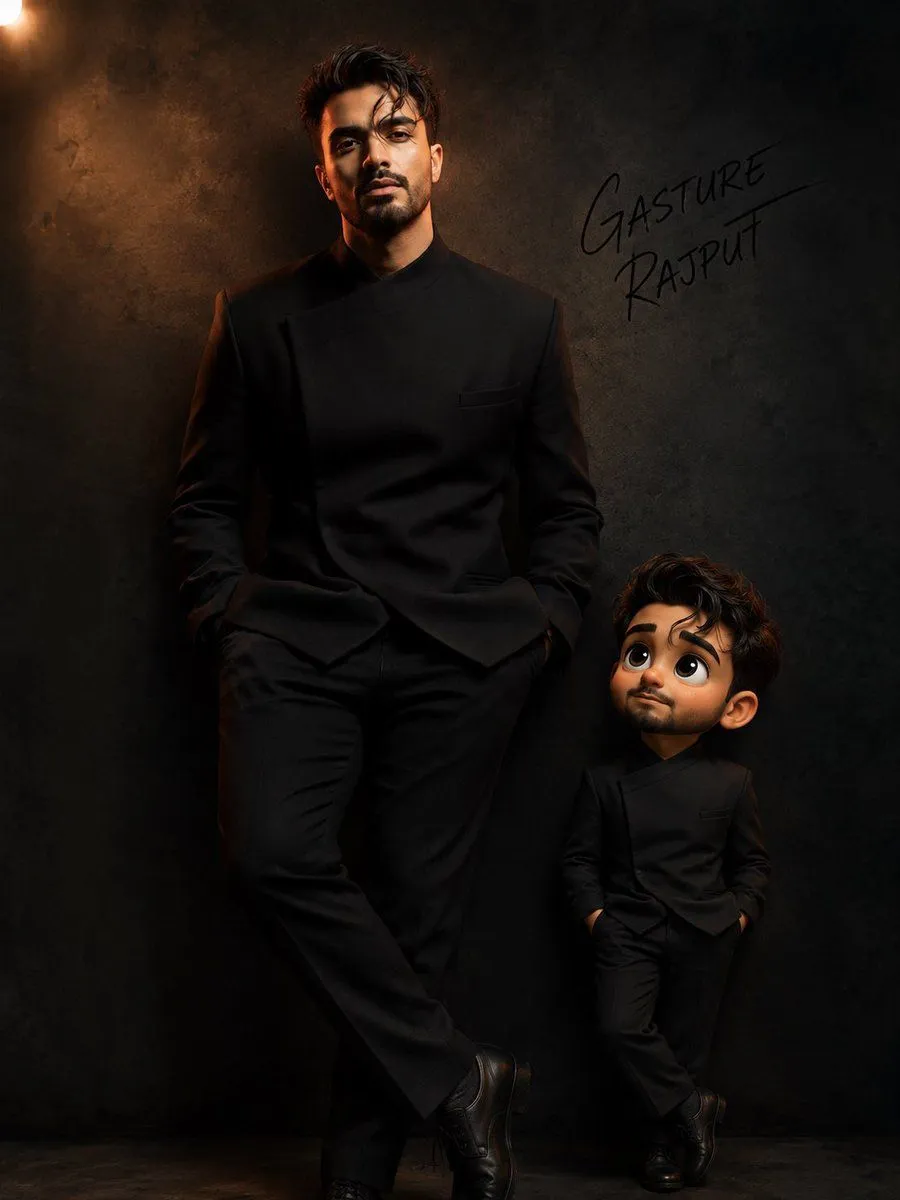
    • Human and Mini-Me Studio Portrait
    • Pixar-Style Miniature Interaction Portrait
    • Hyper-Realistic Photo of Person and Pixar Double (Identity Lock)
    • 3D Claymation Character Transformation
    • Base Prompt with Uploaded Image
    • Pixar Style 3D Avatar Generation Prompt
    • Pixar Style 3D Man Avatar
    • Image Redrawing and Style Transfer Prompt
    • Modern Flat Illustration Avatar
    • Pixar Style Character Design Sheet
    • Contrasting Coder Personas Illustration
    • 3D Caricature Style Transfer Prompt
    • Horizontal Character Reference Sheet
    • Transform Reference Image into Plasticine World
    • Character Visual Update while Preserving Original Atmosphere
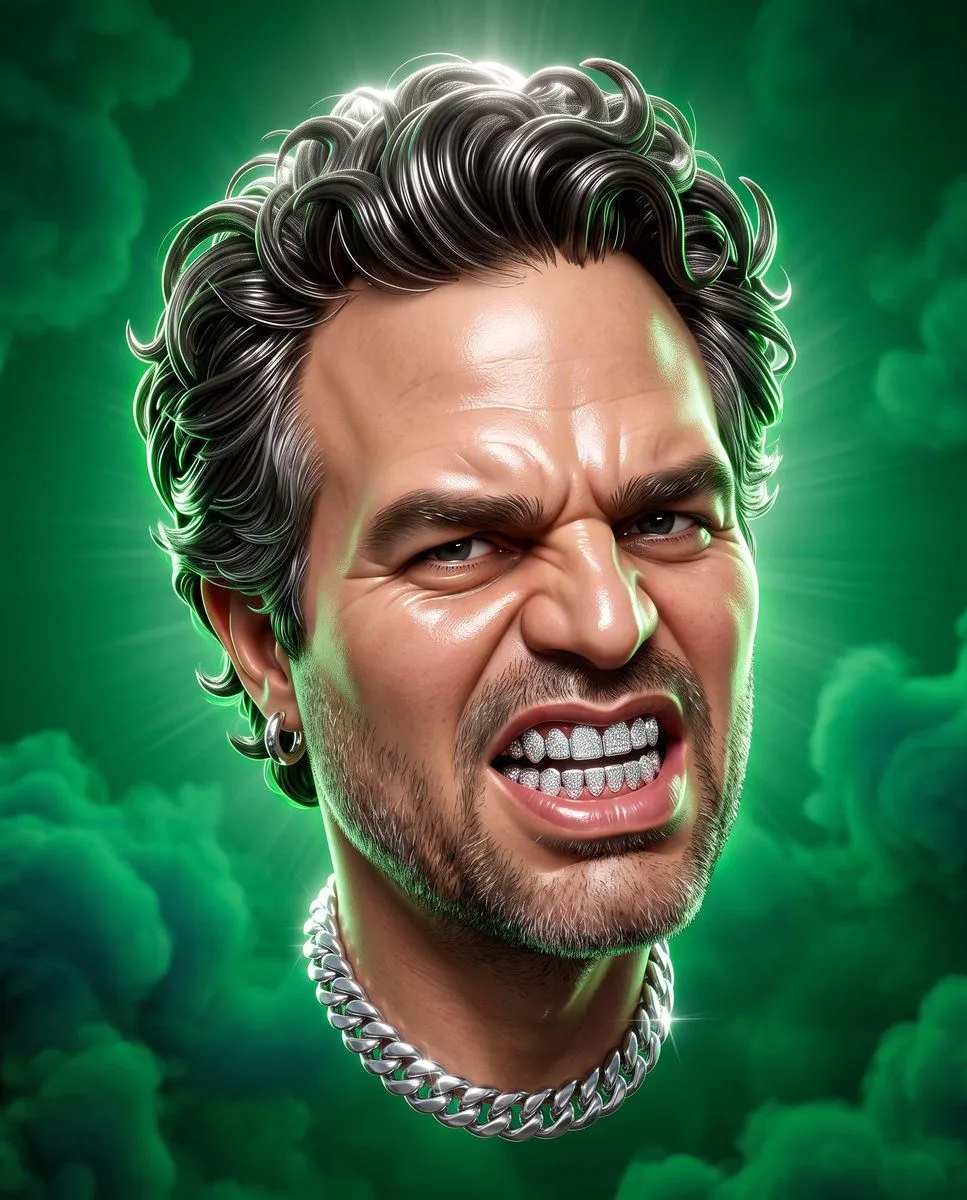
    • Avengers CGI Caricature
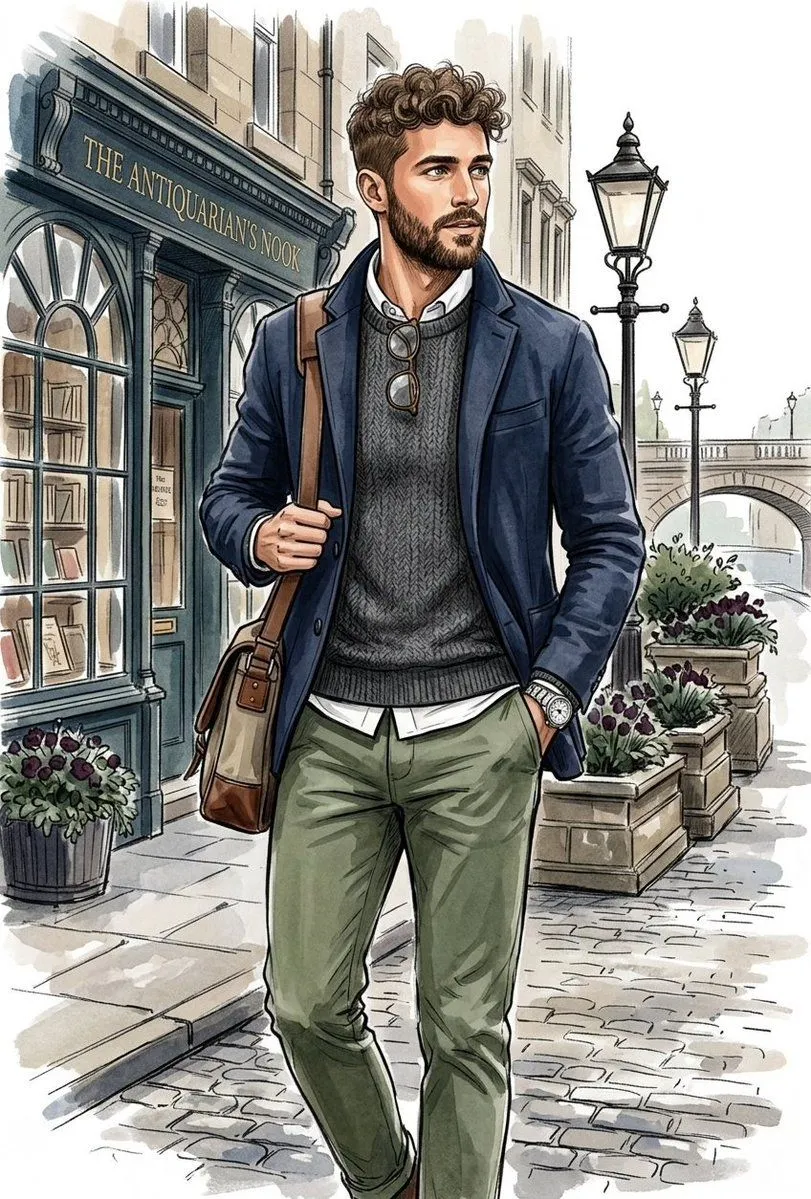
    • Vintage Explorer Watercolor Illustration
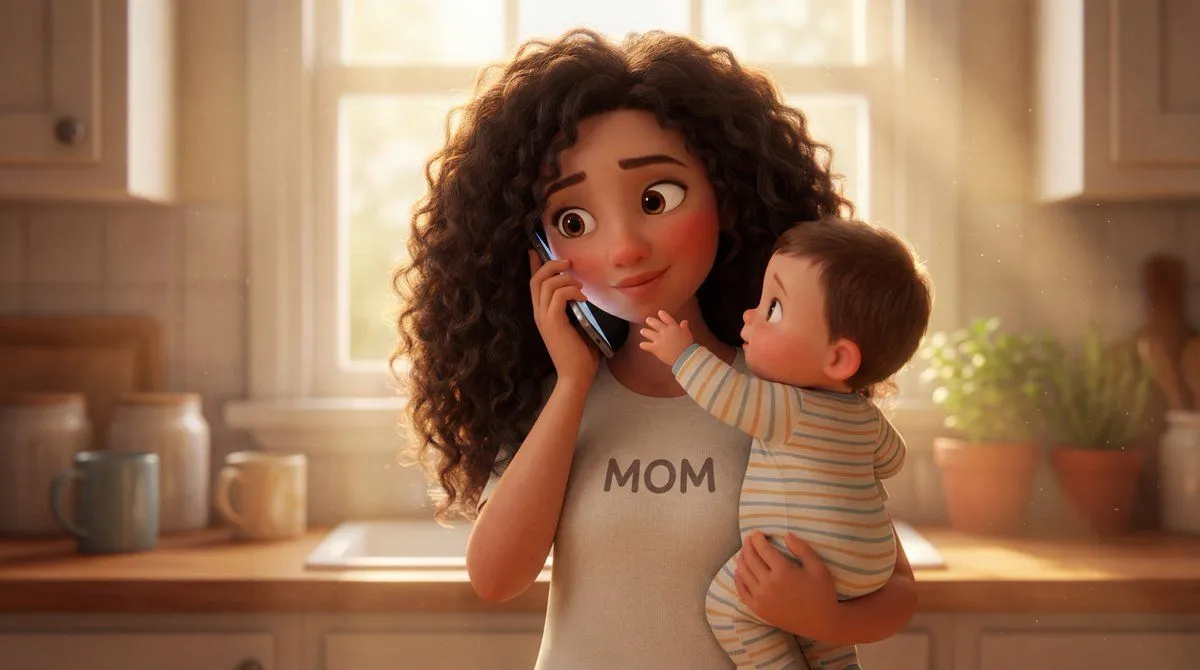
    • Stylized 3D Animated Mother Portrait
    • Hand-Carved Wooden Miniature Figure

    Show more

    Run it on your phone

    1. Prompt copiedRead it

      Create a clean comparison-style composition on a white background. Include a small square inset of the original reference photo in the top-left corner, unchanged and realistic. Add a hand-drawn curved arrow pointing toward a larger main image. The main image is a high-quality 3D Pixar-style character version of the same person, preserving facial structure, beard, glasses, hairstyle, and clothing. Friendly smile, expressive eyes, smooth stylized skin. Red gradient studio background, soft cinematic lighting, ultra-detailed, premium 3D render, 4K quality.

    2. Open your app

    3. Paste and run

      Press and hold the message box, then tap Paste. Add your photo first if the prompt uses one. You may need to sign in.

    Pixar-Style Character Comparison Prompt