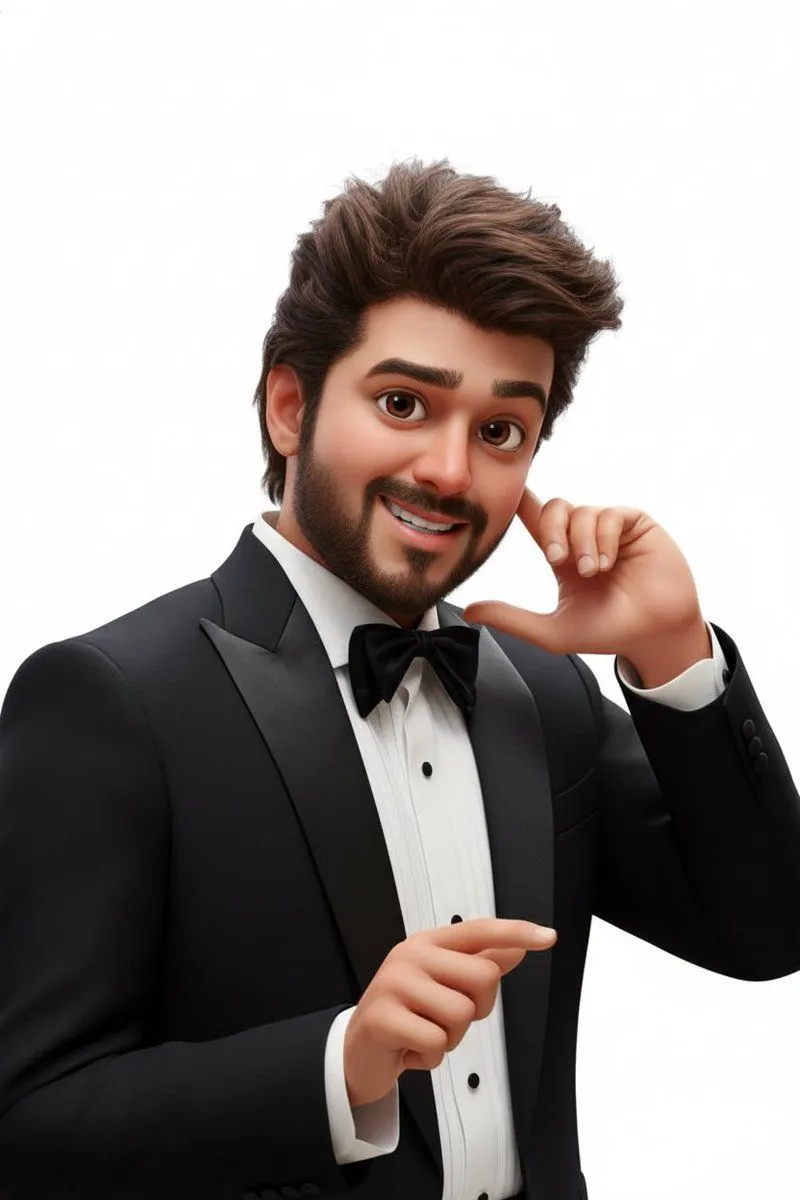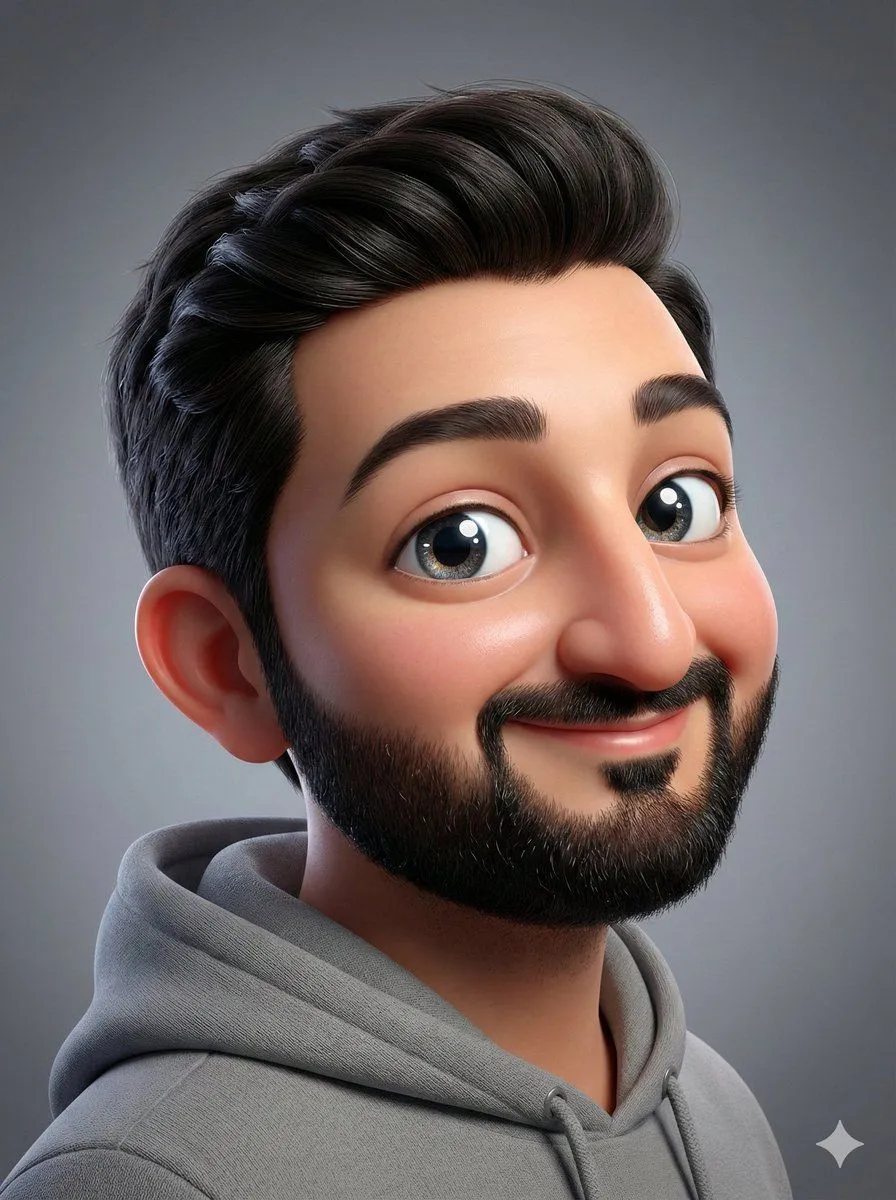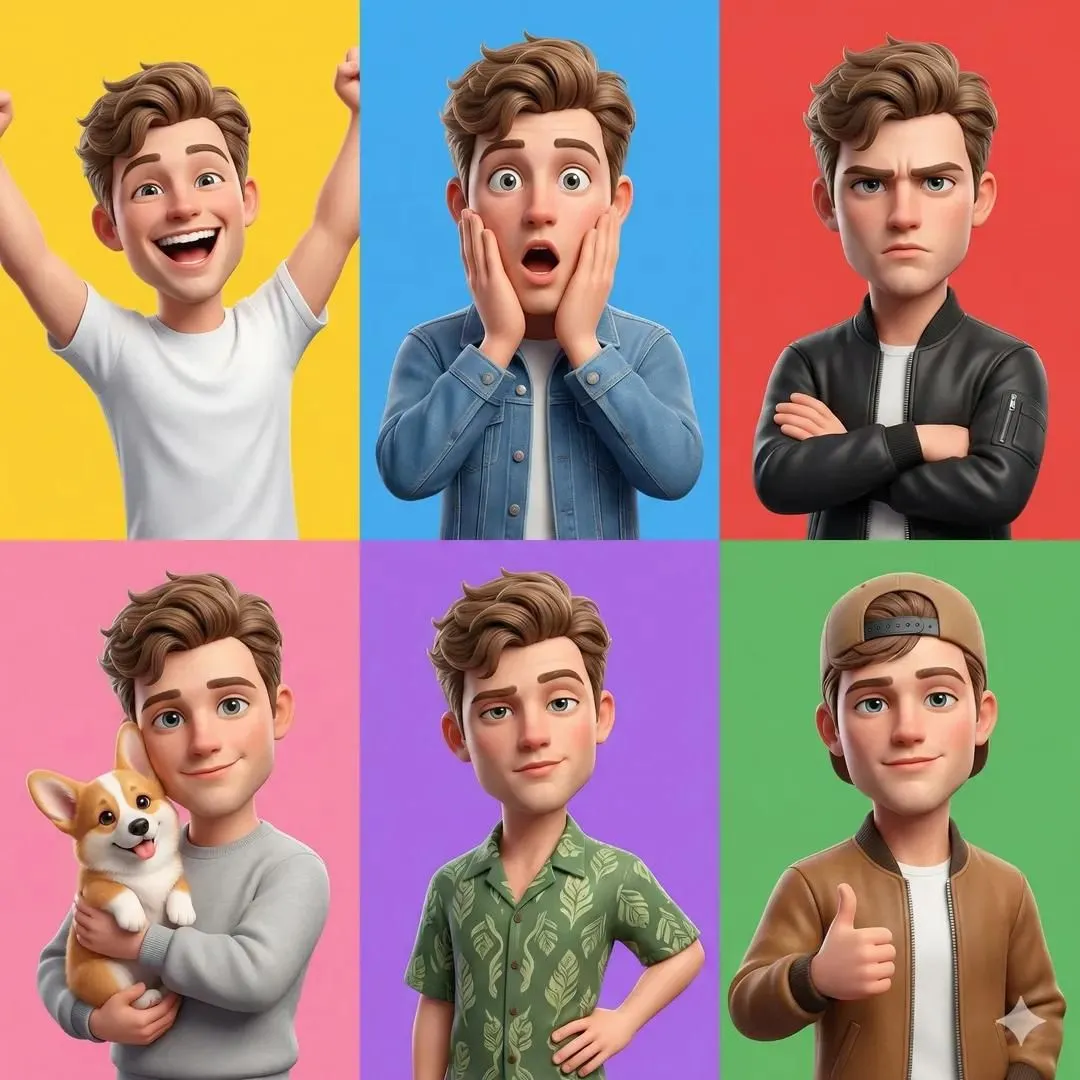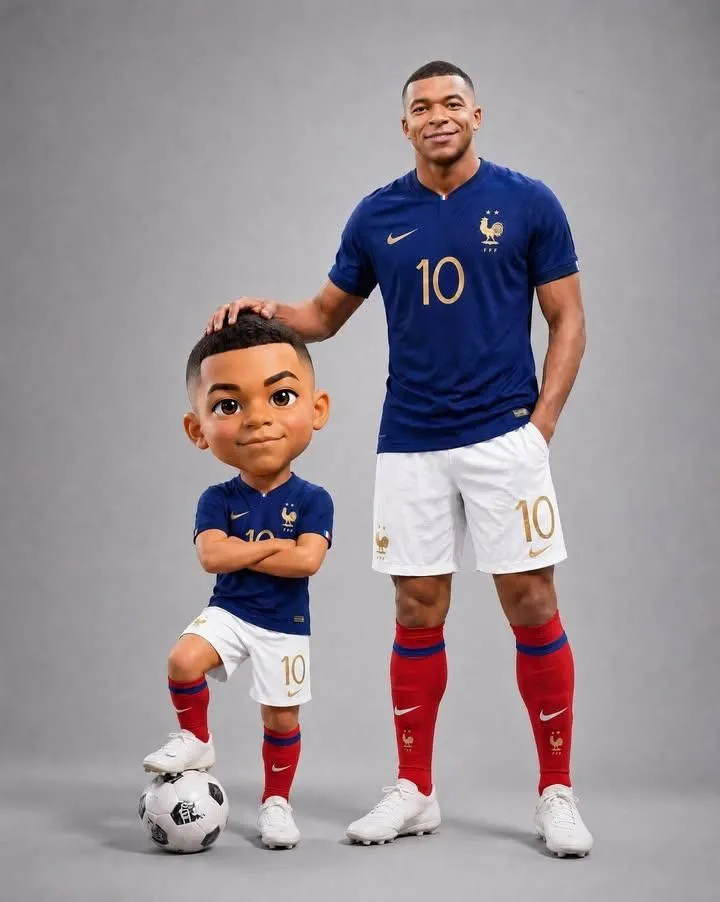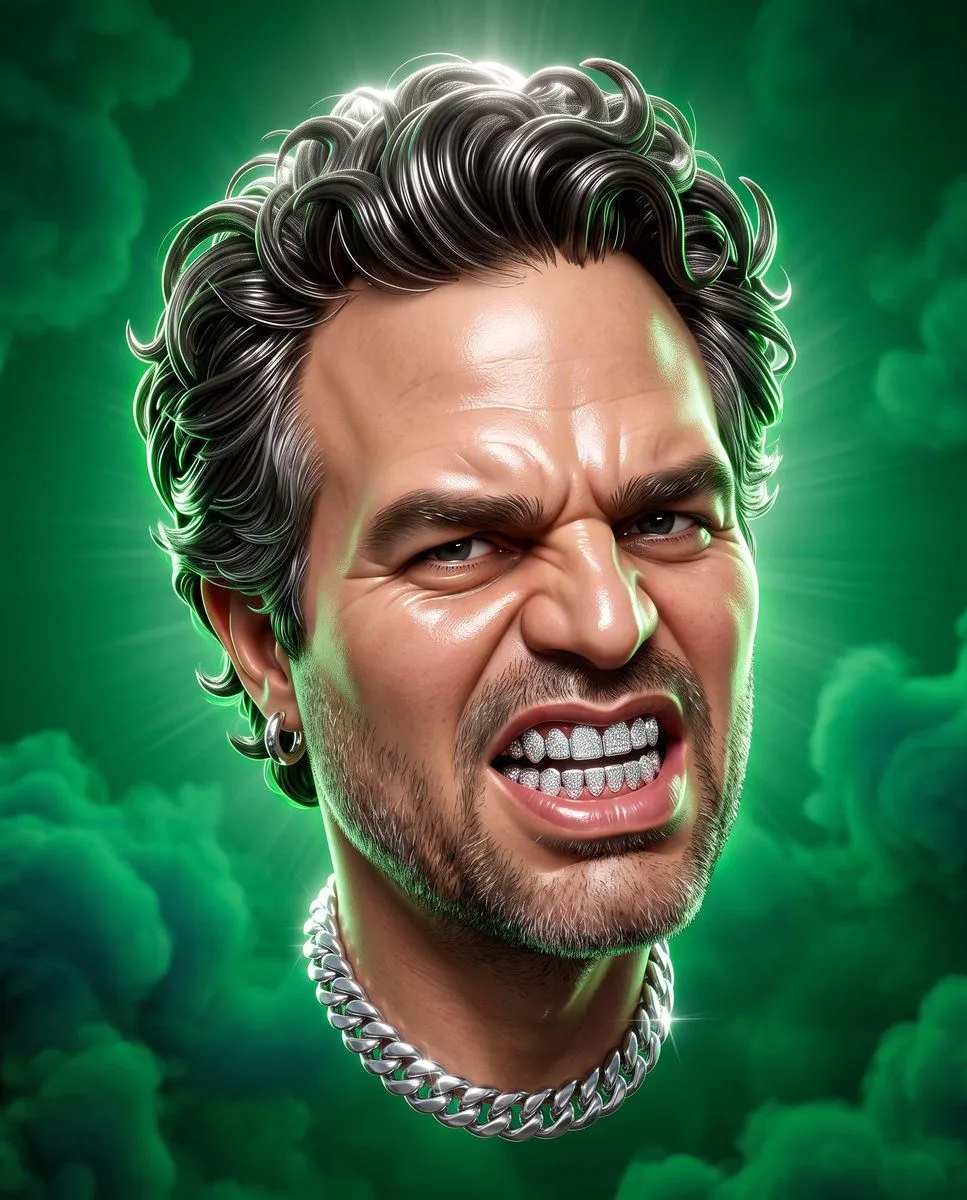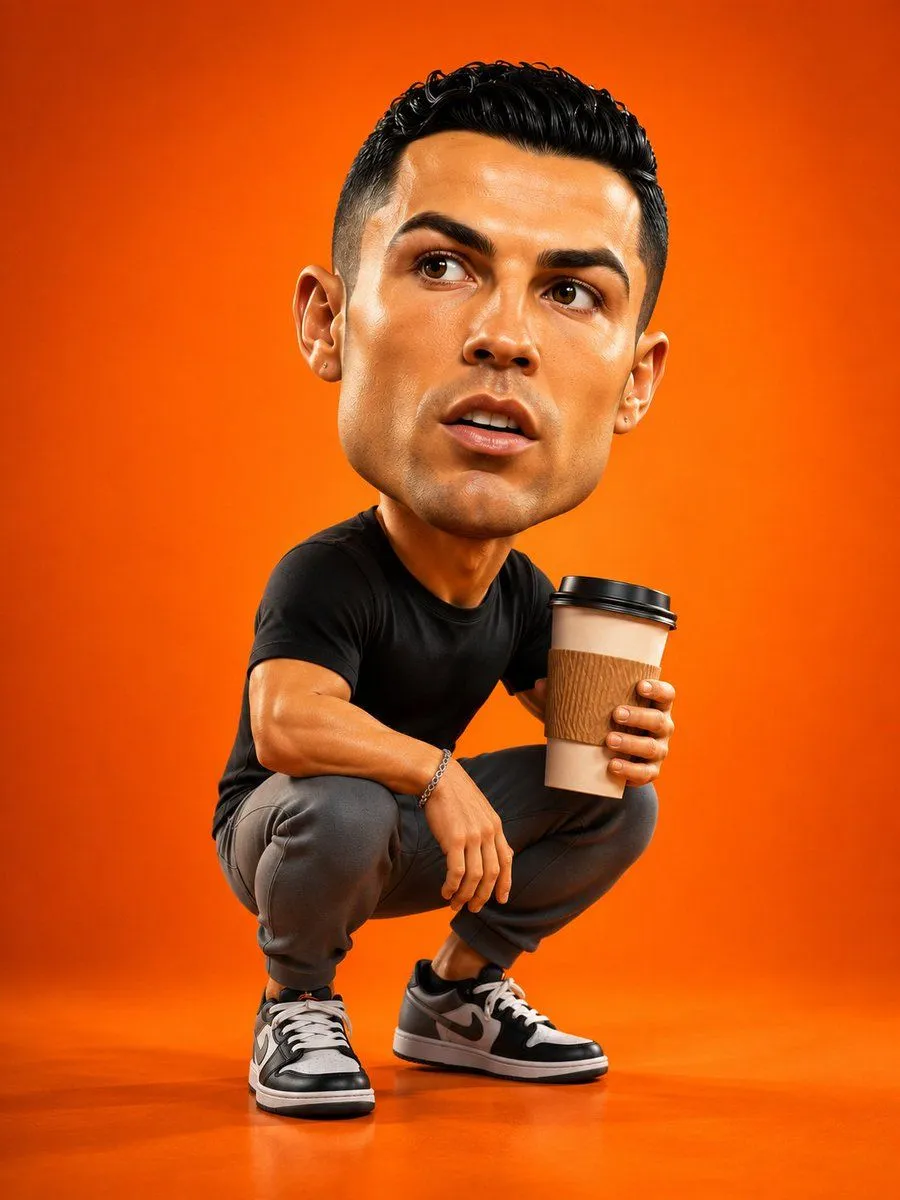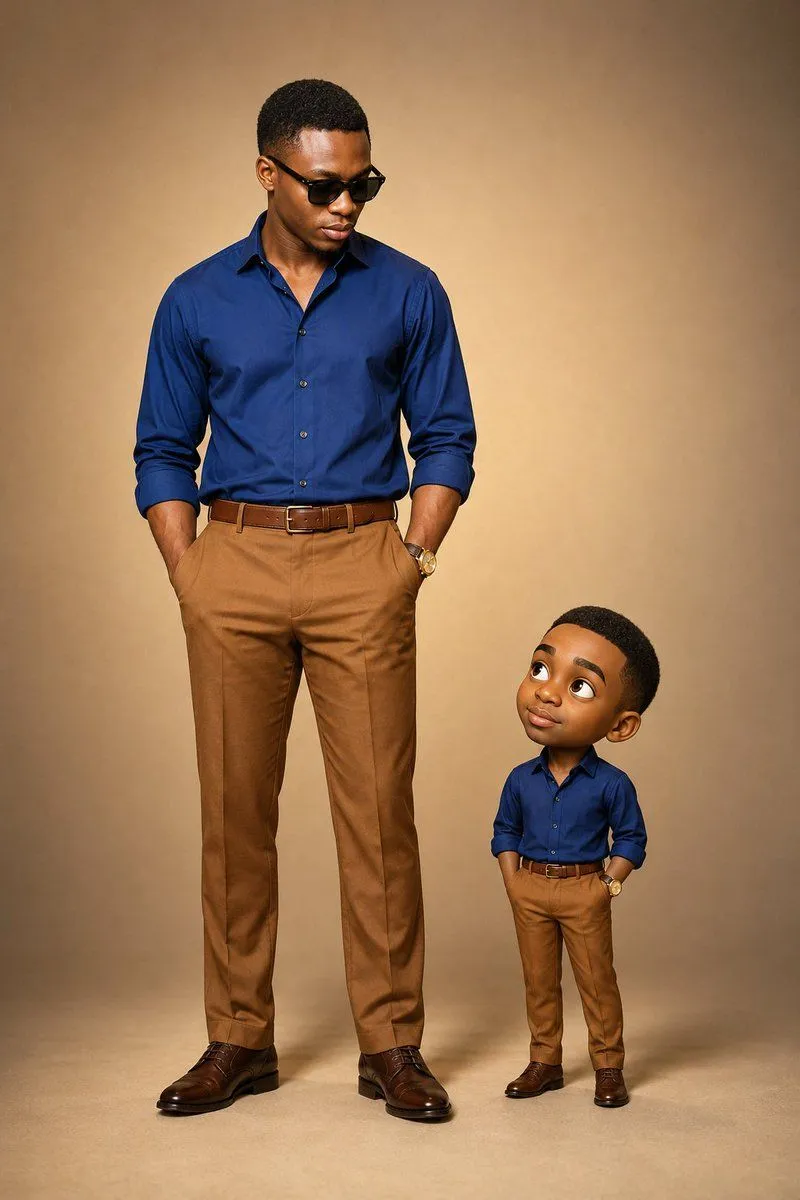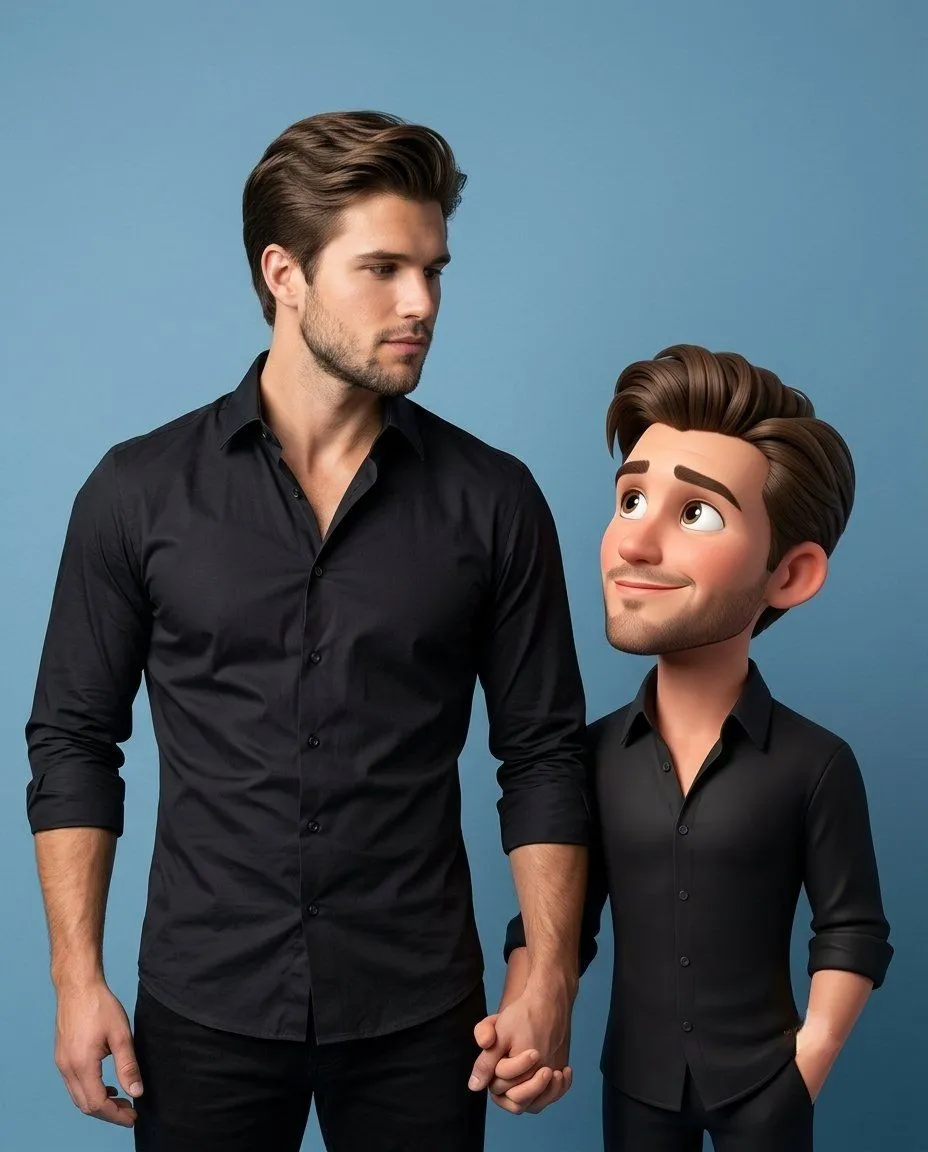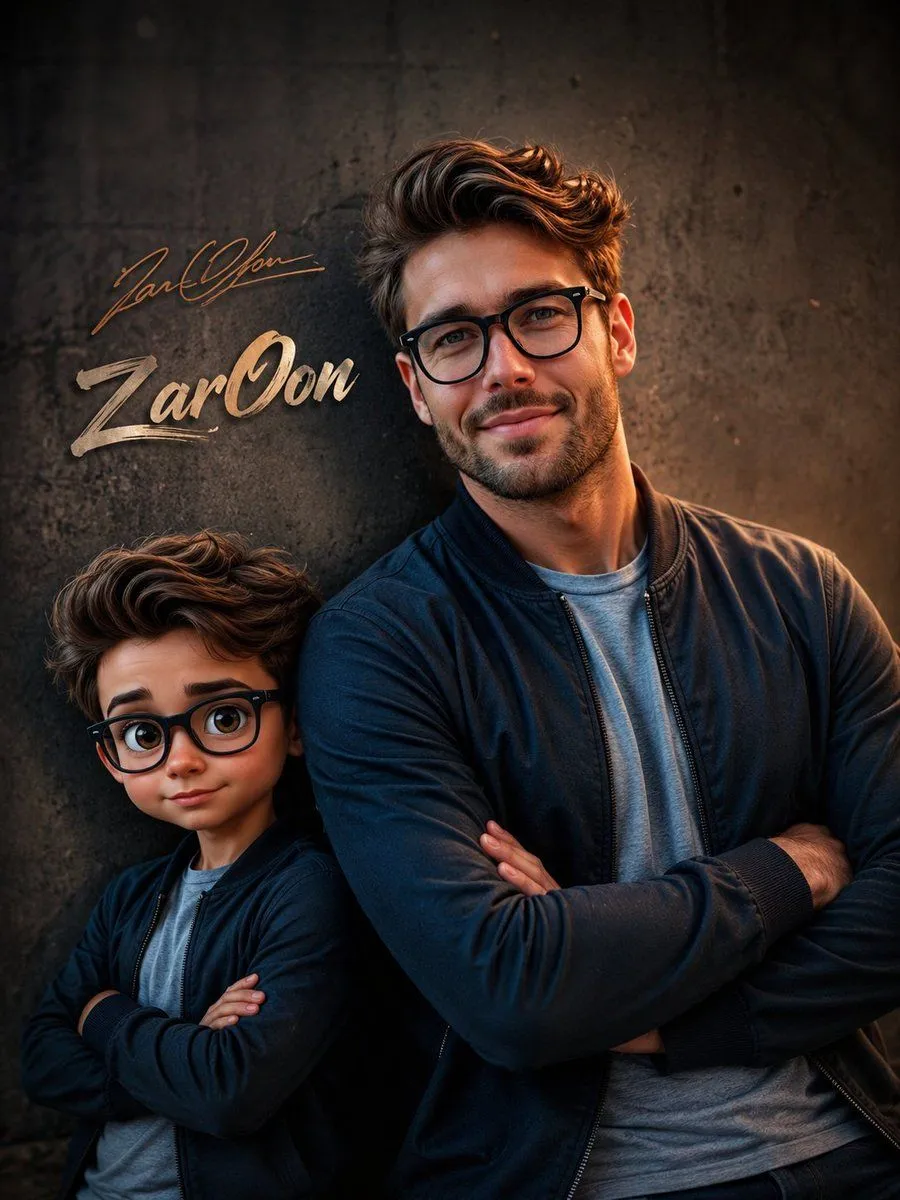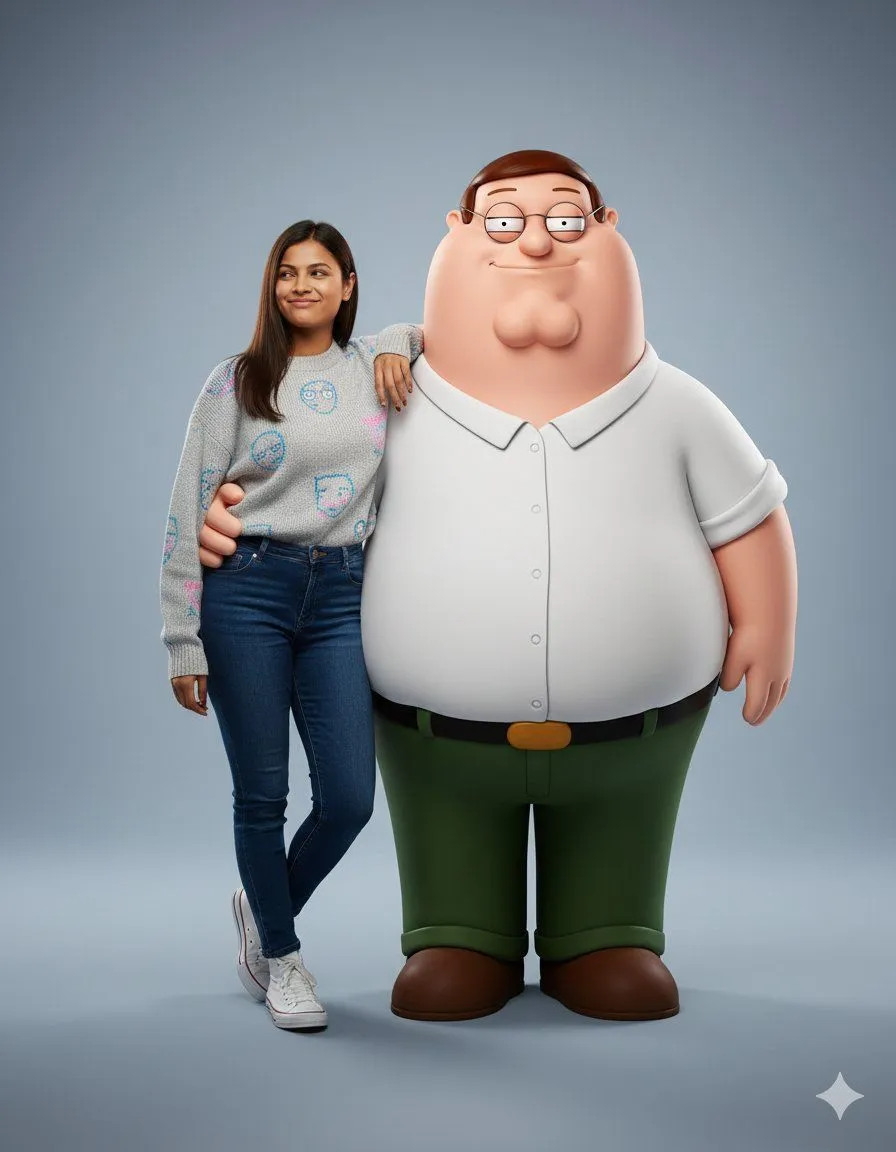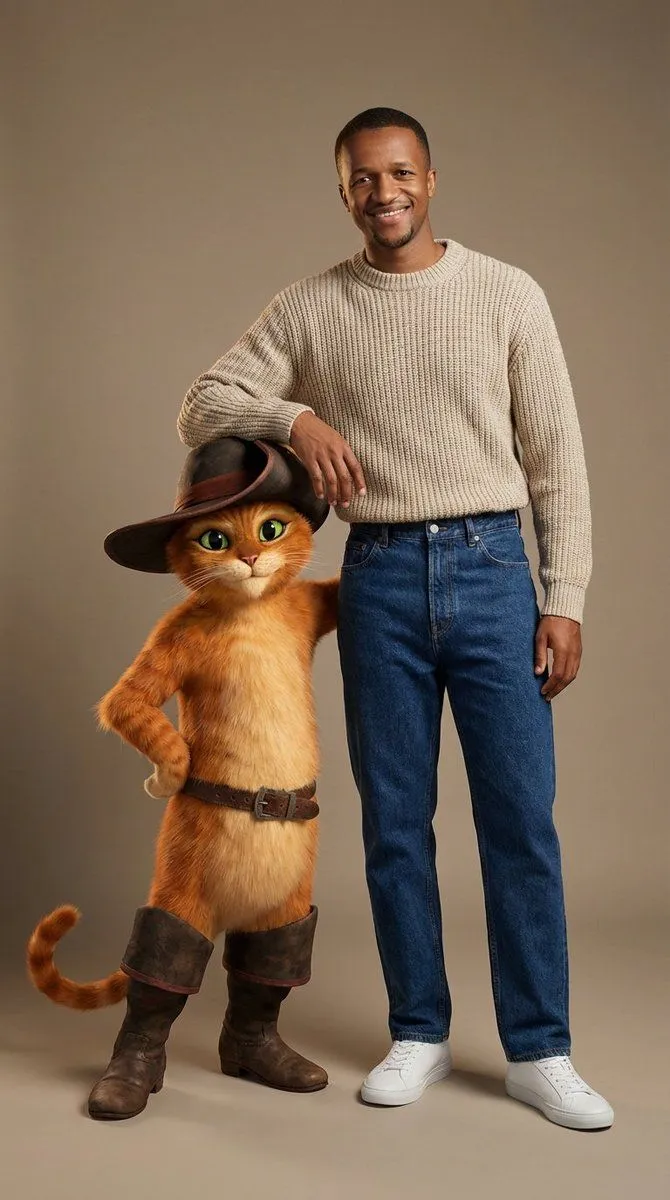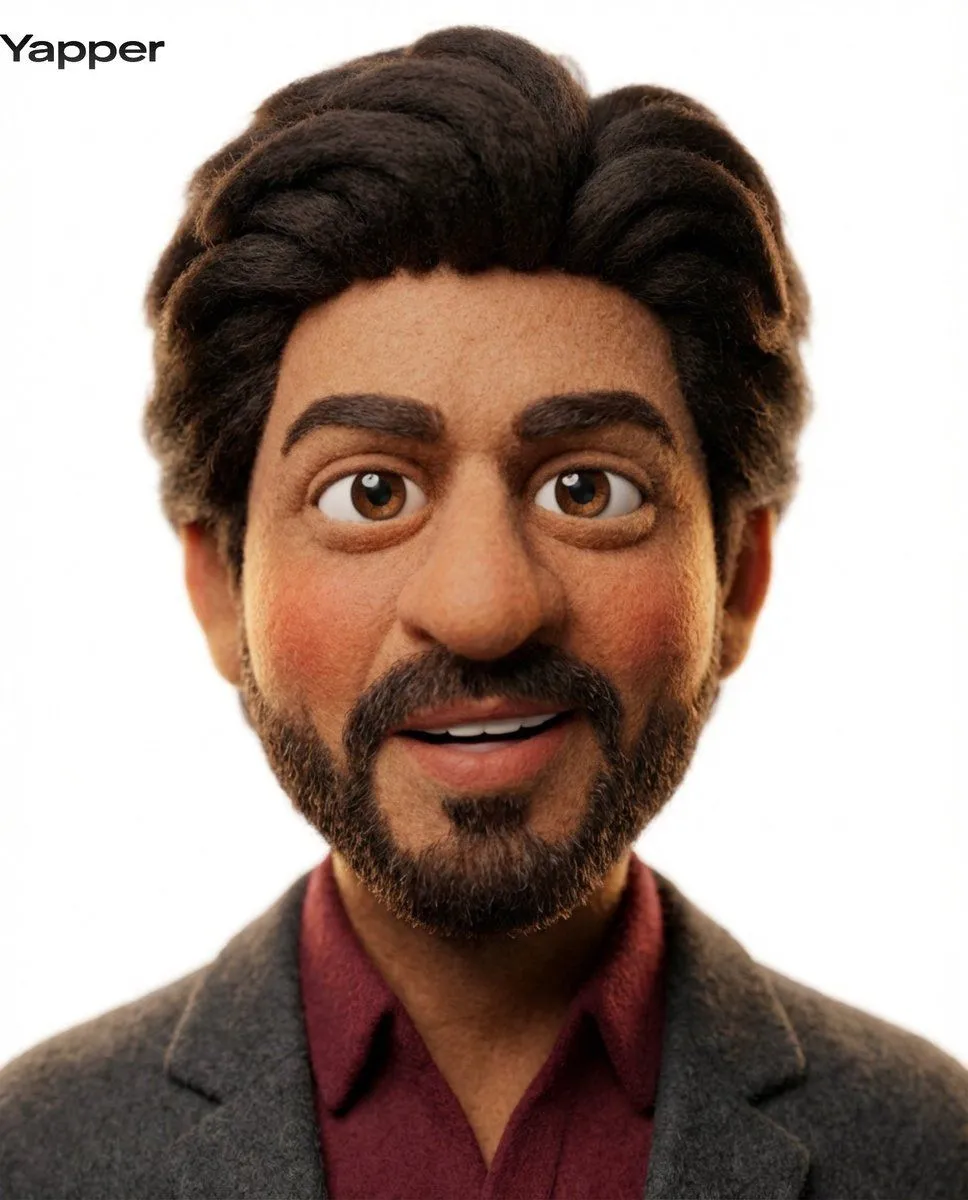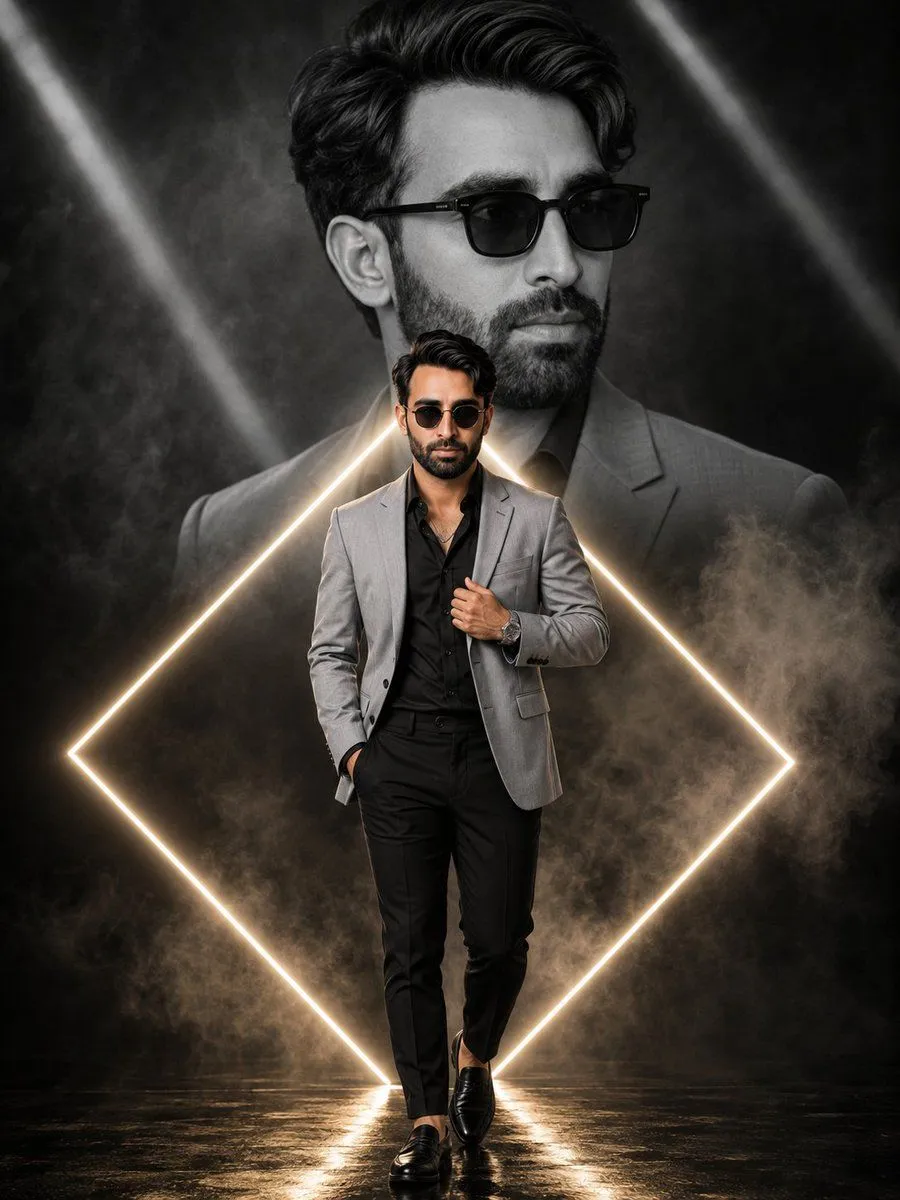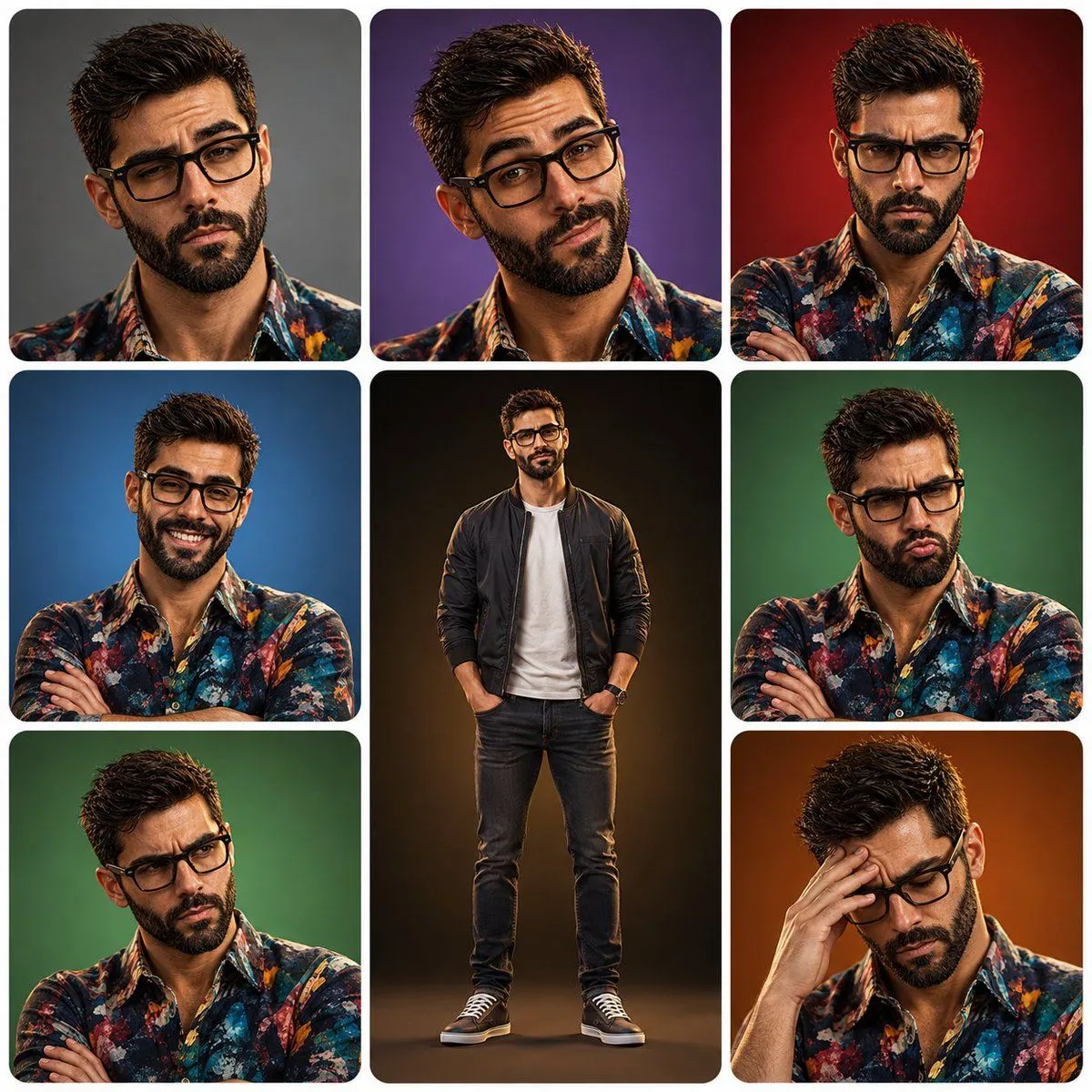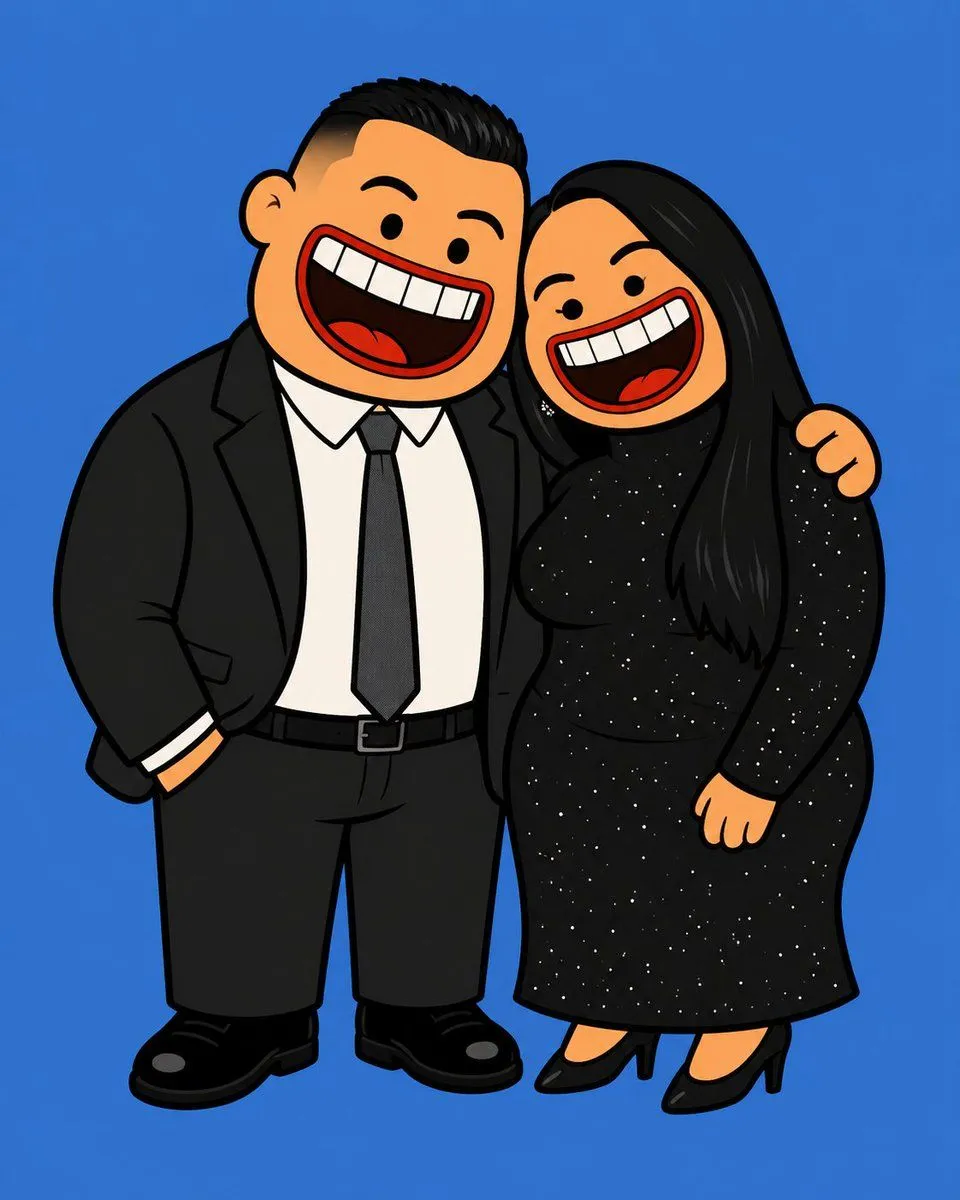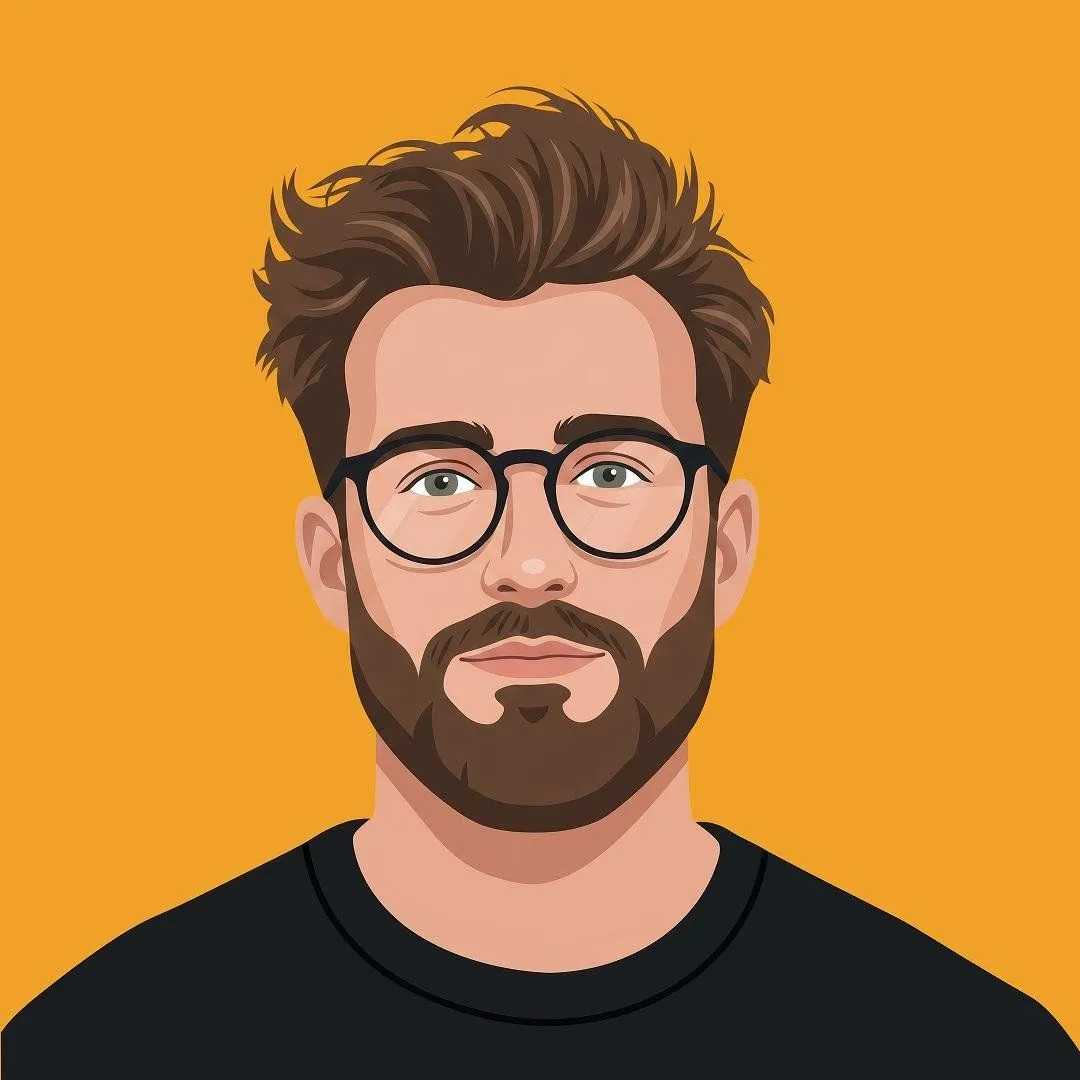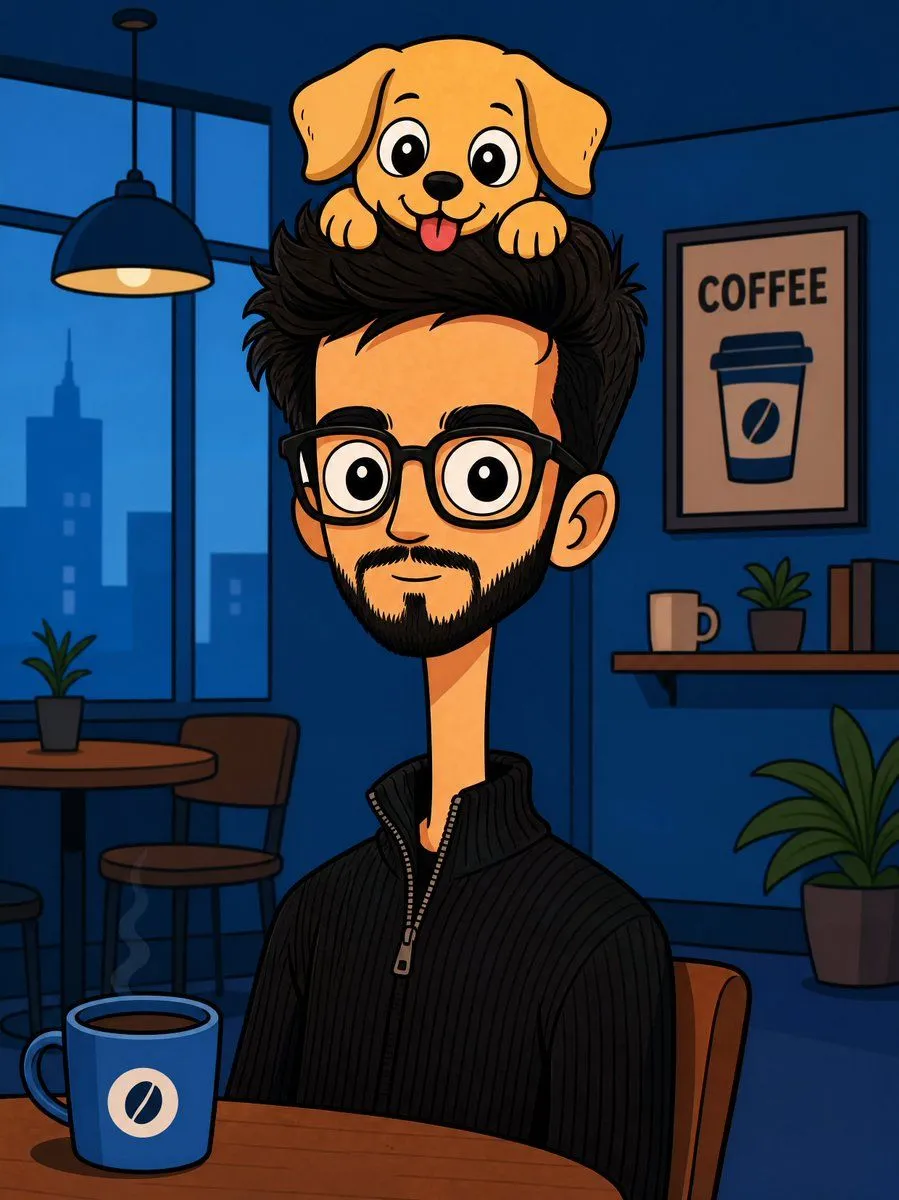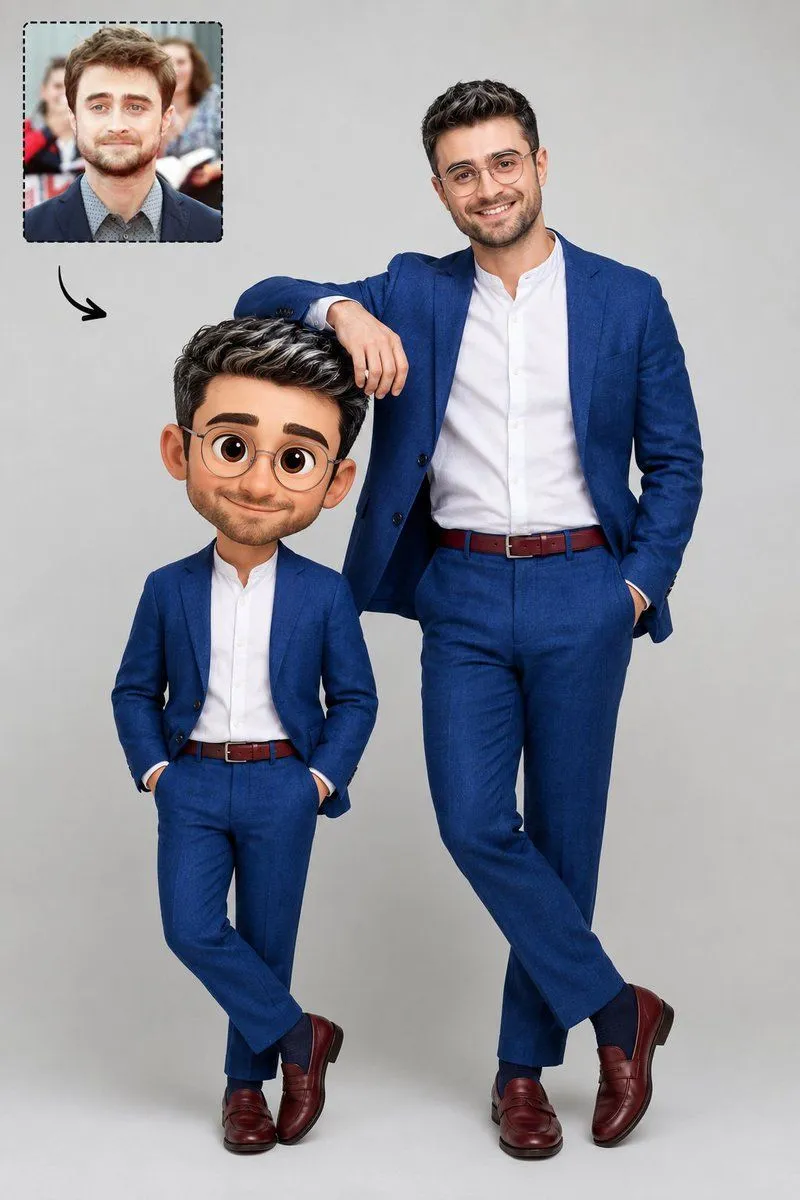
Made with GPT Image 2 in ChatGPT by Library Avatars. Promptclay never generates images.
Did it work?
No reports yet. Tell others if it worked for you.
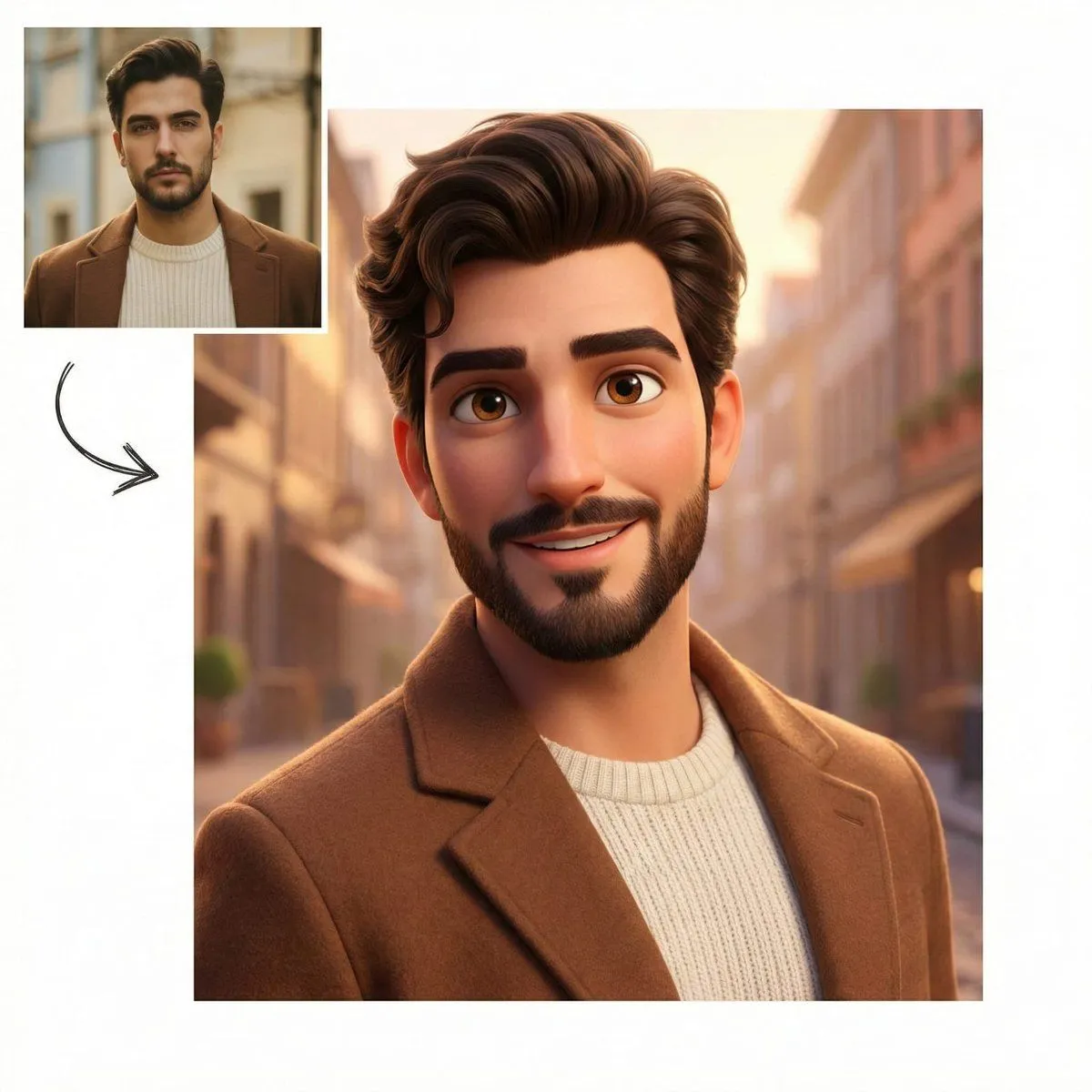
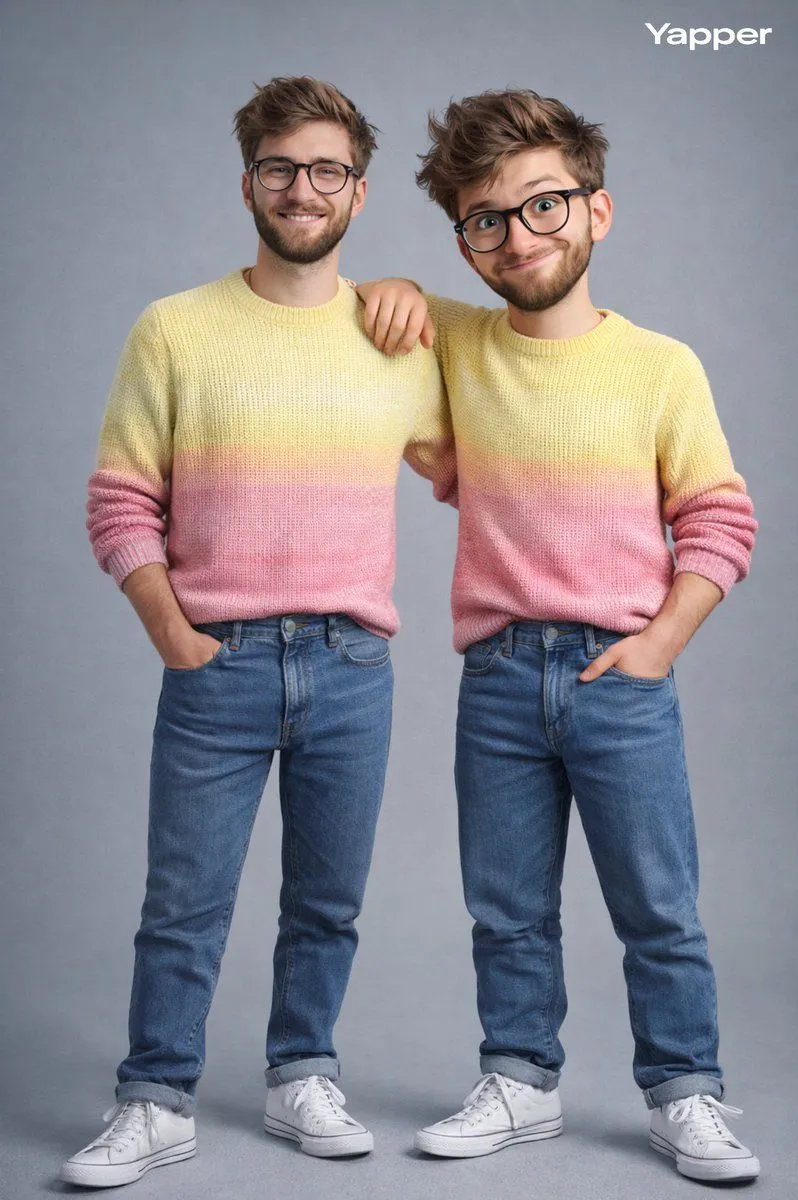
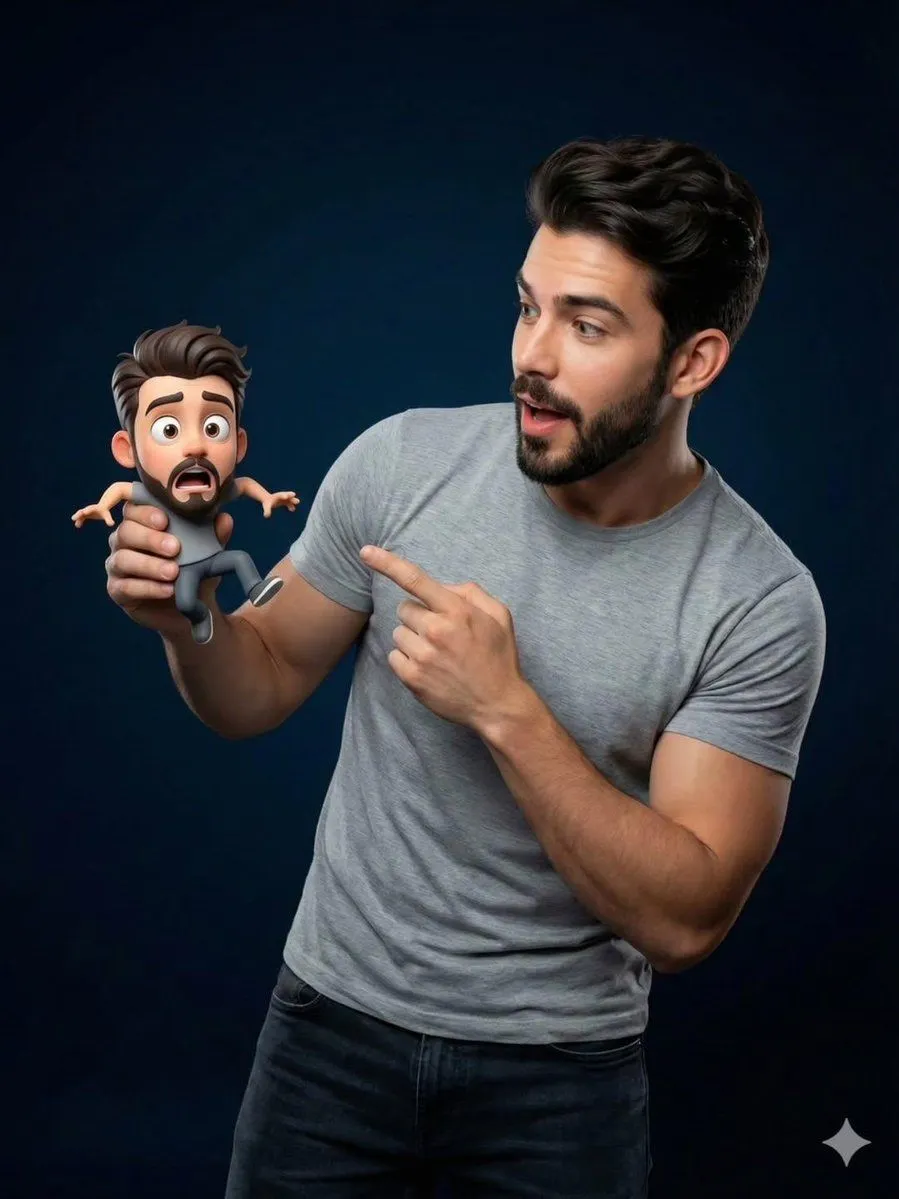
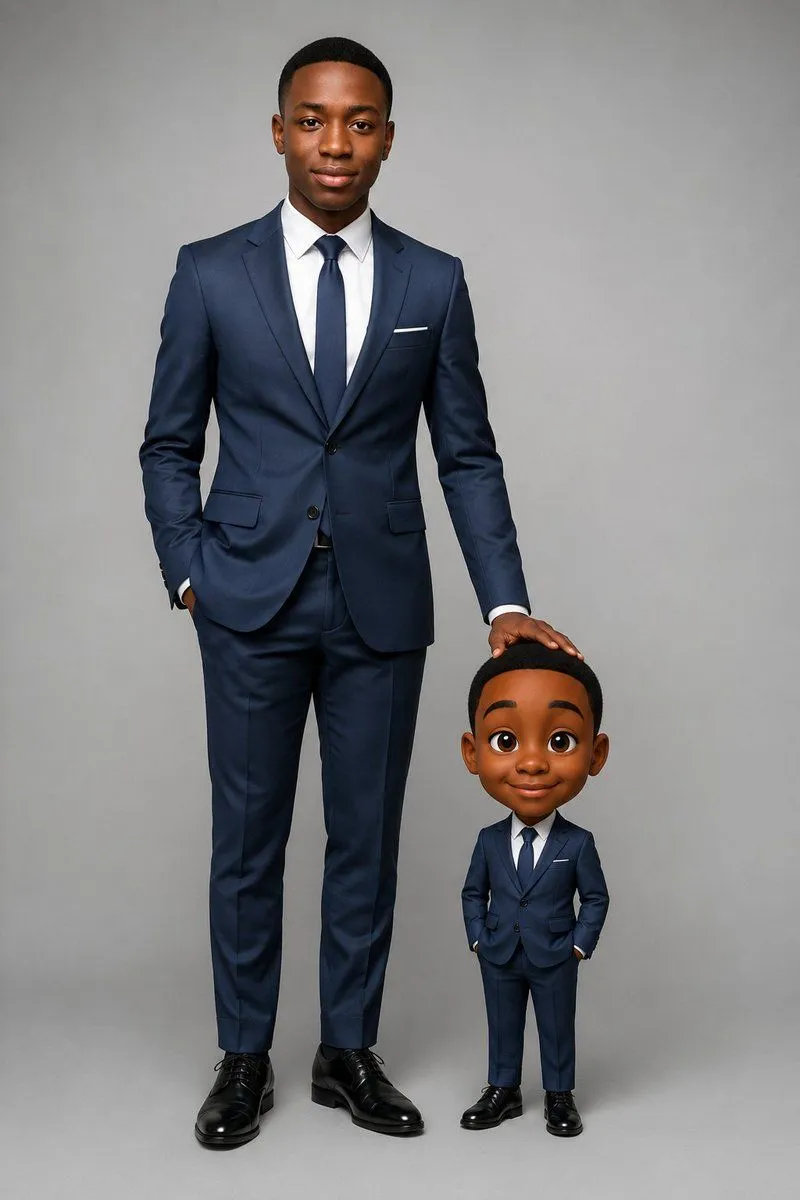
Real Life to Pixar Avatar Transformation
Prompt
3 blanks to fillA studio photograph with a {background}. On the right, a realistic man wearing clear round-frame glasses, dark brown eyes, short black hair with white highlights, and a clean-shaven face. He is dressed in a {outfit}. He is smiling and casually resting his right elbow on the head of a figure standing to his left. This figure is his own {style}, wearing exactly the same outfit as the man, but with cartoon proportions, a large head, and big expressive eyes. In the top-left corner of the image, there is an inset frame with a dotted border displaying a portrait of the same man (@ img1). From this inset frame, a small curved black arrow points toward the figures in the center. Professional, sharp studio lighting.
Preview of your prompt
A studio photograph with a neutral light gray background. On the right, a realistic man wearing clear round-frame glasses, dark brown eyes, short black hair with white highlights, and a clean-shaven face. He is dressed in a royal blue linen suit, a white collarless shirt, a burgundy belt, royal blue socks, and burgundy loafers. He is smiling and casually resting his right elbow on the head of a figure standing to his left. This figure is his own 3D Pixar-style animated avatar, wearing exactly the same outfit as the man, but with cartoon proportions, a large head, and big expressive eyes. In the top-left corner of the image, there is an inset frame with a dotted border displaying a portrait of the same man (@ img1). From this inset frame, a small curved black arrow points toward the figures in the center. Professional, sharp studio lighting.
DetailsVersions, settings and questions
Written for
What's in the prompt
- Subject
- Model
- GPT Image 2
If your face changes
keep my face exactly the sameQuestions
- Does this work in the ChatGPT app?
- Yes. Paste the prompt and attach your photo if it uses one.
- It changed my face. What do I do?
- Add "keep my face exactly the same" to the end and run it again.
- Can I use the images I make?
- Check the terms of the app you use. Promptclay never generates images and claims nothing you make.