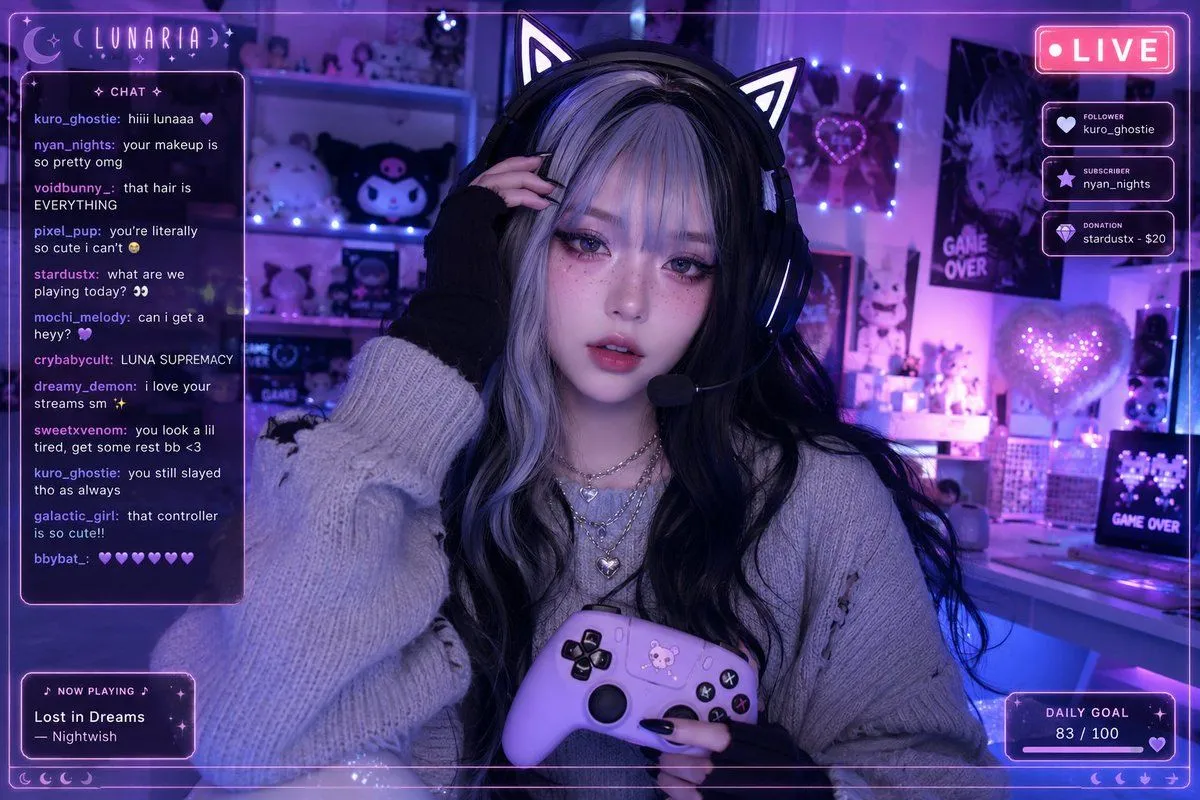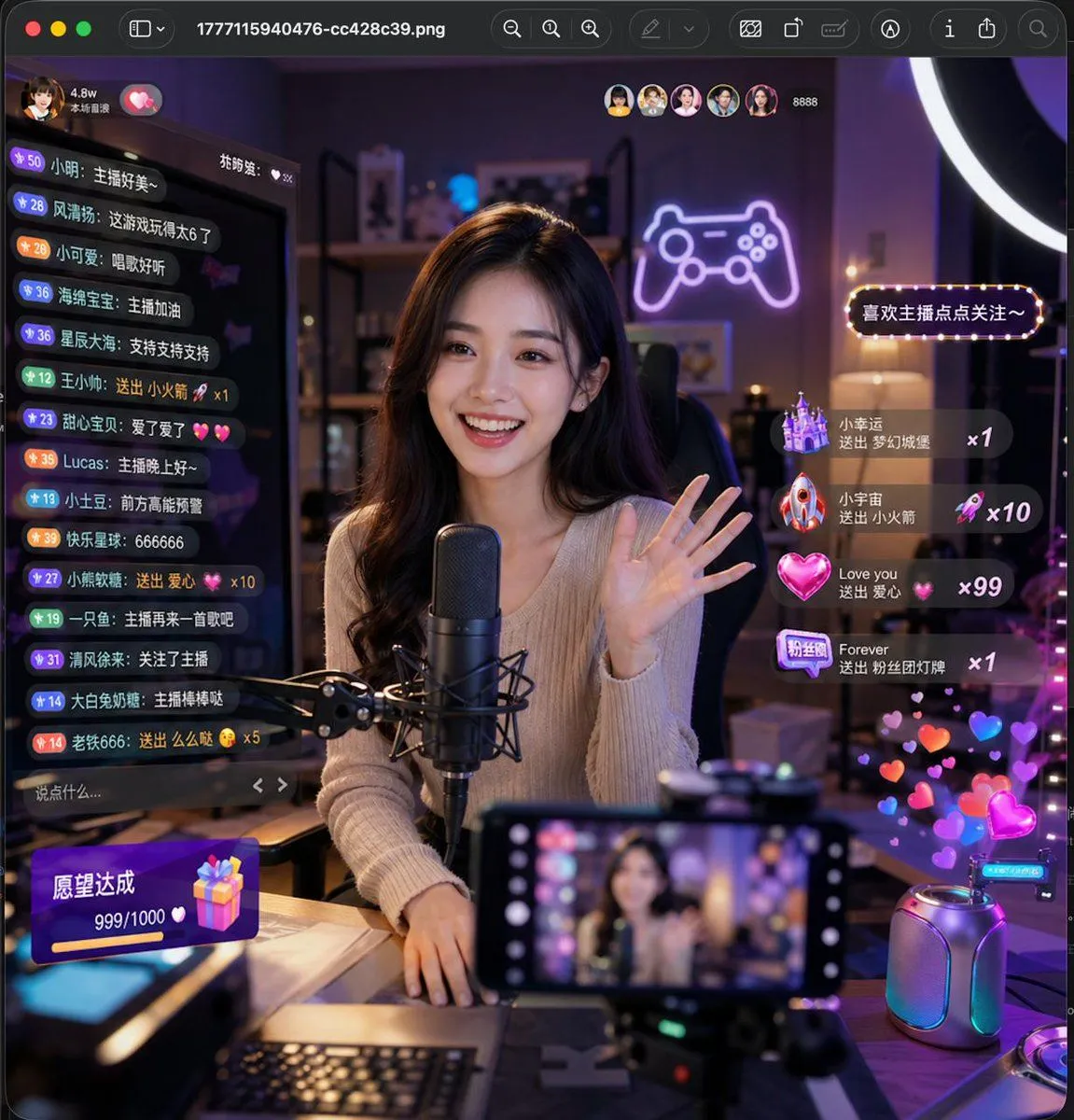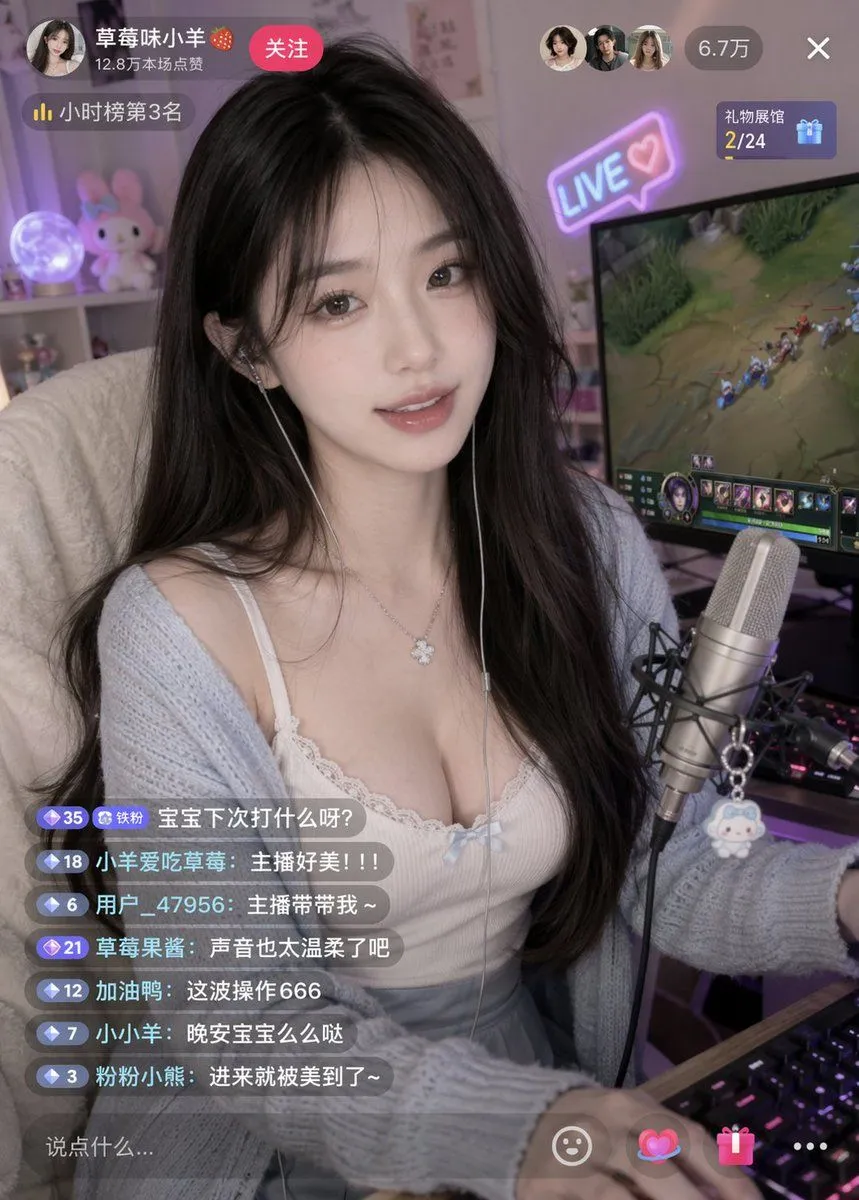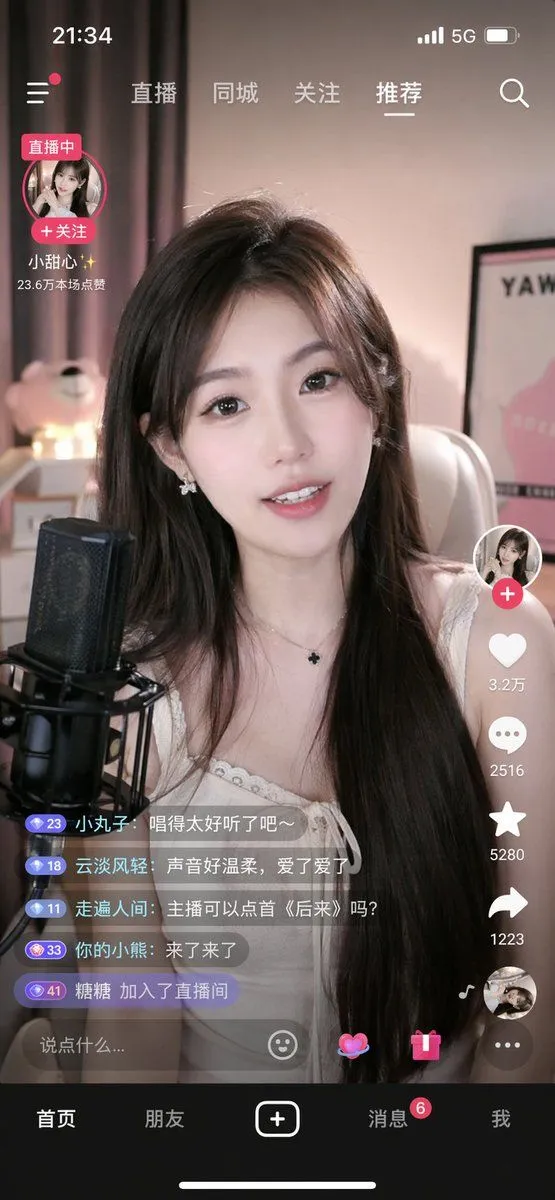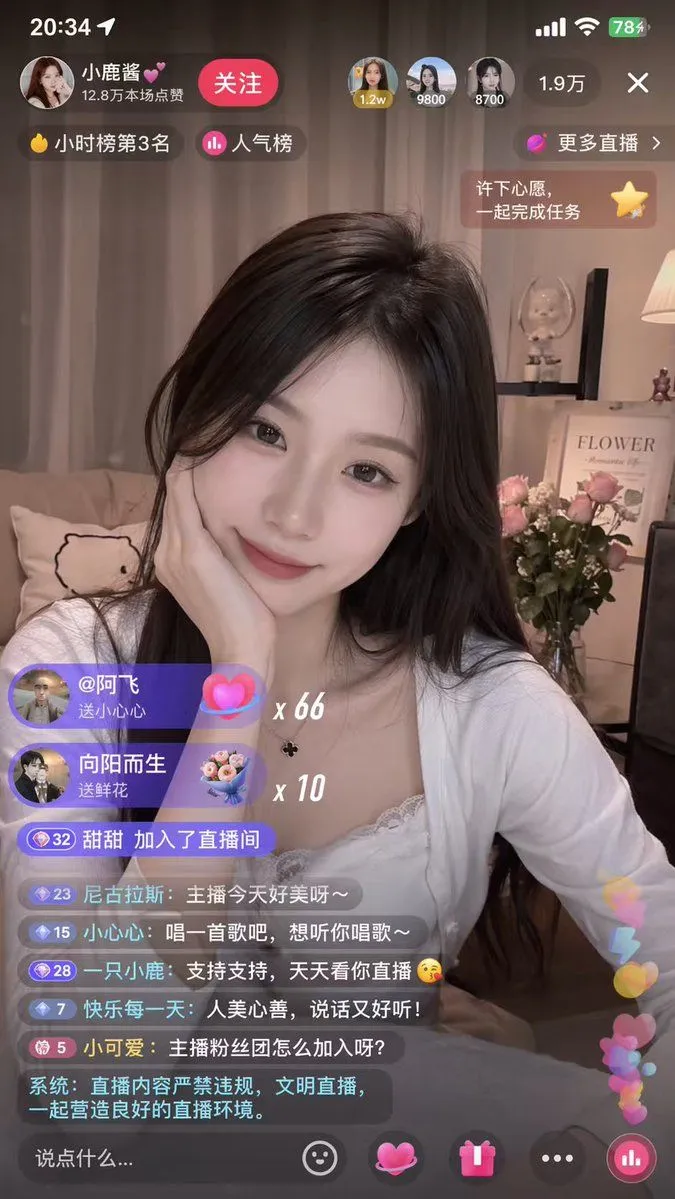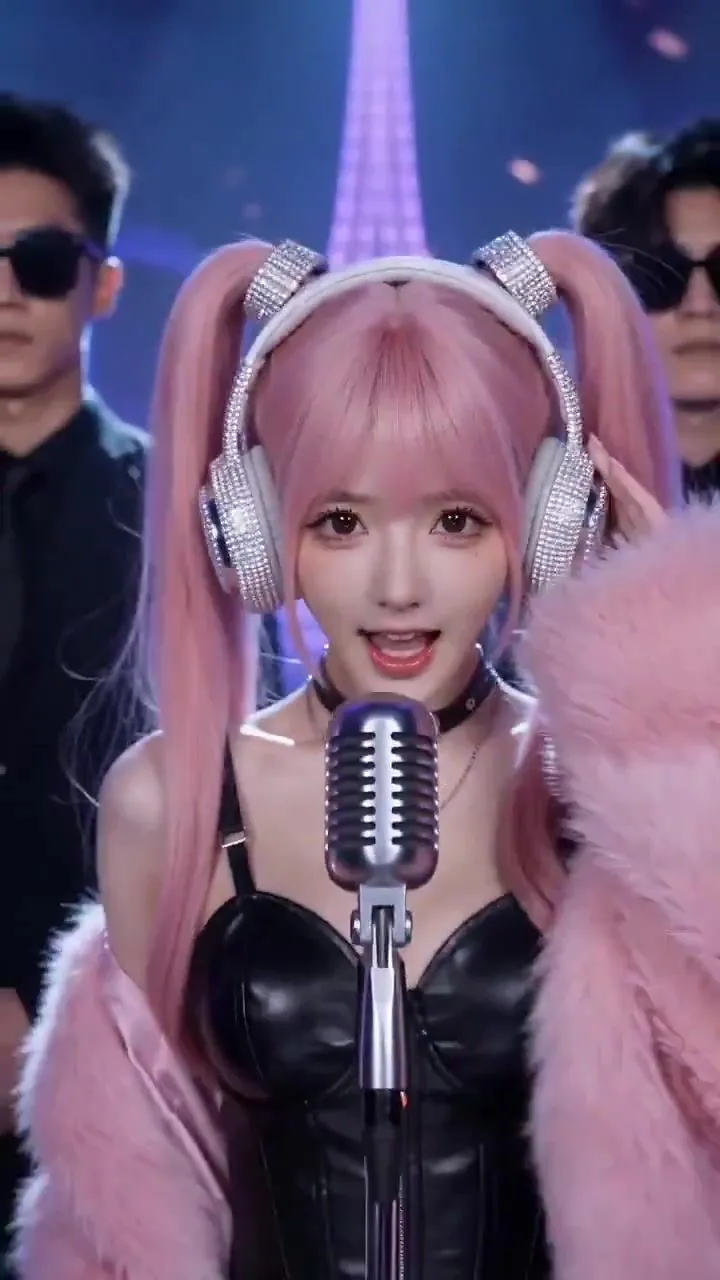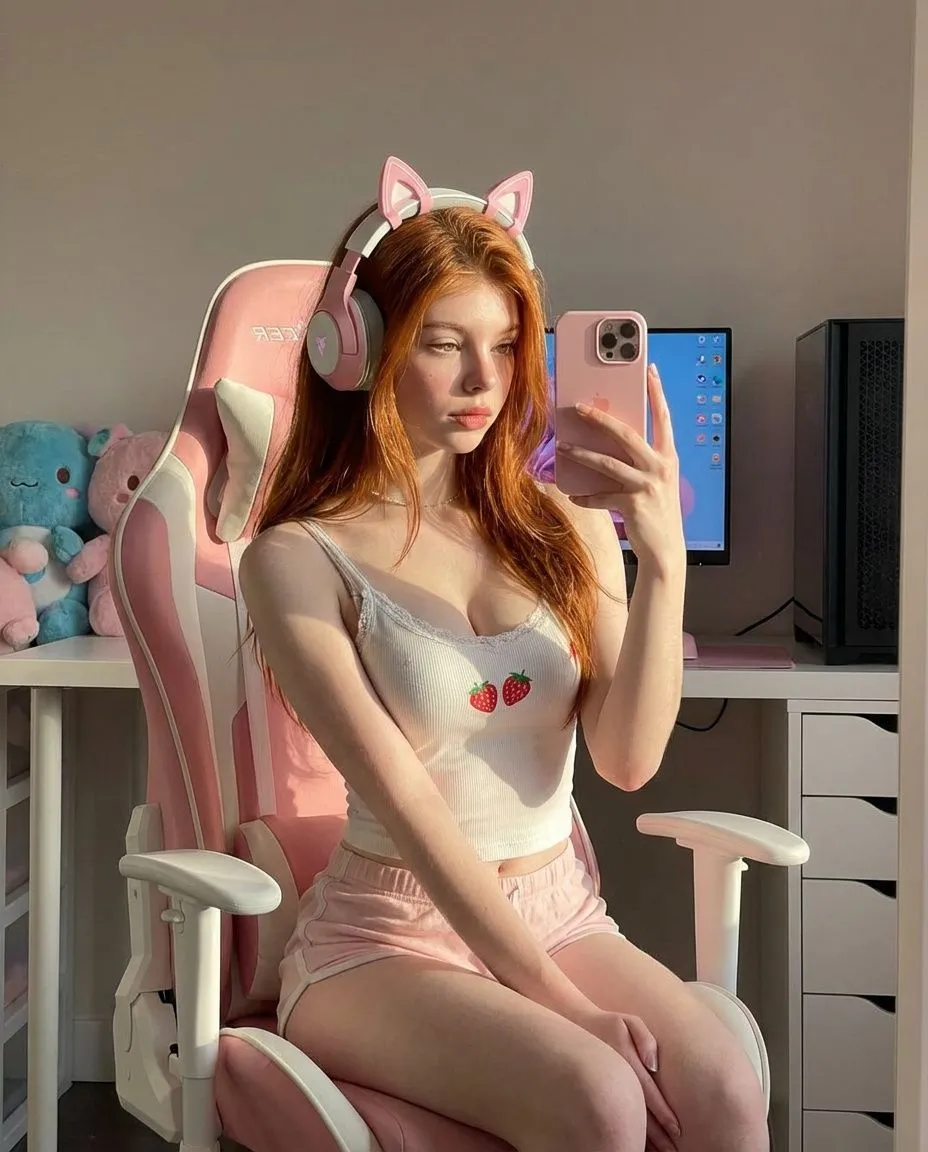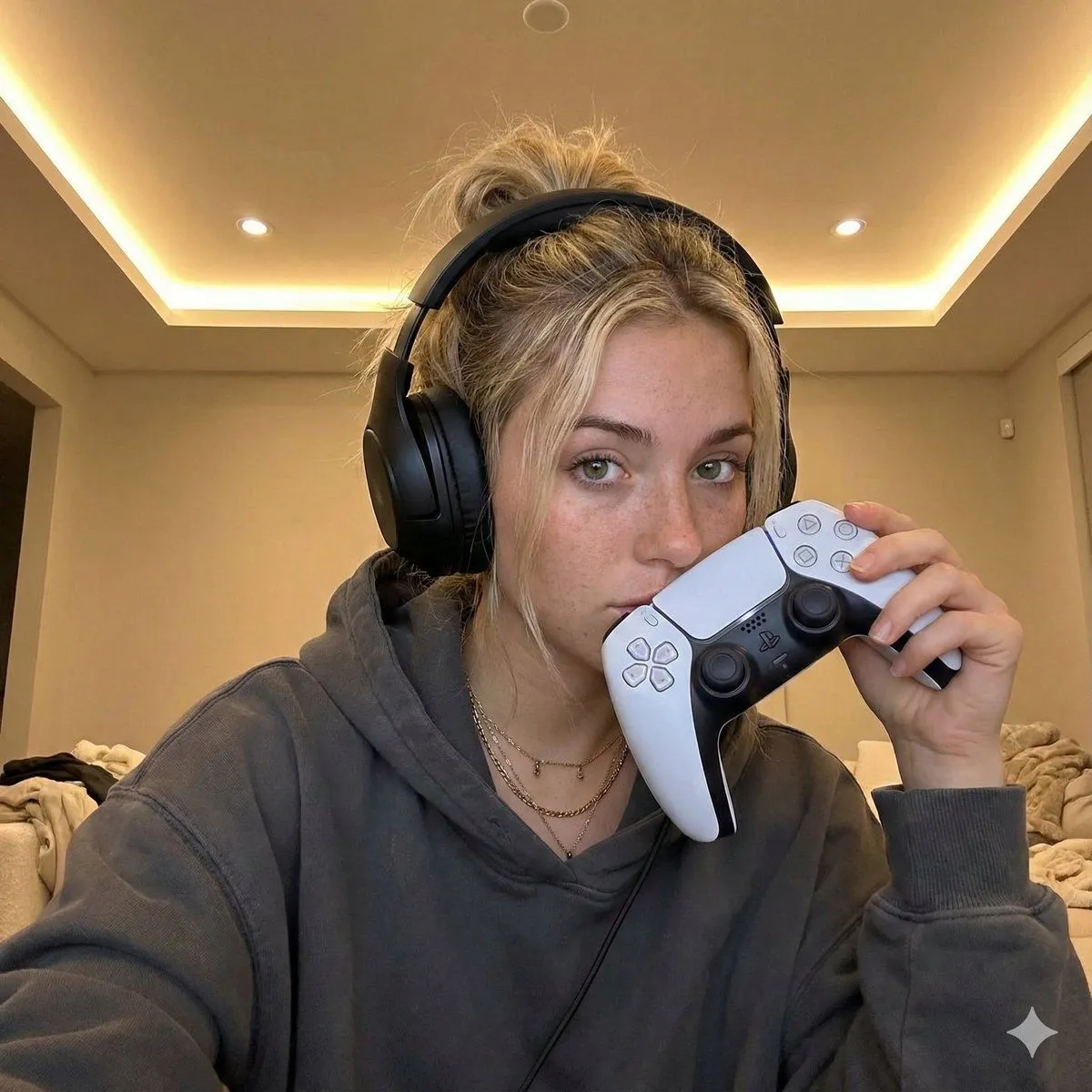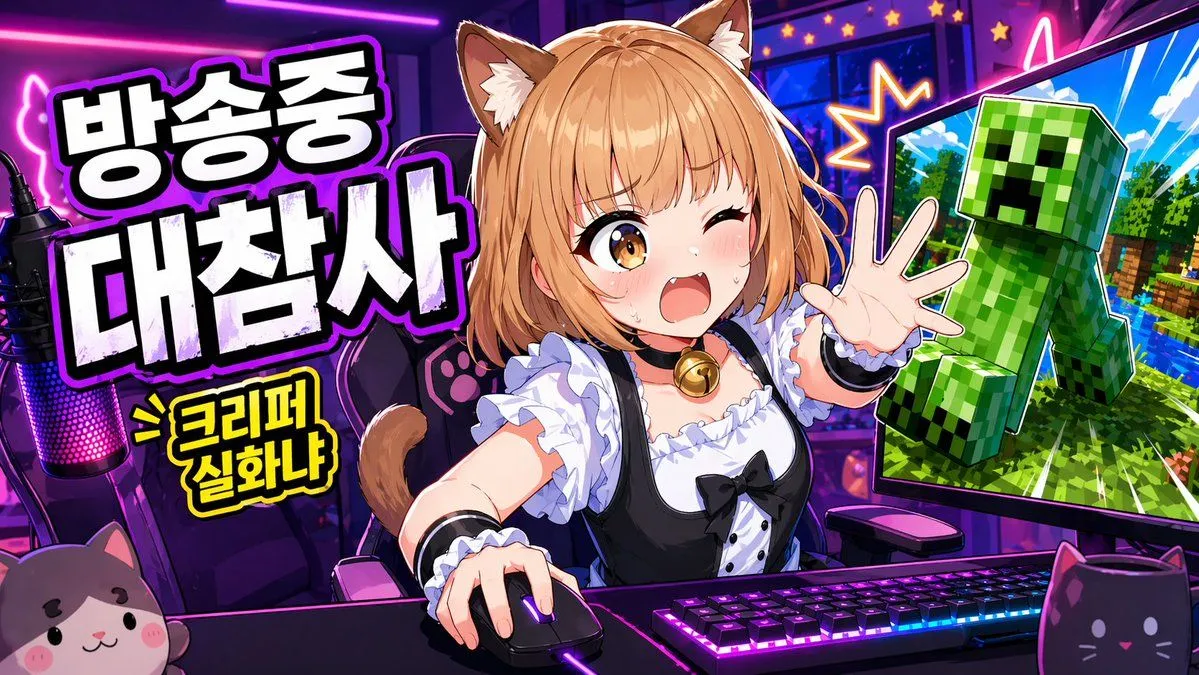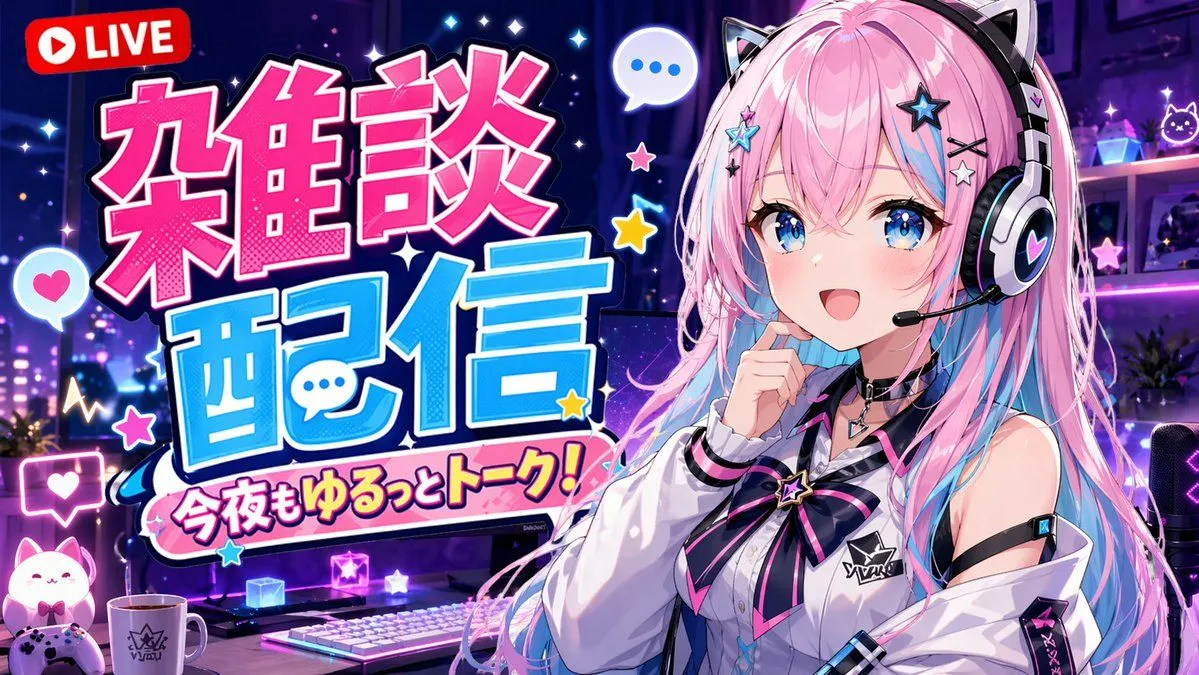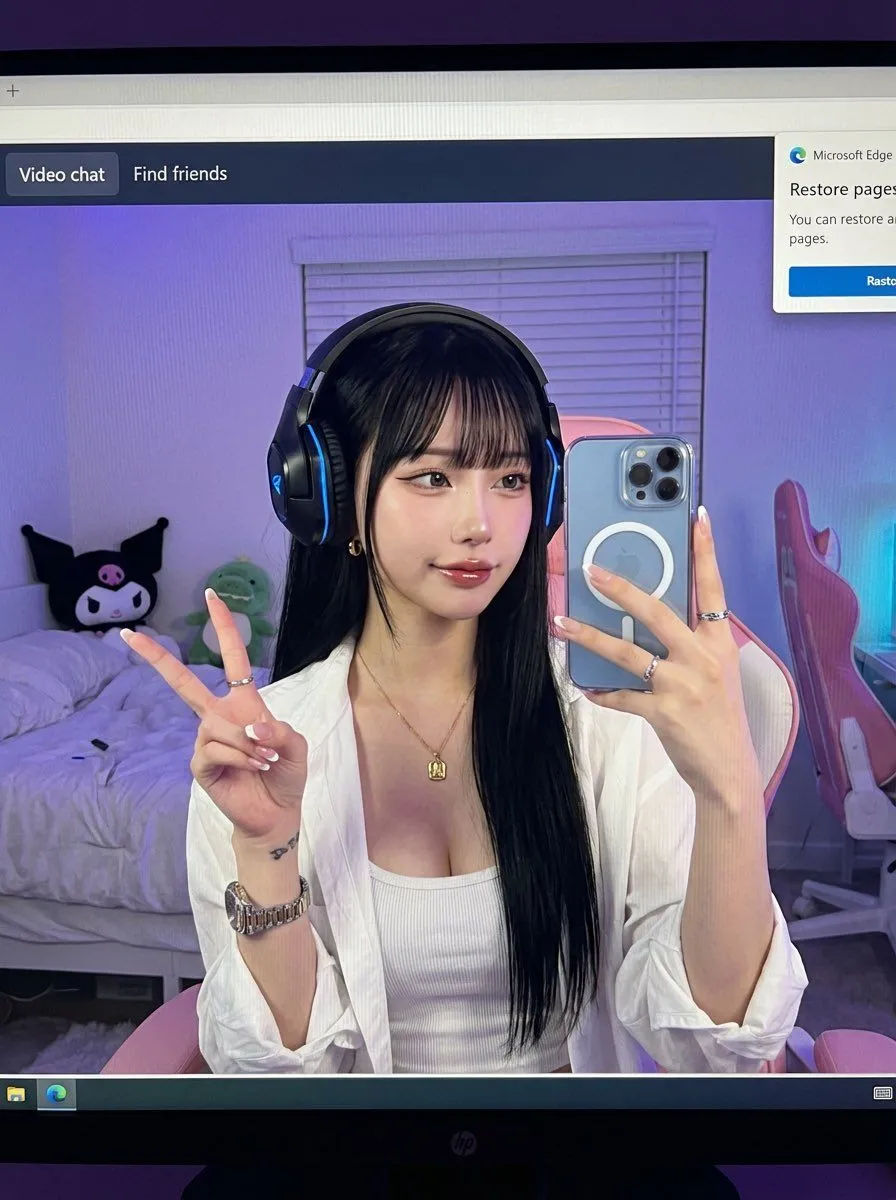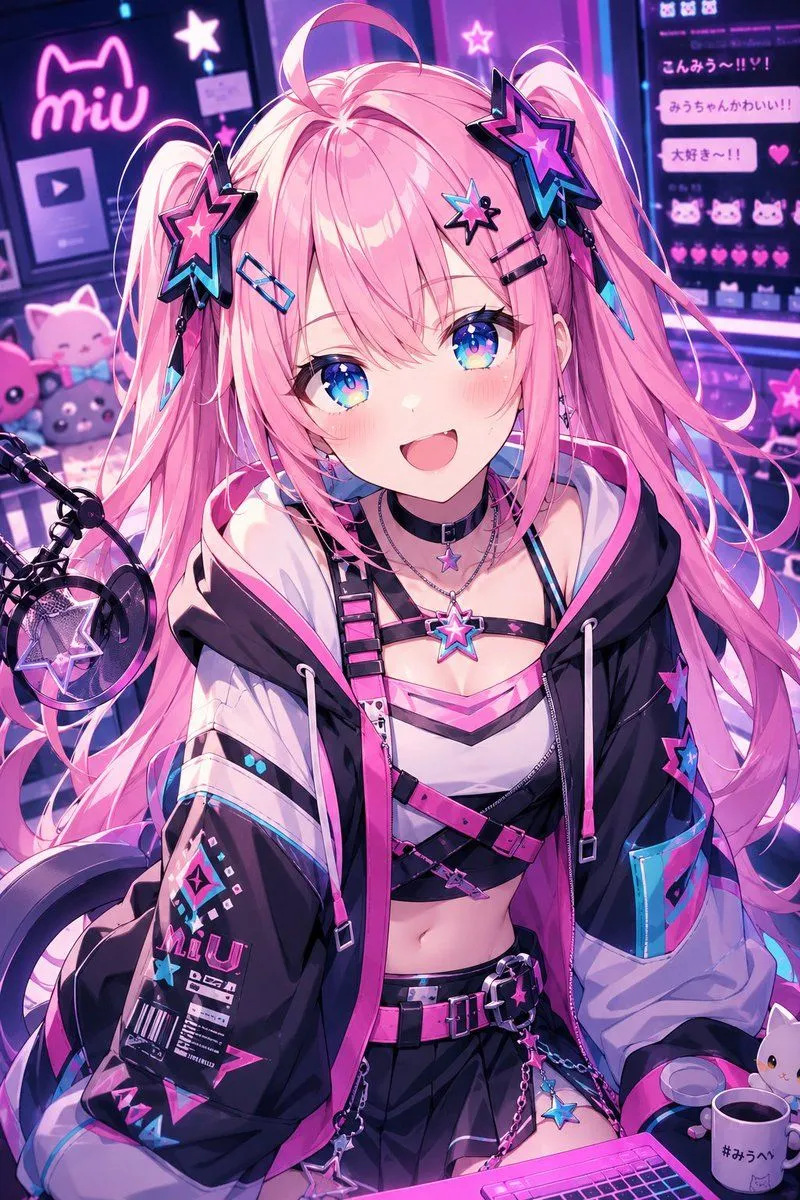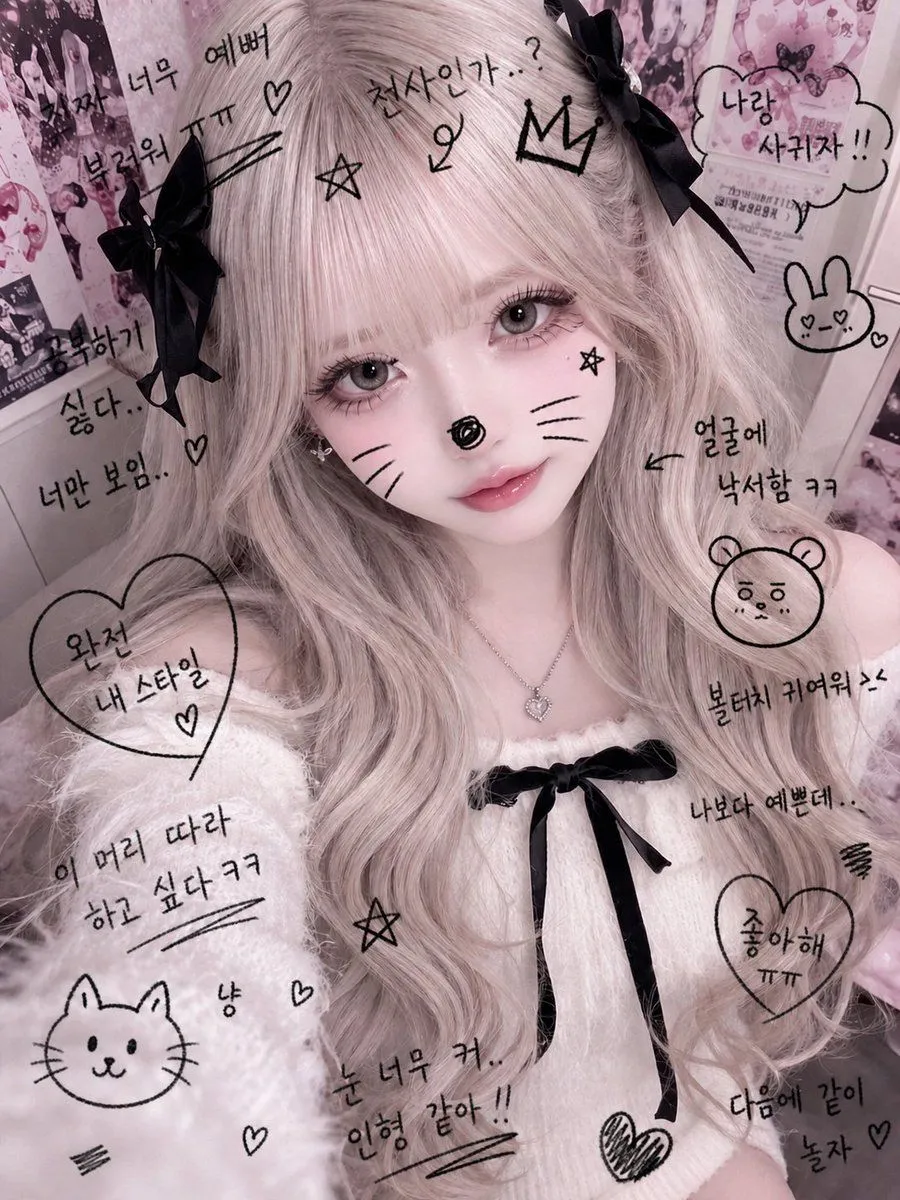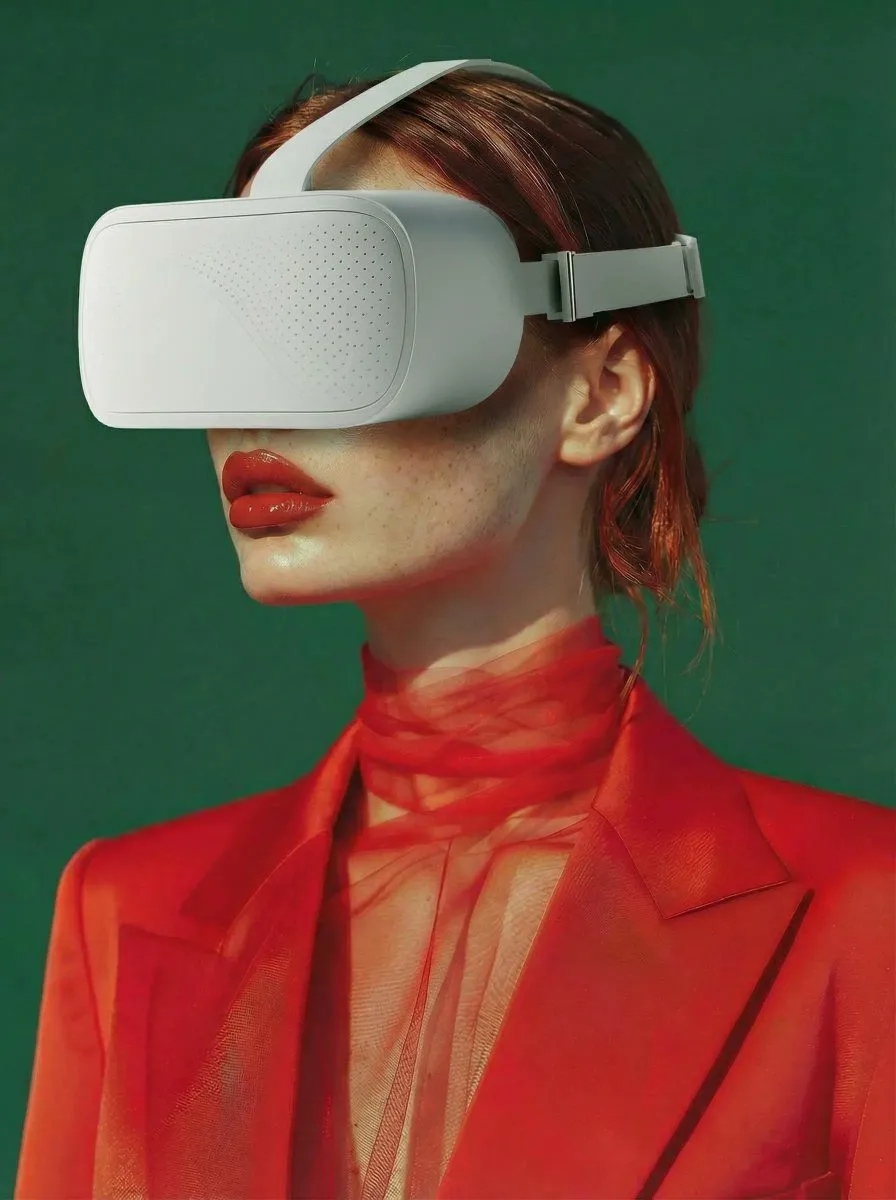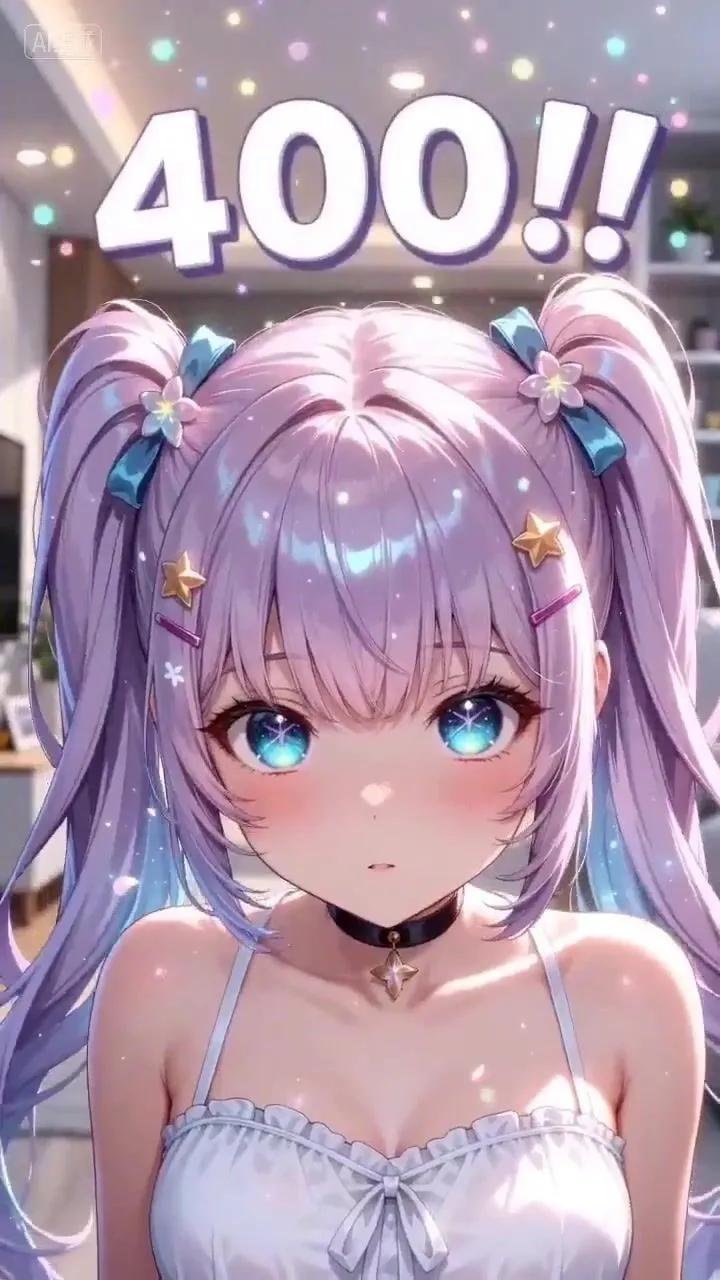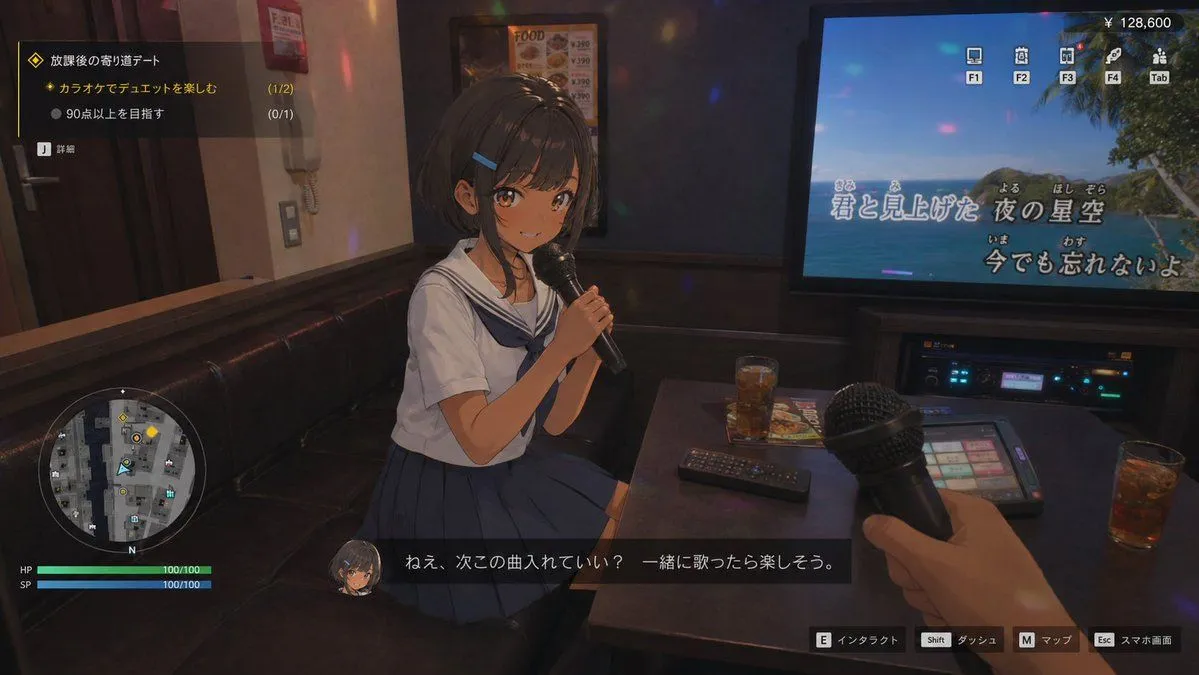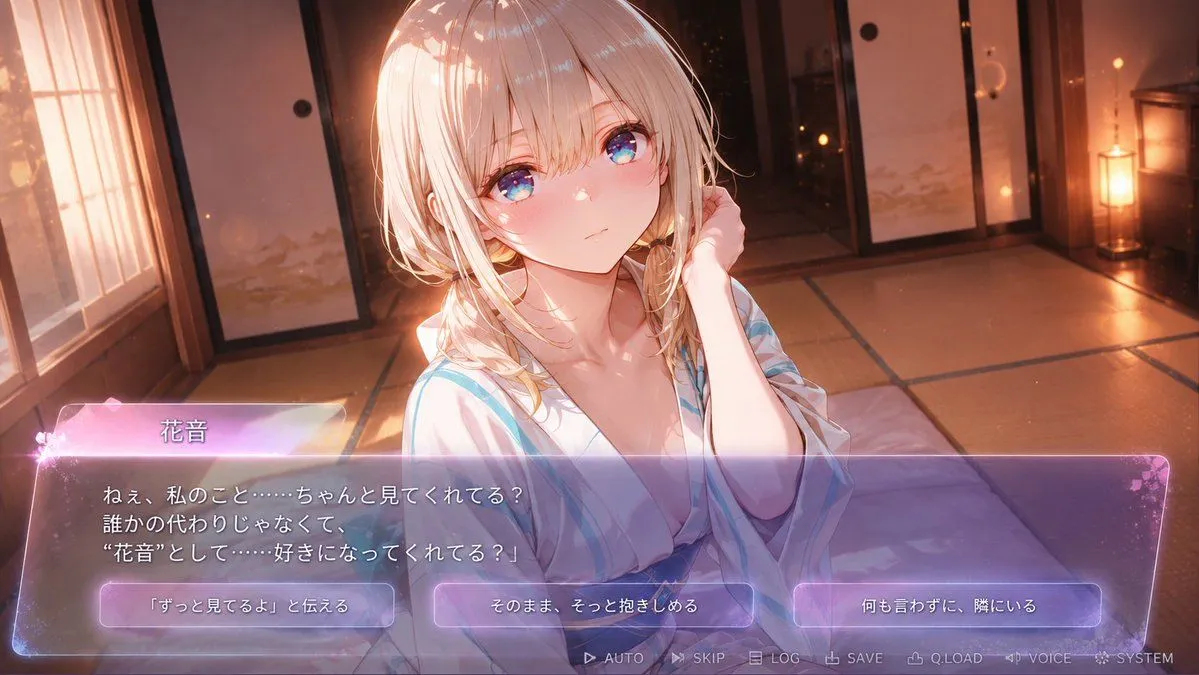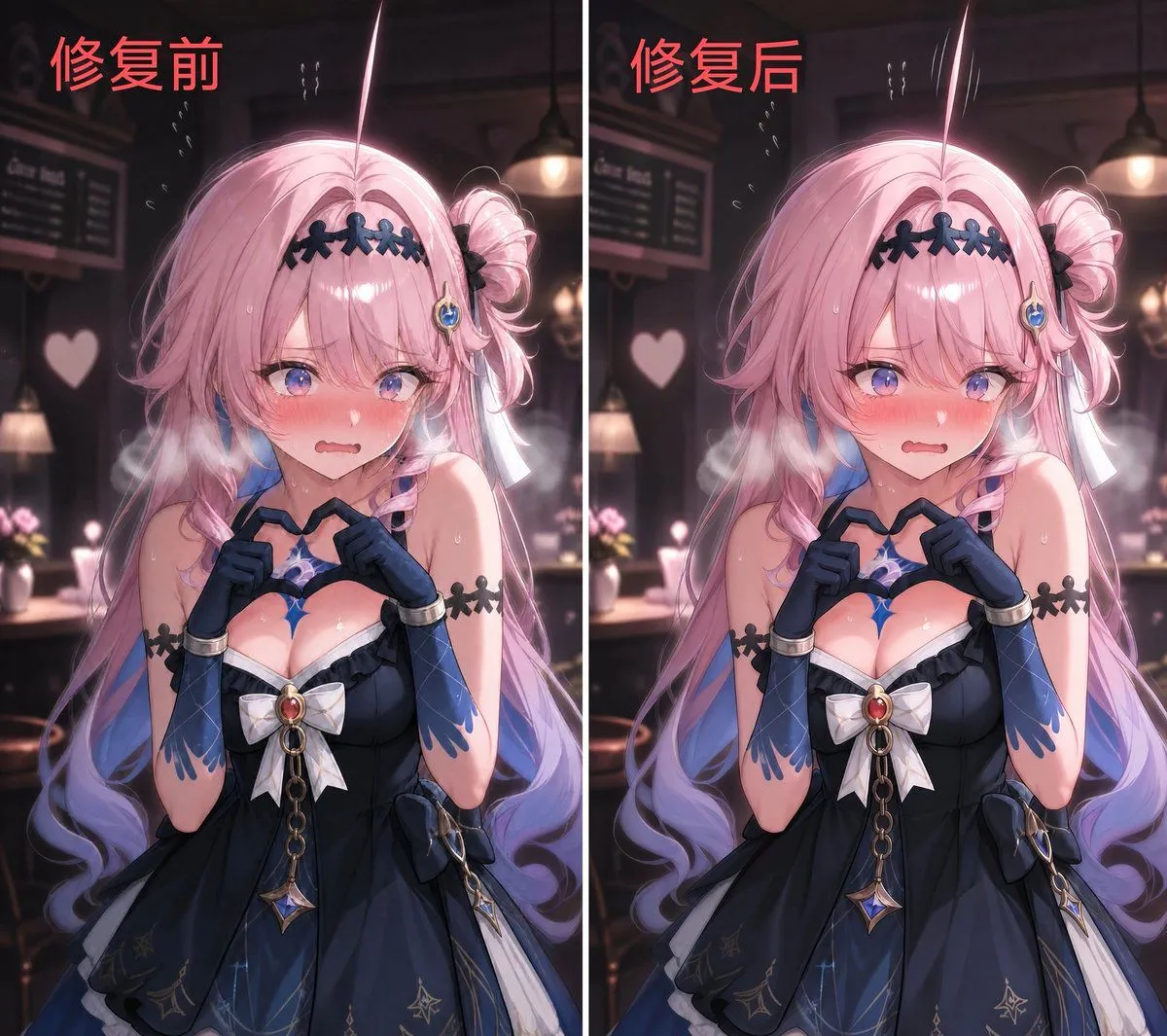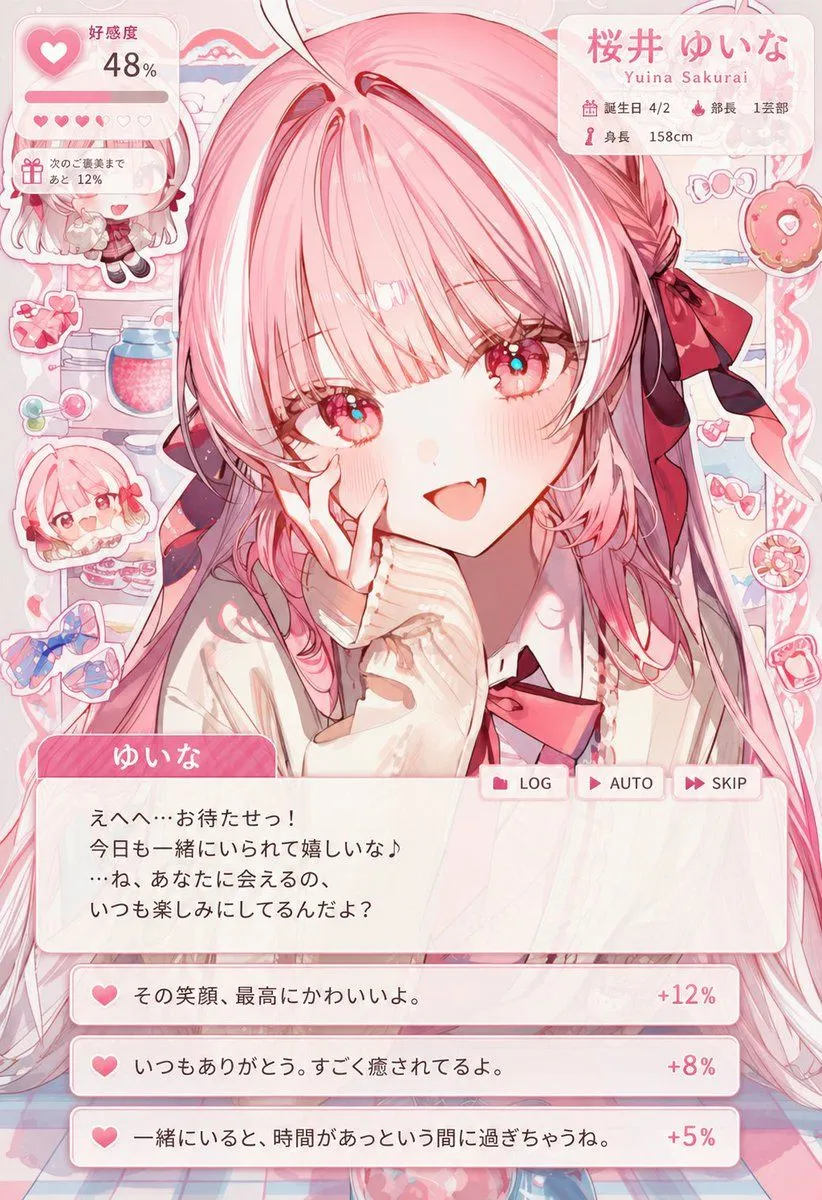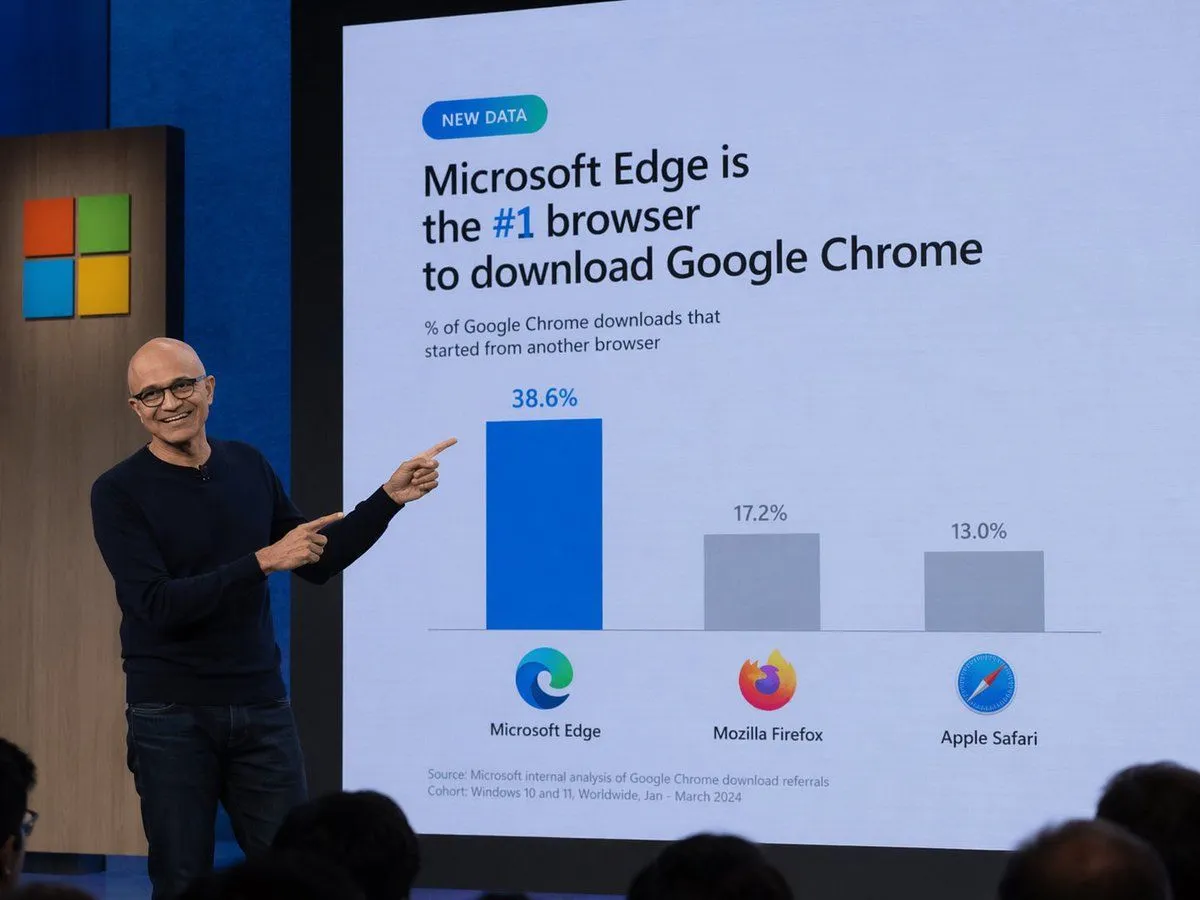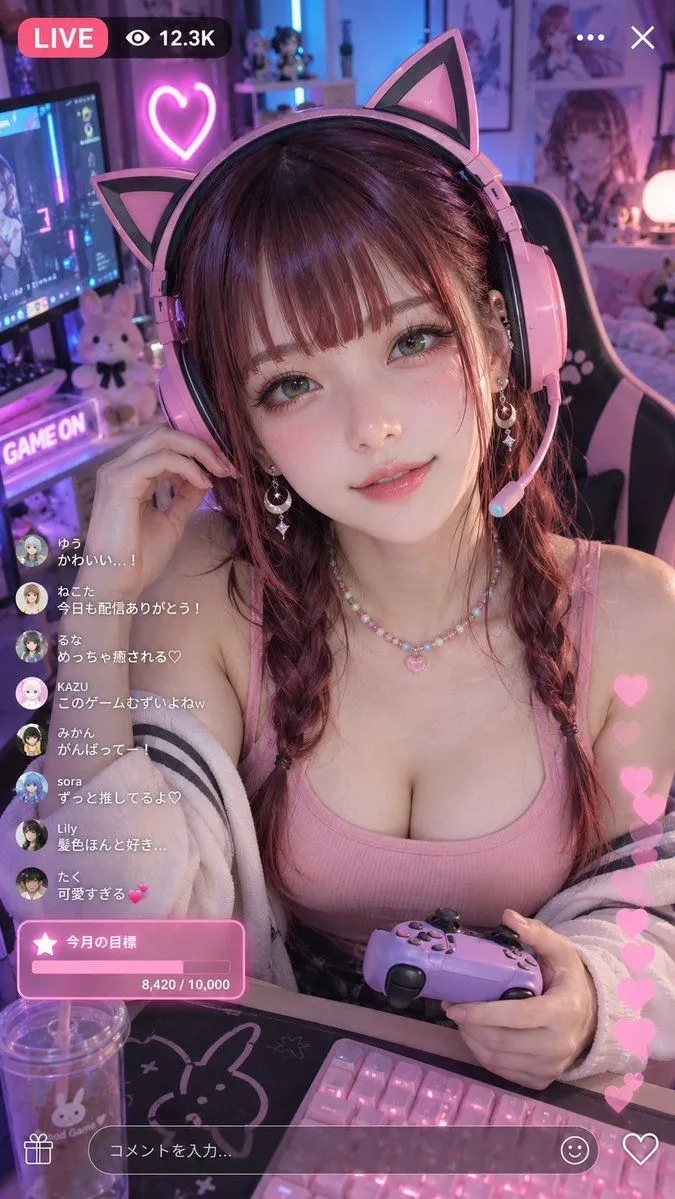
Made with GPT Image 2.5 in ChatGPT by Library Concept. Promptclay never generates images.
Photorealistic Gaming Livestream Portrait
Prompt
2 blanks to fillUse {reference_image} as the reference for the character’s identity and outfit. Preserve the face shape, eyes, hairstyle, bangs, overall character impression, and the clothing design, colors, silhouette, and key outfit details from {reference_image}. Do not preserve the illustration style of {reference_image}. Convert the character into a fully photorealistic real person, and render the outfit as realistic clothing materials. Always keep a pink-and-black cat-ear gaming headset with microphone, even if it is not present in {reference_image}. Create a vertical 9:16 livestream portrait of the same adult East Asian woman in a {room_style}. Use a slight high-angle viewpoint, like a typical gaming livestream webcam placed just above the monitor and gently angled downward. Frame her from the upper torso up. Keep the room slightly dark so the purple, pink, and blue LED and neon lighting stand out beautifully. Add plush toys, small figures, illustrated posters, shelves, a glowing neon heart sign, gaming chair, keyboard, and a clear tumbler with straw. Add a subtle livestream overlay: “LIVE”, “12.3K”, Japanese chat comments on the left, floating pink hearts on the right, and a pink progress box at the lower left. Important: keep the entire image consistently photorealistic, including the face and outfit.
Preview of your prompt
Use Image A as the reference for the character’s identity and outfit. Preserve the face shape, eyes, hairstyle, bangs, overall character impression, and the clothing design, colors, silhouette, and key outfit details from Image A. Do not preserve the illustration style of Image A. Convert the character into a fully photorealistic real person, and render the outfit as realistic clothing materials. Always keep a pink-and-black cat-ear gaming headset with microphone, even if it is not present in Image A. Create a vertical 9:16 livestream portrait of the same adult East Asian woman in a cozy gaming room. Use a slight high-angle viewpoint, like a typical gaming livestream webcam placed just above the monitor and gently angled downward. Frame her from the upper torso up. Keep the room slightly dark so the purple, pink, and blue LED and neon lighting stand out beautifully. Add plush toys, small figures, illustrated posters, shelves, a glowing neon heart sign, gaming chair, keyboard, and a clear tumbler with straw. Add a subtle livestream overlay: “LIVE”, “12.3K”, Japanese chat comments on the left, floating pink hearts on the right, and a pink progress box at the lower left. Important: keep the entire image consistently photorealistic, including the face and outfit.
DetailsVersions, settings and questions
Written for
What's in the prompt
- Subject
- Model
- GPT Image 2.5
If your face changes
keep my face exactly the sameQuestions
- Does this work in the ChatGPT app?
- Yes. Paste the prompt and attach your photo if it uses one.
- It changed my face. What do I do?
- Add "keep my face exactly the same" to the end and run it again.
- Can I use the images I make?
- Check the terms of the app you use. Promptclay never generates images and claims nothing you make.