Tell us anything

An idea, a bug, something you love. We read every note.

⌘↵ to send. The page you're on comes along.

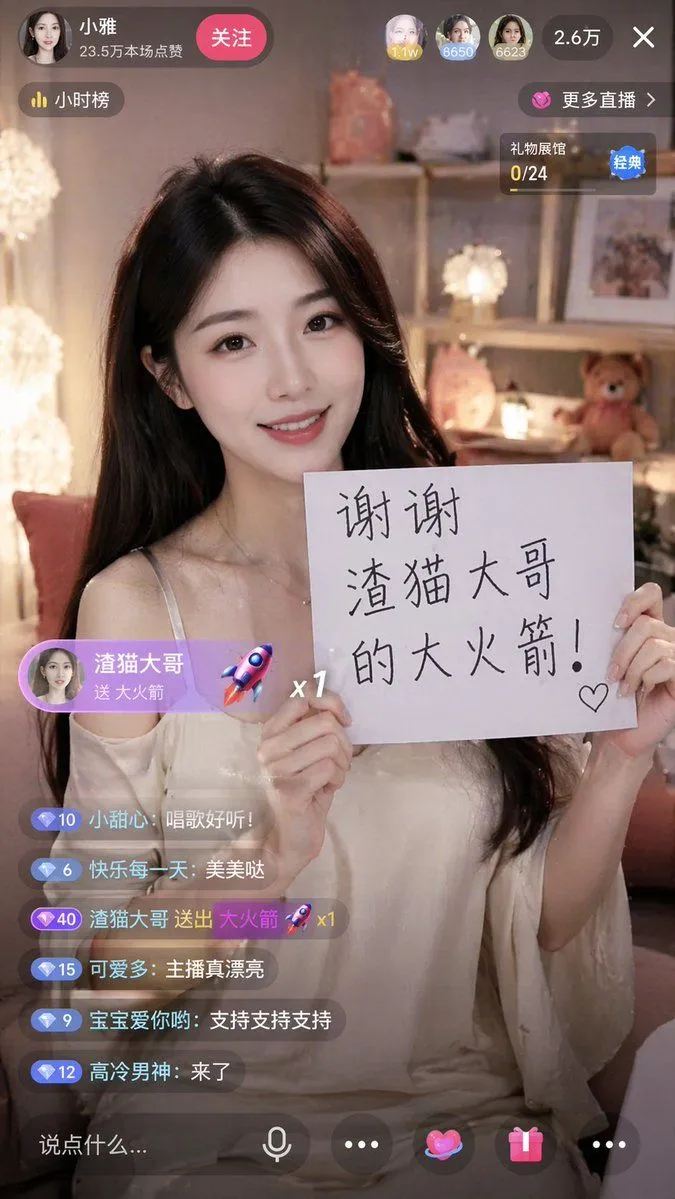
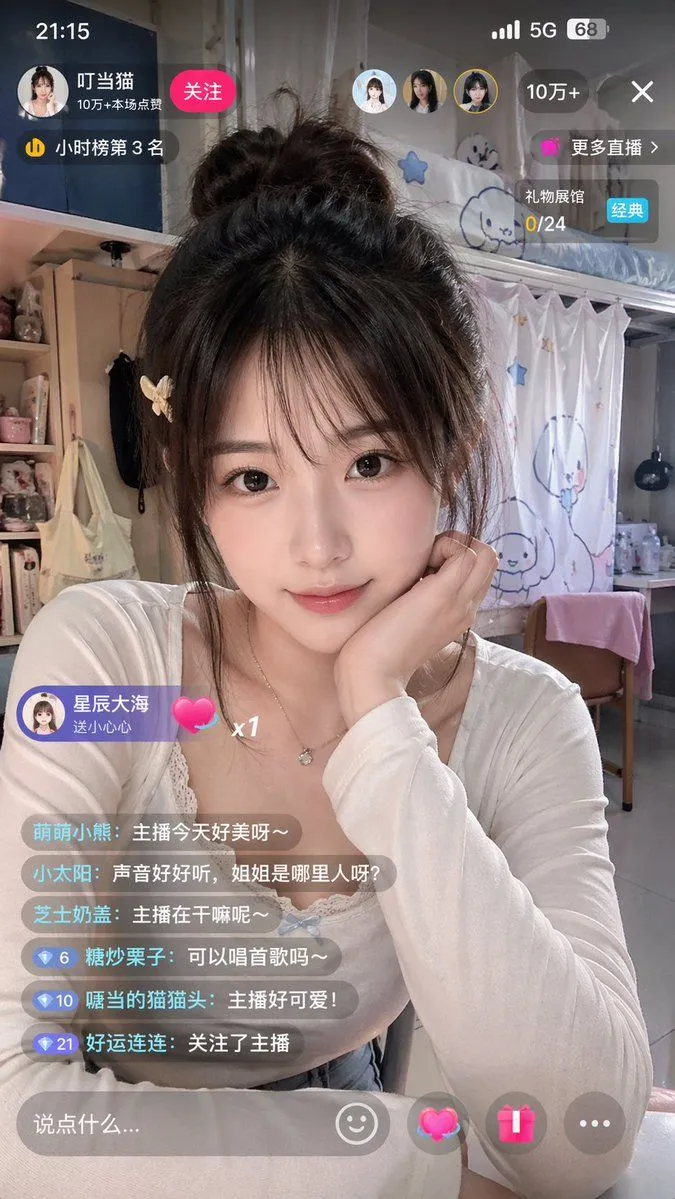
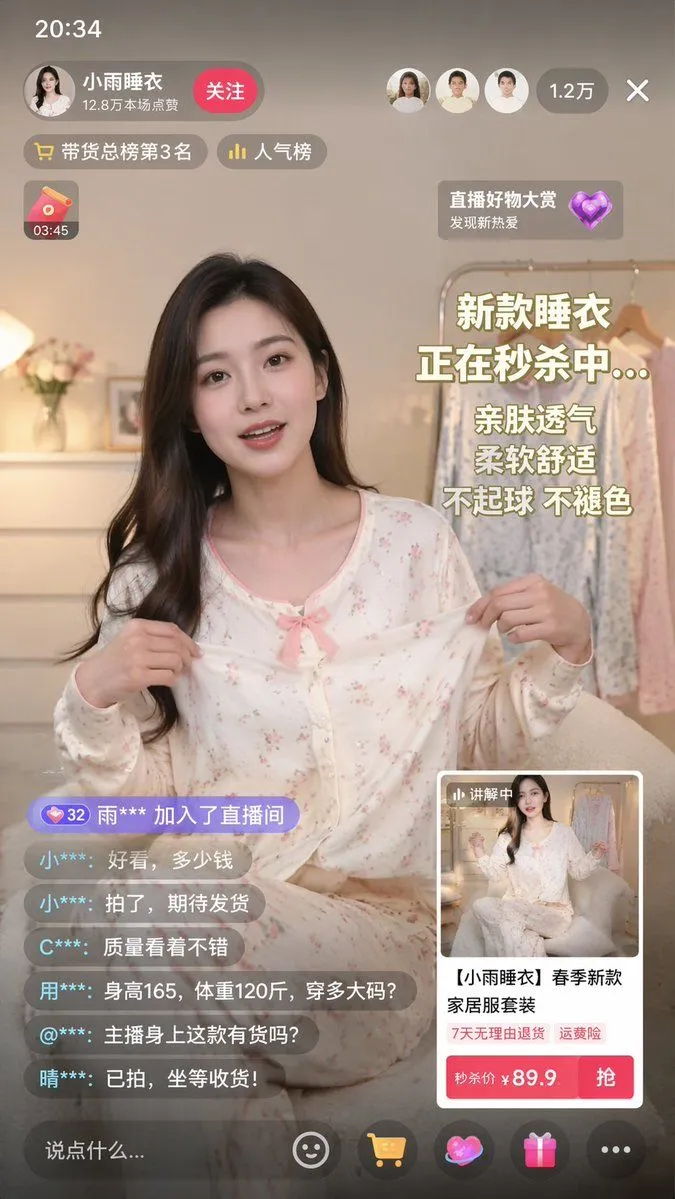
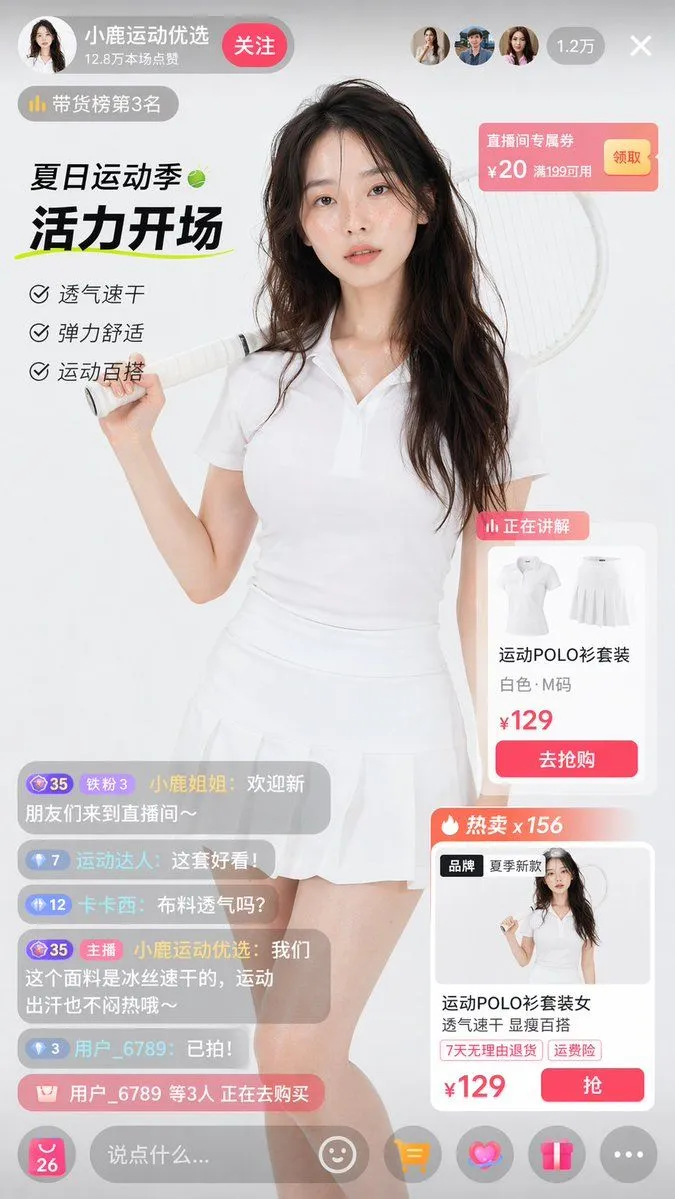
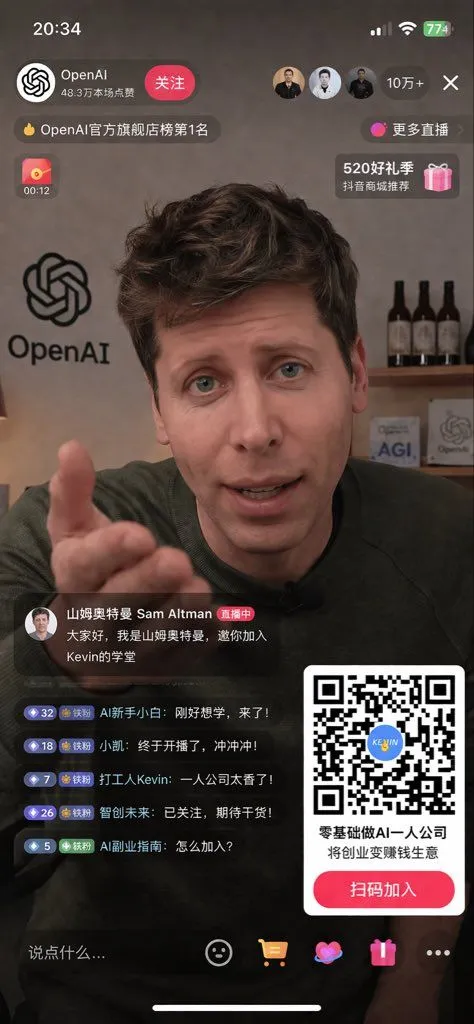
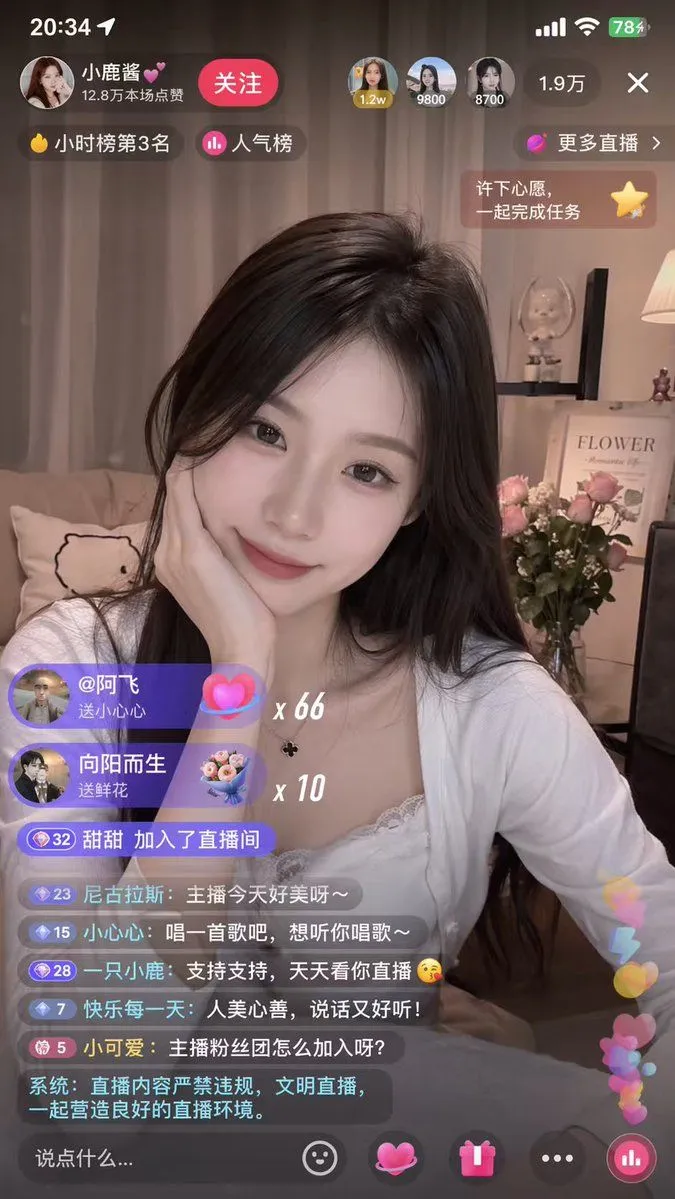
Mobile Live-Streaming Interface Mockup

Made with GPT Image 2 in ChatGPT by Library Lifestyle. Promptclay never generates images.

Did it work?

No reports yet. Tell others if it worked for you.

No comments yet. Be the first.

    Mobile Live-Streaming Interface Mockup

    GPT Image 29:16AI-generated

    Prompt

    { "type": "mobile live-streaming app interface mockup", "video_feed": { "subject": "{argument name=\"host appearance\" default=\"young Asian woman, long dark hair, white lace top, resting chin on hand, smiling softly\"}", "background": "cozy room, couch with animal pillow, shelf with 'FLOWER' framed picture, pink roses in a vase, warm lighting" }, "ui_overlay": { "status_bar": { "elements": ["20:34", "location arrow", "signal bars", "wifi", "battery 78%"] }, "top_header": { "host_info": { "name": "{argument name=\"host name\" default=\"小鹿酱💕\"}", "subtitle": "12.8万本场点赞", "button": "关注" }, "top_viewers_count": 3, "top_viewers_labels": ["1.2w", "9800", "8700"], "total_viewers": "1.9万", "close_button": "X" }, "badges_and_prompts": { "top_left_count": 2, "top_left_labels": ["小时榜第3名", "人气榜"], "top_right_count": 2, "top_right_labels": ["更多直播 >", "许下心愿,一起完成任务"] }, "gift_notifications": { "count": 2, "items": [ { "user": "@阿飞", "action": "送小心心", "multiplier": "{argument name=\"gift multiplier\" default=\"x 66\"}" }, { "user": "向阳而生", "action": "送鲜花", "multiplier": "x 10" } ] }, "chat_stream": { "count": 7, "messages": [ "甜甜 加入了直播间", "尼古拉斯: {argument name=\"chat message 1\" default=\"主播今天好美呀~\"}", "小心心: {argument name=\"chat message 2\" default=\"唱一首歌吧,想听你唱歌~\"}", "一只小鹿: 支持支持,天天看你直播 😘", "快乐每一天: 人美心善,说话又好听!", "小可爱: 主播粉丝团怎么加入呀?", "系统: 直播内容严禁违规,文明直播,一起营造良好的直播环境。" ] }, "bottom_bar": { "input_placeholder": "说点什么...", "icon_count": 5, "icons": ["smiley face", "pink heart", "gift box", "three dots", "bar chart"], "floating_elements": "pink and blue hearts rising on the right" } } }

    Works in
    ChatGPT, Gemini
    Status
    Free to copy
    0
    DetailsVersions, settings and questions

    Written for

    What's in the prompt

    Subject
    Model
    GPT Image 2

    If your face changes

    keep my face exactly the same

    Questions

    Does this work in the ChatGPT app?
    Yes. Paste the prompt and attach your photo if it uses one.
    It changed my face. What do I do?
    Add "keep my face exactly the same" to the end and run it again.
    Can I use the images I make?
    Check the terms of the app you use. Promptclay never generates images and claims nothing you make.

    Similar prompts

    See more
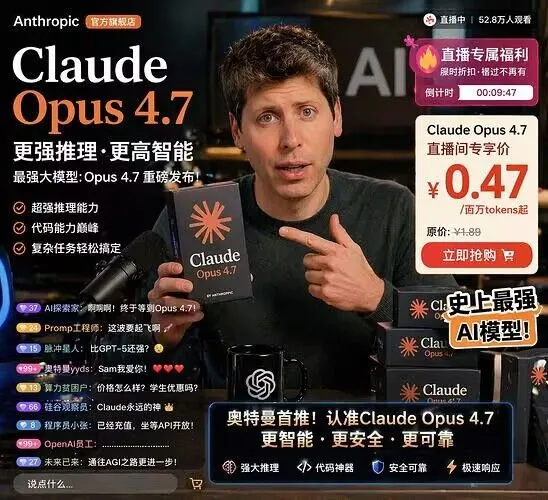
    • Live Streaming App UI Mockup
    • Live-Streaming App Interface Mockup
    • Live Stream App Screenshot Generator
    • Chinese Livestream Dorm Selfie UI
    • Live E-commerce UI Mockup
    • E-commerce Livestream UI Mockup
    • Livestream UI Mockup with Host
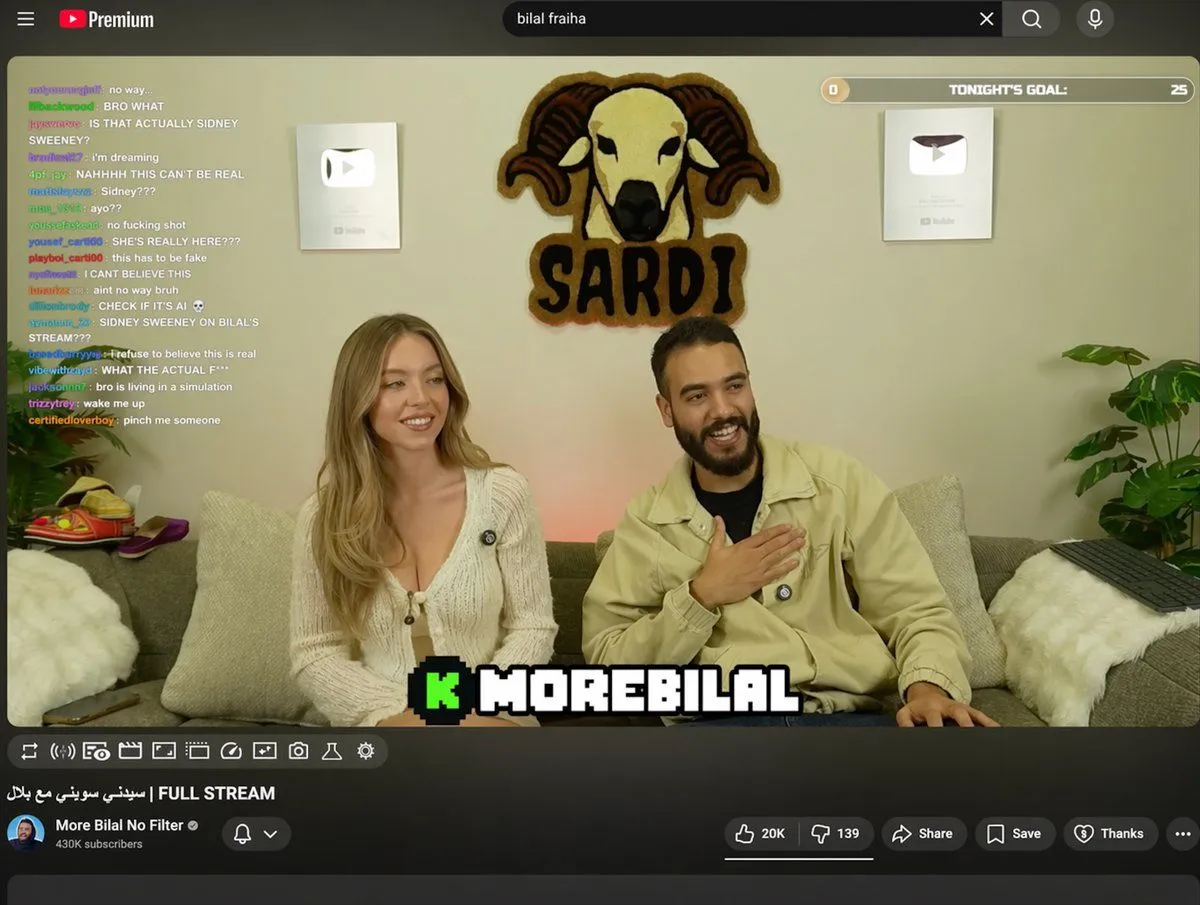
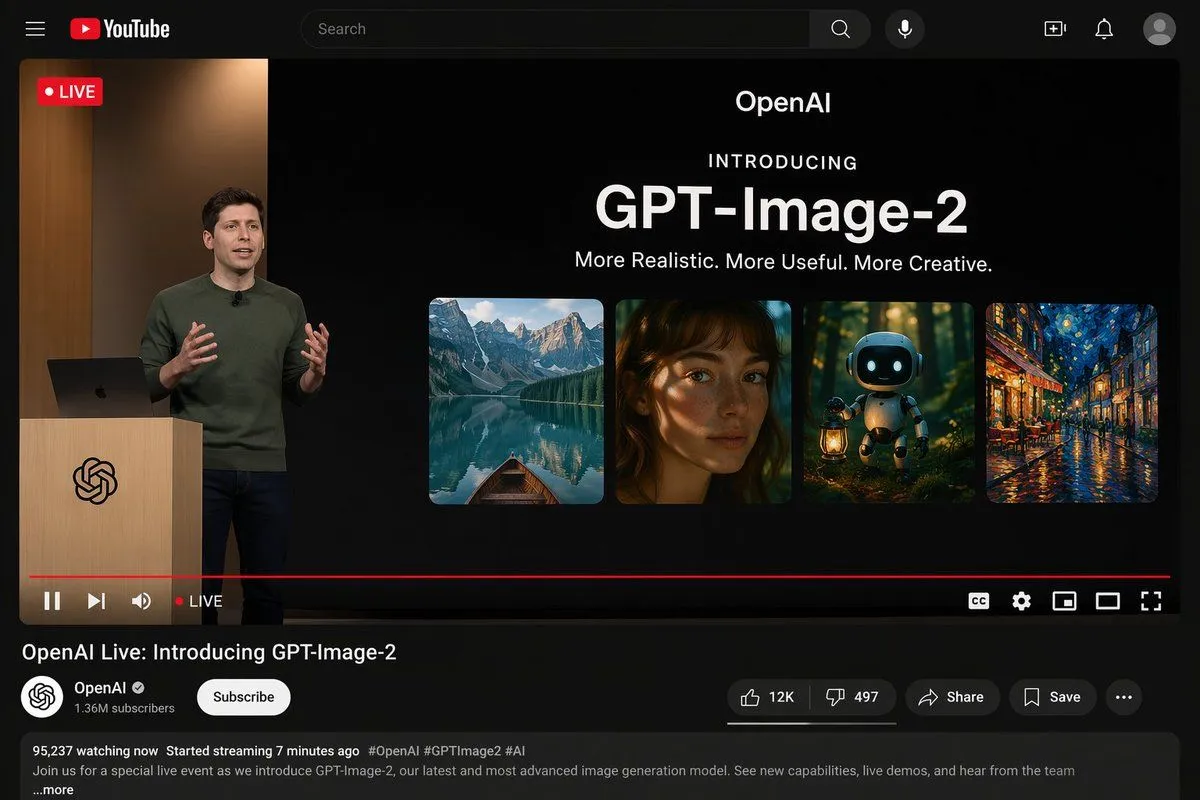
    • YouTube Livestream Interface Mockup
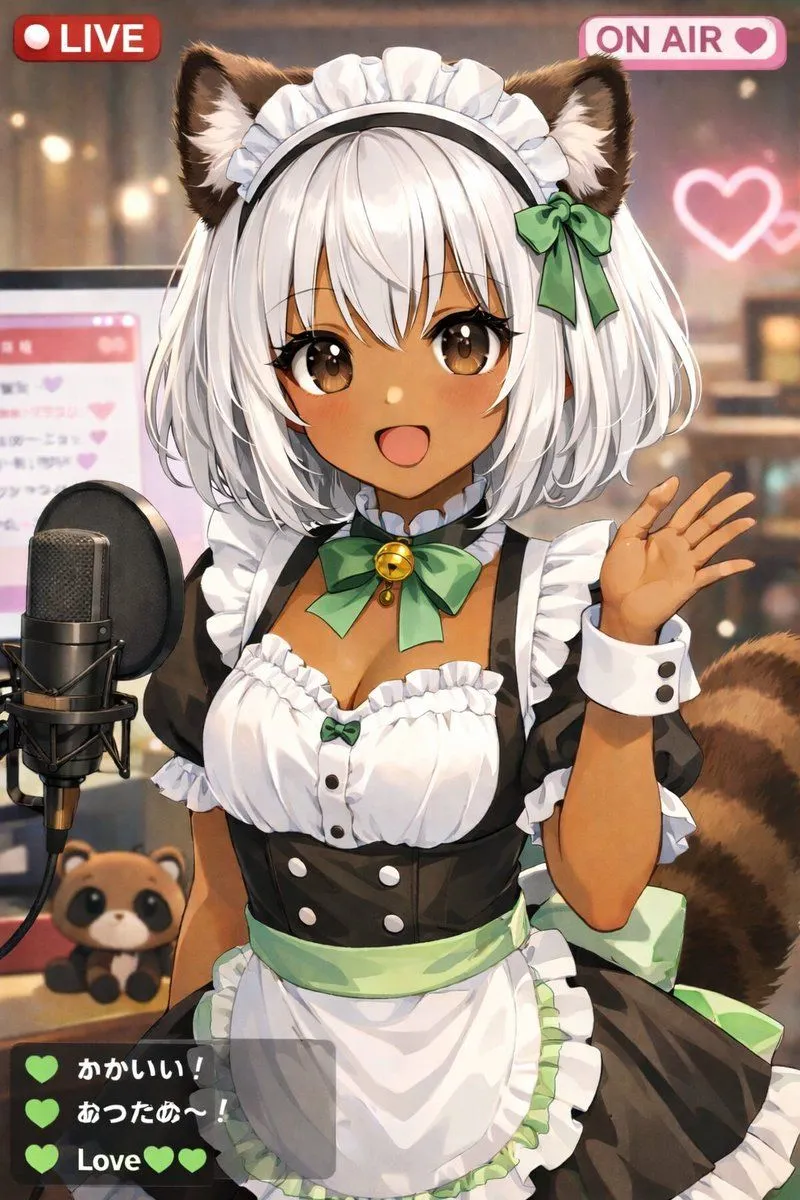
    • Anime VTuber Live Stream Overlay
    • Simple Expression of Joy and Affection using Emojis
    • E-commerce Livestream UI Mockup
    • YouTube Live Presentation UI Mockup
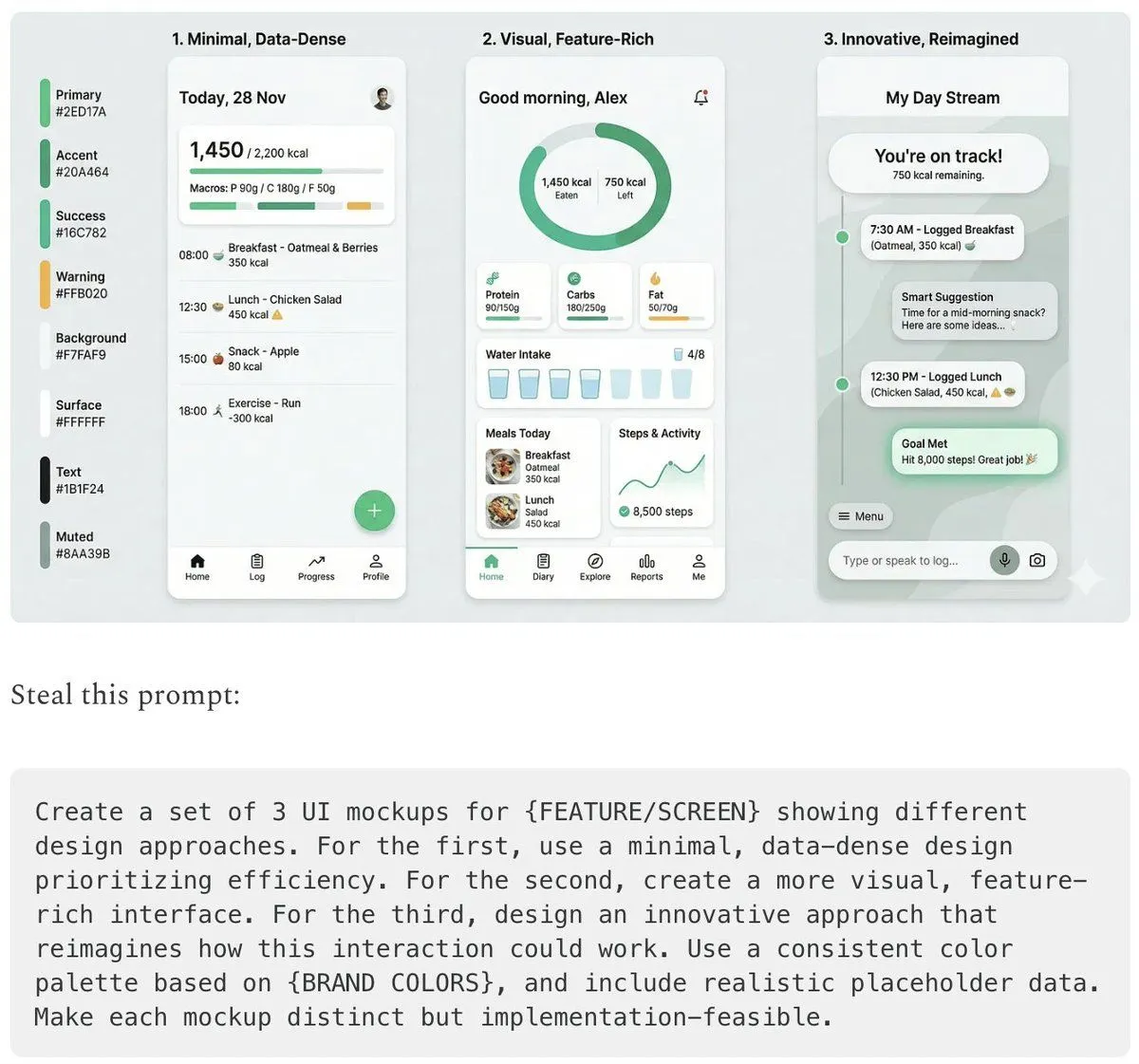
    • Five High-Efficiency Nano Banana Pro Prompts for Business Graphics
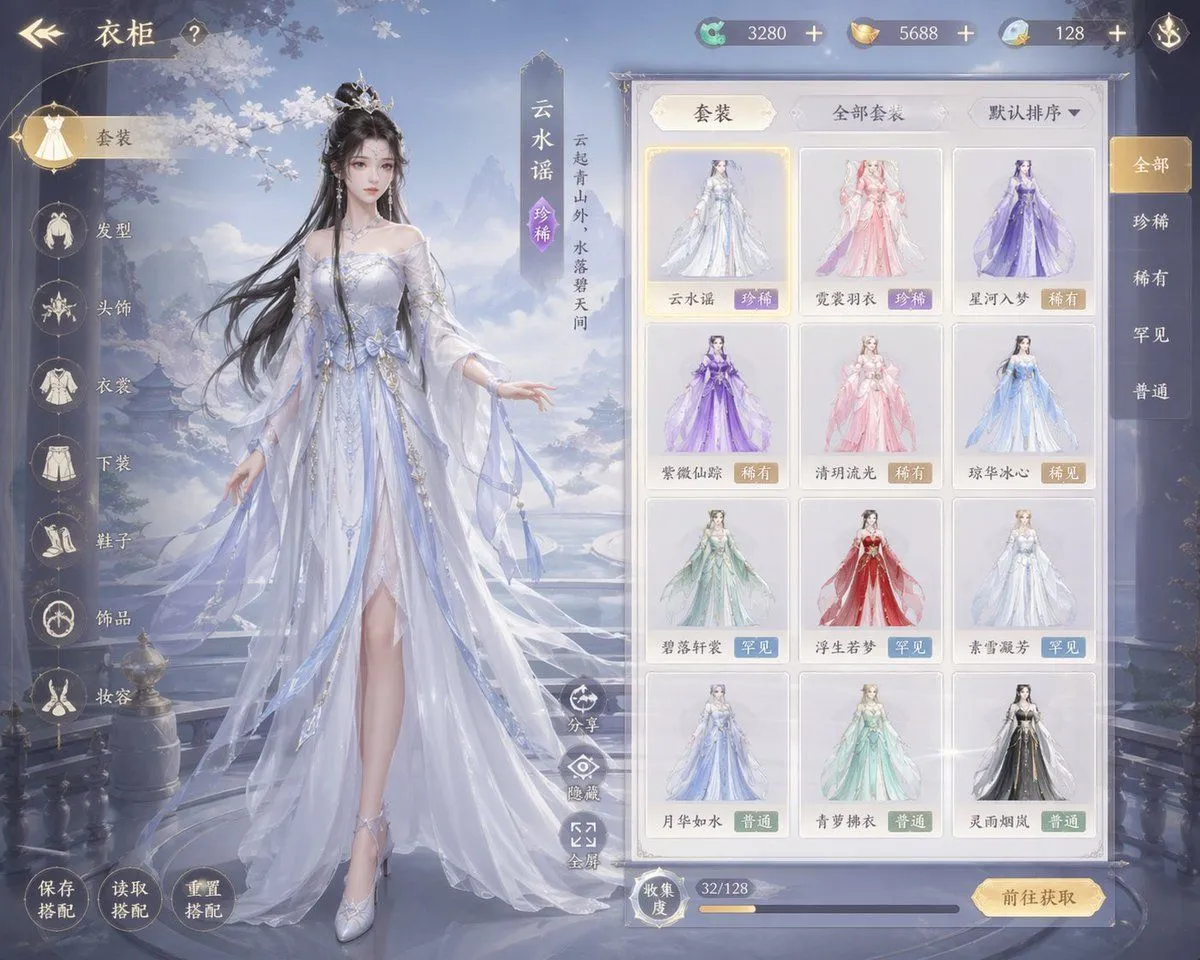
    • Xianxia Game Character Wardrobe Interface
    • Video Generation Prompt: Animating Mobile ScreensVideo, 0:10
    • Ultra-realistic 16K selfie edit of a daydreaming girl on a blanket
    • Intimate Morning Selfie Photography
    • Cozy Hoodie Selfie Portrait
    • Coser Resting on Tatami After PartyVideo, 0:10
    • AI Prompt Template for Generating Viral Titles and Copy for Middle-Aged and Elderly Audiences
    • 1980s Vintage Retro Portrait
    • Antique Chinese Noblewoman Poster
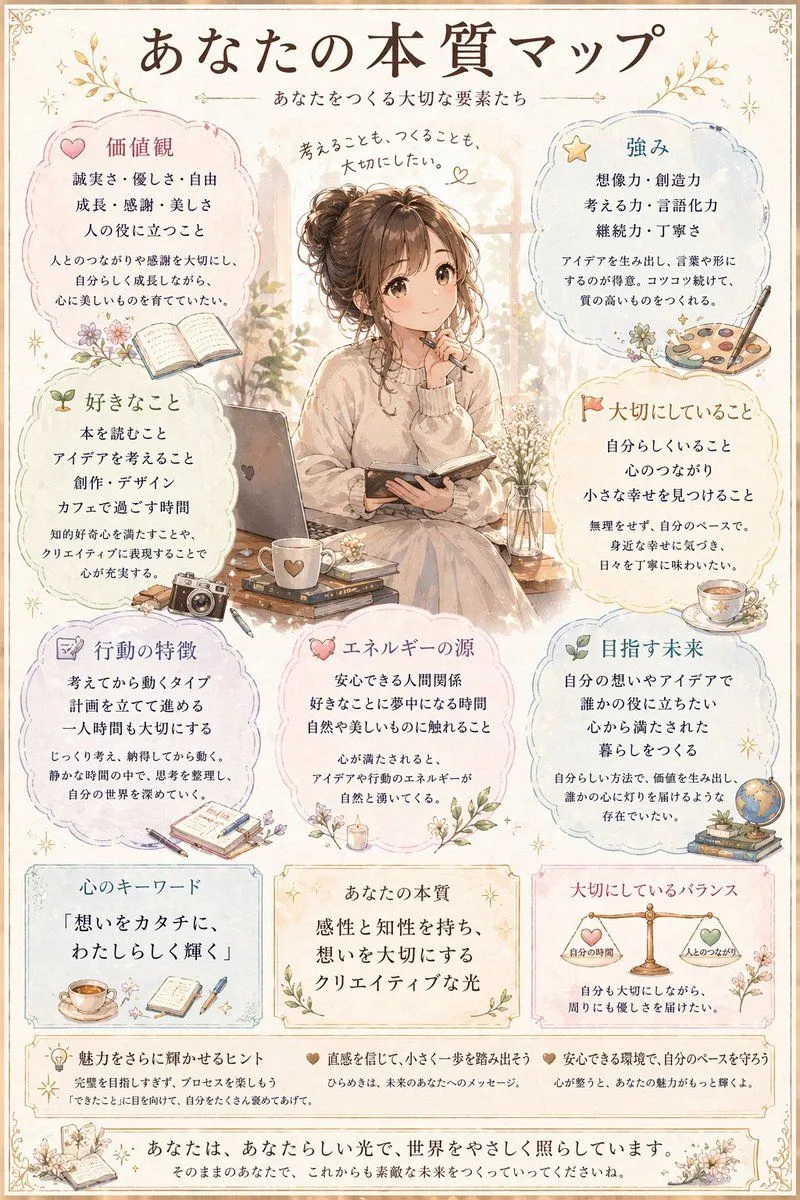
    • Japanese Personality Map Poster
    • Rustic Cabin Forest Portrait

    Show more

    Run it on your phone

    1. Prompt copiedRead it

      { "type": "mobile live-streaming app interface mockup", "video_feed": { "subject": "{argument name=\"host appearance\" default=\"young Asian woman, long dark hair, white lace top, resting chin on hand, smiling softly\"}", "background": "cozy room, couch with animal pillow, shelf with 'FLOWER' framed picture, pink roses in a vase, warm lighting" }, "ui_overlay": { "status_bar": { "elements": ["20:34", "location arrow", "signal bars", "wifi", "battery 78%"] }, "top_header": { "host_info": { "name": "{argument name=\"host name\" default=\"小鹿酱💕\"}", "subtitle": "12.8万本场点赞", "button": "关注" }, "top_viewers_count": 3, "top_viewers_labels": ["1.2w", "9800", "8700"], "total_viewers": "1.9万", "close_button": "X" }, "badges_and_prompts": { "top_left_count": 2, "top_left_labels": ["小时榜第3名", "人气榜"], "top_right_count": 2, "top_right_labels": ["更多直播 >", "许下心愿,一起完成任务"] }, "gift_notifications": { "count": 2, "items": [ { "user": "@阿飞", "action": "送小心心", "multiplier": "{argument name=\"gift multiplier\" default=\"x 66\"}" }, { "user": "向阳而生", "action": "送鲜花", "multiplier": "x 10" } ] }, "chat_stream": { "count": 7, "messages": [ "甜甜 加入了直播间", "尼古拉斯: {argument name=\"chat message 1\" default=\"主播今天好美呀~\"}", "小心心: {argument name=\"chat message 2\" default=\"唱一首歌吧,想听你唱歌~\"}", "一只小鹿: 支持支持,天天看你直播 😘", "快乐每一天: 人美心善,说话又好听!", "小可爱: 主播粉丝团怎么加入呀?", "系统: 直播内容严禁违规,文明直播,一起营造良好的直播环境。" ] }, "bottom_bar": { "input_placeholder": "说点什么...", "icon_count": 5, "icons": ["smiley face", "pink heart", "gift box", "three dots", "bar chart"], "floating_elements": "pink and blue hearts rising on the right" } } }

    2. Open your app

      This prompt is long, so it is copied instead of sent in the link. Paste it in the app.

    3. Paste and run

      Press and hold the message box, then tap Paste. Add your photo first if the prompt uses one. You may need to sign in.

    Mobile Live-Streaming Interface Mockup