Tell us anything

An idea, a bug, something you love. We read every note.

⌘↵ to send. The page you're on comes along.

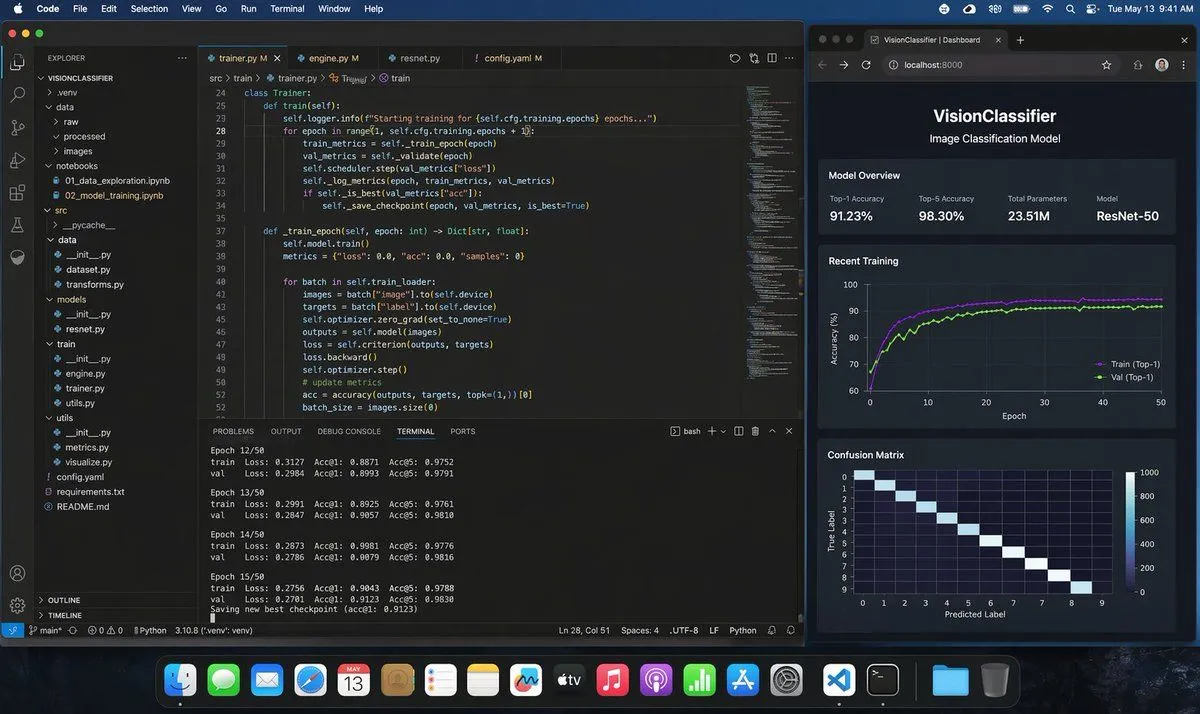
Photoreal ML Developer Desktop

Made with GPT Image 2 in ChatGPT by Library Explainers. Promptclay never generates images.

Did it work?

No reports yet. Tell others if it worked for you.

No comments yet. Be the first.

    Photoreal ML Developer Desktop

    GPT Image 2AI-generated

    Prompt

    A photorealistic macOS desktop screenshot of a machine learning engineer’s workspace at night, shown straight-on with a dark blue macOS menu bar and the dock visible along the bottom. The desktop contains exactly 2 main application windows side by side. On the left, a large Visual Studio Code window in dark theme occupies about two-thirds of the screen. The VS Code project is named "VISIONCLASSIFIER" in the Explorer sidebar, with a realistic Python ML folder tree including exactly 11 visible top-level or expanded items: .venv, data, raw, processed, images, notebooks, src, utils, config.yaml, requirements.txt, README.md. Inside notebooks, show exactly 2 visible files: 01_data_exploration.ipynb and 02_model_training.ipynb. Inside src, show a realistic ML code structure with dataset.py, transforms.py, models, resnet.py, train, engine.py, trainer.py, utils.py. The editor area has exactly 4 tabs open: trainer.py, engine.py, resnet.py, config.yaml. The active tab is trainer.py. Display clean, believable Python training code for a ResNet image classification pipeline, including a class Trainer, methods train(self) and train_epoch(self, epoch: int) -> Dict[str, float], references to self.cfg.training.epochs, train_metrics, val_metrics, scheduler.step, save_checkpoint, self.model.train(), batch["image"], batch["label"], optimizer.zero_grad, criterion, loss.backward, optimizer.step, accuracy(outputs, targets, topk=(1,))[0]. Make the code sharp but naturally screen-like, with line numbers visible around lines 24 to 52. At the bottom of the VS Code window, the integrated terminal is open on the TERMINAL tab and shows realistic training logs for exactly 4 epochs in view: Epoch 12/50, Epoch 13/50, Epoch 14/50, Epoch 15/50, each with train and val lines listing Loss, Acc@1, and Acc@5, plus a final line saying a new best checkpoint was saved. Keep the numbers plausible for a successful training run, with top-1 accuracy around 0.88 to 0.91 and top-5 around 0.97 to 0.98. Include the usual VS Code status bar along the bottom with Python environment details. On the right, place exactly 1 dark-themed web browser window showing a local dashboard at localhost:8000 with the page title "VisionClassifier | Dashboard" and the app header "VisionClassifier" plus subtitle "Image Classification Model". The dashboard contains exactly 3 stacked sections. The first section is "Model Overview" with exactly 4 metric cards: Top-1 Accuracy 91.23%, Top-5 Accuracy 98.30%, Total Parameters 23.51M, Model ResNet-50. The second section is "Recent Training" with a dark line chart of accuracy over 50 epochs, showing exactly 2 colored curves labeled Train (Top-1) and Val (Top-1), both rising quickly and stabilizing around the low 90s. The third section is "Confusion Matrix" showing a 10x10 heatmap with a bright diagonal and axes labeled True Label and Predicted Label. Use subtle reflections, crisp typography, realistic UI spacing, and believable screen glow. The macOS top menu bar should show common menus like Code, File, Edit, Selection, View, Go, Run, Terminal, Window, Help on the left and system icons with the time reading Tue May 13 9:41 AM on the right. The dock should contain many recognizable app icons and feel authentic but not distracting. Overall style: ultra-realistic screenshot, professional developer workstation, polished dark mode interfaces, no stylization, no illustration, indistinguishable from a real screen capture.

    Works in
    ChatGPT, Gemini
    Status
    Free to copy
    0
    DetailsVersions, settings and questions

    Written for

    What's in the prompt

    Subject
    Model
    GPT Image 2

    If your face changes

    keep my face exactly the same

    Questions

    Does this work in the ChatGPT app?
    Yes. Paste the prompt and attach your photo if it uses one.
    It changed my face. What do I do?
    Add "keep my face exactly the same" to the end and run it again.
    Can I use the images I make?
    Check the terms of the app you use. Promptclay never generates images and claims nothing you make.
    Similar prompts

    See more
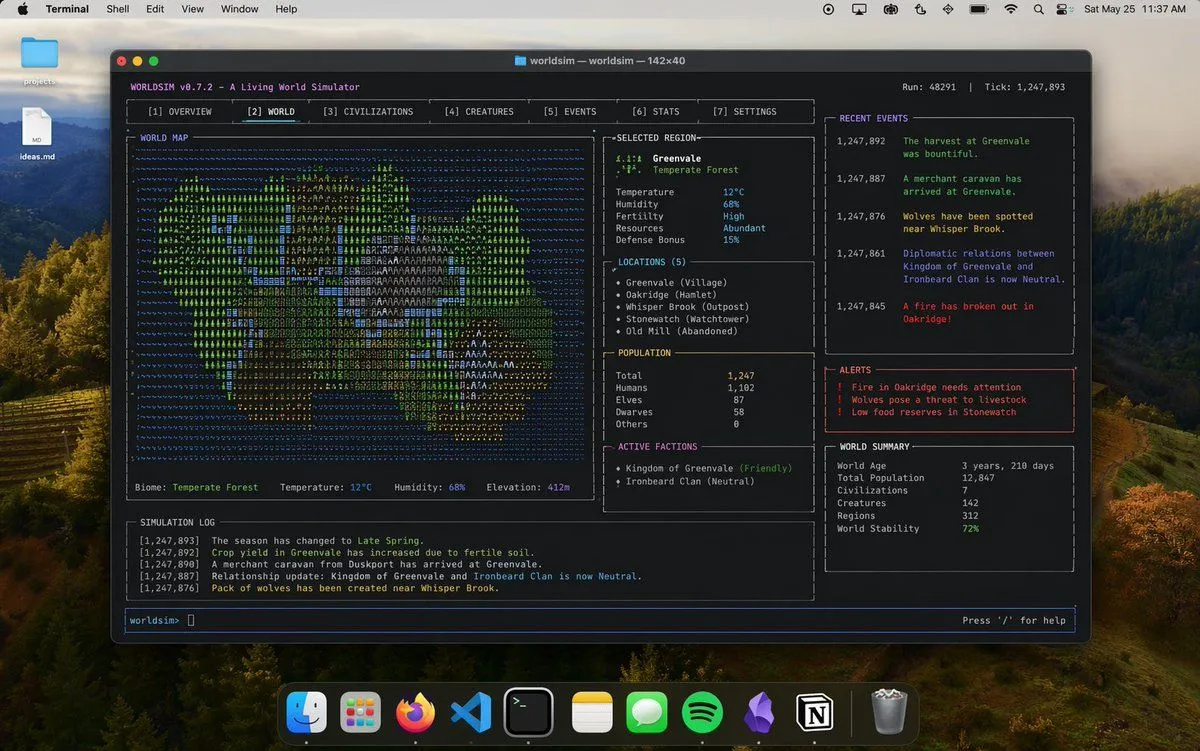
    • Mac Terminal World Sim UI
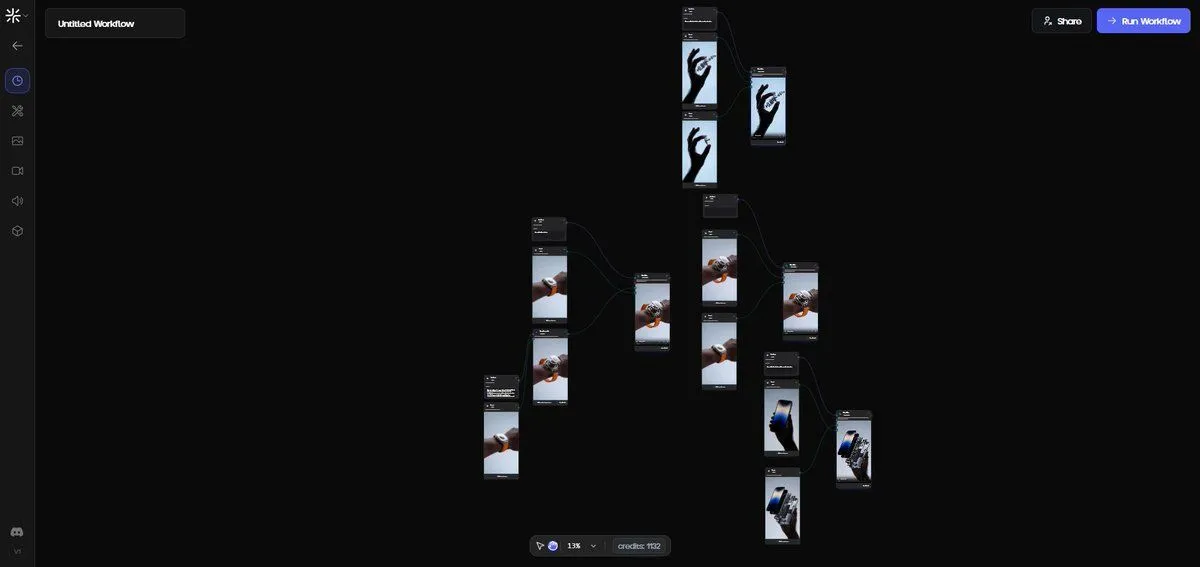
    • Exploded View Disassembly of Apple Watch Ultra and iPhone
    • Structural Image Inpainting Prompt
    • Five GitHub AI Tools Tech Poster
    • Generating Hollywood Detective Scene Images with Character Reference
    • Thumbnail text overlay based on attachment
    • Generating Multiple Runnable Modes/States
    • Image Adjustment Prompt for Nano Banana
    • Professional workstation screen prompt
    • Modern landing page design for Polyphonic
    • GitHub README with Meta Quest 3 Poster
    • System Prompt for Nano Banana Pro Image Prompt Deconstruction
    • JS Engineer Coding Scene with Specific Text
    • Modern MPLUS Link UI Redesign
    • Realistic Mac Webcam Photo Edit
    • Hyper-realistic MacBook Screen POV Shot Prompt
    • iPhone App Store Mockup on Desk
    • MacBook Mockup with User from Behind
    • Natural Blonde Woman Portrait Prompts
    • Woman Presenting GitHub Skill Repository
    • Multi-Slide Document Generation with Nano Banana and NotebookLM
    • Atmospheric Product Interface Visual Prompt for SaaS UI
    • Mechanical Keyboard Product Page Mockup
    • Hopelessly Cluttered Desktop Screen

    Show more

    Run it on your phone

    1. Prompt copiedRead it

      A photorealistic macOS desktop screenshot of a machine learning engineer’s workspace at night, shown straight-on with a dark blue macOS menu bar and the dock visible along the bottom. The desktop contains exactly 2 main application windows side by side. On the left, a large Visual Studio Code window in dark theme occupies about two-thirds of the screen. The VS Code project is named "VISIONCLASSIFIER" in the Explorer sidebar, with a realistic Python ML folder tree including exactly 11 visible top-level or expanded items: .venv, data, raw, processed, images, notebooks, src, utils, config.yaml, requirements.txt, README.md. Inside notebooks, show exactly 2 visible files: 01_data_exploration.ipynb and 02_model_training.ipynb. Inside src, show a realistic ML code structure with dataset.py, transforms.py, models, resnet.py, train, engine.py, trainer.py, utils.py. The editor area has exactly 4 tabs open: trainer.py, engine.py, resnet.py, config.yaml. The active tab is trainer.py. Display clean, believable Python training code for a ResNet image classification pipeline, including a class Trainer, methods train(self) and train_epoch(self, epoch: int) -> Dict[str, float], references to self.cfg.training.epochs, train_metrics, val_metrics, scheduler.step, save_checkpoint, self.model.train(), batch["image"], batch["label"], optimizer.zero_grad, criterion, loss.backward, optimizer.step, accuracy(outputs, targets, topk=(1,))[0]. Make the code sharp but naturally screen-like, with line numbers visible around lines 24 to 52. At the bottom of the VS Code window, the integrated terminal is open on the TERMINAL tab and shows realistic training logs for exactly 4 epochs in view: Epoch 12/50, Epoch 13/50, Epoch 14/50, Epoch 15/50, each with train and val lines listing Loss, Acc@1, and Acc@5, plus a final line saying a new best checkpoint was saved. Keep the numbers plausible for a successful training run, with top-1 accuracy around 0.88 to 0.91 and top-5 around 0.97 to 0.98. Include the usual VS Code status bar along the bottom with Python environment details. On the right, place exactly 1 dark-themed web browser window showing a local dashboard at localhost:8000 with the page title "VisionClassifier | Dashboard" and the app header "VisionClassifier" plus subtitle "Image Classification Model". The dashboard contains exactly 3 stacked sections. The first section is "Model Overview" with exactly 4 metric cards: Top-1 Accuracy 91.23%, Top-5 Accuracy 98.30%, Total Parameters 23.51M, Model ResNet-50. The second section is "Recent Training" with a dark line chart of accuracy over 50 epochs, showing exactly 2 colored curves labeled Train (Top-1) and Val (Top-1), both rising quickly and stabilizing around the low 90s. The third section is "Confusion Matrix" showing a 10x10 heatmap with a bright diagonal and axes labeled True Label and Predicted Label. Use subtle reflections, crisp typography, realistic UI spacing, and believable screen glow. The macOS top menu bar should show common menus like Code, File, Edit, Selection, View, Go, Run, Terminal, Window, Help on the left and system icons with the time reading Tue May 13 9:41 AM on the right. The dock should contain many recognizable app icons and feel authentic but not distracting. Overall style: ultra-realistic screenshot, professional developer workstation, polished dark mode interfaces, no stylization, no illustration, indistinguishable from a real screen capture.

    2. Open your app

      This prompt is long, so it is copied instead of sent in the link. Paste it in the app.

    3. Paste and run

      Press and hold the message box, then tap Paste. Add your photo first if the prompt uses one. You may need to sign in.

    Photoreal ML Developer Desktop