Tell us anything

An idea, a bug, something you love. We read every note.

⌘↵ to send. The page you're on comes along.

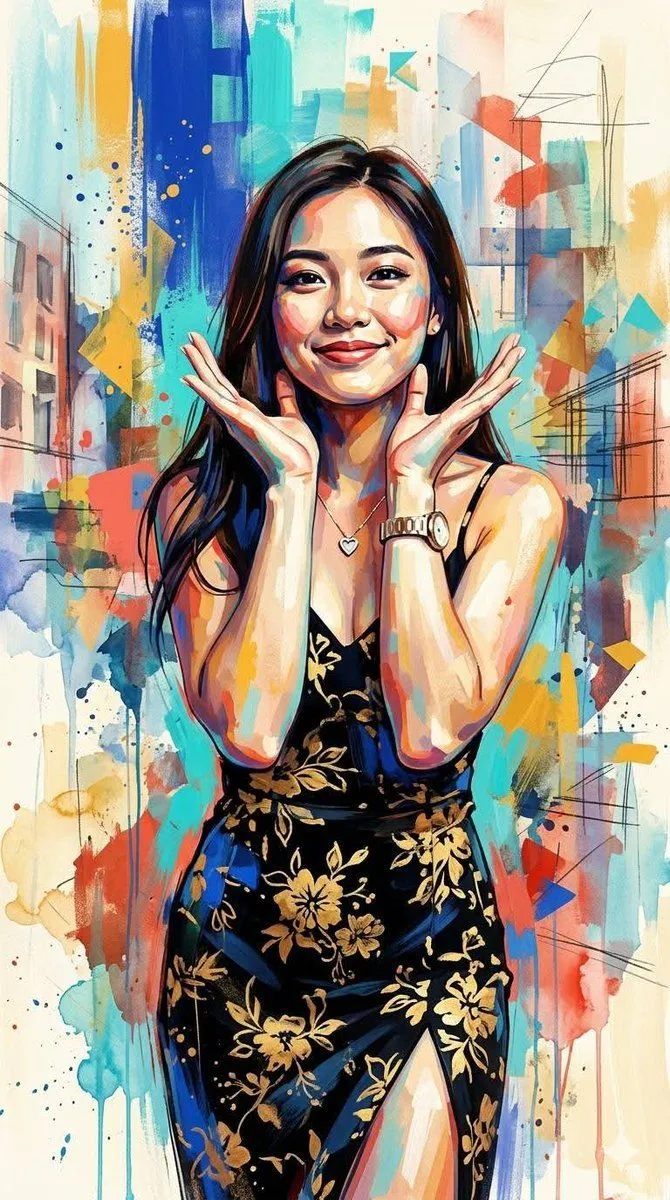
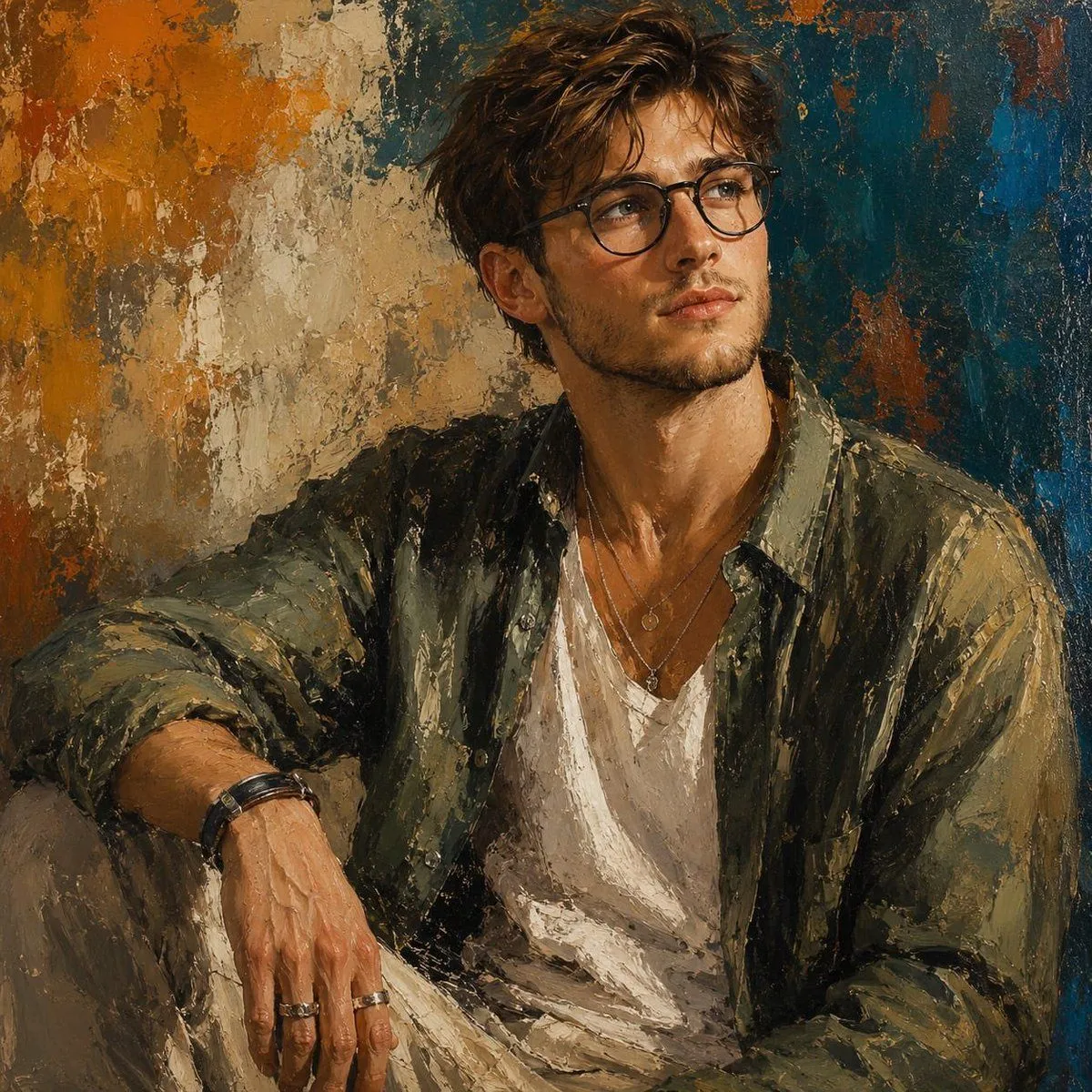
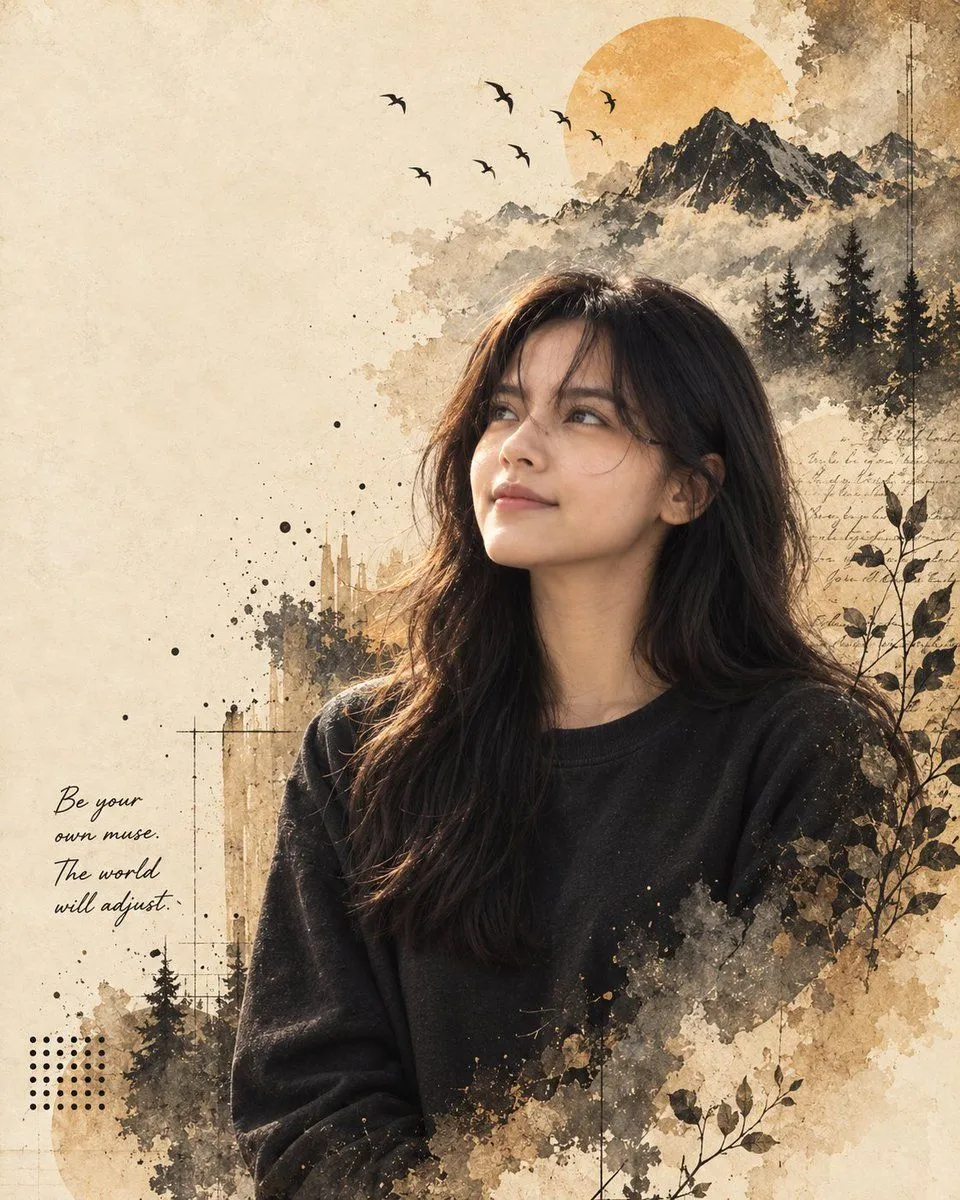
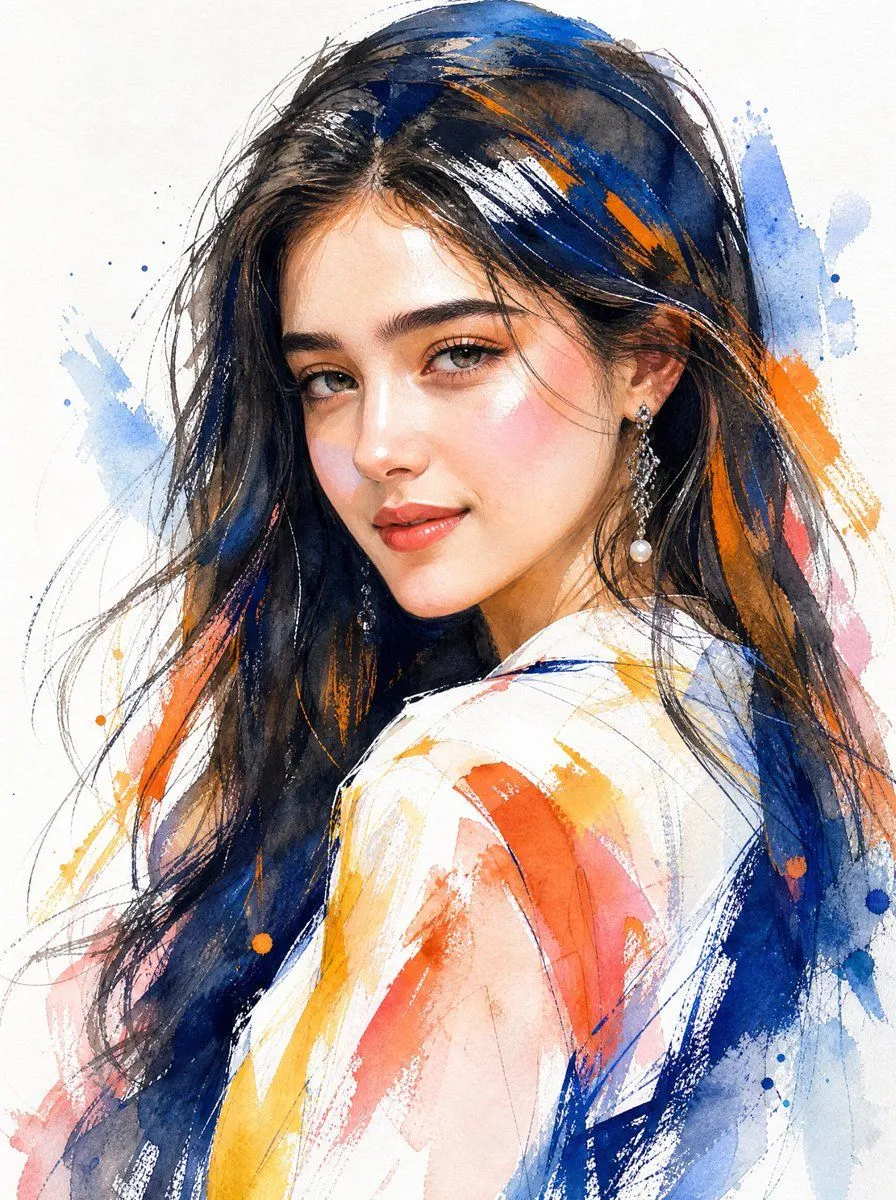
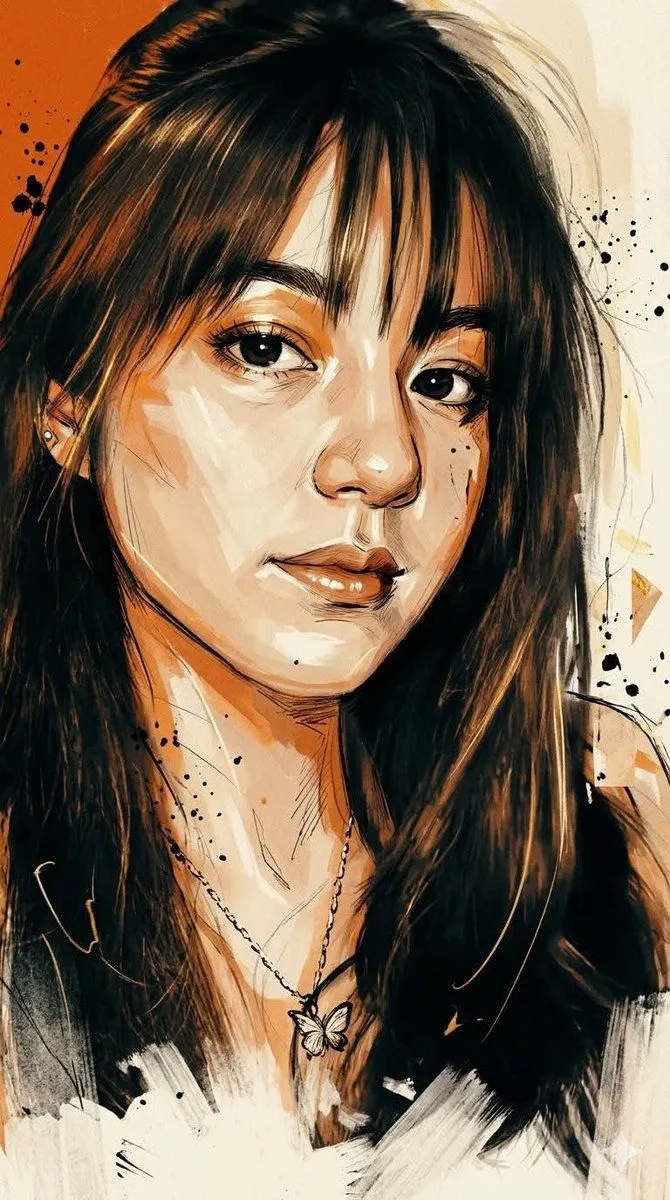
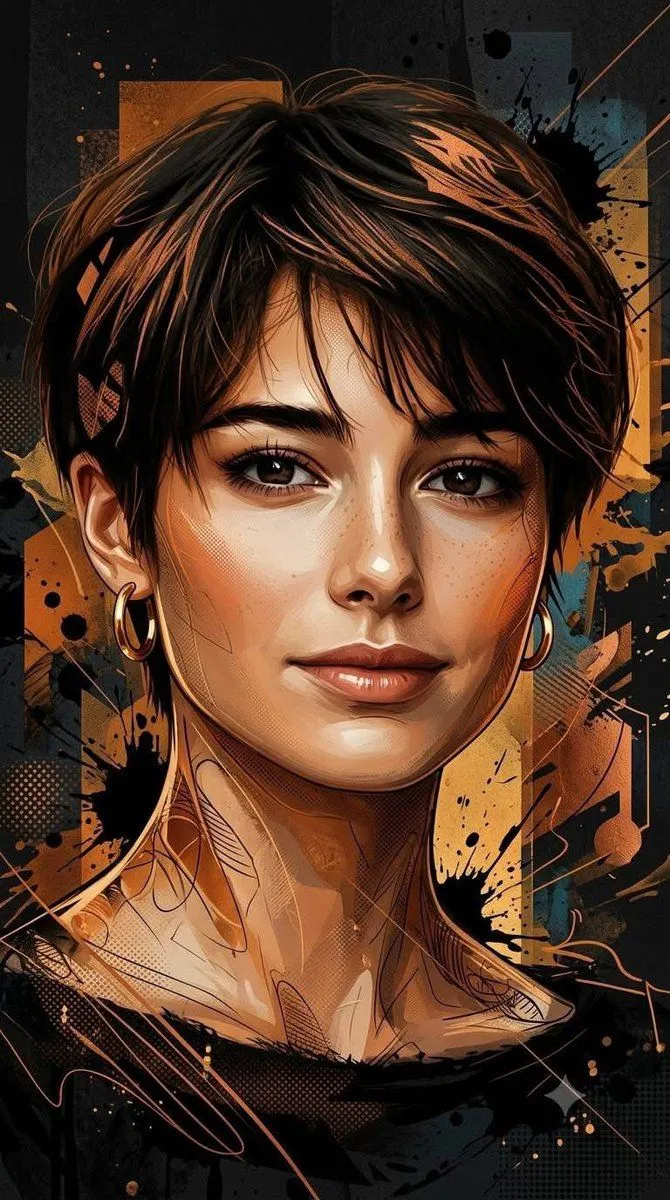
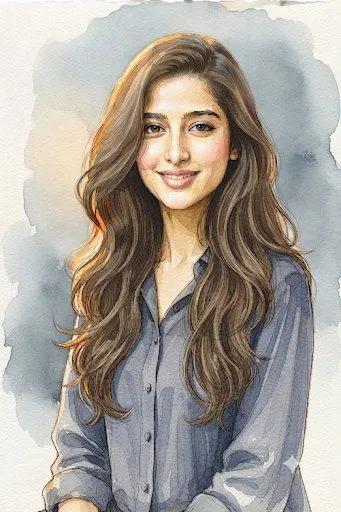
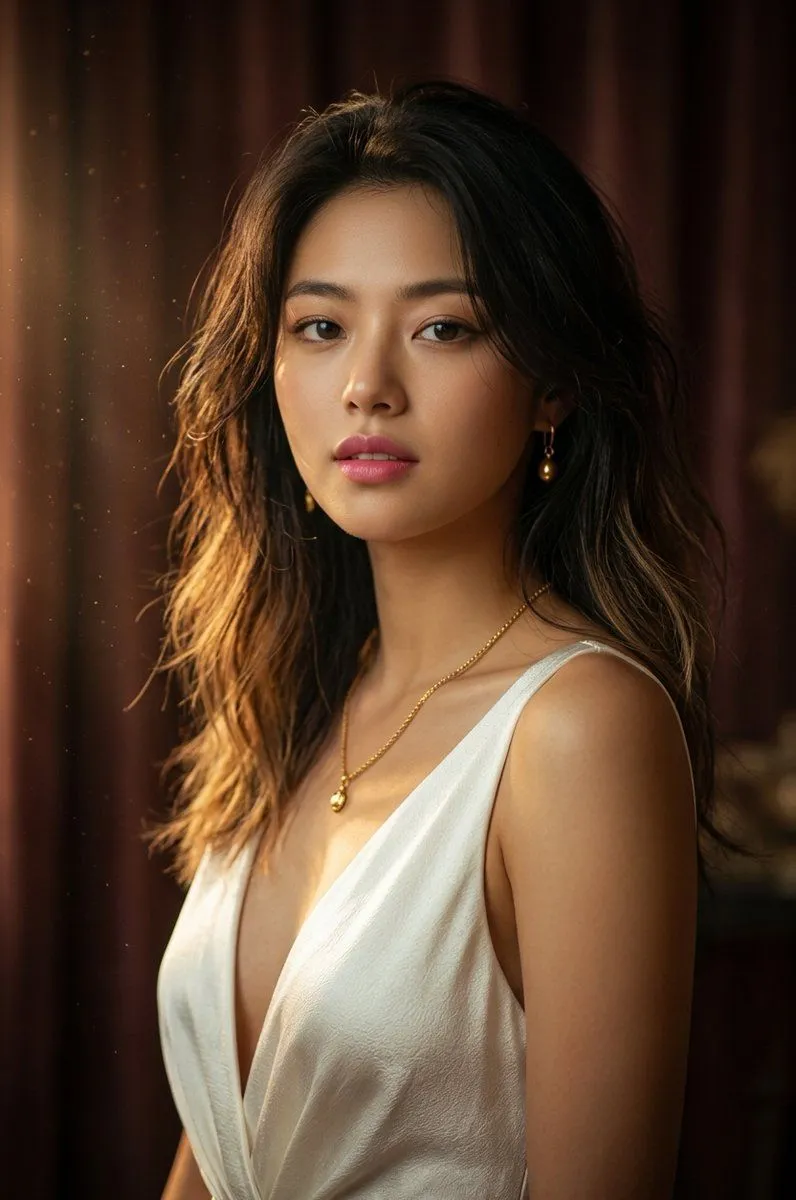
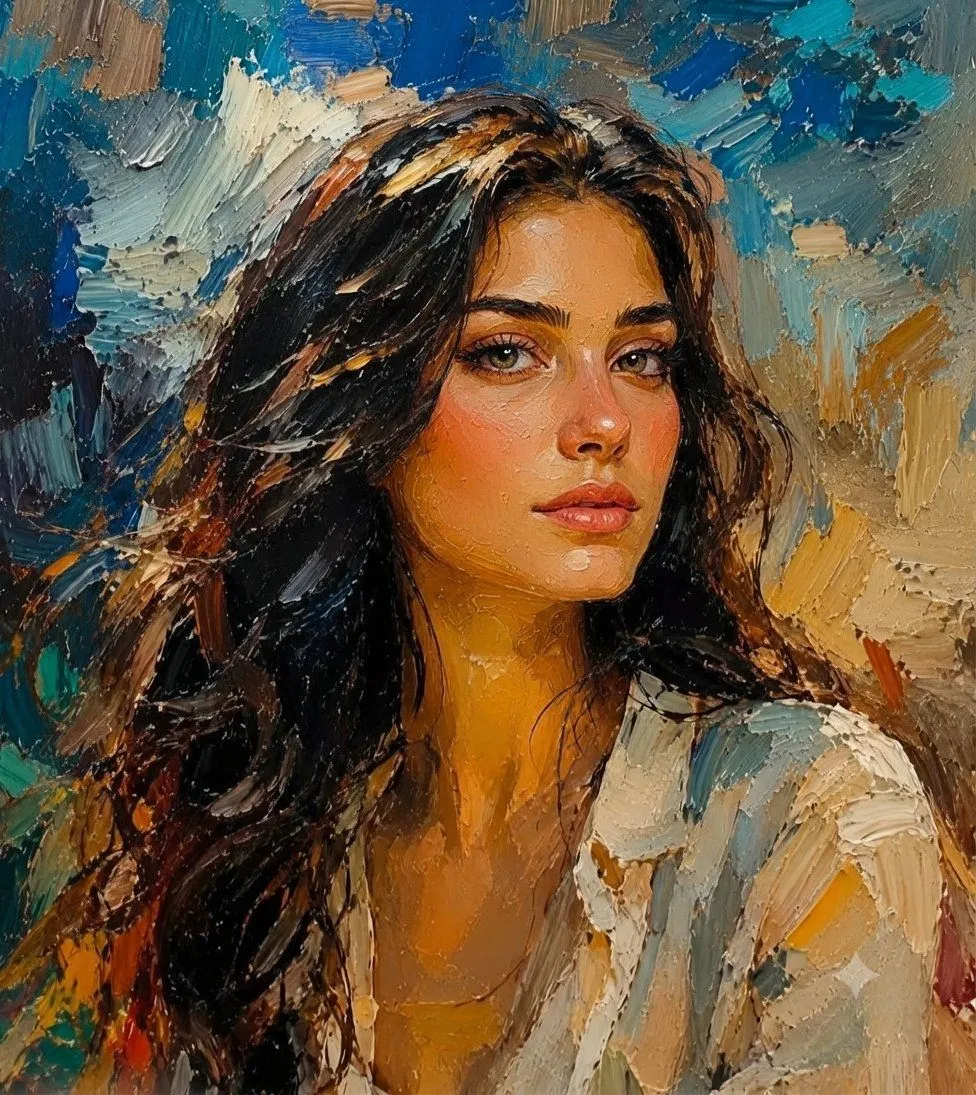
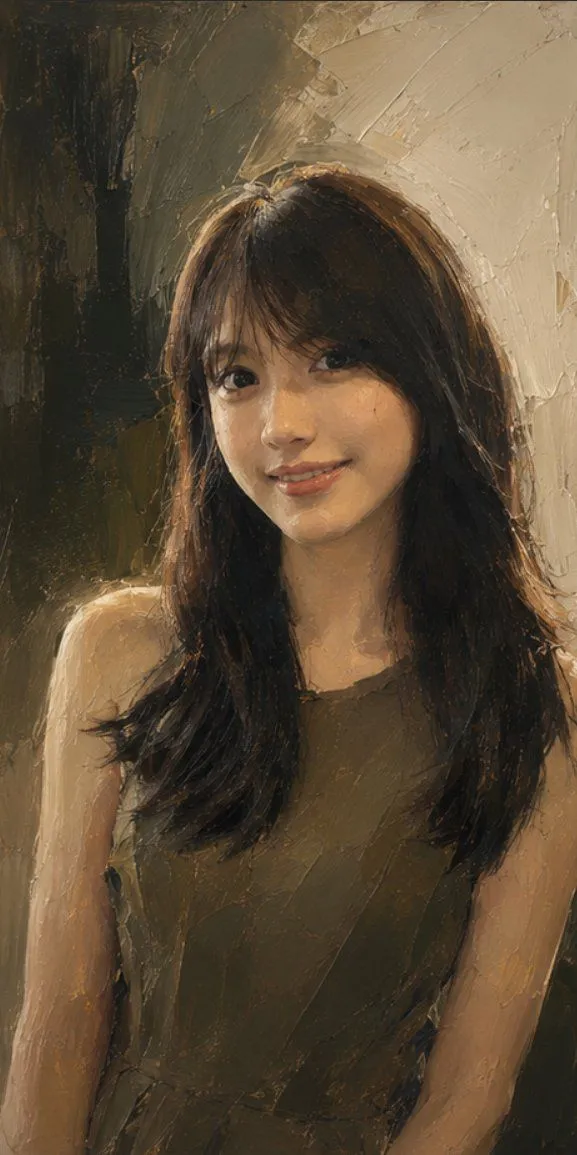
Photo to Fine-Art Painting Transformation

Made with GPT Image 2.5 in ChatGPT by Library Typography. Promptclay never generates images.

Did it work?

No reports yet. Tell others if it worked for you.

No comments yet. Be the first.

    Photo to Fine-Art Painting Transformation

    GPT Image 2.59:16AI-generated

    Prompt

    Use the uploaded real photograph as the absolute source image. Transform the entire photograph into a sophisticated, highly detailed full fine-art painting while preserving the exact identity and visual structure of the original image. The result must clearly remain the same person, same face, same facial features, same facial proportions, same hairstyle, same pose, same body proportions, same clothing, same hand position, same expression, same camera angle, same framing, same background composition, and same overall scene. Do not redesign or reinterpret the subject's identity, anatomy, pose, or composition. IMPORTANT: This is a transformation of the uploaded real photograph into a painting, NOT a new image generation. Every visible element from the original photograph should be retained and converted into painted form. Transform the entire image into a bold contemporary expressive oil-and-gouache fine-art painting with an authentic handcrafted appearance. Replace the photographic surface completely with rich physical paint. Use thick visible brushstrokes, expressive impasto, palette-knife marks, layered pigments, dry-brush textures, painterly edges, subtle paint buildup, and visible canvas texture. Preserve the person's face with high accuracy. Facial identity must remain recognizable and consistent with the source photograph. Carefully retain the exact eyes, eye spacing, eyebrows, nose shape, lips, jawline, cheek structure, skin tone, facial proportions, hairstyle and expression. Render the face with refined painterly detail while allowing visible brushwork and natural paint texture. Transform the hair completely into expressive painted strokes while maintaining the original hairstyle, volume, direction, length, and shape. Use a mixture of fine individual brush marks and larger energetic strokes to create realistic yet artistic hair texture. Transform the clothing completely into painted fabric while preserving its exact design, colors, folds, seams, logos or symbols, proportions, and position from the original photograph. Use thick layered paint and expressive strokes to describe the fabric and folds without changing the clothing itself. Transform the hands and fingers into anatomically accurate painted forms while preserving their exact position, gesture, proportions, skin tone, and relationship to the face. Transform the entire background into the same scene rendered as physical artwork. Preserve the original objects, colors, shapes, perspective, lighting direction, and composition, but reinterpret their surfaces through expressive paint. Do not replace the background with a different environment. Use a rich contemporary palette with deep cobalt blue, vivid golden yellow, warm orange, red, turquoise, cream, earthy brown, and natural skin tones, matching the colors already present in the source image. Allow colors to overlap naturally through visible brushwork. The painting should feel like a hand-

    Works in
    ChatGPT, Gemini
    Status
    Free to copy
    0
    DetailsVersions, settings and questions

    Written for

    What's in the prompt

    Subject
    Model
    GPT Image 2.5

    If your face changes

    keep my face exactly the same

    Questions

    Does this work in the ChatGPT app?
    Yes. Paste the prompt and attach your photo if it uses one.
    It changed my face. What do I do?
    Add "keep my face exactly the same" to the end and run it again.
    Can I use the images I make?
    Check the terms of the app you use. Promptclay never generates images and claims nothing you make.
    Similar prompts

    See more
    • Textured Impasto Oil Portrait
    • Modern Fashion Oil Painting Portrait
    • Contemporary Mixed-Media Abstract Portrait
    • Expressive Oil Painting Portrait
    • Cinematic Watercolor Muse Portrait
    • Contemporary Watercolor Woman Portrait
    • Detailed Watercolor Portrait Illustration
    • Ultra-Detailed Stylized Digital Portrait
    • Golden Hour Knitted Beanie Portrait
    • Cinematic Macro Fluid Art Portrait
    • Cinematic Tactical Sketch Portrait
    • Mixed-Media Digital Illustration Style
    • Chestnut Brown Hair Portrait Watercolor Background
    • Fine Art Model Portrait
    • Grok Imagine Prompt: Woman with Blooming BranchesVideo, 0:10
    • Mixed Media Cinematic Portrait Illustration
    • Enhancing Character Appearance for Photography Generation
    • Natural Face Realism Modifier
    • Vibrant Graffiti Street Art Transformation
    • Serene Four-Panel Woman Portrait
    • Expressive Mixed-Media Ink Portrait
    • High-Contrast Pen and Ink Portrait
    • Multi-Cut Image Generation with Style Variation
    • Watercolor Urban Street Illustration

    Show more

    Run it on your phone

    1. Prompt copiedRead it

      Use the uploaded real photograph as the absolute source image. Transform the entire photograph into a sophisticated, highly detailed full fine-art painting while preserving the exact identity and visual structure of the original image. The result must clearly remain the same person, same face, same facial features, same facial proportions, same hairstyle, same pose, same body proportions, same clothing, same hand position, same expression, same camera angle, same framing, same background composition, and same overall scene. Do not redesign or reinterpret the subject's identity, anatomy, pose, or composition. IMPORTANT: This is a transformation of the uploaded real photograph into a painting, NOT a new image generation. Every visible element from the original photograph should be retained and converted into painted form. Transform the entire image into a bold contemporary expressive oil-and-gouache fine-art painting with an authentic handcrafted appearance. Replace the photographic surface completely with rich physical paint. Use thick visible brushstrokes, expressive impasto, palette-knife marks, layered pigments, dry-brush textures, painterly edges, subtle paint buildup, and visible canvas texture. Preserve the person's face with high accuracy. Facial identity must remain recognizable and consistent with the source photograph. Carefully retain the exact eyes, eye spacing, eyebrows, nose shape, lips, jawline, cheek structure, skin tone, facial proportions, hairstyle and expression. Render the face with refined painterly detail while allowing visible brushwork and natural paint texture. Transform the hair completely into expressive painted strokes while maintaining the original hairstyle, volume, direction, length, and shape. Use a mixture of fine individual brush marks and larger energetic strokes to create realistic yet artistic hair texture. Transform the clothing completely into painted fabric while preserving its exact design, colors, folds, seams, logos or symbols, proportions, and position from the original photograph. Use thick layered paint and expressive strokes to describe the fabric and folds without changing the clothing itself. Transform the hands and fingers into anatomically accurate painted forms while preserving their exact position, gesture, proportions, skin tone, and relationship to the face. Transform the entire background into the same scene rendered as physical artwork. Preserve the original objects, colors, shapes, perspective, lighting direction, and composition, but reinterpret their surfaces through expressive paint. Do not replace the background with a different environment. Use a rich contemporary palette with deep cobalt blue, vivid golden yellow, warm orange, red, turquoise, cream, earthy brown, and natural skin tones, matching the colors already present in the source image. Allow colors to overlap naturally through visible brushwork. The painting should feel like a hand-

    2. Open your app

      This prompt is long, so it is copied instead of sent in the link. Paste it in the app.

    3. Paste and run

      Press and hold the message box, then tap Paste. Add your photo first if the prompt uses one. You may need to sign in.

    Photo to Fine-Art Painting Transformation