Tell us anything

An idea, a bug, something you love. We read every note.

⌘↵ to send. The page you're on comes along.

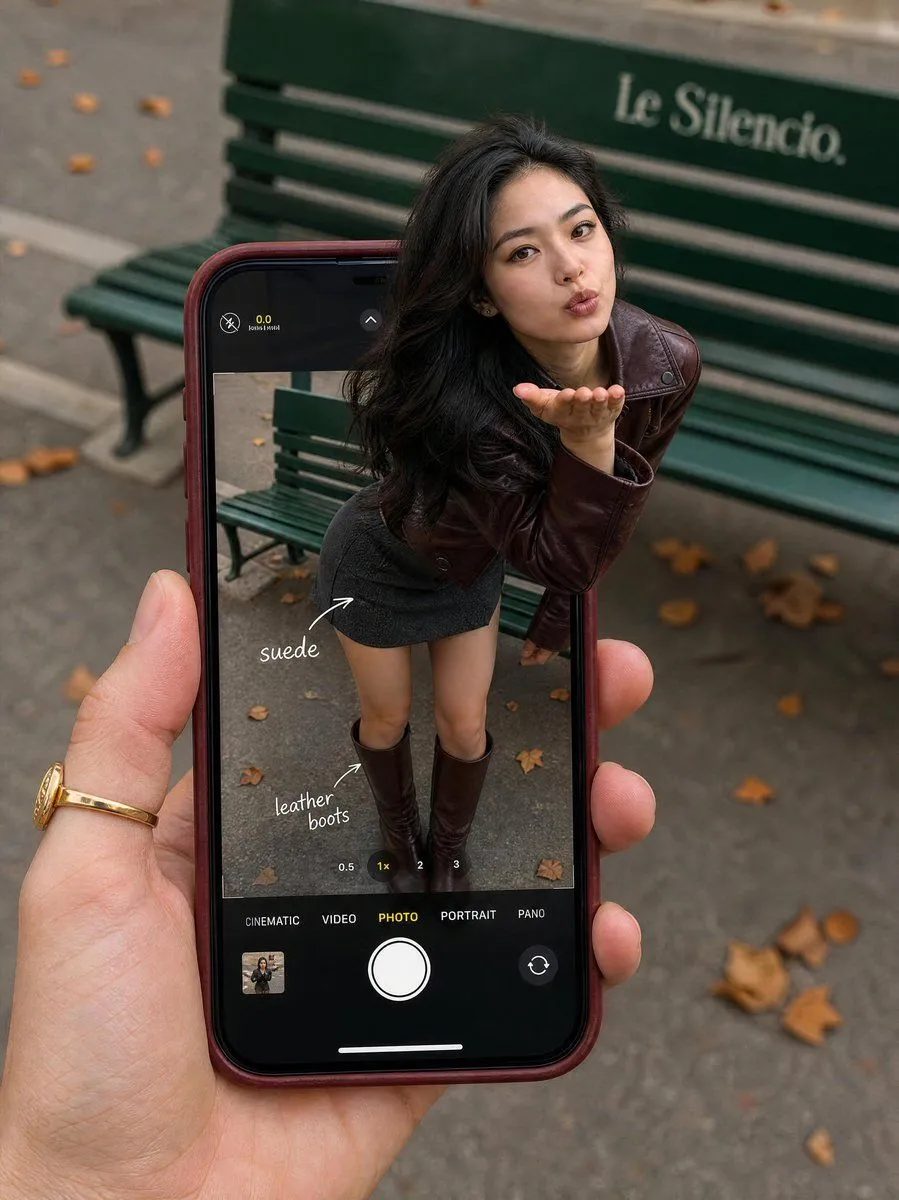
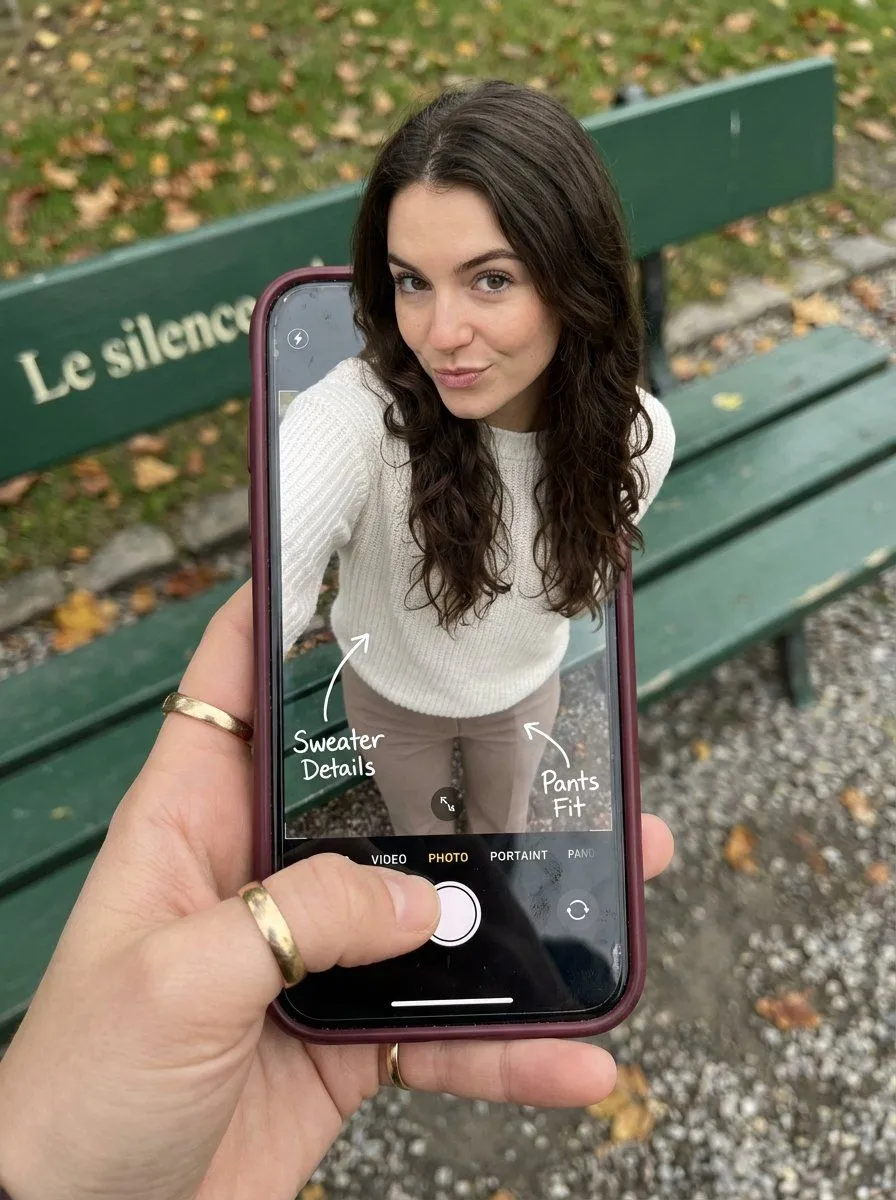
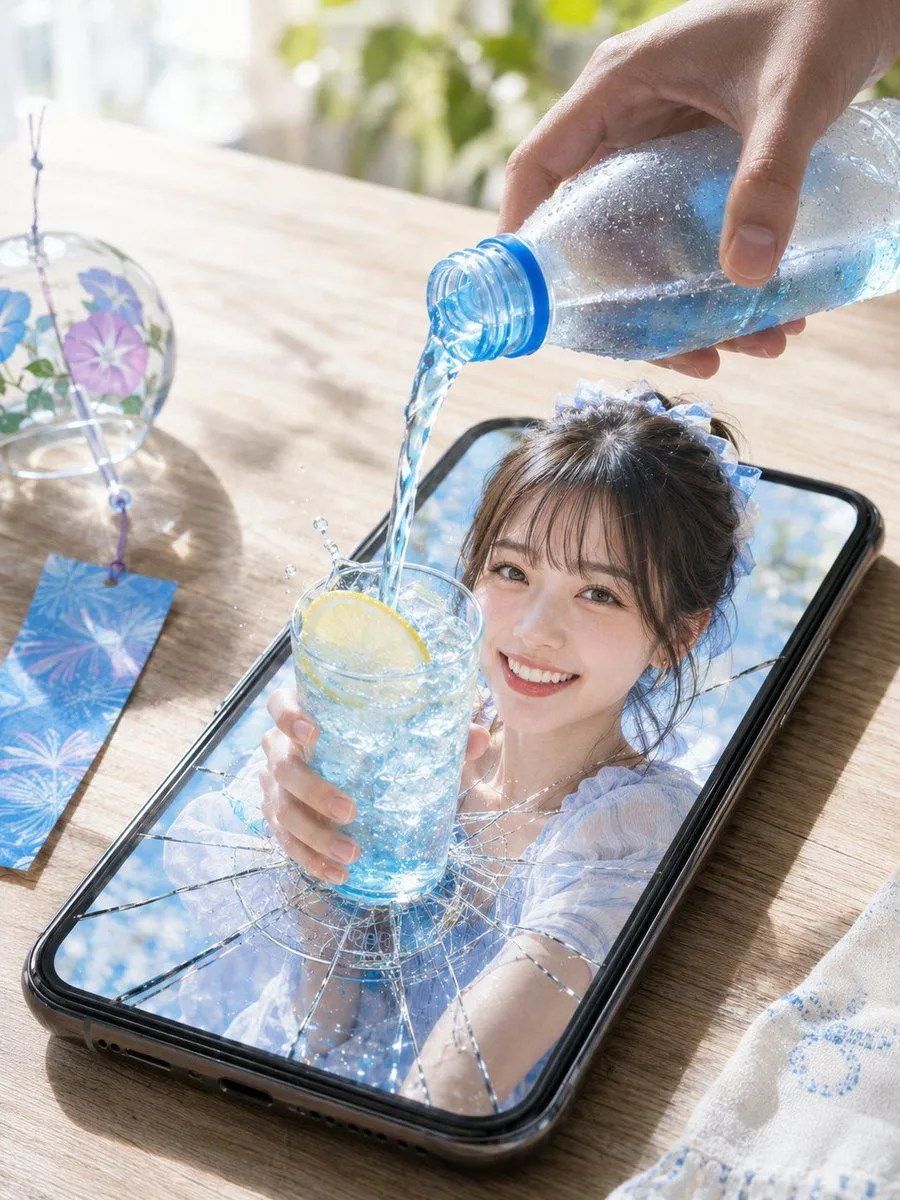
Optical Illusion: Stepping Out of a Smartphone Screen

Made with Nano Banana Pro in Gemini by Library Social. Promptclay never generates images.

Did it work?

No reports yet. Tell others if it worked for you.

No comments yet. Be the first.

    Optical Illusion: Stepping Out of a Smartphone Screen

    Nano Banana Pro3:4AI-generated

    Prompt

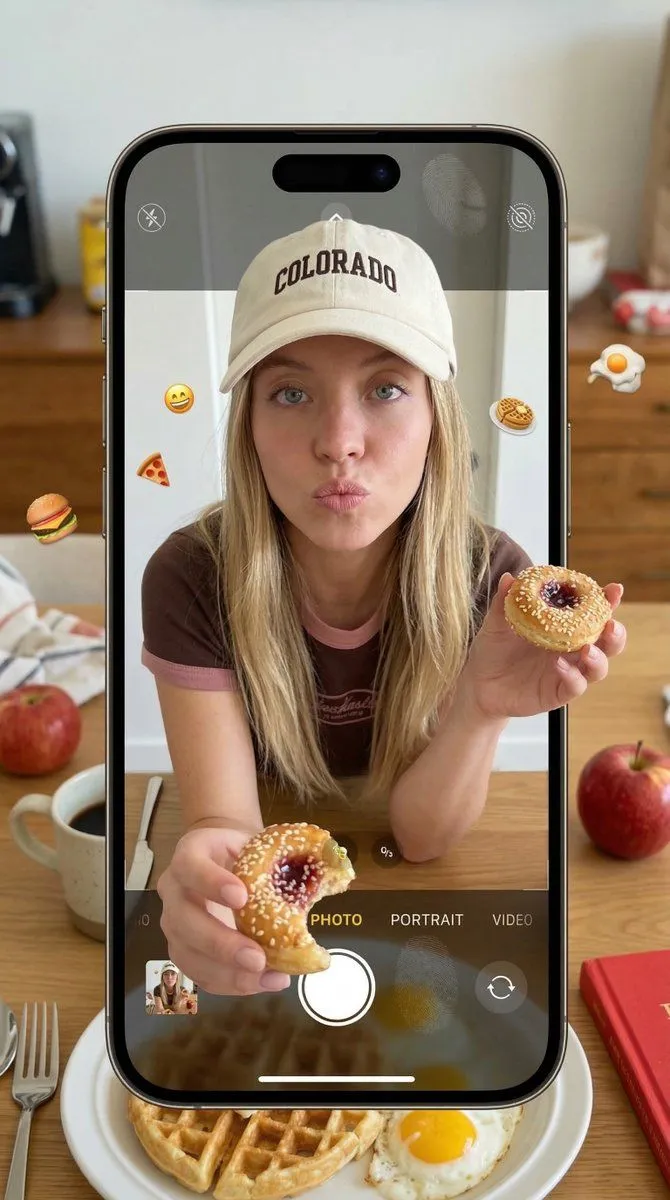
    { "subject": { "description": "A hyper-realistic optical illusion photograph. A young Caucasian woman appears to be stepping out of a smartphone screen held in a hand. The screen displays the camera interface, capturing her legs, while her real upper body extends out of the phone into reality.", "mirror_rules": "Ensure the phone screen clearly shows the iOS Camera UI (shutter button, mode text). Handwritten annotations must be legible and not mirrored.", "age": "20s", "expression": { "eyes": { "look": "Alluring and playful", "energy": "Confident, direct", "direction": "Looking at the viewer" }, "mouth": { "position": "Neutral, relaxed lips", "energy": "Chic and composed" }, "overall": "Lifelike, engaging interaction" }, "face": { "preserve_original": "false", "makeup": "Natural glam, matte foundation, defined European features", "features": "High nose bridge, double eyelids, defined jawline" }, "hair": { "color": "Dark brown", "style": "Long, loose waves, voluminous", "effect": "Realistic shine, wind-blown effect" }, "body": { "frame": "Petite but proportionally realistic", "waist": "Defined", "chest": "Covered by white sweater", "legs": "Visible INSIDE the phone screen interface wearing pants", "skin": { "visible_areas": "Face, hands", "tone": "Fair Caucasian skin", "texture": "Ultra-realistic skin texture, visible pores, natural imperfections", "lighting_effect": "Soft daylight" } }, "pose": { "position": "Torso and head emerging vertically from the phone, legs displayed on the screen", "base": "Dynamic standing pose", "overall": "A dynamic random pose that feels full of vitality" }, "clothing": { "top": { "type": "White sweater", "effect": "Exquisite outfit, High-quality textile photography" }, "bottom": { "type": "Pants", "color": "Neutral tone", "details": "Pants visible on the screen beneath the UI elements" } } }, "accessories": { "jewelry": "Gold rings on the photographer's hand (foreground)", "device": "Smartphone with burgundy case. The screen is ACTIVE and DETAILED: it displays the IOS Camera App Interface (white circular shutter button at bottom, 'PHOTO' text).", "prop": "On the phone screen: White handwritten-style text overlays with arrows pointing to the outfit elements" }, "photography": { "camera_style": "DSLR photography, Macro lens for phone details", "angle": "POV, High angle looking down at hand", "shot_type": "Composite photography", "aspect_ratio": "3:4", "texture": "Sharp screen pixels, fingerprint smudges on screen, realistic fabric texture", "lighting": "Overcast soft natural light", "depth_of_field": "Background bench blurred (Bokeh), Phone scr" } }

    Works in
    Gemini, ChatGPT
    Status
    Free to copy
    0
    DetailsVersions, settings and questions

    Written for

    What's in the prompt

    Subject
    Model
    Nano Banana Pro

    If your face changes

    keep my face exactly the same

    Questions

    Does this work in the Gemini app?
    Yes. Gemini runs Nano Banana, so paste the prompt and attach your photo if it uses one.
    It changed my face. What do I do?
    Add "keep my face exactly the same" to the end and run it again.
    Can I use the images I make?
    Check the terms of the app you use. Promptclay never generates images and claims nothing you make.
    Similar prompts

    See more
    • Smartphone Screen Stepping Out Optical Illusion Prompt
    • Summer Soda Optical Illusion
    • Creative Digital Composite Smartphone Snapshot Prompt
    • Surreal Product Soda Splash
    • Woman Stepping Out of Sketch
    • Hyper-Realistic iPhone Whale Breach Scene
    • 3D Social Media Profile Break-Out
    • Giant Smartphone Music Player Scene
    • Parisian Fashion Phone Frame
    • 3D Radial Explosion Product Visualization Prompt for Nano Banana 2
    • Realistic Portrait of Woman Outdoors
    • GPT Image 2 Miniature Forced Perspective Prompt
    • Realistic Bedroom Phone Recording Style
    • Hyper-Photorealistic Bedroom Flash Selfie
    • Luxury Moonlit Fashion Walk
    • Image-to-Image Editing Example
    • Ana de Armas & Sydney Sweeney Bedroom Selfie
    • Glamorous Night-Luxe Portrait with Direct Flash
    • Ultra-Photorealistic Bedroom Mirror Selfie
    • Biometric Latex Selfie of Ana de Armas and Sydney Sweeney
    • Cluttered Bedroom Mirror Selfie with Exaggerated Physique
    • Diner Booth Editorial Soda Can Portrait
    • Step 1: Professional Photography Enhancement
    • Y2K Grunge Arcade Selfie Portrait

    Show more

    Run it on your phone

    1. Prompt copiedRead it

      { "subject": { "description": "A hyper-realistic optical illusion photograph. A young Caucasian woman appears to be stepping out of a smartphone screen held in a hand. The screen displays the camera interface, capturing her legs, while her real upper body extends out of the phone into reality.", "mirror_rules": "Ensure the phone screen clearly shows the iOS Camera UI (shutter button, mode text). Handwritten annotations must be legible and not mirrored.", "age": "20s", "expression": { "eyes": { "look": "Alluring and playful", "energy": "Confident, direct", "direction": "Looking at the viewer" }, "mouth": { "position": "Neutral, relaxed lips", "energy": "Chic and composed" }, "overall": "Lifelike, engaging interaction" }, "face": { "preserve_original": "false", "makeup": "Natural glam, matte foundation, defined European features", "features": "High nose bridge, double eyelids, defined jawline" }, "hair": { "color": "Dark brown", "style": "Long, loose waves, voluminous", "effect": "Realistic shine, wind-blown effect" }, "body": { "frame": "Petite but proportionally realistic", "waist": "Defined", "chest": "Covered by white sweater", "legs": "Visible INSIDE the phone screen interface wearing pants", "skin": { "visible_areas": "Face, hands", "tone": "Fair Caucasian skin", "texture": "Ultra-realistic skin texture, visible pores, natural imperfections", "lighting_effect": "Soft daylight" } }, "pose": { "position": "Torso and head emerging vertically from the phone, legs displayed on the screen", "base": "Dynamic standing pose", "overall": "A dynamic random pose that feels full of vitality" }, "clothing": { "top": { "type": "White sweater", "effect": "Exquisite outfit, High-quality textile photography" }, "bottom": { "type": "Pants", "color": "Neutral tone", "details": "Pants visible on the screen beneath the UI elements" } } }, "accessories": { "jewelry": "Gold rings on the photographer's hand (foreground)", "device": "Smartphone with burgundy case. The screen is ACTIVE and DETAILED: it displays the IOS Camera App Interface (white circular shutter button at bottom, 'PHOTO' text).", "prop": "On the phone screen: White handwritten-style text overlays with arrows pointing to the outfit elements" }, "photography": { "camera_style": "DSLR photography, Macro lens for phone details", "angle": "POV, High angle looking down at hand", "shot_type": "Composite photography", "aspect_ratio": "3:4", "texture": "Sharp screen pixels, fingerprint smudges on screen, realistic fabric texture", "lighting": "Overcast soft natural light", "depth_of_field": "Background bench blurred (Bokeh), Phone scr" } }

    2. Open your app

    3. Paste and run

      Press and hold the message box, then tap Paste. Add your photo first if the prompt uses one. You may need to sign in.

    Optical Illusion: Stepping Out of a Smartphone Screen