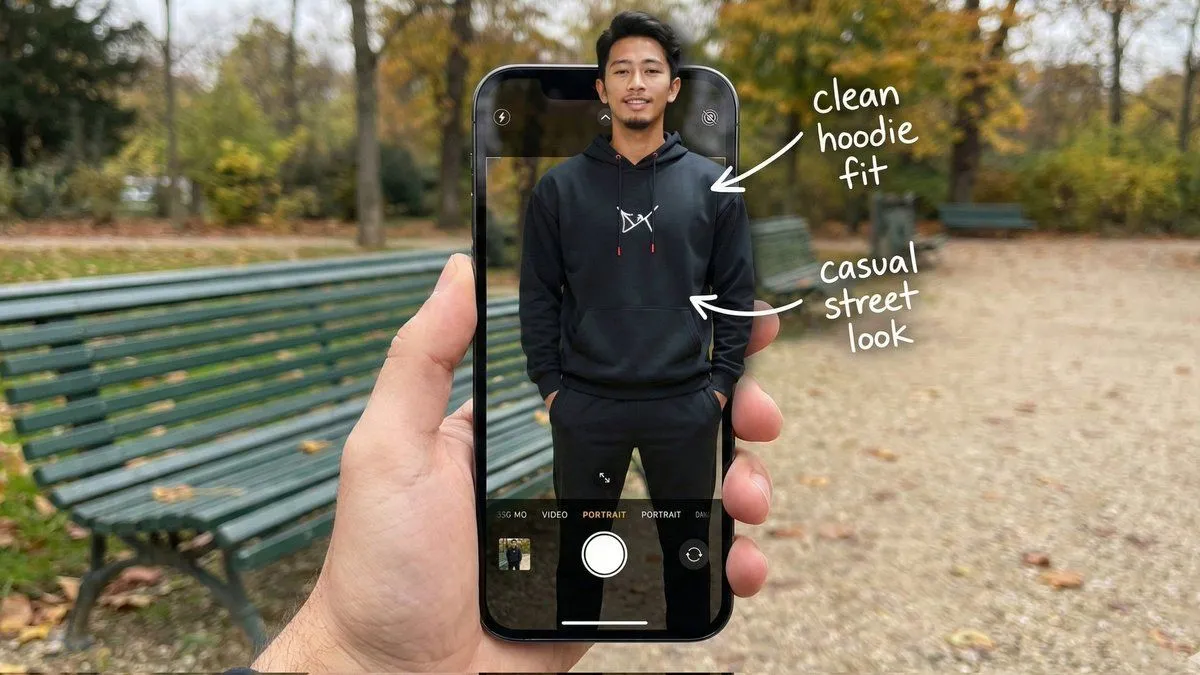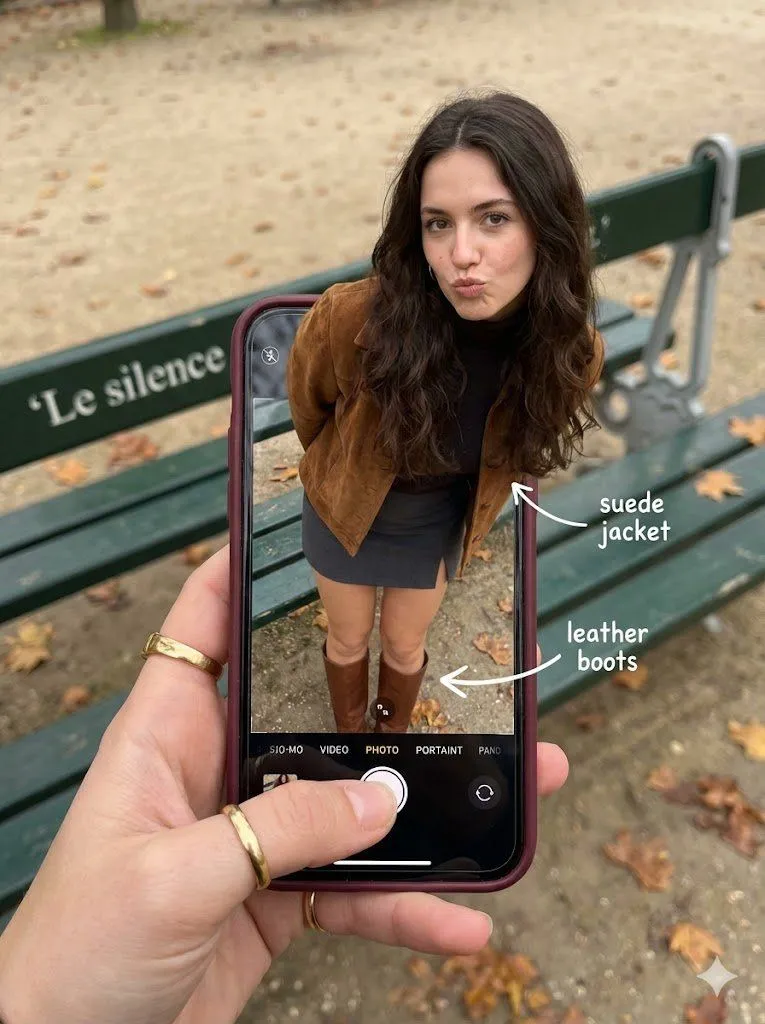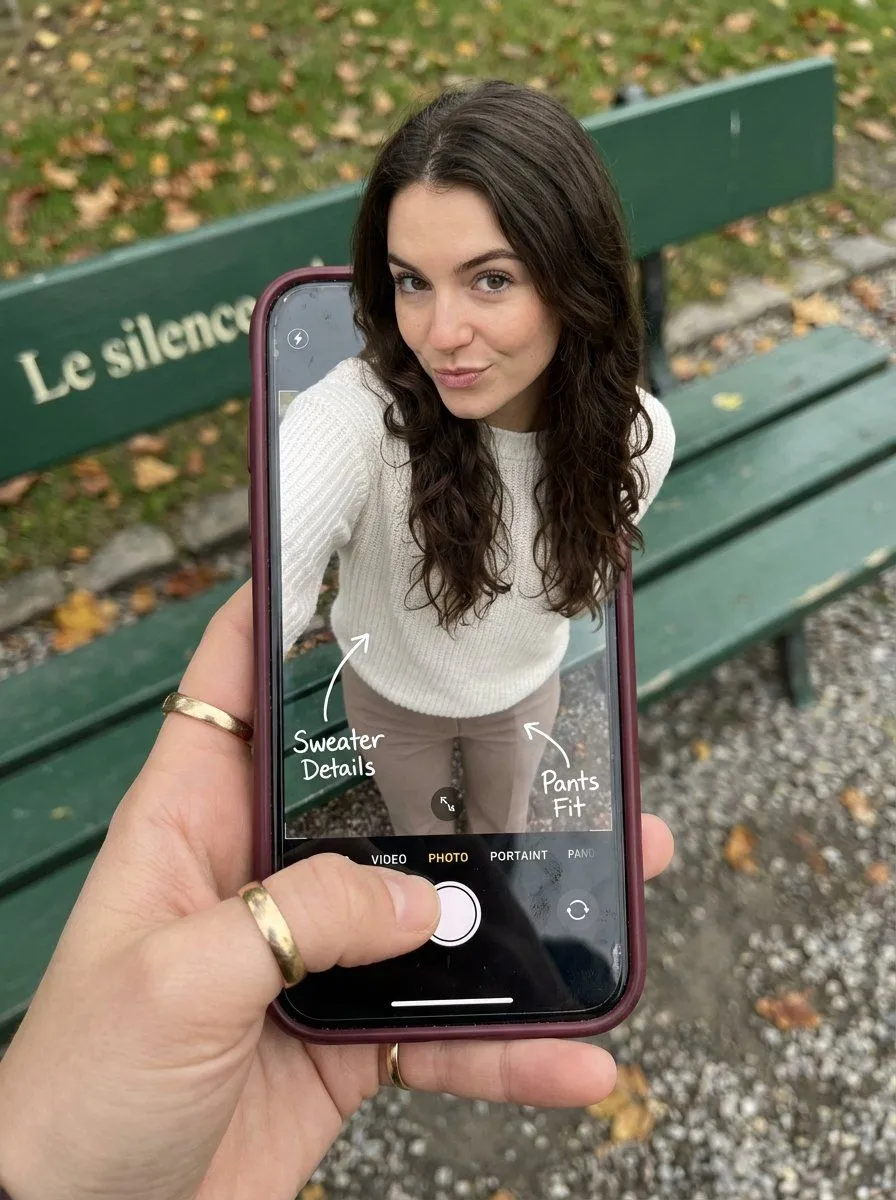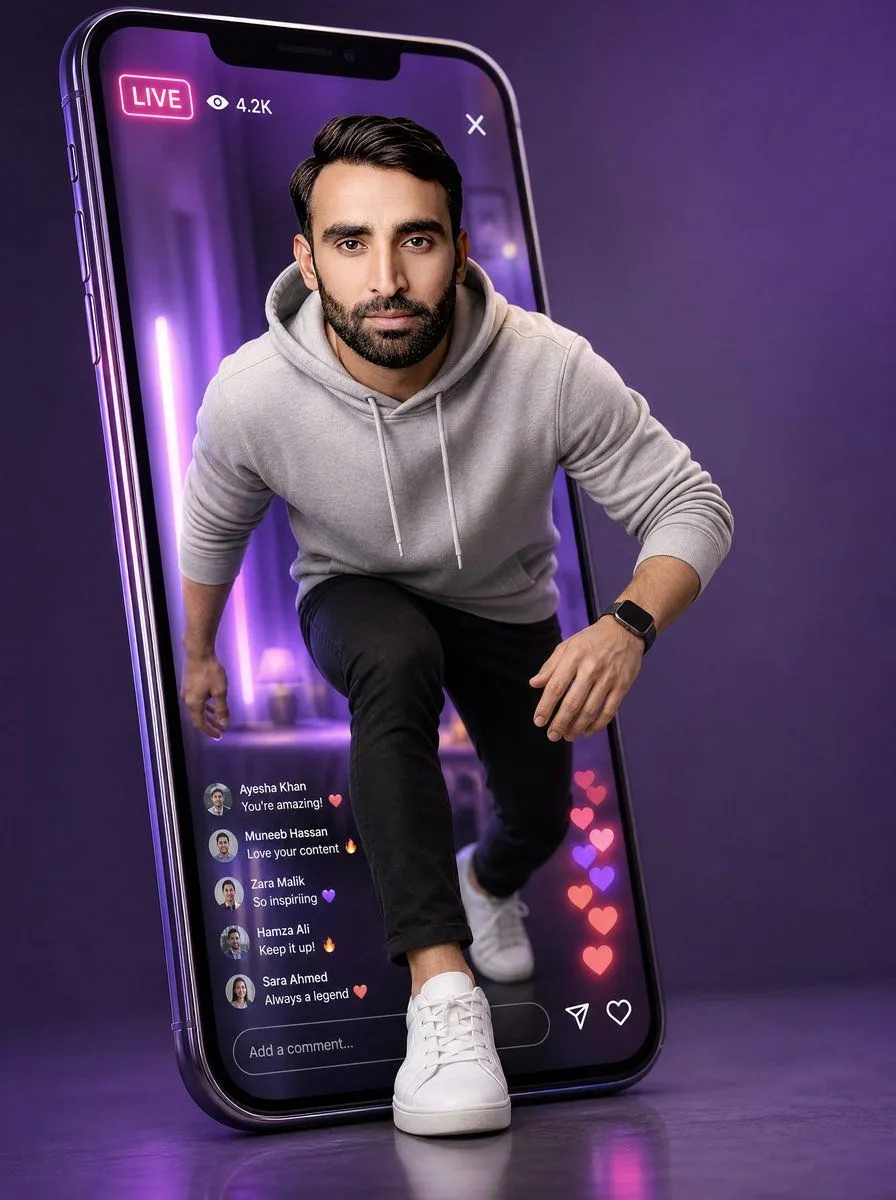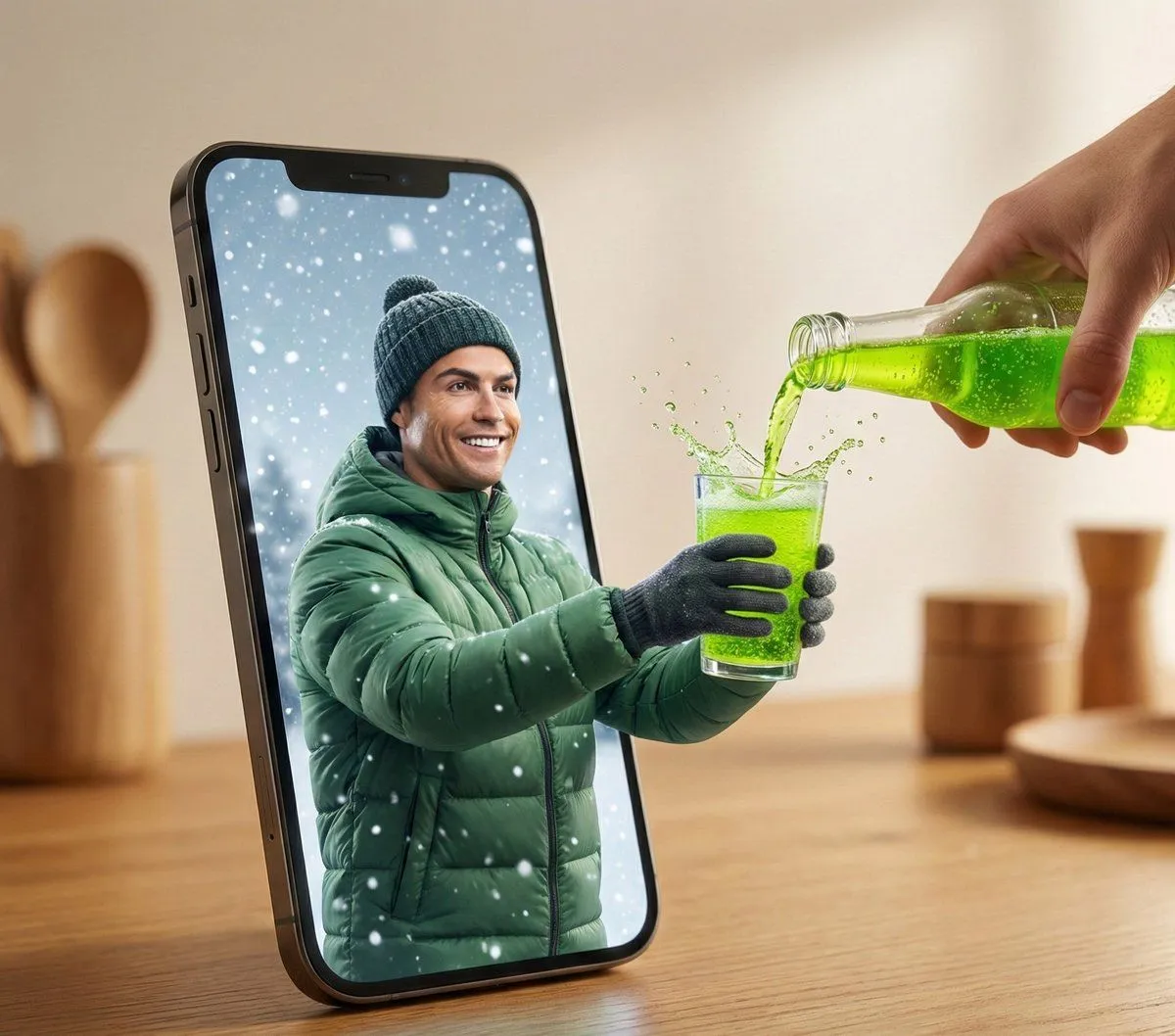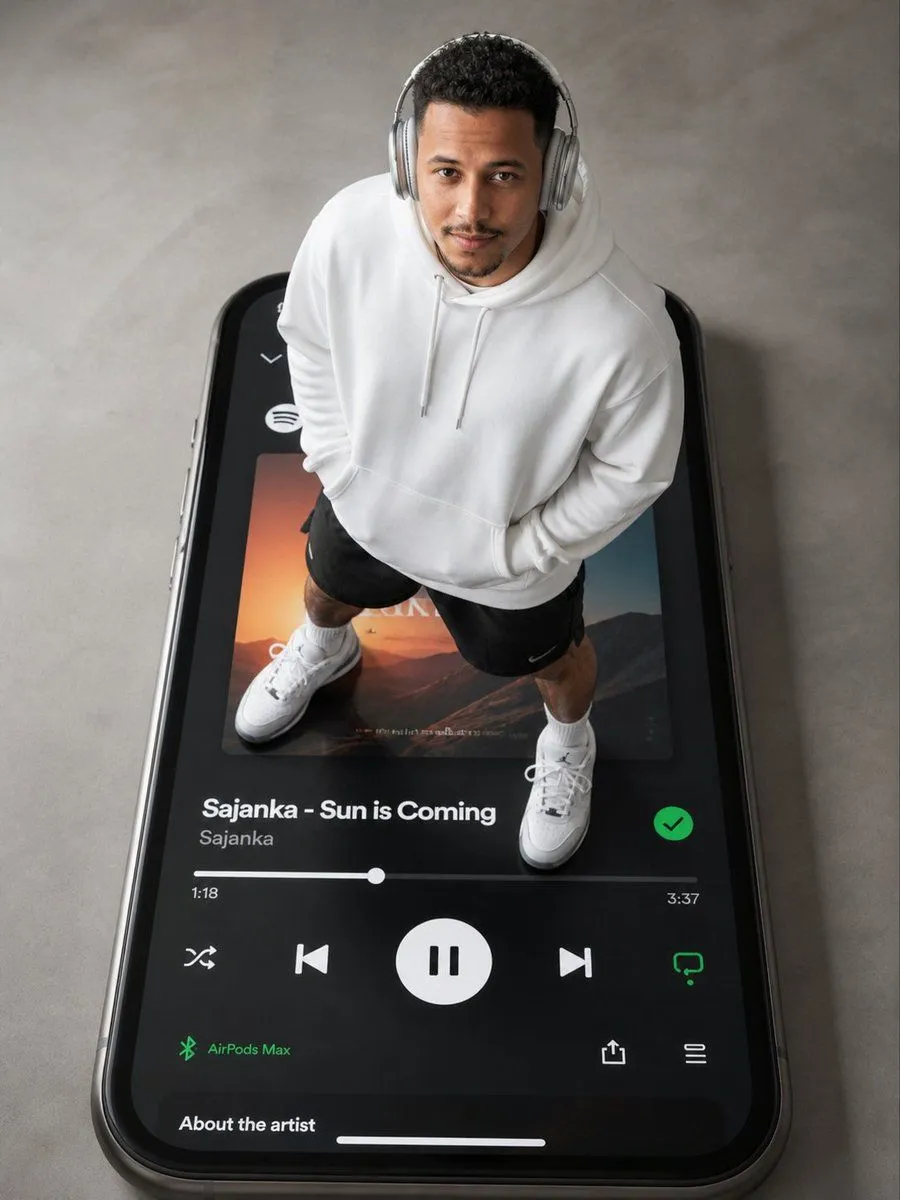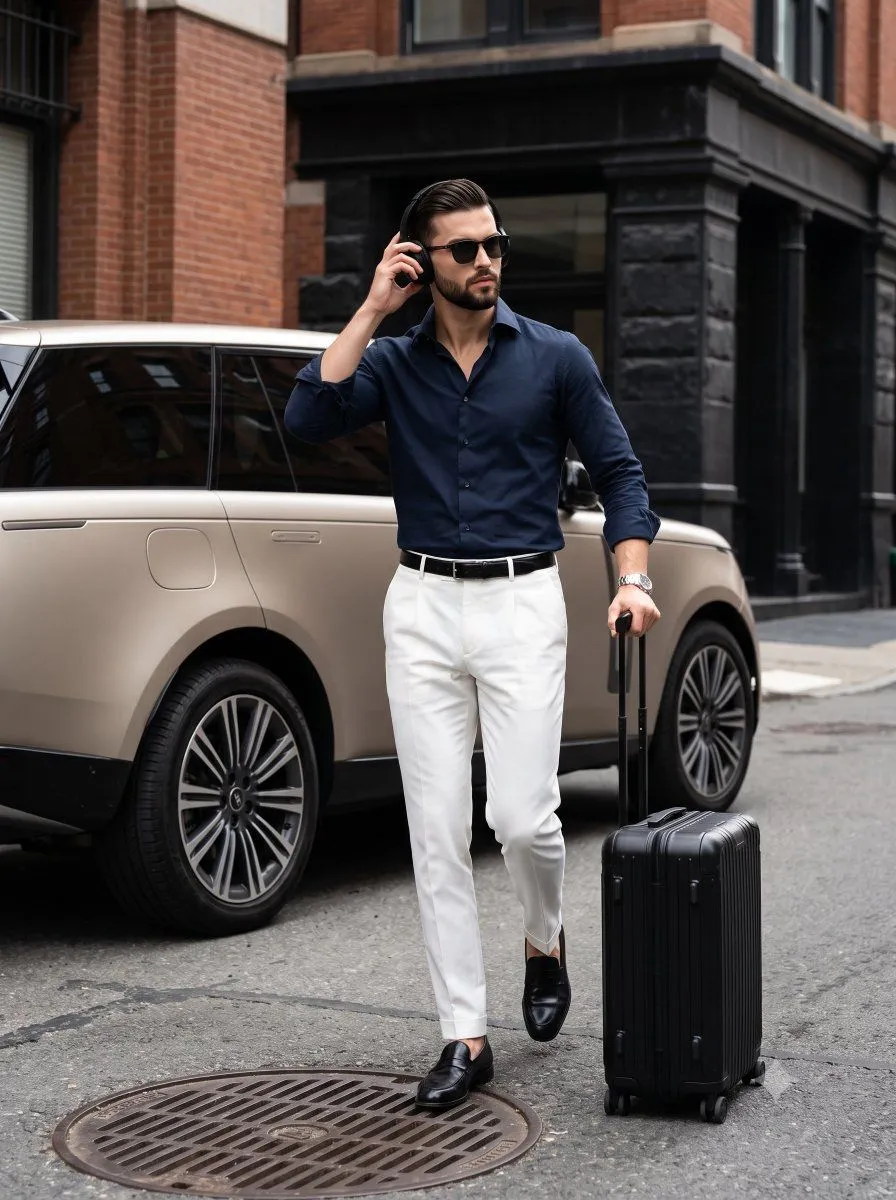
Made with Nano Banana Pro in Gemini by Library Social. Promptclay never generates images.
Did it work?
No reports yet. Tell others if it worked for you.
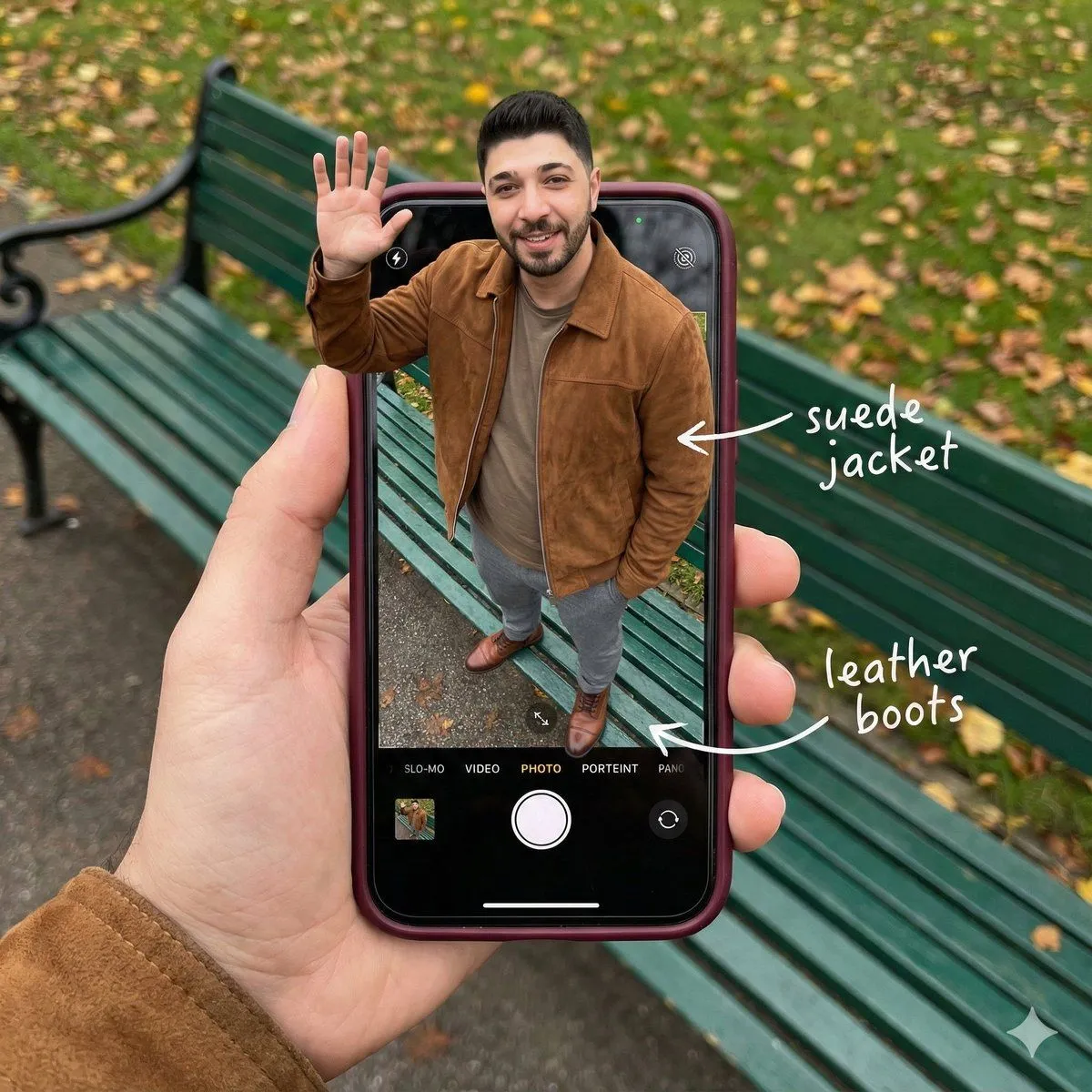
Smartphone Screen Stepping Out Optical Illusion Prompt
Prompt
{ "subject": { "description": "A hyper-realistic optical illusion photograph. A young Caucasian man appears to be stepping out of a smartphone screen held in a hand. The screen displays the camera interface, capturing his boots, while his real upper body extends out of the phone into reality. He is waving his hand naturally to the viewer.", "mirror_rules": "Ensure the phone screen clearly shows the iOS Camera UI (shutter button, mode text). Handwritten annotations must be legible and not mirrored.", "age": "20s", "expression": { "eyes": { "look": "Confident and friendly", "energy": "Direct and charismatic", "direction": "Looking at the viewer" }, "mouth": { "position": "Relaxed smile", "energy": "Approachable and stylish" }, "overall": "Lifelike, engaging interaction" }, "face": { "preserve_original": "true", "makeup": "No makeup, natural male skin texture", "features": "Preserve facial structure from reference image" }, "hair": { "color": "Dark brown", "style": "Naturally styled, slightly textured", "effect": "Realistic shine, subtle wind effect" }, "body": { "frame": "Athletic but proportionally realistic male body", "waist": "Natural male proportions", "chest": "Covered by high-quality knit or jacket", "legs": "Visible INSIDE the phone screen interface wearing boots", "skin": { "visible_areas": "Face, hands", "tone": "Fair Caucasian skin", "texture": "Ultra-realistic skin texture, visible pores, natural imperfections", "lighting_effect": "Soft daylight" } }, "pose": { "position": "Torso and head emerging vertically from the phone, legs displayed on the screen", "base": "Dynamic standing pose", "overall": "One hand raised outside the phone, waving naturally, energetic and alive" }, "clothing": { "top": { "effect": "High-end menswear styling, premium fabric texture, high-quality textile photography" }, "bottom": { "type": "Tailored trousers and leather boots", "color": "Dark Grey trousers, Brown boots", "details": "Boots visible on the screen beneath the UI elements" } } }, "accessories": { "jewelry": "Gold rings on the photographer's hand (foreground)", "device": "Smartphone with burgundy case. The screen is ACTIVE and DETAILED: it displays the iOS Camera App Interface (white circular shutter button at bottom, 'PHOTO' text).", "prop": "On the phone screen: White handwritten-style text overlays with arrows pointing to the outfit elements (e.g., text 'suede jacket' with arrow, 'leather boots' with arrow)." }, "photography": { "camera_style": "DSLR photography, Macro lens for phone details", "angle": "POV, High angle looking down at hand", "shot_type"
DetailsVersions, settings and questions
Written for
What's in the prompt
- Subject
- Model
- Nano Banana Pro
If your face changes
keep my face exactly the sameQuestions
- Does this work in the Gemini app?
- Yes. Gemini runs Nano Banana, so paste the prompt and attach your photo if it uses one.
- It changed my face. What do I do?
- Add "keep my face exactly the same" to the end and run it again.
- Can I use the images I make?
- Check the terms of the app you use. Promptclay never generates images and claims nothing you make.