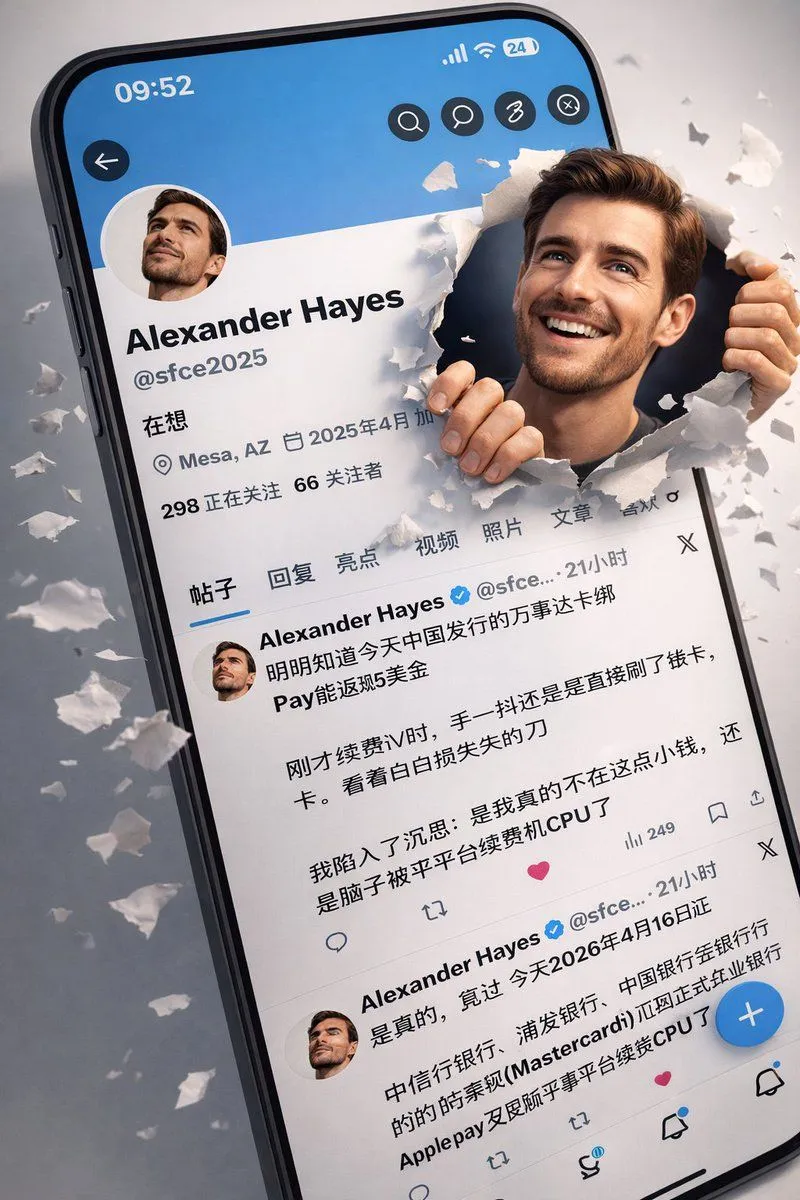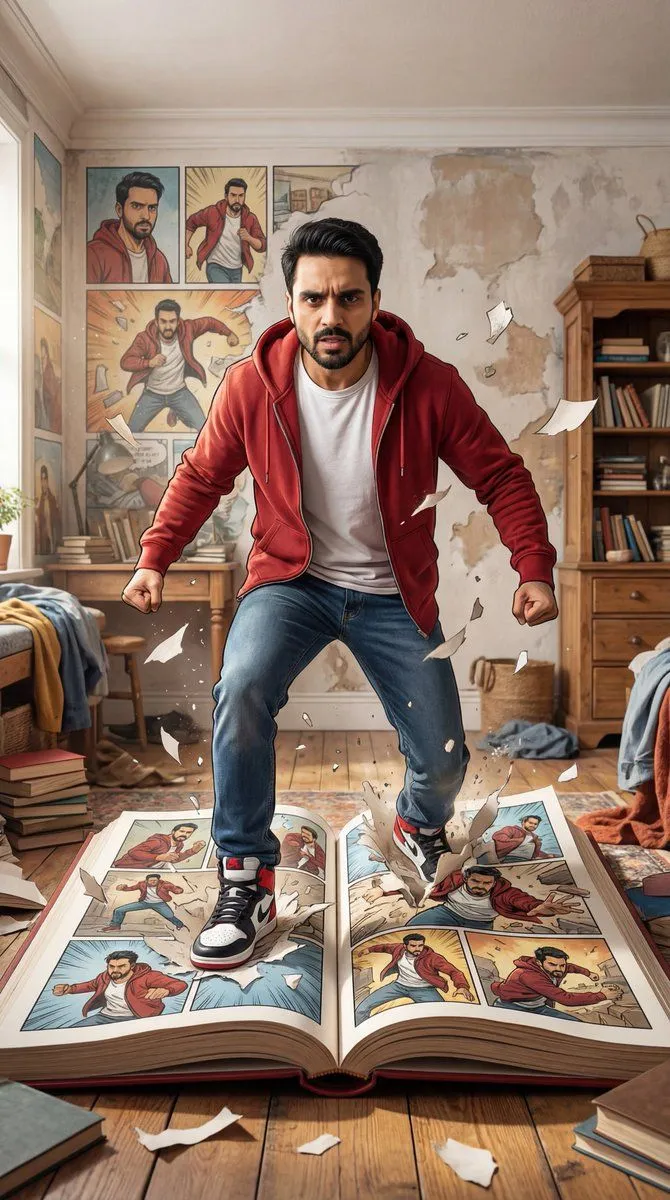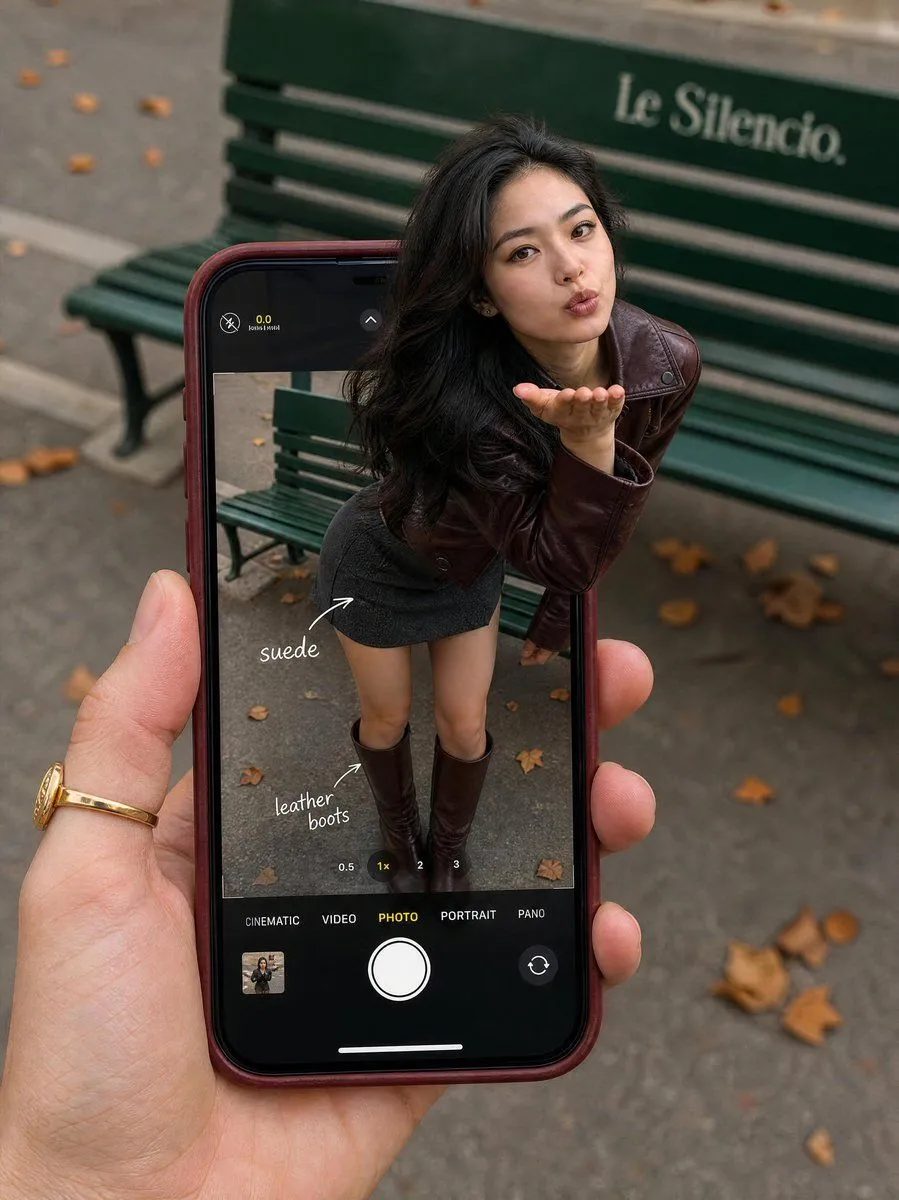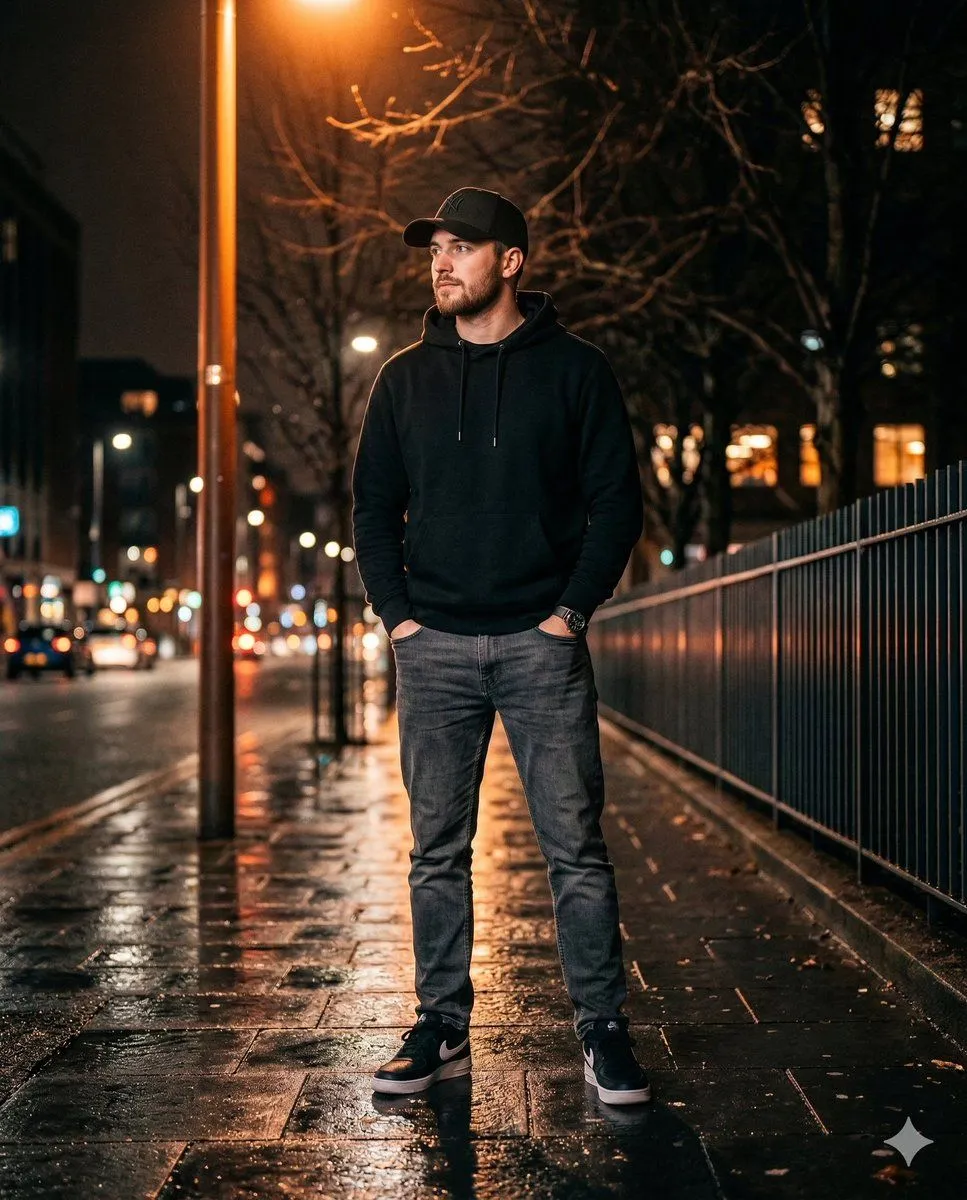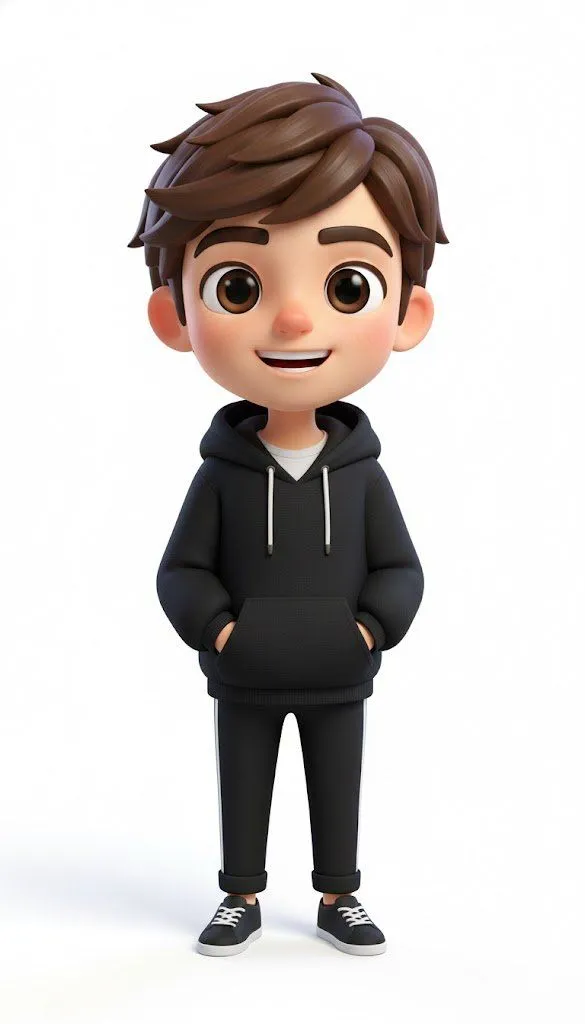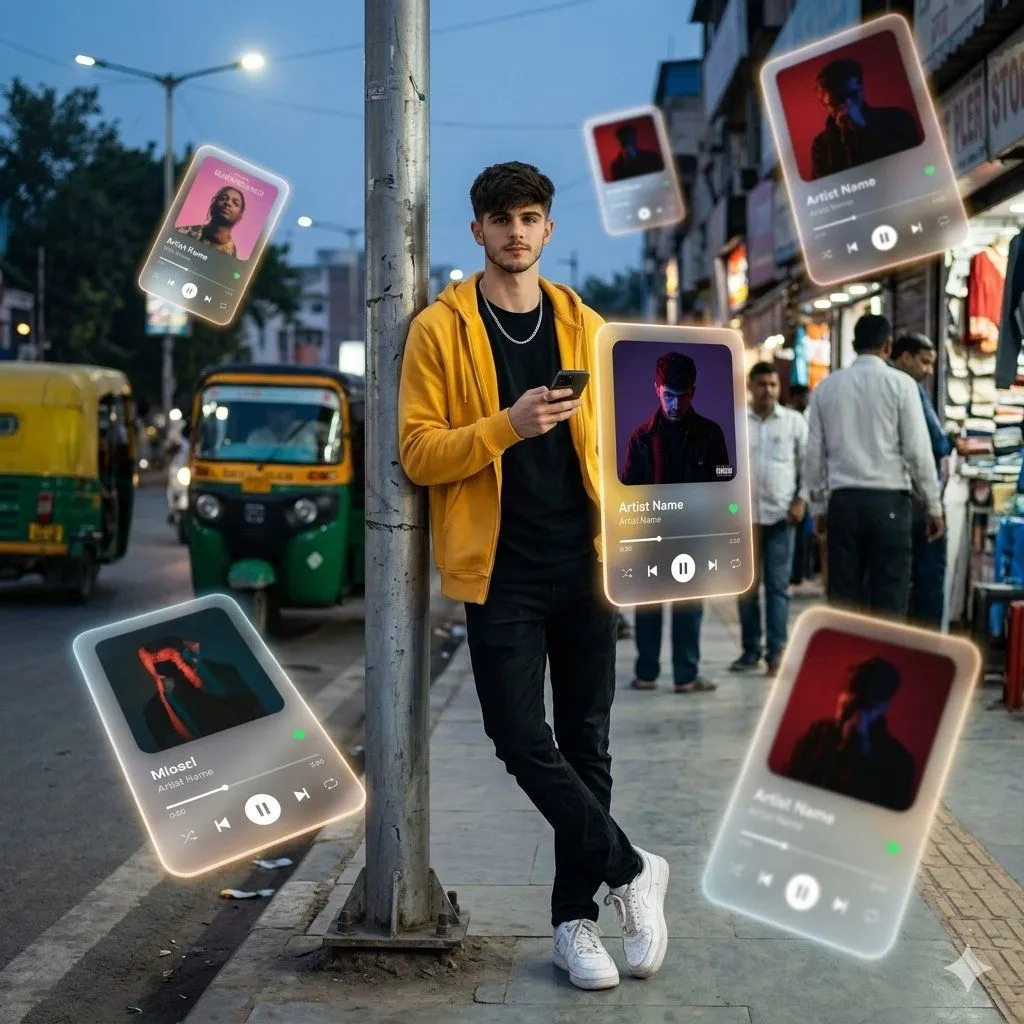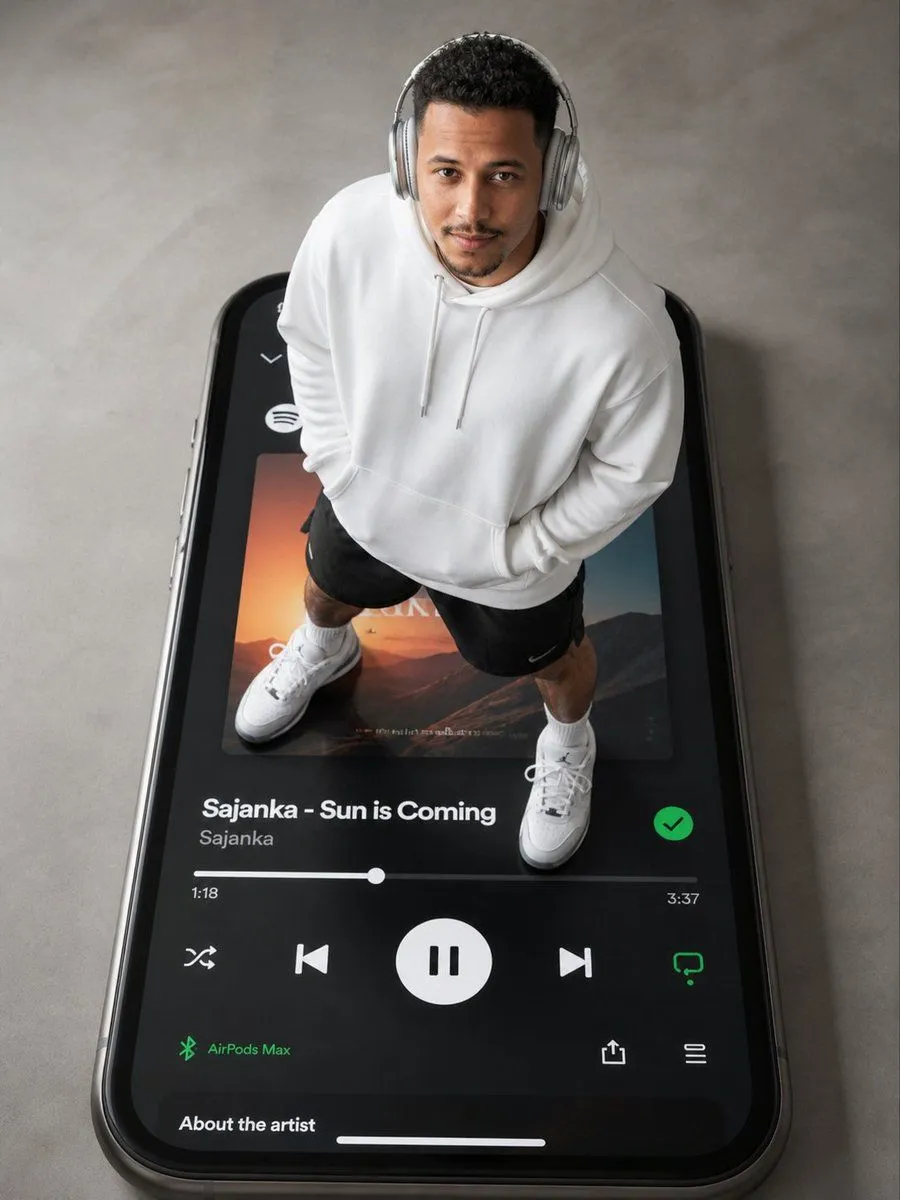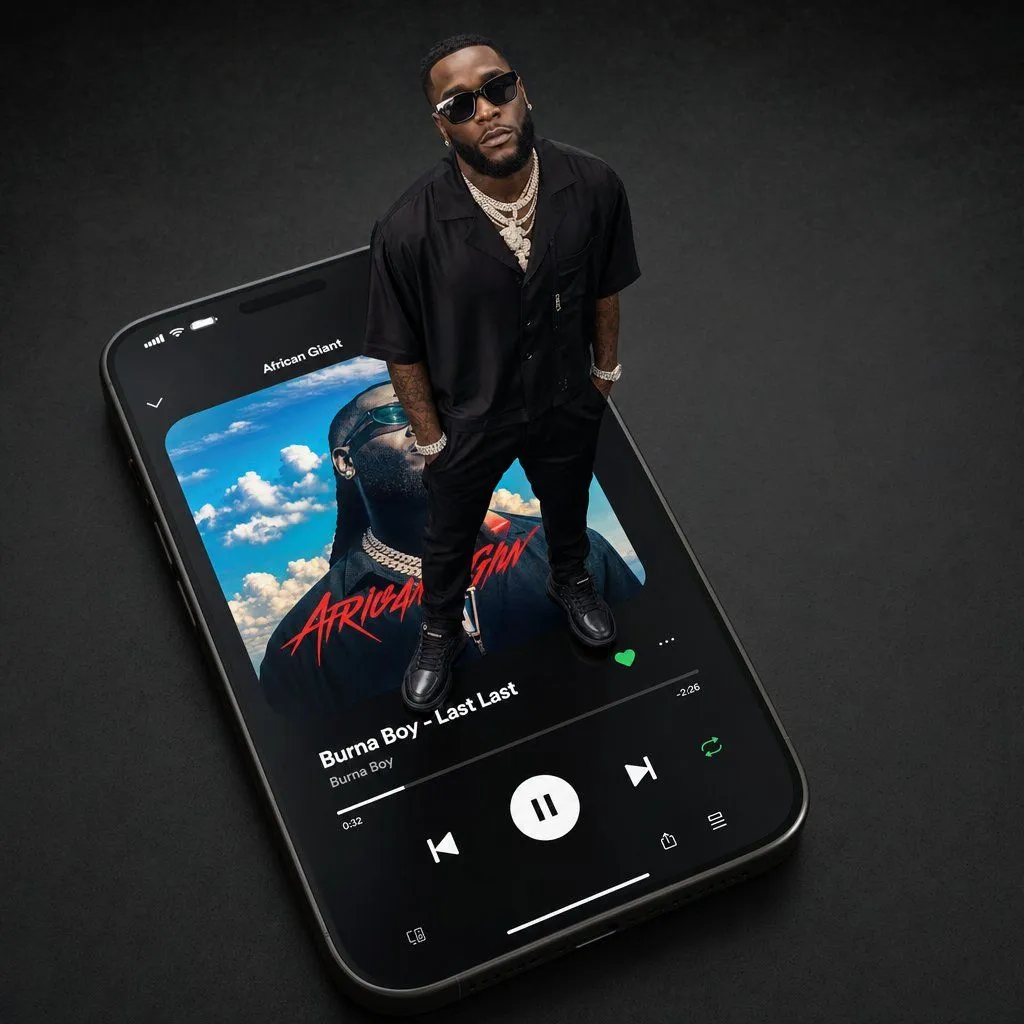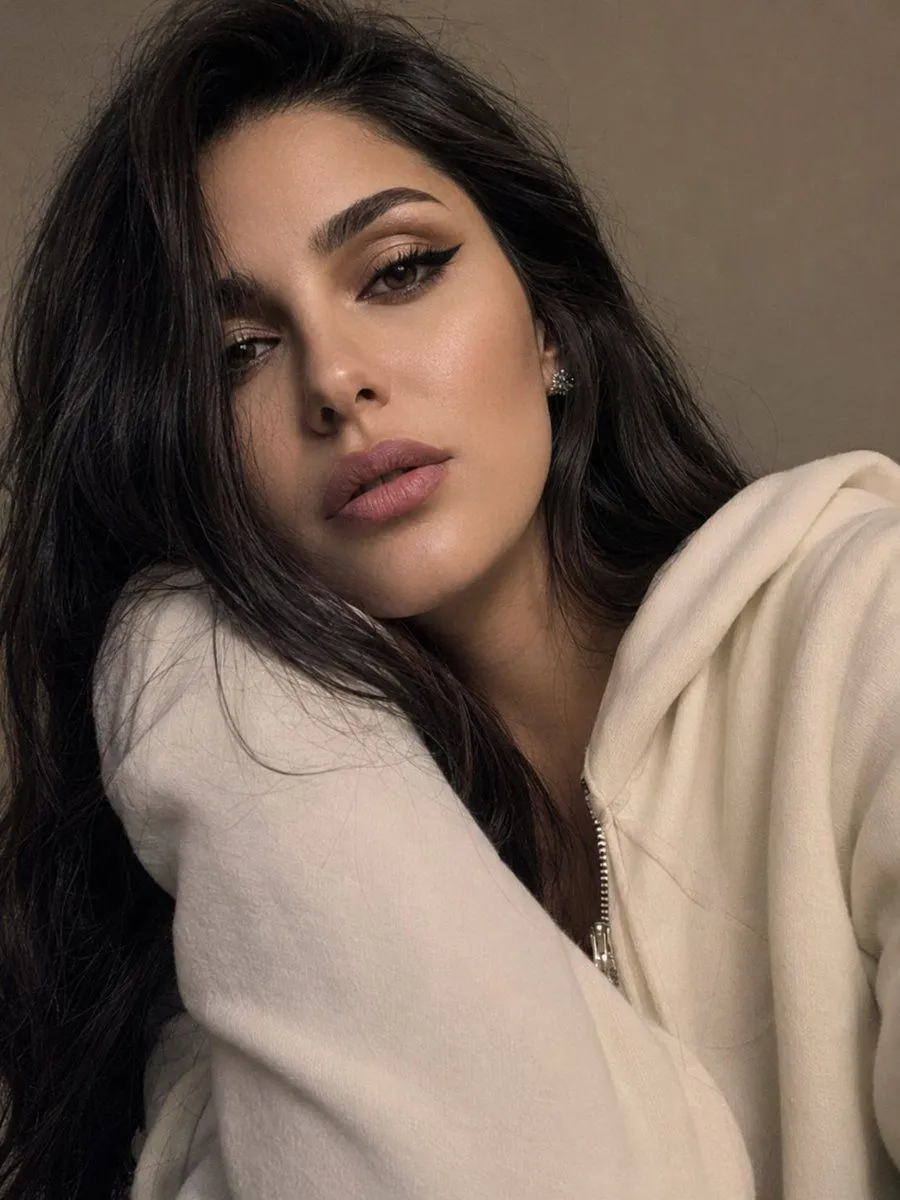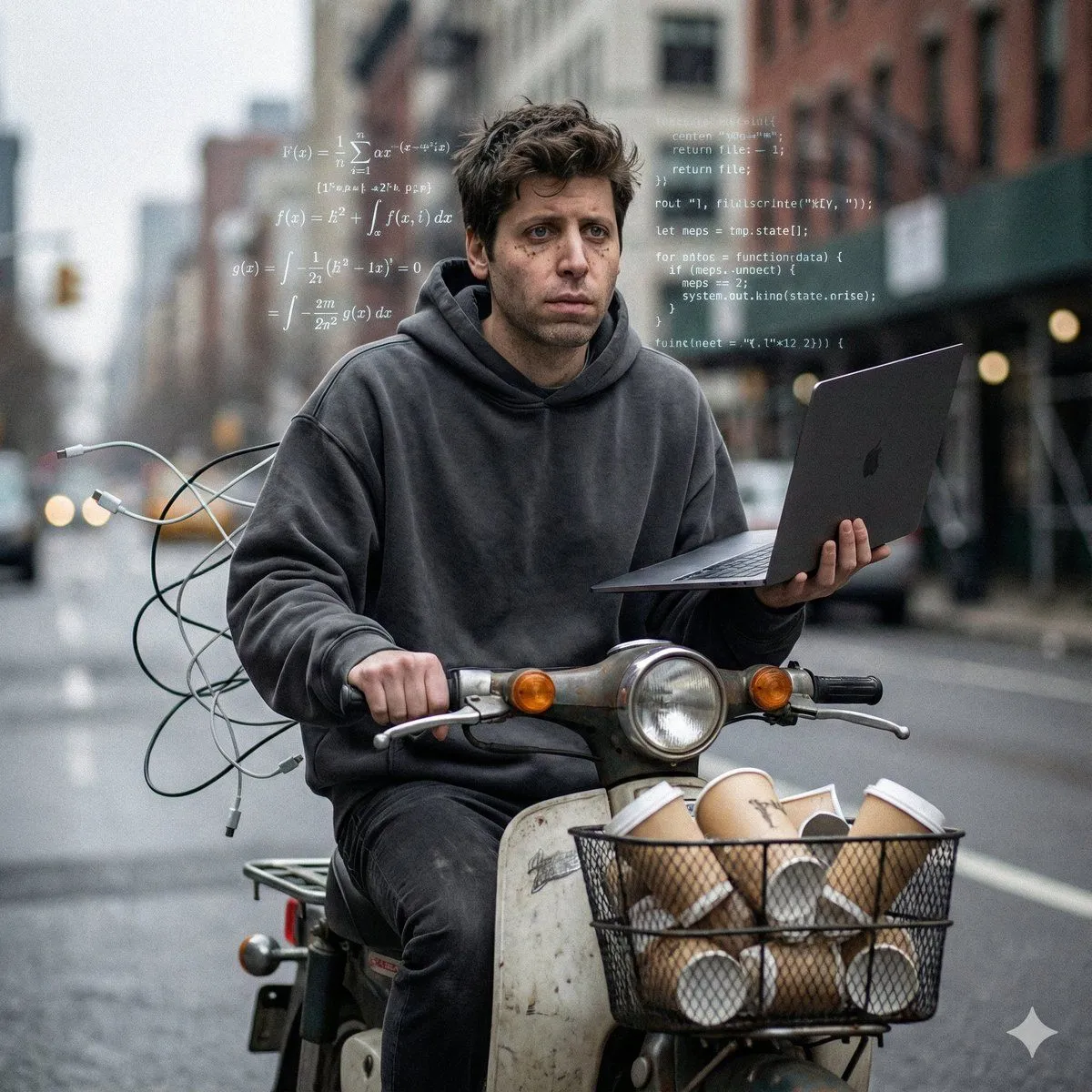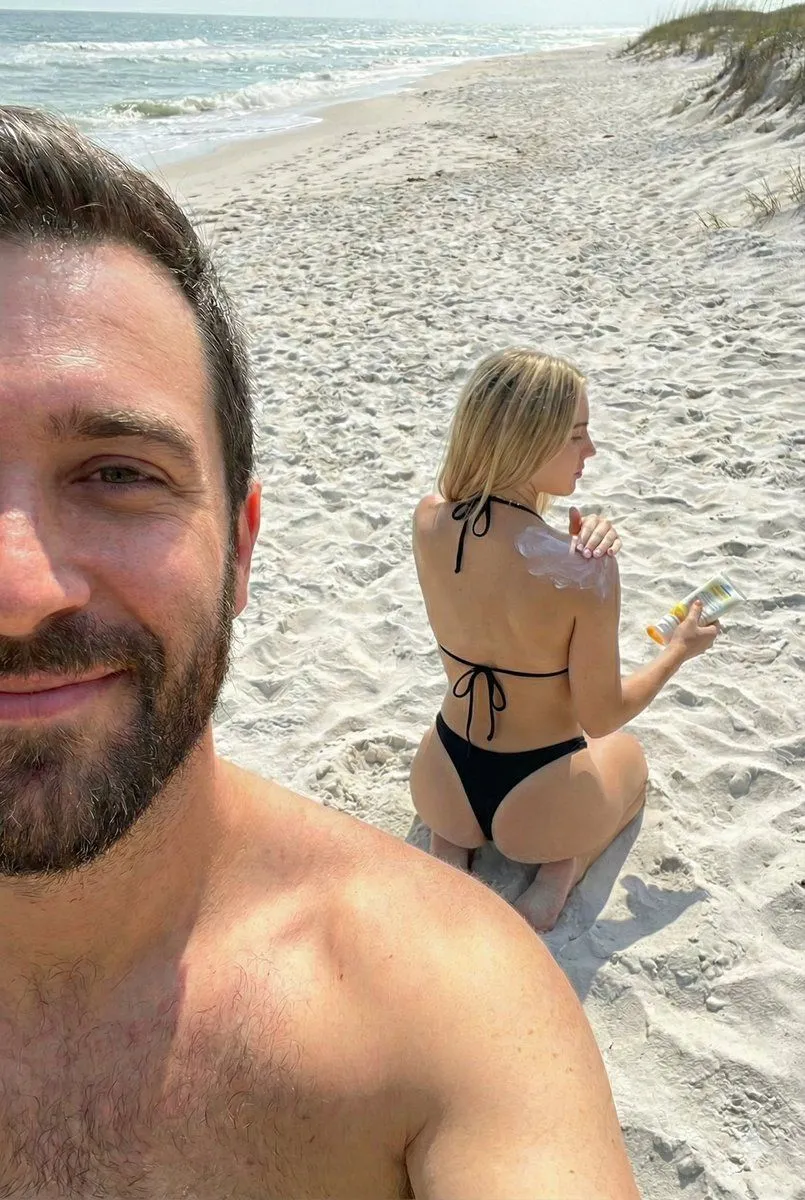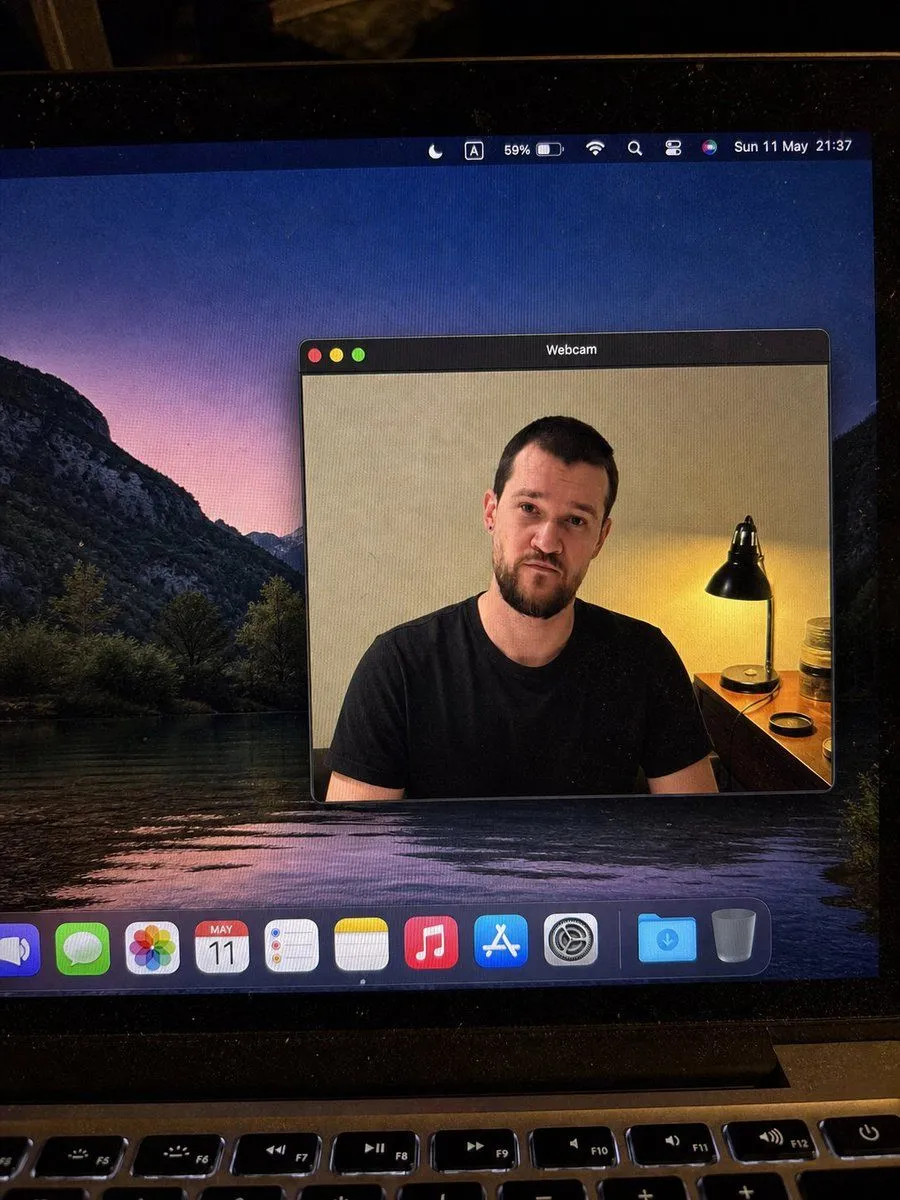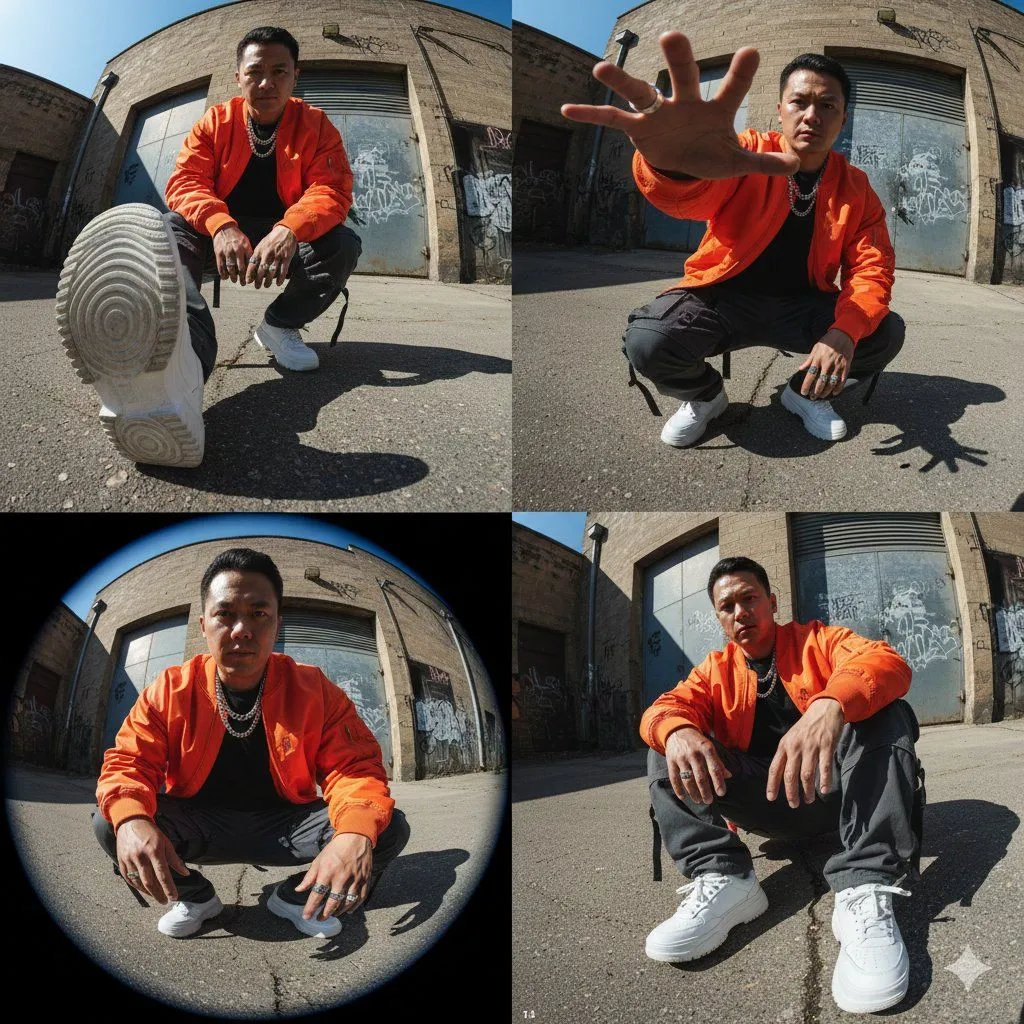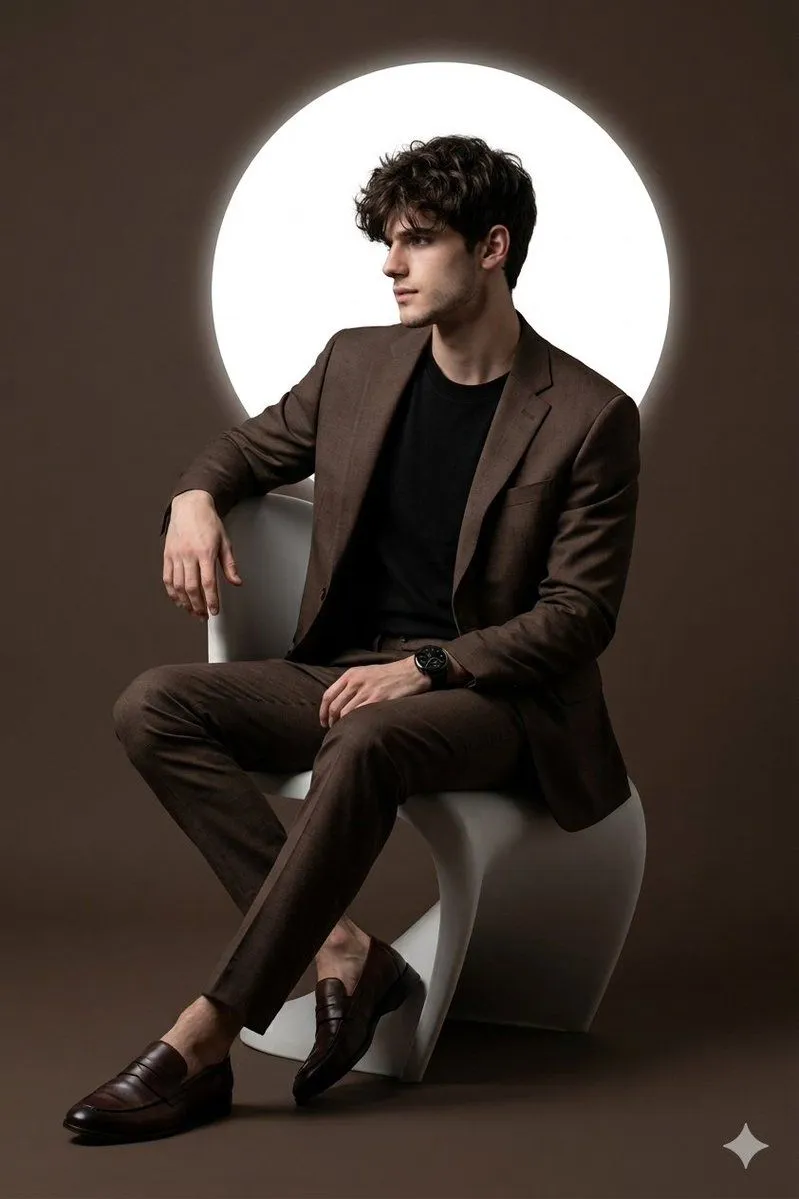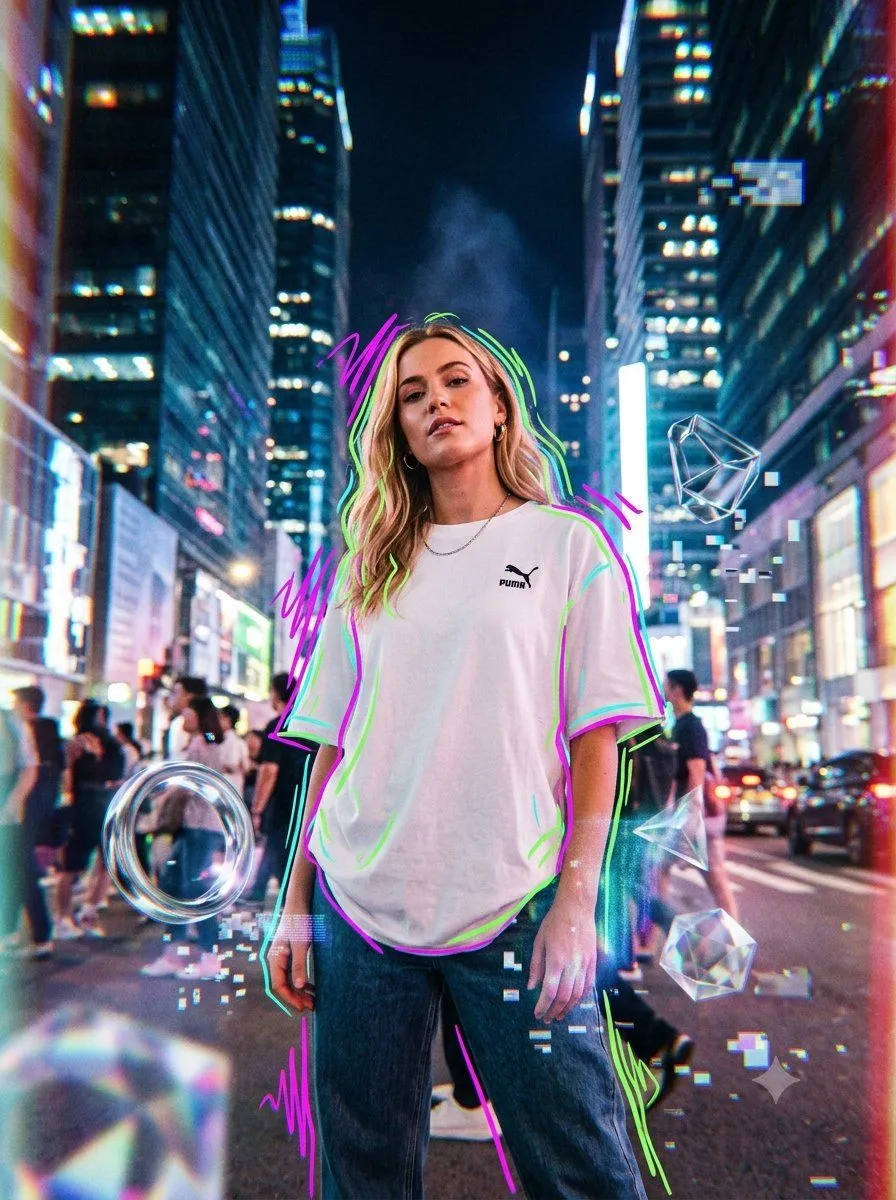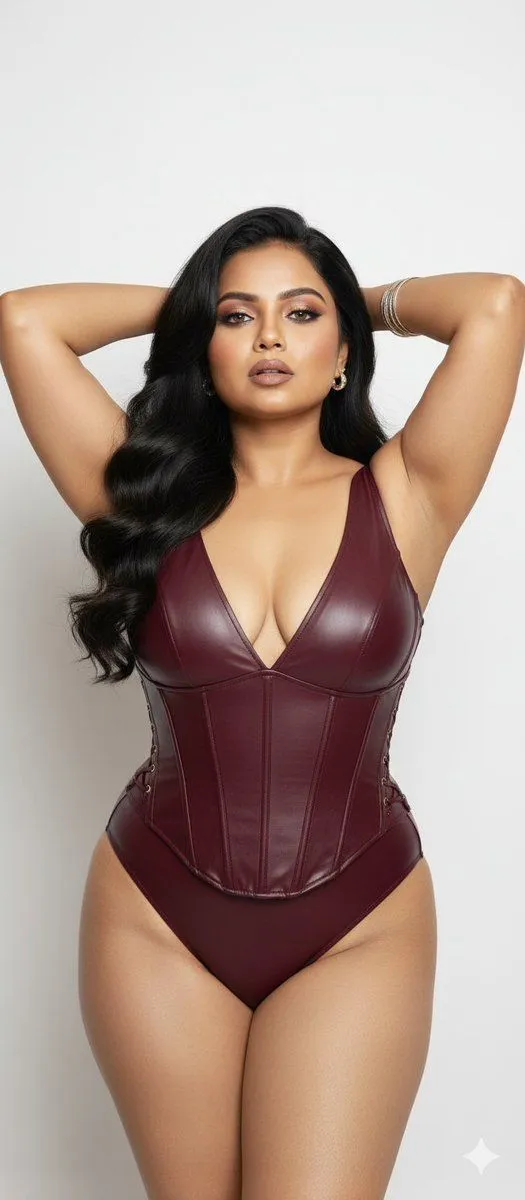
Made with Nano Banana Pro in Gemini by Library Product. Promptclay never generates images.
Did it work?
No reports yet. Tell others if it worked for you.
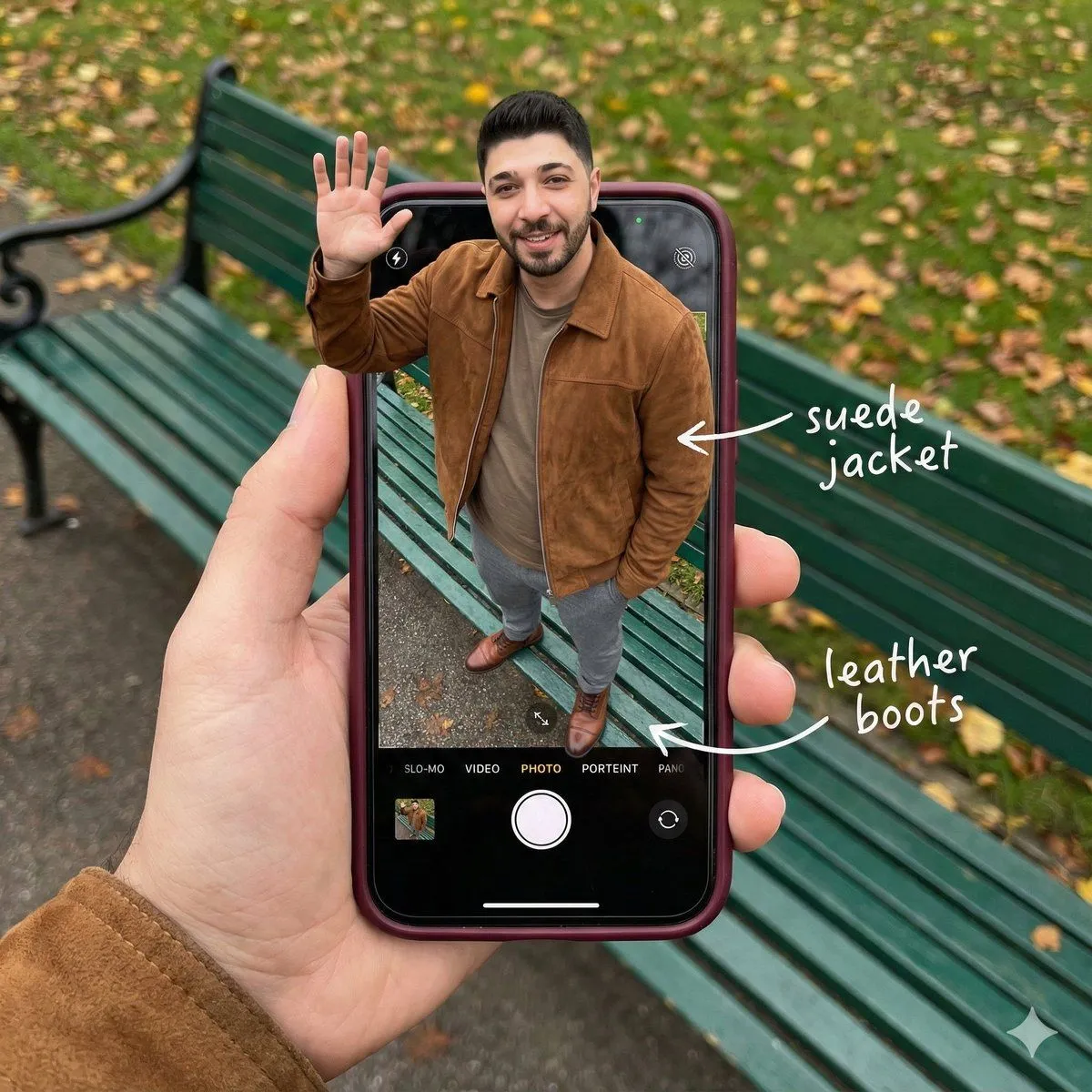
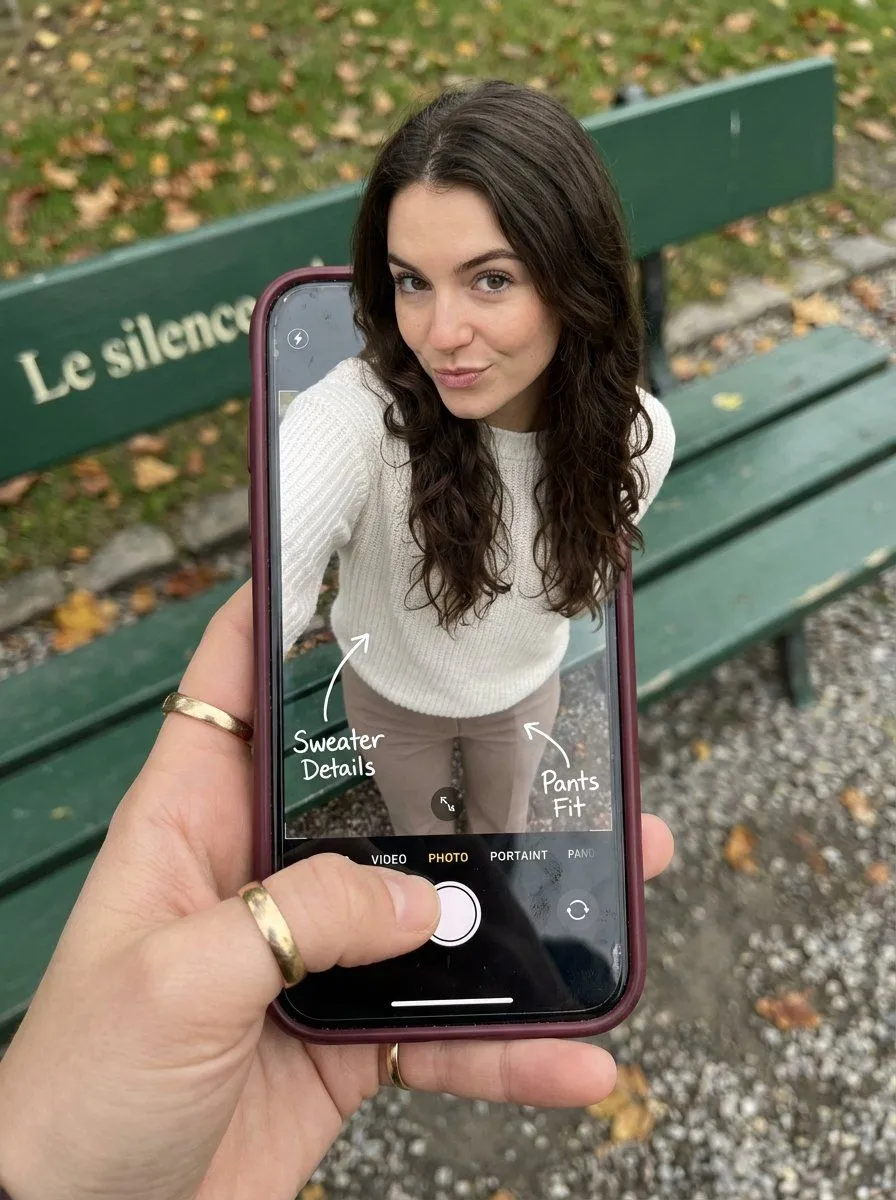
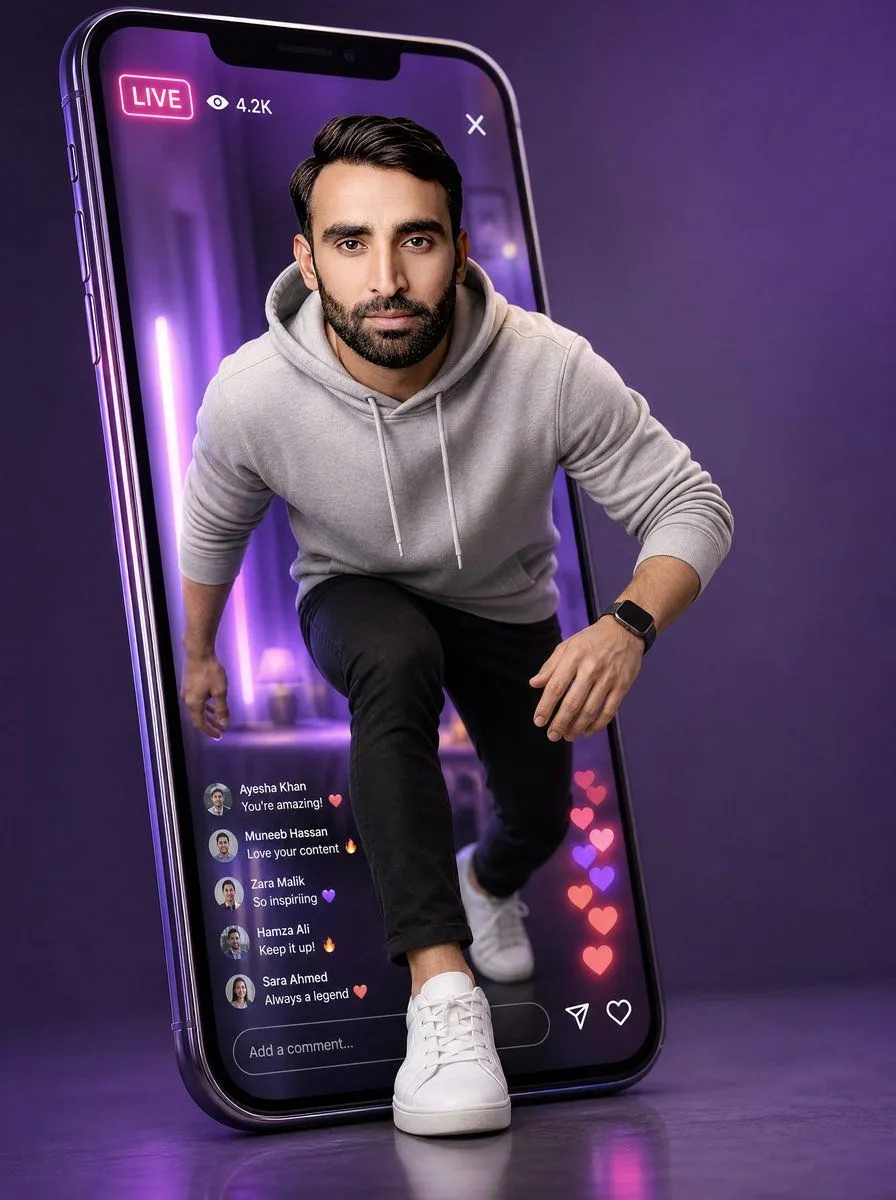
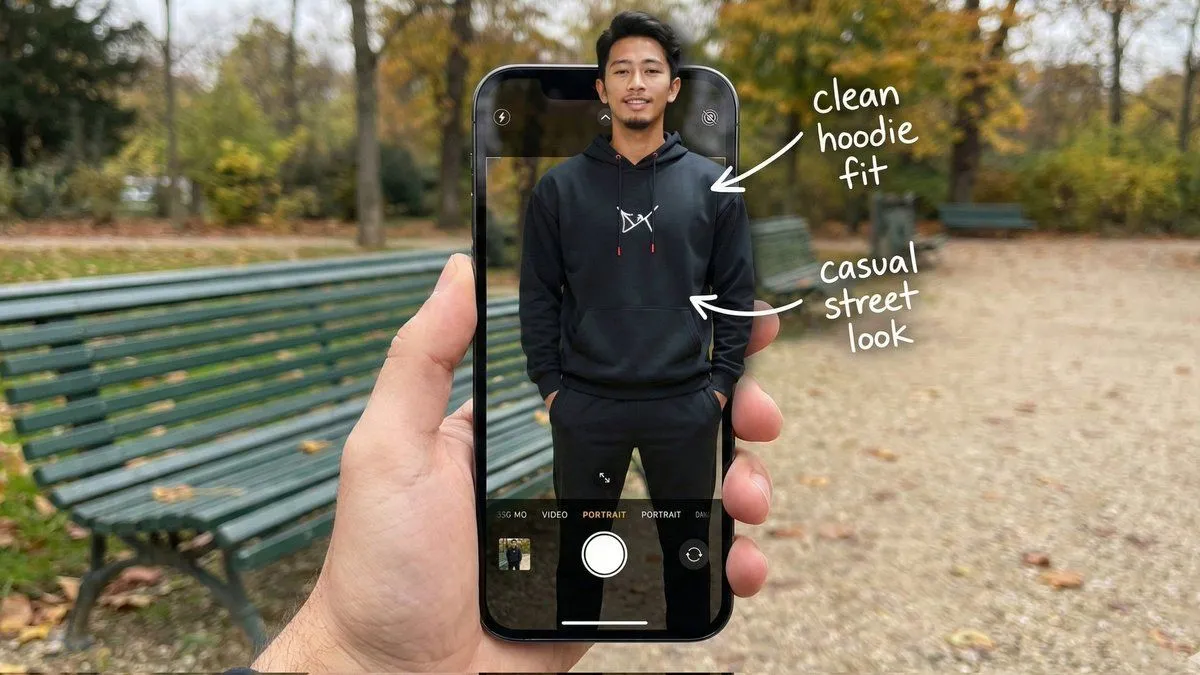
Hyper-Realistic POV Smartphone Pop-out Illusion in a Park
Prompt
2 blanks to fill{ "image_metadata": { "format_version": "2.1.0", "aspect_ratio": "16:9", "shot_type": "Composite Hyper-Realistic POV", "concept": "OOTD Breakdown / Smartphone Pop-out Illusion (Outdoor Park)" }, "subject_profile": { "identity": { "gender": "Male", "ethnicity": "{ethnicity}", "age_range": "20-25 years old", "identity_consistency": "preserve face and body like reference image" }, "facial_architecture": { "facial_hair": "light mustache and beard", "jawline": "defined and proportional", "expression": "relaxed confident smile", "skin_rendering": "warm tan, natural texture" }, "hair_mechanics": { "color": "black", "style": "short with volume, brushed back", "texture": "natural sheen, realistic strand breakup" }, "body_anatomy": { "frame": "lean, proportional", "posture": "standing straight, hands in hoodie pockets" } }, "wardrobe_and_styling": { "top_layer": { "item": "black hoodie", "details": "white chest logo, red string tips", "material": "matte cotton fleece" }, "bottom_layer": { "item": "black jogger pants", "fit": "clean streetwear silhouette" }, "footwear": { "item": "black sneakers", "visibility": "lower frame inside UI" } }, "device_and_interface": { "hardware": { "model": "modern high-end smartphone", "case": "matte black", "hand_interaction": "male POV holding phone in foreground" }, "software_ui": { "app": "iOS Camera Interface", "elements": [ "white shutter button", "PORTRAIT mode (active)", "focus box on subject's face" ], "screen_condition": "OLED brightness, crisp pixels" }, "augmented_overlay": { "style": "white handwritten annotations", "notes": [ { "text": "clean hoodie fit", "pointer": "upper body" }, { "text": "casual street look", "pointer": "torso" } ] } }, "environment_optics": { "location": "{location}", "background_elements": { "bench": "green metal park bench", "ground": "gravel path with scattered leaves", "trees": "surrounding foliage, greenery" }, "lighting_design": { "source": "natural daylight", "quality": "soft overcast, diffused shadows", "mood": "relaxed, cinematic outdoor ambiance" } }, "technical_execution": { "optics": { "lens": "35mm macro / smartphone equivalent", "depth_of_field": { "foreground": "sharp (phone + subject)", "background": "soft bokeh park depth" } }, "special_effects": { "illusion": "3D pop-out; torso out of screen, lower body inside UI", "realism": "accurate edge lighting and natural shadow blending" } }, "safety_and_exclusions": { "negative_prompt": [ }
Preview of your prompt
{ "image_metadata": { "format_version": "2.1.0", "aspect_ratio": "16:9", "shot_type": "Composite Hyper-Realistic POV", "concept": "OOTD Breakdown / Smartphone Pop-out Illusion (Outdoor Park)" }, "subject_profile": { "identity": { "gender": "Male", "ethnicity": "Asian", "age_range": "20-25 years old", "identity_consistency": "preserve face and body like reference image" }, "facial_architecture": { "facial_hair": "light mustache and beard", "jawline": "defined and proportional", "expression": "relaxed confident smile", "skin_rendering": "warm tan, natural texture" }, "hair_mechanics": { "color": "black", "style": "short with volume, brushed back", "texture": "natural sheen, realistic strand breakup" }, "body_anatomy": { "frame": "lean, proportional", "posture": "standing straight, hands in hoodie pockets" } }, "wardrobe_and_styling": { "top_layer": { "item": "black hoodie", "details": "white chest logo, red string tips", "material": "matte cotton fleece" }, "bottom_layer": { "item": "black jogger pants", "fit": "clean streetwear silhouette" }, "footwear": { "item": "black sneakers", "visibility": "lower frame inside UI" } }, "device_and_interface": { "hardware": { "model": "modern high-end smartphone", "case": "matte black", "hand_interaction": "male POV holding phone in foreground" }, "software_ui": { "app": "iOS Camera Interface", "elements": [ "white shutter button", "PORTRAIT mode (active)", "focus box on subject's face" ], "screen_condition": "OLED brightness, crisp pixels" }, "augmented_overlay": { "style": "white handwritten annotations", "notes": [ { "text": "clean hoodie fit", "pointer": "upper body" }, { "text": "casual street look", "pointer": "torso" } ] } }, "environment_optics": { "location": "public park", "background_elements": { "bench": "green metal park bench", "ground": "gravel path with scattered leaves", "trees": "surrounding foliage, greenery" }, "lighting_design": { "source": "natural daylight", "quality": "soft overcast, diffused shadows", "mood": "relaxed, cinematic outdoor ambiance" } }, "technical_execution": { "optics": { "lens": "35mm macro / smartphone equivalent", "depth_of_field": { "foreground": "sharp (phone + subject)", "background": "soft bokeh park depth" } }, "special_effects": { "illusion": "3D pop-out; torso out of screen, lower body inside UI", "realism": "accurate edge lighting and natural shadow blending" } }, "safety_and_exclusions": { "negative_prompt": [ }
DetailsVersions, settings and questions
Written for
What's in the prompt
- Subject
- Model
- Nano Banana Pro
If your face changes
keep my face exactly the sameQuestions
- Does this work in the Gemini app?
- Yes. Gemini runs Nano Banana, so paste the prompt and attach your photo if it uses one.
- It changed my face. What do I do?
- Add "keep my face exactly the same" to the end and run it again.
- Can I use the images I make?
- Check the terms of the app you use. Promptclay never generates images and claims nothing you make.