Tell us anything

An idea, a bug, something you love. We read every note.

⌘↵ to send. The page you're on comes along.

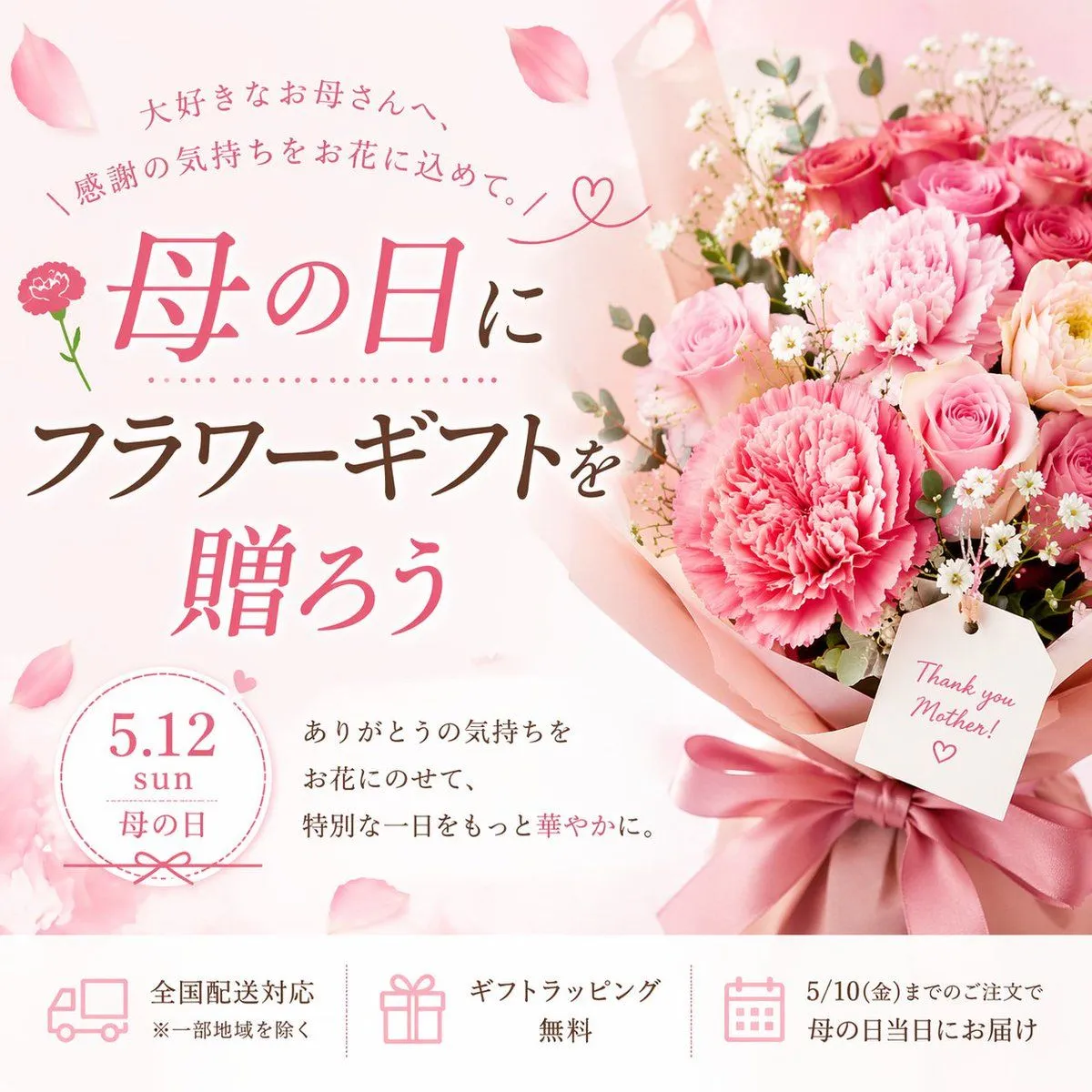
Mother's Day Flower Gift Promotional Banner

Made with GPT Image 2 in ChatGPT by Library Brand. Promptclay never generates images.

Did it work?

No reports yet. Tell others if it worked for you.

No comments yet. Be the first.

    Mother's Day Flower Gift Promotional Banner

    GPT Image 21:1AI-generated

    Prompt

    { "type": "promotional banner advertisement", "theme": "Mother's Day flower gift", "visual_style": "soft, elegant, feminine, pastel colors, scattered pink petals in the background", "imagery": { "bouquet": "large arrangement of {argument name=\"color theme\" default=\"pink\"} carnations and roses, wrapped in pink paper with a satin ribbon, placed on the right side", "tag": "white rectangular tag hanging from the bouquet reading '{argument name=\"tag text\" default=\"Thank you Mother!\"}' with a drawn heart" }, "layout": { "main_typography": { "position": "top left to mid left", "top_arch": "大好きなお母さんへ、", "sub_arch": "\\ 感謝の気持ちをお花に込めて。 /", "headline_1": "{argument name=\"main event\" default=\"母の日\"}に", "headline_2": "{argument name=\"product name\" default=\"フラワーギフト\"}を", "headline_3": "贈ろう" }, "details_section": { "position": "bottom left above footer", "badge": "circular badge with text '{argument name=\"event date\" default=\"5.12\"} sun 母の日'", "description_text": "ありがとうの気持ちを お花にのせて、 特別な一日をもっと華やかに。" }, "footer": { "position": "bottom edge", "style": "white horizontal bar", "count": 3, "items": [ { "icon": "delivery truck", "text": "全国配送対応", "subtext": "※一部地域を除く" }, { "icon": "gift box", "text": "ギフトラッピング無料" }, { "icon": "calendar", "text": "5/10(金)までのご注文で 母の日当日にお届け" } ] } } }

    Works in
    ChatGPT, Gemini
    Status
    Free to copy
    0
    DetailsVersions, settings and questions

    Written for

    What's in the prompt

    Subject
    Model
    GPT Image 2

    If your face changes

    keep my face exactly the same

    Questions

    Does this work in the ChatGPT app?
    Yes. Paste the prompt and attach your photo if it uses one.
    It changed my face. What do I do?
    Add "keep my face exactly the same" to the end and run it again.
    Can I use the images I make?
    Check the terms of the app you use. Promptclay never generates images and claims nothing you make.
    Similar prompts

    See more
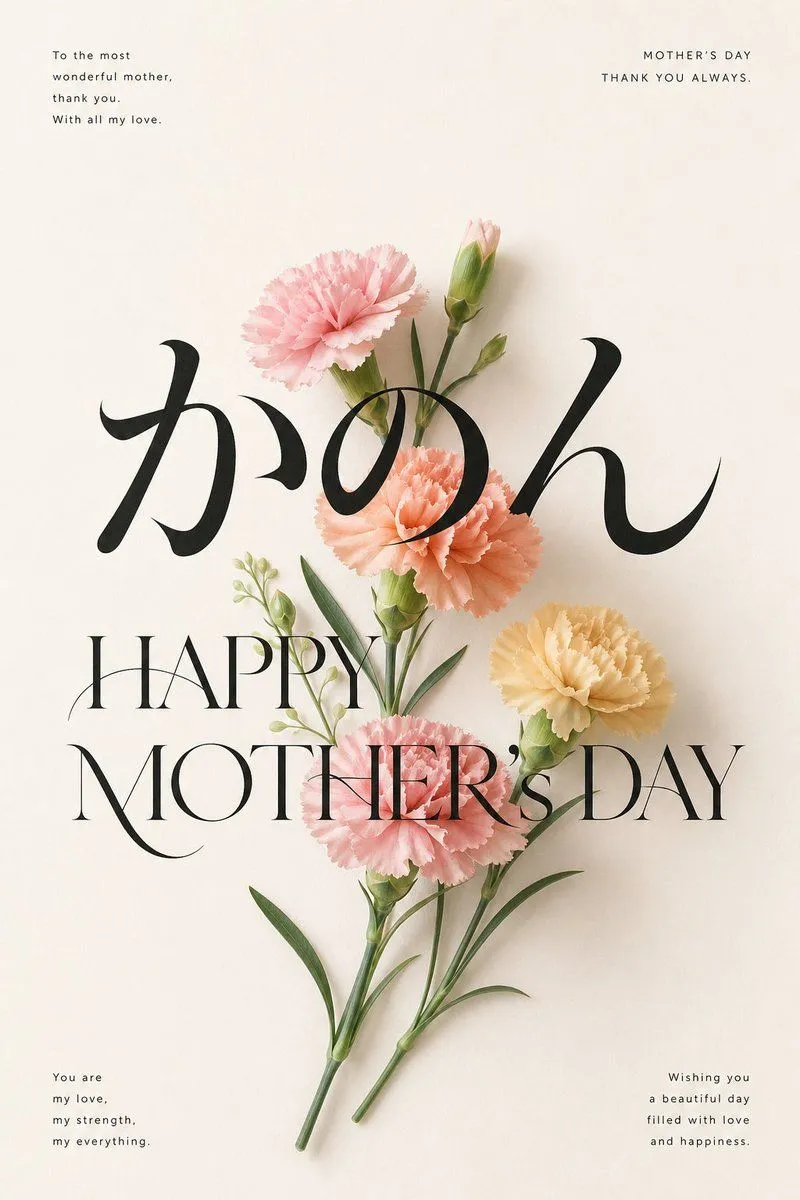
    • Elegant Carnation Mother's Day Wallpaper
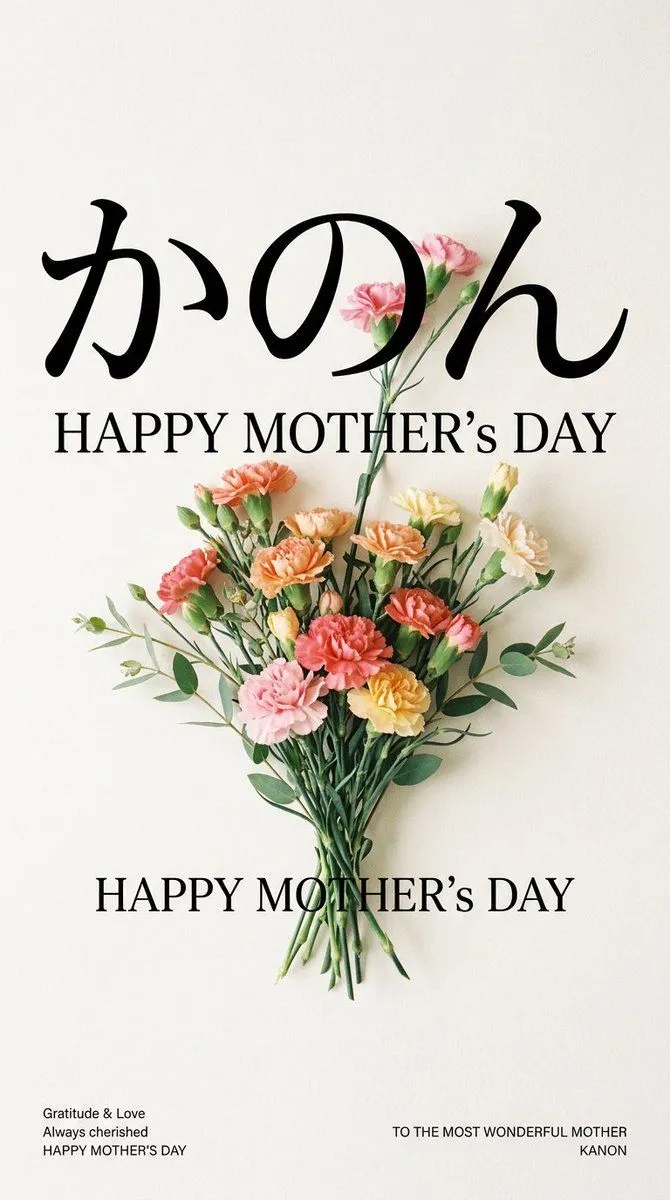
    • Minimal Carnation Mother's Day Wallpaper
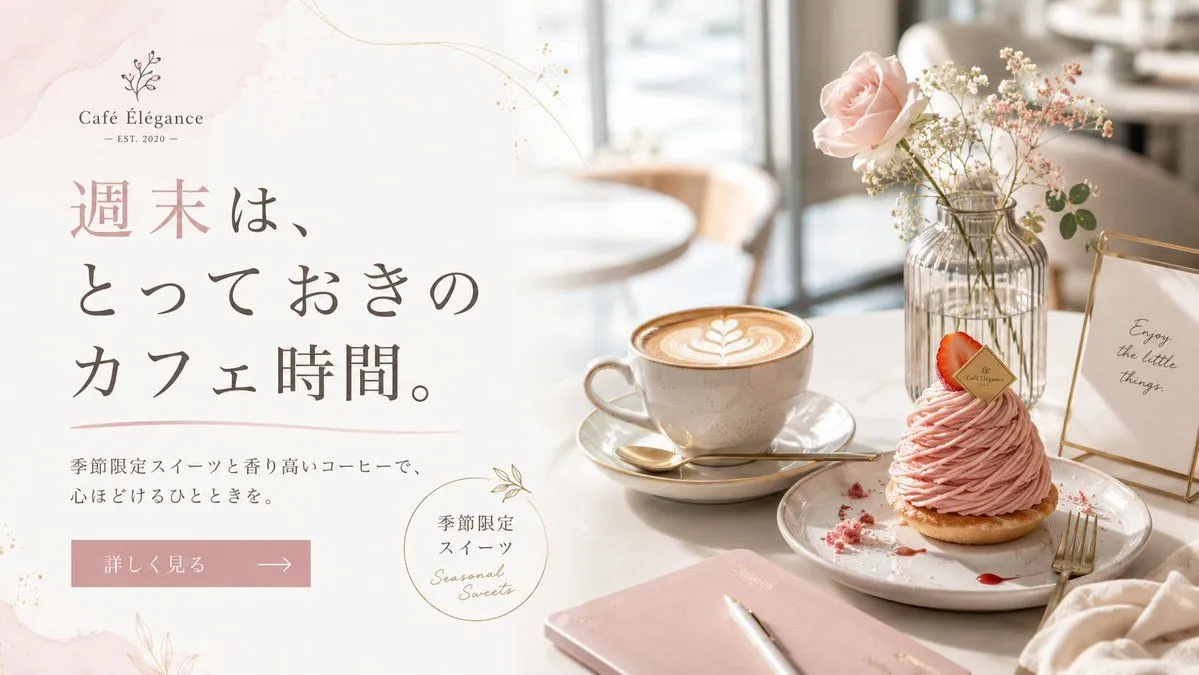
    • Elegant Café Weekend Banner
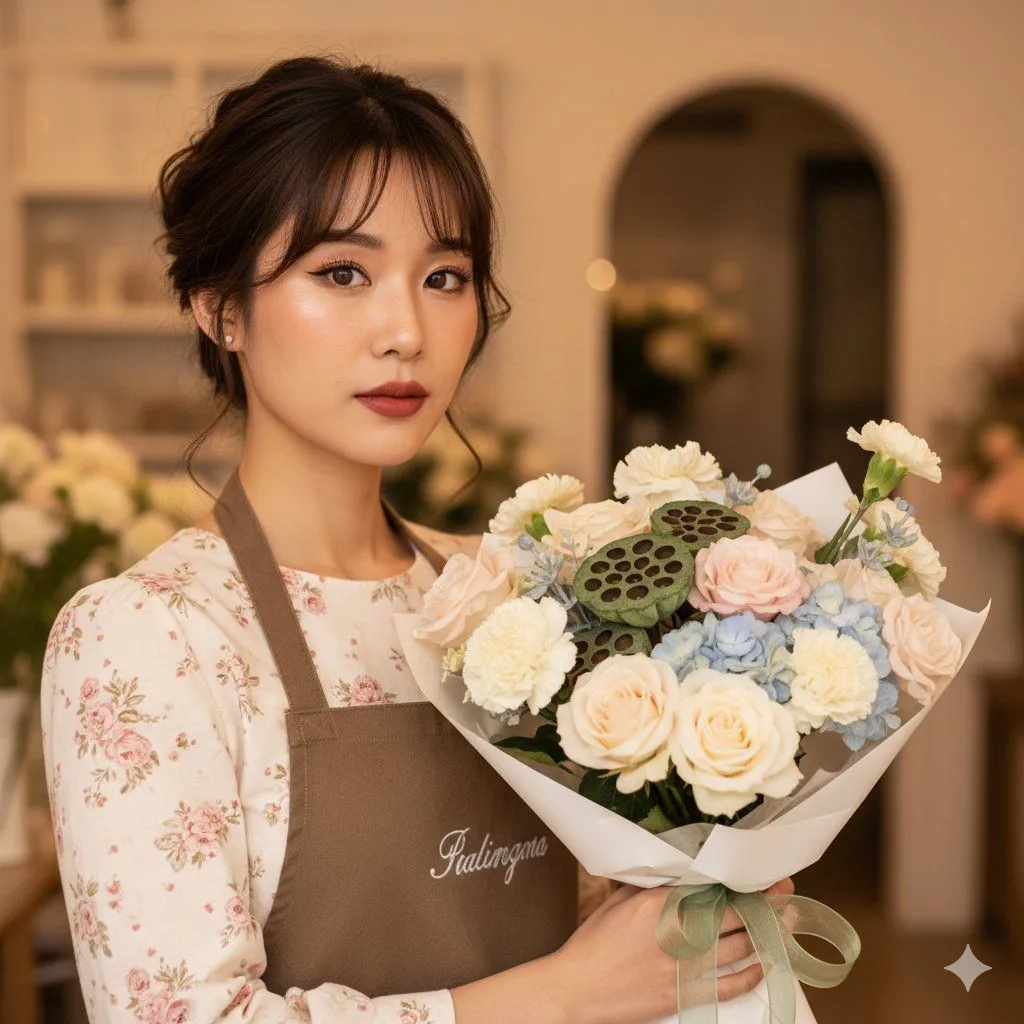
    • Romantic Cottagecore Florist Editorial Portrait Prompt
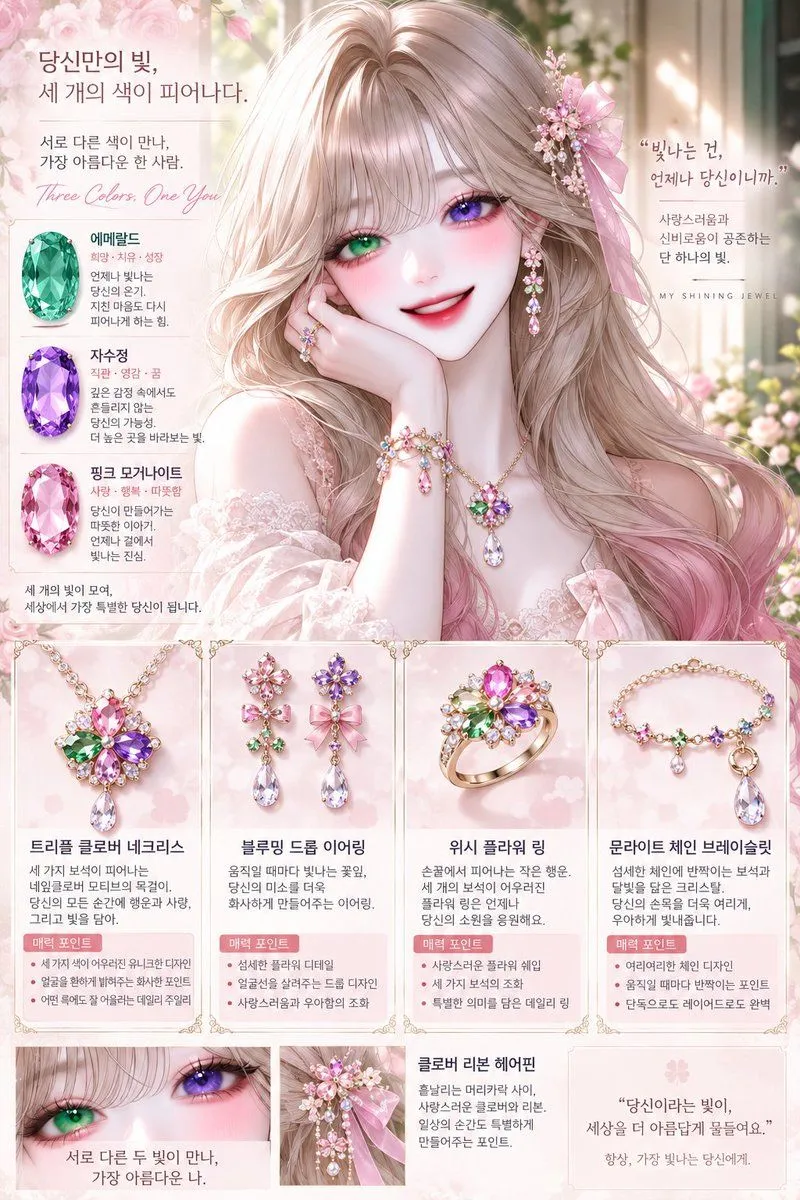
    • Anime Floral Personality Poster
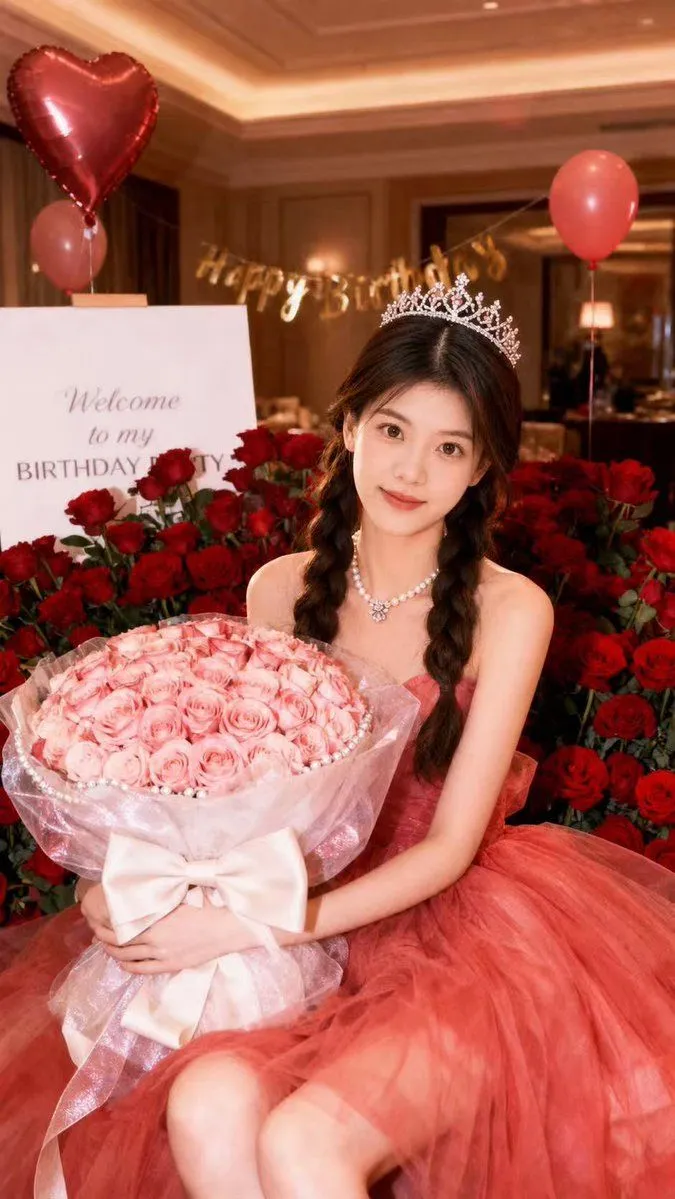
    • Dreamy Birthday Princess Portrait
    • Dual Valentine's Day Fashion and Product Prompts
    • Soft Japanese Portrait Poster
    • Matching Jewelry and Accessory Design
    • Japanese Self-Care Flower Mark Card
    • Summer Wedding Campaign Banner
    • Nano Banana Pro Handwriting Generation Prompt
    • Japanese Delivery Referral Banner
    • Election Poster Style Prompt
    • Mechanical Keyboard Themed Art Poster Prompt
    • Kawaii RPG Character Profile Sheet
    • Japanese Character Manual Poster
    • VTuber Chat Stream Thumbnail
    • Brass Rod Display Stand Modifier
    • Dark Japanese Recipe App UI
    • DevKnow SaaS Landing Page
    • Mechanical Keyboard Product Page Mockup
    • Japanese AI Telop Thumbnail
    • Mystic Ruins Platformer Screenshot

    Show more

    Run it on your phone

    1. Prompt copiedRead it

      { "type": "promotional banner advertisement", "theme": "Mother's Day flower gift", "visual_style": "soft, elegant, feminine, pastel colors, scattered pink petals in the background", "imagery": { "bouquet": "large arrangement of {argument name=\"color theme\" default=\"pink\"} carnations and roses, wrapped in pink paper with a satin ribbon, placed on the right side", "tag": "white rectangular tag hanging from the bouquet reading '{argument name=\"tag text\" default=\"Thank you Mother!\"}' with a drawn heart" }, "layout": { "main_typography": { "position": "top left to mid left", "top_arch": "大好きなお母さんへ、", "sub_arch": "\\ 感謝の気持ちをお花に込めて。 /", "headline_1": "{argument name=\"main event\" default=\"母の日\"}に", "headline_2": "{argument name=\"product name\" default=\"フラワーギフト\"}を", "headline_3": "贈ろう" }, "details_section": { "position": "bottom left above footer", "badge": "circular badge with text '{argument name=\"event date\" default=\"5.12\"} sun 母の日'", "description_text": "ありがとうの気持ちを お花にのせて、 特別な一日をもっと華やかに。" }, "footer": { "position": "bottom edge", "style": "white horizontal bar", "count": 3, "items": [ { "icon": "delivery truck", "text": "全国配送対応", "subtext": "※一部地域を除く" }, { "icon": "gift box", "text": "ギフトラッピング無料" }, { "icon": "calendar", "text": "5/10(金)までのご注文で 母の日当日にお届け" } ] } } }

    2. Open your app

    3. Paste and run

      Press and hold the message box, then tap Paste. Add your photo first if the prompt uses one. You may need to sign in.

    Mother's Day Flower Gift Promotional Banner