Tell us anything

An idea, a bug, something you love. We read every note.

⌘↵ to send. The page you're on comes along.

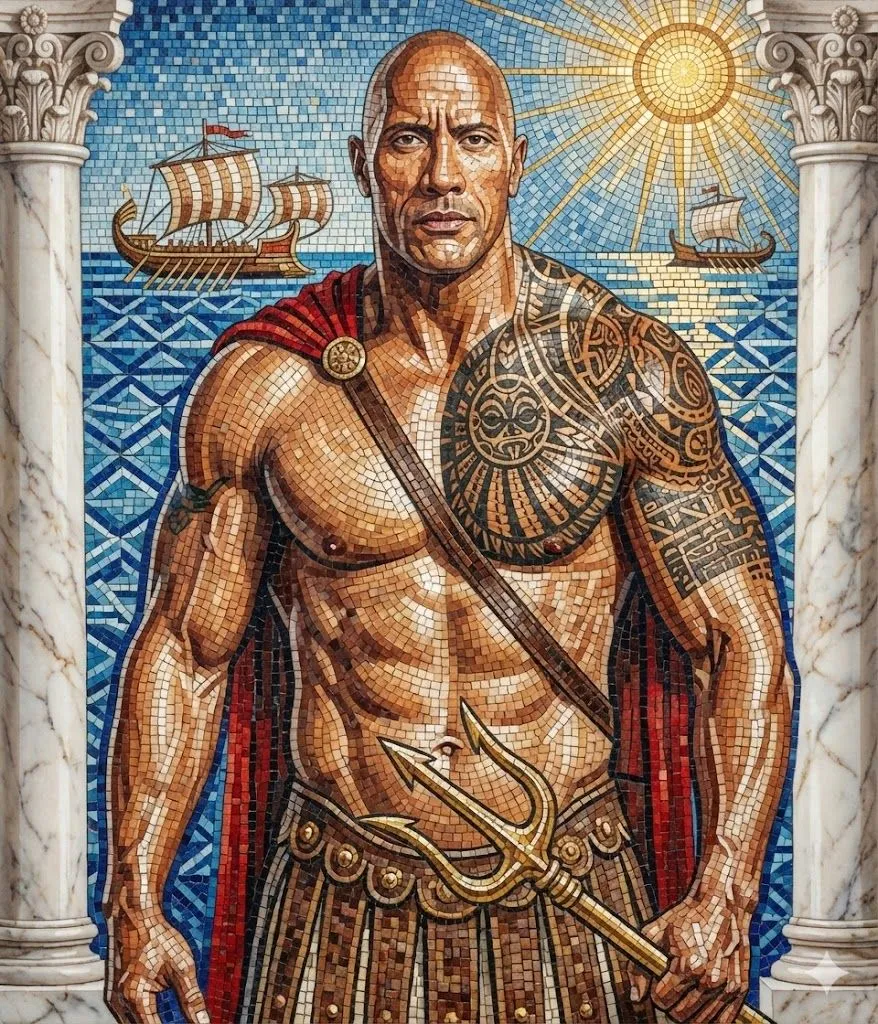
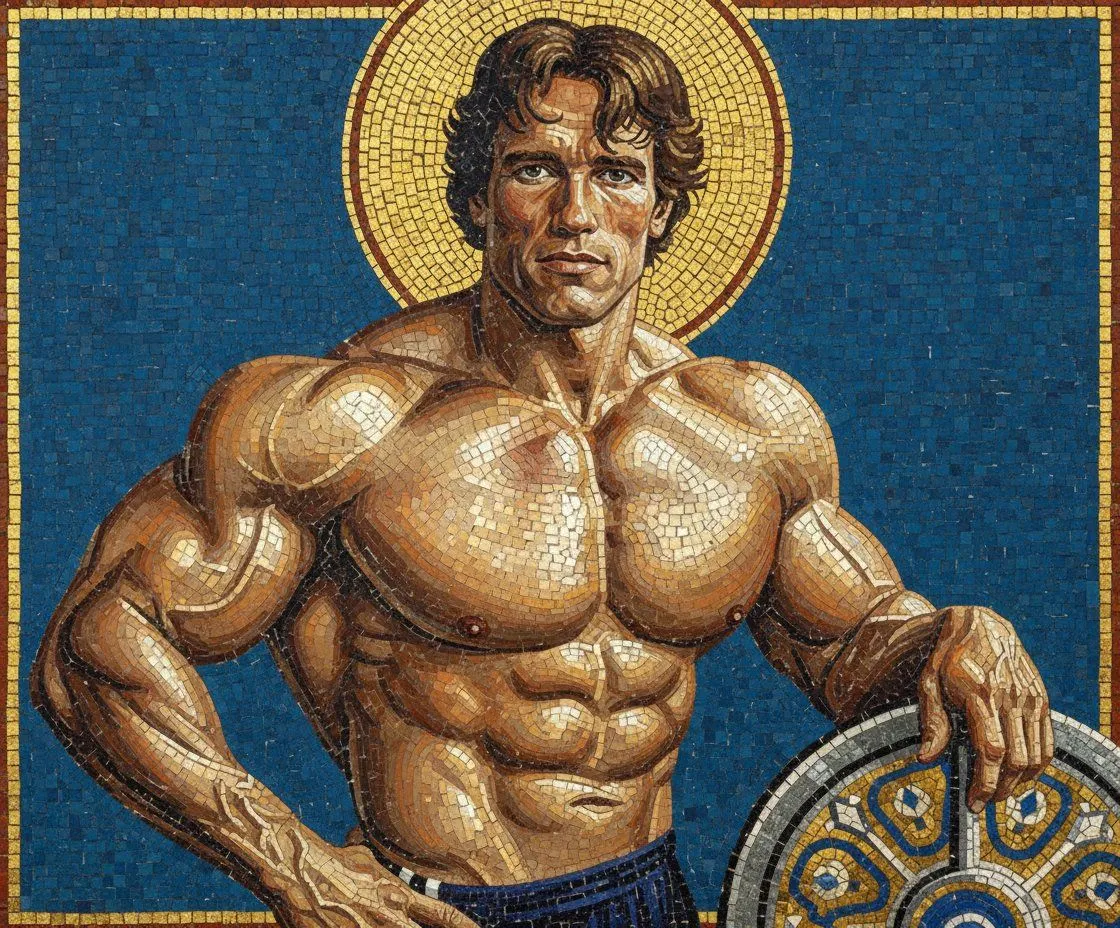
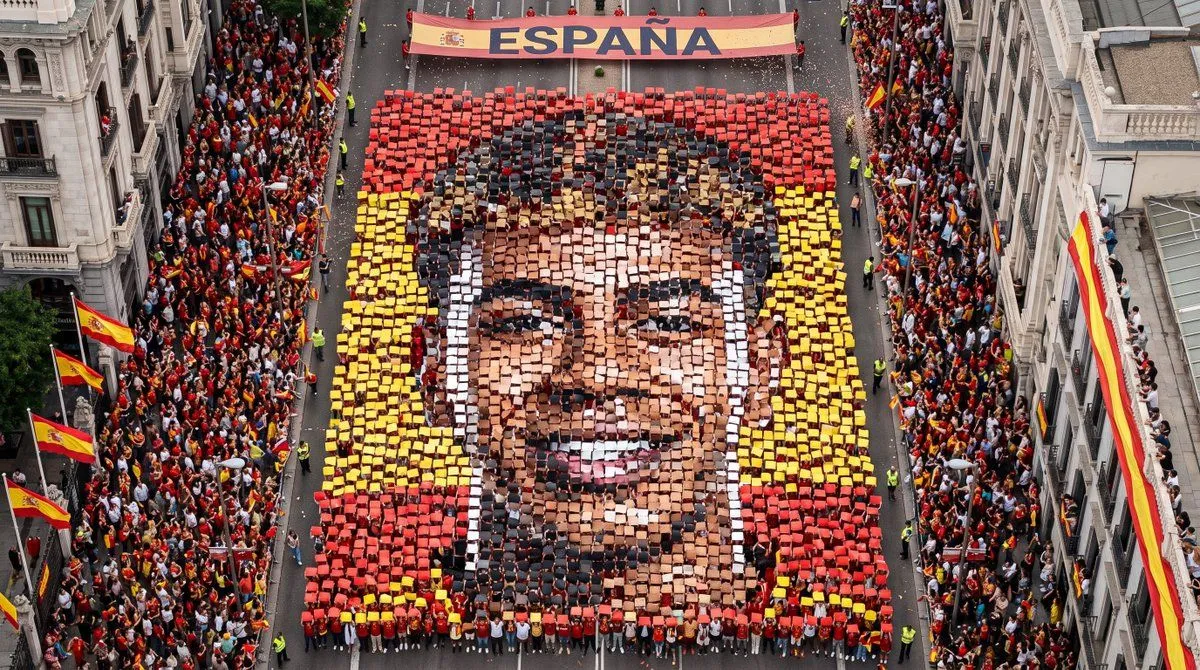
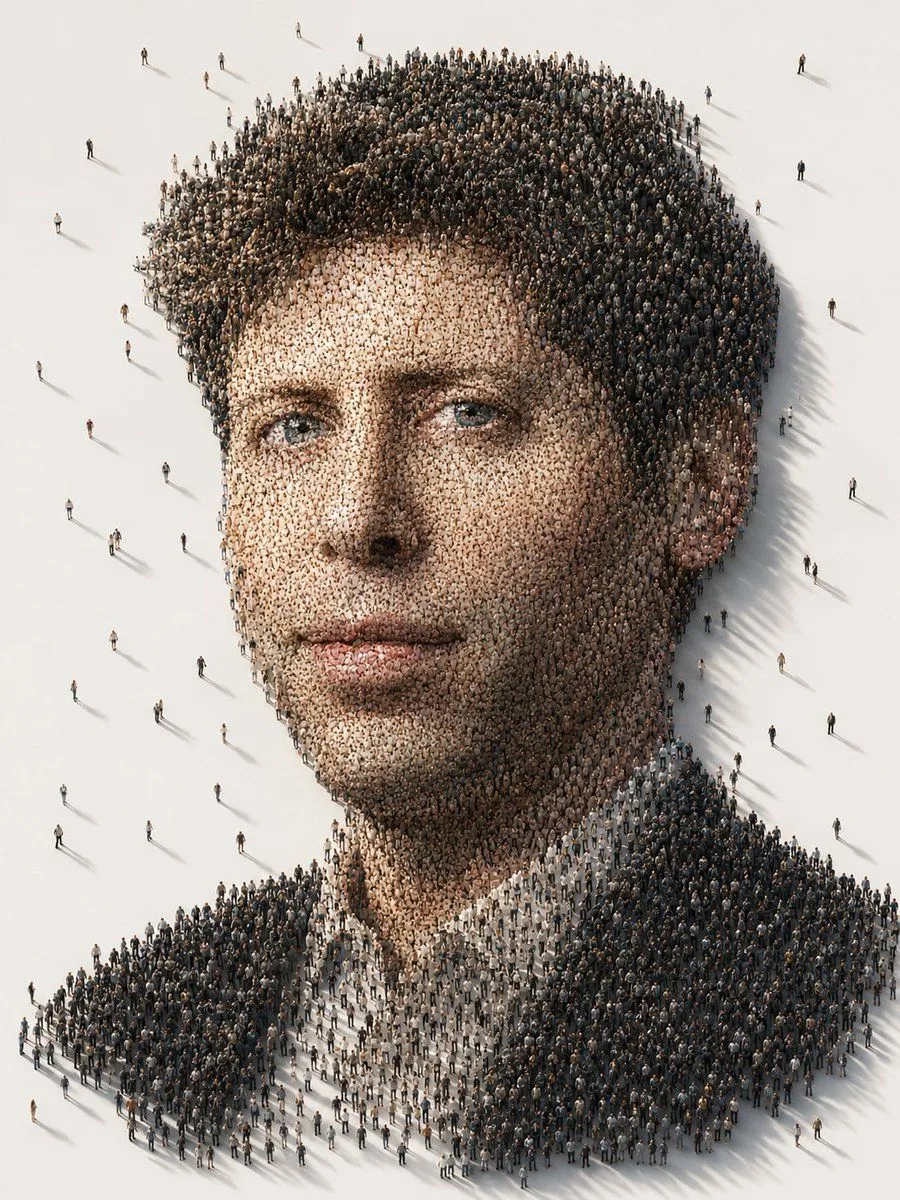
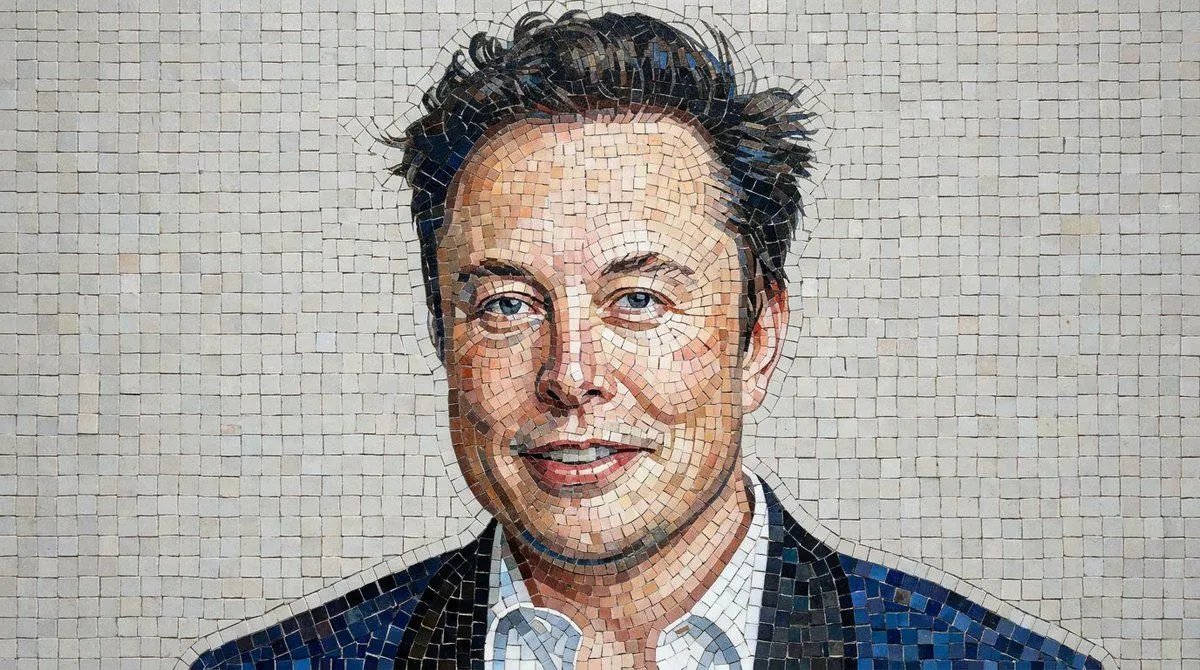
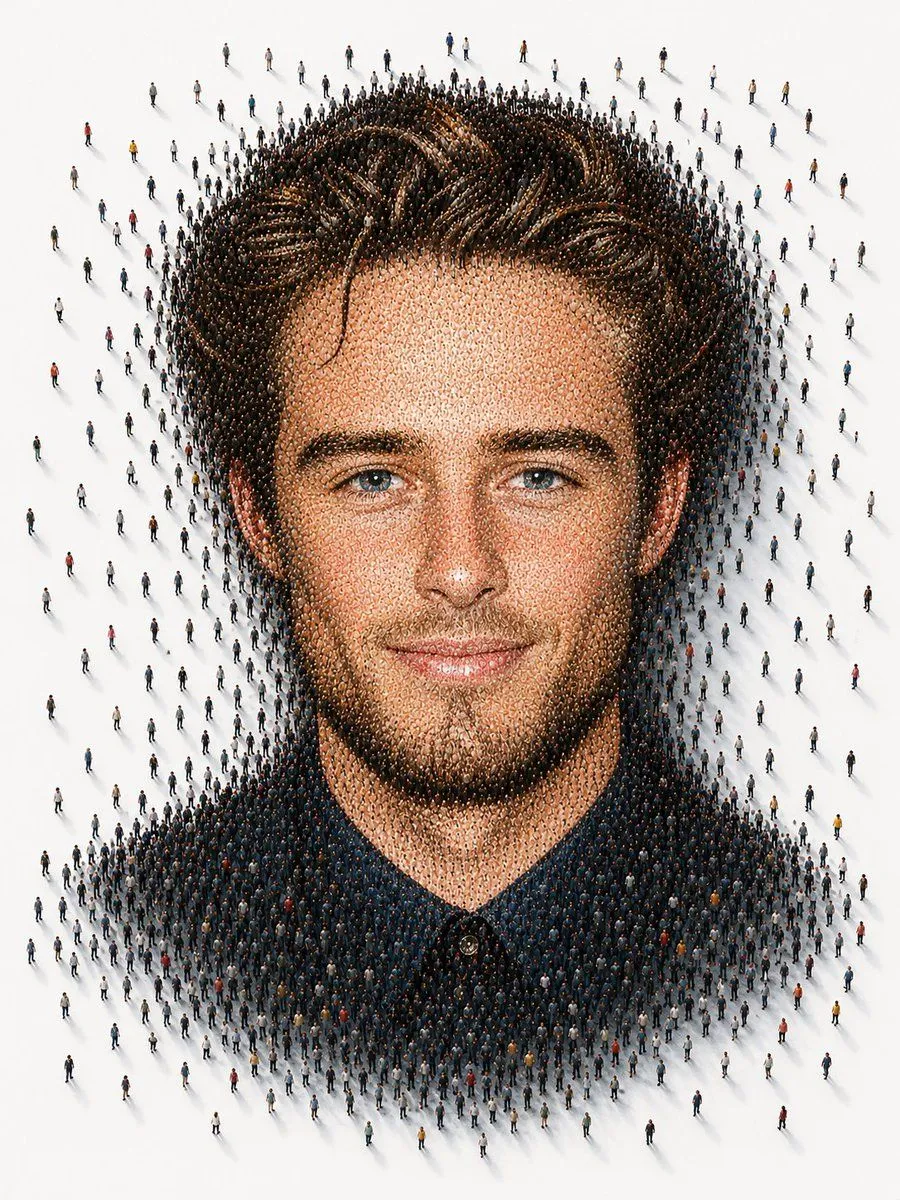
Mosaic Portrait Style Image

Made with Nano Banana Pro in Gemini by Library Portraits. Promptclay never generates images.

Mosaic Portrait Style Image

Nano Banana Pro16:9AI-generated

Prompt

1 blank to fill

mosaic portrait style image of the person in the provided image, using {mosaic_medium} to form the full face. Preserve the person’s facial features, expression, and proportions while reconstructing them through intricate mosaic patterns. Use a rich, balanced color palette with subtle shading created through tile density and variation. Ensure high detail, artistic texture, and a visually striking, cohesive composition with a clean background

Open in PicX Studio

Opens in a new tab with the prompt filled in or copied, ready to paste.

Works in
Gemini, ChatGPT
Status
Free to copy
DetailsVersions, settings and questions

Written for

What's in the prompt

Subject
Model
Nano Banana Pro

If your face changes

keep my face exactly the same

Questions

Does this work in the Gemini app?
Yes. Gemini runs Nano Banana, so paste the prompt and attach your photo if it uses one.
It changed my face. What do I do?
Add "keep my face exactly the same" to the end and run it again.
Can I use the images I make?
Check the terms of the app you use. Promptclay never generates images and claims nothing you make.
0

Did it work?

No reports yet. Tell others if it worked for you.
No comments yet. Be the first.

    More like this

    See more
    • Tiny People Mosaic Portrait
    • Subject Reimagined as Roman God in Mosaic Art Style
    • Byzantine Mosaic Style Portrait Prompt
    • Aerial Street Mosaic Portrait
    • Conceptual Crowd Portrait Installation Art
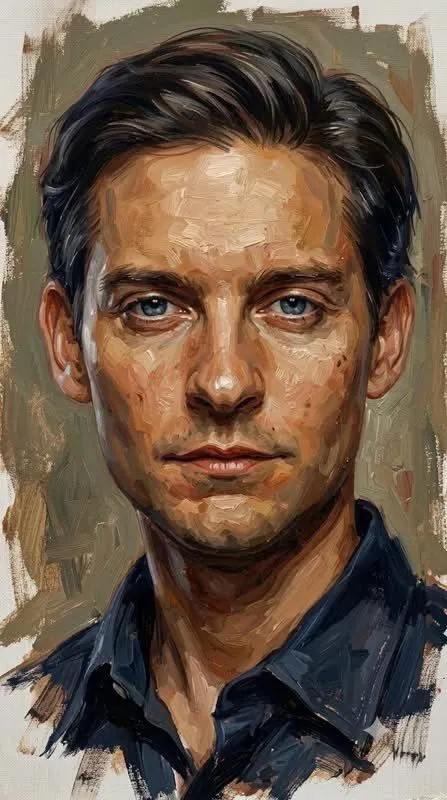
    • Senior Junior Oil Painting Prompt
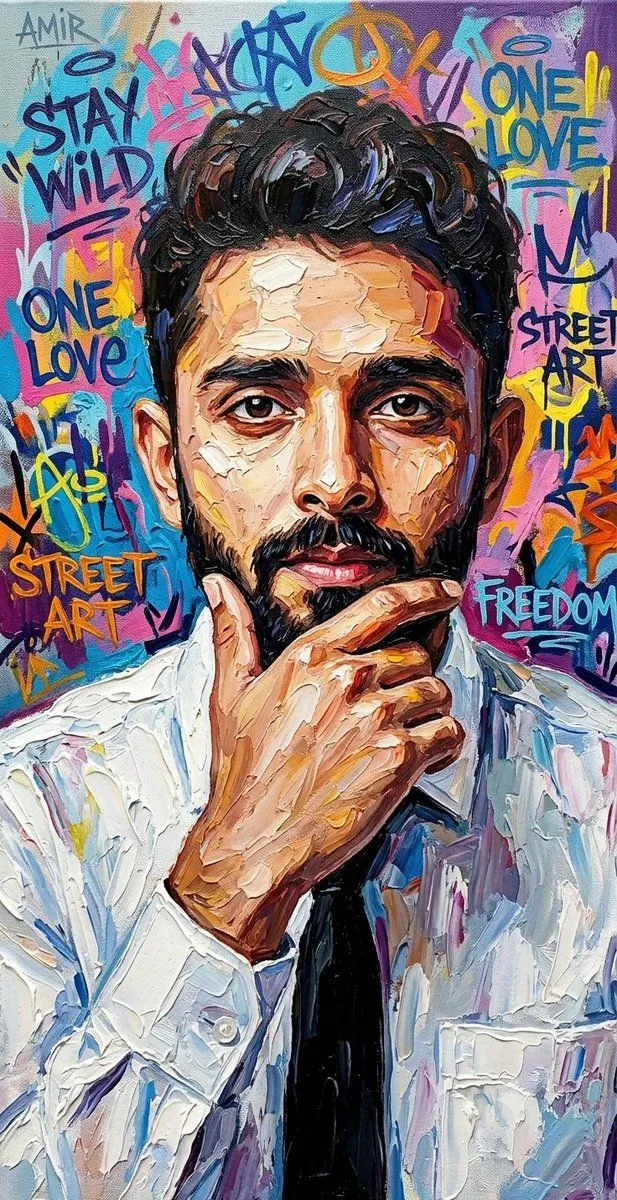
    • Textured Oil Painting Portrait with Graffiti
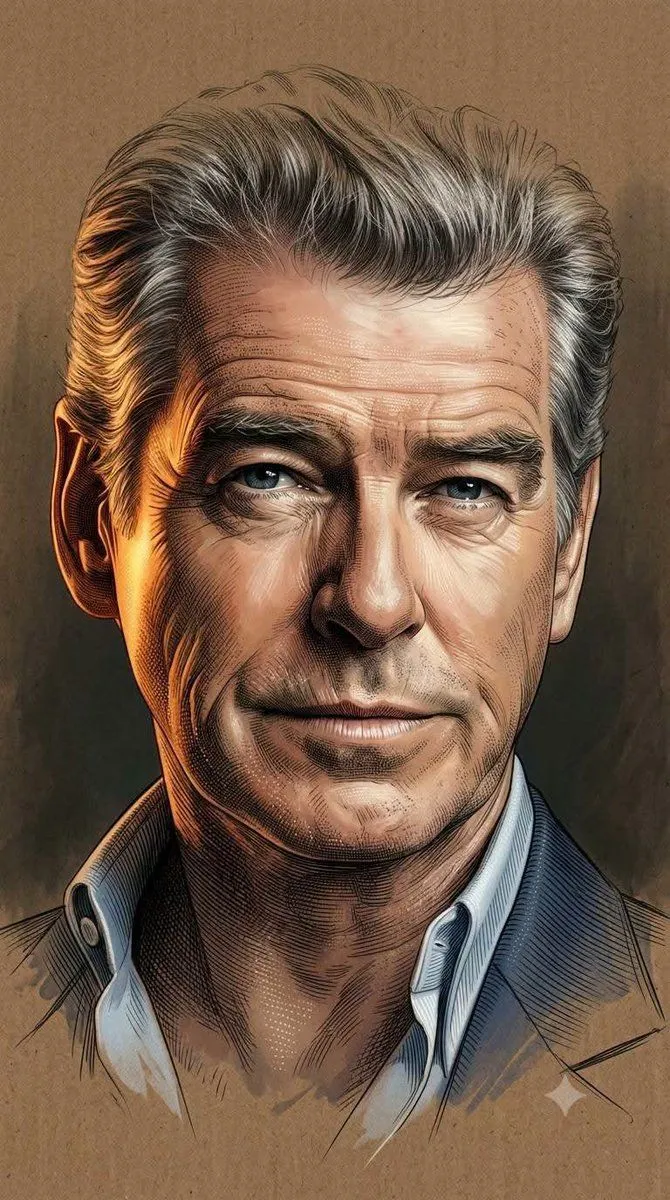
    • Engraved Digital Painting Style
    • Abstract Fine-Art Editorial Portrait
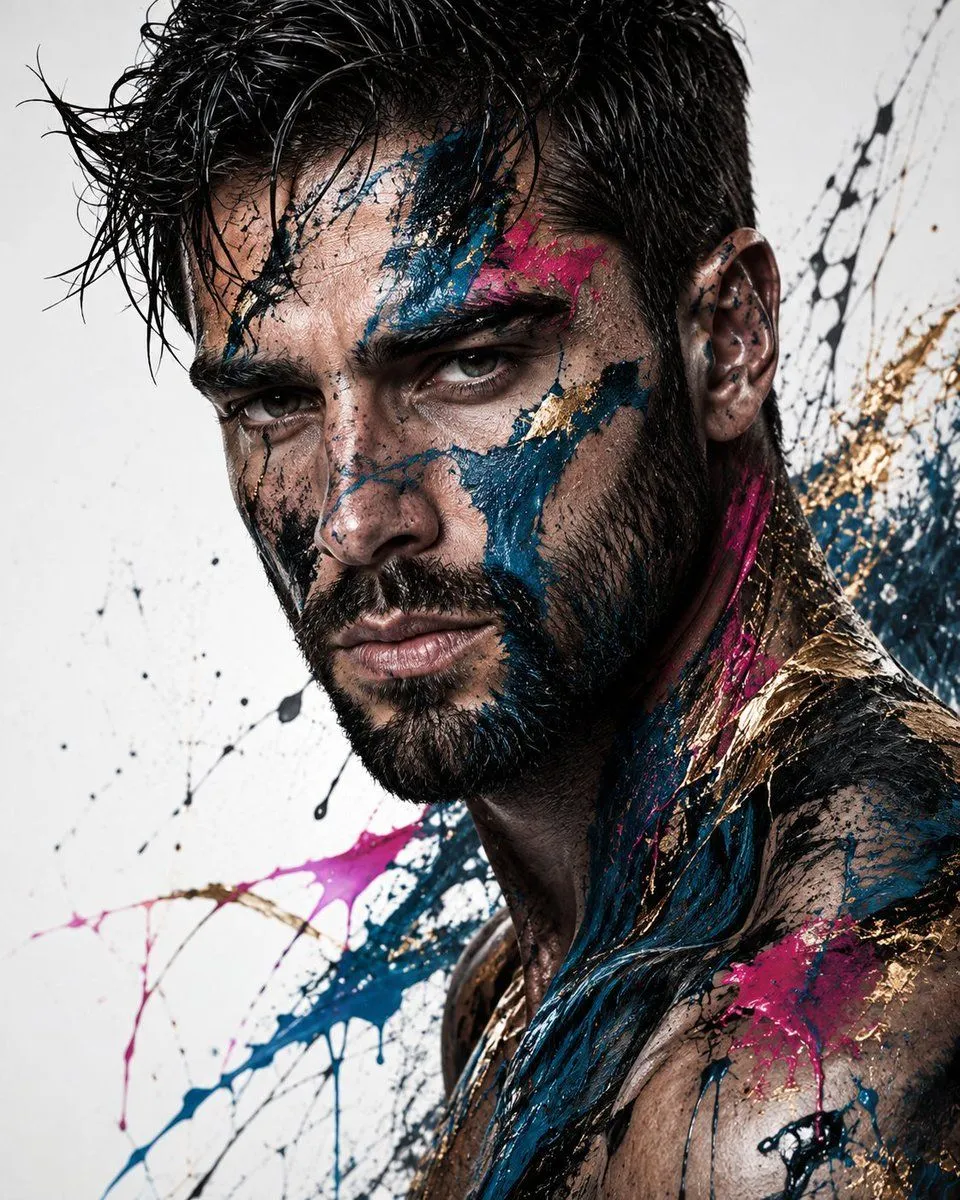
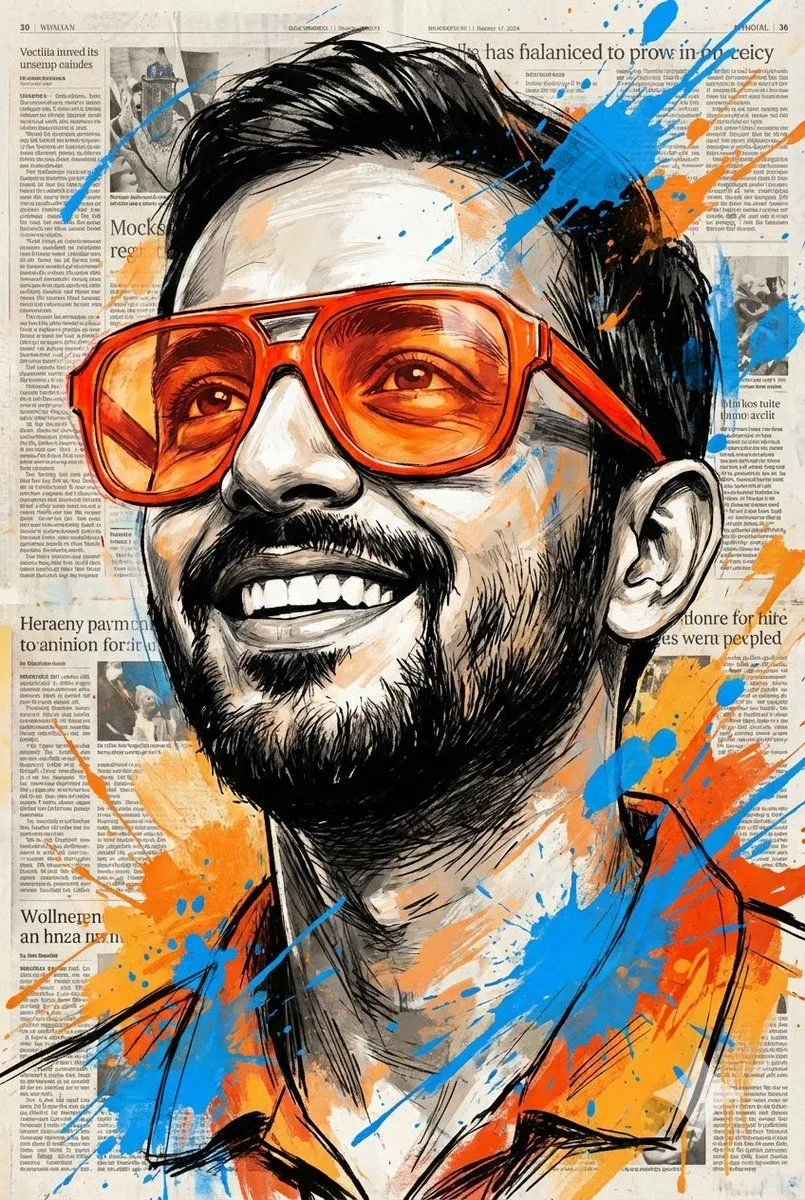
    • Expressive Portrait with Sketch Strokes and Paint Splashes
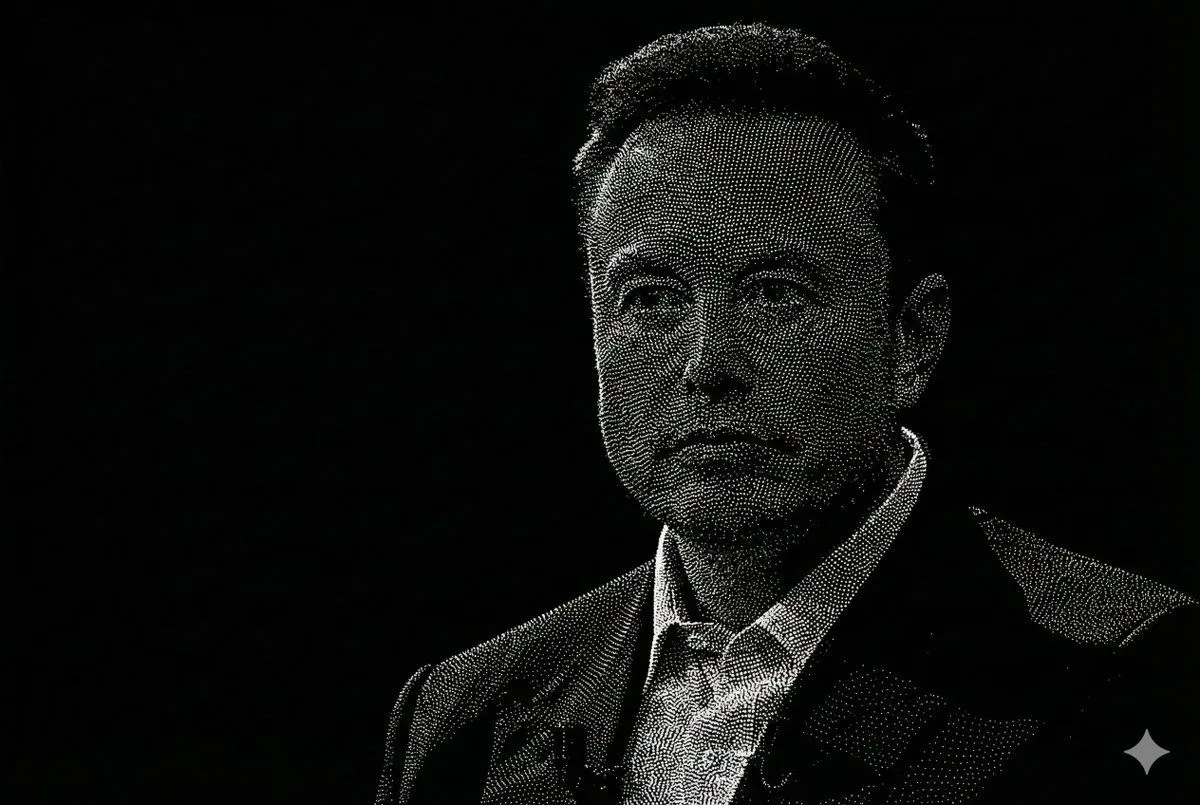
    • Censored Point-Cloud Portrait
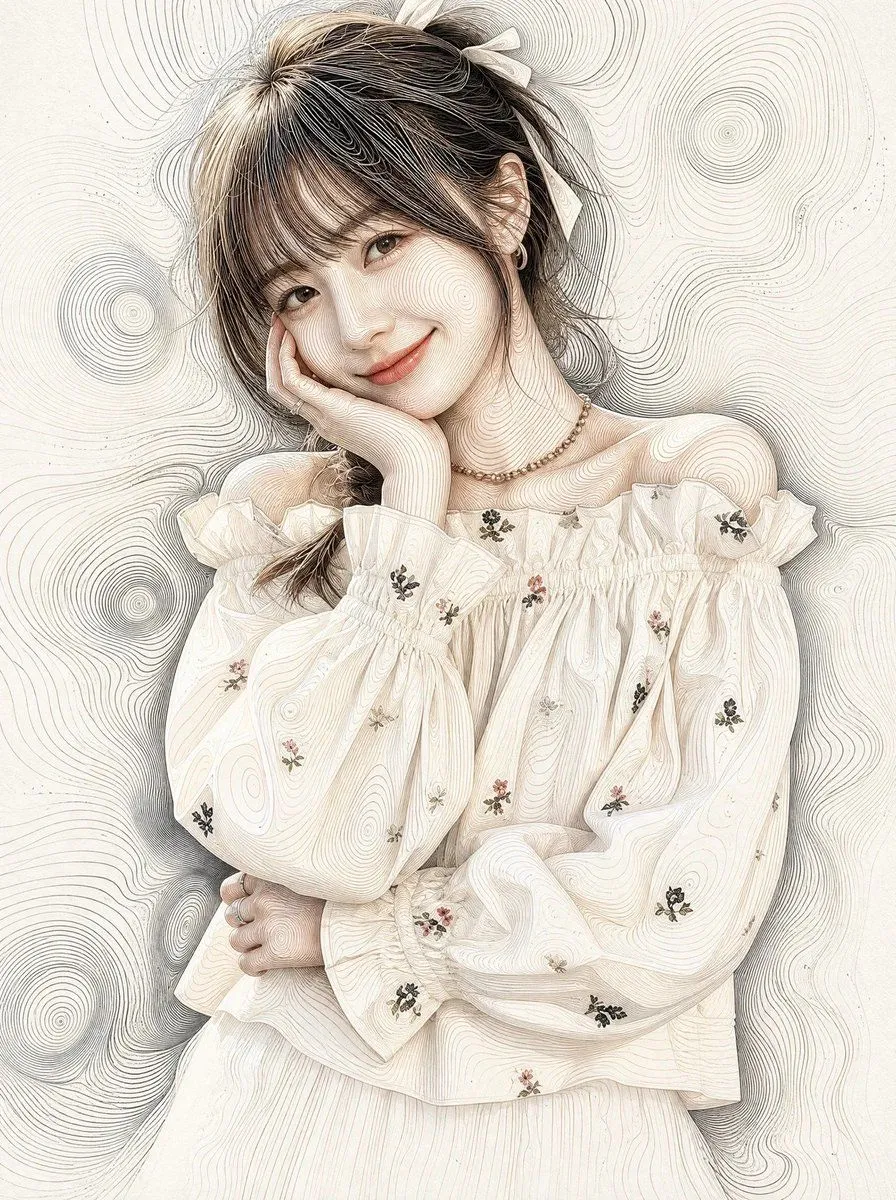
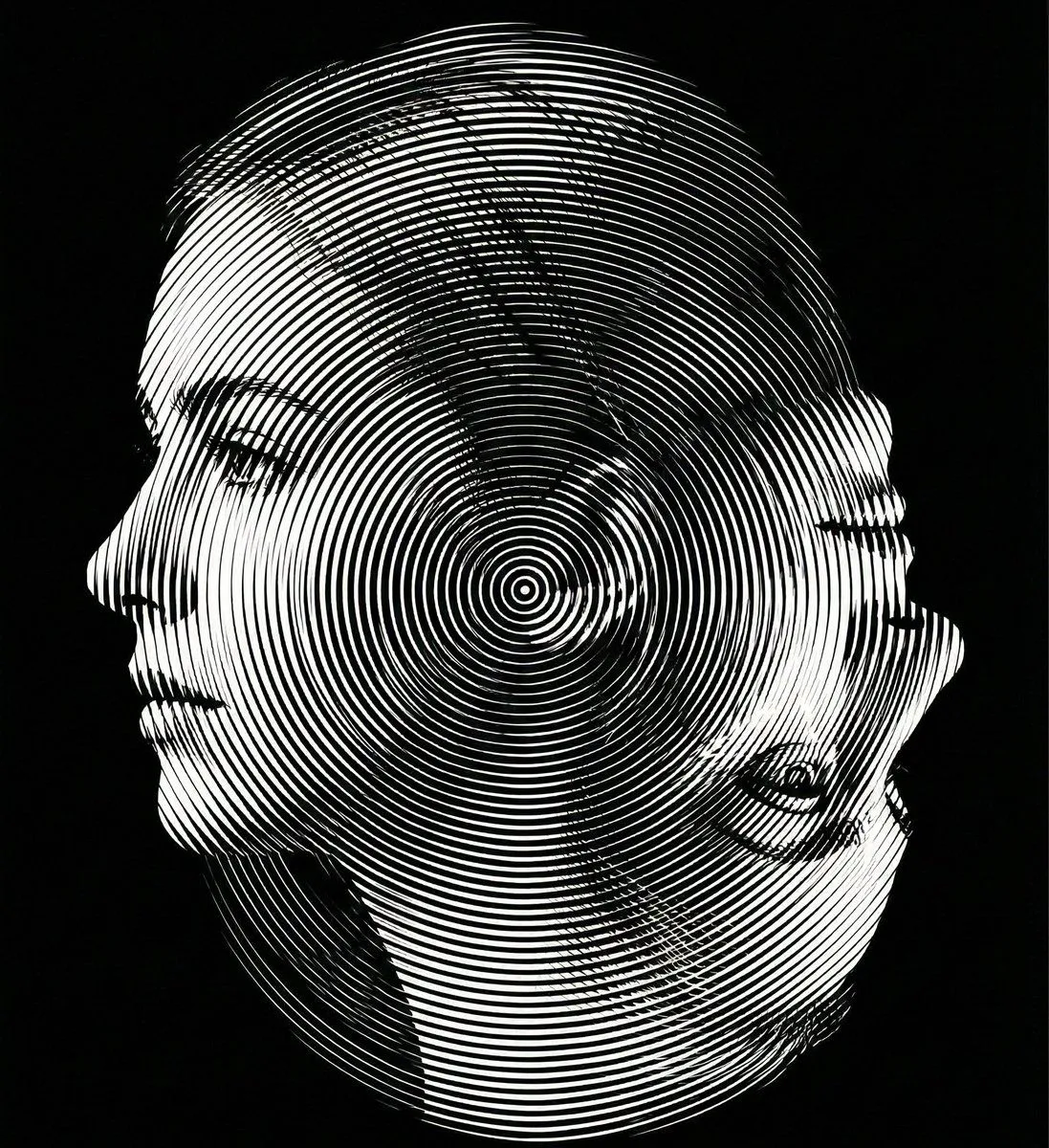
    • Topographic Concentric Contour Line Portrait
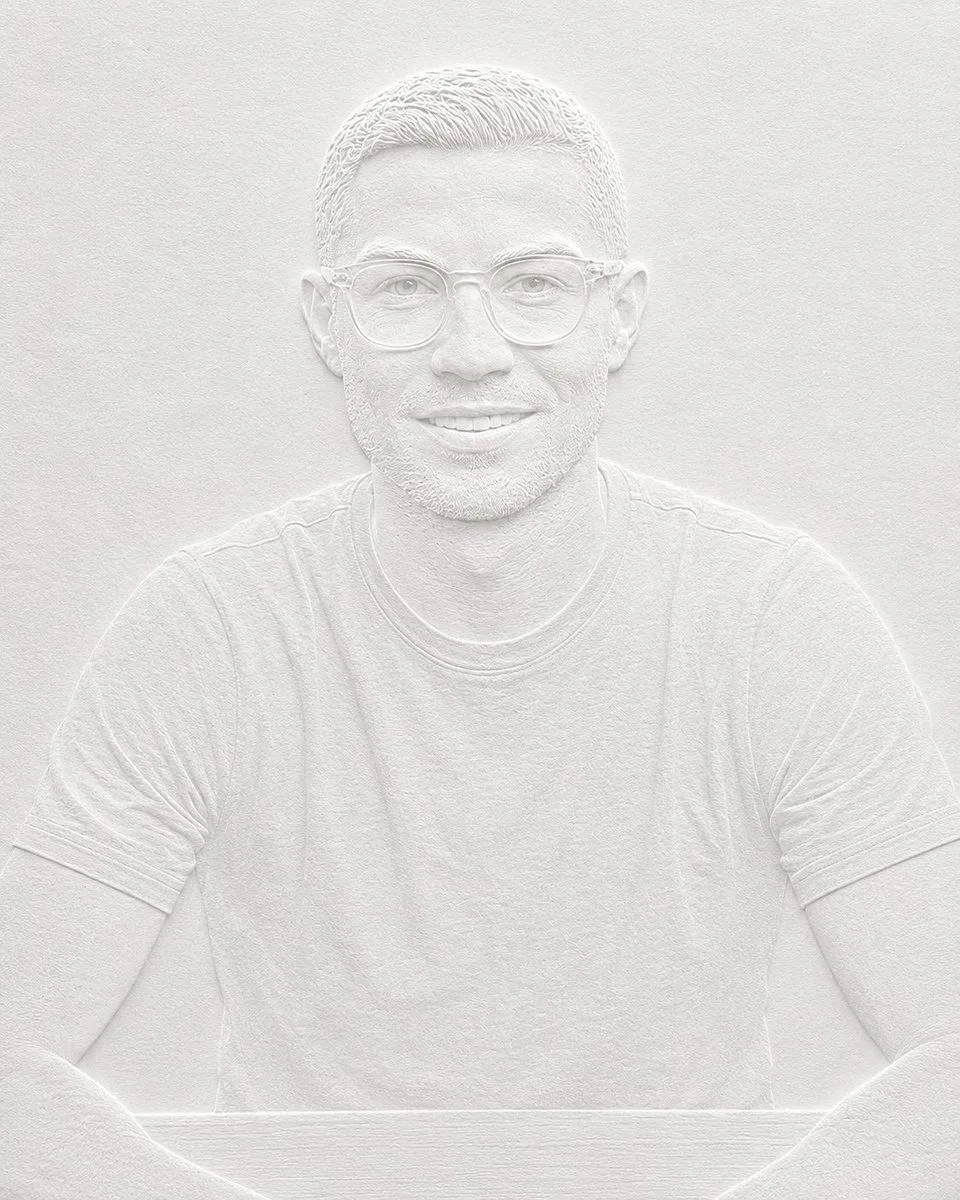
    • Minimalist Blind Embossed Paper Art
    • Dual-Orientation Optical Illusion Portrait
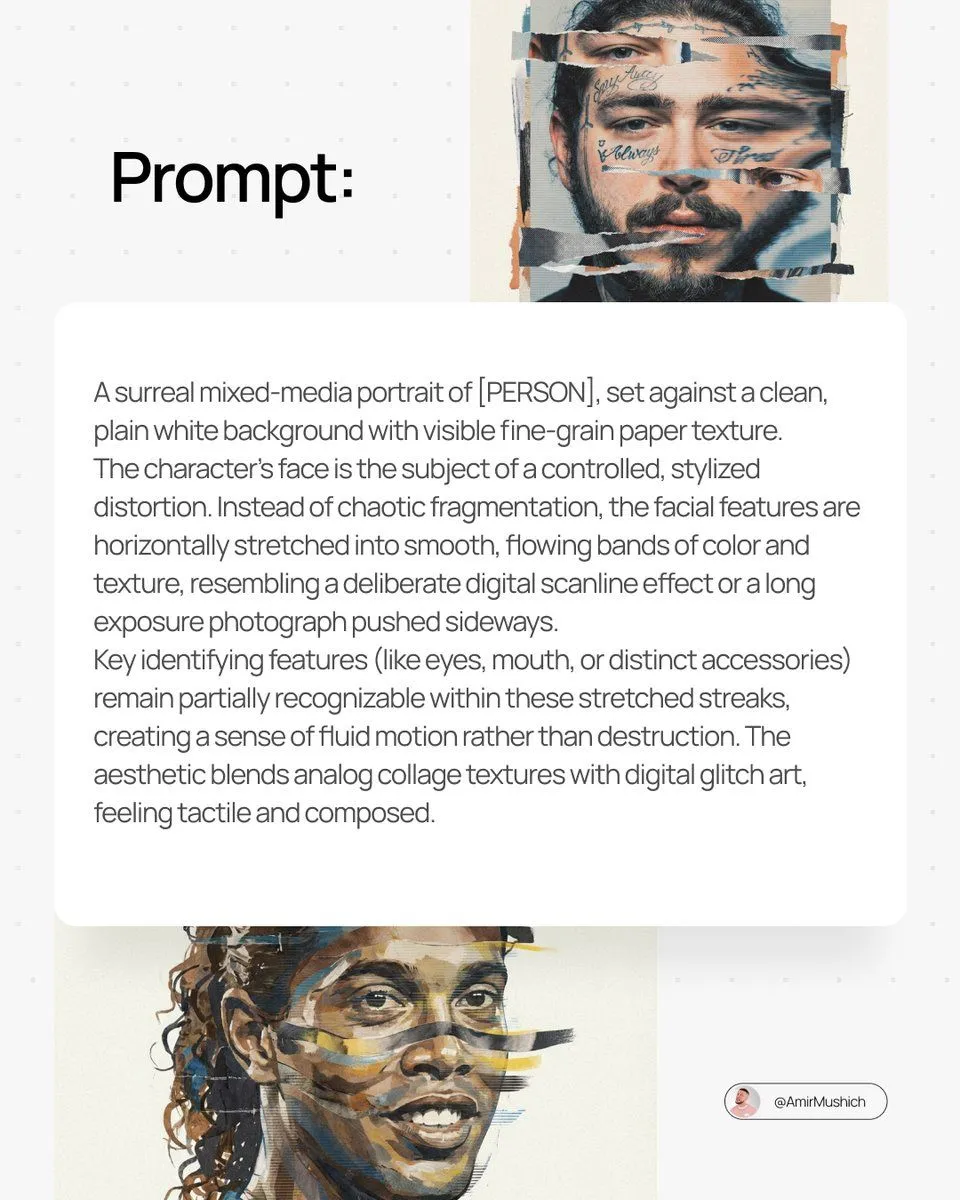
    • Surreal Mixed-Media Glitch Portrait Prompt
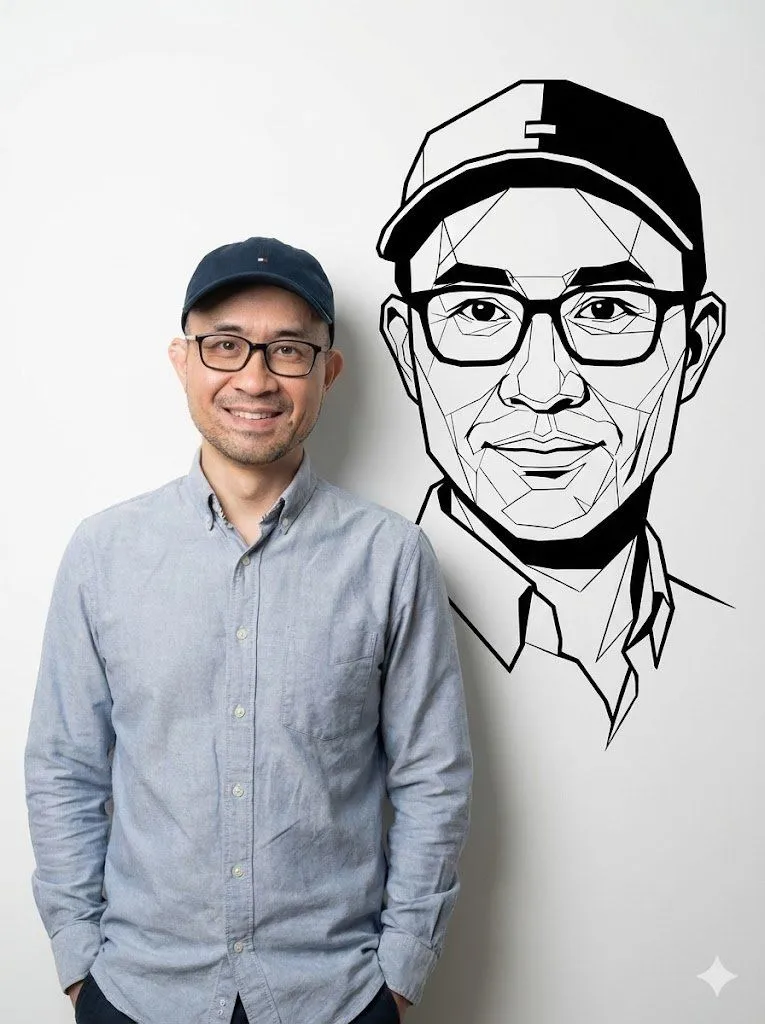
    • Photorealistic Half-Body Portrait with Vector Graphic Overlay (Chinese Version)
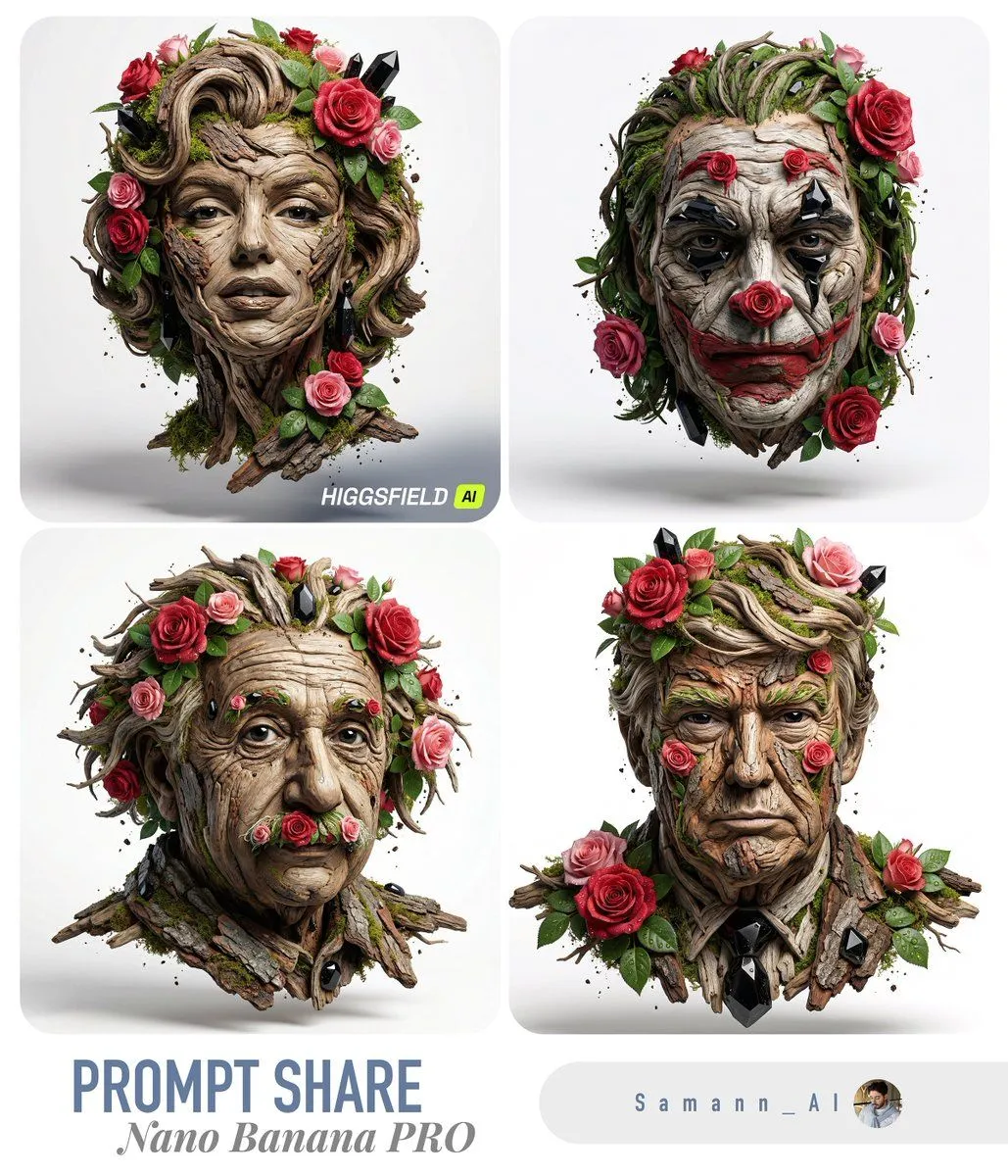
    • Luxury Nature Sculpture Portrait (Image-to-Image)
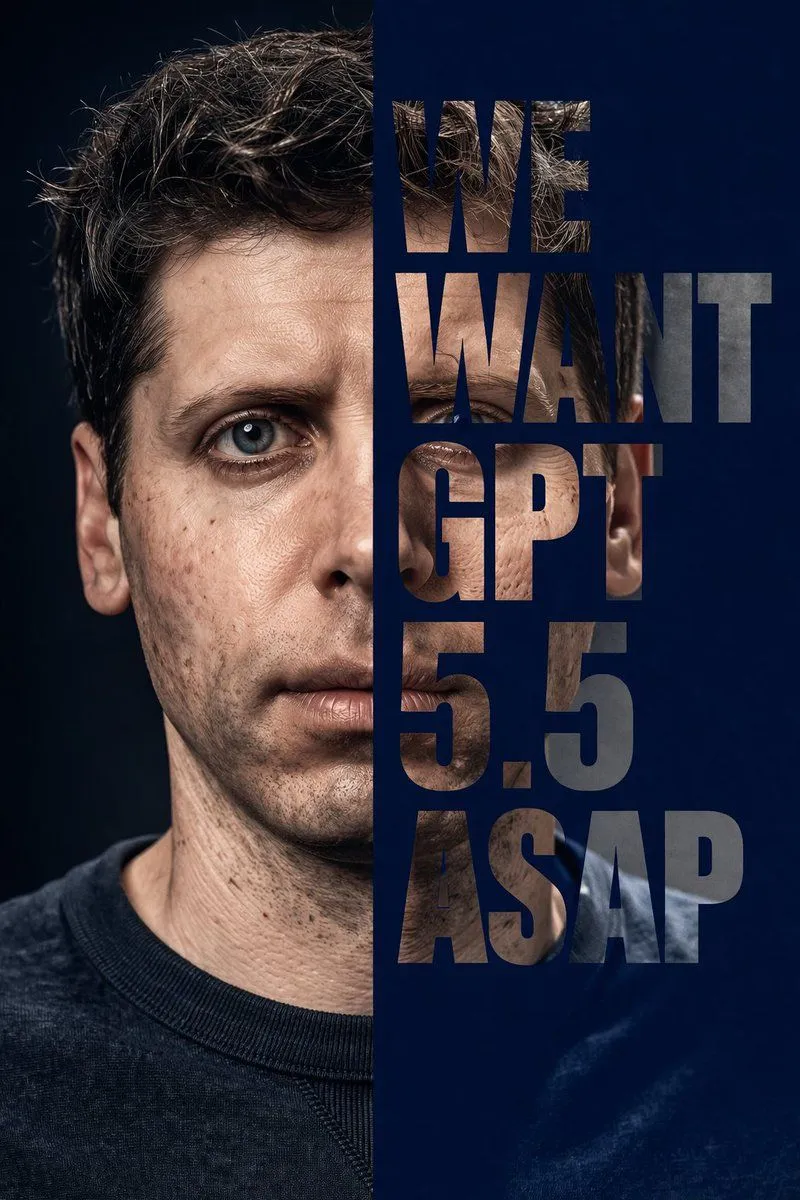
    • Split-Face Typography Mask Portrait
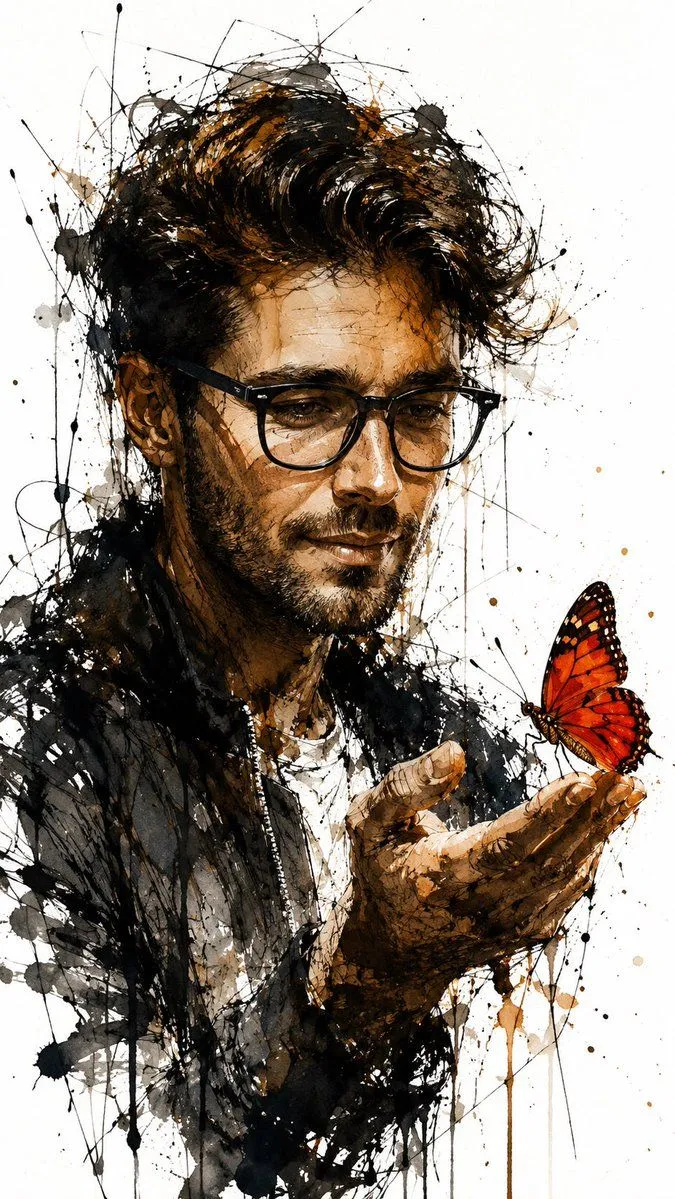
    • Ink and Watercolor Butterfly Portrait
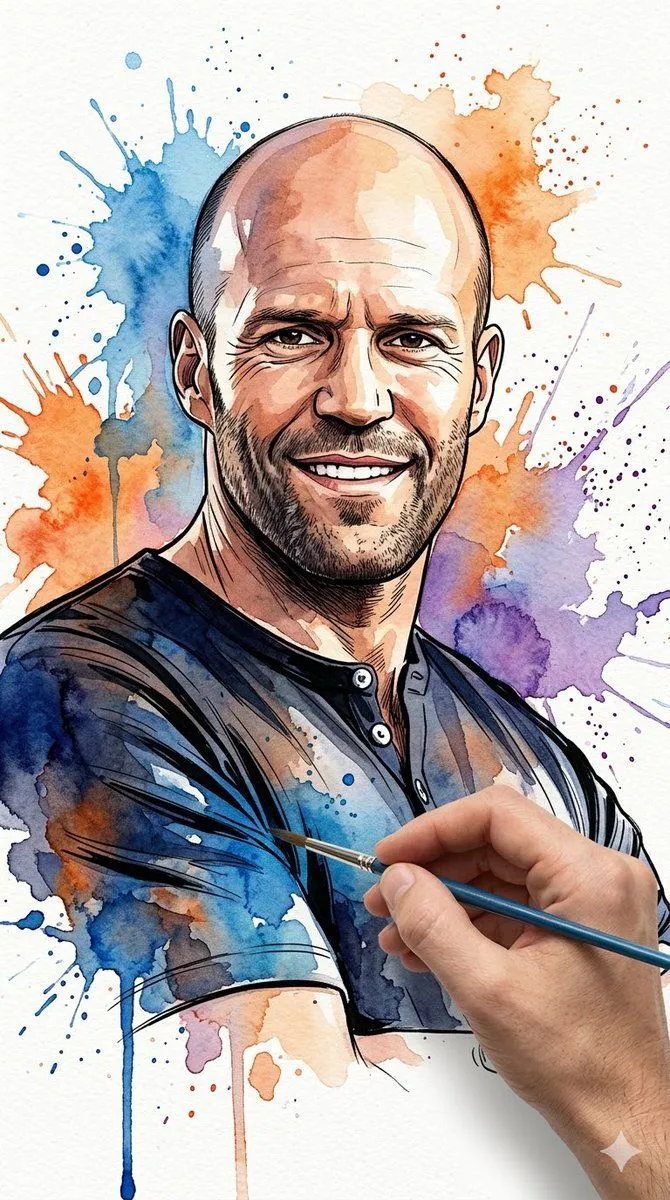
    • Vibrant Watercolor Portrait with Dynamic Paint Splashes
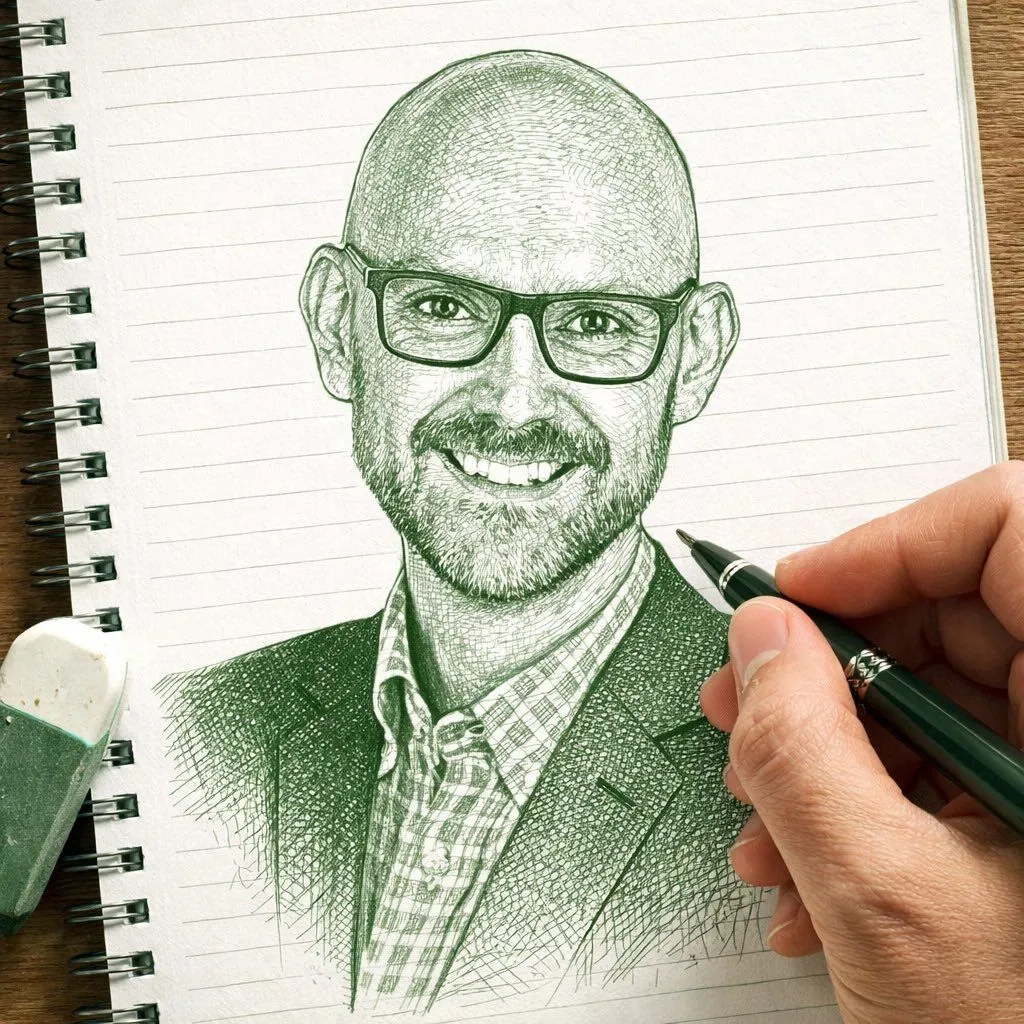
    • Image-to-Sketch Transformation Prompt with Hand Detail
    • Rotoscoping animation style conversion
    • Hand-Torn Paper Collage Artwork
    • Ultra-Detailed 3D Graphite Sketch

    Show more

    Run it on your phone

    1. Prompt copiedRead it

      mosaic portrait style image of the person in the provided image, using {mosaic_medium} to form the full face. Preserve the person’s facial features, expression, and proportions while reconstructing them through intricate mosaic patterns. Use a rich, balanced color palette with subtle shading created through tile density and variation. Ensure high detail, artistic texture, and a visually striking, cohesive composition with a clean background

    2. Open your app

    3. Paste and run

      Press and hold the message box, then tap Paste. Add your photo first if the prompt uses one. You may need to sign in.

    Mosaic Portrait Style Image