Tell us anything

An idea, a bug, something you love. We read every note.

⌘↵ to send. The page you're on comes along.

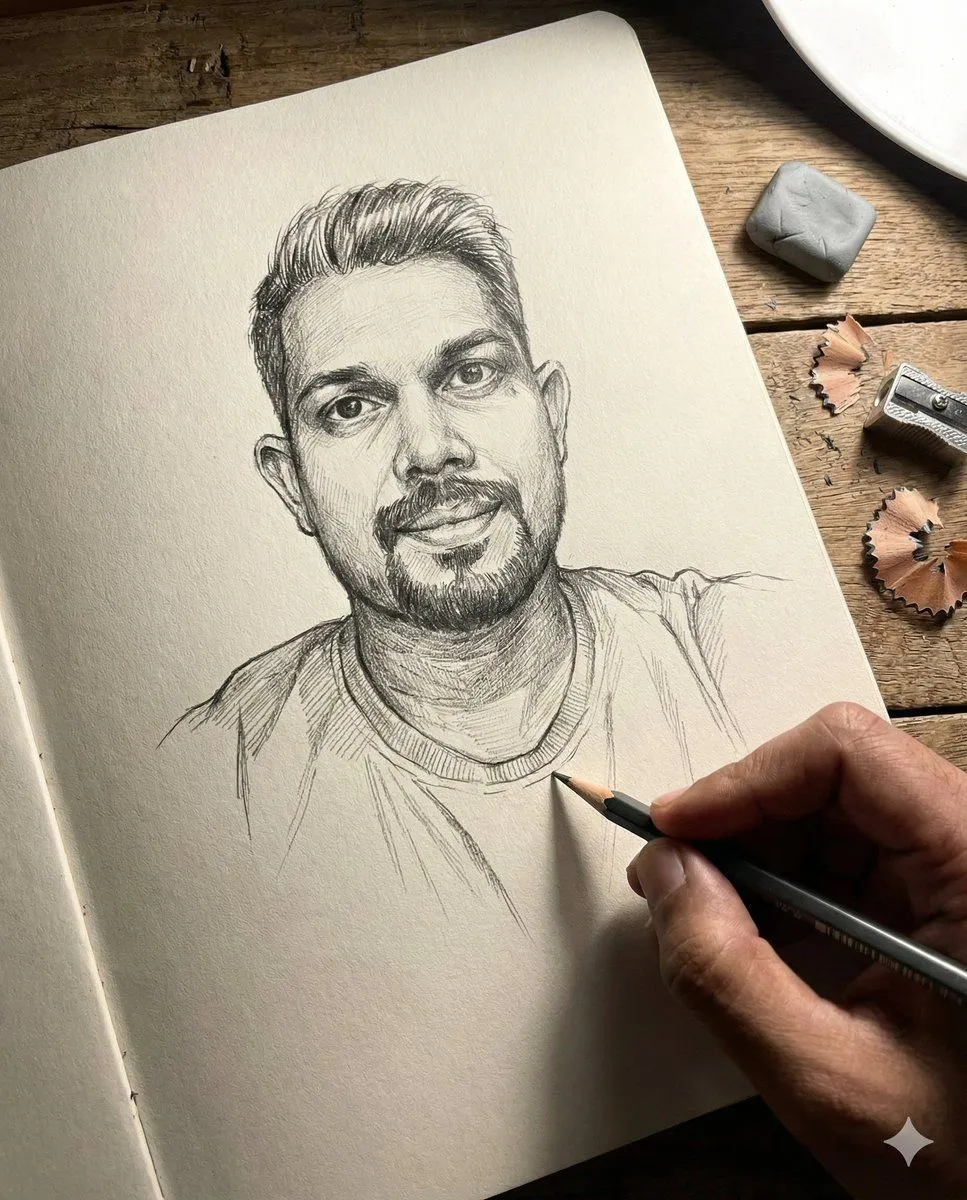
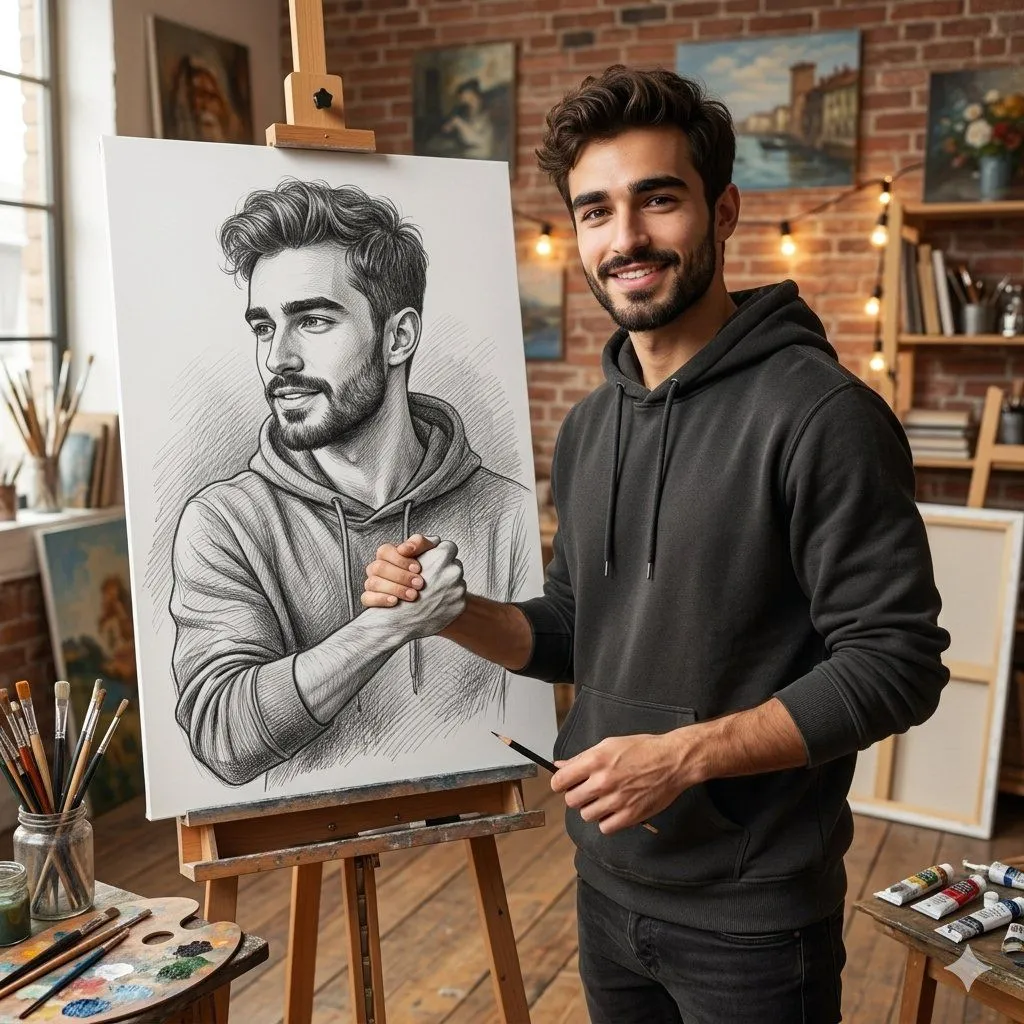
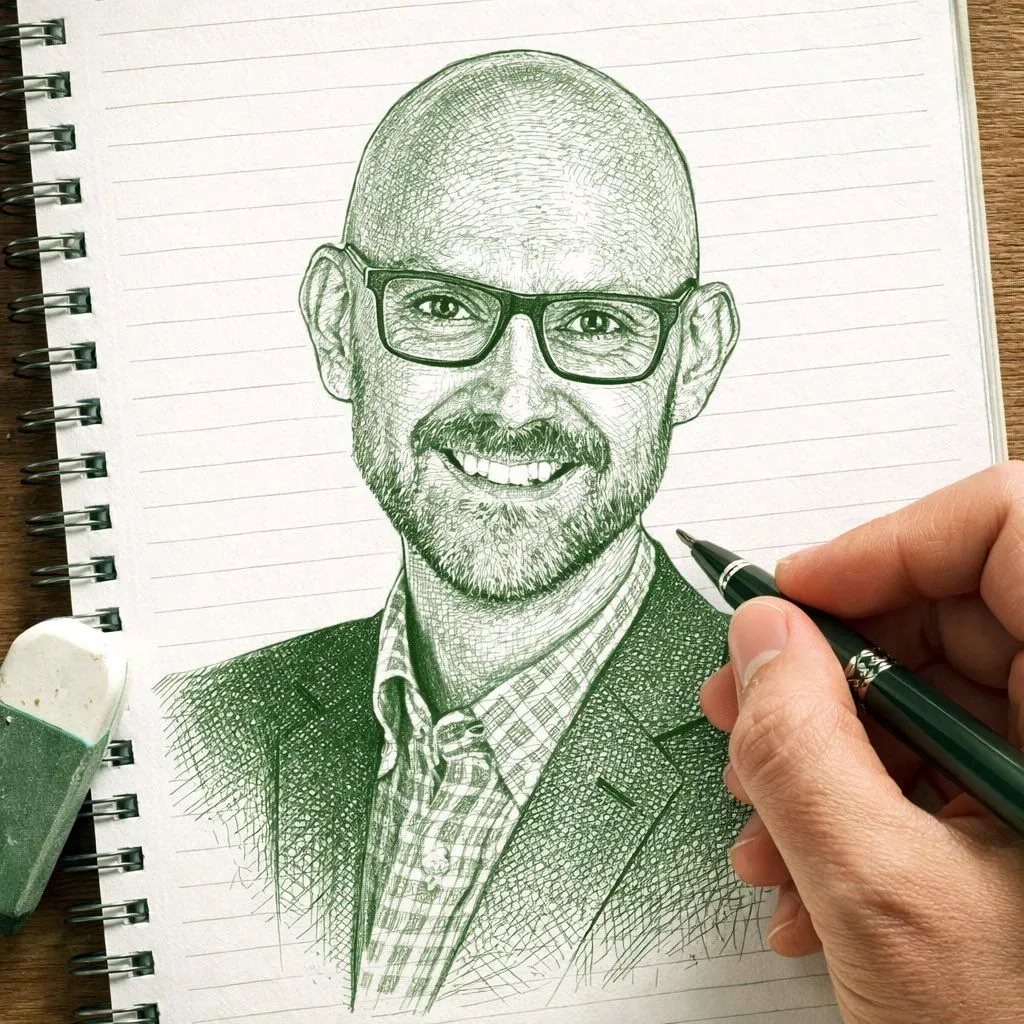
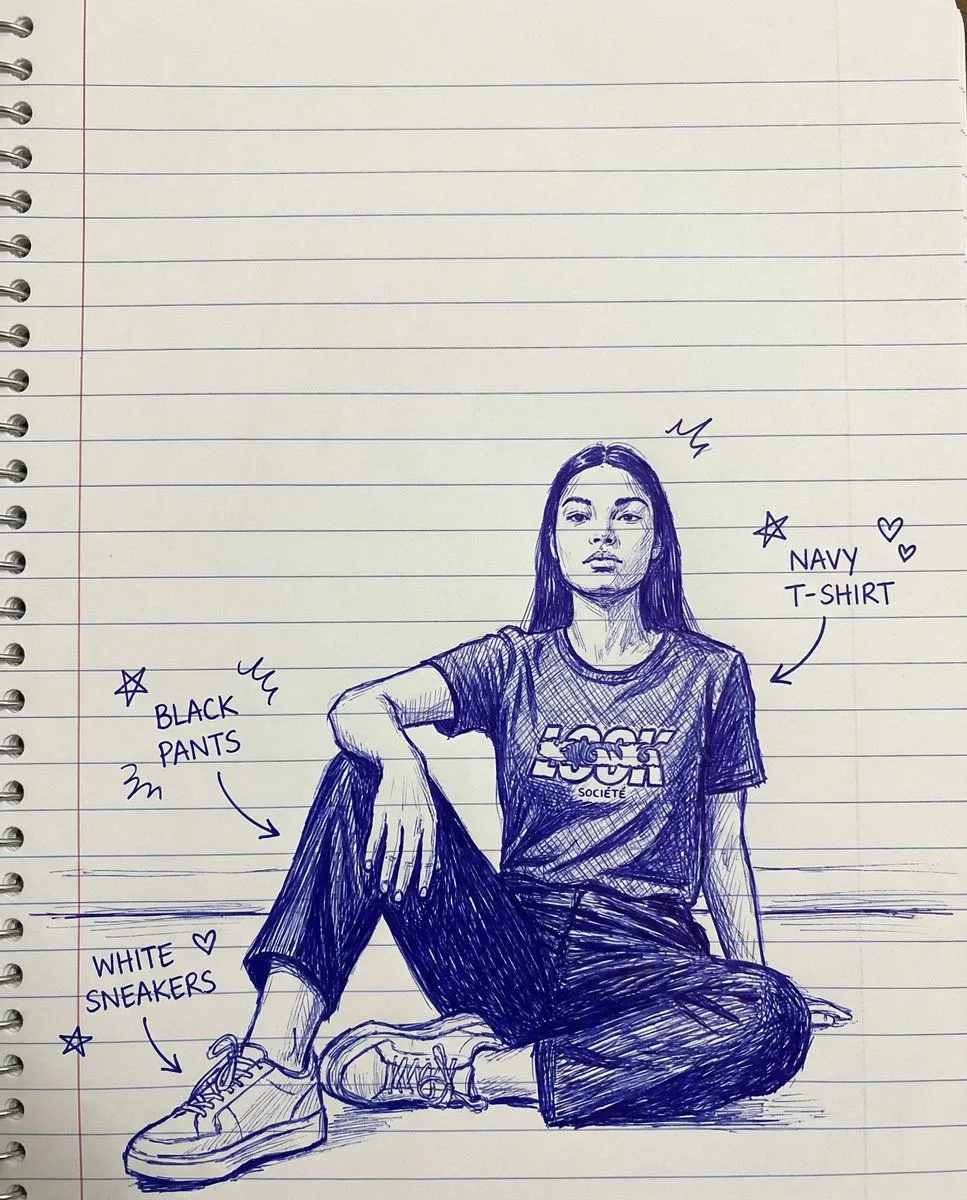
Image-to-Sketch Transformation Prompt with Hand Detail

Made with GPT Image 1.5 in ChatGPT by Library Concept. Promptclay never generates images.

Did it work?

No reports yet. Tell others if it worked for you.

No comments yet. Be the first.

    Image-to-Sketch Transformation Prompt with Hand Detail

    GPT Image 1.51:1AI-generated

    Prompt

    Create a photo-style line drawing / ink sketch of a face identical to the uploaded reference image — keep every facial feature, proportion, and expression exactly the same. Use green and white ink tones with intricate, fine line detailing, drawn on a notebook-page style background. Show a right hand holding a pen and an eraser near the sketch, as if the artist is still working.

    Works in
    ChatGPT, Gemini
    Status
    Free to copy
    0
    DetailsVersions, settings and questions

    Written for

    What's in the prompt

    Subject
    Model
    GPT Image 1.5

    If your face changes

    keep my face exactly the same

    Questions

    Does this work in the ChatGPT app?
    Yes. Paste the prompt and attach your photo if it uses one.
    It changed my face. What do I do?
    Add "keep my face exactly the same" to the end and run it again.
    Can I use the images I make?
    Check the terms of the app you use. Promptclay never generates images and claims nothing you make.
    Similar prompts

    See more
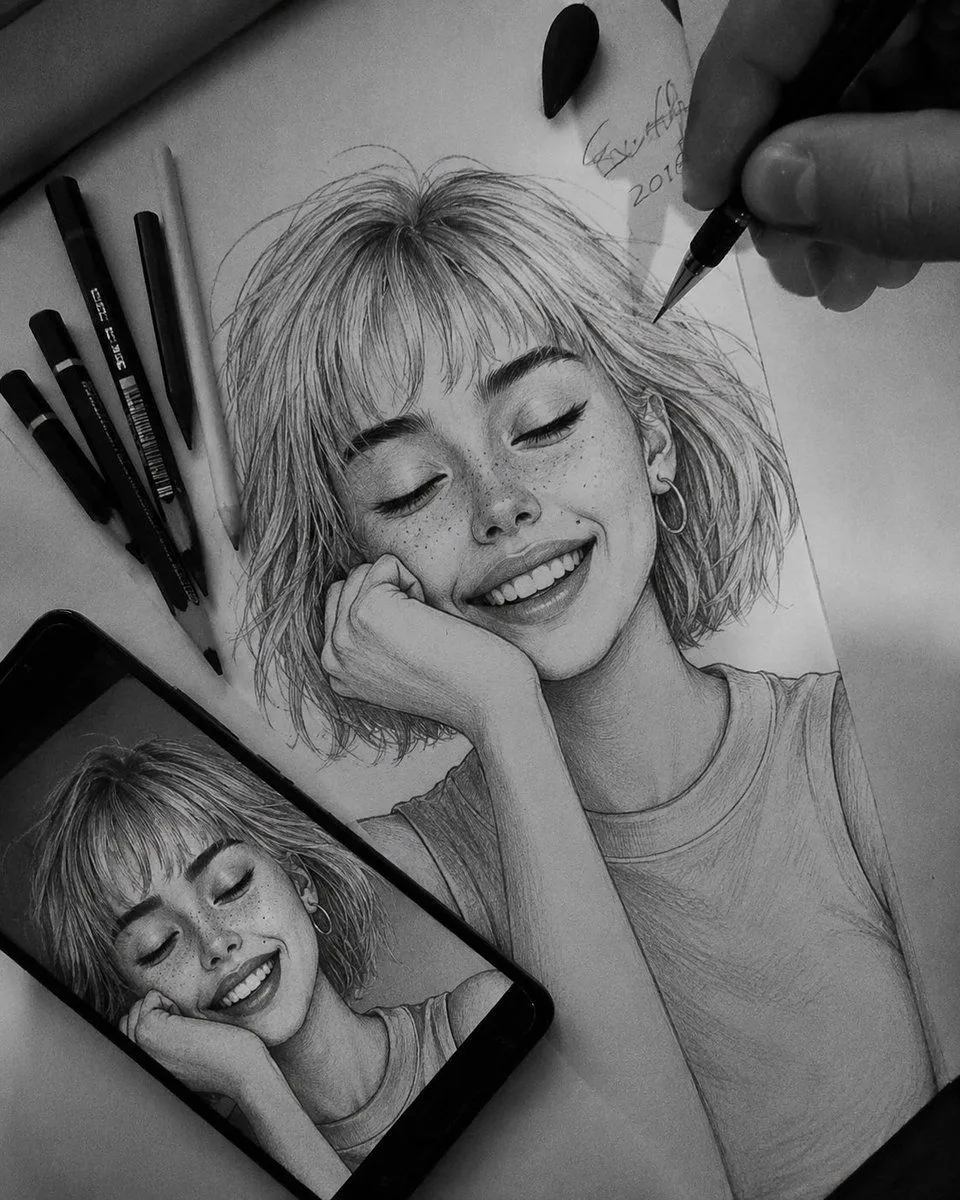
    • Photo-Style Line Drawing Sketch Prompt
    • Sketch Drawing Annotation Prompt
    • Anamorphic Graphite Sketch Illusion Prompt
    • Hyper-Realistic Graphite Sketch Portrait
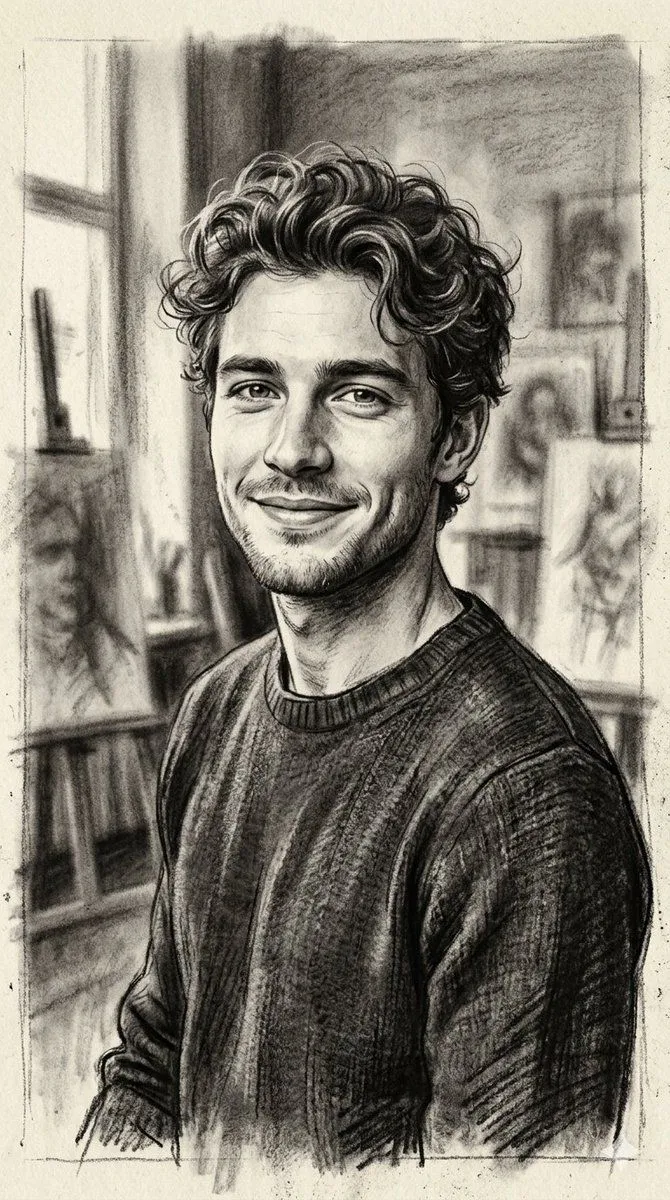
    • Hand-Drawn Charcoal Sketch Portrait
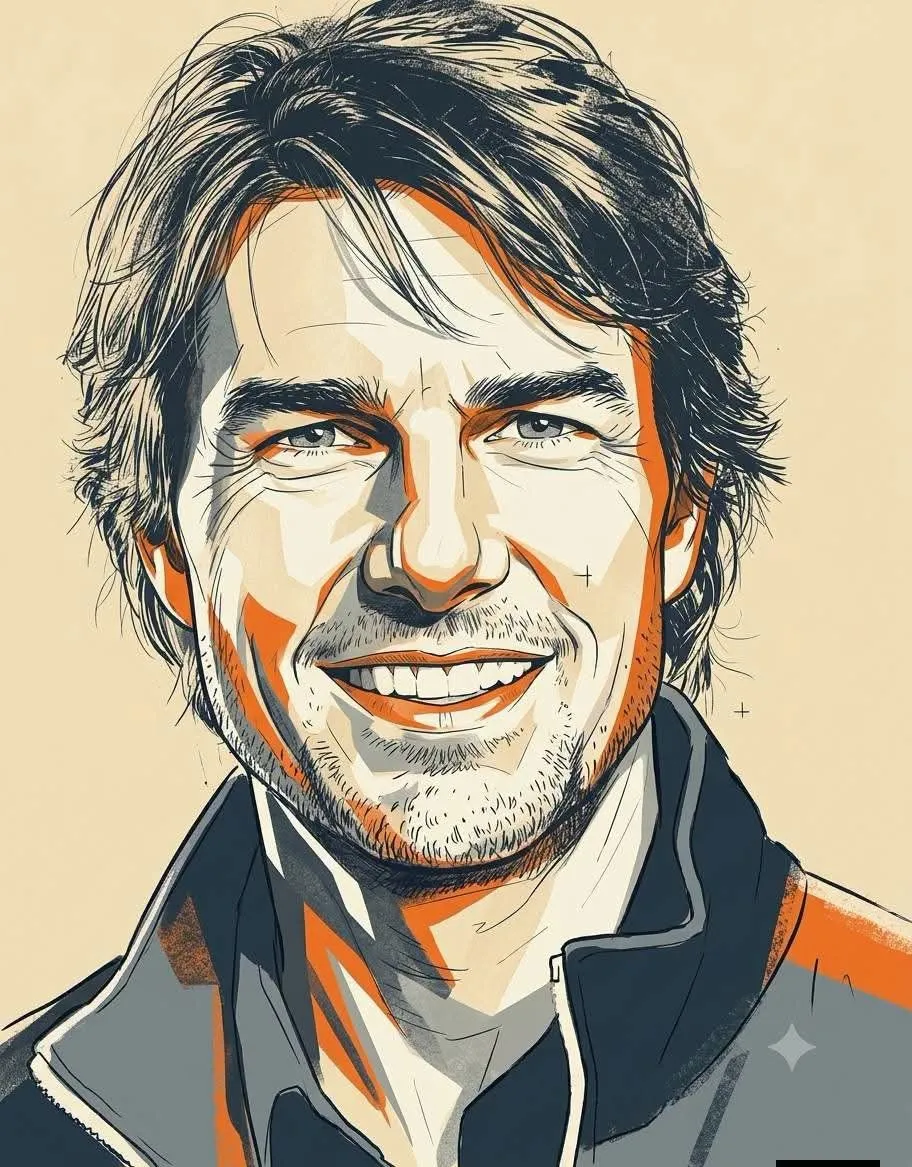
    • Retro Duotone Editorial Illustration
    • Expressive Ink Manuscript Portrait
    • Monochrome Scribble Ink Sketch
    • Multi-Layered Artist Journal Sketch
    • Subway artist sketching perspective
    • Realistic Artist Studio Sketch Interaction
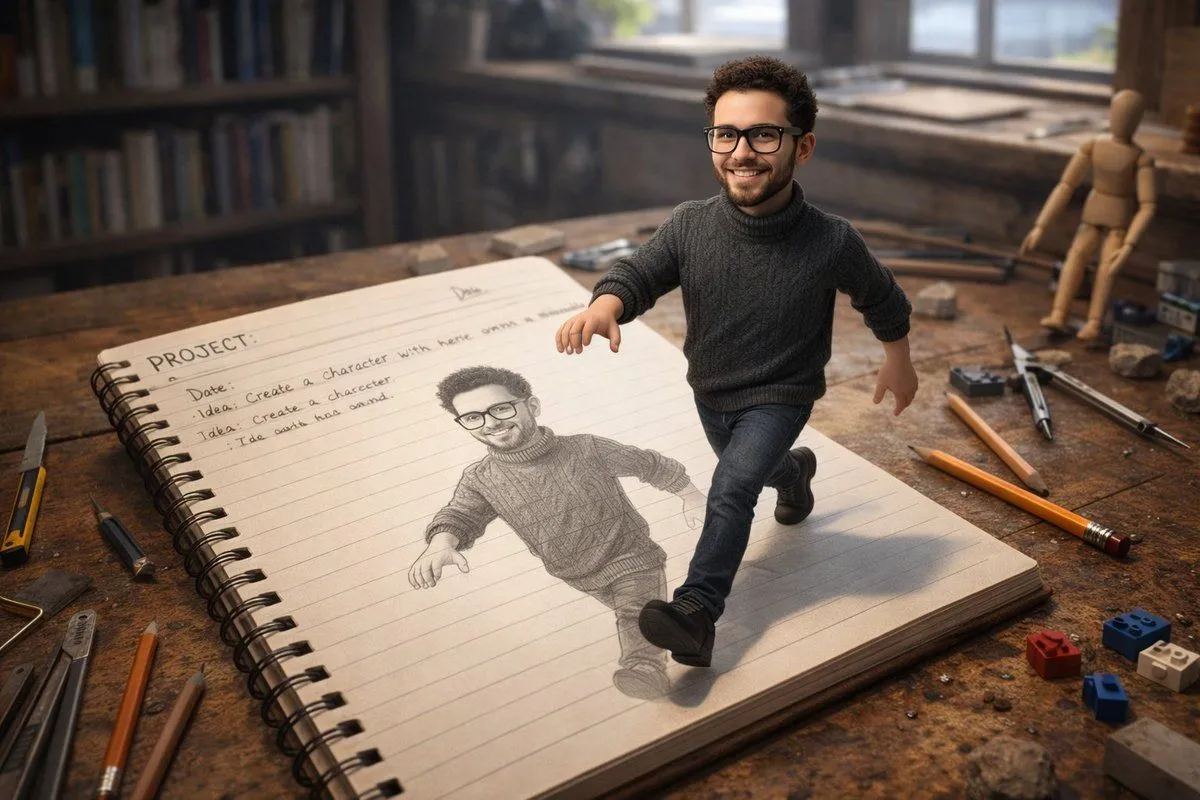
    • Character Stepping Out of a Sketchbook (Surreal Photo)
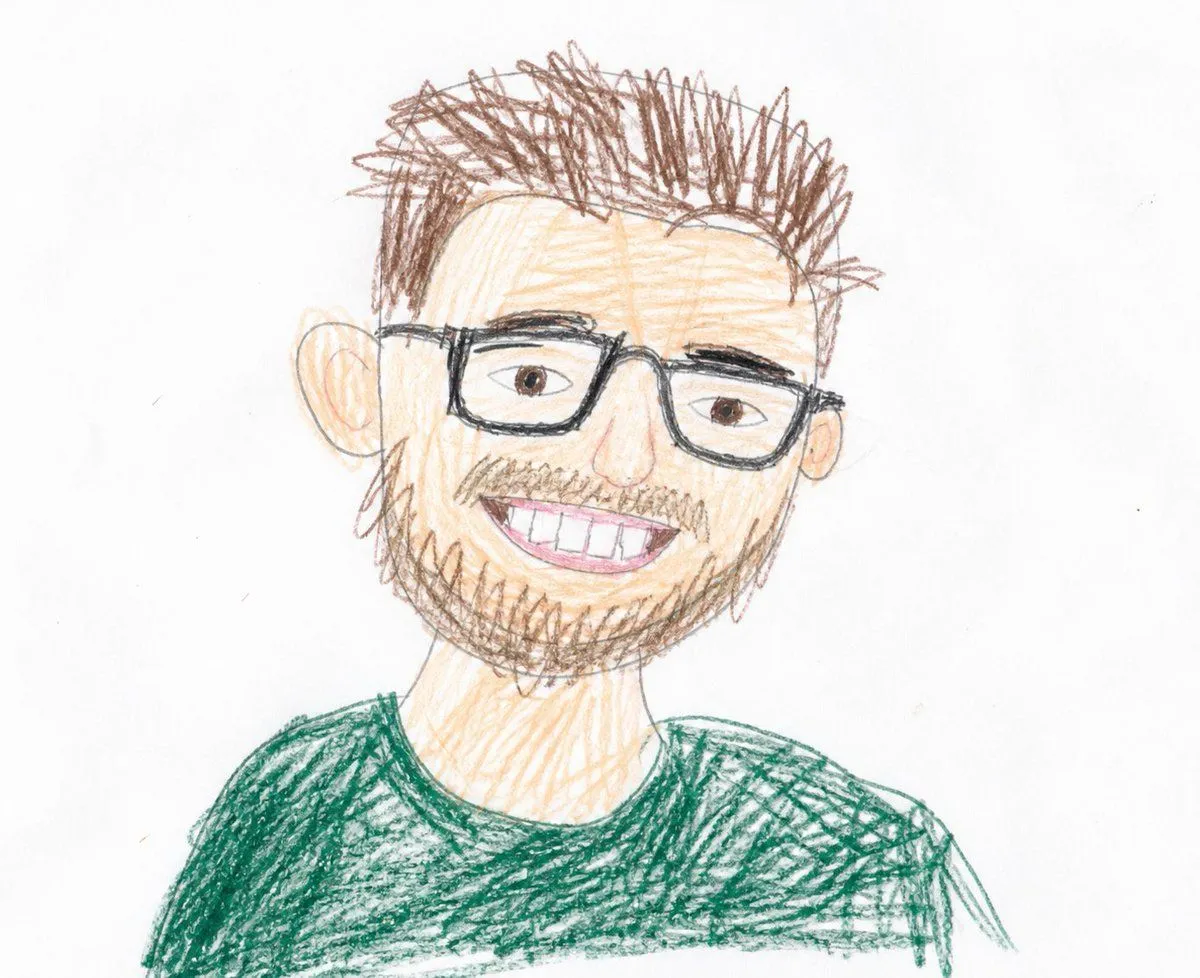
    • Childlike Colored Pencil Drawing
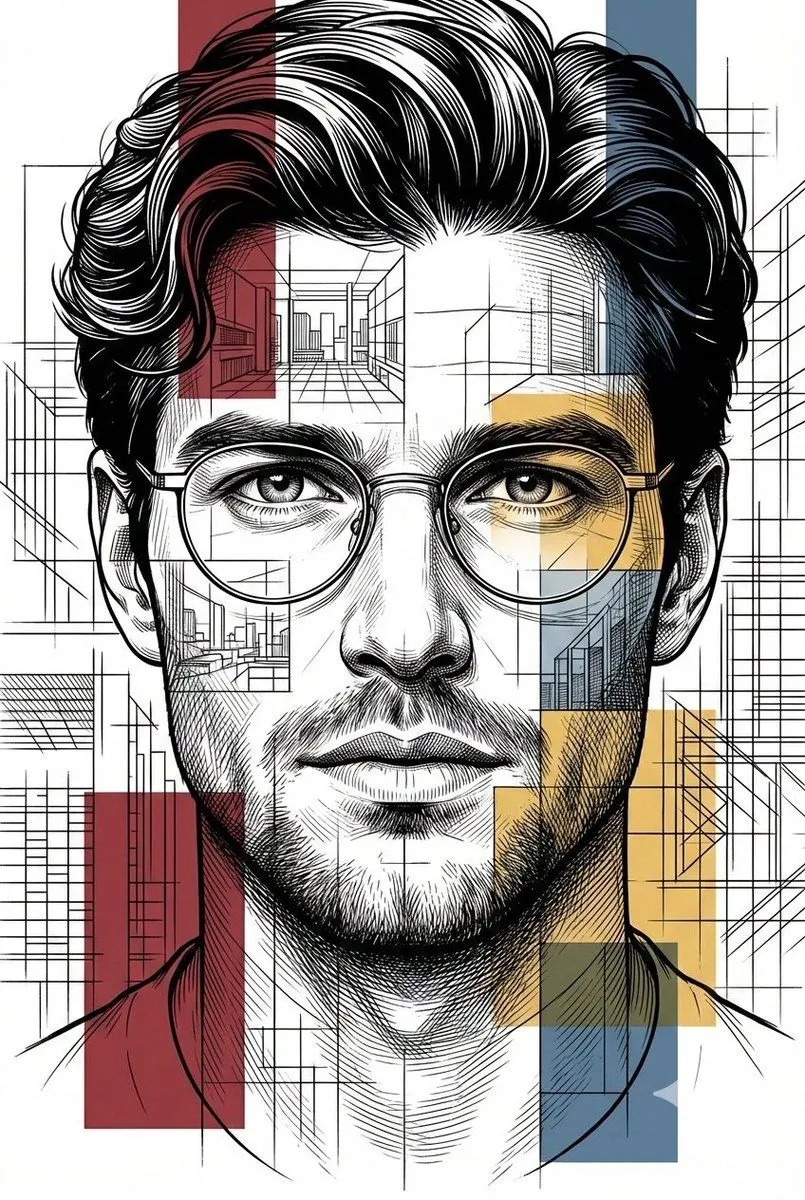
    • Architectural Blueprint Style Portrait
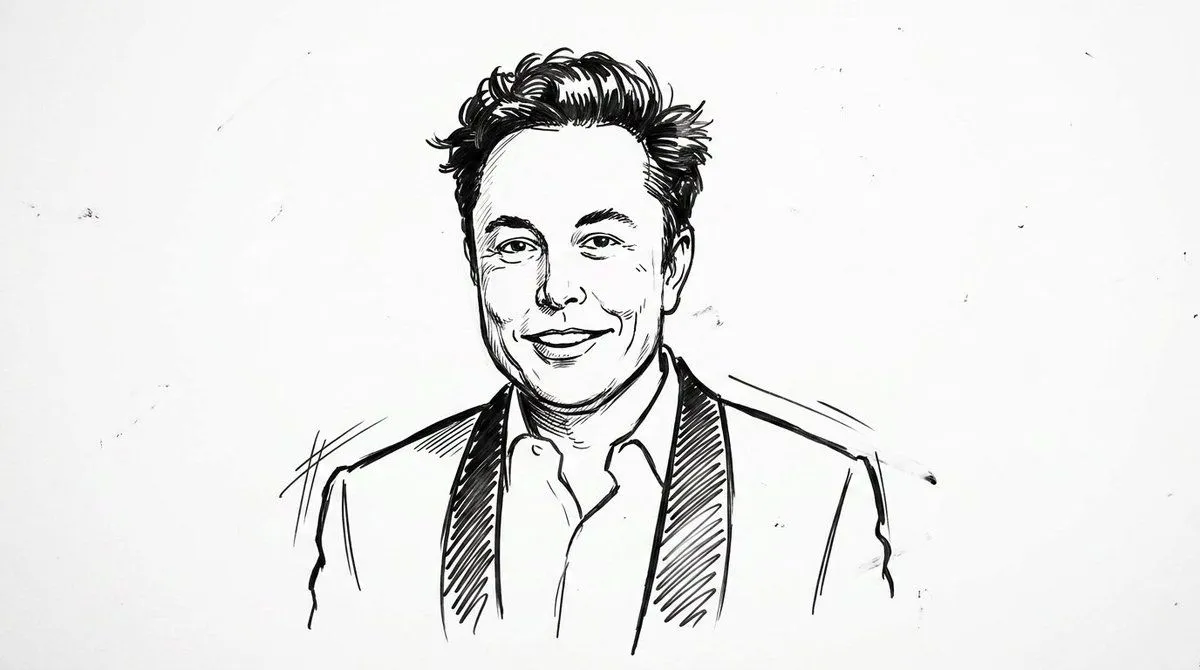
    • Clean Whiteboard Animation Illustration
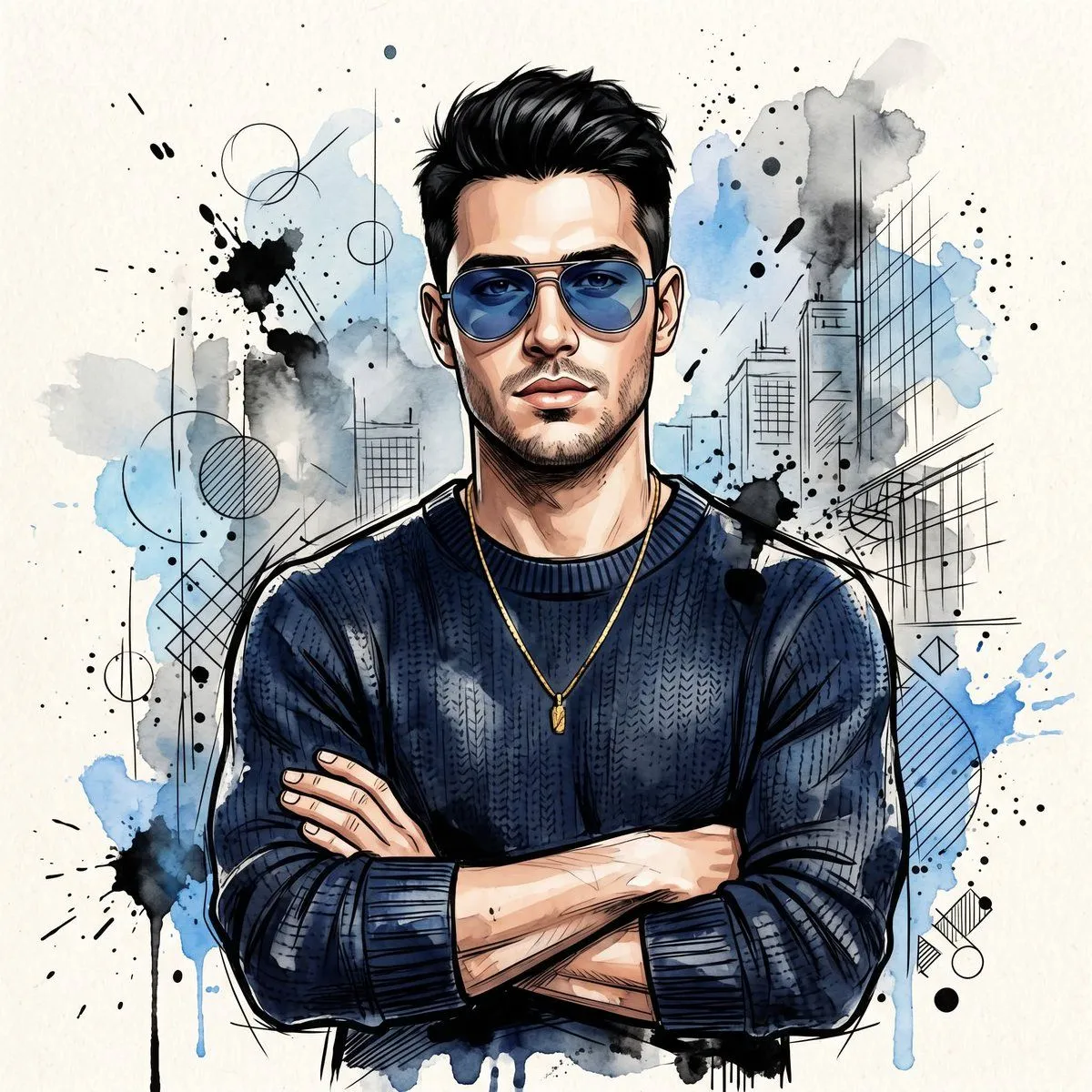
    • Watercolor Man Portrait with City Skyline
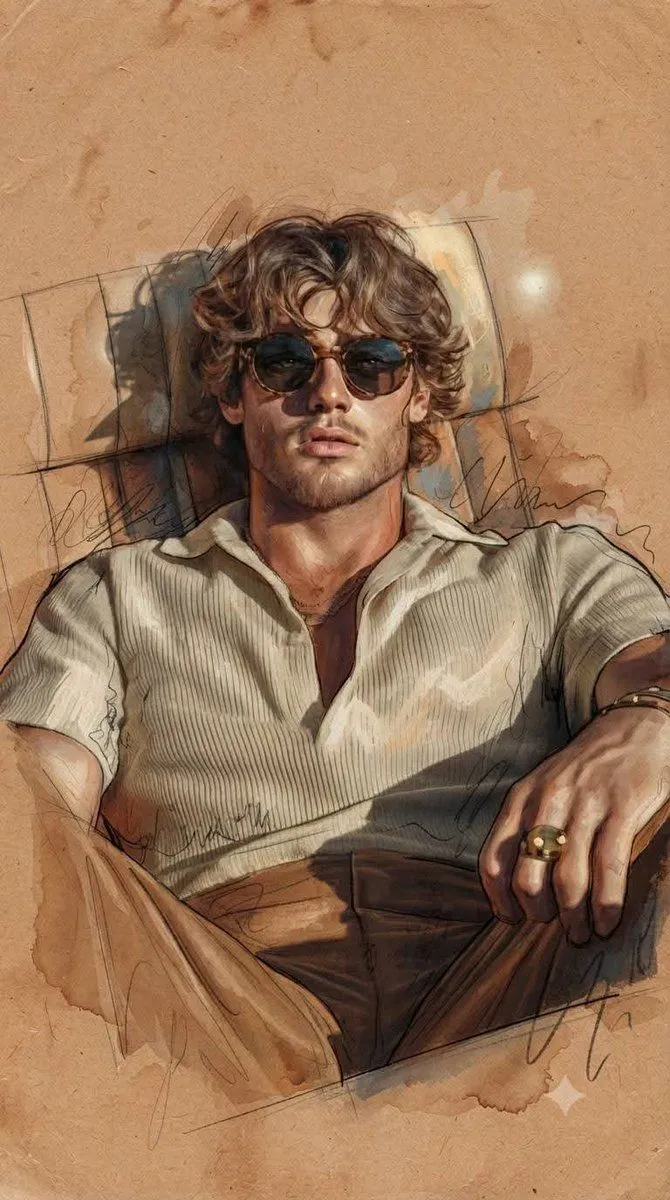
    • Expressive Portrait with Abstract Expressionism Style
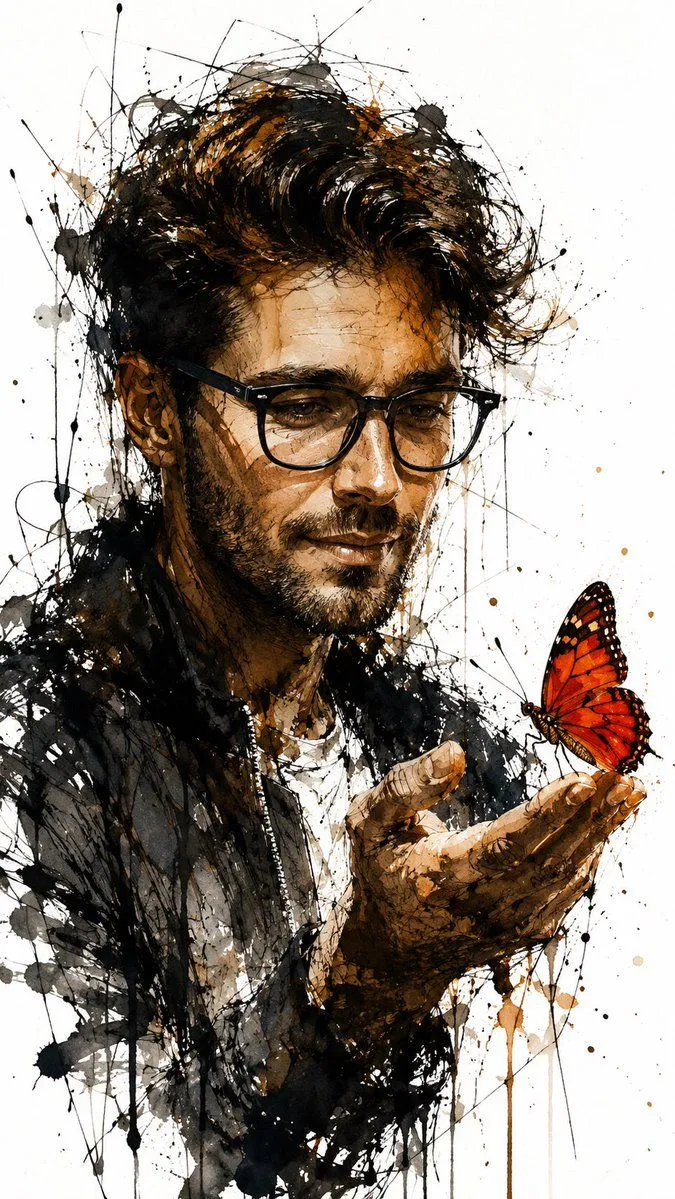
    • Ink and Watercolor Butterfly Portrait
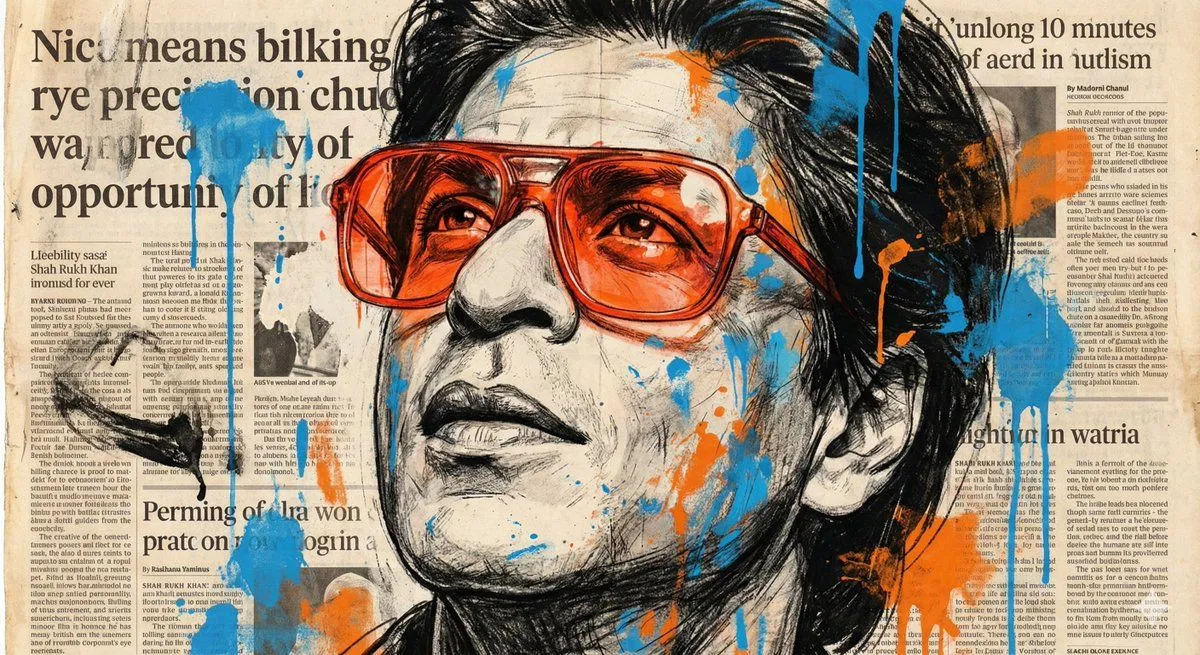
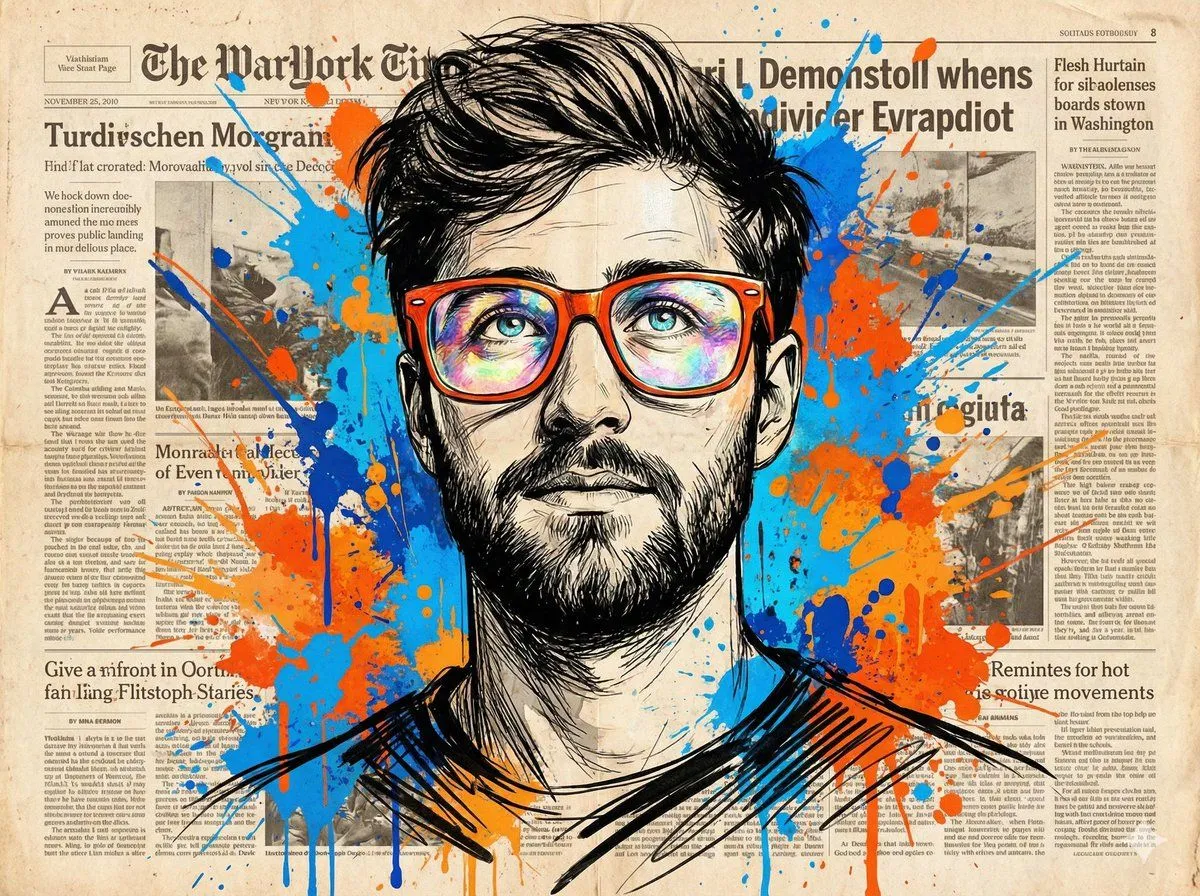
    • Newspaper Collage Pop Art Portrait
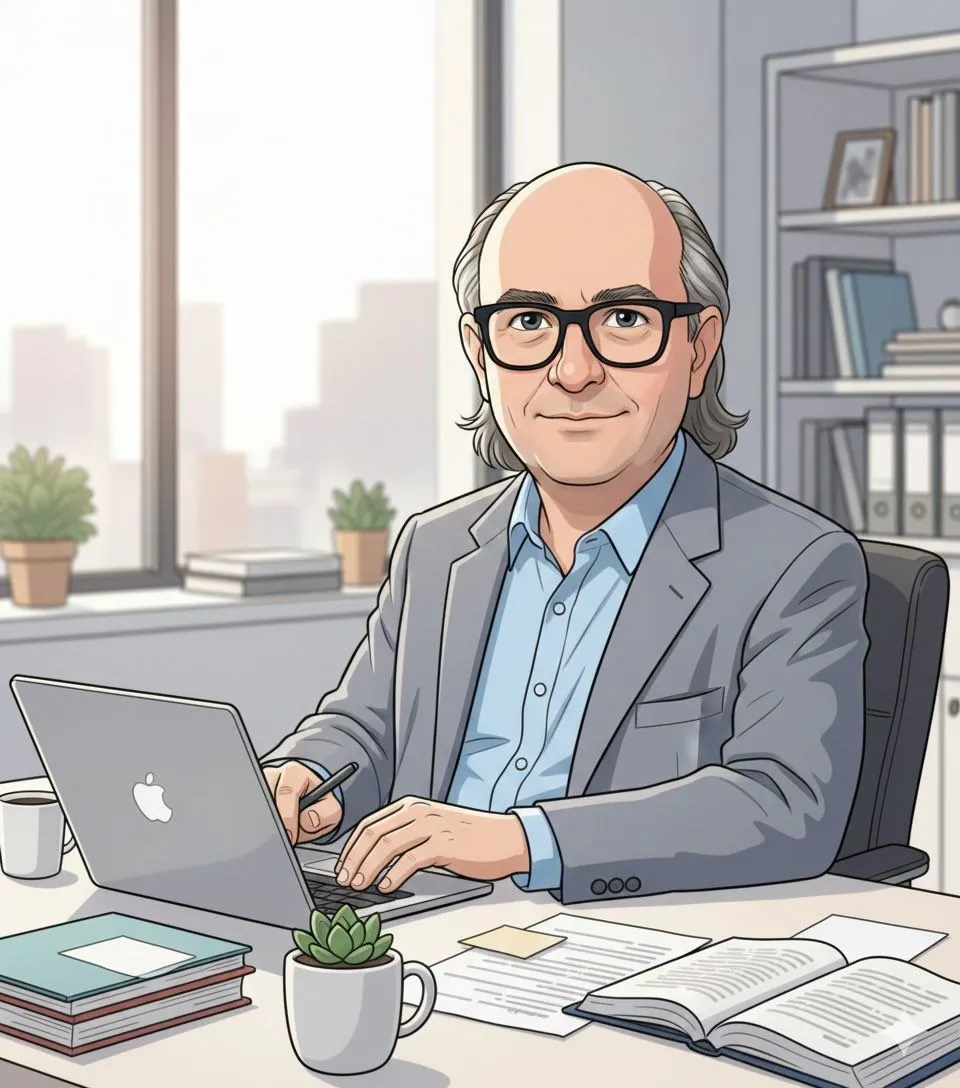
    • Ultrarrealista Retrato Profesional de Oficina 8K
    • Expressive Mixed-Media Sketch Portrait
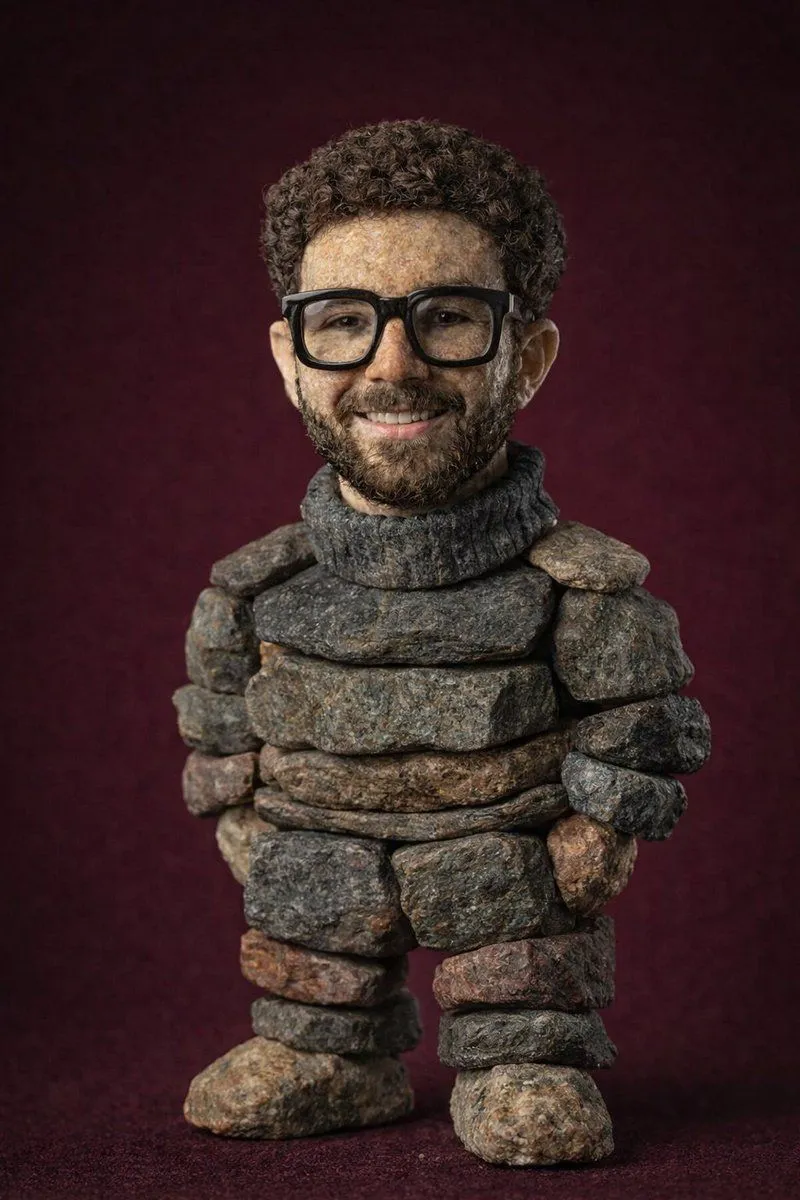
    • Handcrafted Stone Figurine Transformation Prompt
    • Whiteboard Marker Anime Sketch
    • Graffiti Sketch Style Template

    Show more

    Run it on your phone

    1. Prompt copiedRead it

      Create a photo-style line drawing / ink sketch of a face identical to the uploaded reference image — keep every facial feature, proportion, and expression exactly the same. Use green and white ink tones with intricate, fine line detailing, drawn on a notebook-page style background. Show a right hand holding a pen and an eraser near the sketch, as if the artist is still working.

    2. Open your app

    3. Paste and run

      Press and hold the message box, then tap Paste. Add your photo first if the prompt uses one. You may need to sign in.

    Image-to-Sketch Transformation Prompt with Hand Detail