Tell us anything

An idea, a bug, something you love. We read every note.

⌘↵ to send. The page you're on comes along.

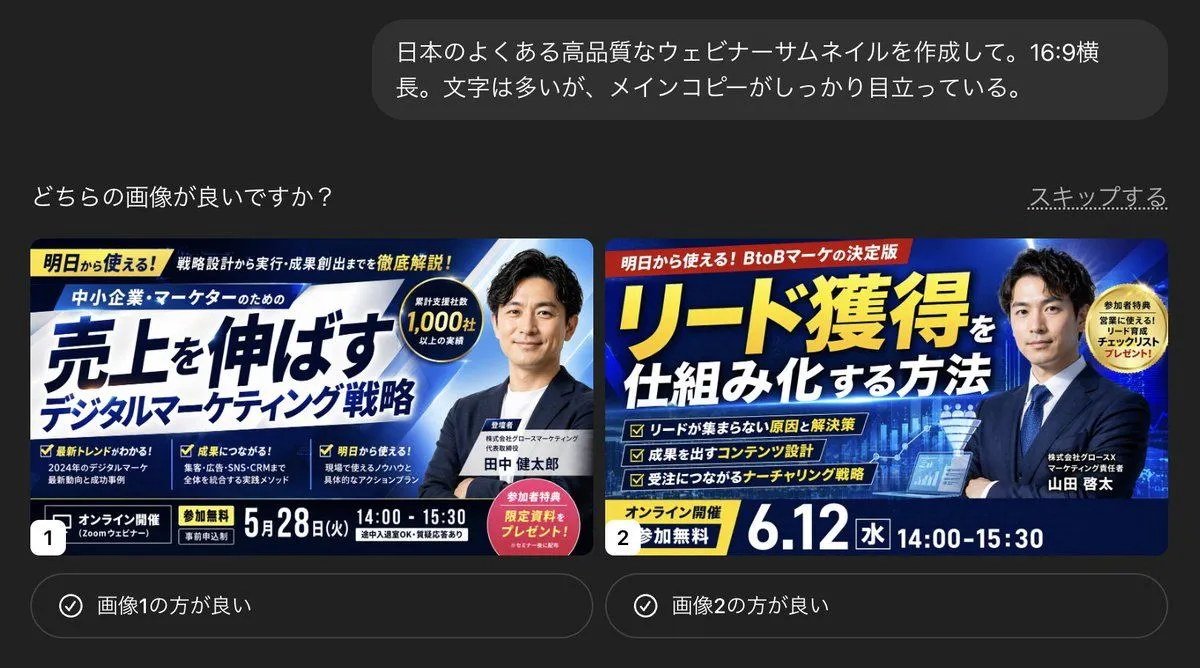
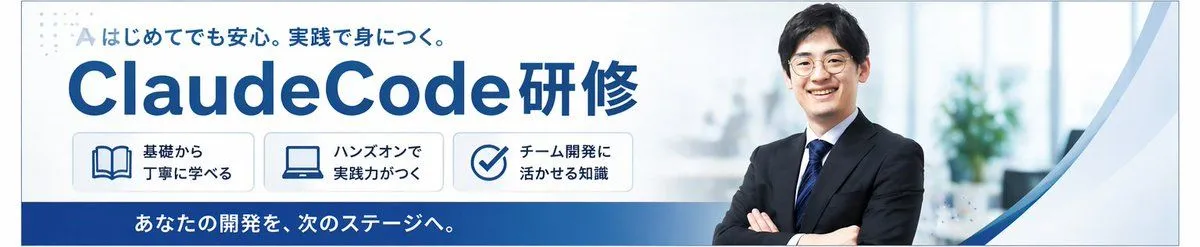
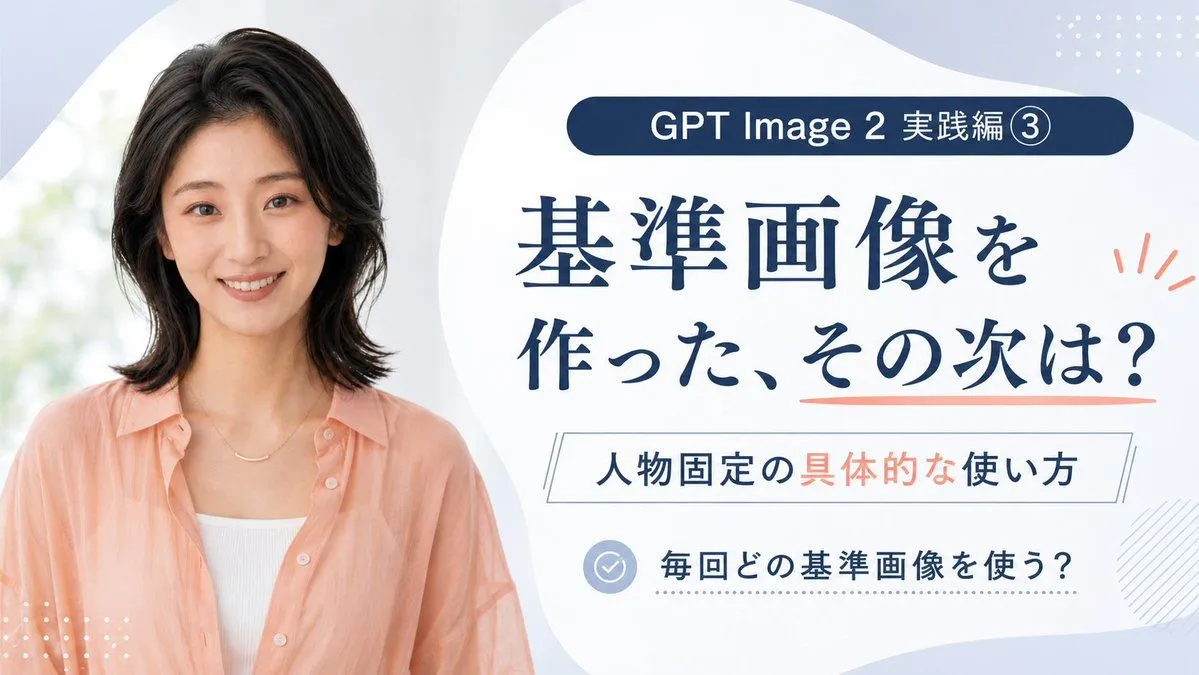
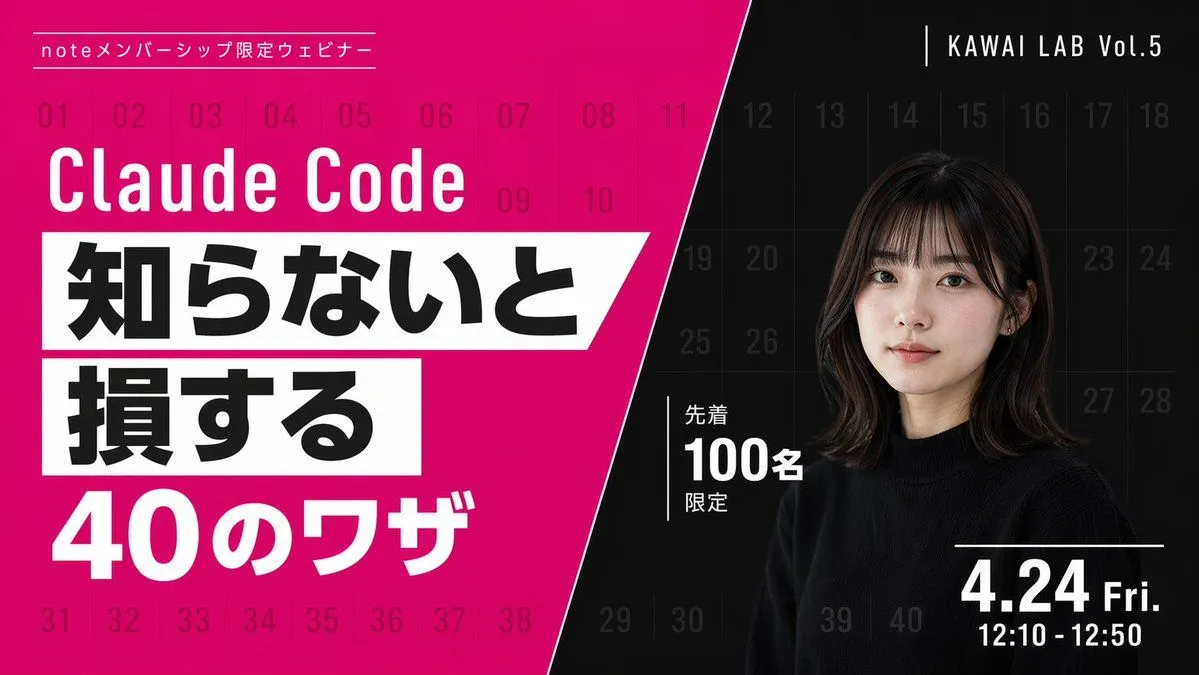
Modern Webinar Promotional Banner

Made with GPT Image 2 in ChatGPT by Library Lifestyle. Promptclay never generates images.

Did it work?

No reports yet. Tell others if it worked for you.

No comments yet. Be the first.

    Modern Webinar Promotional Banner

    GPT Image 216:9AI-generated

    Prompt

    { "type": "webinar promotional banner", "style": "modern, bold typography, high contrast, diagonal split layout", "background": { "pattern": "faint grid of 40 sequential numbers from 01 to 40 spanning the entire canvas", "left_color": "vibrant magenta", "right_color": "black", "split_style": "sharp diagonal line from top center to bottom left" }, "left_section": { "top_label": "{argument name=\"top label\" default=\"noteメンバーシップ限定ウェビナー\"}", "title": "{argument name=\"main title\" default=\"Claude Code\"}", "highlight_box_1": { "text": "{argument name=\"highlight text 1\" default=\"知らないと\"}", "style": "black text on white skewed rectangular background" }, "highlight_box_2": { "text": "{argument name=\"highlight text 2\" default=\"損する\"}", "style": "black text on white skewed rectangular background" }, "bottom_text": "40のワザ" }, "right_section": { "top_right_label": "KAWAI LAB Vol.5", "subject": "portrait of a young Japanese woman, shoulder-length dark hair with bangs, wearing a black crew neck sweater, neutral expression, looking at camera", "middle_badge": { "text": "先着 100名 限定", "style": "white text with vertical line accent" }, "bottom_right_date": "{argument name=\"date and time\" default=\"4.24 Fri. 12:10 - 12:50\"}" } }

    Works in
    ChatGPT, Gemini
    Status
    Free to copy
    0
    DetailsVersions, settings and questions

    Written for

    What's in the prompt

    Subject
    Model
    GPT Image 2

    If your face changes

    keep my face exactly the same

    Questions

    Does this work in the ChatGPT app?
    Yes. Paste the prompt and attach your photo if it uses one.
    It changed my face. What do I do?
    Add "keep my face exactly the same" to the end and run it again.
    Can I use the images I make?
    Check the terms of the app you use. Promptclay never generates images and claims nothing you make.


    Similar prompts

    See more
    • Luxury Claude Code Seminar Banner
    • Business Online Summit Ad Banner
    • Japanese AI Design Webinar Thumbnail
    • Japanese Webinar Thumbnail Generator
    • Japanese AI Training Banner
    • Japanese ClaudeCode Training Banner
    • Resize banner image to 1:1
    • GPT Image 2 Reference Tutorial Banner
    • Multi-Angle Grid Portrait with Overlay Text (Japanese)
    • Soft Japanese Portrait Poster
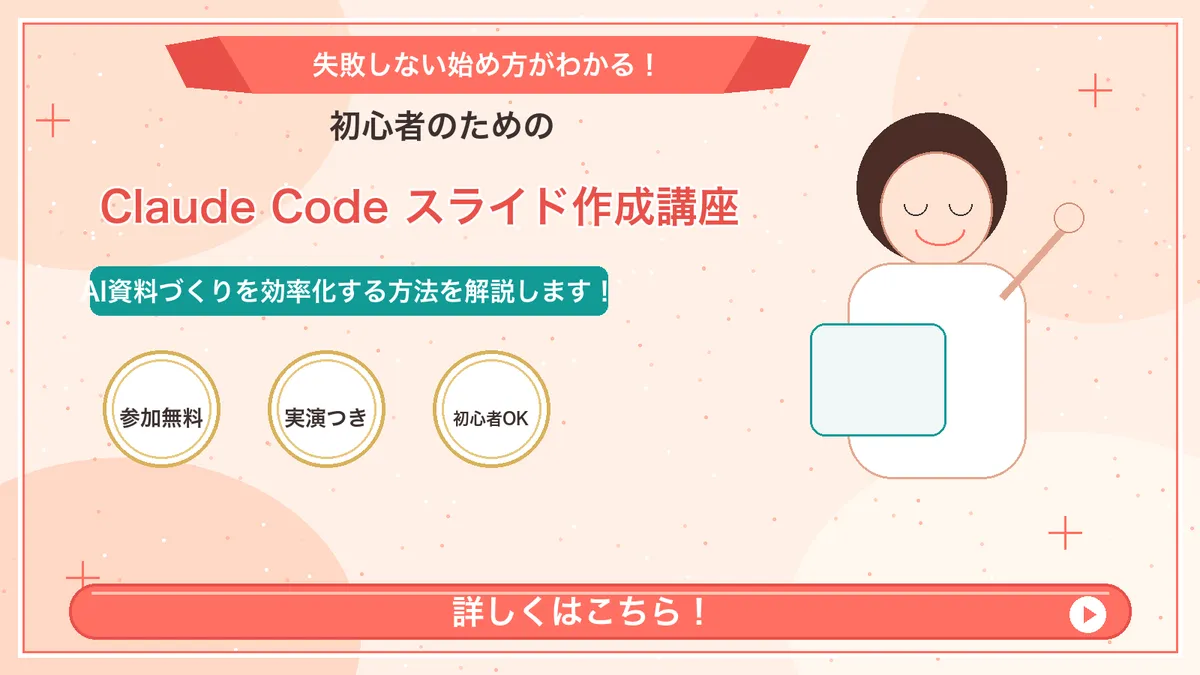
    • Japanese Course Promotion Slide
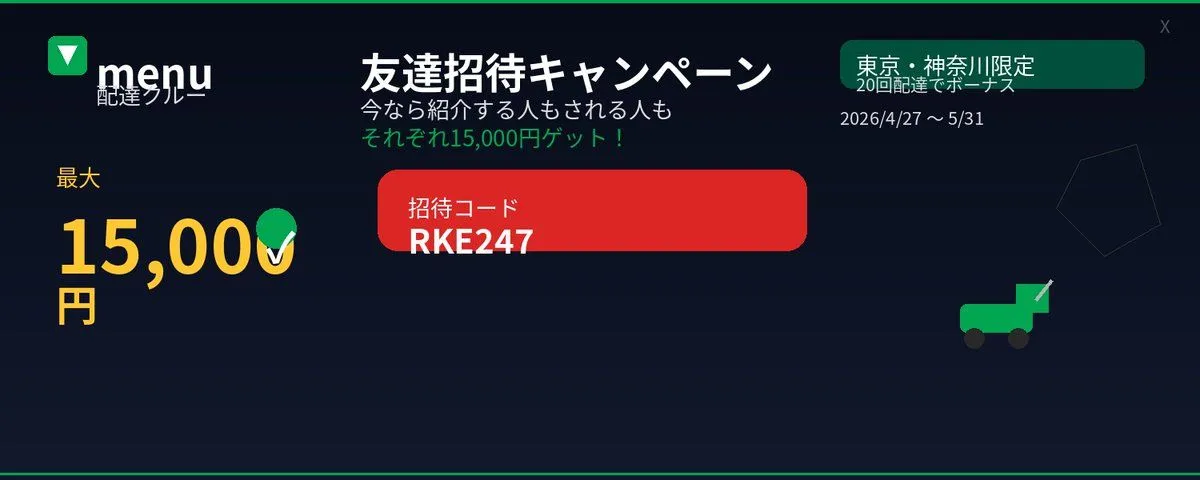
    • Japanese Delivery Referral Banner
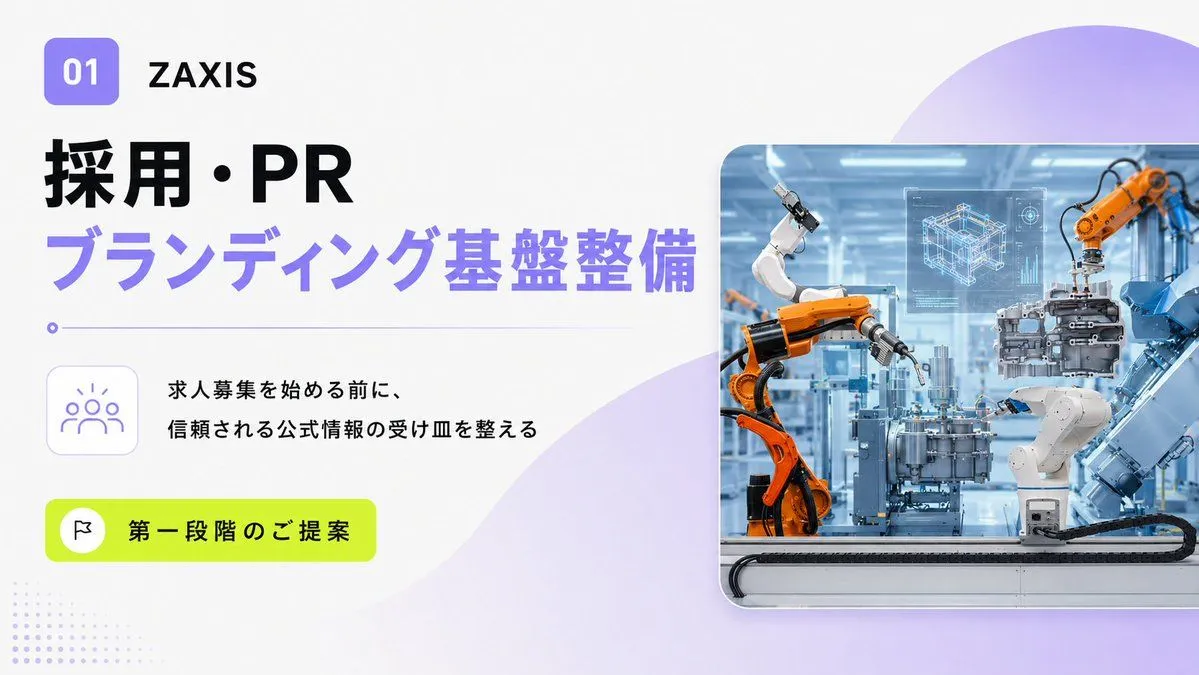
    • Japanese Industrial Proposal Cover Slide
    • Nano Banana Pro Thumbnail Generation Example
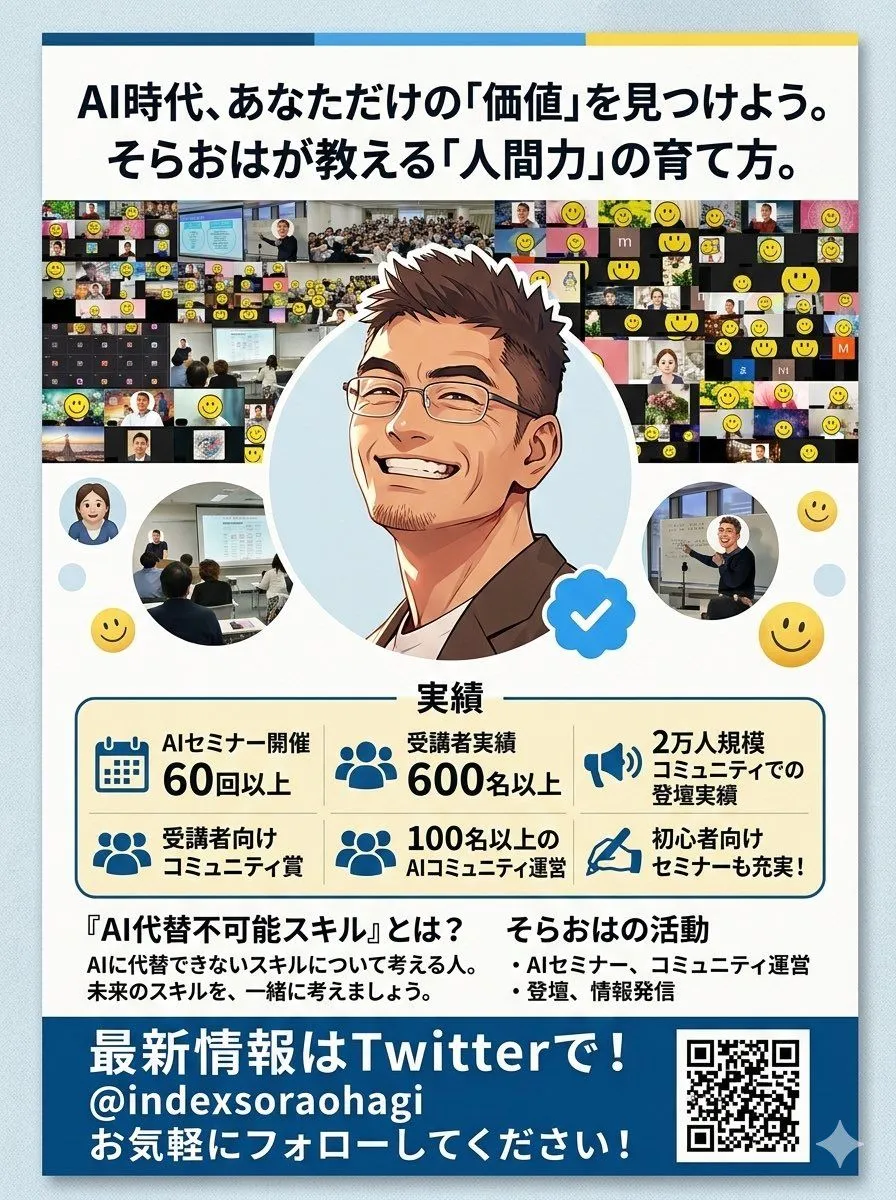
    • Comparing Nano Banana Pro and 2 with a Profile Flyer Prompt
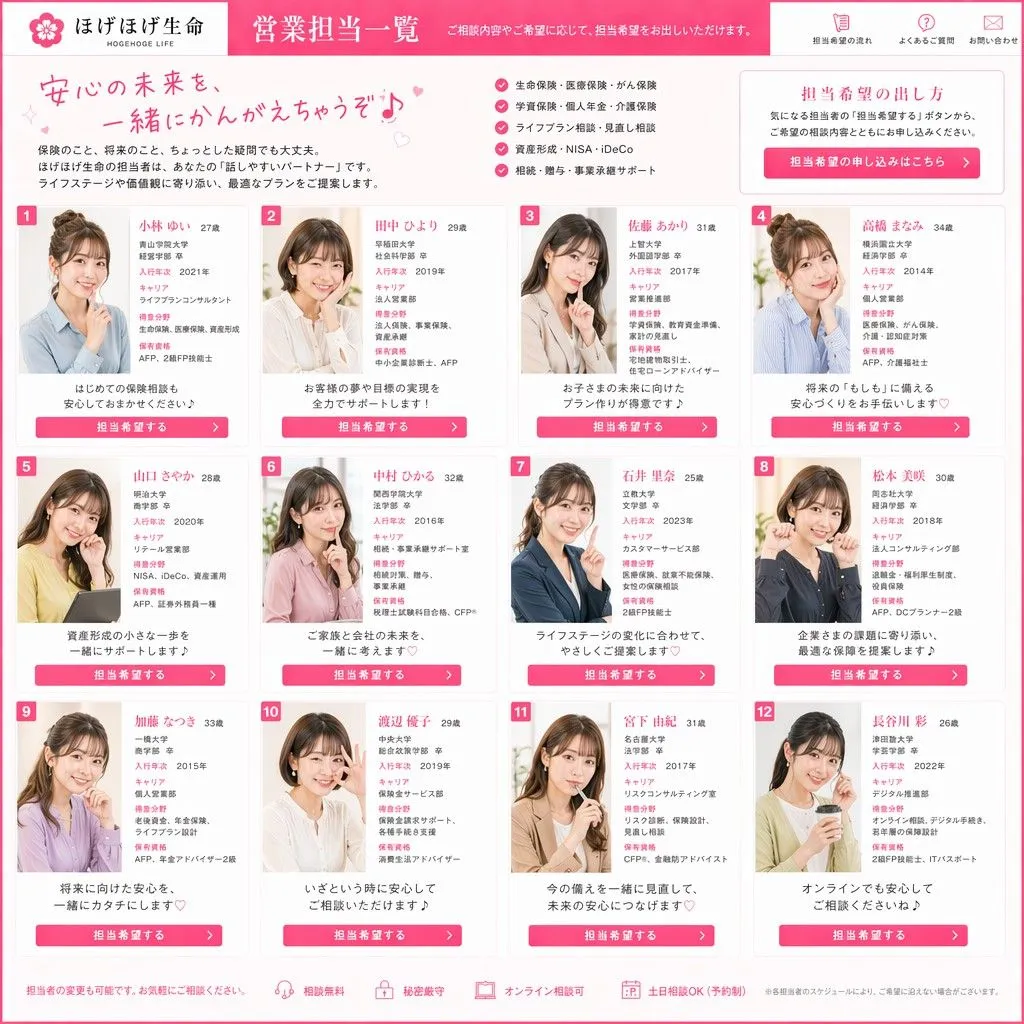
    • Japanese Insurance Staff Directory Mockup
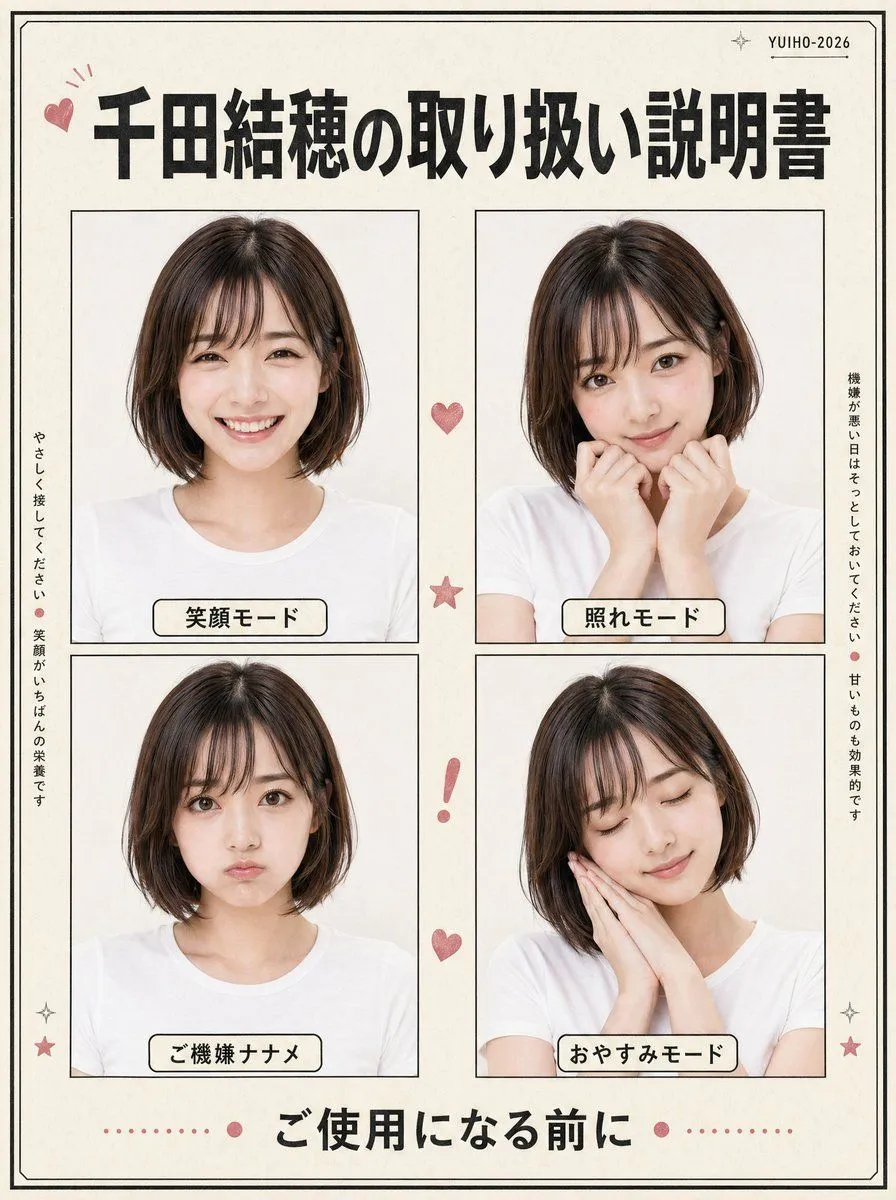
    • Japanese Character Manual Poster
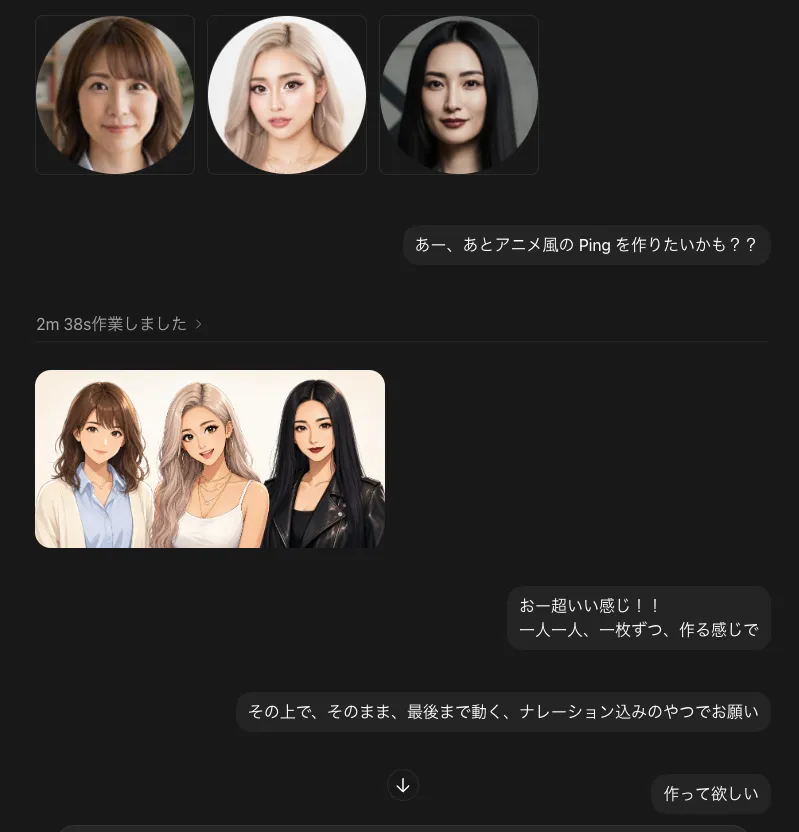
    • Dark Chat UI Anime Conversion Screenshot
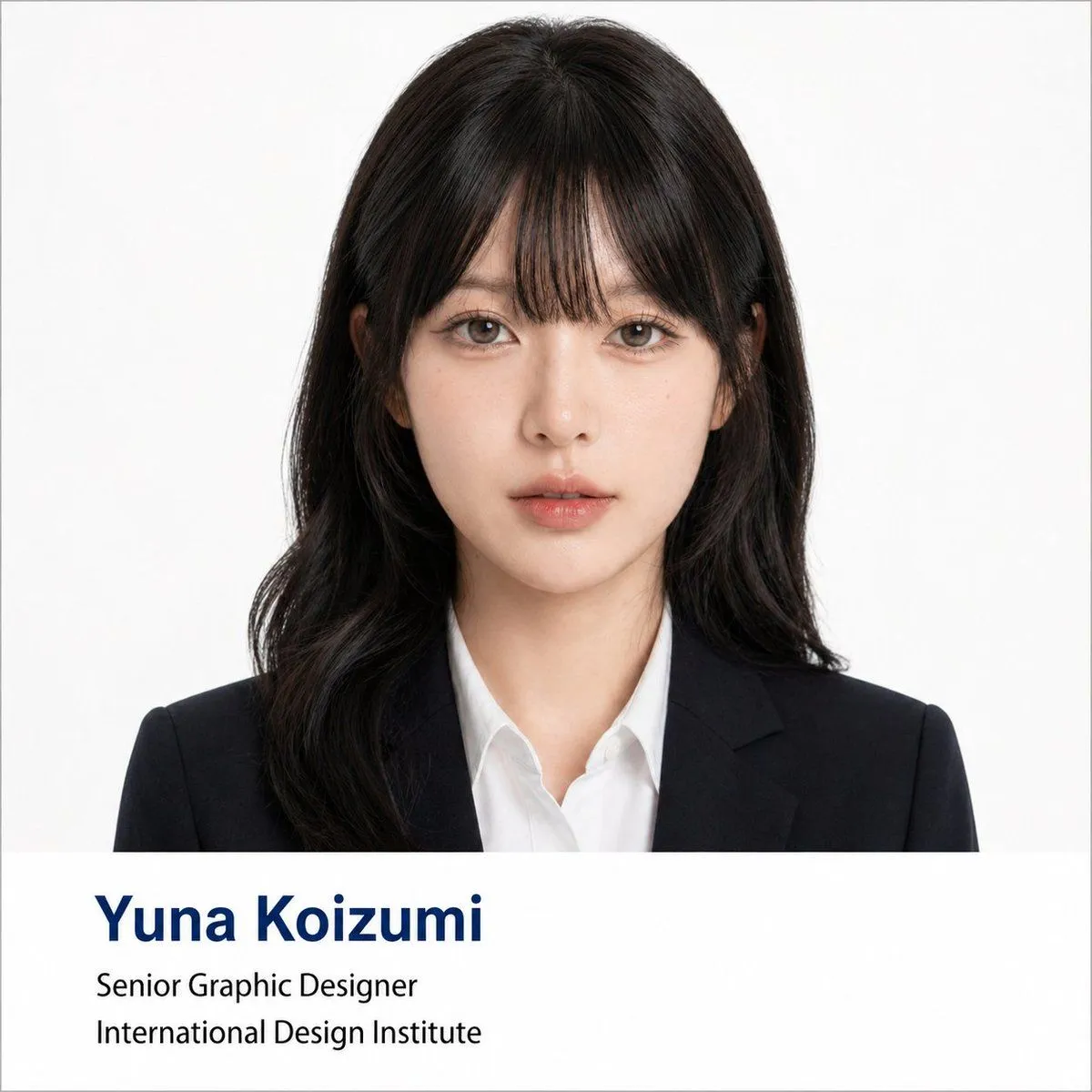
    • Professional Corporate Headshot Poster Creator
    • Casual Streetwear Studio Portrait
    • Multi-Angle Studio Character Sheet
    • Four-Pose Studio Portrait Grid
    • Image Analysis and Correction Tool Description
    • Cyberpunk Flash Sale Landing Hero

    Show more

    Run it on your phone

    1. Prompt copiedRead it

      { "type": "webinar promotional banner", "style": "modern, bold typography, high contrast, diagonal split layout", "background": { "pattern": "faint grid of 40 sequential numbers from 01 to 40 spanning the entire canvas", "left_color": "vibrant magenta", "right_color": "black", "split_style": "sharp diagonal line from top center to bottom left" }, "left_section": { "top_label": "{argument name=\"top label\" default=\"noteメンバーシップ限定ウェビナー\"}", "title": "{argument name=\"main title\" default=\"Claude Code\"}", "highlight_box_1": { "text": "{argument name=\"highlight text 1\" default=\"知らないと\"}", "style": "black text on white skewed rectangular background" }, "highlight_box_2": { "text": "{argument name=\"highlight text 2\" default=\"損する\"}", "style": "black text on white skewed rectangular background" }, "bottom_text": "40のワザ" }, "right_section": { "top_right_label": "KAWAI LAB Vol.5", "subject": "portrait of a young Japanese woman, shoulder-length dark hair with bangs, wearing a black crew neck sweater, neutral expression, looking at camera", "middle_badge": { "text": "先着 100名 限定", "style": "white text with vertical line accent" }, "bottom_right_date": "{argument name=\"date and time\" default=\"4.24 Fri. 12:10 - 12:50\"}" } }

    2. Open your app

    3. Paste and run

      Press and hold the message box, then tap Paste. Add your photo first if the prompt uses one. You may need to sign in.

    Modern Webinar Promotional Banner