Tell us anything

An idea, a bug, something you love. We read every note.

⌘↵ to send. The page you're on comes along.

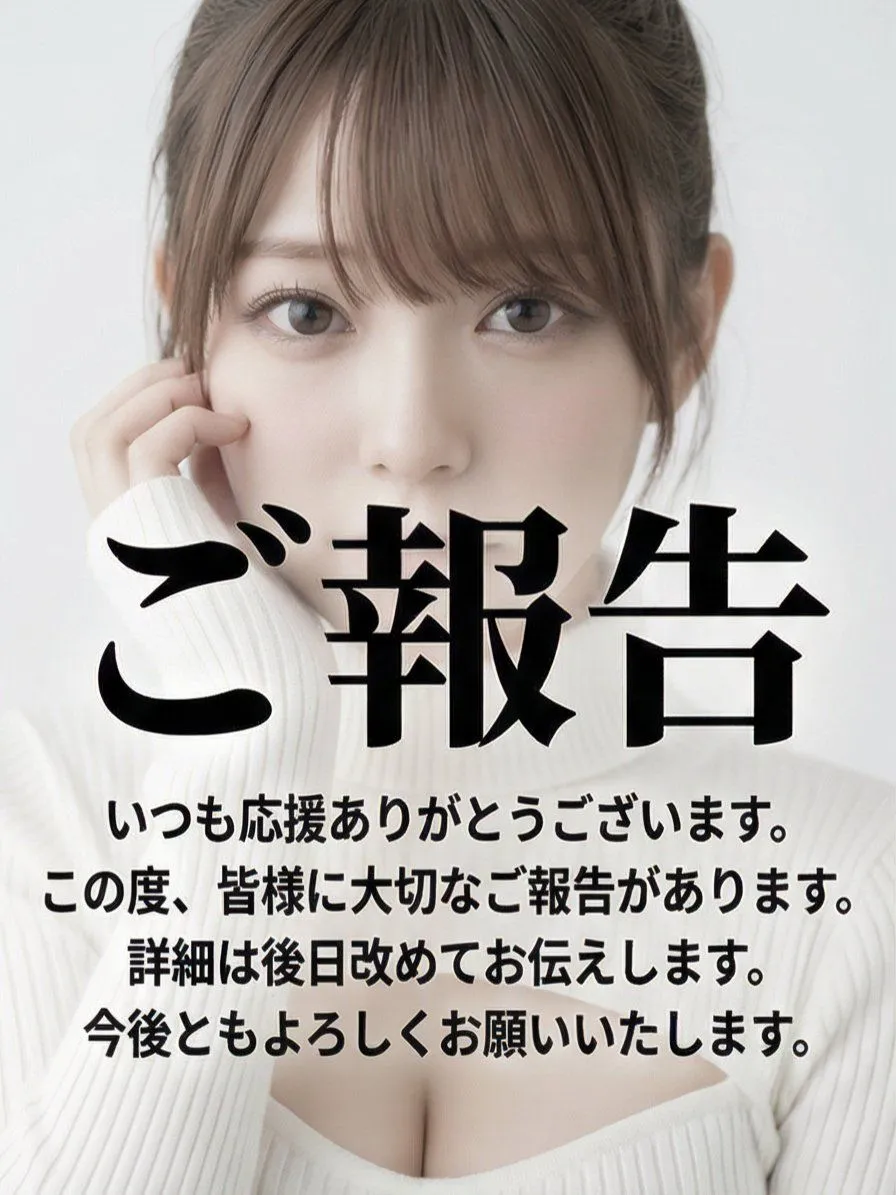
Multi-Angle Grid Portrait with Overlay Text (Japanese)

Made with Nano Banana Pro in Gemini, collected by Library Social. Promptclay never generates images.

Did it work?

No reports yet. Tell others if it worked for you.

No comments yet. Be the first.

    Multi-Angle Grid Portrait with Overlay Text (Japanese)

    Nano Banana Pro3:4AI-generated

    Prompt

    Read the motifs depicted in the attached image, generate multi-angle shots, and create four scenes divided into a 2x2 grid. Remix and edit with dynamic poses. subject: - Close-up portrait of the person. - Looking directly at the camera with a slightly tense or embarrassed expression. - The chest is slightly exposed, showing part of the collarbone and cleavage. - Large black Japanese text (Gothic or bold font) is centrally overlaid across the entire image, obscuring most of the face and body. This text is an announcement in the style of an SNS post, starting with "ご報告" (Report/Announcement). The announcement text is automatically generated by the AI. style: - Graphic design for social media posts. - Ultra-high resolution digital portrait with a strong smoothing filter applied. - Saturation and contrast are intentionally lowered in post-production, functioning as a background to emphasize the text. - High-key and fantastical atmosphere. composition: - Vertical portrait (tall orientation). - Close-up bust shot. The upper part of the woman's face (forehead) is slightly cropped. - The subject is centered in the frame, and the text dominates the center. - The background is completely blurred due to shallow depth of field (bokeh). - The text is vertically aligned with the image. lighting: - Uniform and very soft front light (ring light or softbox) is used. - Almost no shadows, flat lighting. - Overall very bright (high-key) tone. - Color temperature is neutral to slightly cool white light. colors: - Minimal palette consisting mainly of white, light gray, and black for the text. - The color of the woman's skin and lips is very pale, with extremely low saturation. - Overall, a near-monochrome color scheme. technical_specs: - Digital photograph. - Aspect ratio: 4:5 or 3:4 mobile portrait format. - Strong soft focus effect and glow style filter (luminescence). - Reproduction of the overlaid Japanese text (including font size, line spacing, and placement).

    Works in
    Gemini, ChatGPT
    Status
    Free to copy
    0
    DetailsVersions, settings and questions

    Written for

    What's in the prompt

    Subject
    Model
    Nano Banana Pro

    If your face changes

    keep my face exactly the same

    Questions

    Does this work in the Gemini app?
    Yes. Gemini runs Nano Banana, so paste the prompt and attach your photo if it uses one.
    It changed my face. What do I do?
    Add "keep my face exactly the same" to the end and run it again.
    Can I use the images I make?
    Check the terms of the app you use. Promptclay never generates images and claims nothing you make.
    Similar prompts

    See more
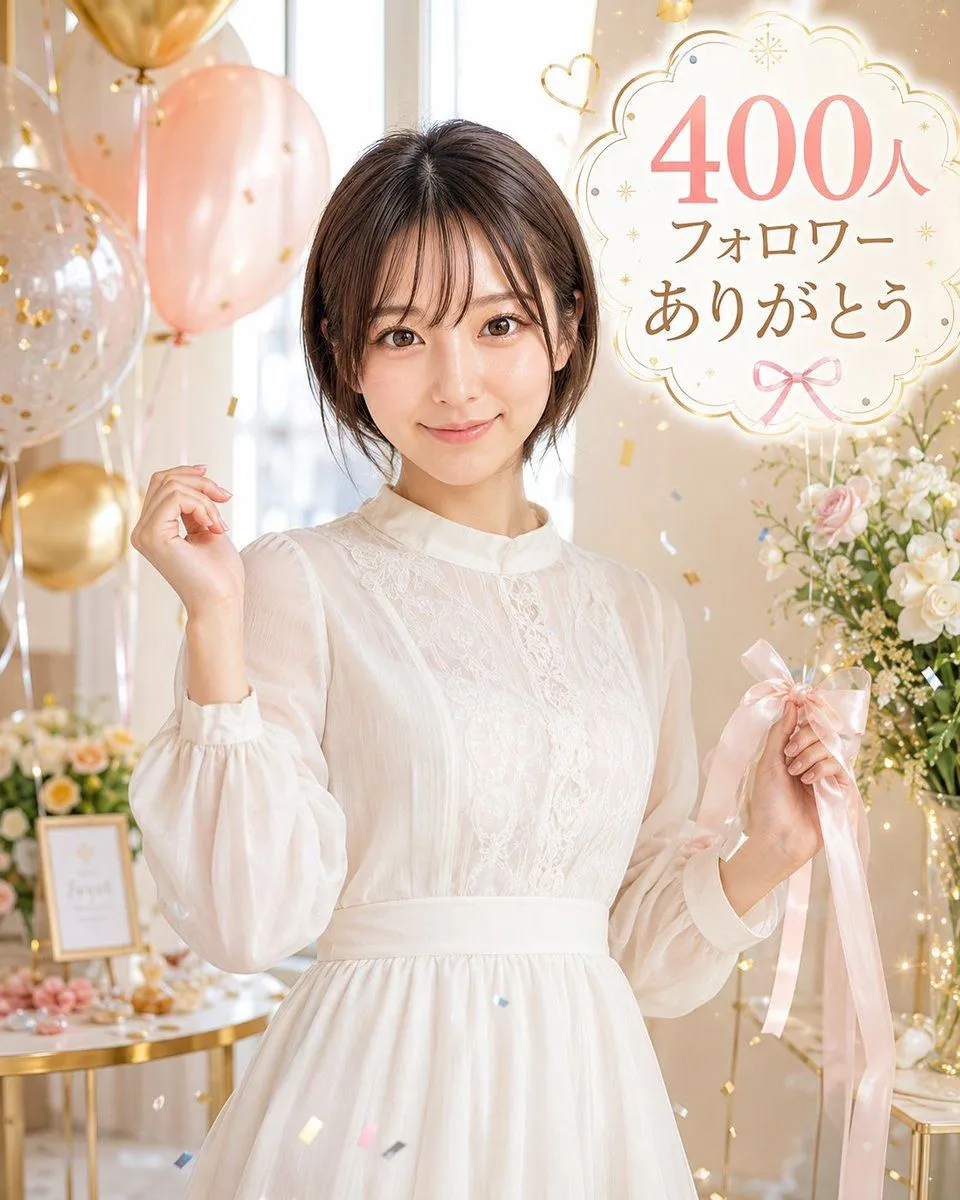
    • 400 Followers Thank You Portrait
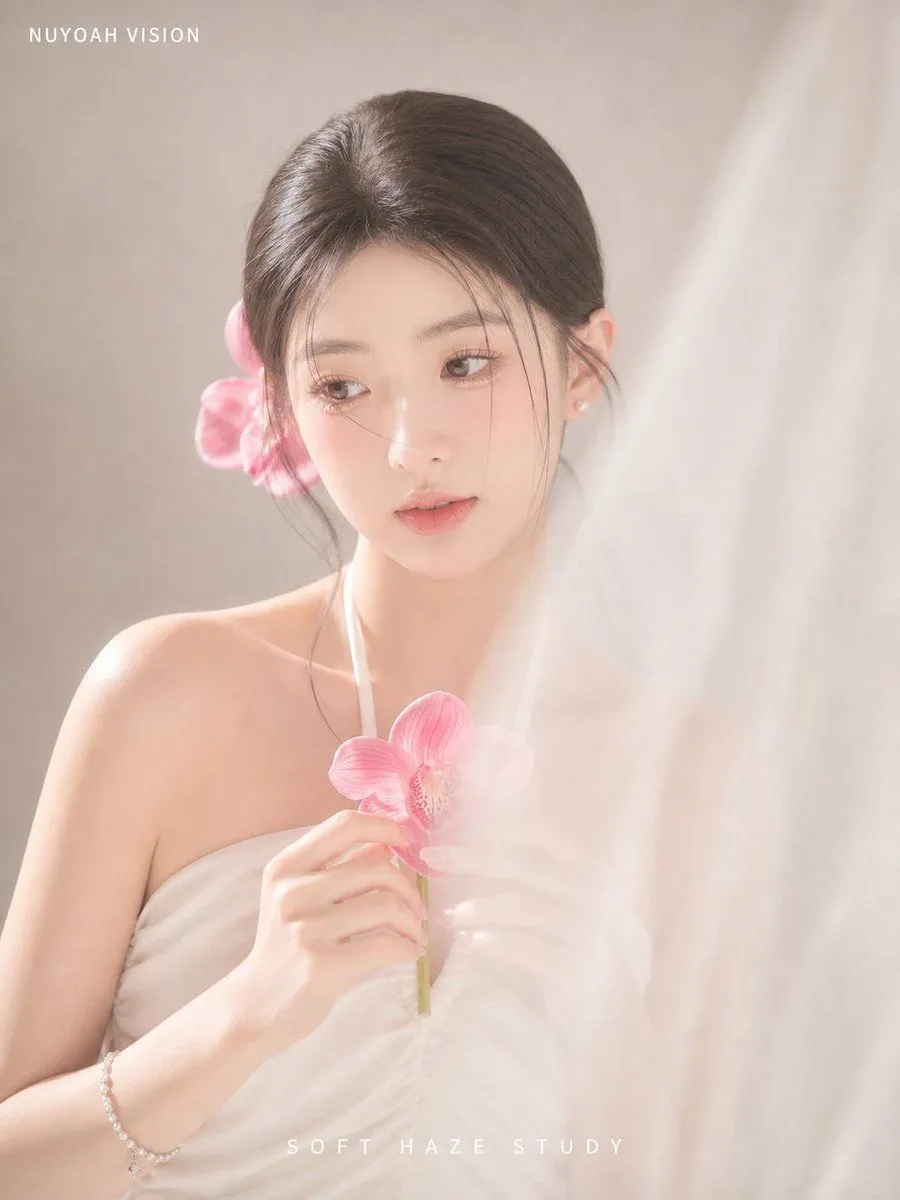
    • Soft Haze Orchid Studio Portrait
    • Kawaii Girl With Manga Wall Doodle
    • Soft Japanese Beauty Portrait
    • Ultra-Detailed Clean Beauty Portrait
    • Image Analysis and Correction Tool Description
    • Image Annotation and Praise Commentary Prompt
    • Diary-Style Annotated Portrait
    • Hand-Drawn Style Image Annotation
    • Japanese Lifestyle Magazine Layout
    • Character Generation Prompt (Step 1)
    • Culture Magazine Editorial Portrait
    • Character Profile Annotation Overlay
    • Fashion magazine portrait with red t-shirt
    • Korean Studio Fashion Portrait
    • High-Contrast Japanese Beauty Portrait with Katana Pose
    • Double Exposure Fashion Portrait
    • Japanese Character Manual Poster
    • Election Poster Style Prompt
    • Topographic Concentric Contour Line Portrait
    • ChatGPT Portrait Result Screenshot
    • Cinematic Japanese Agency Poster
    • Anime Face Mask Portrait Template
    • Man with Zootopia Characters in Alpine Cable Car

    Show more

    Run it on your phone

    1. Prompt copiedRead it

      Read the motifs depicted in the attached image, generate multi-angle shots, and create four scenes divided into a 2x2 grid. Remix and edit with dynamic poses. subject: - Close-up portrait of the person. - Looking directly at the camera with a slightly tense or embarrassed expression. - The chest is slightly exposed, showing part of the collarbone and cleavage. - Large black Japanese text (Gothic or bold font) is centrally overlaid across the entire image, obscuring most of the face and body. This text is an announcement in the style of an SNS post, starting with "ご報告" (Report/Announcement). The announcement text is automatically generated by the AI. style: - Graphic design for social media posts. - Ultra-high resolution digital portrait with a strong smoothing filter applied. - Saturation and contrast are intentionally lowered in post-production, functioning as a background to emphasize the text. - High-key and fantastical atmosphere. composition: - Vertical portrait (tall orientation). - Close-up bust shot. The upper part of the woman's face (forehead) is slightly cropped. - The subject is centered in the frame, and the text dominates the center. - The background is completely blurred due to shallow depth of field (bokeh). - The text is vertically aligned with the image. lighting: - Uniform and very soft front light (ring light or softbox) is used. - Almost no shadows, flat lighting. - Overall very bright (high-key) tone. - Color temperature is neutral to slightly cool white light. colors: - Minimal palette consisting mainly of white, light gray, and black for the text. - The color of the woman's skin and lips is very pale, with extremely low saturation. - Overall, a near-monochrome color scheme. technical_specs: - Digital photograph. - Aspect ratio: 4:5 or 3:4 mobile portrait format. - Strong soft focus effect and glow style filter (luminescence). - Reproduction of the overlaid Japanese text (including font size, line spacing, and placement).

    2. Open your app

    3. Paste and run

      Press and hold the message box, then tap Paste. Add your photo first if the prompt uses one. You may need to sign in.

    Multi-Angle Grid Portrait with Overlay Text (Japanese)