Tell us anything

An idea, a bug, something you love. We read every note.

⌘↵ to send. The page you're on comes along.

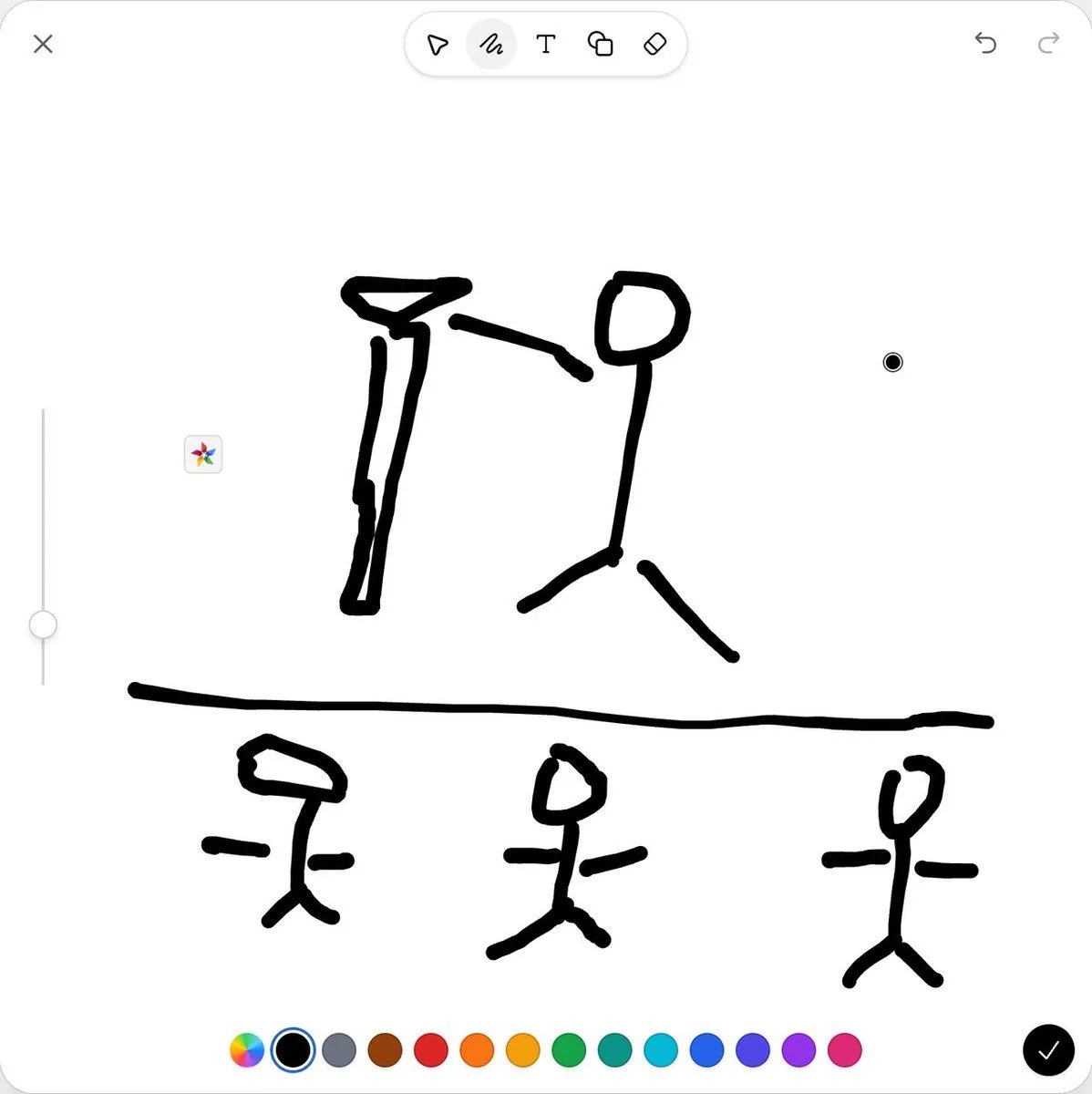
Mobile Sketch Editor Doodle Screenshot

Made with GPT Image 2.5 in ChatGPT by Library UI Design. Promptclay never generates images.

Did it work?

No reports yet. Tell others if it worked for you.

No comments yet. Be the first.

    Mobile Sketch Editor Doodle Screenshot

    GPT Image 2.51:1AI-generated

    Prompt

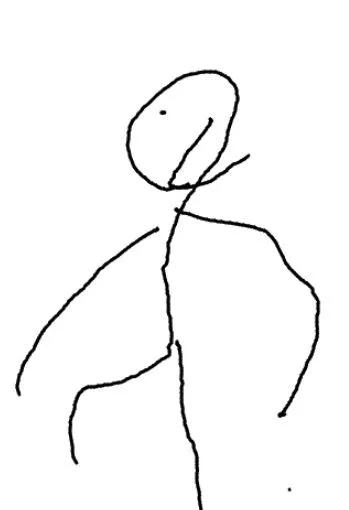
    Goal: Create a clean screenshot-style image of a mobile sketch editor interface showing a rough black doodle on a white canvas, as if drawn with a thick marker in a simple drawing app. Canvas: Square 1:1 image, bright white background, rounded app-window corners, very minimal light-gray UI chrome. Layout: At the top left place one gray X close icon. At the top center place a floating rounded toolbar containing exactly 5 tool icons: cursor arrow, squiggle pen tool highlighted with a pale gray circular background, capital T text tool, overlapping shapes icon, and eraser icon. At the top right place exactly 2 undo/redo curved-arrow icons in light gray. On the left side place one vertical light-gray slider with a round knob near the lower third and a small multicolor sparkle button near the center-left. On the right side of the canvas place one small black circular cursor dot with a thin white ring. Along the bottom place exactly 14 circular color controls: rainbow color wheel, selected black swatch with blue outline and white ring, gray, brown, red, orange, yellow-orange, green, teal, cyan, blue, indigo, purple, and pink. Bottom right has one black circular confirmation button with a white checkmark. Drawing content: Use thick, uneven, hand-drawn black lines with rounded ends, like a finger sketch. The drawing is divided by one long horizontal black line across the lower middle of the canvas. Above the line, draw exactly 2 large stick-figure-like doodles: on the left a tall narrow figure with a triangular/hat-like head and long vertical body; on the right a stick person with an oval head, vertical torso, one bent arm extending left, and two angled legs. Below the line, draw exactly 3 smaller stick figures spaced left, center, and right; each has a simple head shape, vertical body, short horizontal arms, and two angled legs. The left lower figure has a wide angular head, the center lower figure has a small oval head, and the right lower figure has a tilted oval head. Visual style: Minimal iOS-like sketch interface, flat vector UI, no shadows except very subtle toolbar softness, white background, black marker strokes as the dominant element. Keep all doodles intentionally crude and childlike, not polished. Constraints: No readable text in the canvas, no watermark, no photorealism, preserve the exact counts of UI icons, color swatches, and stick figures.

    Works in
    ChatGPT, Gemini
    Status
    Free to copy
    0
    DetailsVersions, settings and questions

    Written for

    What's in the prompt

    Subject
    Model
    GPT Image 2.5

    If your face changes

    keep my face exactly the same

    Questions

    Does this work in the ChatGPT app?
    Yes. Paste the prompt and attach your photo if it uses one.
    It changed my face. What do I do?
    Add "keep my face exactly the same" to the end and run it again.
    Can I use the images I make?
    Check the terms of the app you use. Promptclay never generates images and claims nothing you make.
    Similar prompts

    See more
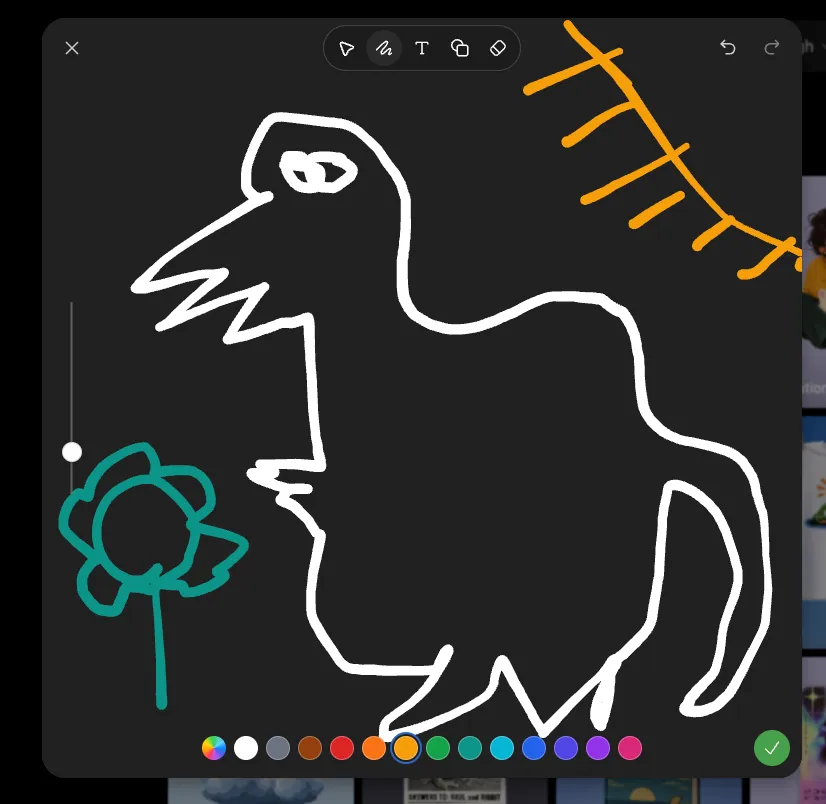
    • Dark Sketch Mode Monster Doodle
    • Whimsical Designer Profile UI
    • Hand-Drawn Designer Profile Screen
    • Minimal Stick Figure Pose Sketch
    • Bad MS Paint Redraw
    • Stick Figure Driver Sketch
    • Five High-Efficiency Nano Banana Pro Prompts for Business Graphics
    • AI Gallery Portrait UI Screenshot
    • 12-Panel Sticker/Emoji Grid Generation Prompt
    • 7-Shot Cinematic Campaign Sequence Prompt
    • Japanese AI Chat Kaiju Screenshot
    • Minimalist Dog Sketch Clipart
    • Multi-Slide Document Generation with Nano Banana and NotebookLM
    • Ecosystem trophic levels infographic
    • Simple Expression of Joy and Affection using Emojis
    • Anime Live2D Turnaround Chat Screenshot
    • Japanese PowerPoint Bunny Icon Editor
    • AI Artifact Removal Instruction
    • Minimalist Product Photo with Doodle
    • Video Generation Prompt: Animating Mobile ScreensVideo, 0:10
    • Progressive Golf Swing Artistic Sketch
    • Cozy Café Chat Screenshot
    • Digital Doodle Portal Transition
    • Childlike Colored Pencil Drawing

    Show more

    Run it on your phone

    1. Prompt copiedRead it

      Goal: Create a clean screenshot-style image of a mobile sketch editor interface showing a rough black doodle on a white canvas, as if drawn with a thick marker in a simple drawing app. Canvas: Square 1:1 image, bright white background, rounded app-window corners, very minimal light-gray UI chrome. Layout: At the top left place one gray X close icon. At the top center place a floating rounded toolbar containing exactly 5 tool icons: cursor arrow, squiggle pen tool highlighted with a pale gray circular background, capital T text tool, overlapping shapes icon, and eraser icon. At the top right place exactly 2 undo/redo curved-arrow icons in light gray. On the left side place one vertical light-gray slider with a round knob near the lower third and a small multicolor sparkle button near the center-left. On the right side of the canvas place one small black circular cursor dot with a thin white ring. Along the bottom place exactly 14 circular color controls: rainbow color wheel, selected black swatch with blue outline and white ring, gray, brown, red, orange, yellow-orange, green, teal, cyan, blue, indigo, purple, and pink. Bottom right has one black circular confirmation button with a white checkmark. Drawing content: Use thick, uneven, hand-drawn black lines with rounded ends, like a finger sketch. The drawing is divided by one long horizontal black line across the lower middle of the canvas. Above the line, draw exactly 2 large stick-figure-like doodles: on the left a tall narrow figure with a triangular/hat-like head and long vertical body; on the right a stick person with an oval head, vertical torso, one bent arm extending left, and two angled legs. Below the line, draw exactly 3 smaller stick figures spaced left, center, and right; each has a simple head shape, vertical body, short horizontal arms, and two angled legs. The left lower figure has a wide angular head, the center lower figure has a small oval head, and the right lower figure has a tilted oval head. Visual style: Minimal iOS-like sketch interface, flat vector UI, no shadows except very subtle toolbar softness, white background, black marker strokes as the dominant element. Keep all doodles intentionally crude and childlike, not polished. Constraints: No readable text in the canvas, no watermark, no photorealism, preserve the exact counts of UI icons, color swatches, and stick figures.

    2. Open your app

      This prompt is long, so it is copied instead of sent in the link. Paste it in the app.

    3. Paste and run

      Press and hold the message box, then tap Paste. Add your photo first if the prompt uses one. You may need to sign in.

    Mobile Sketch Editor Doodle Screenshot