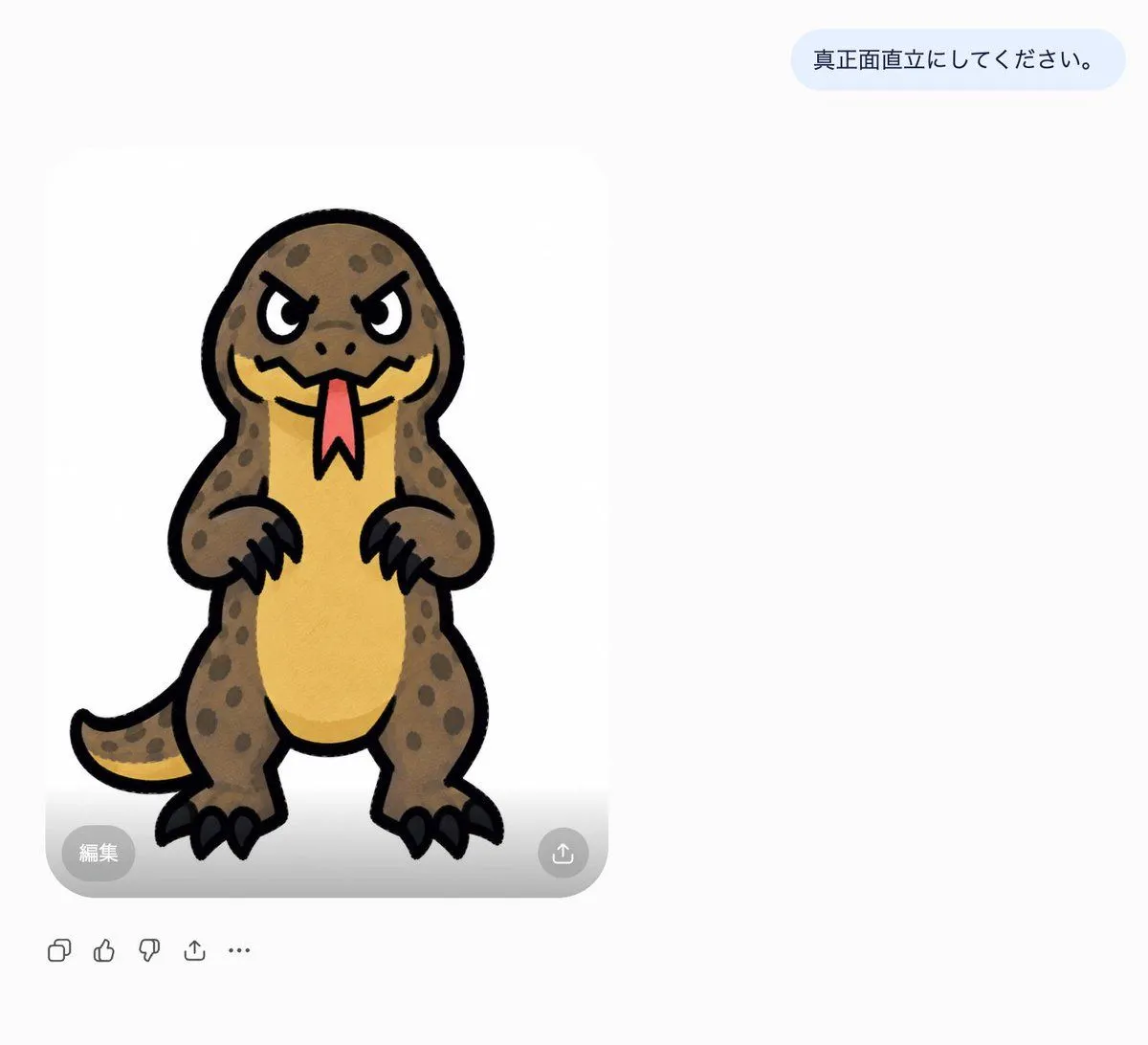
Japanese AI Chat Kaiju Screenshot
Goal: Create a clean screenshot-style chat interface showing an AI image generation result after a Japanese instruction. Canvas: Wide landscape canvas, about 1200×1000 px, with a very light gray-white background and lots of empty space on the right. The main generated image card sits left of center, with a user message bubble near the upper right. Text content: Include exactly 1 pale blue rounded message bubble in the upper right containing the Japanese text instruction_text. Keep the text dark navy, simple sans-serif, centered vertically in the bubble. Main image card: Show exactly 1 large rounded white image card on the left, with soft corners and a subtle gray shadow. Inside it is a front-facing, full-body cartoon monster drawn like a cute sticker: a squat upright reptile/kaiju with a big rounded head, angry slanted eyes, thick black outlines, brown spotted skin, a yellow belly, short arms with black claws, chunky legs with black toenails, and a curved tail extending to the left. The creature faces straight forward in a rigid standing pose. It has a red forked tongue hanging from a jagged mouth, small nostril dots, and dark spots scattered over the head, arms, body, legs, and tail. Use a hand-drawn marker or watercolor texture with slightly uneven fills. Character colors: body_color, belly_color, tongue_color, with thick black outlines. Overlay controls: On the lower edge of the image card, include exactly 2 semi-transparent circular controls: a gray circle at bottom left labeled 「編集」 in white, and a gray circle at bottom right with a white upload/share arrow icon. A faint gray gradient appears along the bottom of the image card behind these controls. Bottom toolbar: Beneath the card, aligned left, include exactly 5 small gray outline icons in this order: copy/duplicate icon, thumbs-up icon, thumbs-down icon, share/upload icon, and horizontal ellipsis icon. Keep them minimal and unfilled. Style constraints: The whole scene should look like a cropped modern AI chat app screenshot, not a poster. Preserve the Japanese text exactly where specified. Do not add extra messages, captions, watermarks, borders, or additional characters.