Tell us anything

An idea, a bug, something you love. We read every note.

⌘↵ to send. The page you're on comes along.

Microsoft 365 UI Mockup Prompt

Made with GPT Image 2.5 in ChatGPT by Library UI Design. Promptclay never generates images.

Did it work?

No reports yet. Tell others if it worked for you.

No comments yet. Be the first.

    Microsoft 365 UI Mockup Prompt

    GPT Image 2.53:4AI-generated

    Prompt

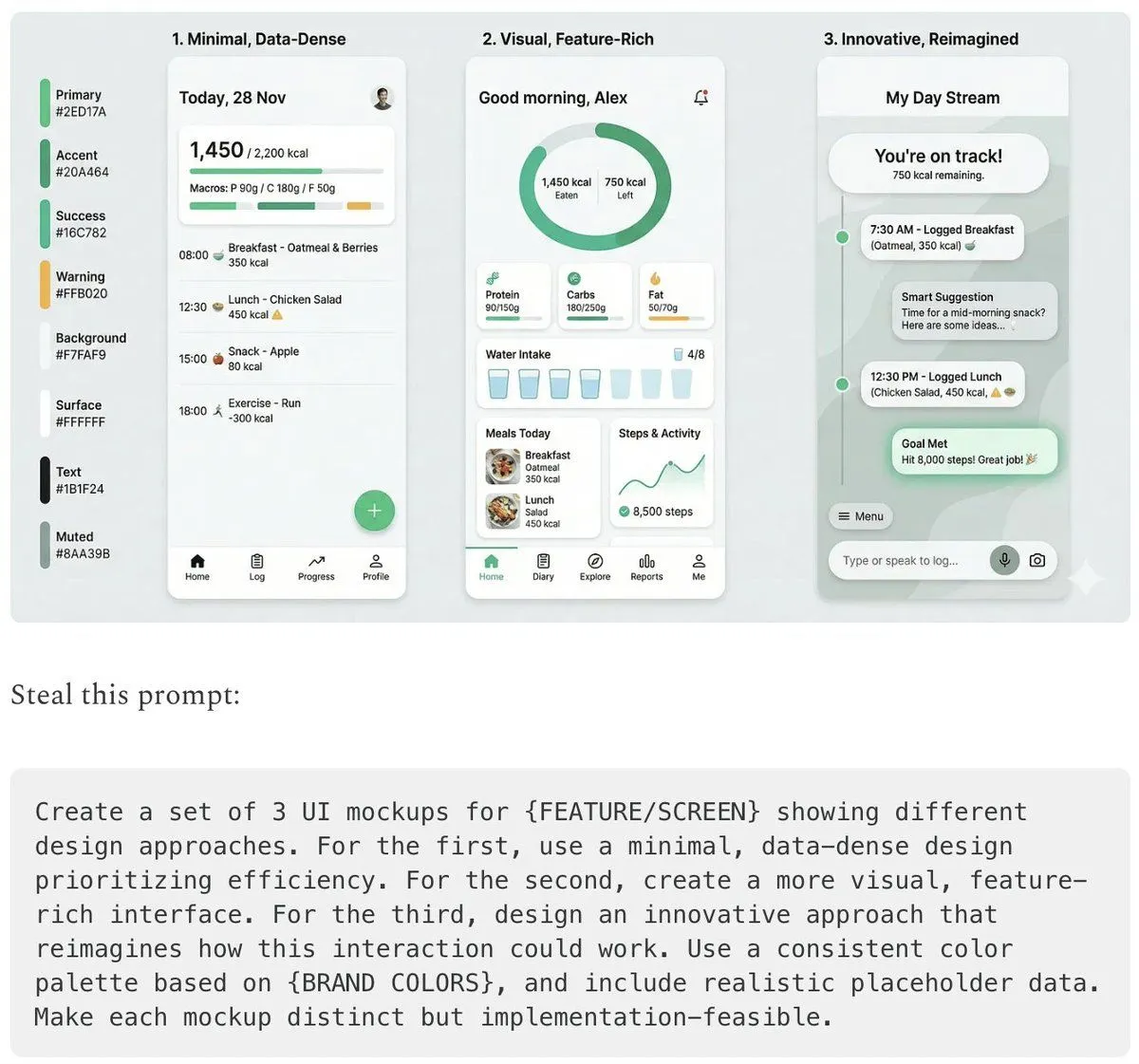
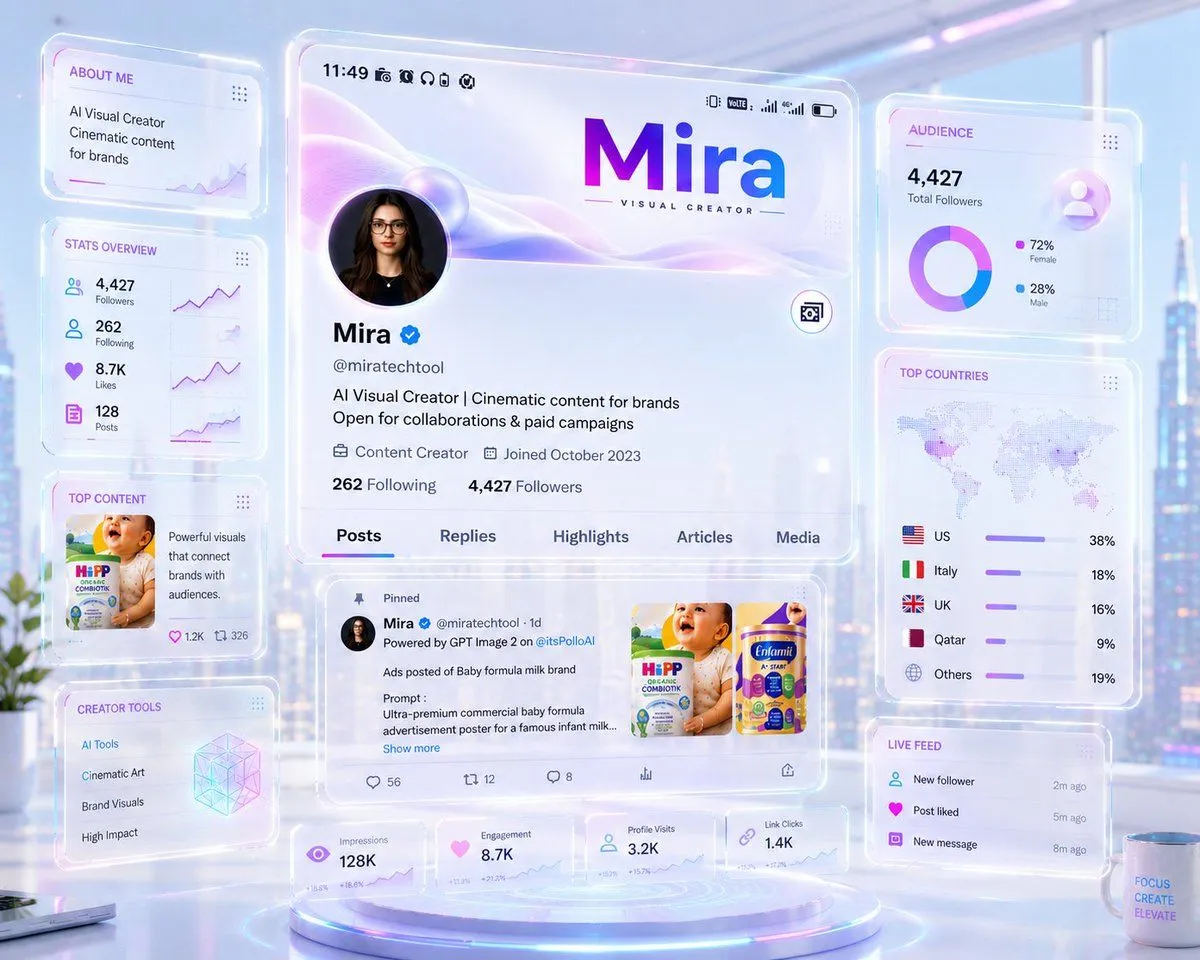
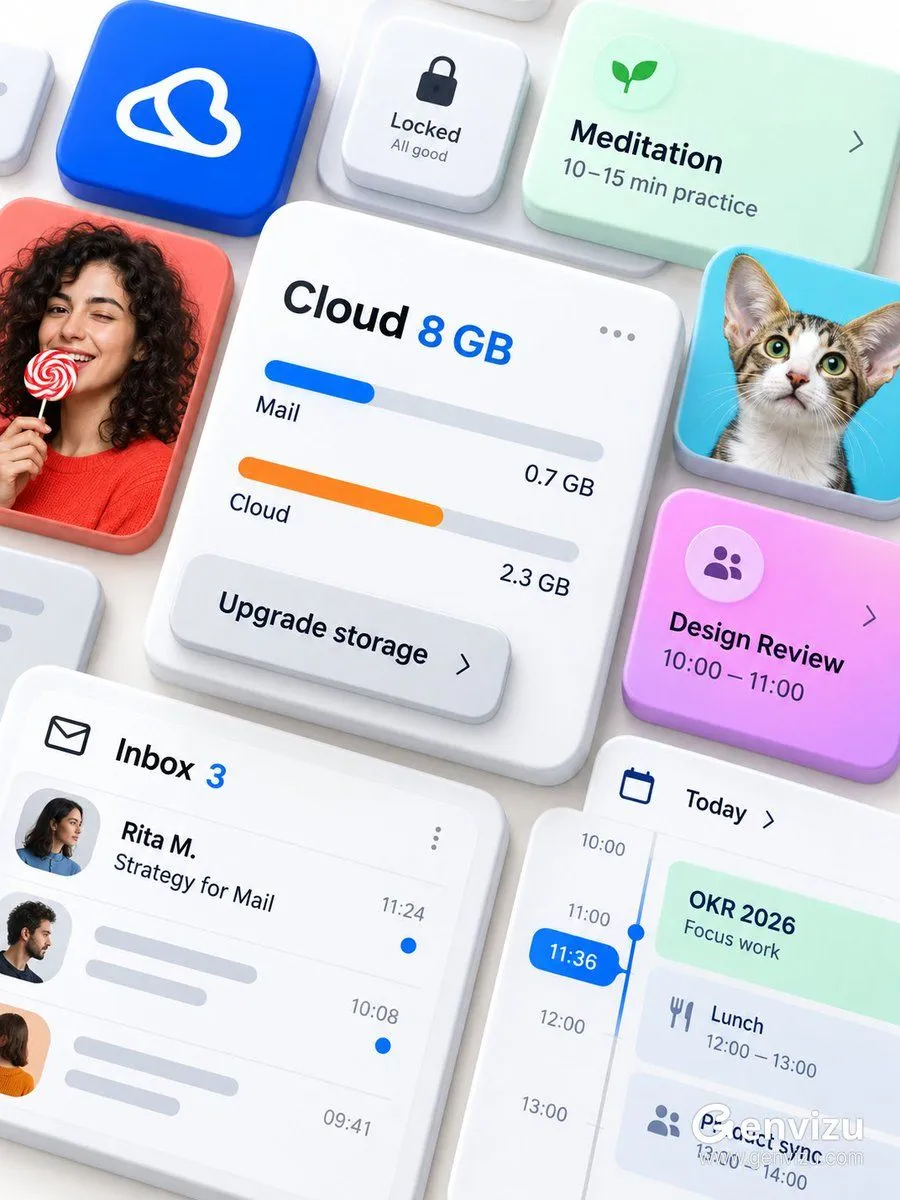
    Use case: ui-mockup. Asset type: premium brandless Microsoft 365 / Fluent-inspired modular productivity interface showcase. Create a precise 3:4 portrait composition on a solid opaque warm-white background. The final raster must be fully flattened RGB with no alpha channel and no transparent canvas. Arrange thick rounded UI cards from an oblique top-down view, floating at different heights and overlapping like physical tiles. Center the largest white cloud-storage card with “Cloud 8 GB”, blue and orange storage bars, “Mail 0.7 GB”, “Cloud 2.3 GB”, a three-dot menu and an overlapping “Upgrade storage” button. Surround it with an inbox card “Inbox 3 / Rita M. / Strategy for Mail”, a blue time pill “11:36”, mint “OKR 2026”, pink-purple “Design Review / 10:00—11:00”, mint “Meditation / 10–15 min practice” and a small lock control. Add a cobalt app tile with an abstract white loop glyph, a fictional adult curly-haired woman holding a red-and-white lollipop and a large-eared cat. Use thick white ceramic card bodies, frosted acrylic overlays, restrained elevation and soft shadows; cobalt, coral, cyan, mint, pink-purple and orange accents. Preserve dense diagonal flow and edge cropping. No Microsoft logo, no Office logo, no third-party logo, no watermark, no QR code, no real identities, no old dates, no gibberish.

    Works in
    ChatGPT, Gemini
    Status
    Free to copy
    0
    DetailsVersions, settings and questions

    Written for

    What's in the prompt

    Subject
    Model
    GPT Image 2.5

    If your face changes

    keep my face exactly the same

    Questions

    Does this work in the ChatGPT app?
    Yes. Paste the prompt and attach your photo if it uses one.
    It changed my face. What do I do?
    Add "keep my face exactly the same" to the end and run it again.
    Can I use the images I make?
    Check the terms of the app you use. Promptclay never generates images and claims nothing you make.
    Similar prompts

    See more
    • SaaS AI Dashboard Landing Page
    • Windows 11 Focus UI Showcase
    • Glassmorphism UI Component Kit
    • Fluent-style App Ad Generation PromptVideo, 0:15
    • 3D AI Prompt Library Workspace
    • Productivity App UI Mockup
    • C4D-Style Finance App UI (Variant)
    • Neumorphic Smart Dashboard UI
    • Atmospheric Product Interface Visual Prompt for SaaS UI
    • Cosmic Gravity Glass UI System
    • Five High-Efficiency Nano Banana Pro Prompts for Business Graphics
    • Futuristic Holographic Dashboard
    • Multi-Slide Document Generation with Nano Banana and NotebookLM
    • Generating Multiple Runnable Modes/States
    • Manga Composition Prompt (LLM/Text)
    • UI/UX Redesign Prompt (Pop Design Style)
    • iOS Share Sheet Pop-Out Effect
    • Immersive Music Player UI Poster
    • Cyberpunk Flash Sale Landing Hero
    • Mechanical Keyboard Product Page Mockup
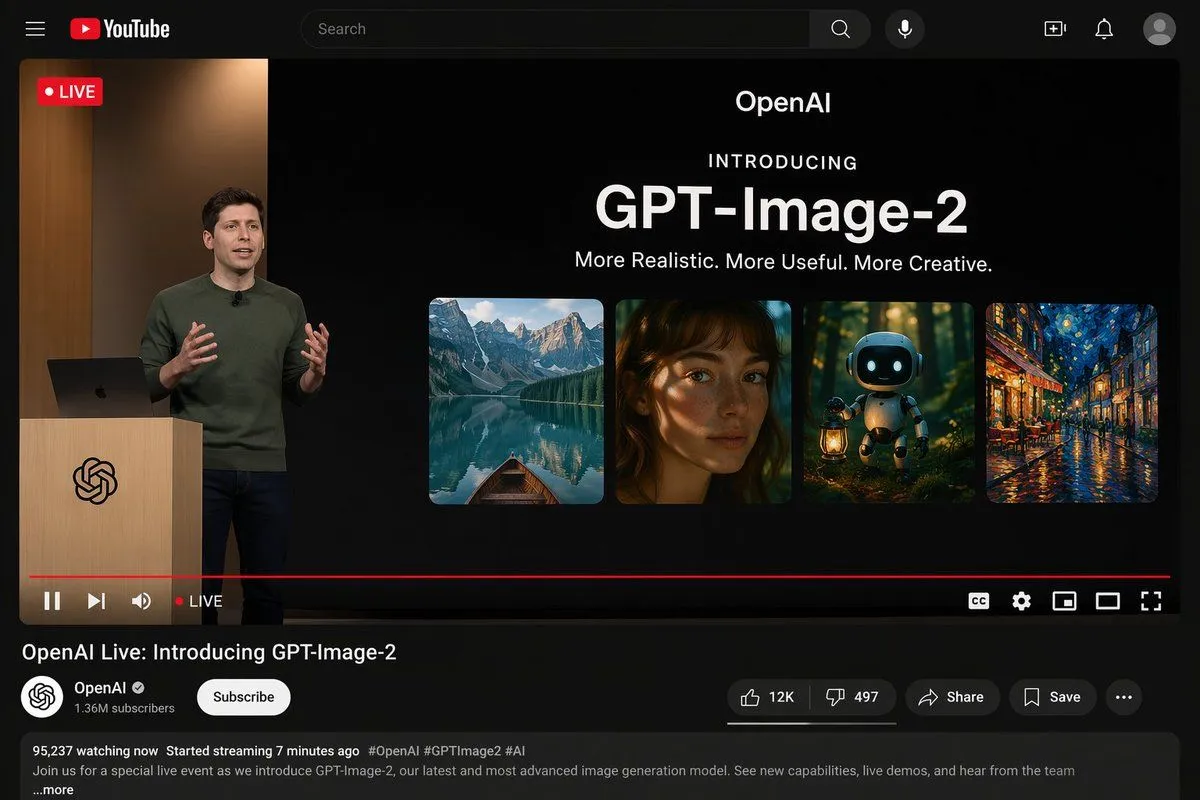
    • YouTube Live Presentation UI Mockup
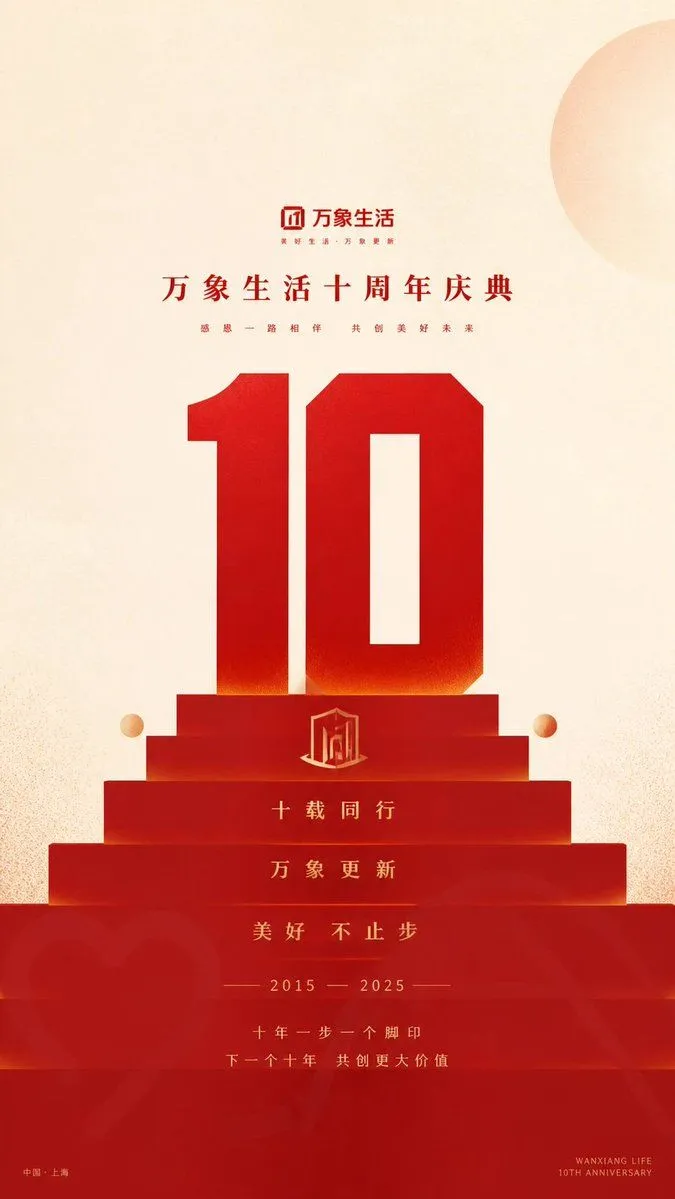
    • Geometric Milestone Celebration Poster
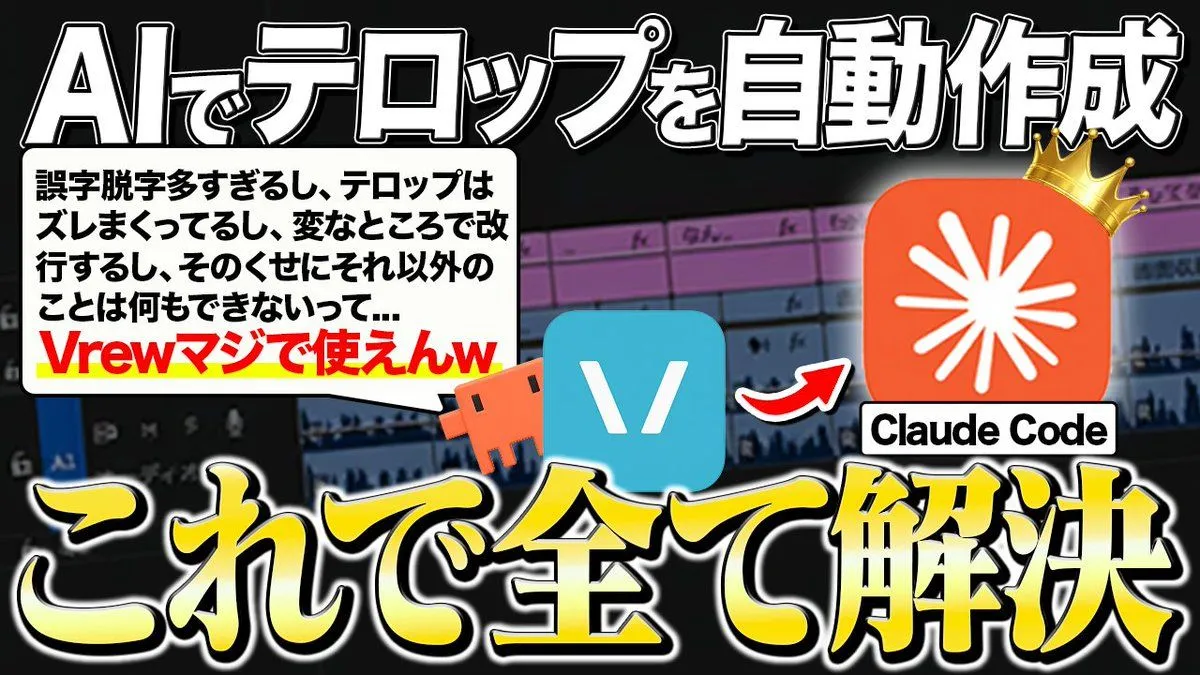
    • Japanese AI Telop Thumbnail
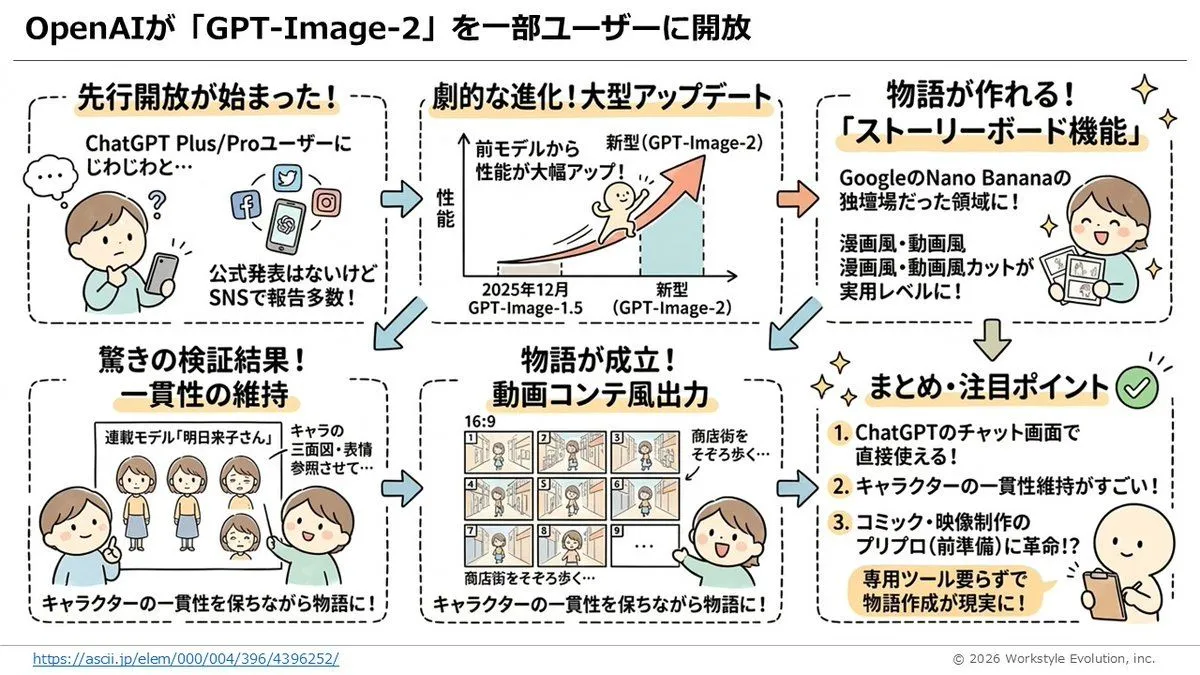
    • Storyboard Grid Generator

    Show more

    Run it on your phone

    1. Prompt copiedRead it

      Use case: ui-mockup. Asset type: premium brandless Microsoft 365 / Fluent-inspired modular productivity interface showcase. Create a precise 3:4 portrait composition on a solid opaque warm-white background. The final raster must be fully flattened RGB with no alpha channel and no transparent canvas. Arrange thick rounded UI cards from an oblique top-down view, floating at different heights and overlapping like physical tiles. Center the largest white cloud-storage card with “Cloud 8 GB”, blue and orange storage bars, “Mail 0.7 GB”, “Cloud 2.3 GB”, a three-dot menu and an overlapping “Upgrade storage” button. Surround it with an inbox card “Inbox 3 / Rita M. / Strategy for Mail”, a blue time pill “11:36”, mint “OKR 2026”, pink-purple “Design Review / 10:00—11:00”, mint “Meditation / 10–15 min practice” and a small lock control. Add a cobalt app tile with an abstract white loop glyph, a fictional adult curly-haired woman holding a red-and-white lollipop and a large-eared cat. Use thick white ceramic card bodies, frosted acrylic overlays, restrained elevation and soft shadows; cobalt, coral, cyan, mint, pink-purple and orange accents. Preserve dense diagonal flow and edge cropping. No Microsoft logo, no Office logo, no third-party logo, no watermark, no QR code, no real identities, no old dates, no gibberish.

    2. Open your app

    3. Paste and run

      Press and hold the message box, then tap Paste. Add your photo first if the prompt uses one. You may need to sign in.

    Microsoft 365 UI Mockup Prompt