Tell us anything

An idea, a bug, something you love. We read every note.

⌘↵ to send. The page you're on comes along.

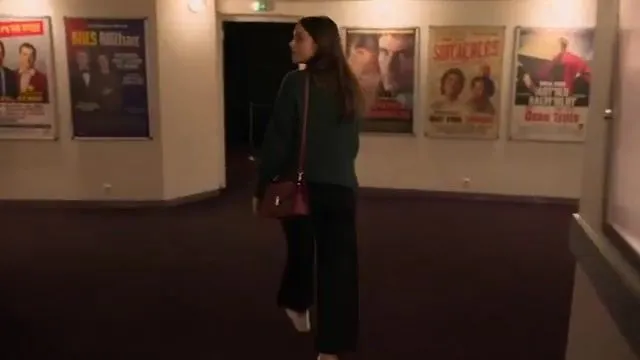
Lyon Movie Theater Handheld Footage

Made with Seedance 2.5 in Kling by Library Cinema. Promptclay never generates images.

Did it work?

No reports yet. Tell others if it worked for you.

No comments yet. Be the first.

    Lyon Movie Theater Handheld Footage

    Seedance 2.516:9AI-generated

    Prompt

    Create a 30-second ultra-realistic 16:9 1080p live-action video filmed like casual handheld footage by a friend using an older digital camera. A young French woman in her early 20s, with long naturally loose dark-brown hair, wears a dark green knit sweater, black wide-leg trousers, white sneakers, and carries a small burgundy handbag. Keep her face, identity, hairstyle, outfit, proportions, and handbag identical throughout. LOCATION: A small independent movie theater in Lyon, France, around 8:30 PM. The theater is almost completely empty. Red fabric seats, dark carpet, narrow aisles, dim wall lights, small ticket counter, fictional movie posters, projector-room window, and a quiet lobby. Use only fictional movie titles and posters. CAMERA: Raw handheld consumer-camera footage. Slight natural shake, imperfect framing, autofocus hunting, exposure adjustment, mild digital noise, natural motion blur and compression. No stabilization, cinematic bokeh, professional lighting, smooth tracking, or commercial/trailer aesthetic. 0–5s — EMPTY LOBBY Camera follows her through the nearly empty lobby. She looks around and quietly says, “We're really early.” She smiles and enters the screening room. 5–10s — FINDING A SEAT She walks down the aisle and chooses a middle seat. She sits naturally, compressing the fabric seat, and places her burgundy handbag beside her. 10–15s — PROJECTOR She looks toward the screen. A realistic projector beam cuts through the darkness, with dust visible only inside the beam. She looks at the camera and whispers, “Look at that.” Camera tilts slightly toward the projector. 15–20s — POPCORN She notices a half-empty popcorn bucket on a nearby empty seat. She picks it up, looks confused, and says, “Someone forgot this.” She places it on the floor beside the seat. 20–25s — LIGHTS DIM The theater lights suddenly become darker. The projector becomes brighter and softly illuminates her face. She looks around briefly, then settles into her seat. 25–30s — QUIET MOMENT Camera stays behind her shoulder as she watches the screen. Only soft fictional screen light illuminates her face. She briefly turns and smiles at the camera. Autofocus becomes slightly soft as the camera moves, then the video ends naturally. AUDIO: Natural theater ambience only—quiet footsteps, carpet movement, seat sounds, fabric movement, distant lobby sounds, projector fan, electrical hum, room echo, and quiet whispers. NO background music. Movie audio must be indistinct and completely original. REALISM: Physically accurate projector light, dust, shadows, seat compression, handbag deformation, hair and clothing movement, and screen illumination. No recognizable movie footage or dialogue. NEGATIVE PROMPT: CGI, animation, 3D render, plastic skin, beauty filter, face morphing, identity drift, extra fingers, malformed hands, duplicated people, floating objects, impossible lighting, fake projector beam, excessive HDR, oversaturation

    Works in
    Kling
    Status
    Free to copy
    0
    DetailsVersions, settings and questions

    Written for

    What's in the prompt

    Subject
    Model
    Seedance 2.5

    If your face changes

    keep my face exactly the same

    Questions

    Does this work in the Kling app?
    Yes. Paste the prompt and attach your photo if it uses one.
    It changed my face. What do I do?
    Add "keep my face exactly the same" to the end and run it again.
    Can I use the images I make?
    Check the terms of the app you use. Promptclay never generates images and claims nothing you make.
    Similar prompts

    See more
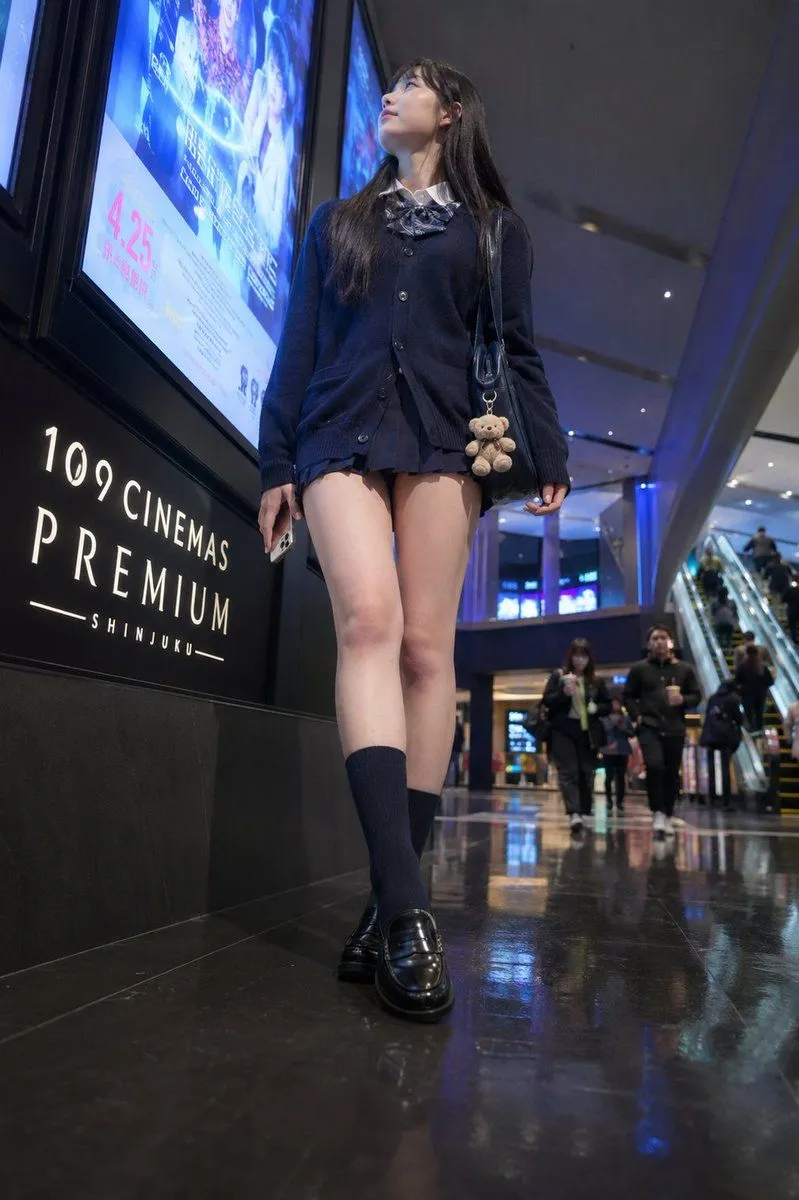
    • Cinema Lobby School-Inspired Fashion Photo
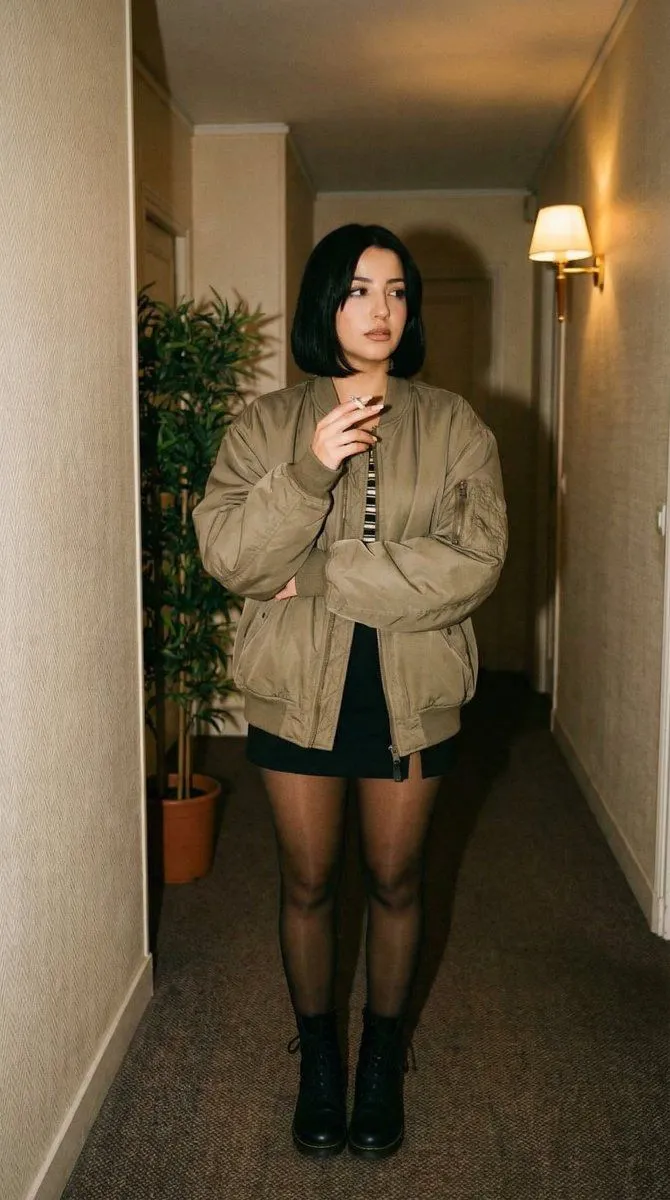
    • Cinematic Poster Still: 90s Urban Drama (Mathilda Inspired)
    • Accidental iPhone Front Camera Selfie
    • Cinematic Entrance Prompt for a Boss CharacterVideo, 0:10
    • Cinematic Night Café Subject
    • Convenience Store Cinematic Portrait
    • Cinematic Low-Light Night Portrait
    • Radio Booth Studio Portrait
    • Existential Cinematic Solitude Film Still
    • Cinematic Close-up of Pensive Woman
    • Grok Imagine Video Prompt: Wow! Logo ApparitionVideo, 0:16
    • Dreamy IMAX Portrait with Colored Gels
    • Cinematic Motion Blur Street Portrait Prompt
    • Moody Thriller Bedroom Laptop Scene
    • Ultimate Weapon Mastery Cinematic Pose Prompt
    • Neo-noir psychological thriller movie poster
    • Dystopian Sci-Fi Wasteland Film Still
    • Sunlight Contours Indoor Portrait
    • Animated version 3d blender
    • Bloom in Silence Portrait Poster
    • Monochromatic Watercolor Portrait Illustration
    • Relaxed Woman on Sofa Sketch
    • Silk Camisole Lingerie Poster
    • Vintage Studio Portrait with Identity Preservation Prompt

    Show more

    Run it on your phone

    1. Prompt copiedRead it

      Create a 30-second ultra-realistic 16:9 1080p live-action video filmed like casual handheld footage by a friend using an older digital camera. A young French woman in her early 20s, with long naturally loose dark-brown hair, wears a dark green knit sweater, black wide-leg trousers, white sneakers, and carries a small burgundy handbag. Keep her face, identity, hairstyle, outfit, proportions, and handbag identical throughout. LOCATION: A small independent movie theater in Lyon, France, around 8:30 PM. The theater is almost completely empty. Red fabric seats, dark carpet, narrow aisles, dim wall lights, small ticket counter, fictional movie posters, projector-room window, and a quiet lobby. Use only fictional movie titles and posters. CAMERA: Raw handheld consumer-camera footage. Slight natural shake, imperfect framing, autofocus hunting, exposure adjustment, mild digital noise, natural motion blur and compression. No stabilization, cinematic bokeh, professional lighting, smooth tracking, or commercial/trailer aesthetic. 0–5s — EMPTY LOBBY Camera follows her through the nearly empty lobby. She looks around and quietly says, “We're really early.” She smiles and enters the screening room. 5–10s — FINDING A SEAT She walks down the aisle and chooses a middle seat. She sits naturally, compressing the fabric seat, and places her burgundy handbag beside her. 10–15s — PROJECTOR She looks toward the screen. A realistic projector beam cuts through the darkness, with dust visible only inside the beam. She looks at the camera and whispers, “Look at that.” Camera tilts slightly toward the projector. 15–20s — POPCORN She notices a half-empty popcorn bucket on a nearby empty seat. She picks it up, looks confused, and says, “Someone forgot this.” She places it on the floor beside the seat. 20–25s — LIGHTS DIM The theater lights suddenly become darker. The projector becomes brighter and softly illuminates her face. She looks around briefly, then settles into her seat. 25–30s — QUIET MOMENT Camera stays behind her shoulder as she watches the screen. Only soft fictional screen light illuminates her face. She briefly turns and smiles at the camera. Autofocus becomes slightly soft as the camera moves, then the video ends naturally. AUDIO: Natural theater ambience only—quiet footsteps, carpet movement, seat sounds, fabric movement, distant lobby sounds, projector fan, electrical hum, room echo, and quiet whispers. NO background music. Movie audio must be indistinct and completely original. REALISM: Physically accurate projector light, dust, shadows, seat compression, handbag deformation, hair and clothing movement, and screen illumination. No recognizable movie footage or dialogue. NEGATIVE PROMPT: CGI, animation, 3D render, plastic skin, beauty filter, face morphing, identity drift, extra fingers, malformed hands, duplicated people, floating objects, impossible lighting, fake projector beam, excessive HDR, oversaturation

    2. Open your app

    3. Paste and run

      Press and hold the message box, then tap Paste. Add your photo first if the prompt uses one. You may need to sign in.