Tell us anything

An idea, a bug, something you love. We read every note.

⌘↵ to send. The page you're on comes along.

Luxury Product Video Tutorial

Made with Seedance 2.5 in Kling by Library Cinema. Promptclay never generates images.

Did it work?

No reports yet. Tell others if it worked for you.

No comments yet. Be the first.

    Luxury Product Video Tutorial

    Seedance 2.516:9AI-generated

    Prompt

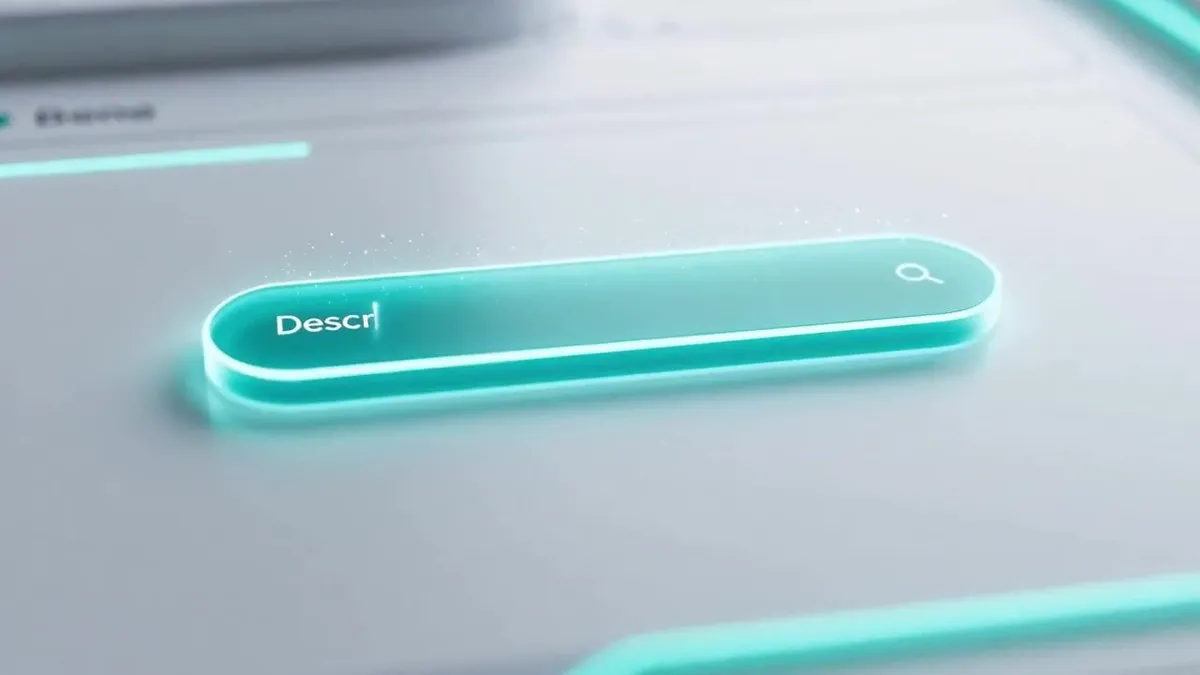
    Create a polished 12-second educational tutorial video in sleek modern minimalist style that clearly demonstrates exactly two steps for making a luxury product advertisement video on LartAI.\n\nStep 1: Slow push-in camera on a bright clean interface; a glowing cyan prompt box lights up as elegant text types itself letter by letter reading “Describe your luxury product in detail”, soft light particles float around the box.\n\nStep 2: A luminous circular Generate button pulses once and is activated; a thin progress ring fills smoothly, then a high-end crystal perfume bottle appears and slowly rotates under warm golden studio lights with sparkling reflections and gentle light flares.\n\nSmooth cross-dissolve transitions between the two steps, large bold centered text overlays “STEP 1” and “STEP 2”, soft ambient electronic background music, crisp white-and-cyan digital interface, professional instructional look, ultra-sharp 720p or higher, no real people or faces, rich surface details, cinematic depth of field and lighting.

    Works in
    Kling
    Status
    Free to copy
    0
    DetailsVersions, settings and questions

    Written for

    What's in the prompt

    Subject
    Model
    Seedance 2.5

    If your face changes

    keep my face exactly the same

    Questions

    Does this work in the Kling app?
    Yes. Paste the prompt and attach your photo if it uses one.
    It changed my face. What do I do?
    Add "keep my face exactly the same" to the end and run it again.
    Can I use the images I make?
    Check the terms of the app you use. Promptclay never generates images and claims nothing you make.
    Similar prompts

    See more
    • Neumorphic Glass UI Kit Board
    • Glassmorphism UI Component Kit
    • Cosmic Gravity Glass UI System
    • Smart Library Music App Concept
    • Futuristic Glass UI Product Banner
    • Nano Banana Pro for 4K Art and Research Agents
    • Japanese Google Homepage Screenshot
    • Ecosystem trophic levels infographic
    • AI Gallery Portrait UI Screenshot
    • Futuristic Neon Tic-Tac-Toe UI
    • GPT Image 2.5 Neon Glass Banner
    • Anime Style Ping Pong Match PromptVideo, 0:44
    • JSON Prompt Template for Text Rendering in AI Images
    • Futuristic Google Search Poster
    • Multi-Step Home Renovation Video Transition Prompt
    • Minimalistic Premium Website Landing Page Prompt
    • Cinematic Thread Archive Search Poster
    • Ani the xAI Companion PrototypeVideo, 0:06
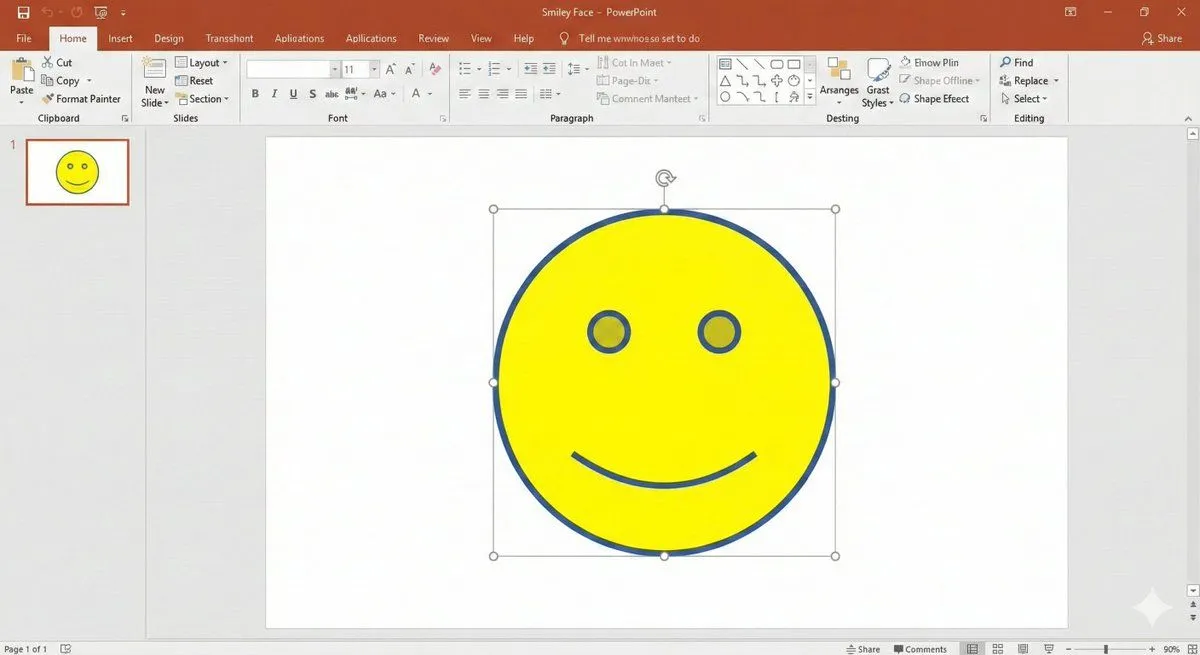
    • Nano Banana Pro PowerPoint Smile Mark Prompt
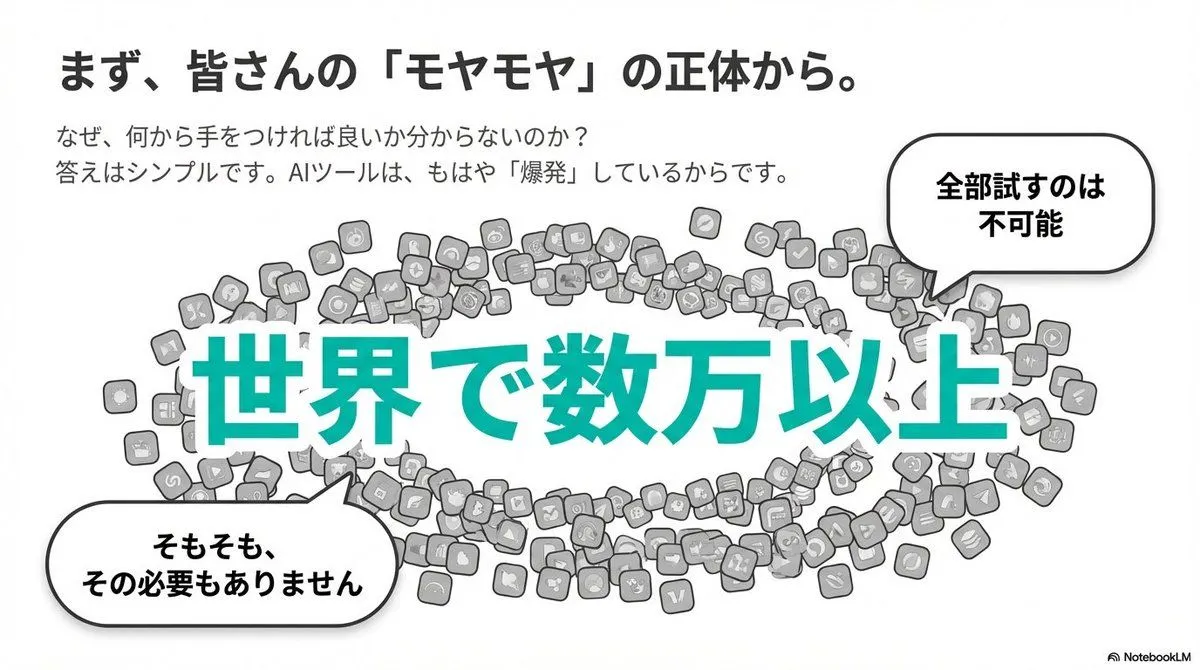
    • Clean flat slide design style guide for NotebookLM
    • Nano Banana Pro Pictogram Generation Prompt
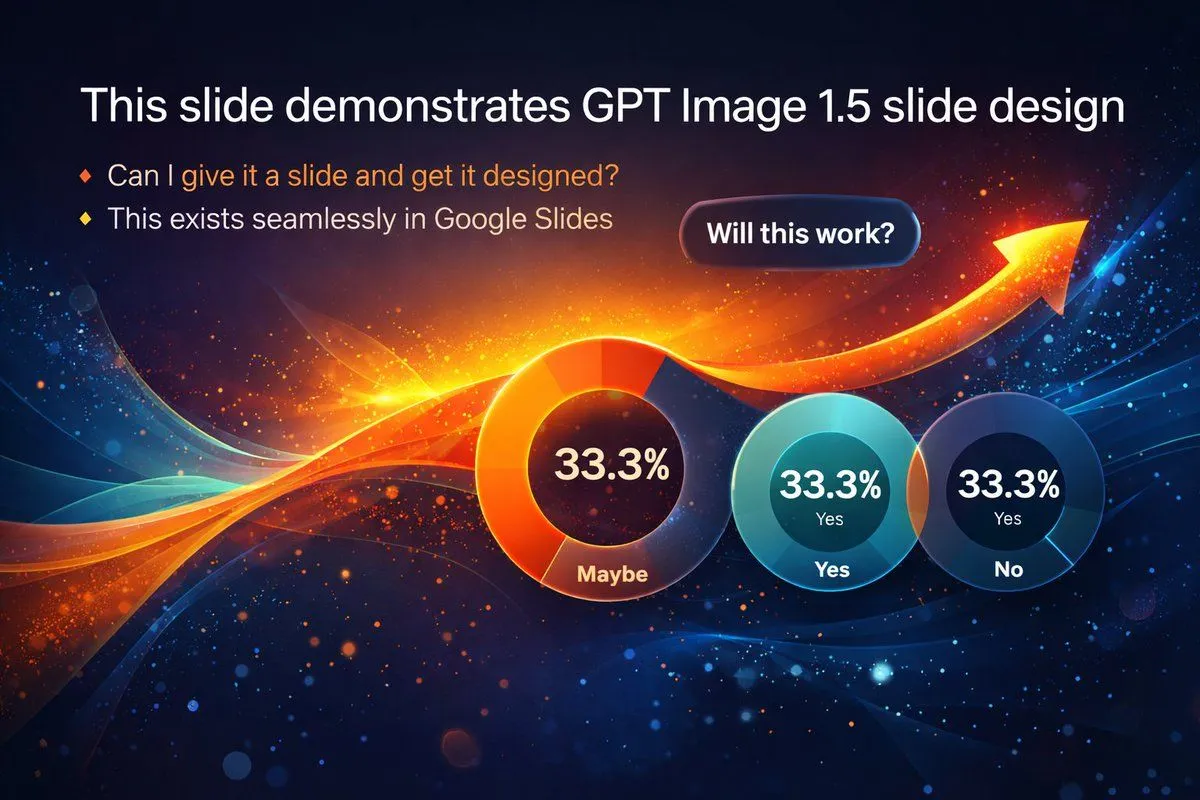
    • Visually Stunning Slide Generation from Content
    • Cyberpunk Flash Sale Landing Hero
    • Rainy Beijing Good Night Poster

    Show more

    Run it on your phone

    1. Prompt copiedRead it

      Create a polished 12-second educational tutorial video in sleek modern minimalist style that clearly demonstrates exactly two steps for making a luxury product advertisement video on LartAI.\n\nStep 1: Slow push-in camera on a bright clean interface; a glowing cyan prompt box lights up as elegant text types itself letter by letter reading “Describe your luxury product in detail”, soft light particles float around the box.\n\nStep 2: A luminous circular Generate button pulses once and is activated; a thin progress ring fills smoothly, then a high-end crystal perfume bottle appears and slowly rotates under warm golden studio lights with sparkling reflections and gentle light flares.\n\nSmooth cross-dissolve transitions between the two steps, large bold centered text overlays “STEP 1” and “STEP 2”, soft ambient electronic background music, crisp white-and-cyan digital interface, professional instructional look, ultra-sharp 720p or higher, no real people or faces, rich surface details, cinematic depth of field and lighting.

    2. Open your app

    3. Paste and run

      Press and hold the message box, then tap Paste. Add your photo first if the prompt uses one. You may need to sign in.