Tell us anything

An idea, a bug, something you love. We read every note.

⌘↵ to send. The page you're on comes along.

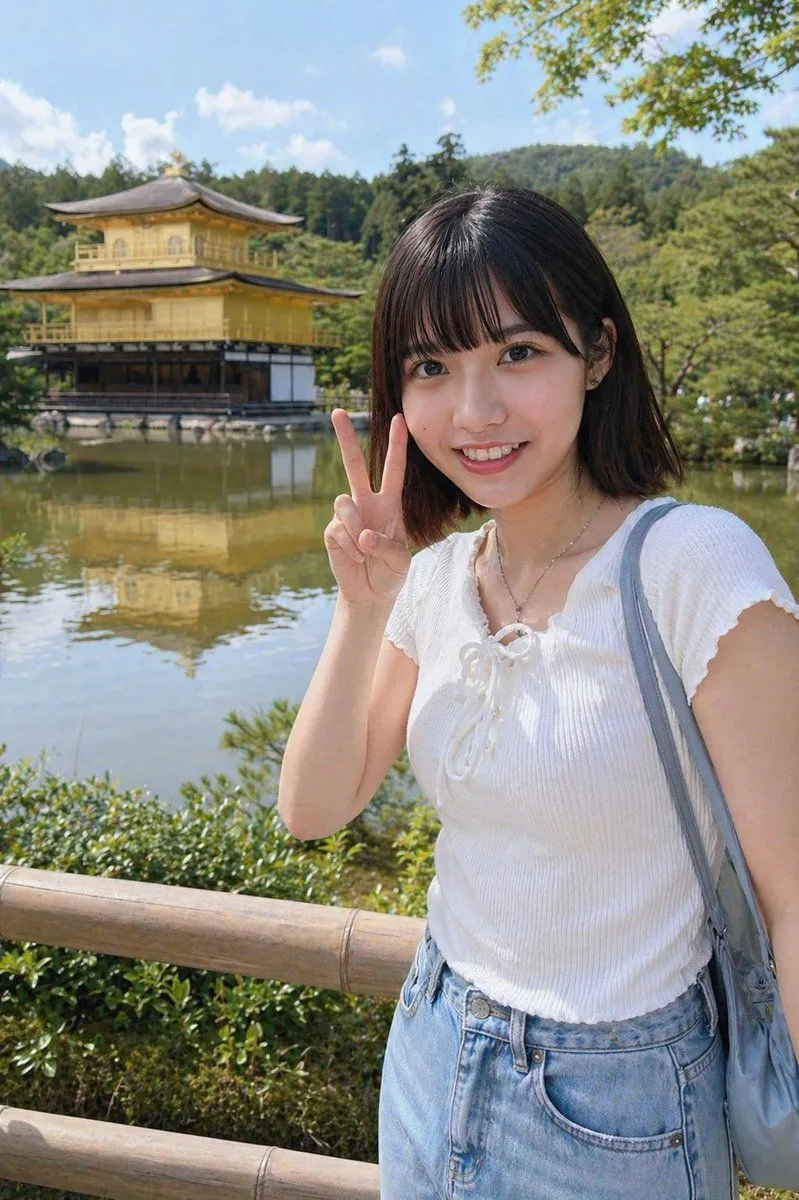
Kyoto Tourist Photo Edit

Made with GPT Image 2 in ChatGPT by Library Lifestyle. Promptclay never generates images.

Did it work?

No reports yet. Tell others if it worked for you.

No comments yet. Be the first.

    Kyoto Tourist Photo Edit

    GPT Image 22:3AI-generated

    Prompt

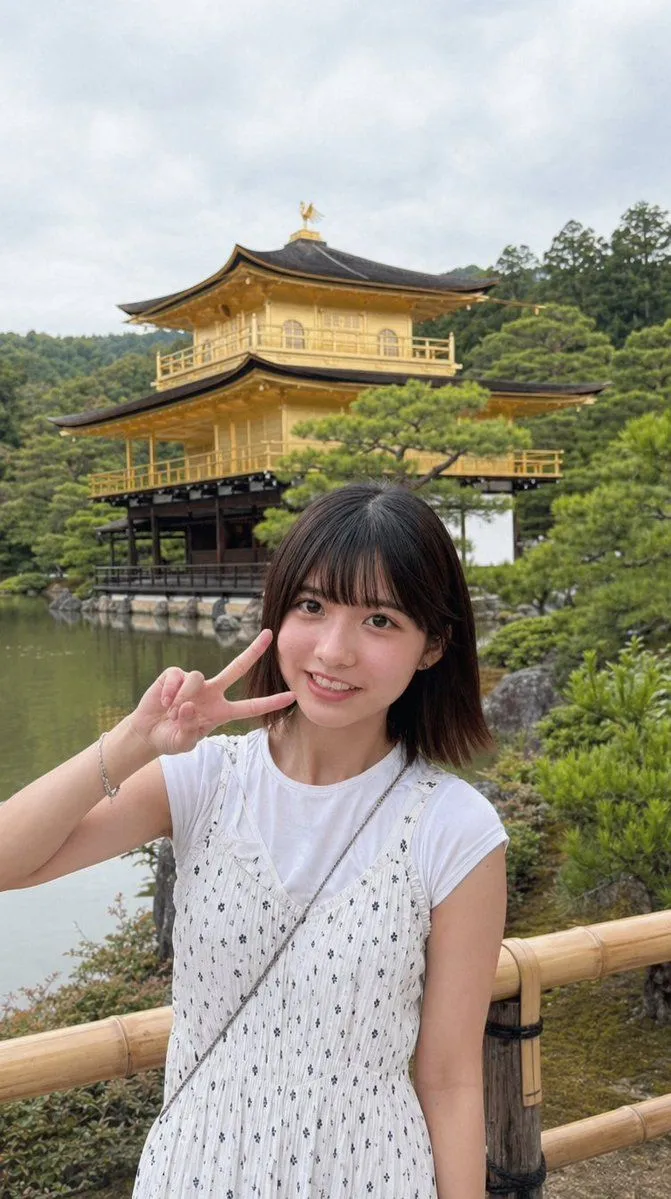
    Using the provided reference image, turn the same person into a realistic outdoor travel snapshot in Kyoto. Replace the indoor arcade/claw-machine background with Kinkaku-ji (the Golden Pavilion) beside a reflective pond, with green trees, blue sky, distant wooded hills, and a wooden fence in the foreground. Keep the face obscured with the same rectangular blur/censor block. Change the outfit to a white short-sleeve ribbed knit top with a lace-up neckline, light blue high-waisted denim bottoms, a thin necklace, and a gray-blue shoulder bag. Repose her so she is standing near the fence and holding up 1 peace sign with her right hand beside her face. Bright natural midday sunlight, casual smartphone tourist photo, realistic proportions, soft depth of field.

    Works in
    ChatGPT, Gemini
    Status
    Free to copy
    0
    DetailsVersions, settings and questions

    Written for

    What's in the prompt

    Subject
    Model
    GPT Image 2

    If your face changes

    keep my face exactly the same

    Questions

    Does this work in the ChatGPT app?
    Yes. Paste the prompt and attach your photo if it uses one.
    It changed my face. What do I do?
    Add "keep my face exactly the same" to the end and run it again.
    Can I use the images I make?
    Check the terms of the app you use. Promptclay never generates images and claims nothing you make.
    Similar prompts

    See more
    • Arcade Portrait to Kyoto Travel Photo
    • Japanese Travel Photo Prompts (Tokyo & Theme Park)
    • Seamless 360° Cinematic Rotation Match-Cut Video PromptVideo, 0:15
    • Coordinate-Based Tourism Magazine Cover
    • Realistic Friends Trip Selfie at Lake Ashi
    • Photorealistic Japanese Female Influencer in Hot Spring
    • Warm Lakeside Travel Selfie
    • Realistic City Selfie
    • Playful Selfie Portrait with Peace Sign (JSON)
    • Ultra-Photorealistic Candid Smartphone Selfie Prompt
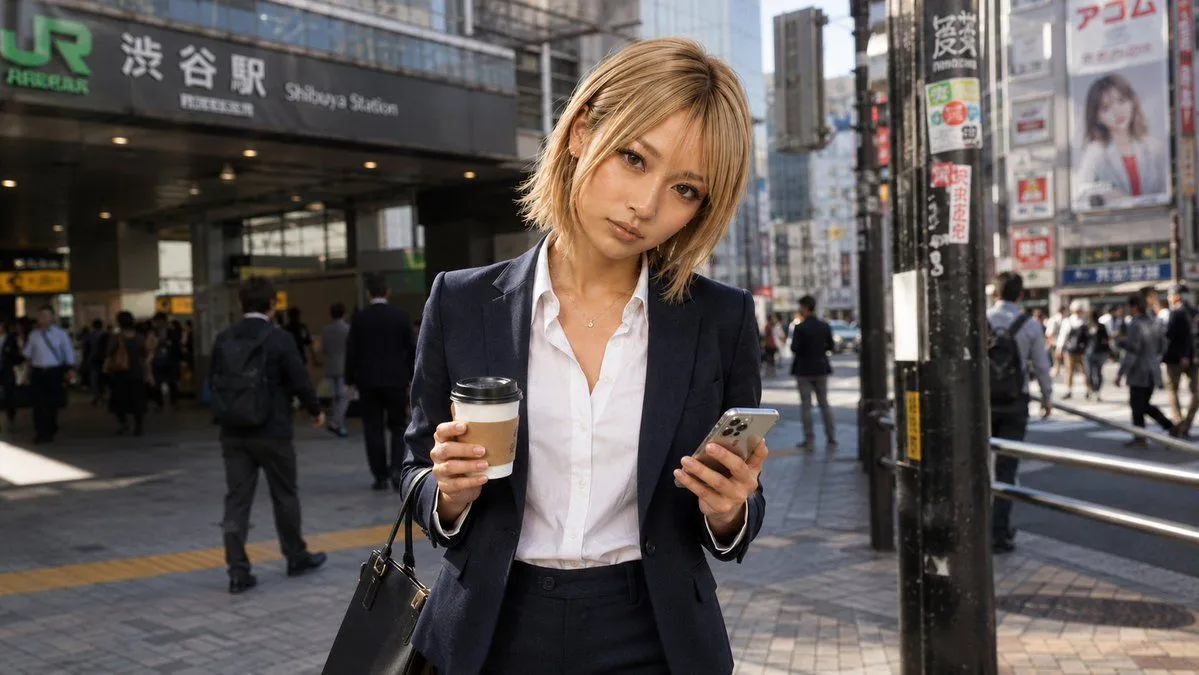
    • Businesswoman at Shibuya Station
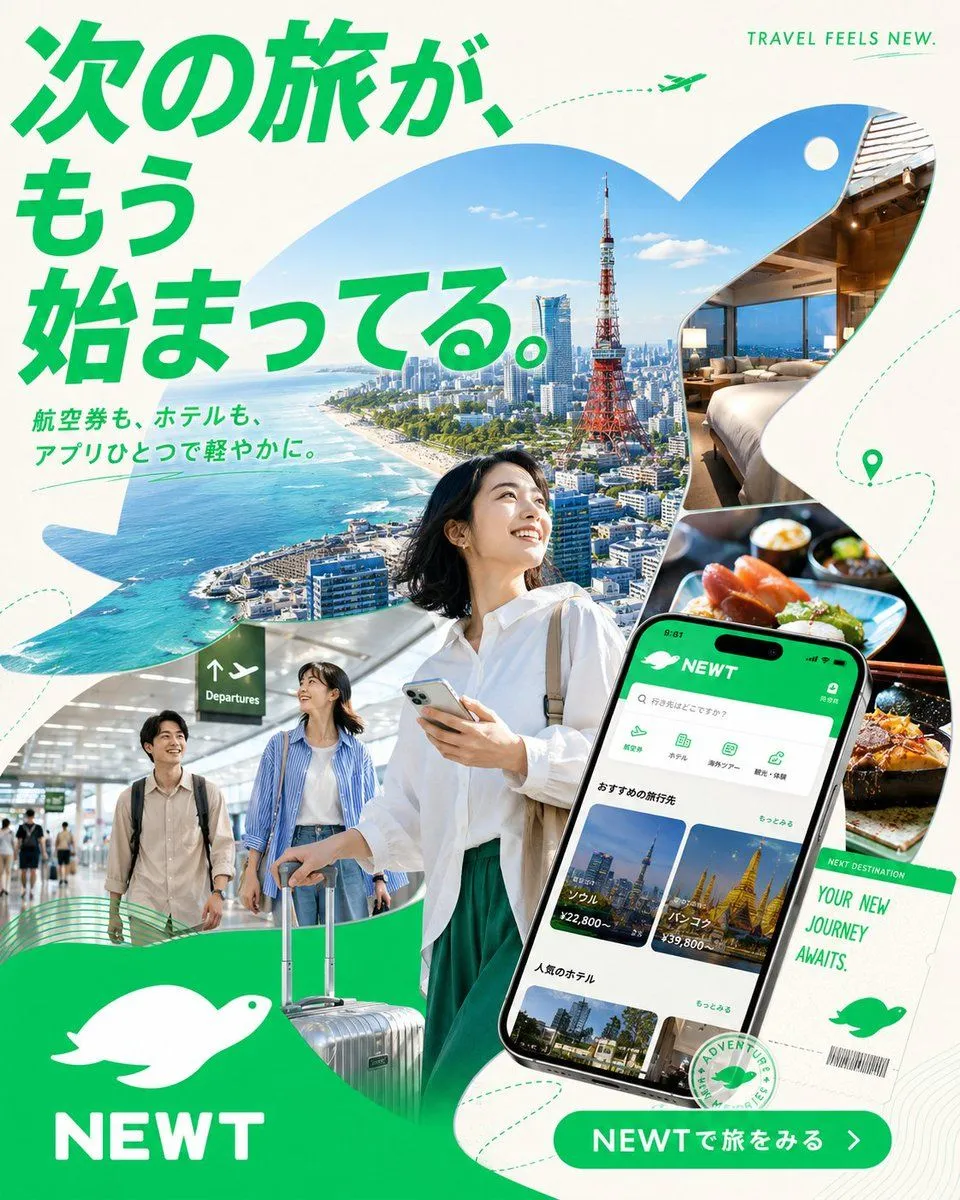
    • Japanese NEWT Travel App Poster
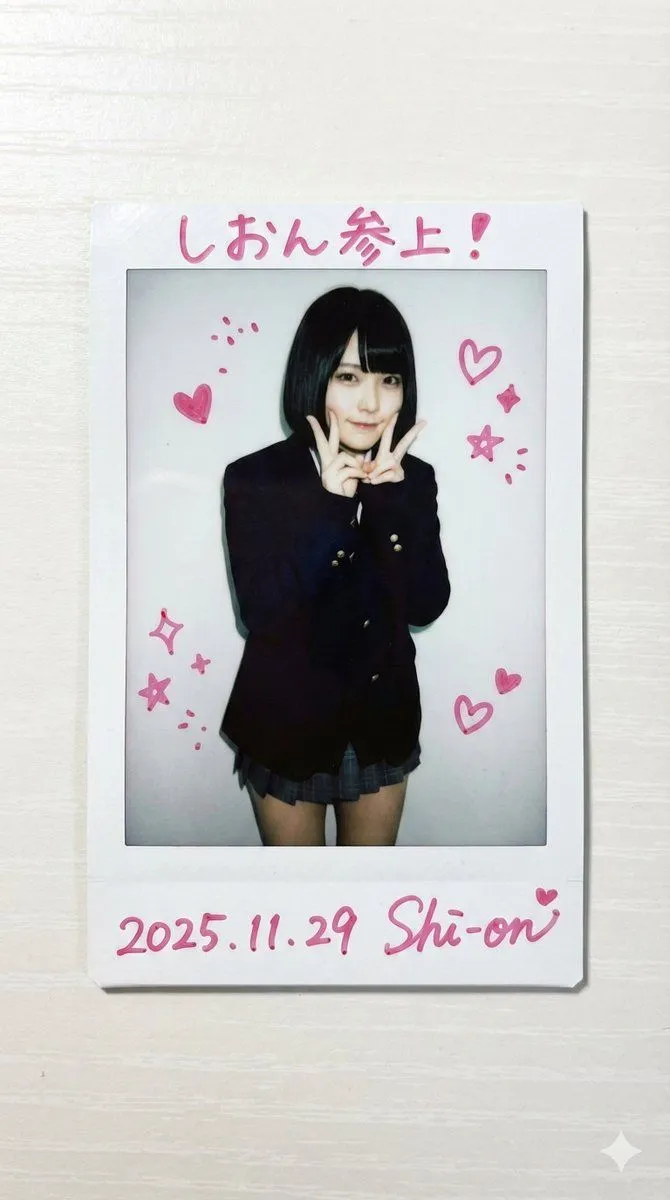
    • Cheki-style idol photo prompt using a reference person
    • Minimalist Line Art Travel Poster
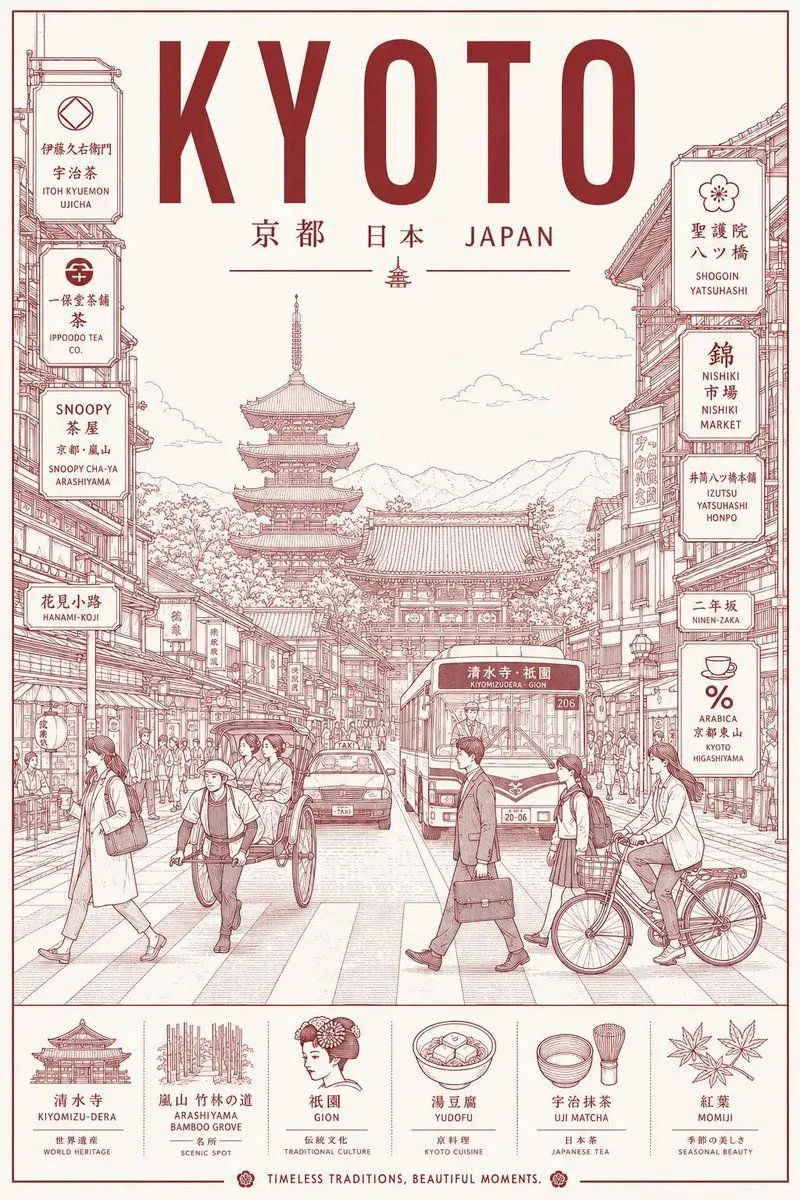
    • Vintage Kyoto Travel Poster
    • Candid Street Fashion Snapshot
    • Gothic Catgirl Cosplay Dressing Room
    • Photorealistic Summer Poolside Portrait
    • Quiet Girl With Playful Doodle Shadow
    • Rooftop Bar Night Cityscape Couple
    • Shanghai Shikumen Rooftop Night Portrait
    • Skateboarding Girl in Traditional Sari
    • Summer Beach Swimsuit Side Portrait
    • Urban Night Portrait by Radio Tower

    Show more

    Run it on your phone

    1. Prompt copiedRead it

      Using the provided reference image, turn the same person into a realistic outdoor travel snapshot in Kyoto. Replace the indoor arcade/claw-machine background with Kinkaku-ji (the Golden Pavilion) beside a reflective pond, with green trees, blue sky, distant wooded hills, and a wooden fence in the foreground. Keep the face obscured with the same rectangular blur/censor block. Change the outfit to a white short-sleeve ribbed knit top with a lace-up neckline, light blue high-waisted denim bottoms, a thin necklace, and a gray-blue shoulder bag. Repose her so she is standing near the fence and holding up 1 peace sign with her right hand beside her face. Bright natural midday sunlight, casual smartphone tourist photo, realistic proportions, soft depth of field.

    2. Open your app

    3. Paste and run

      Press and hold the message box, then tap Paste. Add your photo first if the prompt uses one. You may need to sign in.

    Kyoto Tourist Photo Edit