Tell us anything

An idea, a bug, something you love. We read every note.

⌘↵ to send. The page you're on comes along.

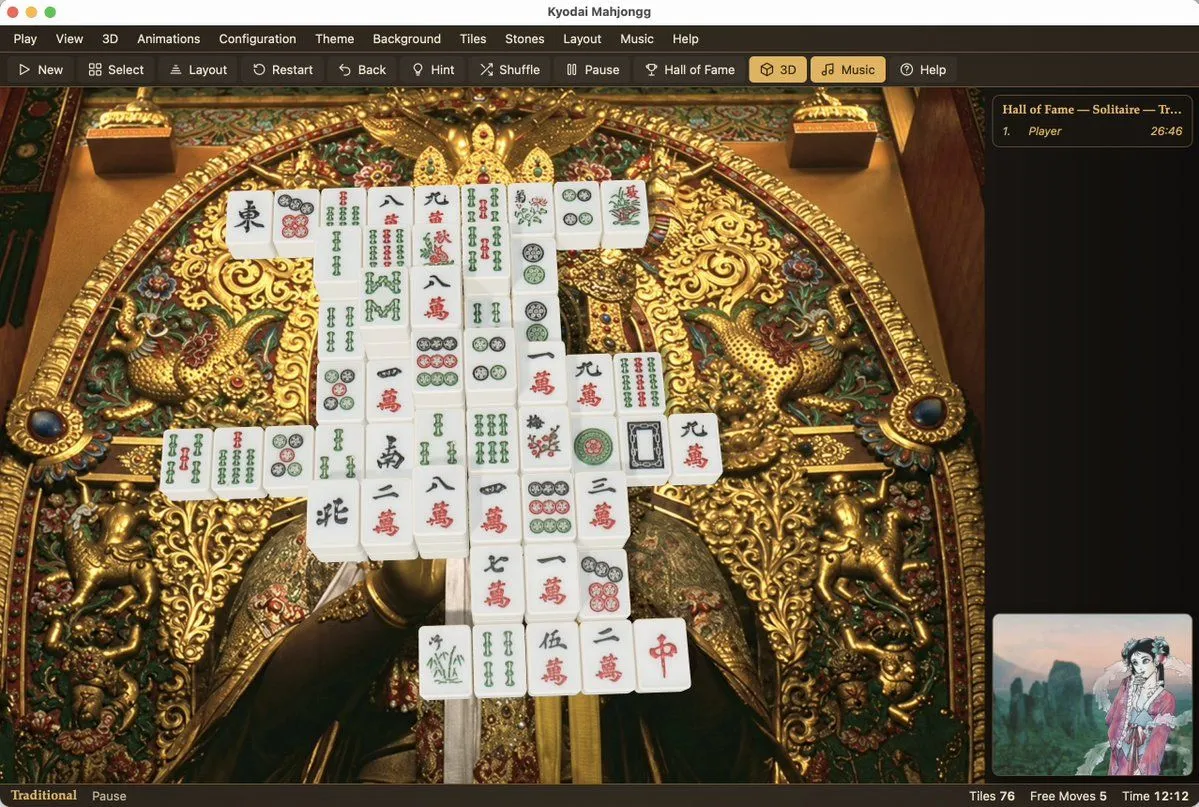
Kyodai Mahjongg Game Interface

Made with GPT Image 2.5 in ChatGPT by Library Game Art. Promptclay never generates images.

Did it work?

No reports yet. Tell others if it worked for you.

No comments yet. Be the first.

    Kyodai Mahjongg Game Interface

    GPT Image 2.53:2AI-generated

    Prompt

    Goal: Create a photorealistic, high-resolution screenshot of the 'Kyodai Mahjongg' game interface running on macOS. Canvas: A wide desktop window with a dark grey title bar and menu strip at the top. Layout: The main play area occupies the center-left. A sidebar for 'Hall of Fame' is on the right. A small preview thumbnail is in the bottom-right corner. A status bar runs along the very bottom. Visual style: Photorealistic rendering of physical objects (mahjong tiles) against a highly detailed, ornate background. The lighting should be soft and realistic, highlighting the texture of the gold carvings and the smooth surface of the tiles. Subject details: - Background: An extremely intricate, golden Japanese-style carving or tapestry featuring mythical creatures (dragons/phoenixes), floral patterns, and deep relief textures. It looks like a museum artifact. - Tiles: A pyramid-like stack of white mahjong tiles with traditional red, green, and black engravings (characters, bamboo, circles). They are arranged in a specific solitaire layout. - UI Elements: Standard macOS traffic light buttons (red, yellow, green) in the top left. Menu items: Play, View, 3D, Animations, Configuration, Theme, Background, Tiles, Stones, Layout, Music, Help. Toolbar icons below that. Text content: Title bar reads "Kyodai Mahjongg". Sidebar header reads "Hall of Fame — Solitaire — Tr...". Bottom status bar reads "Traditional", "Pause", "Tiles 76", "Free Moves 5", "Time 12:12".

    Works in
    ChatGPT, Gemini
    Status
    Free to copy
    0
    DetailsVersions, settings and questions

    Written for

    What's in the prompt

    Subject
    Model
    GPT Image 2.5

    If your face changes

    keep my face exactly the same

    Questions

    Does this work in the ChatGPT app?
    Yes. Paste the prompt and attach your photo if it uses one.
    It changed my face. What do I do?
    Add "keep my face exactly the same" to the end and run it again.
    Can I use the images I make?
    Check the terms of the app you use. Promptclay never generates images and claims nothing you make.
    Similar prompts

    See more
    • Arcane Siege Mobile Deck UI
    • Tower defense mobile app design mockup grid
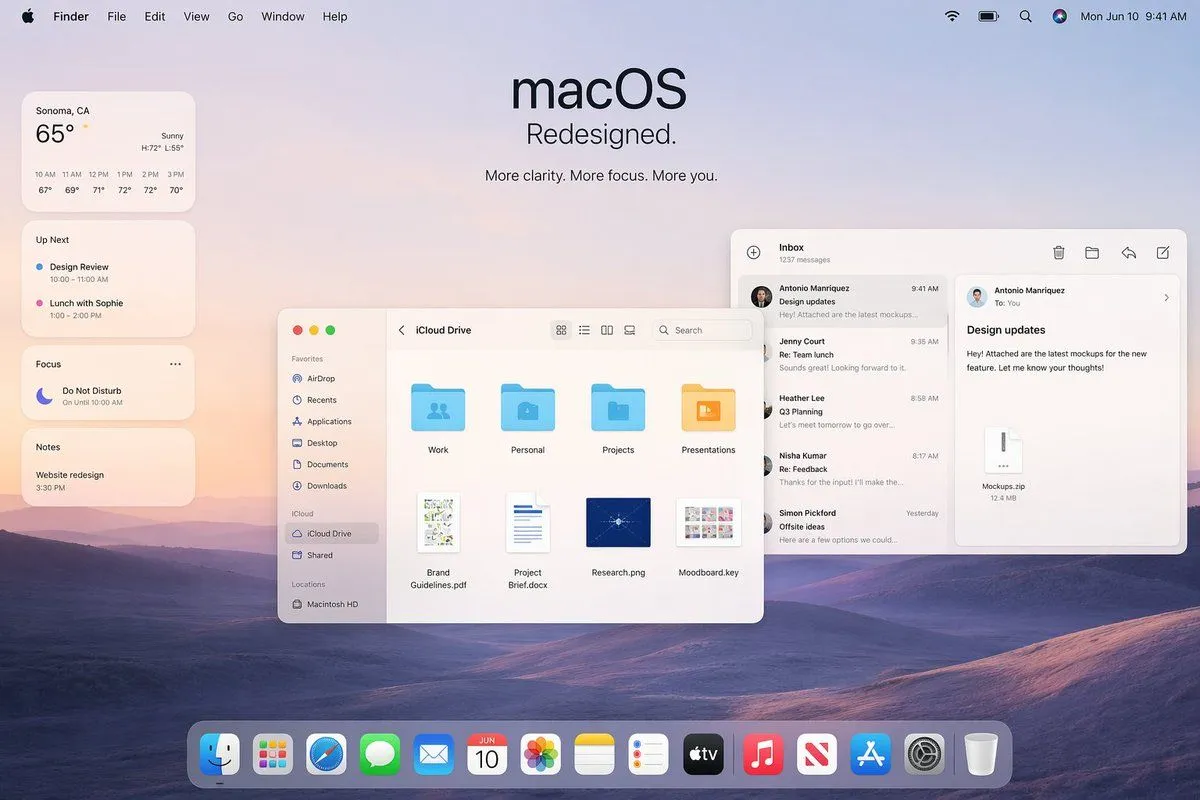
    • Apple macOS Redesign Promo Mockup
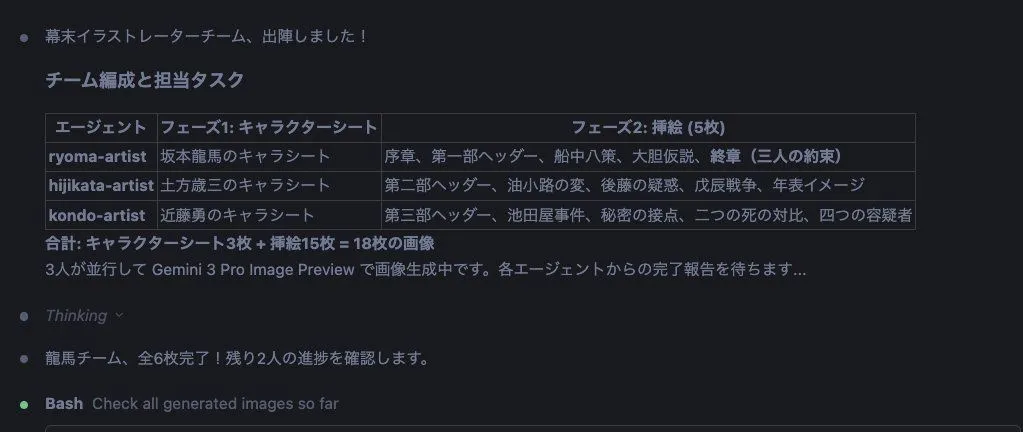
    • Character Sheet and Illustration Generation for Bakumatsu Agents
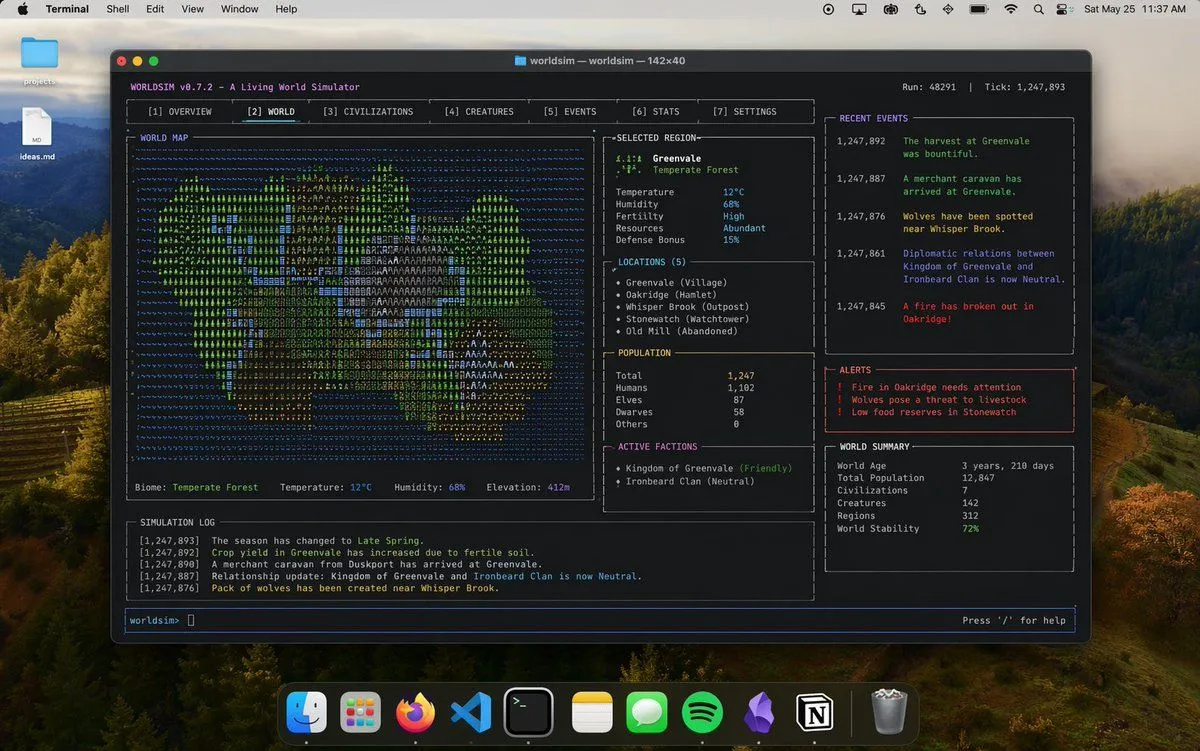
    • Mac Terminal World Sim UI
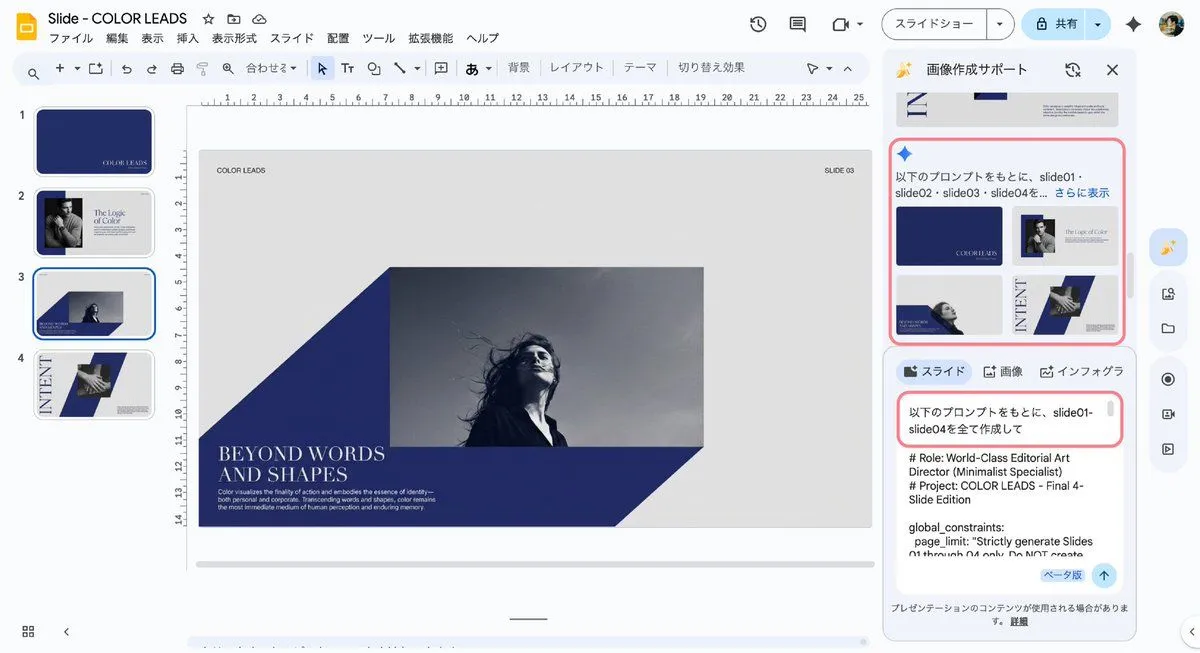
    • Multi-Slide Document Generation with Nano Banana and NotebookLM
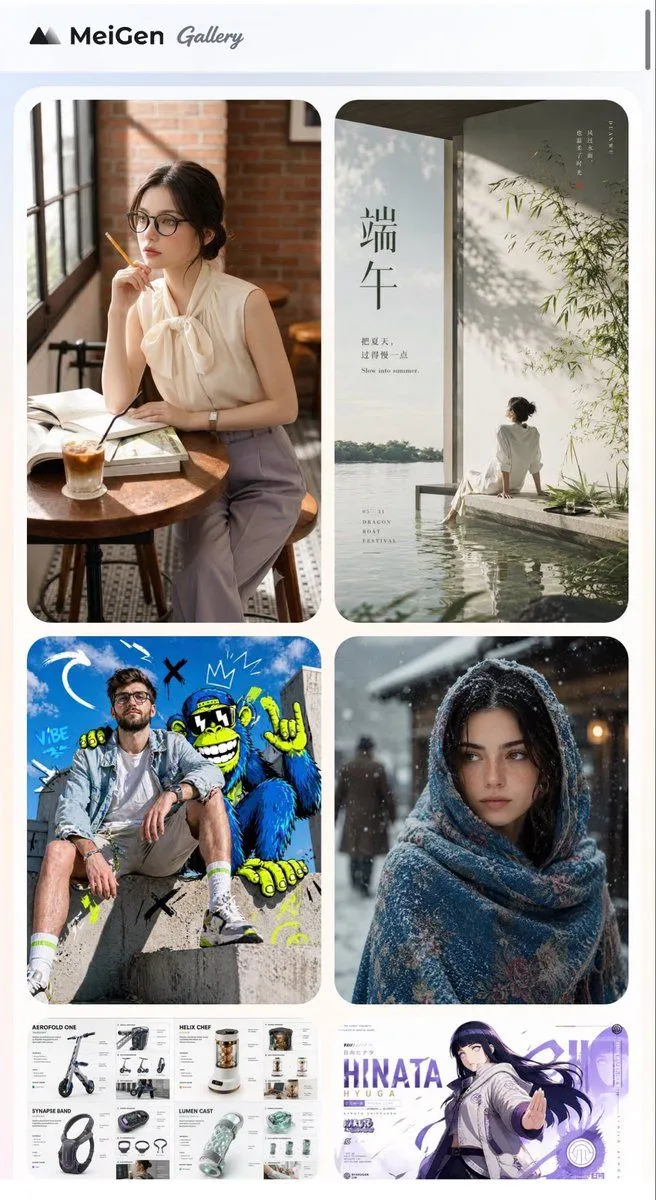
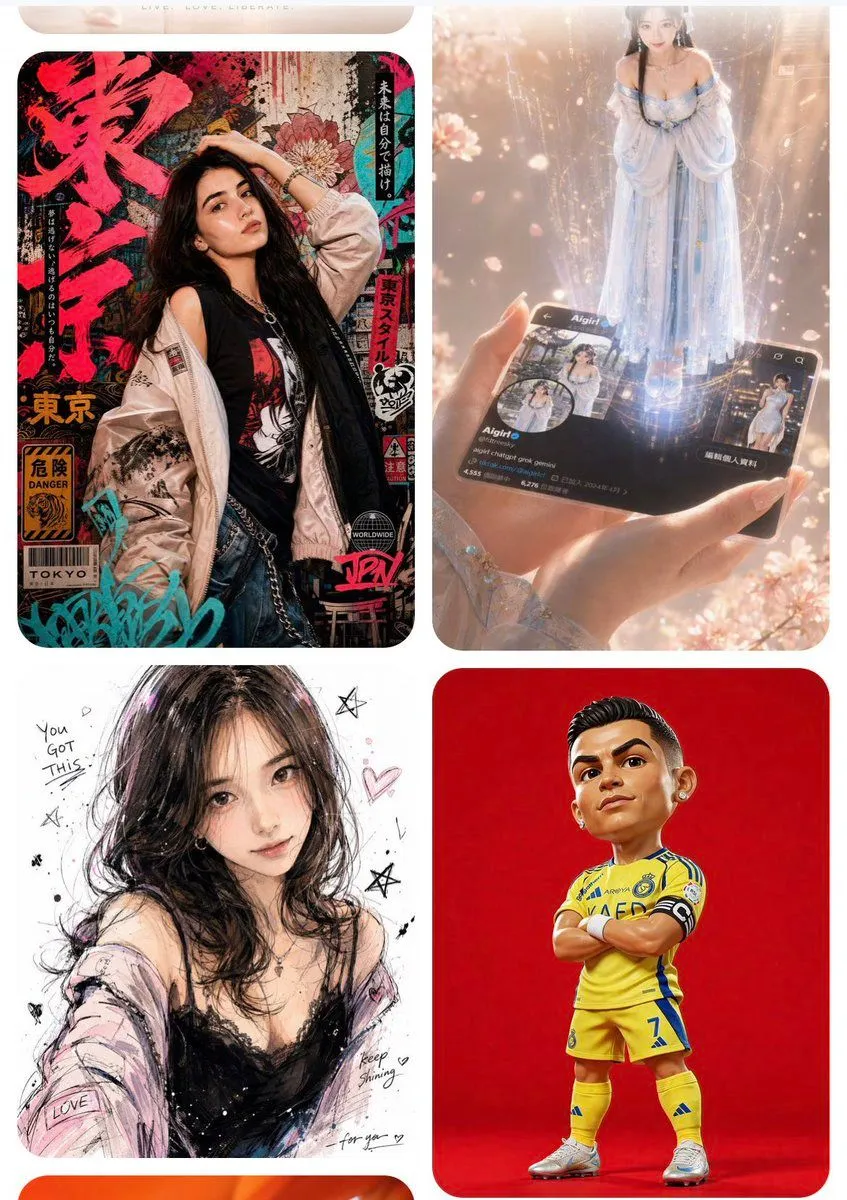
    • MeiGen AI Gallery Mobile Screenshot
    • AI Inspiration Gallery Grid
    • Logo generation prompt for Nano Banana Pro
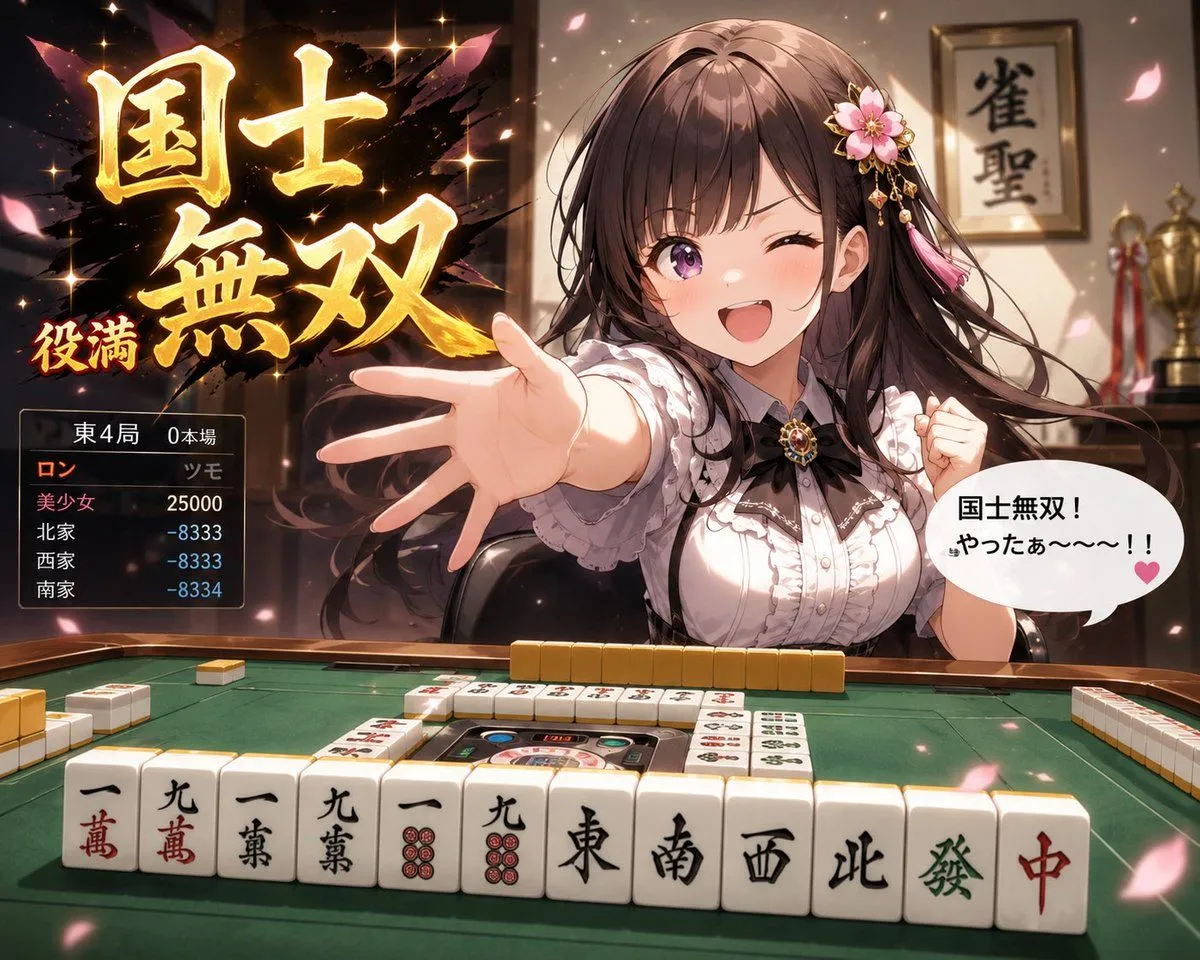
    • Anime Mahjong Yakuman Victory Scene
    • Cinematic Daisangen Mahjong Hand
    • World of Warcraft Style Raid
    • Chinese Palace Components Board
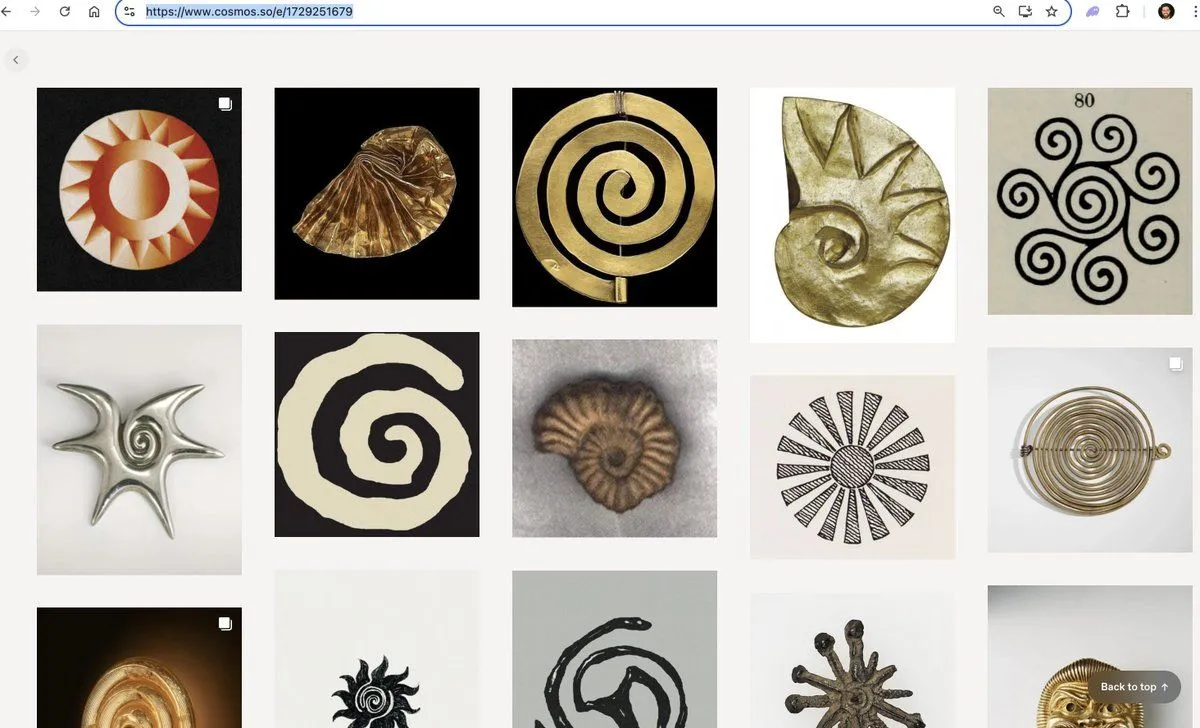
    • Book of Kells Restoration Comparison
    • Anime Mahjong Loss Consolation Scene
    • Seedance 2.0 Prompt for 'Card Check' Transition VideoVideo, 0:10
    • Tarot Celtic Cross Spread Reading Generation Prompt
    • Journey to the West Flying Chess prompt
    • Ancient Civilizations Innovation Bridge Image Generation Prompt
    • Cinematic Female Warrior Portrait Prompt
    • Chinese Guochao Warrior Portrait
    • Retro Pixel Industrial Travel Archive
    • Cinematic Temple Mandala DescentVideo, 0:08
    • Passport Odyssey Style Image Generation Prompt

    Show more

    Run it on your phone

    1. Prompt copiedRead it

      Goal: Create a photorealistic, high-resolution screenshot of the 'Kyodai Mahjongg' game interface running on macOS. Canvas: A wide desktop window with a dark grey title bar and menu strip at the top. Layout: The main play area occupies the center-left. A sidebar for 'Hall of Fame' is on the right. A small preview thumbnail is in the bottom-right corner. A status bar runs along the very bottom. Visual style: Photorealistic rendering of physical objects (mahjong tiles) against a highly detailed, ornate background. The lighting should be soft and realistic, highlighting the texture of the gold carvings and the smooth surface of the tiles. Subject details: - Background: An extremely intricate, golden Japanese-style carving or tapestry featuring mythical creatures (dragons/phoenixes), floral patterns, and deep relief textures. It looks like a museum artifact. - Tiles: A pyramid-like stack of white mahjong tiles with traditional red, green, and black engravings (characters, bamboo, circles). They are arranged in a specific solitaire layout. - UI Elements: Standard macOS traffic light buttons (red, yellow, green) in the top left. Menu items: Play, View, 3D, Animations, Configuration, Theme, Background, Tiles, Stones, Layout, Music, Help. Toolbar icons below that. Text content: Title bar reads "Kyodai Mahjongg". Sidebar header reads "Hall of Fame — Solitaire — Tr...". Bottom status bar reads "Traditional", "Pause", "Tiles 76", "Free Moves 5", "Time 12:12".

    2. Open your app

    3. Paste and run

      Press and hold the message box, then tap Paste. Add your photo first if the prompt uses one. You may need to sign in.

    Kyodai Mahjongg Game Interface