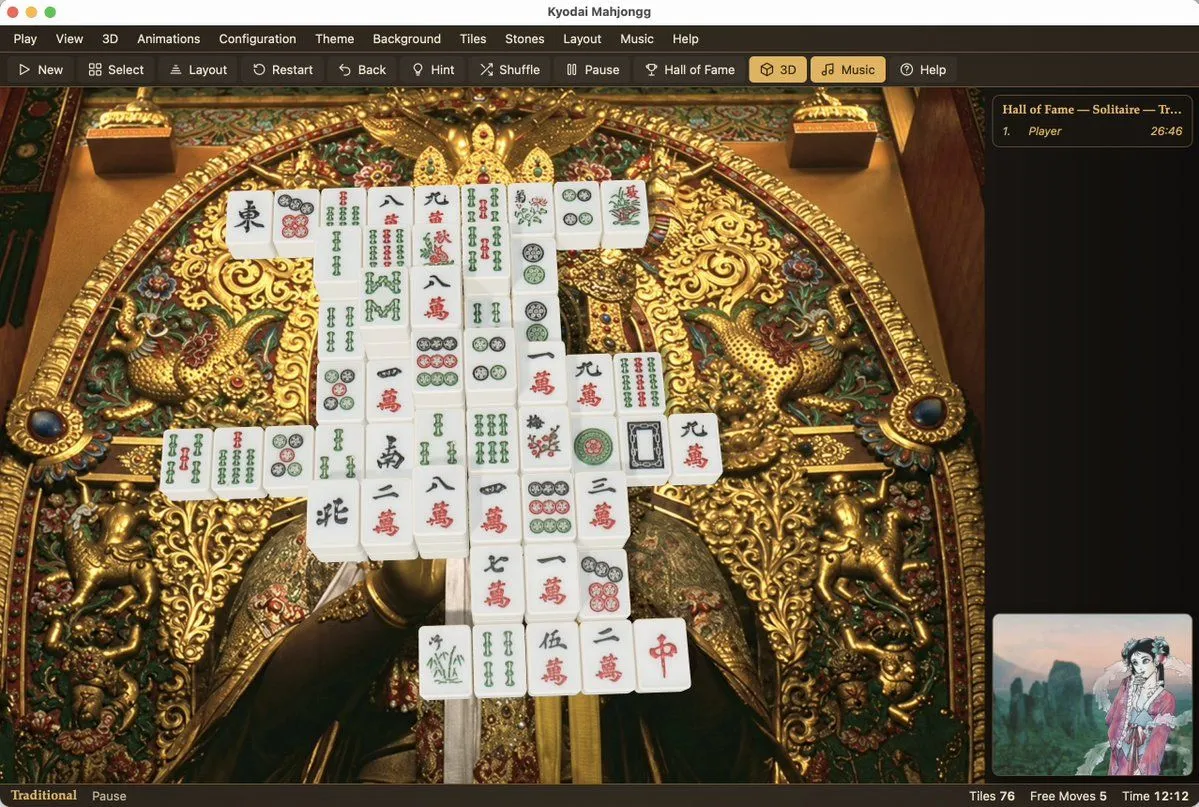
Kyodai Mahjongg Game Interface
Goal: Create a photorealistic, high-resolution screenshot of the 'Kyodai Mahjongg' game interface running on macOS. Canvas: A wide desktop window with a dark grey title bar and menu strip at the top. Layout: The main play area occupies the center-left. A sidebar for 'Hall of Fame' is on the right. A small preview thumbnail is in the bottom-right corner. A status bar runs along the very bottom. Visual style: Photorealistic rendering of physical objects (mahjong tiles) against a highly detailed, ornate background. The lighting should be soft and realistic, highlighting the texture of the gold carvings and the smooth surface of the tiles. Subject details: - Background: An extremely intricate, golden Japanese-style carving or tapestry featuring mythical creatures (dragons/phoenixes), floral patterns, and deep relief textures. It looks like a museum artifact. - Tiles: A pyramid-like stack of white mahjong tiles with traditional red, green, and black engravings (characters, bamboo, circles). They are arranged in a specific solitaire layout. - UI Elements: Standard macOS traffic light buttons (red, yellow, green) in the top left. Menu items: Play, View, 3D, Animations, Configuration, Theme, Background, Tiles, Stones, Layout, Music, Help. Toolbar icons below that. Text content: Title bar reads "Kyodai Mahjongg". Sidebar header reads "Hall of Fame — Solitaire — Tr...". Bottom status bar reads "Traditional", "Pause", "Tiles 76", "Free Moves 5", "Time 12:12".