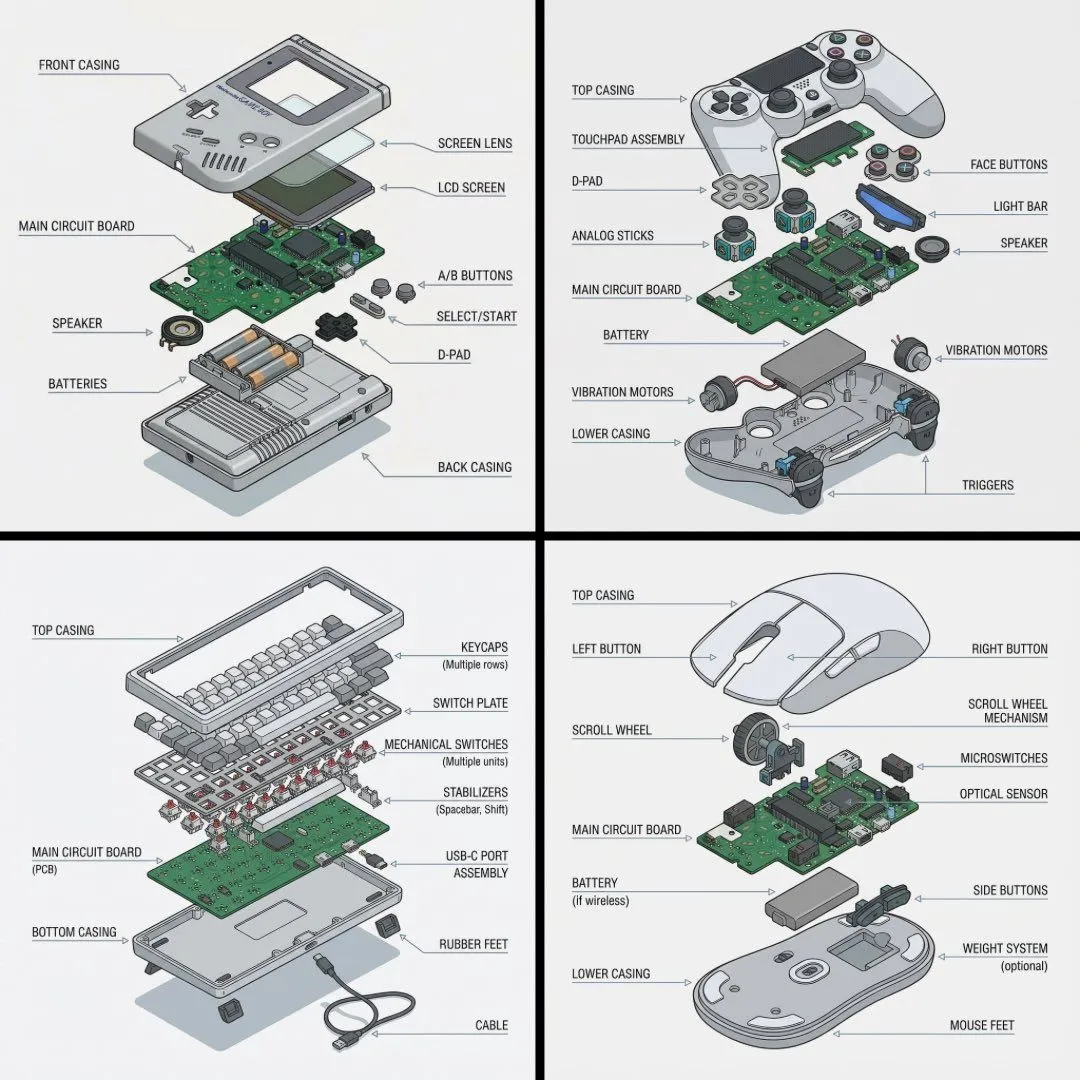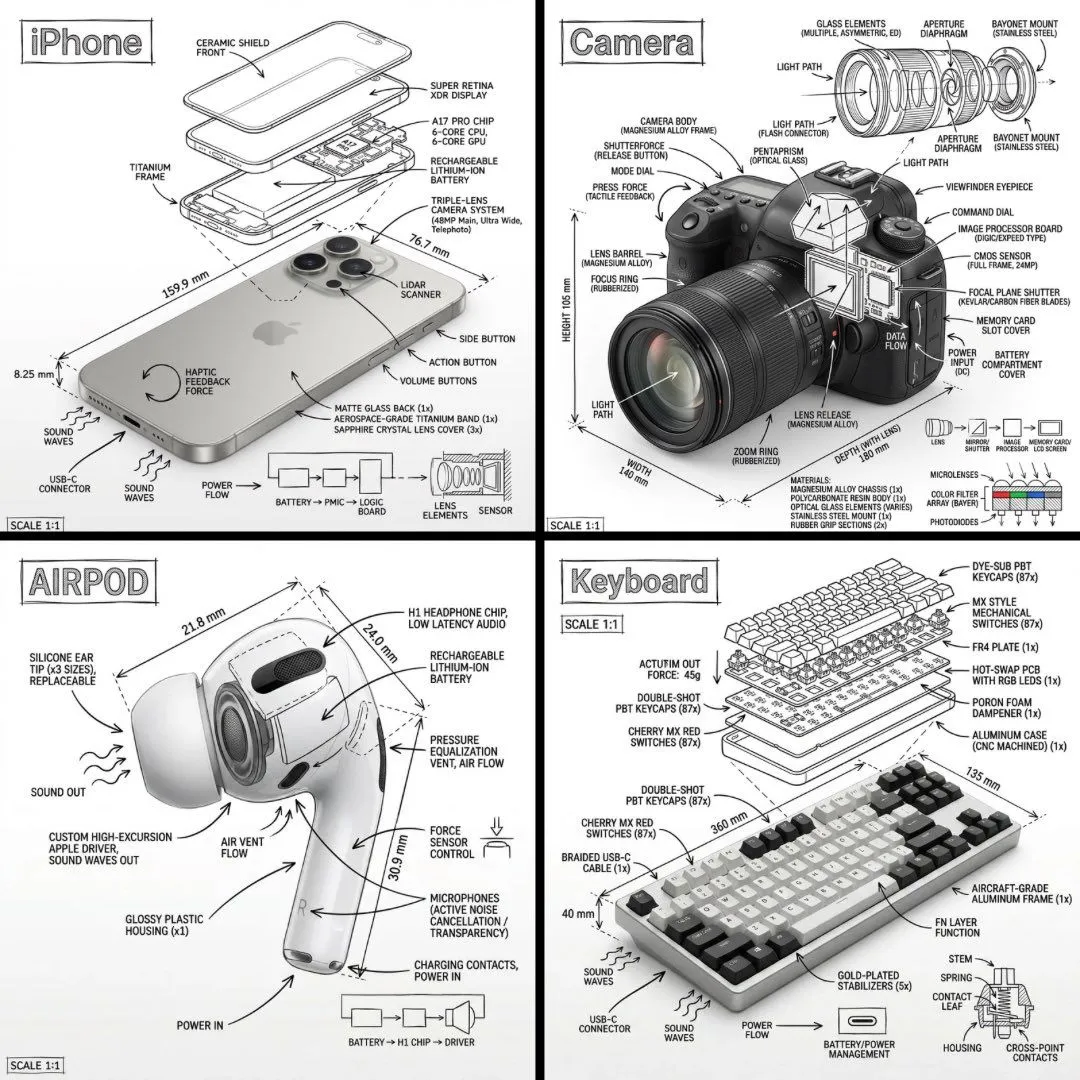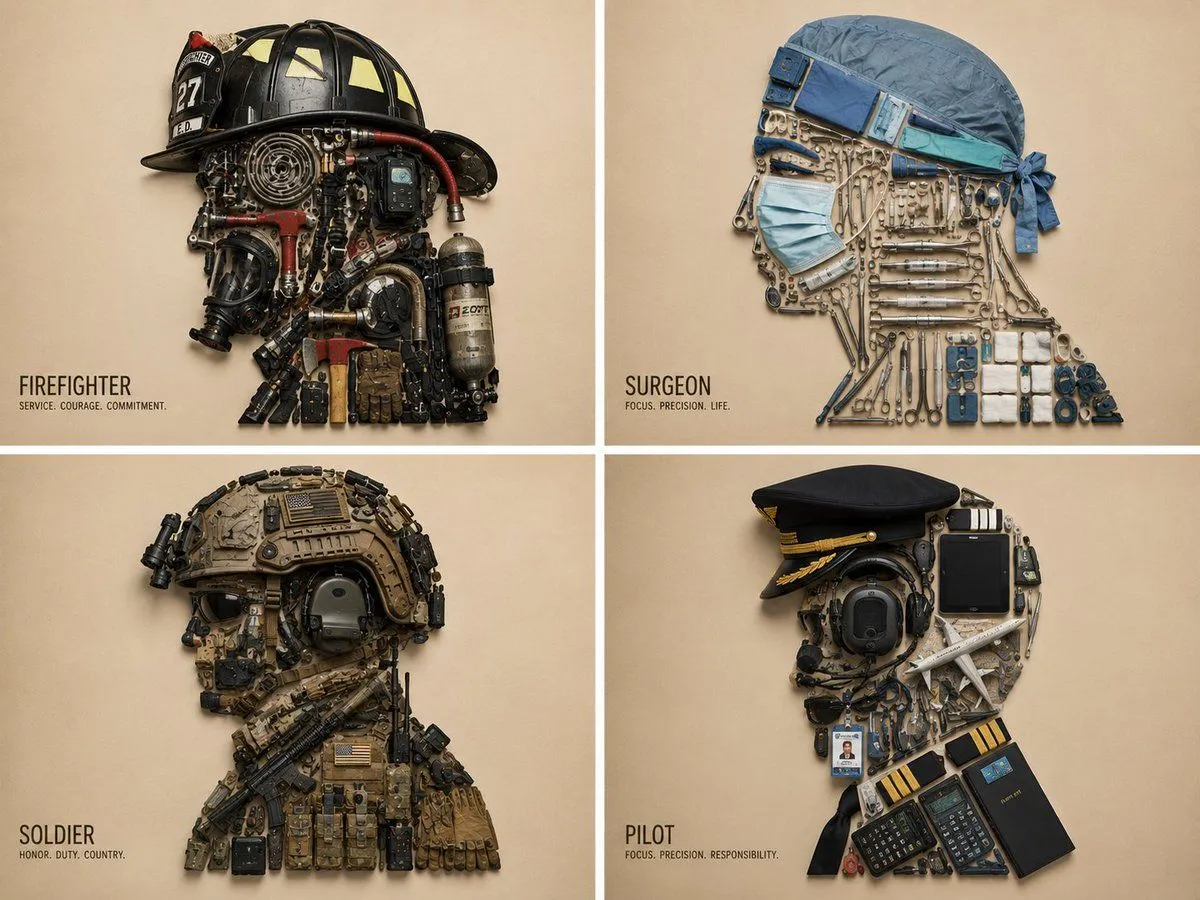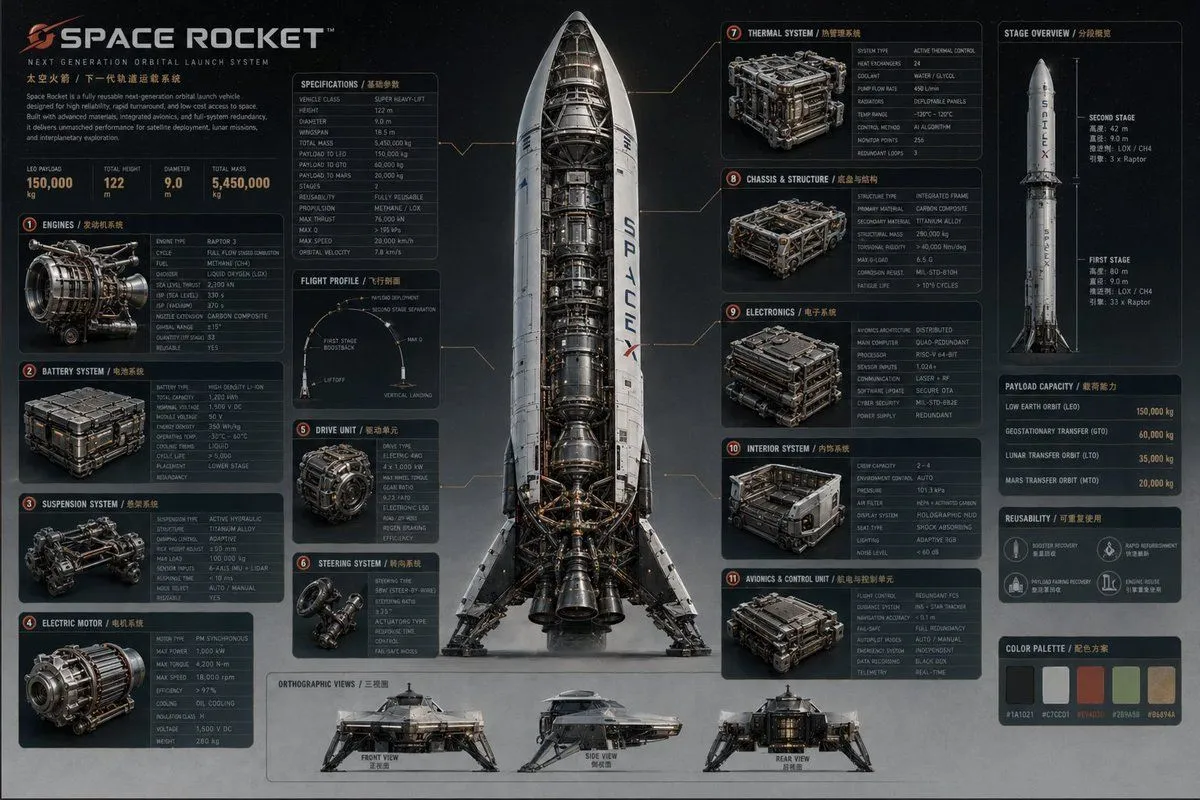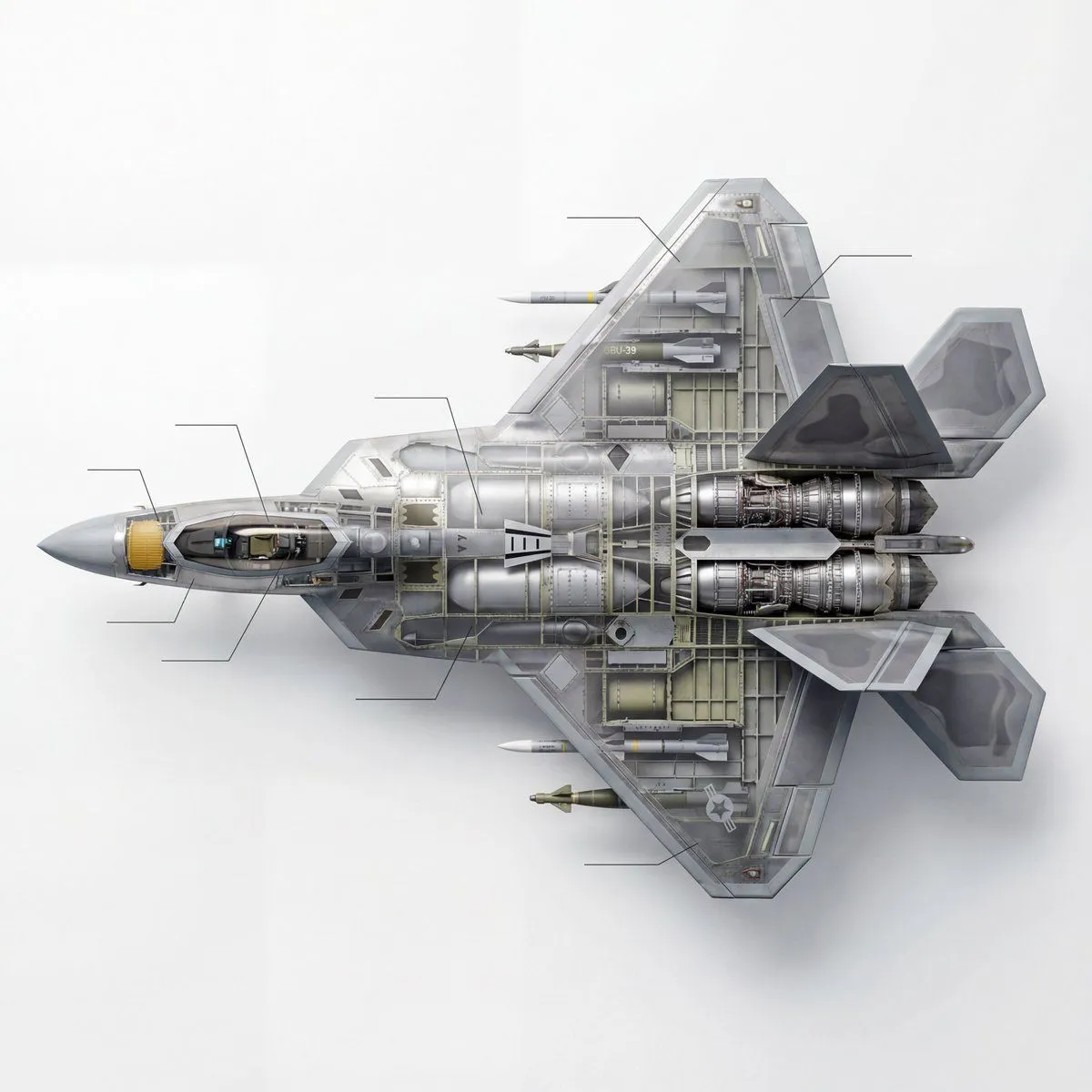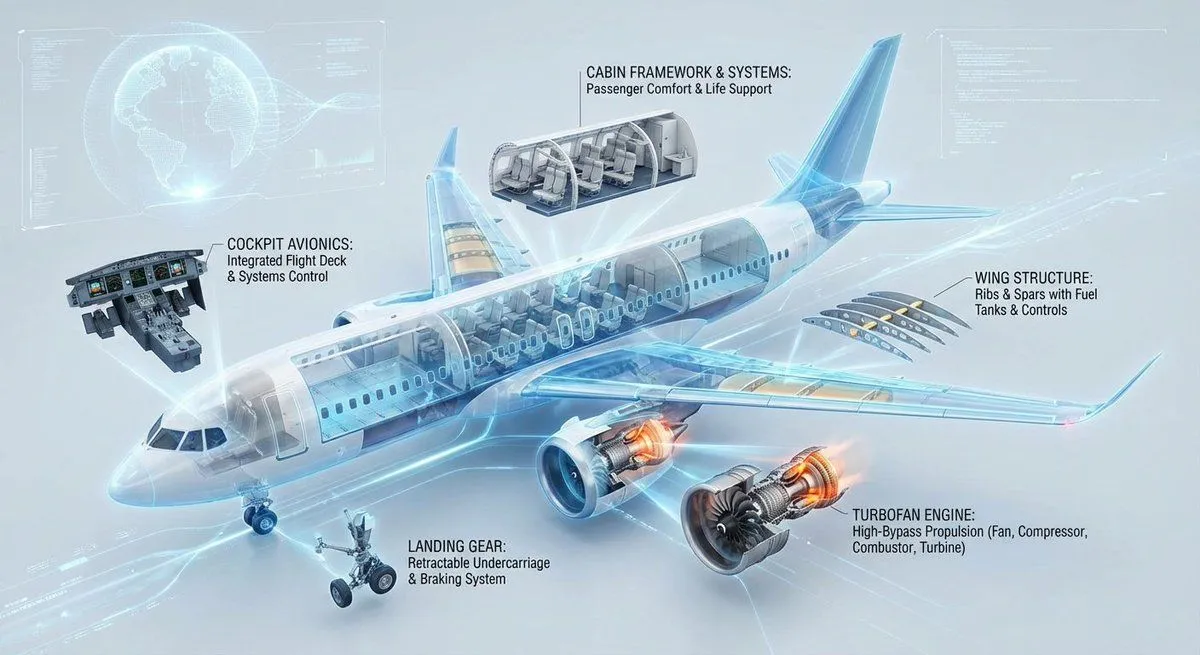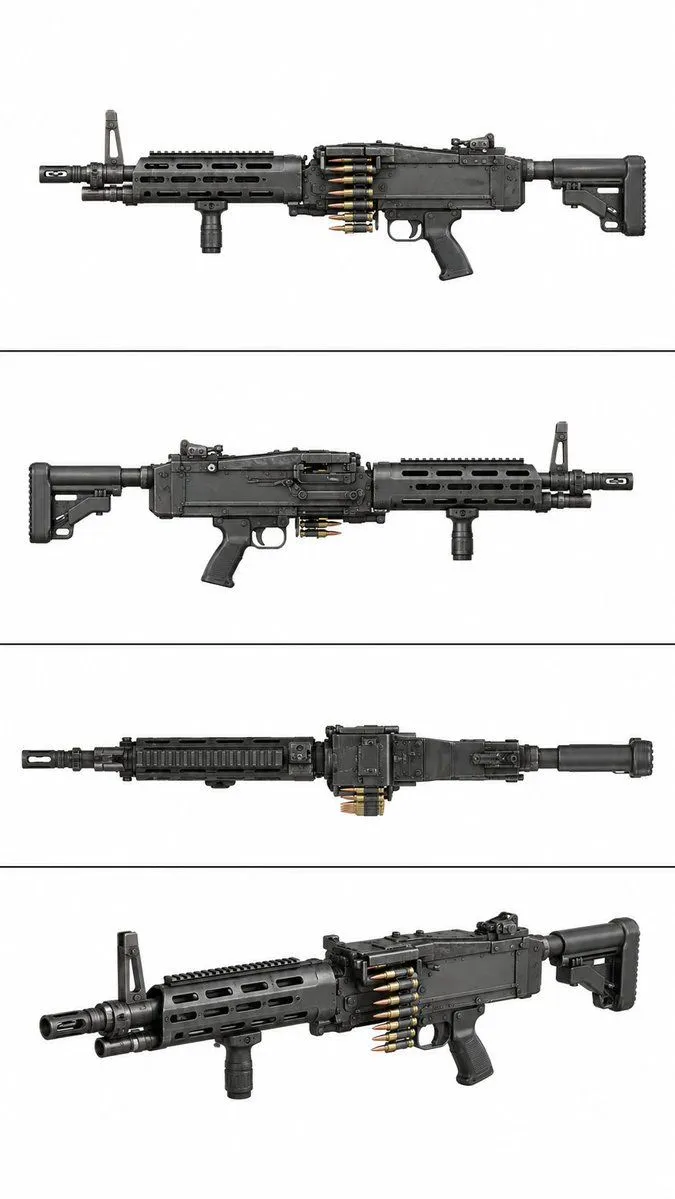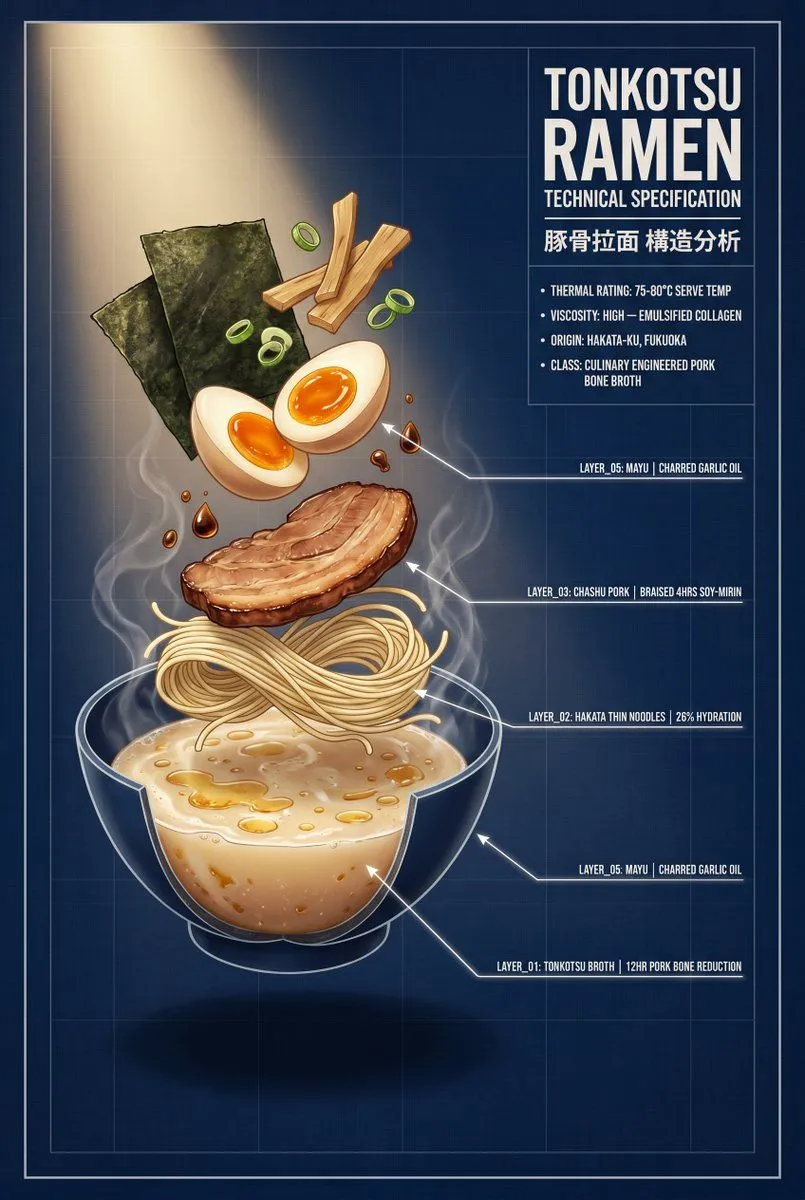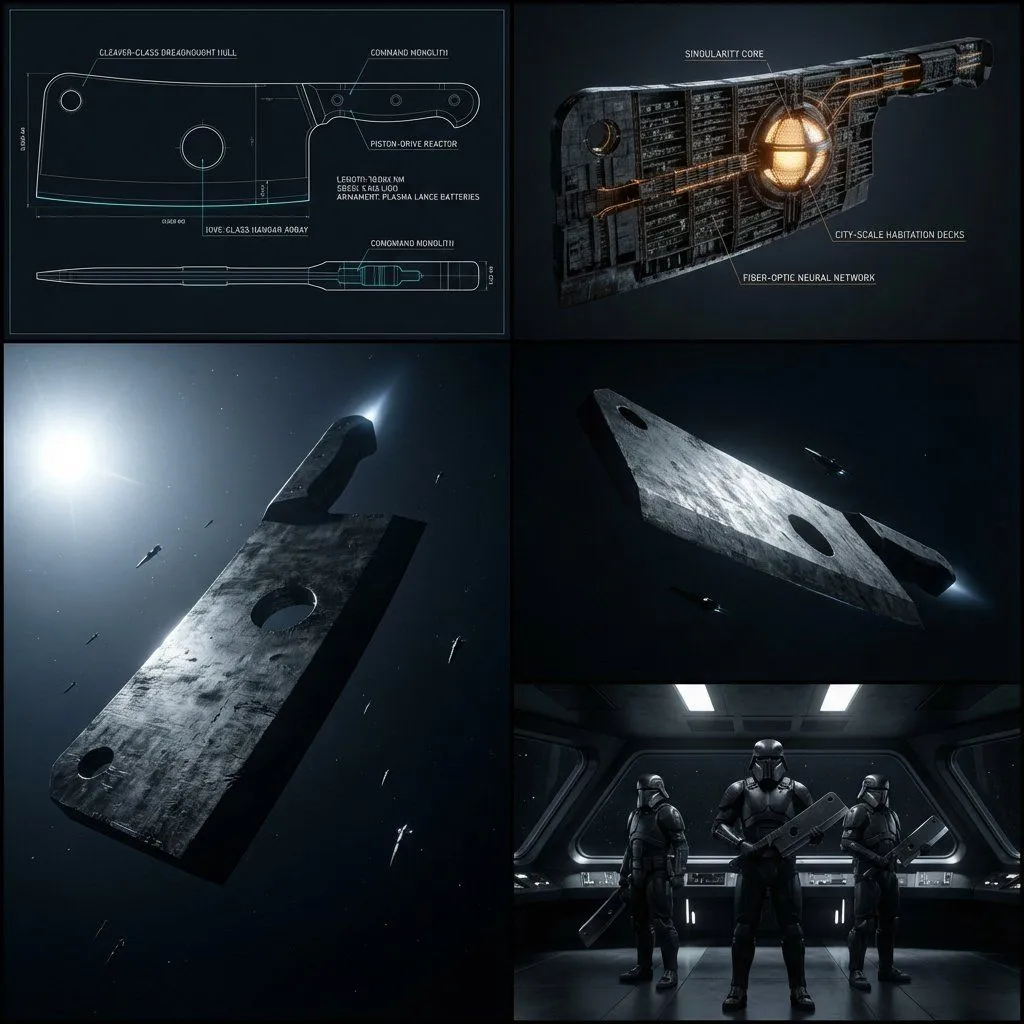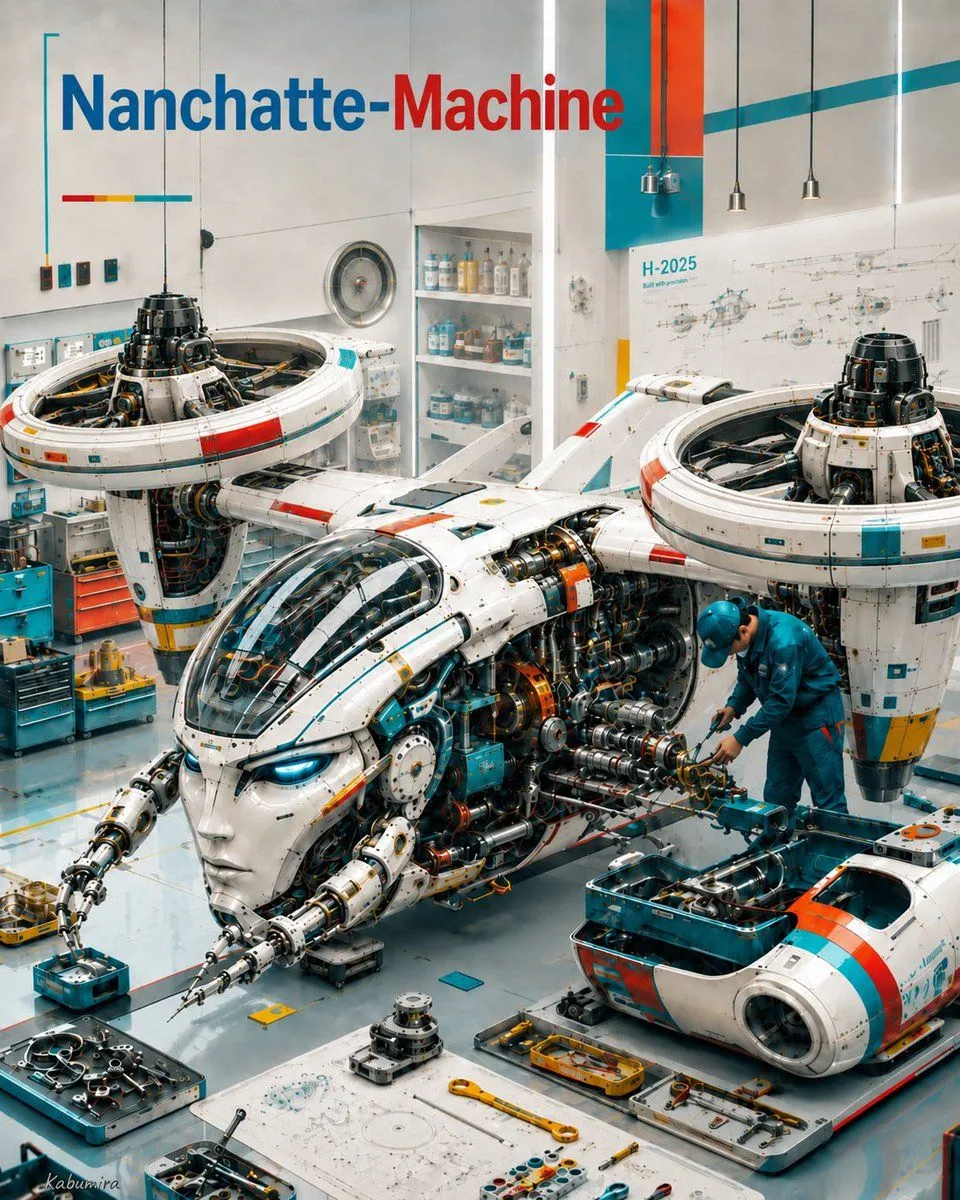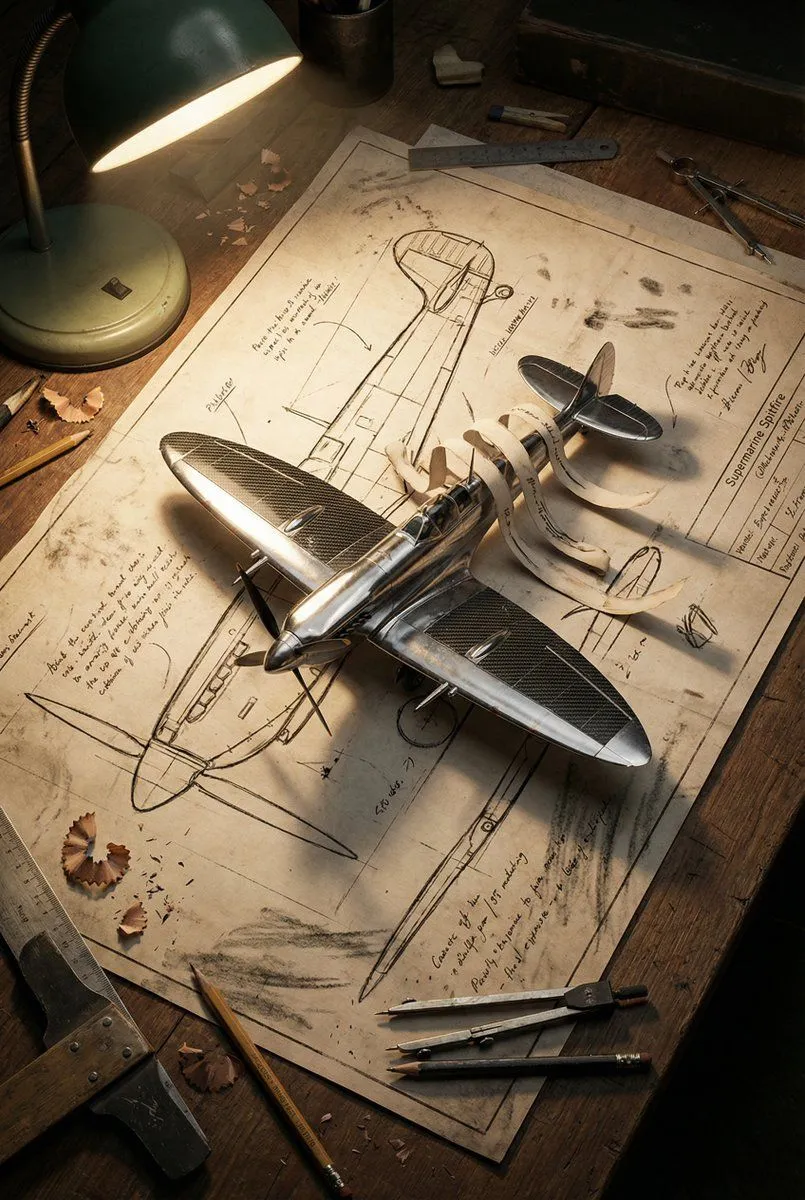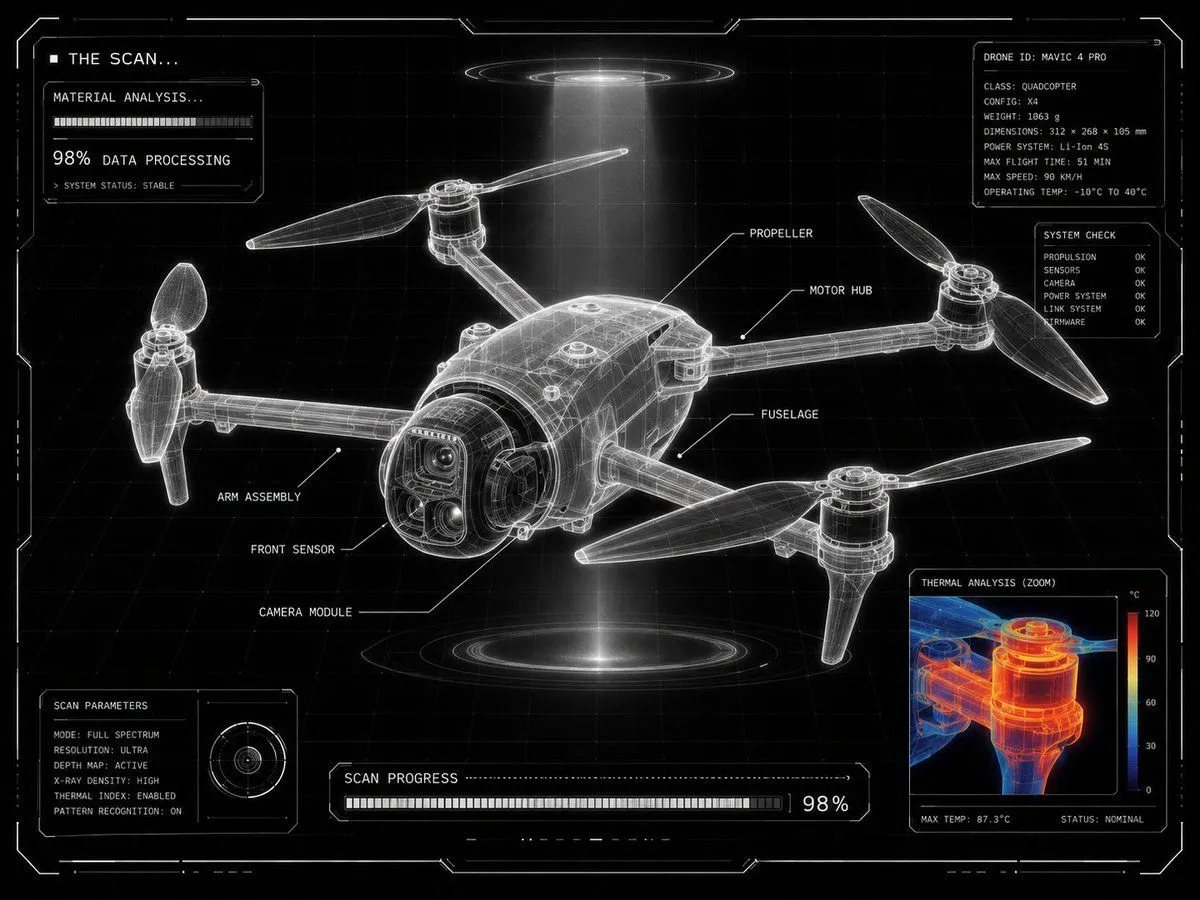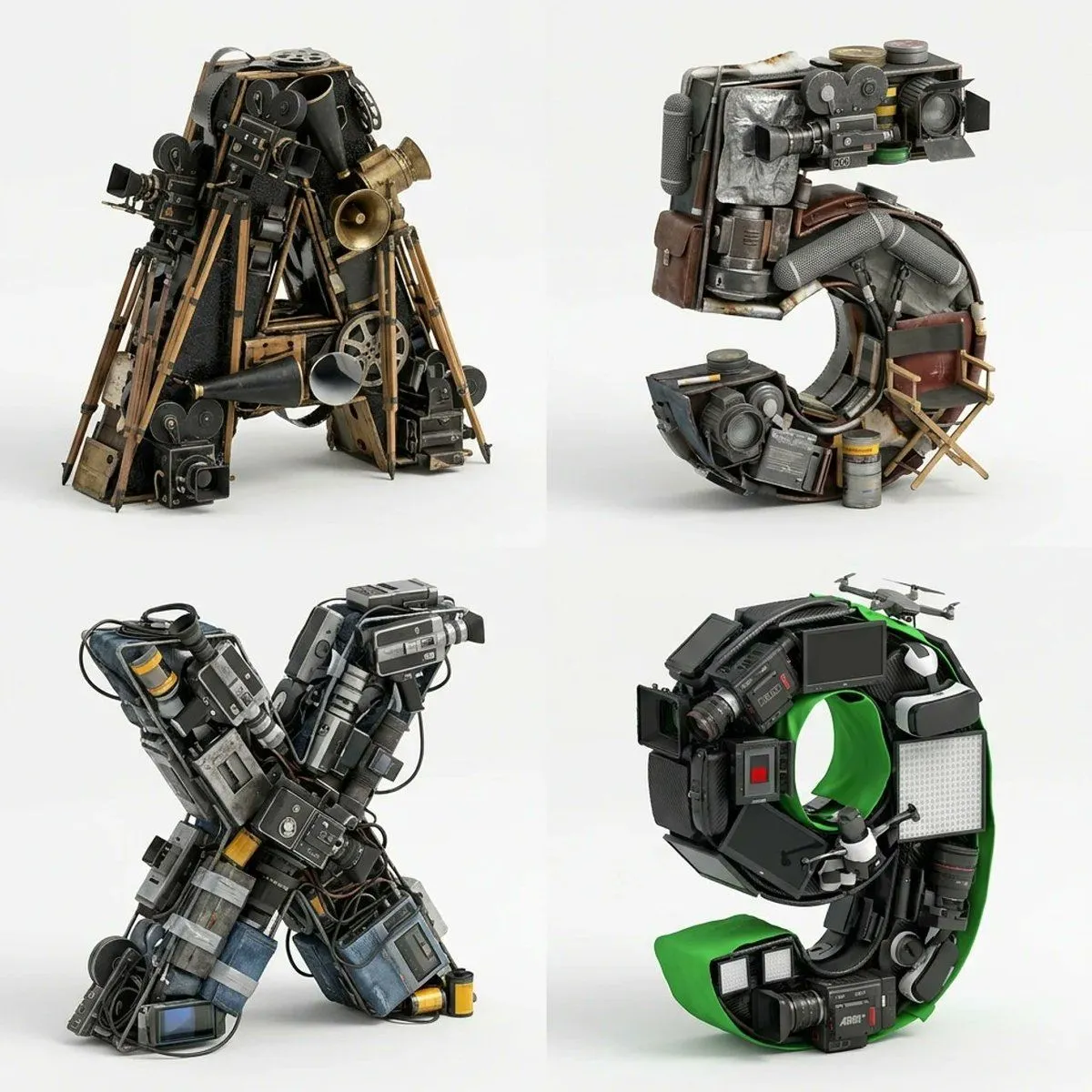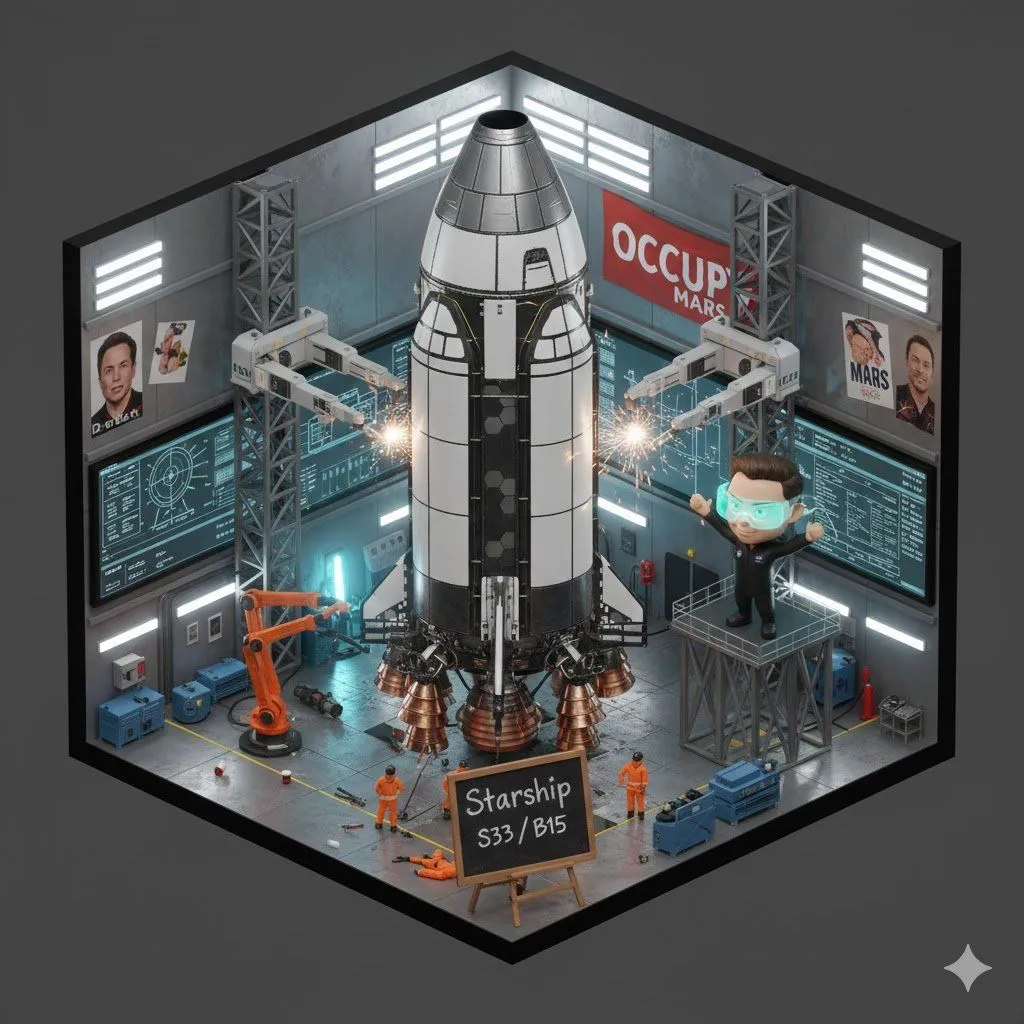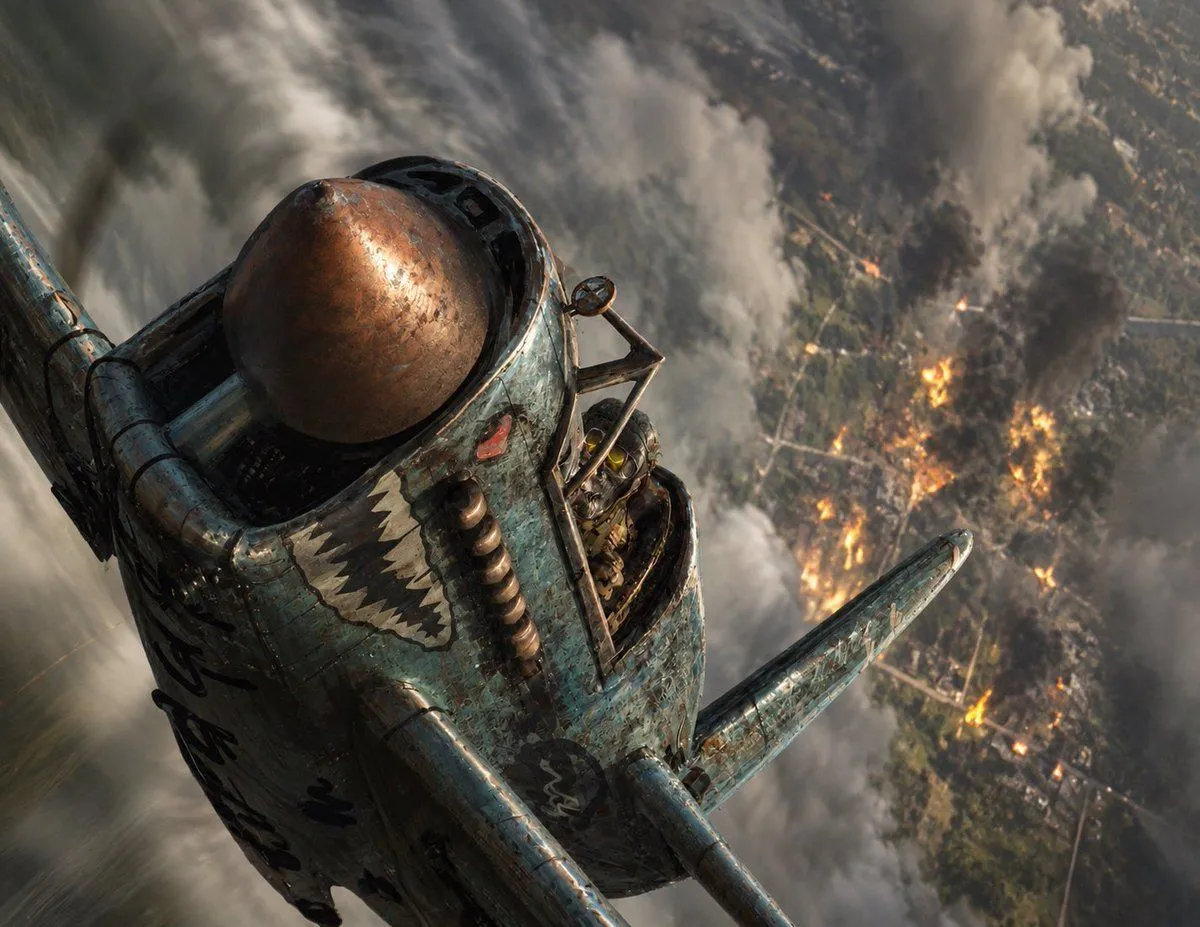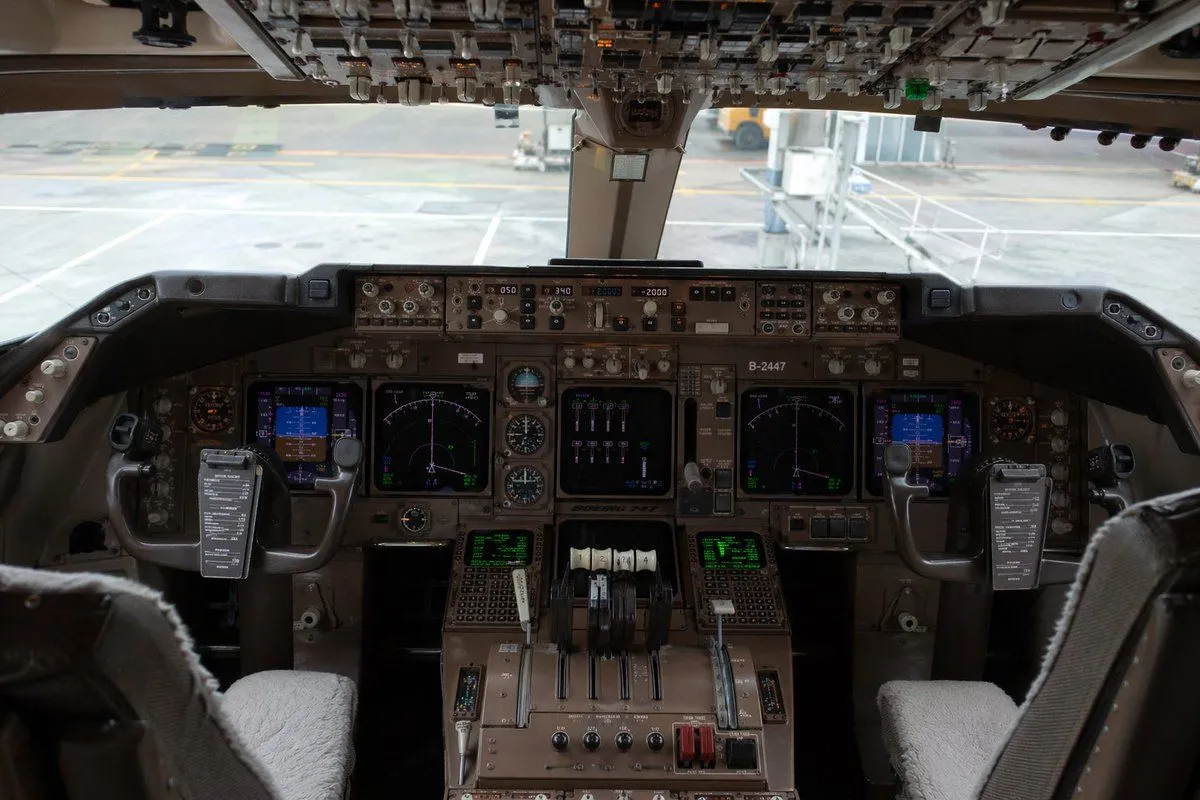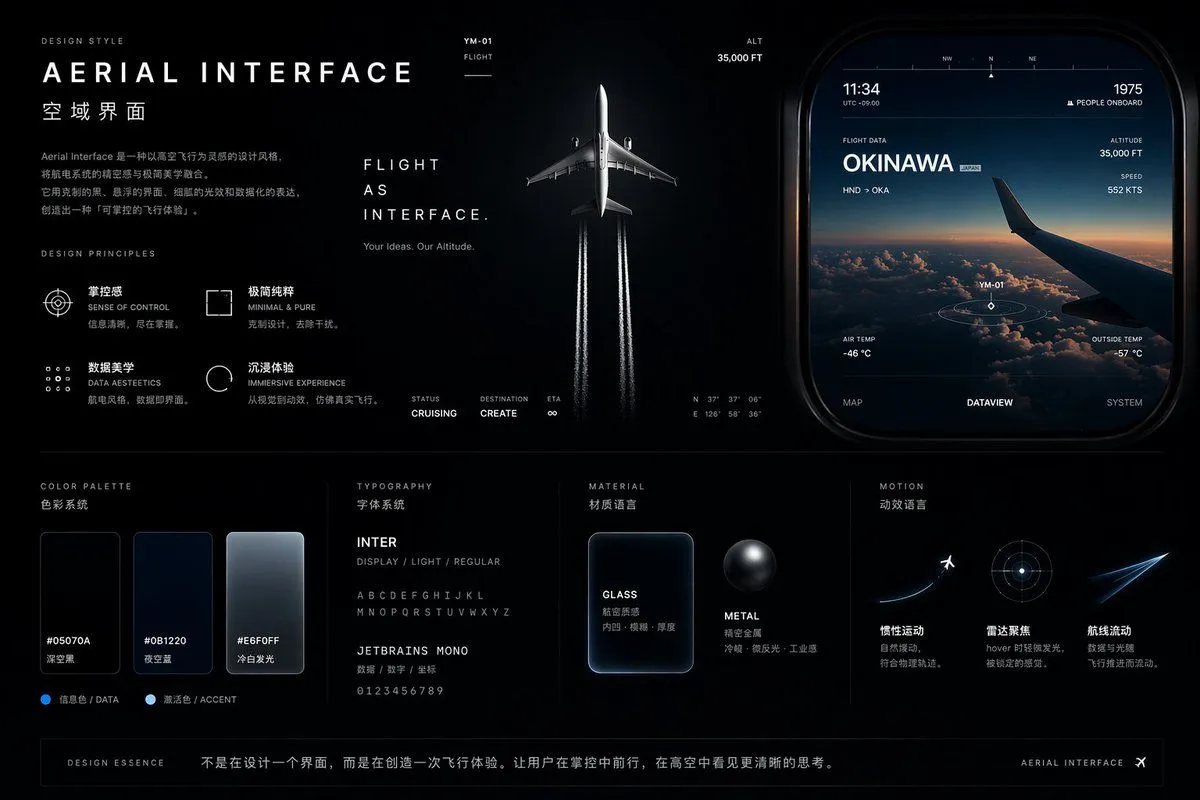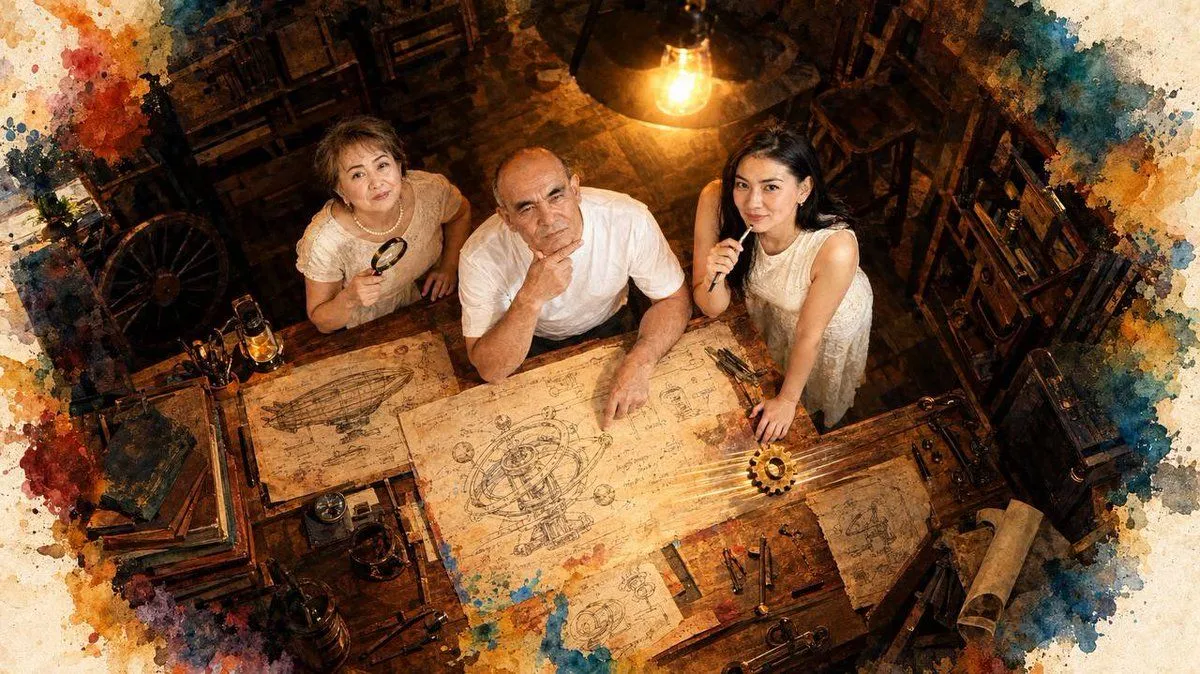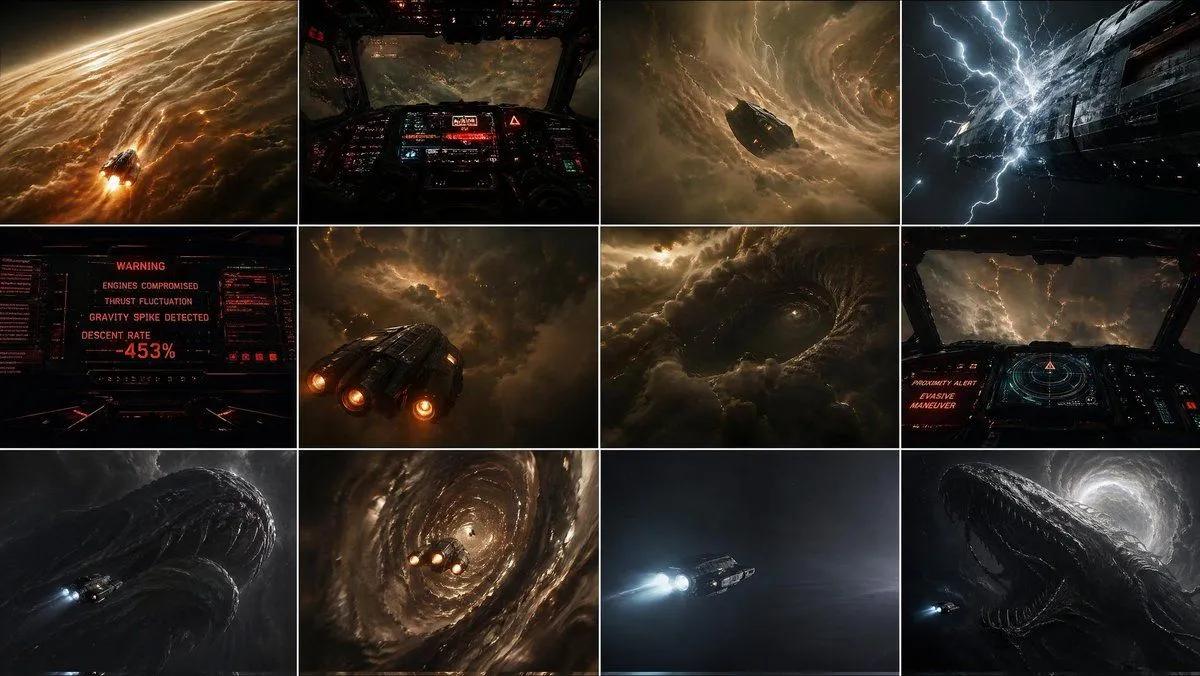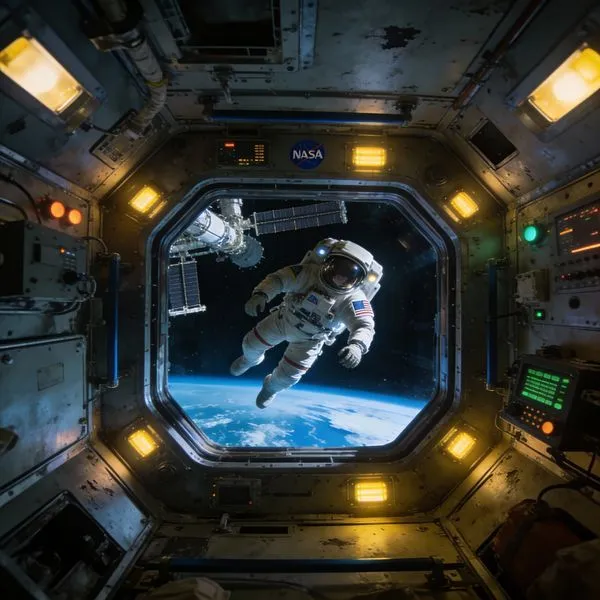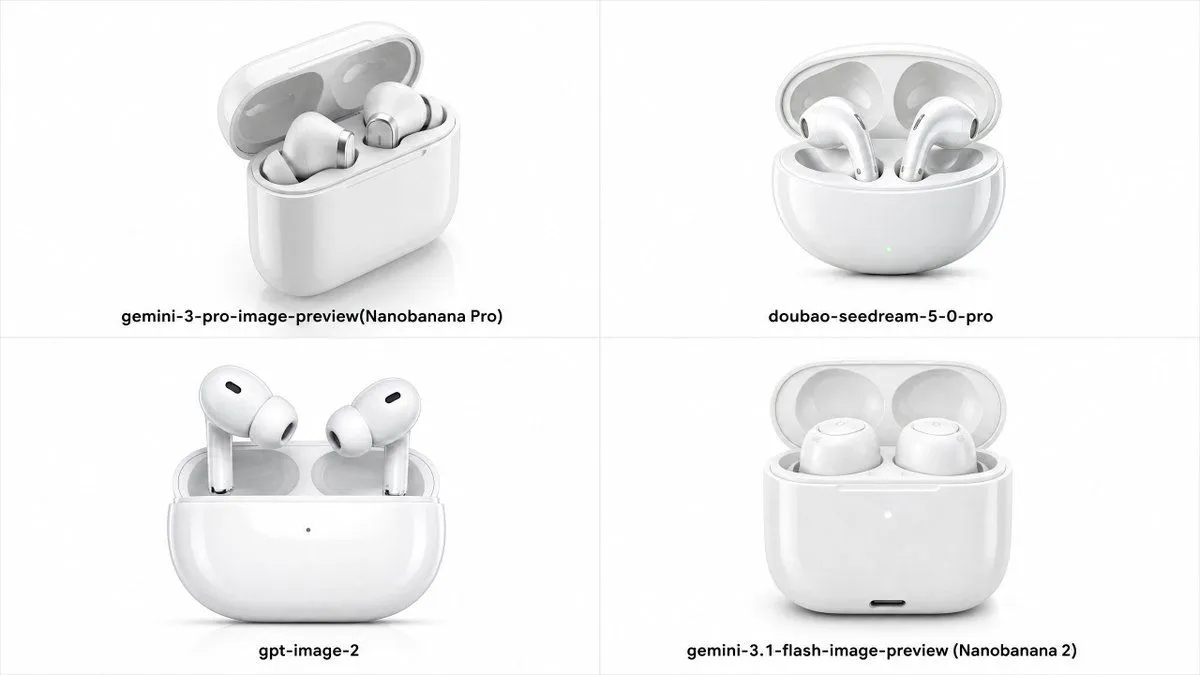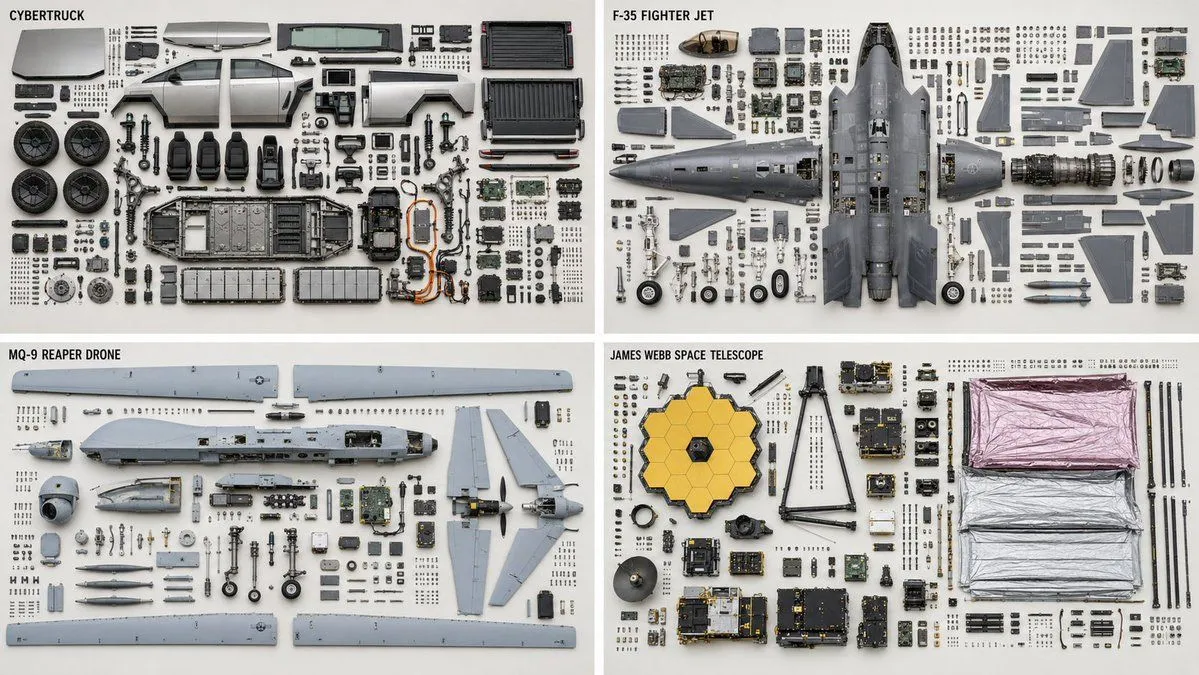
Made with GPT Image 2 in ChatGPT by Library Explainers. Promptclay never generates images.
Did it work?
No reports yet. Tell others if it worked for you.
Knolling Teardown Diagram
Prompt
3 blanks to fillKnolling teardown — {subject} ({subject_type}), top-down orthographic. PARTS — complete bill of materials, show each exactly once: {parts_list} LAYOUT - clean rectilinear grid; every part aligned to horizontal and vertical axes - grouped by subassembly — a subassembly's parts stay adjacent as one cluster - each group anchored by its largest structural part; fasteners cluster beside the part they secure - even spacing, no overlapping parts, no diagonal scatter - consistent scale across every part DEPICTION — keep it truthful - every fastener sits near a matching mounting hole; screw count = hole count - every gasket or seal shown with the perimeter it seals against - no duplicated or phantom parts - preserve each part's true orientation and handedness; do not mirror chiral parts RENDER - orthographic projection, no perspective, all parts in sharp focus - flat, even, diffuse lighting; minimal soft shadow - neutral seamless background
Preview of your prompt
Knolling teardown — CyberTruck (EV), top-down orthographic. PARTS — complete bill of materials, show each exactly once: top housing ×1, bottom housing ×1, main PCB ×1, ribbon cable ×2, lens assembly ×1, M2×5 screw ×6, spring ×2, rubber gask LAYOUT - clean rectilinear grid; every part aligned to horizontal and vertical axes - grouped by subassembly — a subassembly's parts stay adjacent as one cluster - each group anchored by its largest structural part; fasteners cluster beside the part they secure - even spacing, no overlapping parts, no diagonal scatter - consistent scale across every part DEPICTION — keep it truthful - every fastener sits near a matching mounting hole; screw count = hole count - every gasket or seal shown with the perimeter it seals against - no duplicated or phantom parts - preserve each part's true orientation and handedness; do not mirror chiral parts RENDER - orthographic projection, no perspective, all parts in sharp focus - flat, even, diffuse lighting; minimal soft shadow - neutral seamless background
DetailsVersions, settings and questions
Written for
What's in the prompt
- Subject
- Model
- GPT Image 2
If your face changes
keep my face exactly the sameQuestions
- Does this work in the ChatGPT app?
- Yes. Paste the prompt and attach your photo if it uses one.
- It changed my face. What do I do?
- Add "keep my face exactly the same" to the end and run it again.
- Can I use the images I make?
- Check the terms of the app you use. Promptclay never generates images and claims nothing you make.