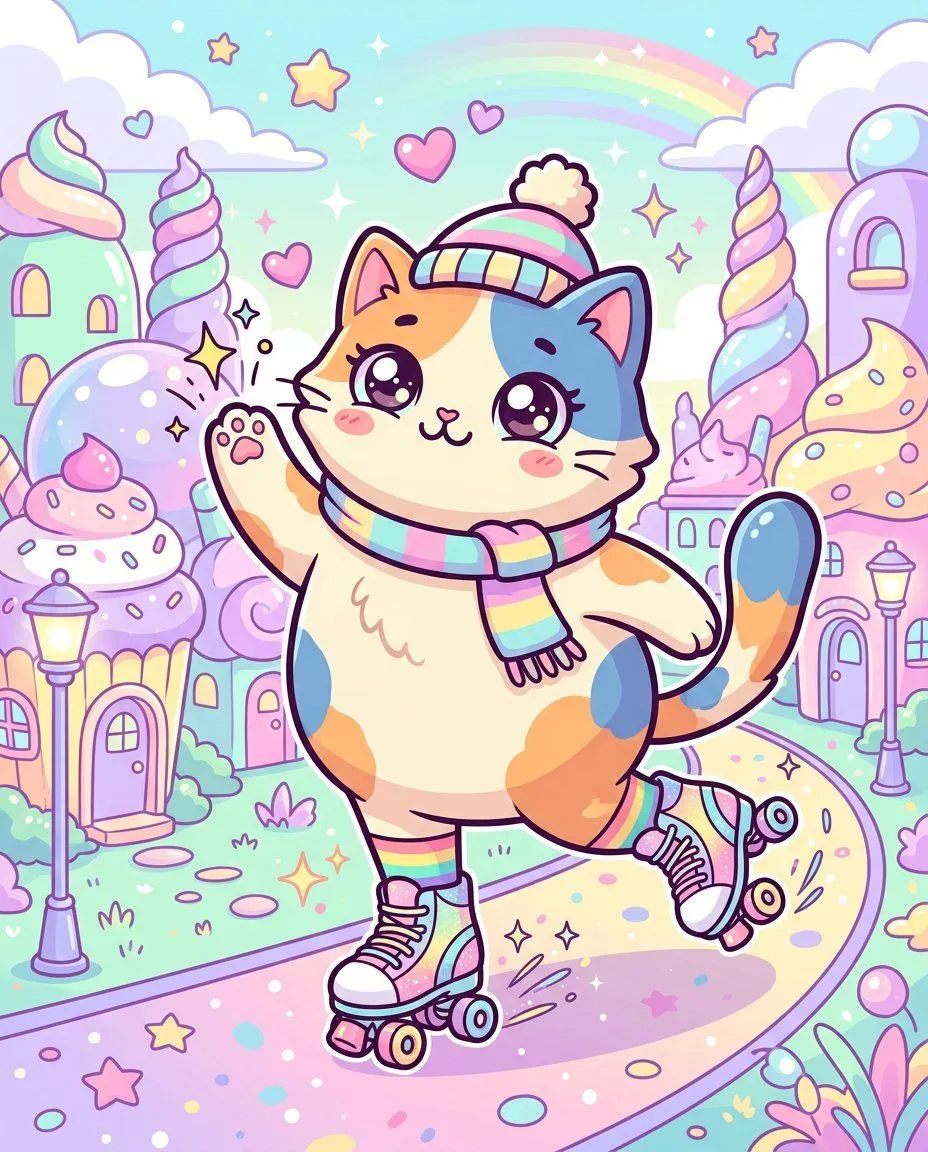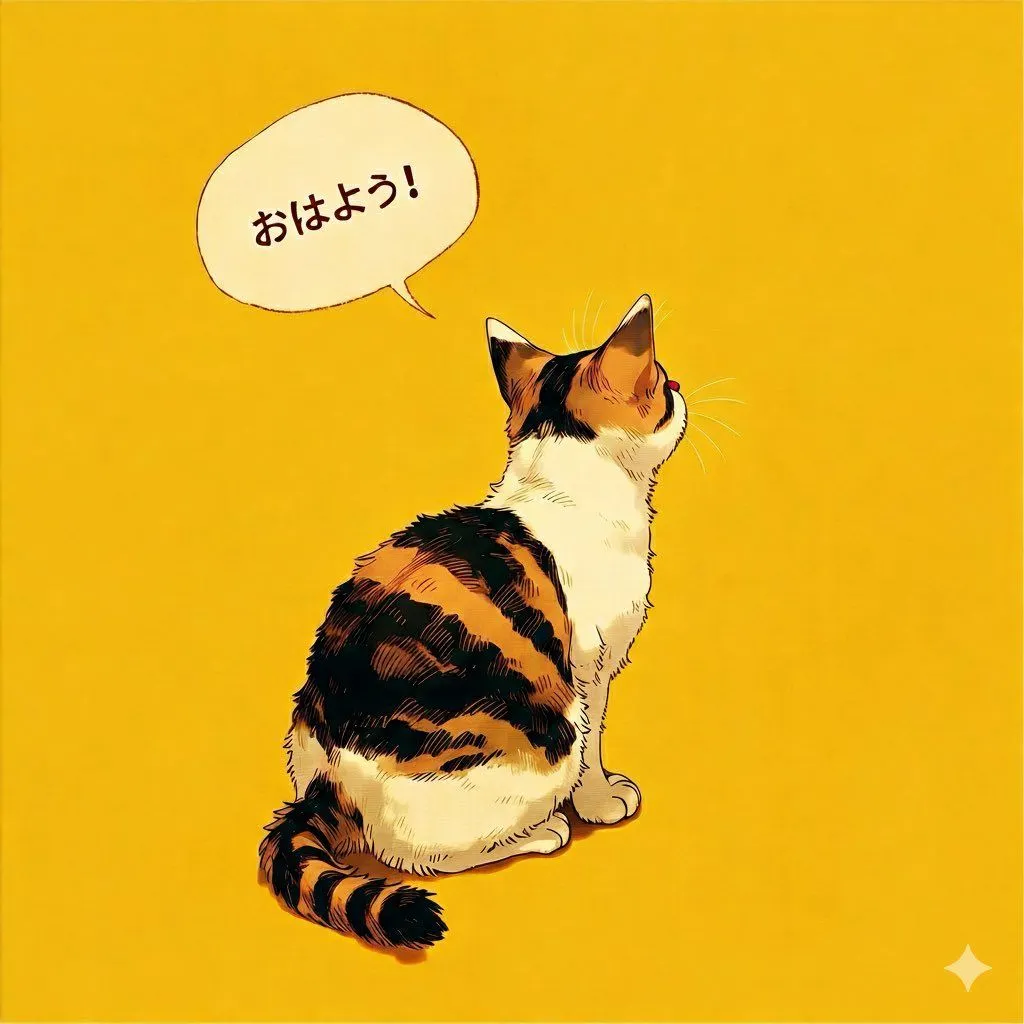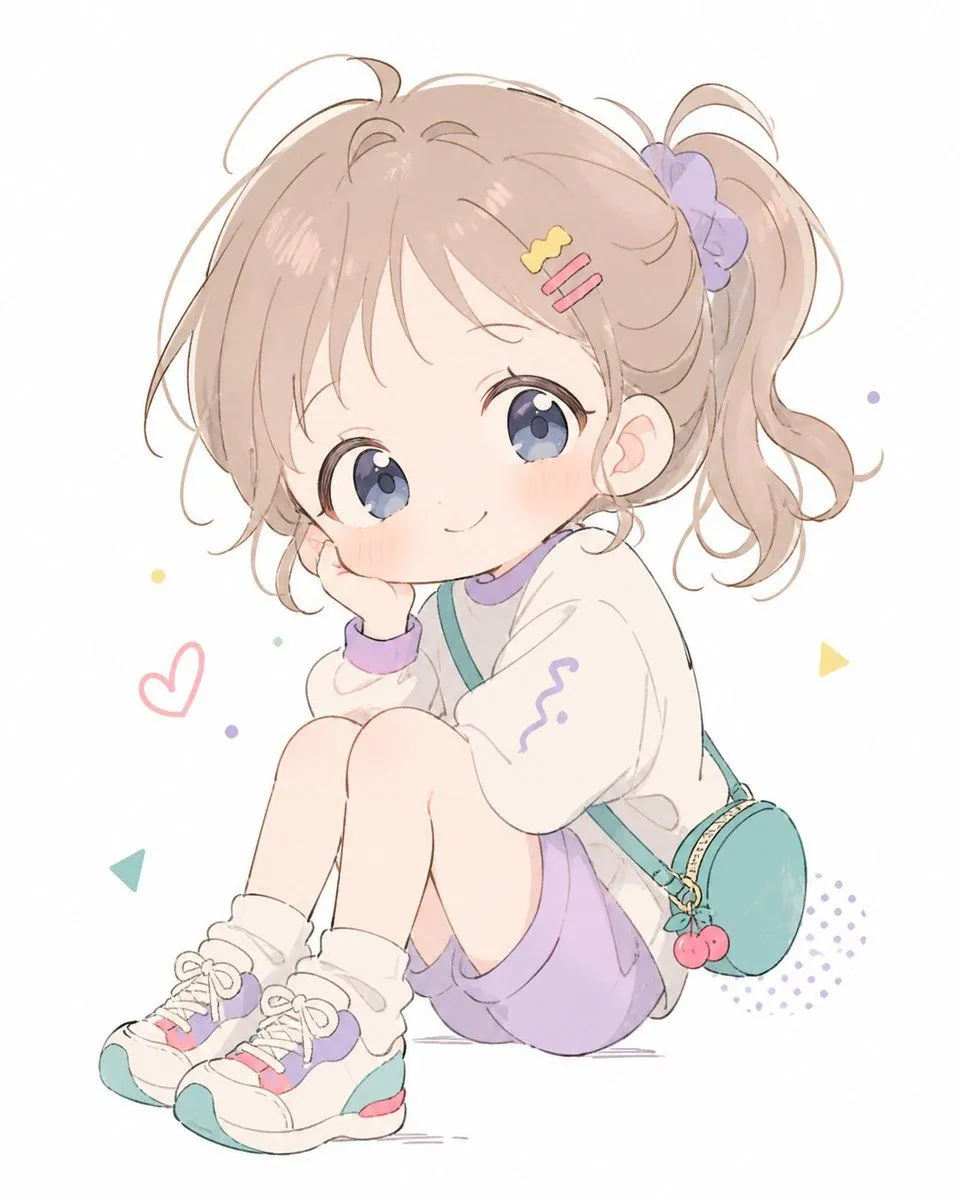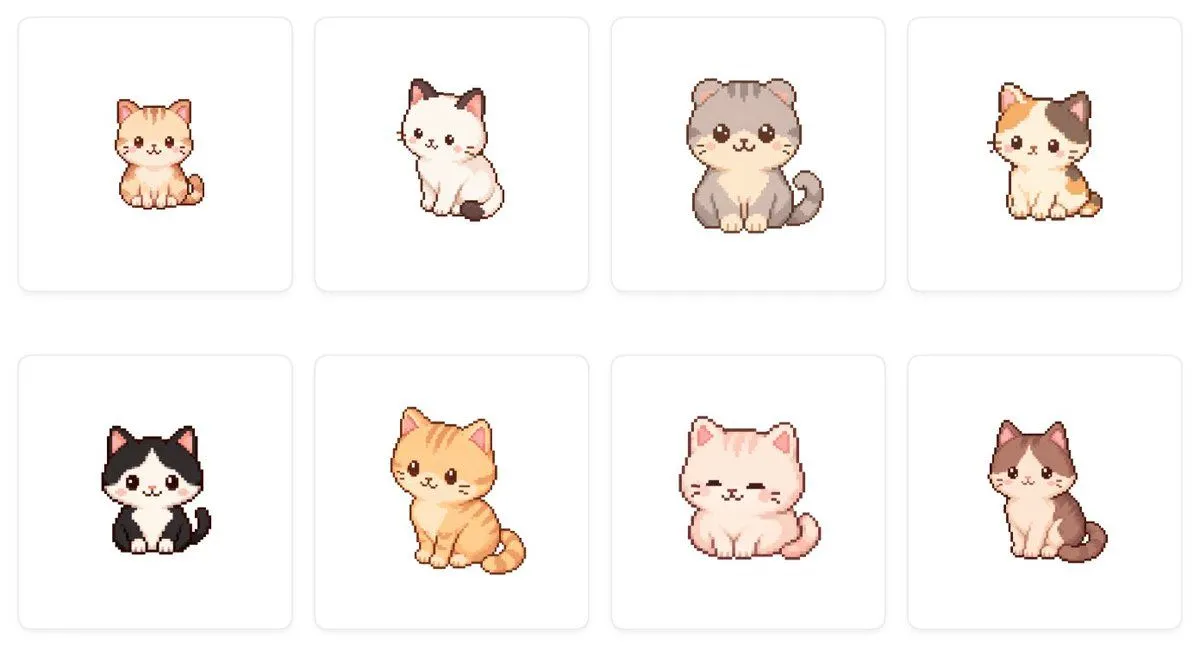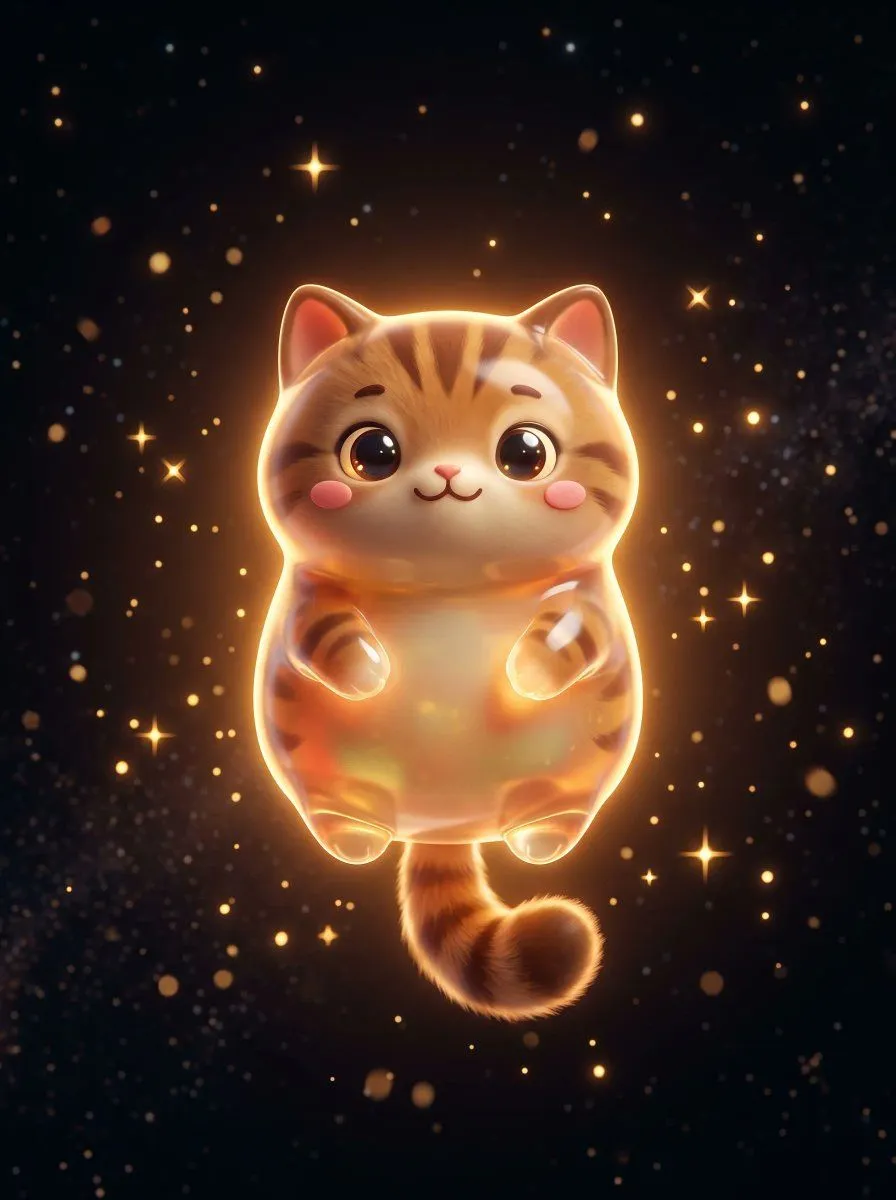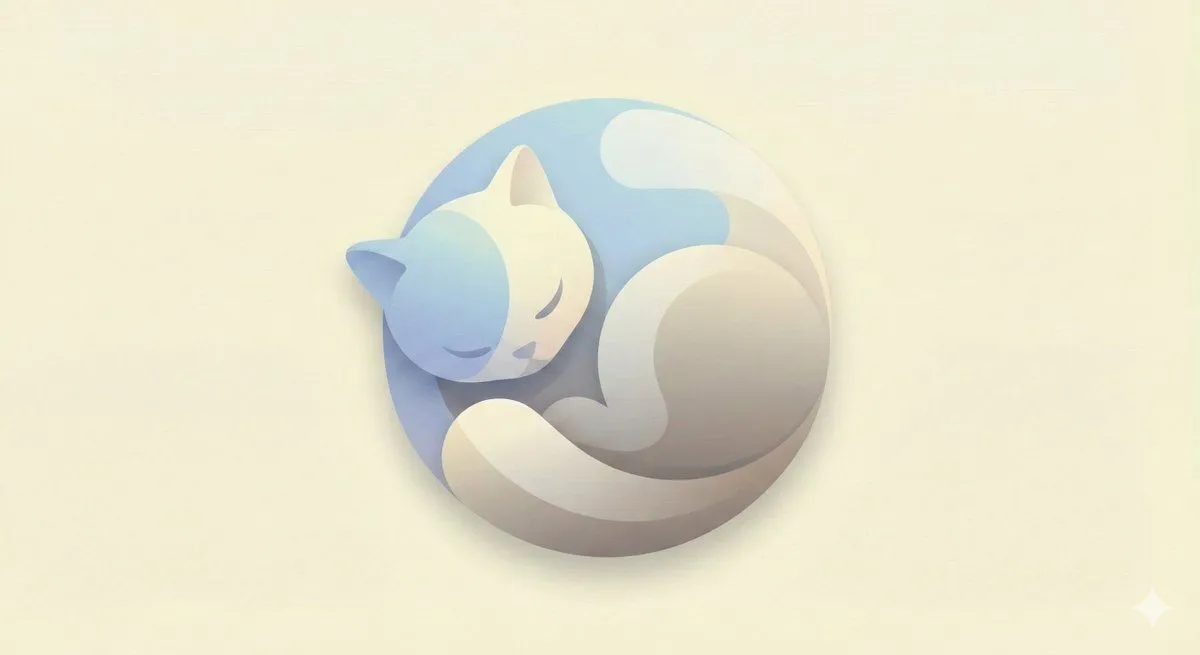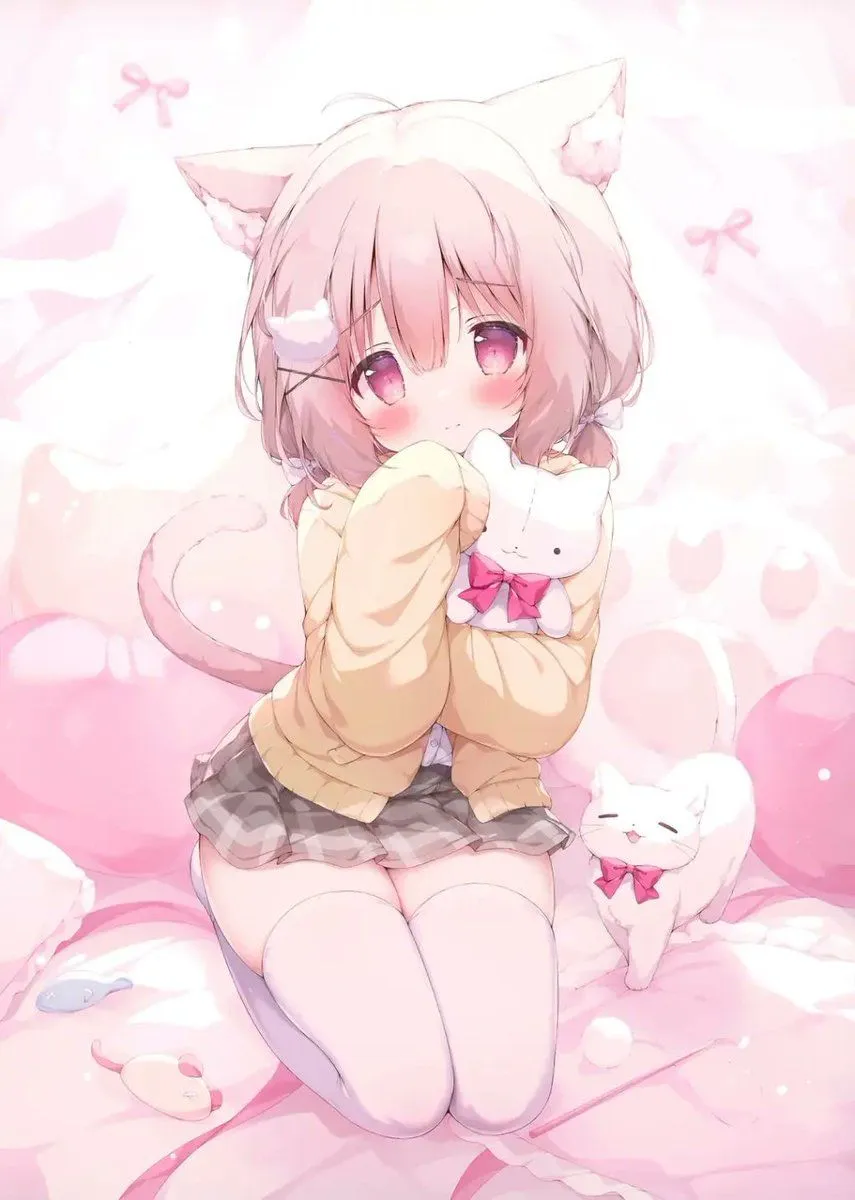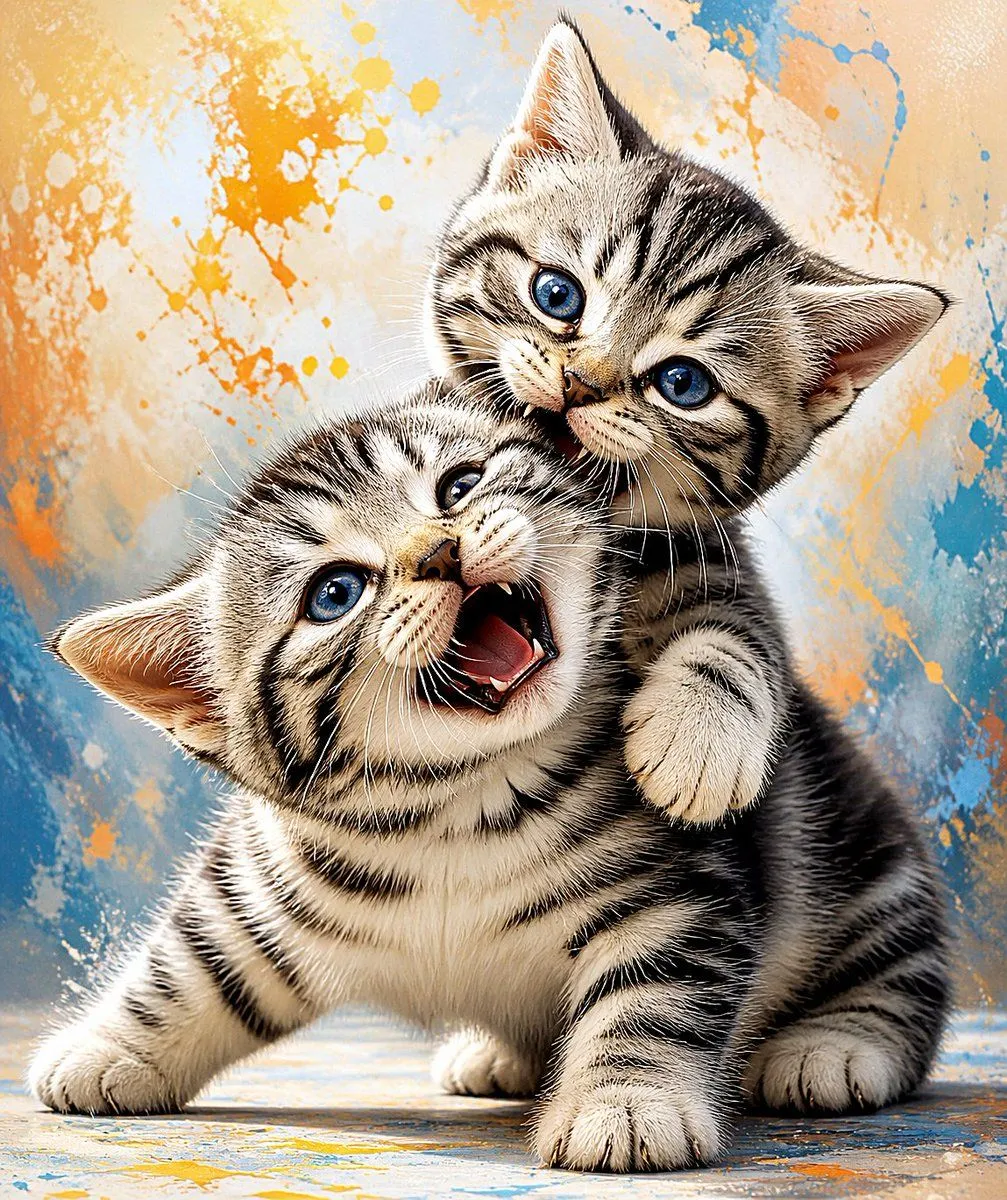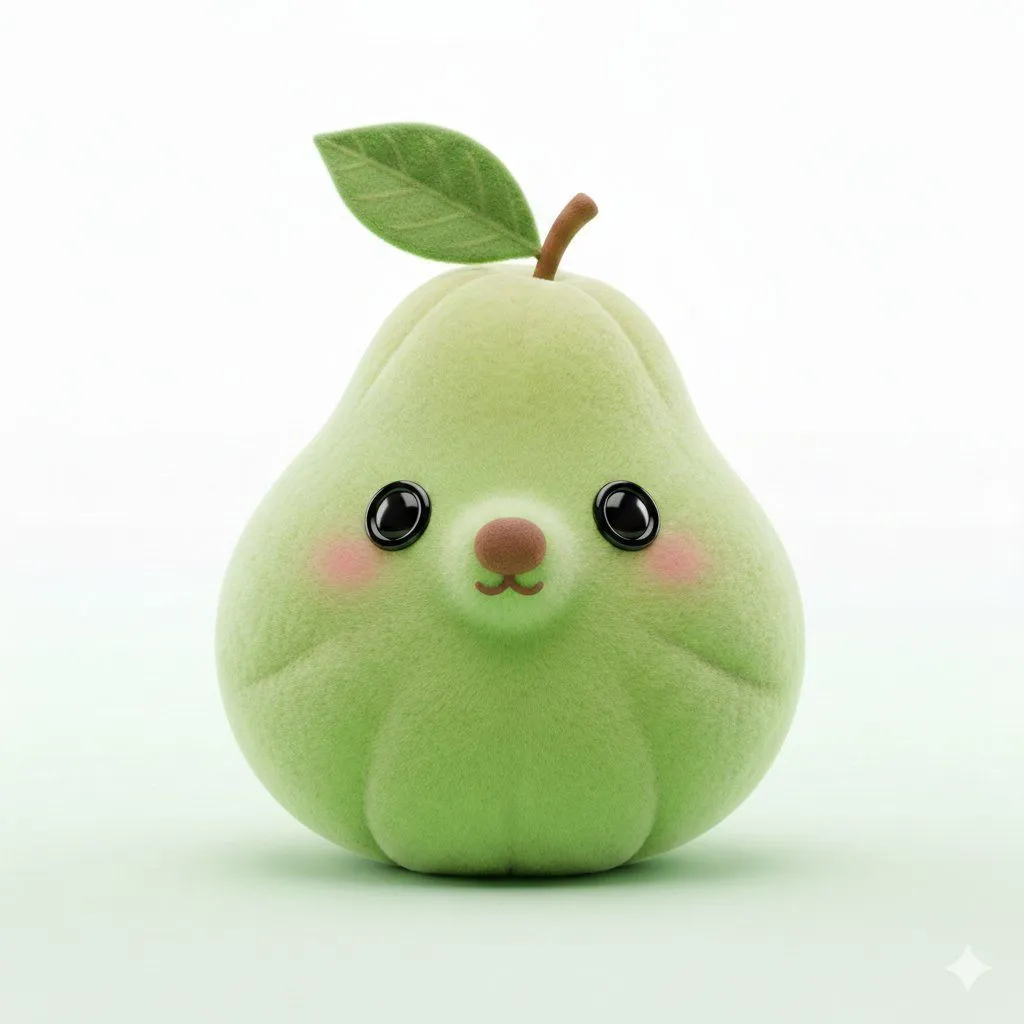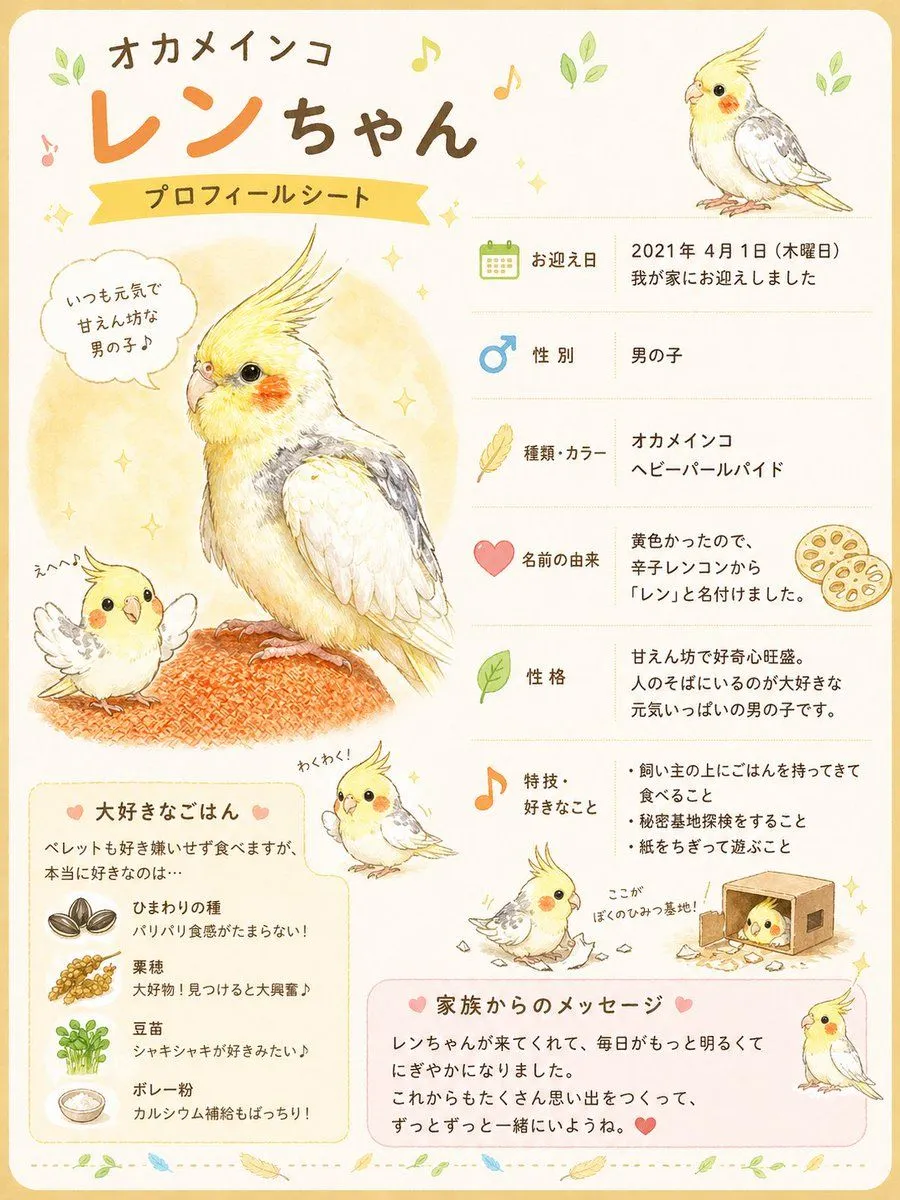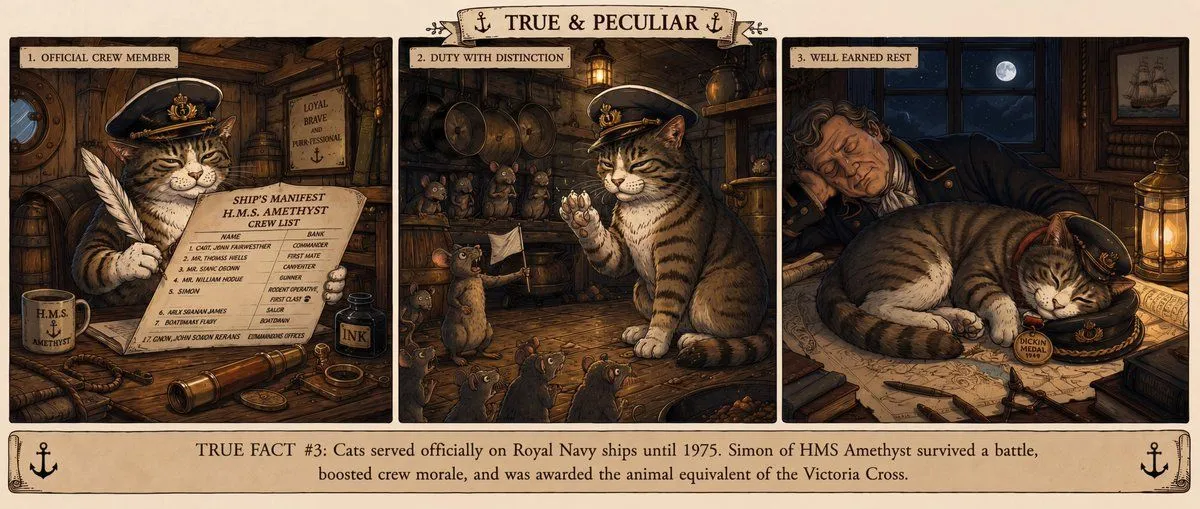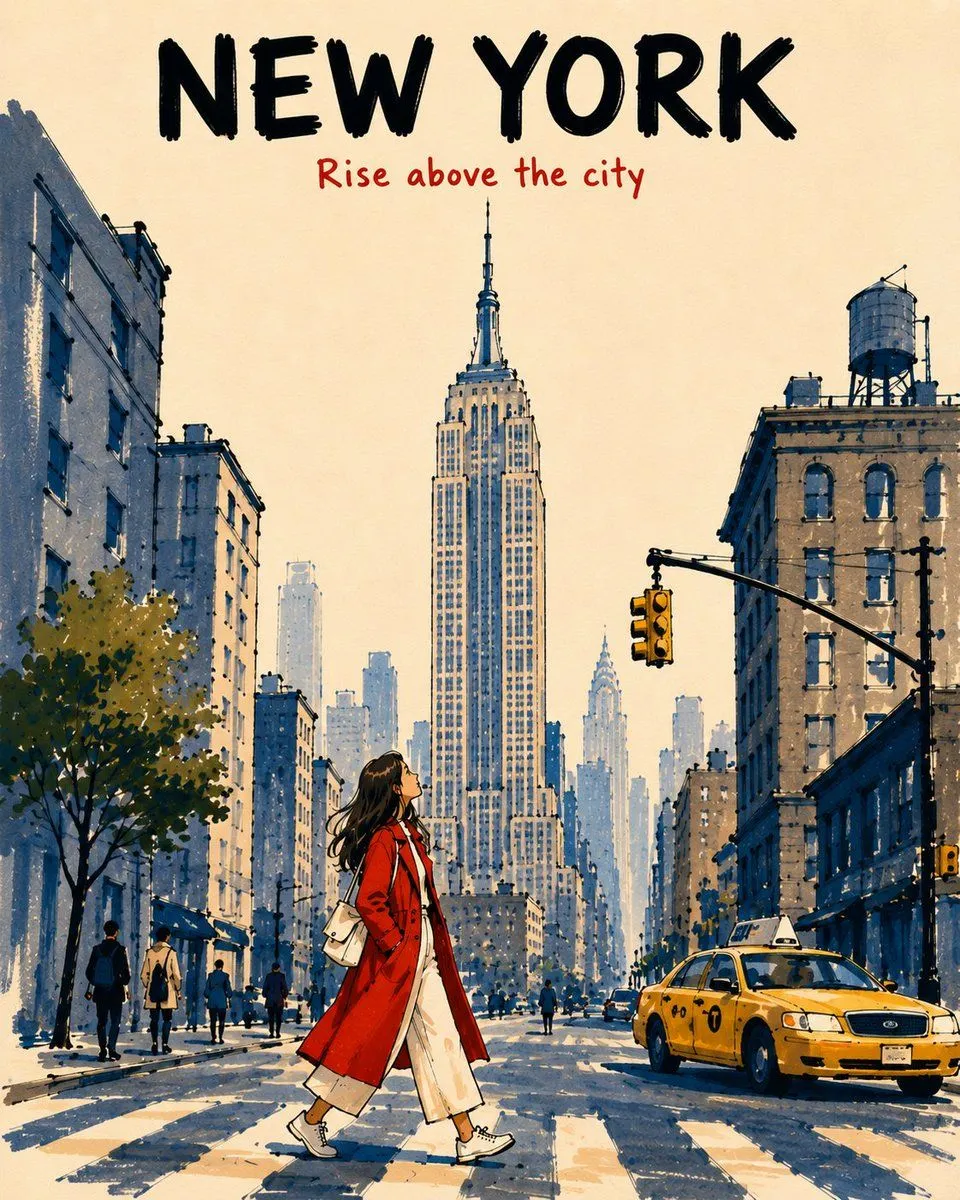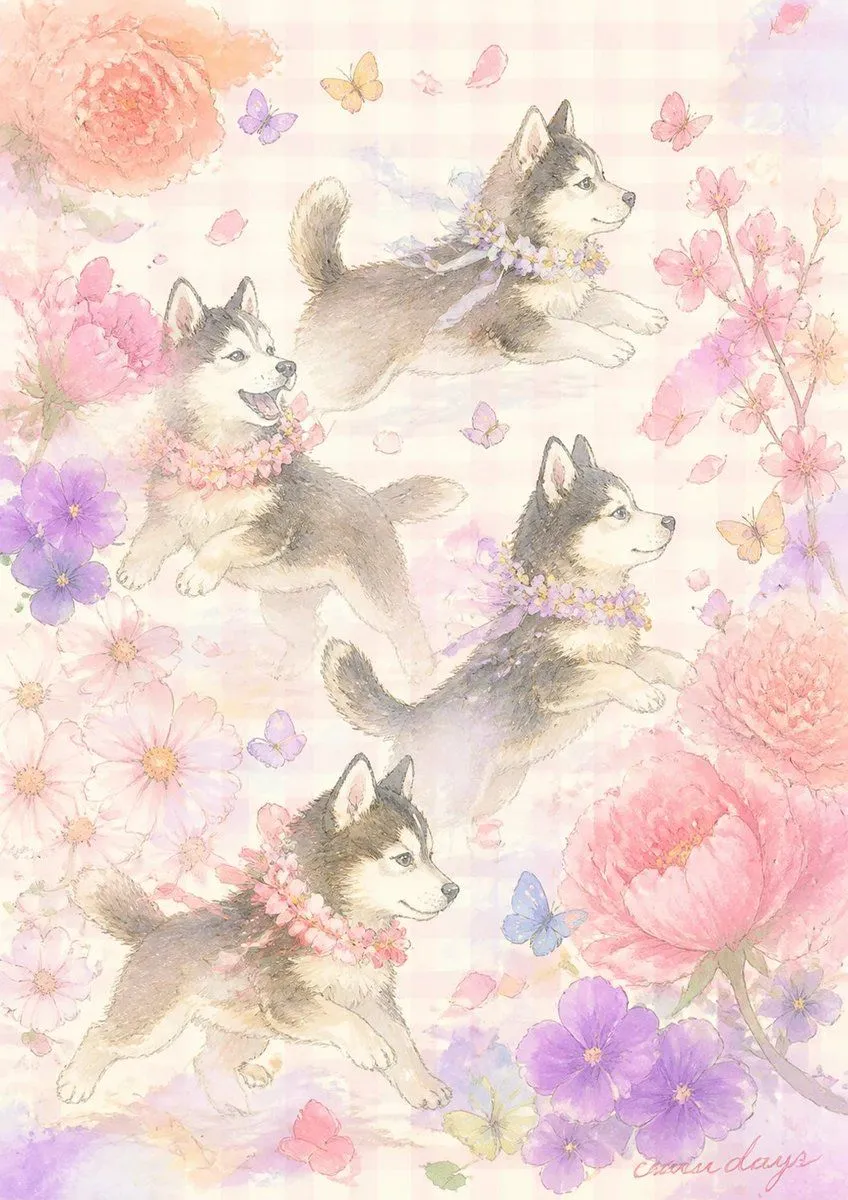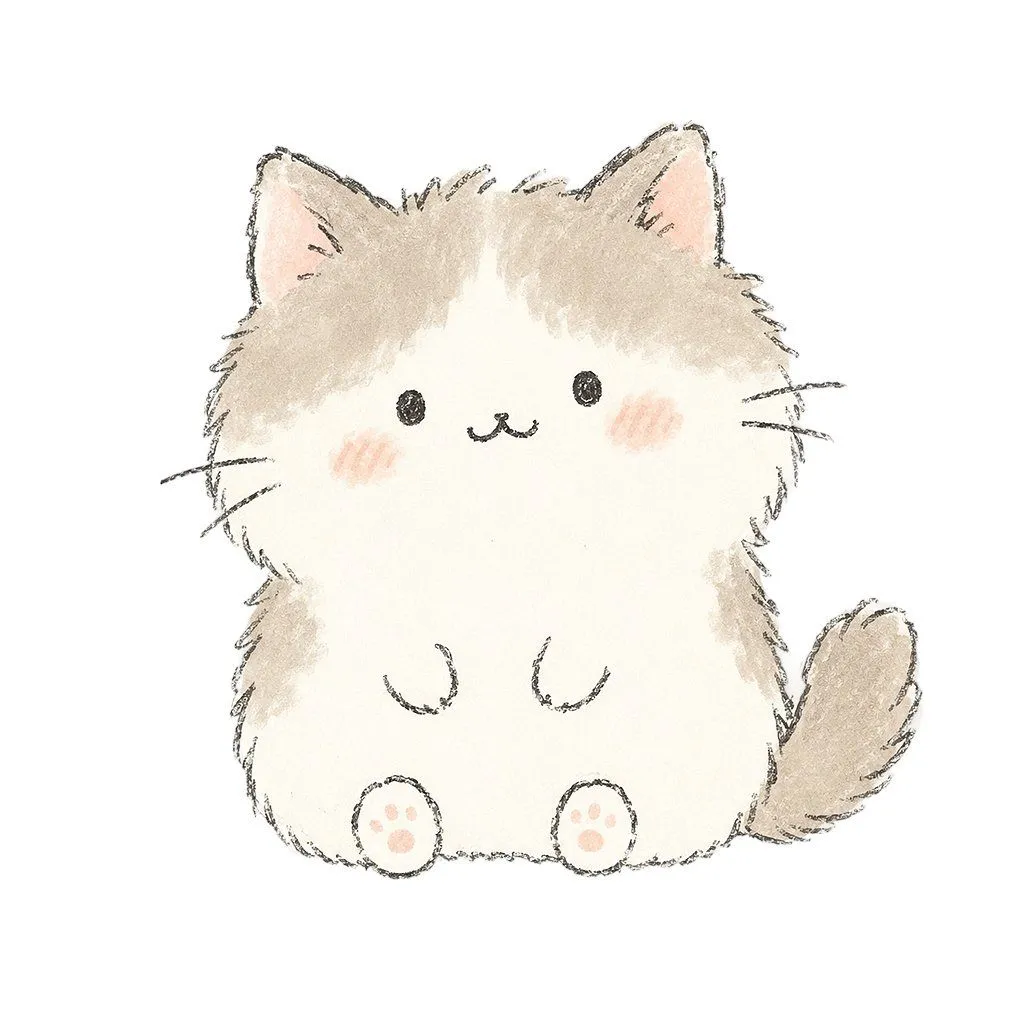
Made with GPT Image 2 in ChatGPT by Library Avatars. Promptclay never generates images.
Did it work?
No reports yet. Tell others if it worked for you.
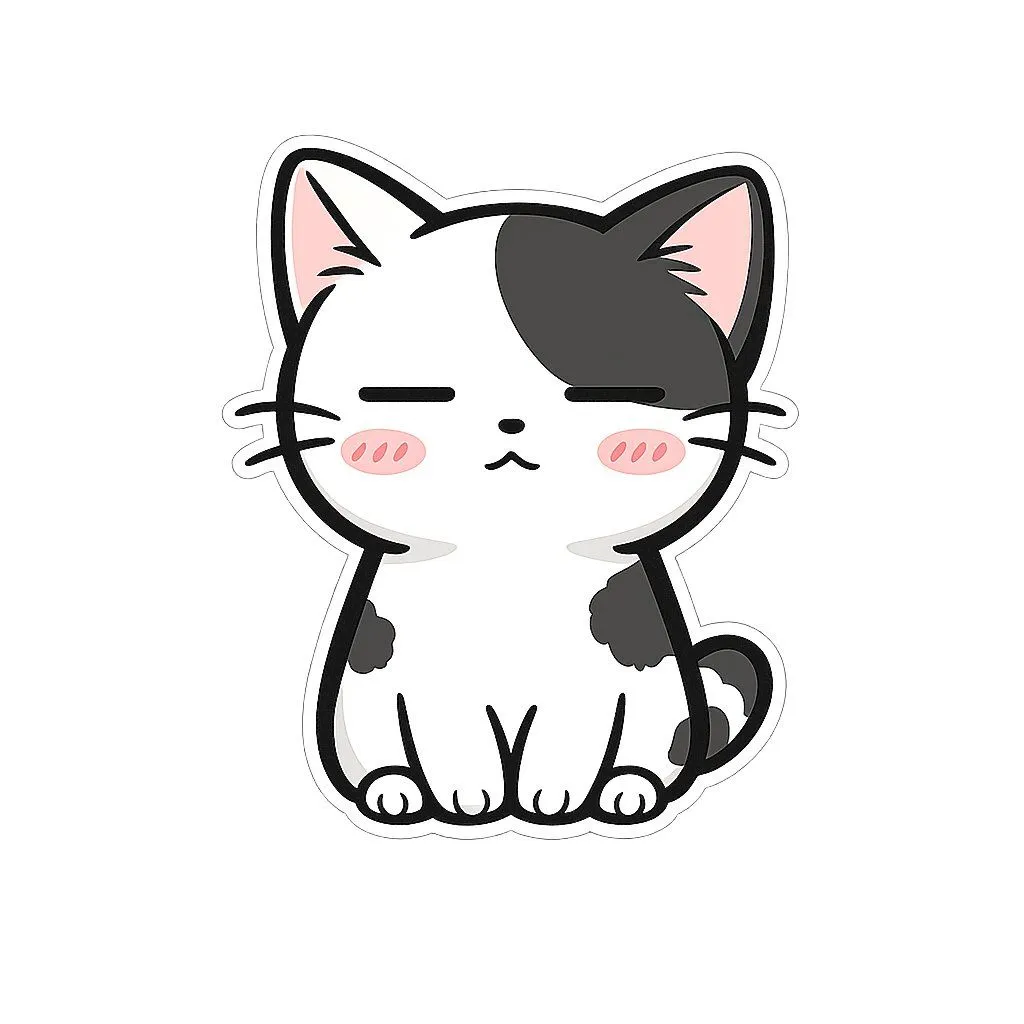
Kawaii Watercolor Kitten
Prompt
1 blank to fillCreate a centered kawaii illustration of a fluffy chubby kitten on a plain white background, drawn in a soft hand-sketched watercolor and colored-pencil style. The kitten has {fur_color} fur, with beige patches on the top of the head, outer cheeks, sides of the body, and a fluffy curled tail on the right, while the face and belly are mostly cream. Give it oversized triangular ears with pale pink inner ears, tiny black oval eyes, a small black smiling cat mouth, three short whisker lines on each side, and soft pink blush on both cheeks. The body should be rounded and plush like a squat stuffed animal, sitting front-facing with two tiny curved front paws on the belly and two round feet at the bottom, each foot showing exactly 4 pink paw pads. Use rough charcoal-like dark gray outlines, loose furry strokes around the edges, translucent watercolor shading, and a gentle pastel palette. Keep the composition minimal, with no text, no props, no background scenery, and plenty of white space around the single kitten.
Preview of your prompt
Create a centered kawaii illustration of a fluffy chubby kitten on a plain white background, drawn in a soft hand-sketched watercolor and colored-pencil style. The kitten has warm light beige and cream fur, with beige patches on the top of the head, outer cheeks, sides of the body, and a fluffy curled tail on the right, while the face and belly are mostly cream. Give it oversized triangular ears with pale pink inner ears, tiny black oval eyes, a small black smiling cat mouth, three short whisker lines on each side, and soft pink blush on both cheeks. The body should be rounded and plush like a squat stuffed animal, sitting front-facing with two tiny curved front paws on the belly and two round feet at the bottom, each foot showing exactly 4 pink paw pads. Use rough charcoal-like dark gray outlines, loose furry strokes around the edges, translucent watercolor shading, and a gentle pastel palette. Keep the composition minimal, with no text, no props, no background scenery, and plenty of white space around the single kitten.
DetailsVersions, settings and questions
Written for
What's in the prompt
- Subject
- Model
- GPT Image 2
If your face changes
keep my face exactly the sameQuestions
- Does this work in the ChatGPT app?
- Yes. Paste the prompt and attach your photo if it uses one.
- It changed my face. What do I do?
- Add "keep my face exactly the same" to the end and run it again.
- Can I use the images I make?
- Check the terms of the app you use. Promptclay never generates images and claims nothing you make.