Tell us anything

An idea, a bug, something you love. We read every note.

⌘↵ to send. The page you're on comes along.

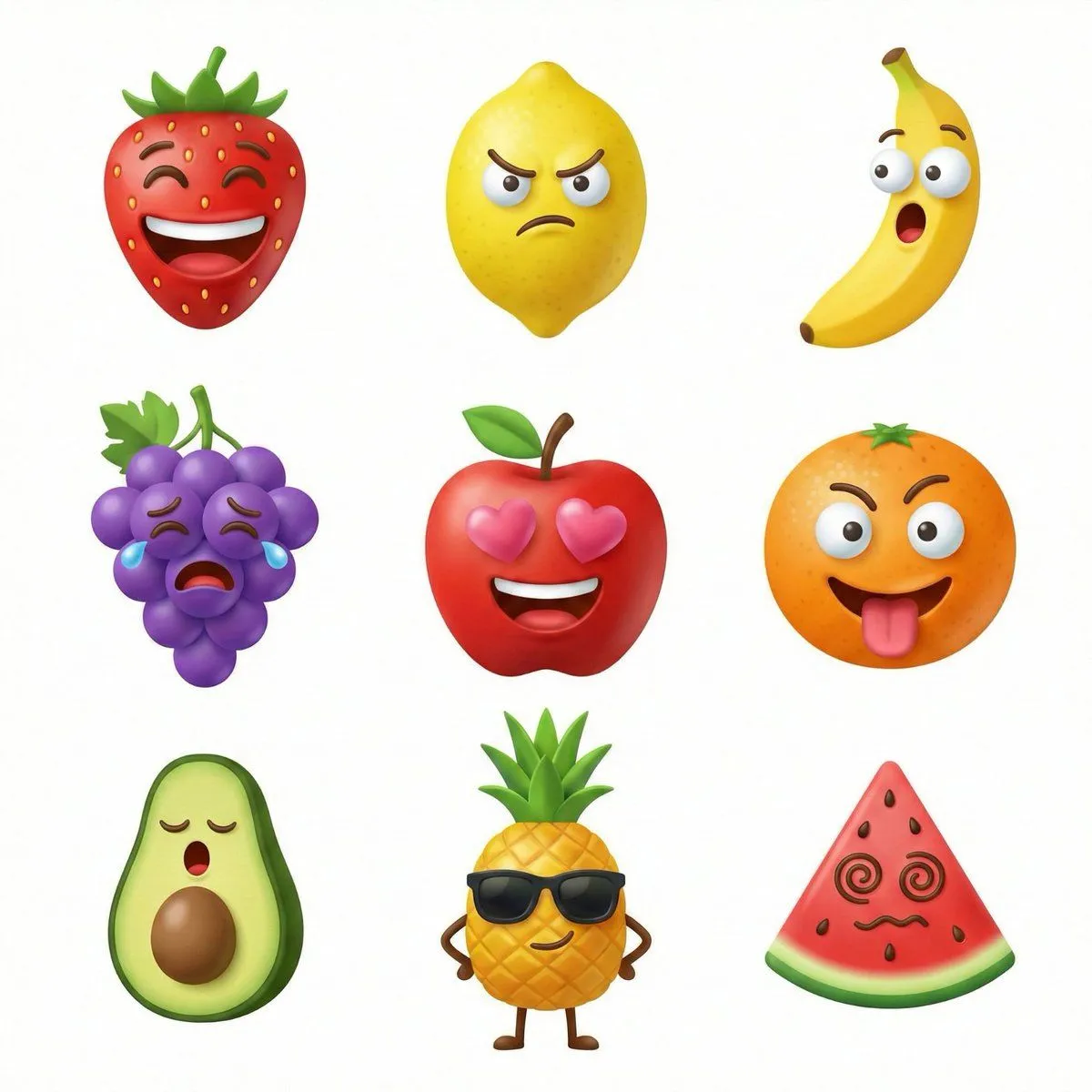
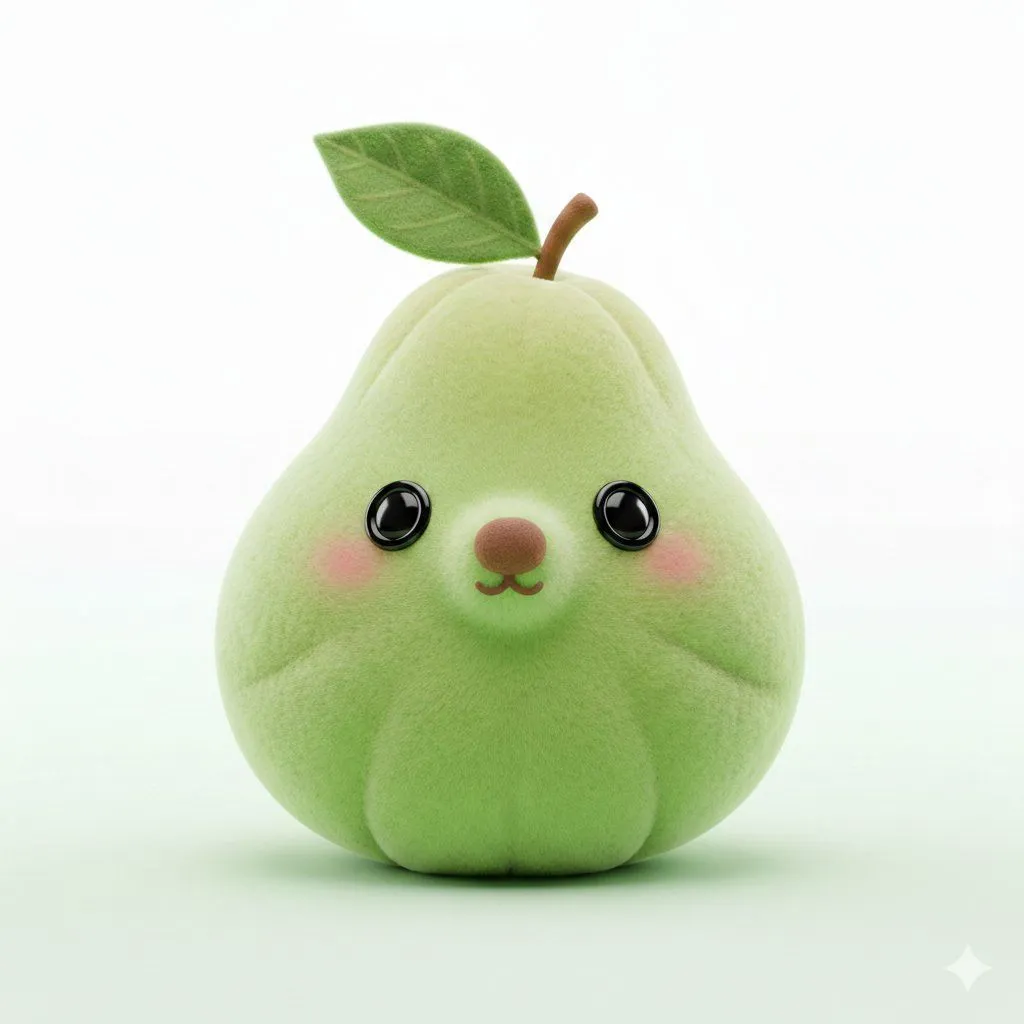
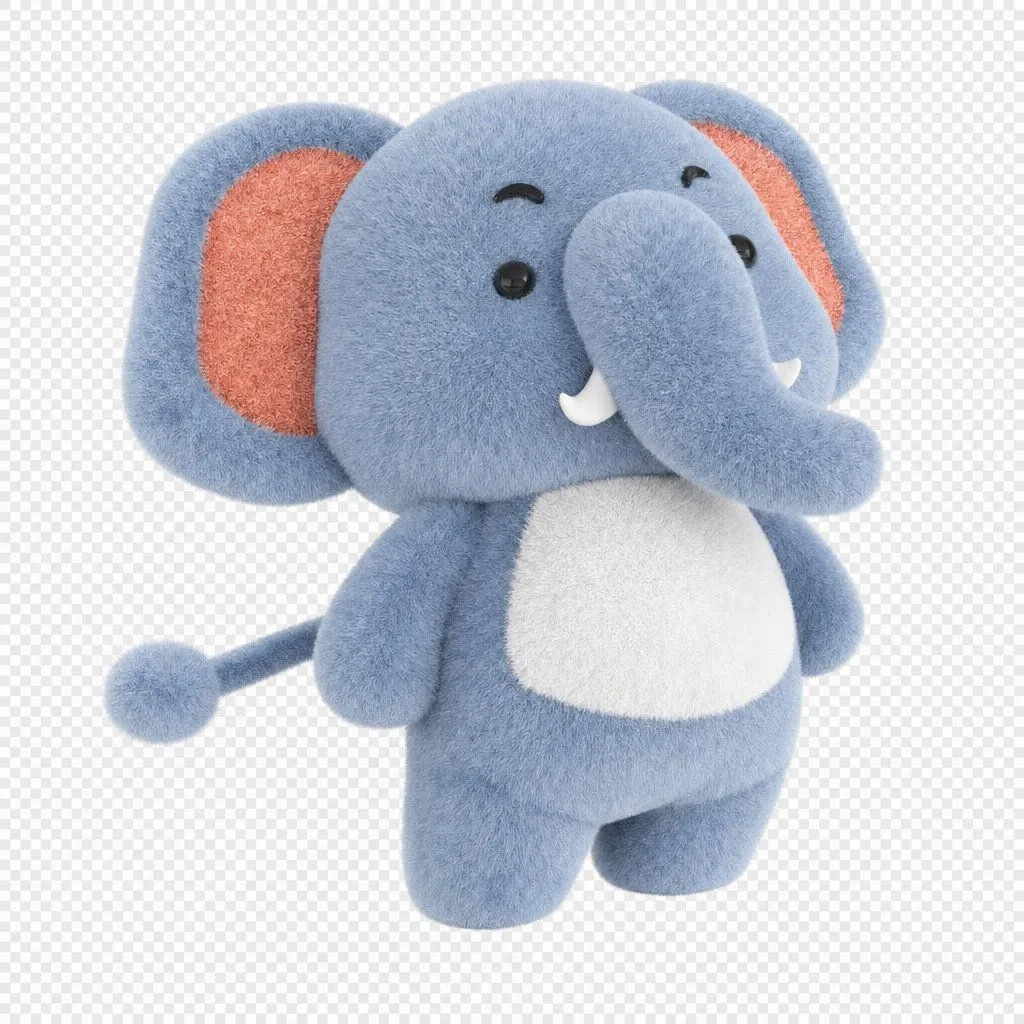
3D Plush Fruit Character Template

Made with Nano Banana Pro in Gemini by Library Product. Promptclay never generates images.

Did it work?

No reports yet. Tell others if it worked for you.

No comments yet. Be the first.

    3D Plush Fruit Character Template

    Nano Banana Pro1:1AI-generated

    Prompt

    1 blank to fill

    { "subject": "{fruit_name}", "features": ["button nose", "leaf hat", "blushed cheeks"], "material_properties": { "texture": "soft_plush", "finish": "velvety", "tactile_feel": "squeezable" }, "render_settings": { "style": "3D_model_stylized", "composition": "centered", "lighting": "soft_studio", "background": "clean_minimalist" }, "metadata": { "aspect_ratio": "3:2", "model_version": "v7" } }

    Works in
    Gemini, ChatGPT
    Status
    Free to copy
    0
    DetailsVersions, settings and questions

    Written for

    What's in the prompt

    Subject
    Model
    Nano Banana Pro

    If your face changes

    keep my face exactly the same

    Questions

    Does this work in the Gemini app?
    Yes. Gemini runs Nano Banana, so paste the prompt and attach your photo if it uses one.
    It changed my face. What do I do?
    Add "keep my face exactly the same" to the end and run it again.
    Can I use the images I make?
    Check the terms of the app you use. Promptclay never generates images and claims nothing you make.
    Similar prompts

    See more
    • Kawaii Mochi 3D Toy Character
    • Object rotation and zoom prompt
    • 3D Icon Collection Grid Generator
    • Collectible Art Toy Character Design Sheet
    • Bioluminescent Plush Creature Sheet
    • Popmart Style 3D Character Toy
    • Kawaii 3D Character Icon
    • Minimalist 3D Clay Render
    • Isometric Gym Garage Diorama Prompt
    • Dreamy Plush Sparrow in Mossy Sunlight
    • Chunky Cinematic Pop Culture Character
    • Pastel Flower Sticker-Stamp Toy
    • Aiko 3D Character Sheet
    • Image-to-SD Papercraft Conversion Prompt
    • Generate a realistic figurine from a photo
    • Nano Banana Pro Multi-Panel Generation
    • 3D Polished Character Portrait (Pastel Anime Style)
    • 3D Pixar Chibi Character Transformation
    • Kawaii Melon Mascot Character Sheet
    • Clay-Style Soft Minimal 3D Illustration Template
    • Minimalist 3D Clay Illustration Template
    • Natural Language Prompt for Kawaii Starfish in Custom Chibi Style
    • Character Emerging from Smartphone Screen (Forced Perspective)
    • Chibi-Style Character Transformation

    Show more

    Run it on your phone

    1. Prompt copiedRead it

      { "subject": "{fruit_name}", "features": ["button nose", "leaf hat", "blushed cheeks"], "material_properties": { "texture": "soft_plush", "finish": "velvety", "tactile_feel": "squeezable" }, "render_settings": { "style": "3D_model_stylized", "composition": "centered", "lighting": "soft_studio", "background": "clean_minimalist" }, "metadata": { "aspect_ratio": "3:2", "model_version": "v7" } }

    2. Open your app

    3. Paste and run

      Press and hold the message box, then tap Paste. Add your photo first if the prompt uses one. You may need to sign in.

    3D Plush Fruit Character Template