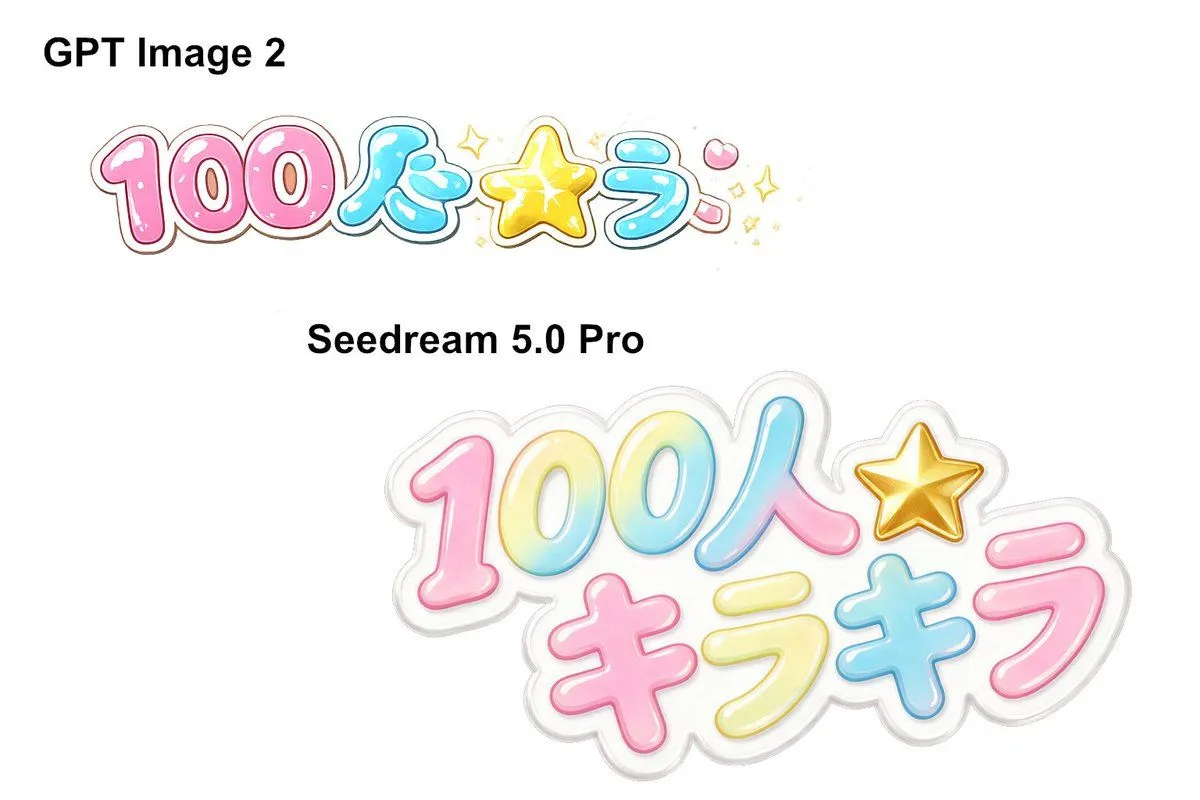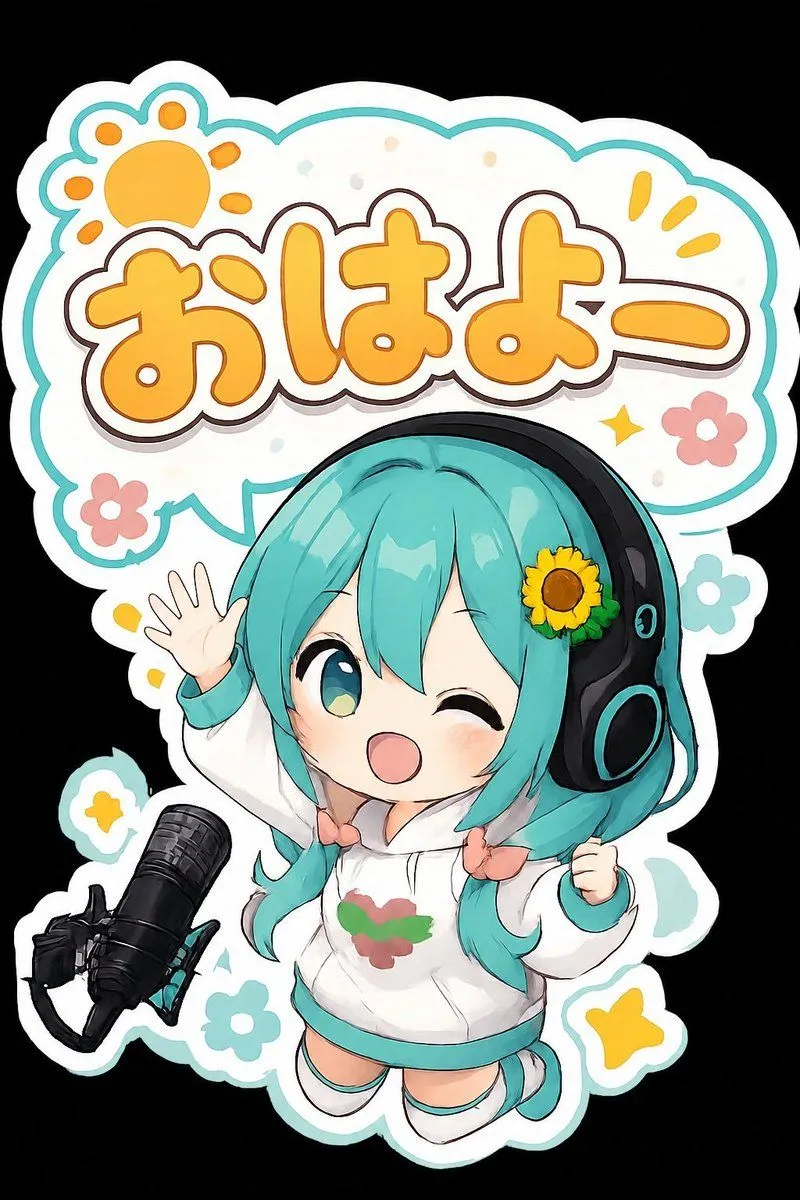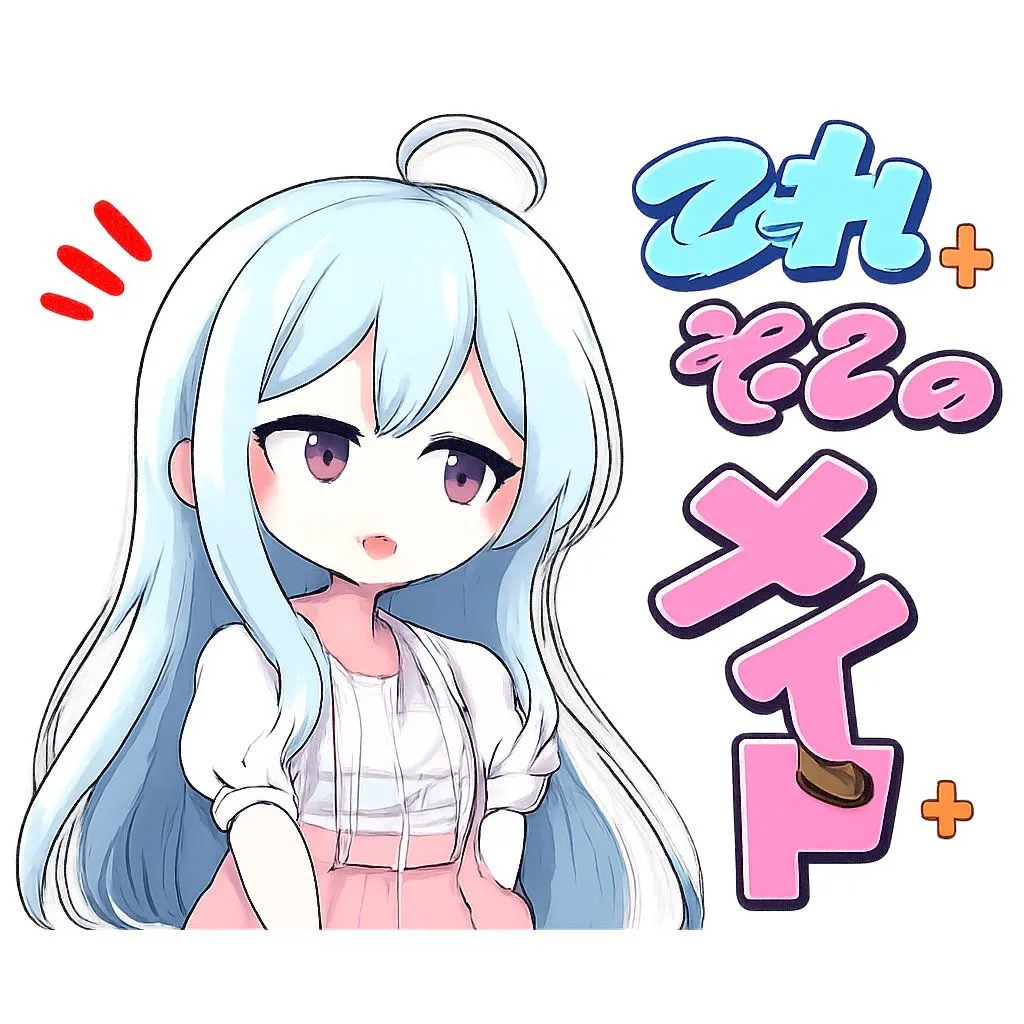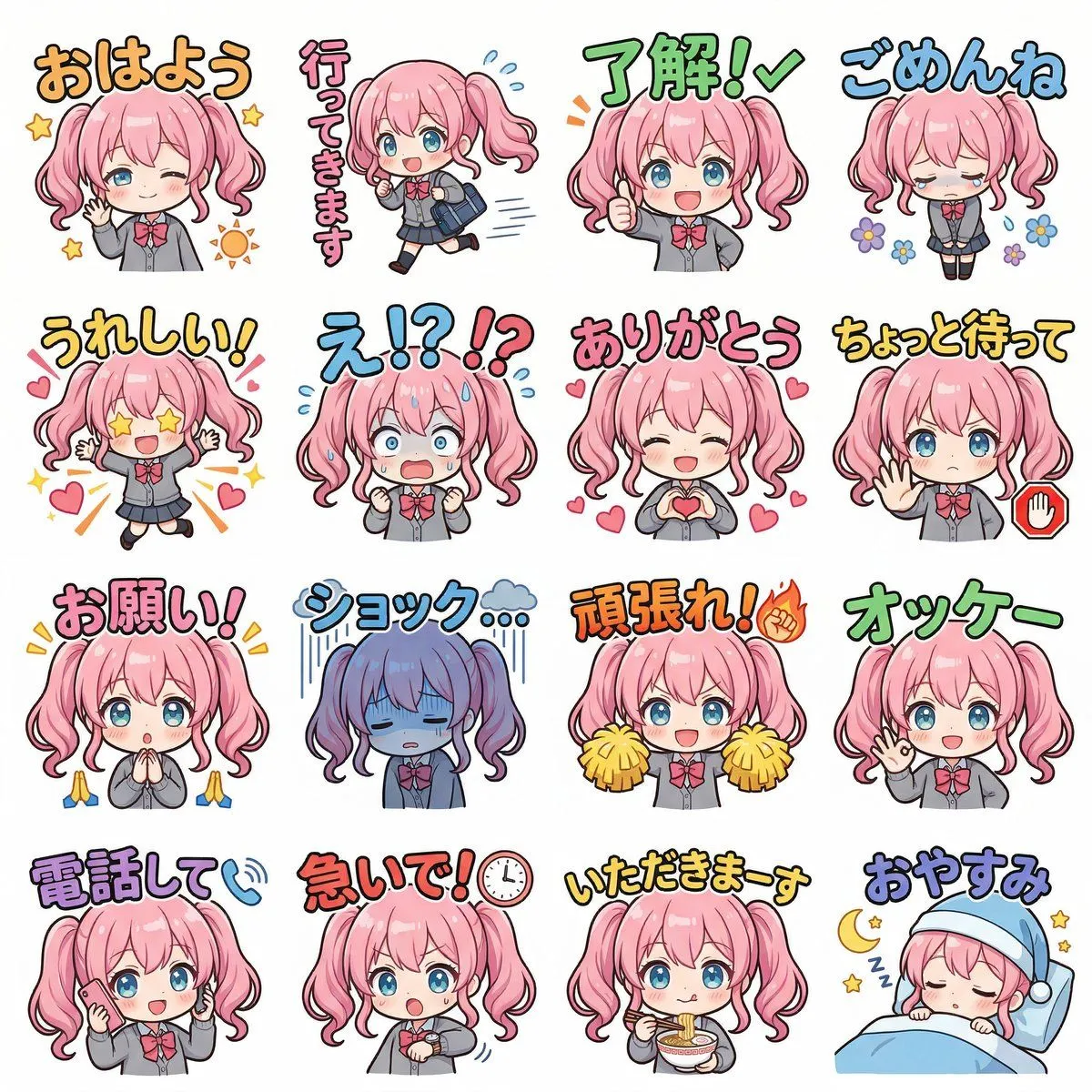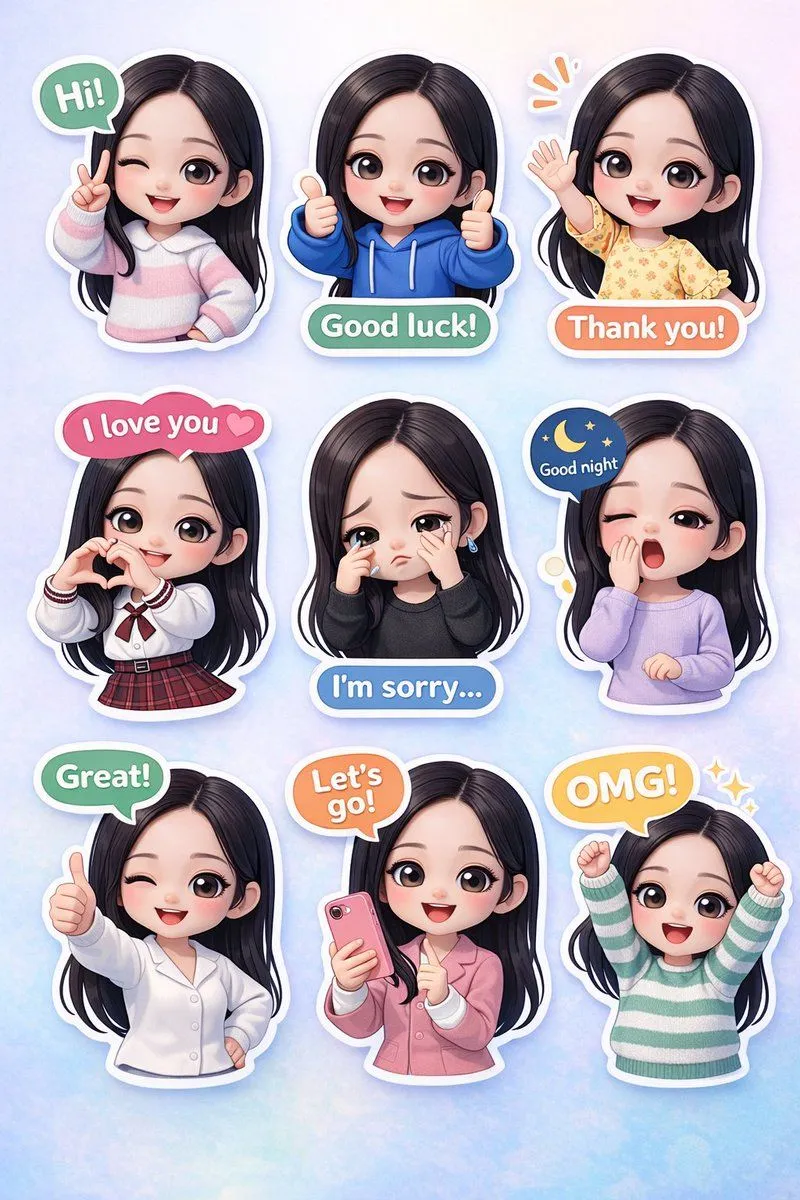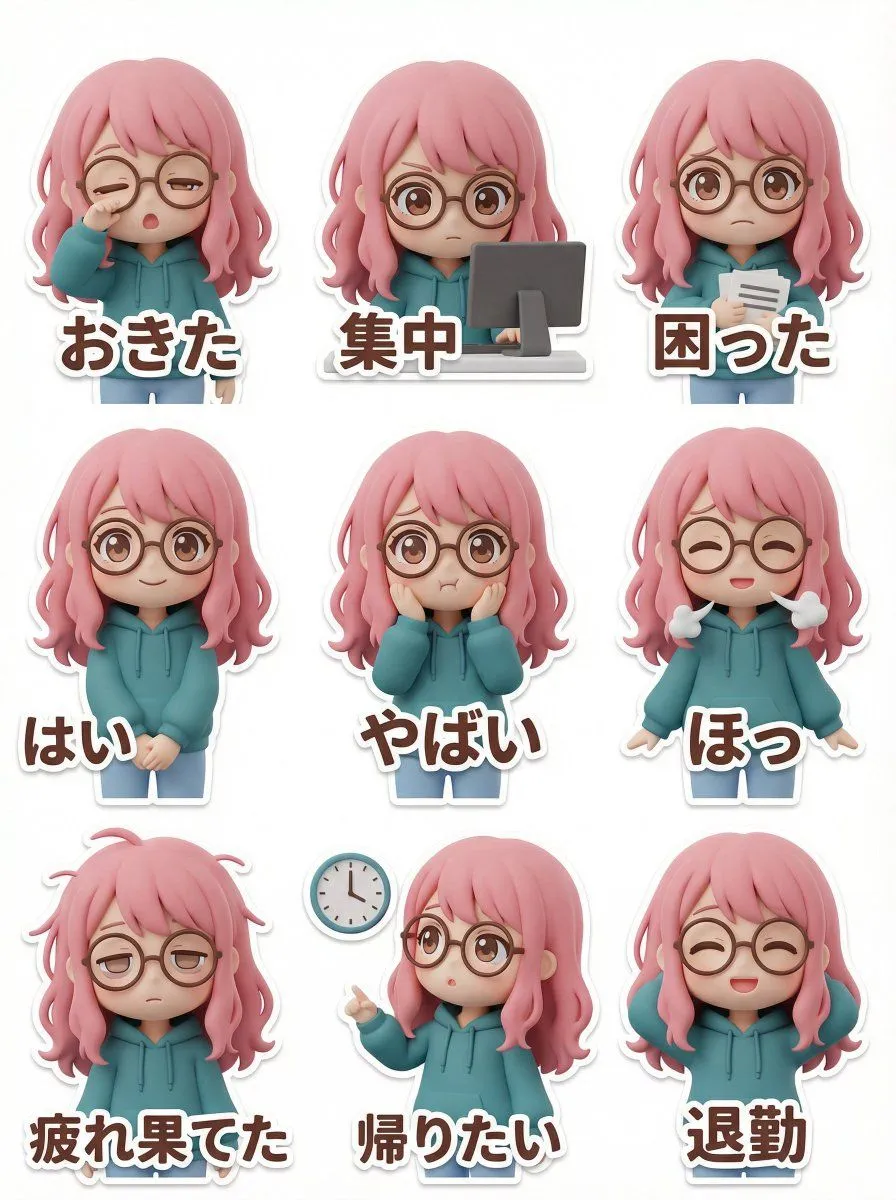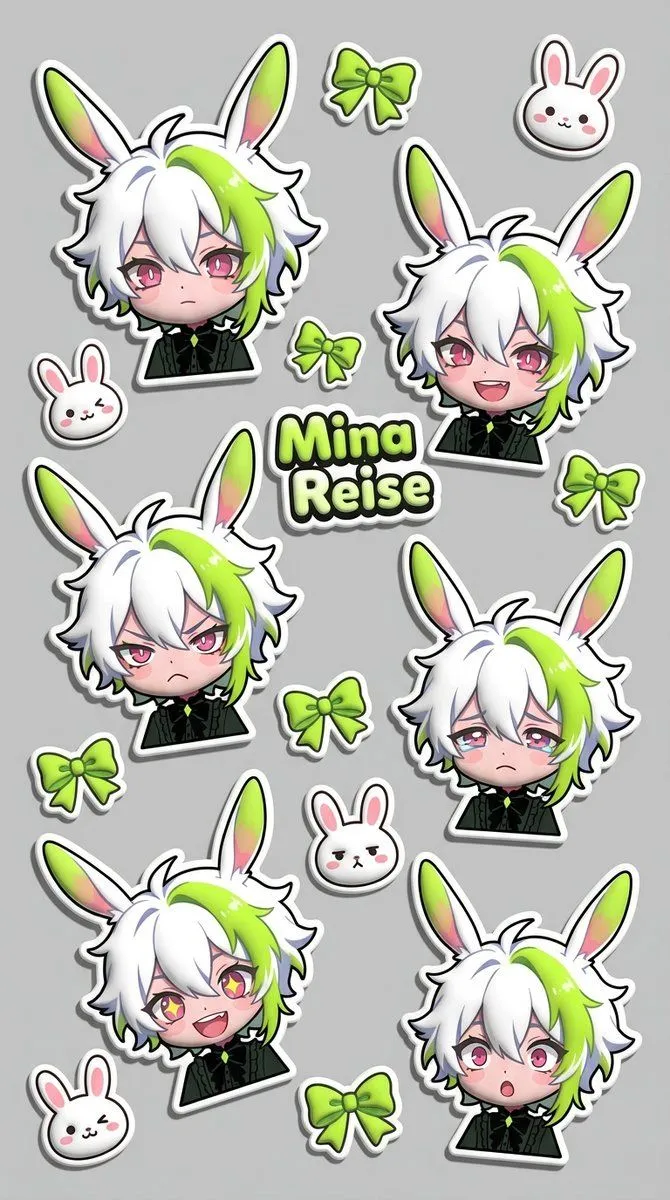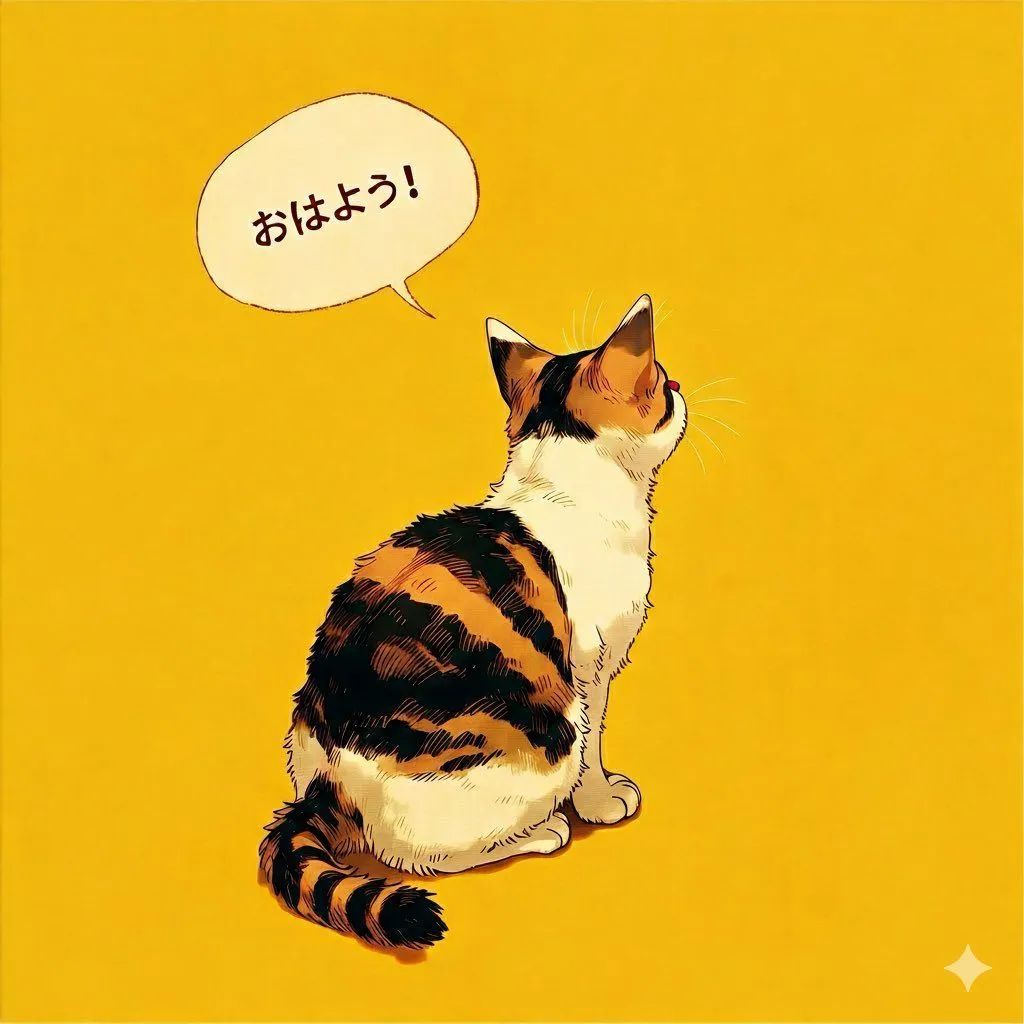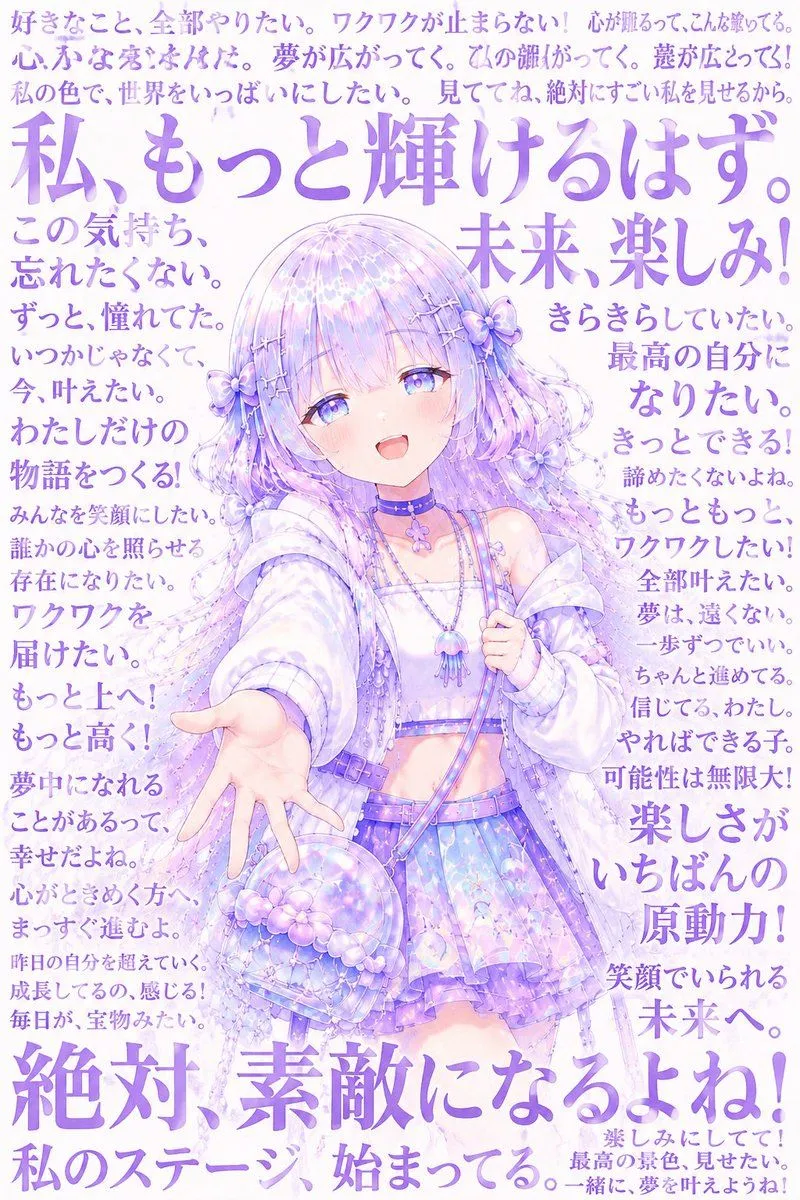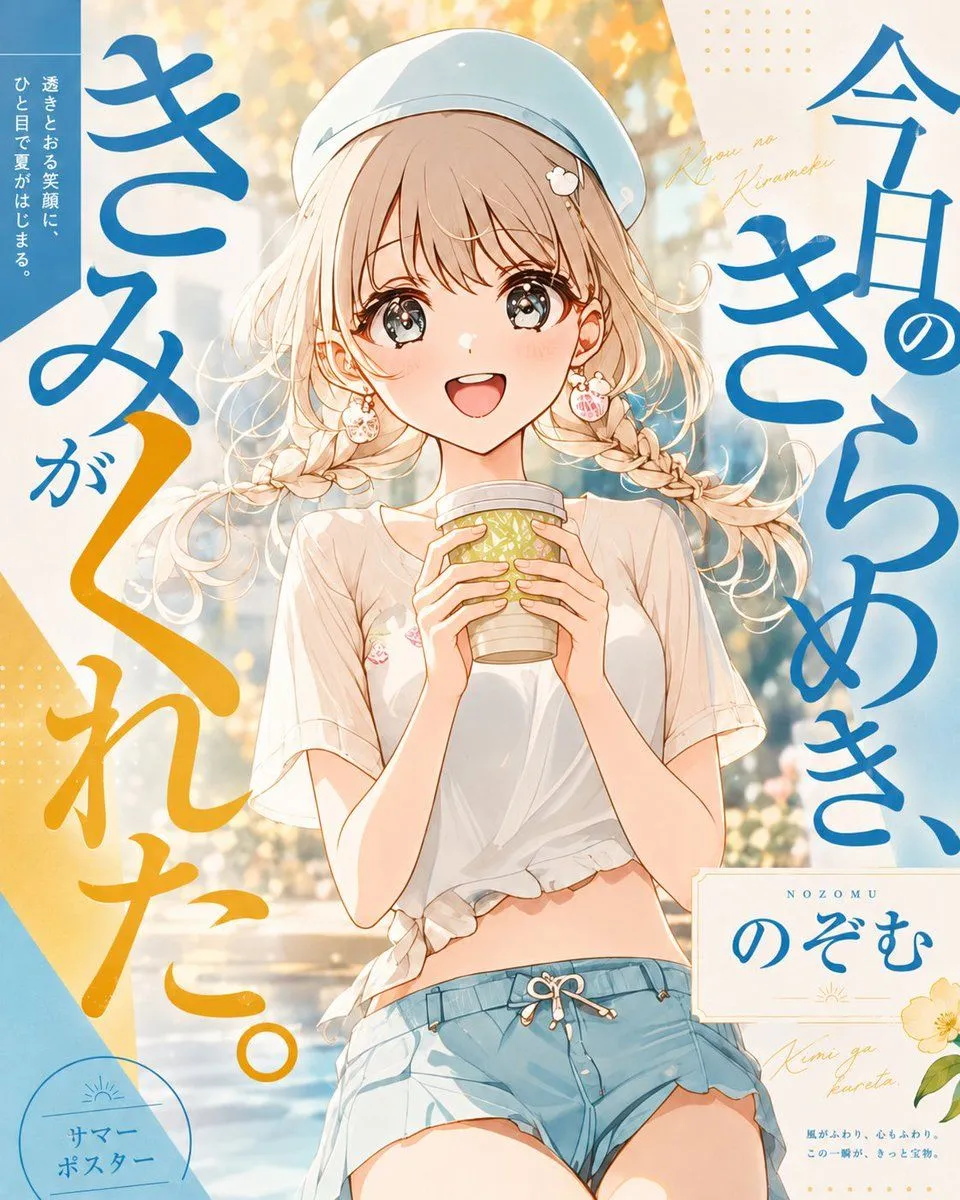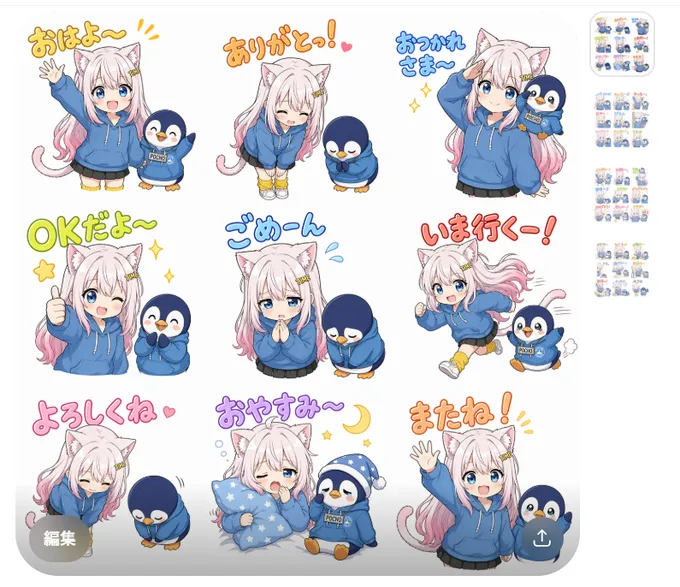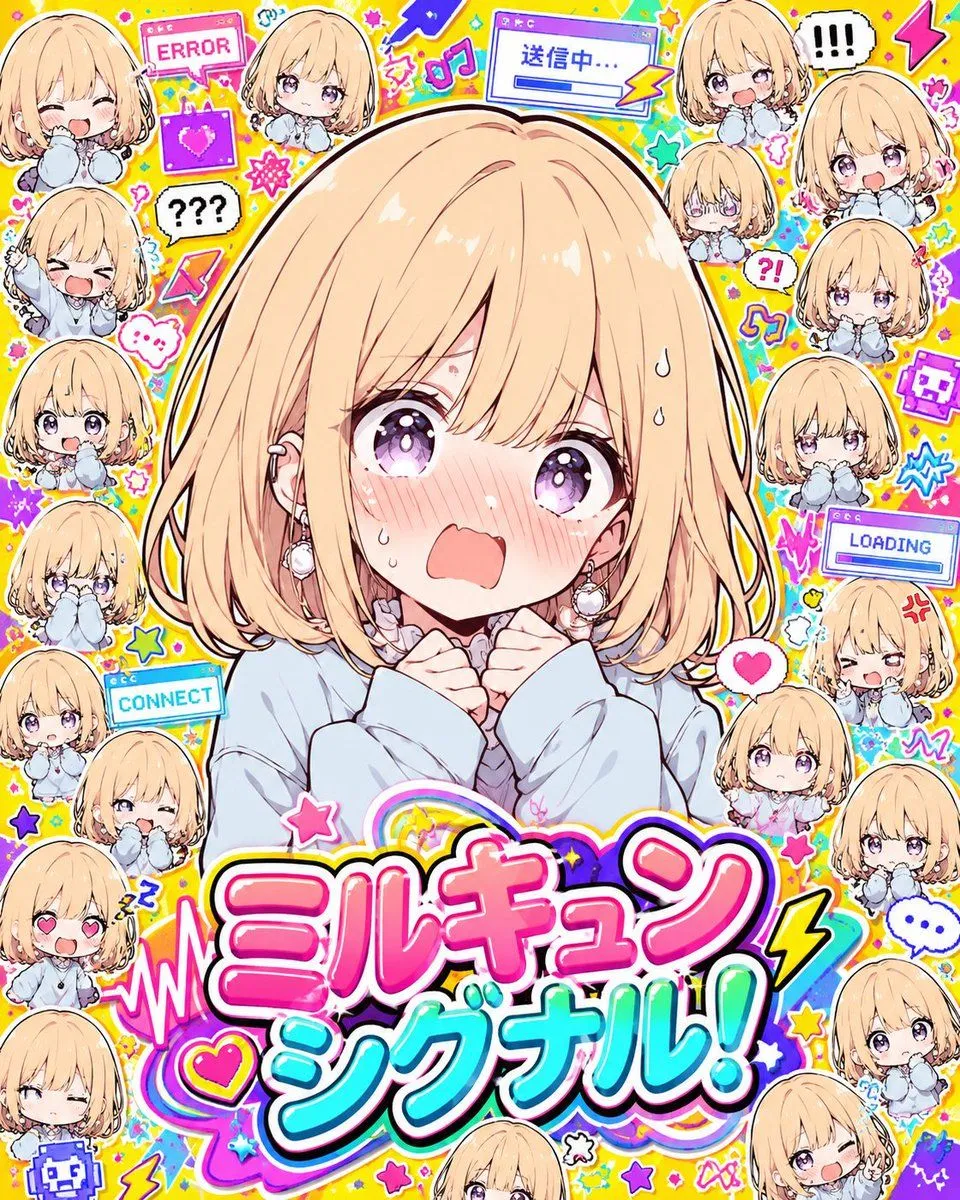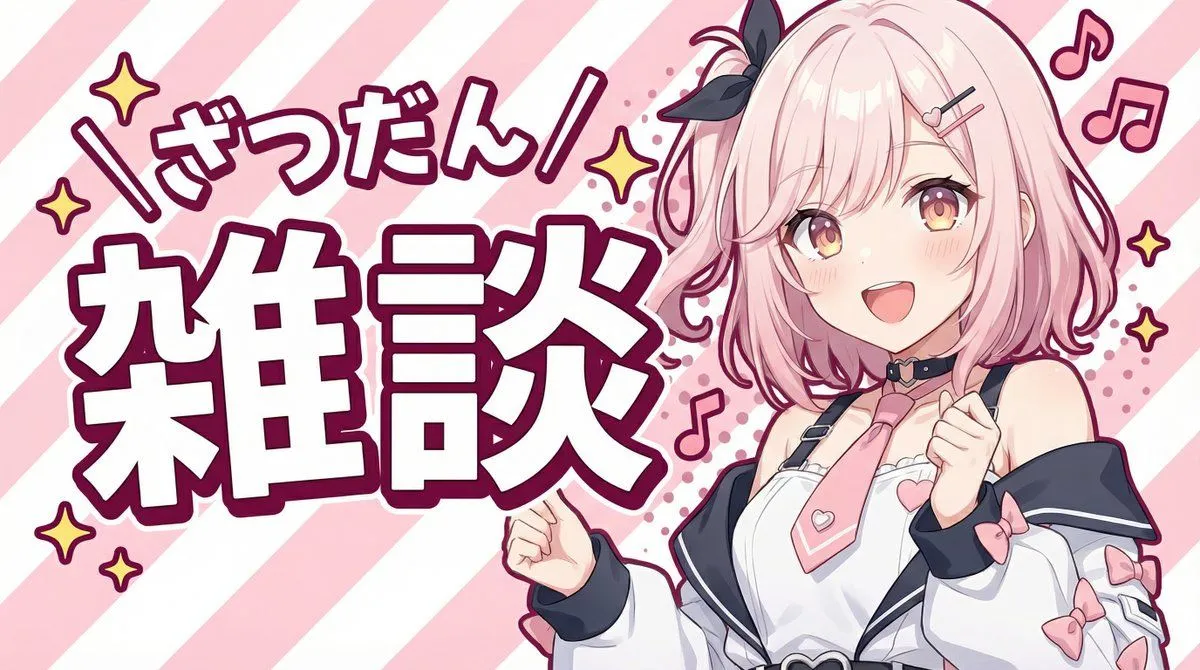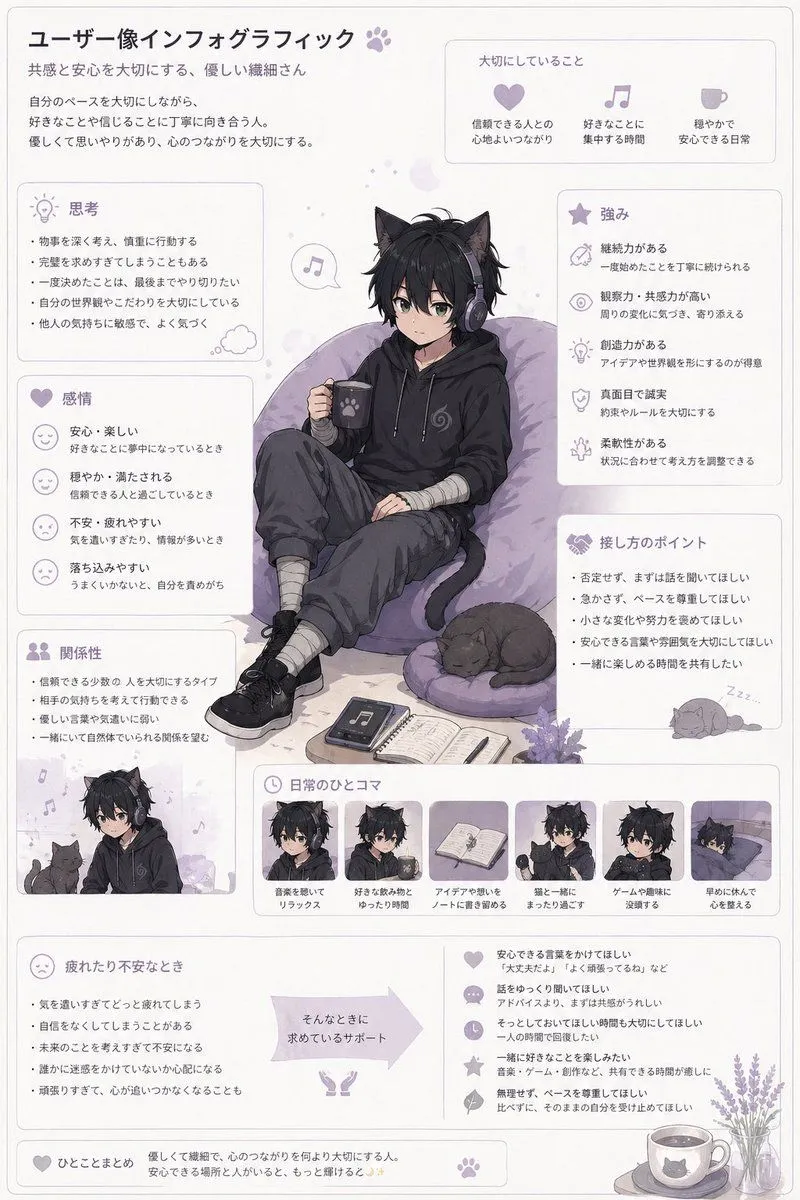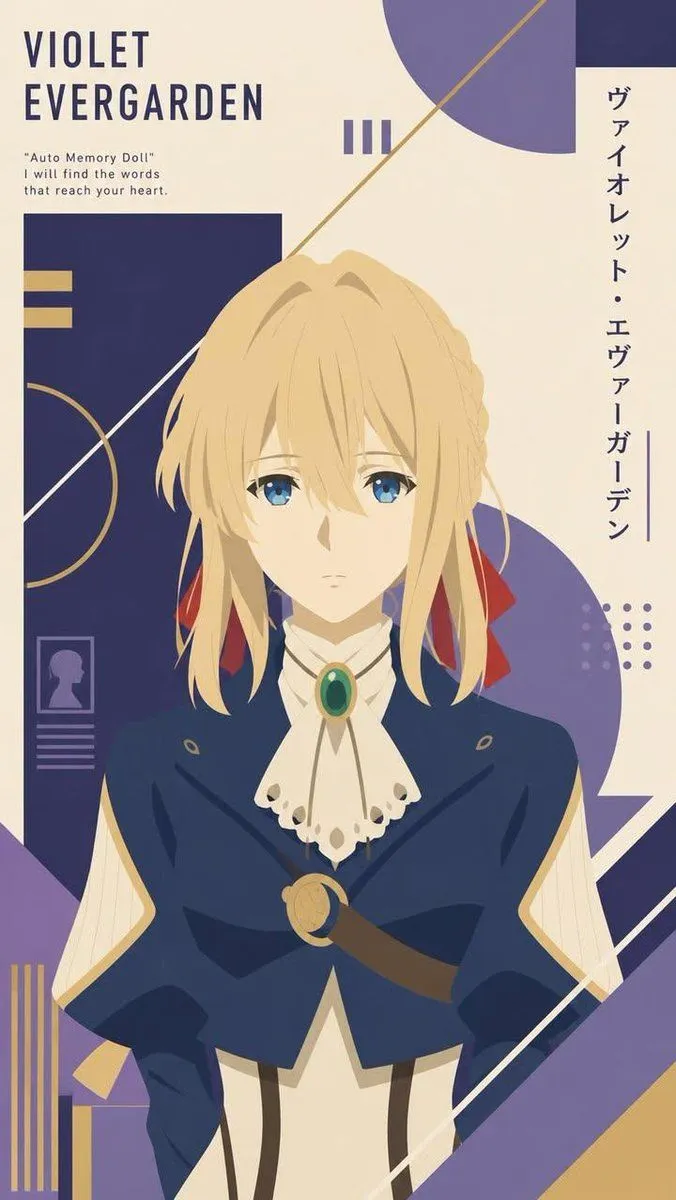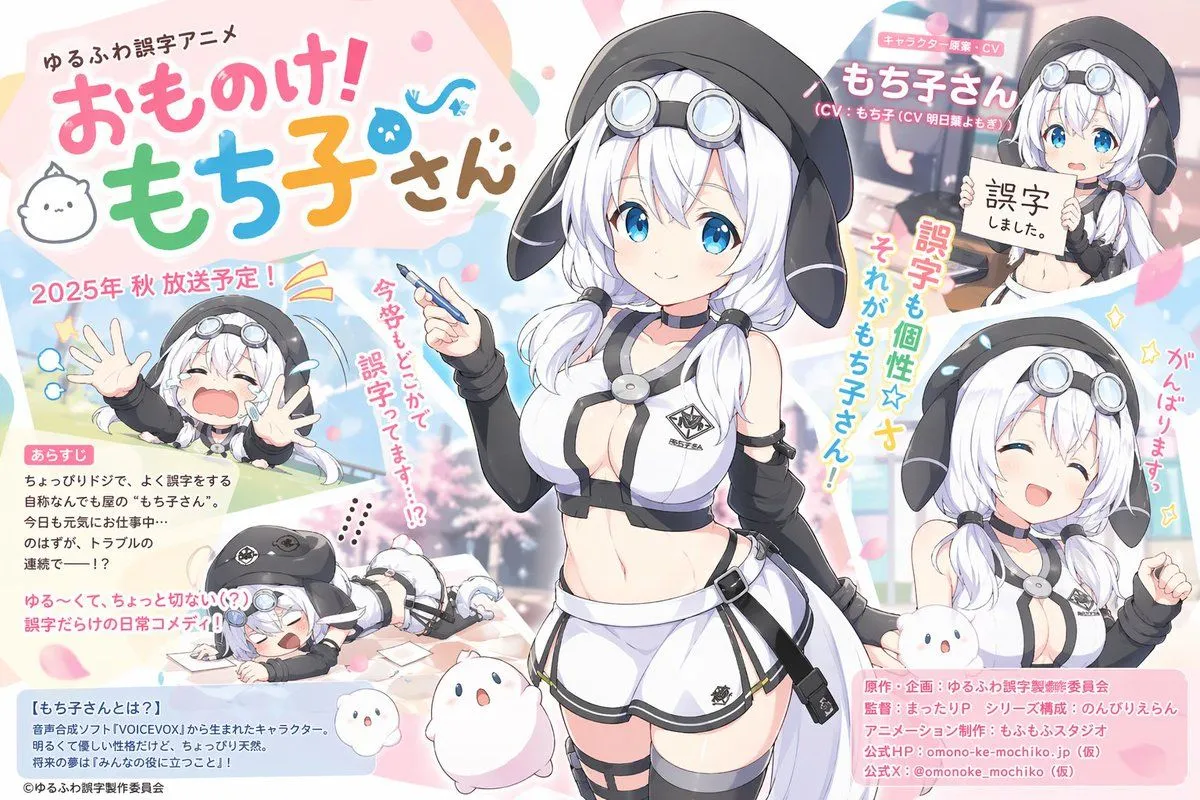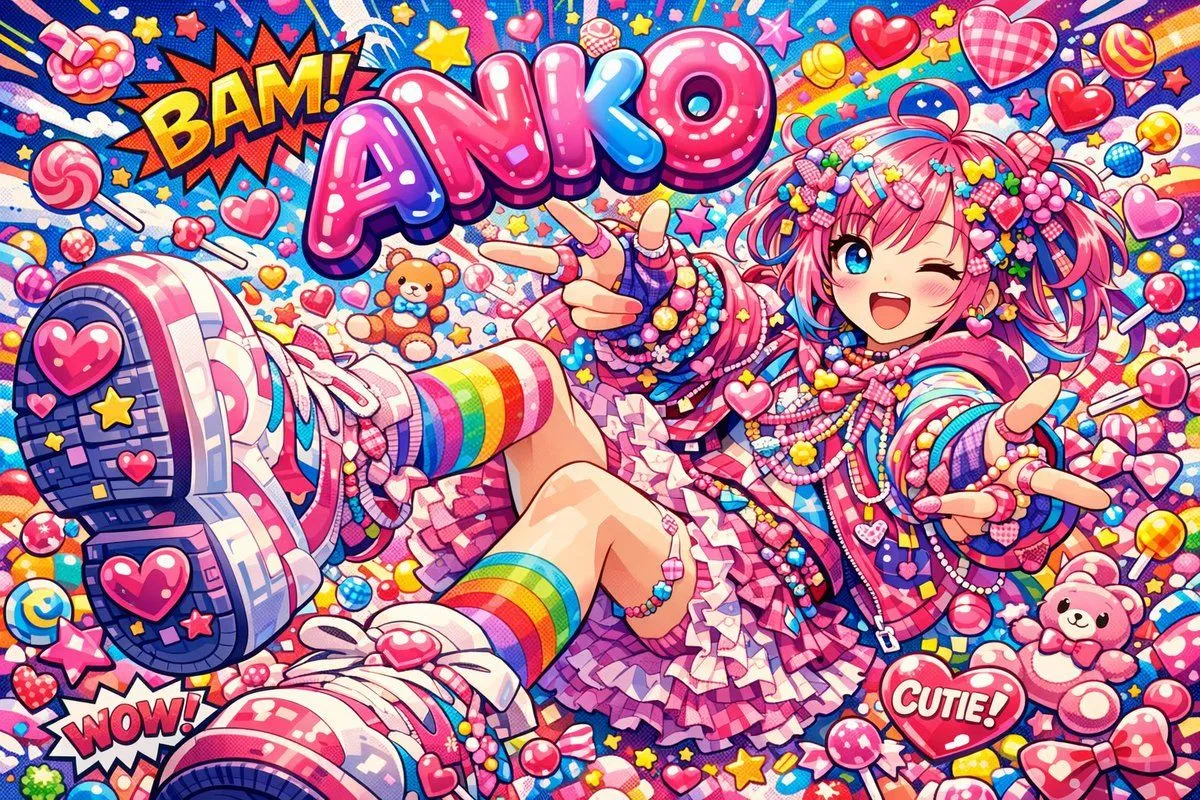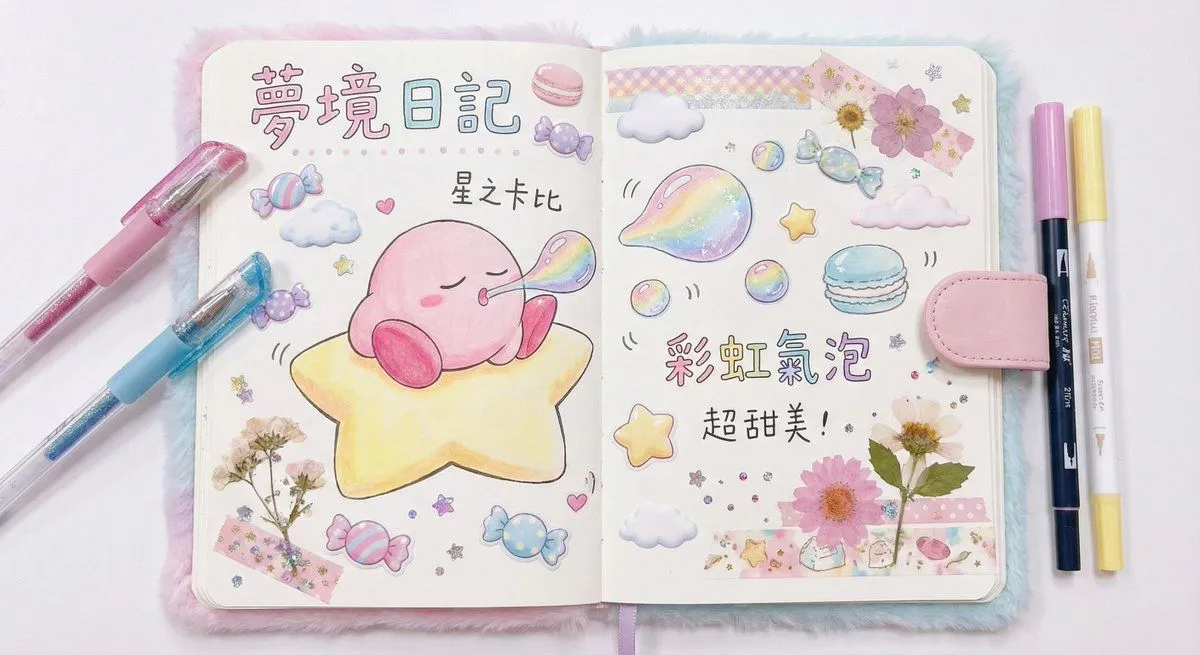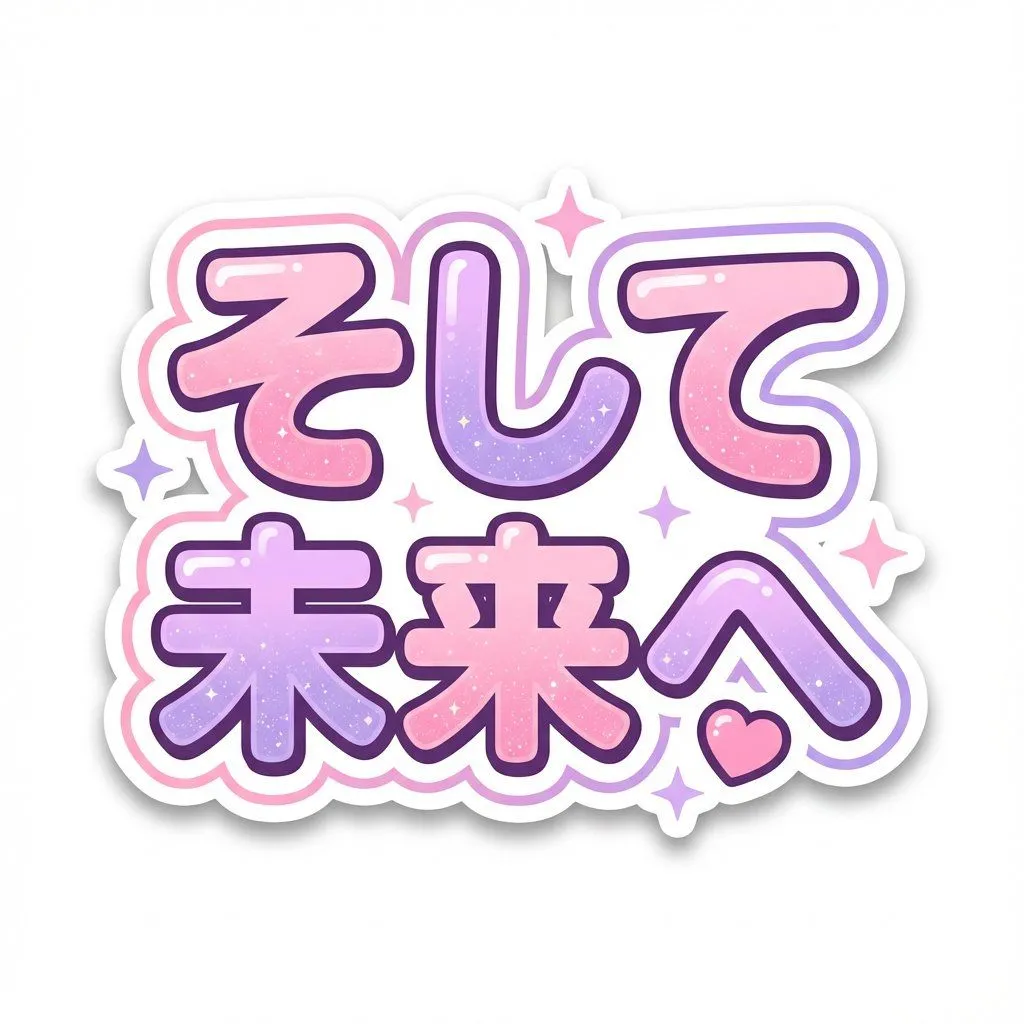
Made with Nano Banana Pro in Gemini, collected by Library Social. Promptclay never generates images.
Did it work?
No reports yet. Tell others if it worked for you.
Kawaii Japanese Anime-Style POP Typography Sticker
Prompt
2 blanks to fillCreate a kawaii Japanese anime-style POP typography sticker. TEXT (exact, no extra characters): "{text}" (If two lines are needed, keep the same text but insert a line break with \n.) Style: - Thick, rounded bubble letters (kawaii, soft corners, bold strokes). - Pastel gradient fills alternating pink and lavender per character. - Subtle glitter / dot sparkle texture inside the letters. - Glossy highlights on the top-left of each letter (soft white shine). - Outline: very thick pure white outline + a thin outer outline ({outer_outline_color}) for a double-stroke sticker look. - Add a few small 4-point sparkle stars around the text and one small heart near the bottom-right (matching pastel colors). - Slight soft drop shadow under the sticker (very subtle). Composition: - Centered, clean margins, dynamic “jumping” letter sizes and playful tilt, but keep every character perfectly readable.
Preview of your prompt
Create a kawaii Japanese anime-style POP typography sticker. TEXT (exact, no extra characters): "そして未来へ" (If two lines are needed, keep the same text but insert a line break with \n.) Style: - Thick, rounded bubble letters (kawaii, soft corners, bold strokes). - Pastel gradient fills alternating pink and lavender per character. - Subtle glitter / dot sparkle texture inside the letters. - Glossy highlights on the top-left of each letter (soft white shine). - Outline: very thick pure white outline + a thin outer outline (pink or purple) for a double-stroke sticker look. - Add a few small 4-point sparkle stars around the text and one small heart near the bottom-right (matching pastel colors). - Slight soft drop shadow under the sticker (very subtle). Composition: - Centered, clean margins, dynamic “jumping” letter sizes and playful tilt, but keep every character perfectly readable.
DetailsVersions, settings and questions
Written for
What's in the prompt
- Subject
- Model
- Nano Banana Pro
If your face changes
keep my face exactly the sameQuestions
- Does this work in the Gemini app?
- Yes. Gemini runs Nano Banana, so paste the prompt and attach your photo if it uses one.
- It changed my face. What do I do?
- Add "keep my face exactly the same" to the end and run it again.
- Can I use the images I make?
- Check the terms of the app you use. Promptclay never generates images and claims nothing you make.