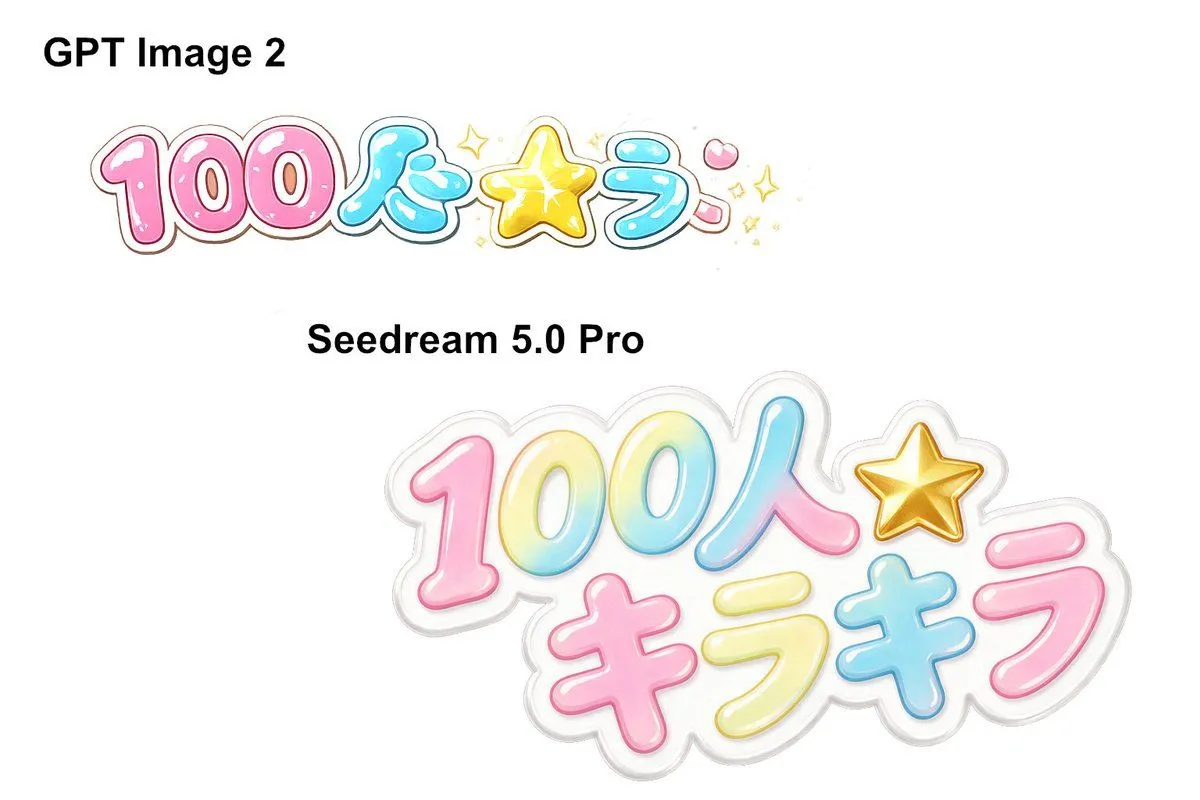
Japanese Kawaii Logo Model Comparison
Goal: Create a clean side-by-side comparison graphic on a plain white background showing two AI image model outputs of the same Japanese kawaii logo prompt. Canvas: Wide 3:2 landscape canvas, approximately 1152 × 768 px, with lots of empty white space and no border or watermark. Layout: Place two bold black model labels and two colorful logo samples. In the upper-left area, add the label “GPT Image 2” in large bold sans-serif black text. Below it, place a smaller glossy Japanese bubble-letter logo reading logo_text, arranged mostly in one horizontal line. In the middle-left area, add the label second_model_label in bold black sans-serif text. Below and to the right of that label, place a larger, sticker-like version of the same logo, occupying the lower-right half of the canvas. Text and objects count: Include exactly 2 black model labels: “GPT Image 2” and “Seedream 5.0 Pro”. Include exactly 2 colorful Japanese logo renderings. The upper logo should have 6 main text/symbol parts: pink “100”, blue “人”, yellow star symbol, blue “ラ”, pink dakuten-like mark, and small sparkle decorations. The lower logo should have 7 main text/symbol parts: gradient “100”, blue-pink “人”, gold star symbol, pink “キ”, yellow “ラ”, blue “キ”, and pink “ラ”. Visual style: Cute Japanese idol merchandise aesthetic, glossy inflated bubble lettering, rounded thick strokes, pastel candy colors, white highlights, subtle inner gradients, thin colored outlines, and soft gray/white sticker borders. Use color_palette. The lower logo should look more polished, larger, layered, and semi-translucent like a die-cut acrylic sticker with a soft gray shadow. The upper logo should look flatter and slightly less refined, with more small sparkles around the star. Constraints: Keep the background completely white, preserve the comparison composition, use crisp readable black labels, avoid extra captions, avoid photorealistic objects, and do not add any people or scenery.