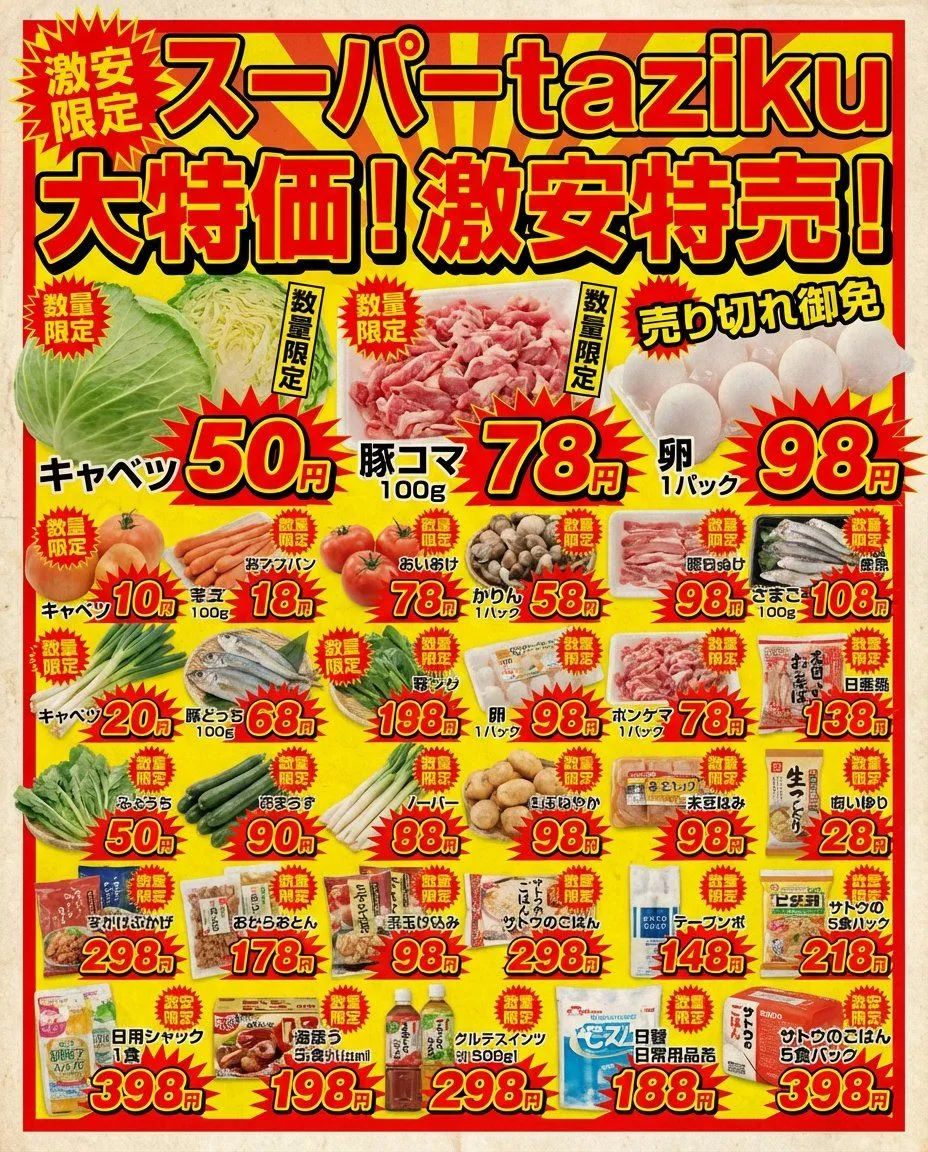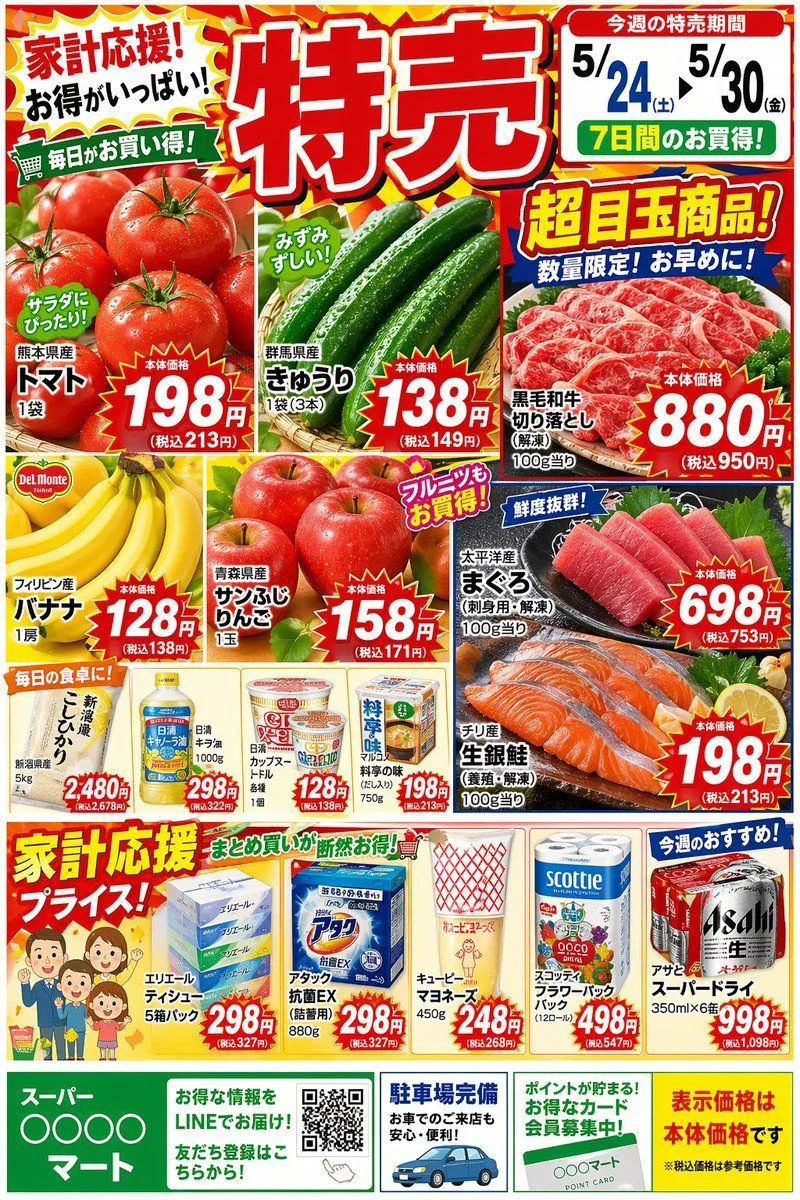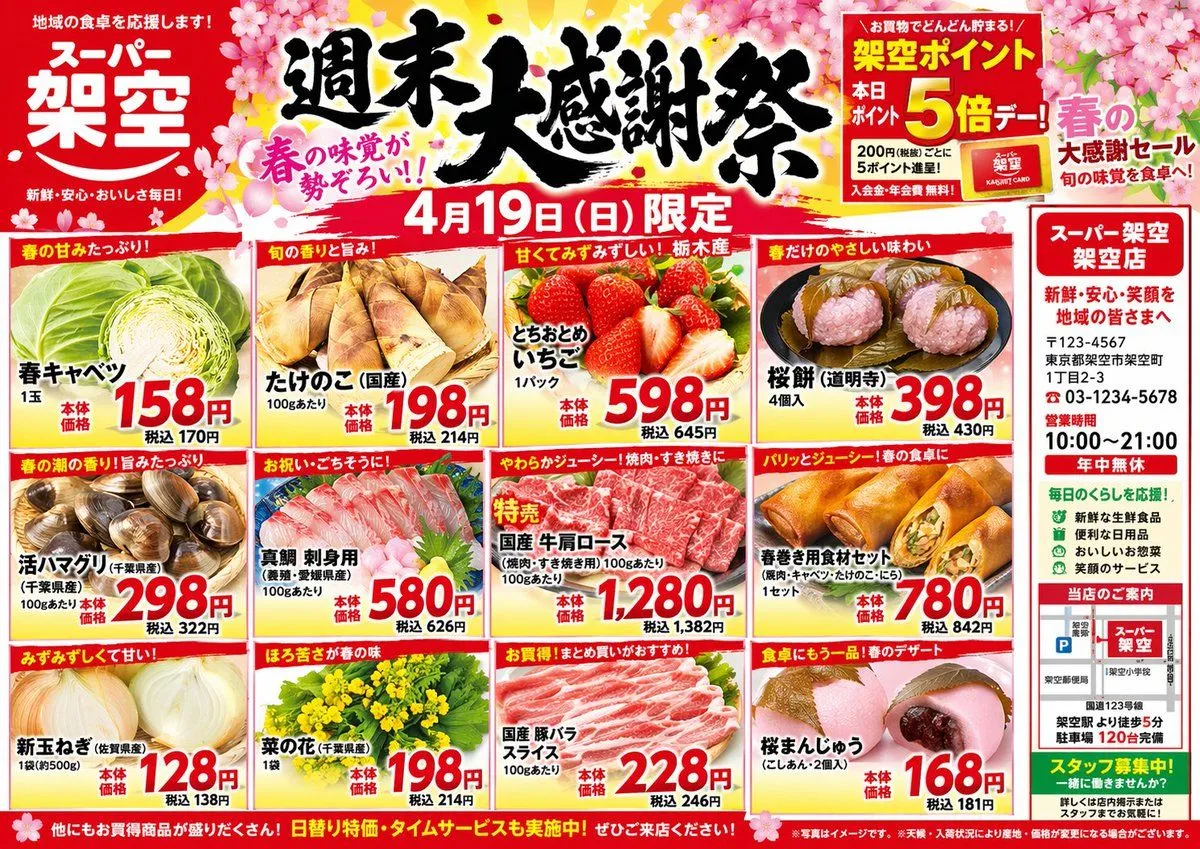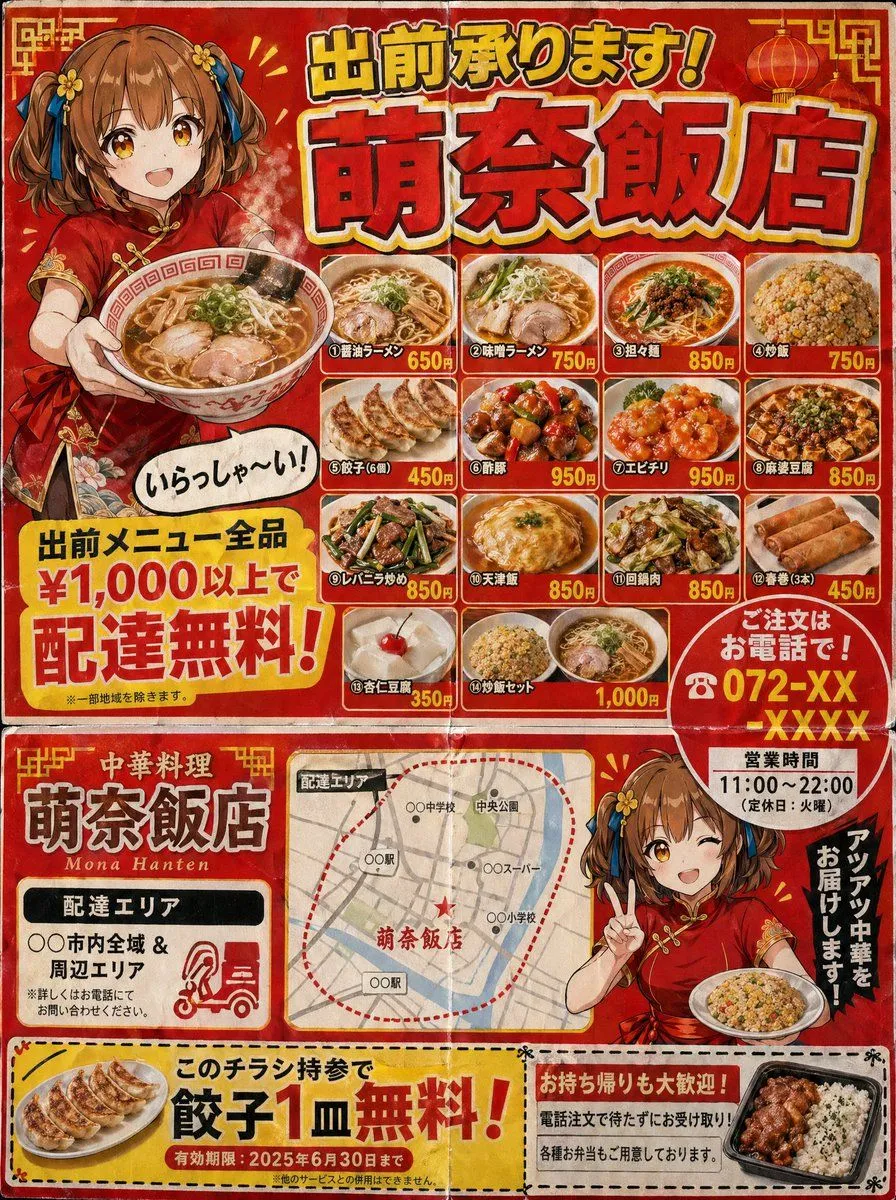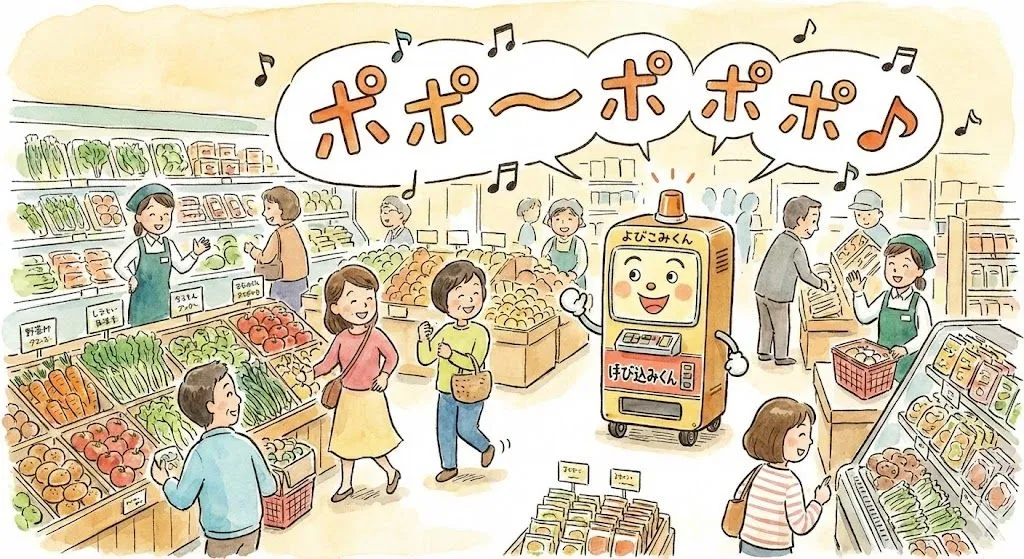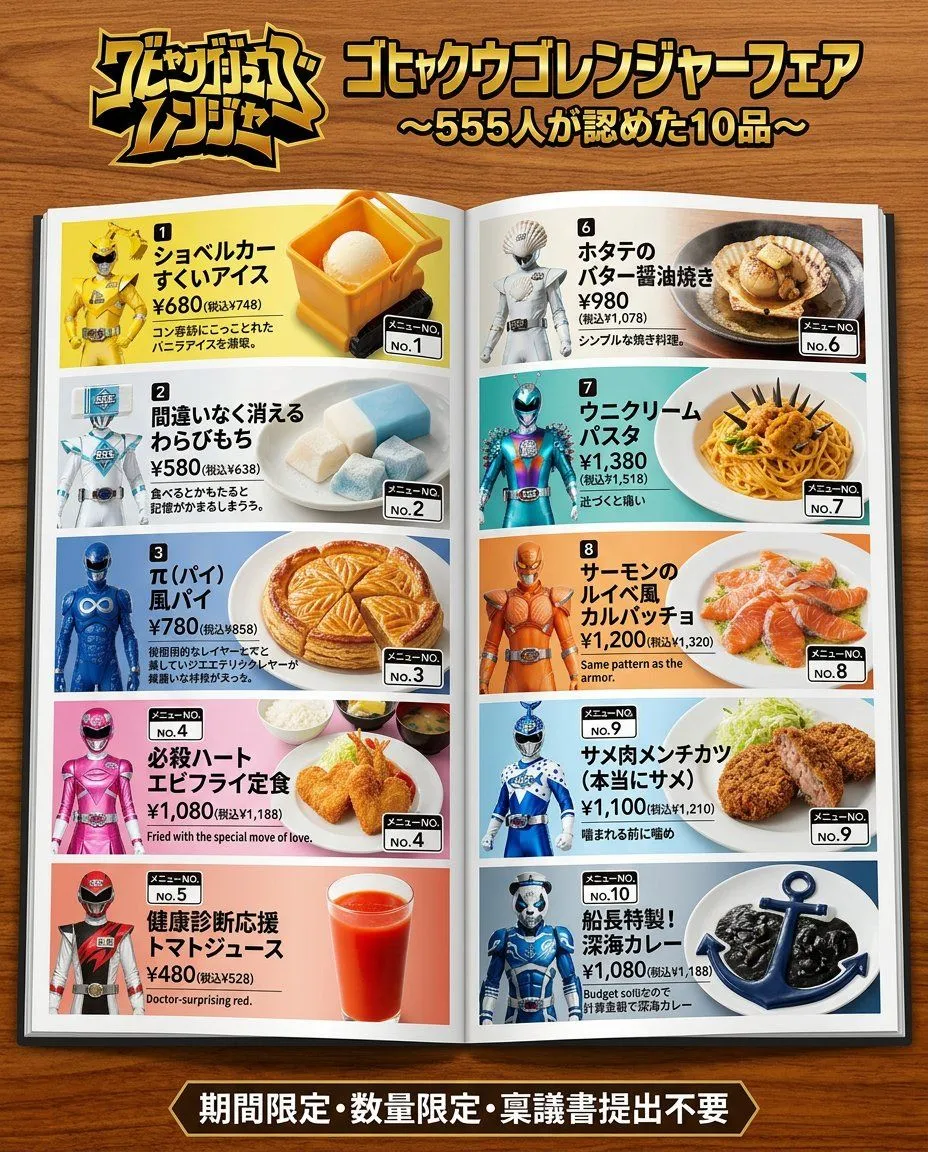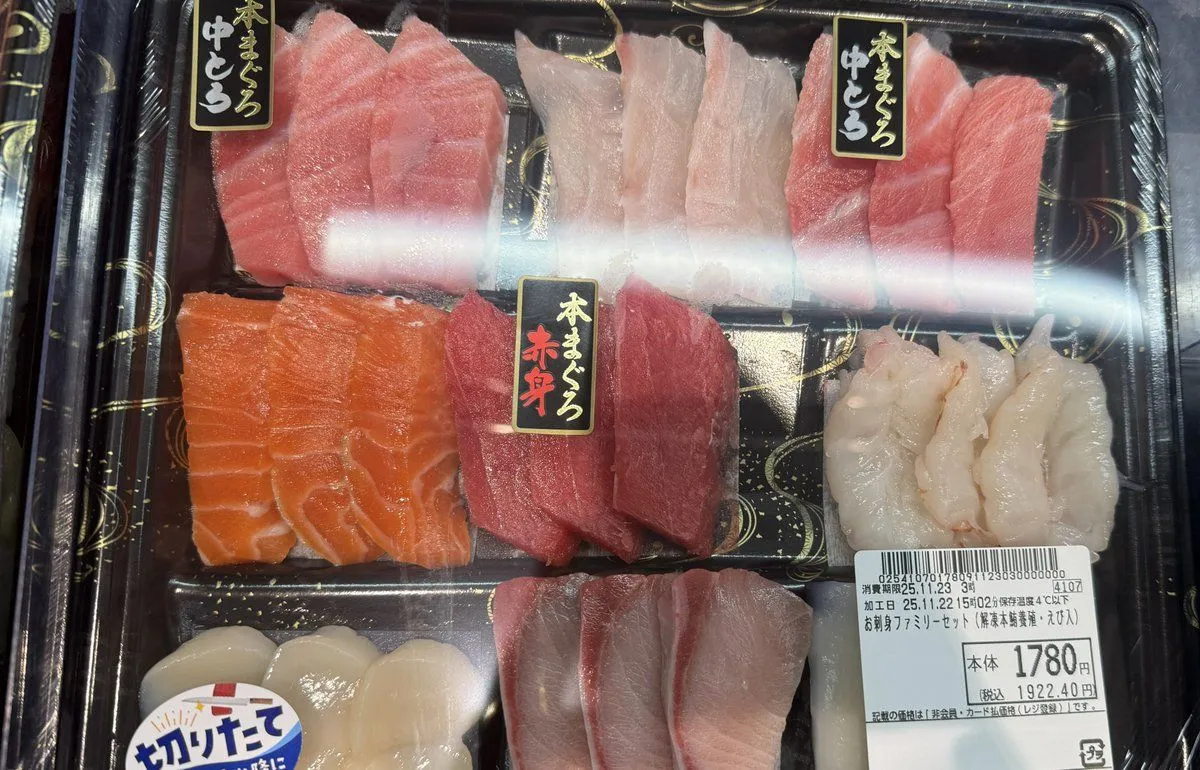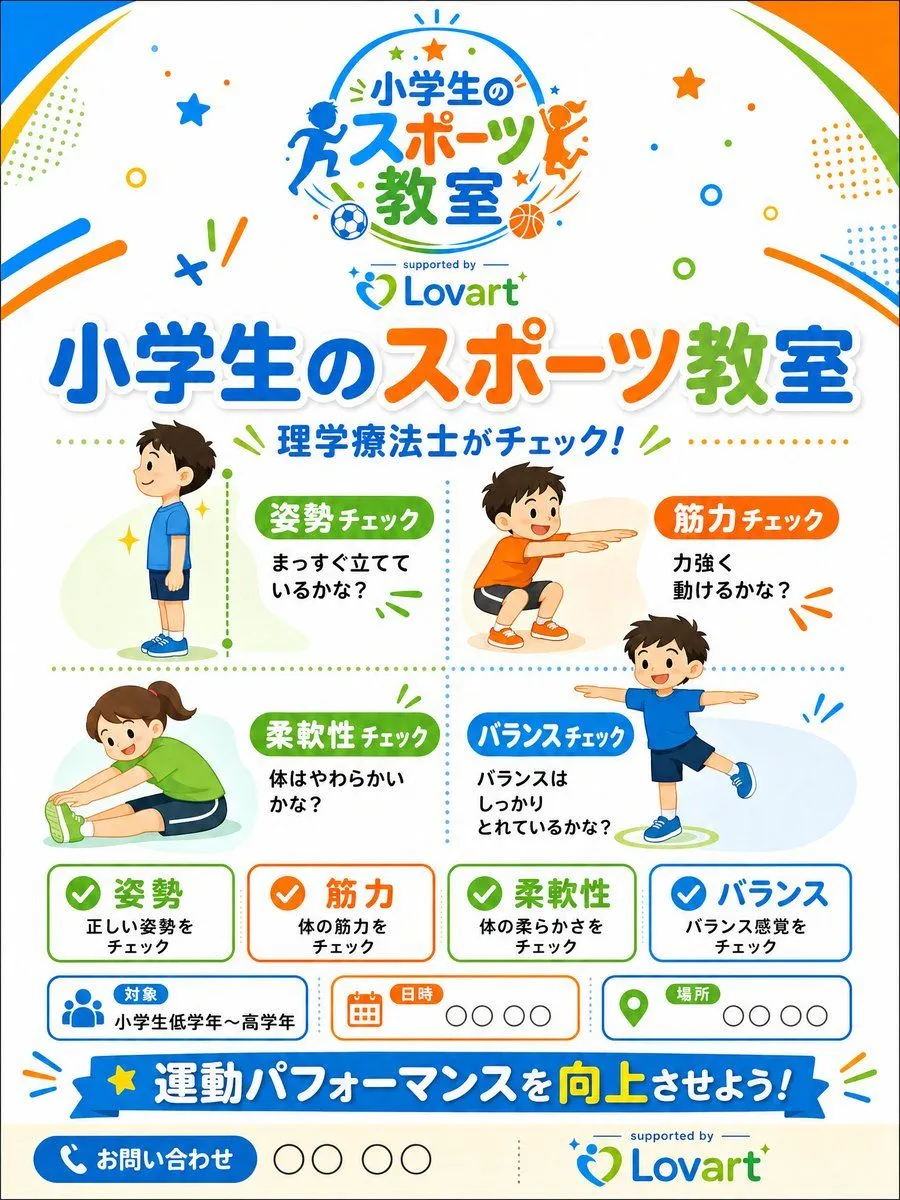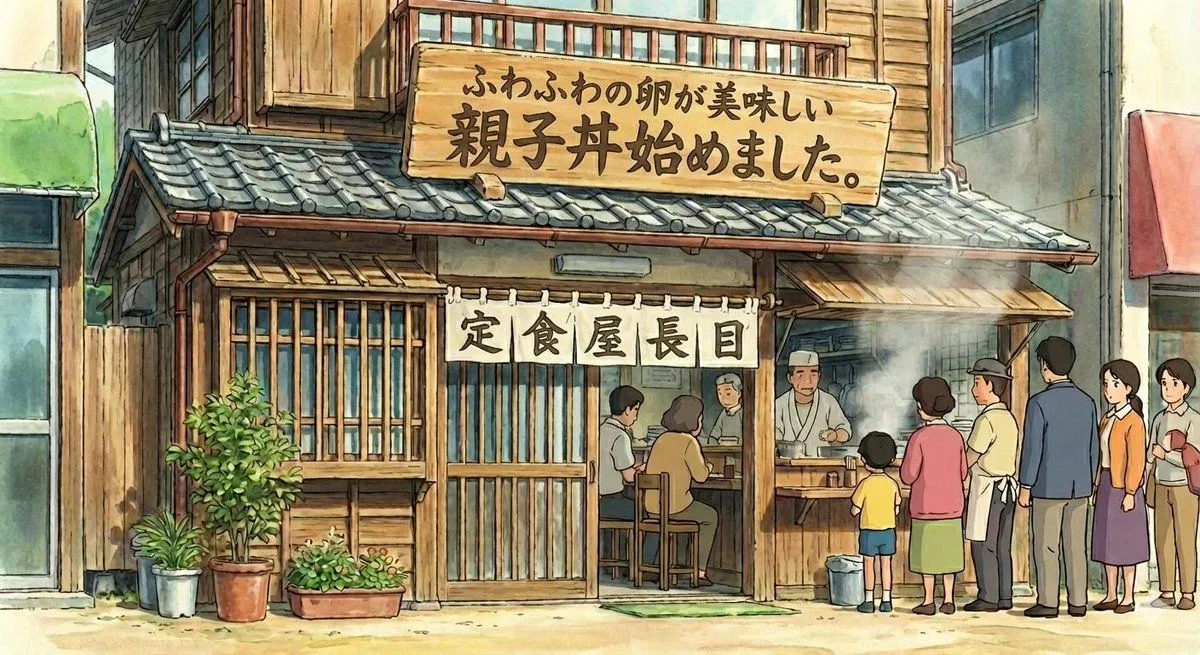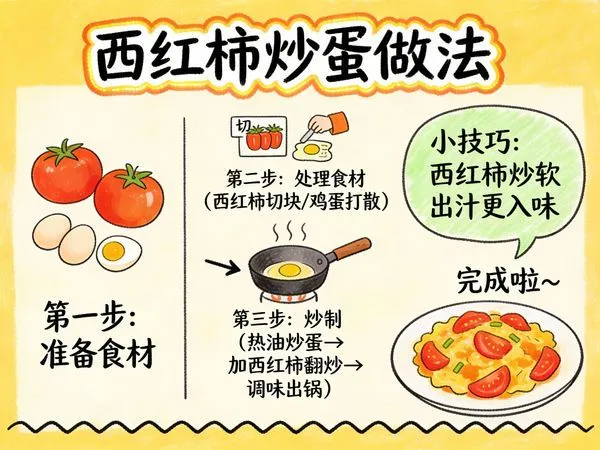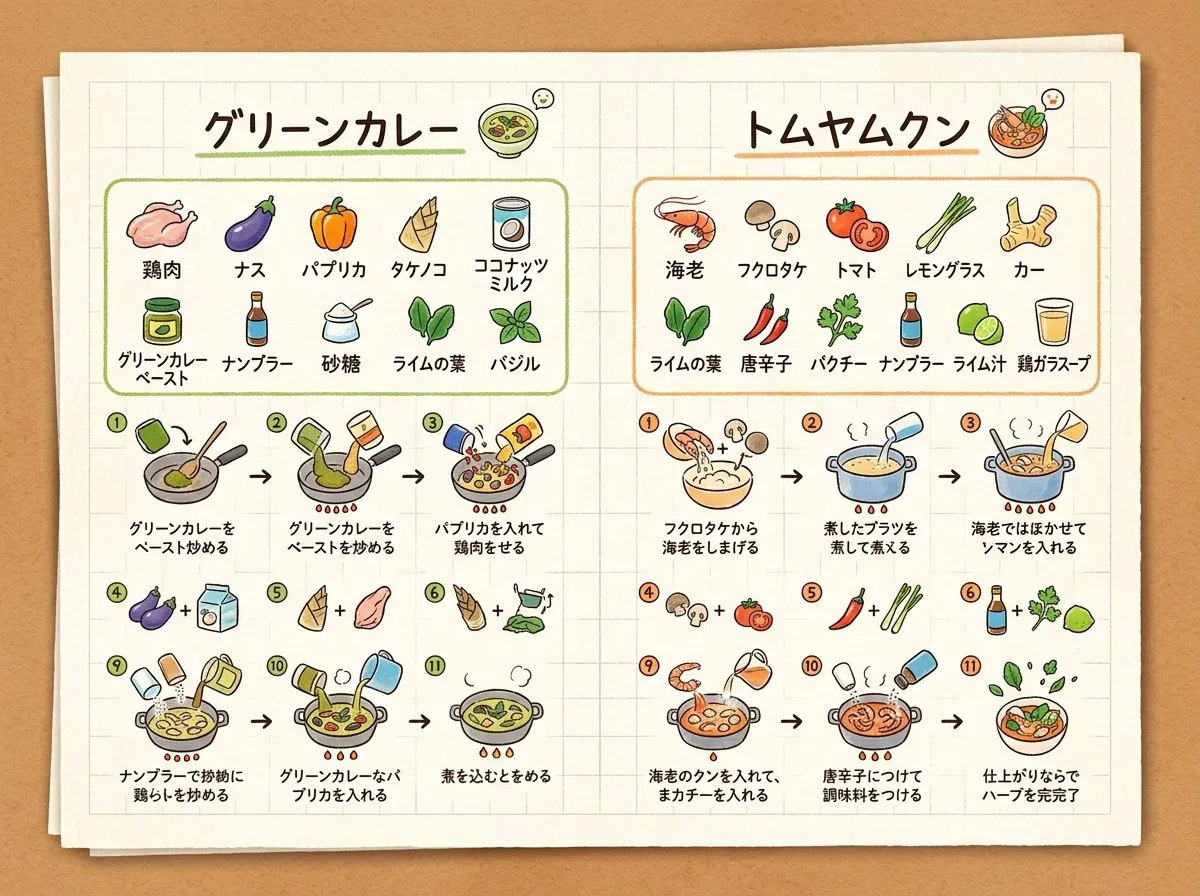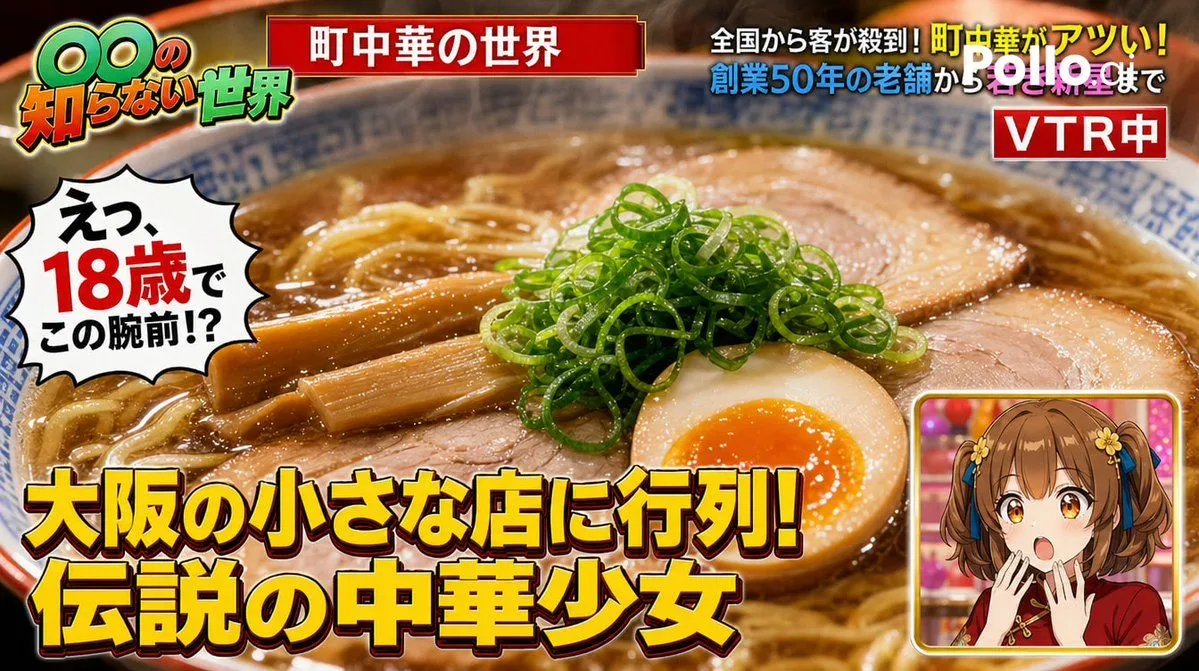
Made with GPT Image 2 in ChatGPT by Library Brand. Promptclay never generates images.
Did it work?
No reports yet. Tell others if it worked for you.
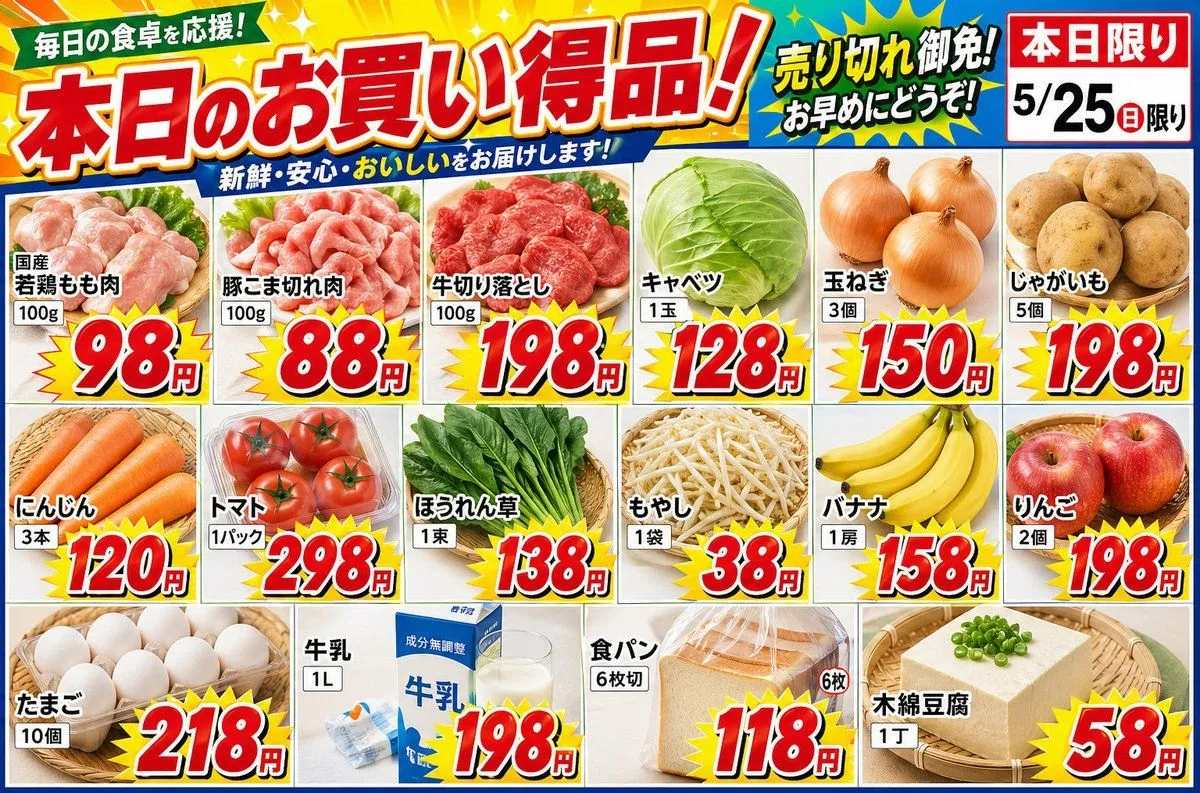
Japanese Supermarket Sale Flyer
Prompt
2 blanks to fillCreate a {store_type} flyer. {layout}. The photos should be fresh and beautiful, and the price numbers should be pop and flashy. The item list is as follows: Product=Domestic chicken thighs, Quantity=100g, Price=98 yen Product=Pork pieces, Quantity=100g, Price=88 yen Product=Beef cuts, Quantity=100g, Price=198 yen Product=Cabbage, Quantity=1 head, Price=128 yen Product=Onion, Quantity=3 pieces, Price=150 yen Product=Potato, Quantity=5 pieces, Price=198 yen Product=Carrot, Quantity=3 pieces, Price=120 yen Product=Tomato, Quantity=1 pack, Price=298 yen Product=Spinach, Quantity=1 bunch, Price=138 yen Product=Bean sprouts, Quantity=1 bag, Price=38 yen Product=Banana, Quantity=1 bunch, Price=158 yen Product=Apple, Quantity=2 pieces, Price=198 yen Product=Eggs, Quantity=10 pieces, Price=218 yen Product=Milk, Quantity=1L, Price=198 yen Product=Bread, Quantity=6 slices, Price=118 yen Product=Cotton Tofu, Quantity=1 block, Price=58 yen
Preview of your prompt
Create a supermarket flyer. Landscape orientation. The photos should be fresh and beautiful, and the price numbers should be pop and flashy. The item list is as follows: Product=Domestic chicken thighs, Quantity=100g, Price=98 yen Product=Pork pieces, Quantity=100g, Price=88 yen Product=Beef cuts, Quantity=100g, Price=198 yen Product=Cabbage, Quantity=1 head, Price=128 yen Product=Onion, Quantity=3 pieces, Price=150 yen Product=Potato, Quantity=5 pieces, Price=198 yen Product=Carrot, Quantity=3 pieces, Price=120 yen Product=Tomato, Quantity=1 pack, Price=298 yen Product=Spinach, Quantity=1 bunch, Price=138 yen Product=Bean sprouts, Quantity=1 bag, Price=38 yen Product=Banana, Quantity=1 bunch, Price=158 yen Product=Apple, Quantity=2 pieces, Price=198 yen Product=Eggs, Quantity=10 pieces, Price=218 yen Product=Milk, Quantity=1L, Price=198 yen Product=Bread, Quantity=6 slices, Price=118 yen Product=Cotton Tofu, Quantity=1 block, Price=58 yen
DetailsVersions, settings and questions
Written for
What's in the prompt
- Subject
- Model
- GPT Image 2
If your face changes
keep my face exactly the sameQuestions
- Does this work in the ChatGPT app?
- Yes. Paste the prompt and attach your photo if it uses one.
- It changed my face. What do I do?
- Add "keep my face exactly the same" to the end and run it again.
- Can I use the images I make?
- Check the terms of the app you use. Promptclay never generates images and claims nothing you make.