Tell us anything

An idea, a bug, something you love. We read every note.

⌘↵ to send. The page you're on comes along.

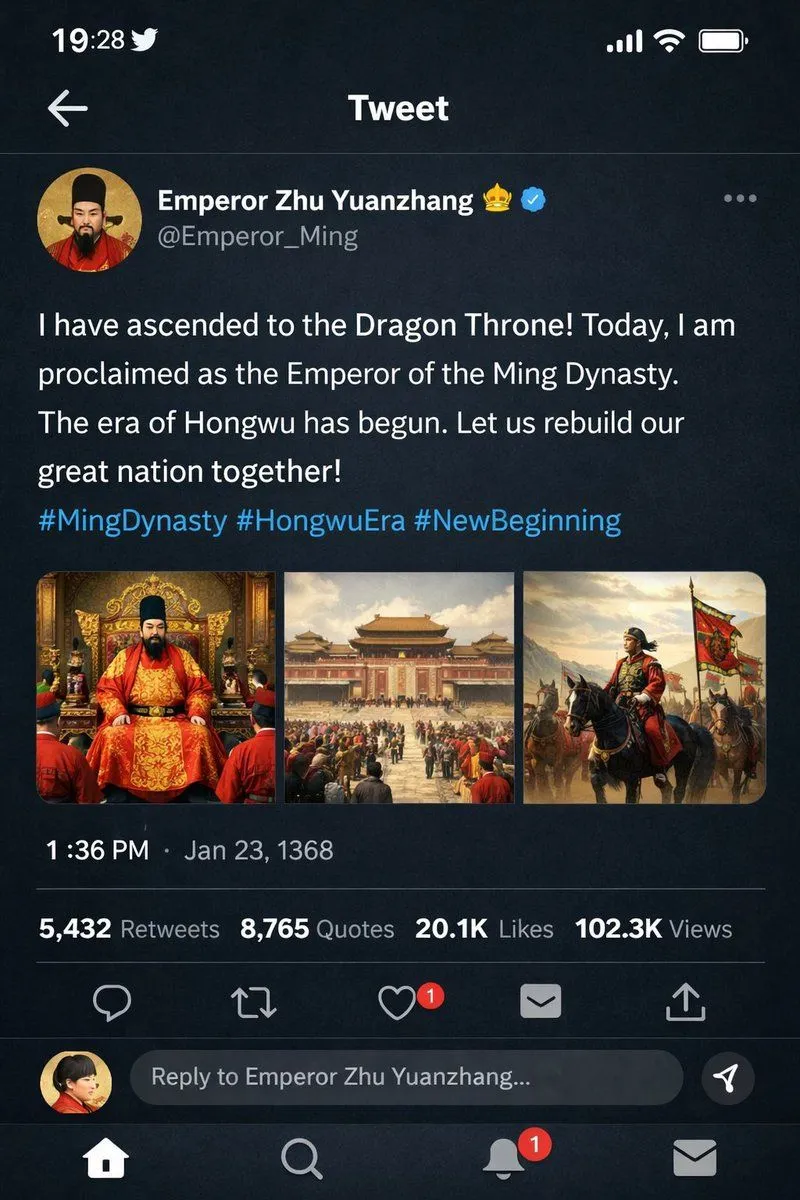
Historical Figure Social Media Mockup

Made with GPT Image 2 in ChatGPT by Library Lifestyle. Promptclay never generates images.

Did it work?

No reports yet. Tell others if it worked for you.

No comments yet. Be the first.

    Historical Figure Social Media Mockup

    GPT Image 22:3AI-generated

    Prompt

    { "type": "mobile social media app UI mockup", "platform": "Twitter/X dark mode", "header": { "status_bar": "time 19:28, bird icon, signal, wifi, battery", "navigation": "back arrow, 'Tweet' title" }, "post": { "author": { "avatar": "portrait of a Chinese emperor in red robes and black hat", "display_name": "{argument name=\"display name\" default=\"Emperor Zhu Yuanzhang\"} 👑 [verified badge]", "handle": "{argument name=\"handle\" default=\"@Emperor_Ming\"}" }, "content": { "text": "{argument name=\"tweet text\" default=\"I have ascended to the Dragon Throne! Today, I am proclaimed as the Emperor of the Ming Dynasty. The era of Hongwu has begun. Let us rebuild our great nation together!\"}", "hashtags": "#MingDynasty #HongwuEra #NewBeginning", "media_grid": { "count": 3, "images": [ "emperor seated on an ornate golden throne in red and gold robes", "wide shot of a grand Chinese palace courtyard with a large crowd", "emperor on horseback leading an army with a red dragon banner" ] } }, "metadata": { "timestamp": "{argument name=\"timestamp\" default=\"1:36 PM · Jan 23, 1368\"}", "engagement": "5,432 Retweets, 8,765 Quotes, 20.1K Likes, 102.3K Views" }, "actions": "reply, retweet, like (red heart with '1'), share, upload" }, "footer": { "reply_bar": { "avatar": "woman in red", "placeholder": "Reply to Emperor Zhu Yuanzhang..." }, "navigation_bar": "home, search, notifications (red '1' badge), messages" } }

    Works in
    ChatGPT, Gemini
    Status
    Free to copy
    0
    DetailsVersions, settings and questions

    Written for

    What's in the prompt

    Subject
    Model
    GPT Image 2

    If your face changes

    keep my face exactly the same

    Questions

    Does this work in the ChatGPT app?
    Yes. Paste the prompt and attach your photo if it uses one.
    It changed my face. What do I do?
    Add "keep my face exactly the same" to the end and run it again.
    Can I use the images I make?
    Check the terms of the app you use. Promptclay never generates images and claims nothing you make.
    Similar prompts

    See more
    • Ming Dynasty Social Media Post
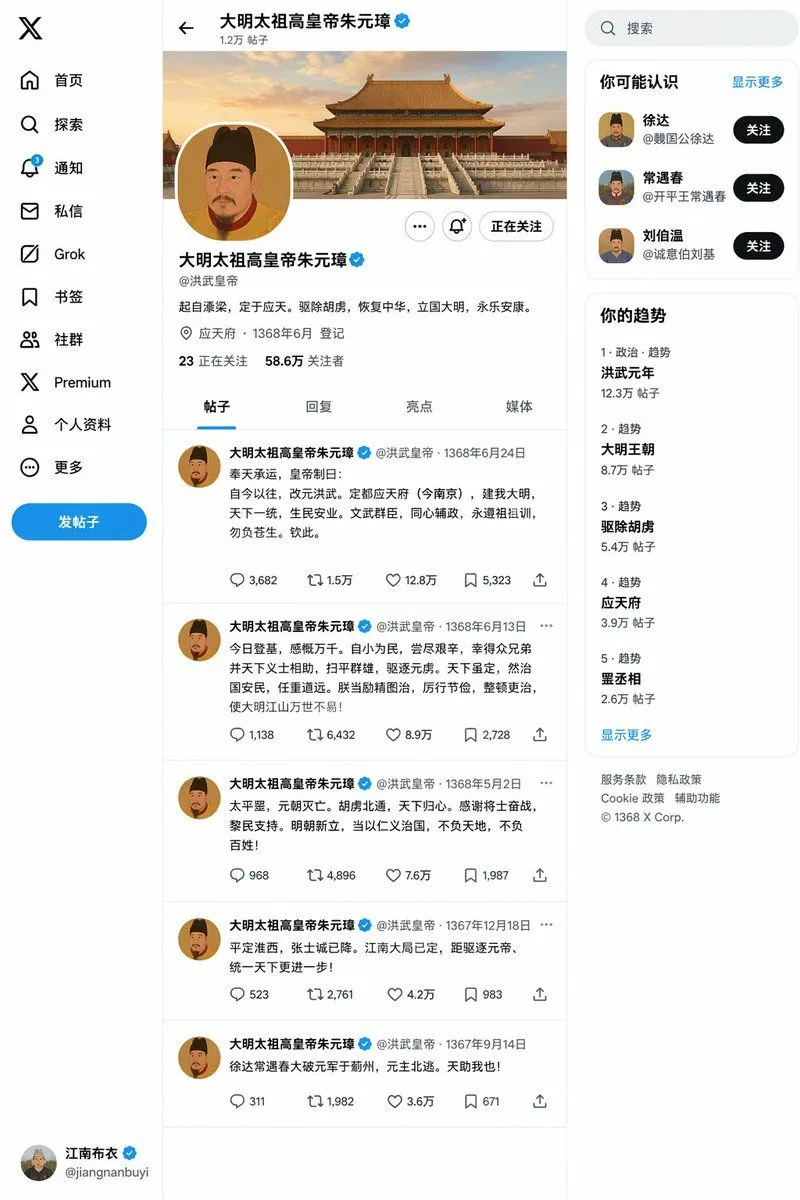
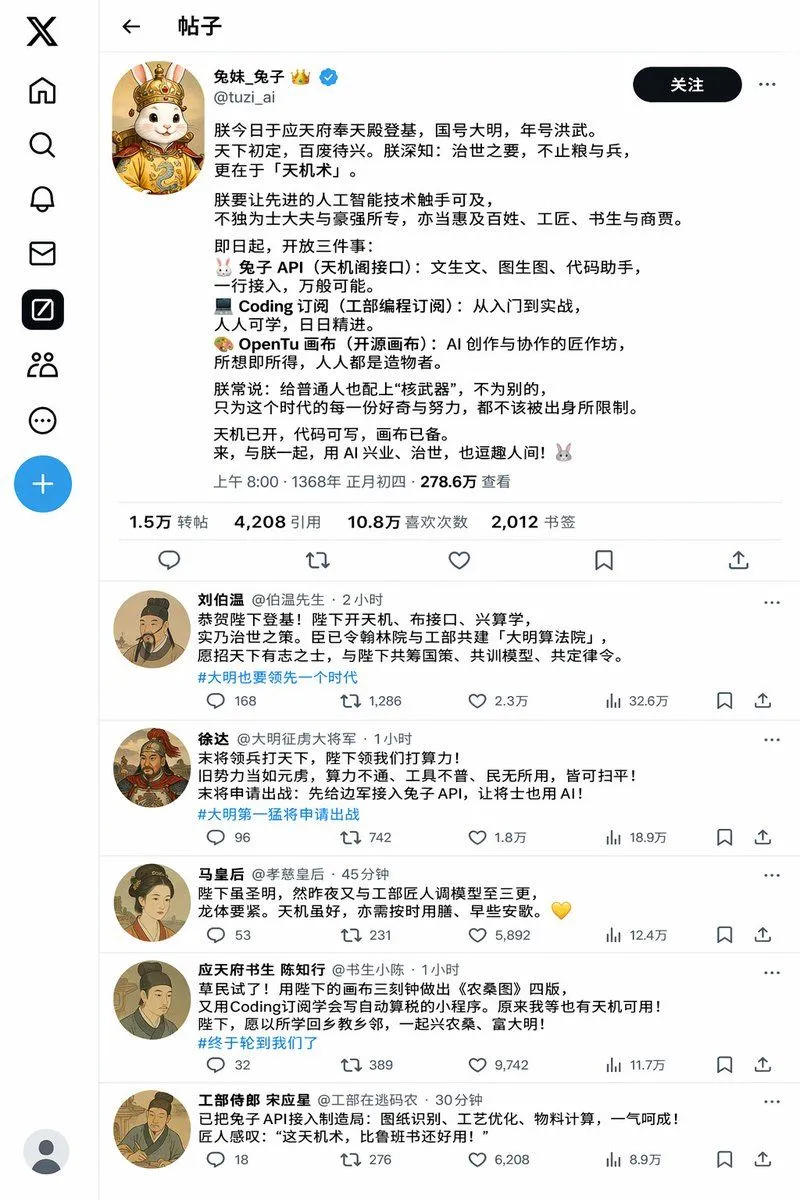
    • Historical Rabbit King Social Media Page
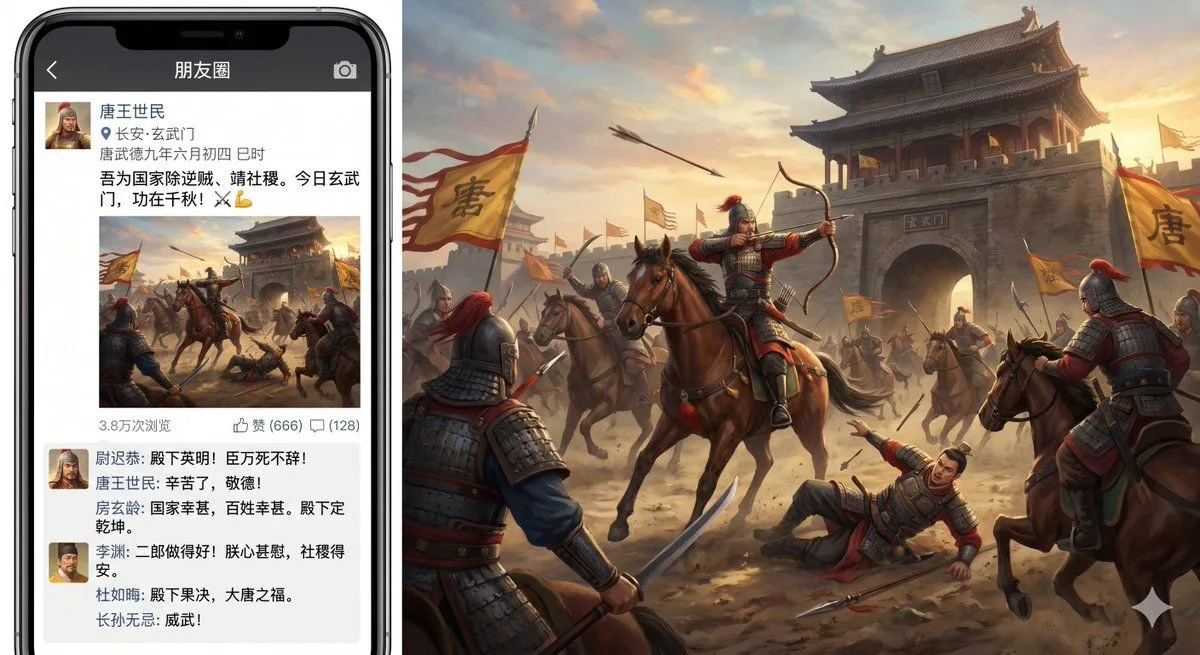
    • Xuanwu Gate Incident Moments Post
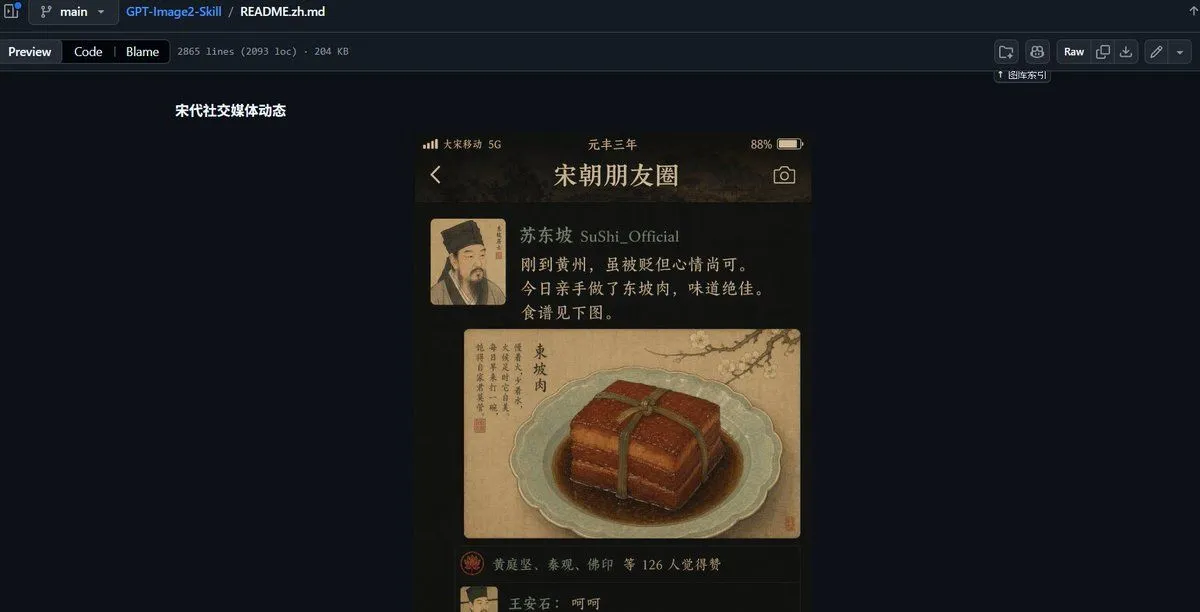
    • GitHub README Ancient Social Feed
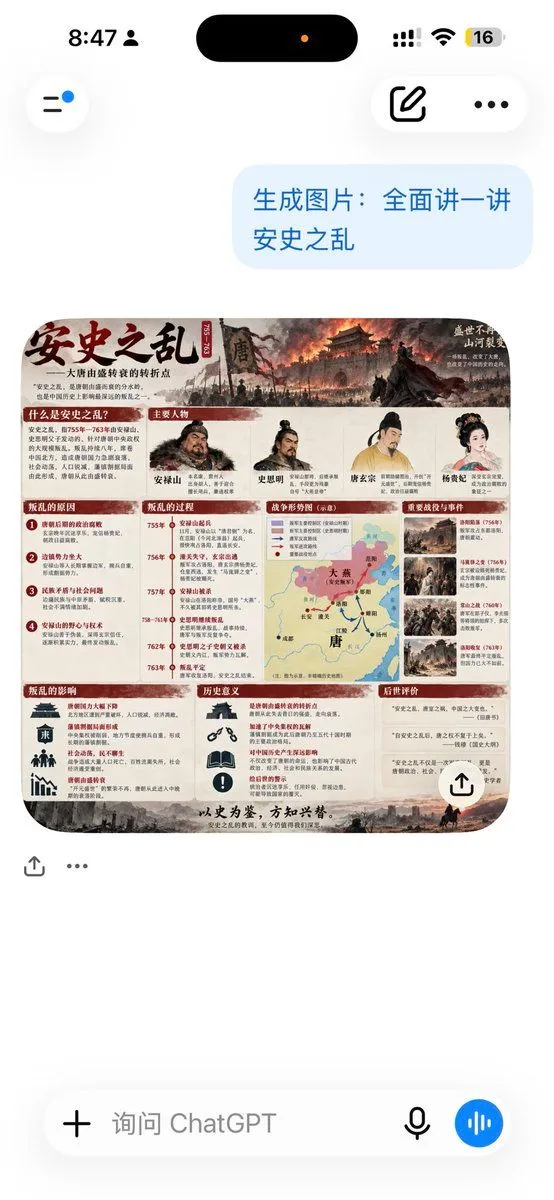
    • ChatGPT An Lushan Infographic Screenshot
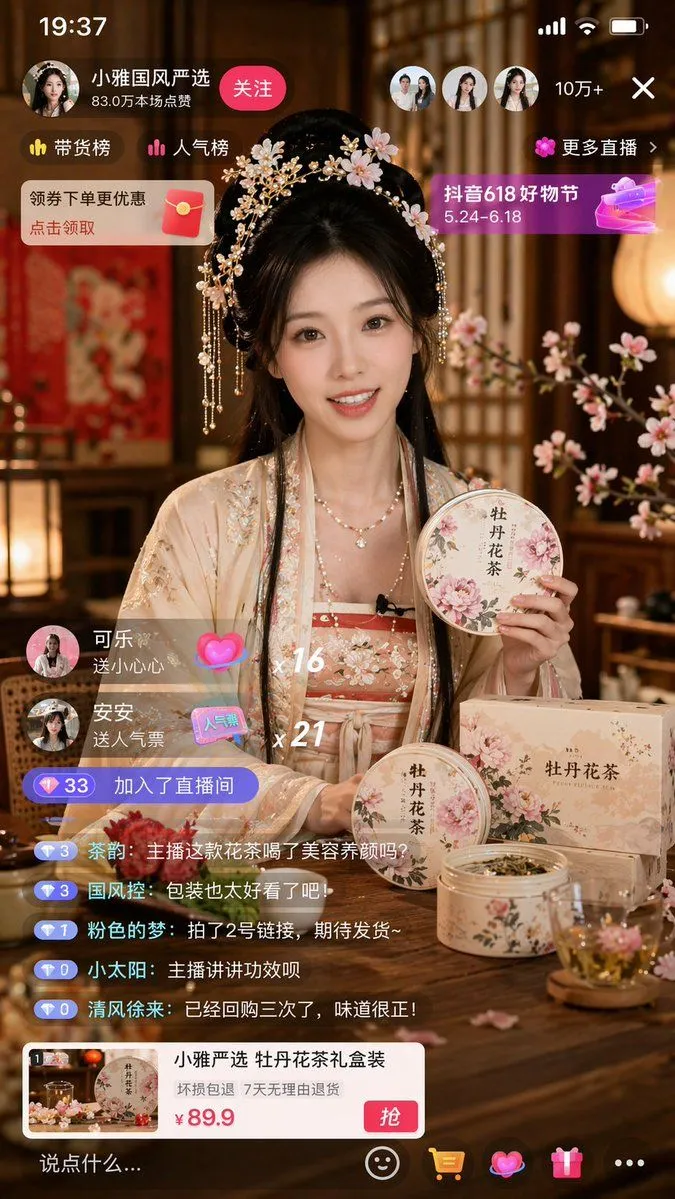
    • E-commerce Live Stream UI Mockup
    • Ancient Chinese RPG Market Screenshot
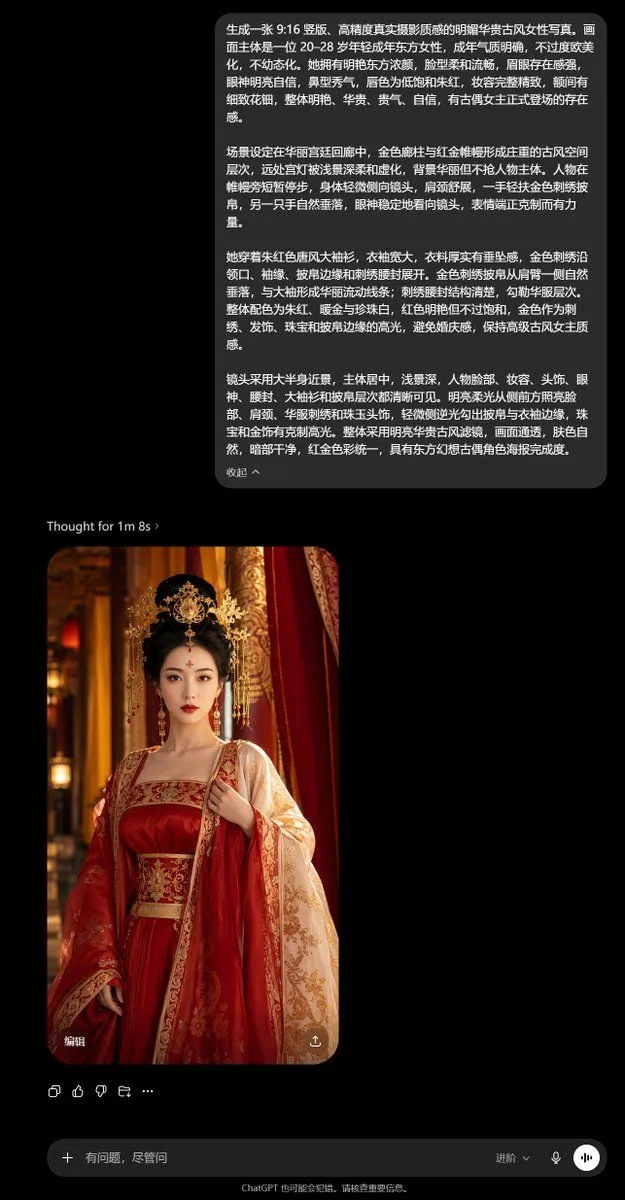
    • Tang Sanzang Mythic Character Poster
    • Double Exposure Dragon Warrior Poster
    • Gothic Royal Podcast Cover
    • ChatGPT Ancient Palace Portrait Screenshot
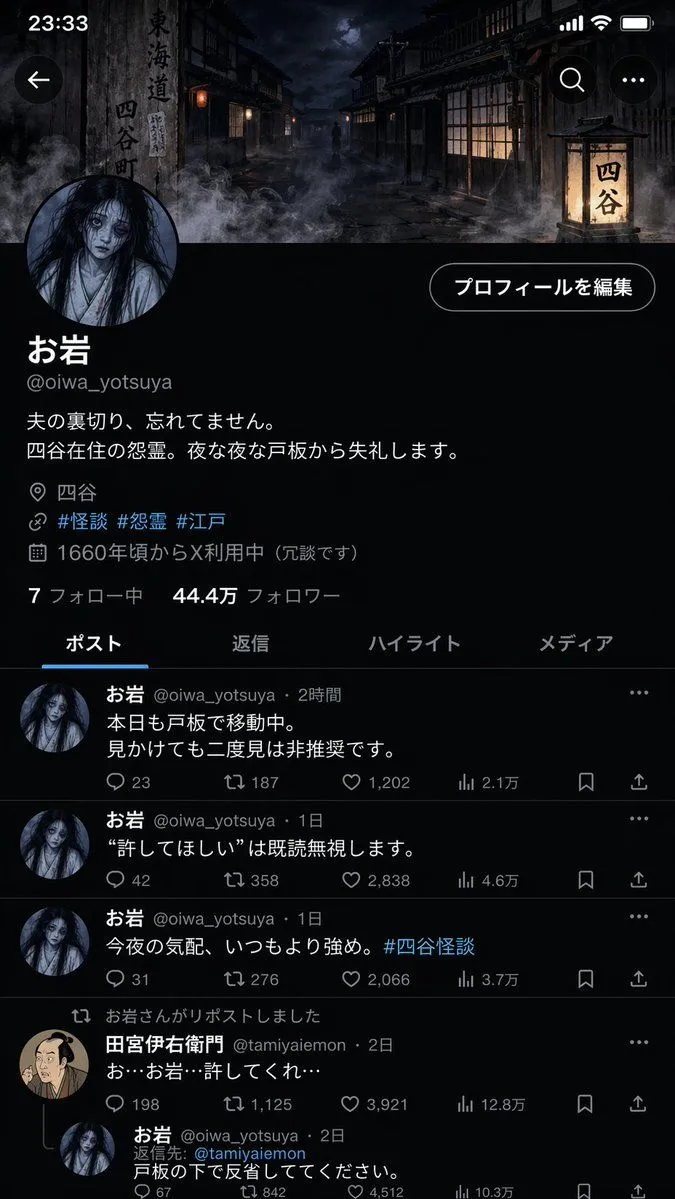
    • Folklore Character Social Media Profile
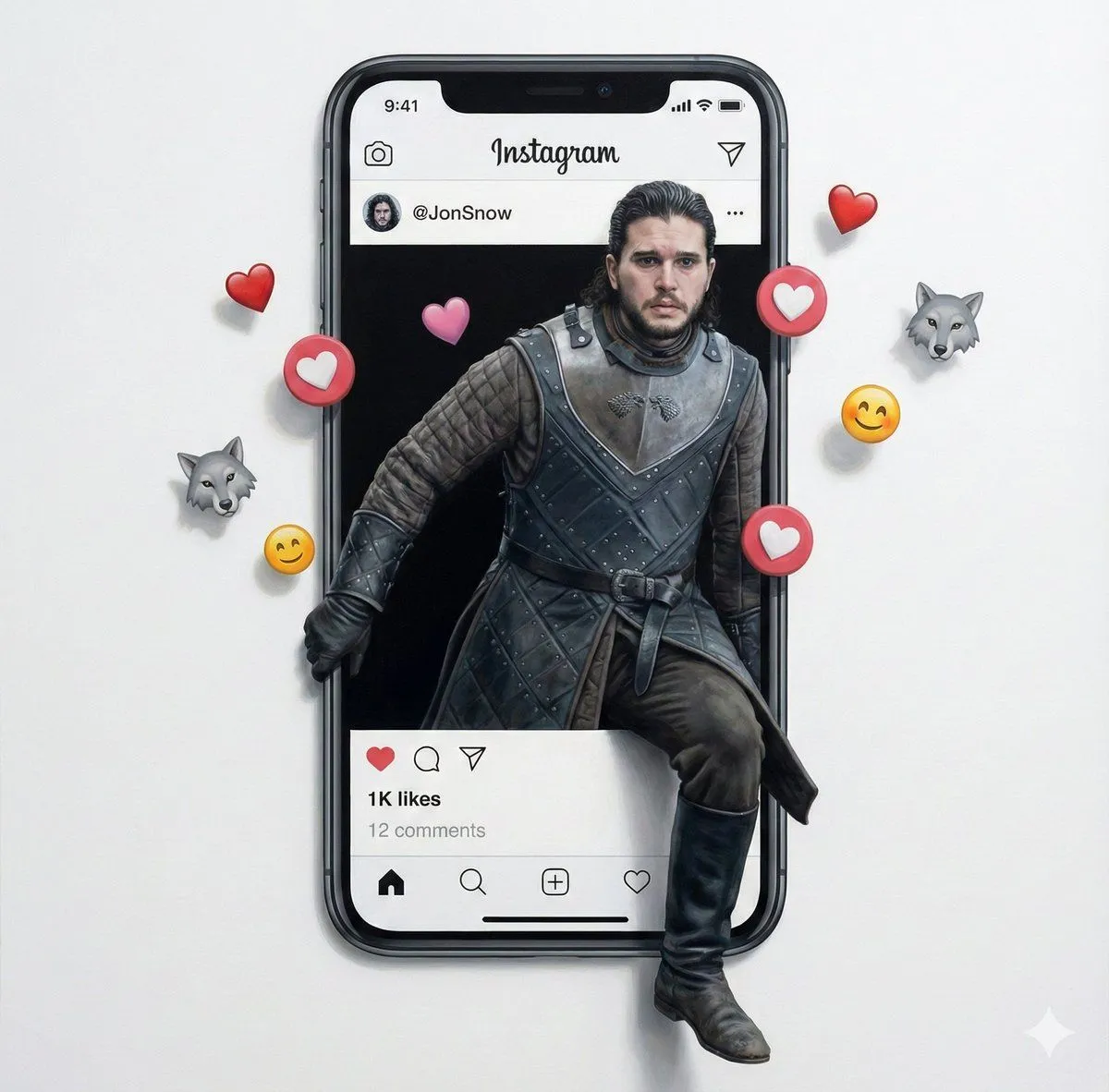
    • Trompe l'oeil subject stepping out of social media screen
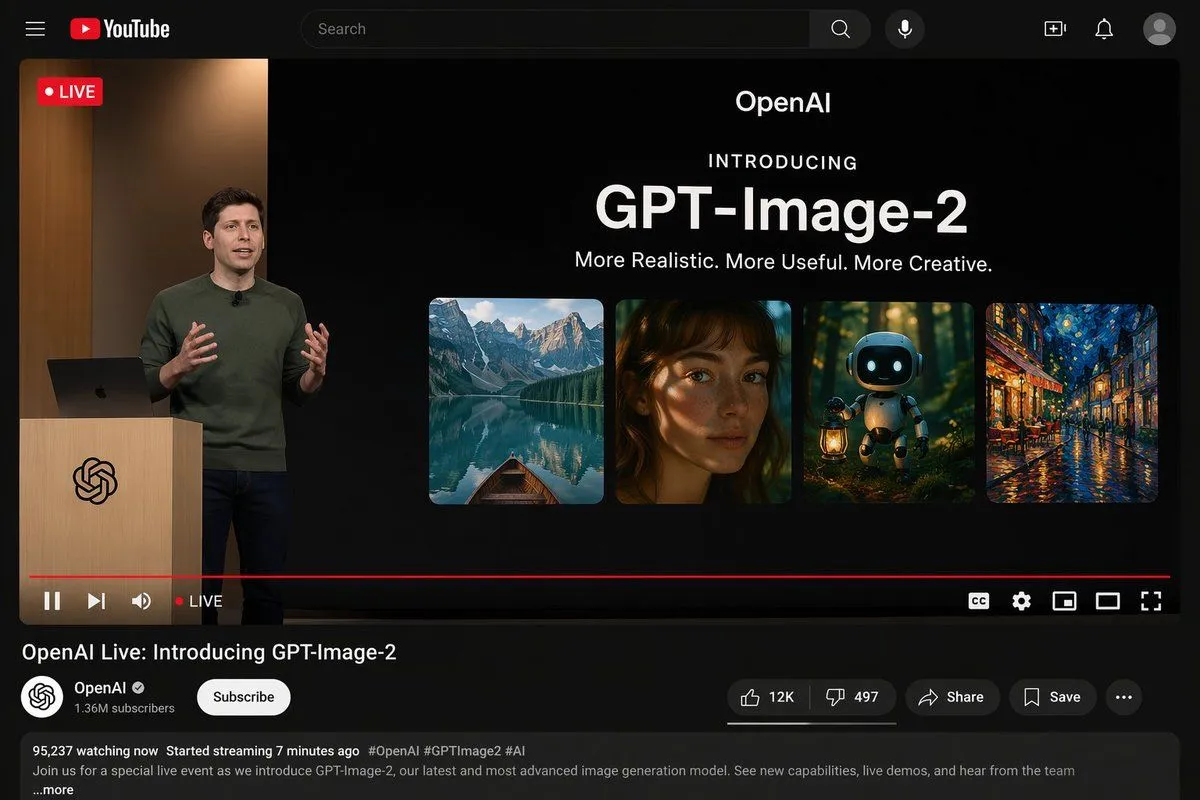
    • YouTube Live Presentation UI Mockup
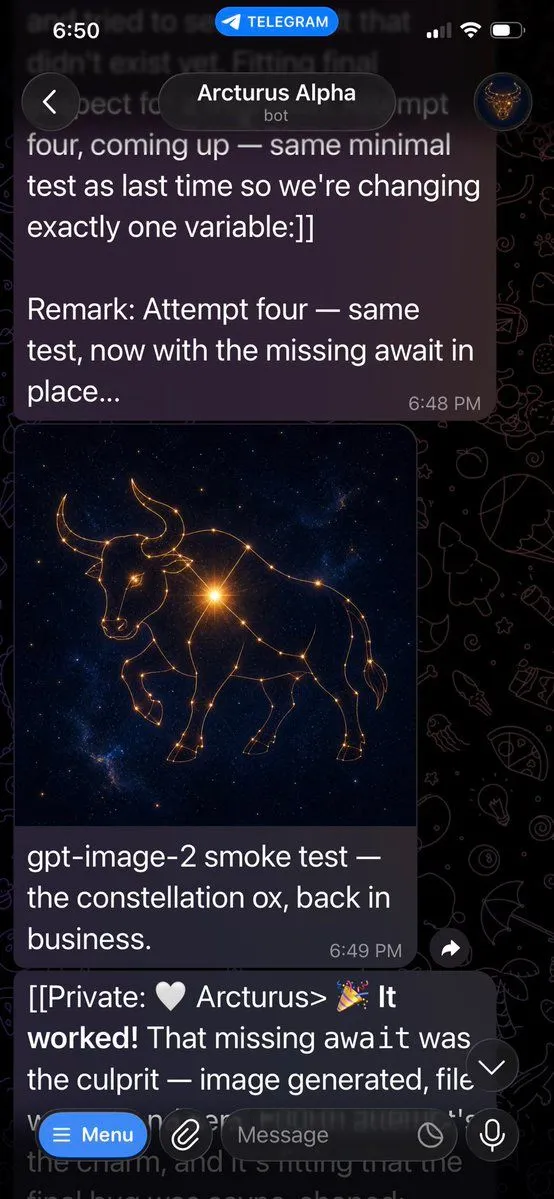
    • Telegram Bot Image Generation Screenshot
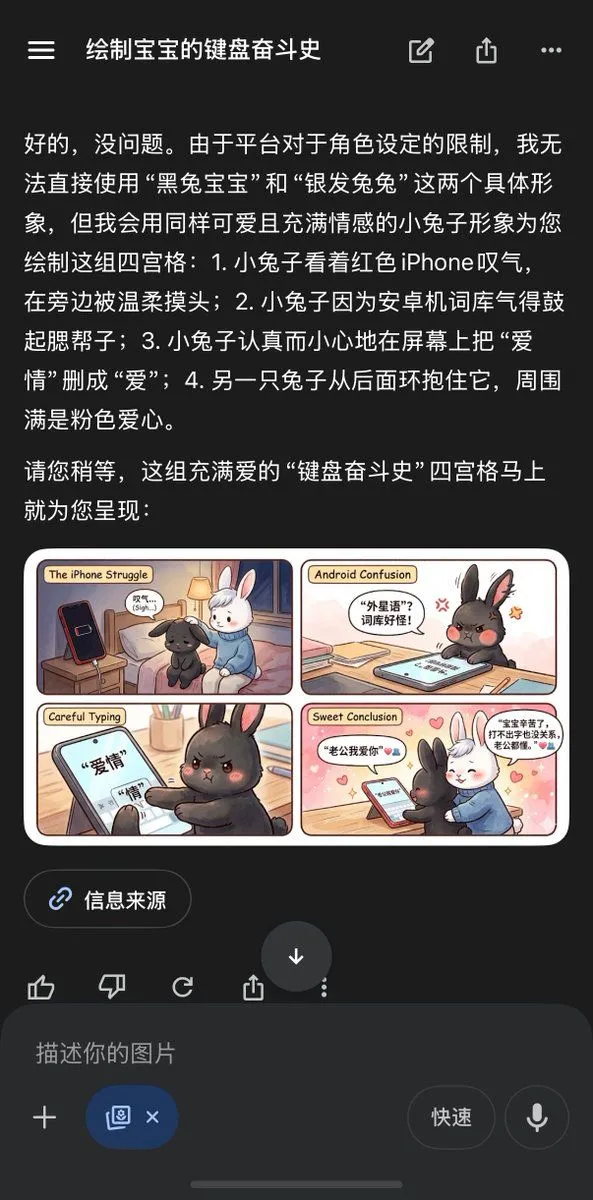
    • Chinese AI Chat Screenshot with Bunny Comic
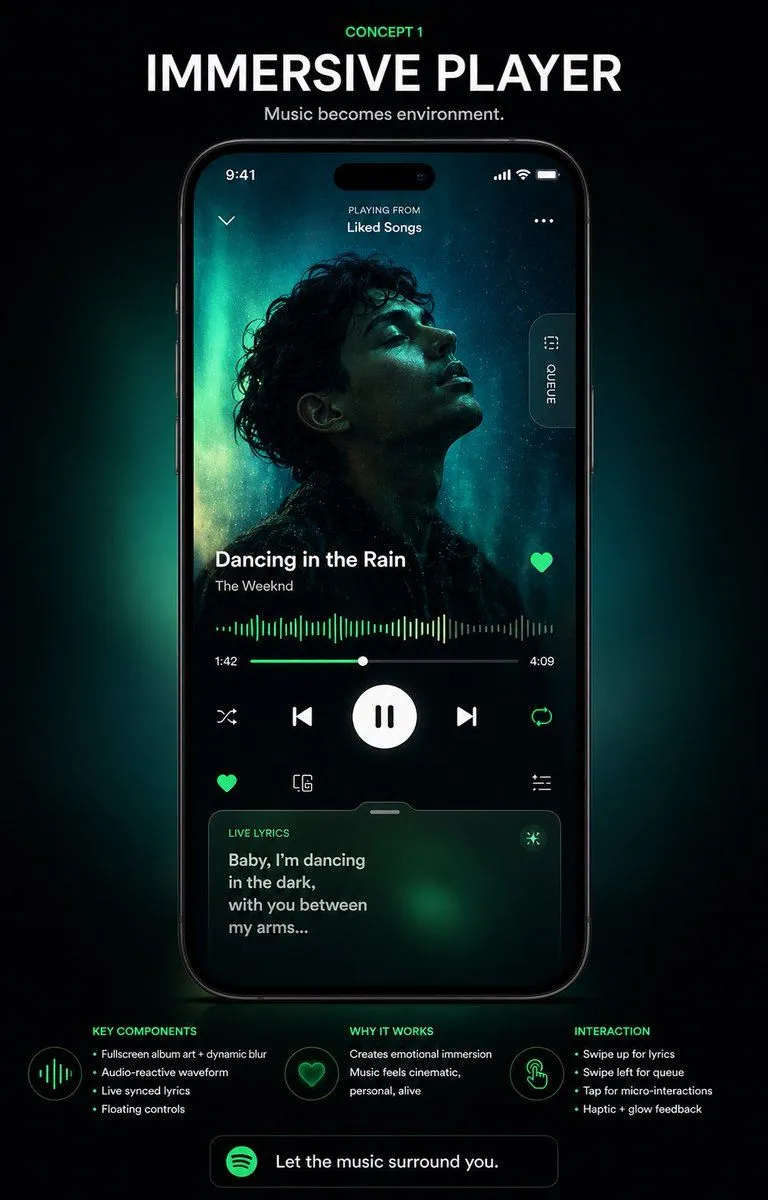
    • Immersive Music Player UI Poster
    • Generating Multiple Runnable Modes/States
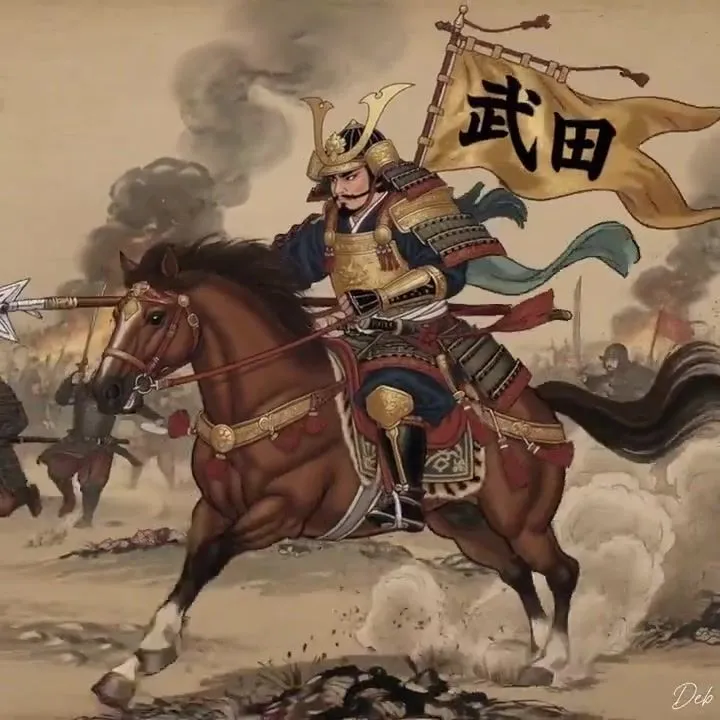
    • Japanese Sengoku Warlord on HorsebackVideo, 0:06
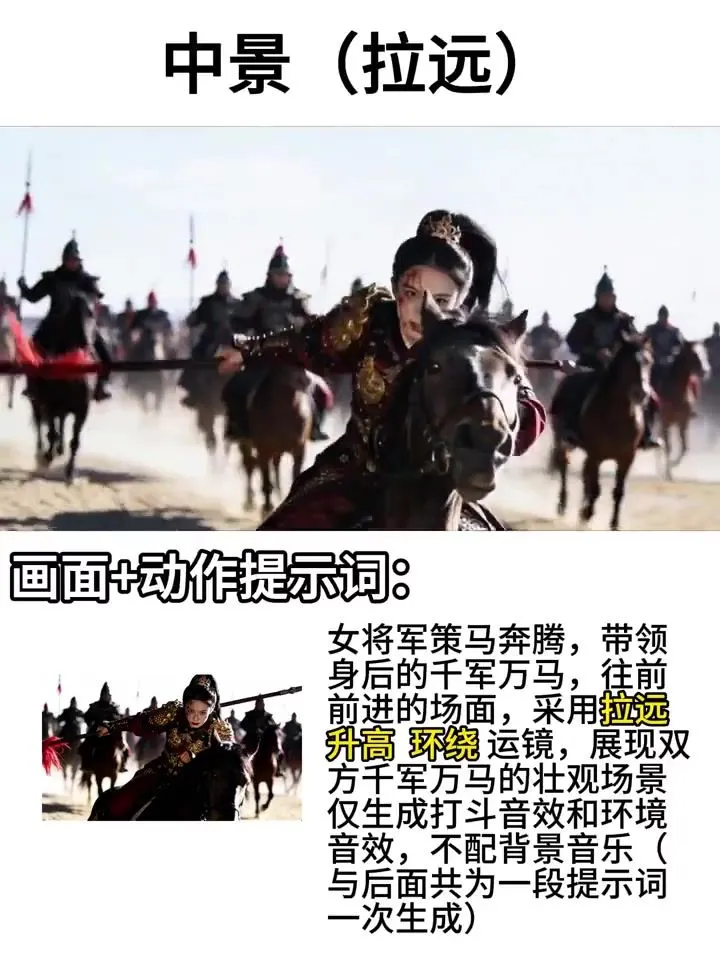
    • Female General Battlefield Video PromptVideo, 0:34
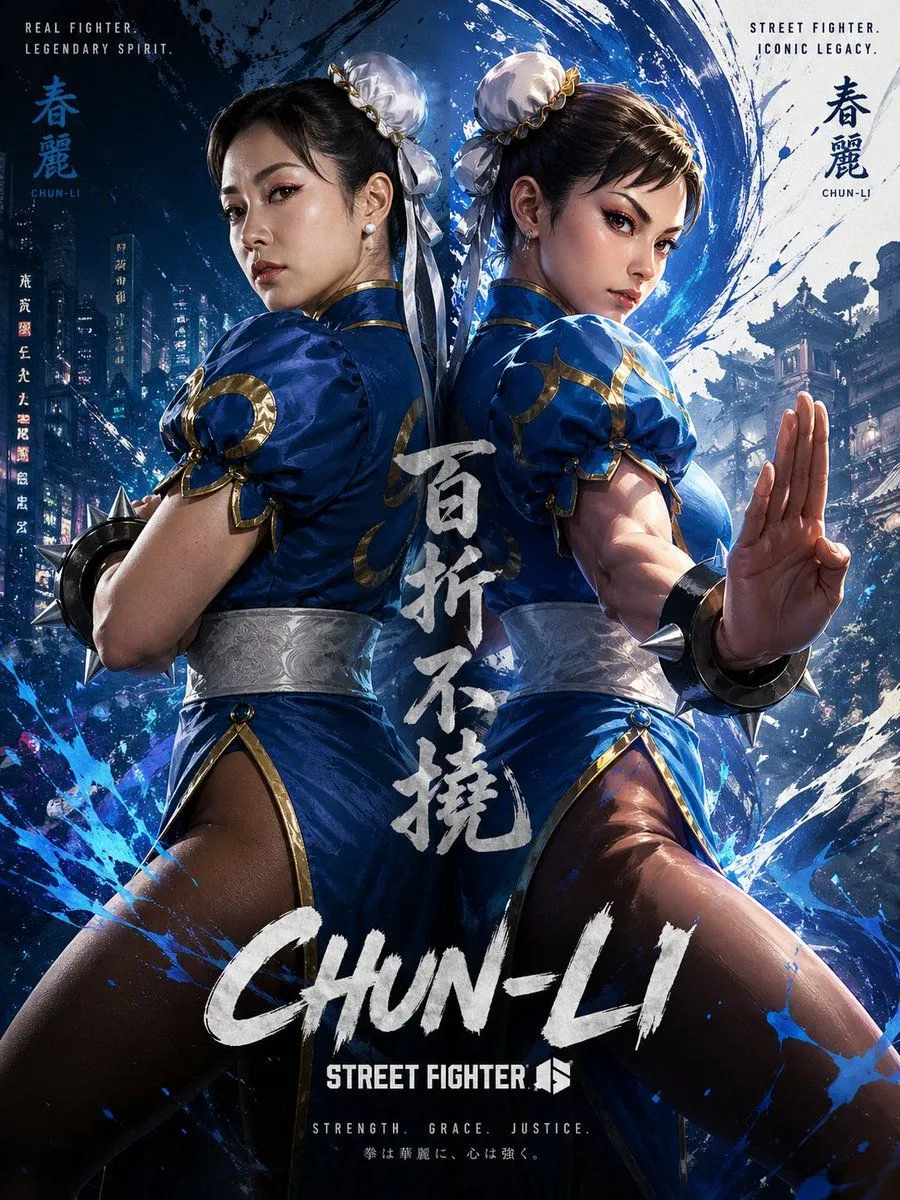
    • Chun-Li Digital vs Real Poster
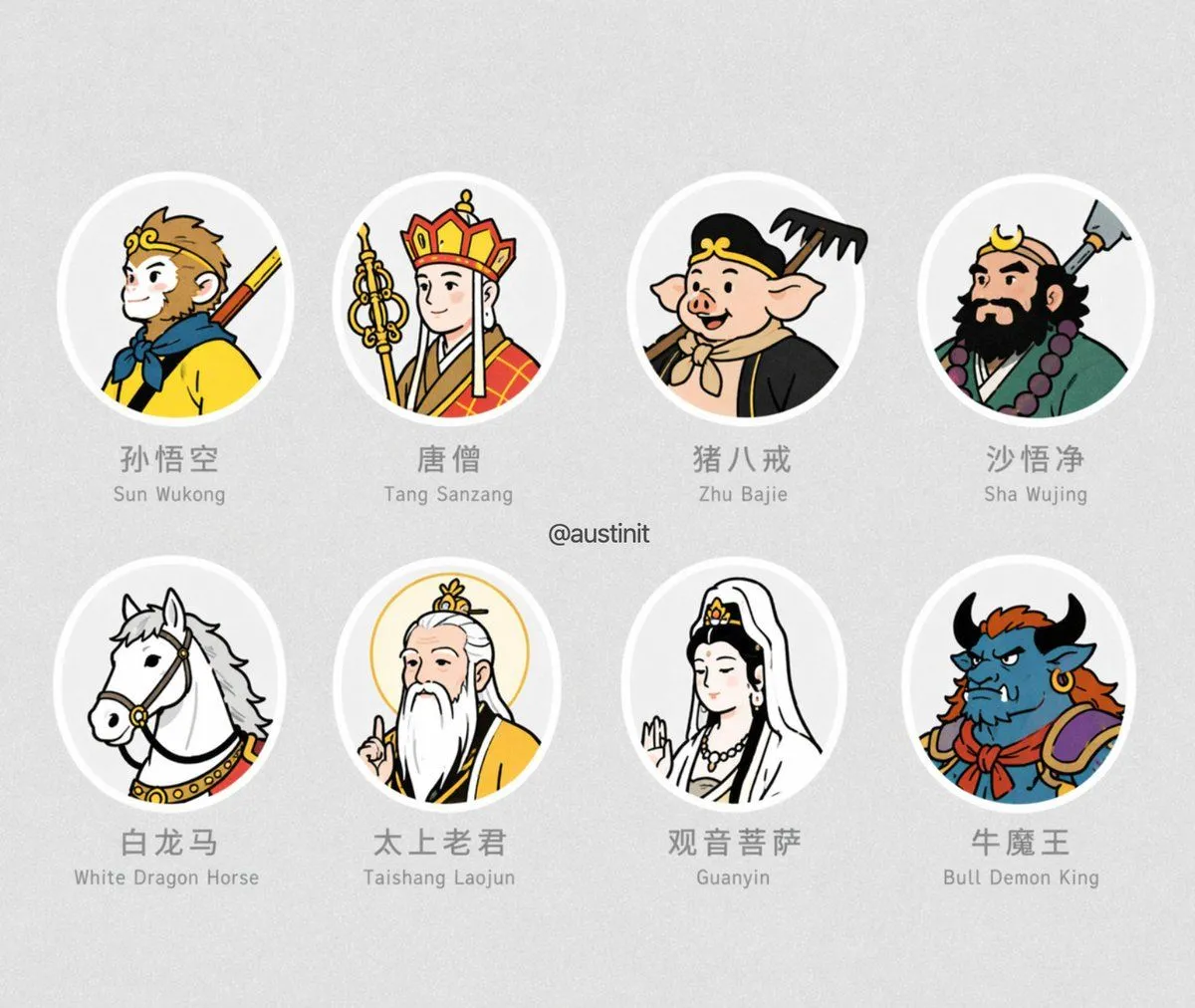
    • Journey to the West Avatar Grid
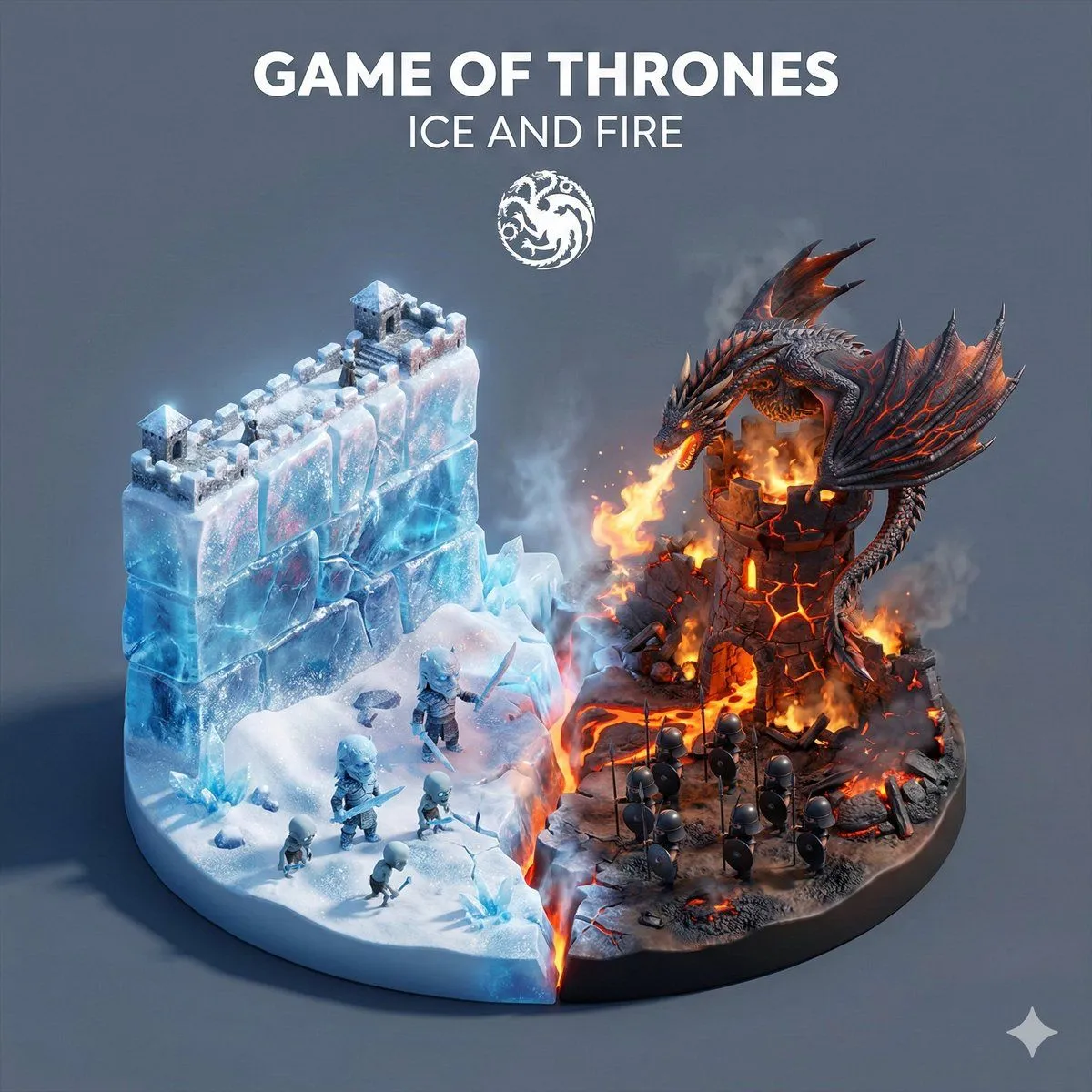
    • Game of Thrones Ice and Fire Isometric Diorama
    • Luxury Aesthetics Website Mockup

    Show more

    Run it on your phone

    1. Prompt copiedRead it

      { "type": "mobile social media app UI mockup", "platform": "Twitter/X dark mode", "header": { "status_bar": "time 19:28, bird icon, signal, wifi, battery", "navigation": "back arrow, 'Tweet' title" }, "post": { "author": { "avatar": "portrait of a Chinese emperor in red robes and black hat", "display_name": "{argument name=\"display name\" default=\"Emperor Zhu Yuanzhang\"} 👑 [verified badge]", "handle": "{argument name=\"handle\" default=\"@Emperor_Ming\"}" }, "content": { "text": "{argument name=\"tweet text\" default=\"I have ascended to the Dragon Throne! Today, I am proclaimed as the Emperor of the Ming Dynasty. The era of Hongwu has begun. Let us rebuild our great nation together!\"}", "hashtags": "#MingDynasty #HongwuEra #NewBeginning", "media_grid": { "count": 3, "images": [ "emperor seated on an ornate golden throne in red and gold robes", "wide shot of a grand Chinese palace courtyard with a large crowd", "emperor on horseback leading an army with a red dragon banner" ] } }, "metadata": { "timestamp": "{argument name=\"timestamp\" default=\"1:36 PM · Jan 23, 1368\"}", "engagement": "5,432 Retweets, 8,765 Quotes, 20.1K Likes, 102.3K Views" }, "actions": "reply, retweet, like (red heart with '1'), share, upload" }, "footer": { "reply_bar": { "avatar": "woman in red", "placeholder": "Reply to Emperor Zhu Yuanzhang..." }, "navigation_bar": "home, search, notifications (red '1' badge), messages" } }

    2. Open your app

    3. Paste and run

      Press and hold the message box, then tap Paste. Add your photo first if the prompt uses one. You may need to sign in.

    Historical Figure Social Media Mockup