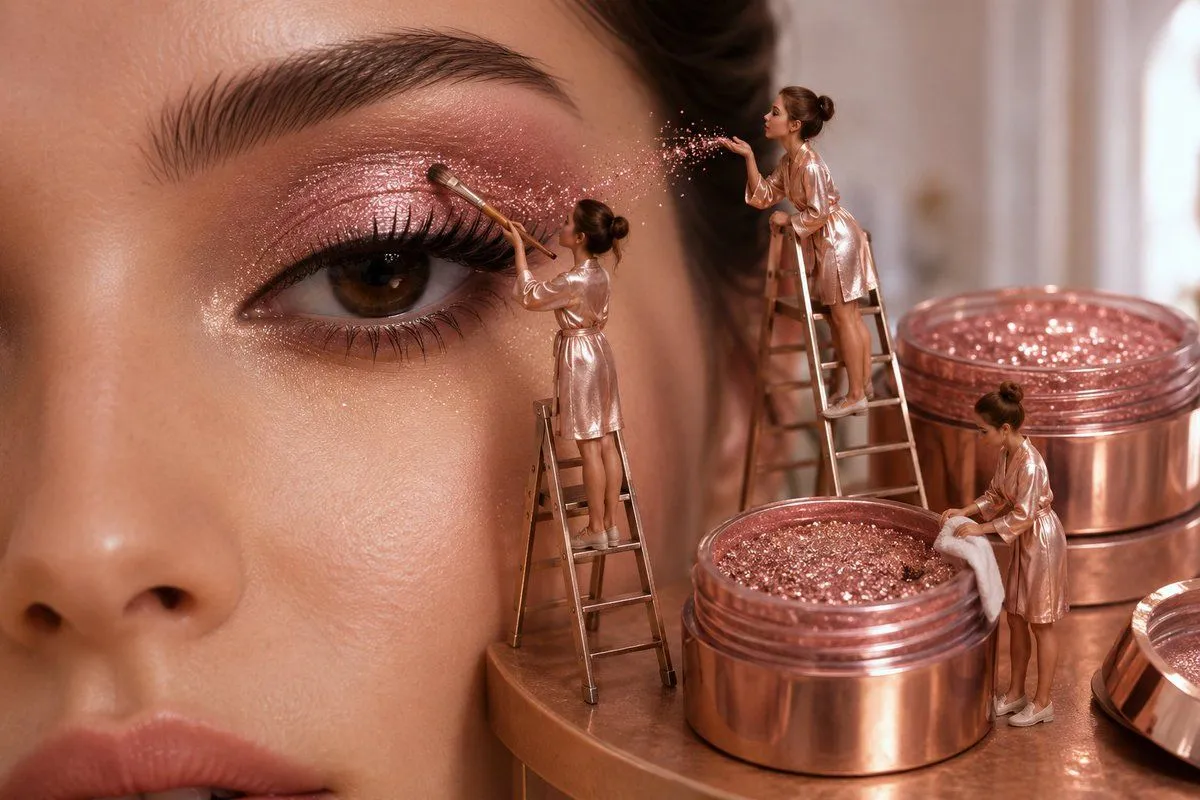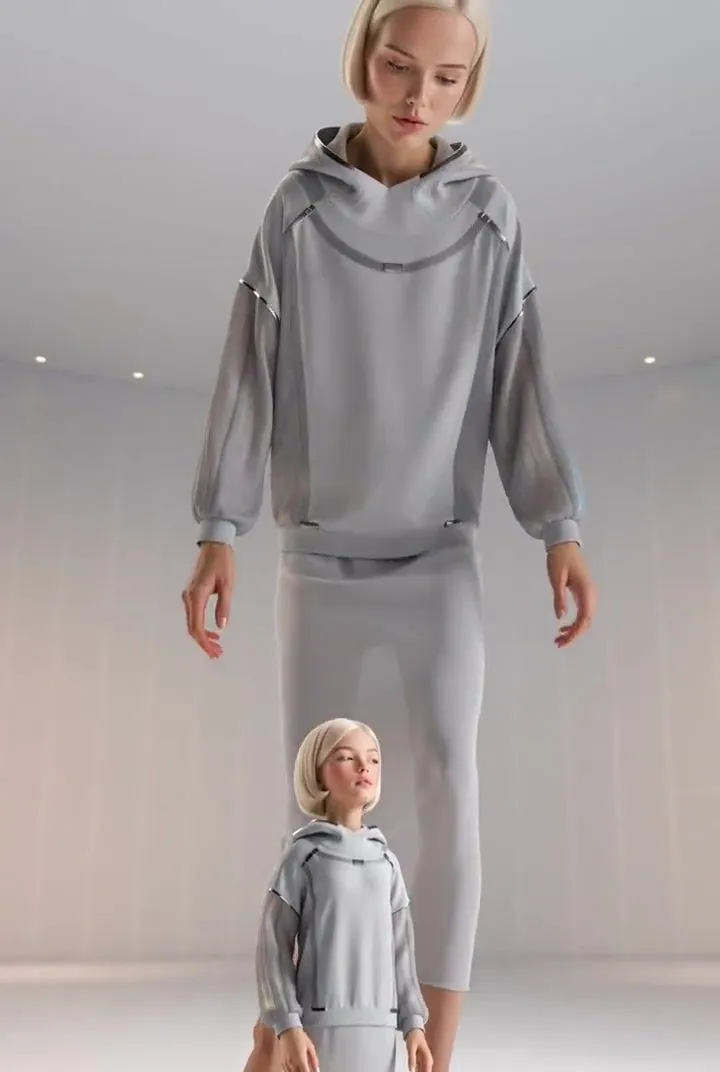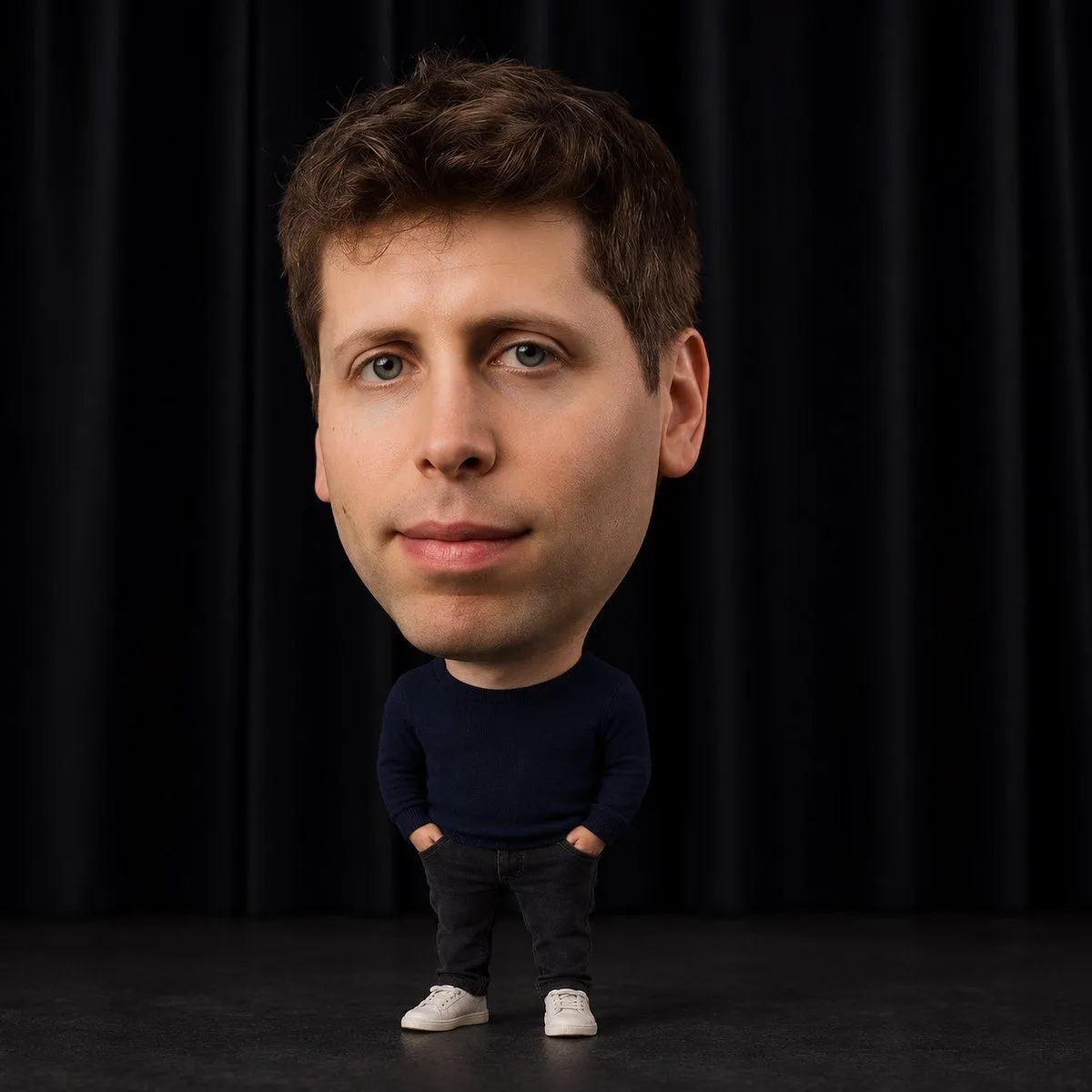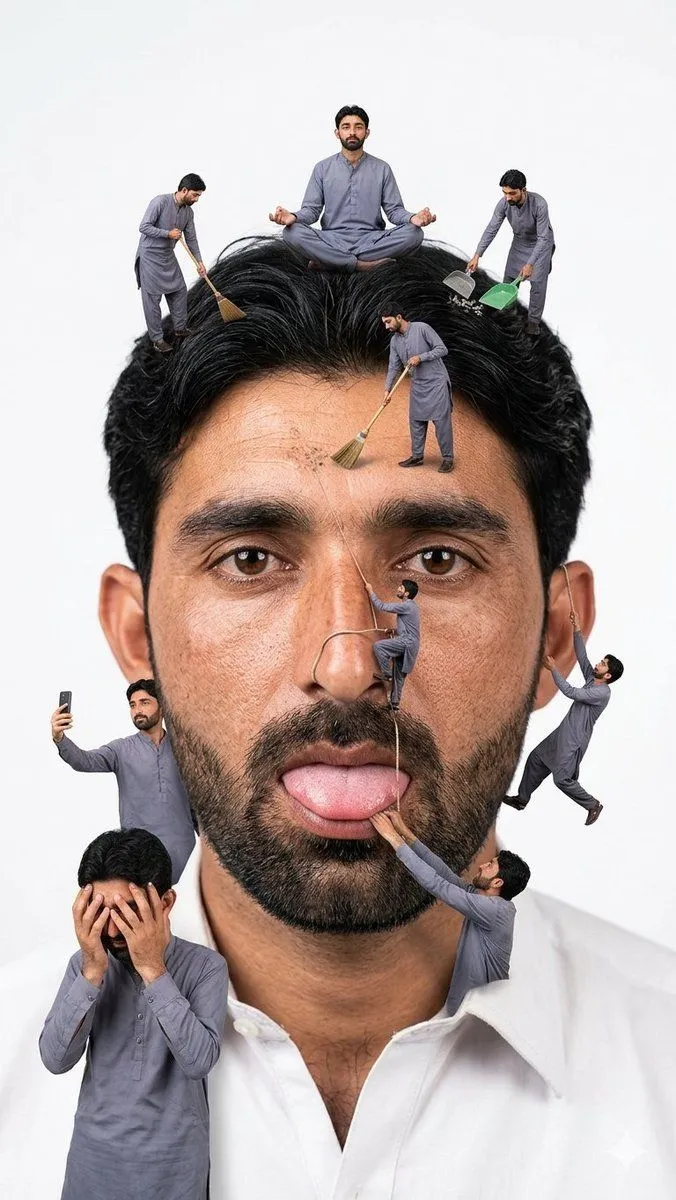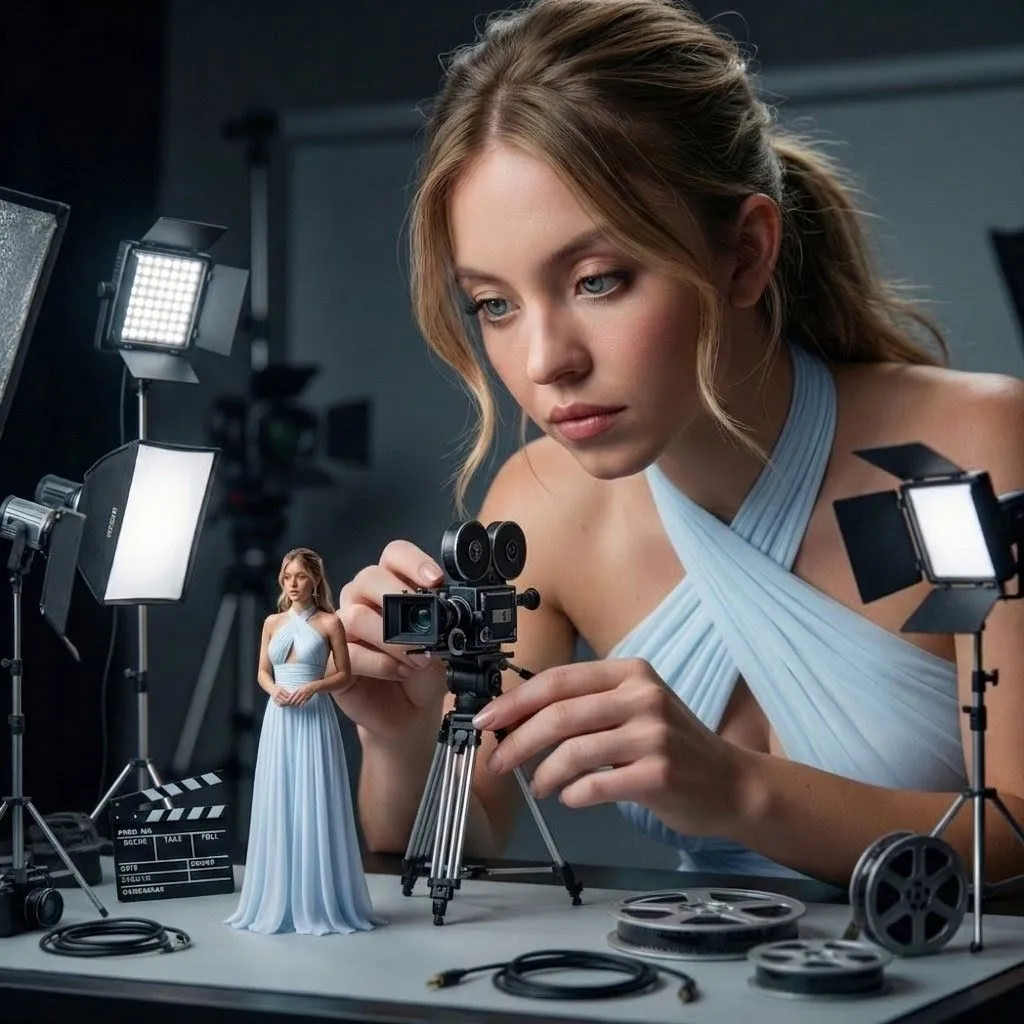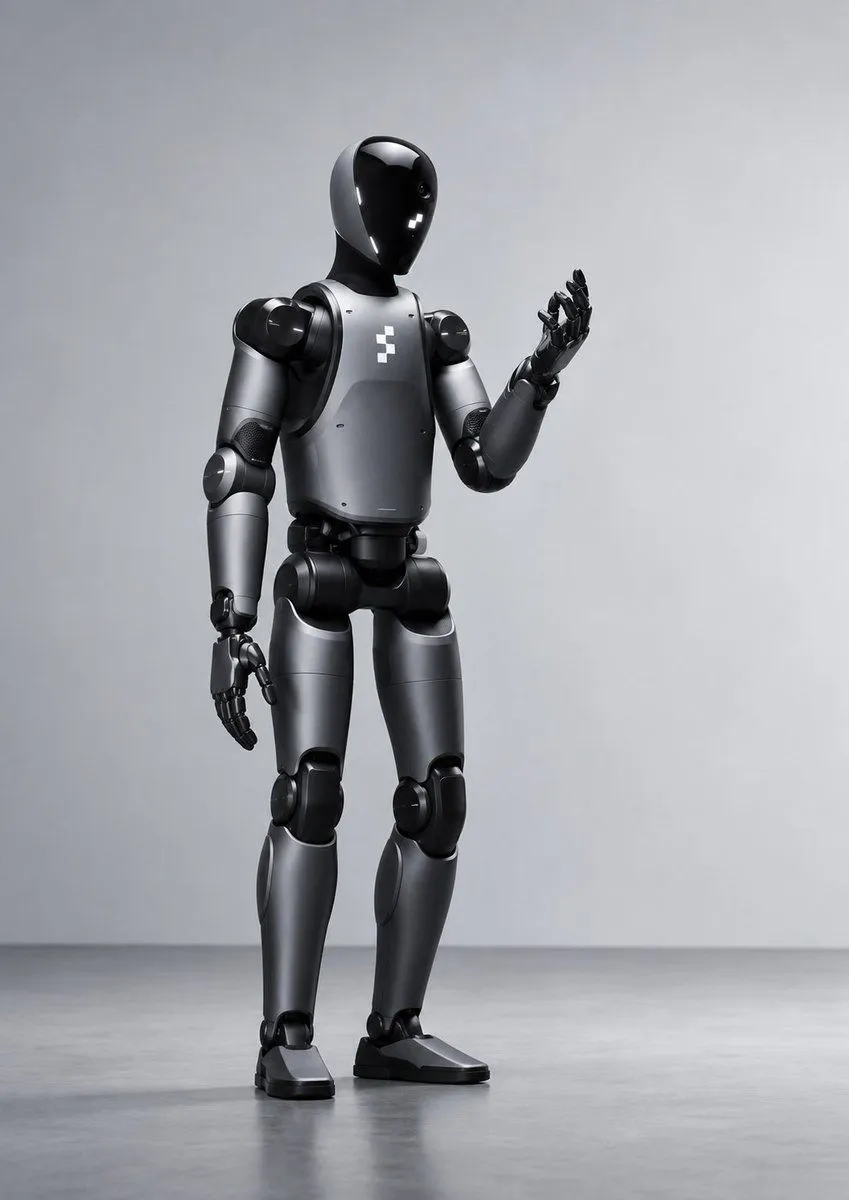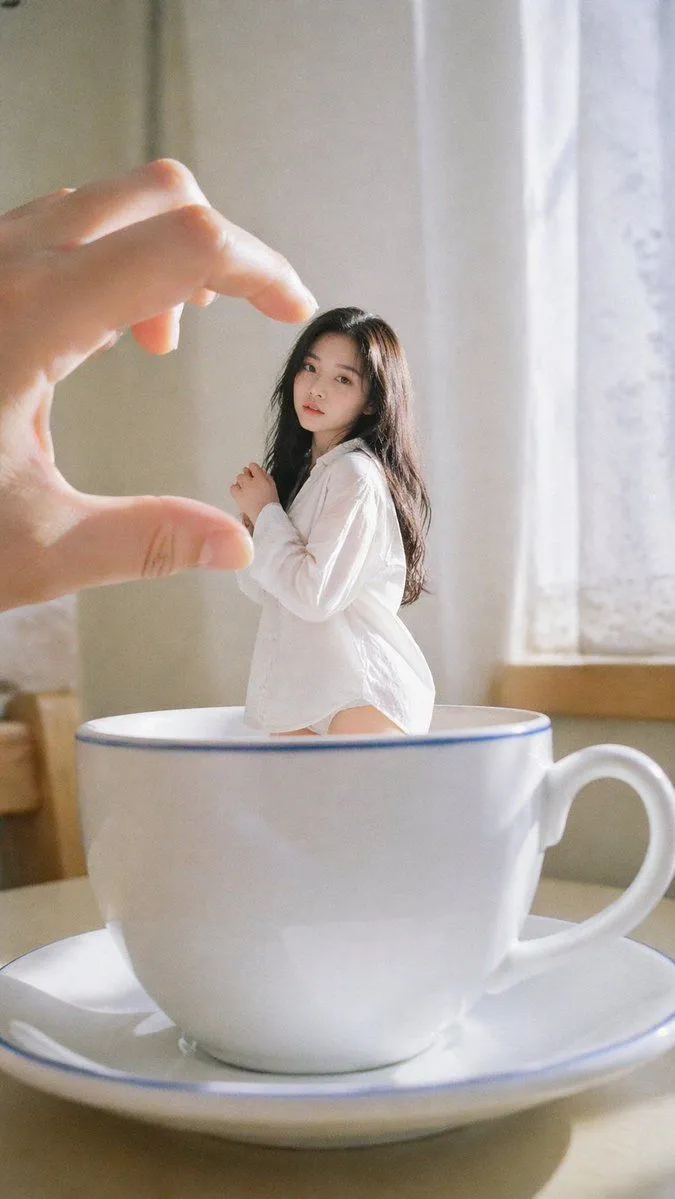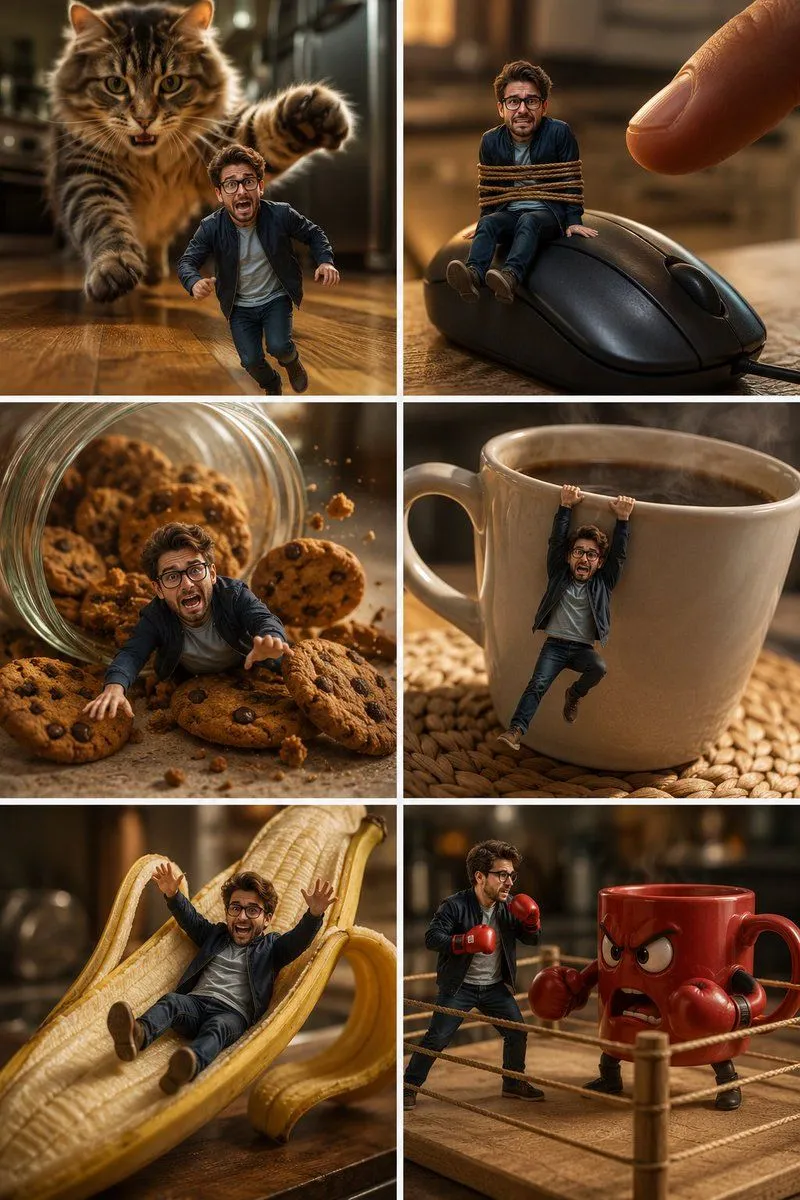
Made with GPT Image 2.5 in ChatGPT by Library Brand. Promptclay never generates images.
Did it work?
No reports yet. Tell others if it worked for you.
Foldable Phone Portal Keynote Scene
Prompt
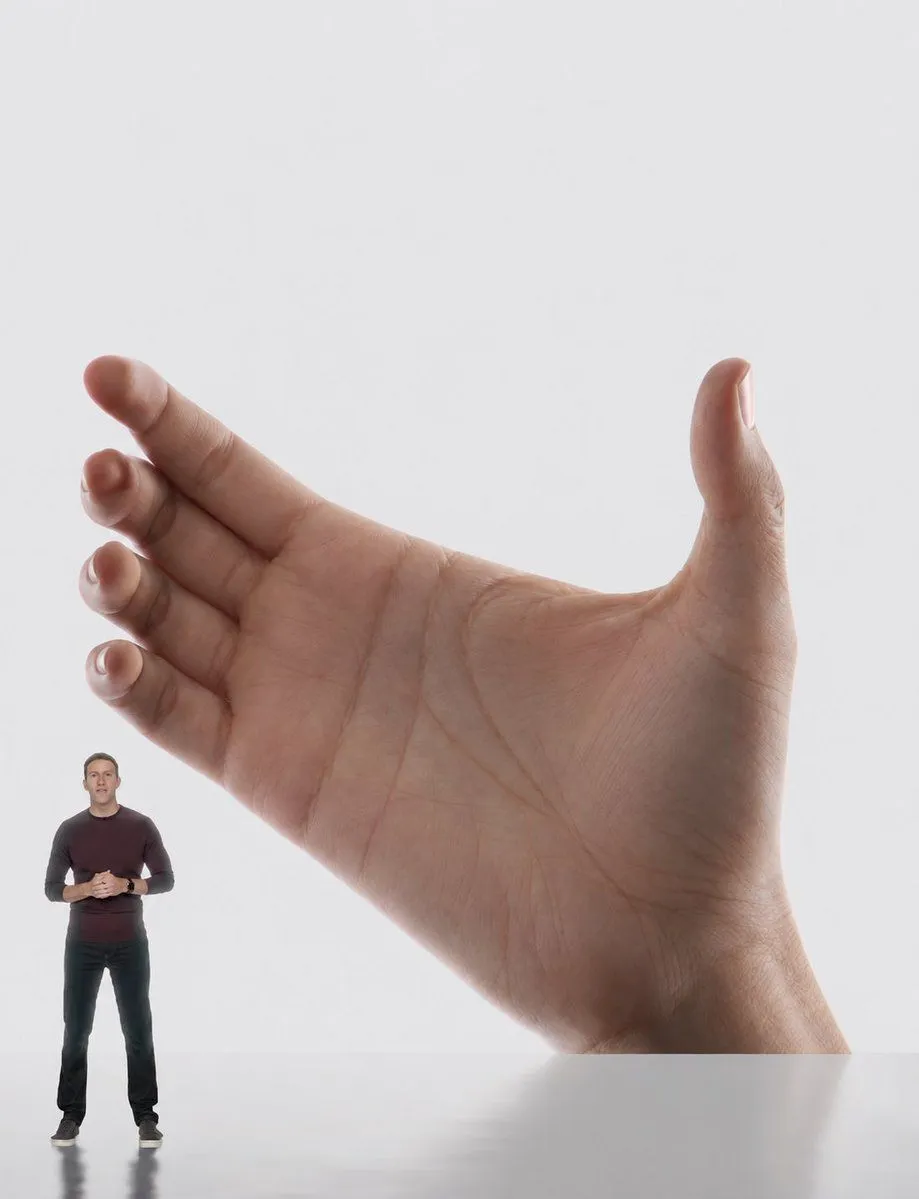
5 blanks to fillCreate a clean studio product-ad style image on a light gray seamless background: a large, nearly square foldable smartphone/tablet is held upright in one realistic right hand, filling most of the frame, with thin black rounded bezels and a subtle dark metal edge. On the device screen, show a vivid ultra-wide architectural corridor photograph: warm orange and red walls, glossy red floor, long balcony railings and window bands on the left, a tall orange wall on the right, and a curved glass roof with white ribs revealing a blue sky with wispy clouds; the perspective should be strongly exaggerated and immersive, vanishing toward the center. Include exactly 2 visible human figures: one tiny presenter standing outside the device at the bottom left, full body, wearing a dark burgundy long-sleeve shirt, black pants, and black sneakers, hands clasped as if giving a keynote; and one small person inside the screen corridor near the right side wearing a light green outfit and carrying a white bag. Use Apple-keynote-like minimal lighting, soft shadows, realistic skin texture on the hand, crisp device edges, and a polished photorealistic composite. The device should appear almost like a portal rather than a normal phone screen. Set the main screen scene to {screen_scene}, the device type to {device_type}, the presenter outfit to {presenter_outfit}, the background color to {background_color}, and the inside-screen person outfit to {inside_screen_person_outfit}.
Preview of your prompt
Create a clean studio product-ad style image on a light gray seamless background: a large, nearly square foldable smartphone/tablet is held upright in one realistic right hand, filling most of the frame, with thin black rounded bezels and a subtle dark metal edge. On the device screen, show a vivid ultra-wide architectural corridor photograph: warm orange and red walls, glossy red floor, long balcony railings and window bands on the left, a tall orange wall on the right, and a curved glass roof with white ribs revealing a blue sky with wispy clouds; the perspective should be strongly exaggerated and immersive, vanishing toward the center. Include exactly 2 visible human figures: one tiny presenter standing outside the device at the bottom left, full body, wearing a dark burgundy long-sleeve shirt, black pants, and black sneakers, hands clasped as if giving a keynote; and one small person inside the screen corridor near the right side wearing a light green outfit and carrying a white bag. Use Apple-keynote-like minimal lighting, soft shadows, realistic skin texture on the hand, crisp device edges, and a polished photorealistic composite. The device should appear almost like a portal rather than a normal phone screen. Set the main screen scene to a vivid orange-red architectural corridor with a curved glass roof and blue sky, the device type to large foldable smartphone tablet, the presenter outfit to dark burgundy long-sleeve shirt, black pants, black sneakers, the background color to light gray, and the inside-screen person outfit to light green outfit with a white bag.
DetailsVersions, settings and questions
Written for
What's in the prompt
- Subject
- Model
- GPT Image 2.5
If your face changes
keep my face exactly the sameQuestions
- Does this work in the ChatGPT app?
- Yes. Paste the prompt and attach your photo if it uses one.
- It changed my face. What do I do?
- Add "keep my face exactly the same" to the end and run it again.
- Can I use the images I make?
- Check the terms of the app you use. Promptclay never generates images and claims nothing you make.