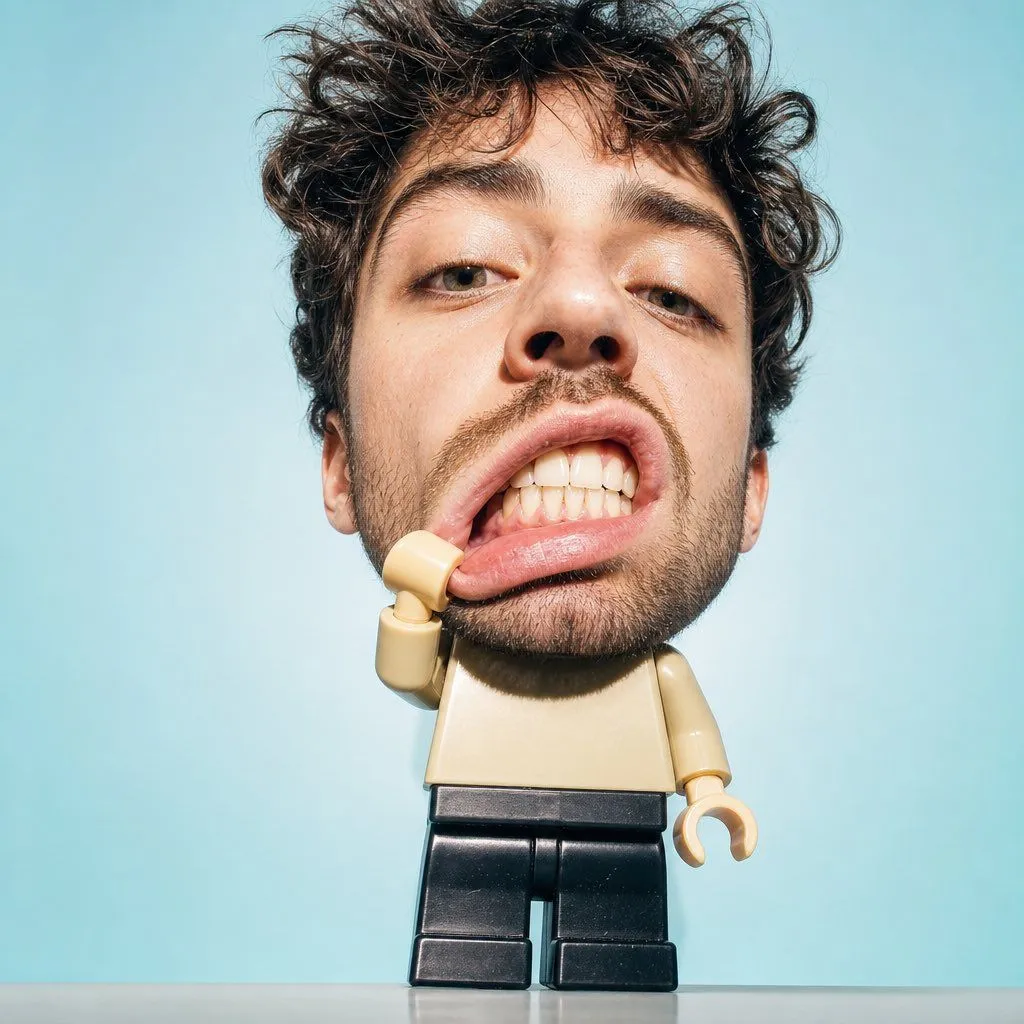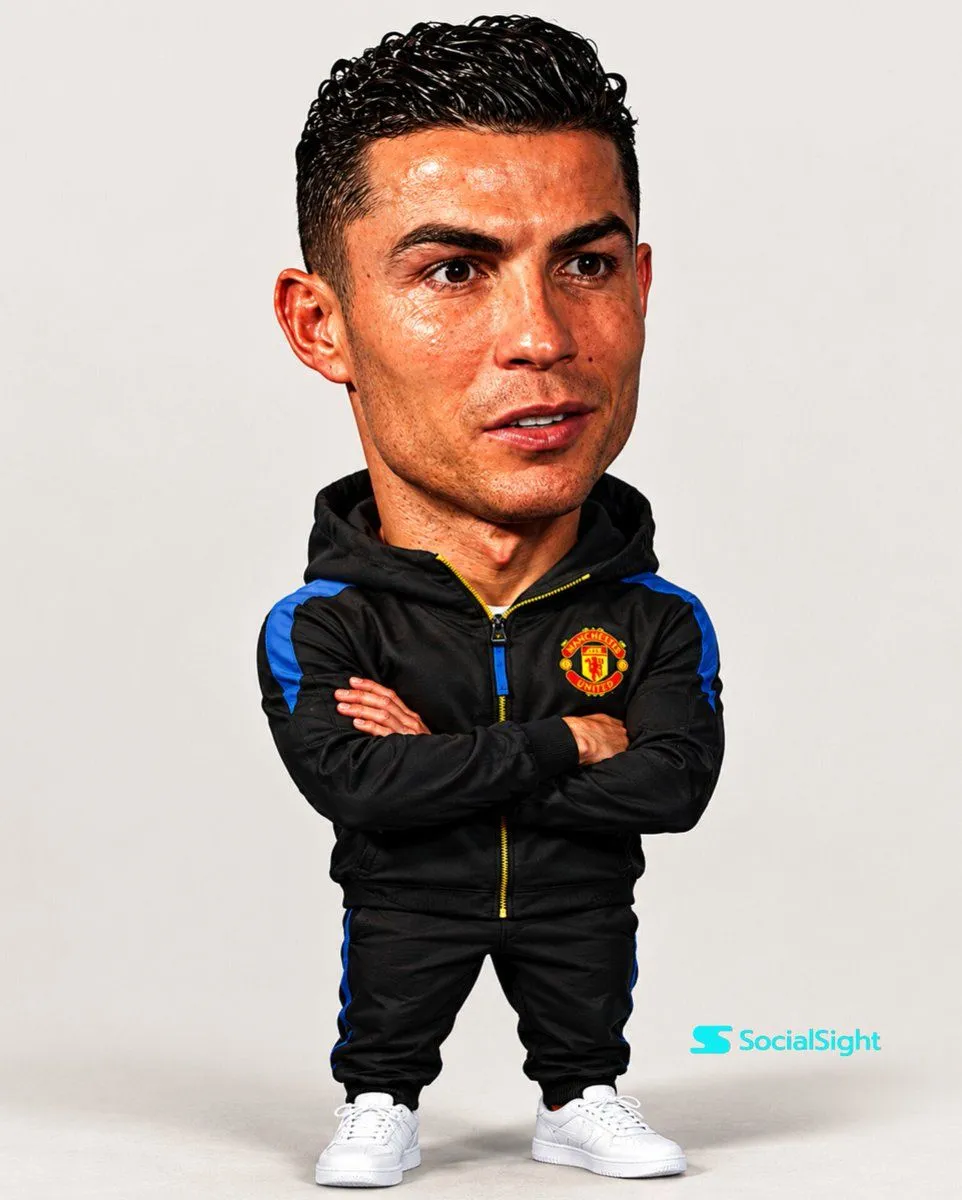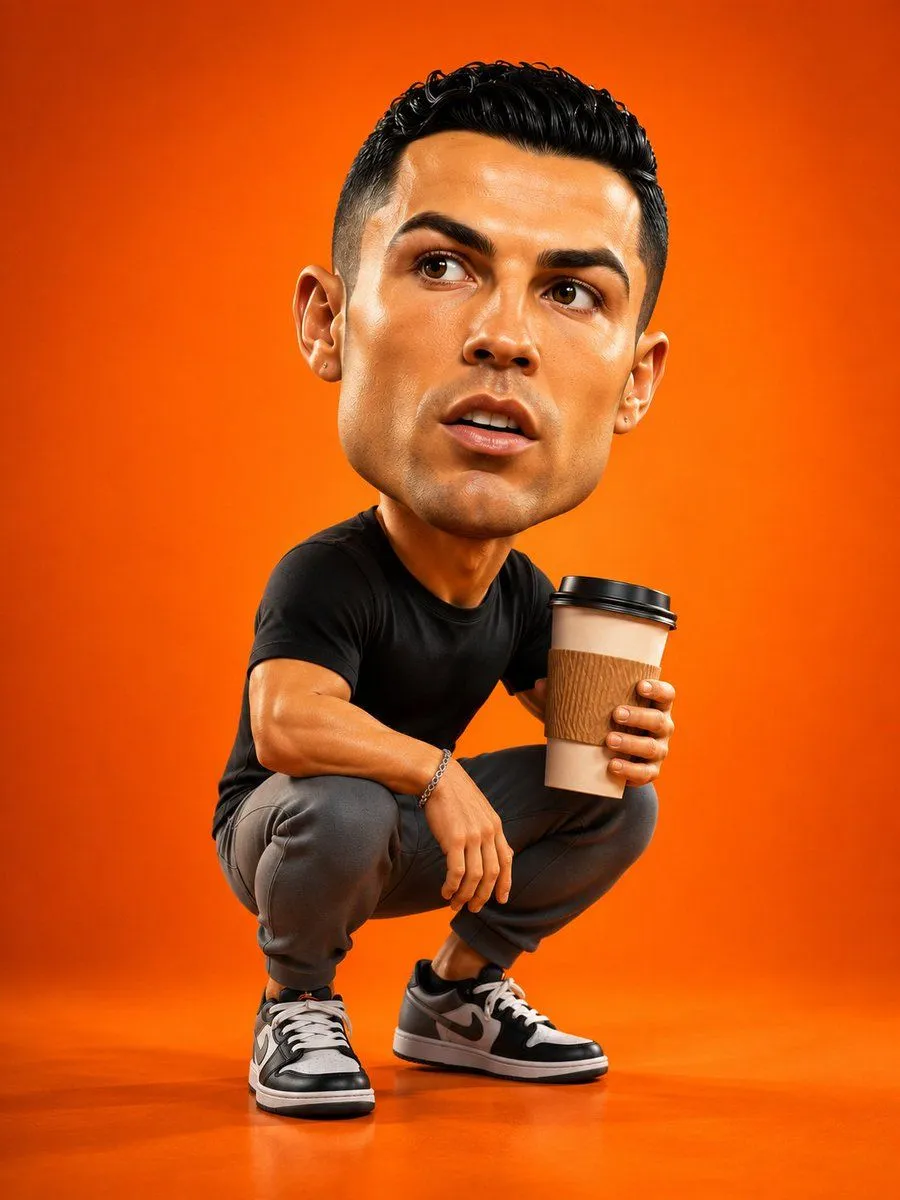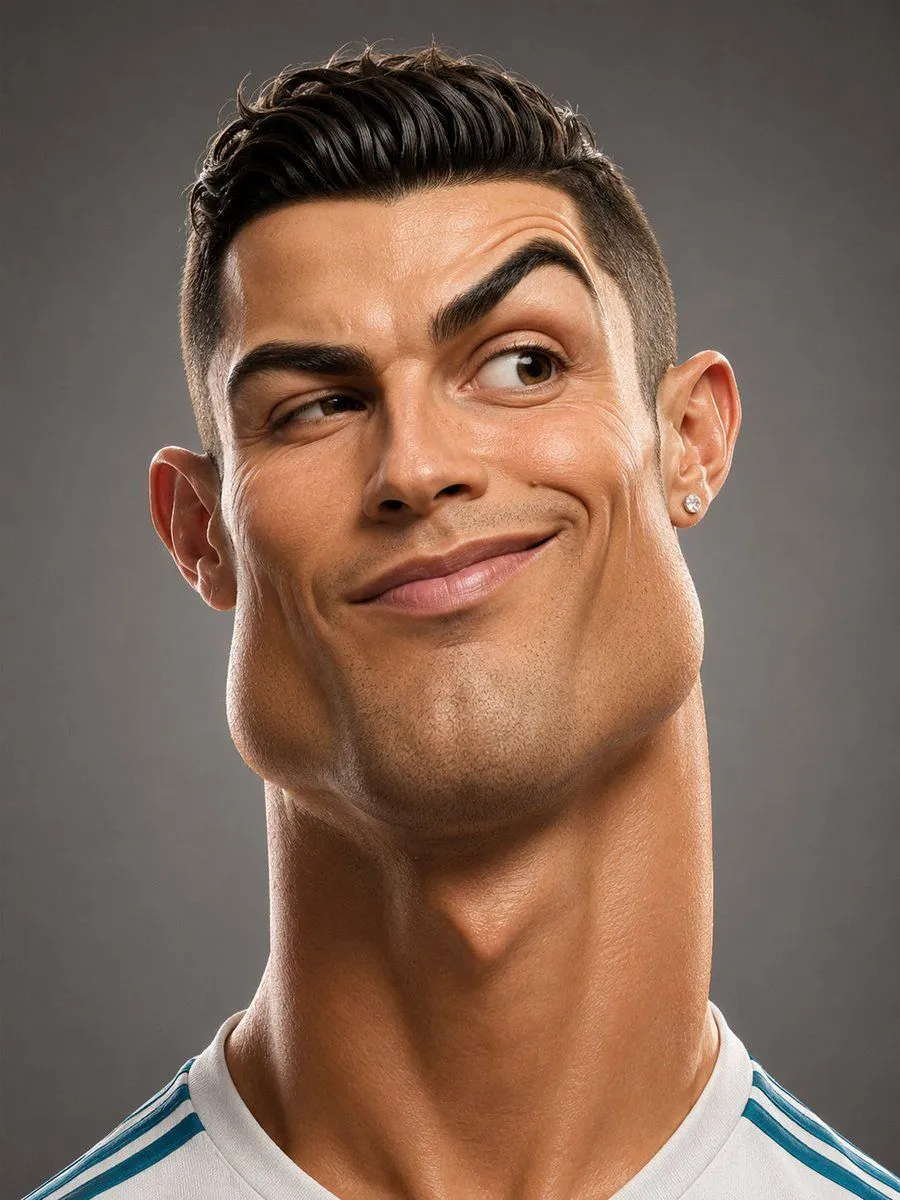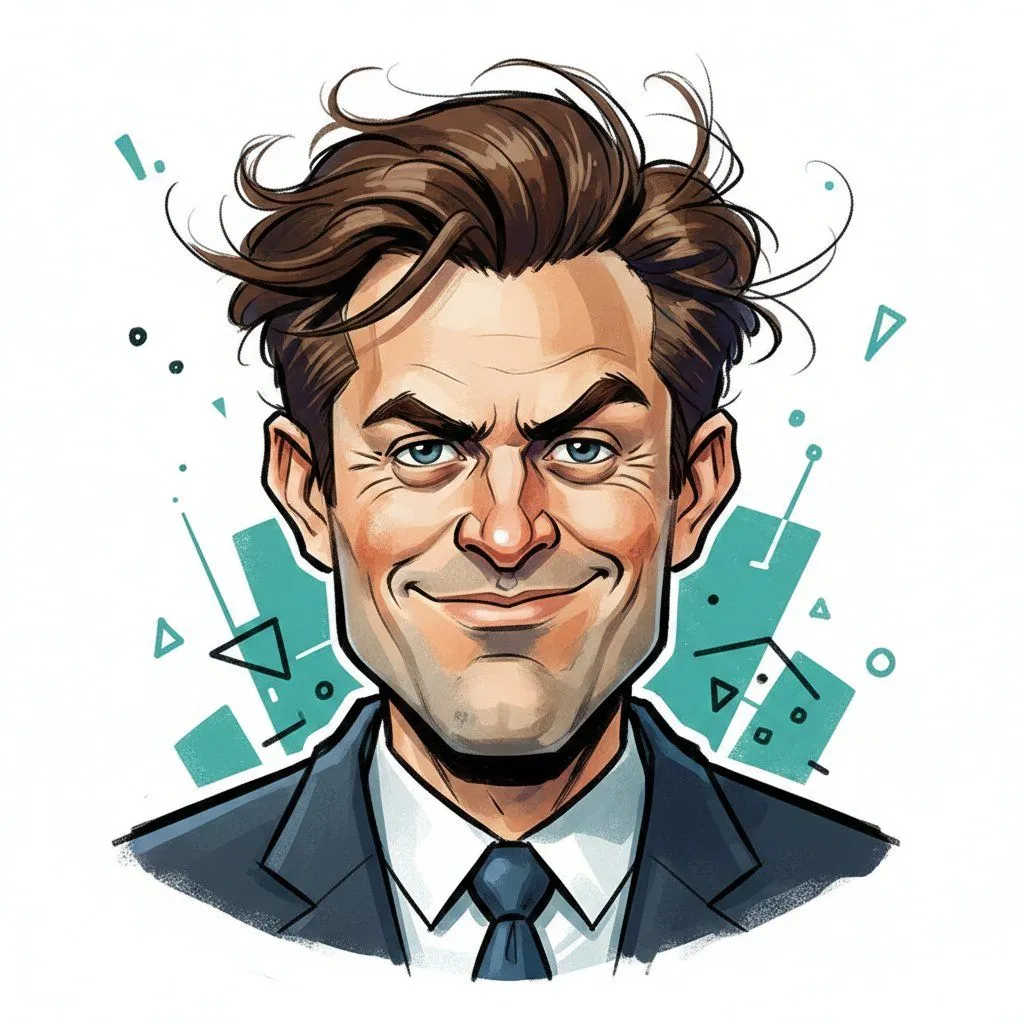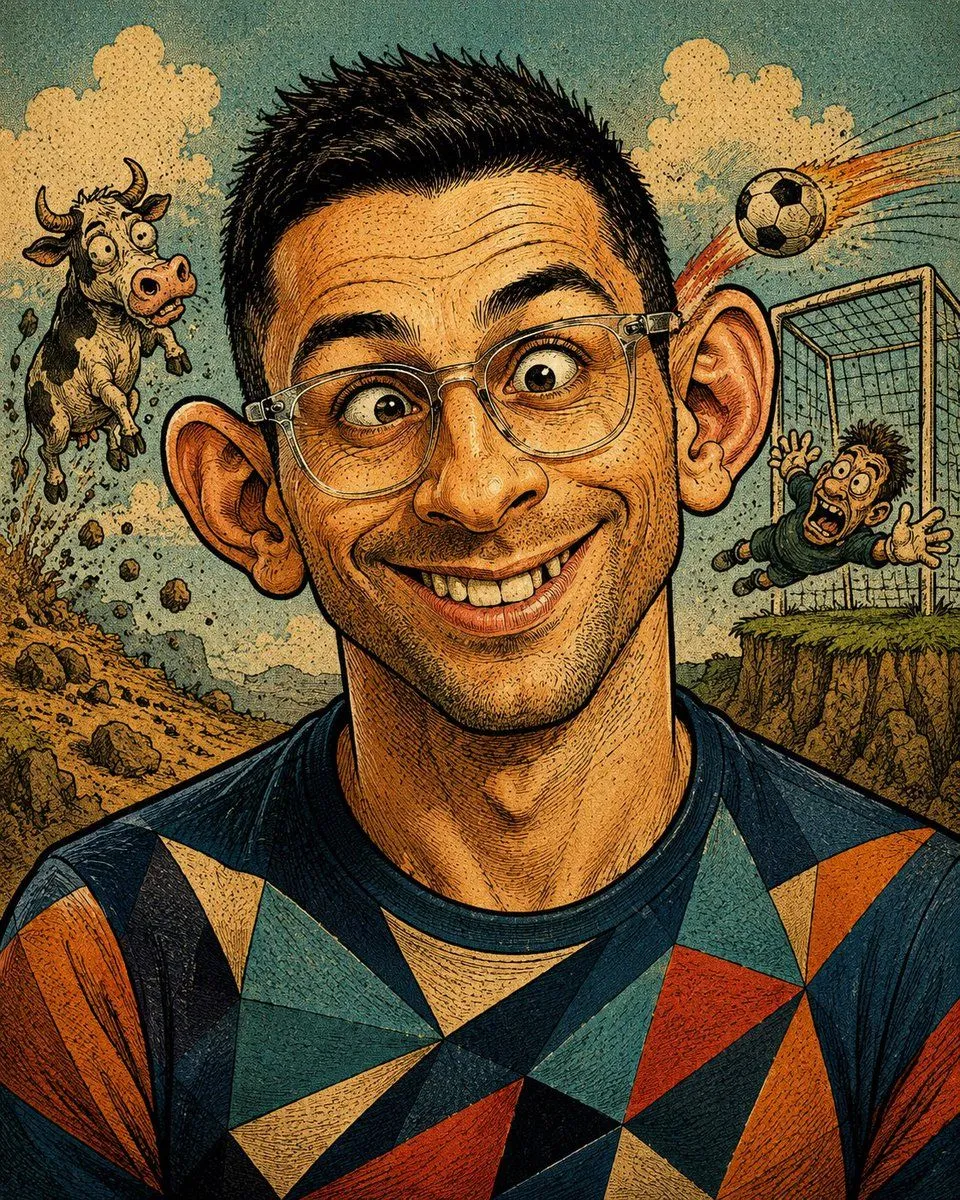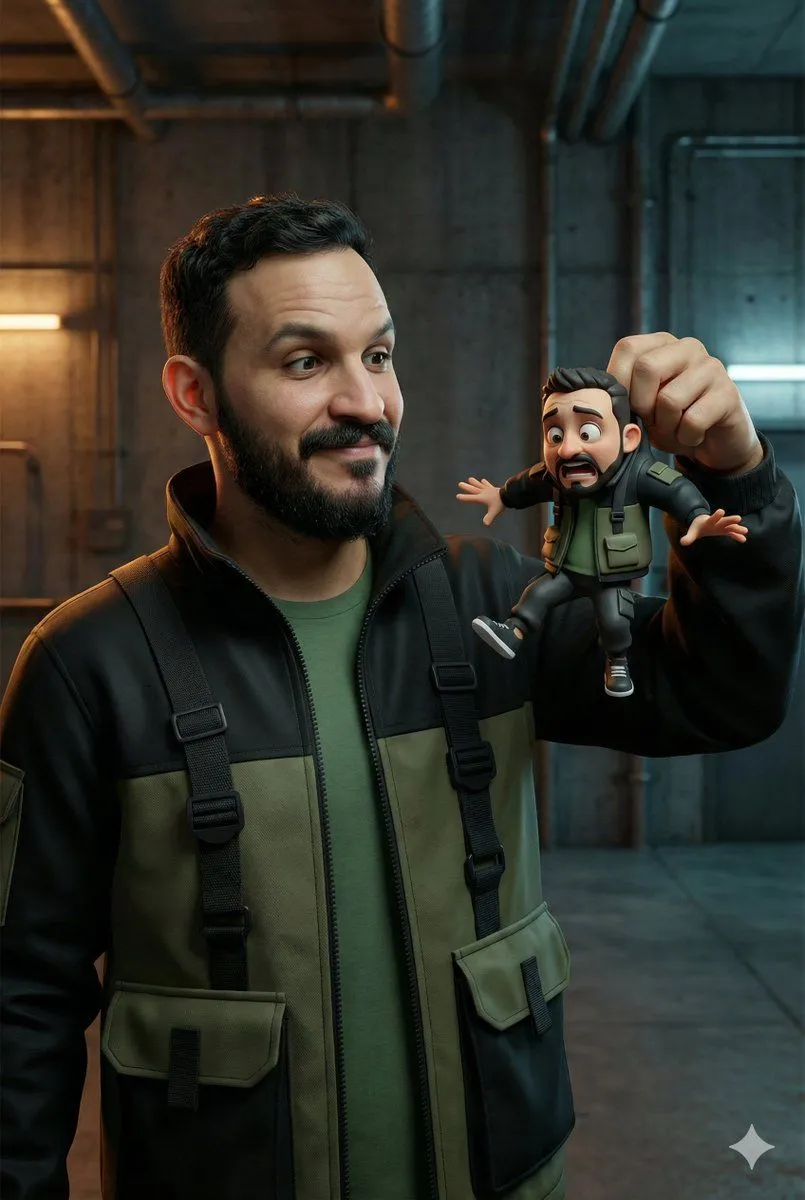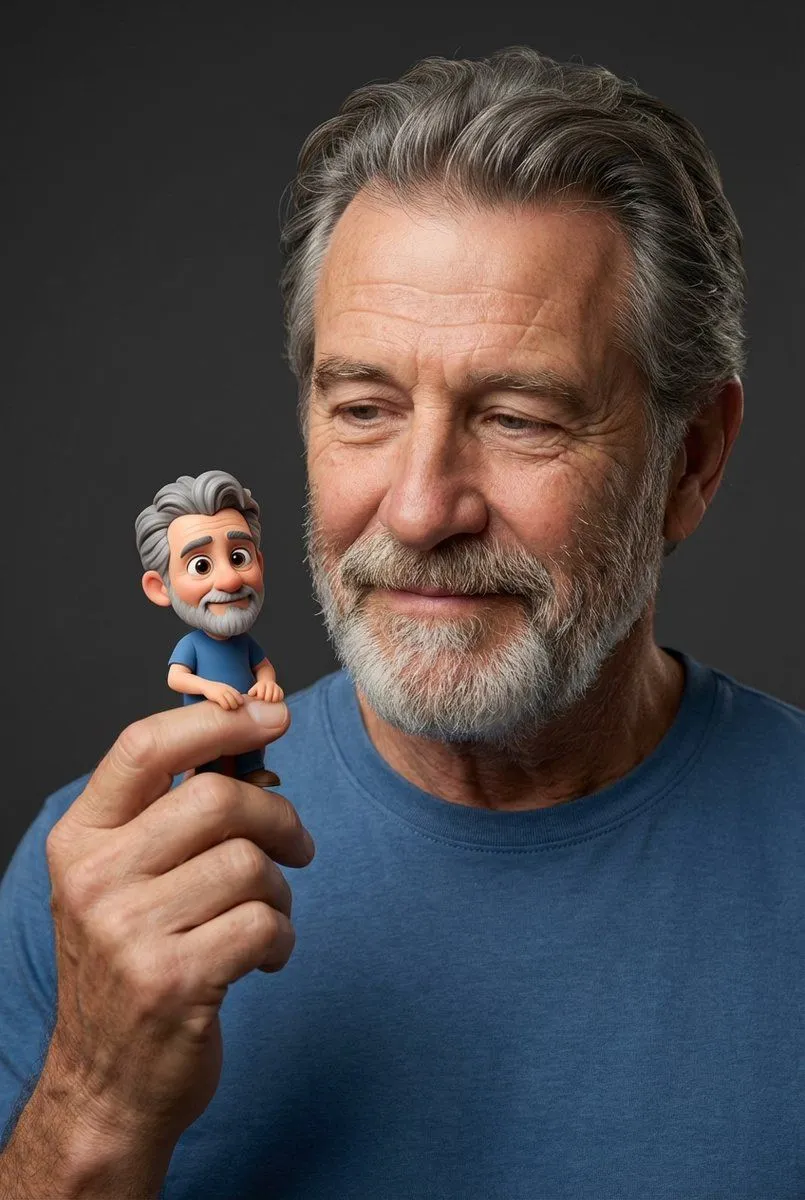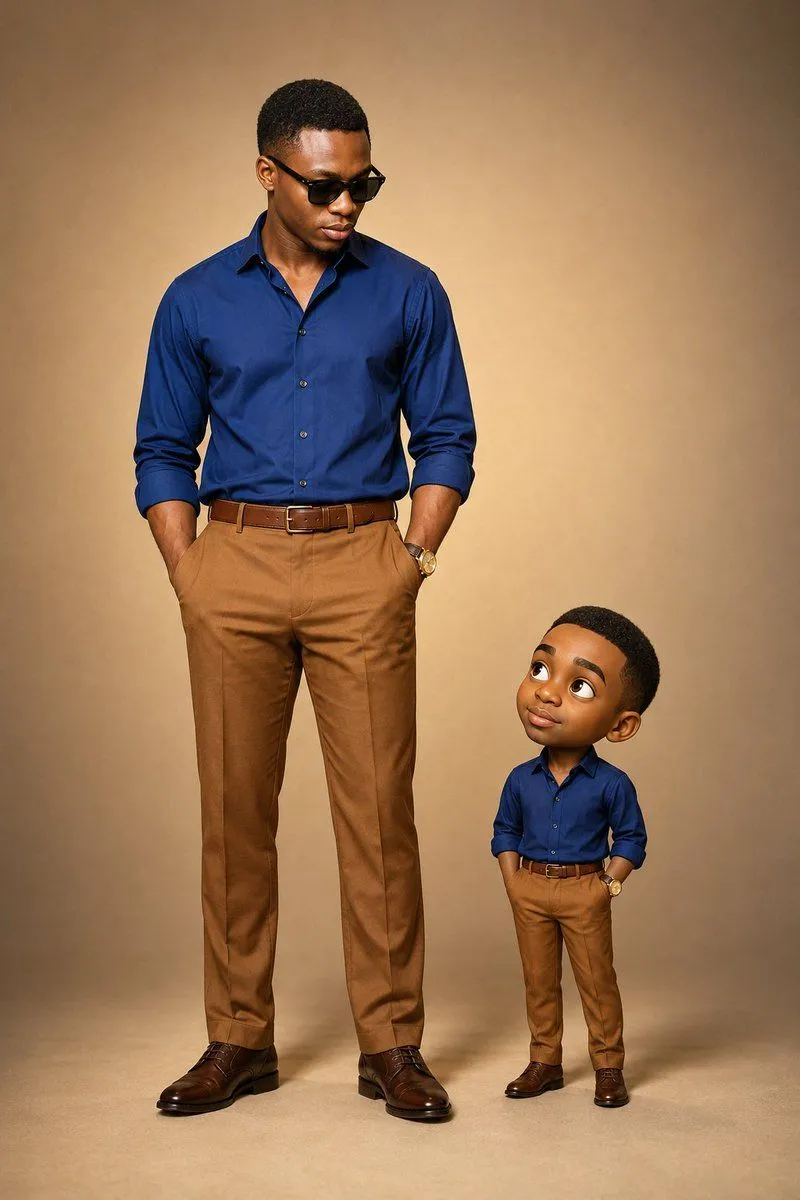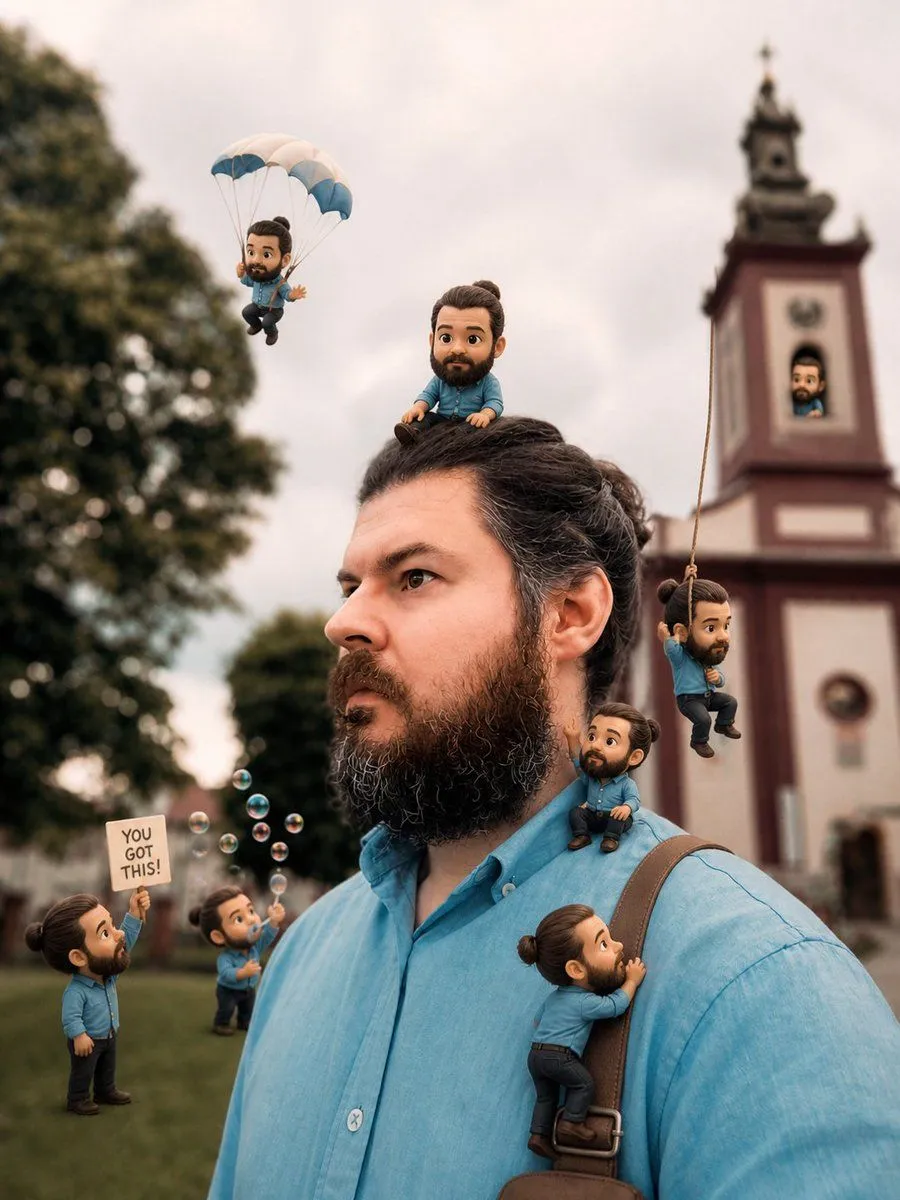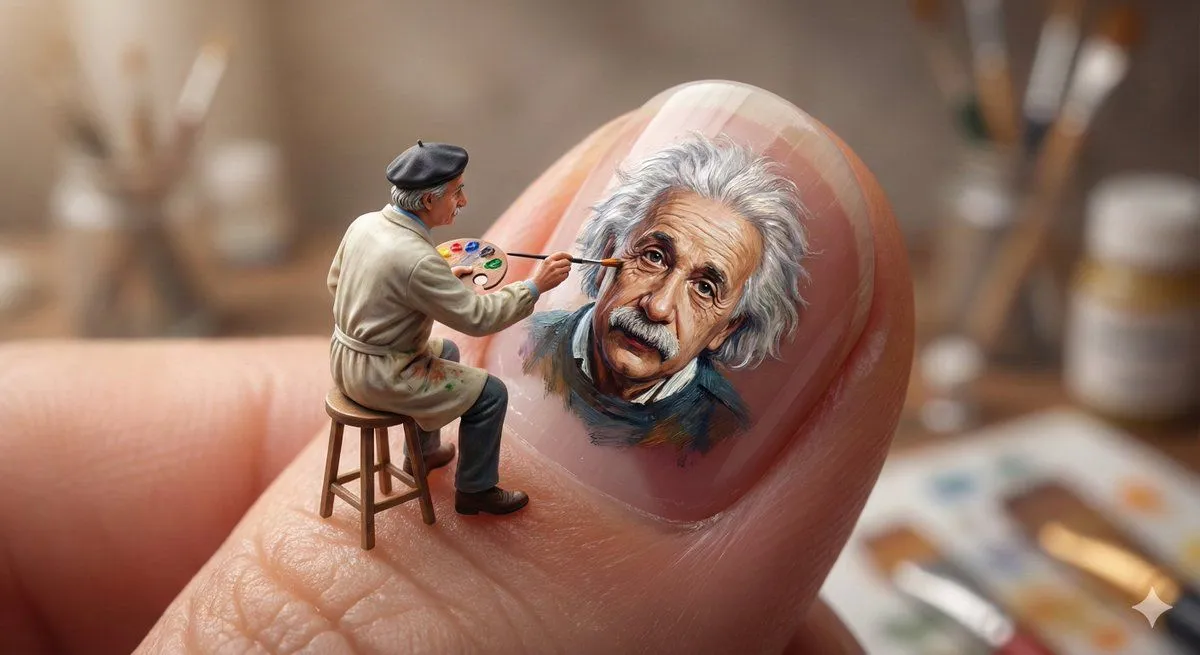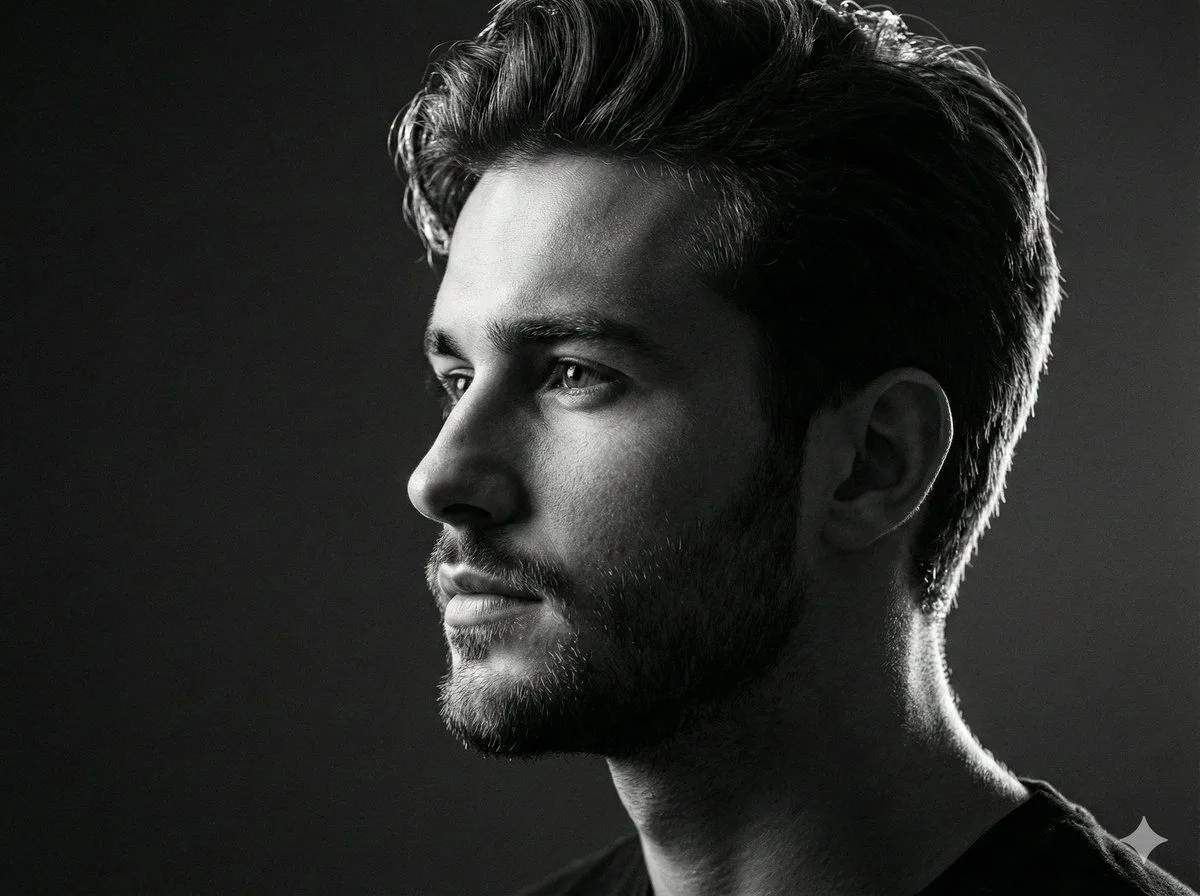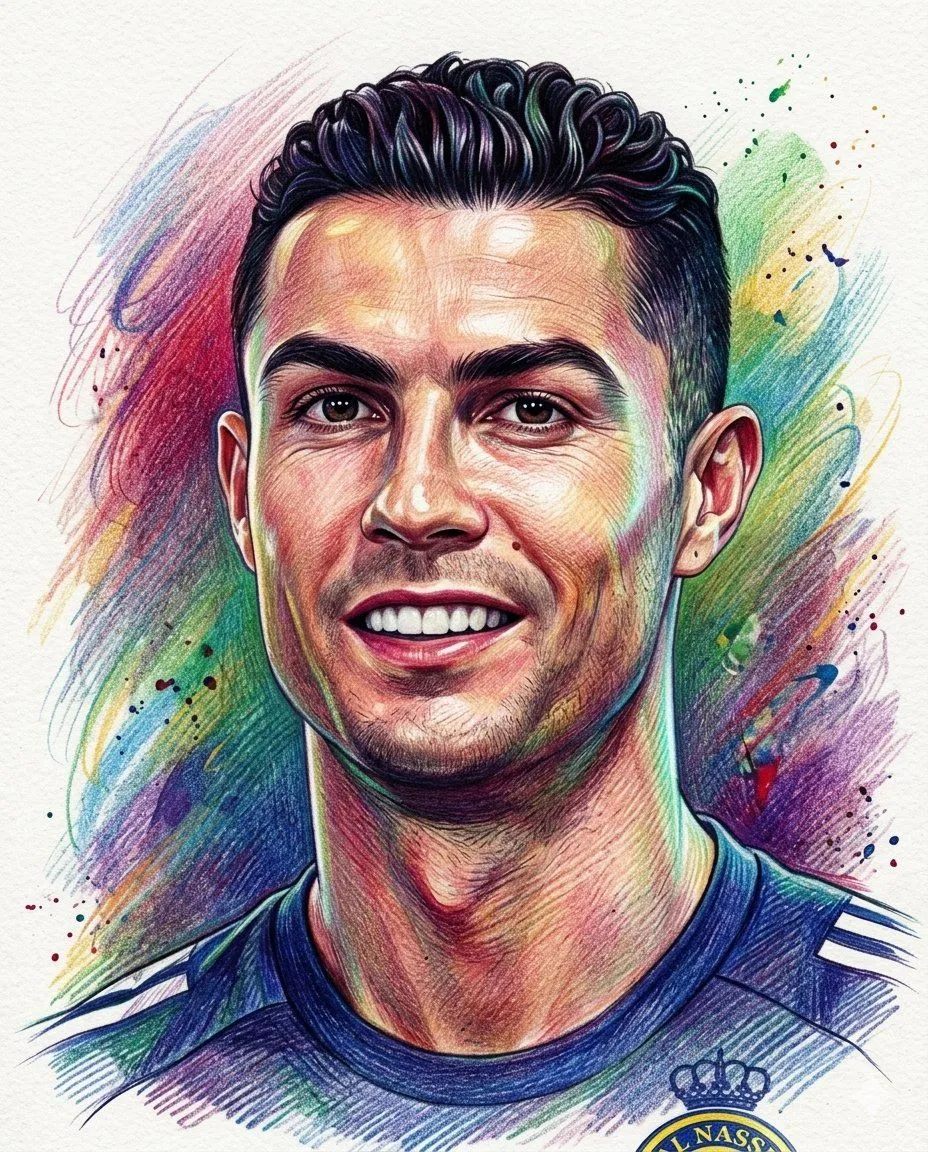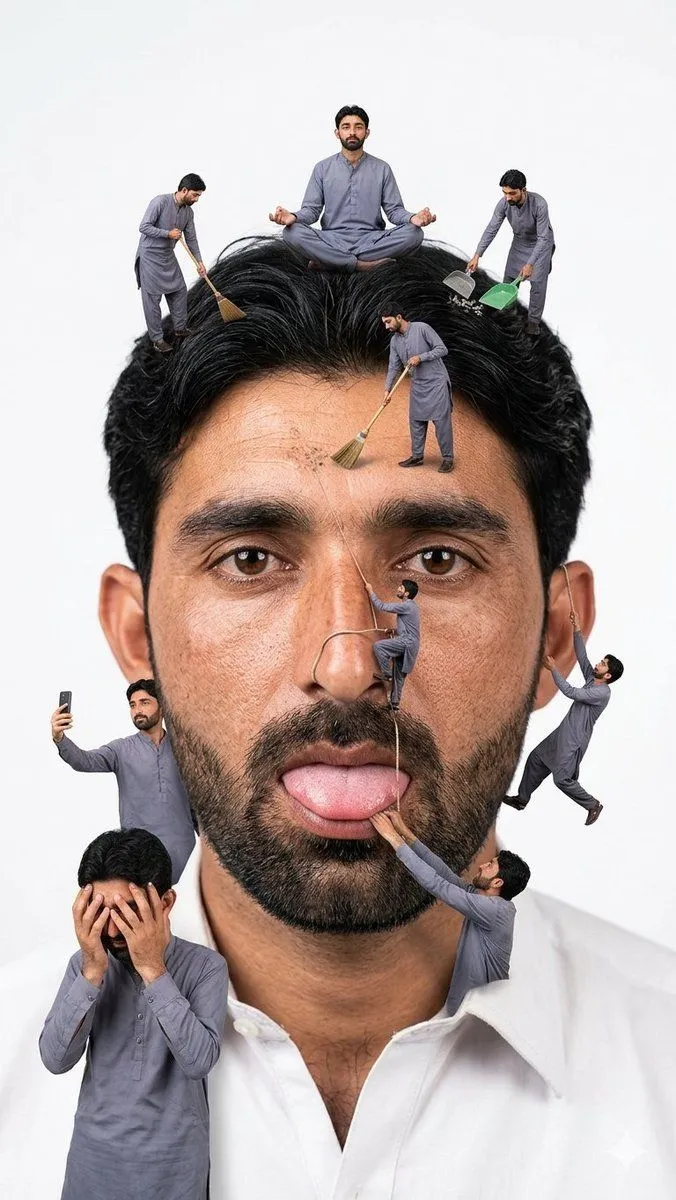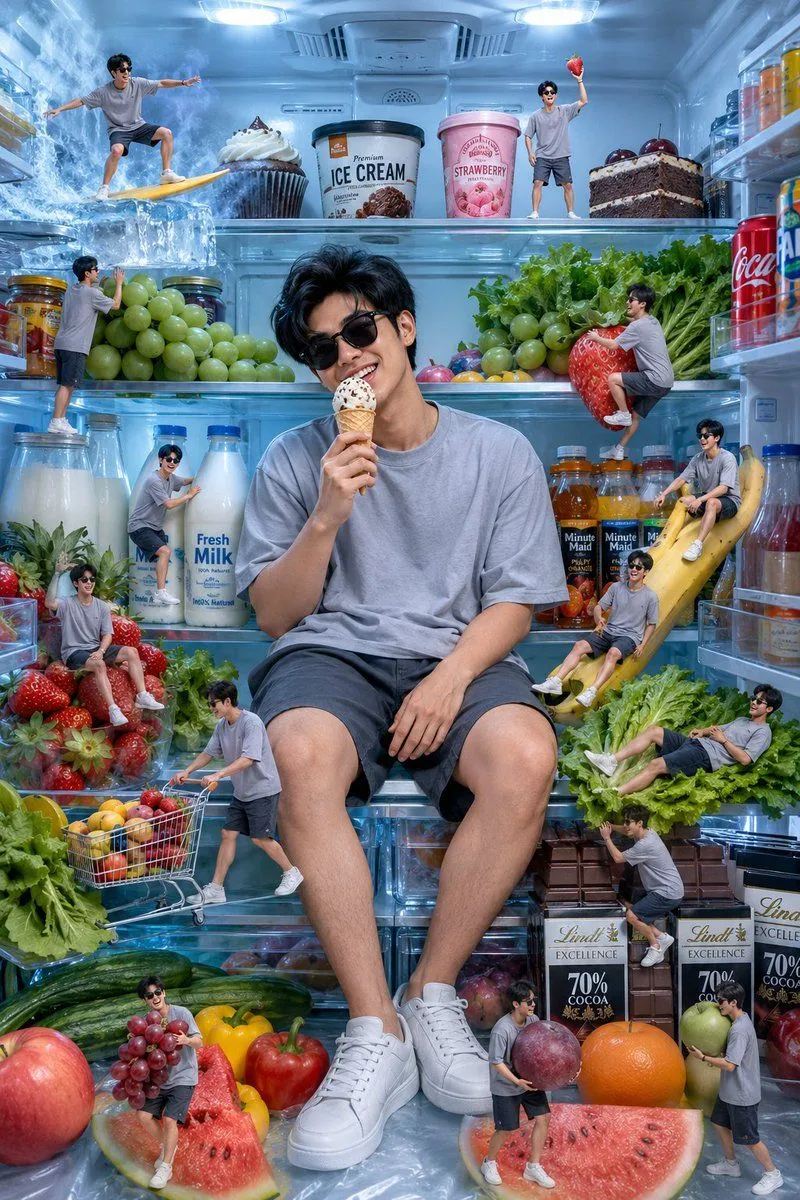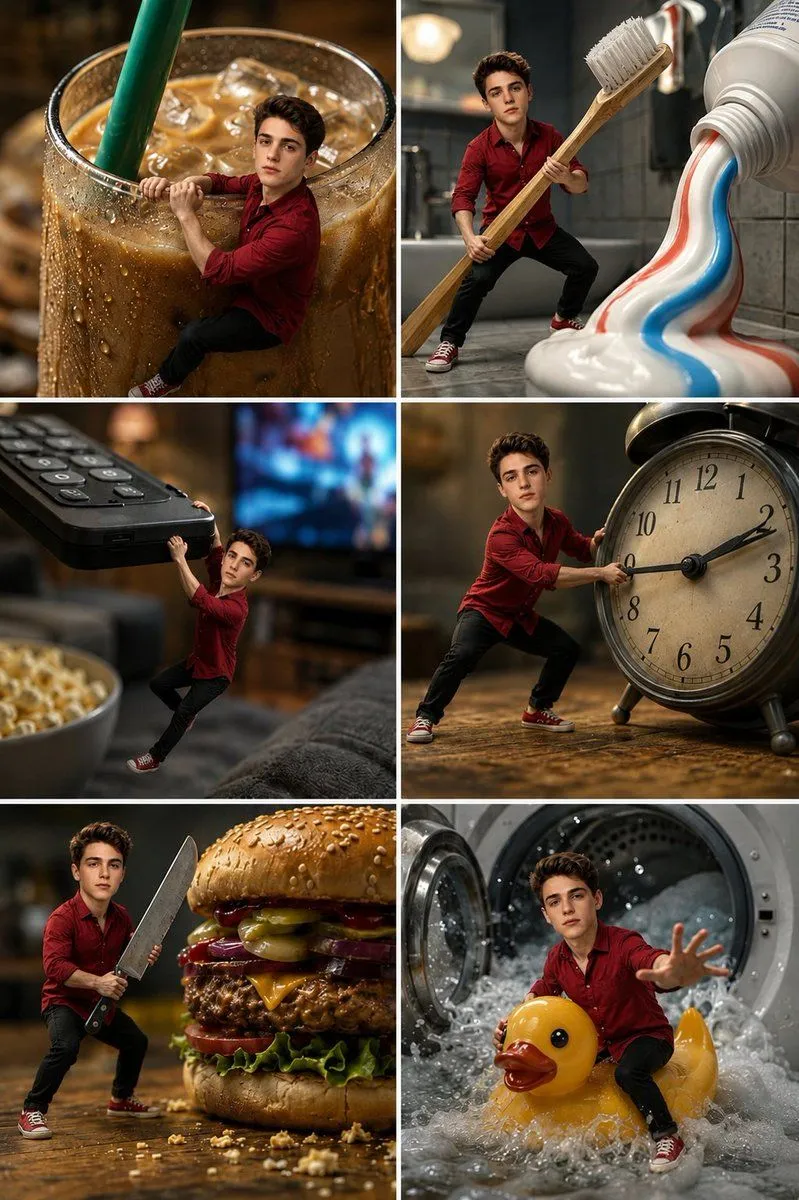
Made with GPT Image 2.5 in ChatGPT by Library Avatars. Promptclay never generates images.
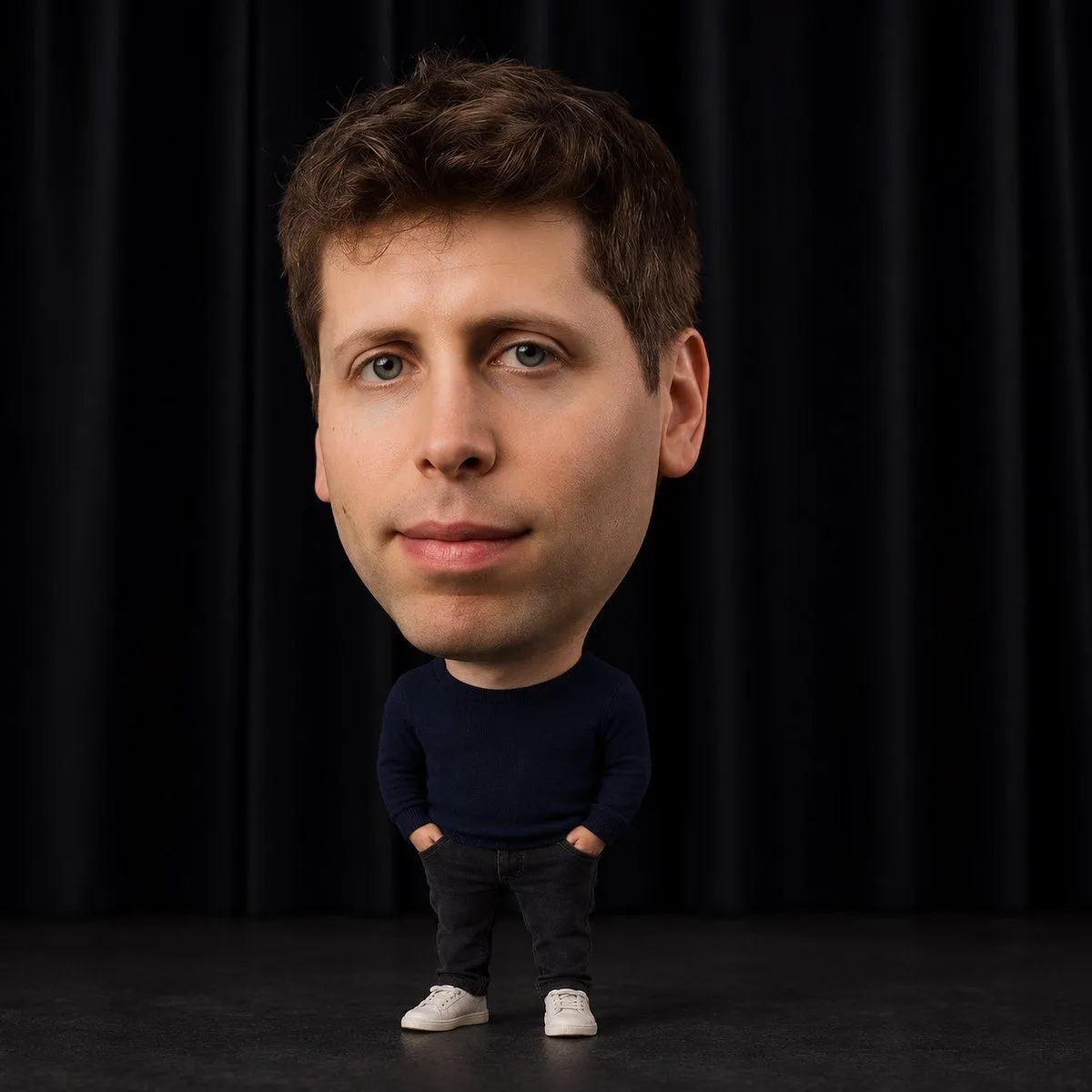
Hyper Realistic Big Head Miniature Portrait Edit
GPT Image 2.51:1Needs your photoAI-generated
Prompt
Strictly edit the uploaded photo. Only change head-to-body proportions — keep the original face, identity, expression, pose, clothing, accessories, background, lighting, and framing completely unchanged. •Enlarge the head so it is 2.5–3× wider than the shoulders. •Make shoulders very narrow with a short neck. •Shrink the body, arms, hands, legs, and feet dramatically (body roughly the same height as the head or smaller; limbs 25–35% of normal size). •Scale clothing naturally to fit the tiny body without changing its design. •Keep everything photorealistic with seamless blending and natural textures. No cartoon, anime, or doll style.
Use only photos you have the right to usePhoto tips
- Your photo stays with your app. You upload it to Gemini, ChatGPT or the app you use. Promptclay never sees or stores it.
- Crop to what the prompt needs. Your face for a portrait. Leave out other people, house numbers, cards and screens.
- Check the result before you post. Apps sometimes add things that were not in your photo, like a mole, a tattoo or bare shoulders. Run it again or ask the app to remove them.
DetailsVersions, settings and questions
Written for
What's in the prompt
- Subject
- Model
- GPT Image 2.5
If your face changes
keep my face exactly the sameQuestions
- Does this work in the ChatGPT app?
- Yes. Paste the prompt and attach your photo if it uses one.
- It changed my face. What do I do?
- Add "keep my face exactly the same" to the end and run it again.
- Can I use the images I make?
- Check the terms of the app you use. Promptclay never generates images and claims nothing you make.