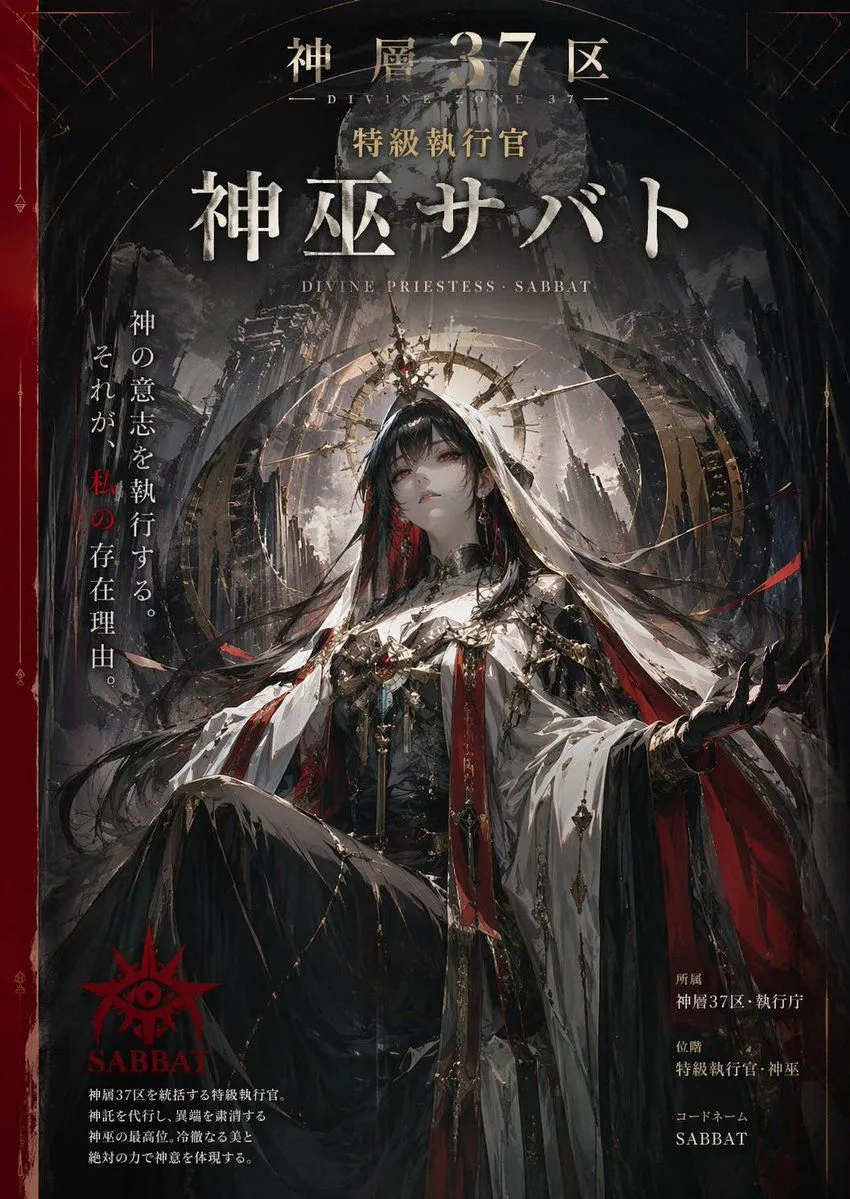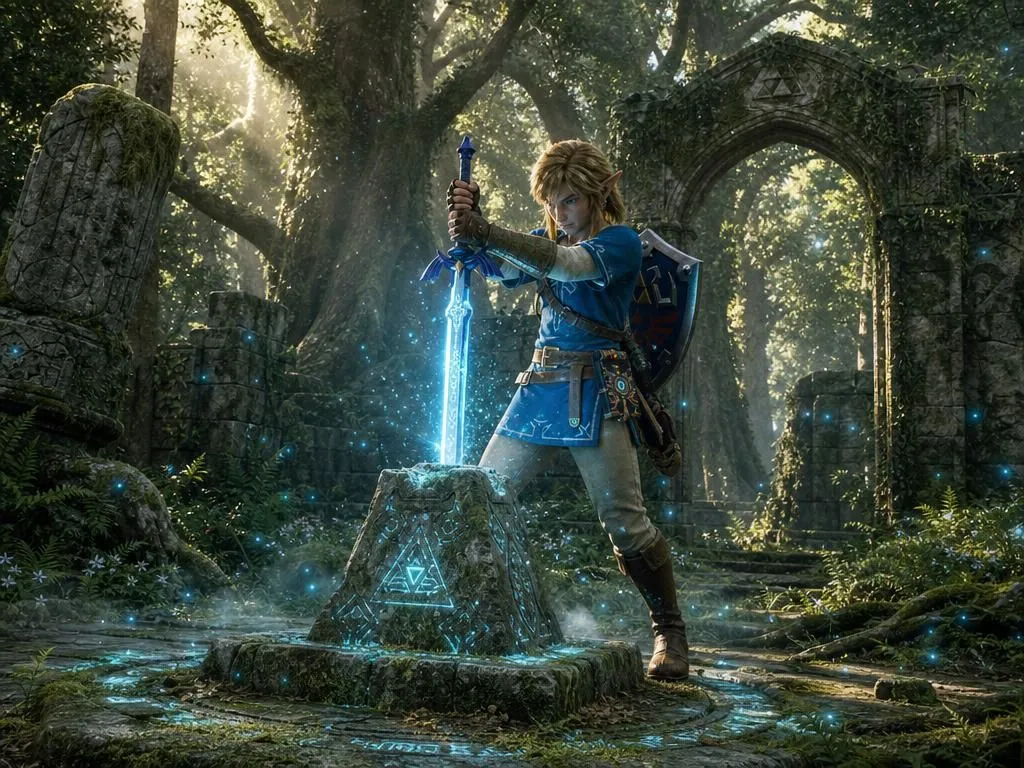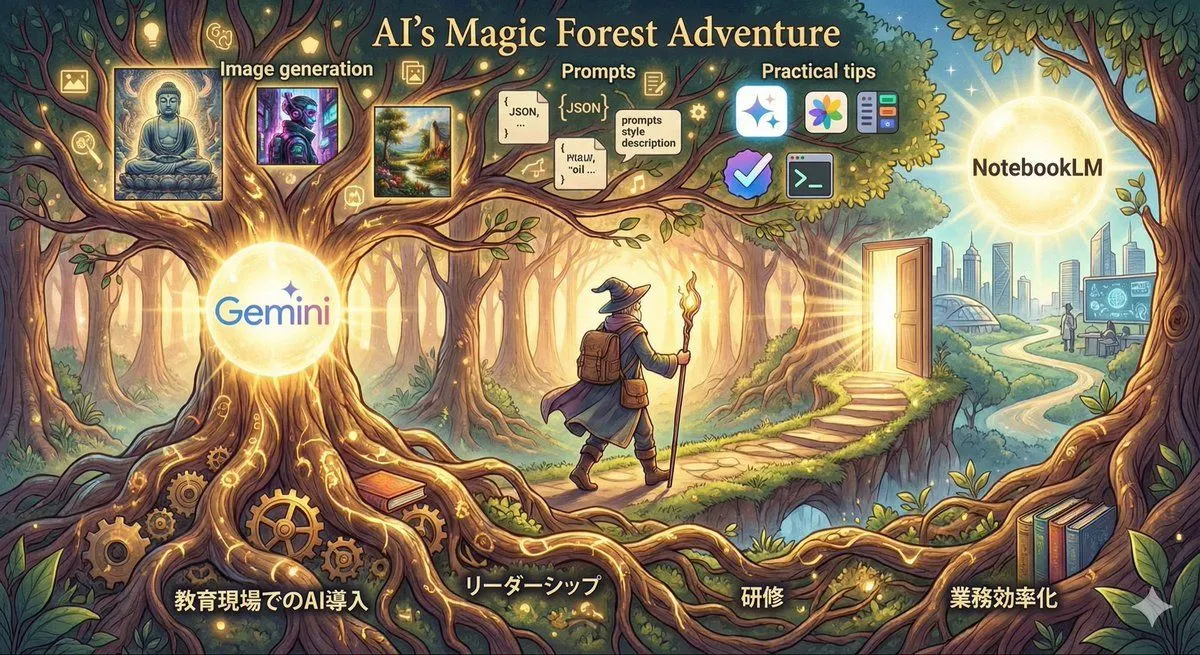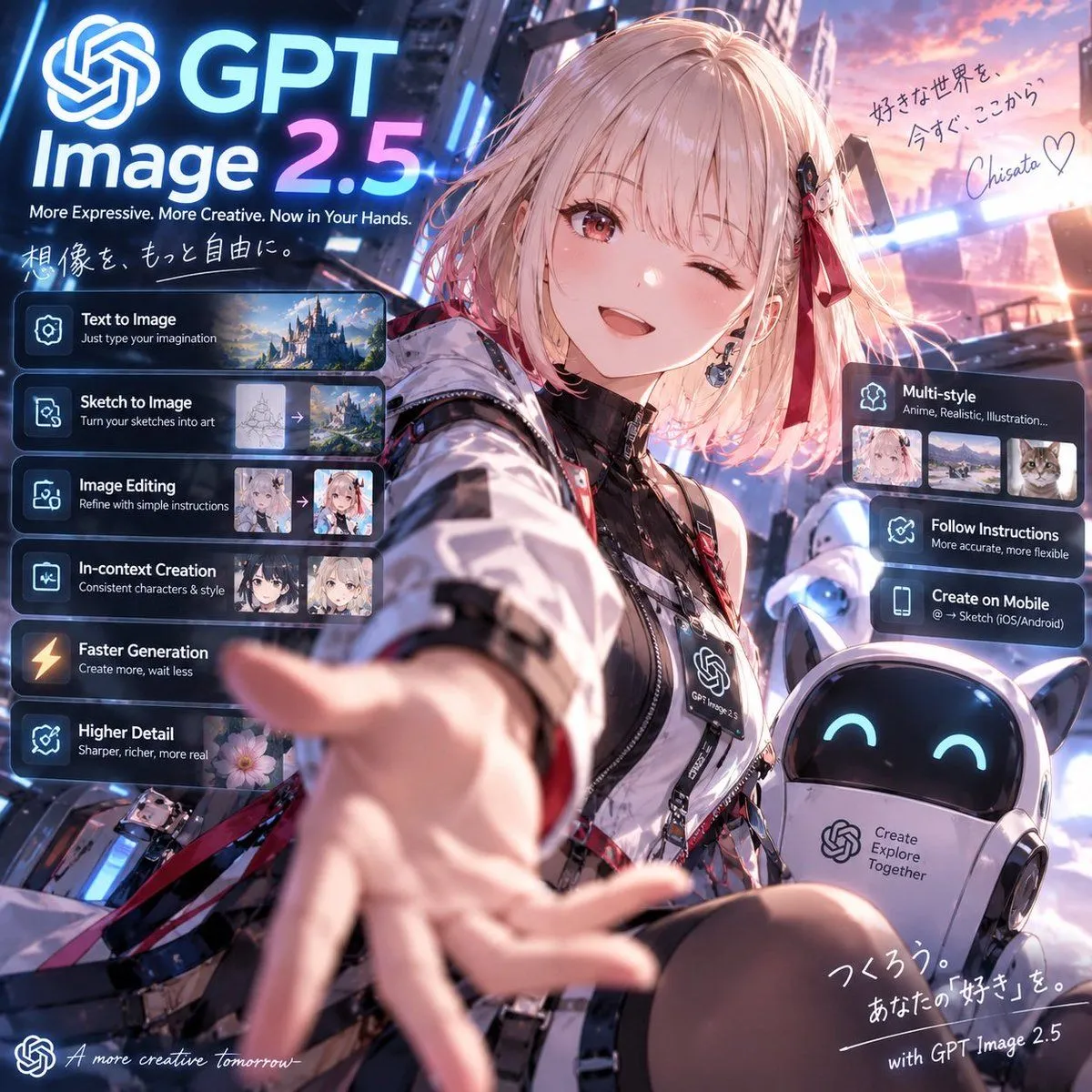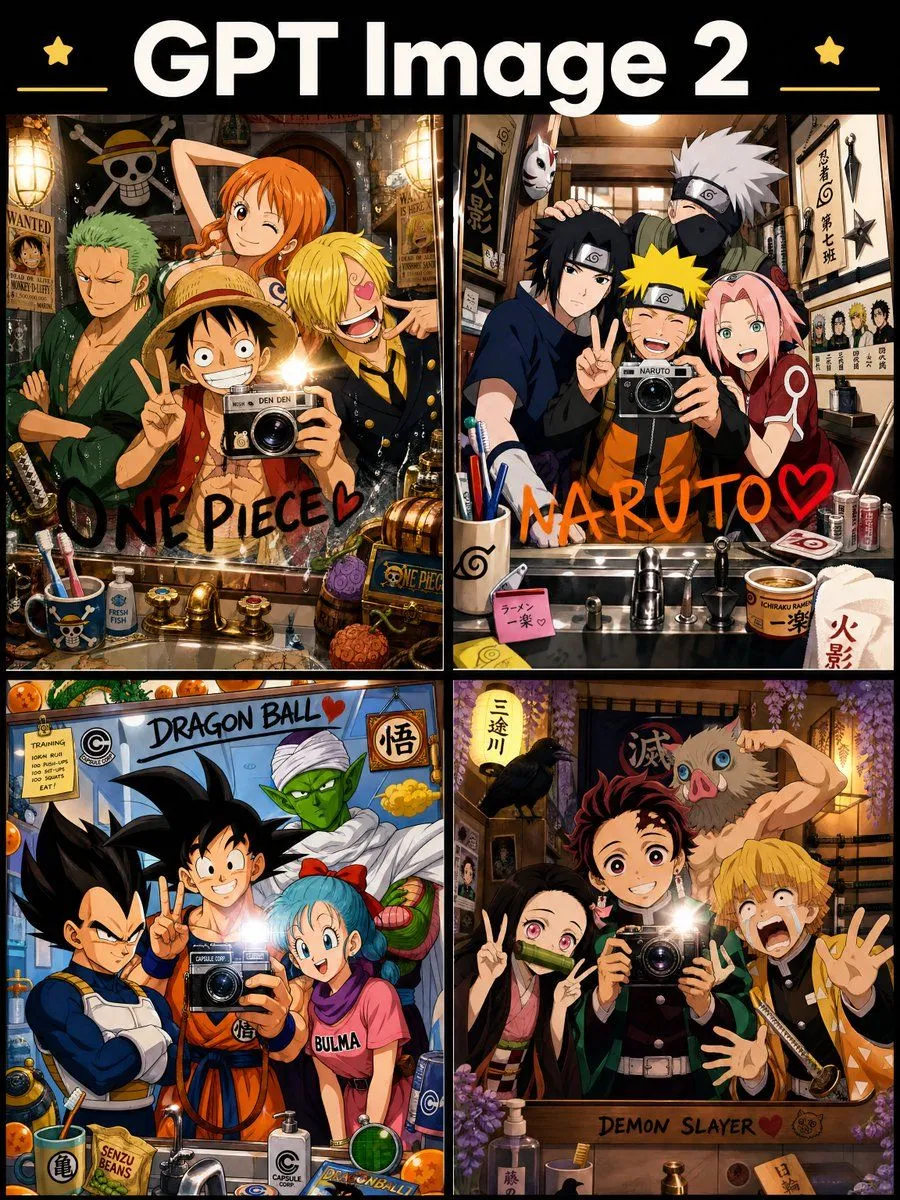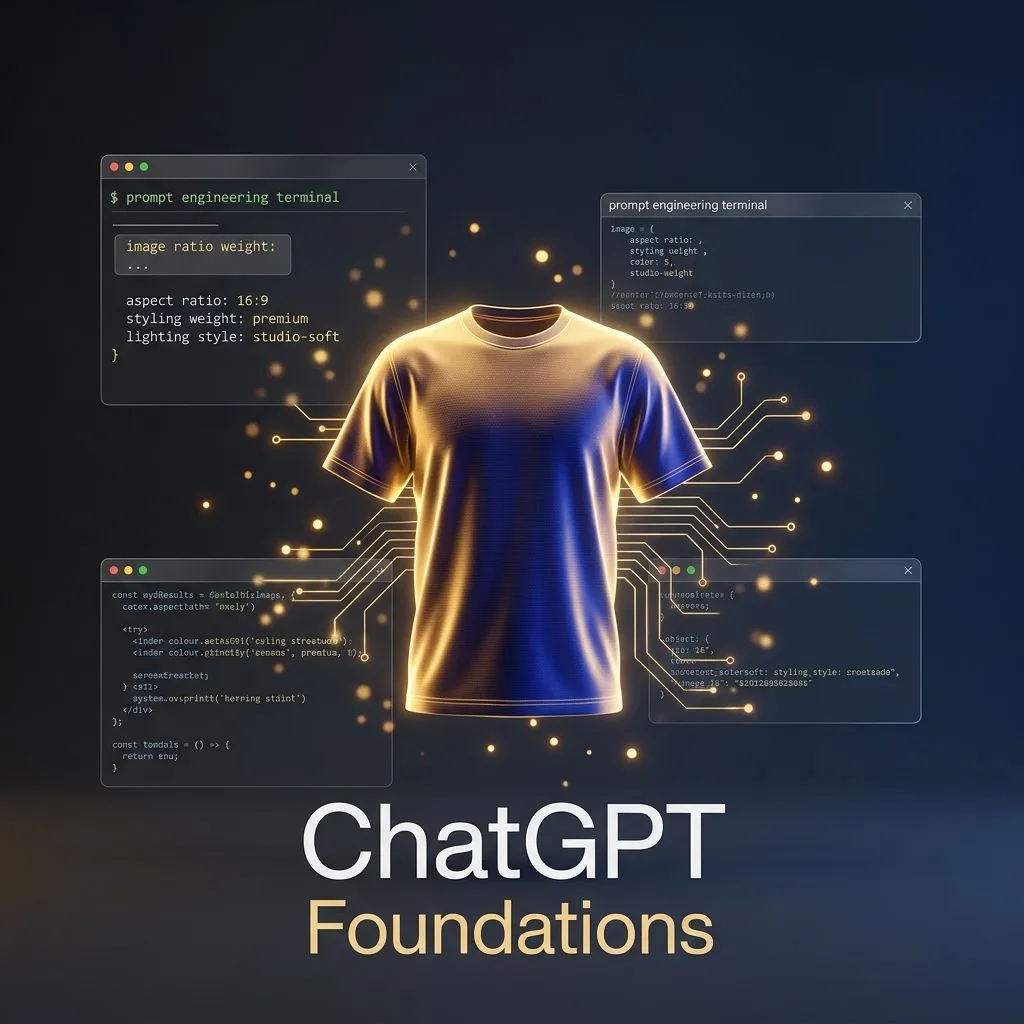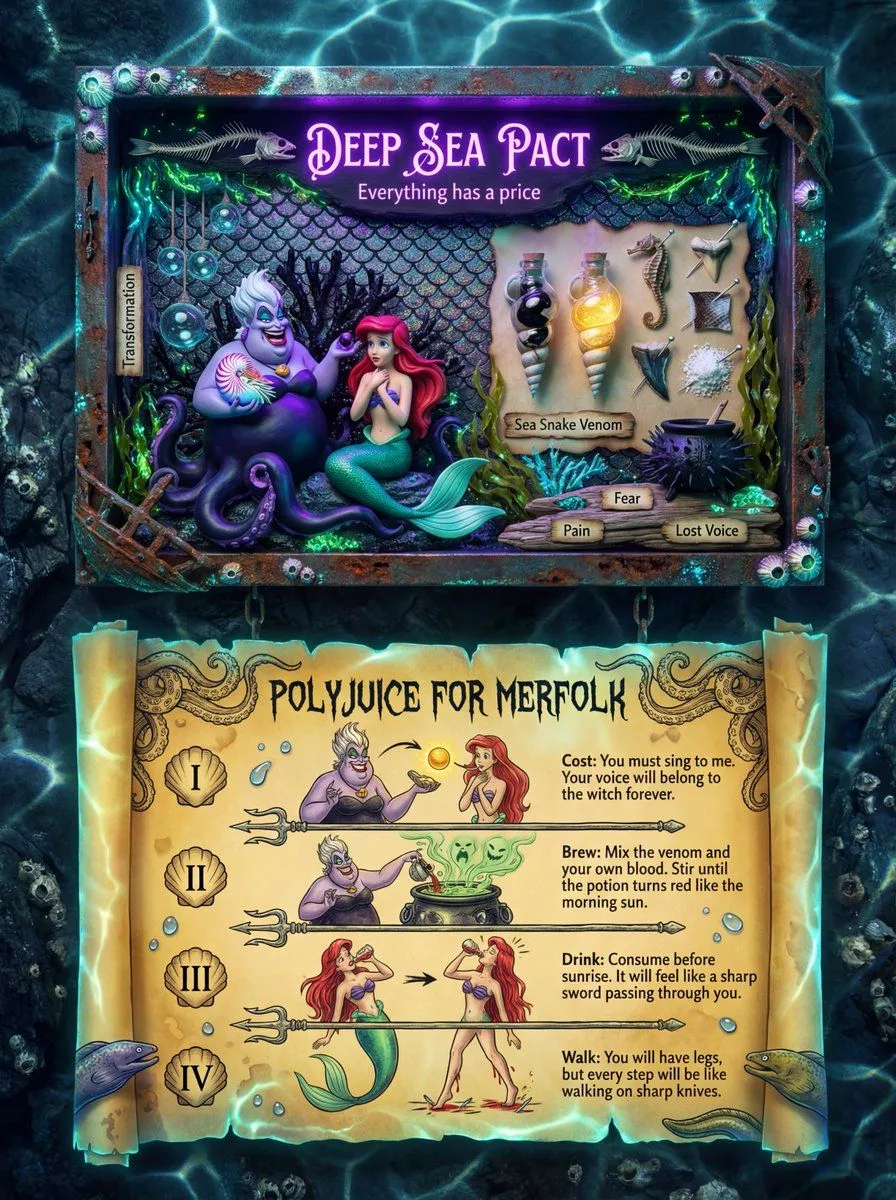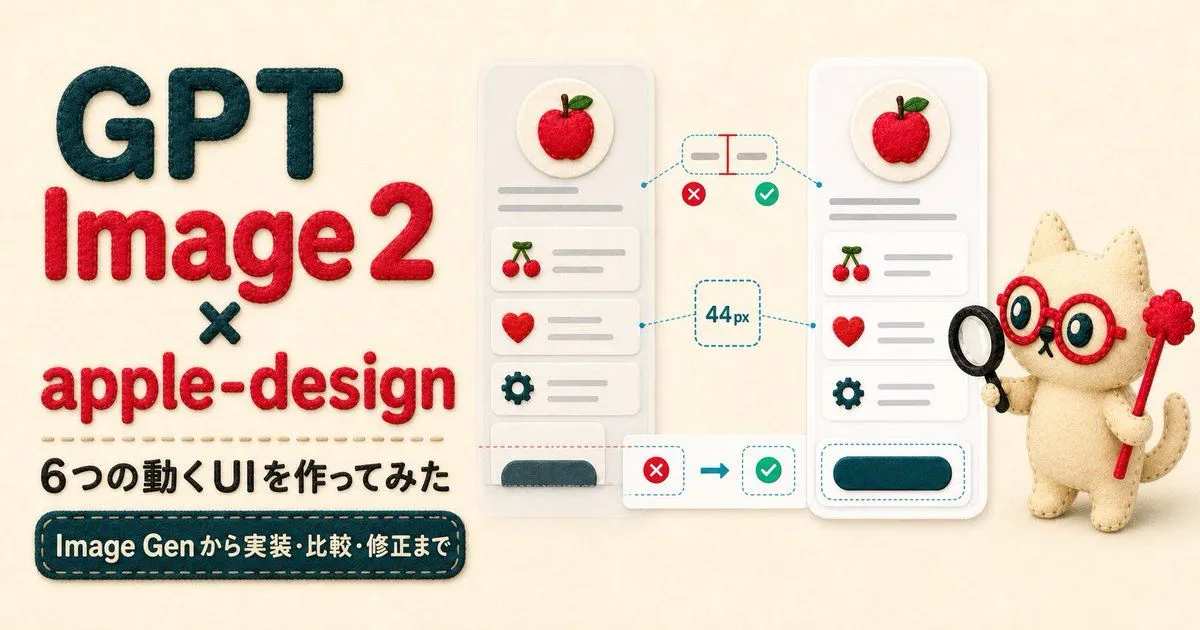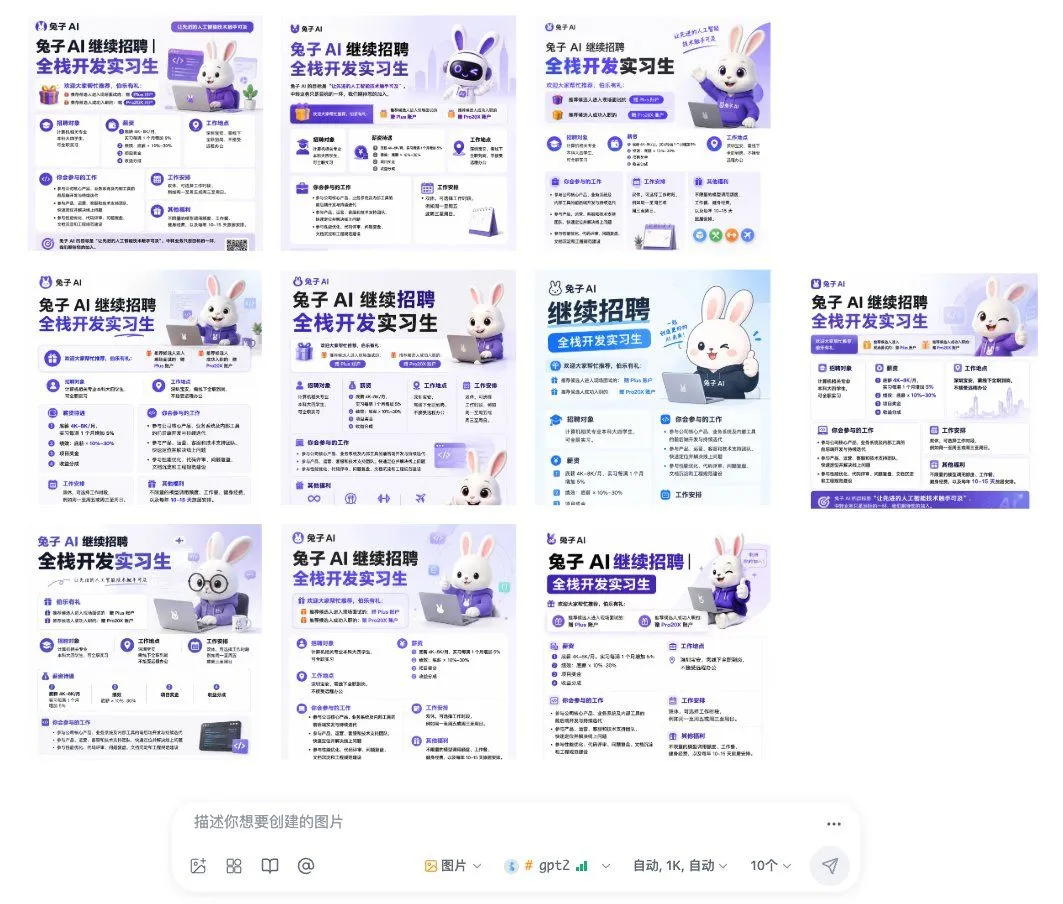
Made with GPT Image 2 in ChatGPT, collected by Library Brand. Promptclay never generates images.
Did it work?
No reports yet. Tell others if it worked for you.
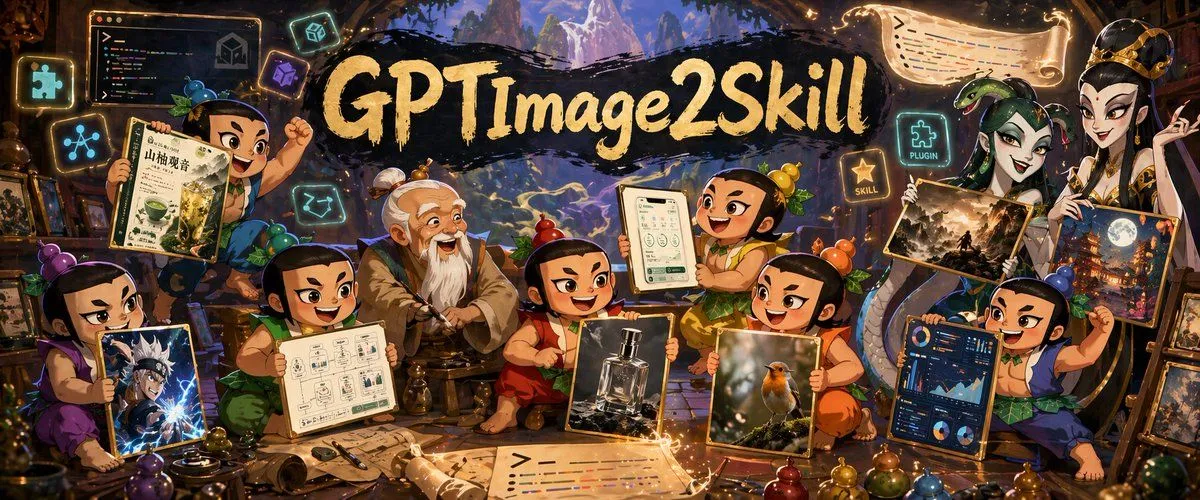
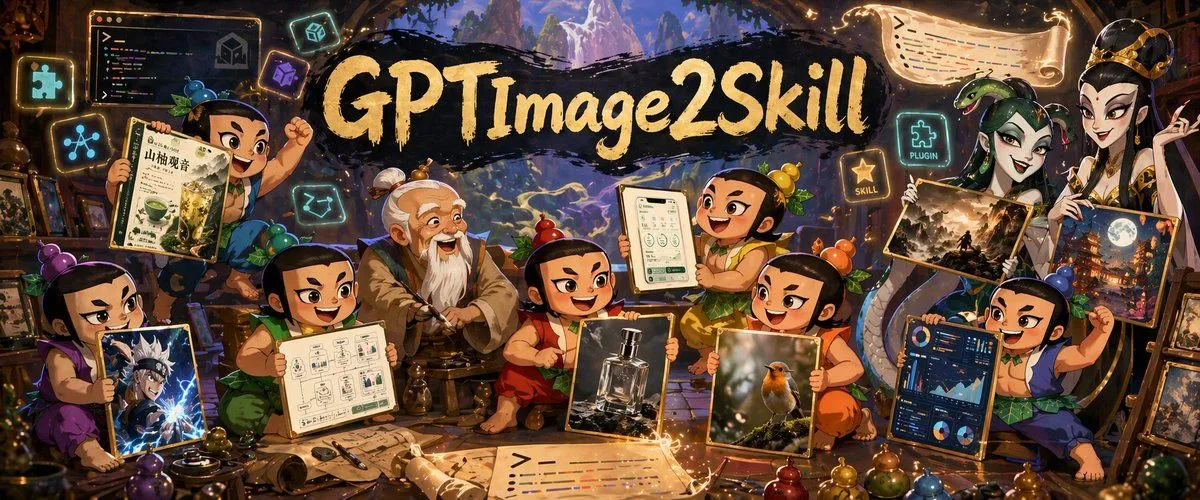
Fantasy GPT Image 2 Skill Banner
Prompt
3 blanks to fillGoal: Create a richly detailed fantasy workshop banner advertising {headline_text}, showing a magical image-generation toolkit as if presented by cartoon gourd-doll apprentices and a wise master. Canvas: Ultra-wide horizontal banner, about 2.4:1 aspect ratio, cinematic composition, warm glowing fantasy lighting, dense but readable. The headline sits across the upper center on a black brushstroke paint swash in large hand-painted cream-gold lettering. Main scene: A cozy enchanted studio packed with scrolls, framed images, glowing code panels, UI cards, potion bottles, drawing tools, and magical icons. In the far background, an arched opening reveals misty blue-purple mountains and a fantasy landscape. The foreground is cluttered with parchment sheets, paintbrushes, pens, rolled scrolls, small gourds, beads, and colored potion-like spheres. Characters: Include exactly 8 visible cartoon characters in a Chinese animated-fantasy style: 6 small gourd-doll children with topknot gourds/leaves and expressive faces, 1 elderly white-bearded master seated near the center-left, and 1 tall elegant robed figure on the far right. Arrange them in a lively group around the headline and display boards. The characters should be cheerful, excited, and collaborative, with some holding image examples or interface panels. If using privacy-safe placeholders, cover exactly 4 faces with soft rectangular blur masks: the elderly master, one center-left child holding a workflow board, one center child holding a bottle image, and the tall robed figure on the right. Counted display items: Show exactly 11 major visible boards/panels/images: 1 top-left dark code editor panel with colorful code and a cube icon, 1 upper-left Chinese-style document held by a child with botanical illustration details, 1 lower-left anime action image held by a purple-clad child, 1 center-left workflow diagram board held by a child, 1 center image board showing a perfume bottle, 1 tablet-like UI mockup held by a smiling child, 1 framed bird photography image held near the lower center-right, 1 dark analytics/dashboard UI panel held by the right child, 1 large vertical fantasy city/night illustration behind the right child, 1 parchment code scroll floating at the top-right, and 1 glowing parchment code sheet lying across the front-center foreground. Icon details: Add exactly 5 glowing square tech badges around the scene: a puzzle-piece icon on the far left, a connected-nodes icon on the left, a small cube icon near the upper center-left, a purple abstract skill/tool icon near the title, and a neon puzzle badge on the upper-right labeled {plugin_label}. Add one additional golden star badge on the right labeled {skill_label}. Style: Painterly high-detail digital illustration, whimsical Chinese fantasy animation, warm amber highlights with cool cyan-purple magical glow, ornate wooden workshop interior, soft depth, dramatic rim lighting, gold sparkles, crisp readable central title, lively crowded composition like a promotional GitHub repository banner. Text constraints: The main headline must read exactly {headline_text}. Preserve the small badge words {plugin_label} and {skill_label}. Any tiny code or document text may be decorative and mostly unreadable, but should resemble colorful syntax highlighting and design notes. Do not add extra logos, watermarks, or unrelated brand names.
Preview of your prompt
Goal: Create a richly detailed fantasy workshop banner advertising GPT Image 2 Skill, showing a magical image-generation toolkit as if presented by cartoon gourd-doll apprentices and a wise master. Canvas: Ultra-wide horizontal banner, about 2.4:1 aspect ratio, cinematic composition, warm glowing fantasy lighting, dense but readable. The headline sits across the upper center on a black brushstroke paint swash in large hand-painted cream-gold lettering. Main scene: A cozy enchanted studio packed with scrolls, framed images, glowing code panels, UI cards, potion bottles, drawing tools, and magical icons. In the far background, an arched opening reveals misty blue-purple mountains and a fantasy landscape. The foreground is cluttered with parchment sheets, paintbrushes, pens, rolled scrolls, small gourds, beads, and colored potion-like spheres. Characters: Include exactly 8 visible cartoon characters in a Chinese animated-fantasy style: 6 small gourd-doll children with topknot gourds/leaves and expressive faces, 1 elderly white-bearded master seated near the center-left, and 1 tall elegant robed figure on the far right. Arrange them in a lively group around the headline and display boards. The characters should be cheerful, excited, and collaborative, with some holding image examples or interface panels. If using privacy-safe placeholders, cover exactly 4 faces with soft rectangular blur masks: the elderly master, one center-left child holding a workflow board, one center child holding a bottle image, and the tall robed figure on the right. Counted display items: Show exactly 11 major visible boards/panels/images: 1 top-left dark code editor panel with colorful code and a cube icon, 1 upper-left Chinese-style document held by a child with botanical illustration details, 1 lower-left anime action image held by a purple-clad child, 1 center-left workflow diagram board held by a child, 1 center image board showing a perfume bottle, 1 tablet-like UI mockup held by a smiling child, 1 framed bird photography image held near the lower center-right, 1 dark analytics/dashboard UI panel held by the right child, 1 large vertical fantasy city/night illustration behind the right child, 1 parchment code scroll floating at the top-right, and 1 glowing parchment code sheet lying across the front-center foreground. Icon details: Add exactly 5 glowing square tech badges around the scene: a puzzle-piece icon on the far left, a connected-nodes icon on the left, a small cube icon near the upper center-left, a purple abstract skill/tool icon near the title, and a neon puzzle badge on the upper-right labeled PLUGIN. Add one additional golden star badge on the right labeled SKILL. Style: Painterly high-detail digital illustration, whimsical Chinese fantasy animation, warm amber highlights with cool cyan-purple magical glow, ornate wooden workshop interior, soft depth, dramatic rim lighting, gold sparkles, crisp readable central title, lively crowded composition like a promotional GitHub repository banner. Text constraints: The main headline must read exactly GPT Image 2 Skill. Preserve the small badge words PLUGIN and SKILL. Any tiny code or document text may be decorative and mostly unreadable, but should resemble colorful syntax highlighting and design notes. Do not add extra logos, watermarks, or unrelated brand names.
DetailsVersions, settings and questions
Written for
What's in the prompt
- Subject
- Model
- GPT Image 2
If your face changes
keep my face exactly the sameQuestions
- Does this work in the ChatGPT app?
- Yes. Paste the prompt and attach your photo if it uses one.
- It changed my face. What do I do?
- Add "keep my face exactly the same" to the end and run it again.
- Can I use the images I make?
- Check the terms of the app you use. Promptclay never generates images and claims nothing you make.