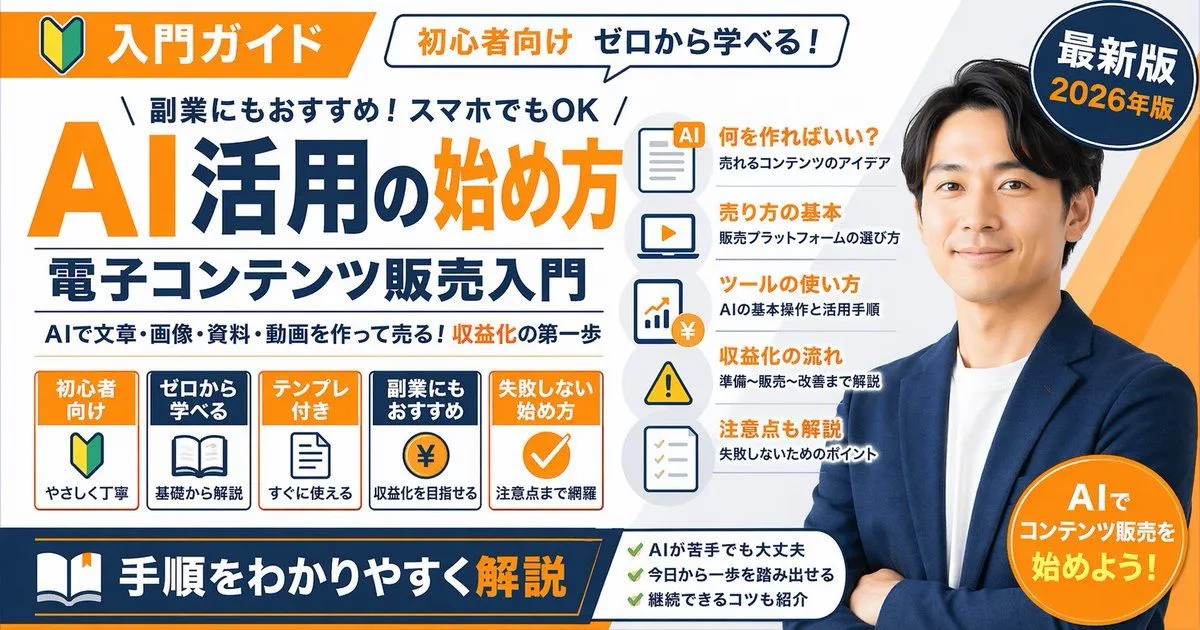
Japanese Educational Promo Banner
"type": "promotional banner infographic", "style": "clean, professional, flat design, corporate educational graphic, white background with orange and dark blue accents", "subject": "argument name=\"spokesperson\" default=\"smiling Asian man in a blue blazer and white t-shirt, arms crossed\"", "layout": "top_section": "left_badge": "Orange banner with beginner mark icon and text '入門ガイド'", "speech_bubble": "White bubble with text '初心者向け ゼロから学べる!'", "right_badge": "Dark blue circle with text '最新版' and 'argument name=\"year edition\" default=\"2026年版\"'" , "main_title_section": "top_small_text": "\\ 副業にもおすすめ!スマホでもOK /", "large_title": "argument name=\"main title\" default=\"AI活用の始め方\"", "subtitle": "argument name=\"subtitle\" default=\"電子コンテンツ販売入門\"", "bottom_small_text": "AIで文章・画像・資料・動画を作って売る!収益化の第一歩" , "middle_sections": [ "position": "middle-left", "type": "feature boxes", "count": 5, "items": [ "Orange box: '初心者向け', beginner mark icon, 'やさしく丁寧'", "Blue box: 'ゼロから学べる', open book icon, '基礎から解説'", "Orange box: 'テンプレ付き', document icon, 'すぐに使える'", "Blue box: '副業にもおすすめ', coin with ¥ icon, '収益化を目指せる'", "Orange box: '失敗しない始め方', checkmark icon, '注意点まで網羅'" ] , "position": "middle-center", "type": "list items with icons", "count": 5, "items": [ "Document icon: '何を作ればいい?' / '売れるコンテンツのアイデア'", "Laptop icon: '売り方の基本' / '販売プラットフォームの選び方'", "Chart icon: 'ツールの使い方' / 'AIの基本操作と活用手順'", "Warning icon: '収益化の流れ' / '準備〜販売〜改善まで解説'", "Checklist icon: '注意点も解説' / '失敗しないためのポイント'" ] ], "bottom_section": "left_banner": "Dark blue banner with book icon and text 'argument name=\"bottom banner text\" default=\"手順をわかりやすく解説\"'", "center_checklist": "count": 3, "items": [ "AIが苦手でも大丈夫", "今日から一歩を踏み出せる", "継続できるコツも紹介" ] , "right_badge": "Orange circle with text 'AIでコンテンツ販売を始めよう!'"