Tell us anything

An idea, a bug, something you love. We read every note.

⌘↵ to send. The page you're on comes along.

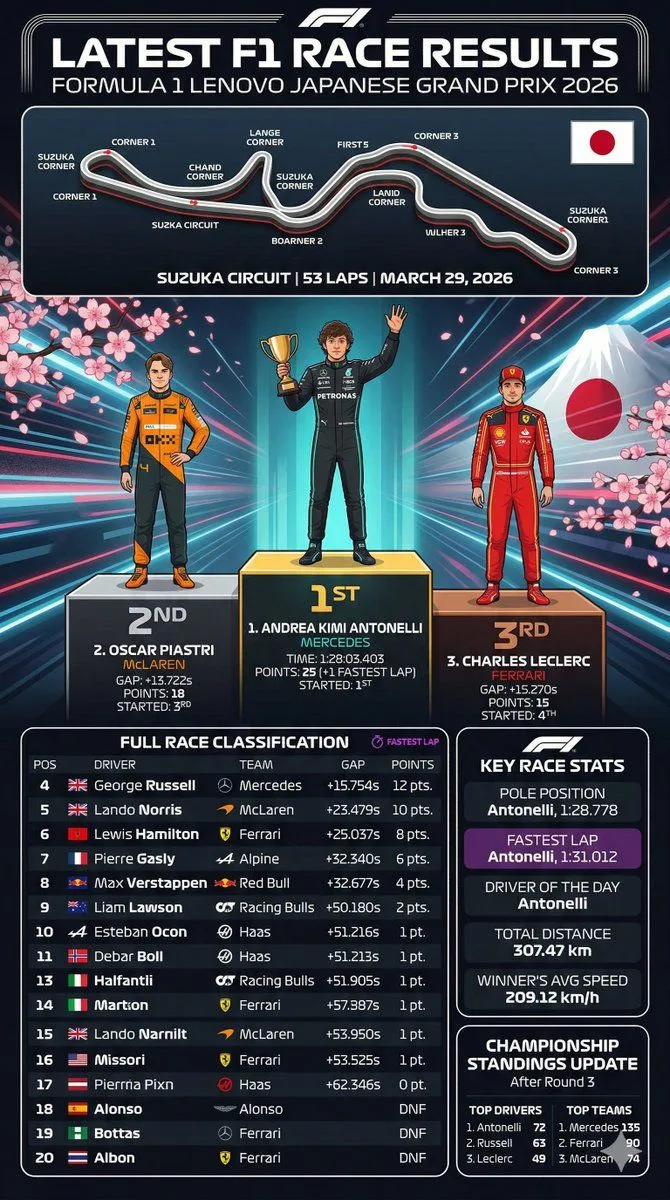
F1 Race Results Infographic

Made with GPT Image 2 in ChatGPT by Library Explainers. Promptclay never generates images.

Did it work?

No reports yet. Tell others if it worked for you.

No comments yet. Be the first.

    F1 Race Results Infographic

    GPT Image 29:16AI-generated

    Prompt

    { "type": "sports infographic", "theme": "Formula 1 Race Results", "header": { "title": "LATEST F1 RACE RESULTS", "subtitle": "{argument name=\"grand prix name\" default=\"FORMULA 1 LENOVO JAPANESE GRAND PRIX 2026\"}" }, "layout": { "sections": [ { "title": "Track Map", "position": "top", "elements": [ "circuit layout with 11 labeled corners", "Japanese flag", "track details text: {argument name=\"track name\" default=\"SUZUKA CIRCUIT\"} | 53 LAPS | MARCH 29, 2026" ] }, { "title": "Podium", "position": "middle", "background": "Mount Fuji, cherry blossoms, neon radiating lines", "count": 3, "drivers": [ { "position": "1st", "name": "{argument name=\"first place driver\" default=\"ANDREA KIMI ANTONELLI\"}", "team": "MERCEDES", "pose": "holding gold trophy, waving", "suit": "black" }, { "position": "2nd", "name": "{argument name=\"second place driver\" default=\"OSCAR PIASTRI\"}", "team": "McLAREN", "pose": "hands on hips", "suit": "orange and black" }, { "position": "3rd", "name": "{argument name=\"third place driver\" default=\"CHARLES LECLERC\"}", "team": "FERRARI", "pose": "standing straight", "suit": "red" } ] }, { "title": "FULL RACE CLASSIFICATION", "position": "bottom-left", "count": 17, "description": "Table with 17 rows showing positions 4 through 20, including columns for POS, DRIVER, TEAM, GAP, and POINTS." }, { "title": "KEY RACE STATS", "position": "bottom-right-top", "count": 5, "stats": [ "POLE POSITION", "FASTEST LAP (purple background)", "DRIVER OF THE DAY", "TOTAL DISTANCE", "WINNER'S AVG SPEED" ] }, { "title": "CHAMPIONSHIP STANDINGS UPDATE", "position": "bottom-right-bottom", "columns": 2, "lists": [ "TOP DRIVERS (3 items)", "TOP TEAMS (3 items)" ] } ] } }

    Works in
    ChatGPT, Gemini
    Status
    Free to copy
    0
    DetailsVersions, settings and questions

    Written for

    What's in the prompt

    Subject
    Model
    GPT Image 2

    If your face changes

    keep my face exactly the same

    Questions

    Does this work in the ChatGPT app?
    Yes. Paste the prompt and attach your photo if it uses one.
    It changed my face. What do I do?
    Add "keep my face exactly the same" to the end and run it again.
    Can I use the images I make?
    Check the terms of the app you use. Promptclay never generates images and claims nothing you make.
    Similar prompts

    See more
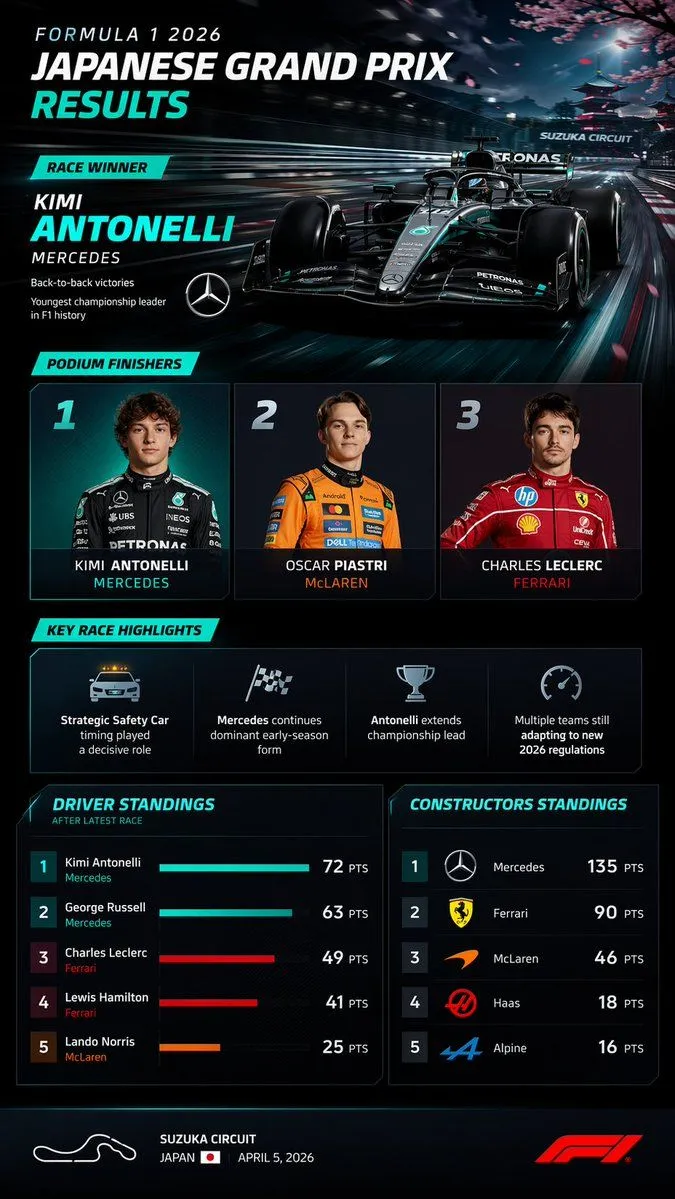
    • F1 Race Results Infographic Dashboard
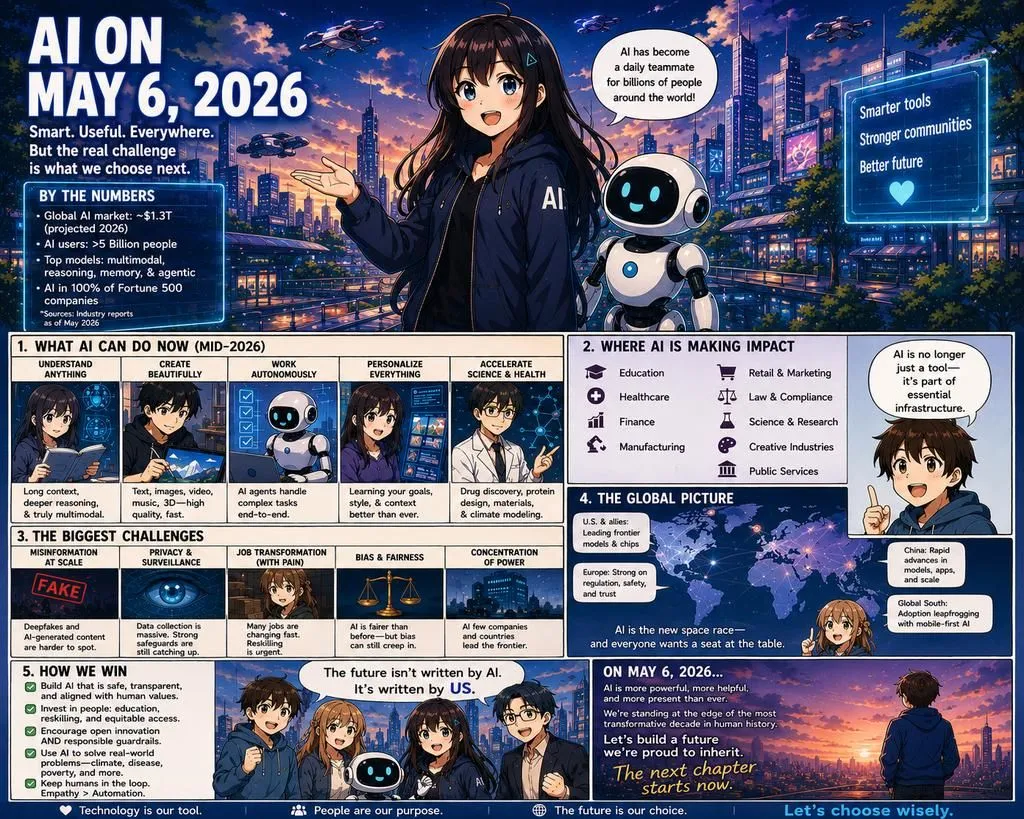
    • Future AI Anime Comic Infographic
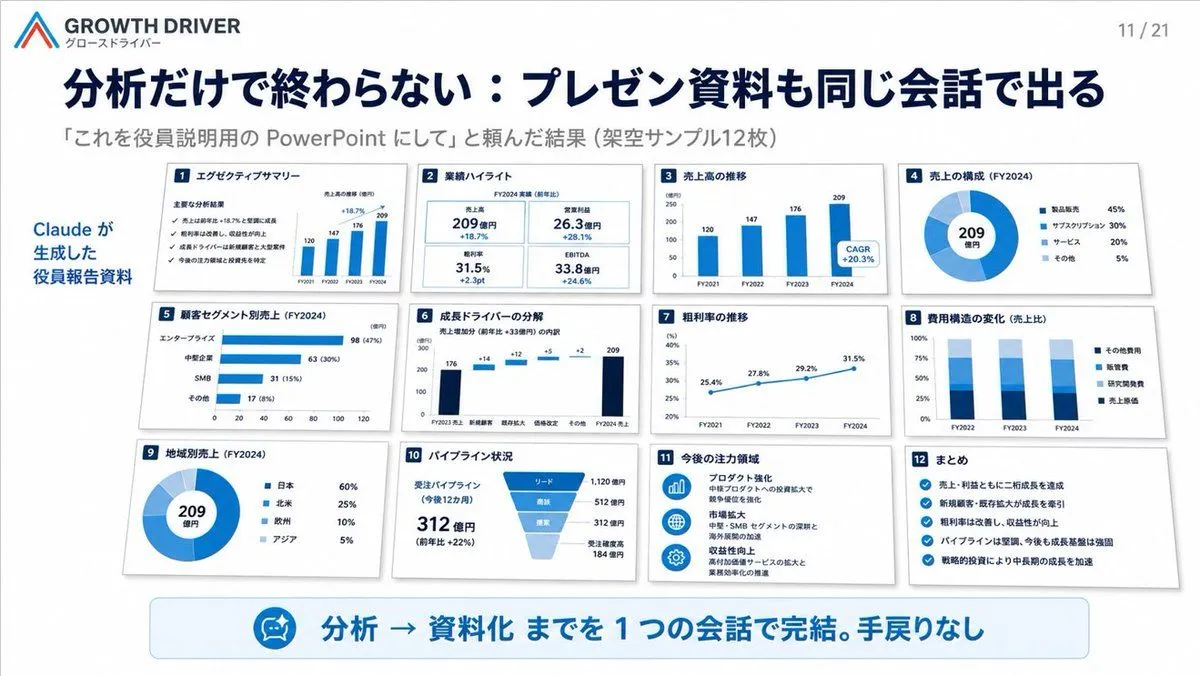
    • AI-Generated Board Report Slide
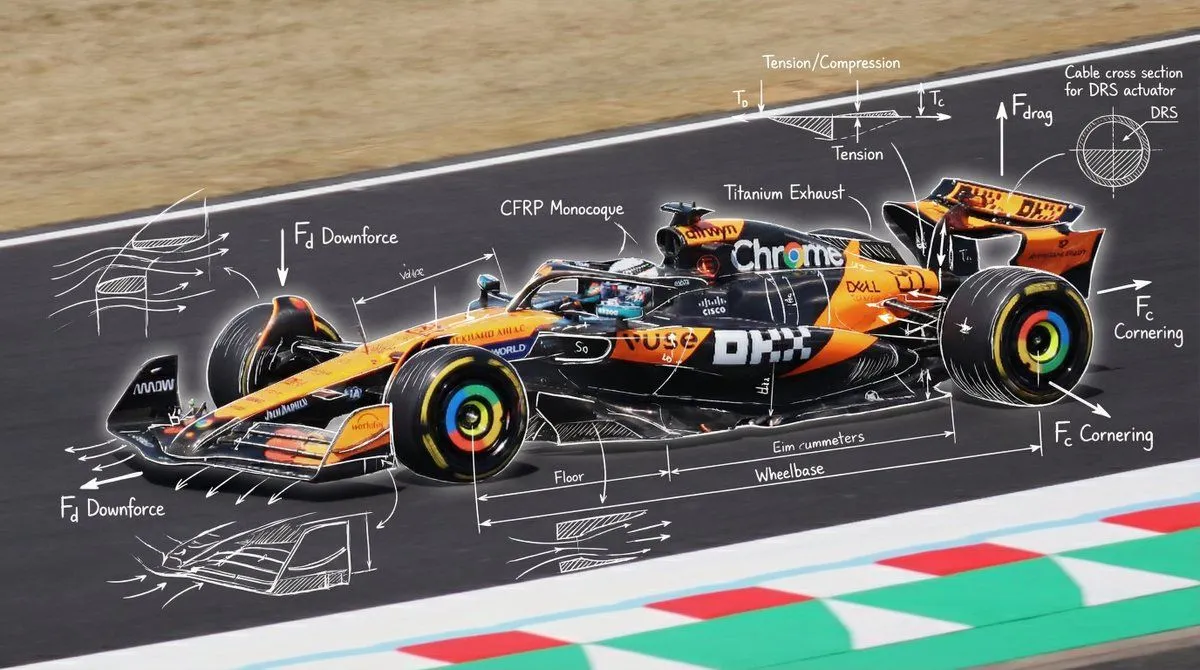
    • Engineering annotations overlay
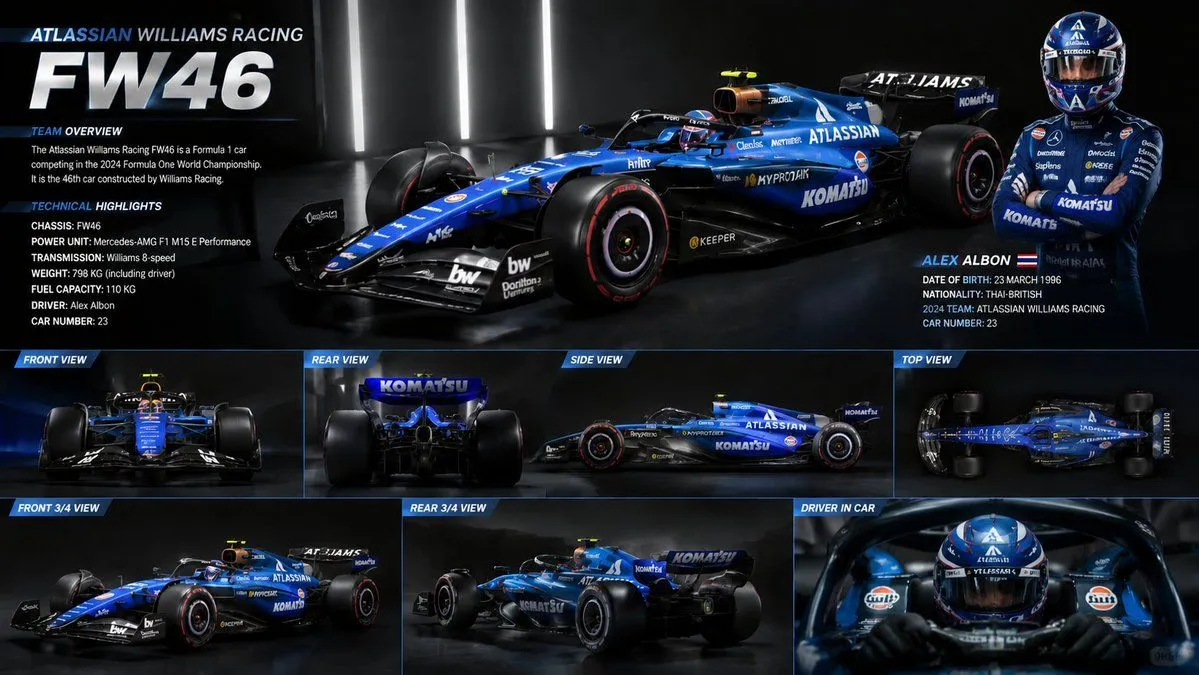
    • F1 Car Technical Design Sheet
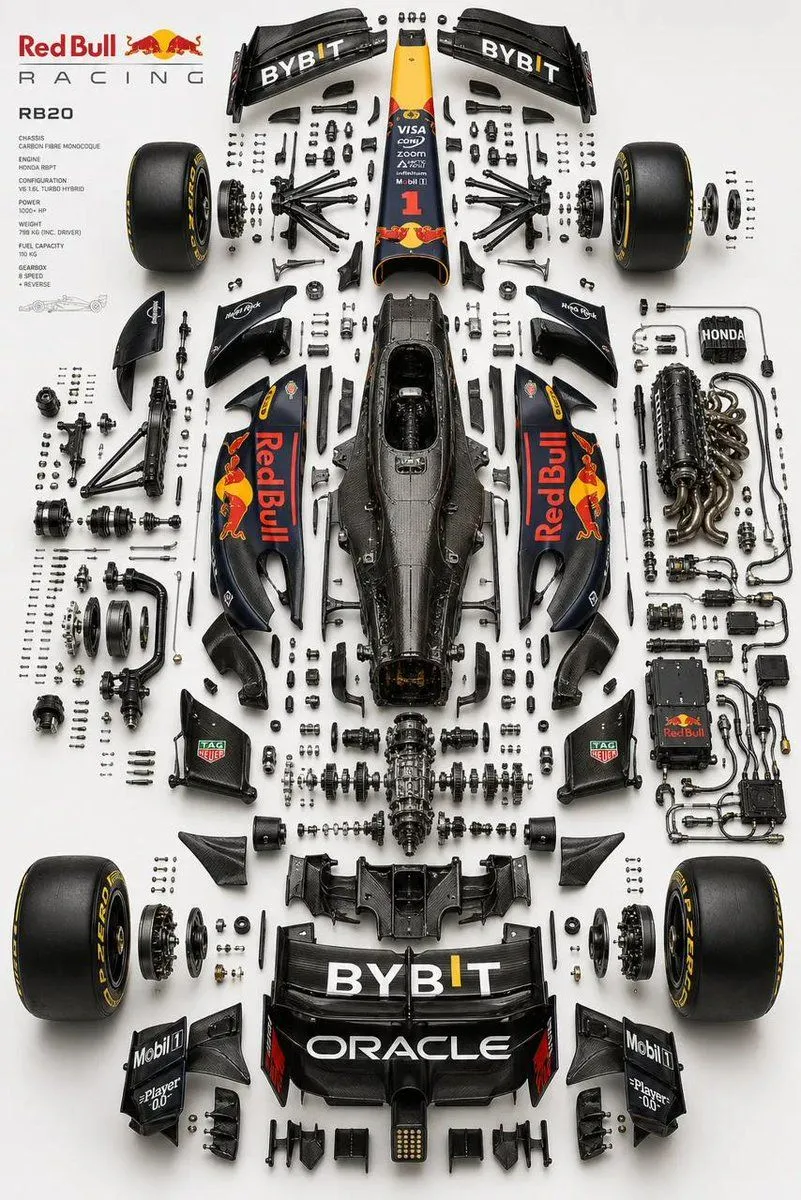
    • Luxury Automotive Exploded Diagram
    • Editable PSD Layer Generation
    • Epic Senna vs Prost Gladiator Poster
    • Japanese World Cup Match Summary Poster
    • FIFA World Cup Sports Poster
    • 3x3 Motorsport Glamour Photo Collage
    • ChatGPT Prompt for Self-Introduction Text Generation
    • Japanese Branding Strategy Infographic
    • Slides explaining Olympus accounting scandal
    • Summarize a book into a Japanese poster image
    • 2026 Summer Hair Style Trend Post
    • Horse Racing Winner Illustration
    • Portugal World Cup Squad Poster
    • Cinematic Character Bible Comparison Sheet
    • Anime Football Legend Poster
    • Cinematic Formula 1 Driver Poster
    • Knight Armor FIFA Hero Poster
    • Cyberpunk Flash Sale Landing Hero
    • Neon M5Stack Usage Gauge

    Show more

    Run it on your phone

    1. Prompt copiedRead it

      { "type": "sports infographic", "theme": "Formula 1 Race Results", "header": { "title": "LATEST F1 RACE RESULTS", "subtitle": "{argument name=\"grand prix name\" default=\"FORMULA 1 LENOVO JAPANESE GRAND PRIX 2026\"}" }, "layout": { "sections": [ { "title": "Track Map", "position": "top", "elements": [ "circuit layout with 11 labeled corners", "Japanese flag", "track details text: {argument name=\"track name\" default=\"SUZUKA CIRCUIT\"} | 53 LAPS | MARCH 29, 2026" ] }, { "title": "Podium", "position": "middle", "background": "Mount Fuji, cherry blossoms, neon radiating lines", "count": 3, "drivers": [ { "position": "1st", "name": "{argument name=\"first place driver\" default=\"ANDREA KIMI ANTONELLI\"}", "team": "MERCEDES", "pose": "holding gold trophy, waving", "suit": "black" }, { "position": "2nd", "name": "{argument name=\"second place driver\" default=\"OSCAR PIASTRI\"}", "team": "McLAREN", "pose": "hands on hips", "suit": "orange and black" }, { "position": "3rd", "name": "{argument name=\"third place driver\" default=\"CHARLES LECLERC\"}", "team": "FERRARI", "pose": "standing straight", "suit": "red" } ] }, { "title": "FULL RACE CLASSIFICATION", "position": "bottom-left", "count": 17, "description": "Table with 17 rows showing positions 4 through 20, including columns for POS, DRIVER, TEAM, GAP, and POINTS." }, { "title": "KEY RACE STATS", "position": "bottom-right-top", "count": 5, "stats": [ "POLE POSITION", "FASTEST LAP (purple background)", "DRIVER OF THE DAY", "TOTAL DISTANCE", "WINNER'S AVG SPEED" ] }, { "title": "CHAMPIONSHIP STANDINGS UPDATE", "position": "bottom-right-bottom", "columns": 2, "lists": [ "TOP DRIVERS (3 items)", "TOP TEAMS (3 items)" ] } ] } }

    2. Open your app

      This prompt is long, so it is copied instead of sent in the link. Paste it in the app.

    3. Paste and run

      Press and hold the message box, then tap Paste. Add your photo first if the prompt uses one. You may need to sign in.

    F1 Race Results Infographic